
fb-pixelSkip to main content
Aragon.ai
THE #1 RANKED AI PHOTO EDITOR

Free White Background Changer - Replace Any Photo Background With White

Change any photo background to clean white in seconds. Aragon's white background changer runs entirely online, right in your browser, and gives a studio-style background for IDs, resumes, and product shots.
Upload your photo

Or drag and drop an image to change the background
No picture on hand? Try with one of these
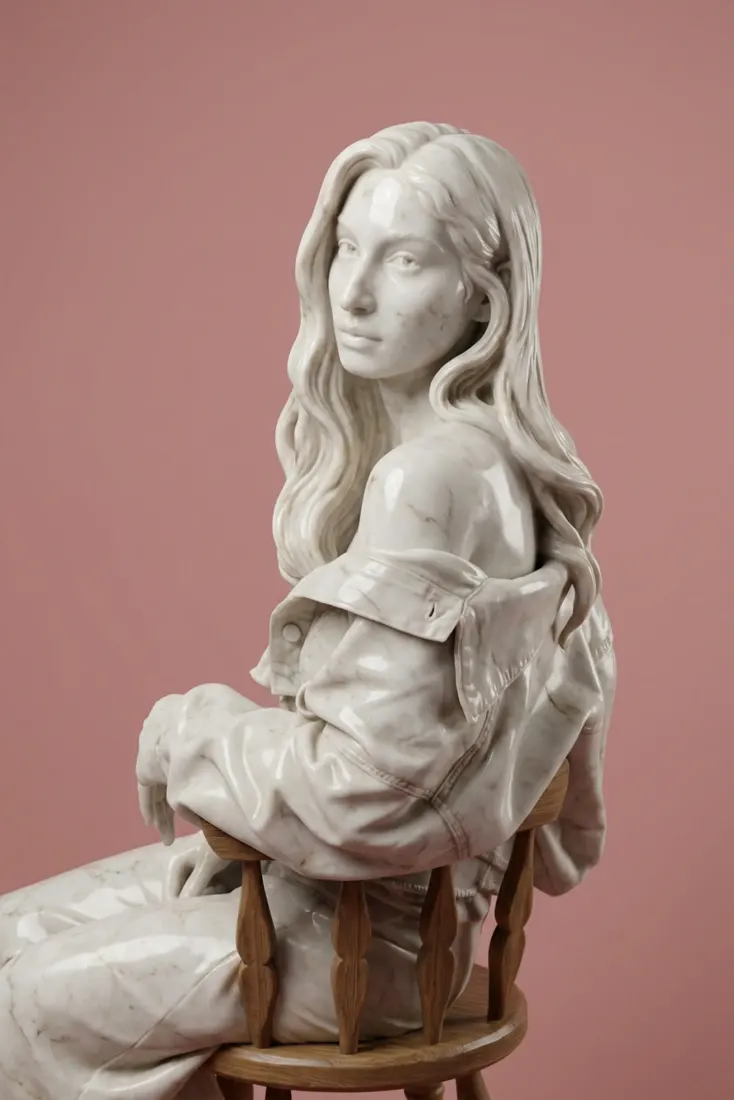
1.jpg
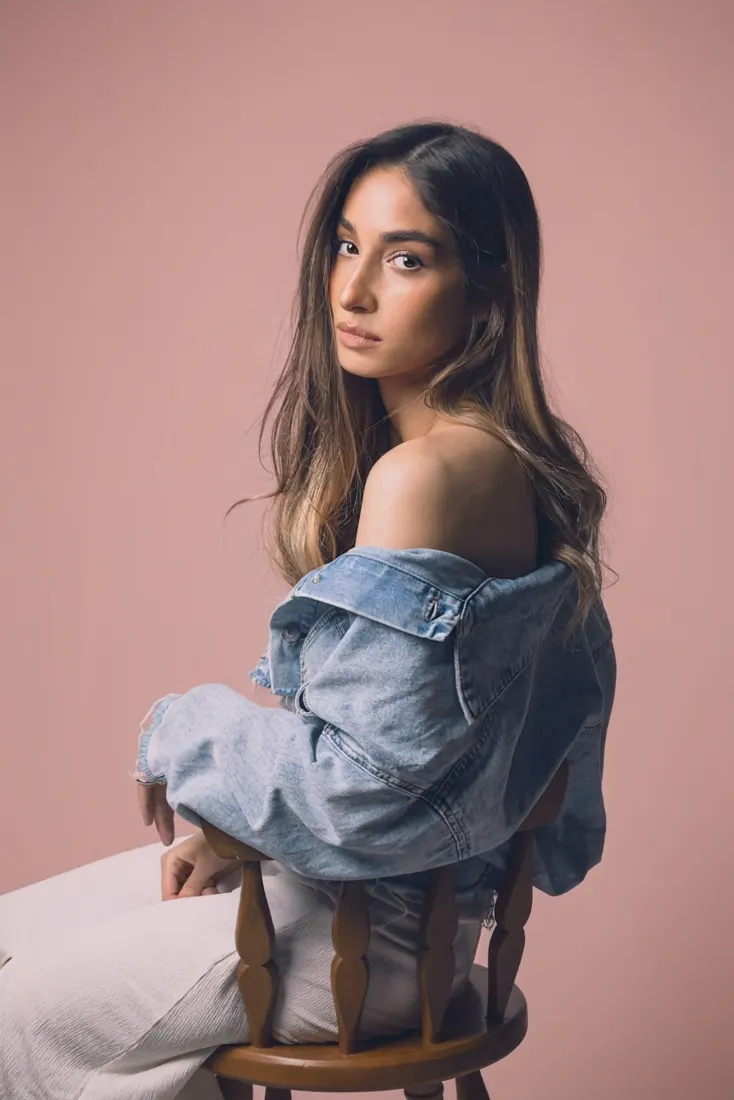
2.jpg
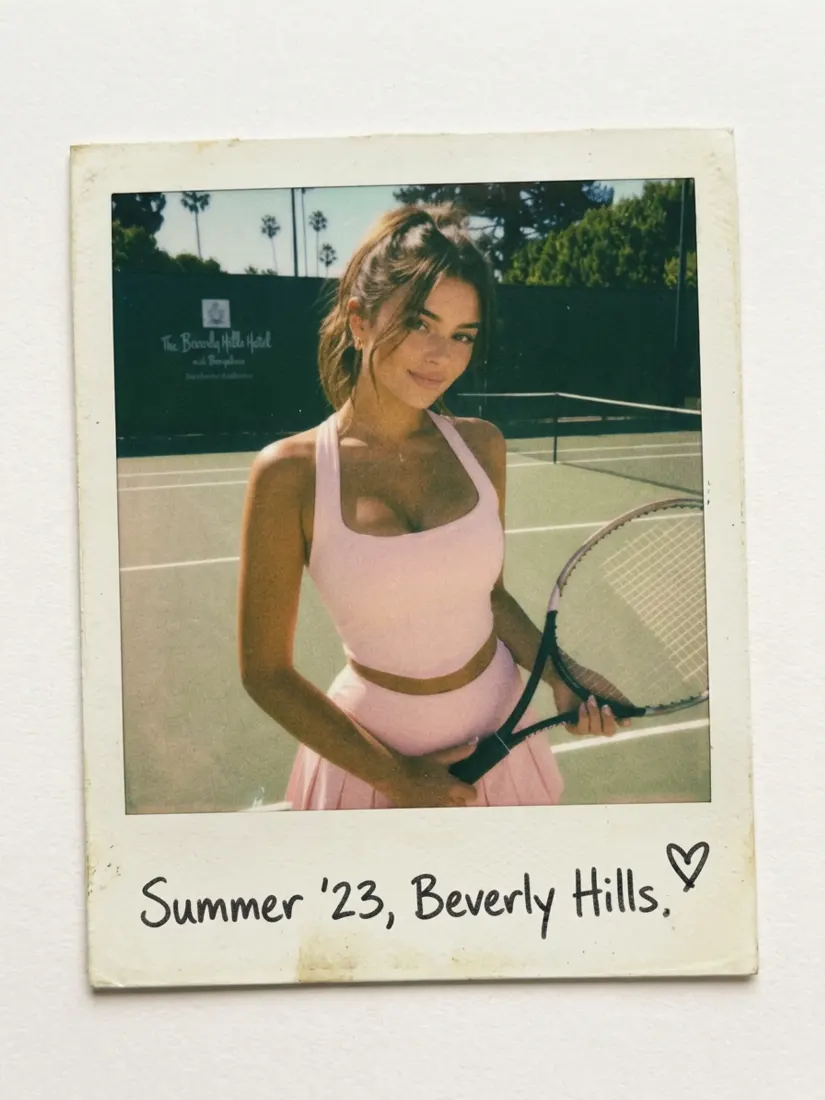
3.jpg
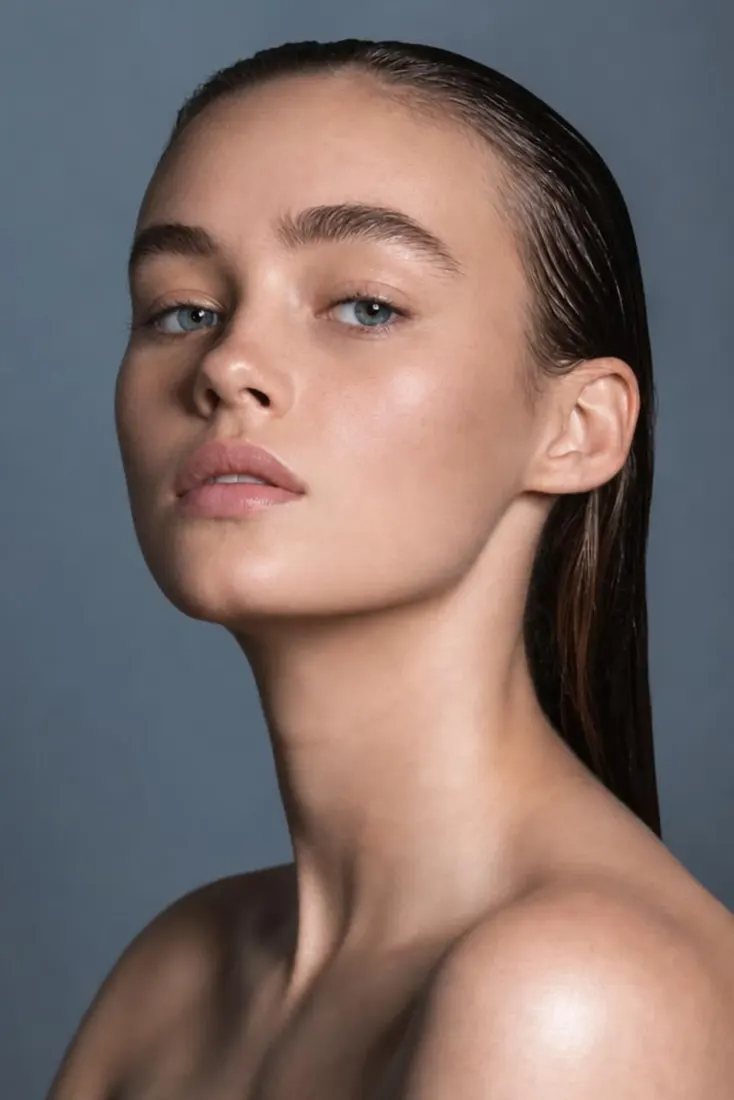
4.jpg

FOR PROFESSIONALS

PWC logo
Microsoft logo
ASU logo
redfin logo
New York University logo
Trinity College Dublin logo
University of Michigan logo
Keller Williams logo
AT&T logo
Berkeley logo
See it work

White Background Before and After Results

Compare the original photo with the same product or person on a white background.

A pair of black over-ear headphones sits on a seamless white background with a soft contact shadow, isolated by the White Background changer.
A pair of black over-ear headphones sits on a cluttered desk among books, cables and a laptop, before the White Background changer isolates them.
Before
After

Product photo

A woman in a checked blazer appears against a clean white studio backdrop, placed there by the White Background changer.
A woman in a checked blazer sits in a busy cafe with other customers behind her, before the White Background changer replaces the room.
Before
After

Professional headshot

A man in a green shirt appears against a plain white background in an ID-photo framing, created by the White Background changer.
A man in a green shirt is photographed against a patterned botanical wall at home, before the White Background changer replaces the wall.
Before
After

ID-style portrait

How Do You Change a Photo Background to White?

Upload your photo, choose white as the new background, then review and download the result.

  1. Upload a photoPNG, JPG, HEIC up to 120MB
    A woman in a checked blazer sits in a busy cafe with other customers behind her, before the White Background changer replaces the room.
    1

    Upload Your Photo

    Upload a clear photo where the person or product is easy to replace from the current background.

  2. 2

    Choose White

    Aragon removes the current background and replaces it with white automatically.

  3. A woman in a checked blazer appears against a clean white studio backdrop, placed there by the White Background changer.
    A woman in a checked blazer sits in a busy cafe with other customers behind her, before the White Background changer replaces the room.
    Before
    After
    3

    Review and Download

    Check the finished photo, then download the white-background result.

Features

What Does a White Background Changer Do?

Change the background behind a person or product to white without taking a new photo.

A pair of black over-ear headphones sits on a cluttered desk among books, cables and a laptop, before the White Background changer isolates them.Before
A pair of black over-ear headphones sits on a seamless white background with a soft contact shadow, isolated by the White Background changer.After

Replace the Current Background

Turn a room, wall, outdoor setting, or other background into a simple white background.

A woman in a checked blazer sits in a busy cafe with other customers behind her, before the White Background changer replaces the room.Before
A woman in a checked blazer appears against a clean white studio backdrop, placed there by the White Background changer.After

Keep the Person or Product

The person or product remains in the photo while the background changes to white.

A man in a green shirt is photographed against a patterned botanical wall at home, before the White Background changer replaces the wall.Before
A man in a green shirt appears against a plain white background in an ID-photo framing, created by the White Background changer.After

Skip Manual Selection

Aragon handles the background change automatically, so you do not need to select around the person or product first.

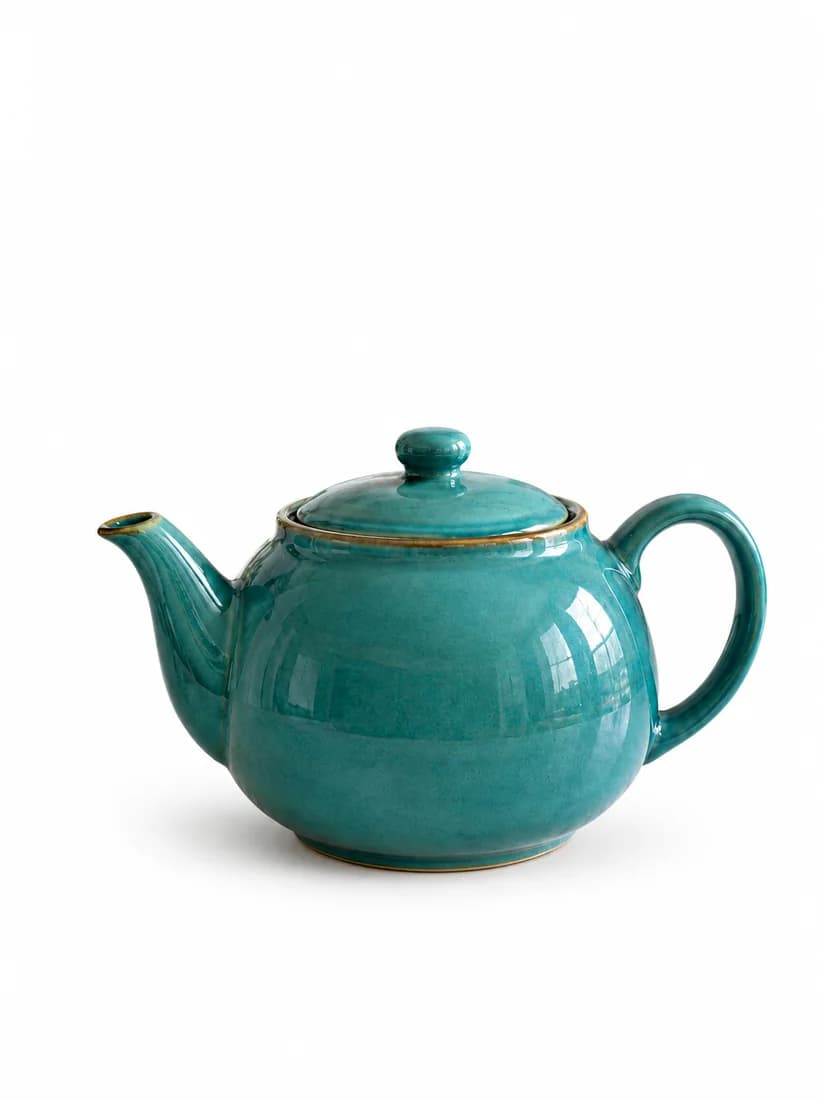
A teal ceramic teapot on a kitchen counter with jars behind it.Before
The same teal teapot on a clean white background.After

Use White Across Multiple Photos

Apply a white background to separate product or team photos when you want the images to follow the same simple style.

What Can You Use a White Background For?

A white background works well for product listings, professional profiles, and ID images.
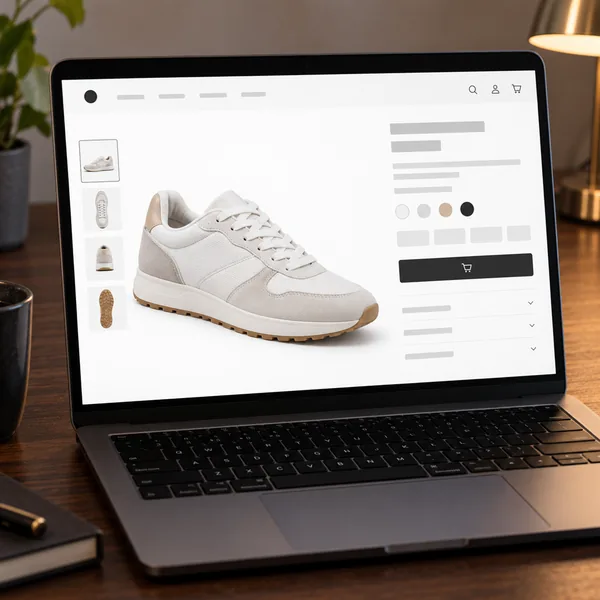
  1. A laptop on a dark desk showing a store page with a sneaker on a white background.

    Ecommerce Product Photos

    Replace the original background with white before using a product photo in an online listing or catalog.

  2. A tablet showing a team page with a headshot of a woman on a white background.

    Professional Headshots

    Use a white background behind a headshot for company profiles, directories, resumes, or LinkedIn.

  3. A clipboard holding an application form with a passport-style photo on a white background.

    ID Photos

    Create a white-background portrait when a form, application, or document asks for white. Always confirm the exact color, size, and photo rules with the issuing organization.

  4. An open press kit with printed product photos of a sneaker on a white background.

    Press and Marketing Materials

    Use a white-background photo in press kits, presentations, company bios, and other business materials.

Which one do I need?

White Background or Transparent Background?

A white background gives you a finished image on white. A transparent background removes what was behind the person or product so another design can be added later.

Main jobReplaces the current background with whiteRemoves the background
ResultFinished photo has white backgroundPhoto with no visible background
Best forProduct listings, headshots, profiles, ID-style photosDesigns, slides, graphics, and later background changes

Use a Background Changer when you need a different color, another setting, or a transparent background.

Reviews

What Our Customers Say

total reviews on
A pair of black over-ear headphones sits on a seamless white background with a soft contact shadow, isolated by the White Background changer.
Free daily credits

Change Your Photo Background to White

Upload your photo and replace the current background with white using Aragon.

Your photos stay privateNo editing skills requiredJPG, PNG, WEBP, HEIC

Have a question? We're here to help

Customer satisfaction is our number one priority. Our live agents are available 7am - 11pm (PT), 5 days Sunday through Thursday.

A white background changer replaces the current photo background with a solid white background while keeping the person or product in the image.

Upload your photo to Aragon, choose white as the new background, review the result, and download the finished image.

Yes. Aragon removes the current background and replaces it with white.

Yes. White backgrounds are commonly used for ecommerce product images, catalogs, and online listings.

Amazon US currently requires the main product image to use a pure white background. Other image rules also apply, so check the latest Amazon requirements for your product category before uploading.

No. Aragon can replace the background with white, but marketplace rules can include specific color, crop, product-size, and content requirements. Review the final image against the current marketplace rules before publishing it.

Yes. Upload the portrait, and Aragon can replace the existing background with white.

Yes. A white background can be used for LinkedIn photos, company profiles, staff directories, resumes, and other professional portraits.

Yes, when the document or application accepts a white background. Check the exact photo rules from the issuing organization before submitting the image.

Yes. Aragon's Background Changer also supports removing the background when you need an image without background.

Use a clear photo where the person or product stands apart from the current background. Small gaps, loose hair, or very similar foreground and background colors may need a closer review.

No. Upload your photo, choose white, and Aragon handles the background change automatically.

No. Aragon runs in your browser, so there is nothing to install. You'll need an account to use your credits and access your saved work.

Yes. Free credits come with your account, so you can try it before you upgrade.

Processing time can vary based on the photo and current demand. You can review the finished image when processing completes.

Paid plans export without a watermark, while free exports may include one. Check the pricing page for details.

Usage rights depend on your plan and the specific content generated. See Aragon's Terms and Conditions for full details.

Your uploads stay private during processing. For full details, see Aragon's Privacy Policy.

Try Aragon's AI powered editing tools today

The Leading AI Headshot Generator for Professionals

Trustpilot

Trusted by professionals and teams

Earn 30% for every referral

Join our affiliate program for free!
SOC 2 Type II compliant

Copyright © 2026 Aragon AI, Inc. All rights reserved.

Terms of Use & Privacy Policy