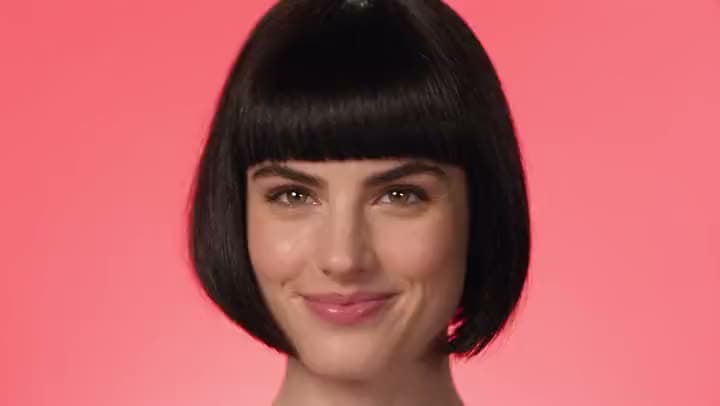
Video First Swap Face
Face swap means the new face tracks smoothly while the rest of the shot stays completely the same.
Do you already have a video clip and a face photo with the rights to edit? Aragon's AI face swap tool handles the visual integration, allowing you to review the result and export a finished file.

You upload a clip, add a face photo, generate the swap, then review and export the file.
It places a new face onto an existing video clip.
Face swap means the new face tracks smoothly while the rest of the shot stays completely the same.
You must have clear permission for any face you choose to swap or use your own photo.
Viewers notice when a swapped face freezes while the head turns. The tool maps head motion accurately so the result looks completely natural.
Uploads and outputs follow Aragon's privacy rules. You can manage your data easily from your settings panel.
Export the face swap, then keep editing if the project still needs a trim, new captions, or a different visual finish.
You can try the face swap video tool online for free using your account credits to start.
Swapping a face is a specific task. If your project still needs a photo animated into motion, a vertical reel format, or several clips joined into one cut, you will find those tools in the suite.
Only swap your own face, or faces you have rights to utilize. The tool strictly prohibits non-consensual impersonation, harassment, fraud, and misuse.
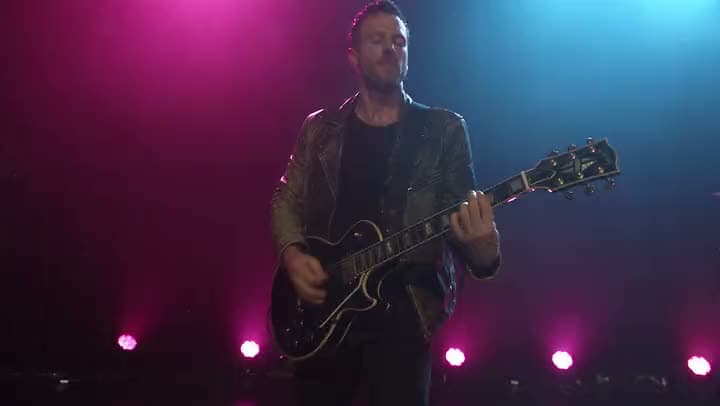
You already shot a strong video take. Swap an AI creator face onto it to test different visual variants without booking a full reshoot.
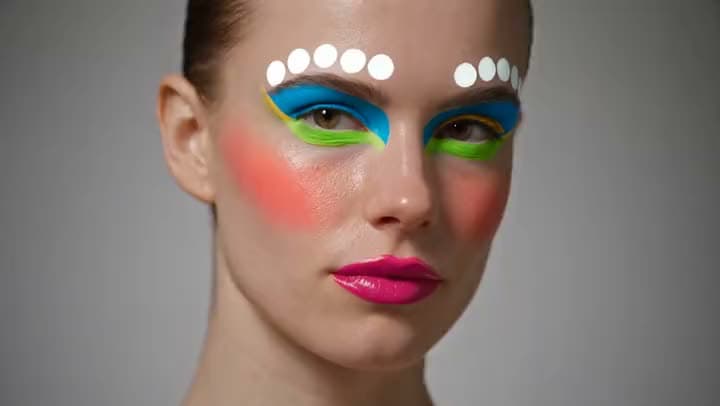
Module libraries grow fast. Keep instructor intros consistent by swapping footage you already own.
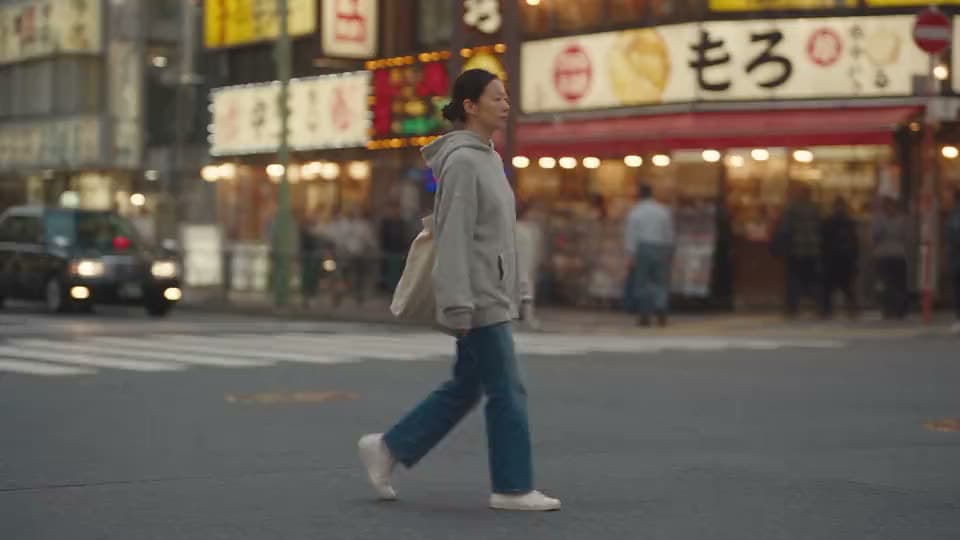
Internal presentations and brand explainers often need a face originally shot with a stand-in actor.
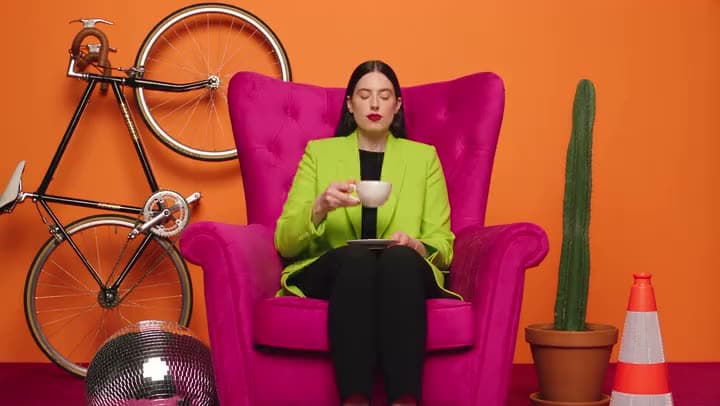
Agencies frequently need to show different talent options and do alternate creative tests.
I found Aragon AI easy to use and it gave highly professional resultsSep 24, 2026DSDr. Stefan Prangenberg
Very satisfied with the outcomes! Much better than Gemini or OpenAI out of the box.Sep 5, 2026PDPaul Dalitz
The simplicity of the process is exceptional and results are greatSep 8, 2026
Upload a clip. Add a face photo you have rights and permission to use.
Customer satisfaction is our number one priority. Our live agents are available 7am - 11pm (PT), 5 days Sunday through Thursday.

suite hub for create, edit, and finish
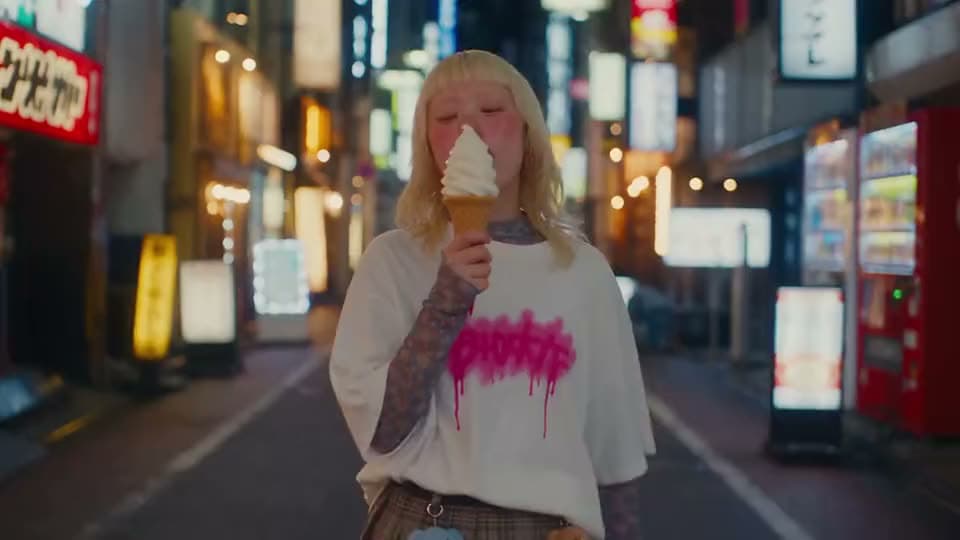
animate a photo into motion when the job is not a face swap
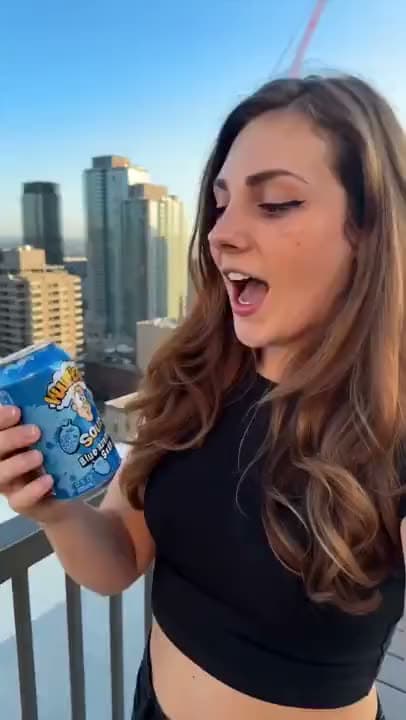
vertical short finish after you swap face

turn several photos into a slideshow or montage
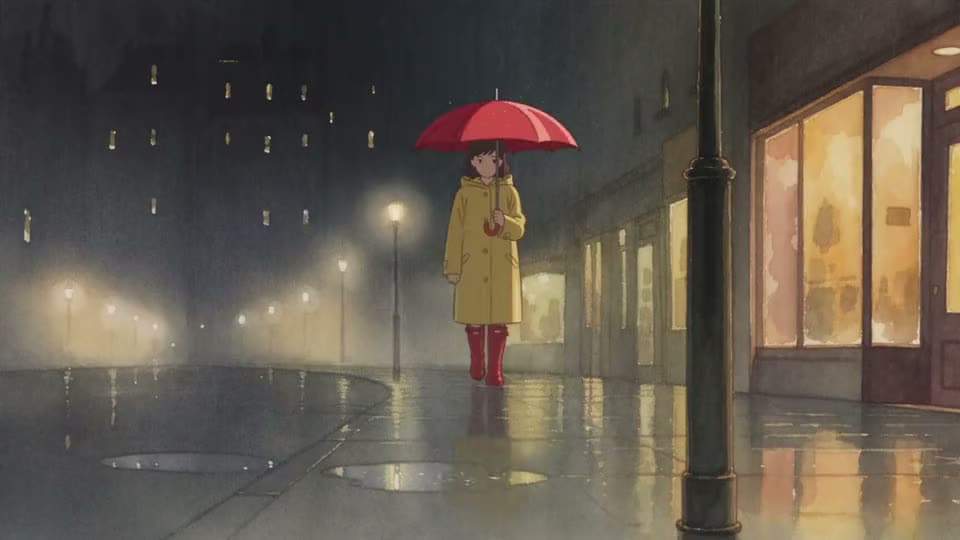
turn a short idea into generated scenes

paste a full script into matching scenes
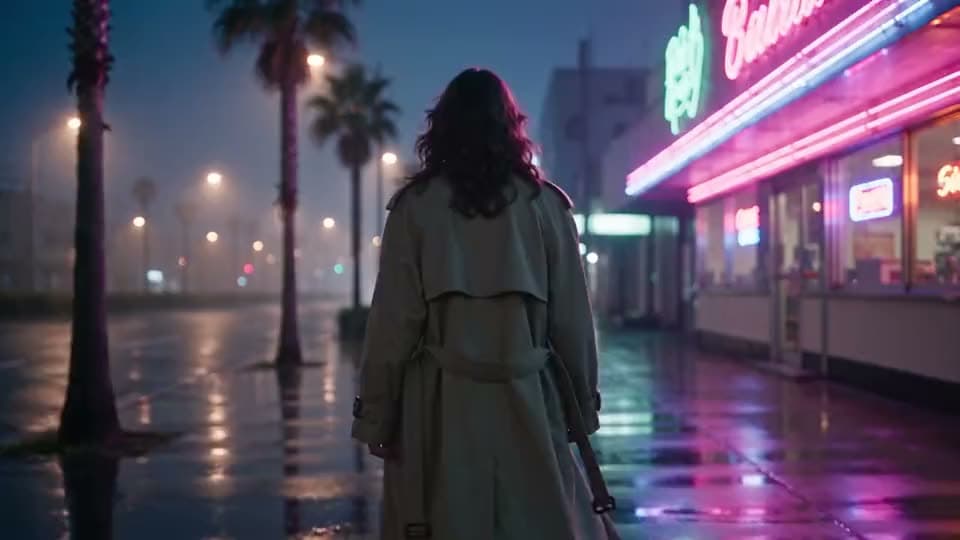
make, edit, and export a full video
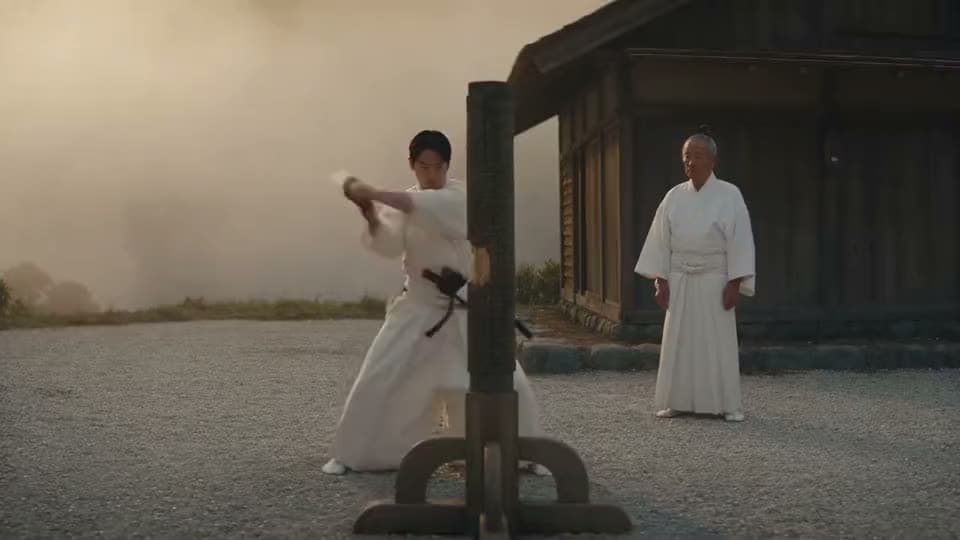
make videos without showing your face
suite hub for create, edit, and finish
animate a photo into motion when the job is not a face swap
vertical short finish after you swap face
turn several photos into a slideshow or montage
turn a short idea into generated scenes
paste a full script into matching scenes
make, edit, and export a full video
make videos without showing your face
The Leading AI Headshot Generator for Professionals
Trustpilot
Trusted by professionals and teams
Earn 30% for every referral
Join our affiliate program for free!

Copyright © 2026 Aragon AI, Inc. All rights reserved.