

fb-pixelSkip to main content
THE ALL-IN-ONE AI VIDEO STUDIO

Text to Video AI: Generate Scenes From Text Online

You don't need footage to start a video. Type a line or paste a paragraph, pick a model, and Aragon's text to video AI turns it into a finished video you can edit and export.

total reviews on
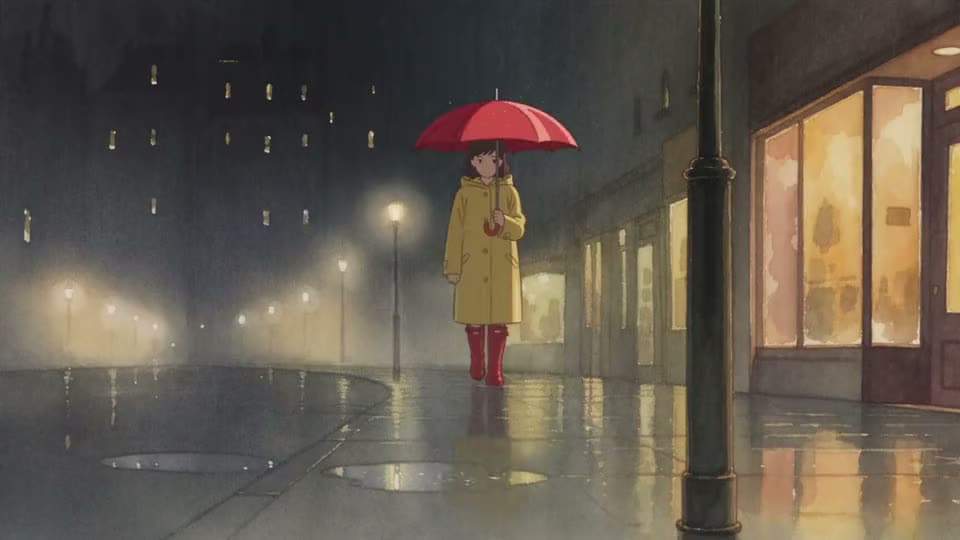
An AI anime clip in watercolor of a girl in a yellow raincoat and red boots walking under a red umbrella on a rainy night street.
PromptSeedance 2.5

A simple, quiet moment — a girl walking home under an umbrella during a gentle rain — rendered entirely in a hand-painted watercolor animation style throughout. The content is ordinary; the visual treatment (soft bleeding edges, visible paper texture, muted washes) is what makes it distinct.

See Text to Video Results Before You Commit

See what text to video looks like on real, short input.

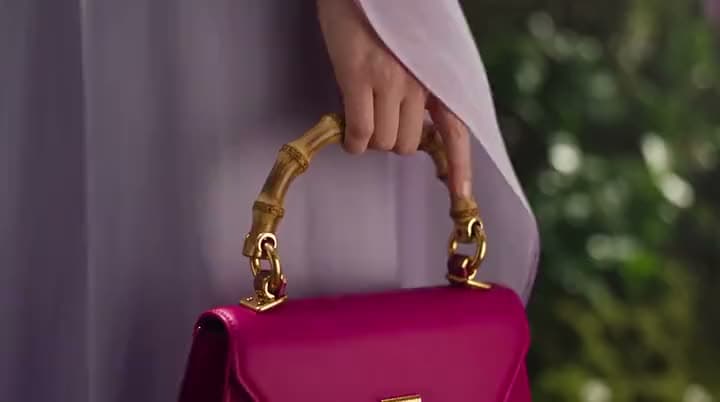
An AI product ad of a hand in a lilac sleeve holding a magenta leather handbag by its gold bamboo-style handle.
PromptSeedance 2.5

Handbag — "Le Rosey" (15s, with model) A cinematic 15-second luxury handbag commercial for a fictional brand called Le Rosey, featuring an elegant woman in her late twenties with slicked-back blonde hair, gold drop earrings, and a flowing lavender silk dress, carrying a structured magenta leather bag with a sculptural…

Product idea

Product idea → short social scene cut

A magenta leather handbag, built into a cinematic product video from a short description.
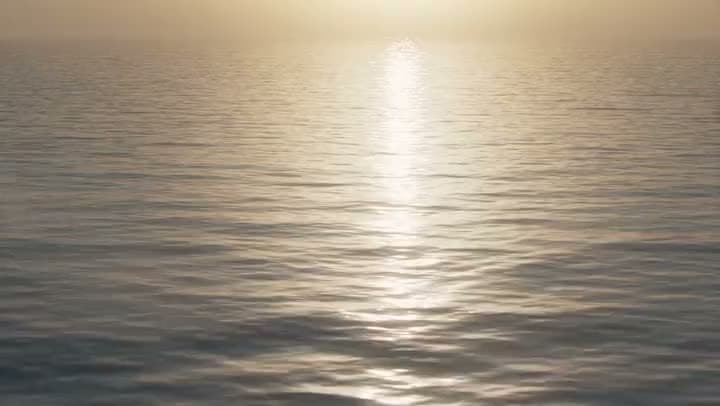
An AI video of a calm, rippling ocean surface with hazy sunlight reflecting in a bright path toward the horizon.
PromptSeedance 2.5

A stylized animated ocean and atmosphere system, showing warm ocean water, rising air, and rotating storm clouds forming into a hurricane.

Explainer text

Explainer text → short motion beat on a timeline

A stylized ocean forming into a hurricane, built from a one-line explainer prompt.

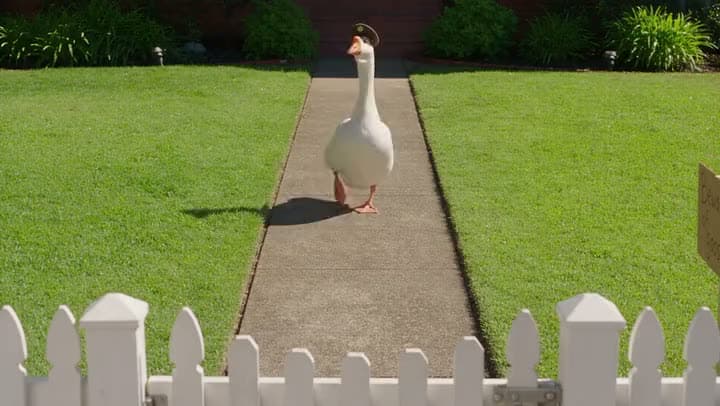
An AI video of a white goose in a small police cap waddling down a garden path toward a white picket fence.
PromptSeedance 2.5

A large, imposing domestic goose in a military uniform that has appointed itself the sole security detail of a suburban front yard, and a nervous delivery driver approaching the gate. Original characters; consistent identity/design throughout.

Offer or hook line

Offer or hook line → vertical social video

A goose in a tiny police cap guarding a yard, built from a short, playful prompt.

Generate from text

How to Turn Text Into Video with Aragon

Type an idea or paste short text, choose a model, generate, then edit and export.

  1. 1

    Type an Idea or Paste Short Text

    Bring a hook line, a product blurb, a social caption, or a short scene idea you already have. Clear subjects and actions lead to better results.

  2. 2

    Choose a Model and Generate

    Where model choice is available, pick from options like Kling, Seedance 2.5, Google Veo, and PixVerse. The more specific your text, the more specific your scene.

  3. 3

    Edit on the Timeline, Then Export

    Review the result, trim the pacing, and refine it with video-to-video editing if a beat needs a tweak. Then export your finished video.

Generate from text

What Should a Text to Video Generator Actually Do?

It should turn a short piece of writing into a real video scene, without you having to open a full editor first.

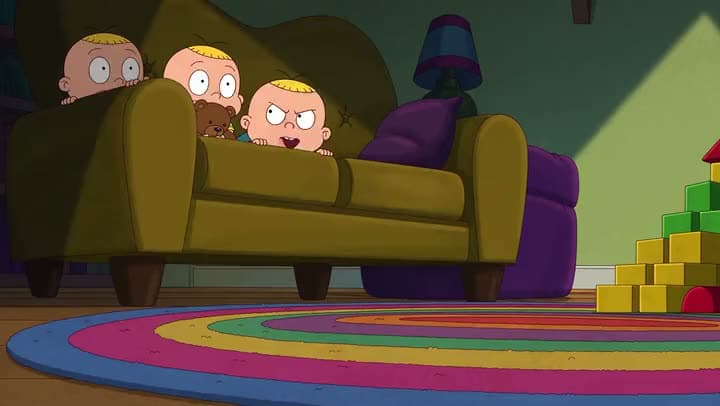
An AI cartoon clip of three bald babies peeking over the back of a green couch in a dim playroom with a rainbow rug.
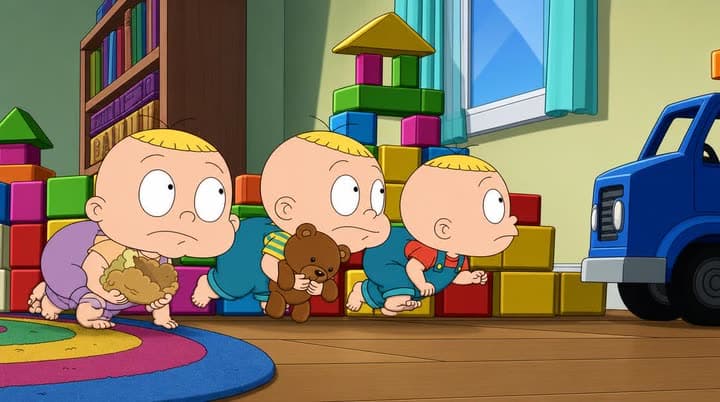
A reference photo of three cartoon babies crawling in a line past toy blocks and a blue toy truck in a playroom.

Start From an Idea, Not a Blank Editor

Text to video starts from words you already have. Type a short idea or paste a paragraph, and Aragon builds a scene from it instead of forcing you to start with a blank project.

Several Models in One Workflow

Different models suit different looks. Aragon gives you access to several, including Kling, Seedance 2.5, Google Veo, Sora 2, Hailuo, and Wan, so you're not limited to whatever one model happens to produce.

A Real Timeline After You Generate

A raw clip is only half the job. Your results land on a timeline you can actually work with, trim it, adjust the pacing, or refine it with video-to-video editing before you export.

Honest Aspect Ratios and Resolution

Pick the aspect ratio that matches where you're publishing. Common social and landscape ratios are available wherever the model supports them, and most generations run around 720p to 1080p.

Try Free Online with Account Credits

Free credits come with your account, so you can try it before committing to a plan.

Stay Inside the AI Video Suite After You Export

This tool is built for one thing: turning short text into a scene. Need something else? Script to Video for a full structured script, Image to Video for a photo-to-motion start, Promo Video for a campaign finish, or Video Maker for a broader editor.

What Models Can You Use for Text to Video?

Aragon routes your text through licensed models in the workspace. The one you pick shapes the motion style, the speed, and the final quality. Which models are available can depend on your plan.

Typical output notes

Resolution
720p–4K
720p–4K; most generations run around 720p to 1080p, select models can reach 4K, and Upscale is there if you need a bump afterward
Length
usually short scene clips suited to social and explainer videos; exact duration depends on the model and your settings
Aspects
common social and landscape ratios, wherever the model supports them
Format
MP4
Finish
ready to edit, with optional Upscale afterward
Generate from text

Who Uses Text to Video AI Like This?

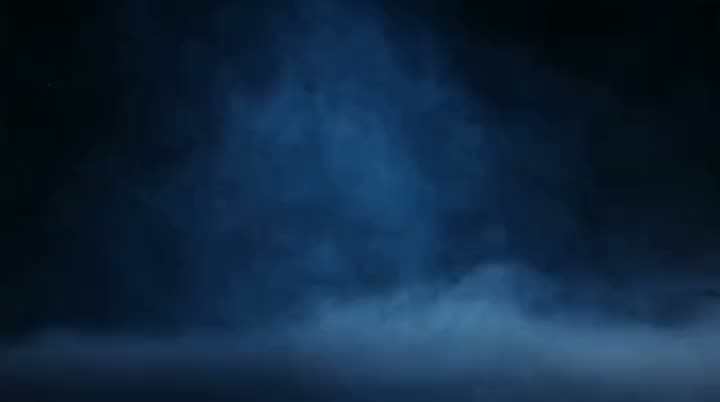
An AI product ad opening on blue smoke drifting low across a dark, empty stage before the product appears.
Creators

Creators Turning Hook Lines Into Social Scenes

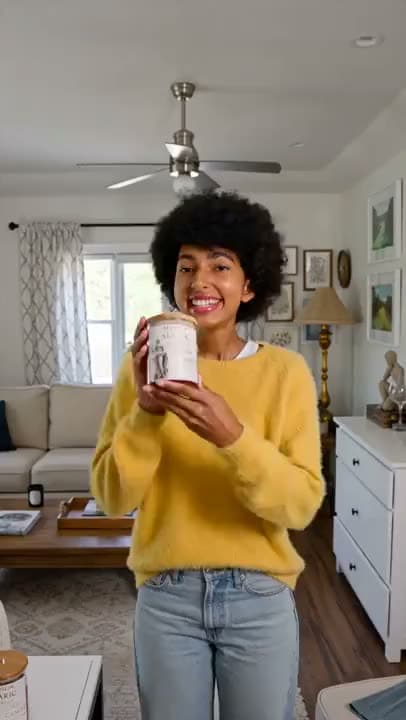
You already wrote the hook for Reels, Stories, or YouTube Shorts. Turn it into a matching video scene.

A vertical AI video of a smiling woman in a yellow sweater holding up a candle tin to the camera in a bright living room.
Marketers

Marketers Testing Offer Copy as a Draft Video

Campaign teams often finalize a line of copy before they have any footage. Turn that copy into a draft video and see how it actually feels.

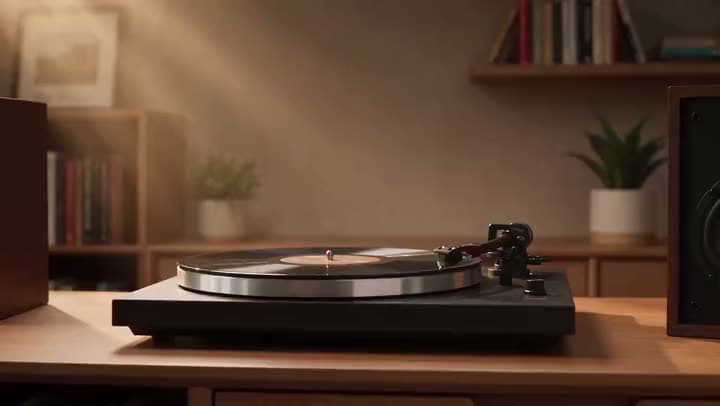
An AI video of a record spinning on a turntable on a wooden cabinet in a warm room with bookshelves and houseplants.
Product teams

Product Teams Packaging Feature Blurbs Into Explainers

Feature bullets already live in your docs and launch notes. Turn them into short explainers without a full day of filming.

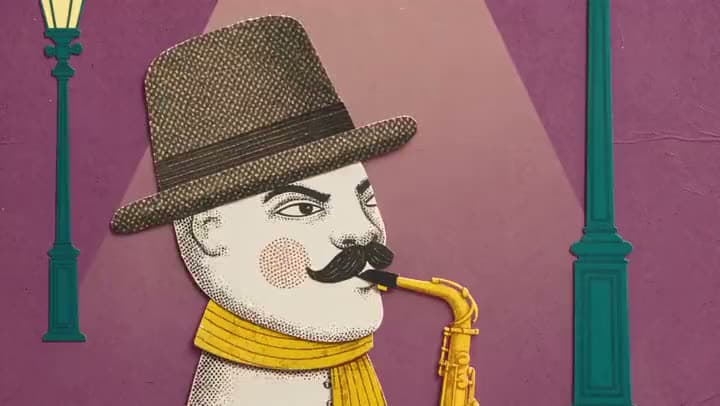
An AI collage animation of a mustached paper cutout man in a fedora and yellow scarf playing saxophone under a streetlight.
Agencies

Agencies and Freelancers Delivering Client Text Drafts

Clients ask for video built from approved short copy, not an entirely new production.

Reviews

What our customers say

total reviews on

Generate Text to Video Today

Type an idea or paste short text. Choose a model.

Have a question? We're here to help

Customer satisfaction is our number one priority. Our live agents are available 7am - 11pm (PT), 5 days Sunday through Thursday.

Text to video AI turns short written text into video scenes you can edit and export. On Aragon, you type an idea or paste short text, choose a model if one's available, generate, then finish on a real timeline in the same workspace.

Type an idea or paste short text, choose a model, generate, then review the result on the timeline. Trim the pacing, refine anything that needs it, and export as MP4. That's the whole process, without leaving the workspace.

Yes. Free credits come with your account, so you can try it online before upgrading to a paid plan.

The best option is one that matches your actual starting point and finish, short text in, a real editable video out, an honest free trial, and models you can actually choose. Aragon fits short ideas and short text into one workspace rather than sending you somewhere else to finish the job.

The best option for a beginner needs the fewest steps: type short text, pick a model, generate, then edit on one timeline. Aragon keeps that flow in one place, so you're not learning five different tools just to make one video.

You'll need an account so your credits and exports stay attached to you, but you can still use the free trial credits right after signing in.

Text to video starts from a short idea or a short piece of pasted text. Script to video starts from a full, structured script and builds matching scenes around its specific beats.

Text to video starts from written words, with no photo required. Image to video starts from a photo you want to animate into motion.

Where model choice is available, Aragon routes across licensed options like Kling, Seedance 2.5, Hailuo, Google Veo, Wan, FLUX, LTX, PixVerse, Pika, Grok Imagine, and Sora 2. Availability can depend on your plan.

Personal and commercial use depend on your plan and Aragon's Terms. Only generate from text and assets you have the rights to use, and check your plan's limits if you're working on something for a client.

Your uploads stay private during processing. For full details, see Aragon's Privacy Policy.

The Leading AI Headshot Generator for Professionals

Trustpilot

Trusted by professionals and teams

Earn 30% for every referral

Join our affiliate program for free!

SOC 2 Type II compliant

Copyright © 2026 Aragon AI, Inc. All rights reserved.

Terms of Use & Privacy Policy