01
Native Sound and Video Together
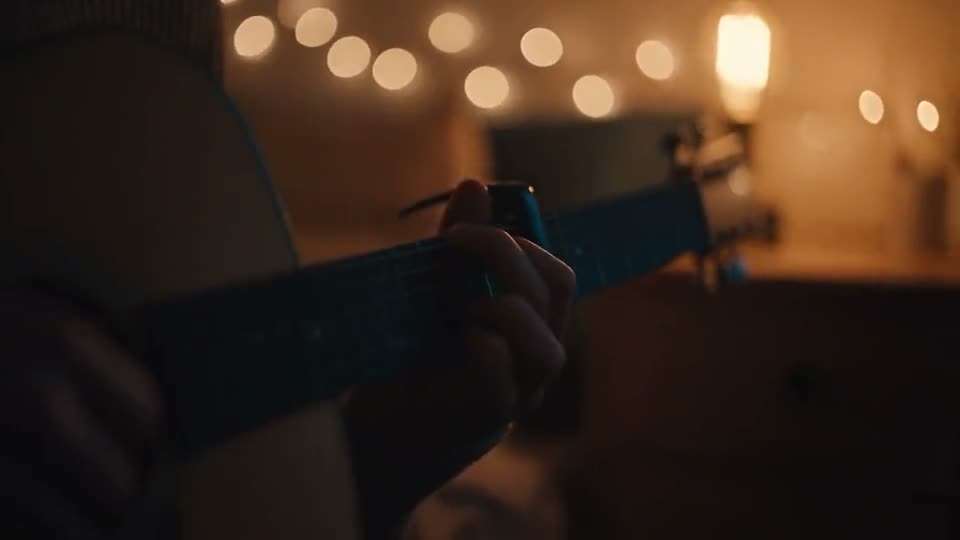
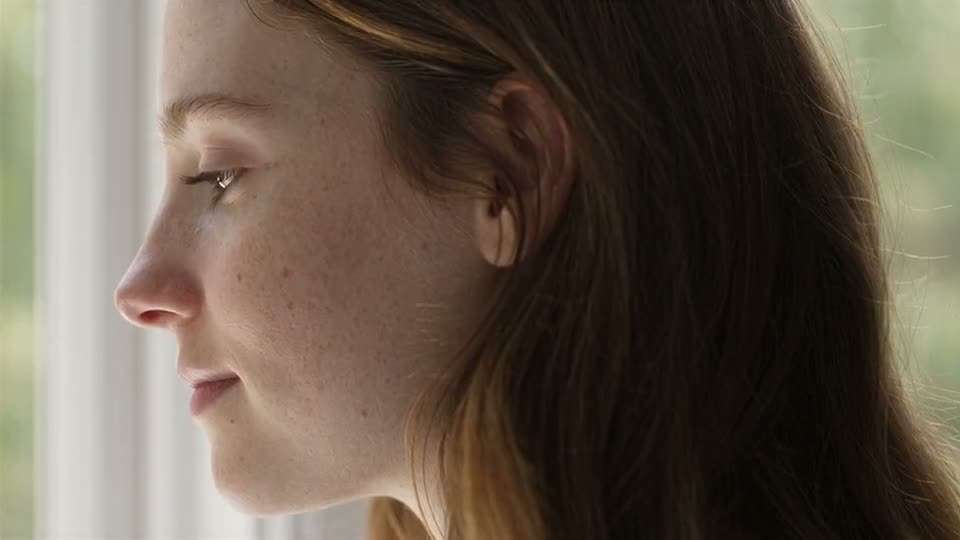
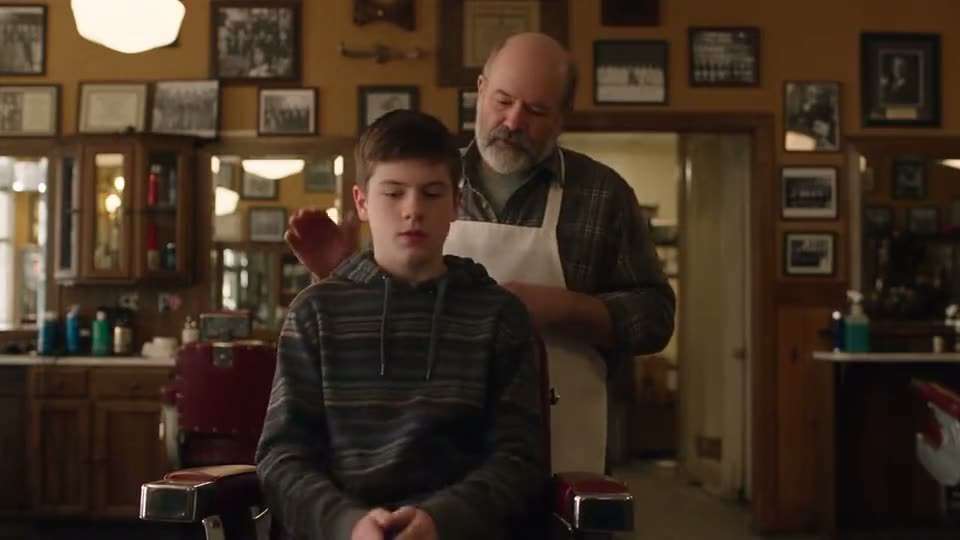
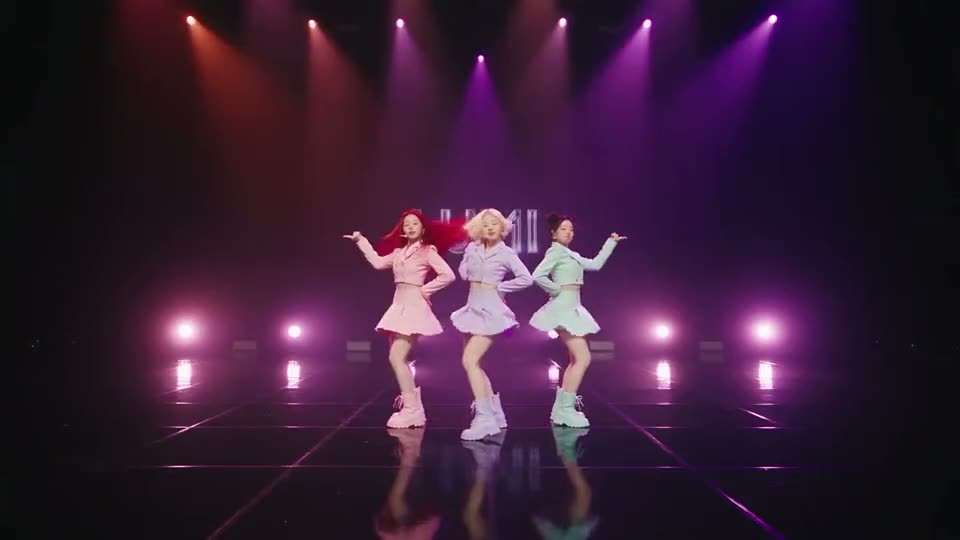
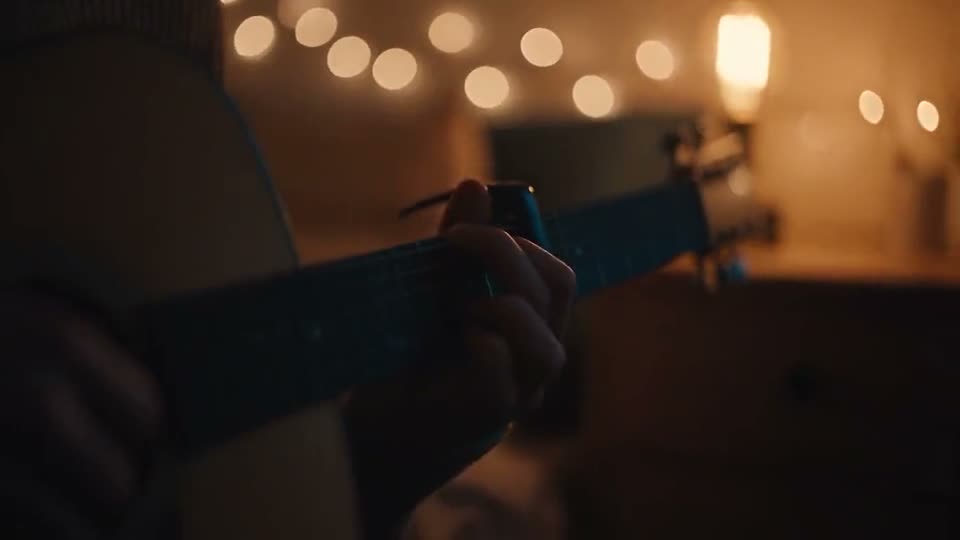
It creates dialogue, music and sound effects in the same step as the picture, so every sound matches the action on screen.
Seedance 2.0 is ByteDance's AI video model that creates cinematic clips with native sound from text, images, video and audio. Use Seedance 2.0 on Aragon to turn one prompt into a scene with matching dialogue, music and effects, in up to 1080p.
Seedance 2.0 is ByteDance Seed's AI video model that creates video and sound together from text, images, video clips and audio. ByteDance released it on February 12, 2026, as part of its Seedance family of video models.
The Seedance 2.0 AI model reads every input you give it and builds one scene that follows your references for style, motion and camera. Because sound is made in the same step as the picture, voices, music and effects land in time with the action.
The model is known for multi-shot scenes, steady motion and close attention to reference images and clips. Creators use it for short stories, social clips, product videos and music visuals.
Seedance 2.0 combines native sound, rich inputs and steady motion, so one model covers the whole clip from picture to audio.
It creates dialogue, music and sound effects in the same step as the picture, so every sound matches the action on screen.
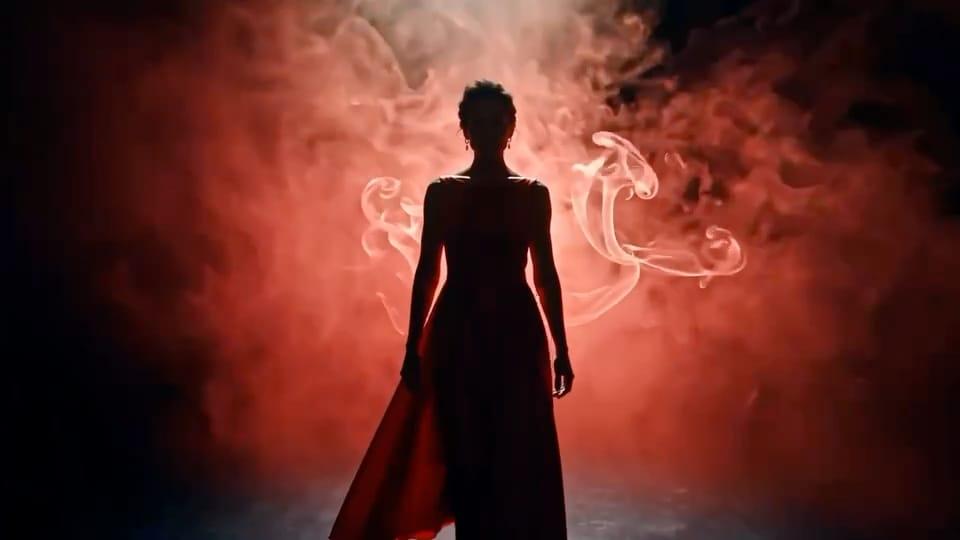
Start from a prompt, a photo, a short video clip or an audio track. The model blends your references into one new scene.
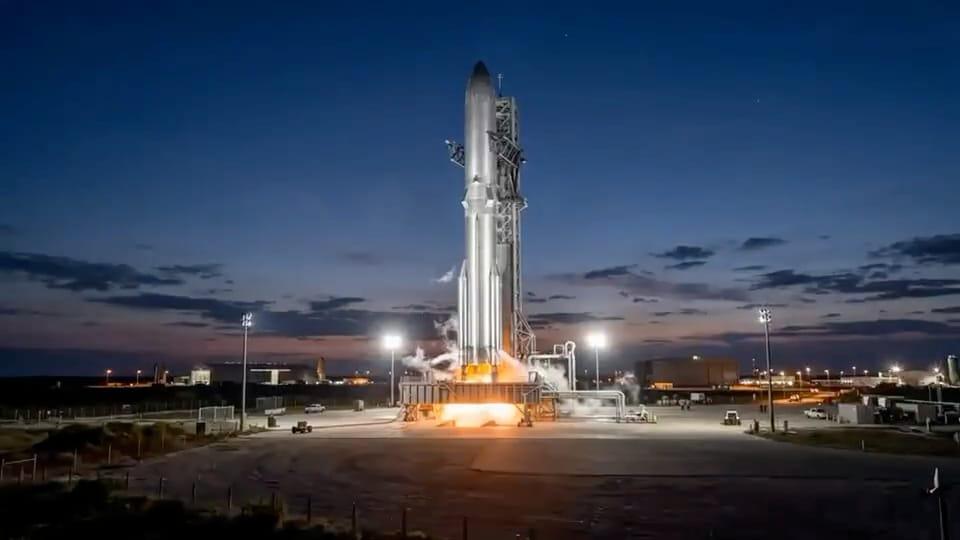
Upload a starting image and an ending image, and the model fills in the motion between them for smooth, planned transitions.
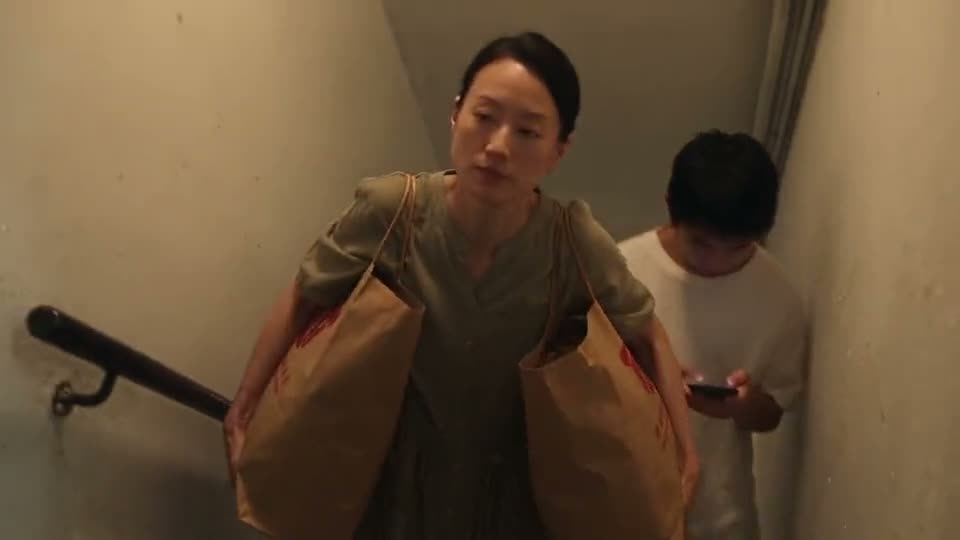
Describe several shots in one prompt, and the model keeps characters, places and lighting consistent.
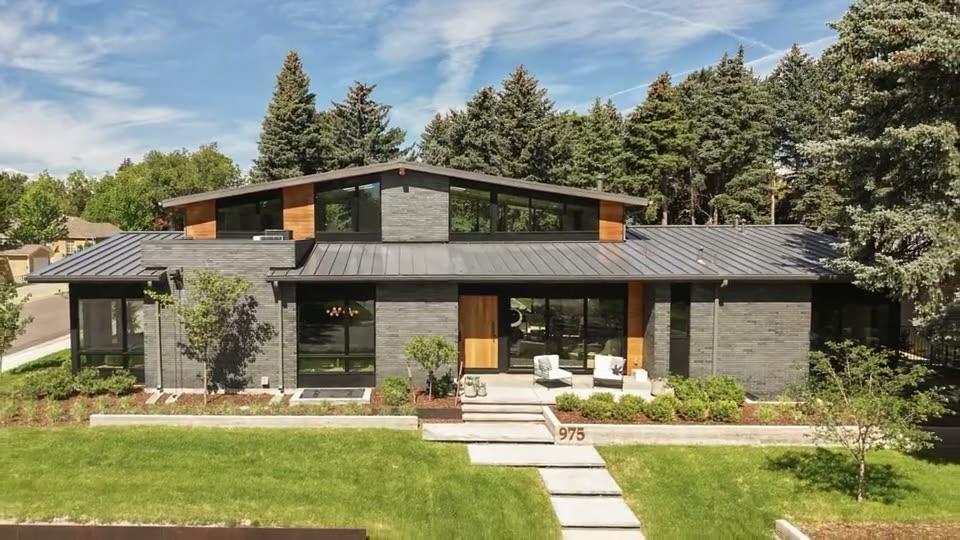
Ask for a slow push-in, an orbit or a tracking shot, and it keeps the motion smooth and the scene stable.
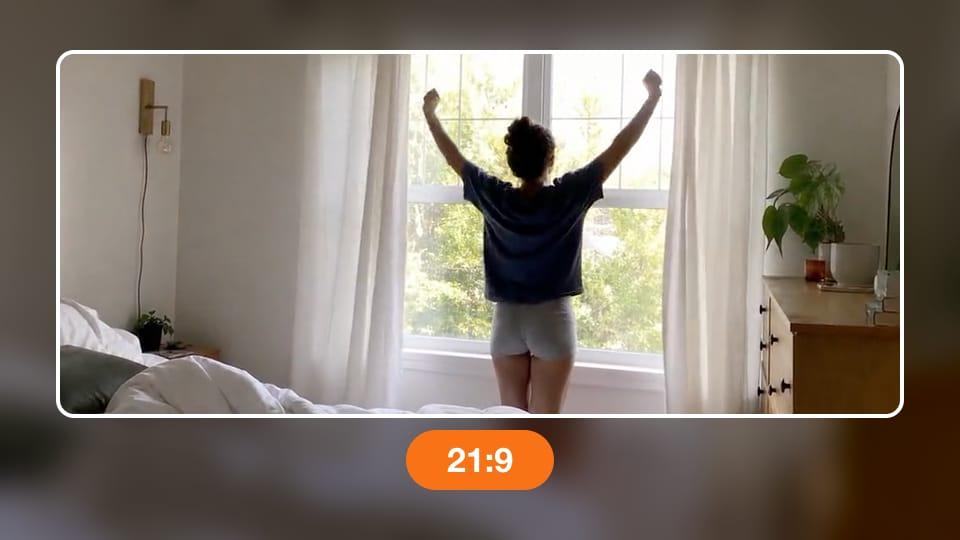
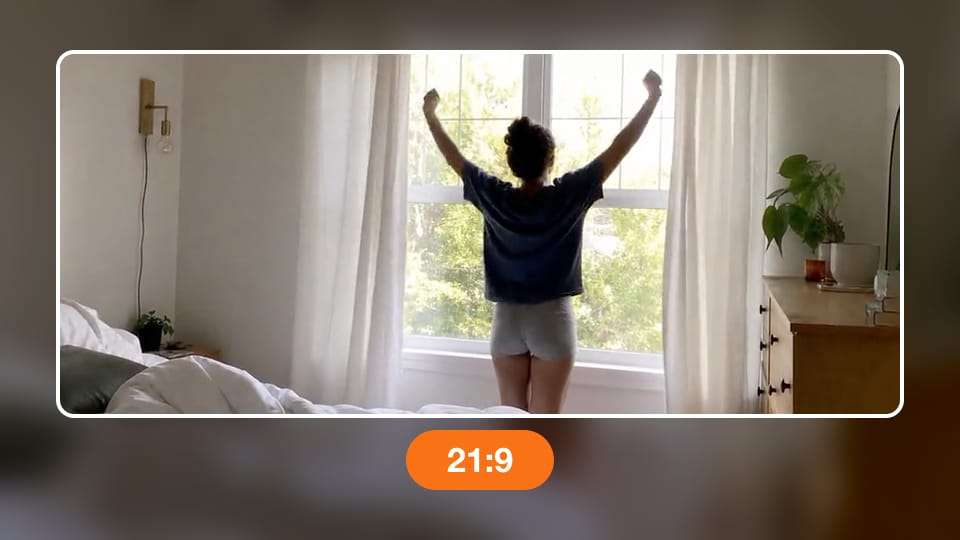
Create wide 21:9 cinema shots, 16:9 videos, square posts or tall 9:16 Stories, at 480p, 720p or 1080p.
Every clip in this gallery was made with Seedance 2.0 on Aragon. The prompt sits under each video, so you can copy it into the editor.
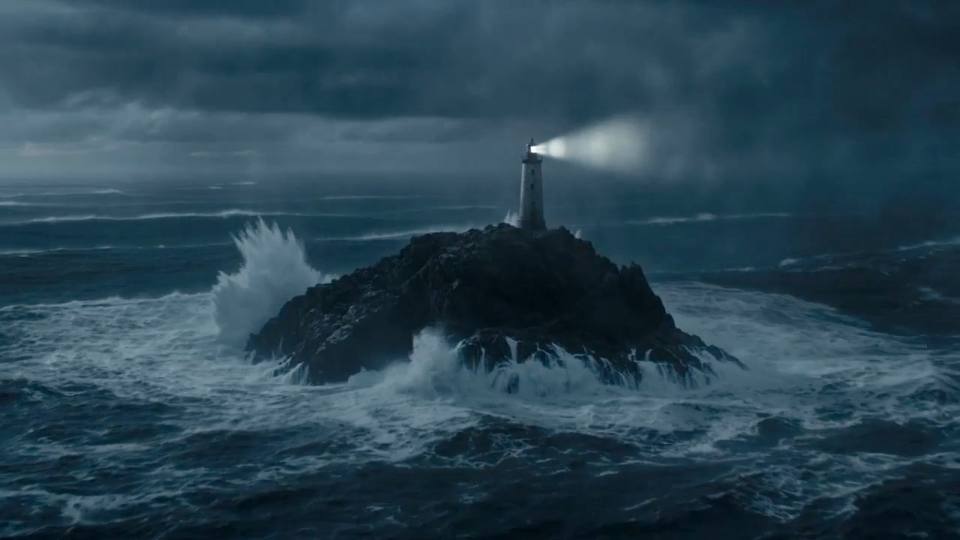
Prompt
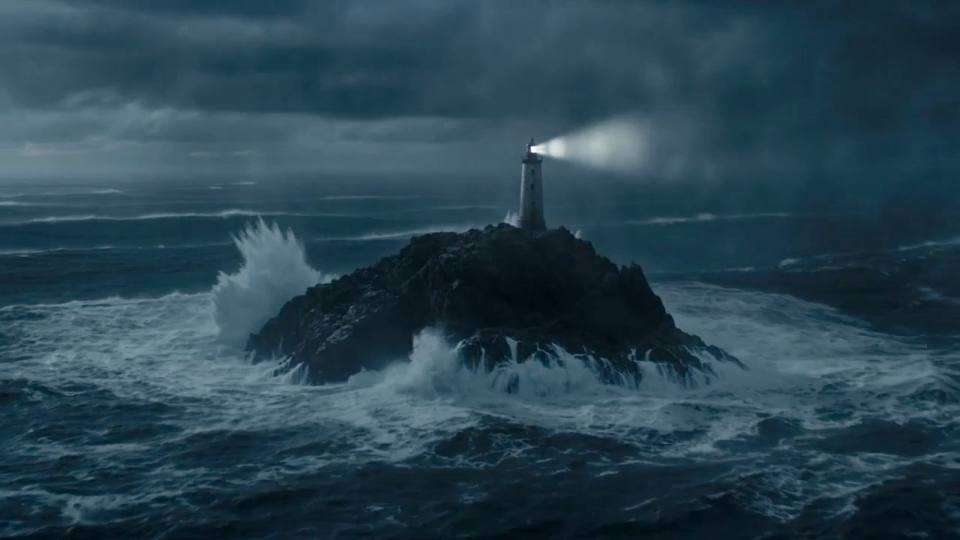
A lighthouse on a rocky cliff during a storm, waves crashing, thunder rolling, slow push-in.
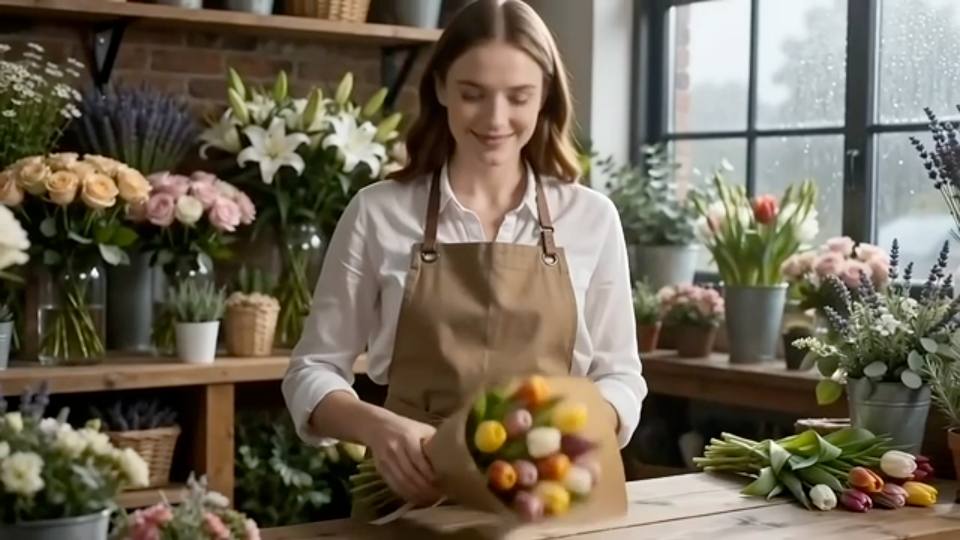
Prompt
A florist wraps a bouquet of tulips in a small flower shop and says, 'These are for you,' rain tapping on the window.
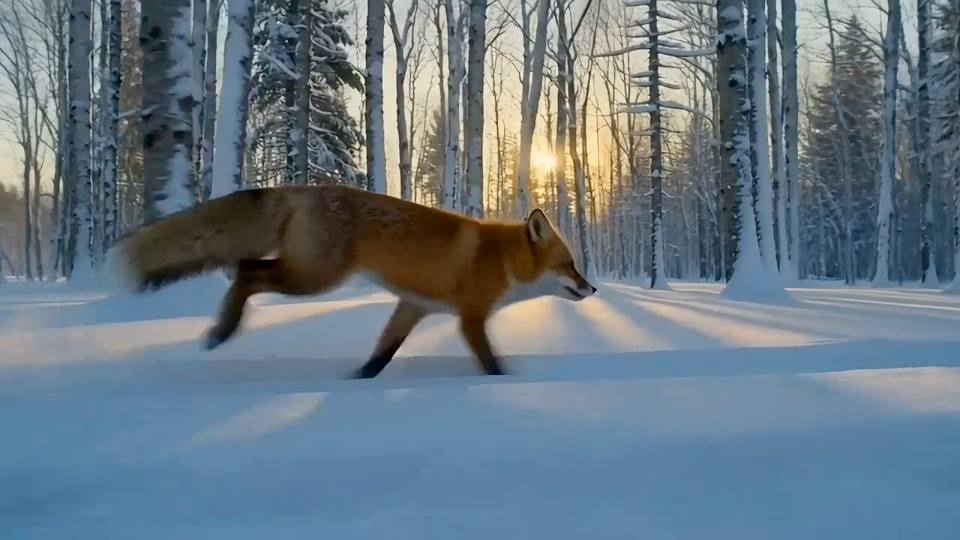
Prompt
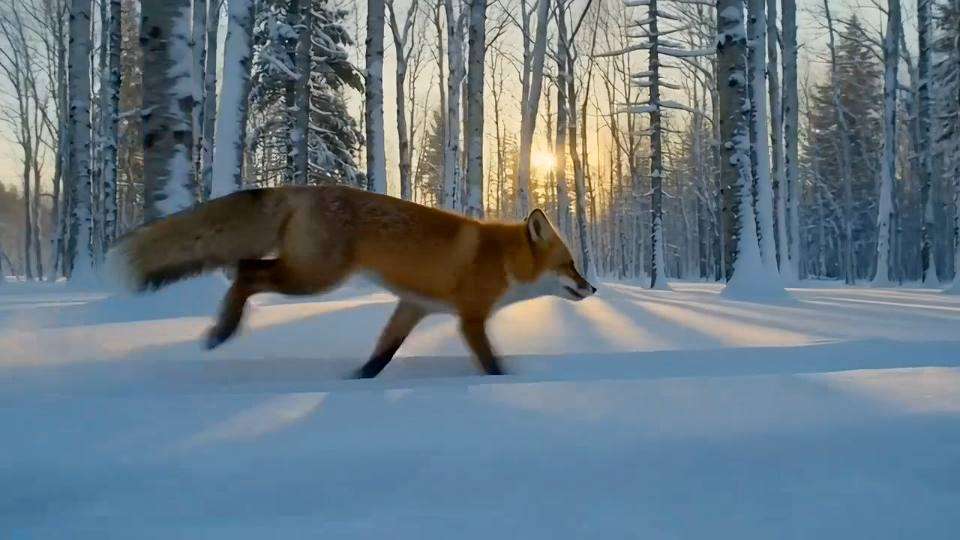
A fox runs through a snowy forest at dusk, camera tracks beside it, crunching snow sounds.
Millions of people already create on Aragon, and every account comes with top video models, editing tools and strong security.
Switch between top video models from one screen, with no extra apps or accounts.
Generate a clip, make changes with Aragon's tools and download it ready for your channel, all in one workspace.
Your uploads and videos stay private, protected by AES-256 encryption and SOC 2 Type II security.
Free credits come with every Aragon account, so you can explore Aragon in your browser today.
Open AI Video, choose the model and describe your scene to create a clip with sound.
Sign in to Aragon and open AI Video from your dashboard.
Pick it in the model picker, then set the length, size and resolution.
Type your prompt, add images, a clip or audio as references, and generate your video.
Seedance 2.0 helps filmmakers, teachers, real estate agents and game studios create short videos with native sound.
Filmmakers get quick scene tests with dialogue and camera moves to plan a shoot or pitch an idea.
Teachers get short visual lessons that show a process in motion, with a clear voice.
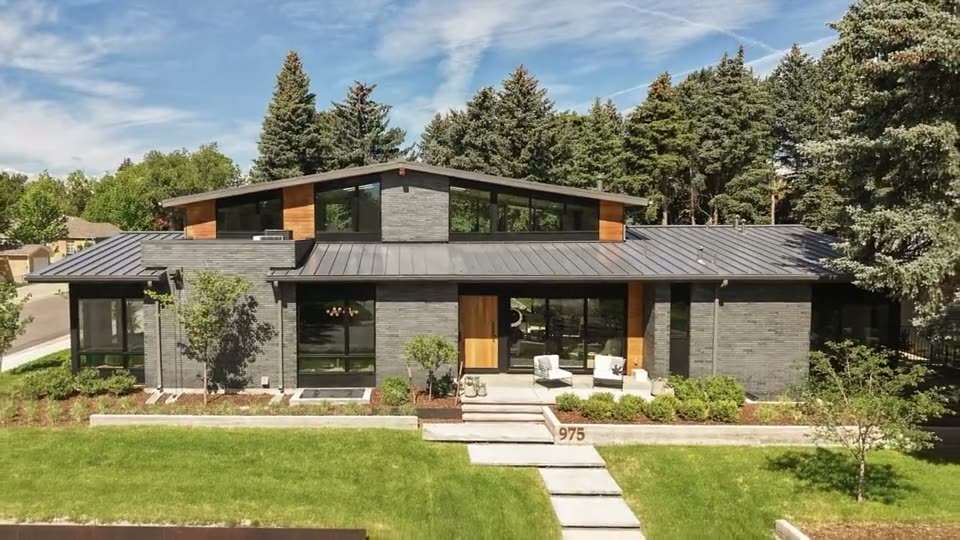
Agents get smooth walkthrough-style clips of rooms, streets and views for listings and social posts.
Studios get trailer shots and character moments for app stores, launches and pitch decks.
On Aragon, use the model to make social clips, product videos, moving photos and stories.
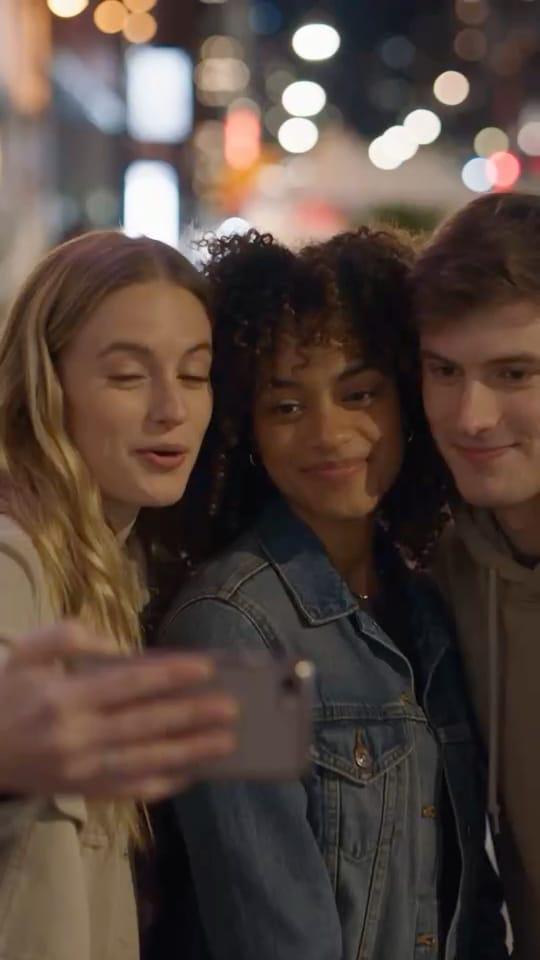
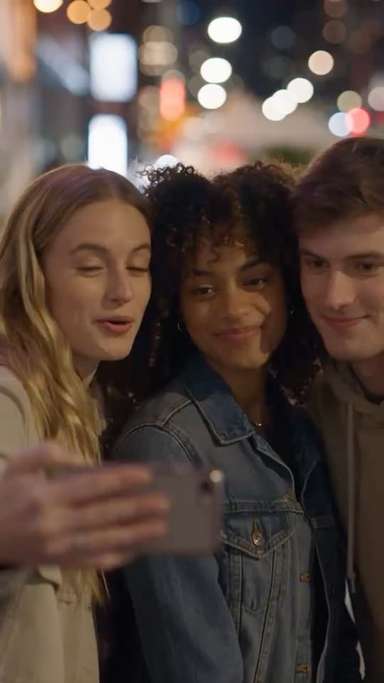
Create tall 9:16 clips for TikTok, Reels and Shorts in the AI video generator, with sound that's ready to post.
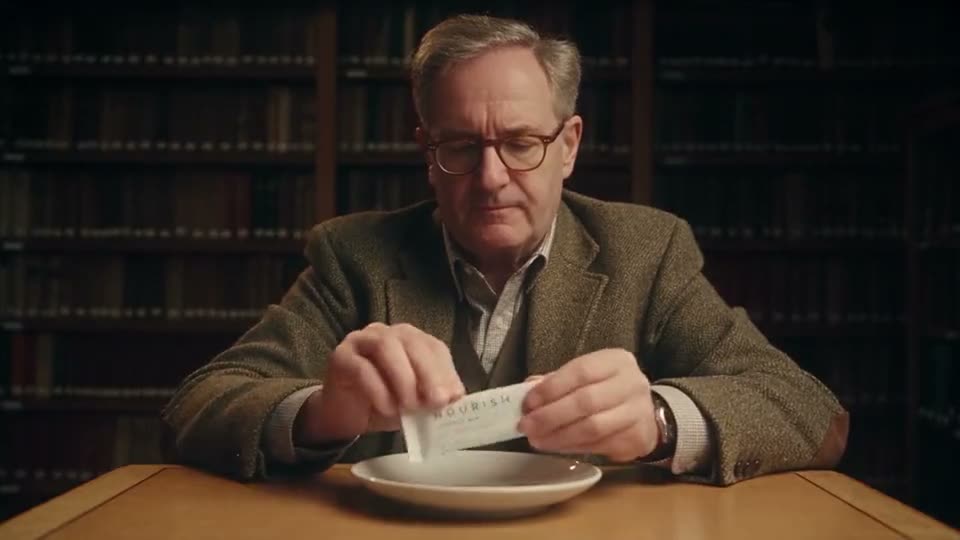
Seedance 2.0 creates product and ad videos that show your item turning, opening or in use, with matching sound effects.
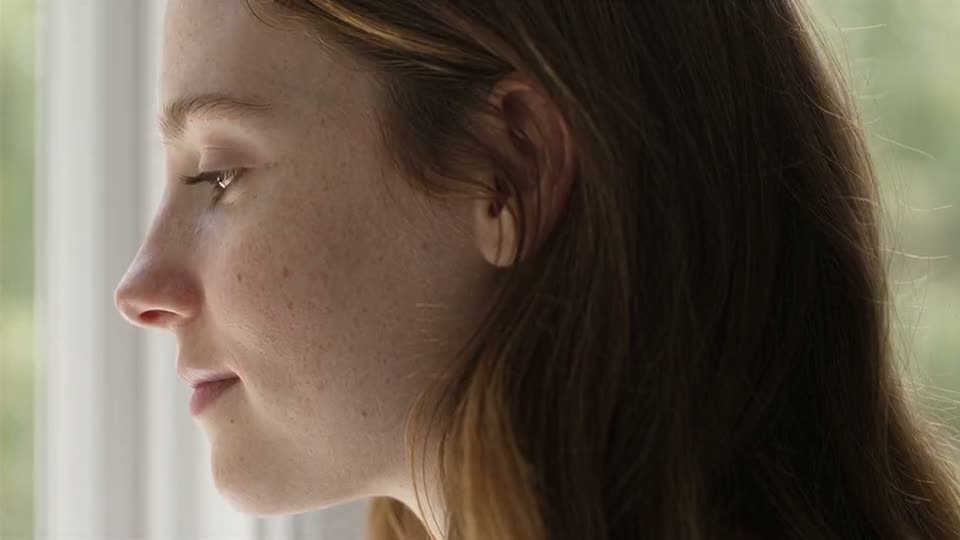
Seedance 2.0 turns a single photo into a moving scene with matching sound. For quick photo animations, you can also try image to video.
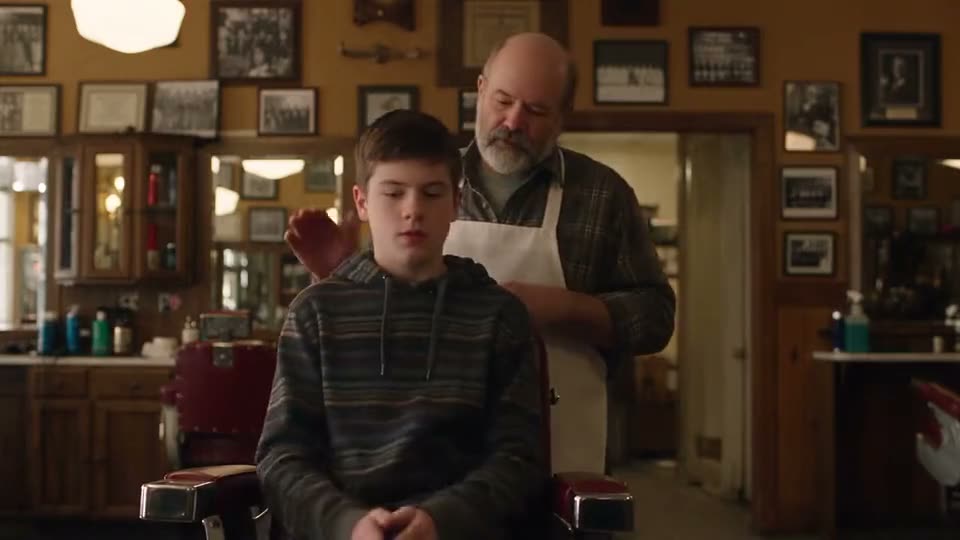
Seedance 2.0 creates short story scenes with characters whose voices match their lip movements. To start from a written scene, try text to video.
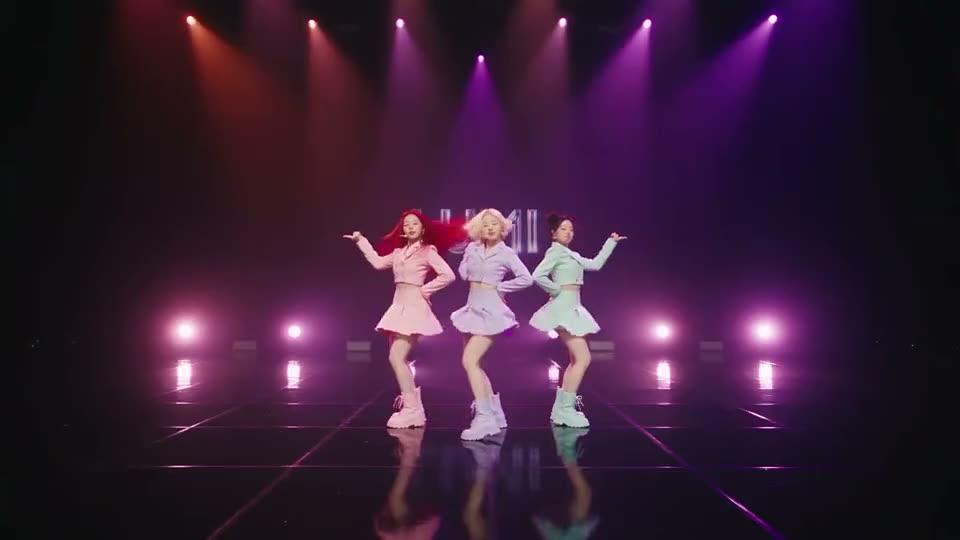
Upload a song or voice clip, and Seedance 2.0 creates a video that matches the beat and mood of your audio.
A few simple habits give you clearer motion and better sound.
“A fox runs through a snowy forest at dusk, camera tracks beside it, crunching snow sounds.”For multi-shot clips, list the shots in order, like "shot 1, a wide view of the city, shot 2, a close-up of the hero."
Name the sounds you picture, like rain, footsteps or soft piano, and put spoken lines in quotes.
Say how the camera moves, like "slow push-in" or "camera tracks beside the runner," so the shot feels planned.
When you add images, clips or audio, say what each one is for, like "use the photo for the character and the clip for the camera move."
Copy any prompt below and try it on Aragon.
Prompt
A chef flips a pancake high into the air in a sunny kitchen, it lands back in the pan, sizzling sound, slow motion.
Works well for fun social clips and food videos.
Prompt
Shot 1, a wide view of a desert road at sunrise. Shot 2, a close-up of a vintage car's headlights glowing to life. Shot 3, the car drives away in a cloud of dust, engine roar.
Works well for trailers and multi-shot story scenes.
Prompt
Use the uploaded song as the beat. A dancer in a neon-lit alley moves in time with the music, camera circles slowly.
Works well for music visuals and dance clips.
Each video model has a different strength. ByteDance's model shines at clips with native sound built from rich references.
| Seedance 2.0 | Seedance 2.5 | Kling 3.0 | Wan 2.6 | |
|---|---|---|---|---|
| Best for | Clips with native sound from text, images, video and audio | Longer clips up to 30 seconds and lip sync | Short cinematic clips | 1080p clips from text or a photo |
| Maker | ByteDance | ByteDance | Kuaishou | Alibaba |
| Added to Aragon | July 1, 2026 | August 11, 2026 | July 1, 2026 | July 1, 2026 |
Pick the model that matches your project.
Pick Seedance 2.0 if you want clips with native sound built from text, images, video and audio references.
Pick Seedance 2.5 if you want longer clips up to 30 seconds or lip sync.
Pick Kling 3.0 if you want short cinematic clips.
Pick Wan 2.6 if you want 1080p clips from text or a single photo.
Describe your scene, add your references, and the model creates a clip with picture and sound in Aragon's AI Video.
Customer satisfaction is our number one priority. Our live agents are available 7am - 11pm (PT), 5 days Sunday through Thursday.
The Leading AI Headshot Generator for Professionals
Trustpilot
Trusted by professionals and teams
Earn 30% for every referral
Join our affiliate program for free!
Copyright © 2026 Aragon AI, Inc. All rights reserved.