
fb-pixelSkip to main content
THE ALL-IN-ONE AI VIDEO STUDIO

Free AI Video Maker - Create and Edit Videos Online

Start from a template or a blank project, then cut and arrange everything on a real timeline. Aragon's video maker exports straight from your browser, with no software to install.

total reviews on
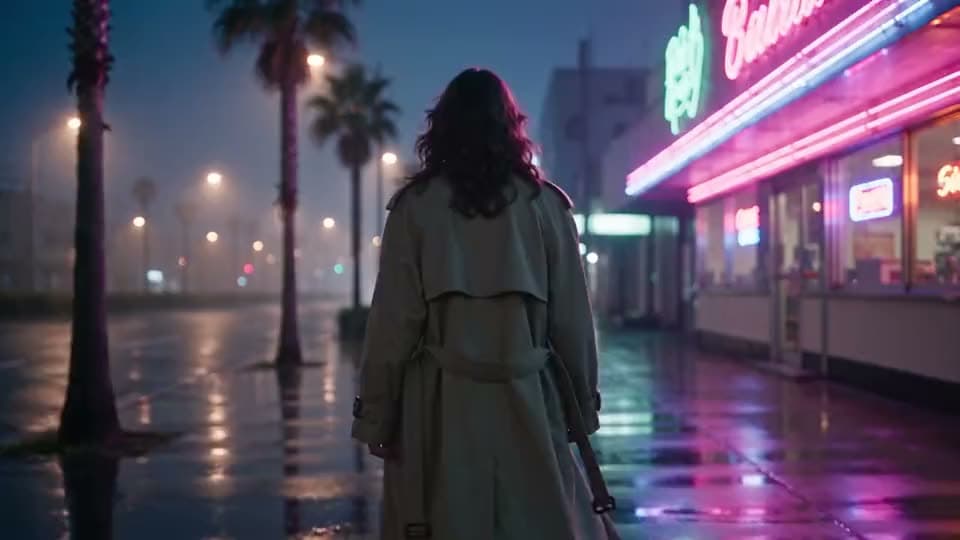
An AI video of a woman in a trench coat walking away down a rain-soaked, palm-lined boulevard past a neon-lit diner at night.
PromptSeedance 2.5

Style: 1980s Japanese city pop aesthetic reimagined with modern polish — neon-soaked nighttime cityscape, VHS-tinged warmth, glossy chrome and glass reflections, nostalgic "late-night drive" mood. Think retro Tokyo/LA boulevard at midnight — palm trees, glowing signage, wet asphalt reflecting color. Fictional store…

See Video Maker Results Before You Commit

See what a video maker project looks like once a template or an upload becomes a finished video.

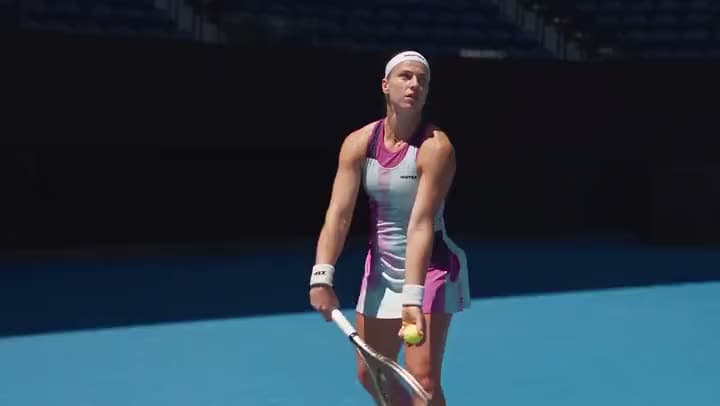
An AI video of a female tennis player in a pink and white dress bouncing the ball before a serve on a blue court.
PromptSeedance 2.5

A poised, attractive female tennis player, mid-competition intensity, wearing a fitted Hightex tennis outfit — a bright, monochrome-accented athletic dress, matching headband, and visible Comtex branding on the sleeve and headband.

Promo or explainer template

Promo or explainer template → a branded video with logo, captions, and an end-card call to action

A tennis player mid-serve, built from a branded promo template.
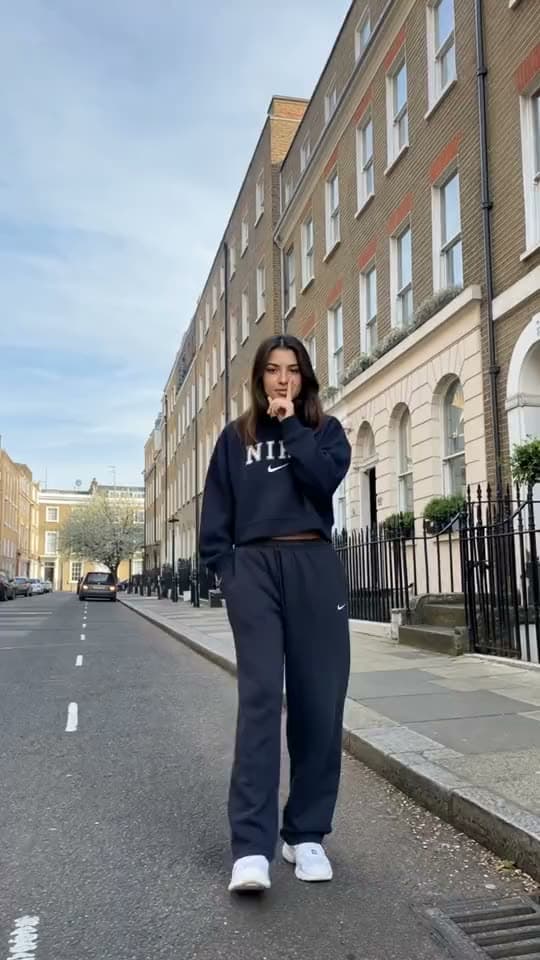
A vertical video of a young woman in a navy Nike sweatsuit striking a pose in the middle of a quiet London terraced street.
Uploaded clips

Uploaded clips → a trimmed sequence with music

A woman posing on a London street, built from clips you upload and trim yourself.

A vertical AI video from the driver's seat of a vintage car cruising down a palm-lined road toward the low sun.
Blank or light-assist start

Blank or light-assist start → a short social video alongside a landscape export

A vintage car cruising down a palm-lined road, built from a lightly-assisted blank project.

How to Make an Online Video with Aragon

Start a project from a template, an upload, or a light assist, edit it on the timeline, then export.

  1. 1

    Start From a Template, Upload, or Light Assist

    Pick a template that matches what you need, an explainer, a promo, a social short, or an intro bumper, or drop in footage and photos you already own.

  2. 2

    Edit on the Timeline: Clips, Captions, Music

    Arrange your scenes on the timeline. Trim the pacing, add captions where speech needs them, and lay music under the picture.

  3. 3

    Resize, Preview, Then Export

    Preview the video, swap out a weak scene if you need to, pick an aspect ratio, then export your finished video.

Make a video

What Should an AI Video Maker Actually Do?

It should let you start from a template or a blank project, edit everything on a real timeline, and export a finished video, without locking you into just one input type.

A Template or a Blank Project, Either Way

Video maker work starts from something you can actually edit, not a rigid format. Pick a template when you want structure. Open a blank project when you already have footage of your own.

A Timeline That Actually Finishes the Job

Most people need to trim and arrange their footage properly, not just drag it onto a basic slideshow. Cuts, scene order, and light transitions are what keep a story watchable.

An AI 3D-animated clip of three hooded robbers with long noses grabbing stacks of cash in front of an open bank vault.
PhotoVideo

AI Assist When You're Starting From Scratch

When you don't have much to work with yet, AI assist can help sketch out scenes, suggest copy, or speed up a first draft.

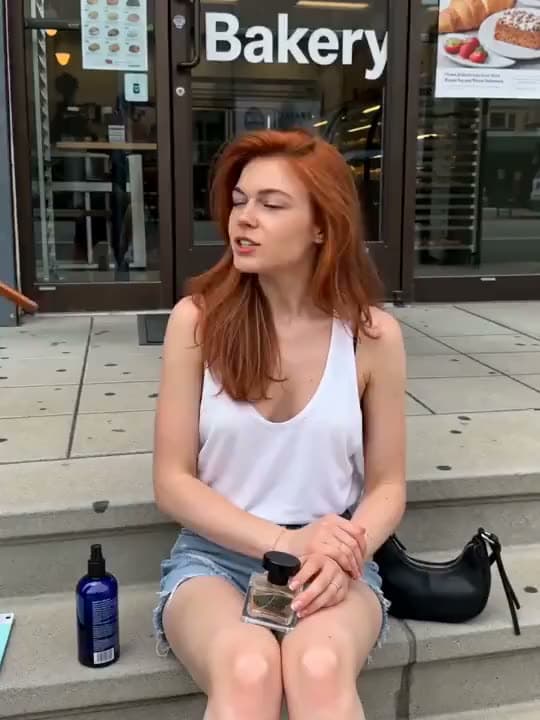
A vertical AI video of a red-haired woman sitting on bakery steps, talking with a perfume bottle held in her lap.

Captions, Music, and Supporting Footage

Social-ready videos usually need readable captions and a soundtrack under the picture. Add a track you have the rights to use, and readable text, so the video feels finished wherever it's posted.

Export in the Format You Actually Need

Campaign and creator teams usually need more than one frame size. Landscape works for your site or YouTube-style videos, vertical works for Reels and Shorts.

Try Free Online with Account Credits

Free credits come with your account, so you can try it before committing to a plan.

Stay Inside the Suite After You Export

This tool is built for broad, general video projects. Need something more specific? Text to Video for a paste-first start, Image to Video for photo-to-motion, Promo Video for a campaign finish, Intro Maker for a short branded opener, or Instagram Reels Maker for a vertical-first Reels workflow.

Who Uses an AI Video Maker Like This?

A vertical AI video of a woman in bed holding up a pink tube of skincare and talking to the camera in a UGC-style ad.
Creators

Creators Making Social Shorts and Feed Videos

You need a quick video for the feed, not a whole production week. Start from a social template or clips you've already shot.

An AI animated clip of a fluffy blue creature staring up at a chocolate cake on a kitchen counter.
Marketers

Marketers Packaging Explainers and Product Stories

Feature bullets and product shots already live in your docs. Turn them into a short explainer video without a full day of filming.

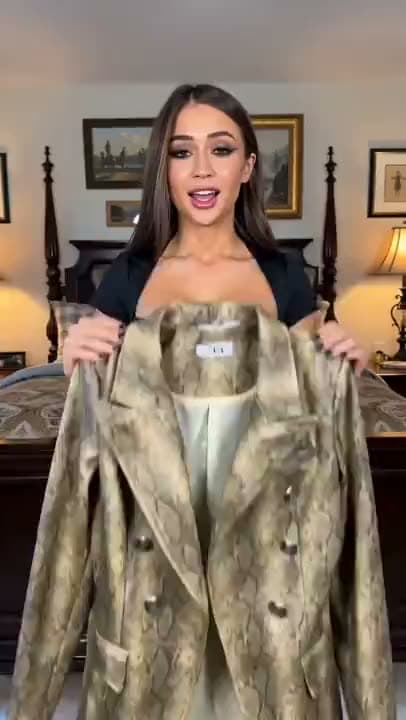
A vertical AI video of a woman in a bedroom holding up a snakeskin-print double-breasted blazer to the camera as she talks.
Ecommerce

Ecommerce and Startups Making Ads and Promos

Campaign teams need the offer, the proof, and the call to action all in one video they can actually place. Promo templates or your own uploads open into an editable draft.

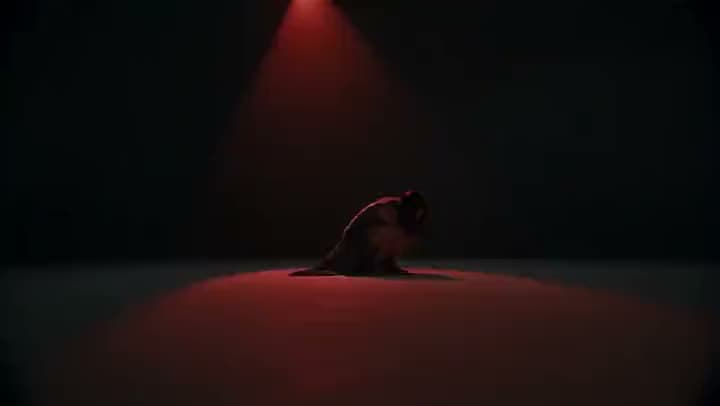
An AI video of a dancer crouched low on a bare stage, lit only by a single red spotlight from above.
Brands

Brands and Agencies Needing Intros and Brand Clips

Agencies often need a five-second branded opener before the main video. Starting from an intro-style template gets you there fast.

Reviews

What our customers say

total reviews on

Make a Video Today

Start from a template or a blank project. Edit on the timeline.

Have a question? We're here to help

Customer satisfaction is our number one priority. Our live agents are available 7am - 11pm (PT), 5 days Sunday through Thursday.

A video maker helps you start a project, edit clips on a timeline, and export a finished video. On Aragon, that means starting from a template or a blank project, finishing on the timeline, adding captions and music, and exporting, all in the same workspace. It's not limited to just one specific kind of video.

Yes. AI assist can help sketch out a draft when you're starting with very little, and you finish the rest on the timeline yourself.

Yes. Templates give you a starting shape when a completely blank timeline feels like too much, and the timeline editor itself stays simple to follow.

Start a project from a template, an upload, or a light assist. Edit your clips, captions, and music on the timeline. Resize it if you need a different aspect ratio. Preview it, then export.

Open a template that matches what you need, or drop footage and photos you already own into a blank project. Arrange your scenes, trim the pacing, and add music if you want something under the video.

Yes. Account credits let you try it online before you upgrade to a paid plan.

Watermark rules depend on your plan. Check the pricing page for current watermark, credit, and commercial details before you use it for client work.

Explainers, promo-style videos, social shorts, intro bumpers, lessons, and brand clips. If you need something more specific, like a paste-first start, a photo-first start, a dedicated promo, an intro, or a Reels-first workflow, those have their own dedicated tools. Use this video maker for a broader create-edit-export project.

Yes. Account credits start you right in the browser. There's nothing to install to open a project and export a video.

Personal and commercial use depend on your plan and Aragon's Terms. Only use assets you have the rights to use, and check your plan's limits if you're working on something for a client.

Your uploads stay private during processing. For full details, see Aragon's Privacy Policy.

The Leading AI Headshot Generator for Professionals

Trustpilot

Trusted by professionals and teams

Earn 30% for every referral

Join our affiliate program for free!

SOC 2 Type II compliant

Copyright © 2026 Aragon AI, Inc. All rights reserved.

Terms of Use & Privacy Policy