01
Turn Detailed Prompts Into Images
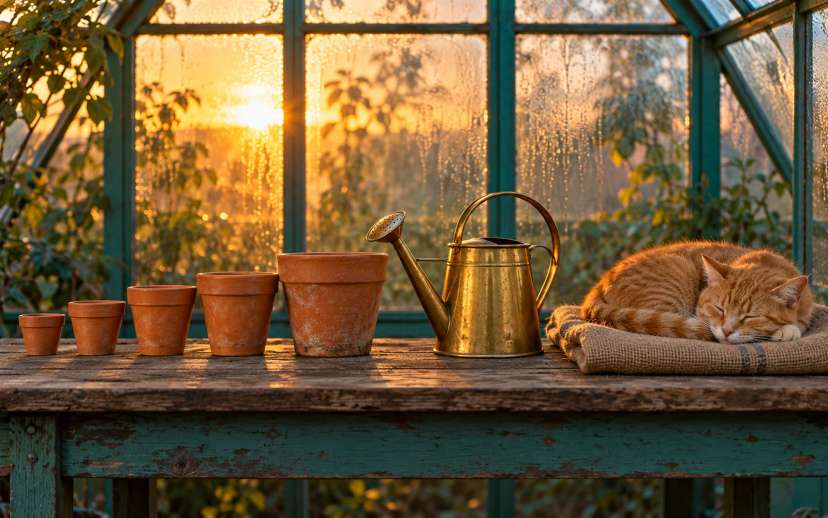
Describe the main subject, setting, lighting, colors and layout in one request. GPT Image 2 follows multi-part instructions to build the complete scene around the details you provide.
GPT Image 2 is OpenAI's AI model for creating new images and editing existing photos from text. It follows detailed instructions, handles readable text inside designs and gives you Medium or High quality options on Aragon.
Use the model for posters, product visuals, ads and controlled photo changes from a prompt or uploaded image.
GPT Image 2 is OpenAI's image generation and editing model, with the model ID gpt-image-2. OpenAI released it on April 21, 2026 for creating images from text and changing existing images with written instructions.
The model can build a new visual from a prompt or use an uploaded photo as the starting point for a change. It is especially useful when a design needs readable words, organized placement, product details or several instructions followed in one result.
On Aragon, you can choose Medium or High quality depending on the level of detail needed for the final image.
The model is built for image work where instructions, words, layout and visual details need to come together clearly.
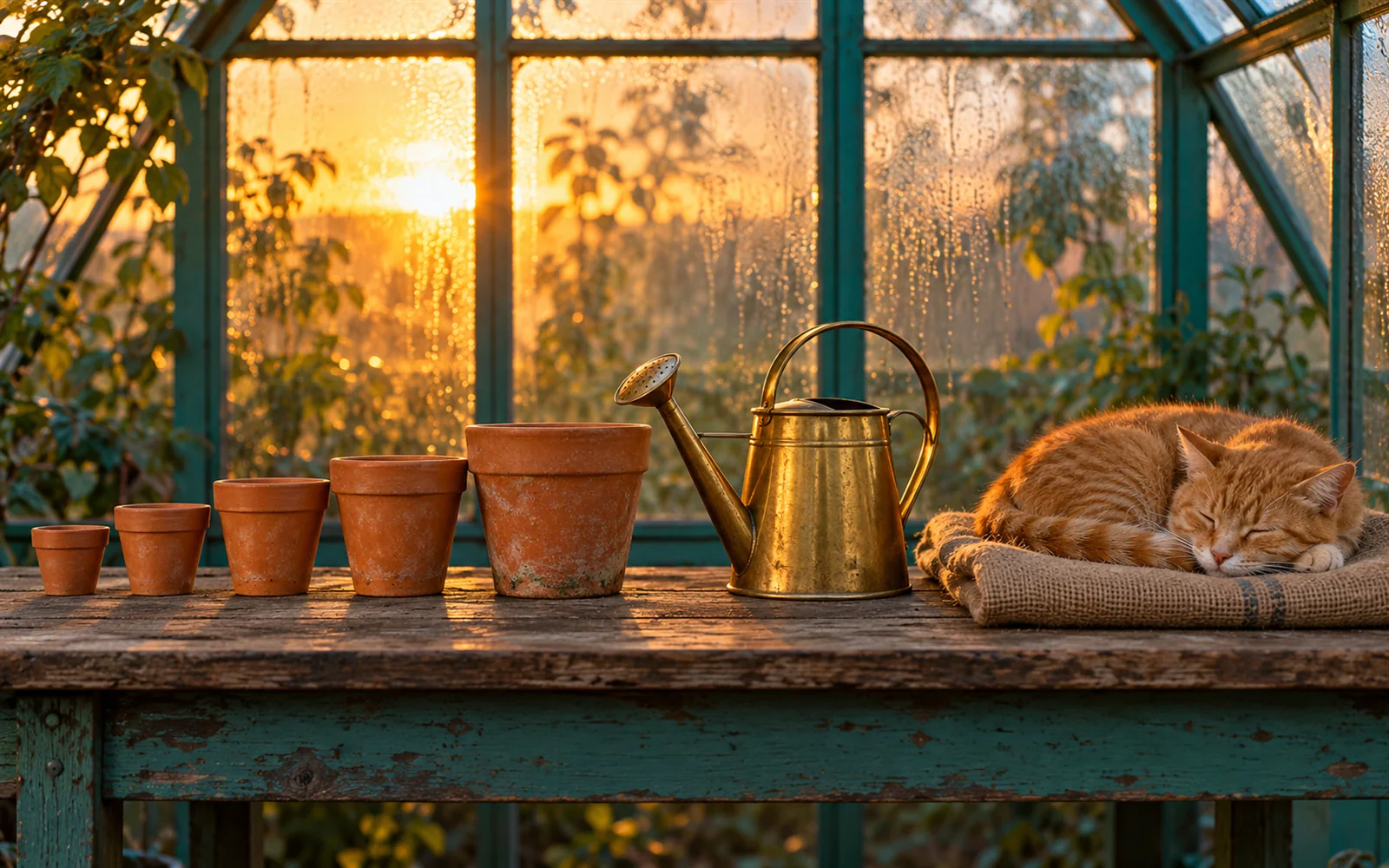
Describe the main subject, setting, lighting, colors and layout in one request. GPT Image 2 follows multi-part instructions to build the complete scene around the details you provide.
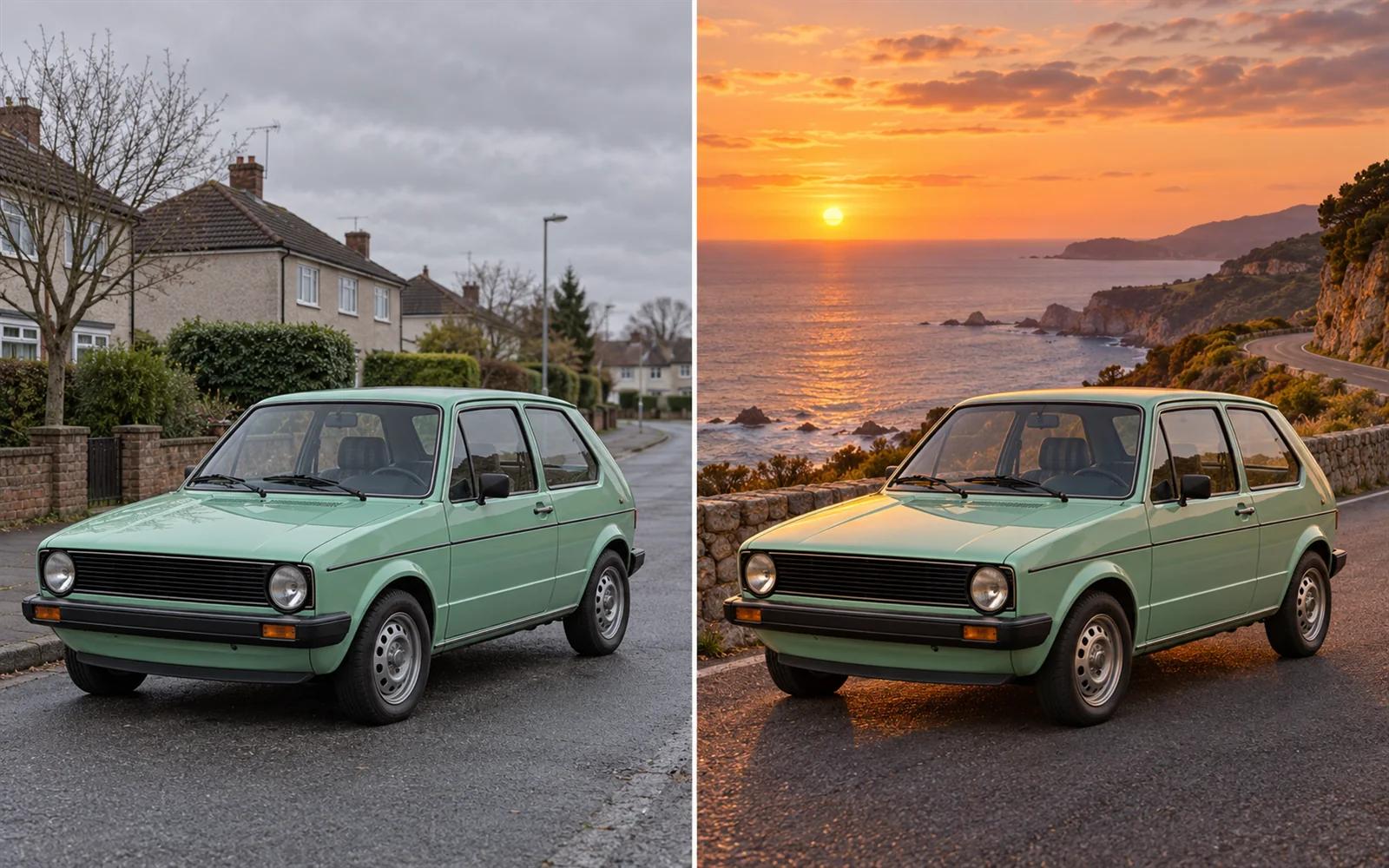
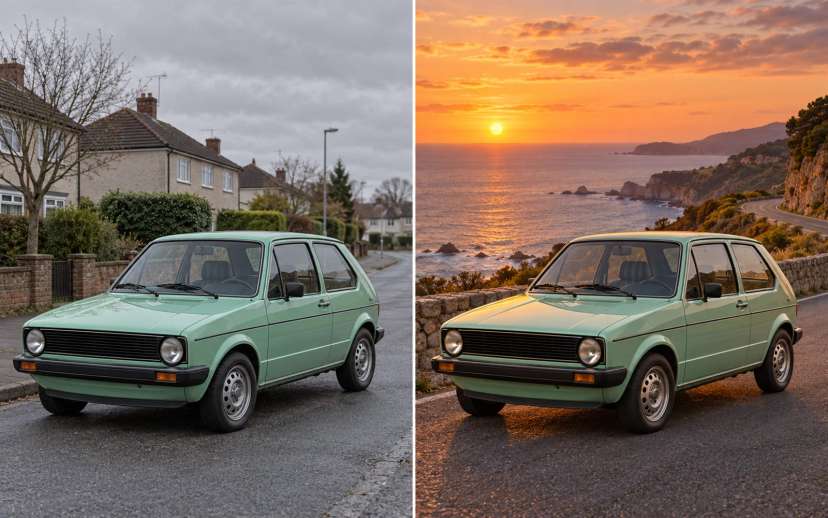
Upload a photo and describe the exact change you need, such as replacing the setting, changing an object or updating part of the scene. The model starts from the original image and applies the requested change.
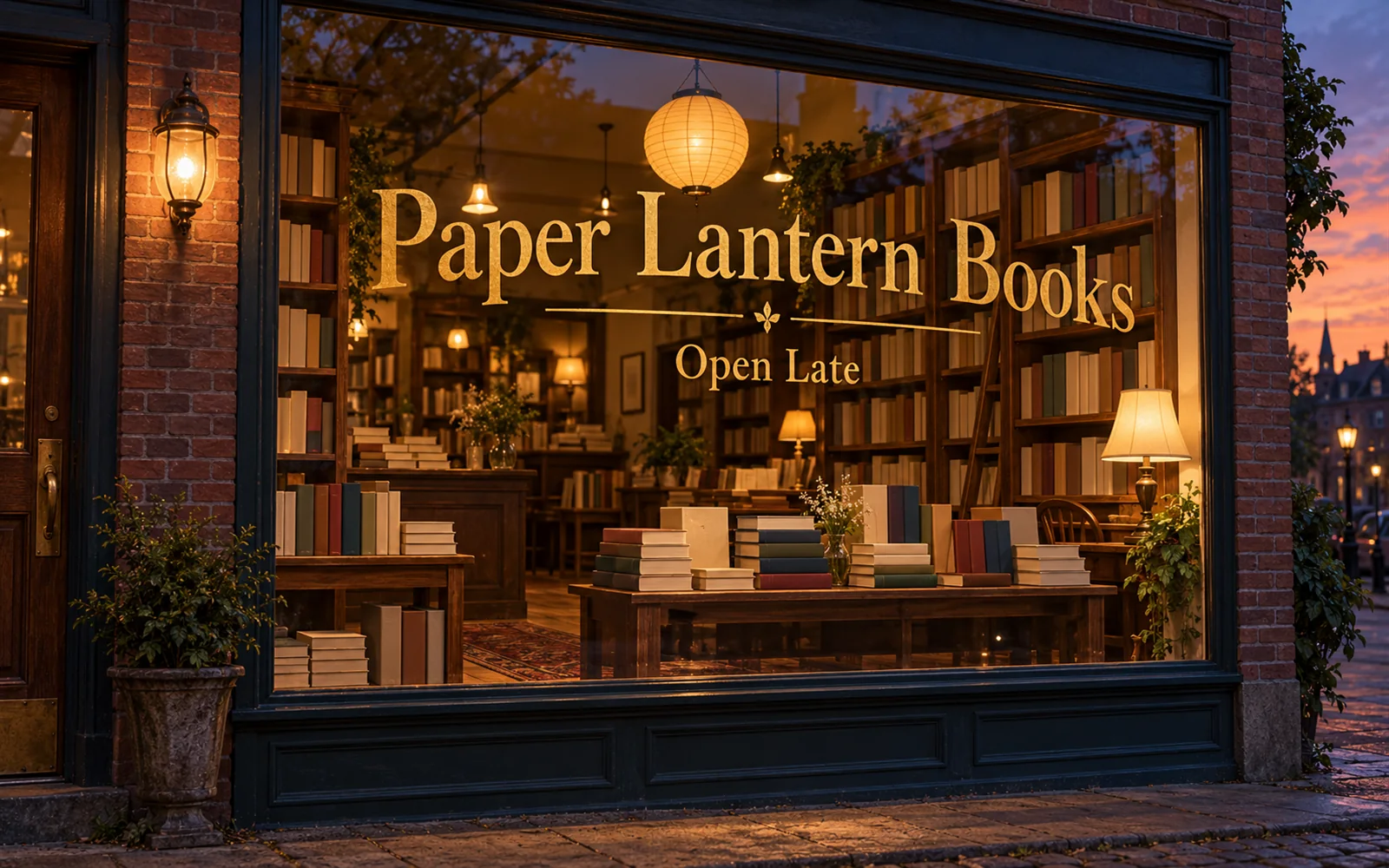
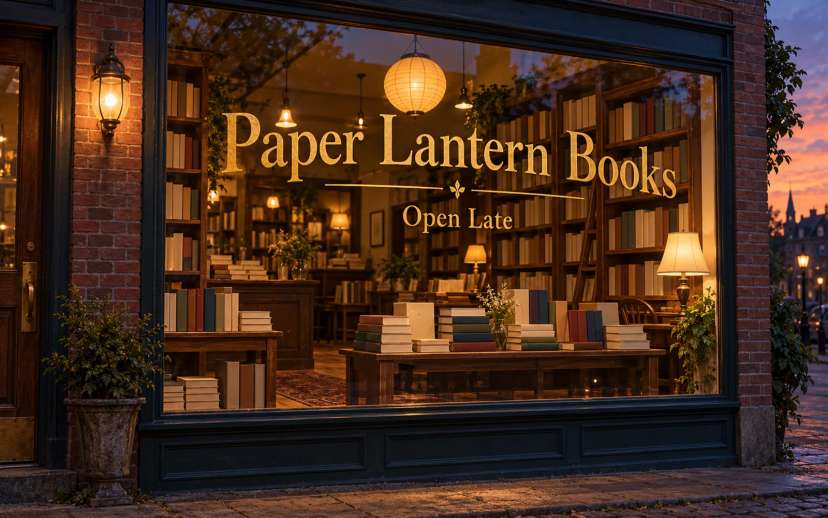
Add headlines, labels, signs and other words directly inside an image. This makes GPT Image 2 useful for posters, ads, menus and graphics where written content needs to stay readable.
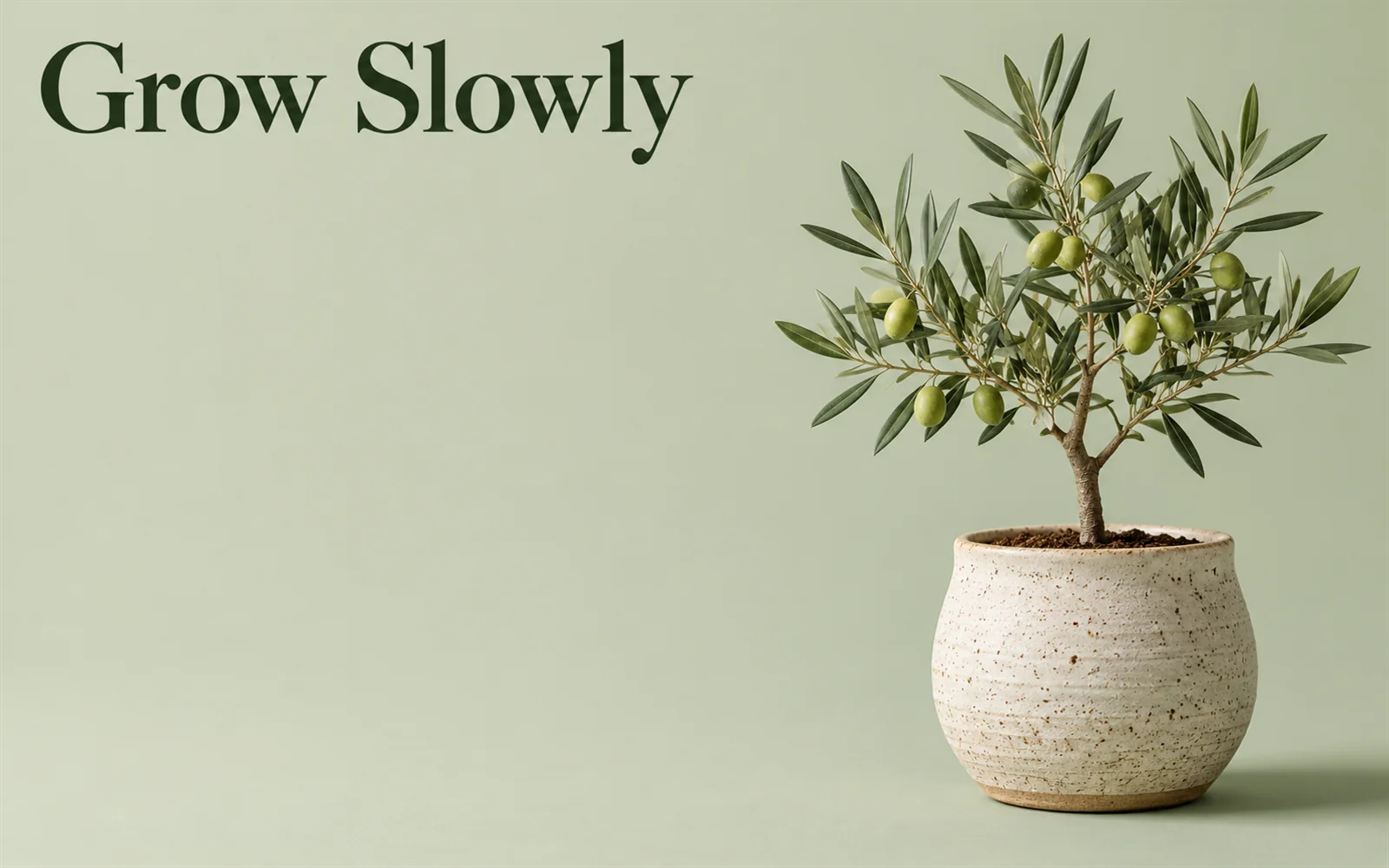
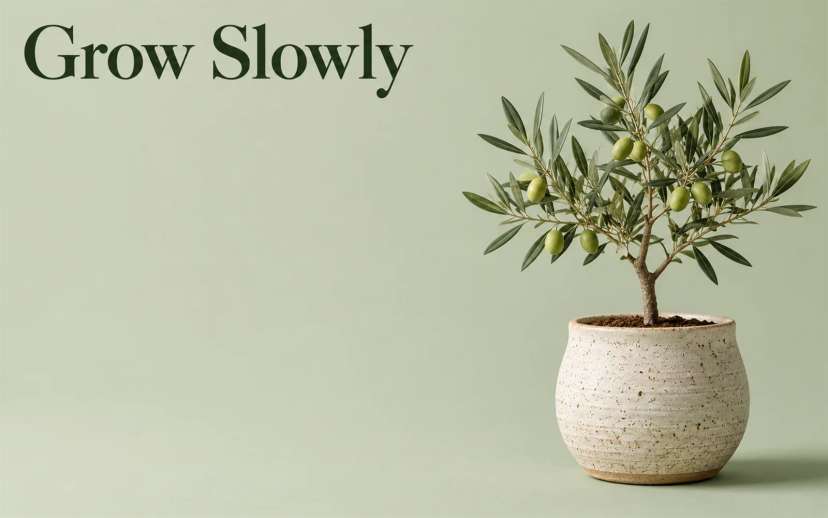
Tell the model where the product, headline or open space should sit in the frame. Clear placement instructions help create designs that are easier to use for marketing and branded creative.
See examples created on Aragon, with the exact prompt or editing instruction used for every result. Copy an example and change the product, wording, setting or style for your project.
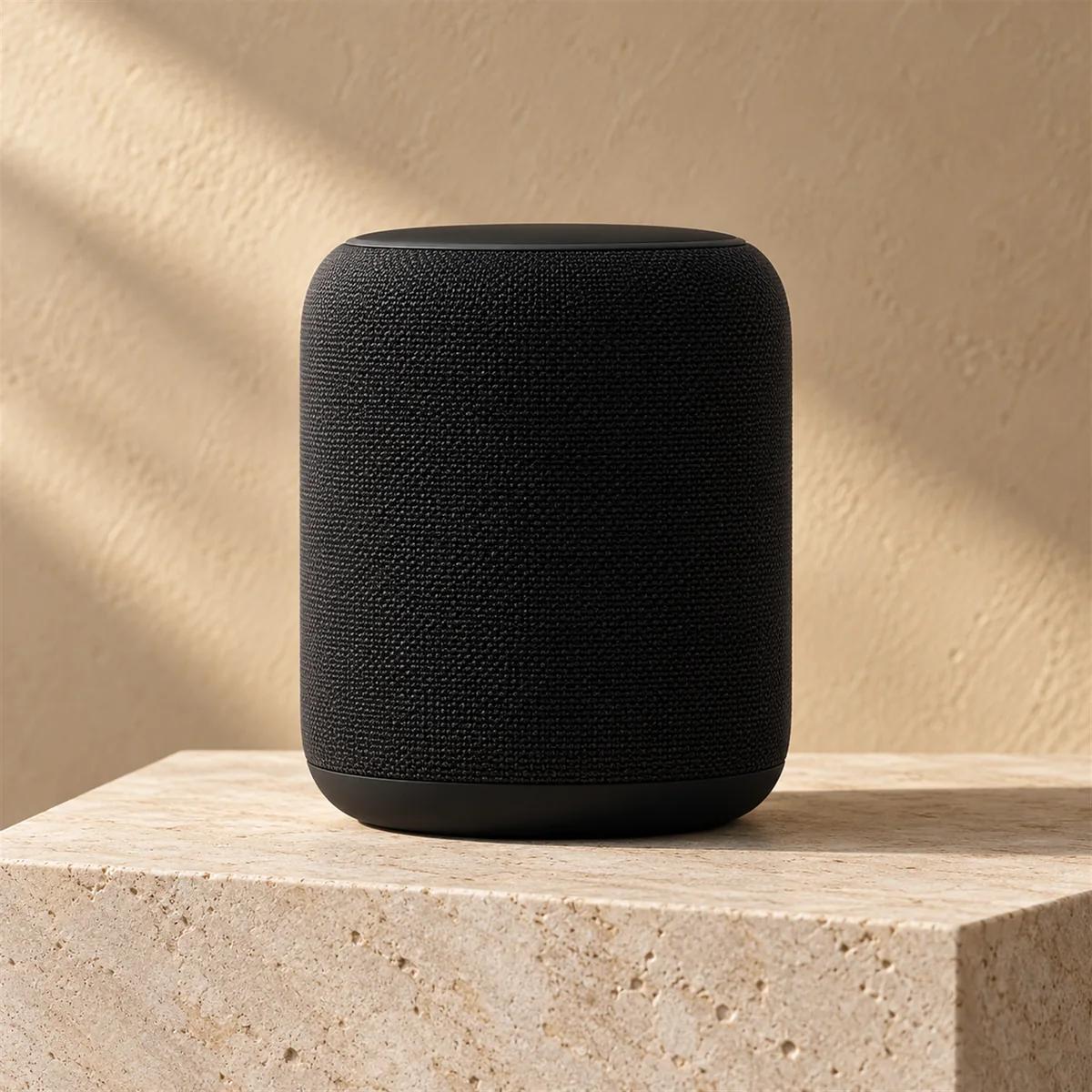
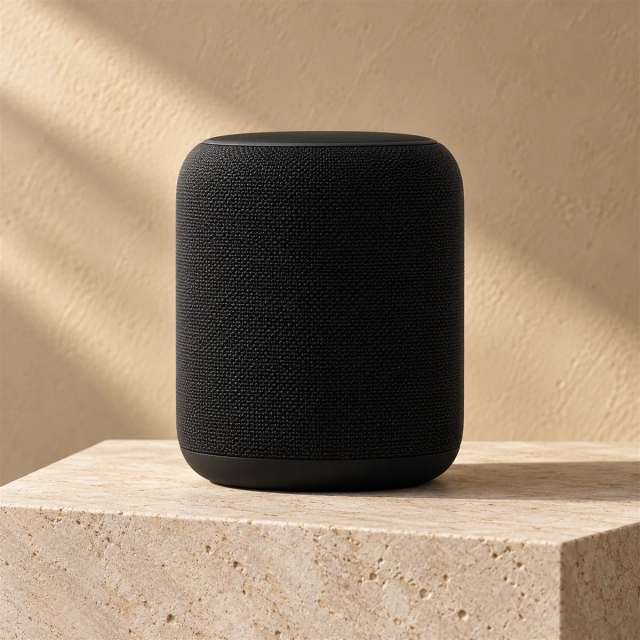
Prompt
A matte black wireless speaker on a light stone platform, soft side lighting, warm beige wall, clean product campaign, realistic material texture, centered composition.
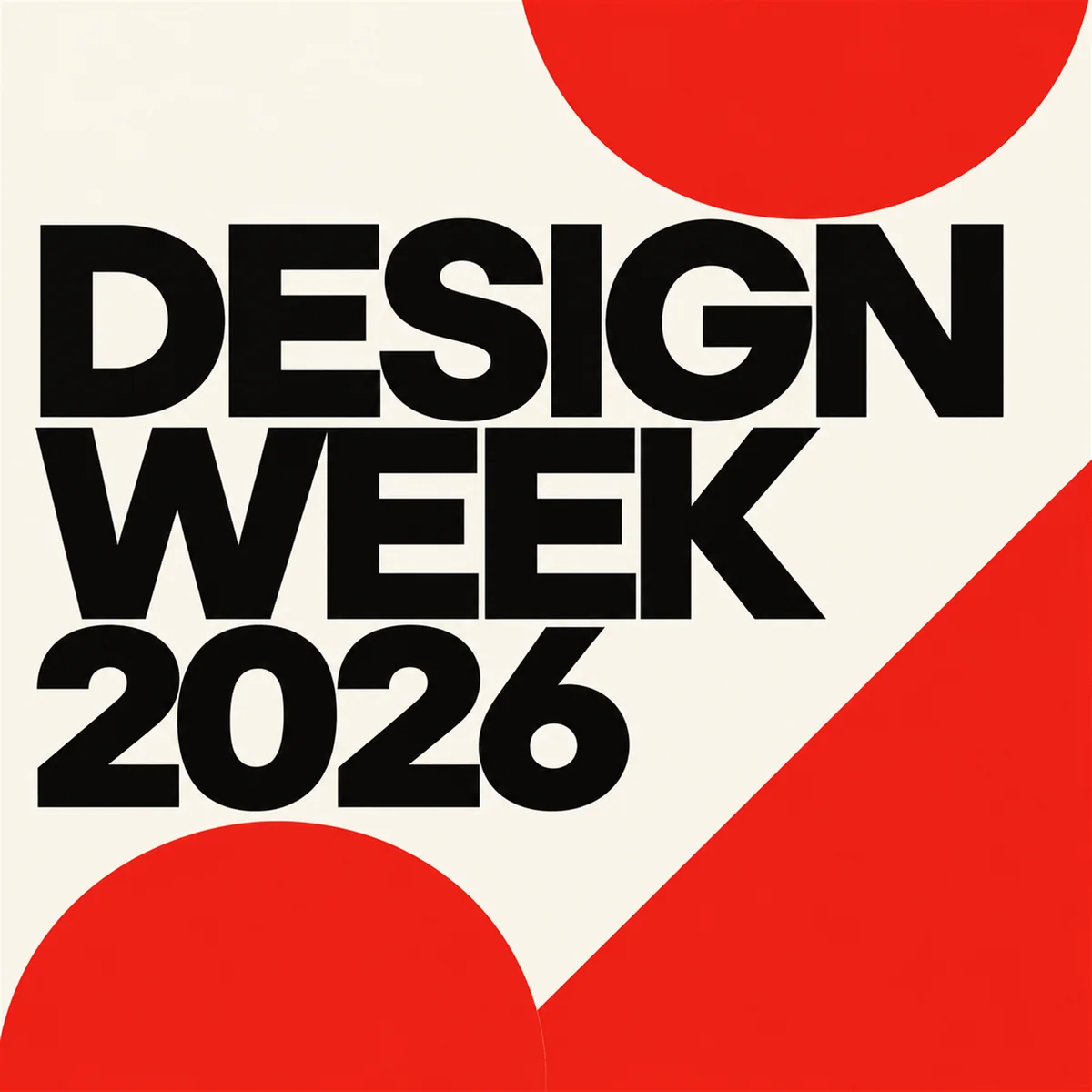
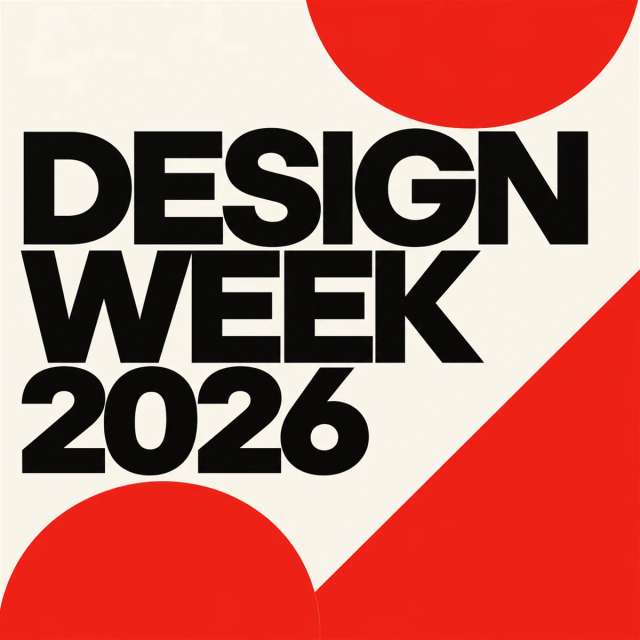
Prompt
Create a modern square poster with the headline "DESIGN WEEK 2026", bold black type, cream background, bright red geometric shapes and a clean editorial layout.
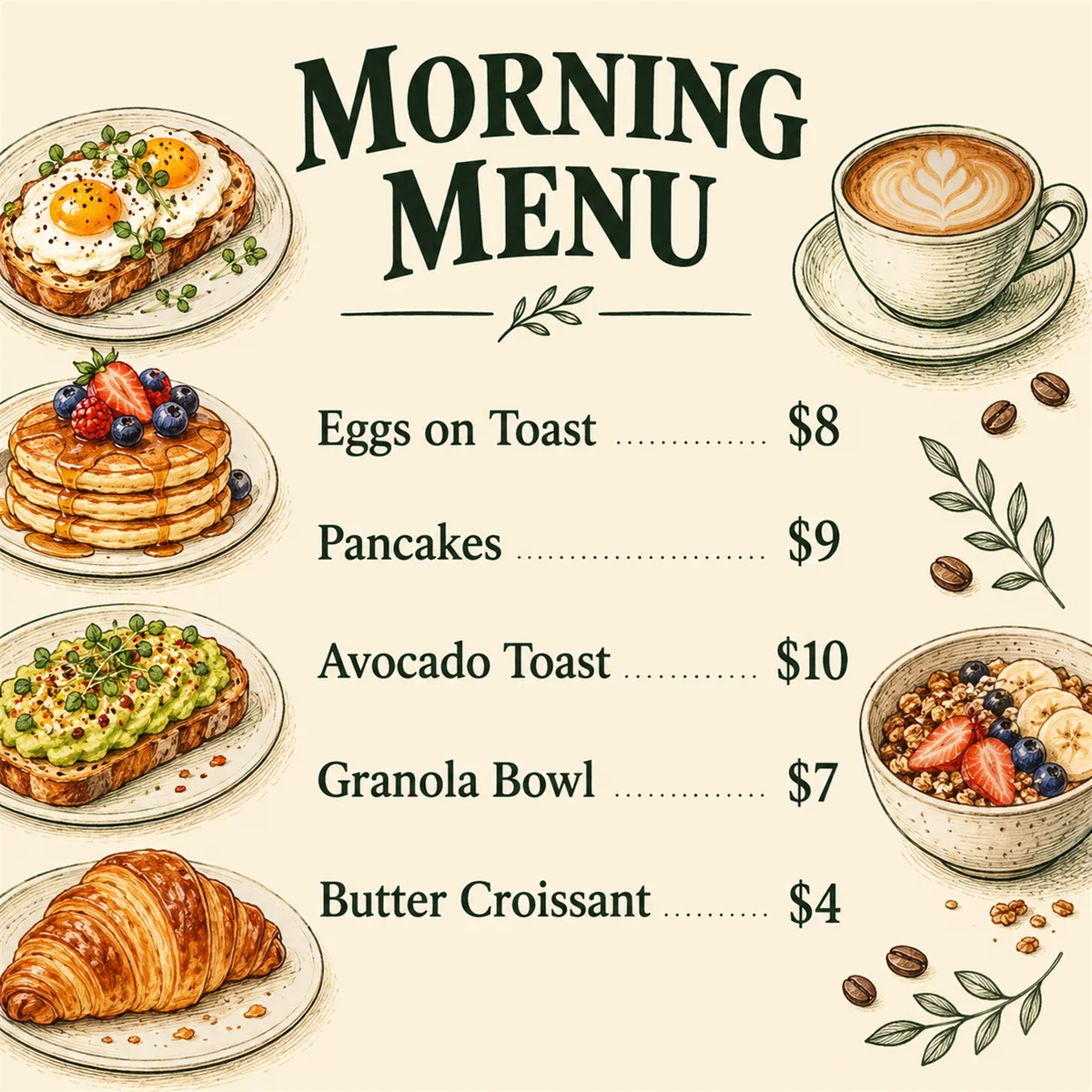
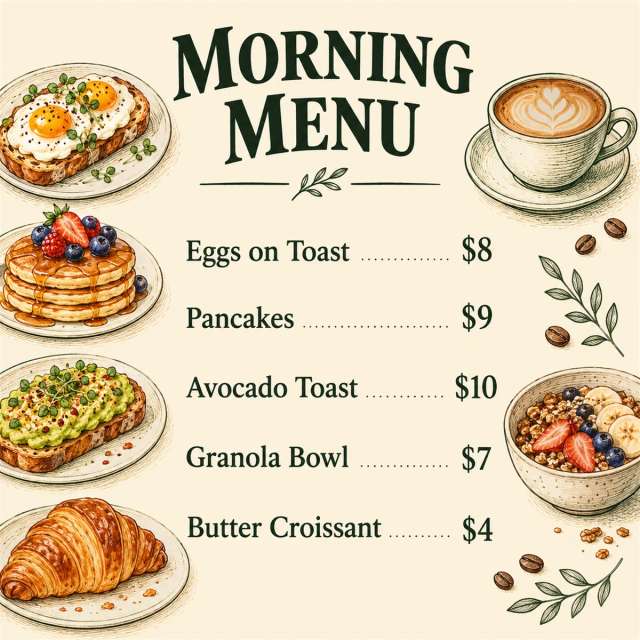
Prompt
Create a simple cafe menu titled "MORNING MENU" with five breakfast items, clear prices, dark green text, warm cream background and small hand-drawn coffee illustrations.
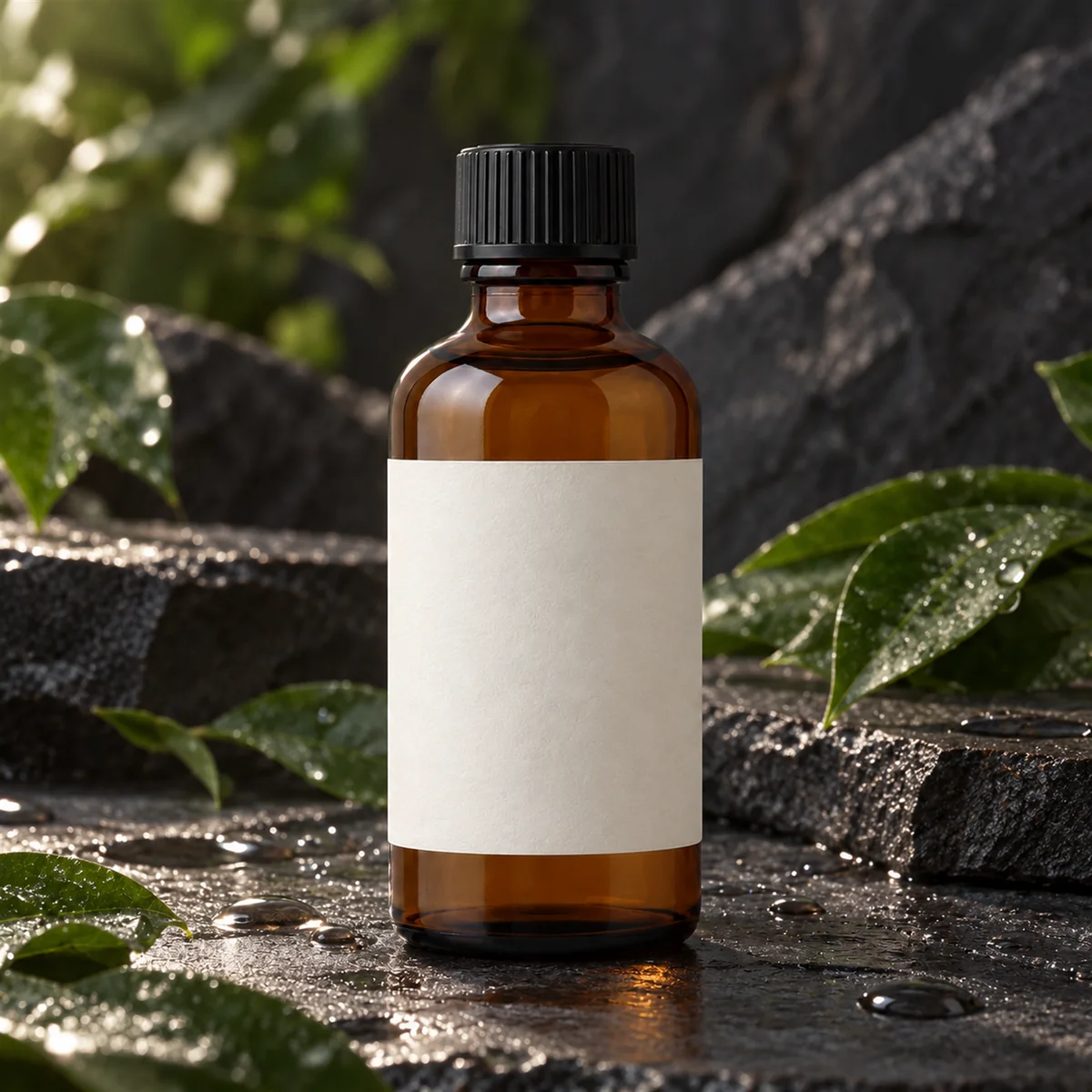
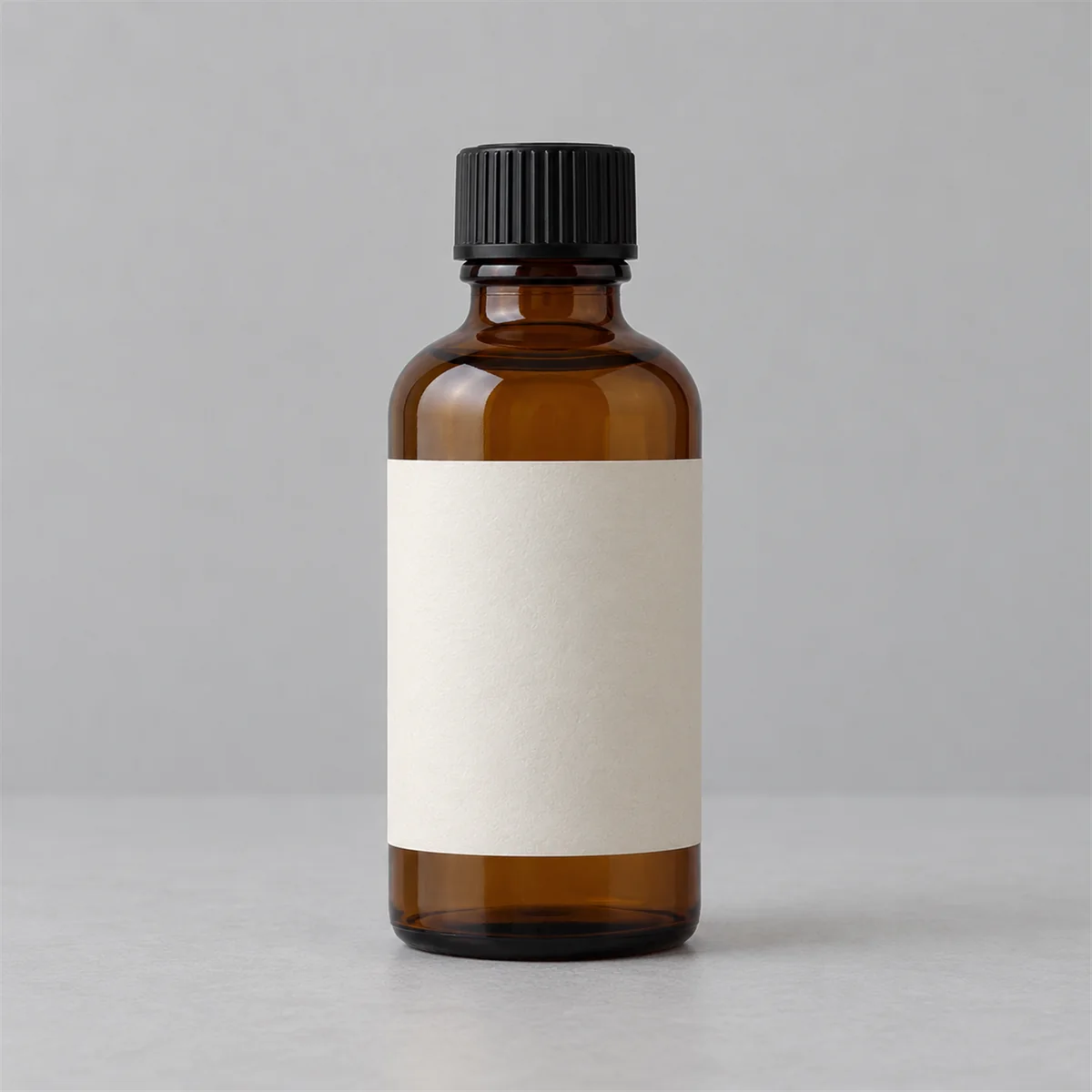
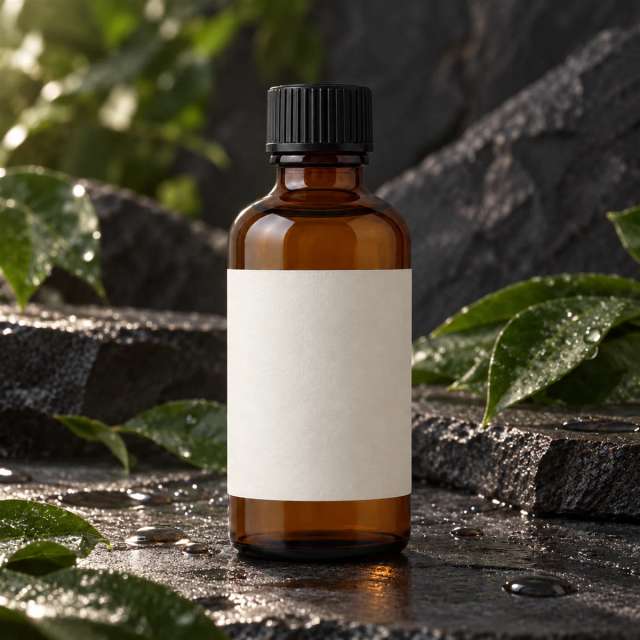
Edit instruction
Keep the bottle shape, label and colors unchanged. Replace the plain background with dark stone, green leaves and small water drops under soft side lighting.
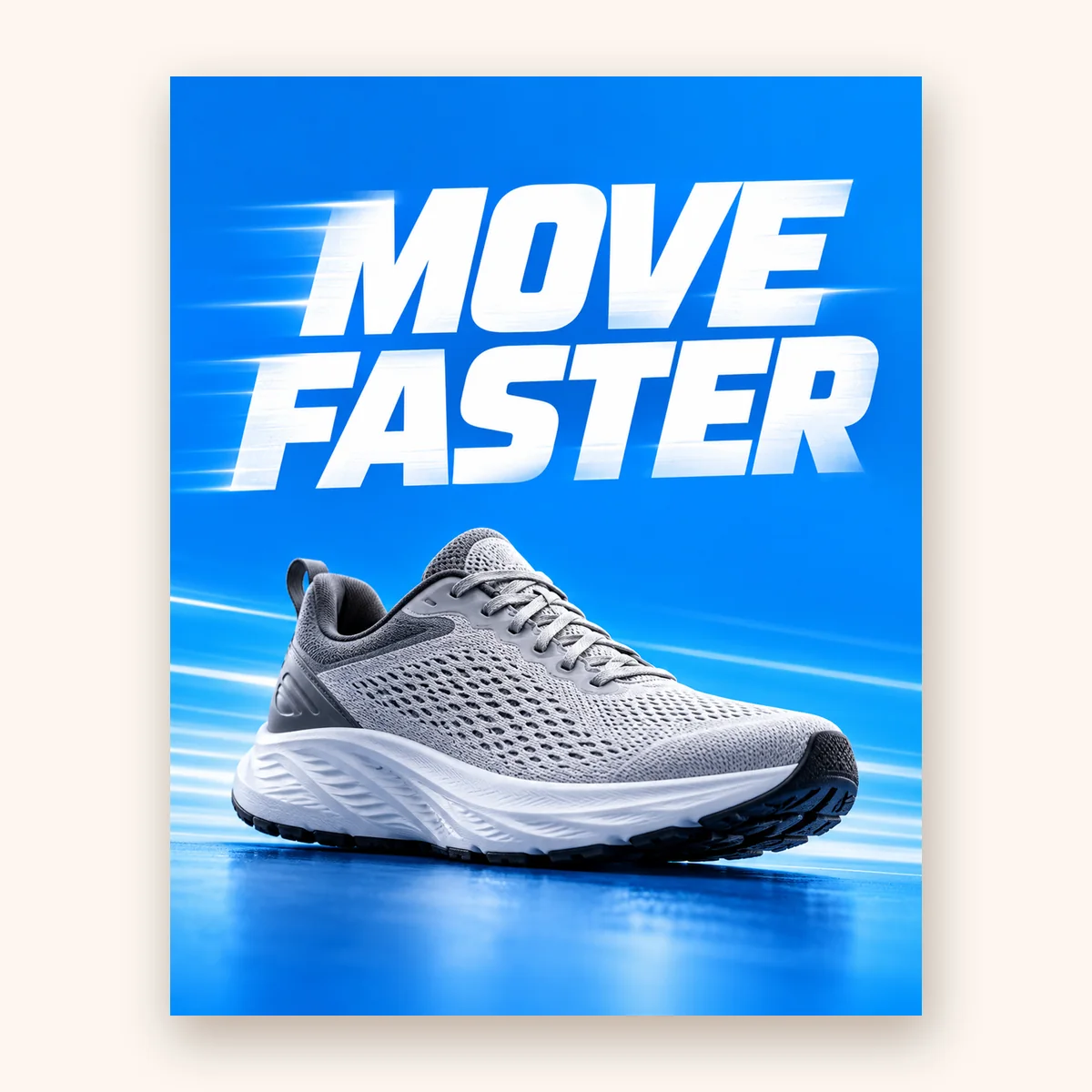
Prompt
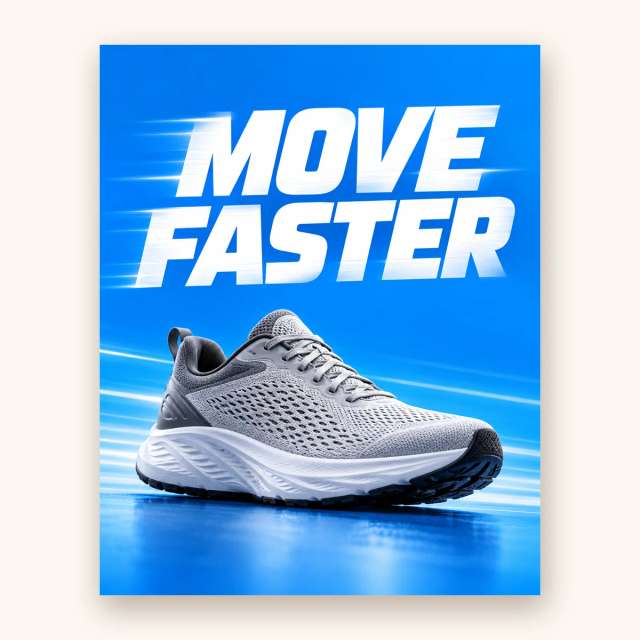
Create a vertical social ad for a running shoe, bright blue background, shoe centered in the lower half, bold headline "MOVE FASTER" above it, clean sports campaign layout.
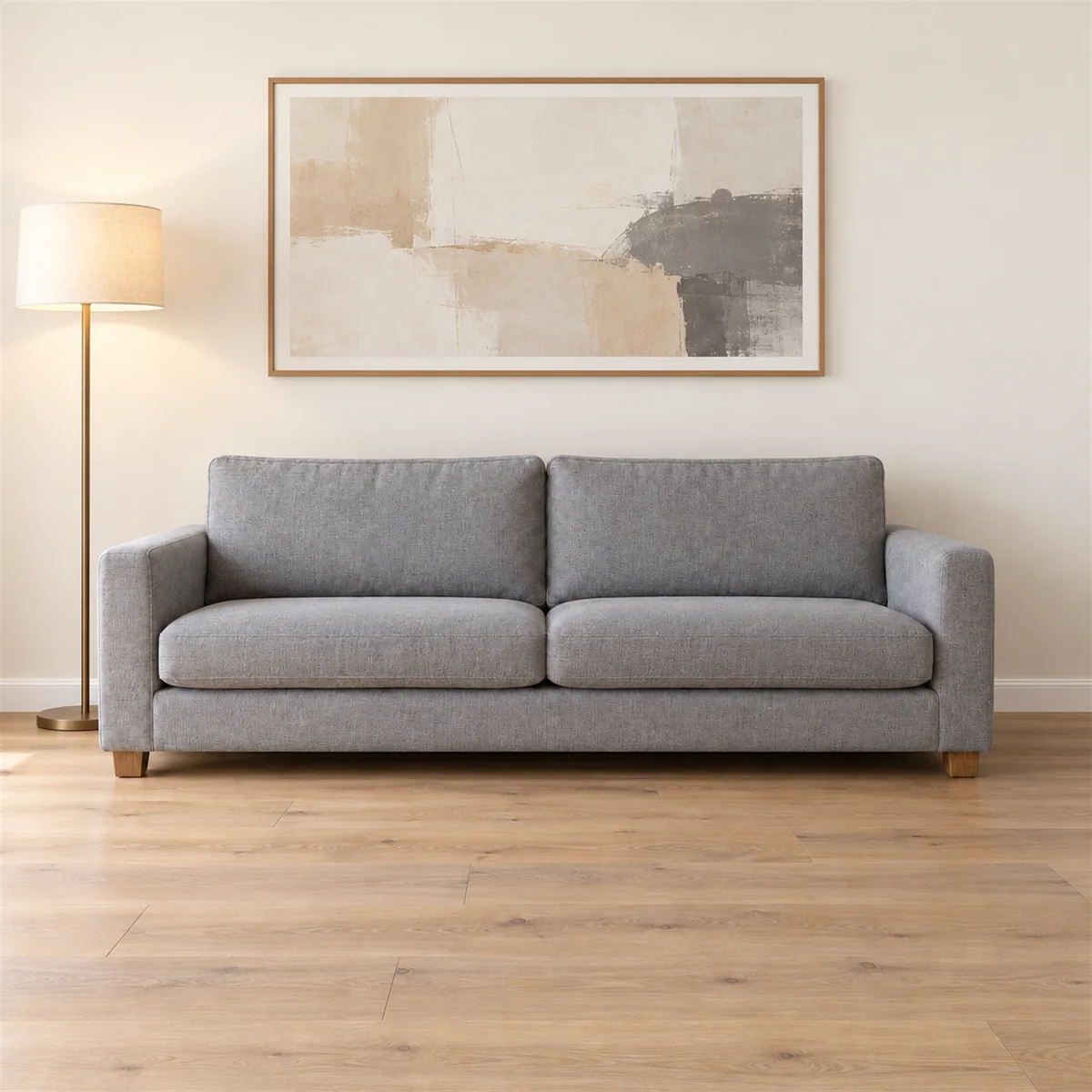
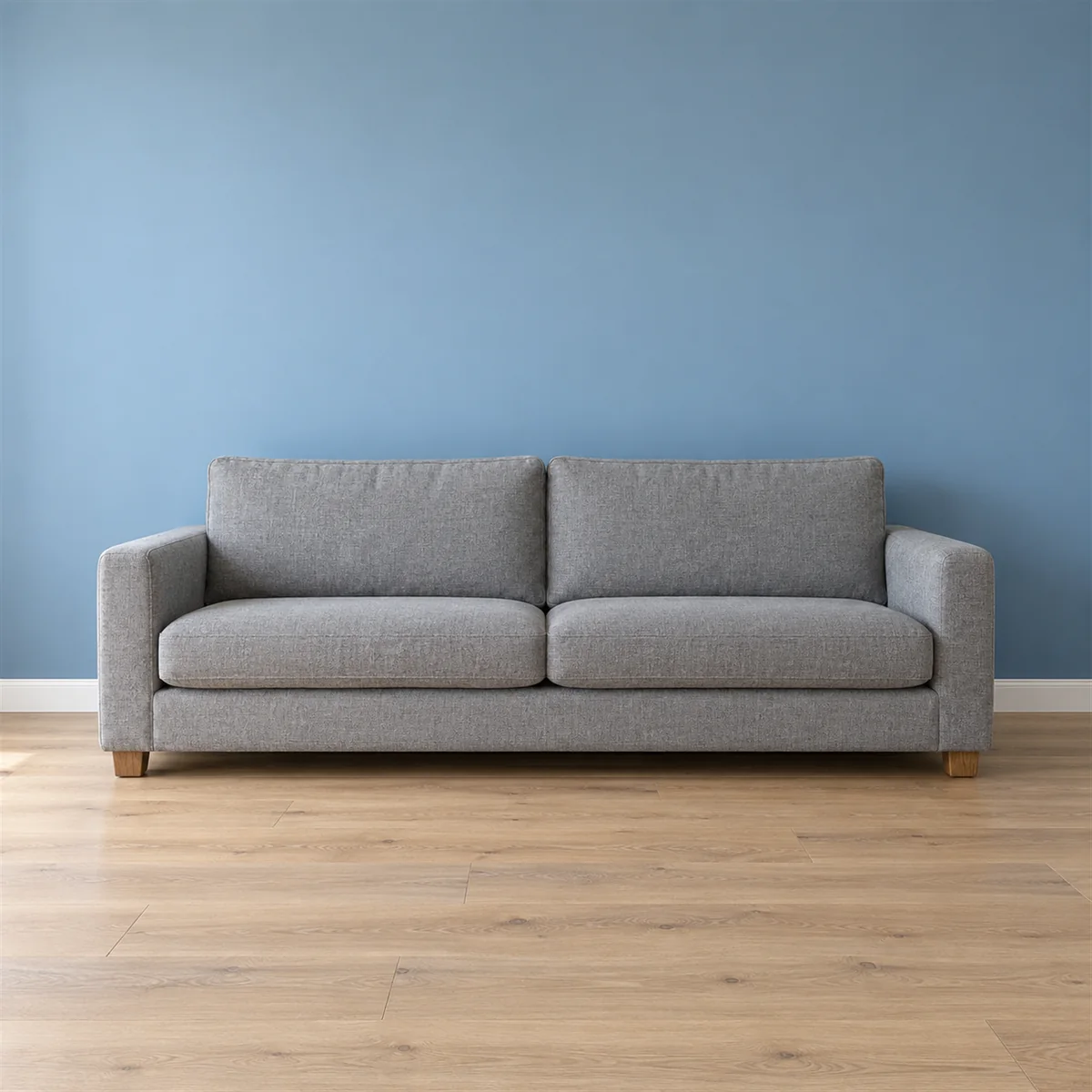
Edit instruction
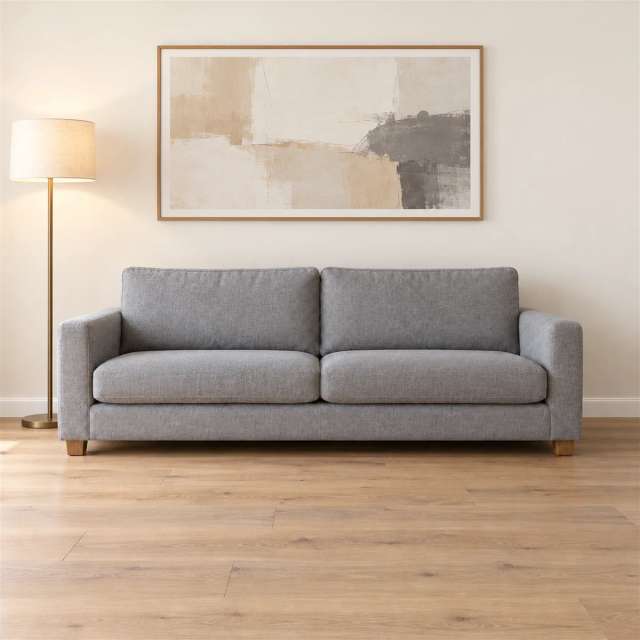
Keep the sofa and floor unchanged. Replace the wall color with warm white, add one large framed print above the sofa and place a floor lamp beside it.
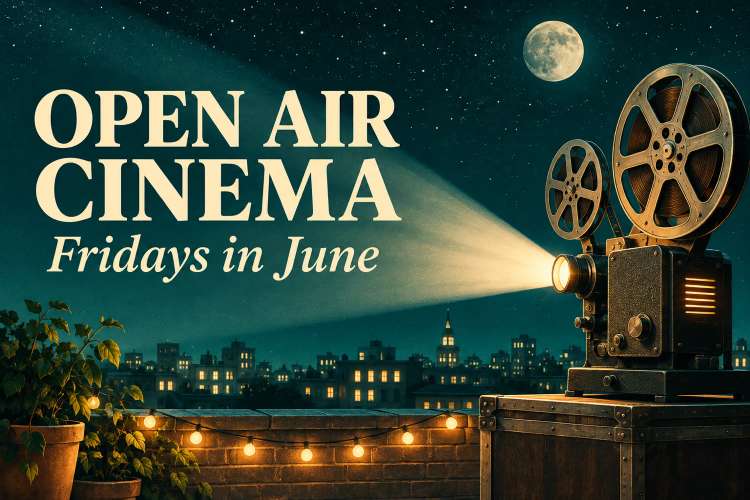
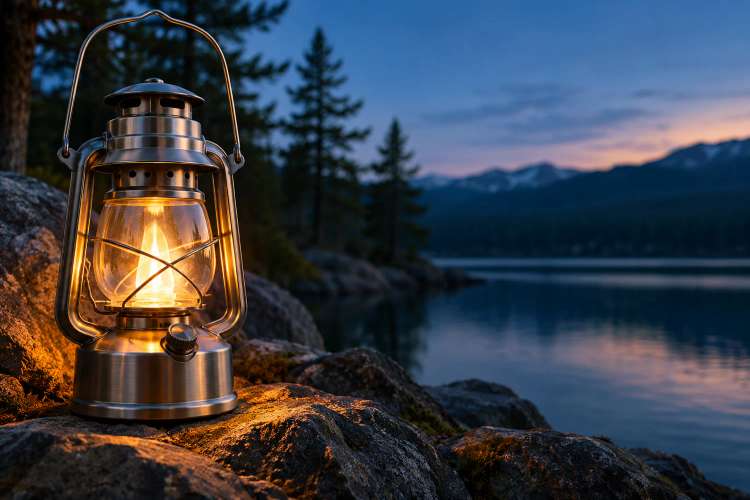
Illustrative images created from each prompt.
GPT Image 2 is a recommended image model in Aragon and also powers many focused editing tools, giving you direct image generation and task-based photo editing from the same account.
Choose Medium when you need strong image creation and editing for regular marketing, design and photo projects without using the highest quality setting.
Choose High when a project needs more attention to fine details and overall image quality, such as polished product creative or campaign graphics.
The model powers around 44 Aragon AI Editor tools. It is also the first model used for color and scene changes in Background Changer, giving common photo tasks a more focused editing experience.
Open AI Image, choose GPT Image 2 and describe the image you need to create or the change you need to make.
Sign in to Aragon and open AI Image from your dashboard.
Choose GPT Image 2 Medium or High from the model picker.
Describe a new image, or upload a photo and give the model a clear editing instruction.
On Aragon, the model works well for visual projects where readable words, controlled layout and precise image changes matter to the final result.
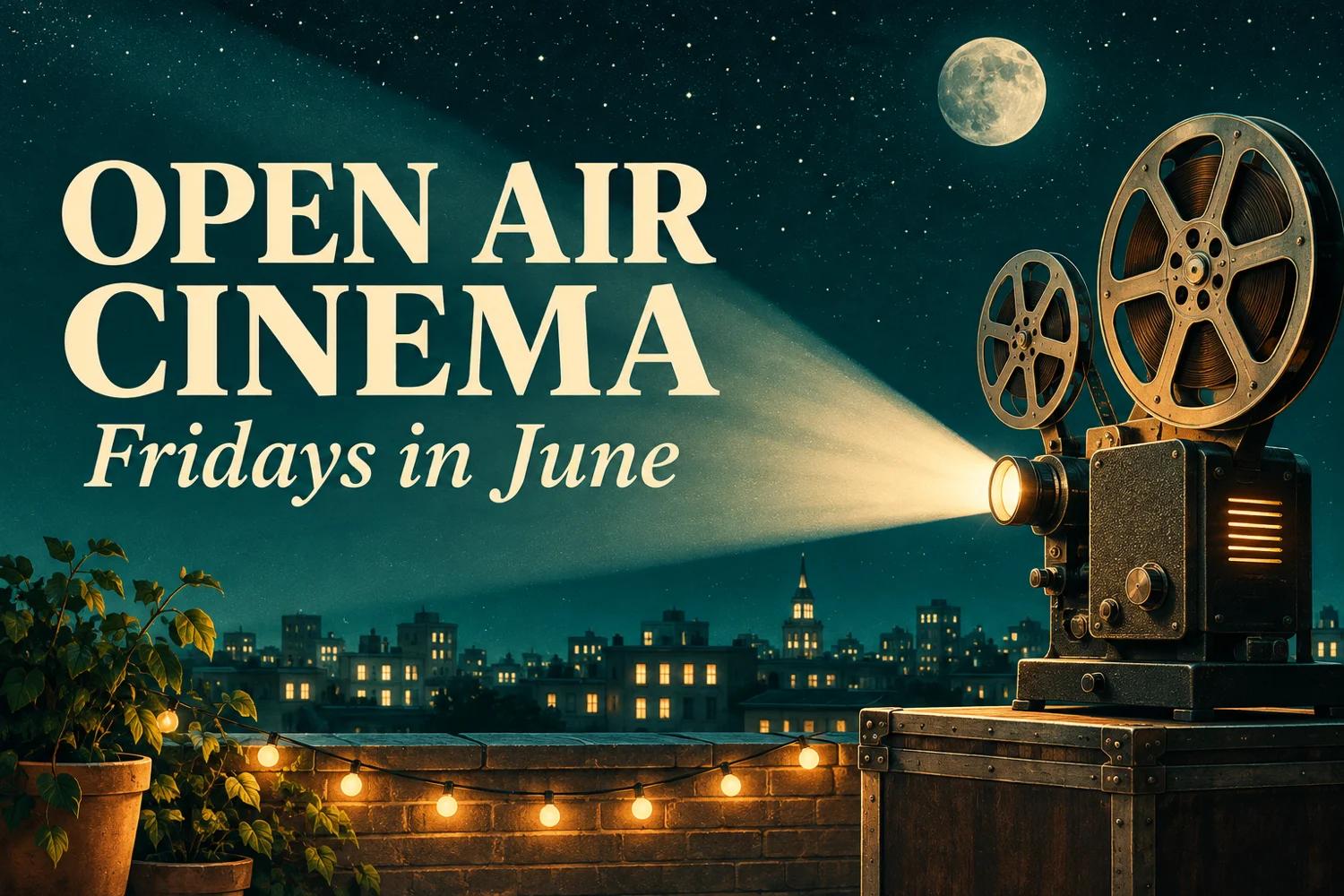
Create posters, event graphics and ads with headlines built directly into the design. Start from a prompt in the AI image generator when you need a completely new visual.
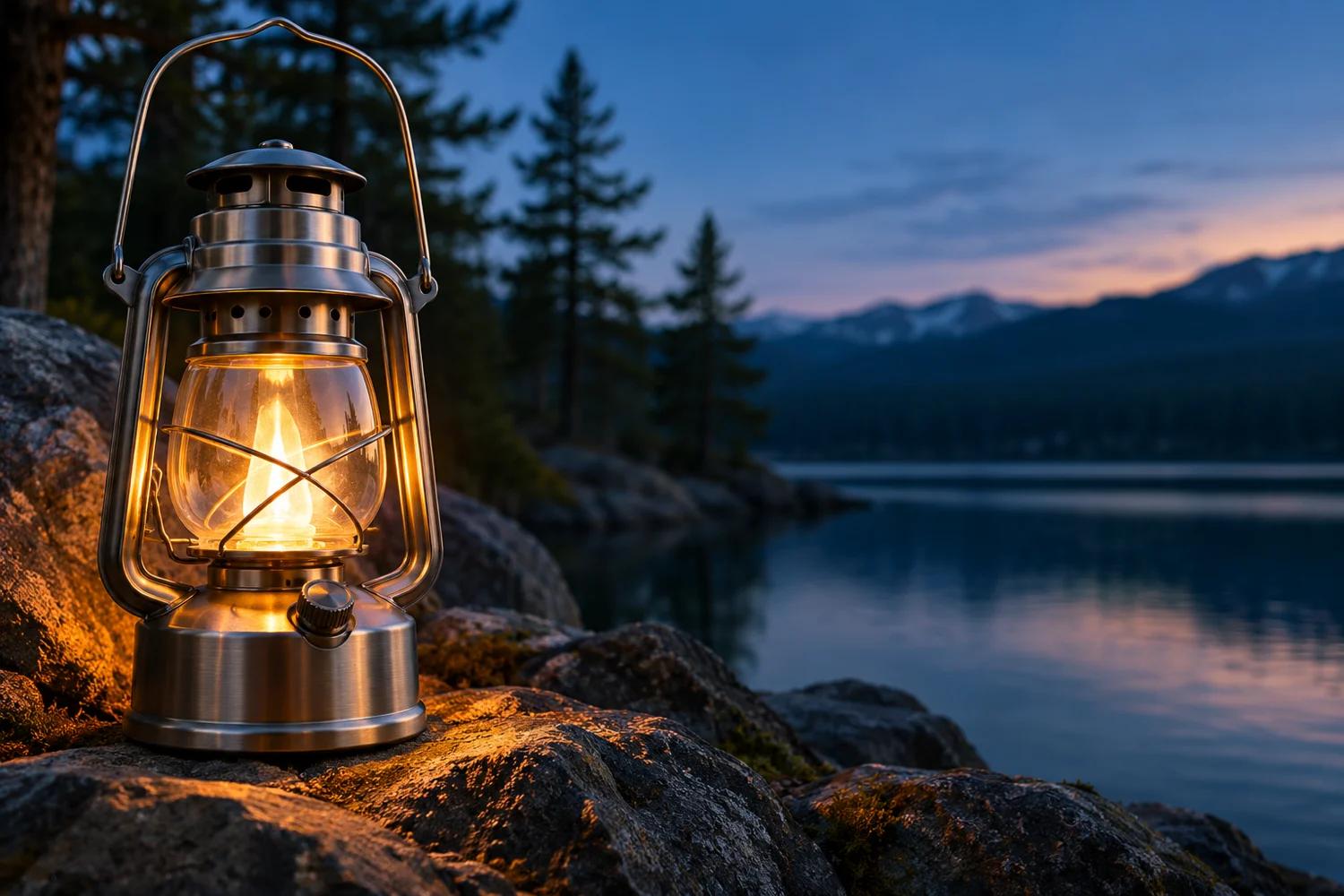
Build product visuals for launches, ecommerce pages and ads by describing the setting, lighting and placement around the main item.
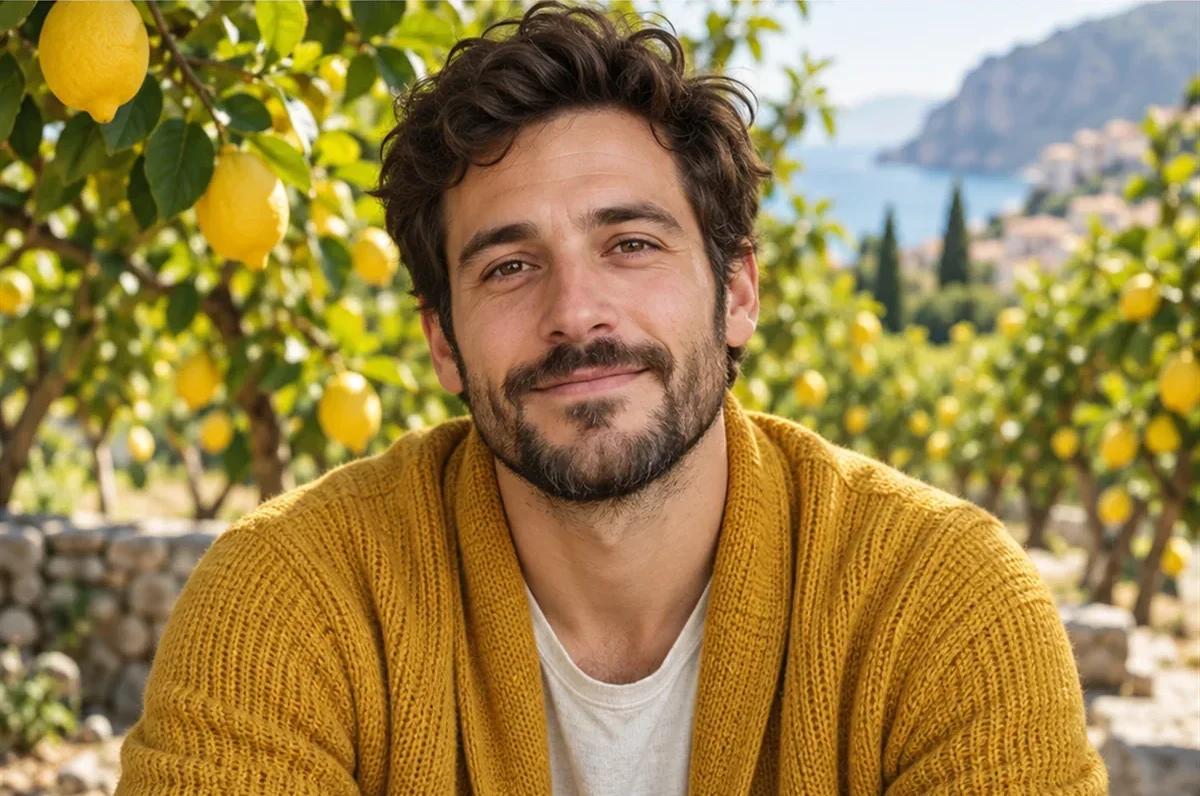
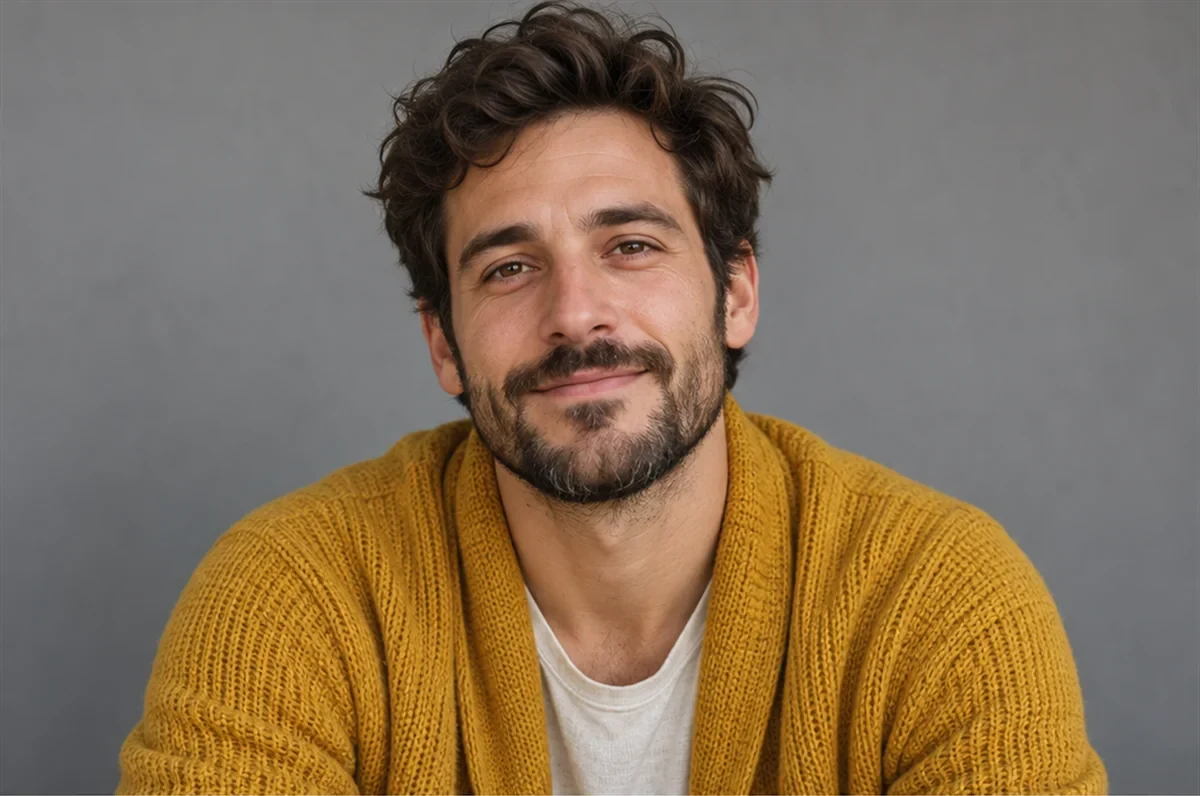
Use the background changer to place a person or product in a different color, room or setting while keeping the main image as the starting point.
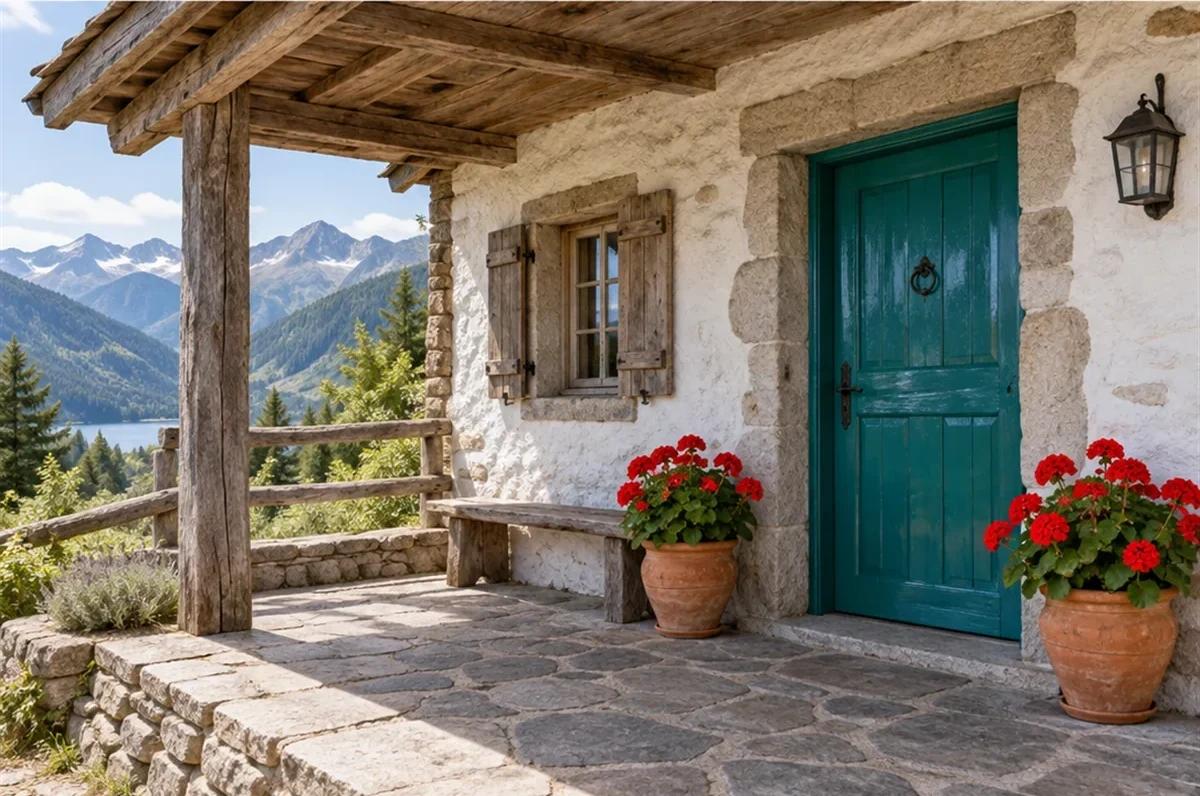
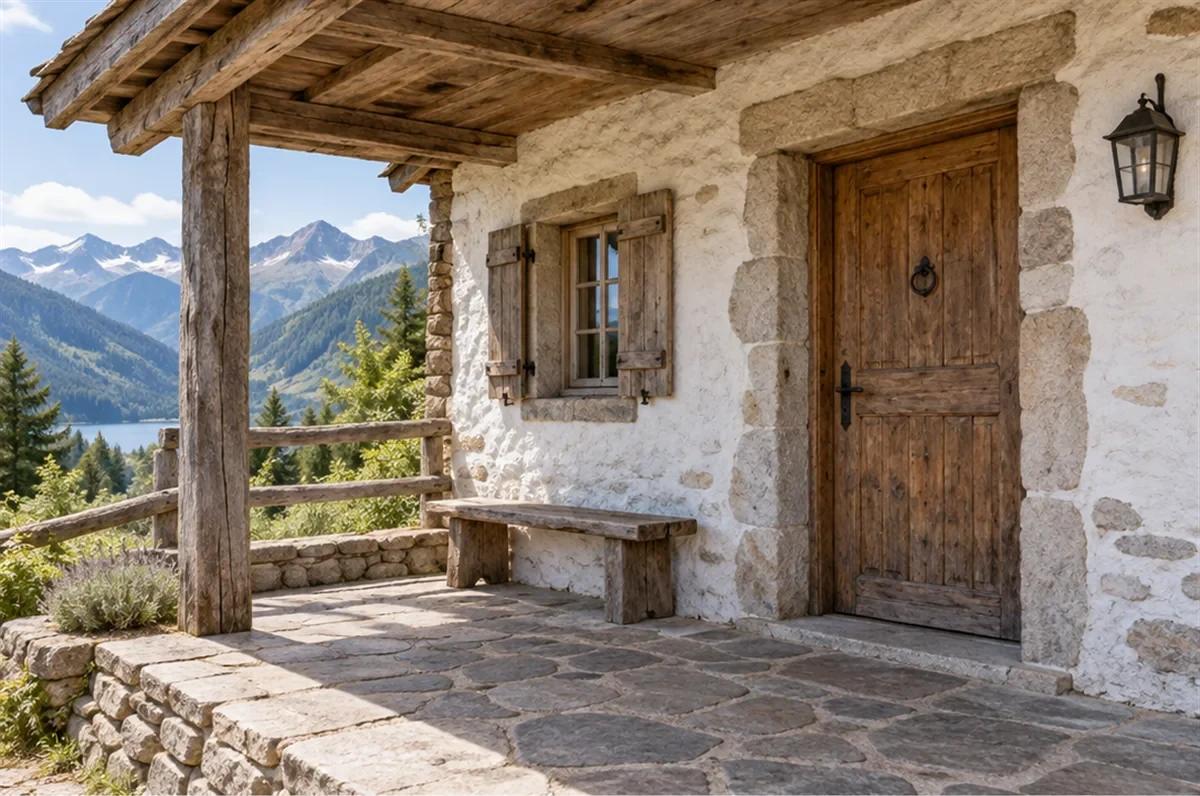
Use Aragon's AI photo editor for changes such as replacing part of a scene, cleaning up an image or preparing another version for a new project.
Clear instructions help GPT Image 2 understand which details matter, where elements belong and what should remain unchanged during a photo change.
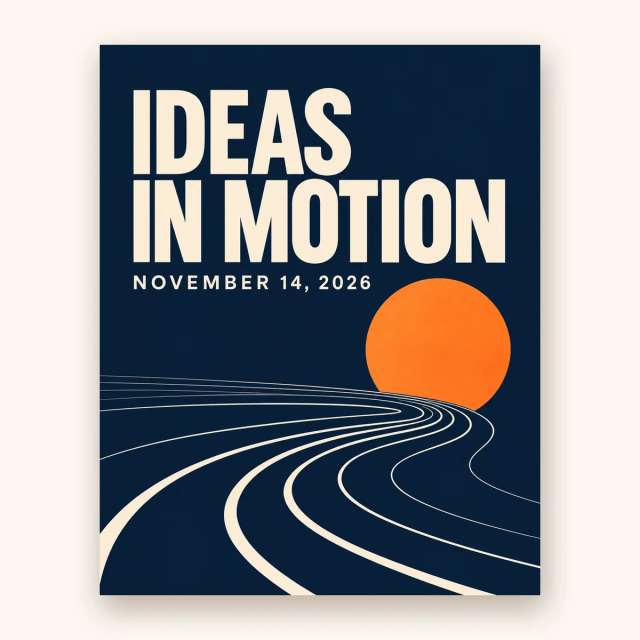
“Create a vertical event poster with the headline "IDEAS IN MOTION", large cream lettering, dark navy background, one orange circle, event date below the headline and a clean modern layout.”Place required headlines, labels or signs inside quotation marks. Then explain where the words should appear and how they should fit inside the design.
Say where the main product, person, headline and open space should sit in the frame. This gives the model a clearer structure for the finished design.
For photo changes, identify the product, face, clothing, logo or other details that need to remain the same while another area changes.
Include the setting, lighting, materials, colors and camera view when they affect the final image. Keep the prompt focused on details that change the result.
Copy a prompt and replace the product, wording or setting with details from your project.
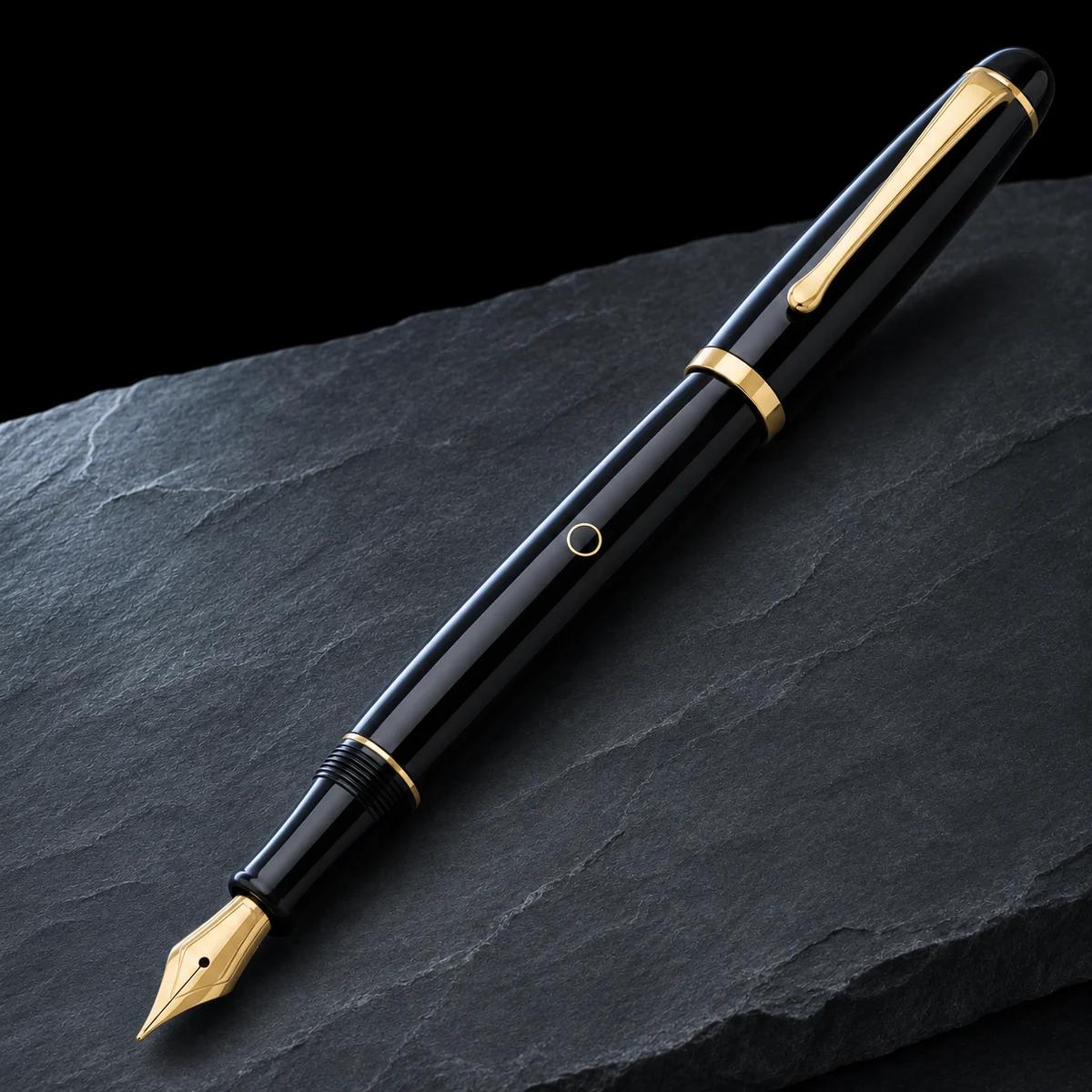
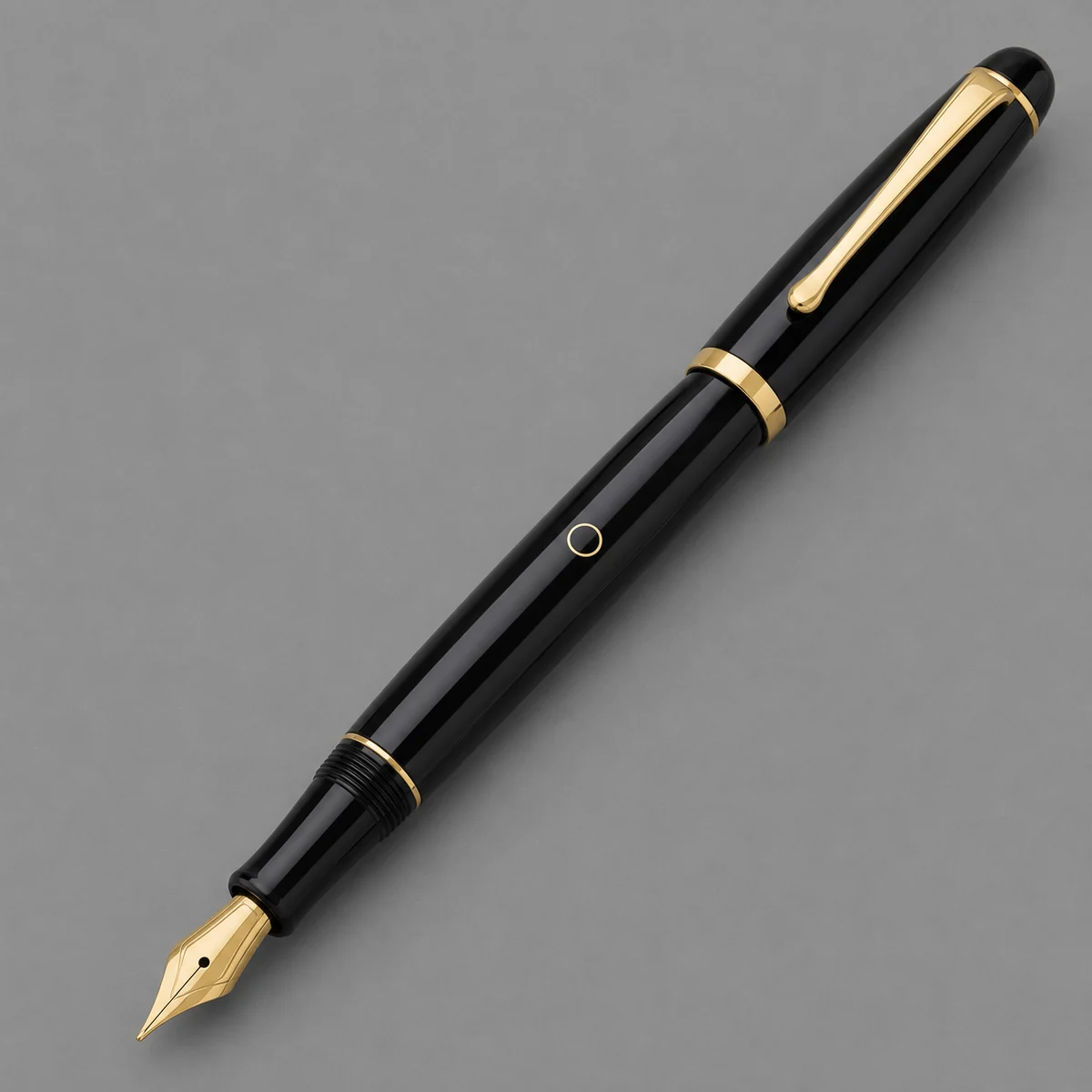
Prompt
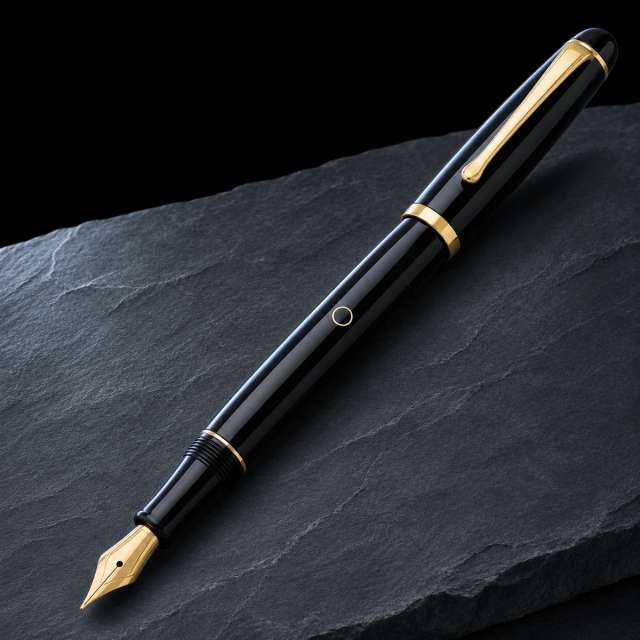
Use the uploaded fountain pen as the exact product. Place it on dark gray stone with a soft shadow, cool side lighting and a clean black background. Keep the nib, barrel and logo unchanged.
Works well for product campaigns and ecommerce creative.
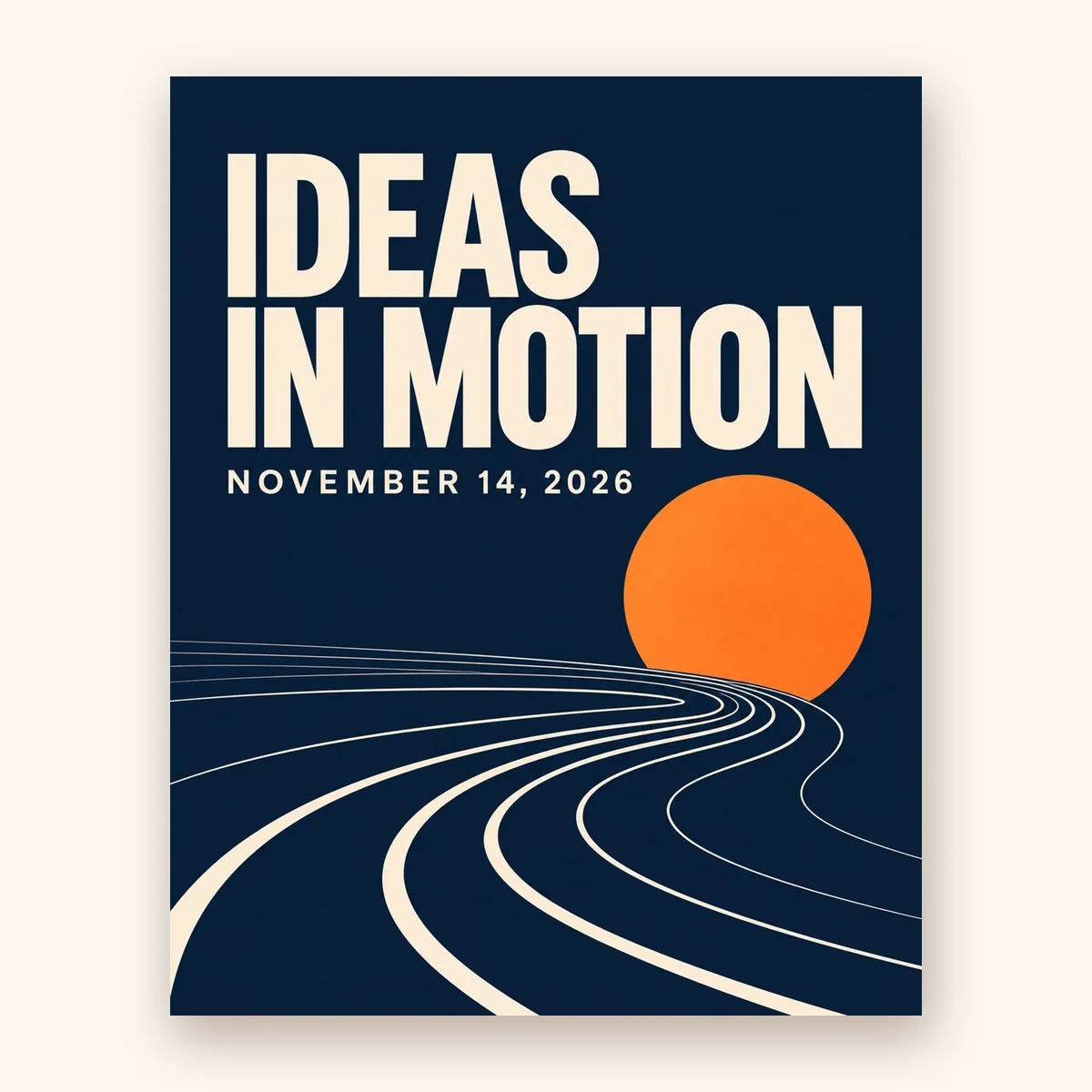
Prompt
Create a vertical event poster with the headline "IDEAS IN MOTION", large cream lettering, dark navy background, one orange circle, event date below the headline and a clean modern layout.
Works well for posters, announcements and promotional graphics.
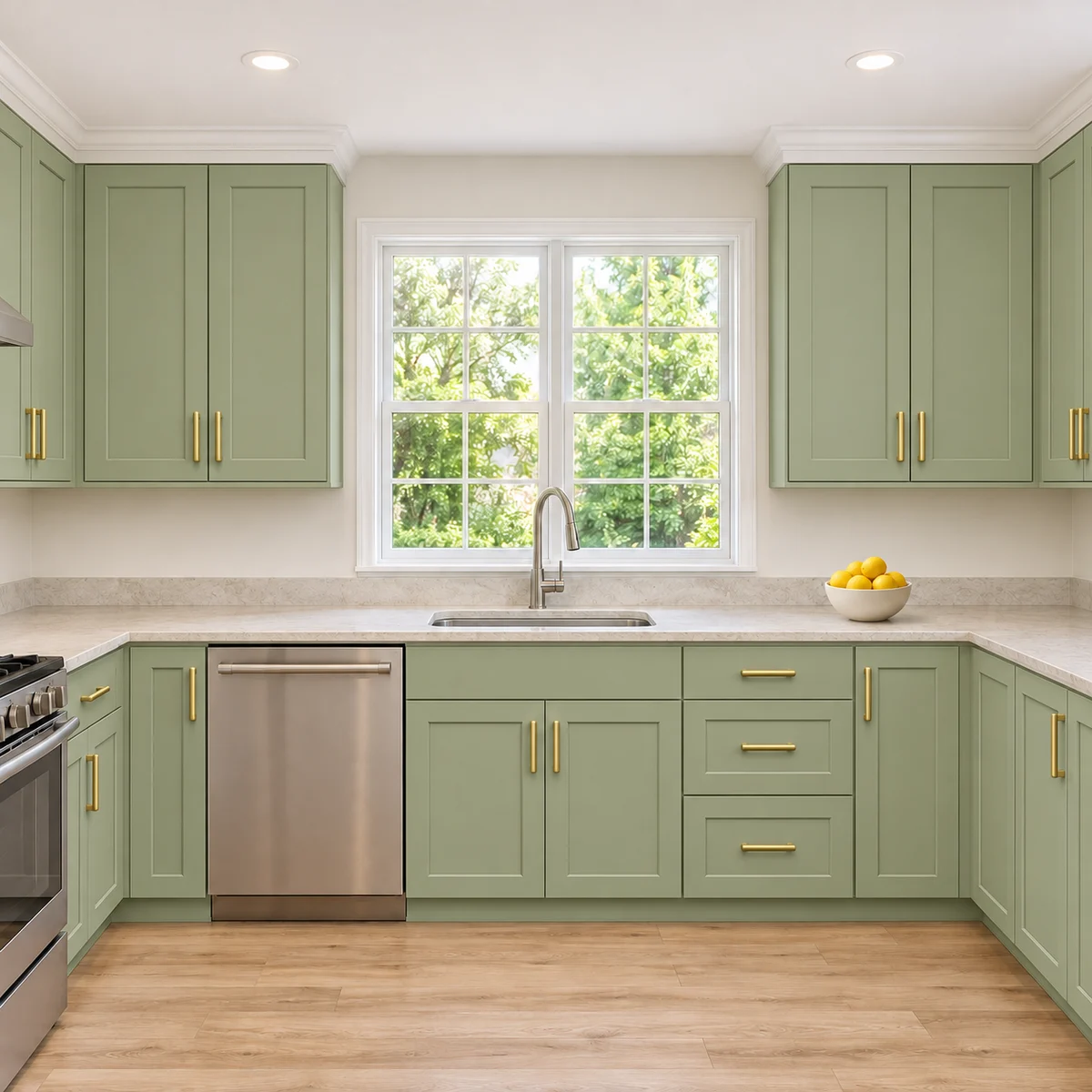
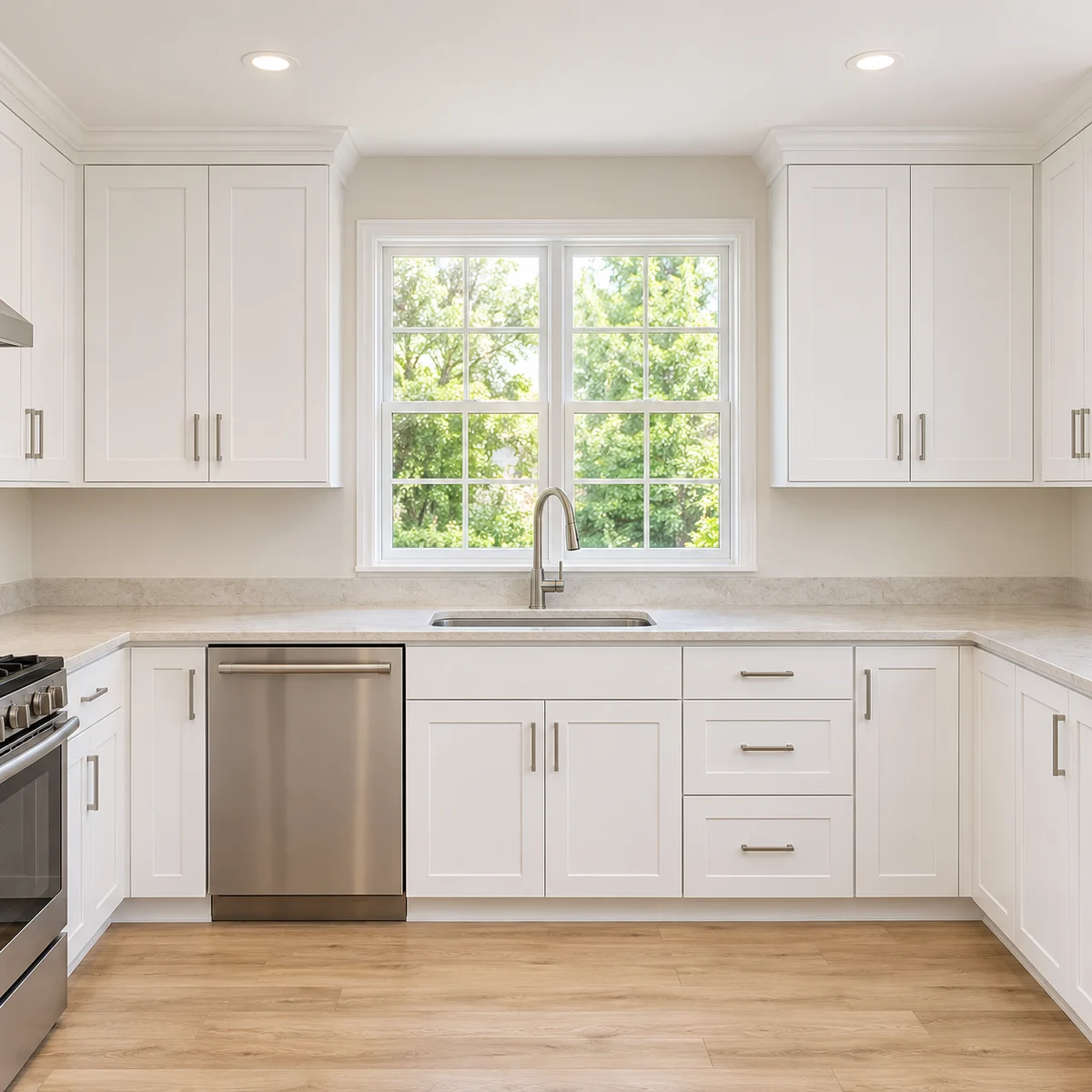
Prompt
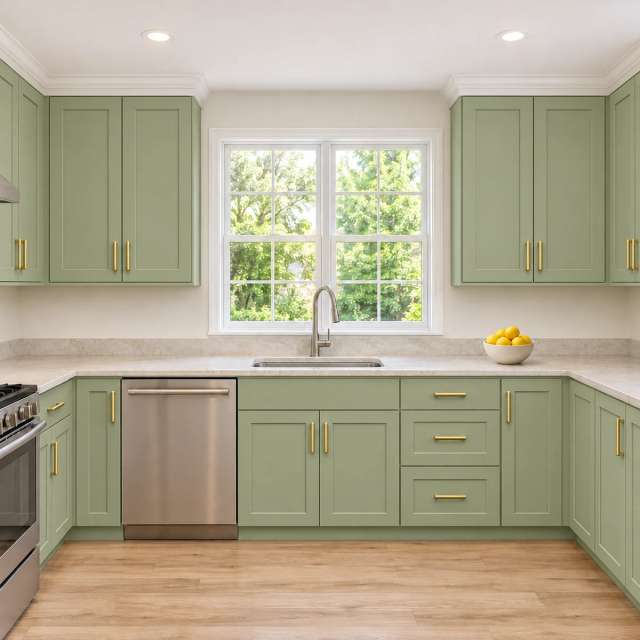
Keep the countertop, layout and flooring unchanged. Paint the cabinets sage green, add brass handles and place a bowl of lemons on the counter.
Works well for controlled photo updates where selected parts of the room need to change.
Illustrative images created from each prompt.
Both models create and edit images from written instructions, but each fits a different type of visual project.
| GPT Image 2 | Nano Banana 2 | |
|---|---|---|
| Best for | Text-heavy designs and controlled image edits | Fast everyday creation and editing |
| Maker | OpenAI | Google DeepMind |
| Image creation | ||
| Image editing | ||
| Text in images | Strong fit for posters and layouts | Clear text and translation |
| Quality choices on Aragon | Medium and High | Model-specific image generation |
| Best fit | Ads, posters, product graphics and detailed edits | Fast variations, reference work and everyday changes |
| Added to Aragon | May 8, 2026 | March 2, 2026 |
Choose the model around the type of image, editing work and visual control your project needs.
Pick GPT Image 2 when your project needs readable words, structured placement and controlled changes to an uploaded image.
Pick Nano Banana 2 for quick image creation, regular edits and consistent people or objects across different results.
Pick Seedream 4.5 when several images need to stay visually consistent through a set of changes or variations.
Pick FLUX 2 Pro when the project focuses on realistic product scenes, detailed materials and polished commercial photography.
Start from a prompt or upload a photo, then use GPT Image 2 to create a new image or make the changes your project needs.
Customer satisfaction is our number one priority. Our live agents are available 7am - 11pm (PT), 5 days Sunday through Thursday.
The Leading AI Headshot Generator for Professionals
Trustpilot
Trusted by professionals and teams
Earn 30% for every referral
Join our affiliate program for free!
Copyright © 2026 Aragon AI, Inc. All rights reserved.