fb-pixelSkip to main content
Aragon.ai
THE #1 RANKED AI PHOTO EDITOR

Fisheye Effect Photo Filter

Add a fisheye effect to any photo in one click. The AI fisheye filter curves your photo with a bold, wide-angle look, a bulging center and bent sides, for a playful, skate-video-style shot.
total reviews on
Click on one of these photos to try:
1
2
3
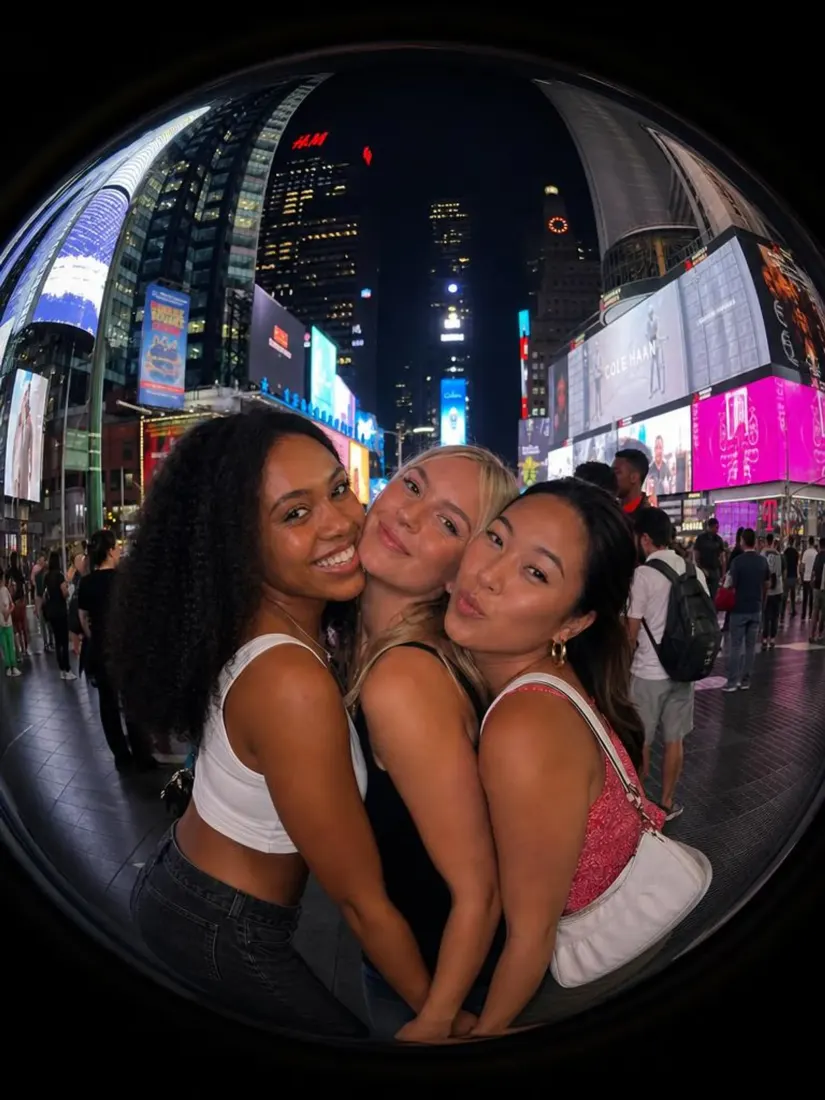
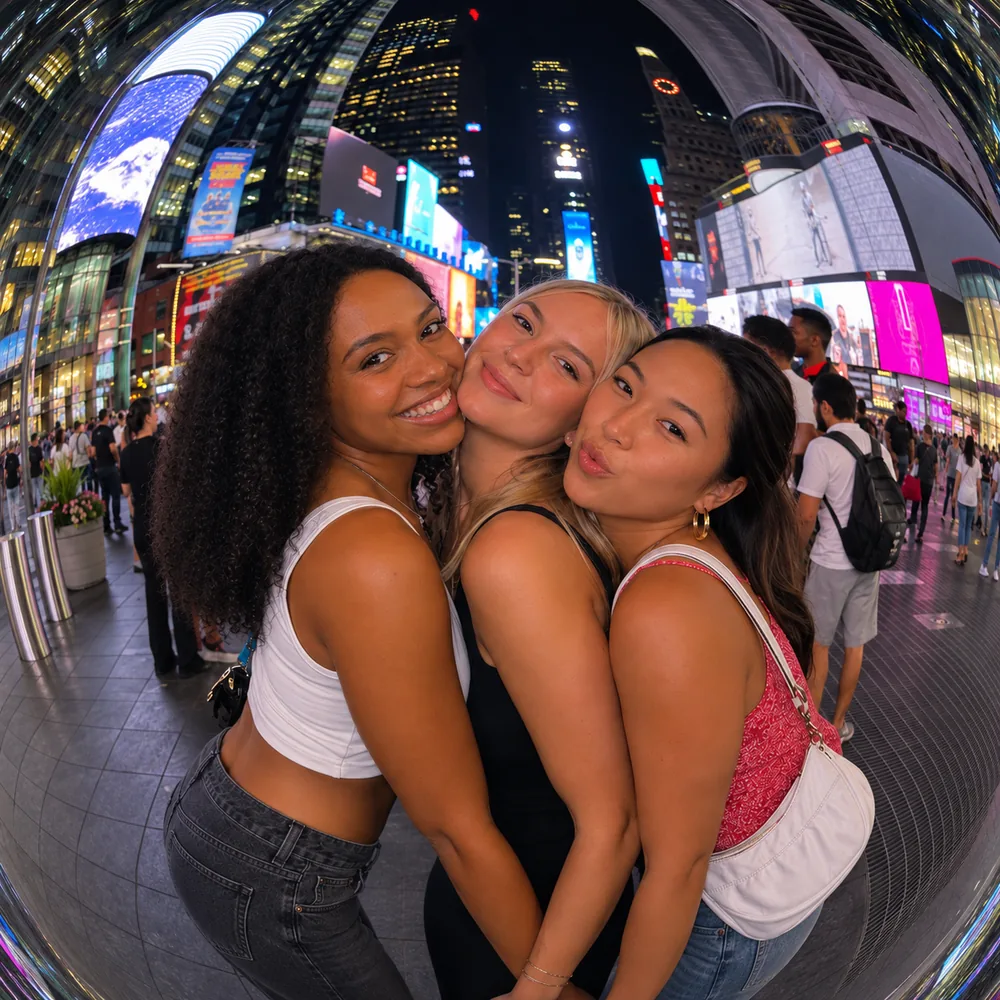
Three women take a Times Square selfie warped into a curved fisheye effect by the Fisheye Lens Filter tool.
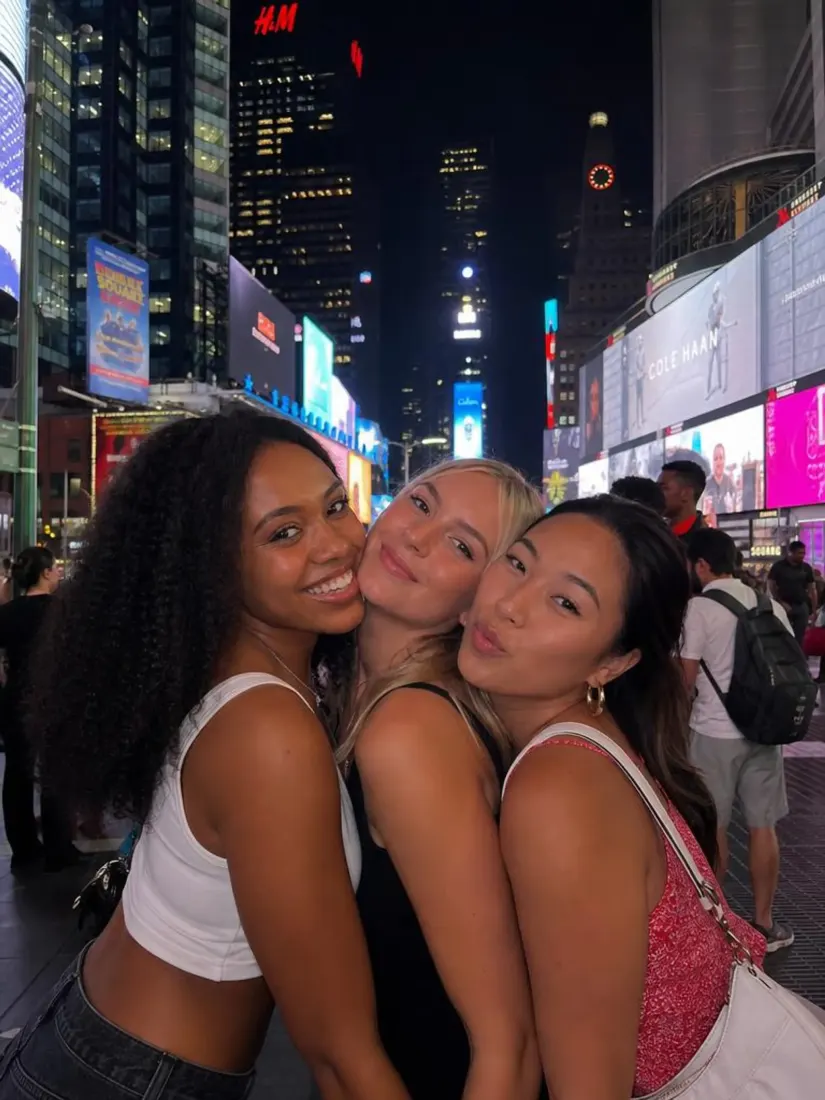
Three women take an undistorted Times Square selfie, before the Fisheye Lens Filter curves the frame.
Before
After

Trusted by Industry Leaders. Millions of images edited to date.

PWC logo
Microsoft logo
ASU logo
redfin logo
New York University logo
Trinity College Dublin logo
University of Michigan logo
Keller Williams logo
AT&T logo
Berkeley logo
See it work

Fisheye Effect Before and After

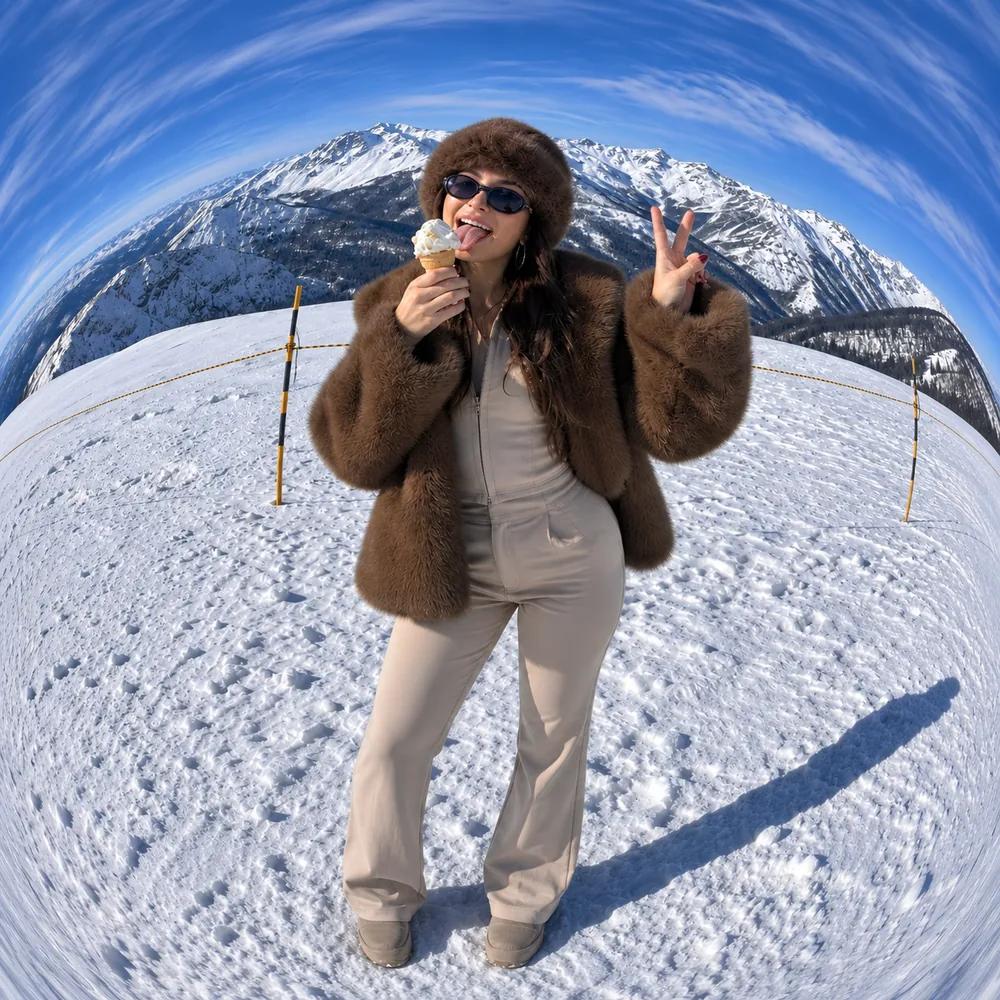
Portrait curved into a bold fisheye effect
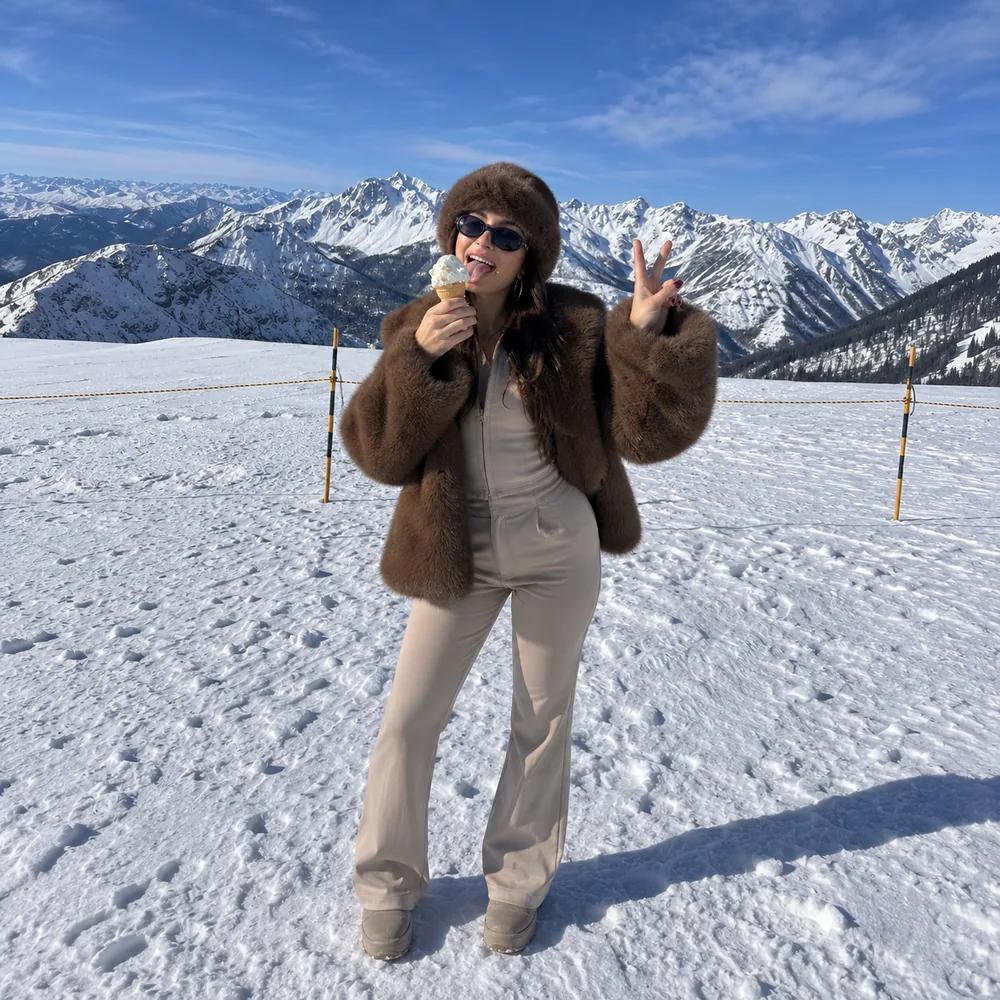
Portrait of a woman in the snowy mountains before the fisheye effect
Before
After

Portrait

Portrait curved into a bold fisheye effect
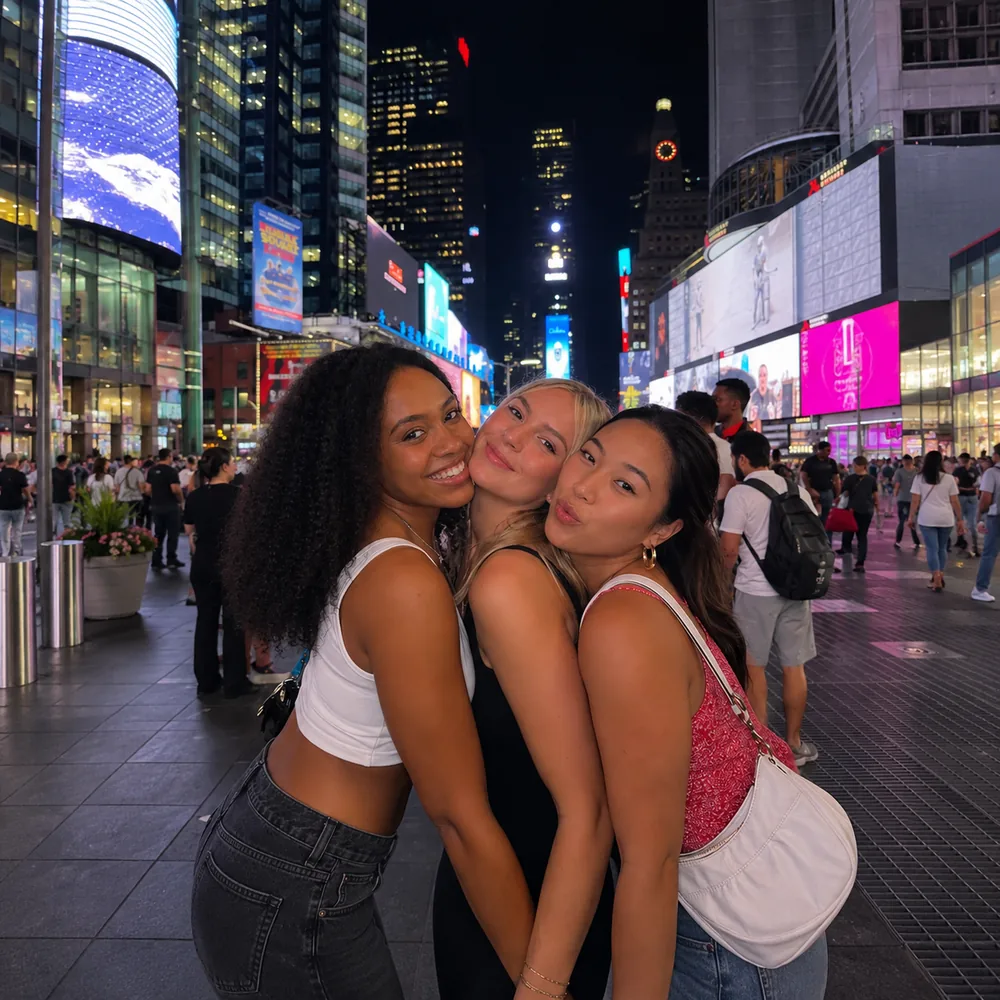
Group of friends curved into a wide fisheye photo
Group of friends in a city square before the fisheye effect
Before
After

Group

Group of friends curved into a wide fisheye photo
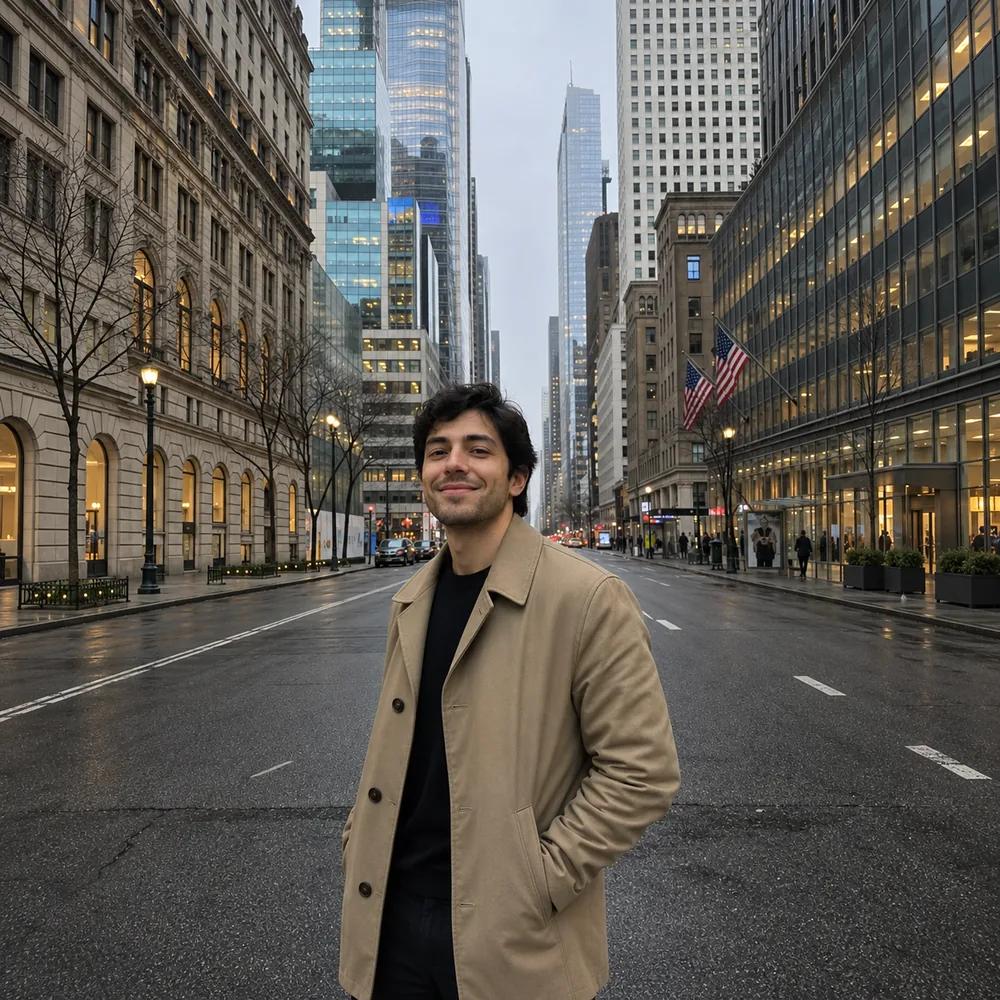
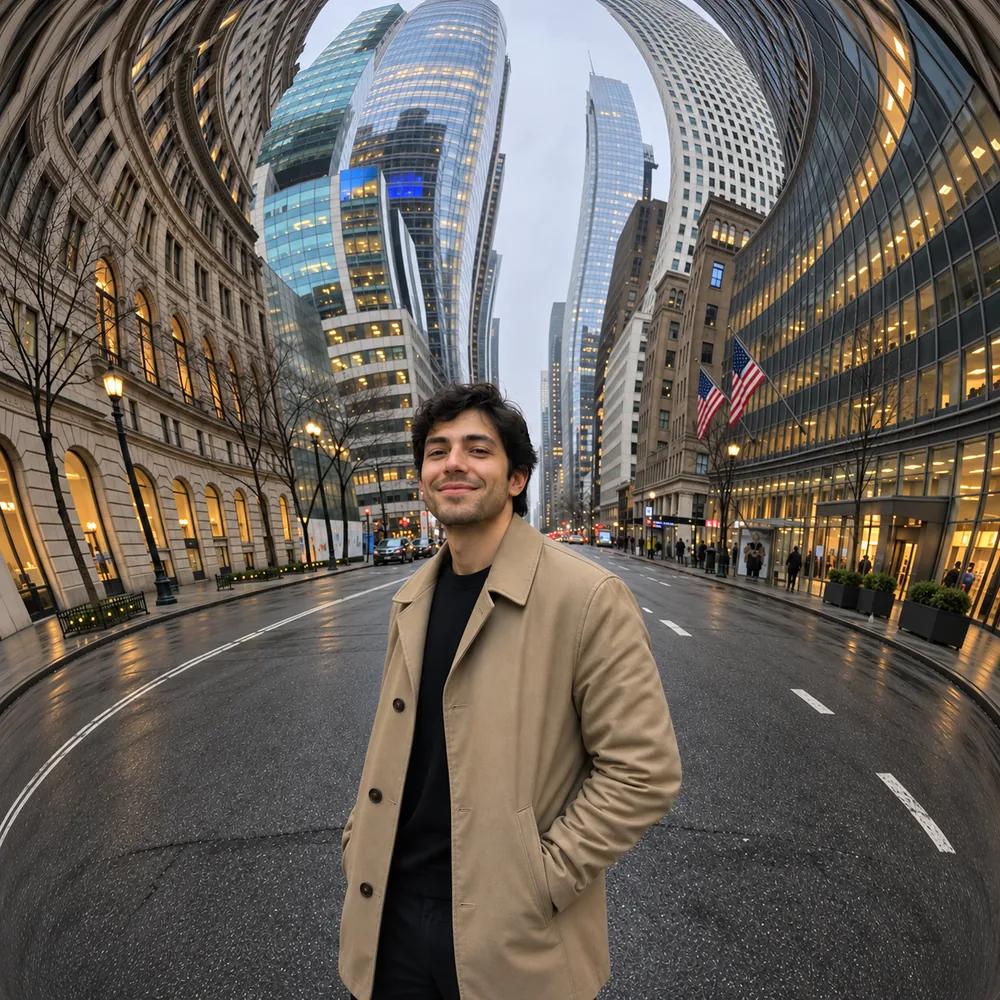
City street with buildings bent by a fisheye effect
City street with tall buildings before the fisheye effect
Before
After

Street

City street with buildings bent by a fisheye effect

How Does the Fisheye Effect Work?

The fisheye effect works in three steps. You upload one photo, click once to apply the fisheye look, and Aragon curves the scene with a wide-angle warp. Your fisheye photo appears in your dashboard and is ready to download within minutes.

  1. Upload a photoPNG, JPG, HEIC up to 120MB
    Portrait of a woman in the snowy mountains before the fisheye effect
    1

    Upload Your Photo

    Upload a JPG, PNG, WEBP or HEIC photo you want to curve.

  2. 2

    Apply the Fisheye Effect

    Click Edit, and the AI adds the curved, wide-angle fisheye look.

  3. Portrait curved into a bold fisheye effect
    Portrait of a woman in the snowy mountains before the fisheye effect
    Before
    After
    3

    Download Your Result

    Preview your fisheye photo and download the file.

Features

What Does the Fisheye Filter Do?

The fisheye filter gives your photo a curved, wide-angle look with a bulging center and sides that bend inward. It's one bold look, applied in one click.

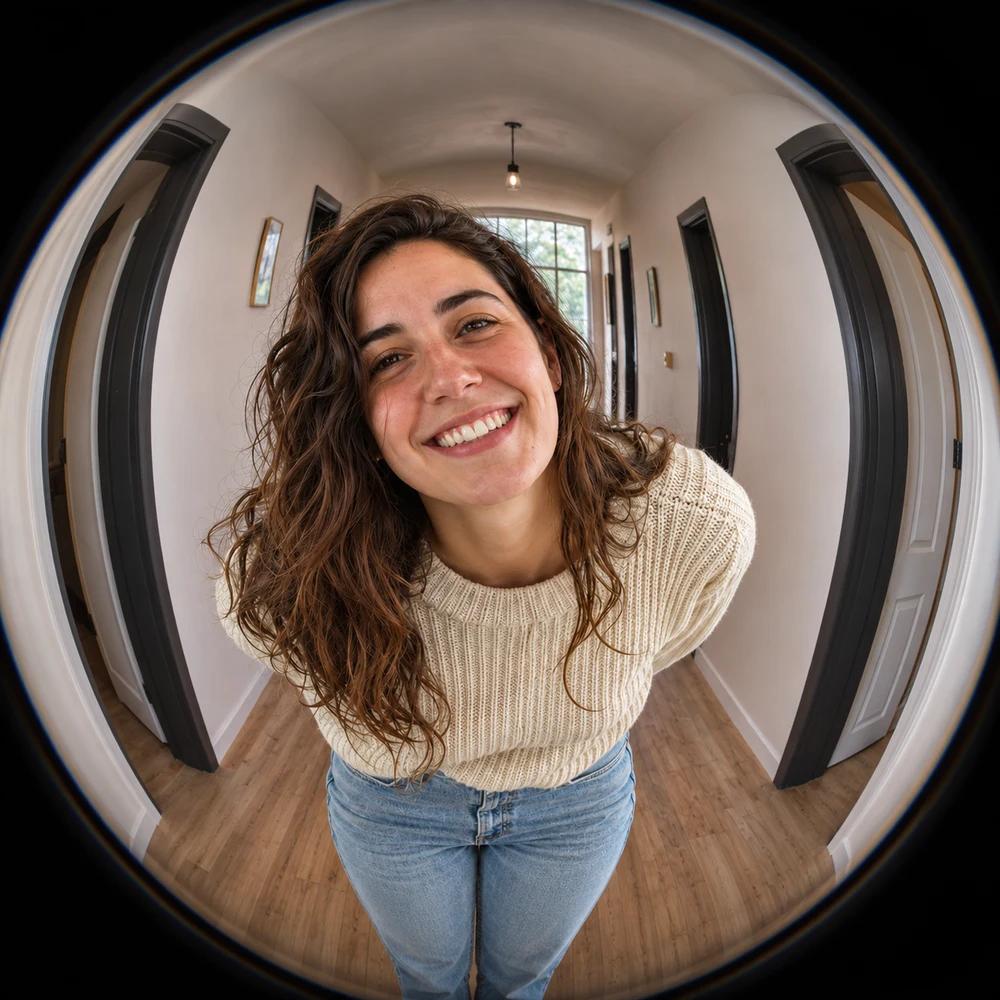
A woman leaning toward the camera in a hallway.Before
The same shot with fisheye barrel distortion, a bulging center and curved walls.After

Classic barrel distortion

The center bulges outward and the sides curve inward.
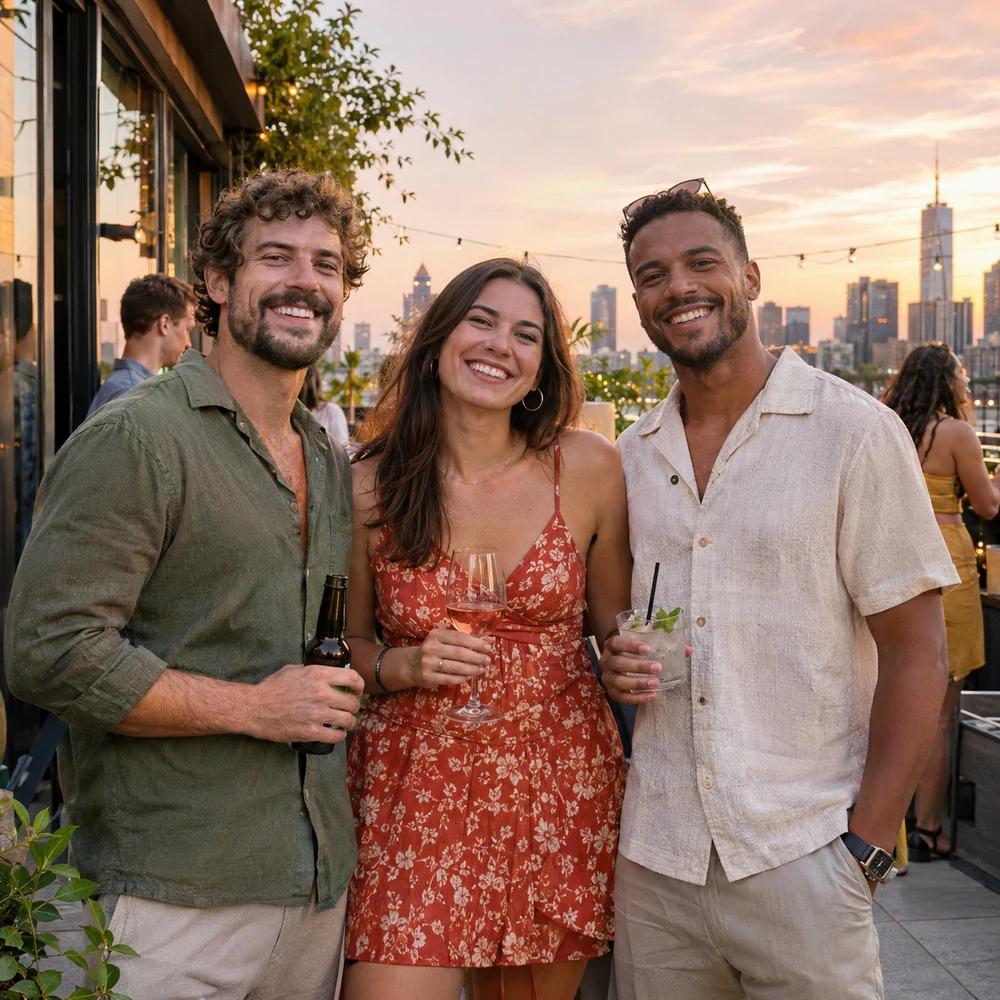
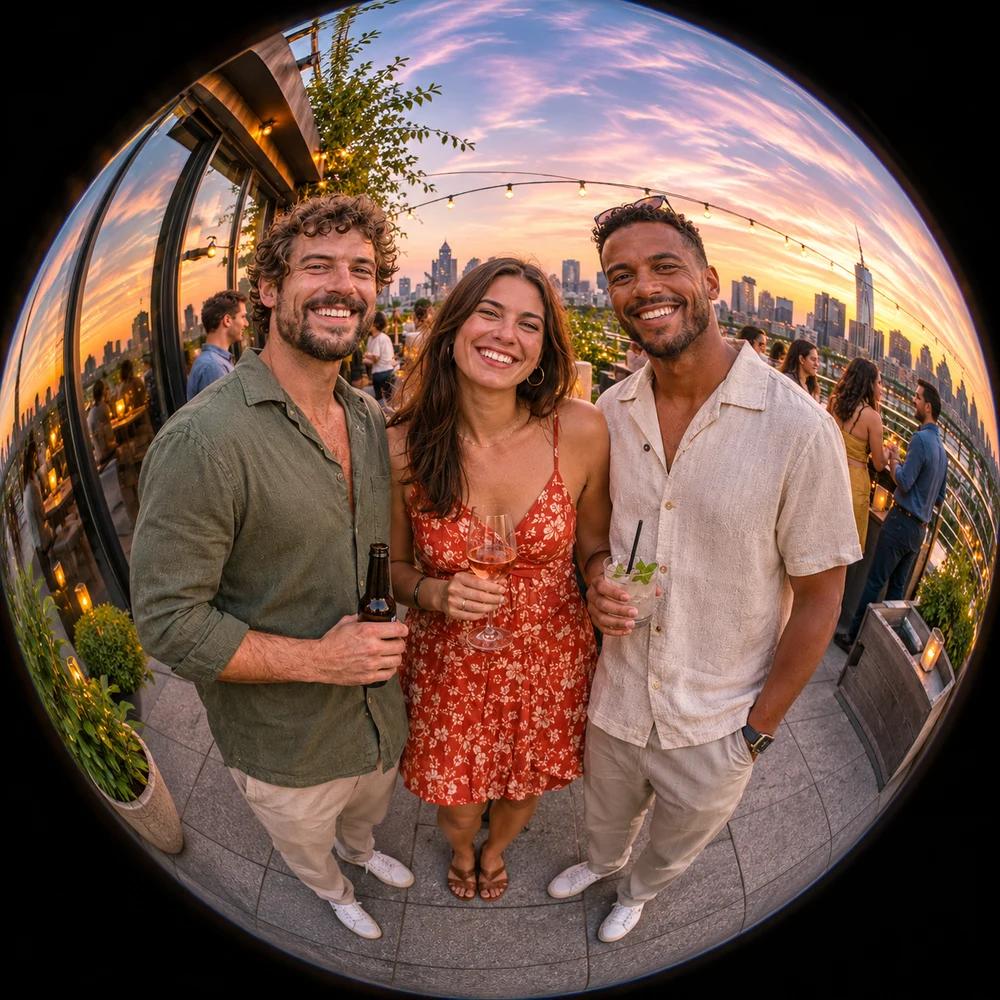
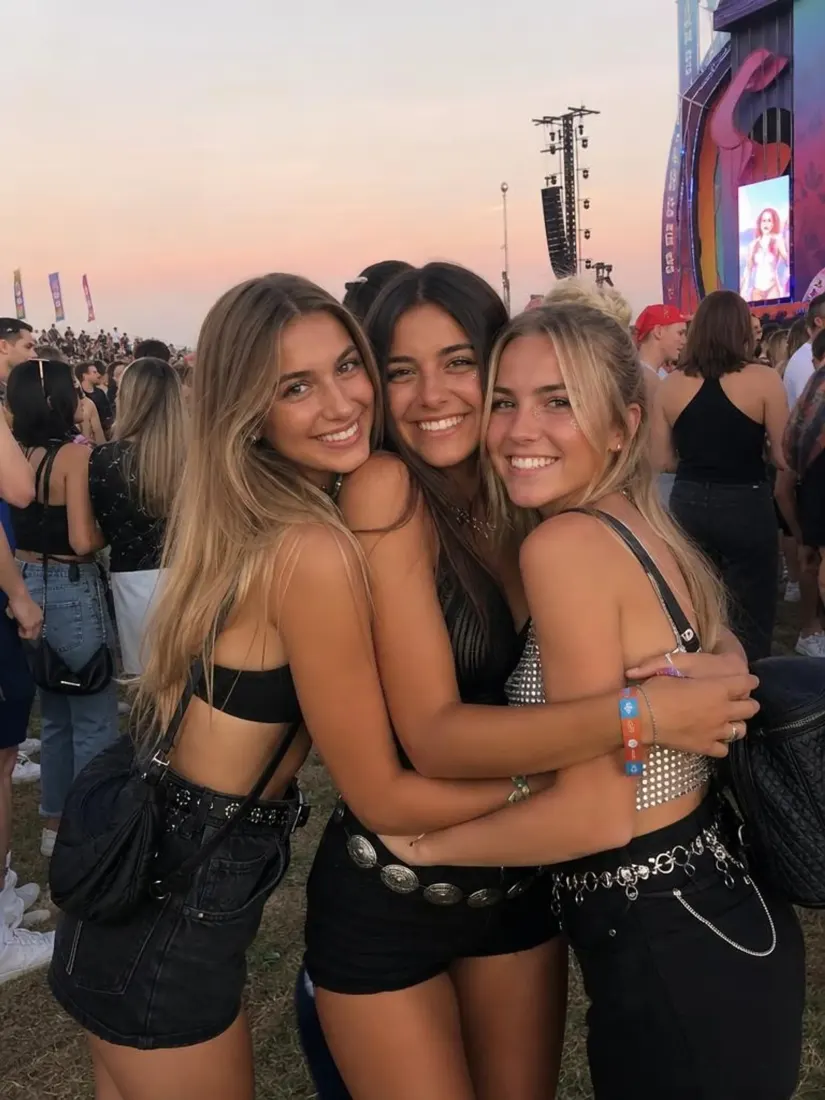
Three friends at a rooftop party at sunset.Before
The same rooftop scene as a round fisheye shot.After

One-click look

The AI applies the whole effect, so there's nothing to adjust.
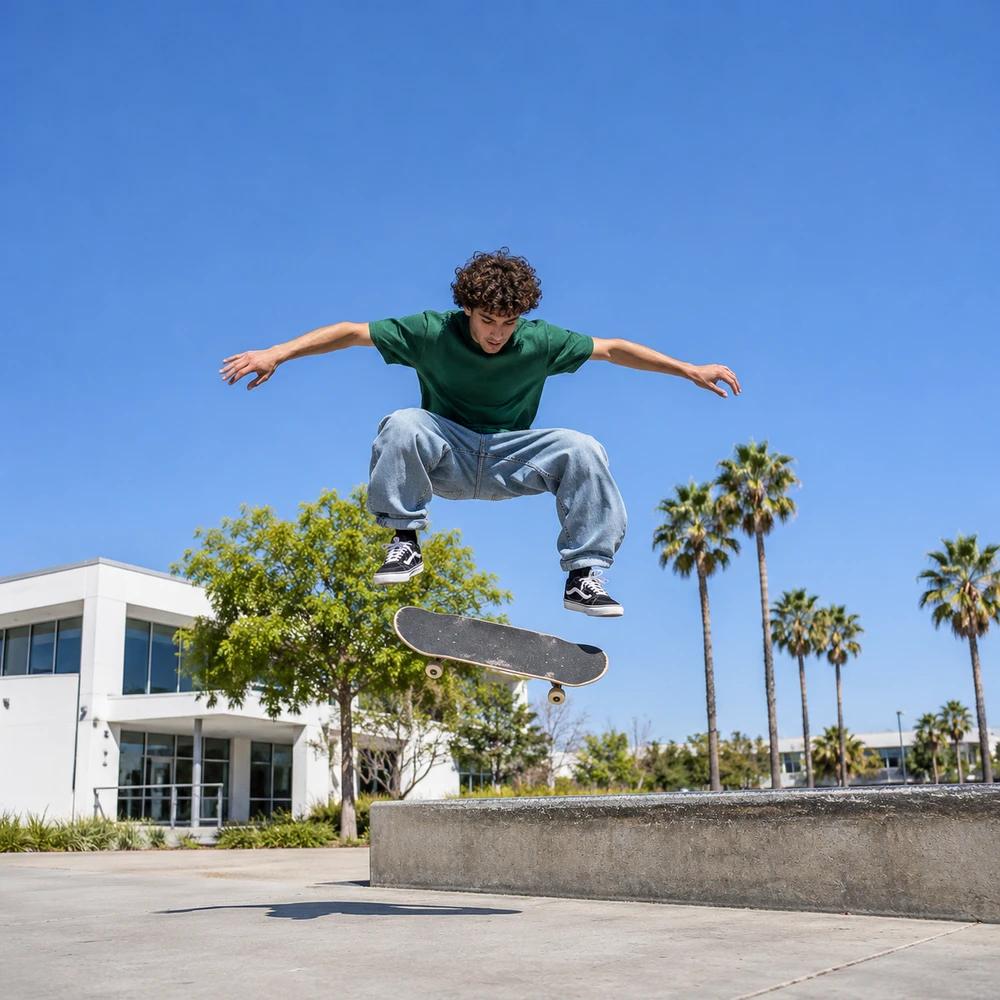
A skater mid-trick shot with a normal lens.Before
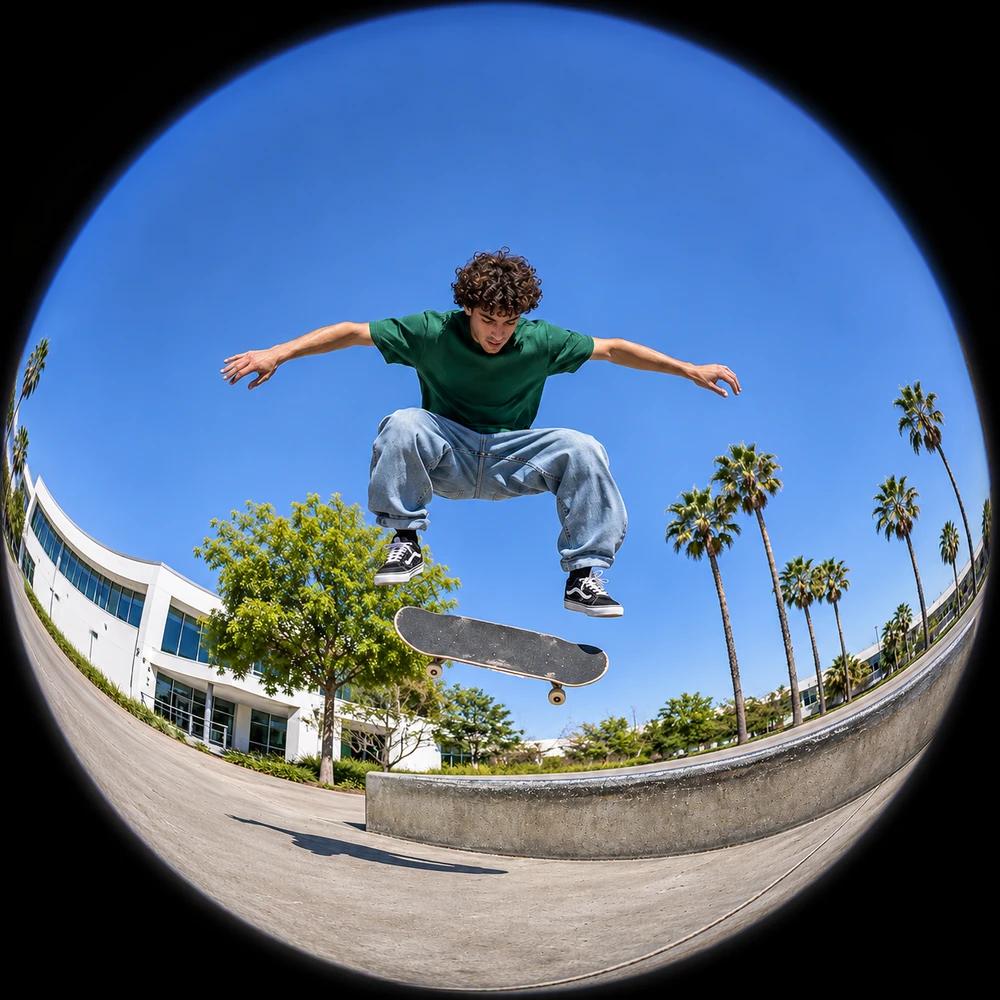
The same skate trick shot through a fisheye lens with curved edges.After

Bold, playful style

The result has a strong wide-angle for creative shots.

BeforeBefore
AfterAfter

Works on many photos

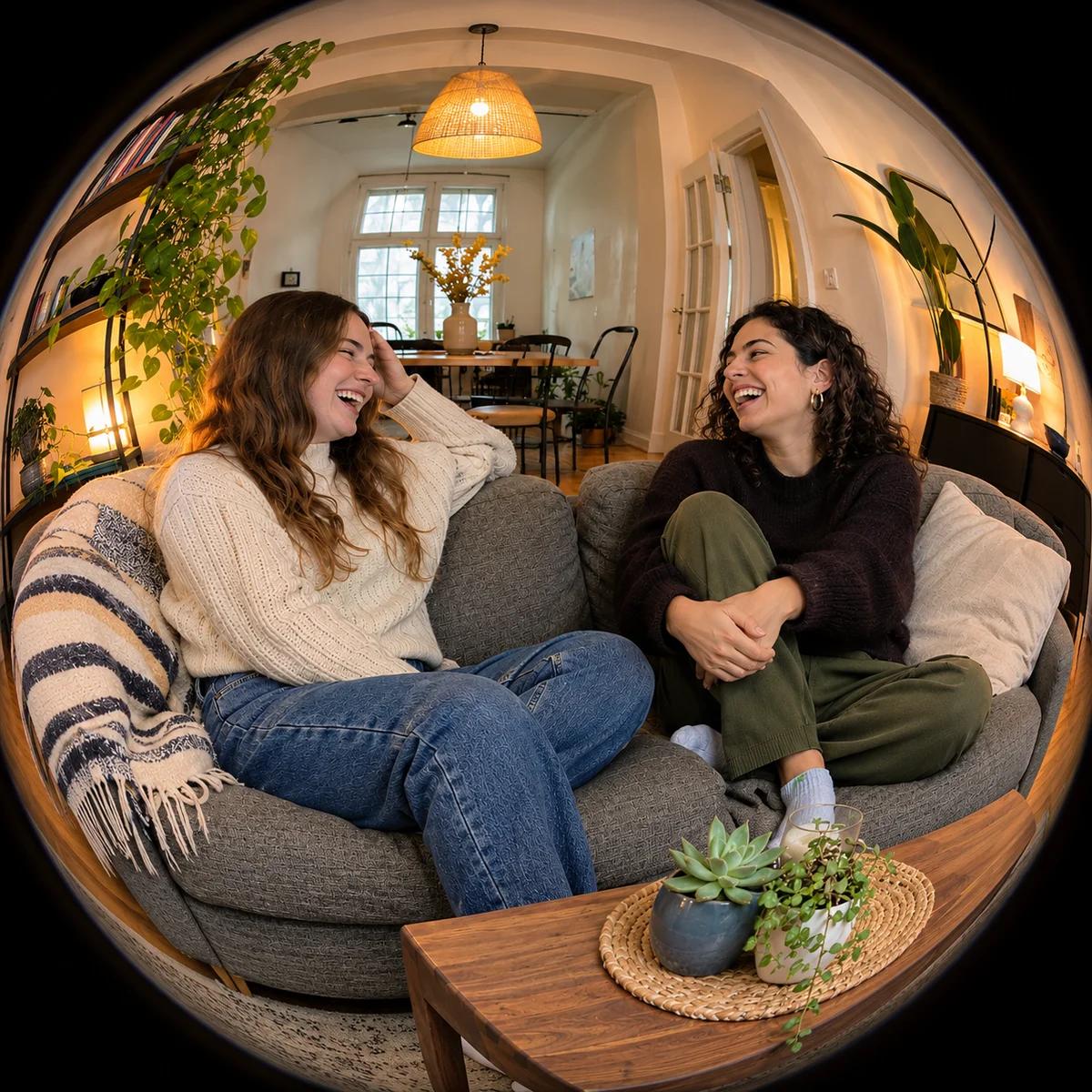
Portraits, selfies, group shots, streets and rooms all take the effect.
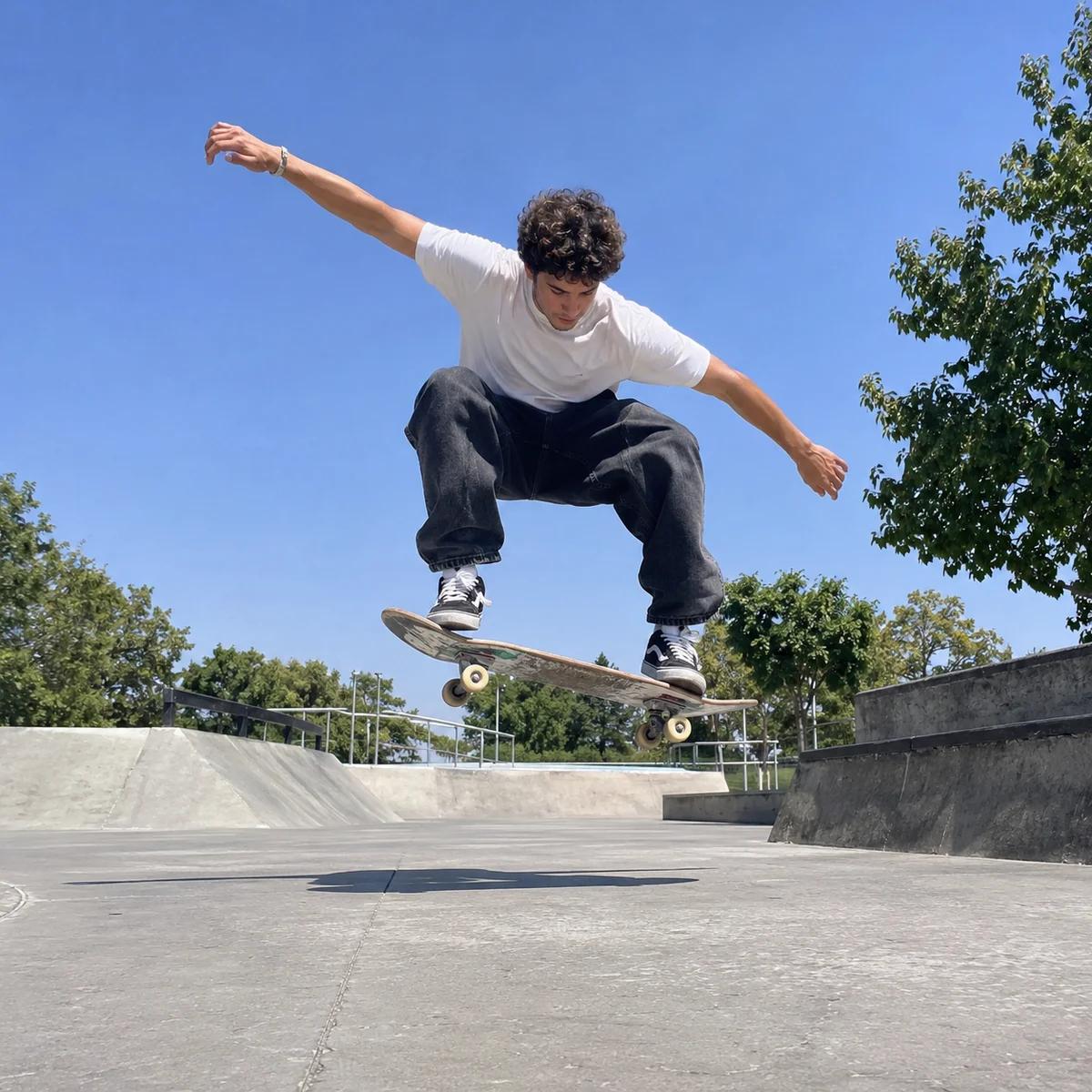
BeforeBefore
AfterAfter

Retro skate-video vibe

The look recalls classic skate videos and music videos.
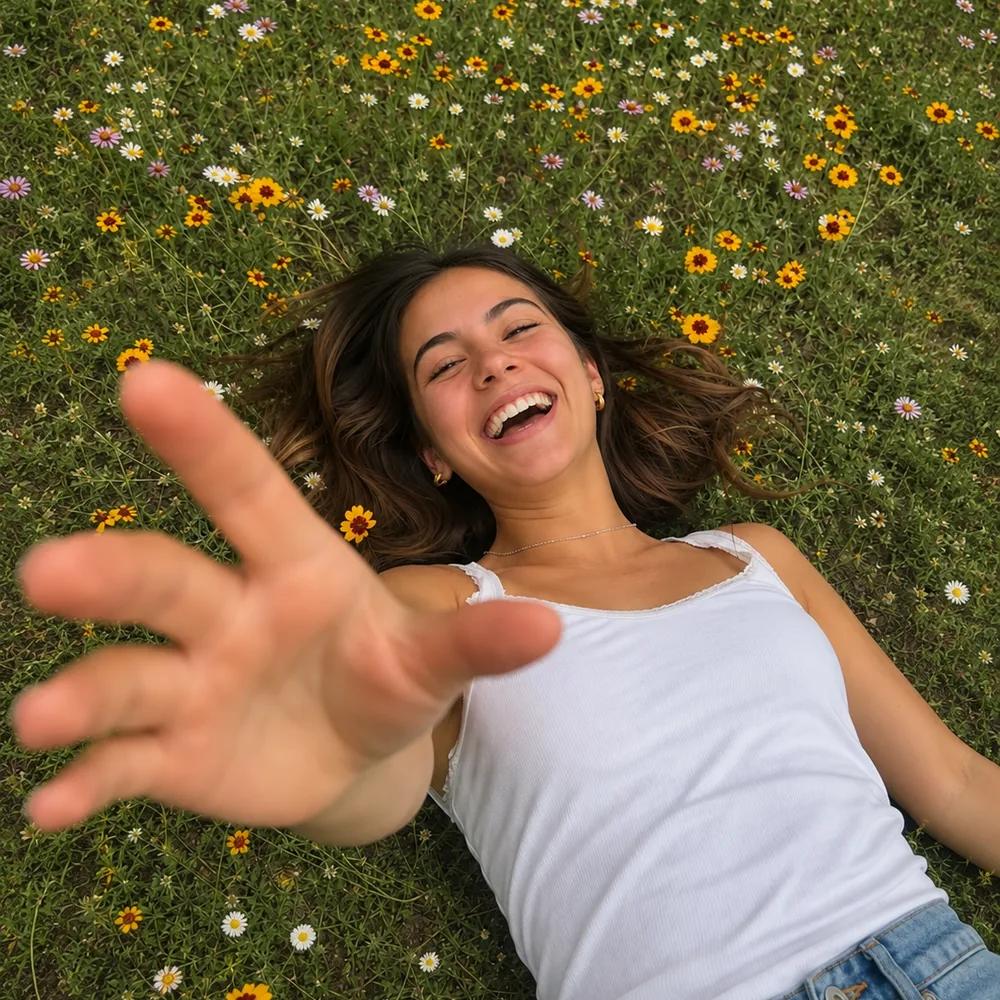
Selfie of a woman lying in a flower field before the fisheye filterBefore
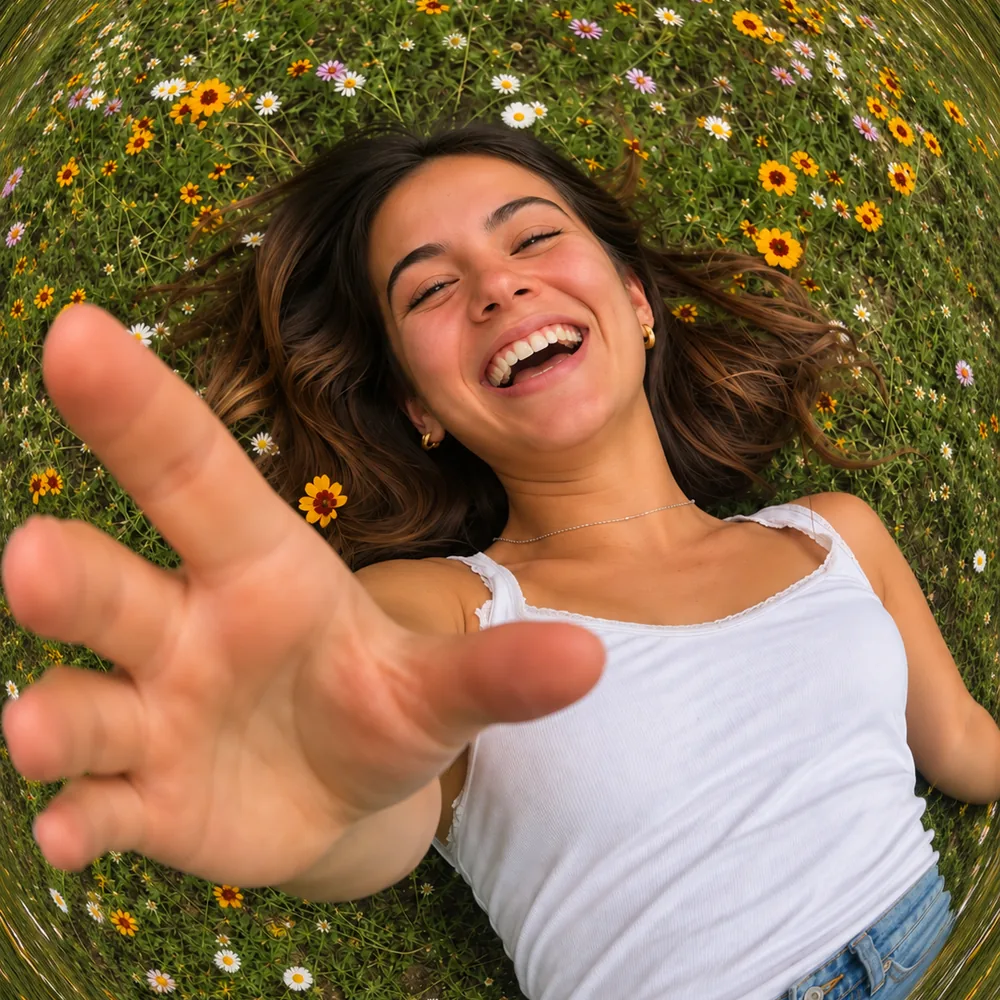
Selfie shown after the fisheye filterAfter

Square by default

With the shape left on Auto, your fisheye photo comes back square.

BeforeBefore
AfterAfter

Ready in your dashboard

Your photo appears in your dashboard within minutes.

BeforeBefore
AfterAfter

Preview before you download

Check the result before you save the file.

Who Uses a Fisheye Photo Filter?

People add a fish eye effect when they want a photo to feel fun, bold and full of energy.
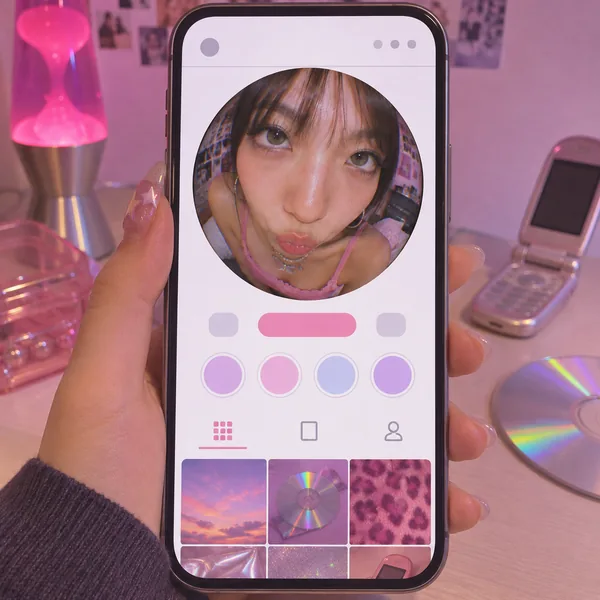
  1. Phone profile with a close-up fisheye selfie as the profile picture

    Creators Making a Fisheye Profile Picture

    A creator curves a close-up selfie into a fisheye profile picture with a Y2K, lo-fi feel.
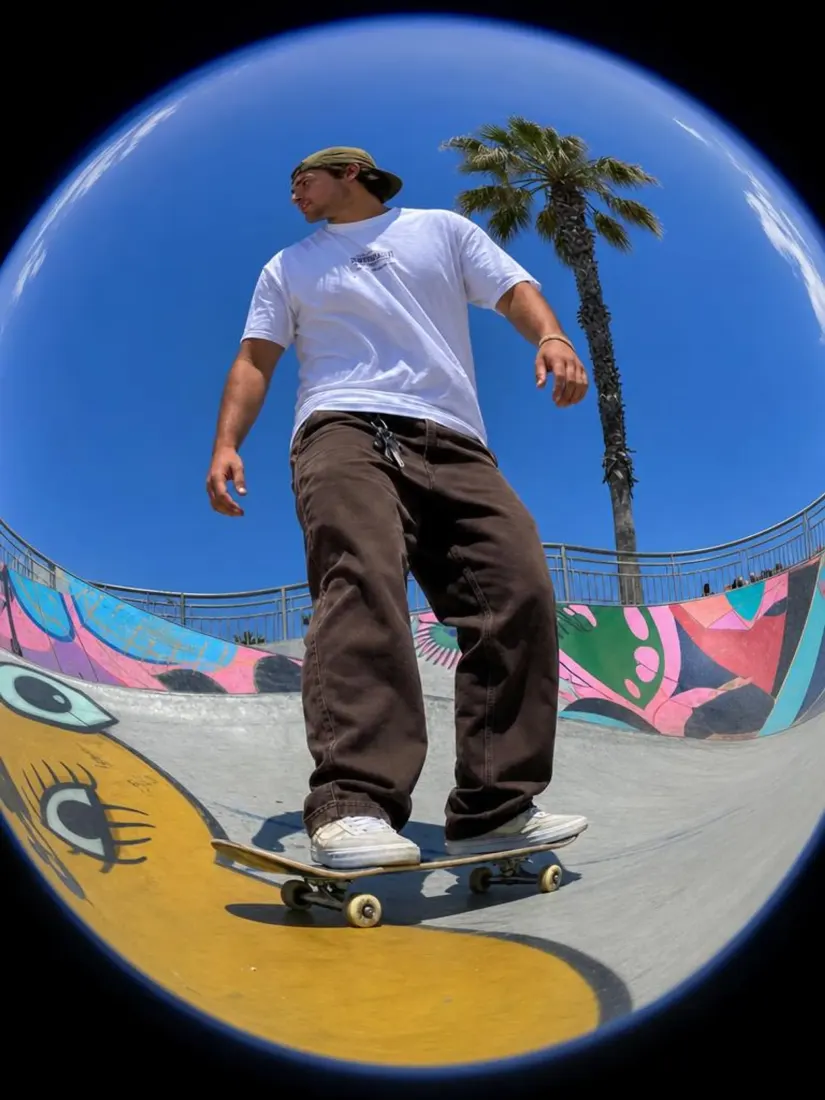
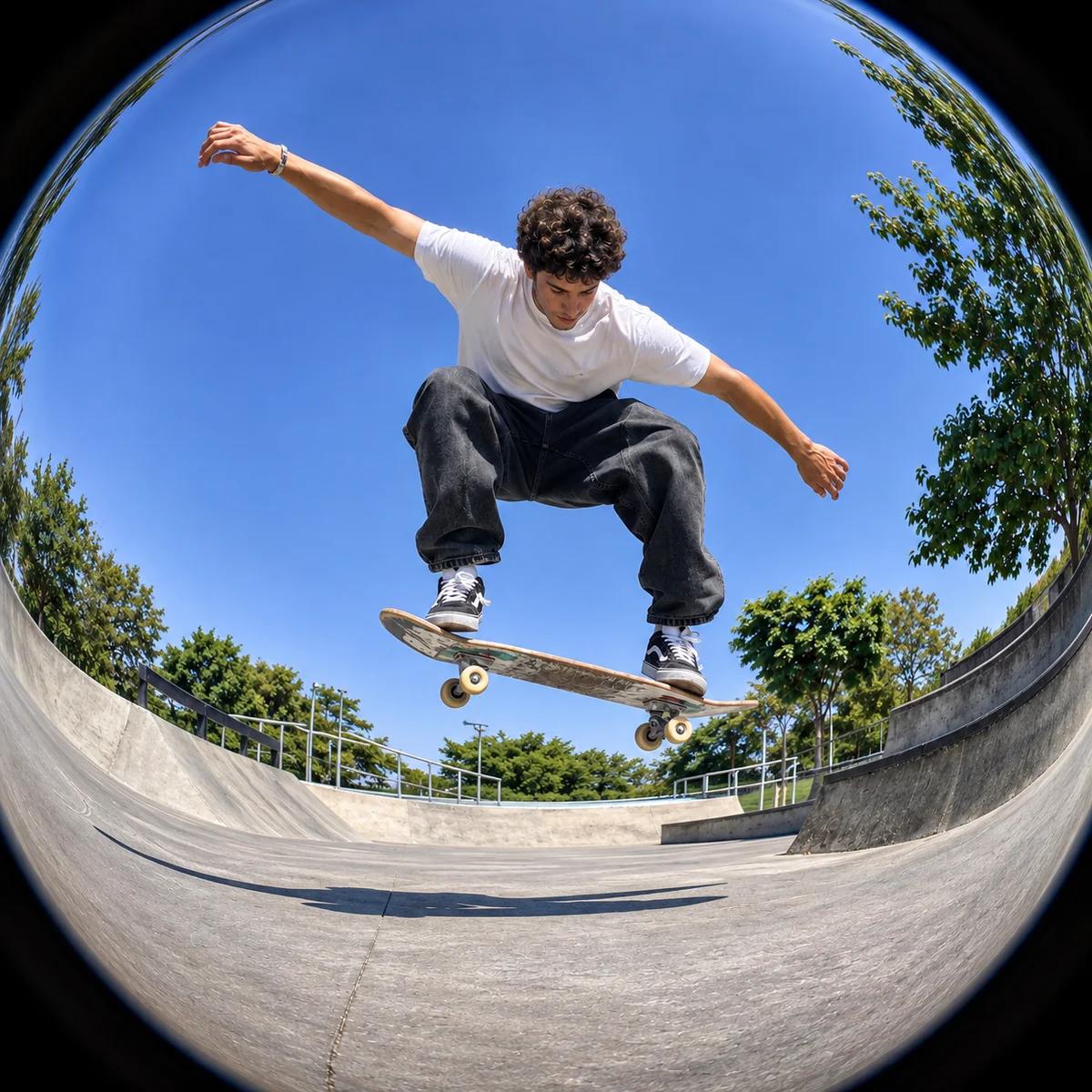
  2. A man skateboards at a skate park, distorted into a circular fisheye view by the Fisheye Lens Filter tool.

    Skaters and Music Video Fans

    A skater turns a trick shot into a fisheye photo that looks like a frame from a skate video.
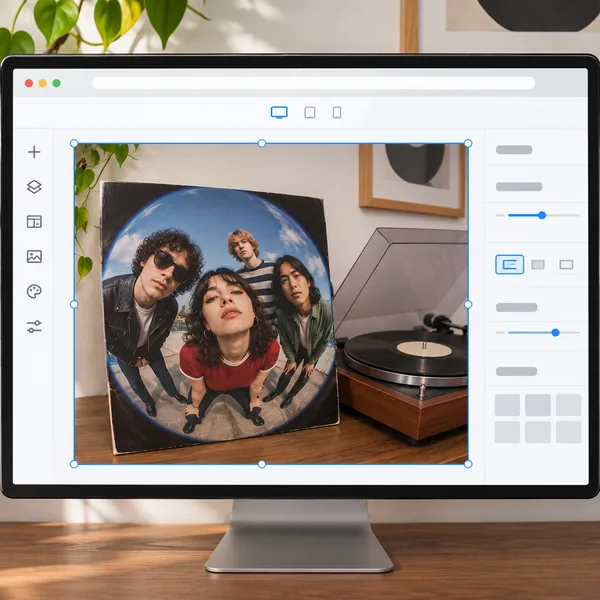
  3. Album cover of a band group shot with a strong fisheye curve

    Bands Designing Album Art

    A band curves a group shot into a bold fisheye cover, then adds a dreamy blur with the bokeh effect.
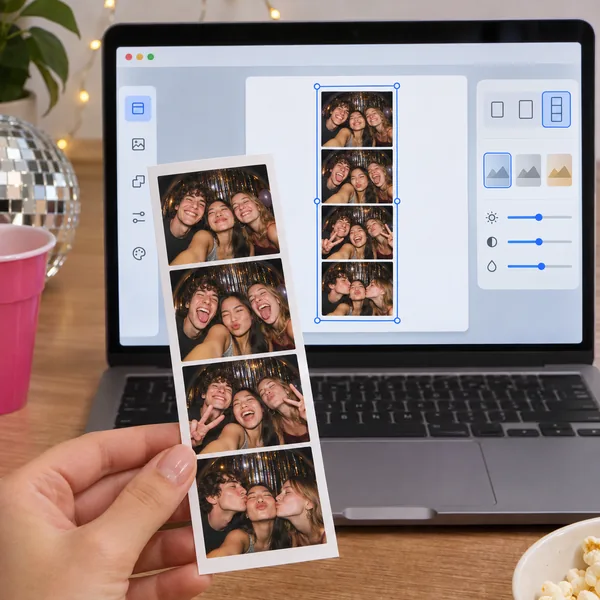
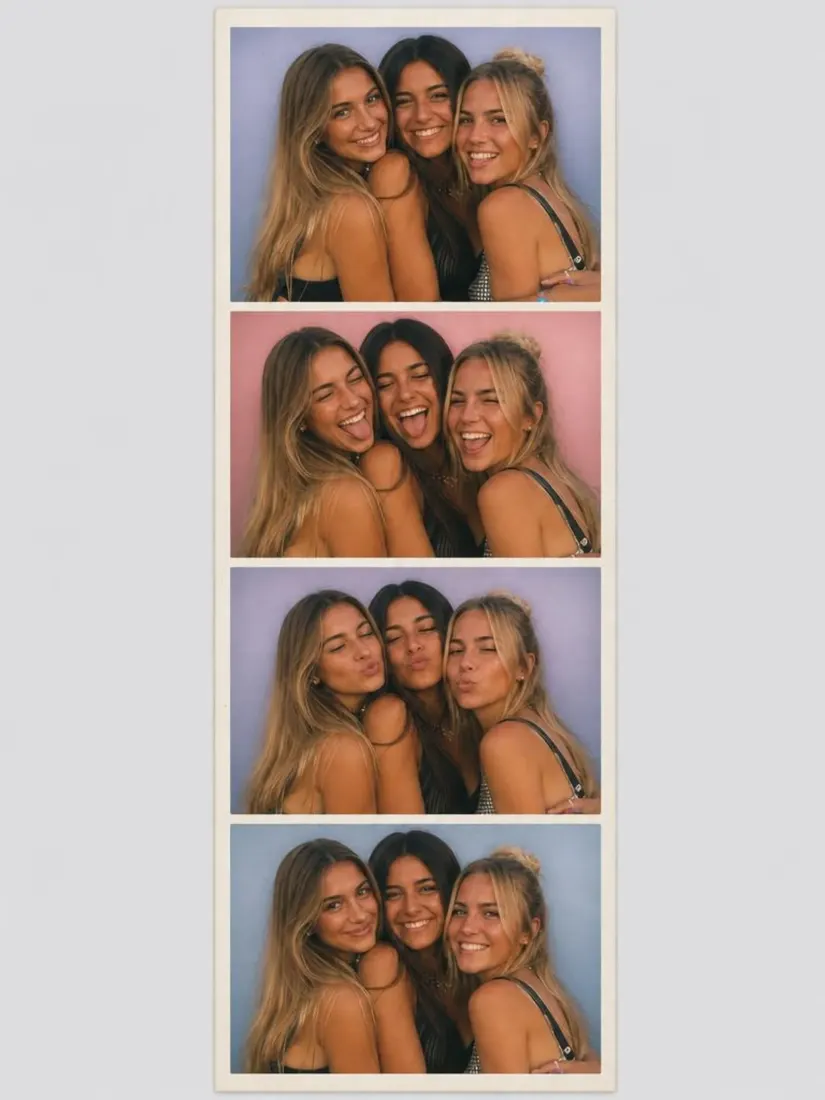
  4. Photobooth strip of fisheye party selfies

    Friends Sharing Party Photos

    A group of friends curves a party selfie, then turns it into a strip with the photobooth filter.
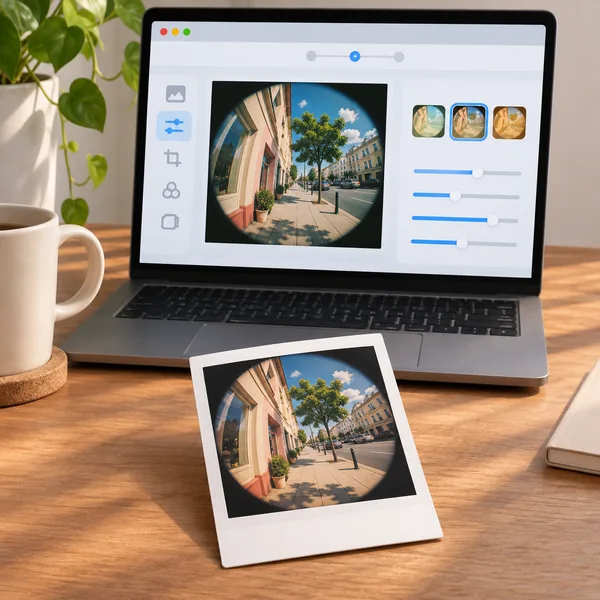
  5. Instant print of a fisheye street photo

    Fans of Retro Photos

    A vintage fan pairs the fisheye look with a classic frame from the vintage Polaroid filter.

Why Aragon

Why Edit Your Photos on Aragon?

Millions of people edit photos on Aragon, with simple tools and strong security in one place.

Reviews

What Do People Say About Aragon?

Real reviews from people who edit their photos on Aragon.

total reviews on
Portrait curved into a bold fisheye effect
Free daily credits

Fisheye Effect Photo Filter

Free credits come with your Aragon account. No install needed.

Trusted by 2.5M+ usersNo install neededJPG, PNG, WEBP, HEIC

Fisheye Effect FAQs

Customer satisfaction is our number one priority. Our live agents are available 7am - 11pm (PT), 5 days Sunday through Thursday.

The fisheye effect is a wide-angle distortion that curves the sides of a photo and makes the center bulge outward. It gives an ordinary photo a fun, dramatic look.

Upload your photo, click Edit to apply the fisheye effect and download the result. The AI applies the whole effect in one step.

Yes. Portraits and close-up selfies work especially well, because the bulging center brings the face forward.

Yes. The fisheye effect online on Aragon runs in your browser, so you only need a photo and an account.

Yes. Aragon recreates the curved fisheye lens effect with AI, so any regular photo from your phone works.

A wide-angle lens shows more of a scene with straight lines. A fisheye lens bends those lines into a curved, bubble-like view.

The fisheye filter gives a bold, strong curve. It applies one look in one click, for a clear fisheye style every time.

Yes. Aragon has other camera looks, like the motion blur filter, for a sense of speed.

Yes. Free credits come with your Aragon account, so you can try the fisheye lens filter before you choose a plan.

Yes. You need to sign up and log in to use Aragon's AI editing tools, and free credits come with every new account.

Your edited photo is ready within minutes.

You can upload JPG, PNG, WEBP and HEIC photos.

Paid plans export without a watermark, while free exports may include one. Check the pricing page for details.

Usage rights depend on your plan and the specific content generated. See Aragon's Terms and Conditions for full details.

You can request a full refund for your most recent payment within the eligible window. See the refund policy for details.

Your uploads stay private during processing. For full details, see Aragon's Privacy Policy.

Aragon keeps your uploads out of its model training, and its providers are contractually limited in their use of your photos.

Try Aragon's AI powered editing tools today

The Leading AI Headshot Generator for Professionals

Trustpilot

Trusted by professionals and teams

Earn 30% for every referral

Join our affiliate program for free!

SOC 2 Type II compliant

Copyright © 2026 Aragon AI, Inc. All rights reserved.

Terms of Use & Privacy Policy