




























































































































































































































































































































































The Leading AI Headshot Generator for Professionals
THE #1 RANKED AI PHOTO EDITOR
Free AI Makeup Editor: Try Different Makeup Looks on Your Photo Online
Try new makeup looks for free. Pick shades for lips, eyes, and cheeks and our AI shows the finished look in seconds.
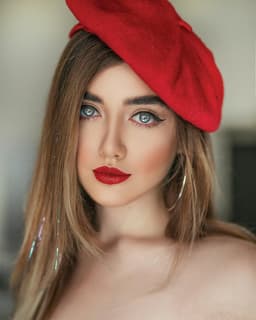
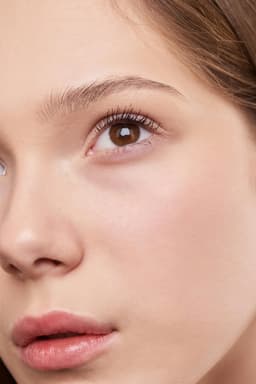
Click on one of these photos to try: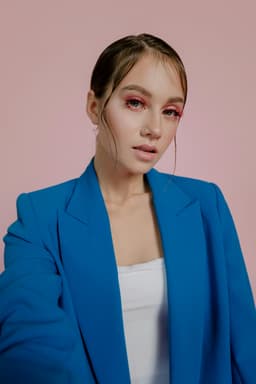

Trusted by Industry Leaders. Millions of images edited to date.









How does it work?
1
Upload your image
Start with a clear photo of the person you're celebrating. We support JPG, JPEG, PNG, and other common image formats.
2
Choose your makeup
Choose what you want to try like lip color, eyeshadow, or foundation coverage. The AI applies each element to your photo automatically with realistic blending.
3
Download your result
Your makeup try-on photo is ready to download. Save it to your device and use it to compare looks before your next appointment.
What makes it special?
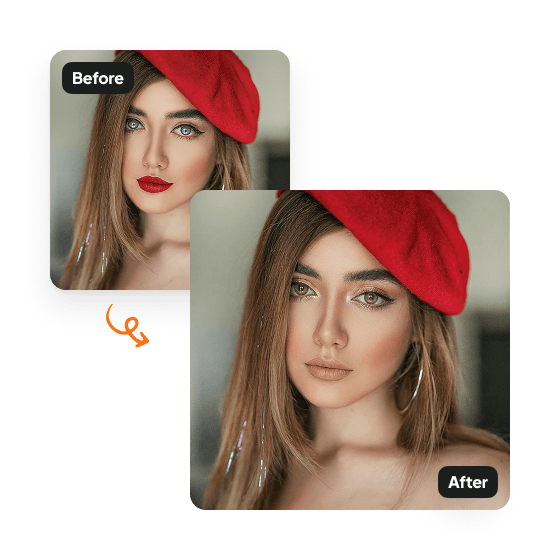
Explore any look
Try different makeup looks with Aragon's AI makeup editor. Mix lipstick, eyeshadow, eyeliner, mascara, and blush — from natural everyday styles to bold dramatic combinations.
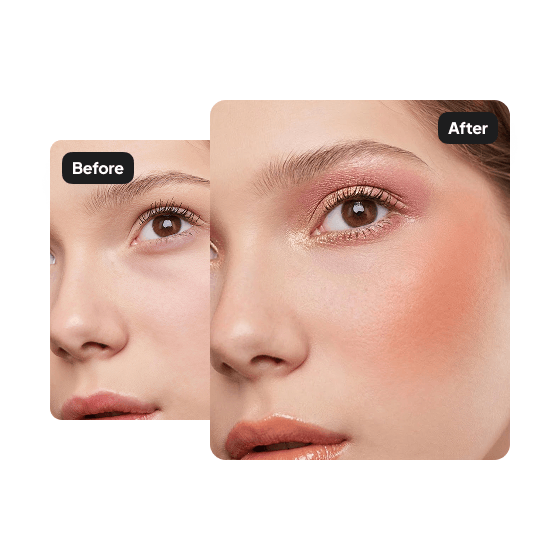
Matched to skin tone and lighting
Each makeup element is adjusted to blend with the skin tone and lighting in the original photo. Looks feel real, not pasted on.
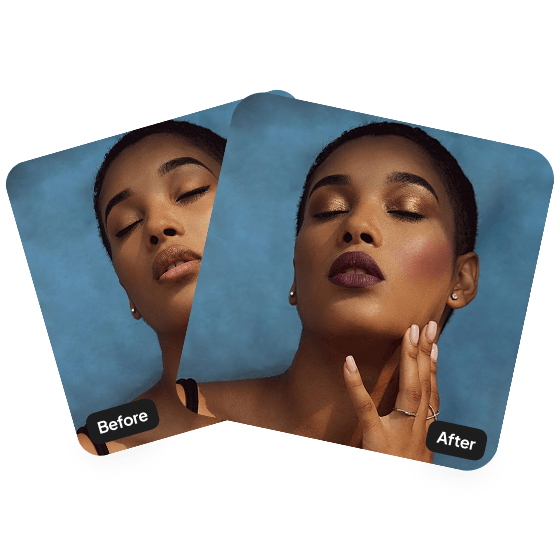
Plan the look before your appointment
Preview a new makeup direction before booking your artist. Walk into the appointment knowing exactly what you want.
Discover more tools
Have a question? We're here to help
Customer satisfaction is our number one priority. Our live agents are available 7am - 11pm (PT), 5 days Sunday through Thursday.
The Makeup Editor is an AI tool that lets you try different makeup looks on your photo. Experiment with colors and styles to find what works for you.
Upload your photo and choose your makeup, including lipstick, eyeshadow, eyeliner, mascara, and blush. Our AI applies the look while matching your skin tone and lighting.
You can try lipstick, eyeshadow, eyeliner, mascara, and blush in a variety of shades, from subtle neutrals to bold, dramatic tones.
Your edited photo will be ready within minutes and available to download right away.
Explore our other AI Photo Editing Tools
Touch up your photos even further with our suite of photo editing tools and features
