fb-pixelSkip to main content
Aragon.ai
ByteDance SeedVideo model

Seedance 2.5 AI Video Generator

Seedance 2.5 is ByteDance's AI video model for creating longer clips with native sound. It can build connected scenes from text, images and reference media while keeping characters, movement and visual details consistent.

Use Seedance 2.5 on Aragon to create cinematic, social and branded video in several formats.

One-Take Cafe Scene
Seedance 2.5

Example prompt
  • Up to 30 seconds
  • Native audio
  • Up to 1080p on Aragon
  • Six aspect ratios
  • Released Jul 31, 2026
9.1K+total reviews on
Overview

What Is Seedance 2.5?

Seedance 2.5 is ByteDance Seed's AI video model for creating longer videos with sound from text, images and reference media. ByteDance released Seedance 2.5 on July 31, 2026 with stronger long-scene generation, flexible references and video editing capabilities.

The model can keep an idea moving through several connected actions in a single generation. It can also use images, video clips and audio references to guide characters, products, movement, visual style and sound throughout a scene.

Seedance 2.5 is designed for videos where several moments need to stay connected over time. This makes it useful for product ads, character scenes, branded videos, social content and cinematic sequences.

Capabilities

What Makes Seedance 2.5 Different?

Seedance 2.5 is built around longer scenes, native audio and flexible references, giving you more control over how a video develops from beginning to end.

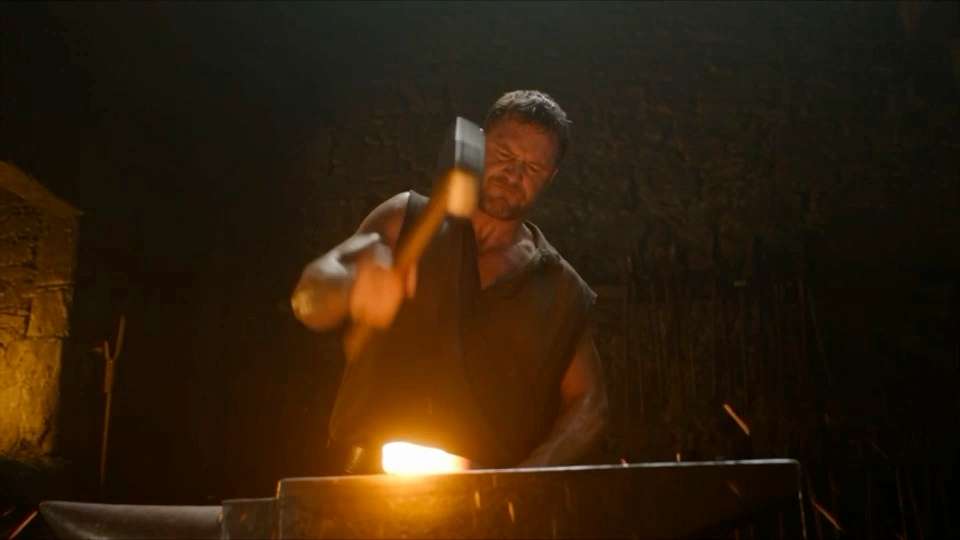
  • Longer cinematic sequence generated with Seedance 2.5
    01

    Longer Scenes in One Generation

    Seedance 2.5 gives an idea more time to develop through connected actions, camera changes and movement. This works well for stories, demonstrations, product videos and social creative that need more than one quick moment.
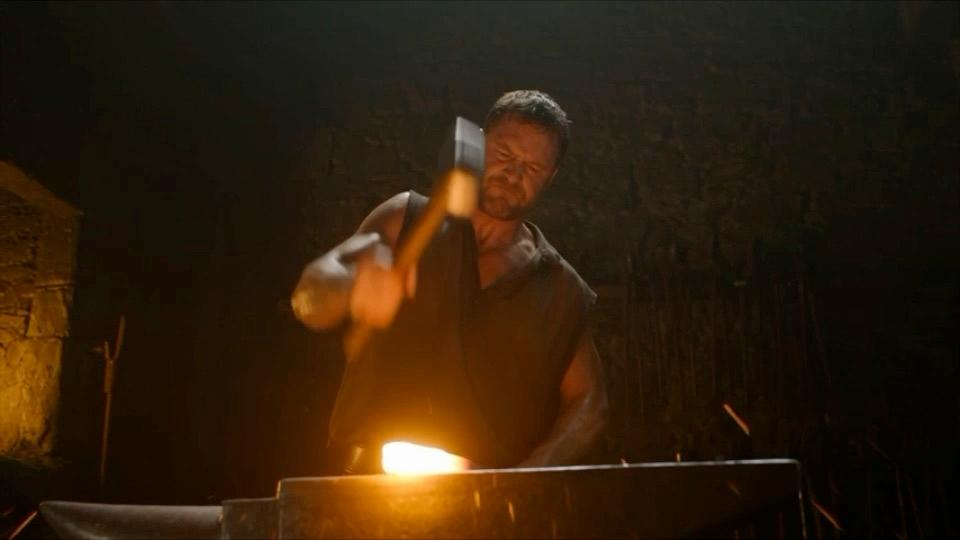
  • Seedance 2.5 video with synchronized action and natural scene sounds
    02

    Sound Generated With the Scene

    Seedance 2.5 creates audio together with the video, so voices, action sounds and background noise can follow what happens on screen. Describe important sounds in the prompt when audio plays a key role in the scene.

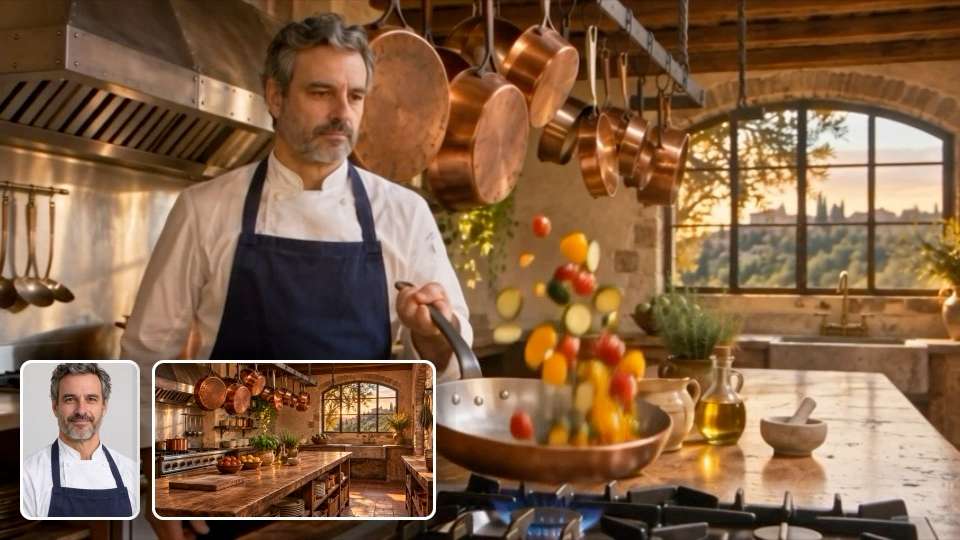
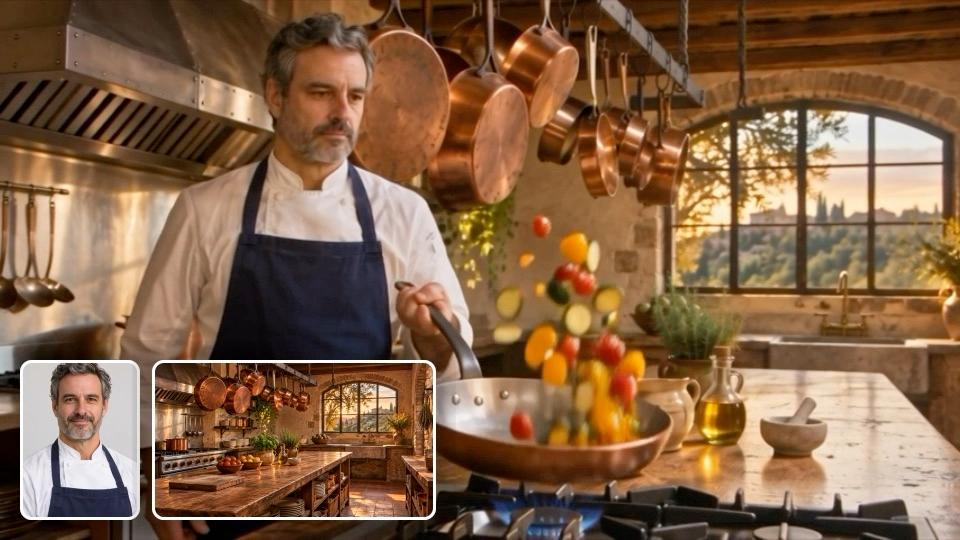
  • Chef tossing vegetables in a copper pan in a rustic kitchen, shown with his portrait and kitchen reference images
    03

    Flexible Reference Media

    The model can work with images, videos and audio clips as references. Give each reference a clear role to guide a character, product, setting, movement or sound across the generated video.

  • Consistent character appearing throughout a longer Seedance 2.5 scene
    04

    Consistent Details Through Longer Scenes

    Seedance 2.5 is designed to keep important characters, products and visual details recognizable as the action develops. This helps when the same person or item appears through several movements or camera changes.

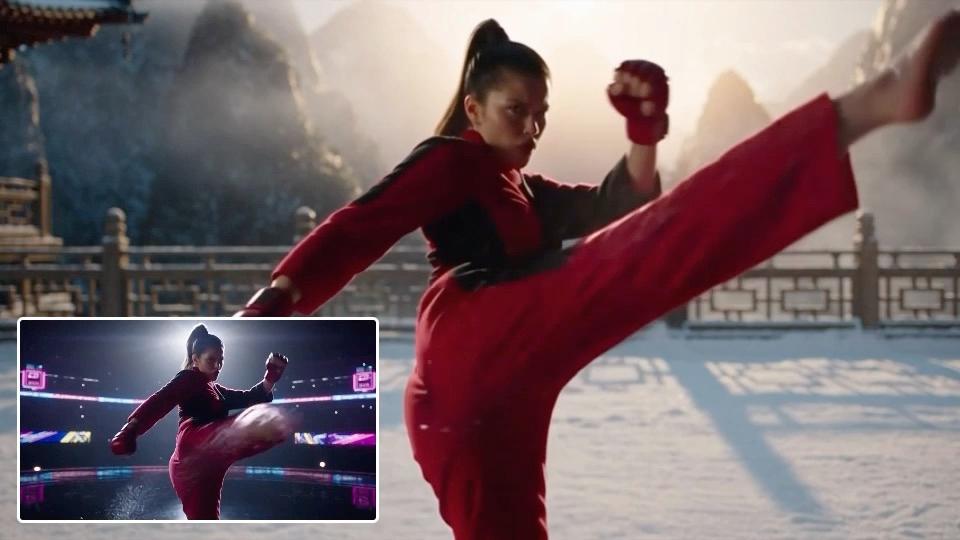
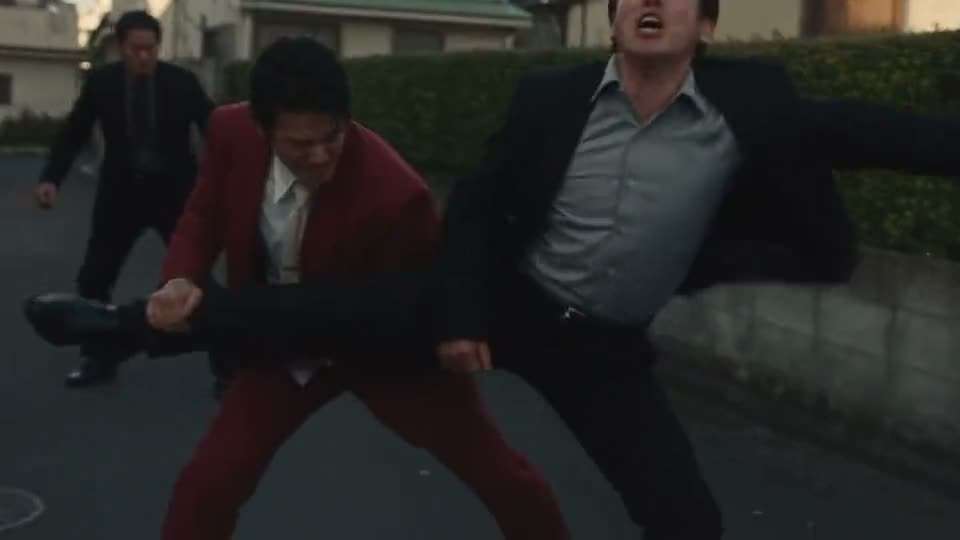
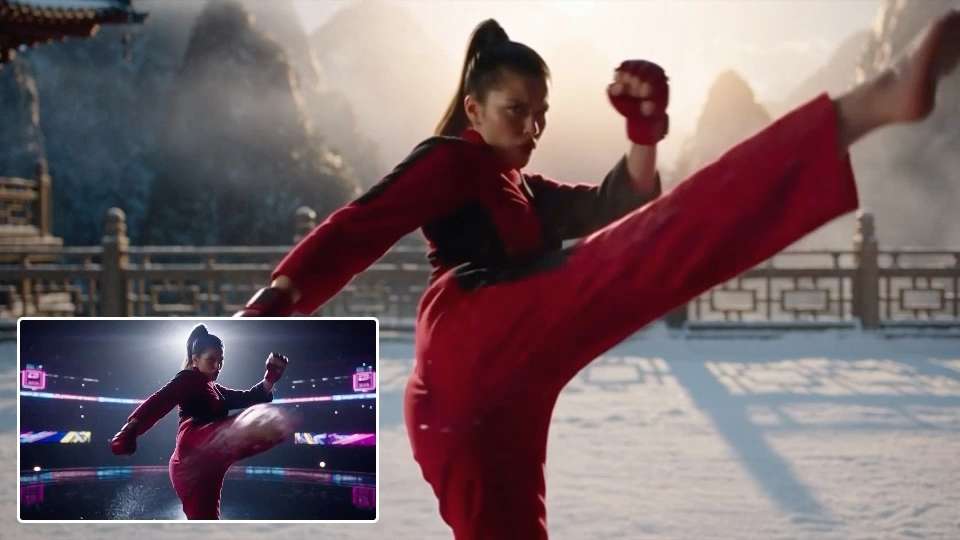
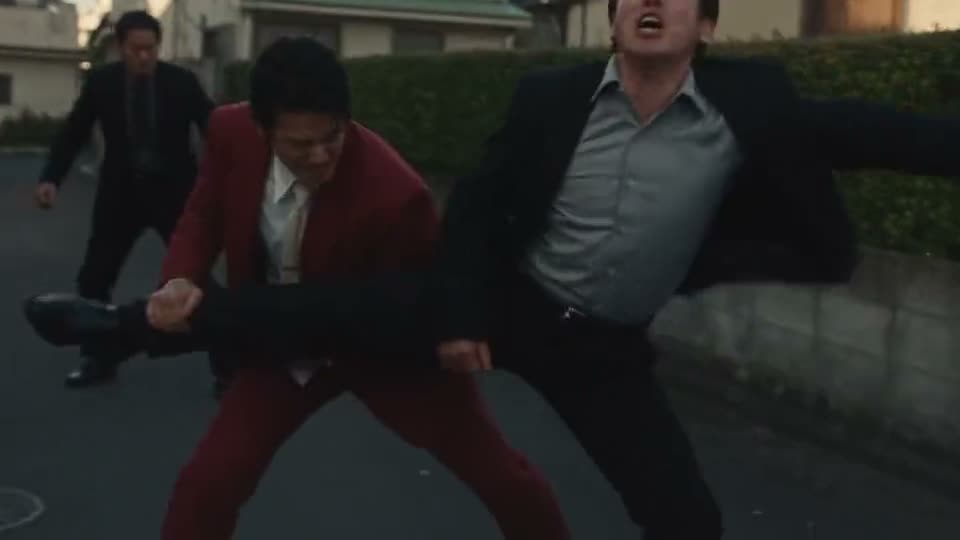
  • Martial artist in red kicking in a snowy temple courtyard, edited from the neon arena clip shown in the corner
    05

    Edit Existing Video With Instructions

    Seedance 2.5 can use existing video as source material and follow written directions for changes to the scene. This gives creators another way to build from existing footage instead of beginning every project with a new generation.

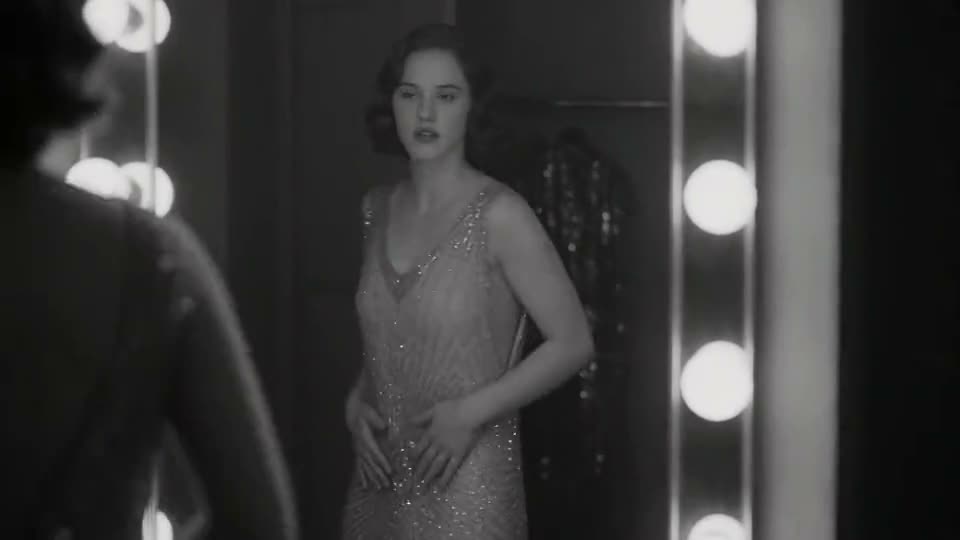
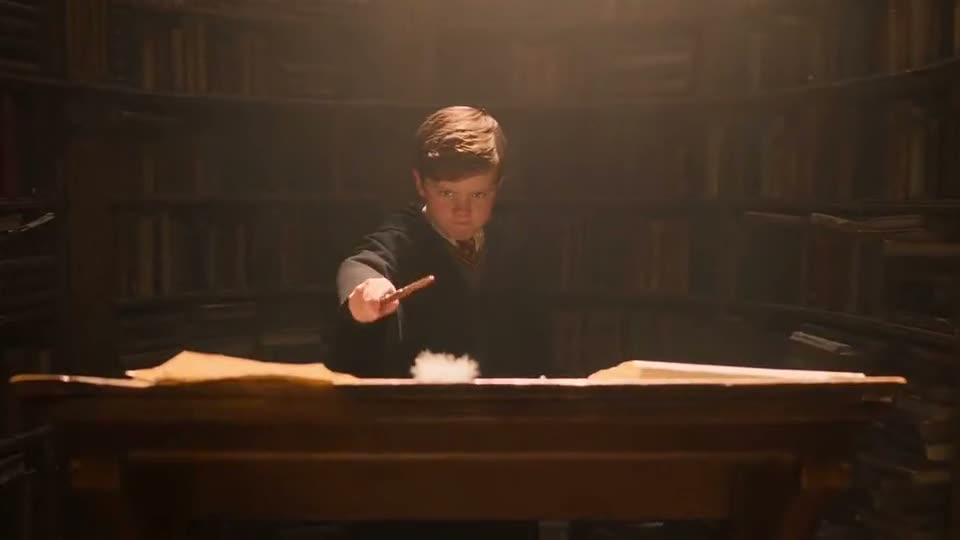
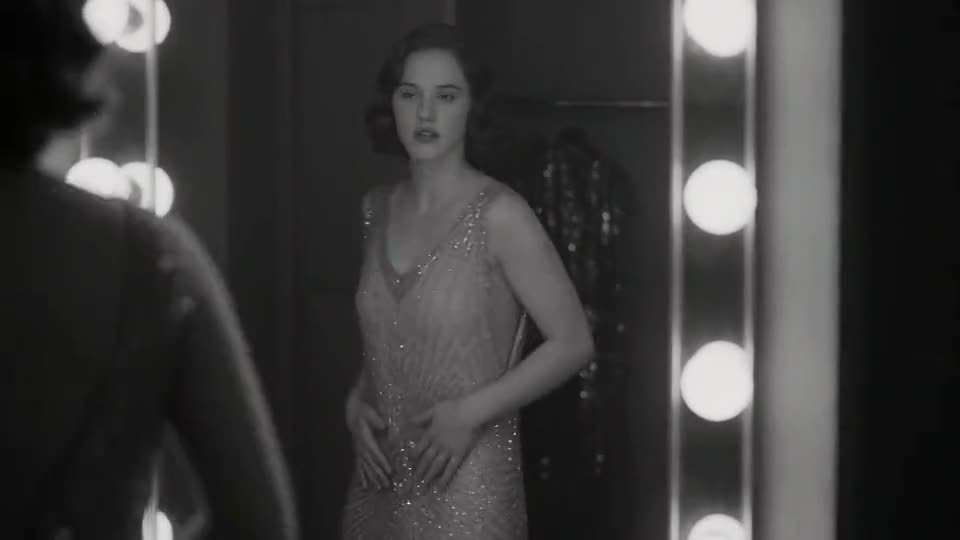
  • Black-and-white jazz club story of a nervous singer and a calm pianist
    06

    Continue a Scene Beyond the First Clip

    Seedance 2.5 can extend generated footage when a story needs more room to continue. Video extension helps carry an established scene, character or action into the next part of the sequence.

Gallery

Seedance 2.5 Video Gallery

See videos created with Seedance 2.5 on Aragon, with the exact prompt used for every example. Copy a prompt and change the character, setting, action or sound for your next scene.

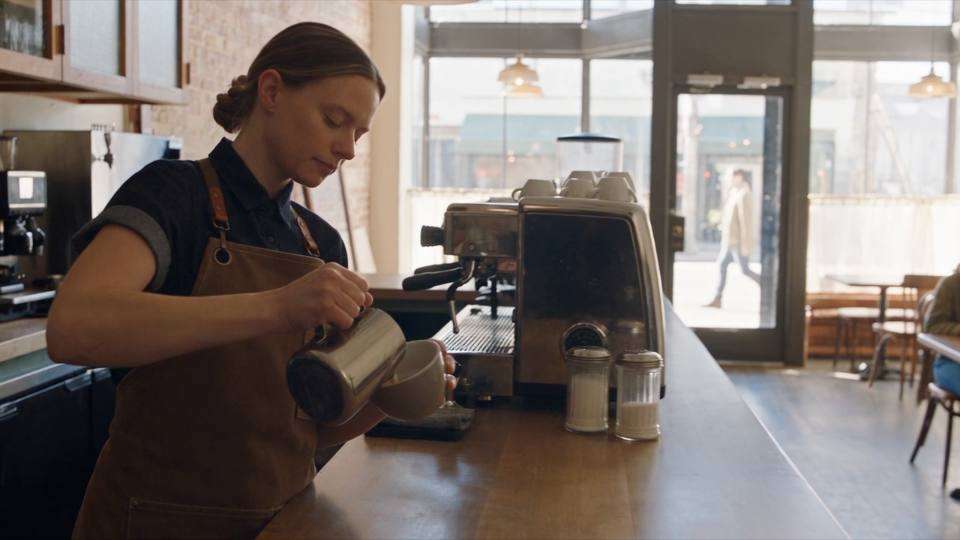
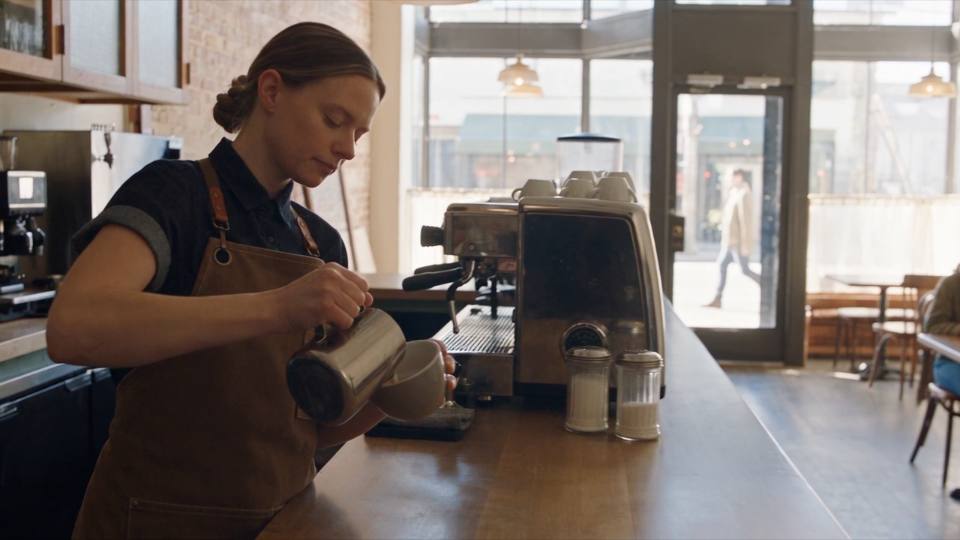
  • One-Take Cafe Scene

    One-Take Cafe Scene

    Prompt

    A barista prepares a latte from start to finish in a bright morning cafe. Begin with a wide shot, slowly move toward the counter as the coffee pours, then follow the cup to the customer. Add natural cafe sounds, steaming milk and quiet conversation.

    Try it
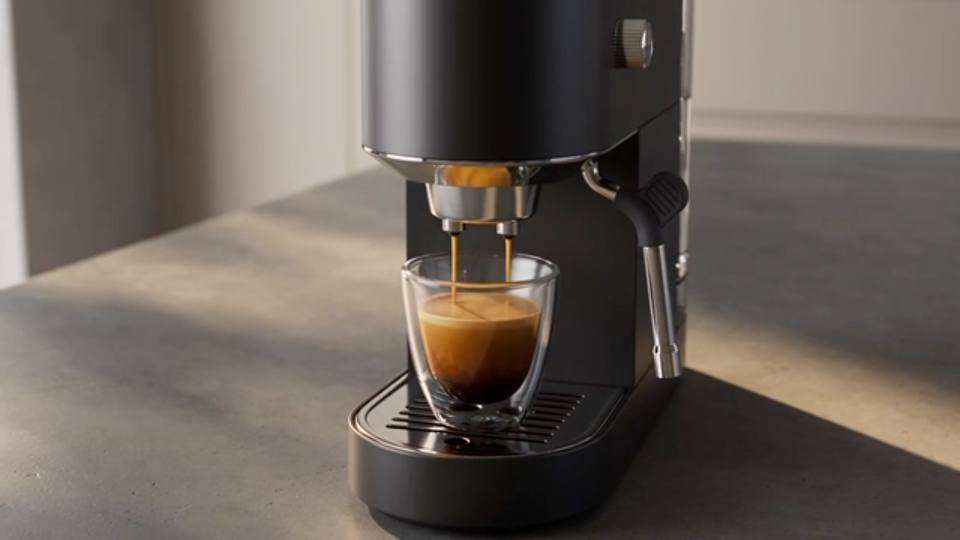
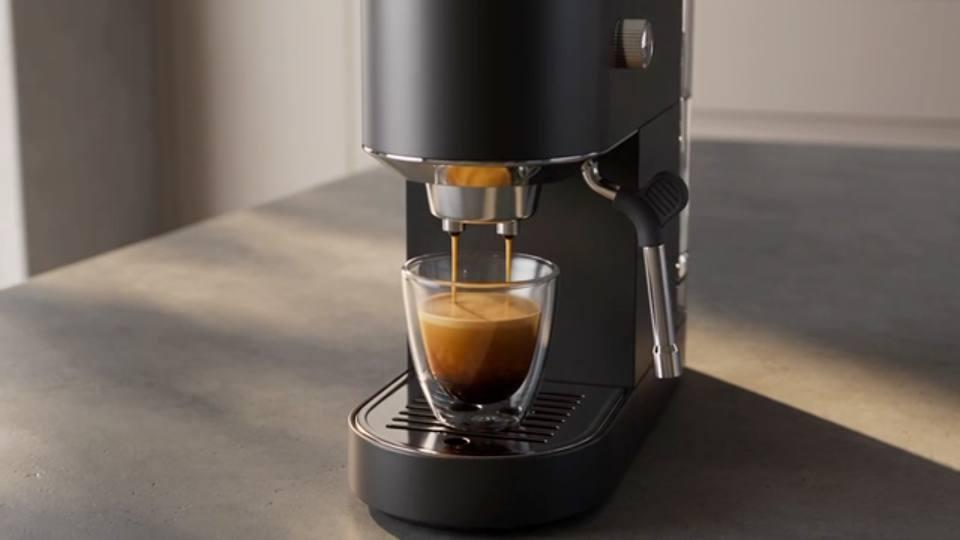
  • Product Launch Video

    Product Launch Video

    Prompt

    A matte black espresso machine sits on a concrete counter in a modern kitchen. The camera circles the machine, moves close as espresso streams into a glass cup, then pulls back as morning light fills the room. Add the hiss of steam and a low rhythmic beat.

    Try it
  • Cinematic Travel Scene

    Cinematic Travel Scene

    Prompt

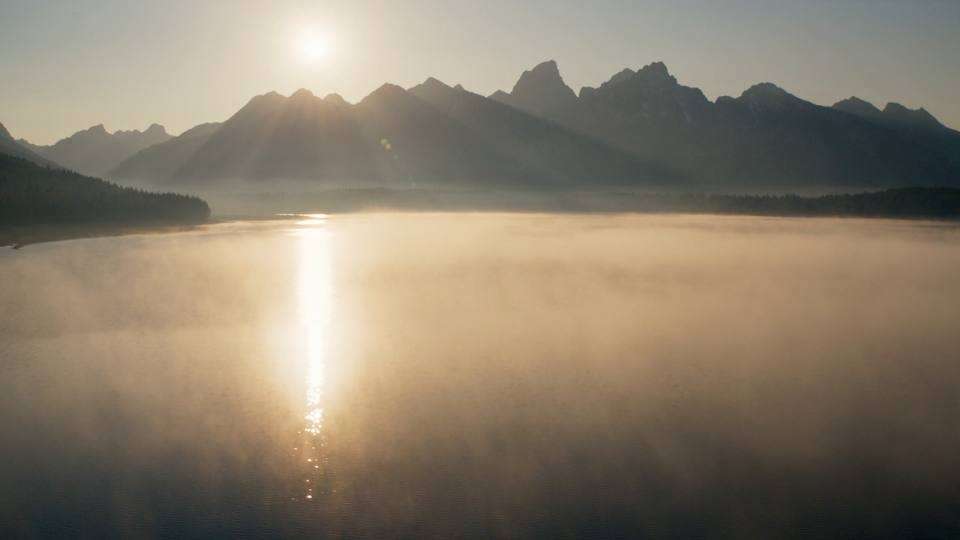
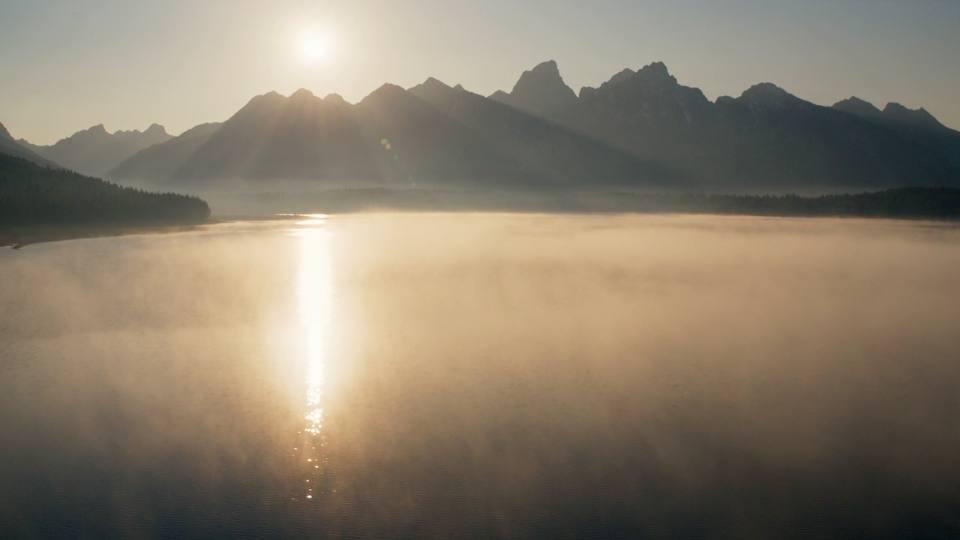
    A small boat crosses a mountain lake at sunrise. Begin high above the water, slowly move down toward the boat and follow it toward the mountains. Morning mist moves across the lake with soft water and wind sounds.

    Try it
On Aragon

Why Create With Seedance 2.5 on Aragon?

Seedance 2.5 is Aragon's default AI video model, giving you direct access to longer video generation, native sound and flexible video settings from the main video workspace.

  • Start With Aragon's Default Video Model

    Seedance 2.5 is selected as the default model in Aragon AI Video, making it the main option for creating new clips from text, images and references.

  • Choose the Right Clip Length

    Set Seedance 2.5 from 4 to 30 seconds on Aragon, giving short actions and longer scenes the time they need without changing models.

  • Generate in 480p, 720p or 1080p

    Select the output size that fits your project, from quick previews to detailed 1080p video for finished creative.

  • Fit Six Different Video Shapes

    Choose 21:9, 16:9, 4:3, 1:1, 3:4 or 9:16 for cinematic shots, standard video, square posts and vertical social content.

  • Use Seedance Across Aragon Video Tools

    Seedance 2.5 also supports Aragon experiences for cinematic creation, speaking scenes, marketing videos, motion-based video and photo animation, giving the model a wider range of creative uses.

How it works

How to Use Seedance 2.5 on Aragon

Open AI Video, select Seedance 2.5 and describe the scene you want to generate.

  1. 1

    Open AI Video

    Sign in to Aragon and open AI Video from your dashboard.

  2. 2

    Set Up Seedance 2.5

    Choose Seedance 2.5 and select the duration, resolution and video format for your scene.

  3. 3

    Add Your Prompt and Generate

    Describe the scene, add supported reference media when needed and generate your Seedance 2.5 video.

Use cases

What Can You Create With Seedance 2.5?

Seedance 2.5 works especially well for videos that need connected action, changing camera views and sound that follows the scene.

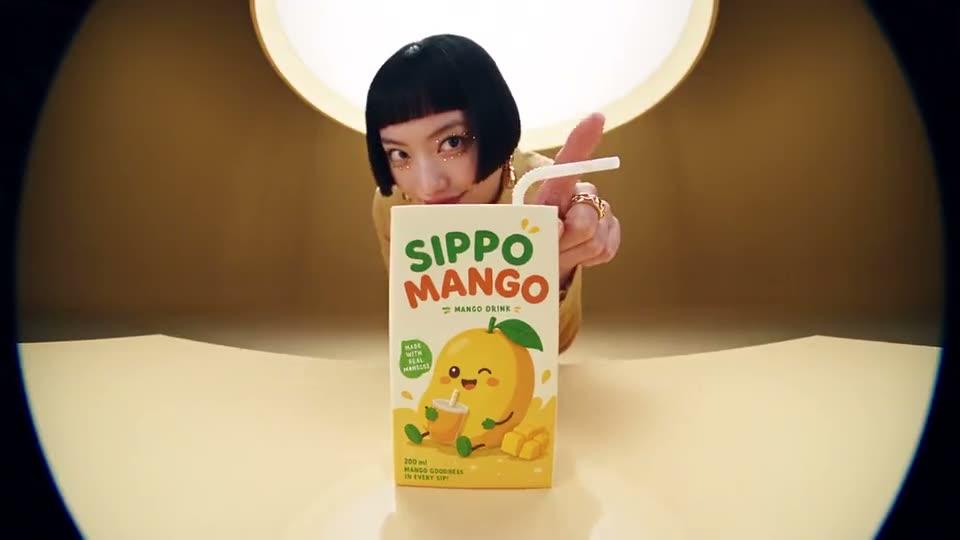
  • Longer product advertisement created with Seedance 2.5

    Longer Product Ads

    Show several parts of a product story inside one clip, from the opening reveal through close-up details and the final campaign shot.

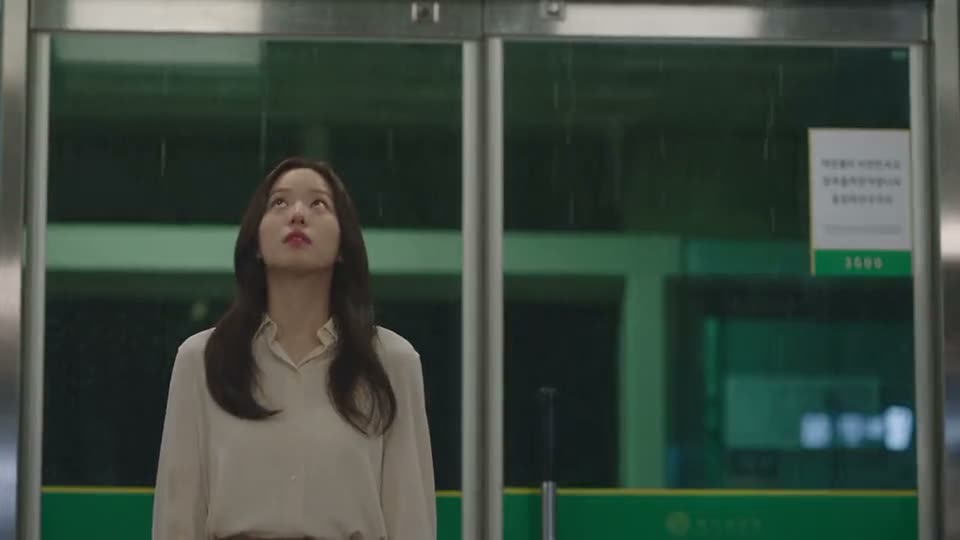
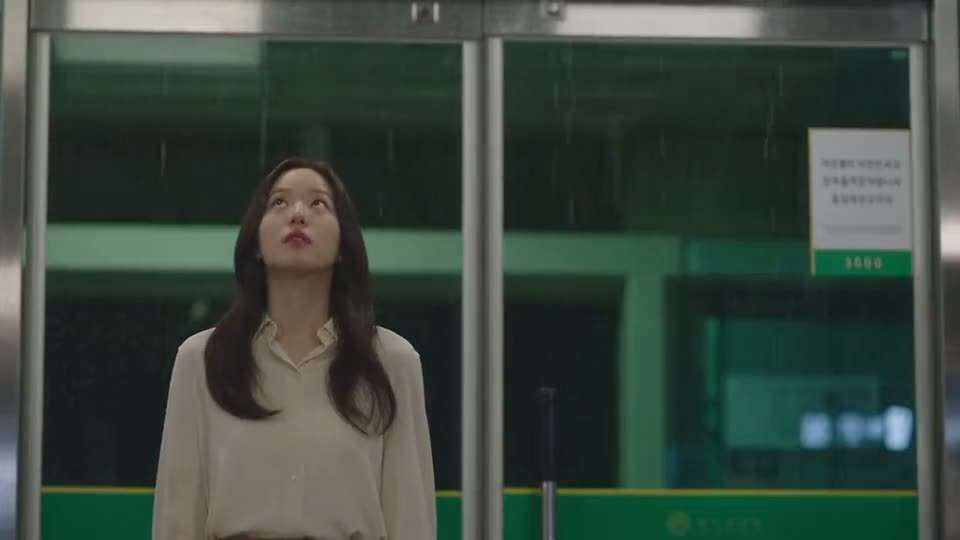
  • Character-led story sequence generated with Seedance 2.5

    Character-Led Scenes

    Keep the same character moving through several actions while the camera follows the story across a connected sequence.

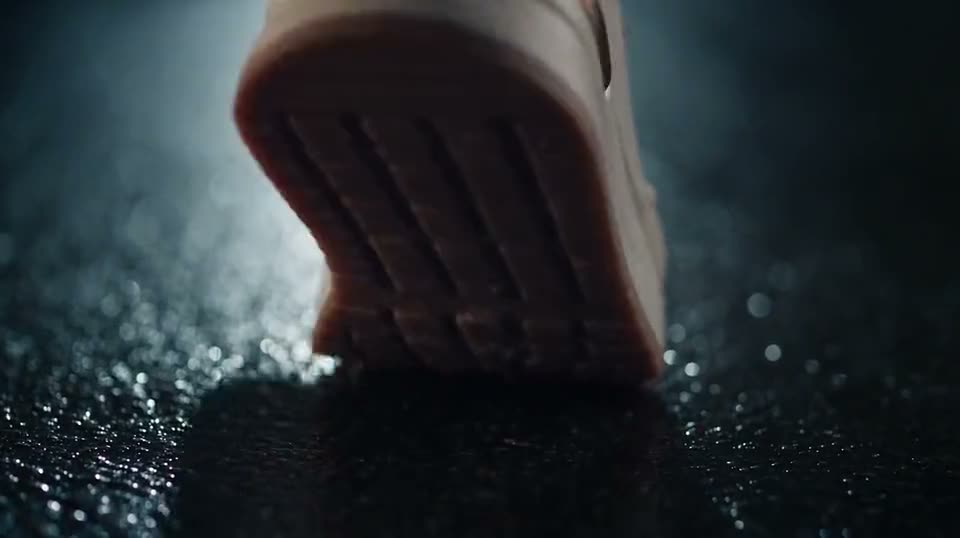
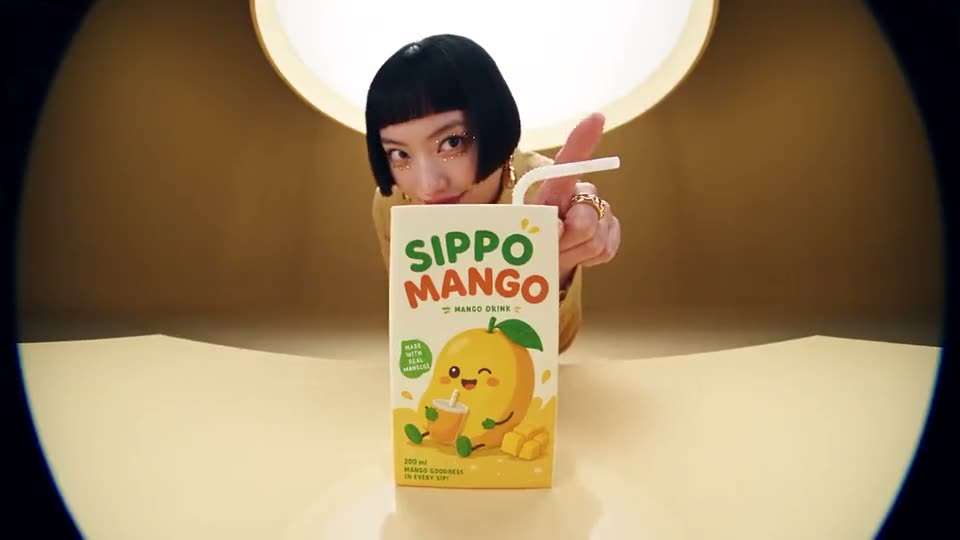
  • Branded promotional scene generated with Seedance 2.5

    Brand and Promo Videos

    Build a short promotional story around a product, service or campaign with connected shots, brand references and synchronized sound.

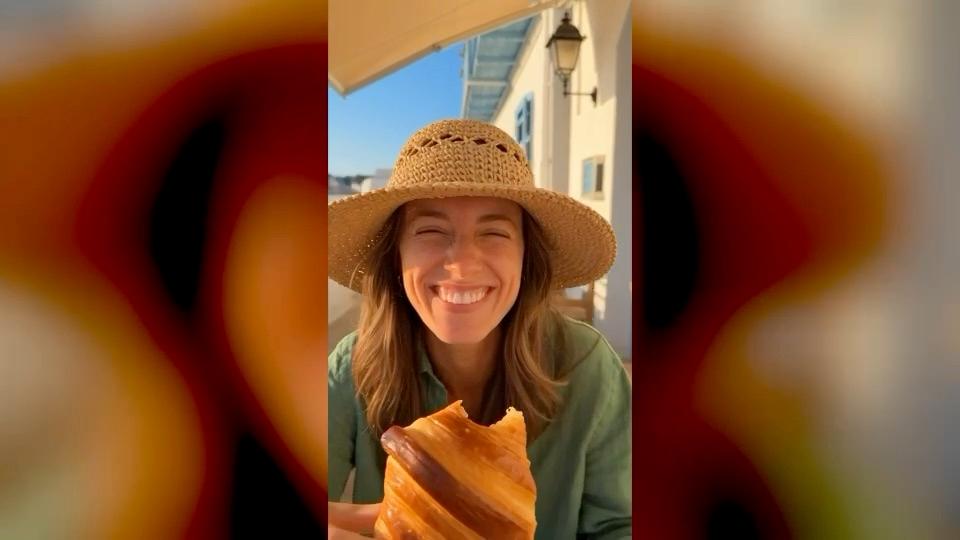
  • Woman choosing a straw hat at a market and tasting a pastry at a seaside cafe

    Vertical Social Stories

    Use 9:16 video for social clips that include several connected moments, such as fashion, travel, food and behind-the-scenes content.

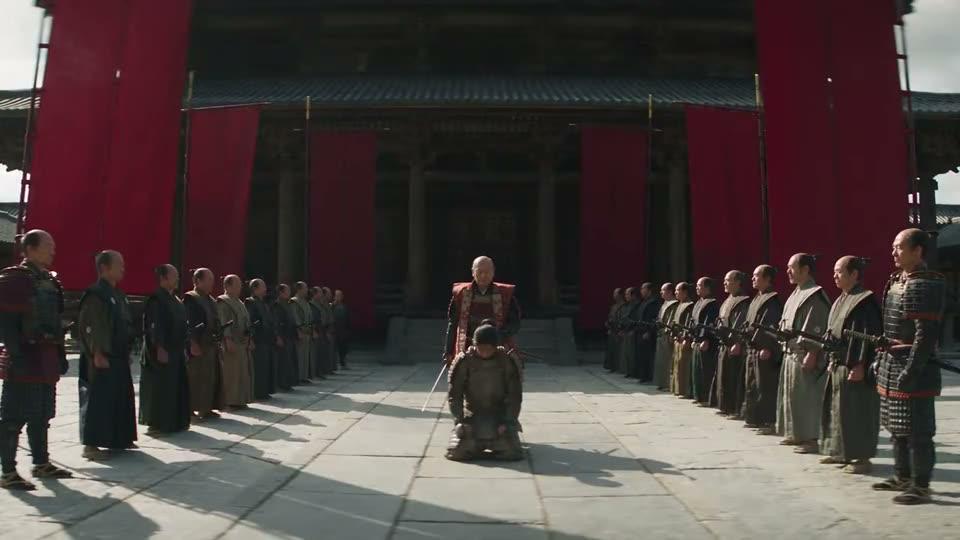
  • Continuous cinematic camera shot generated with Seedance 2.5

    Cinematic One-Take Shots

    Create a continuous scene where the camera moves through a location while characters and objects continue acting inside the same shot.

Prompting

Seedance 2.5 Prompting Tips

Seedance 2.5 handles connected scenes best when the prompt explains how the action develops from the beginning through the final moment.

Example prompt
“A small boat crosses a mountain lake at sunrise. Begin high above the water, slowly move down toward the boat and follow it toward the mountains. Morning mist moves across the lake with soft water and wind sounds.”
  1. Plan the Action in Order

    Describe what happens first, what follows and how the scene finishes. A clear sequence helps Seedance 2.5 spread several actions naturally across the video.

  2. Give Every Reference a Purpose

    Tell the model which reference controls the character, product, setting, movement or sound. Clear roles help Seedance 2.5 use several references without mixing their purpose.

  3. Explain How the Camera Moves

    Describe whether the camera follows a person, circles a product, moves through a room or changes distance during the scene.

  4. Keep Important Details Specific

    Repeat key clothing, product, character or brand details when they need to remain recognizable throughout several actions.

  5. Add Sound Where It Matters

    Describe voices, footsteps, traffic, machinery, weather or other important sounds at the point where they happen in the scene.

Prompt library

Try These Seedance 2.5 Prompts

Copy a prompt and change the subject, action, reference or setting for your video.

  • Product Story

    Prompt

    A premium black backpack sits on a wooden table beside a hiking map. Begin with a wide shot, move closer as a hand opens the bag and places a camera inside, then follow the person carrying it toward the door. Keep the backpack design unchanged and add zipper, fabric and room sounds.

    Try it

    Works well for product demonstrations and longer advertising scenes.

  • Cinematic Character Scene

    Prompt

    A woman wearing a yellow raincoat walks out of a small bookstore and crosses a rainy street. Follow her from behind, move beside her as she opens an umbrella, then finish with a wider view as she walks toward the station. Add rain, footsteps and passing traffic.

    Try it

    Works well for character consistency, camera movement and connected action.

  • Vertical Food Campaign

    Prompt

    Vertical video inside a bright bakery. Begin with dough being shaped by hand, follow the tray into the oven and finish with fresh bread placed on the counter. Warm morning light, smooth camera movement, kitchen sounds and soft customer conversation.

    Try it

    Works well for food campaigns, Reels and longer vertical social videos.

Compare

Seedance 2.5 vs Seedance 2.0

Both models belong to ByteDance's Seedance family, but Seedance 2.5 gives creators more room for longer scenes and larger reference sets.

Seedance 2.5Seedance 2.0
Best forLonger scenes and larger reference setsMultimodal video creation with shorter clips
MakerByteDance SeedByteDance Seed
Native audio
Text to video
Image to video
Reference mediaImages, video and audioMultimodal references
Best fitLonger one-take scenes, campaign videos and reference-heavy projectsShorter multimodal scenes and creative video generation
Added to AragonAugust 11, 2026July 1, 2026
Choosing a model

Which AI Video Model Fits Your Project?

Different models are useful for different kinds of video, so start with the scene length and creative control your project needs.

  • Seedance 2.5 for Longer Scenes

    Pick Seedance 2.5 when you need native sound, flexible references and enough time for several connected actions inside one video.

  • Veo 3.1 for Dialogue-Driven Clips

    Pick Veo 3.1 when the project centers on a short cinematic scene with spoken dialogue and detailed native sound.

  • Kling 3.0 for Multi-Shot Stories

    Pick Kling 3.0 when a short video needs several connected shots, native audio and consistent characters.

  • MiniMax H3 for Detailed Scene Prompts

    Pick MiniMax H3 when you need stereo sound, start and end frames and detailed prompt control for a short video scene.

Reviews

What our customers say

9.1K+total reviews on

Create Longer Videos With Seedance 2.5

Describe the full scene, add reference media when needed and create a connected video with native sound using Seedance 2.5 on Aragon.

9.1K+total reviews on

Seedance 2.5 FAQs

Customer satisfaction is our number one priority. Our live agents are available 7am - 11pm (PT), 5 days Sunday through Thursday.

Seedance 2.5 is ByteDance Seed's AI video model for creating videos from text, images and reference media. It supports longer connected scenes with native sound and flexible creative control.

ByteDance released Seedance 2.5 on July 31, 2026. It followed Seedance 2.0 with longer video generation and broader reference support.

Seedance 2.5 can generate videos up to 30 seconds. On Aragon, you can choose a duration from 4 to 30 seconds before starting the generation.

Yes. Seedance 2.5 generates native audio together with the video, so voices, action sounds and background noise can follow the scene.

Yes. Seedance 2.5 can use reference media to guide characters, products, settings and other important visual details in a generated video.

Open AI Video on Aragon, choose Seedance 2.5 and select your video settings. Add a prompt and supported reference media, then generate the video.

Seedance 2.5 is available on Pro plans and above. See the pricing page for current plans.

Usage rights depend on your plan and the specific content generated. See Aragon's Terms and Conditions for full details.

Your uploads stay private during processing. For full details, see Aragon's Privacy Policy.

Related Models

The Leading AI Headshot Generator for Professionals

Trustpilot

Trusted by professionals and teams

Earn 30% for every referral

Join our affiliate program for free!

SOC 2 Type II compliant

Copyright © 2026 Aragon AI, Inc. All rights reserved.

Terms of Use & Privacy Policy