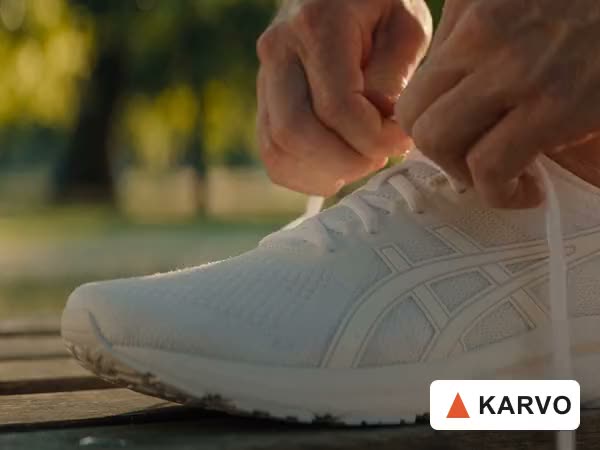
BeforeAfter

Corner watermark
Talking-head video → corner watermark removed
Remove a watermark, logo, or overlay from your video. Upload your clip and download the finished video without the old mark.

See how watermarks, logos, and overlays can be removed from video.
Talking-head video → corner watermark removed
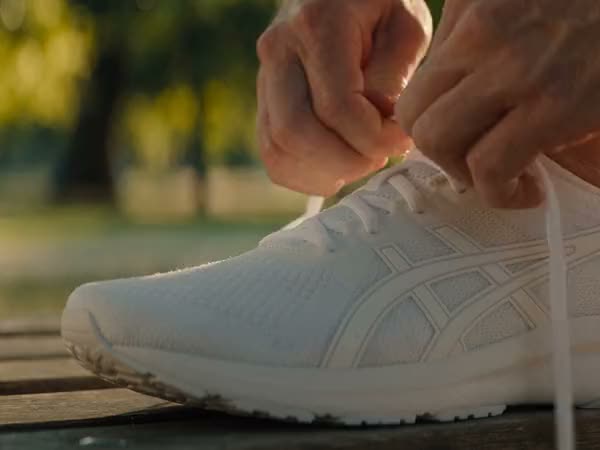
Social video → old brand logo removed

Video export → temporary stamp removed
Upload your video, remove the watermark or overlay, then download the result.
It removes watermarks, logos, and text from your video and fills in the area where they were.
Remove "Draft," "Sample," or other watermarks from your video.
Remove a logo from a video you want to use again, whether it's an old brand logo or a corner logo.
Remove captions, labels, or date stamps that were added on top of your video.
Aragon fills in the spot where the mark was, so it blends in with the rest of the video.
It is useful when an old watermark, logo, or overlay needs to be removed.

A test export may still have a temporary watermark. Remove it before publishing the finished video.

Older campaign videos may still show a previous logo or message. Remove the old overlay before preparing the footage for branding.
A client may send an older video with a temporary watermark or outdated logo. Remove it when you have permission to edit the footage.

Product videos can stay useful after a campaign ends. Remove an outdated logo or text overlay before using the footage again.
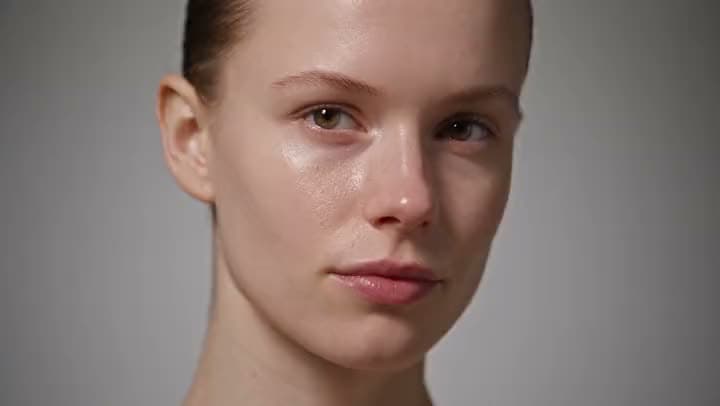
Upload your video, remove the watermark or overlay, and download the finished result.
Customer satisfaction is our number one priority. Our live agents are available 7am - 11pm (PT), 5 days Sunday through Thursday.

suite hub for create, edit, and finish
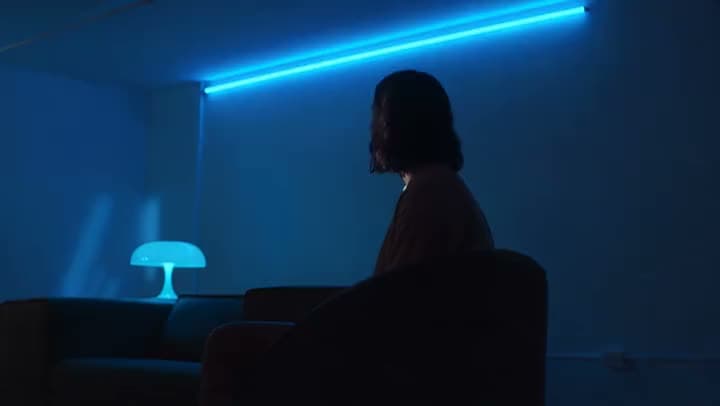
improve look and clarity after cleanup
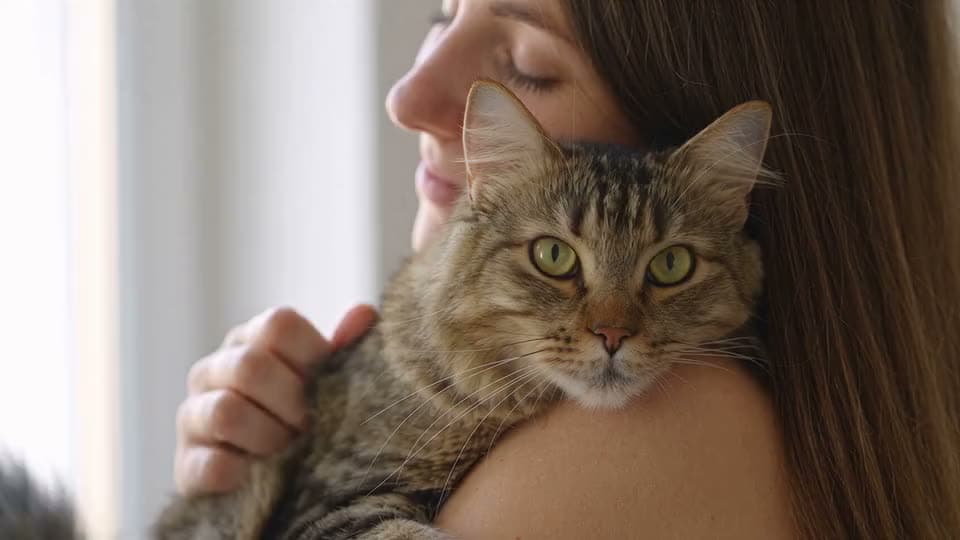
raise resolution when the brief needs more pixels
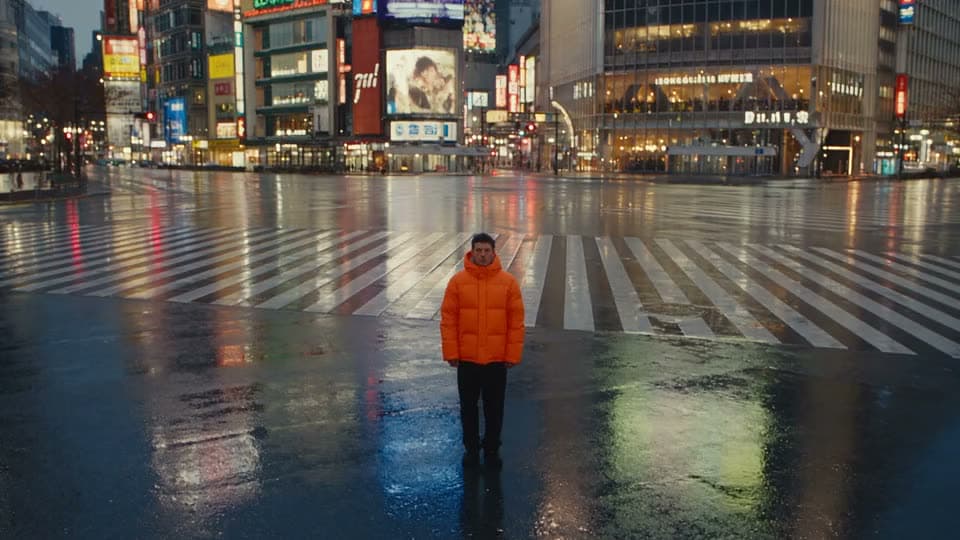
cut or replace the backdrop on a different job

animate a still into generative motion

turn several photos into a slideshow or montage

turn a short idea into generated scenes

paste a full script into matching scenes
The Leading AI Headshot Generator for Professionals
Trustpilot
Trusted by professionals and teams
Earn 30% for every referral
Join our affiliate program for free!
Copyright © 2026 Aragon AI, Inc. All rights reserved.