




























































































































































































































































































































































The Leading AI Headshot Generator for Professionals
THE #1 RANKED AI PHOTO EDITOR
AI Image Tone Editor: Change Photo Colors with One Click
Apply cinematic, retro, dreamy, warm, cool, rose gold, sepia, or saturated tones to any photo. Pick a preset, upload your photo, and download the result in a short time.
Click on one of these photos to try:




Before
After
Trusted by Industry Leaders. Millions of images edited to date.









How does it work?
1
Upload your image
Start with a clear photo of yourself. We support JPG, JPEG, PNG, and other common image formats.
2
Choose your image tone
Choose from tones like cinematic, retro, dreamy, and warm. The AI applies your chosen tone to your photo automatically, adjusting the color mood and atmosphere to match.
3
Download your result
Your edited photo is ready to download in high resolution. Save it to your device and use it anywhere you want a different color mood or cinematic feel.
What makes it special?
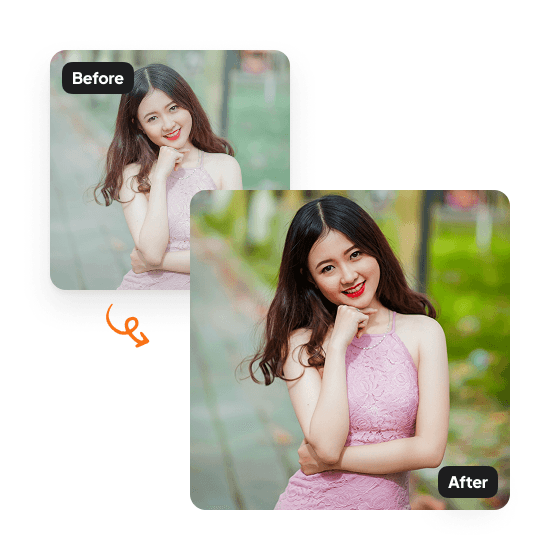
8 named AI preset filters
Apply cinematic, retro, dreamy, warm, cool, rose gold, sepia, or saturated to any photo. Each preset transforms the whole photo's color palette, lighting, and atmosphere in one click.
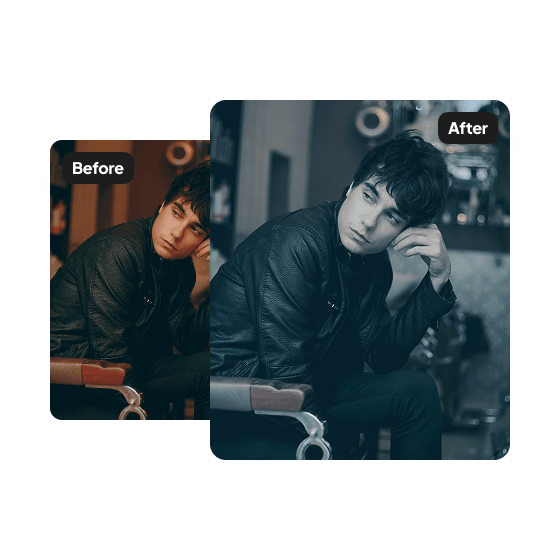
Complete color transformation
The whole photo gets new colors, adjusted highlights and shadows, and refined texture. Everything works together for a cohesive new aesthetic.
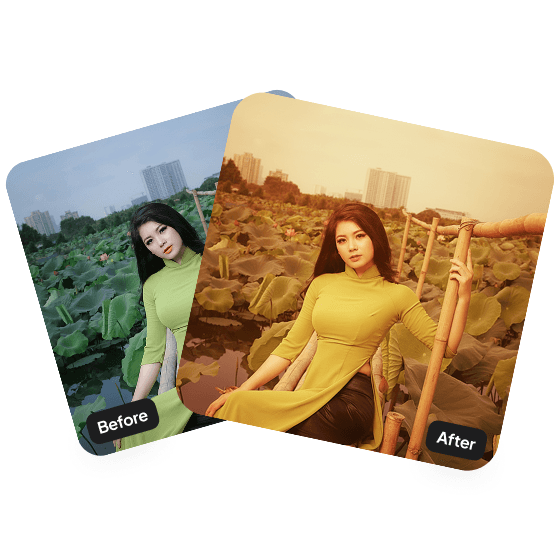
One-click AI, no sliders or Photoshop
Skip the manual color grading. Pick a preset and Aragon handles the tone shift in a short time. No Lightroom subscription, no slider tweaking, no design background needed.
Have a question? We're here to help
Customer satisfaction is our number one priority. Our live agents are available 7am - 11pm (PT), 5 days Sunday through Thursday.
The Image Tone Editor is an AI tool that applies different color tones and filters to your photos. Change the mood and atmosphere with styles like cinematic, retro, dreamy, or warm.
Upload a photo and choose a color tone. Our tool adjusts colors, contrast, lighting, and atmosphere to match your selected filter.
Our tool offers cinematic, retro, dreamy, sepia, cool, warm, rose gold, saturated, and other creative filters. Each one creates a unique look.
Your photo will appear in your dashboard within minutes and will be ready to download.
