



























































































































































































































































































































































The Leading AI Headshot Generator for Professionals
THE #1 RANKED AI PHOTO EDITOR
AI Snowy Filter: Turn Any Photo Into a Winter Scene
Choose a snowy scene and Aragon places you in it, from a quiet forest to a lit-up Christmas market. Upload a photo and get your winter version in seconds. Free to try.
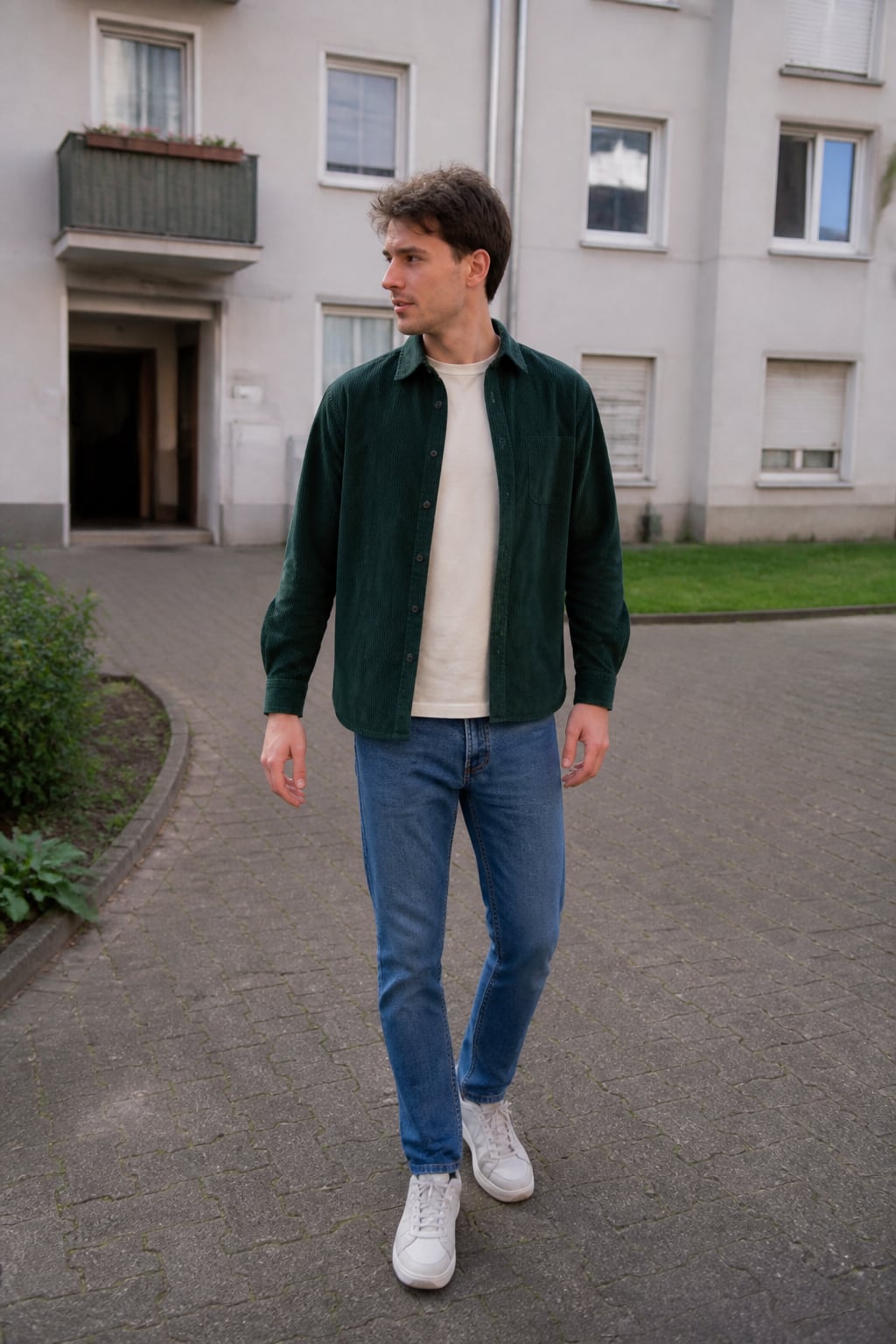
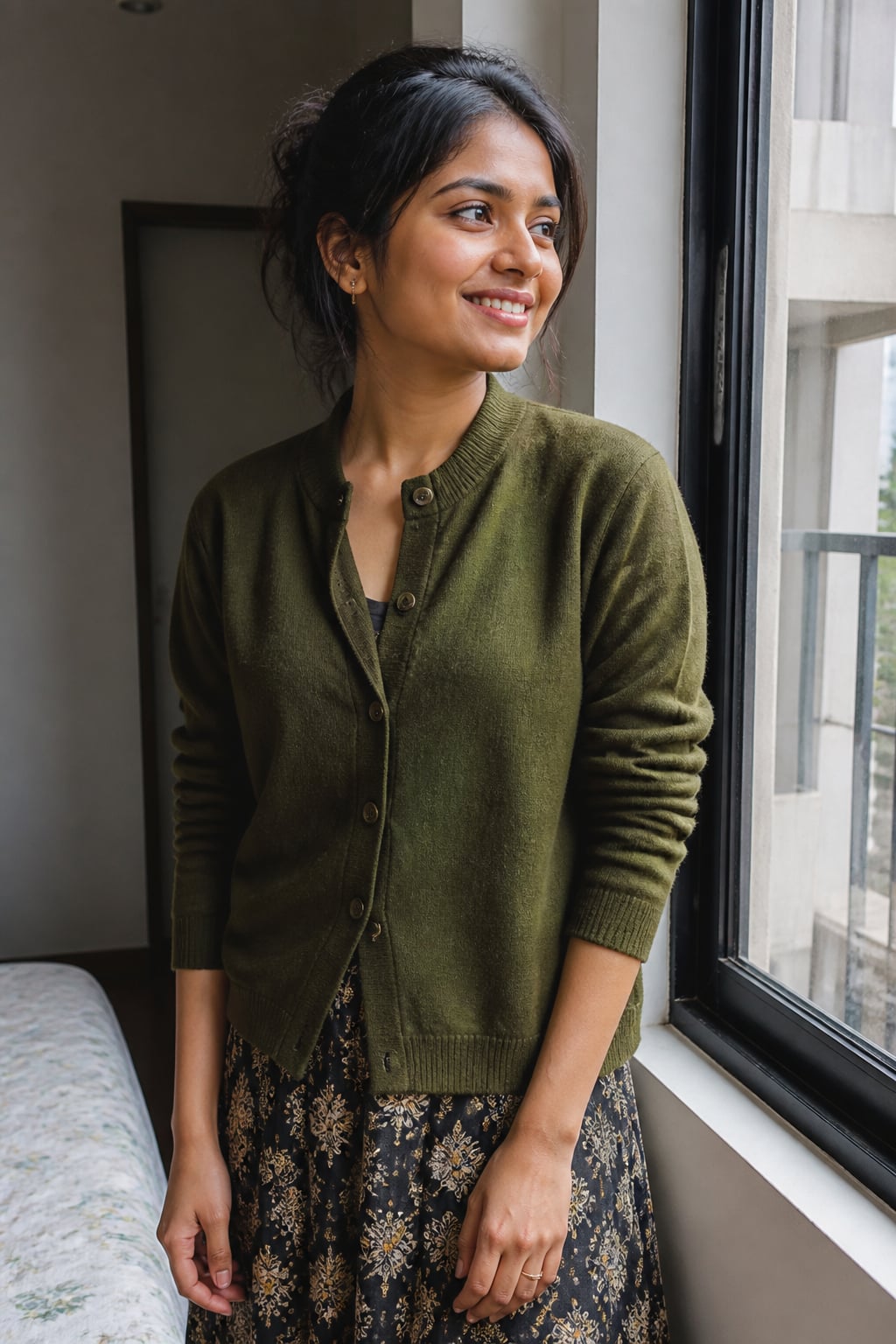
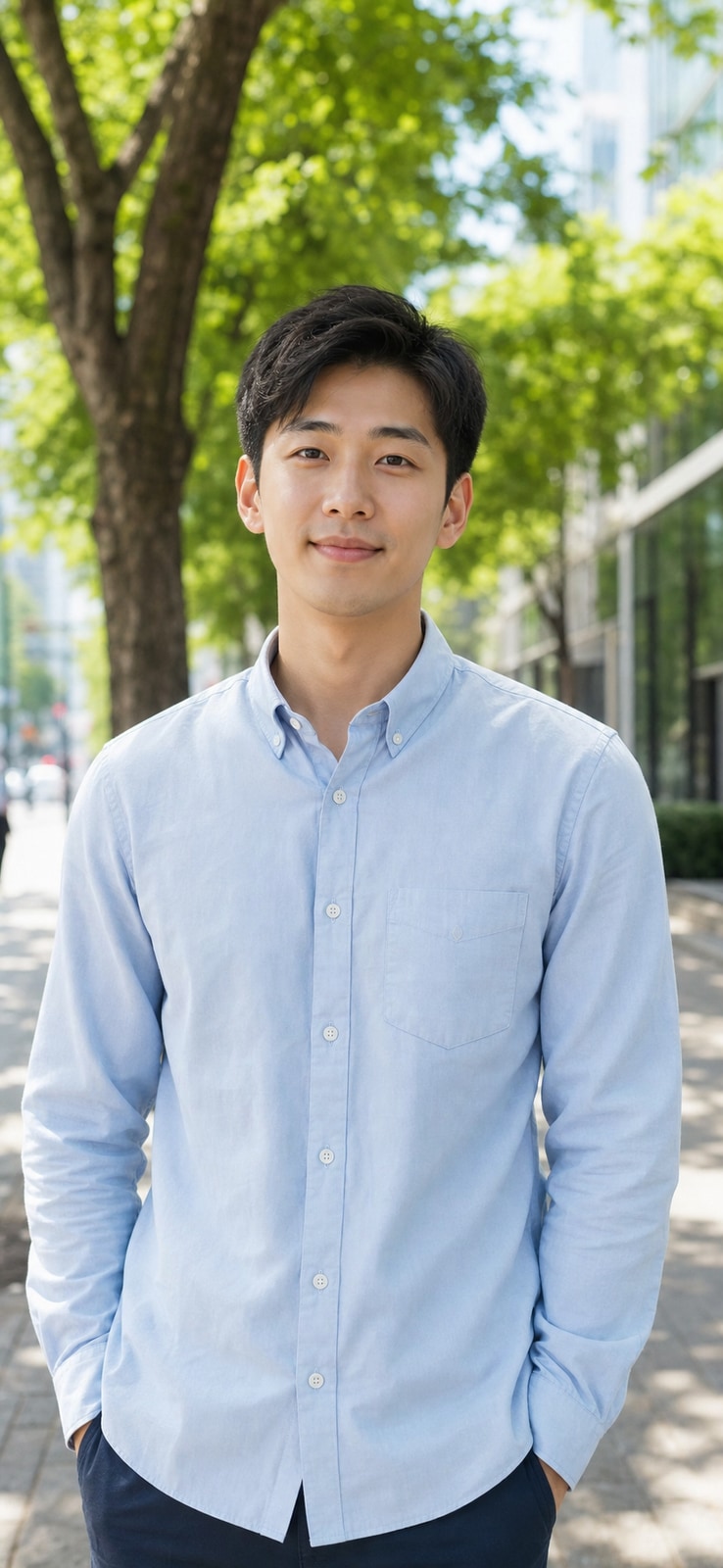
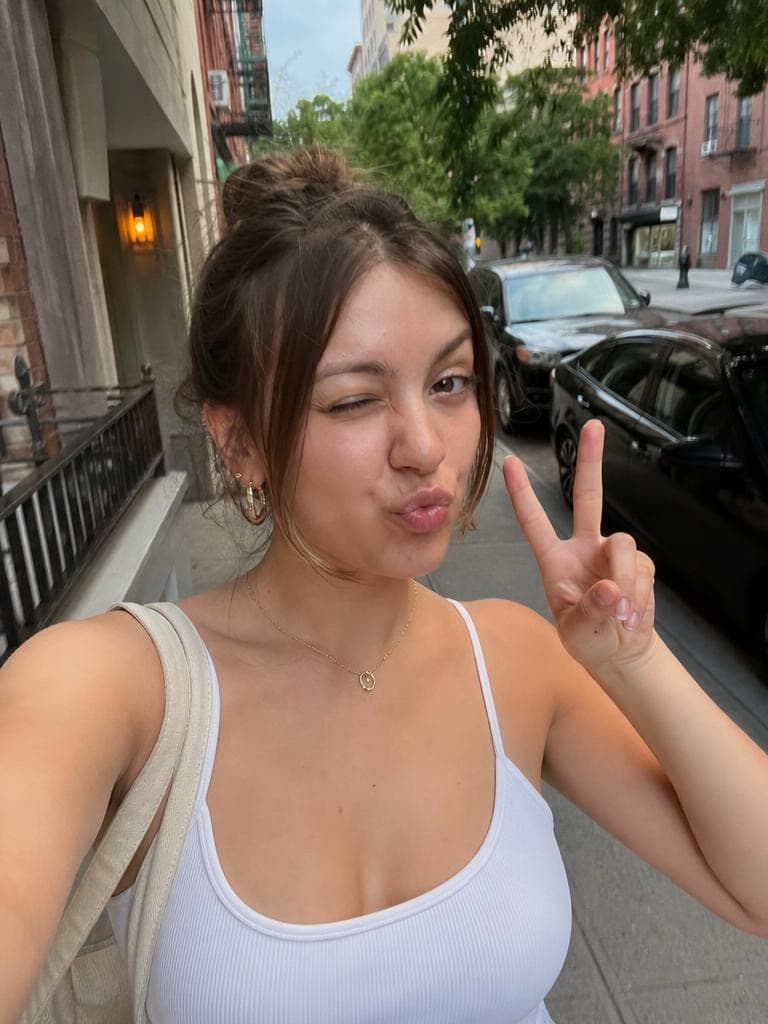
Click on one of these photos to try:


Trusted by Industry Leaders. Millions of images edited to date.









How to use the Snowy Filter
1
Upload your photo
Start with a clear, well-lit photo showing one person. Aragon works with common photo types and standard dimensions.
2
Choose a snowy scene
Pick from six wintry settings, a snowy forest, a cabin porch, a ski lodge, a mountain peak, a frozen lake, or a Christmas market.
3
Download your result
Your new photo is ready in your dashboard in seconds. Download in high resolution to share or save.
What makes it special?
 BeforeAfter
Six winter scenes to choose from
From a quiet snowy forest to a lit-up Christmas market, pick the backdrop and outfit that fits the mood you want.
Before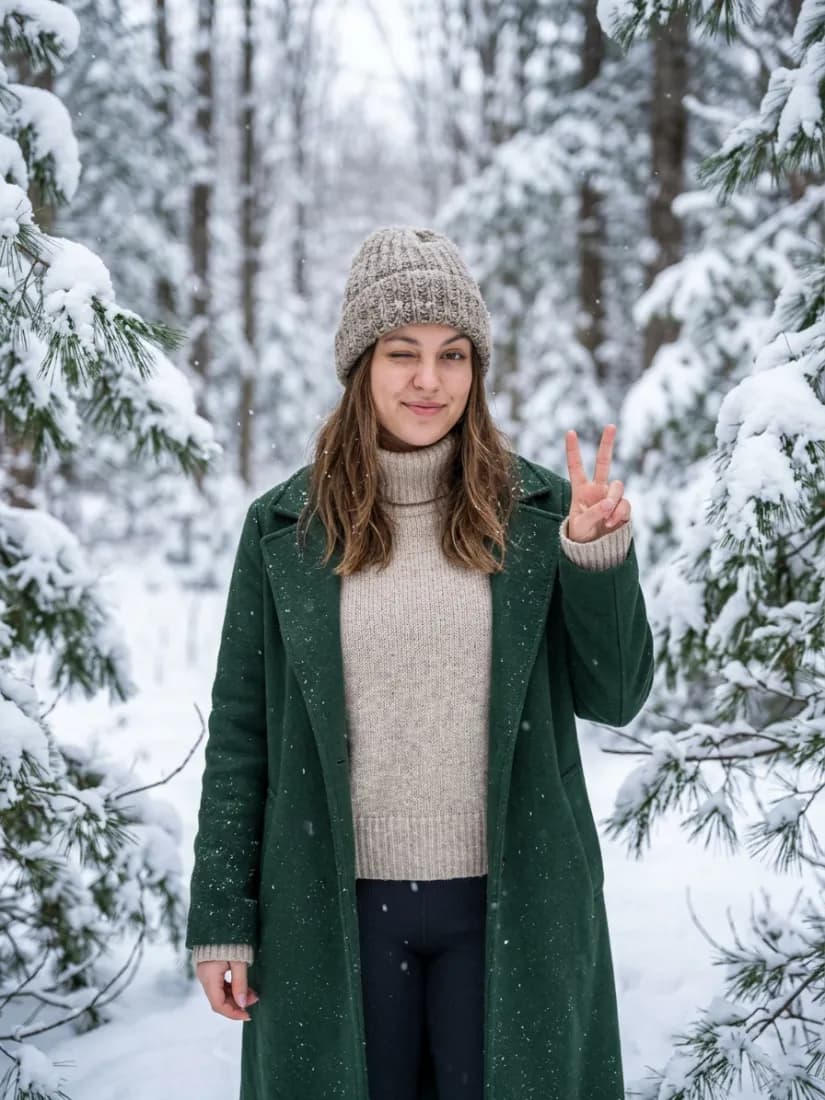 After
AfterRealistic seasonal styling
Aragon adds season-appropriate outerwear, like wool coats and knit sweaters, that match the scene instead of a flat snow overlay.
Before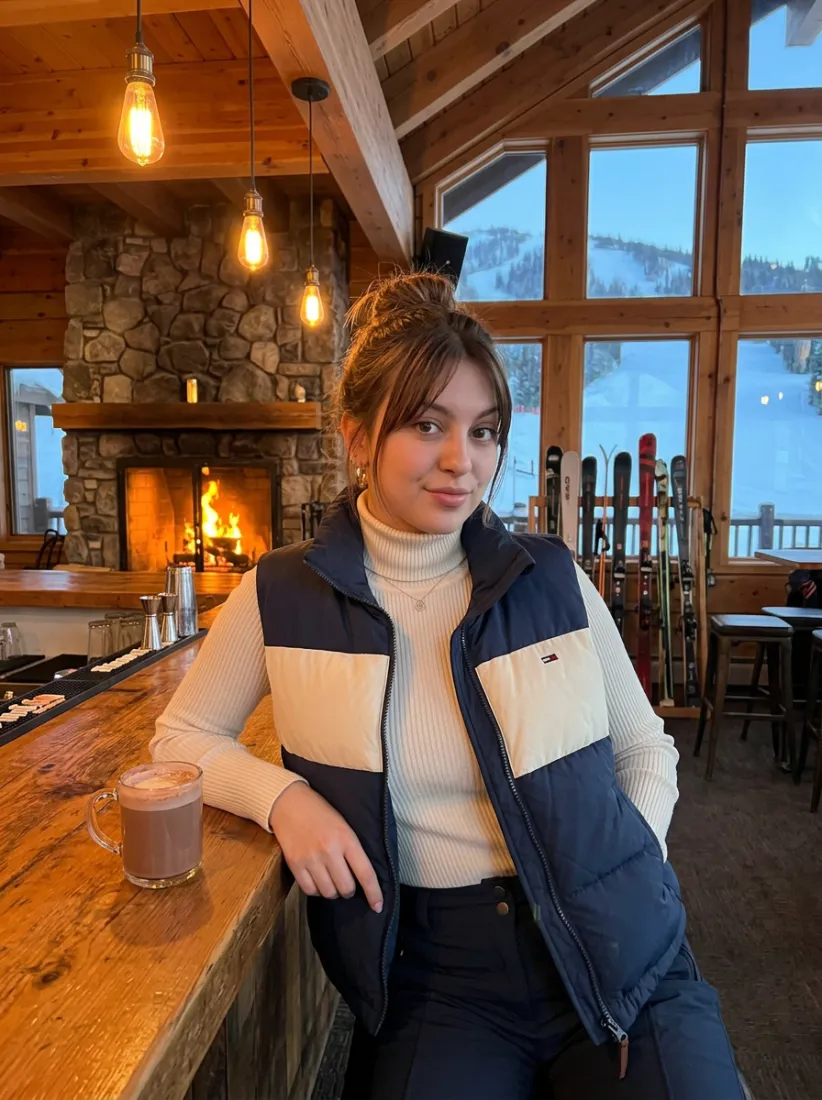 After
AfterPart of Aragon's photo editing suite
Pair with the Snow Globe Generator for more seasonal photo transformations.
When should you use the Snowy Filter?
Use it for a winter card, a seasonal profile photo, or to preview a cozy getaway look.
BeforeTurn a regular photo into a snowy scene for a holiday card or festive social post.
Discover more tools
Have a question? We're here to help
Customer satisfaction is our number one priority. Our live agents are available 7am - 11pm (PT), 5 days Sunday through Thursday.
Aragon's AI snowy filter places you in one of six wintry scenes, like a snowy forest or a lit-up Christmas market, and updates your outfit to match.
Six options: a snowy forest, a snowy cabin, a ski lodge, a mountain peak, a frozen lake, and a Christmas market.
Yes. Aragon keeps your skin tone and hair color and texture the same, and only changes the scene and outfit around you.
Free credits come with every Aragon account, usable across this tool and the full photo editor suite. Paid plans add more credits for higher usage.
A clear, well-lit photo showing one person gives the most accurate result. Heavily obscured or low-resolution photos tend to produce less reliable results.
This tool works with one photo at a time. Upload the one you want to transform and choose your scene.
Explore our other AI Photo Editing Tools
Touch up your photos even further with our suite of photo editing tools and features
