
























































































































































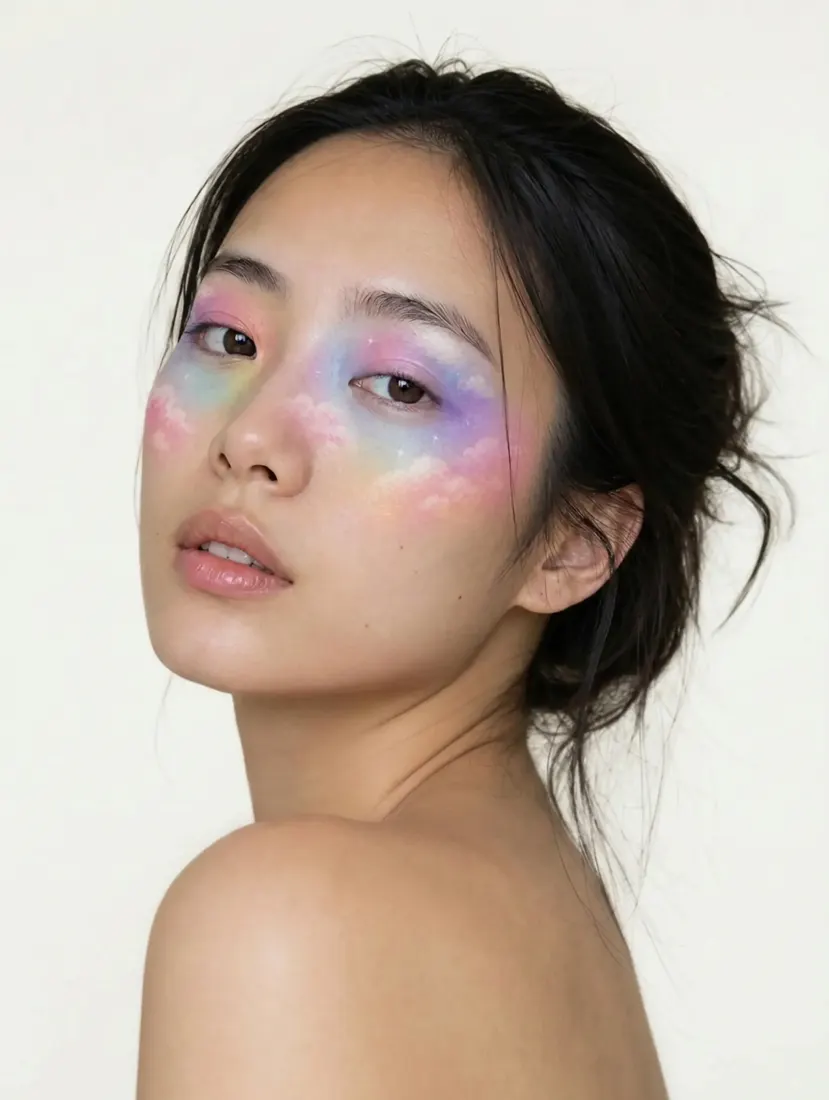

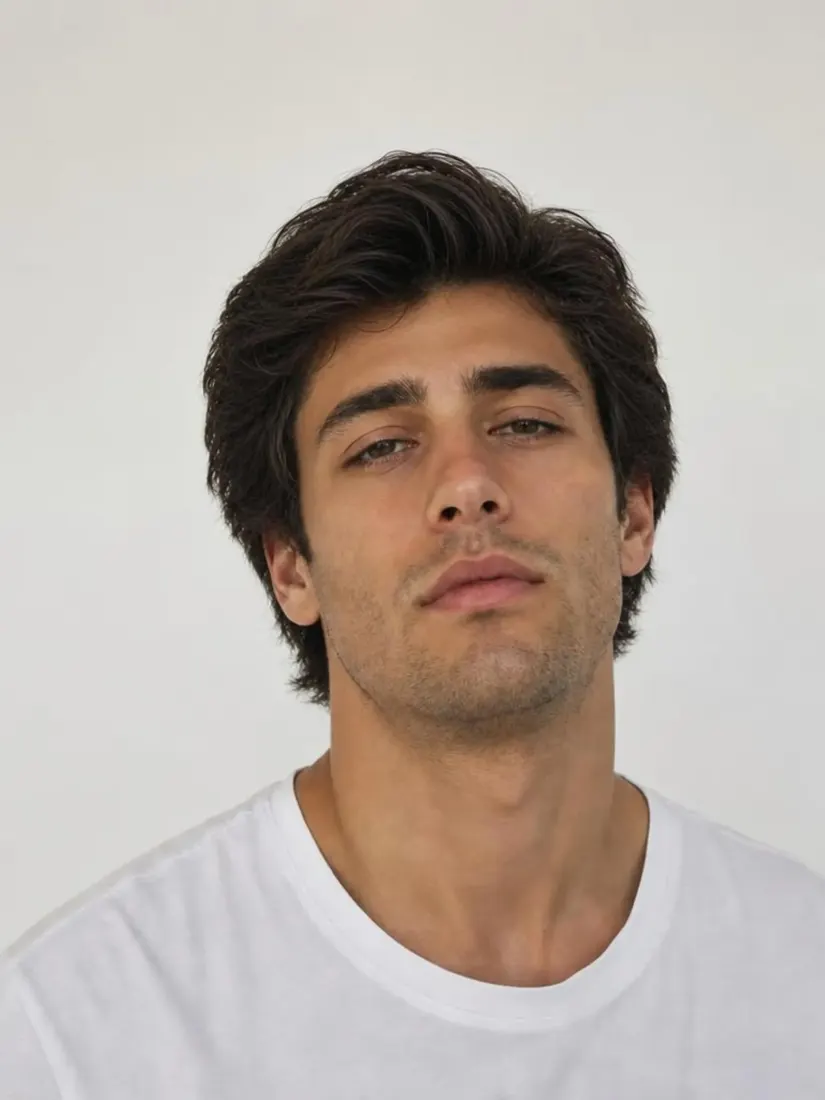
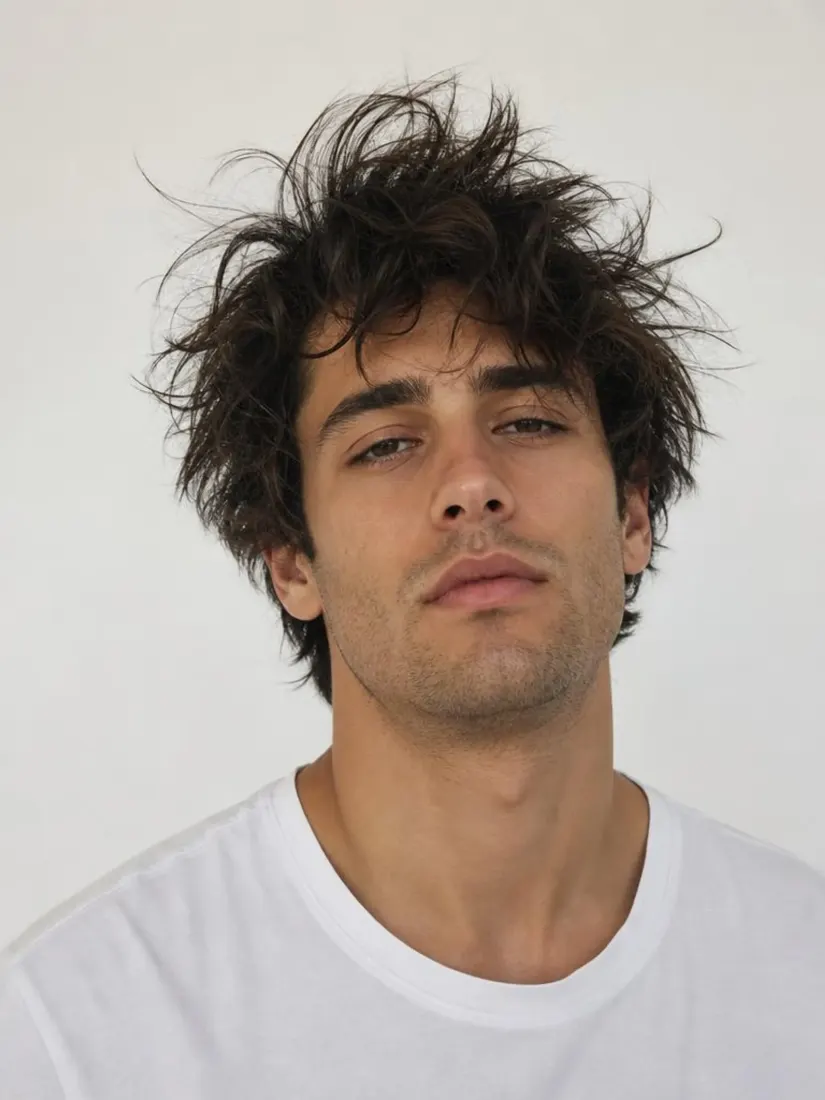


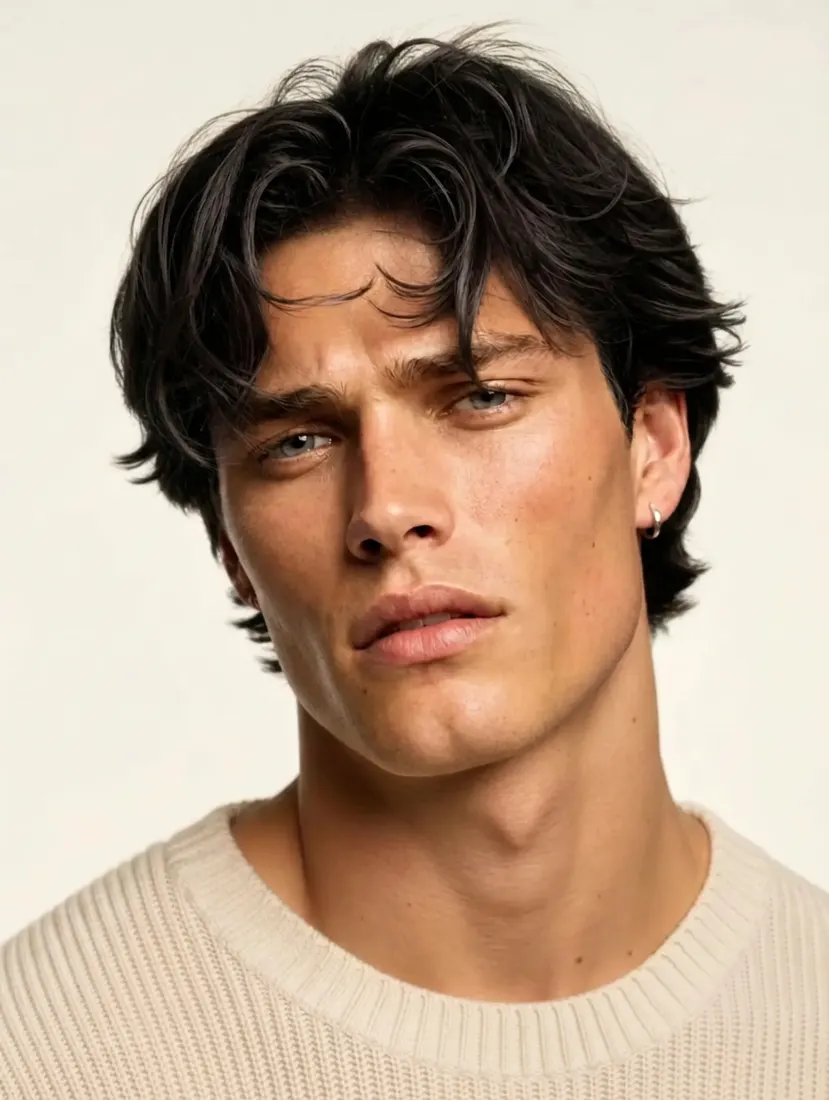













































The Leading AI Headshot Generator for Professionals
THE #1 RANKED AI PHOTO EDITOR
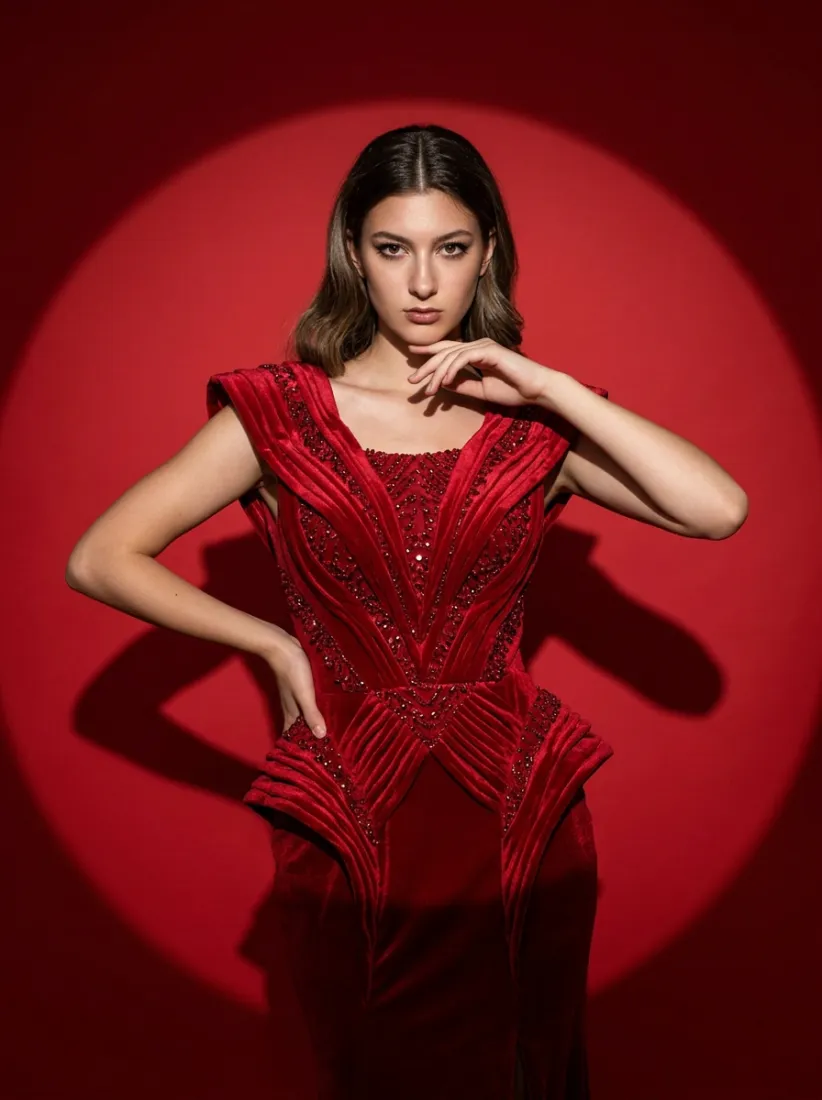
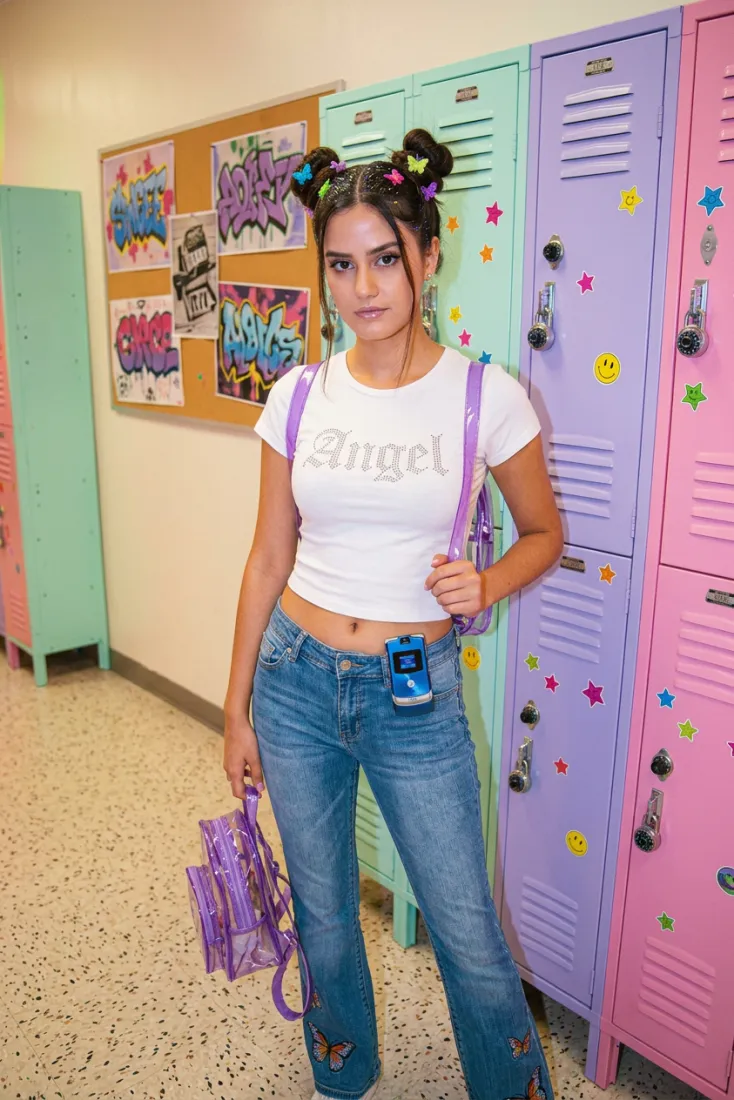
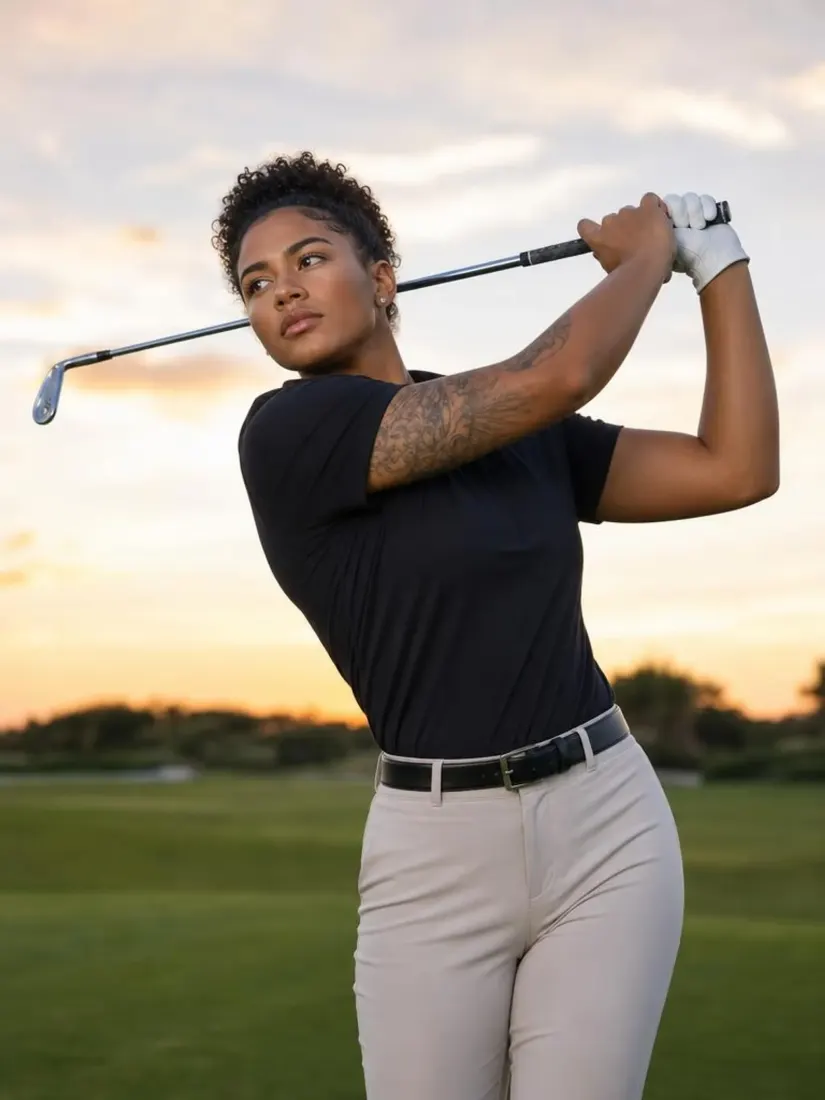
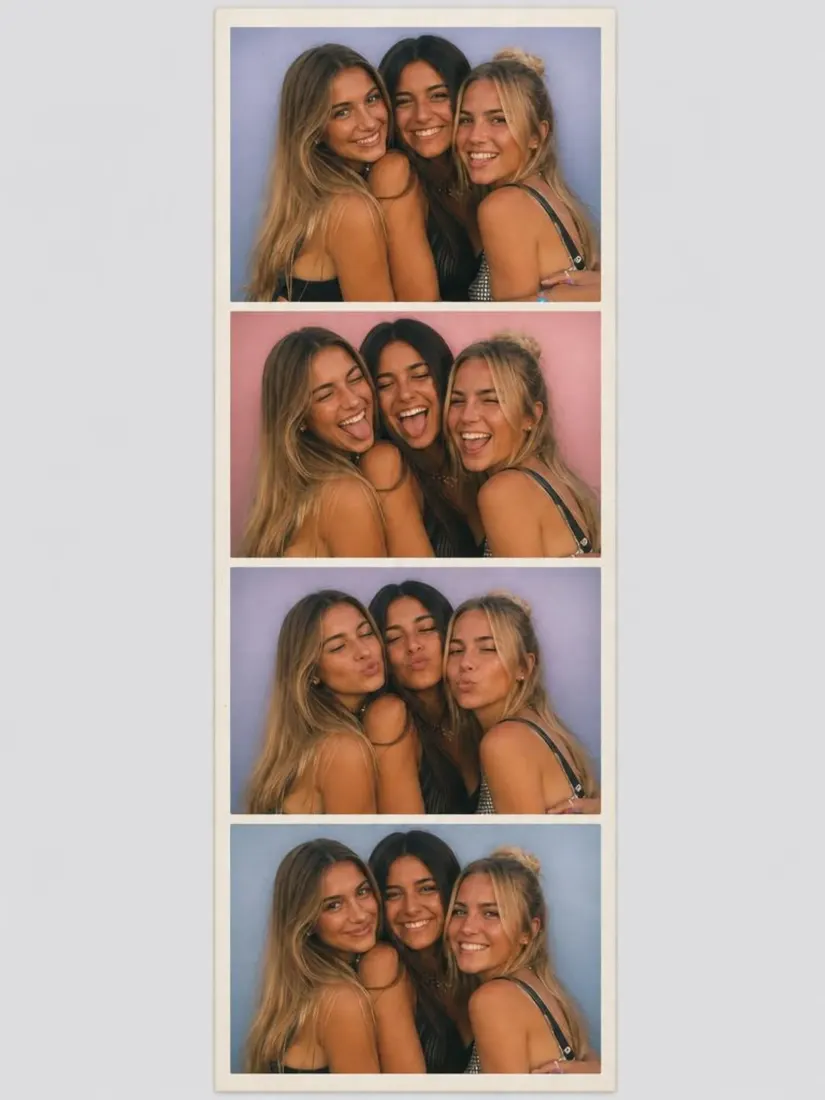
Free AI Lighting Editor: Adjust Brightness, Shadows, and Exposure in Photos
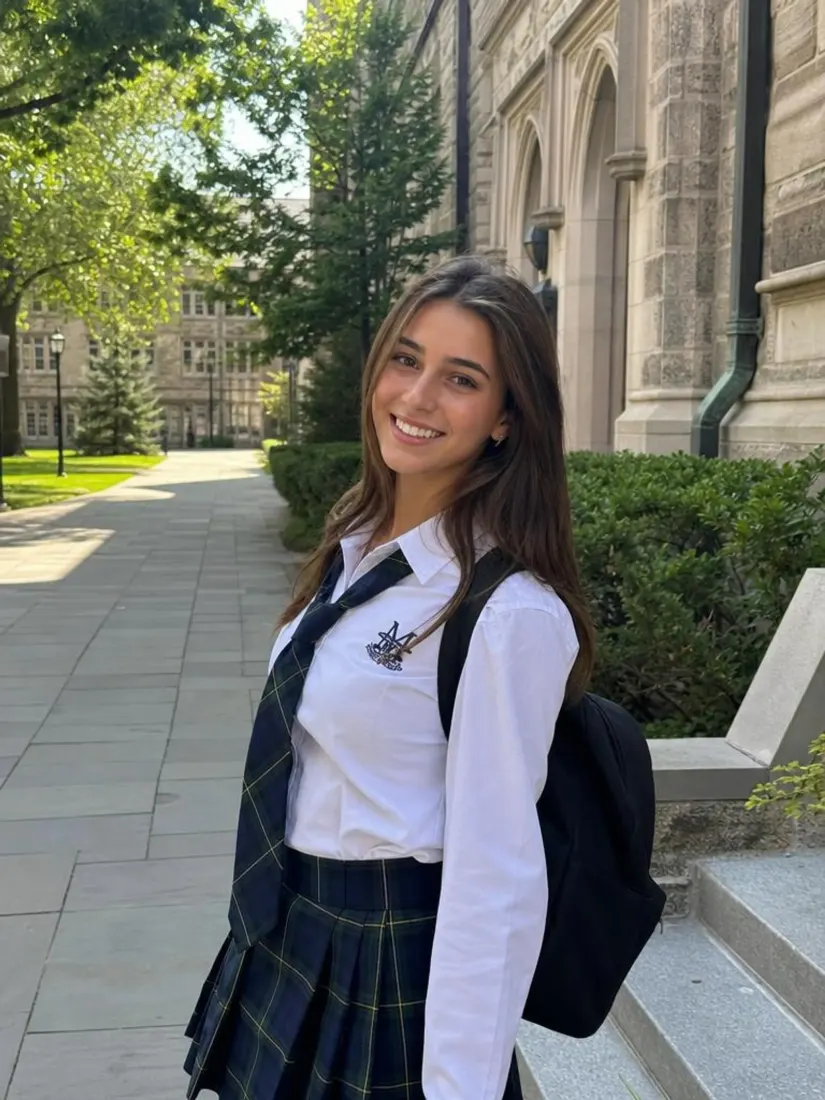
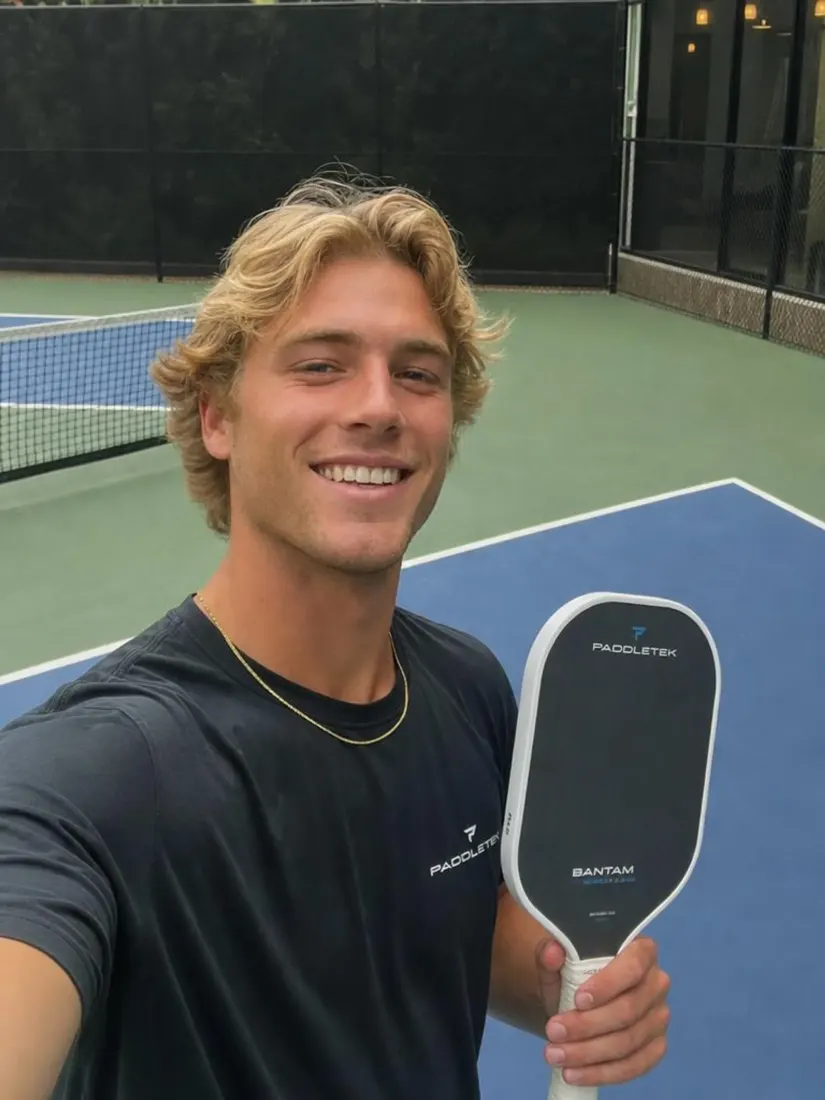
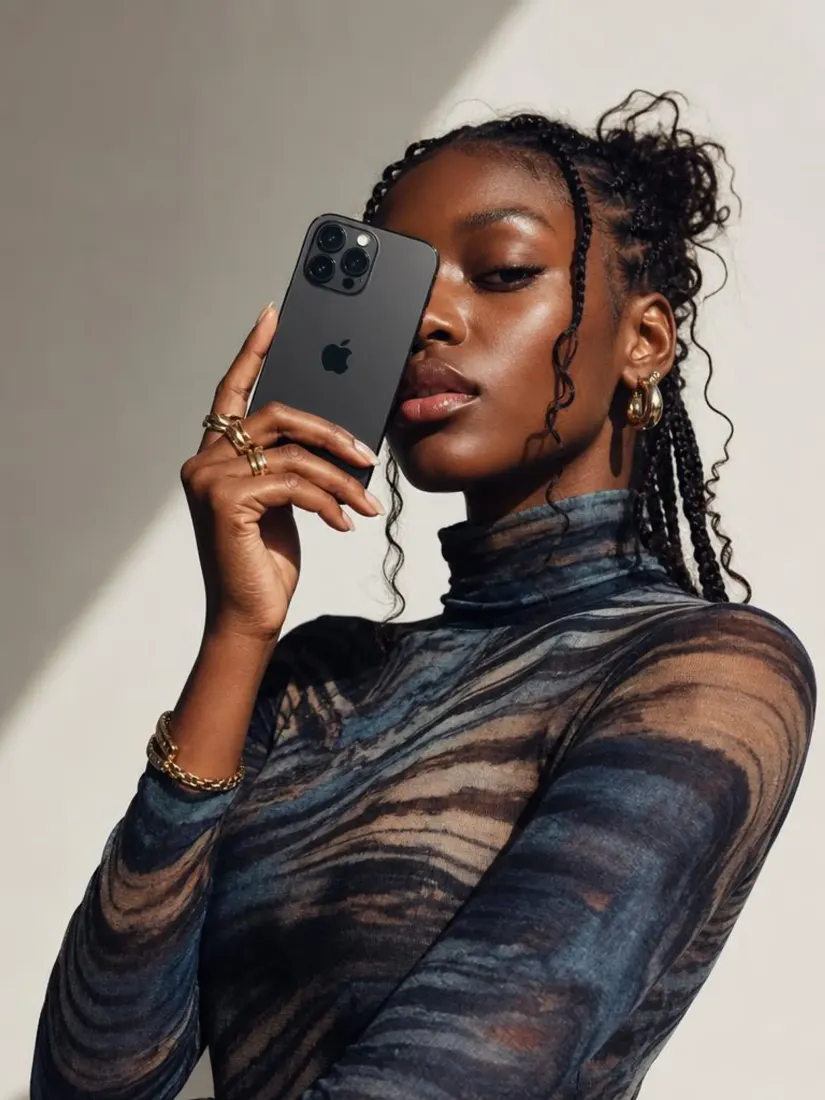
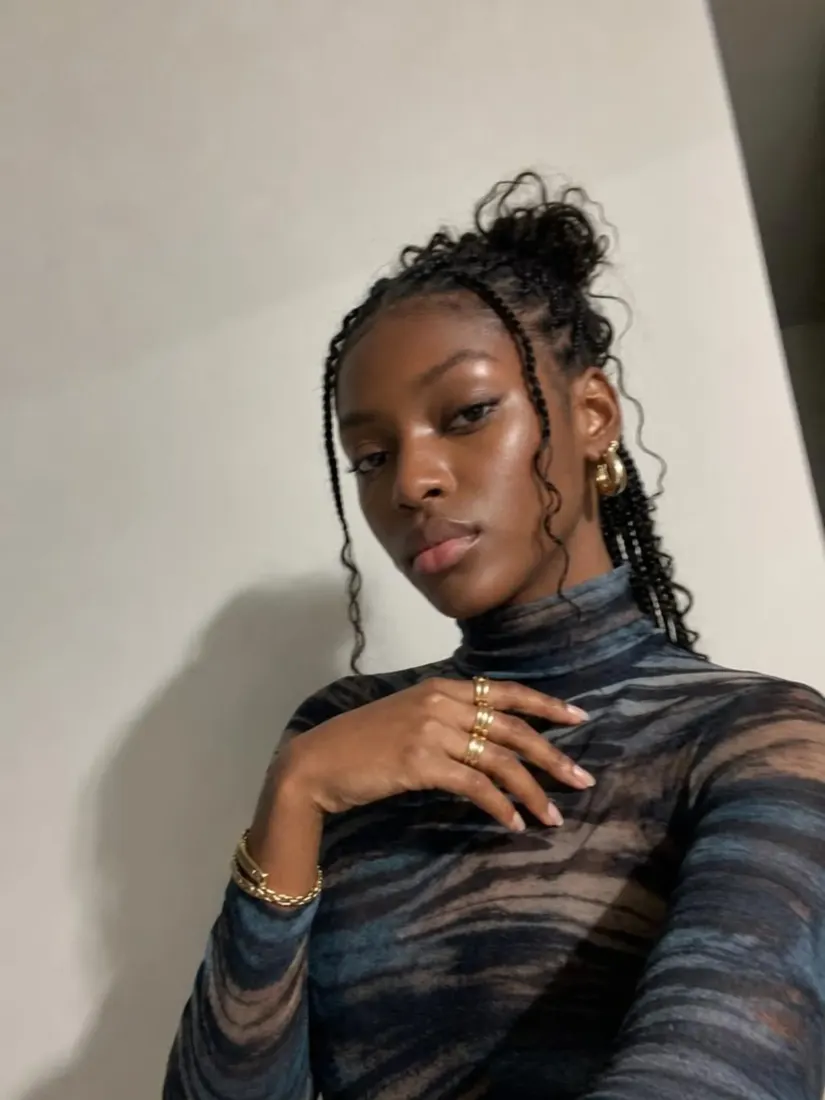
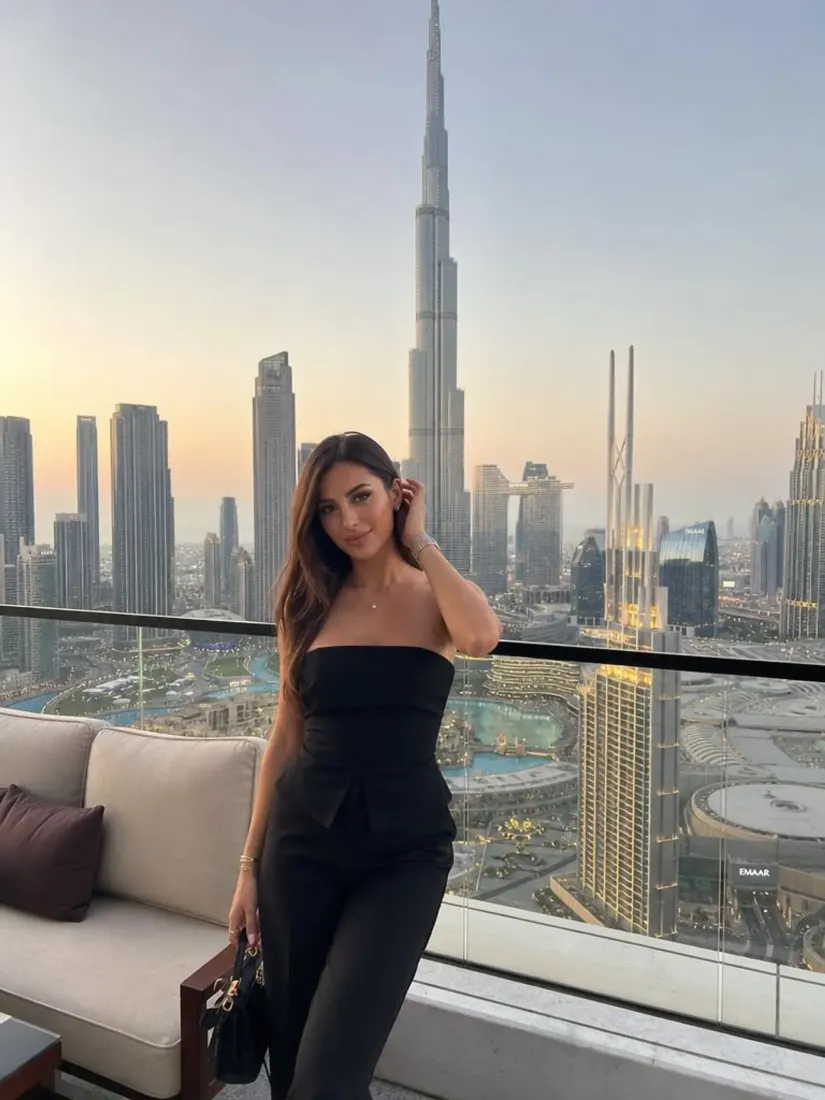
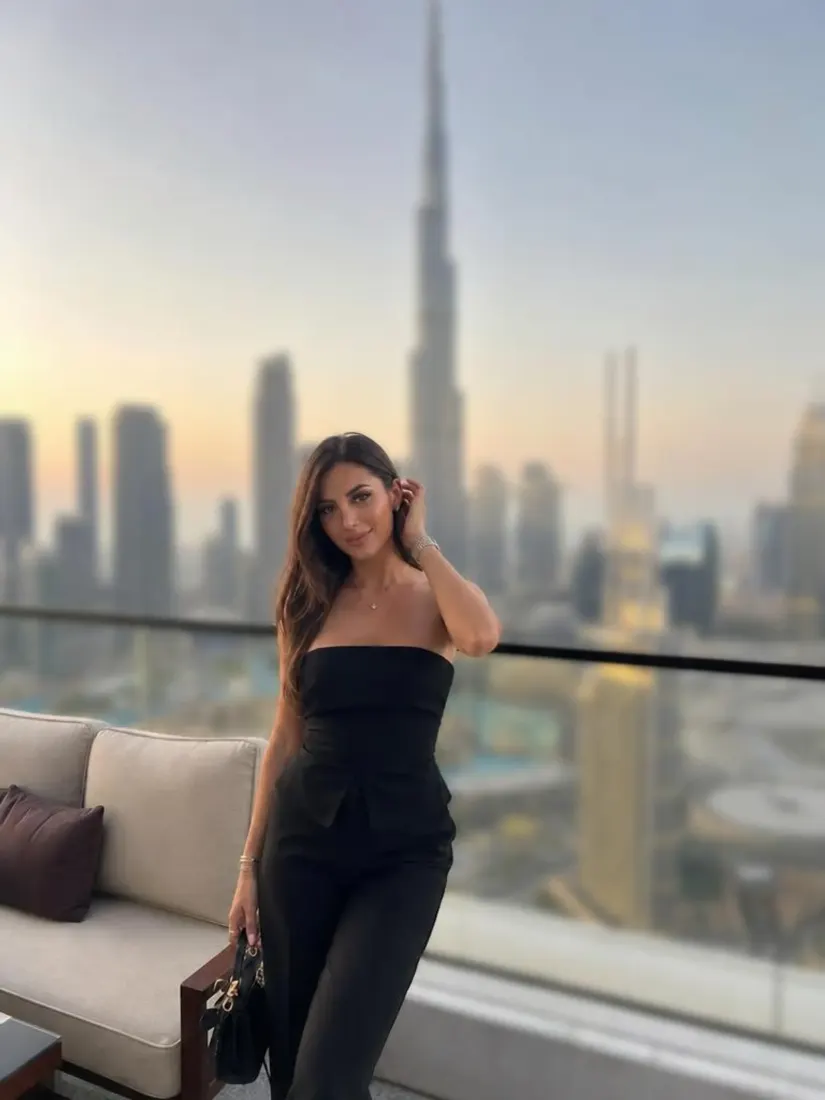
Fix the lighting in any photo for free. Our AI rebalances highlights and shadows for a clean, studio feel in seconds.
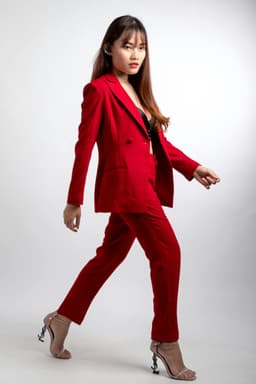
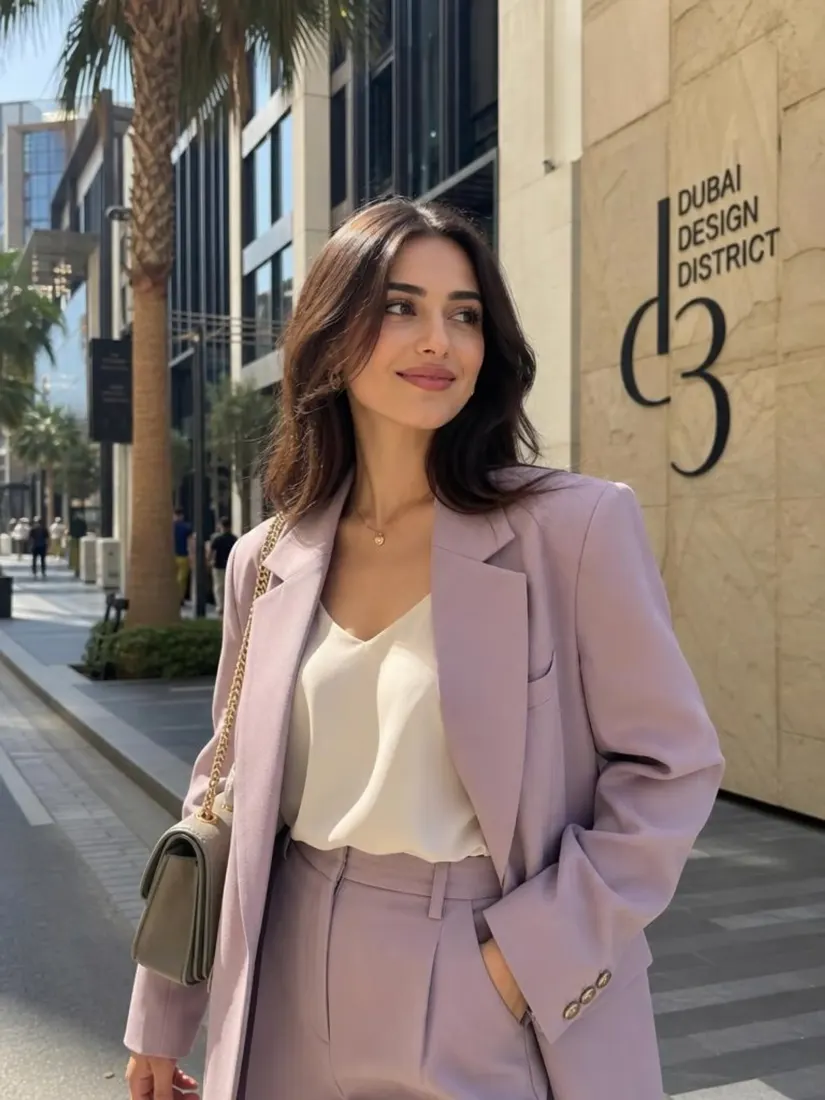
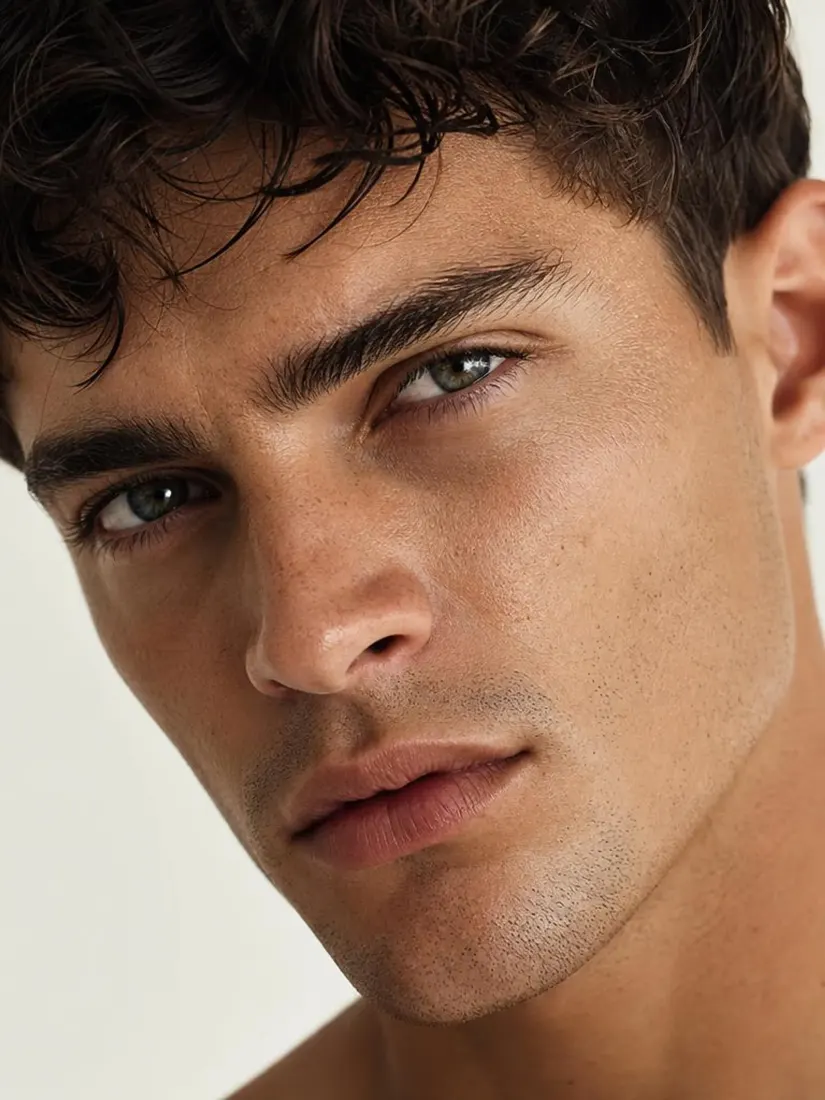
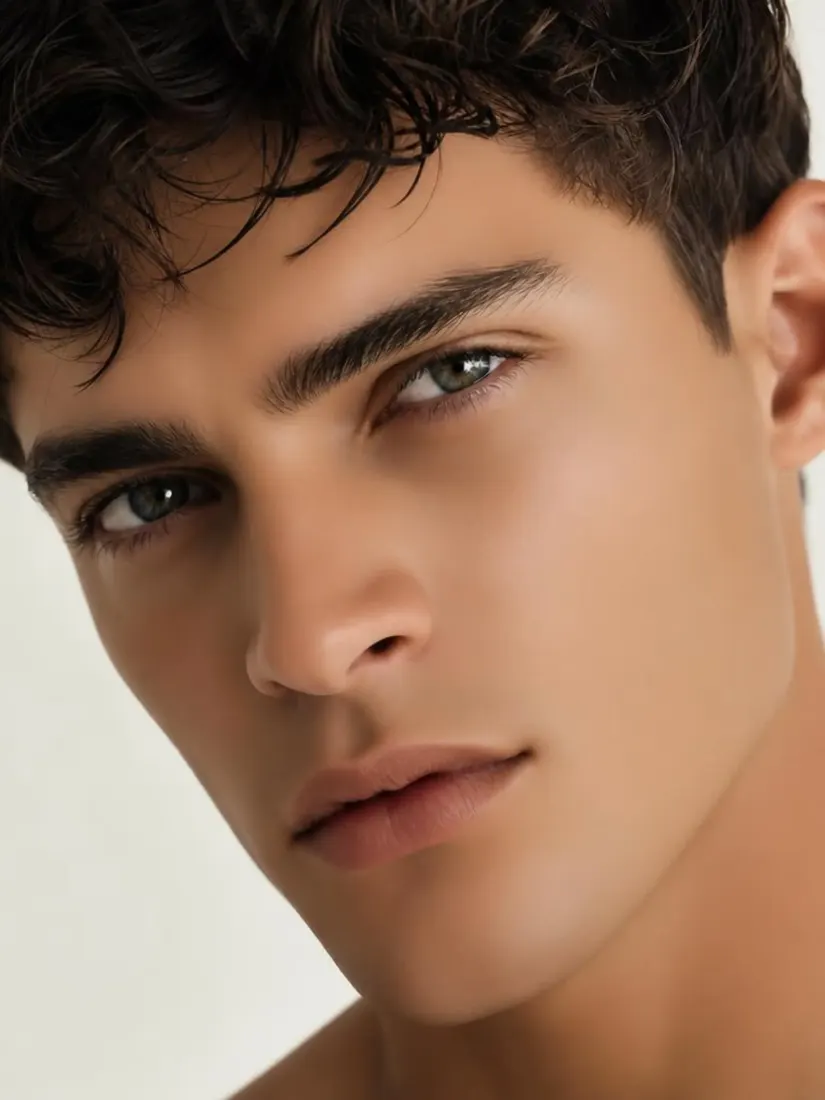
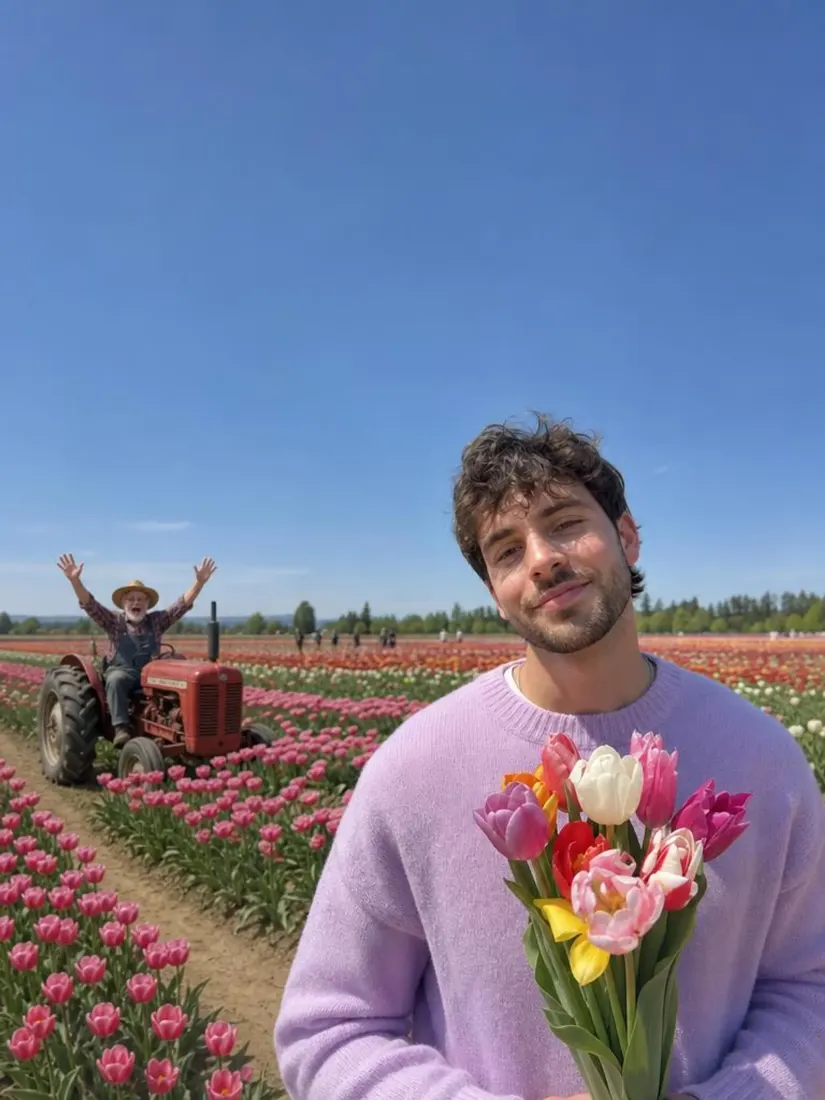
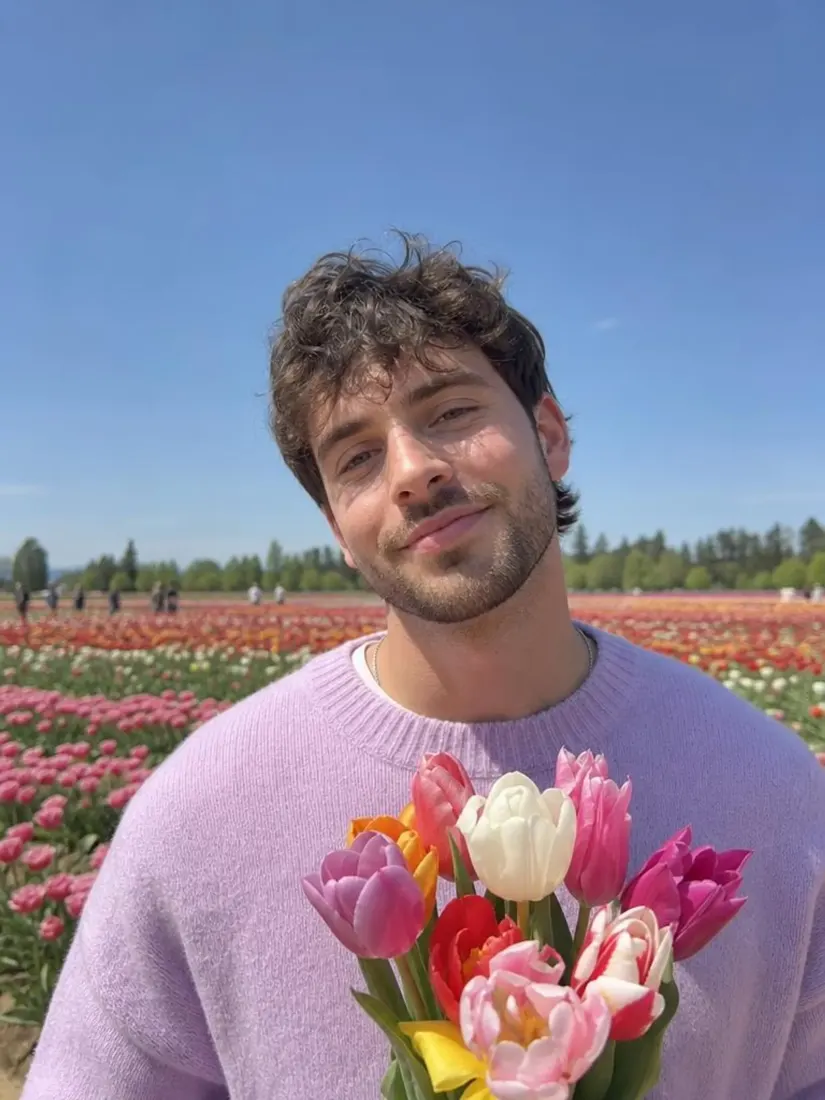
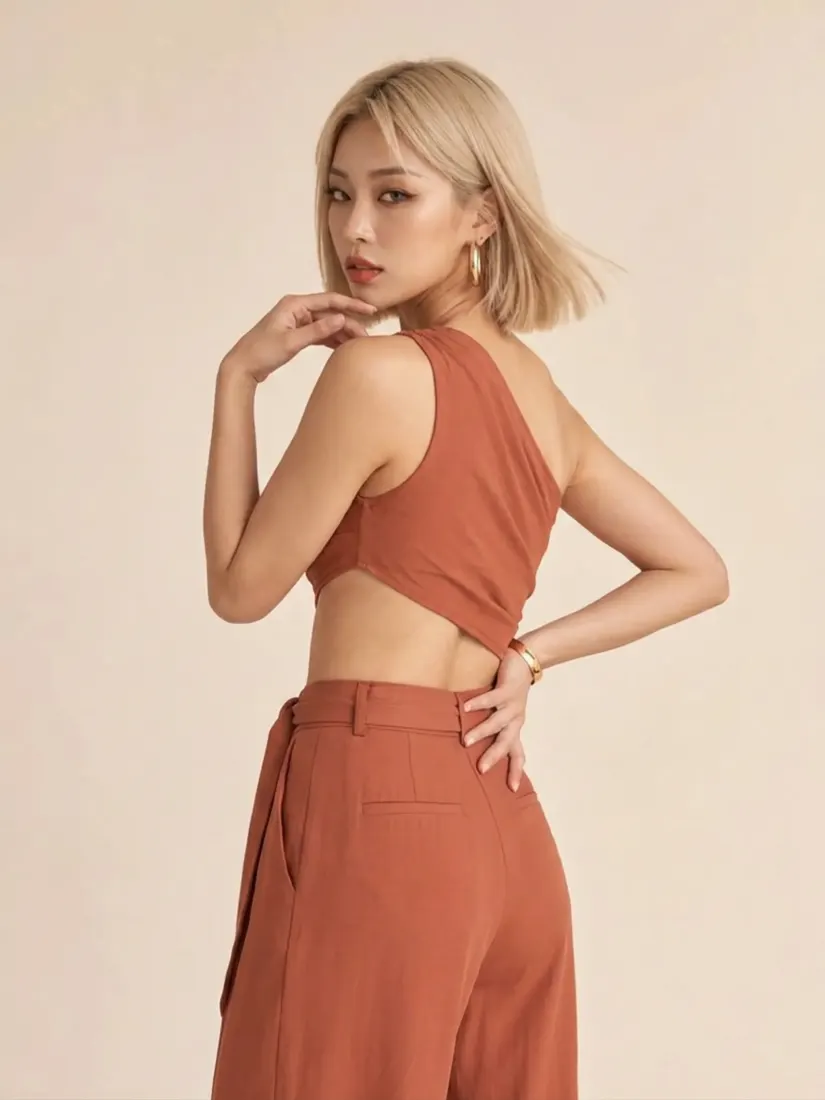
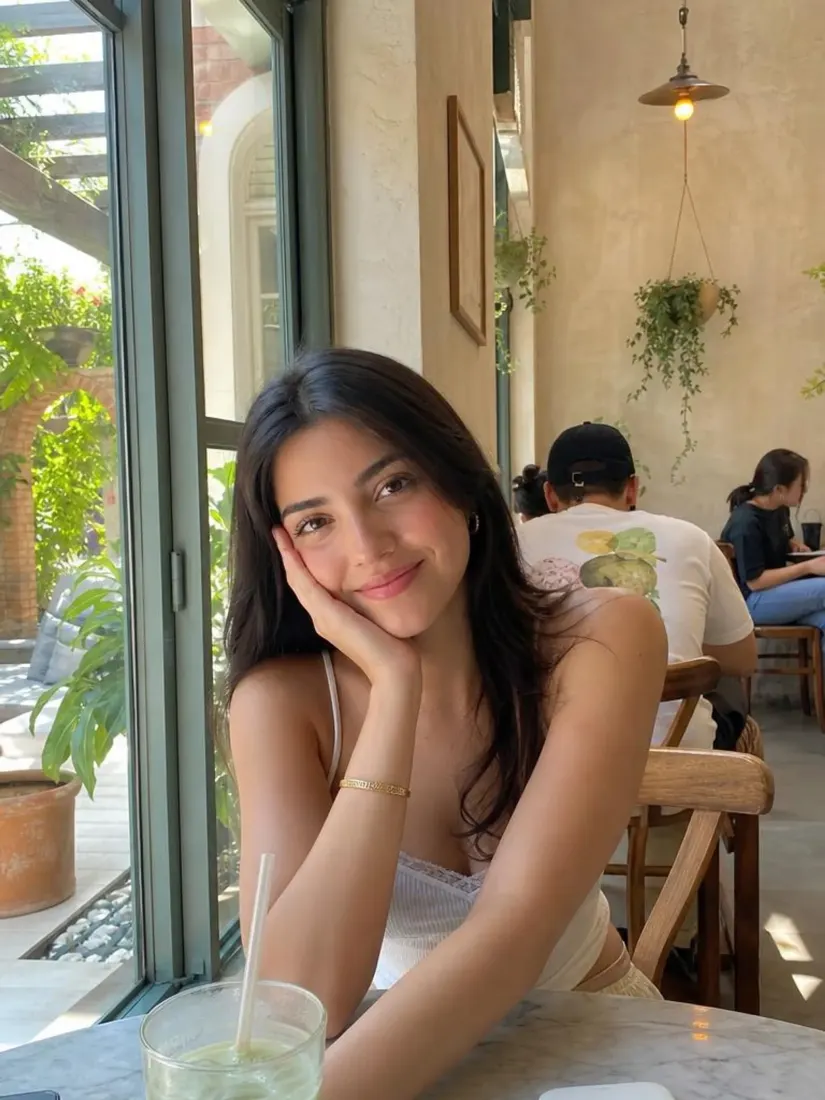
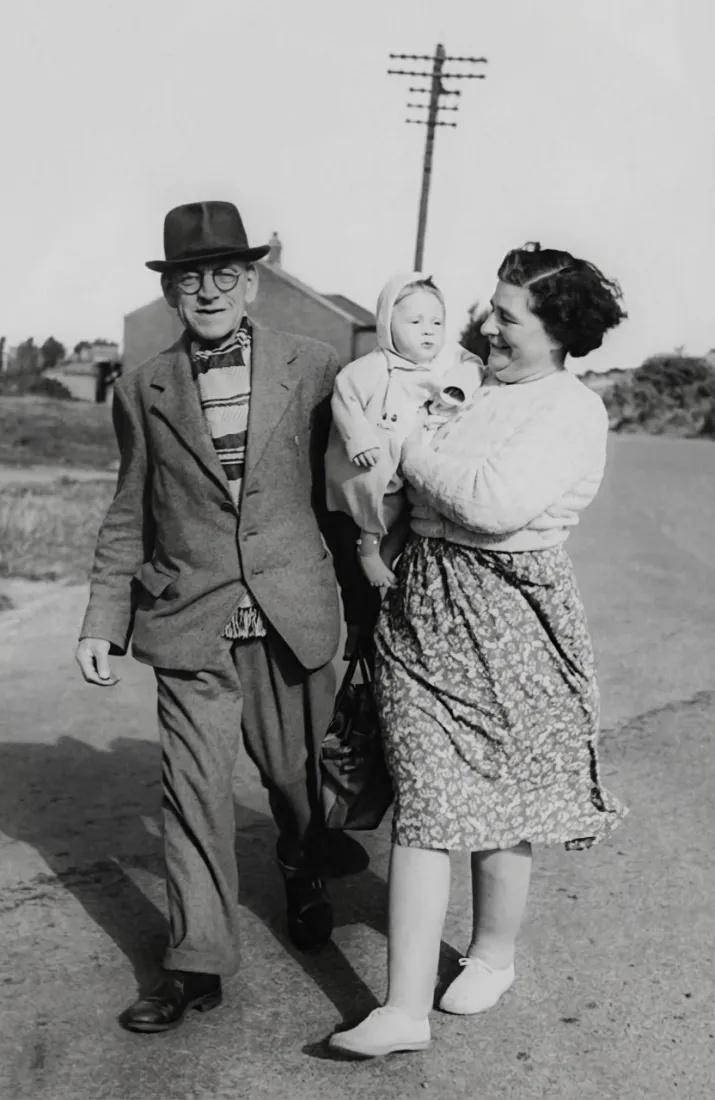
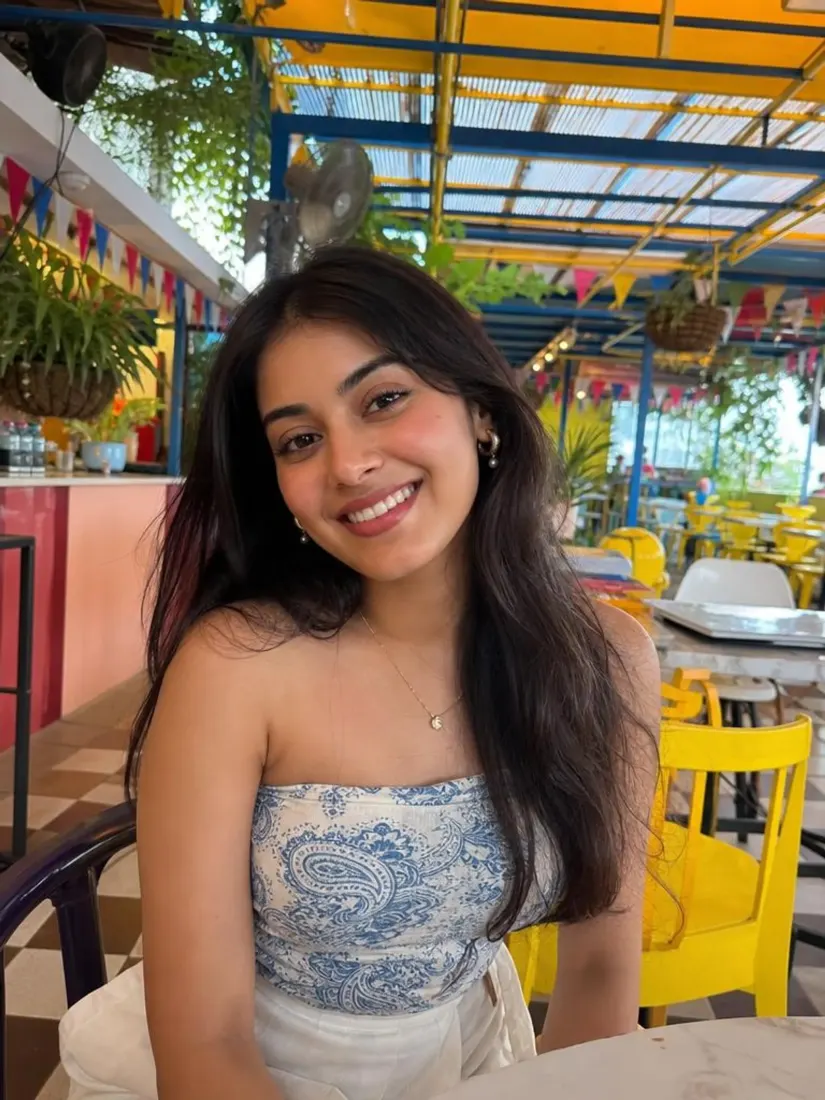
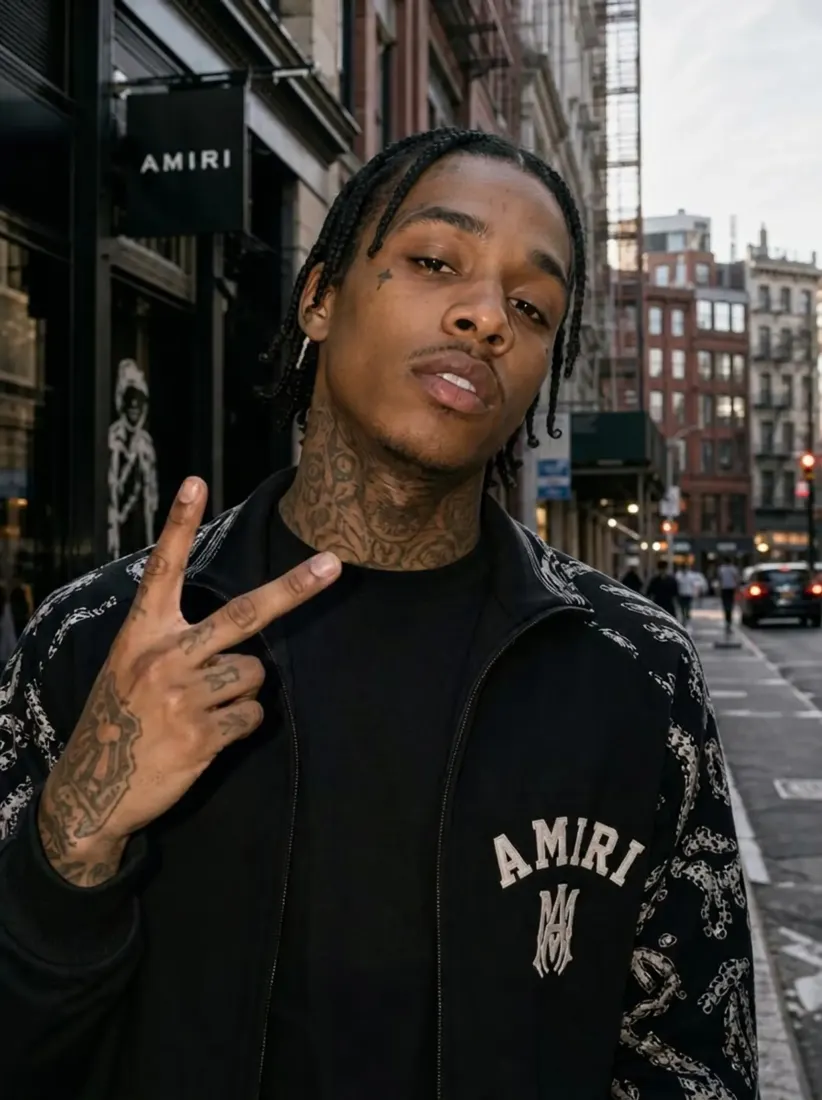
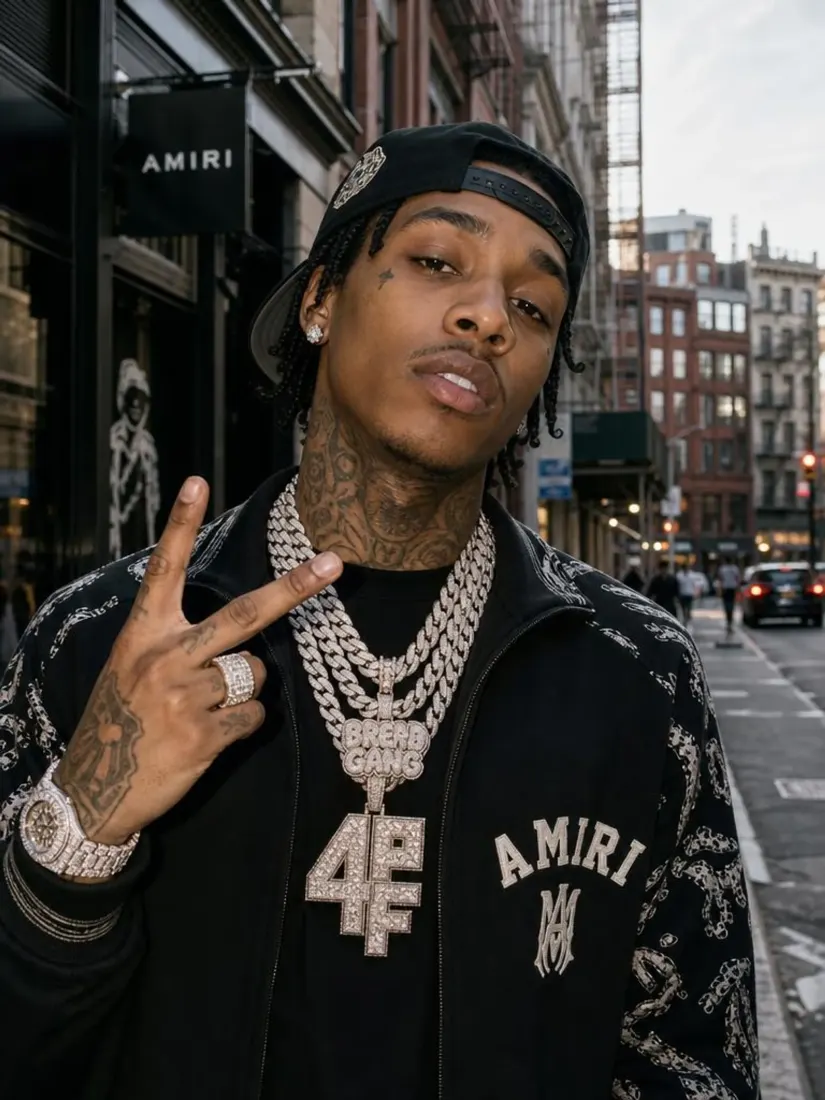
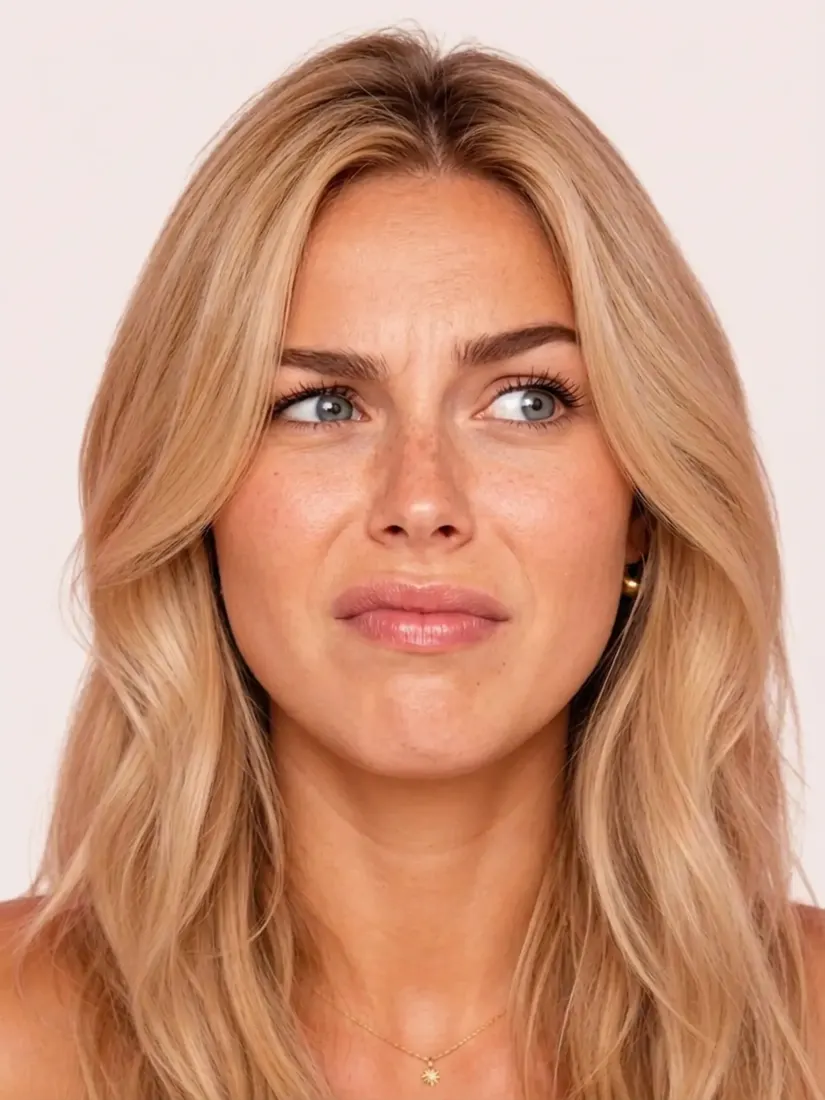
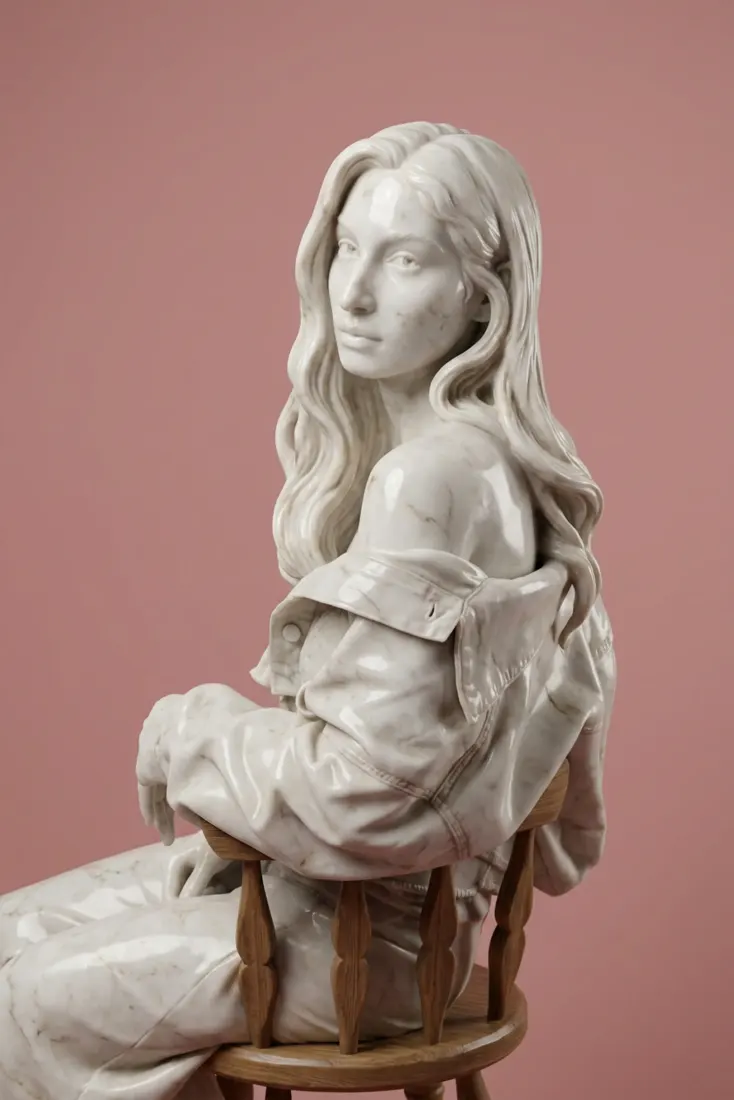
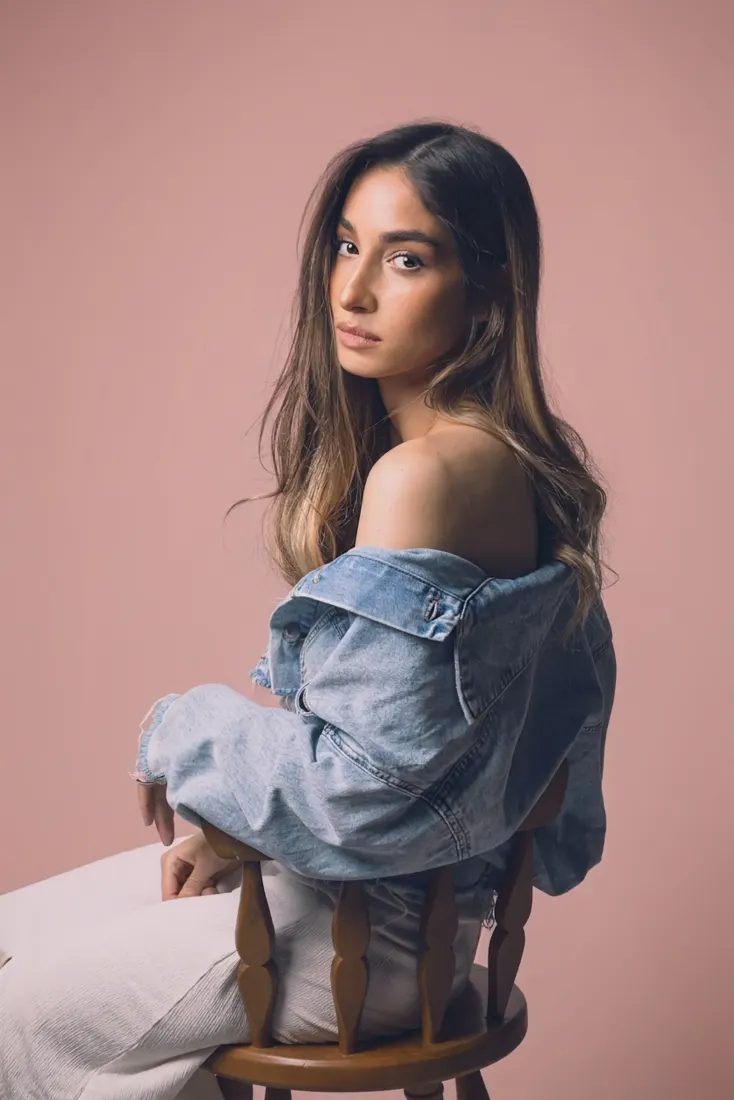
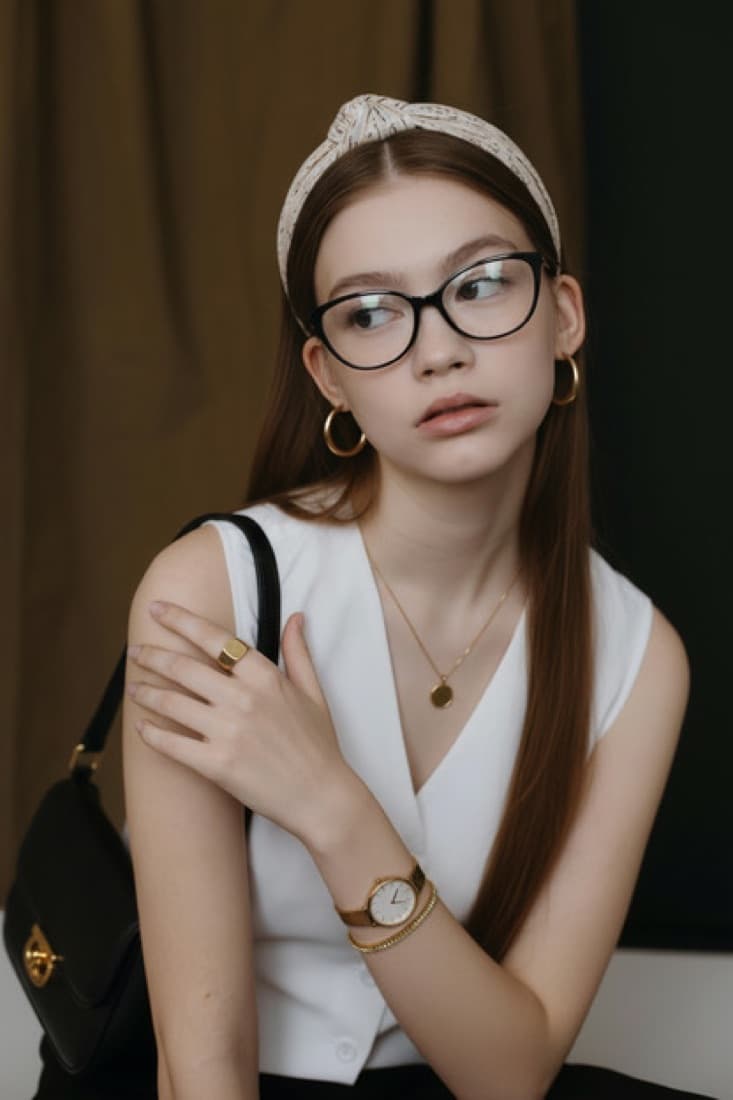
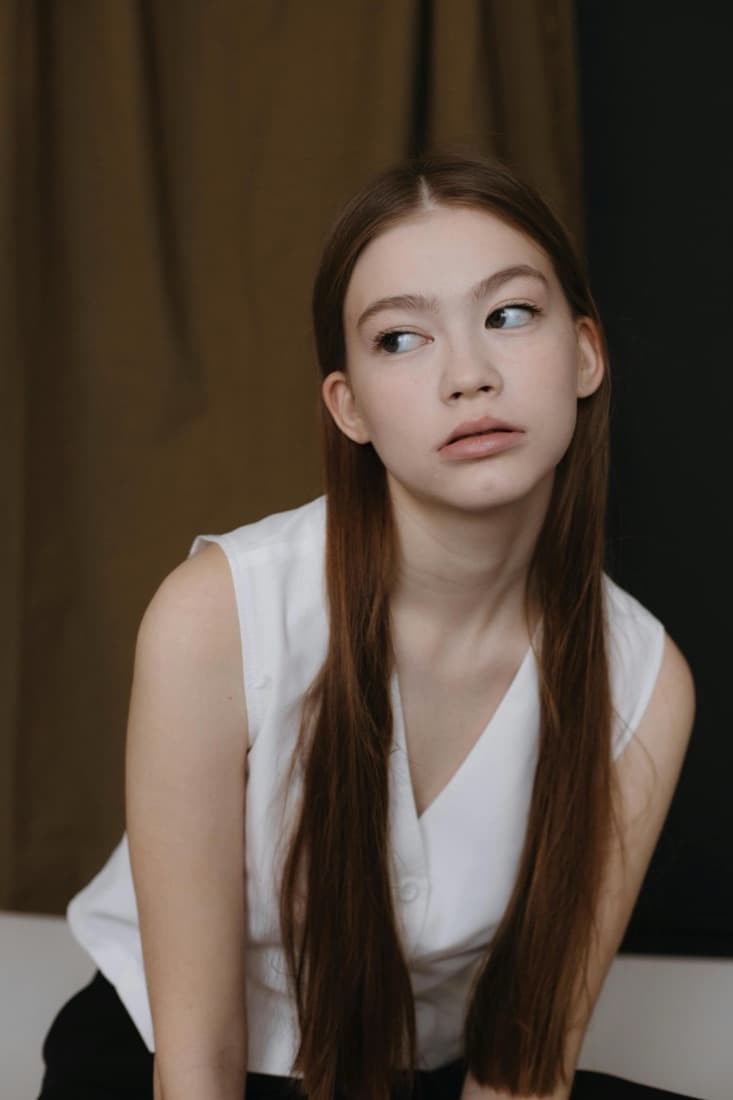
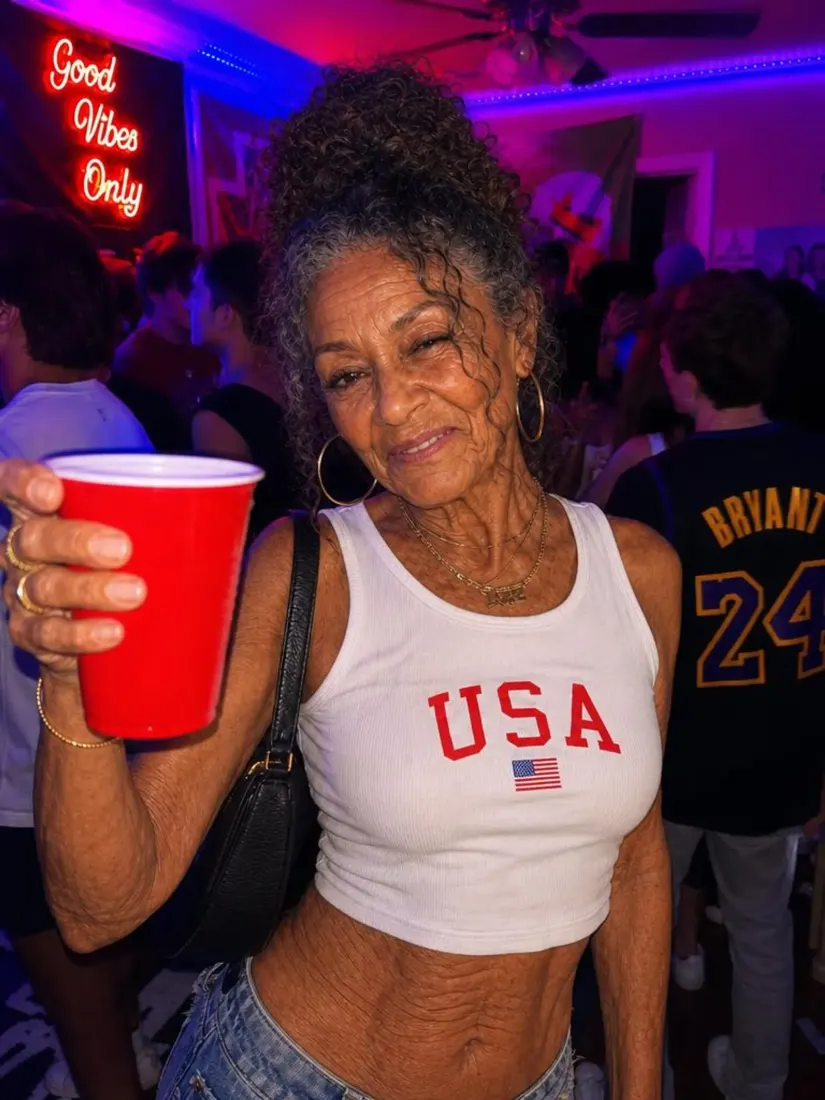
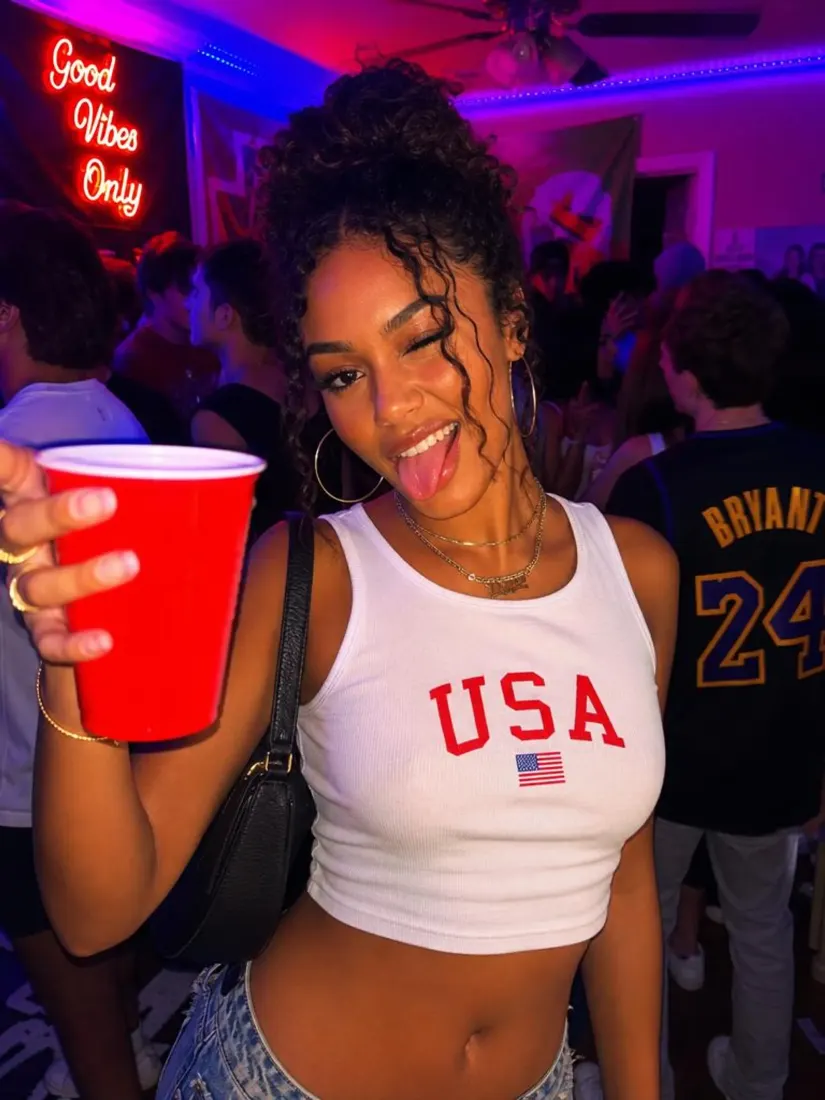
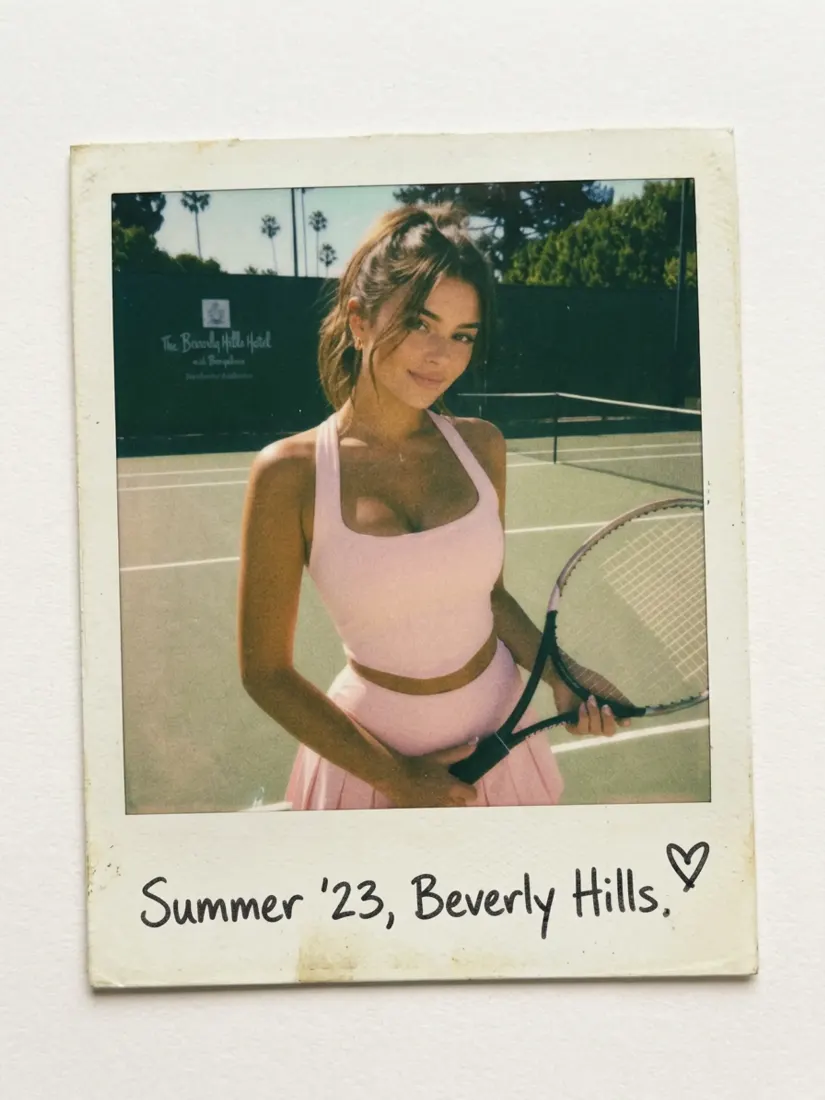
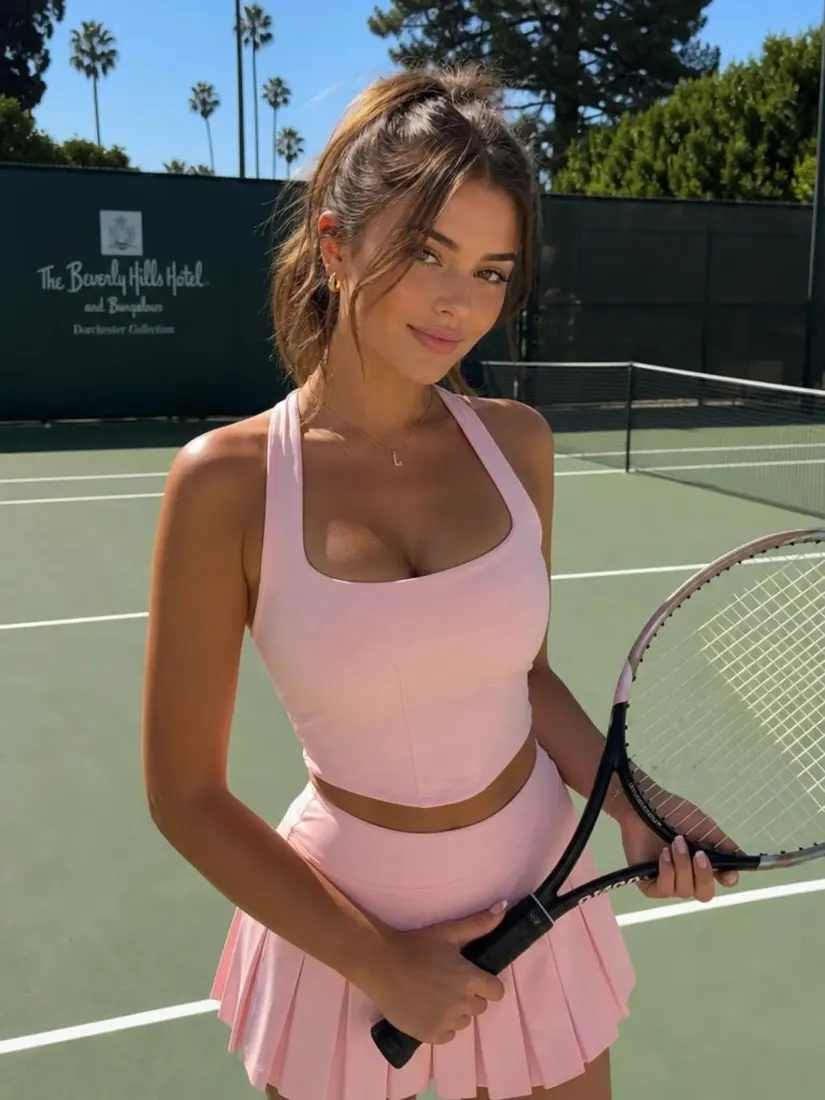
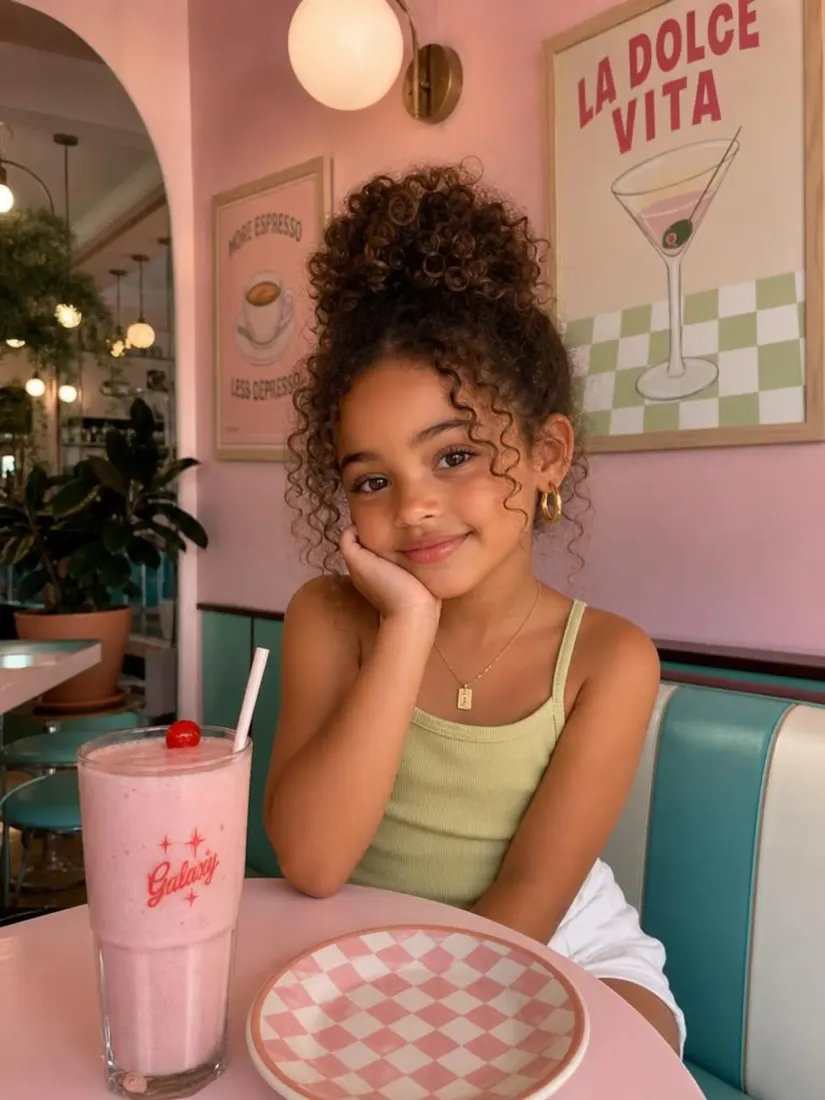
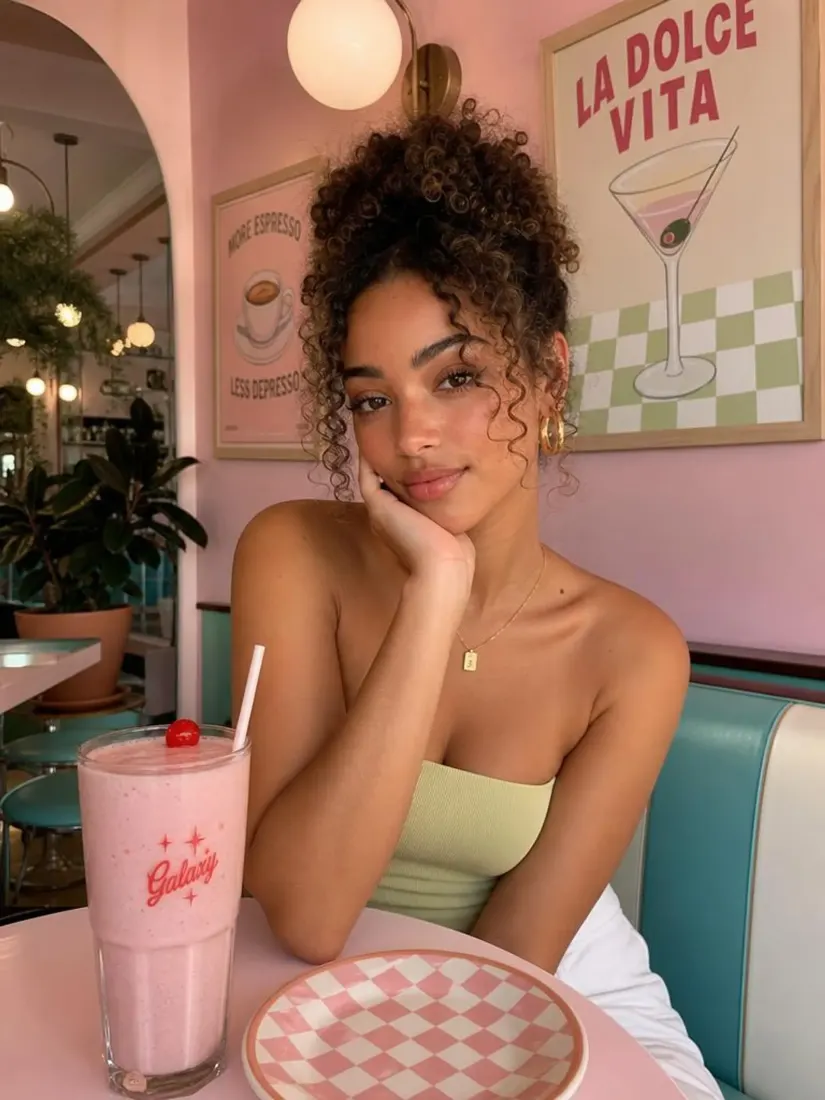
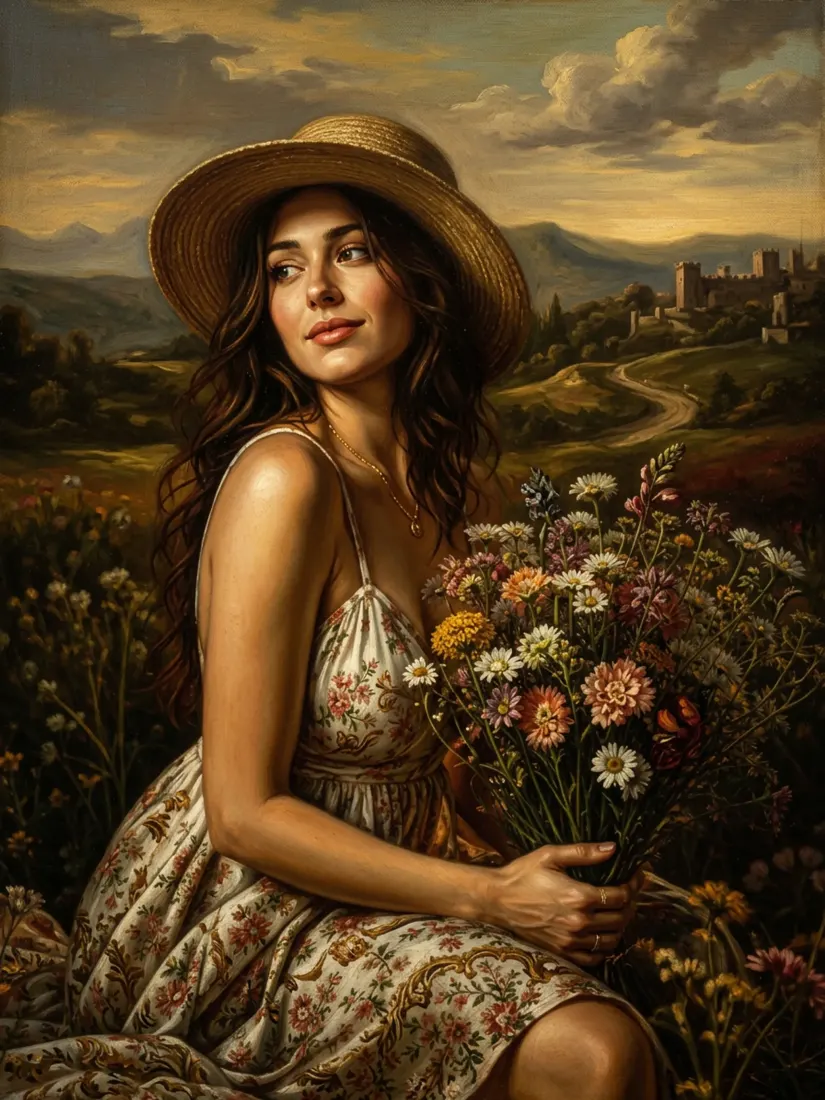
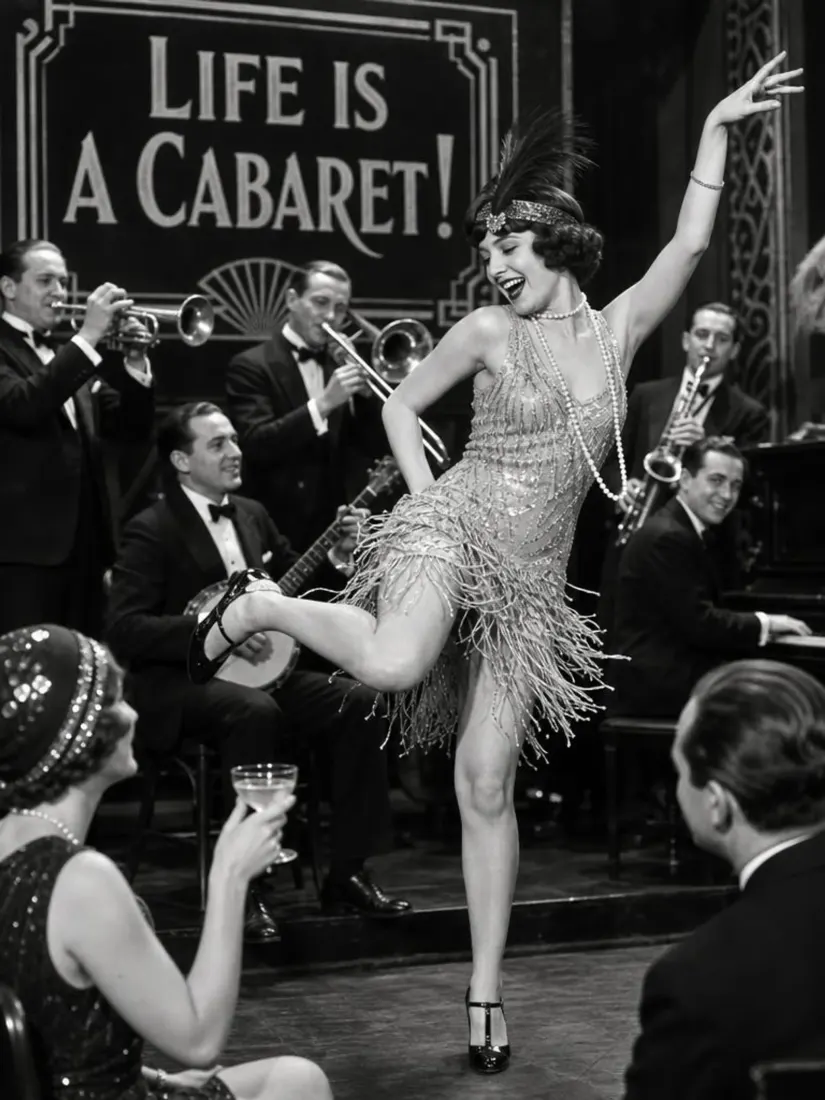
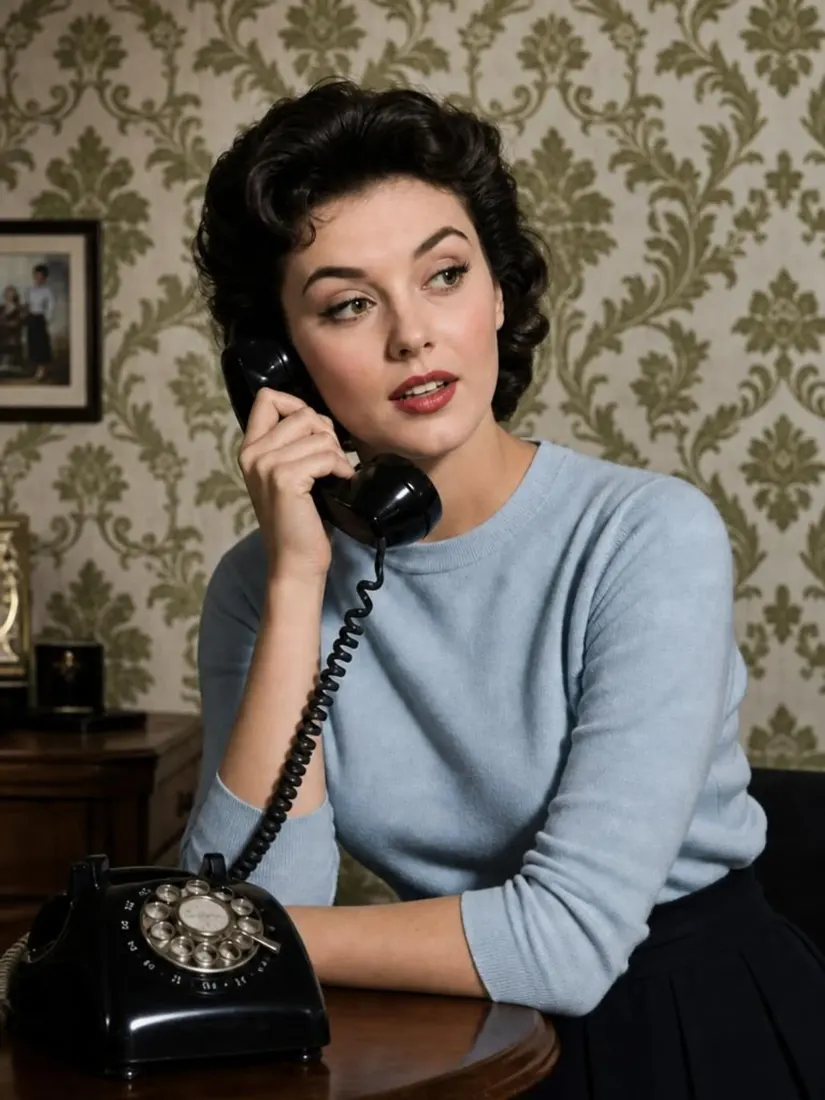
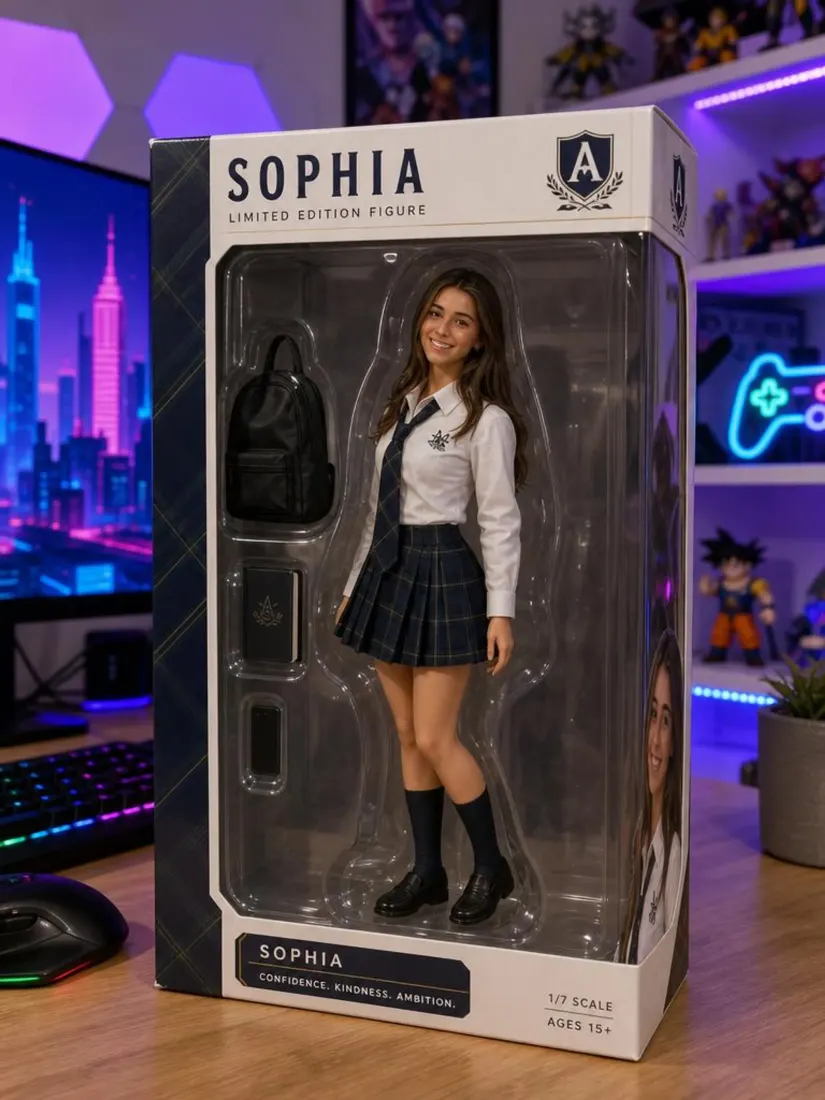
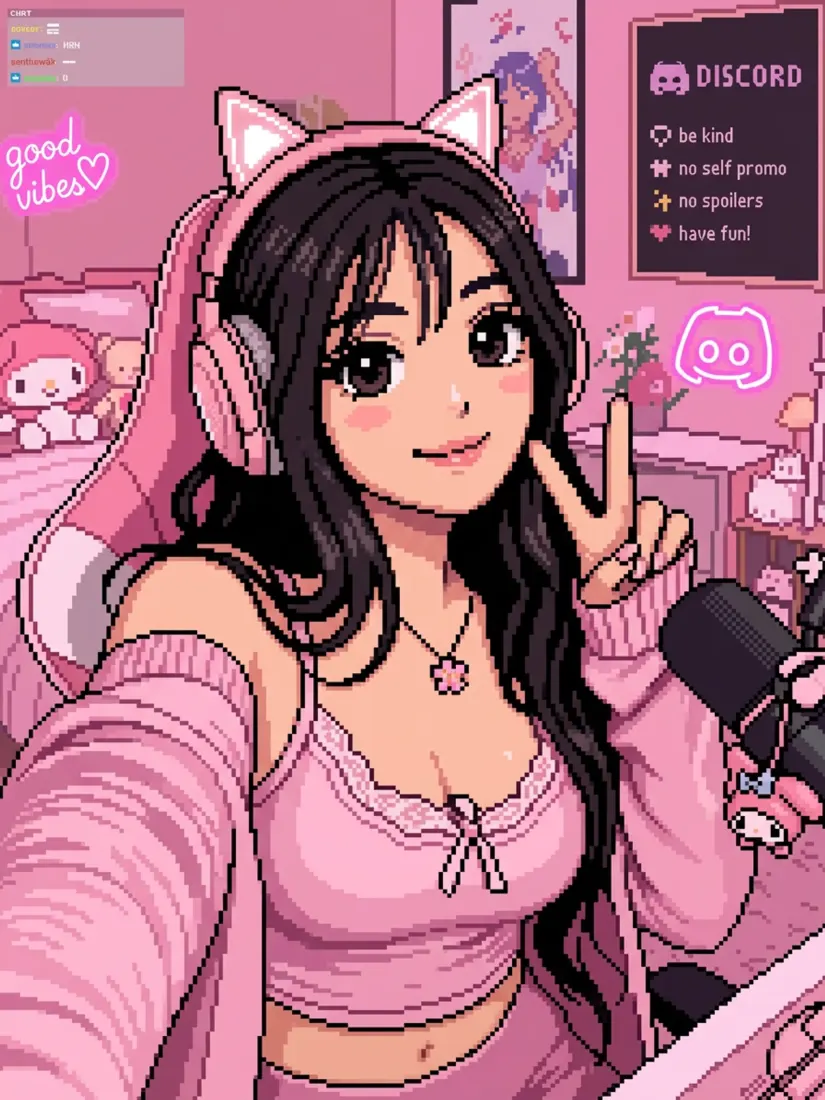
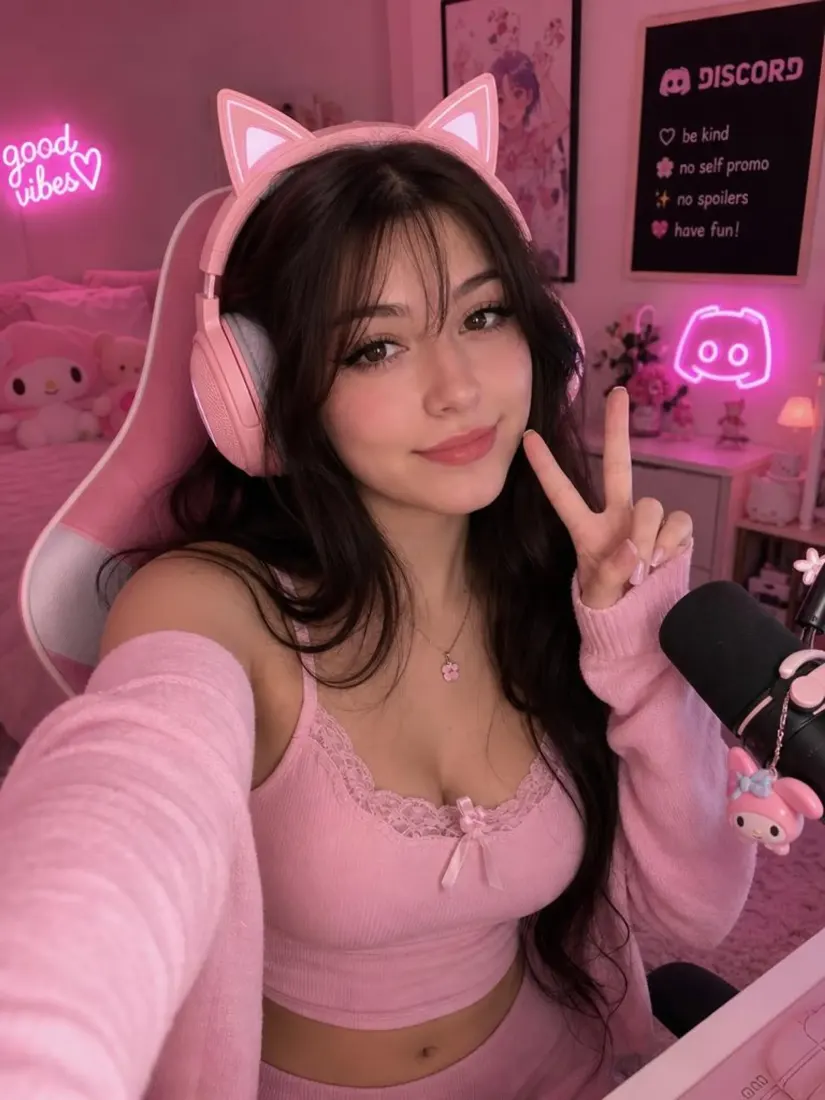
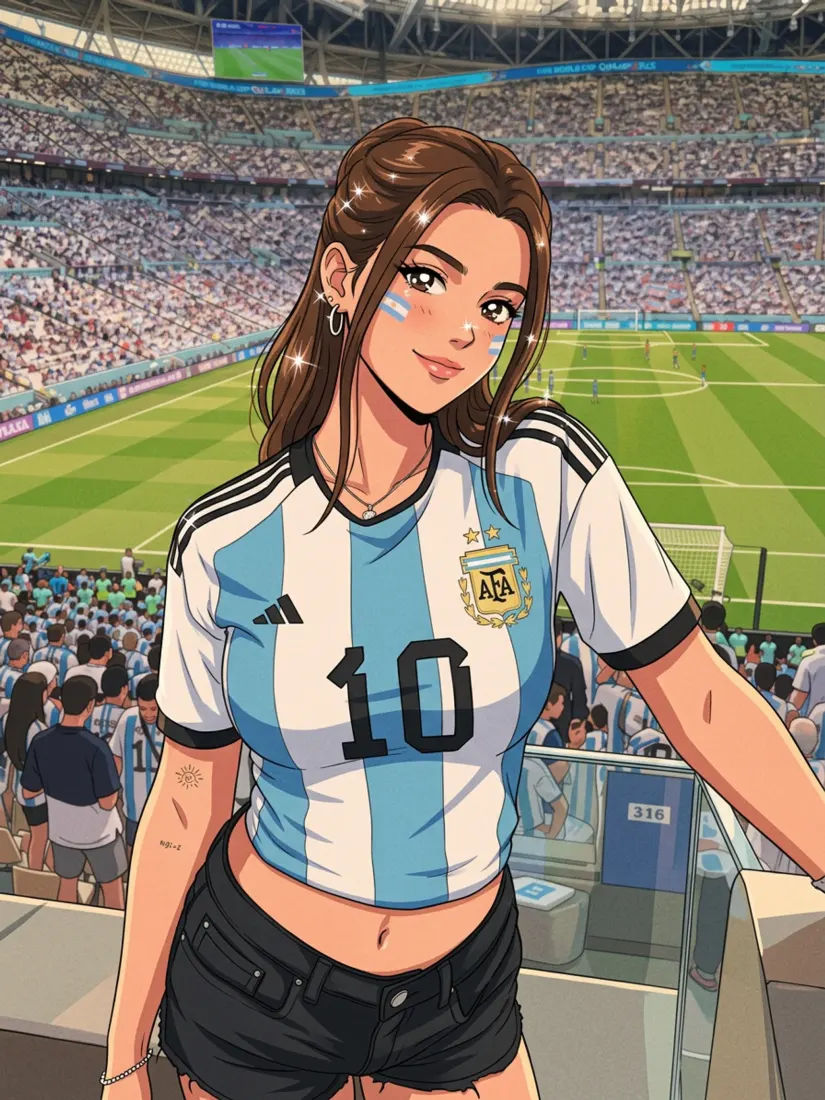
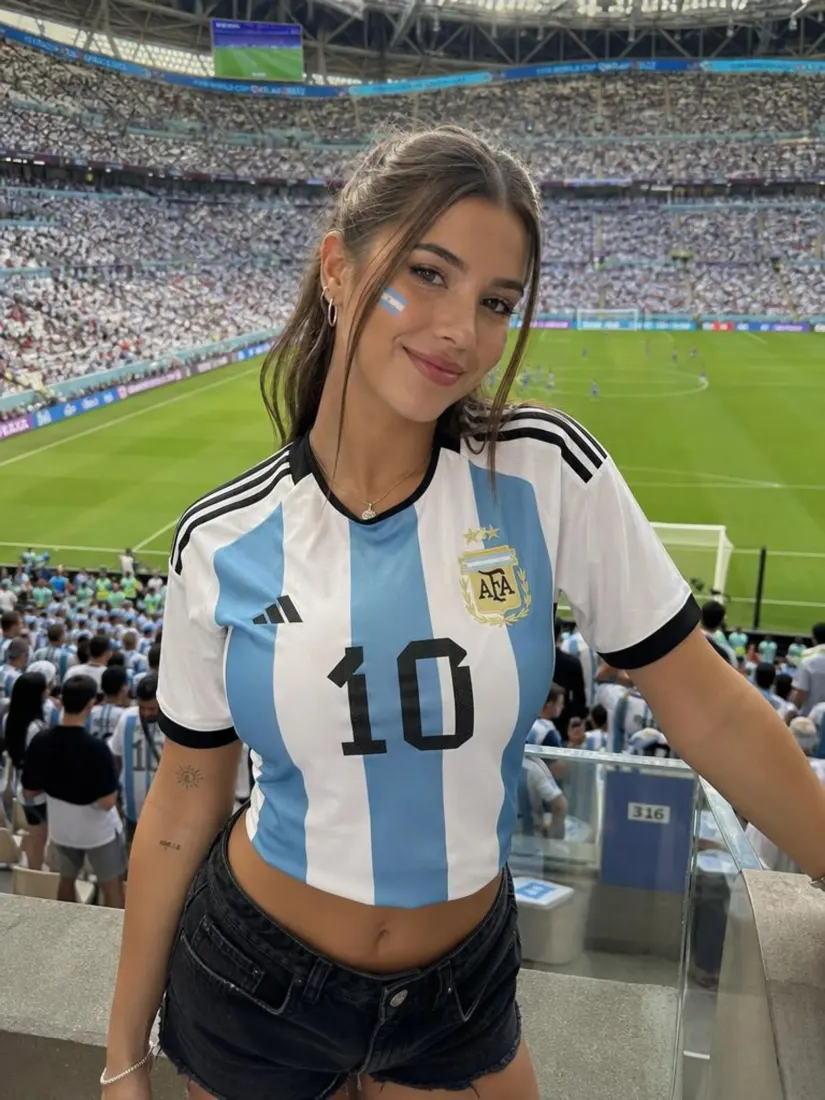
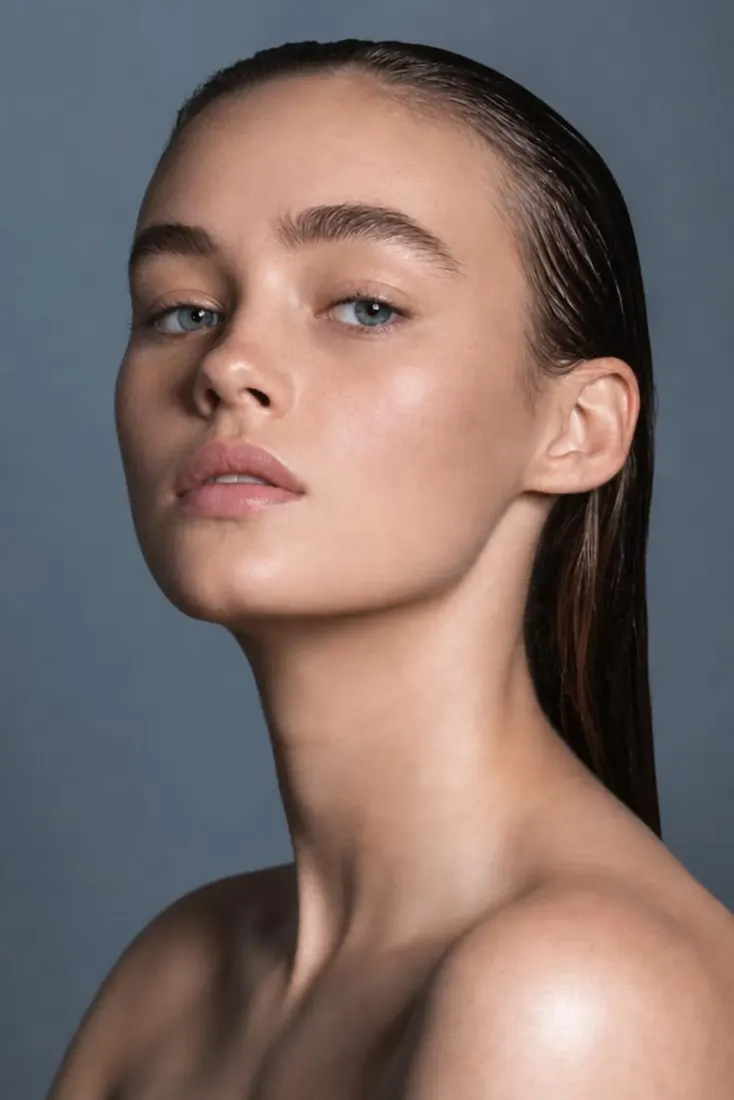
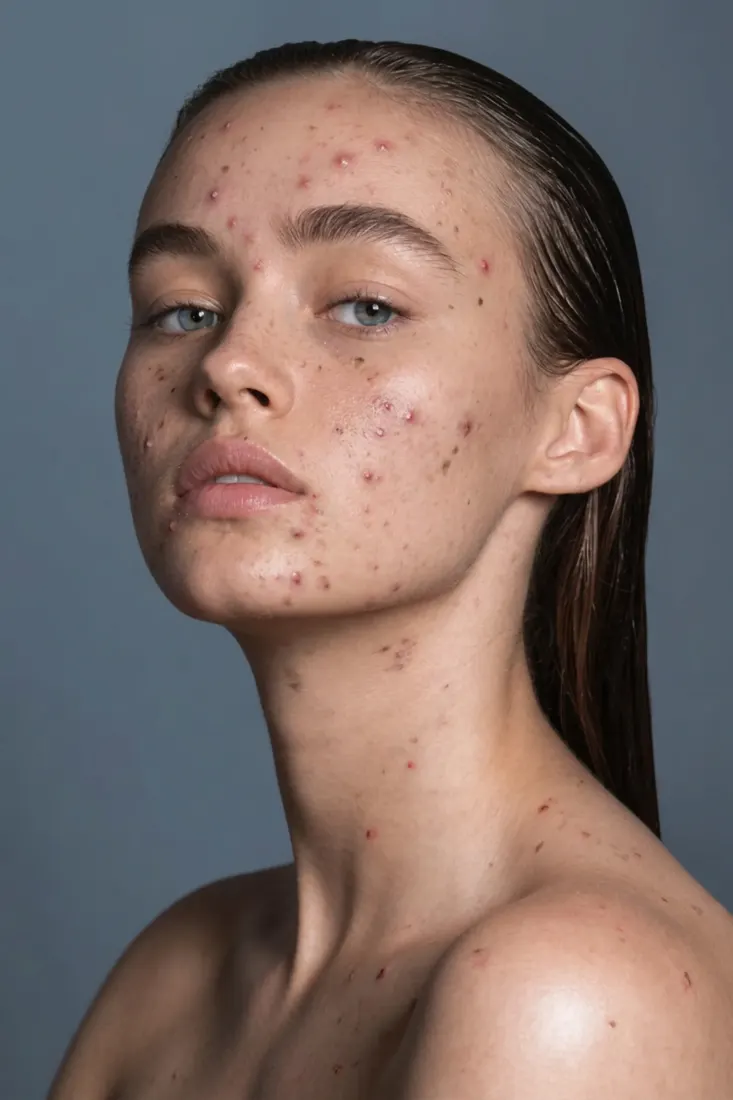
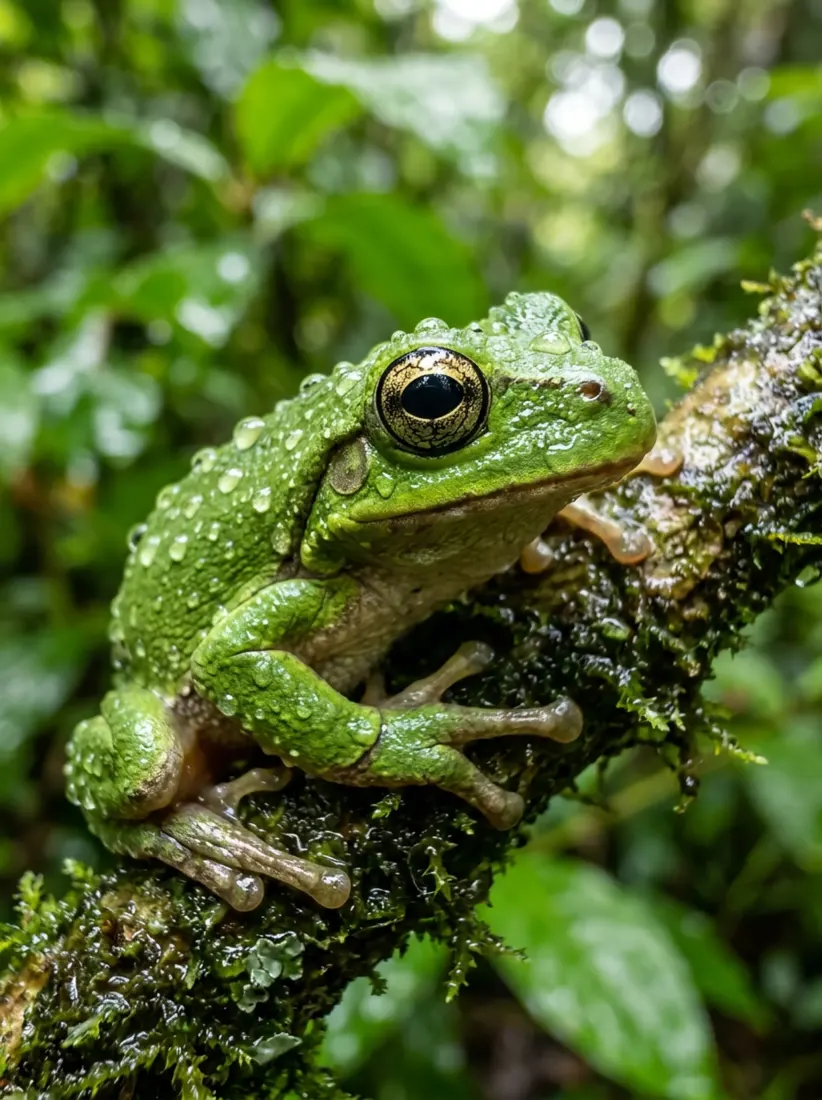
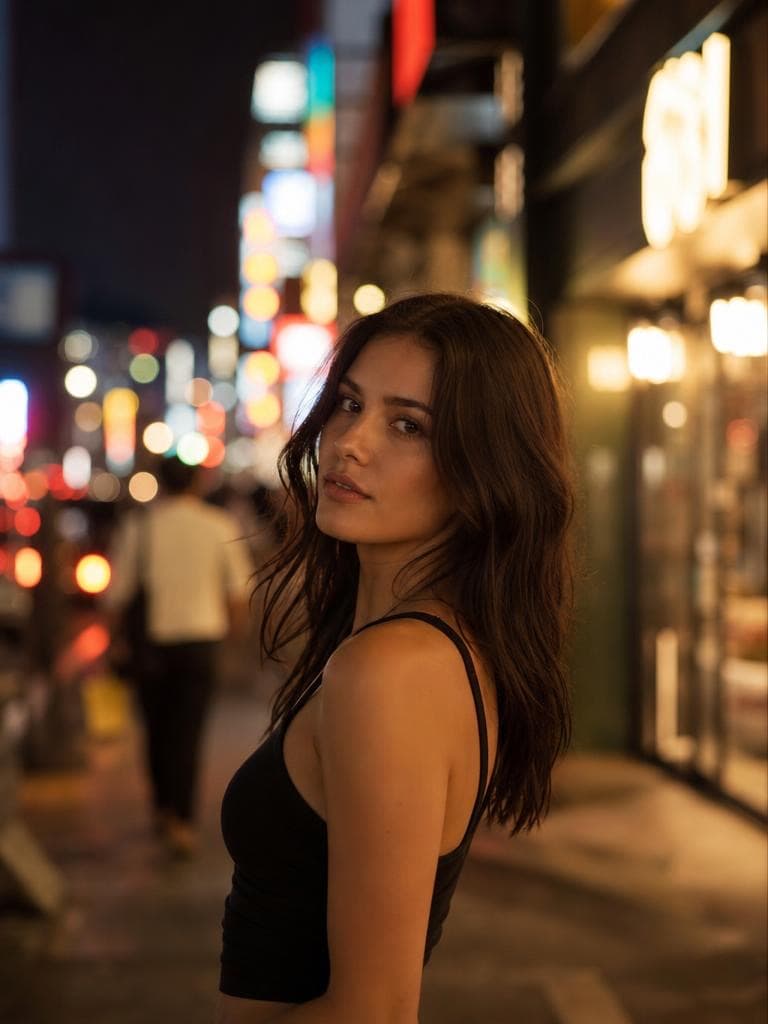
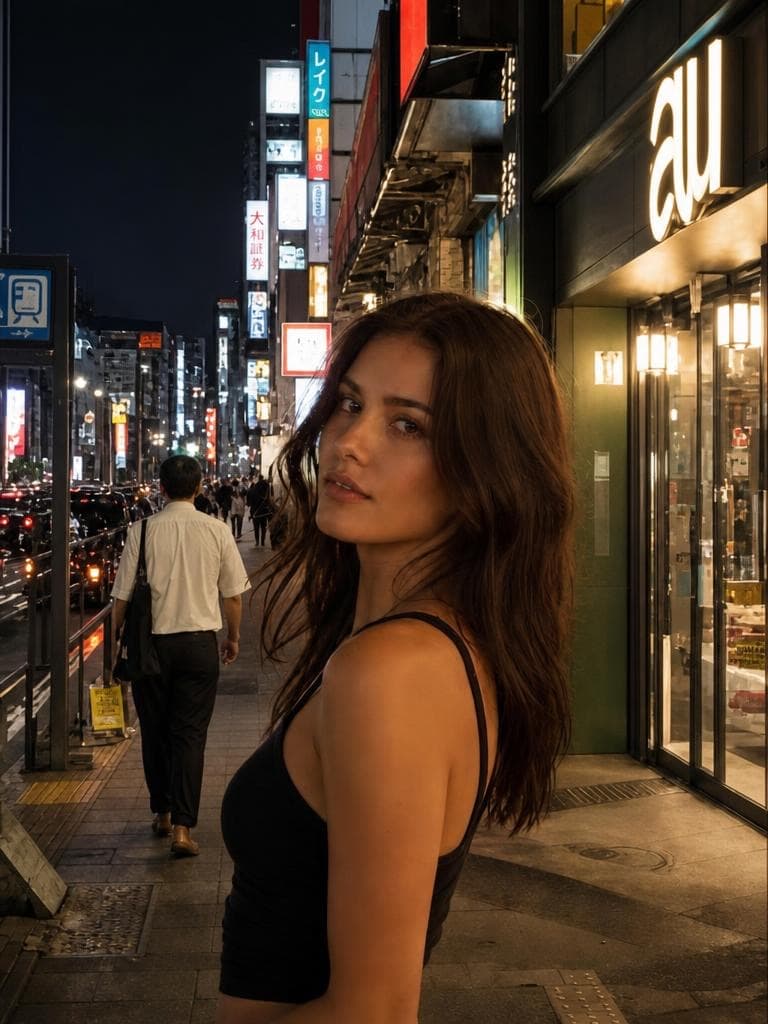
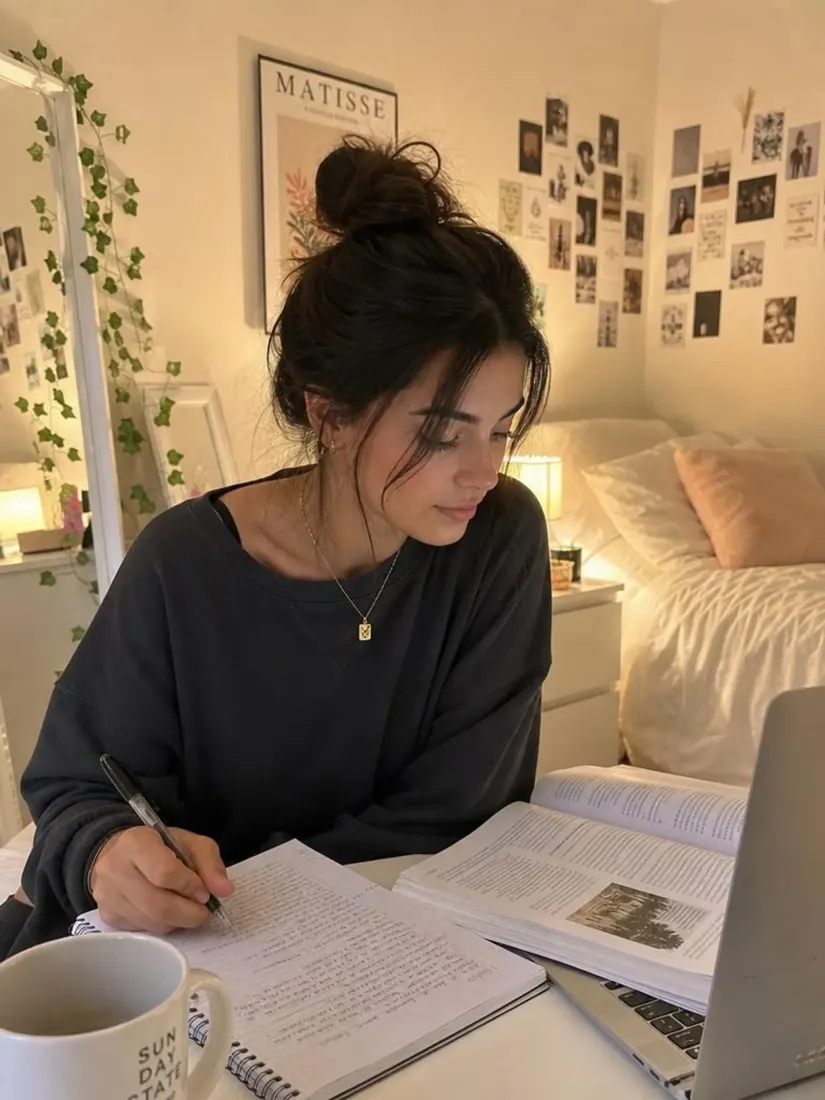
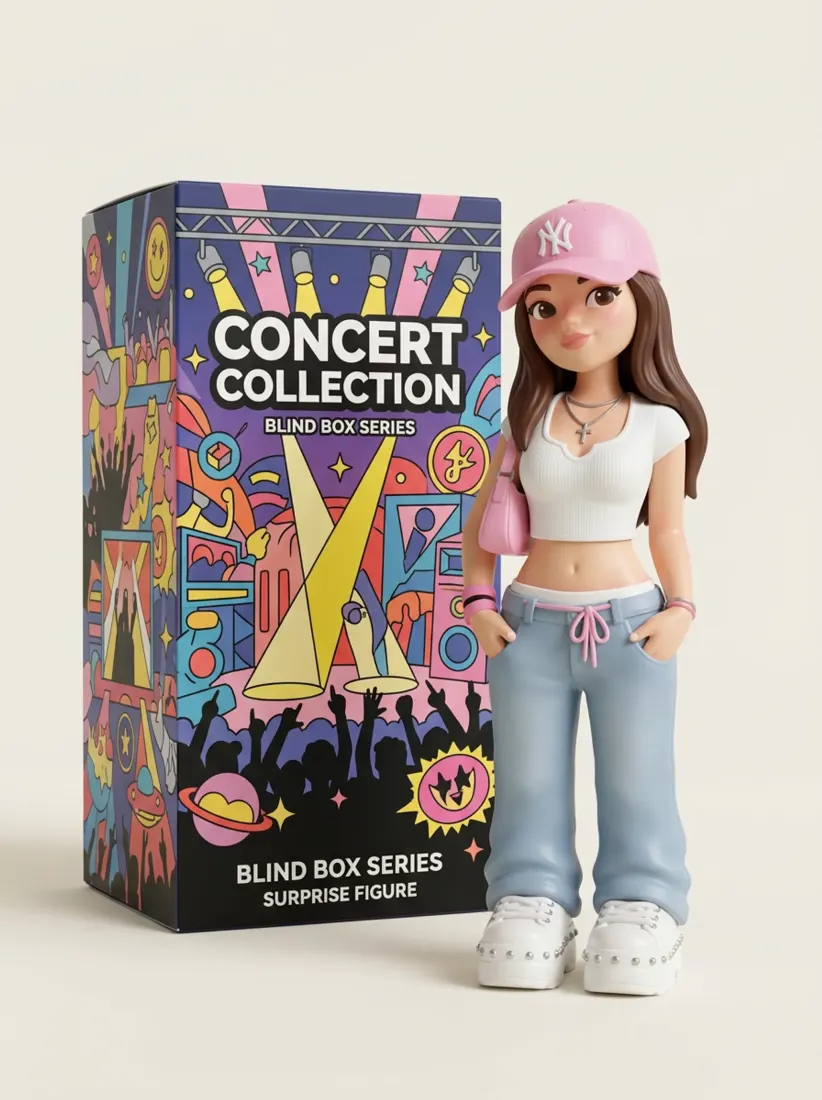
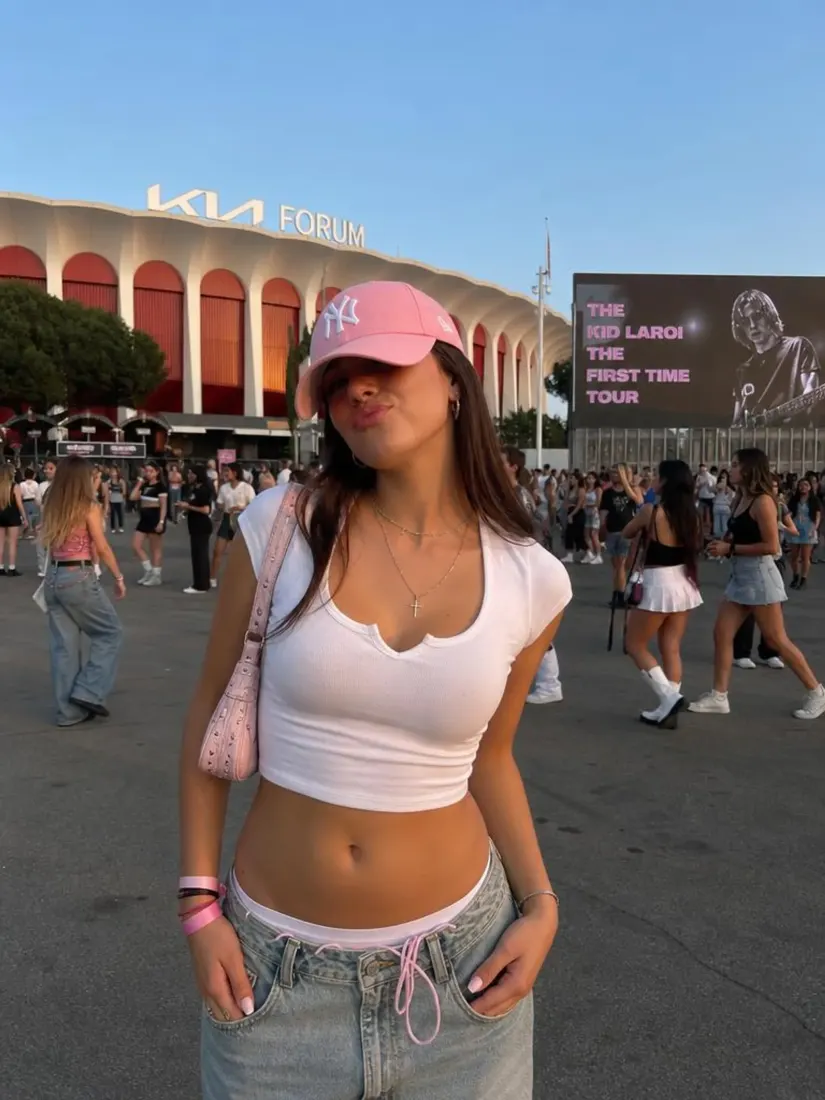
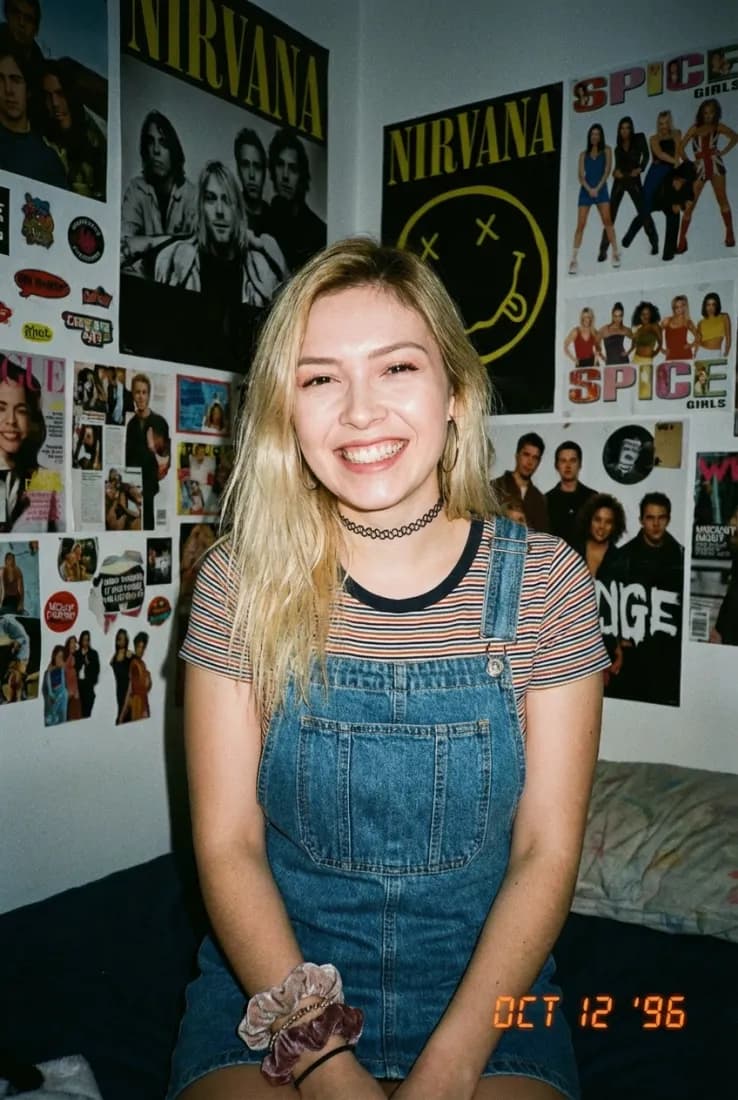
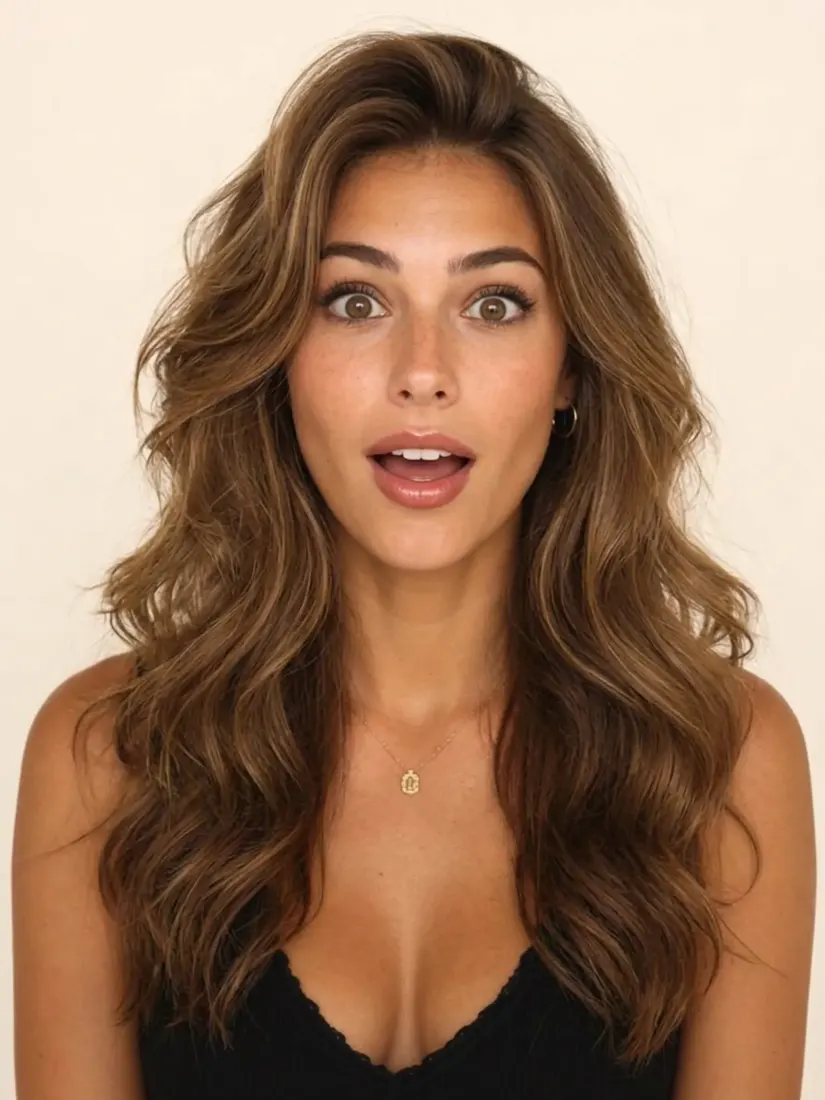
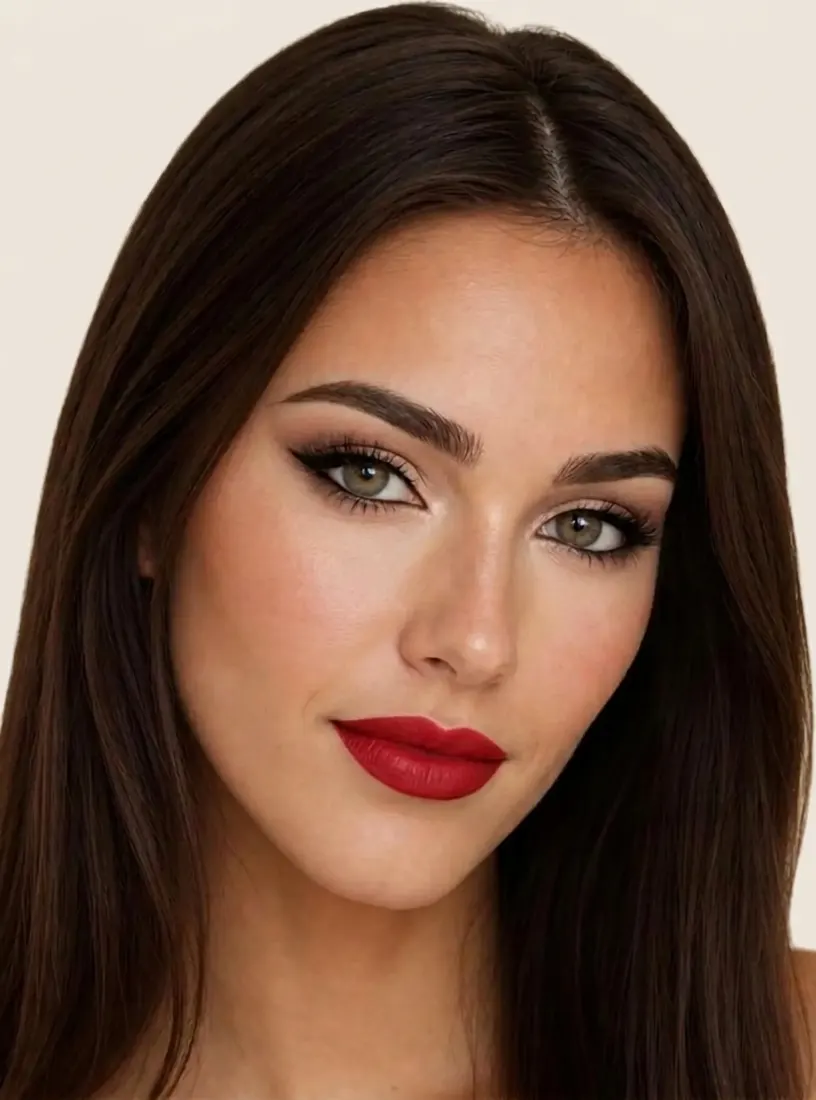
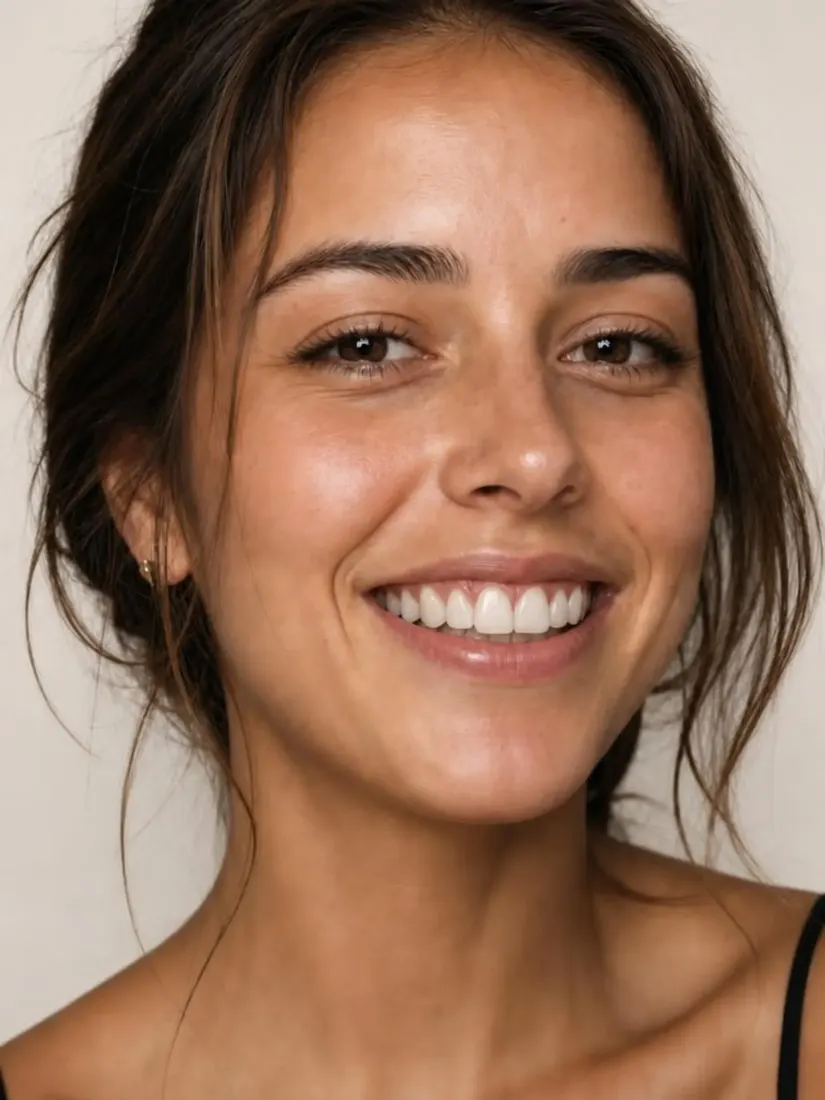
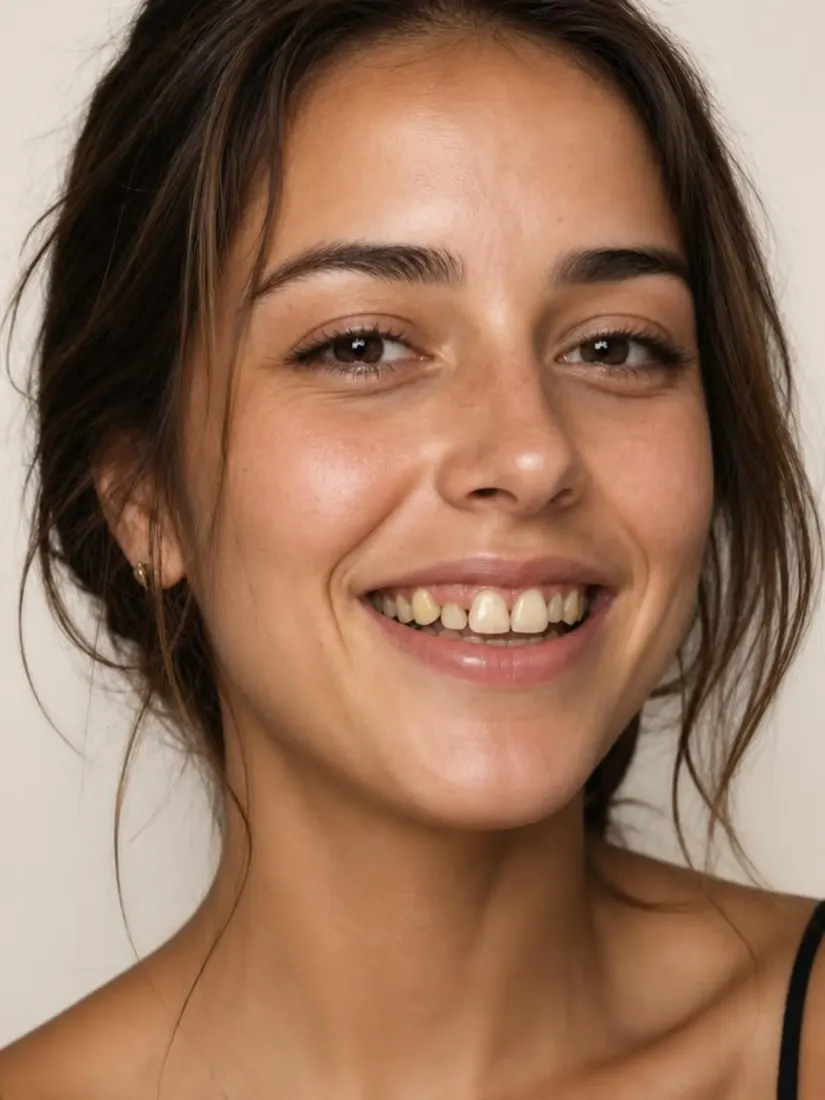
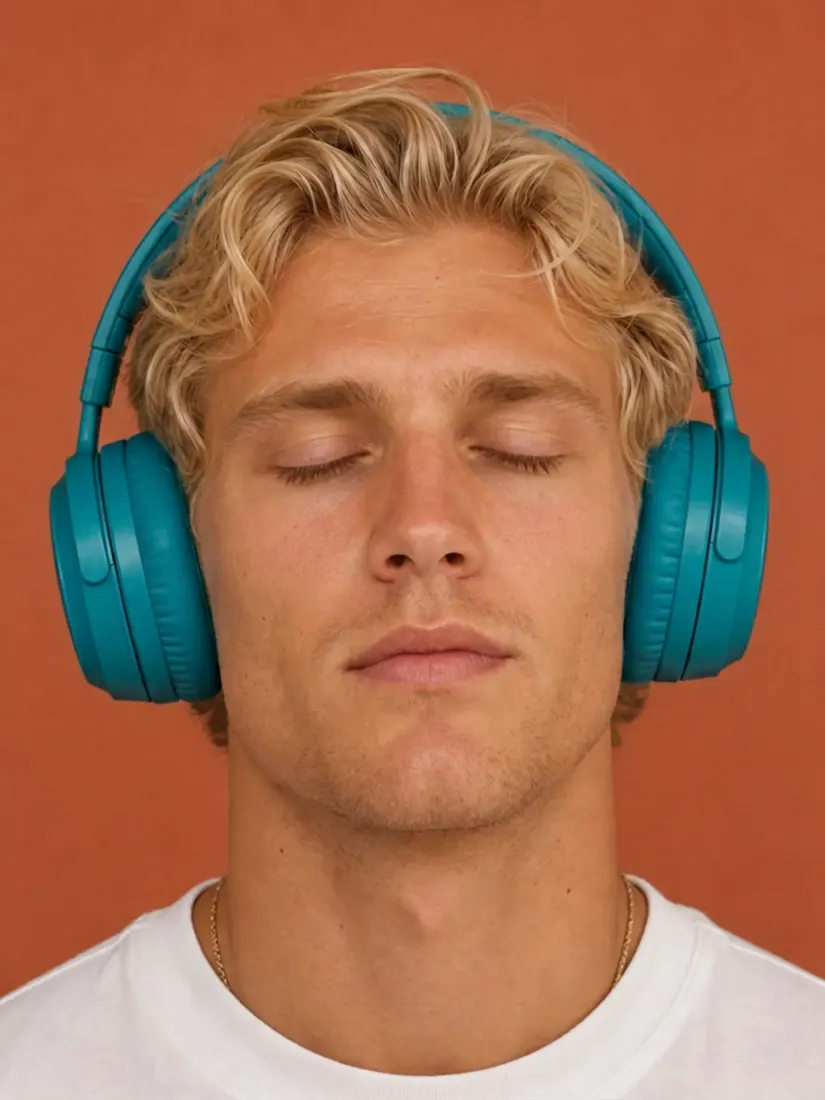
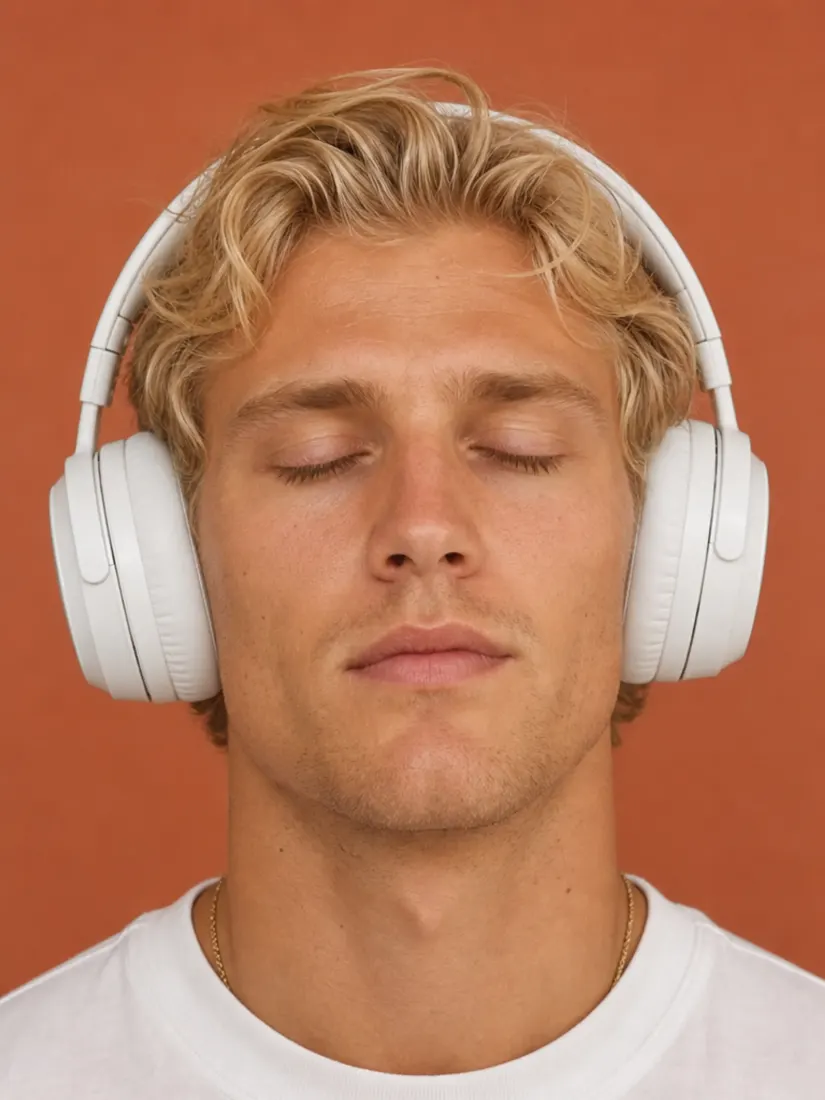
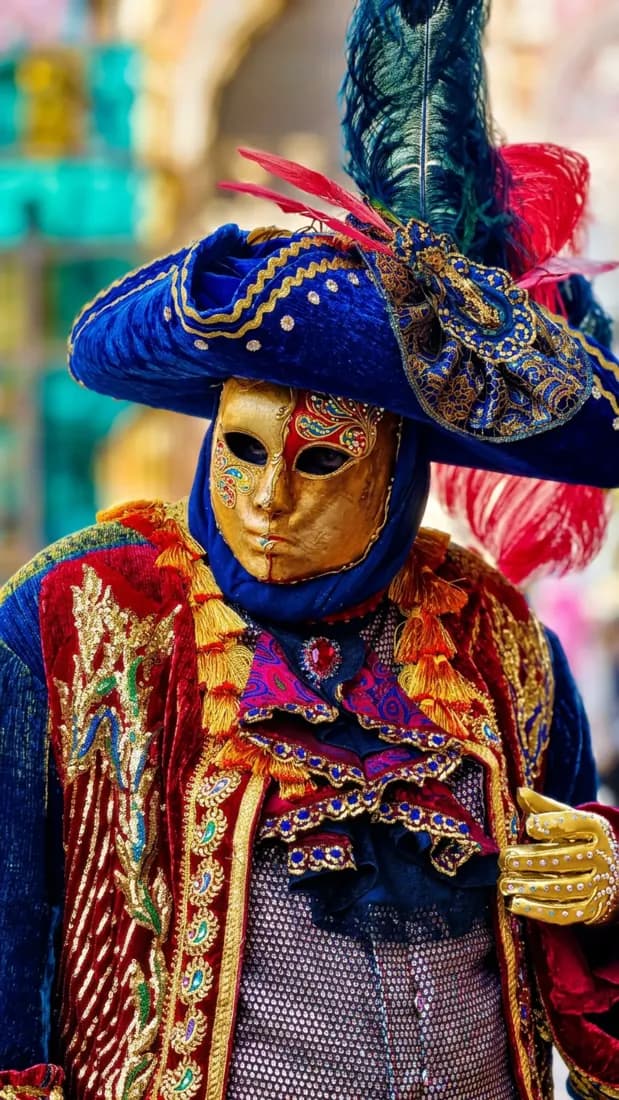
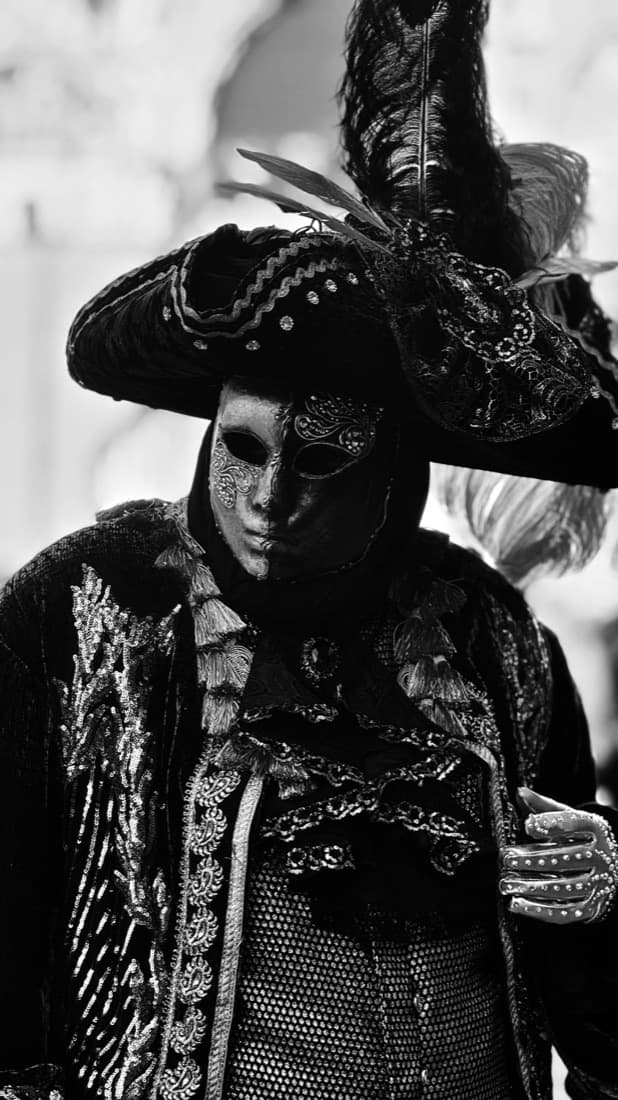
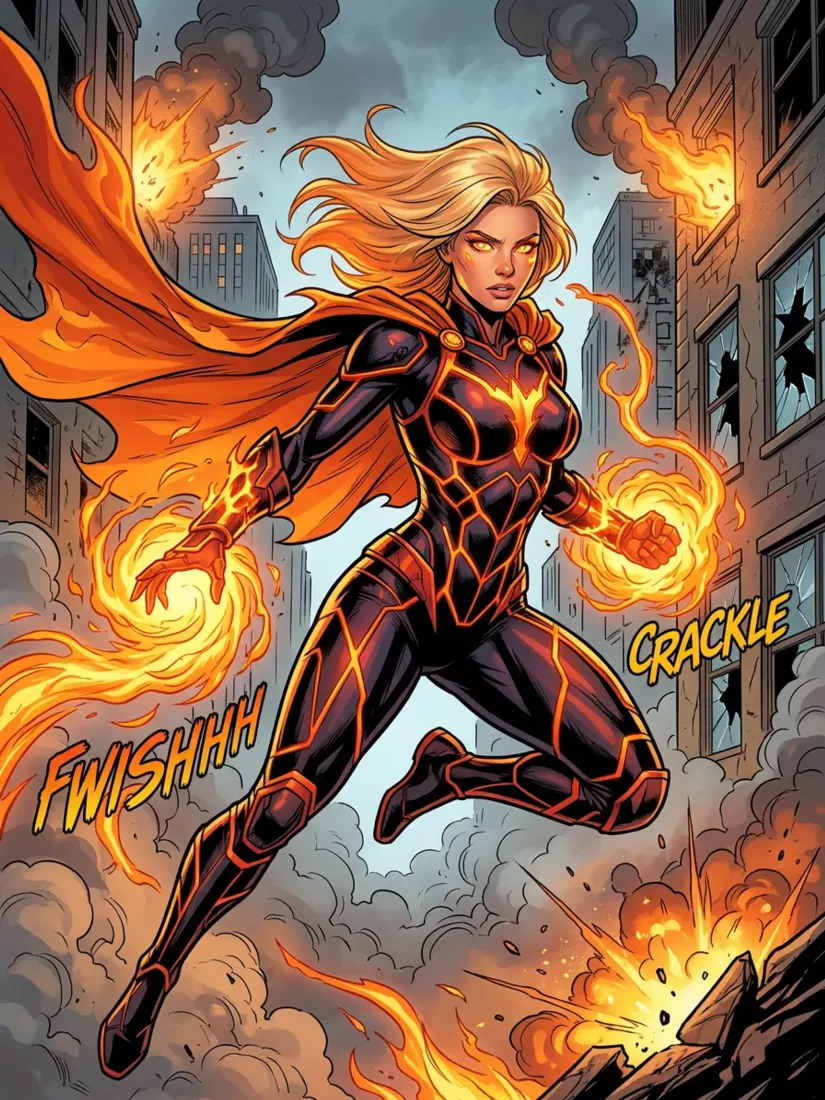
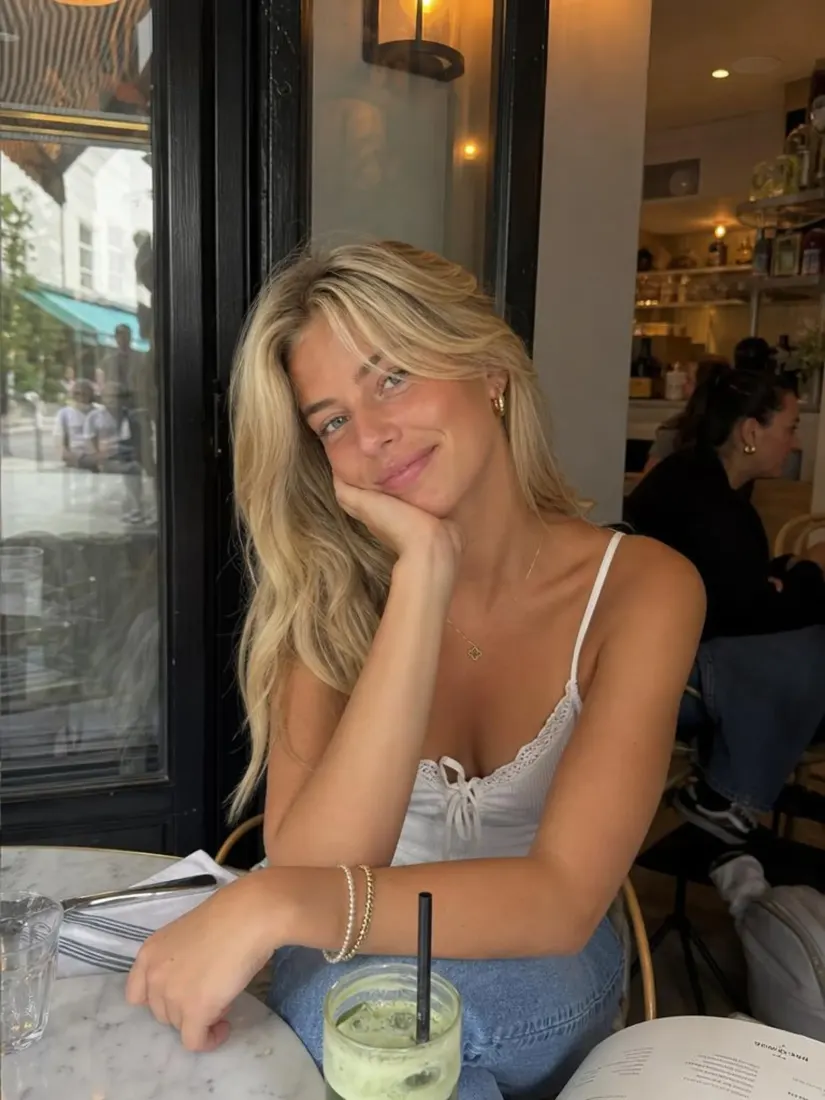
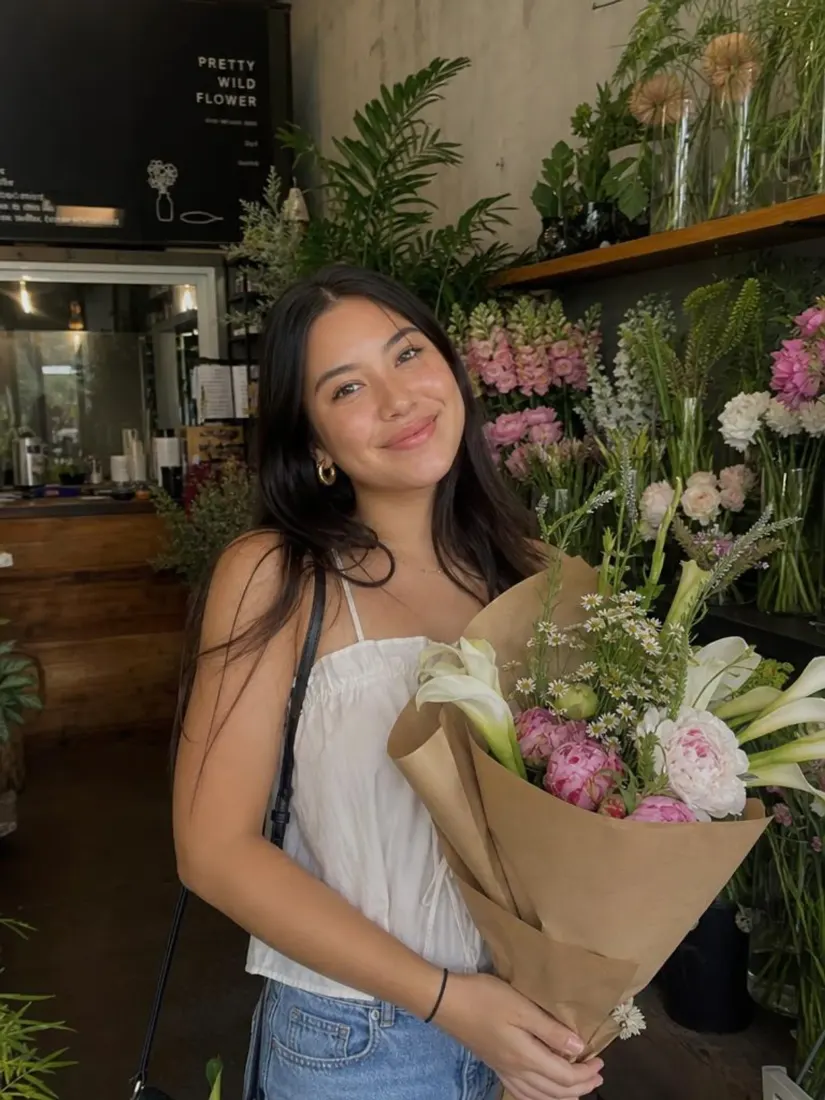
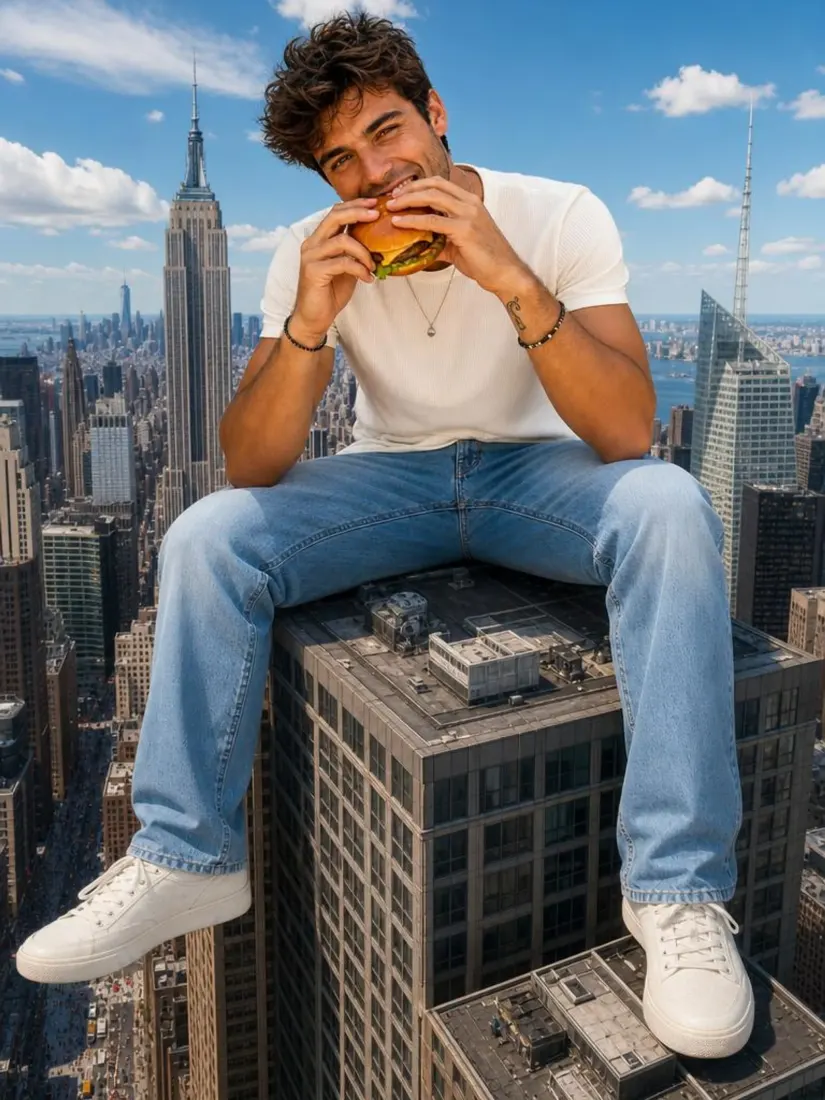
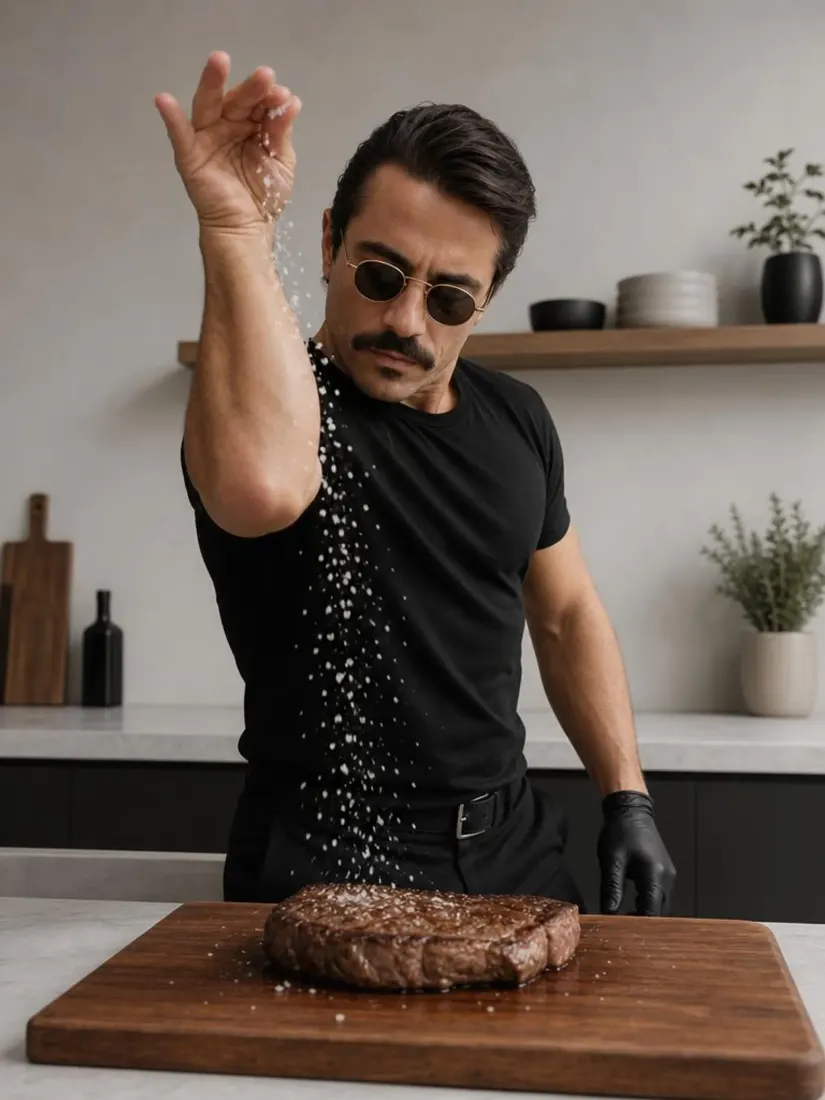
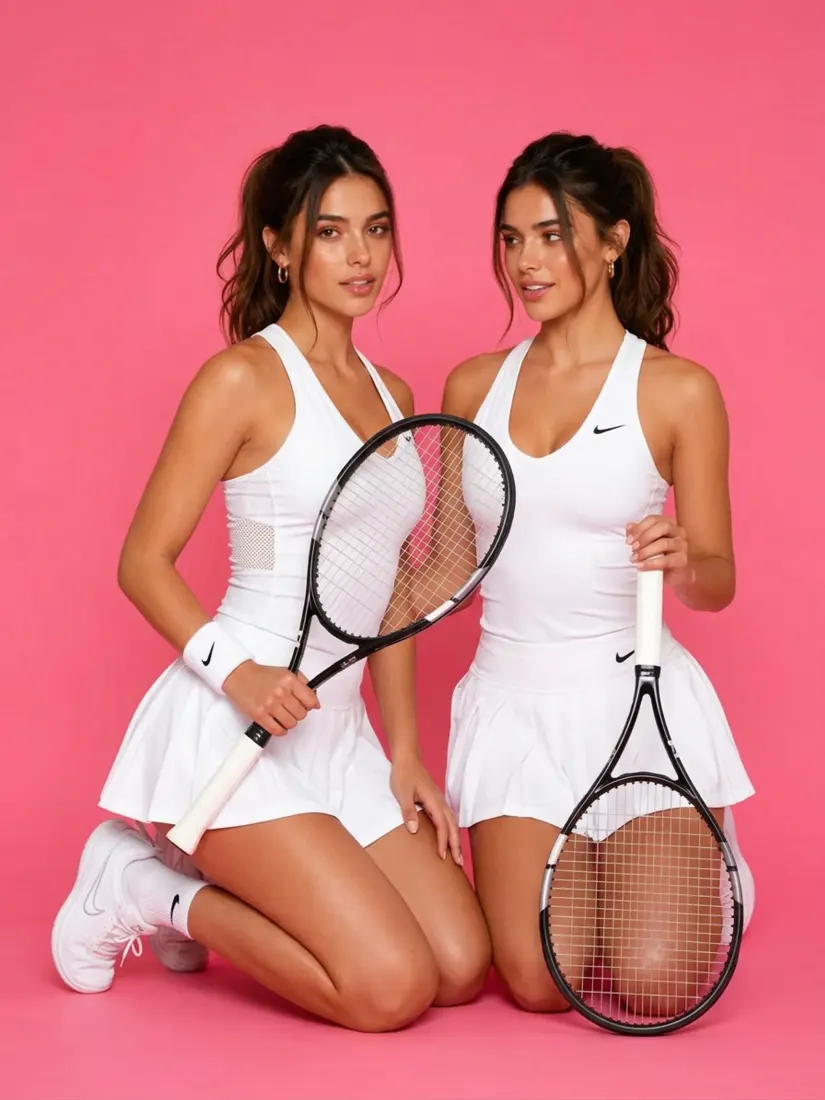
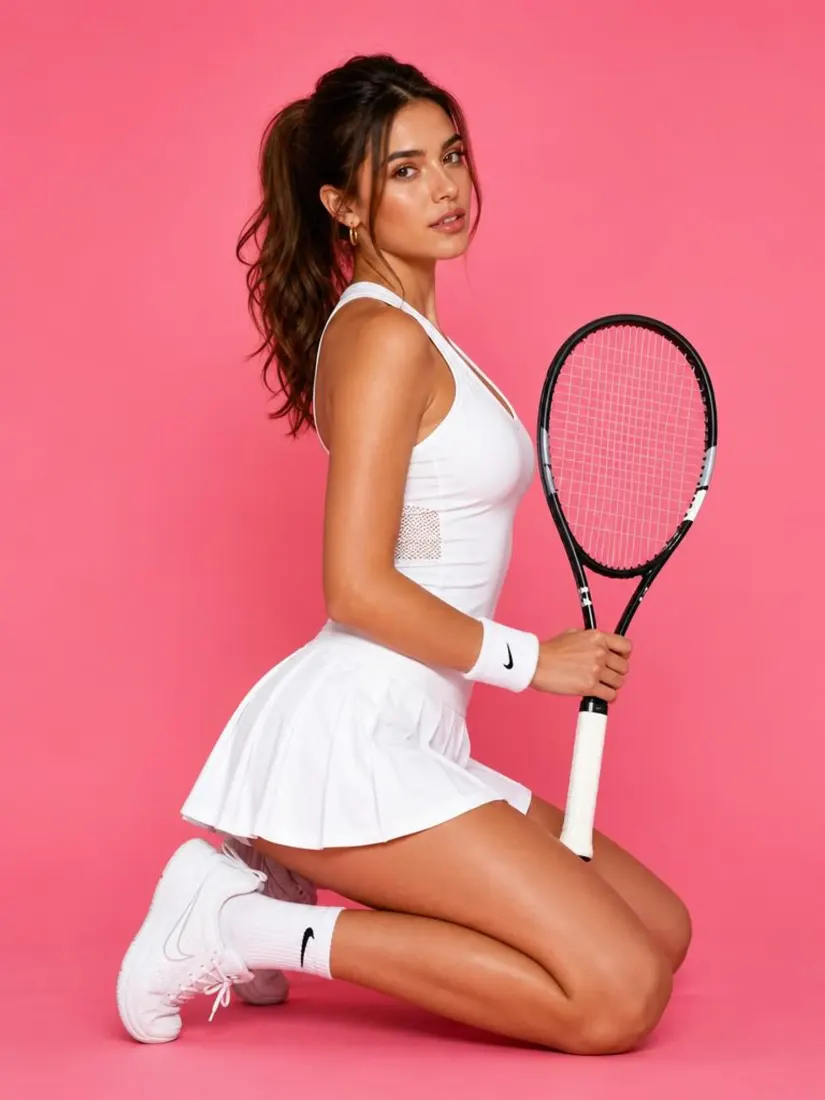
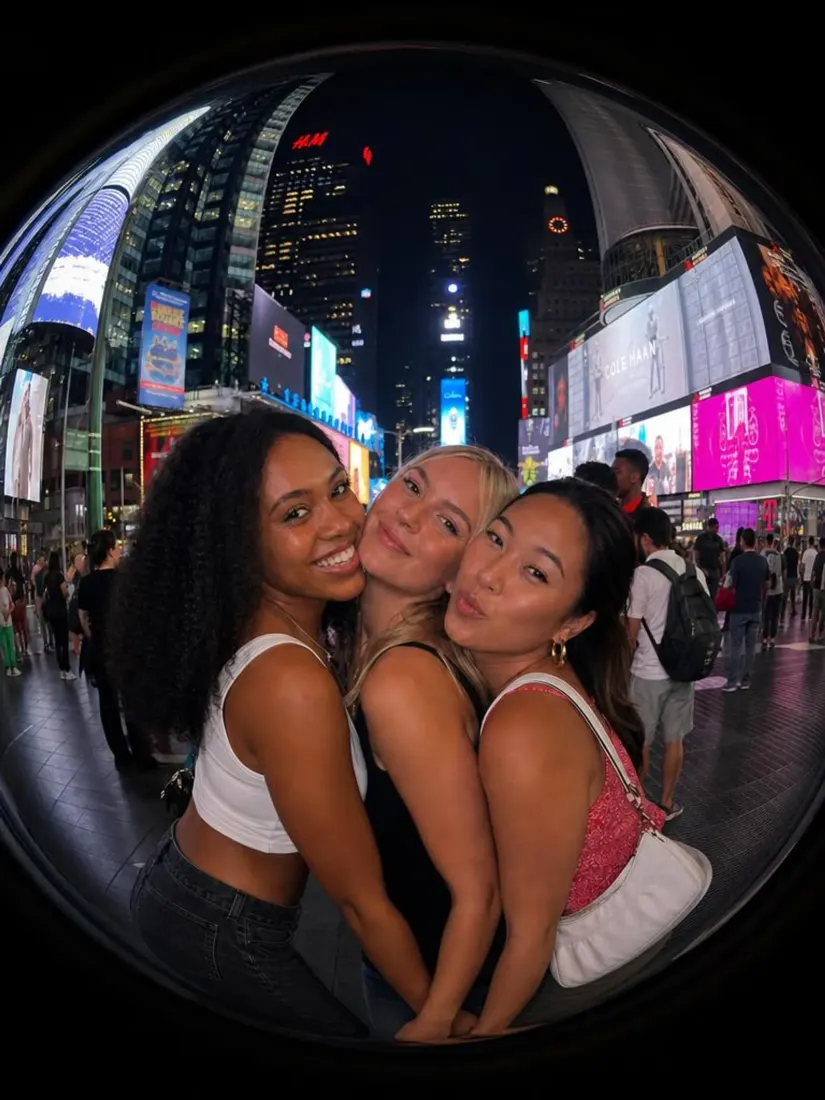
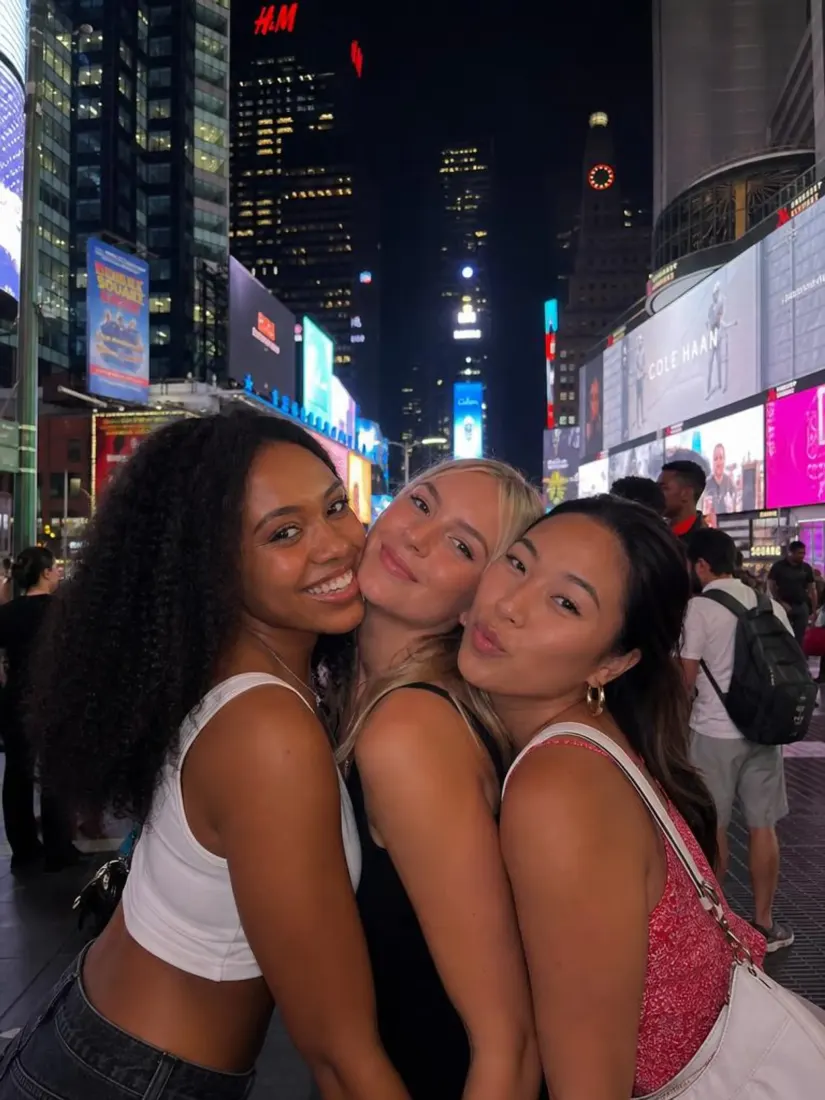
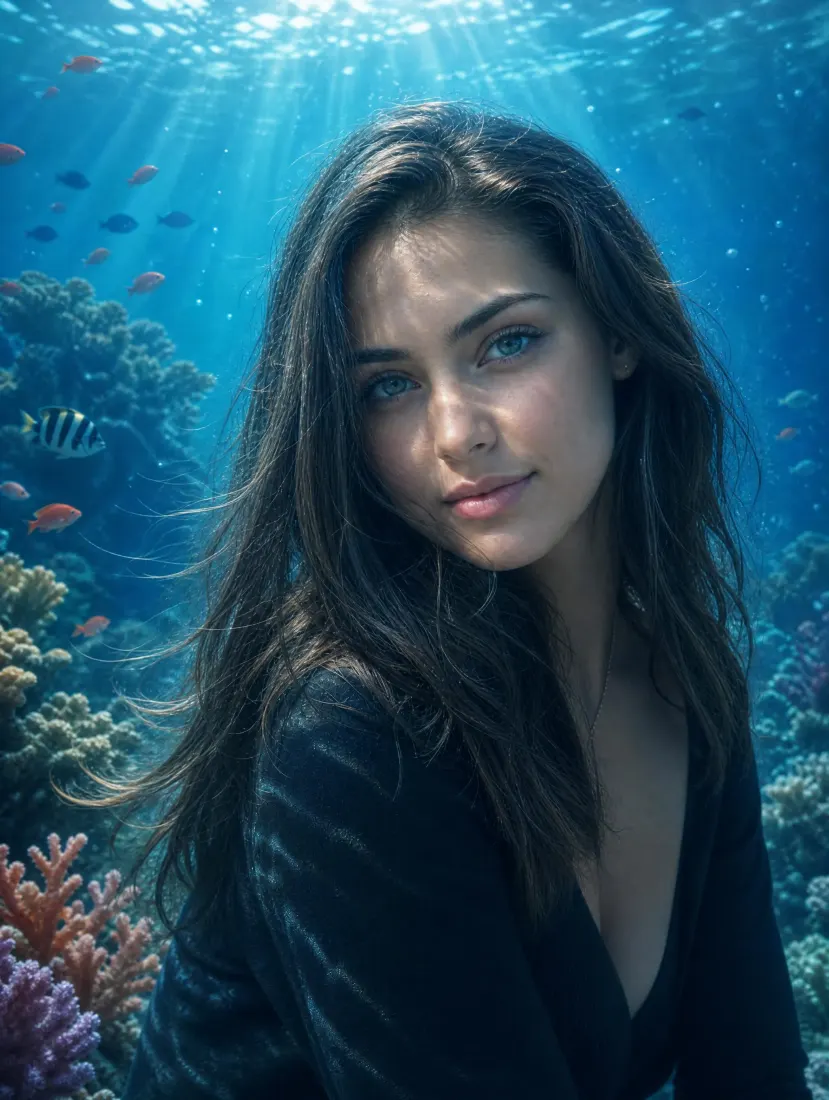
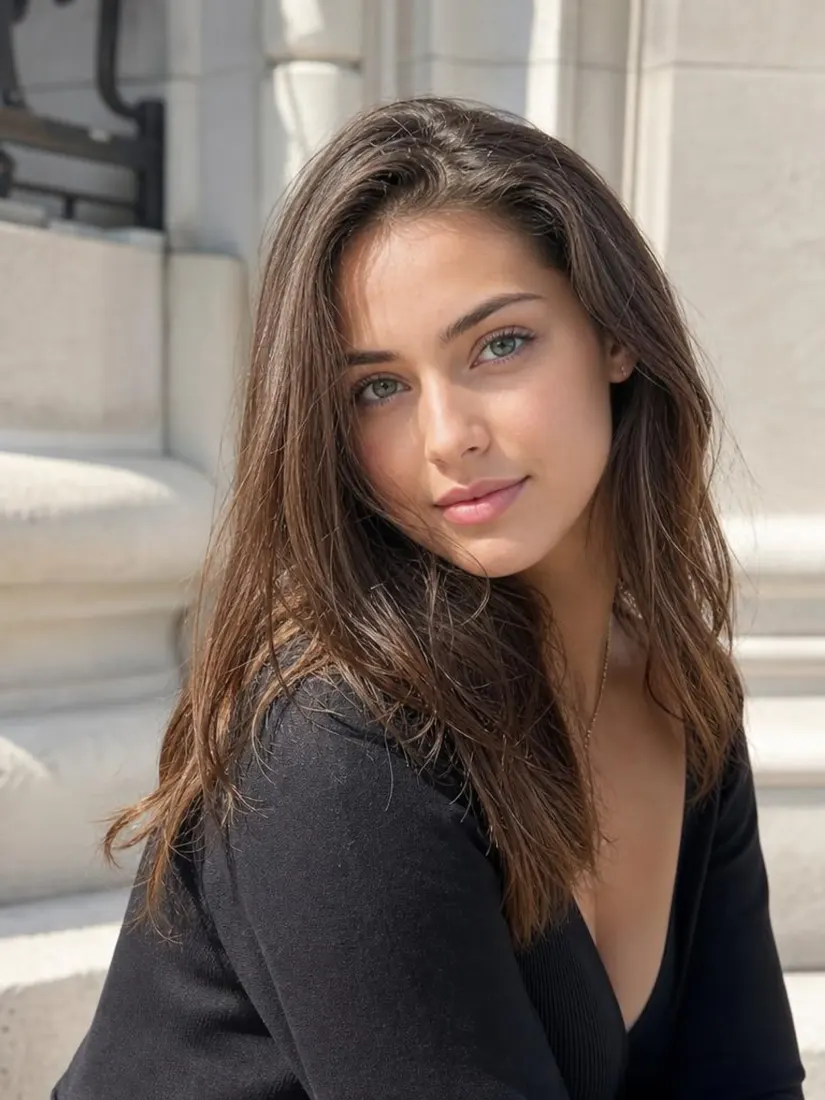
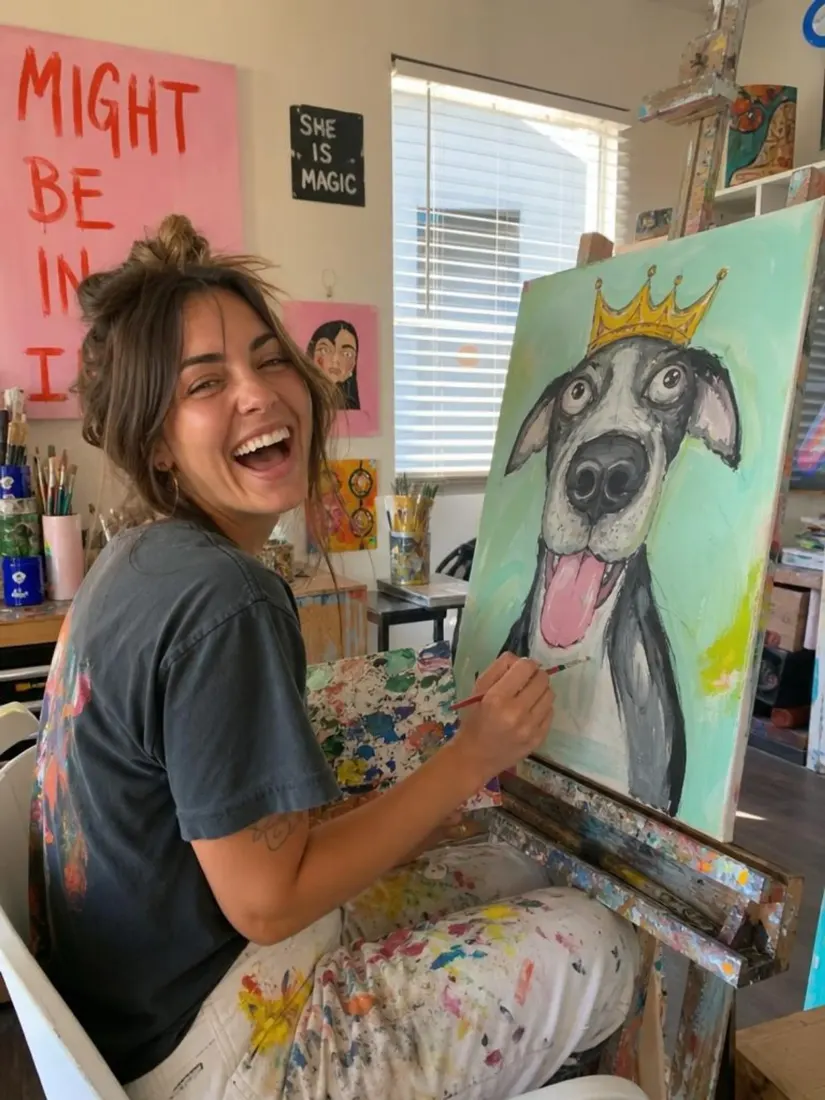
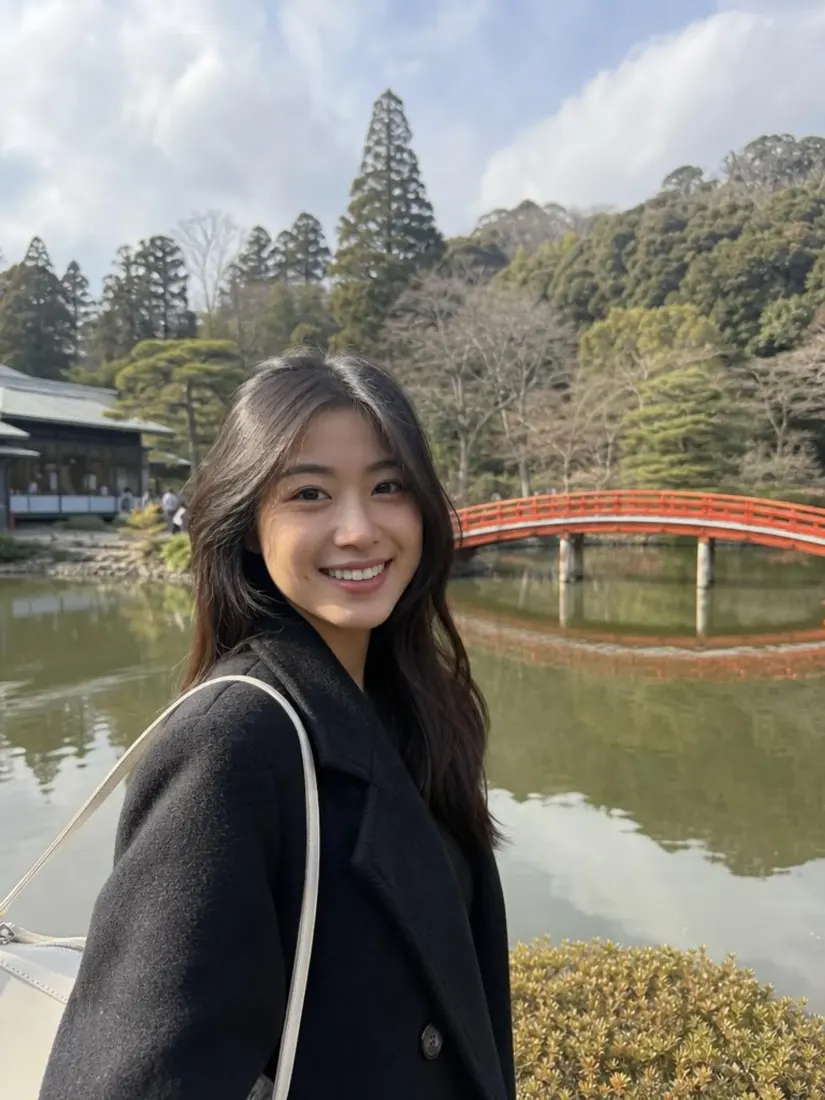
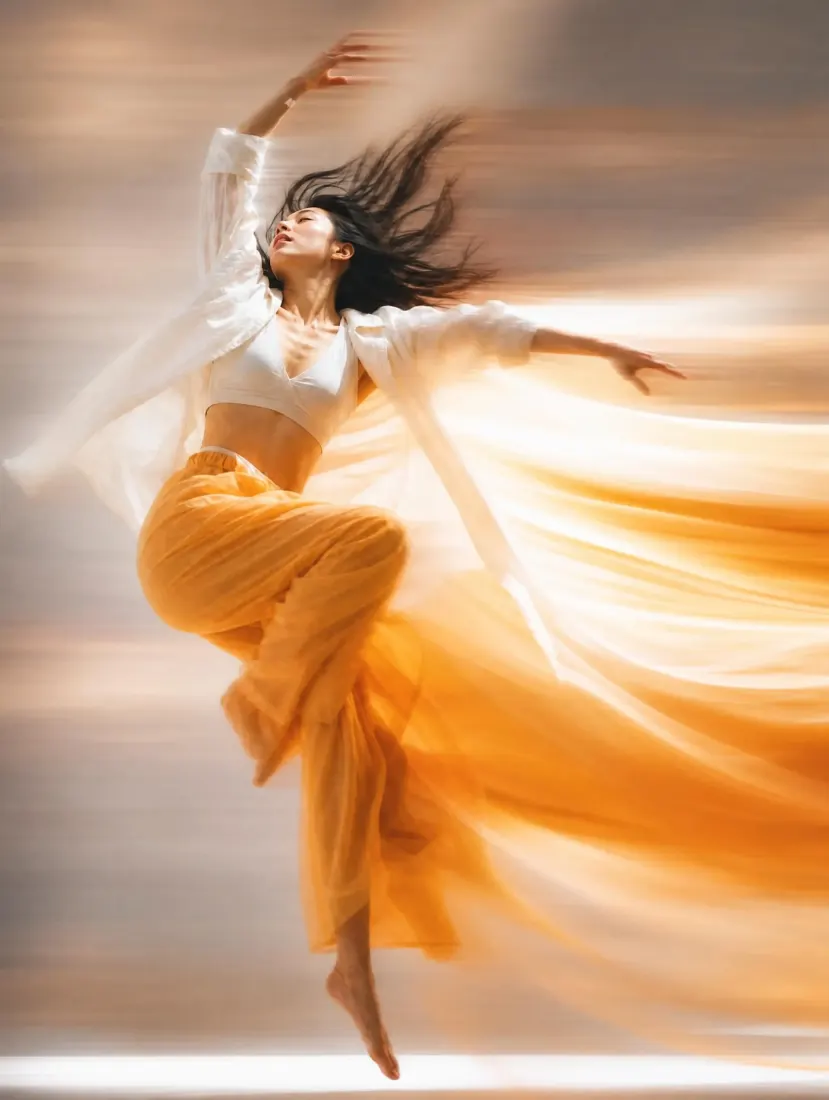
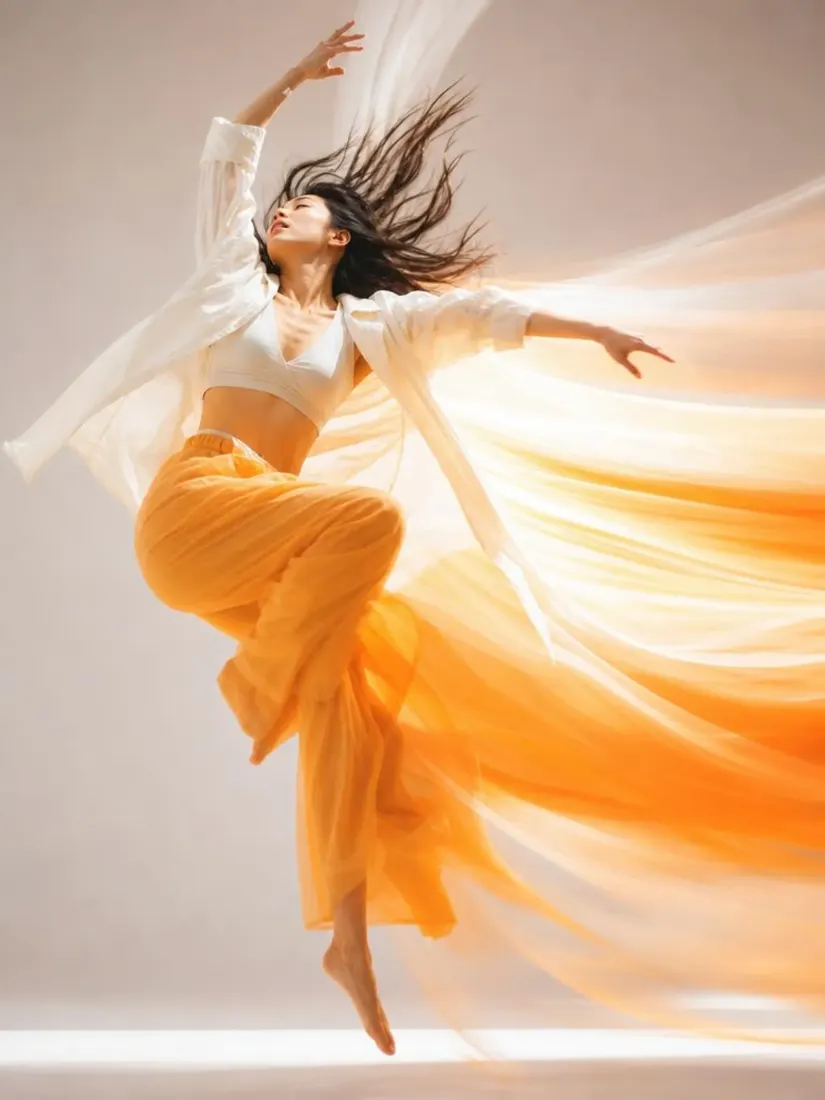
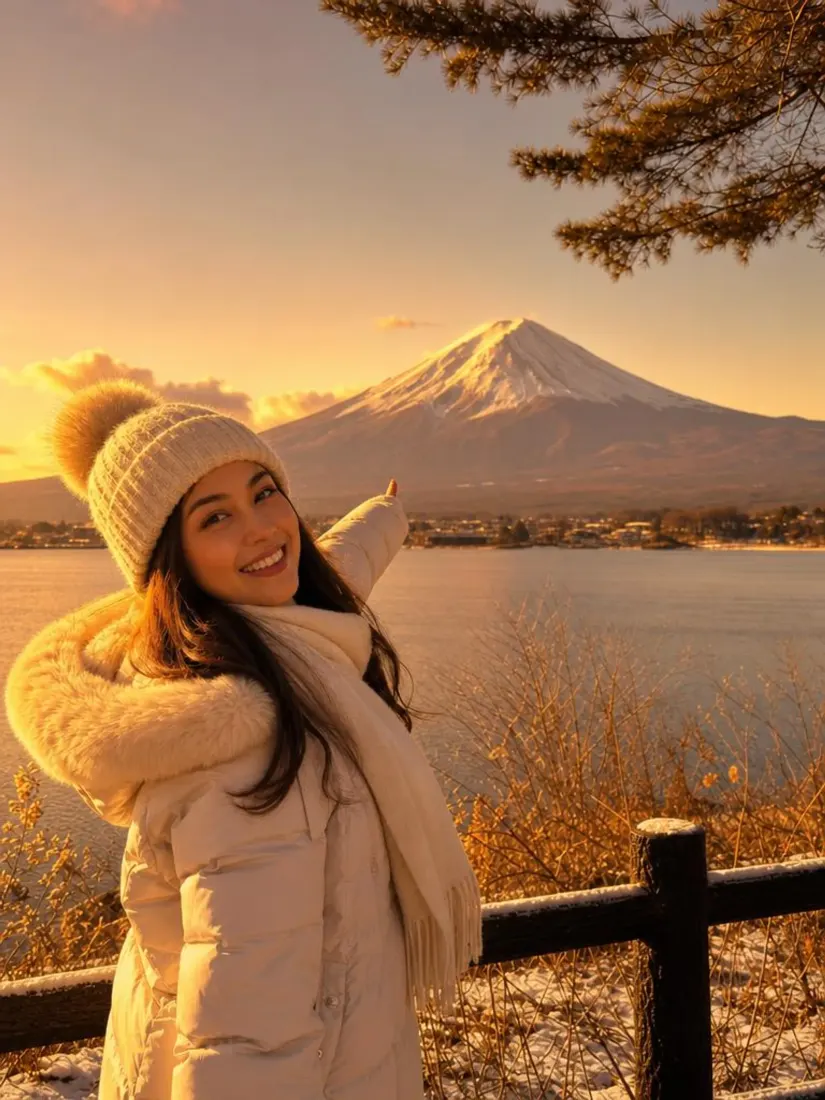
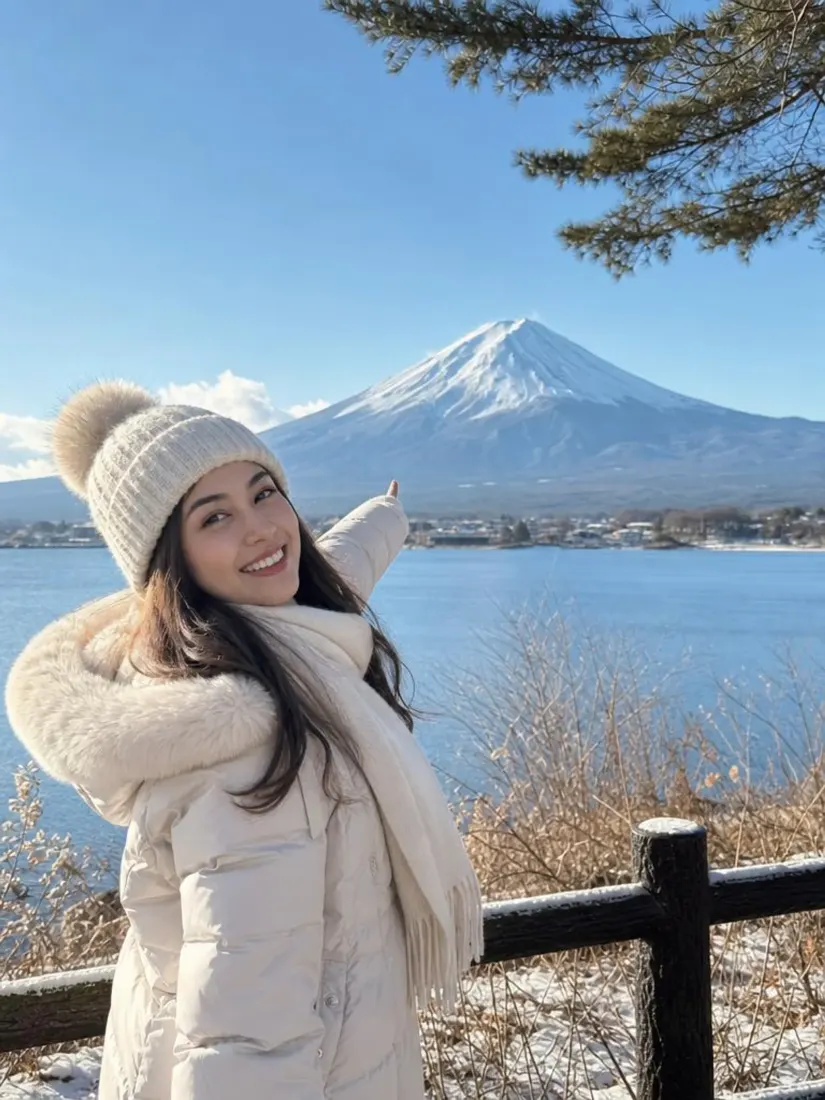
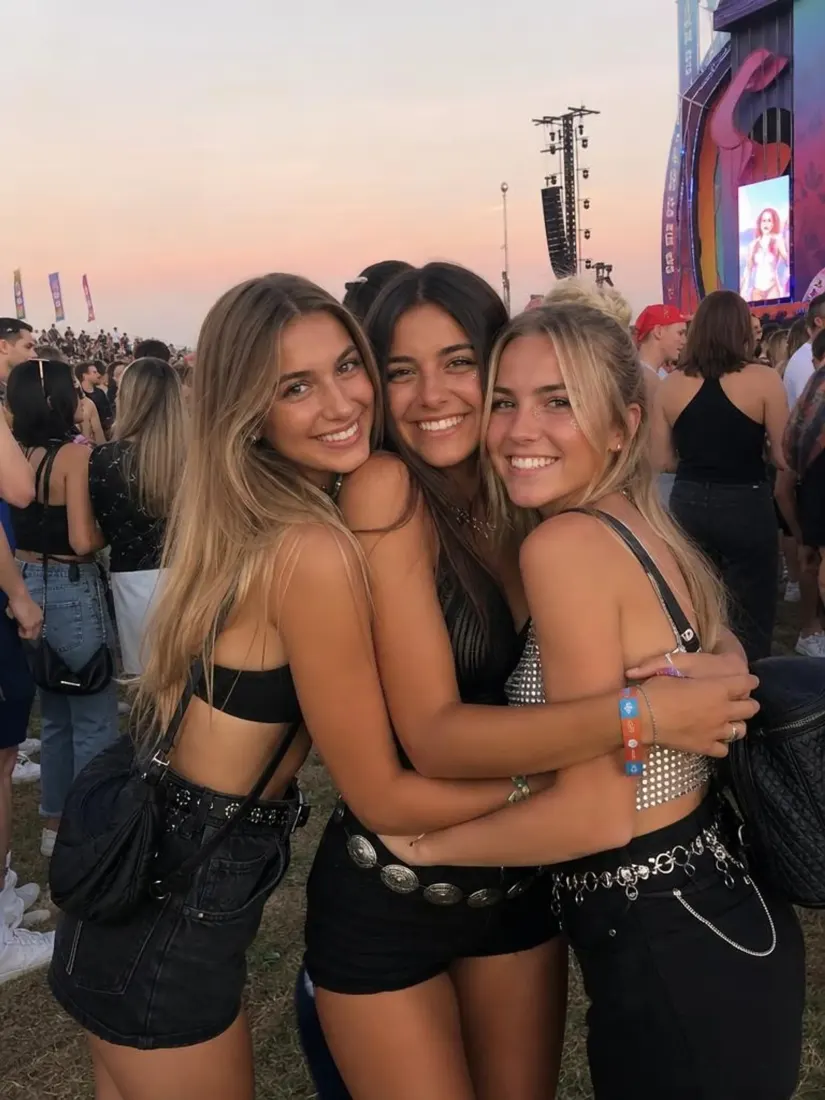
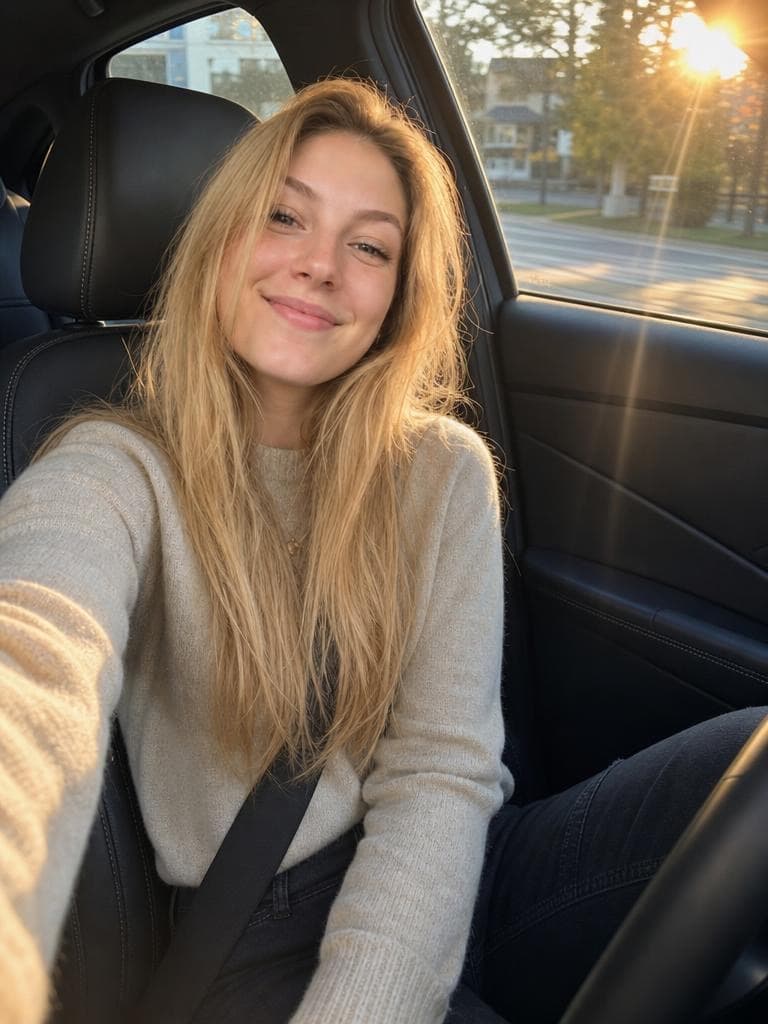
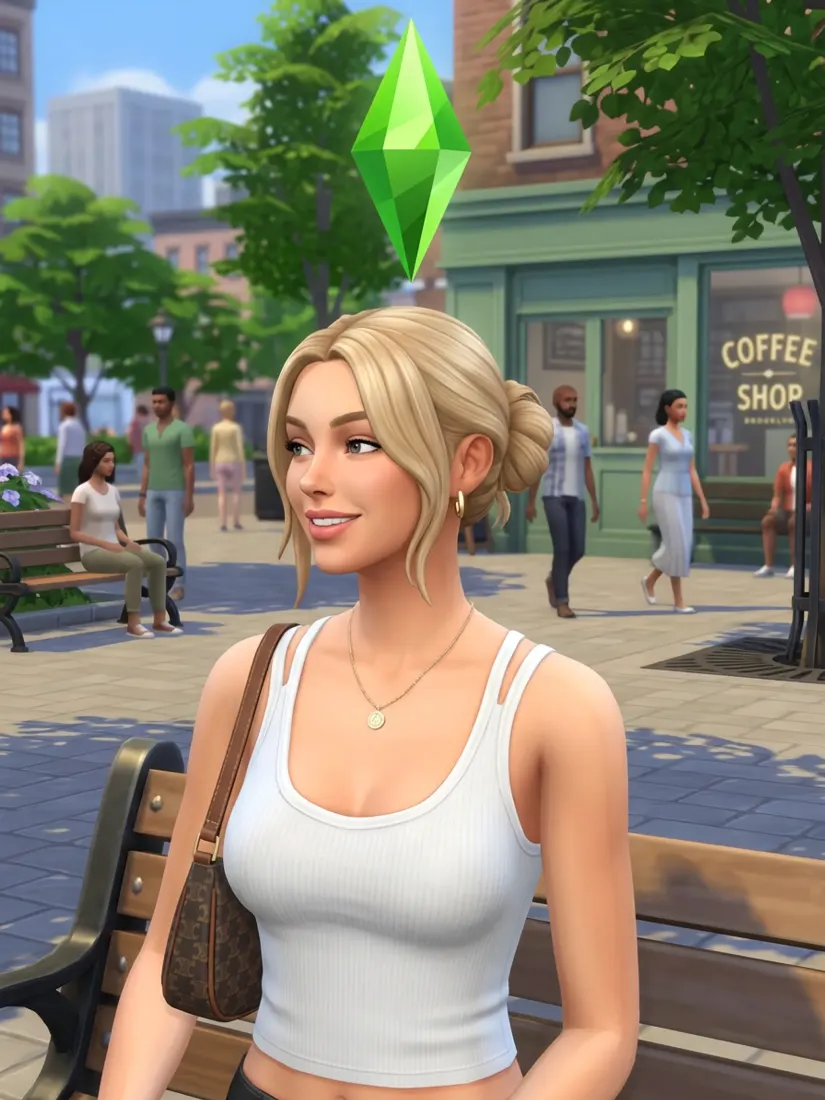
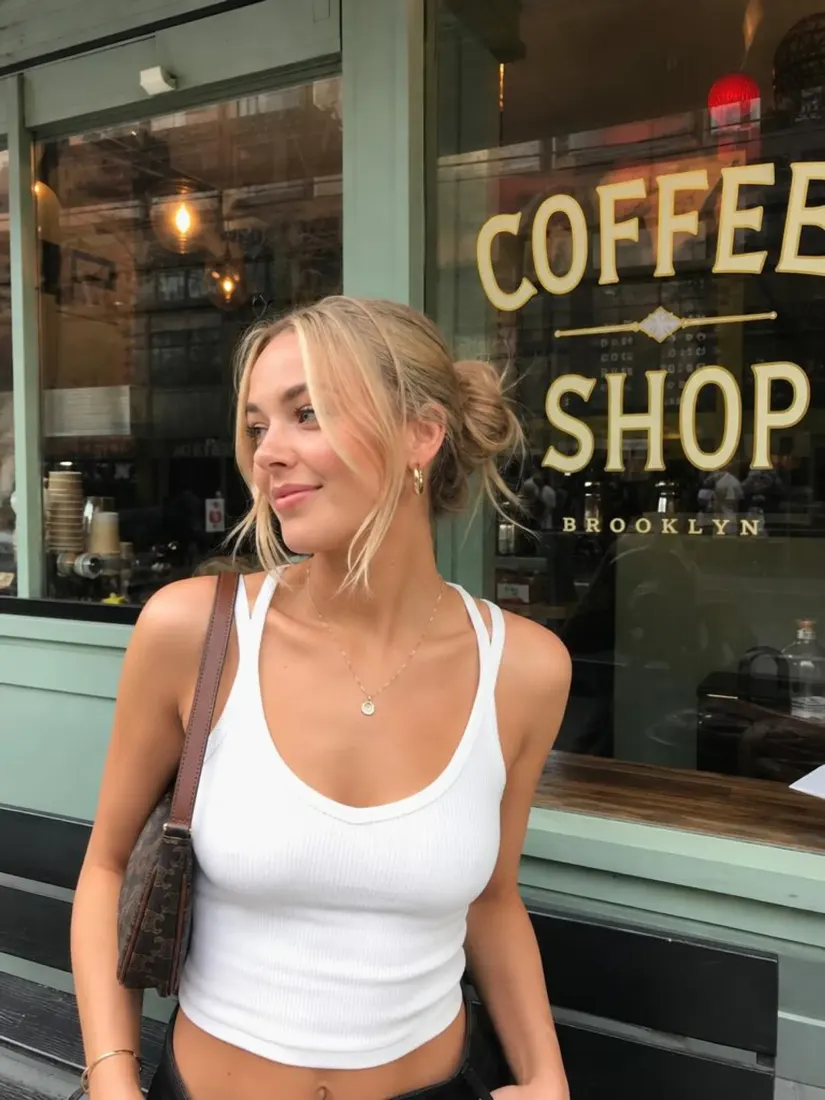
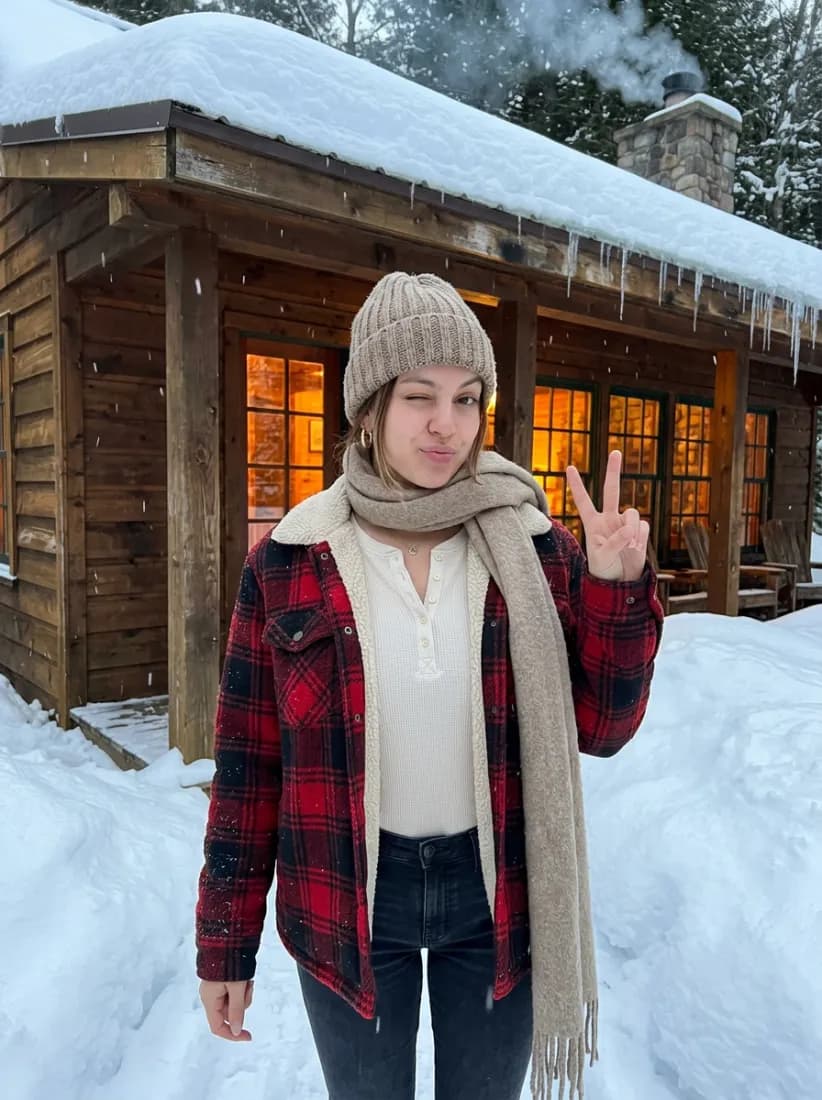
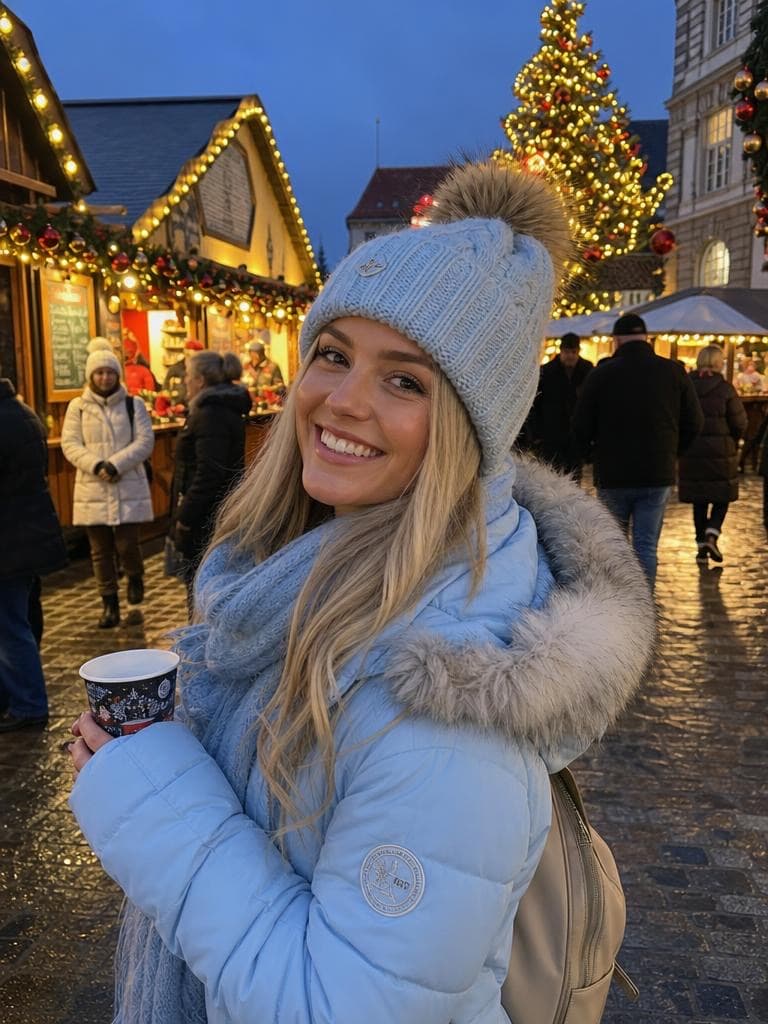
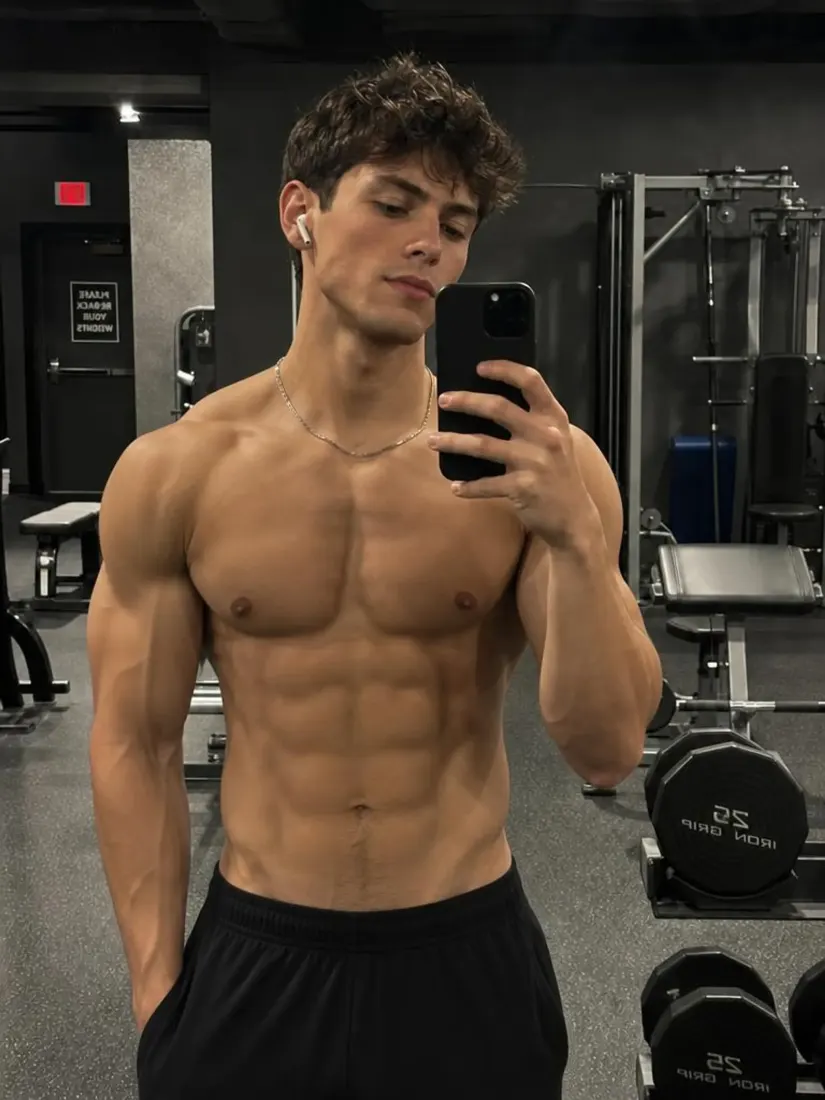
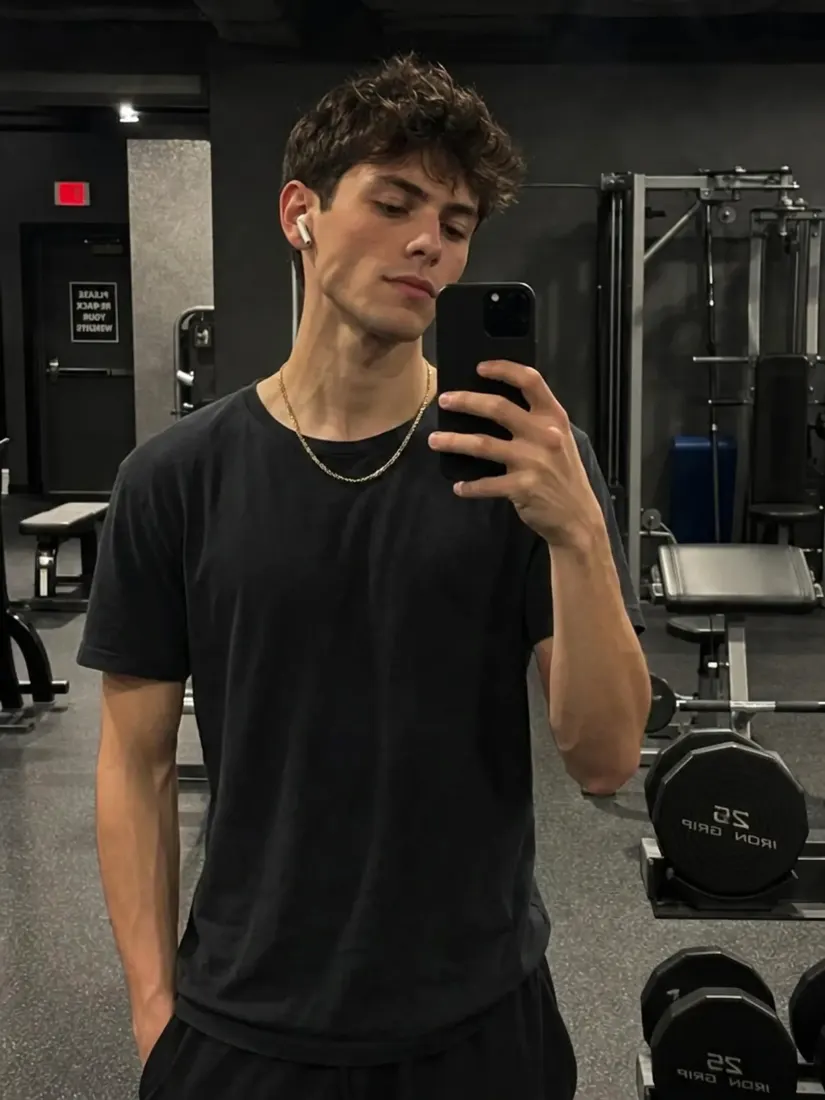
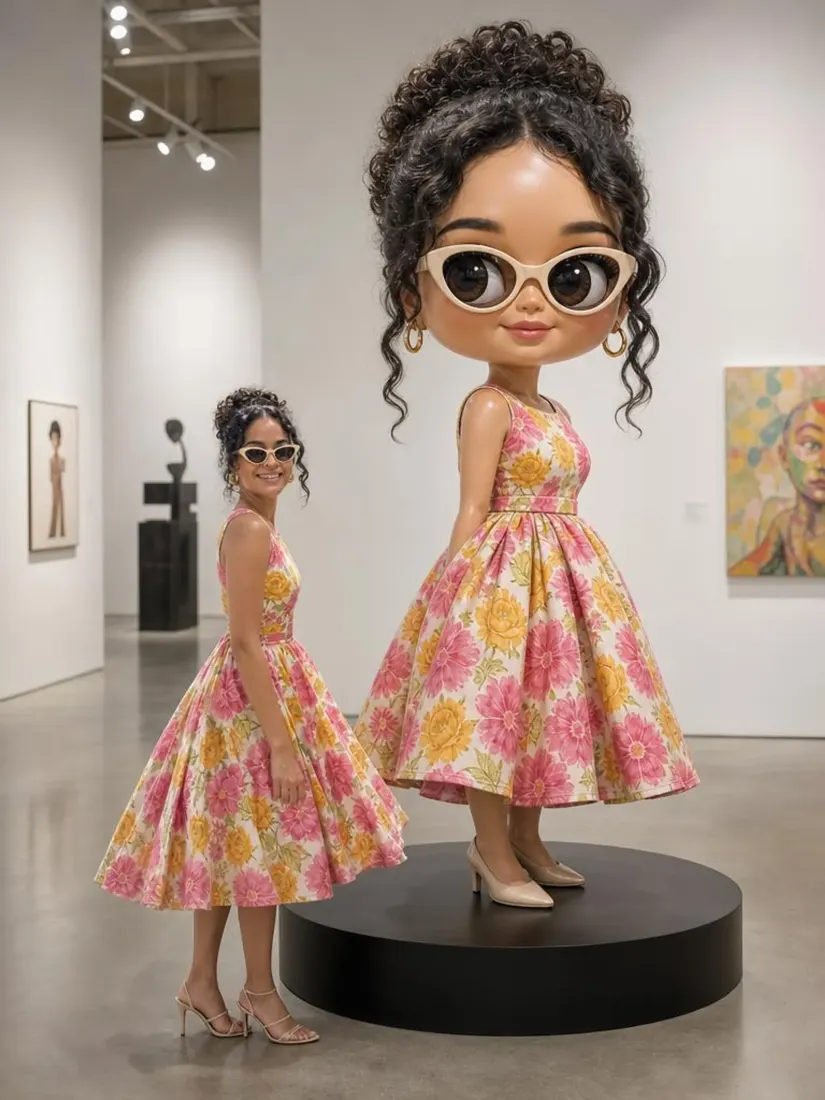
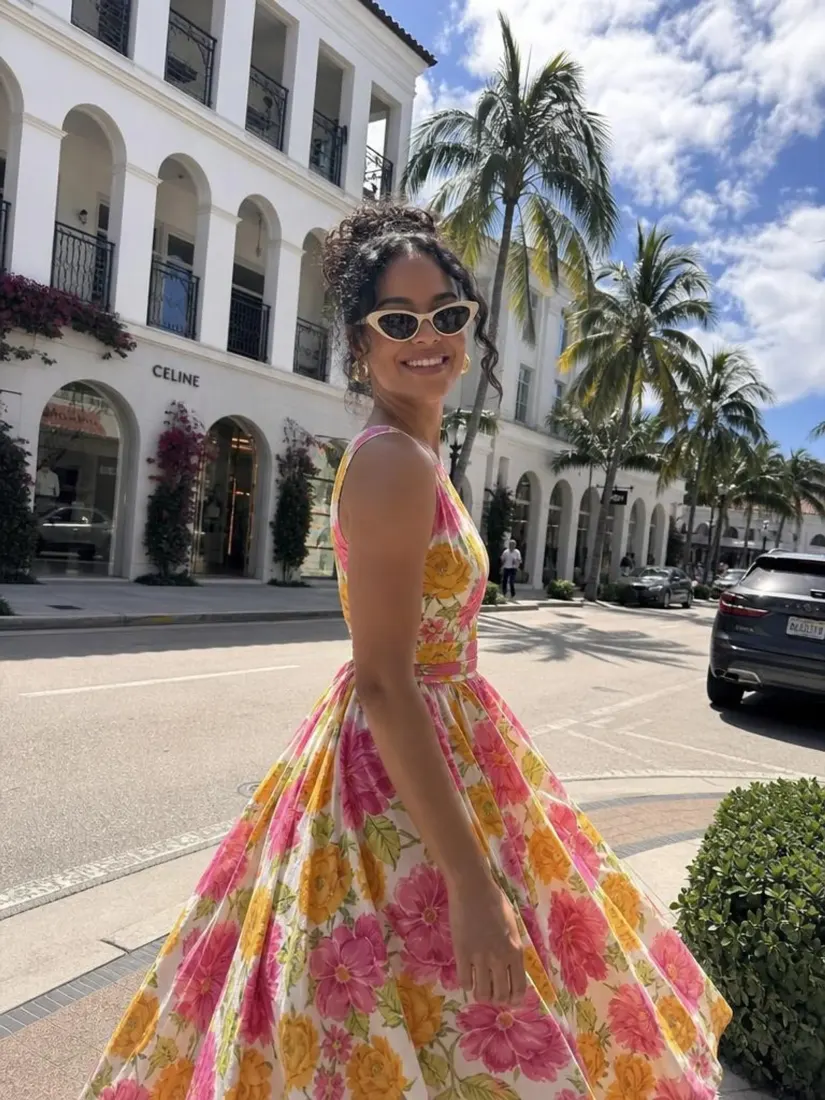
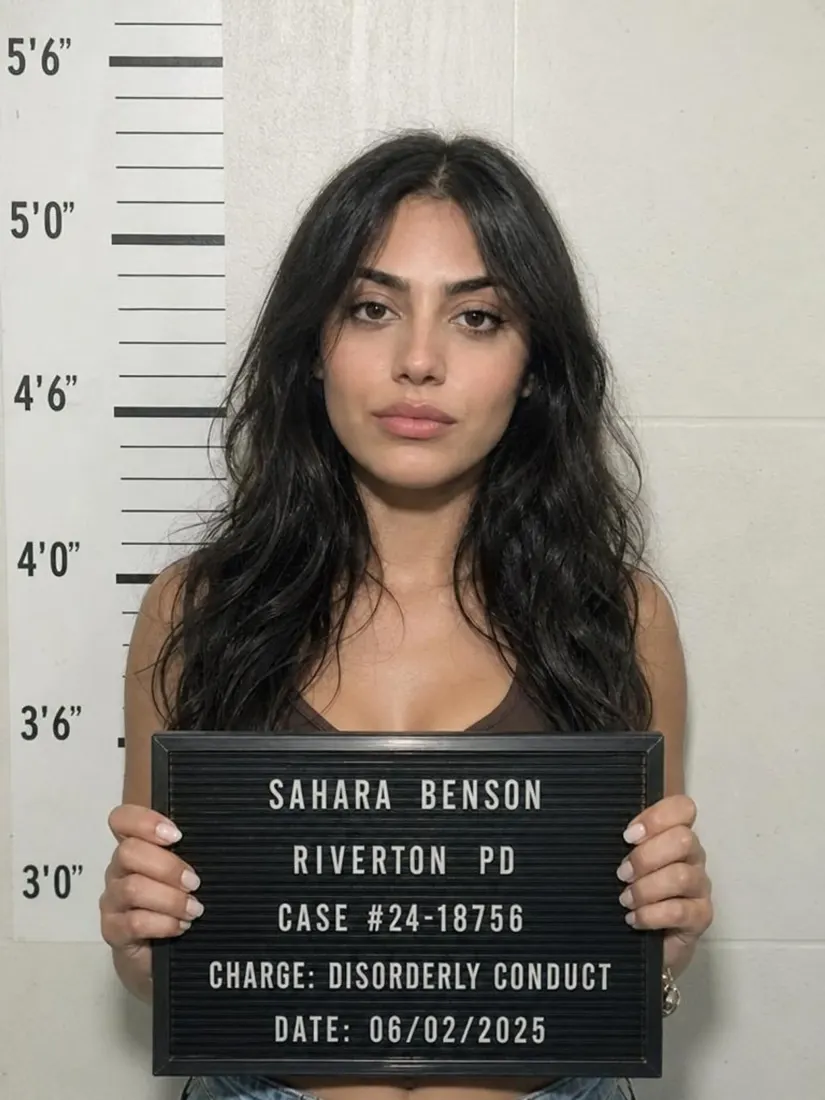
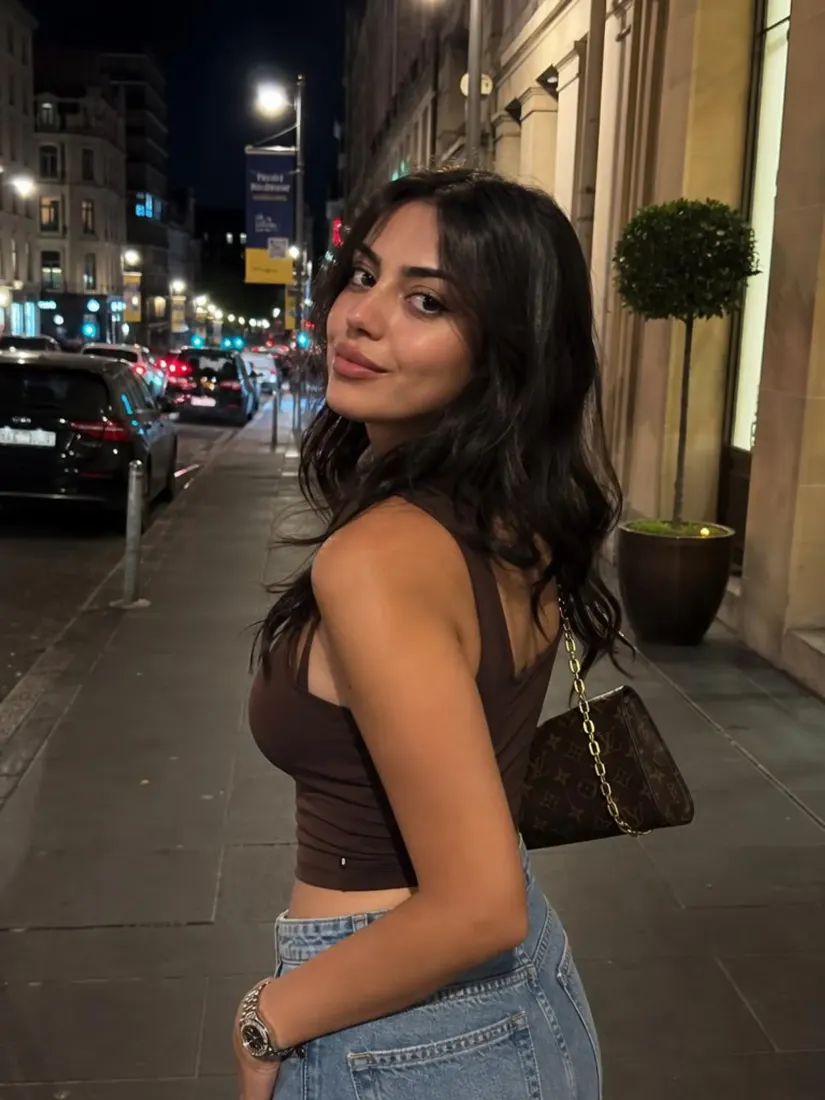
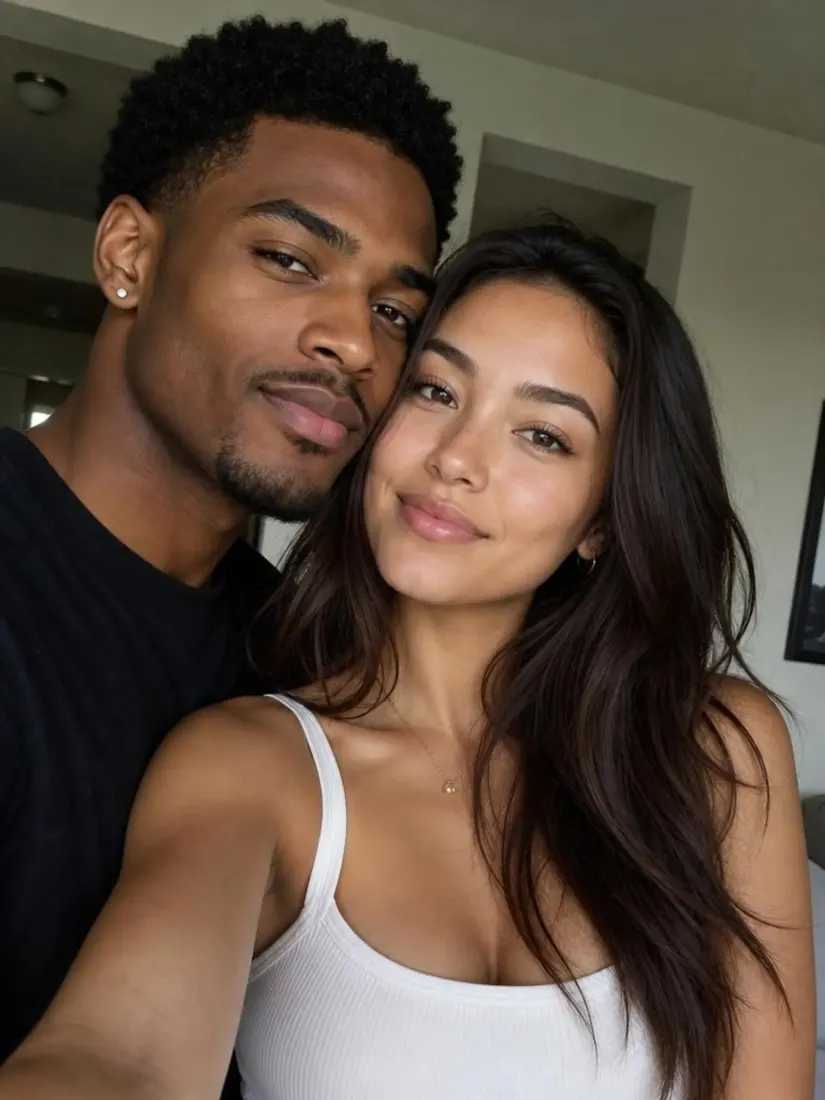
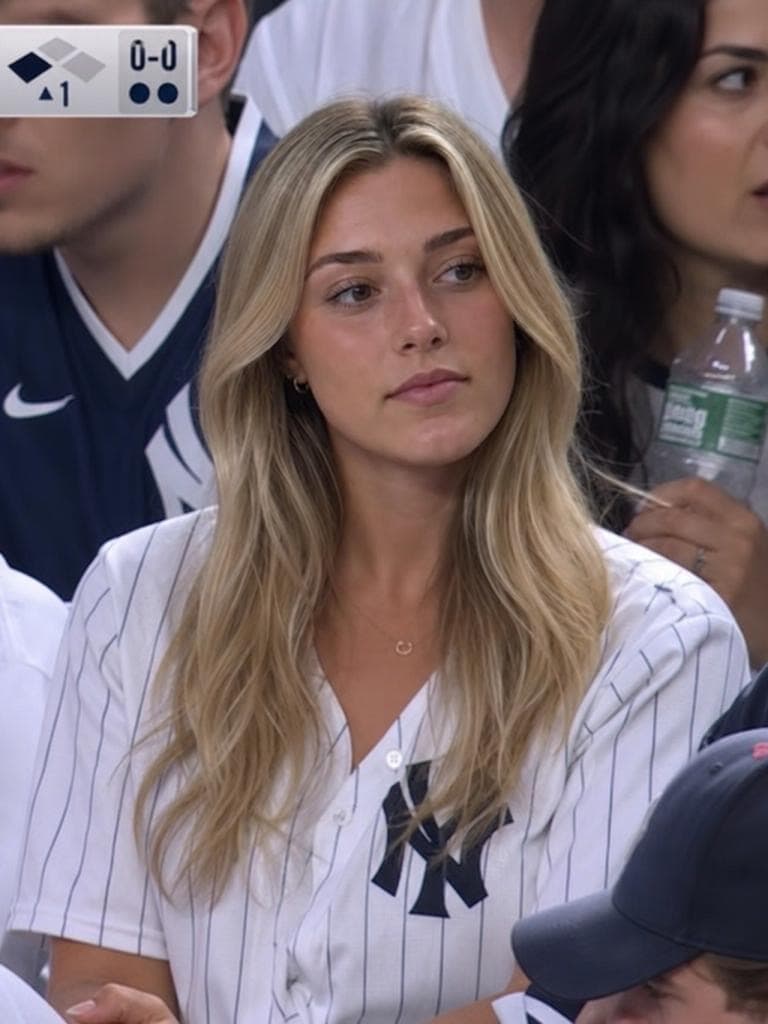
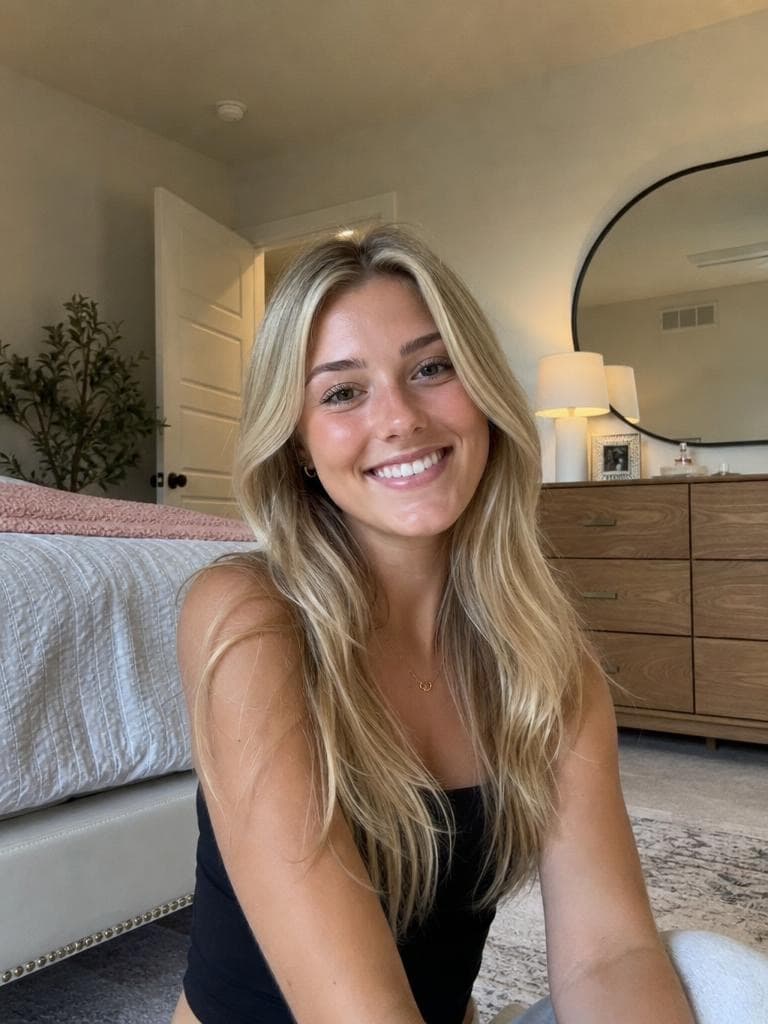
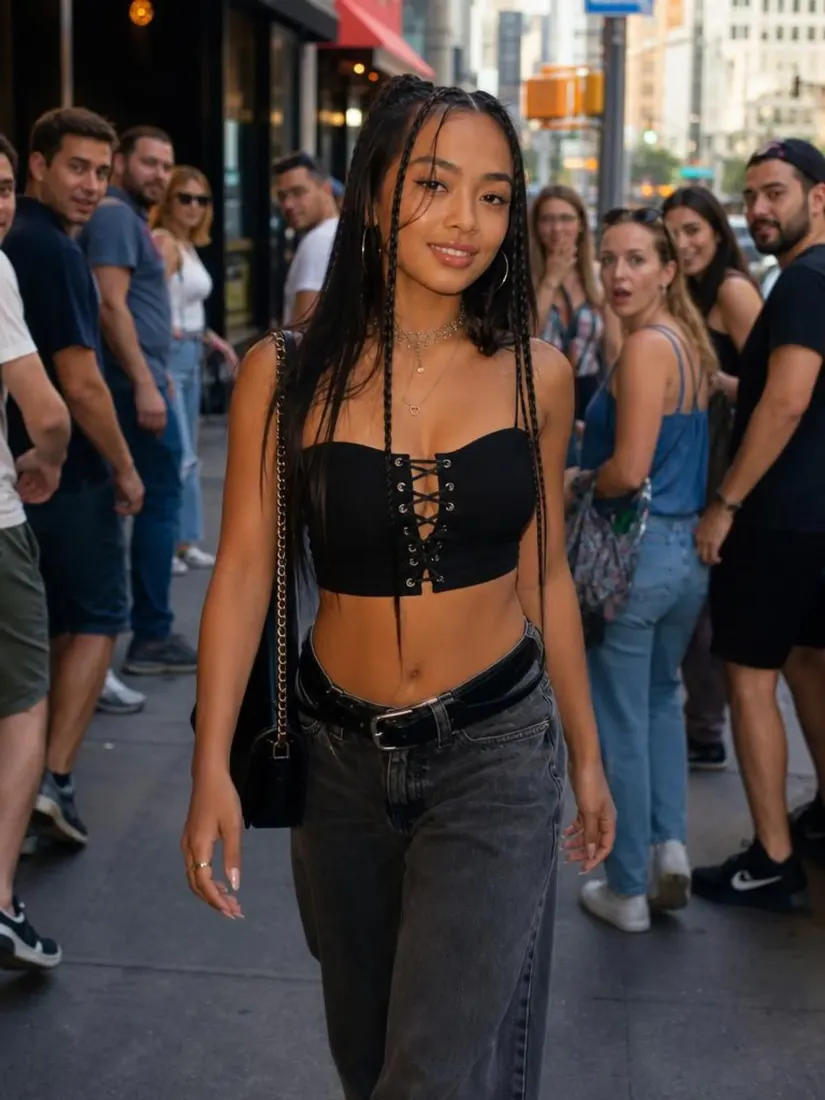
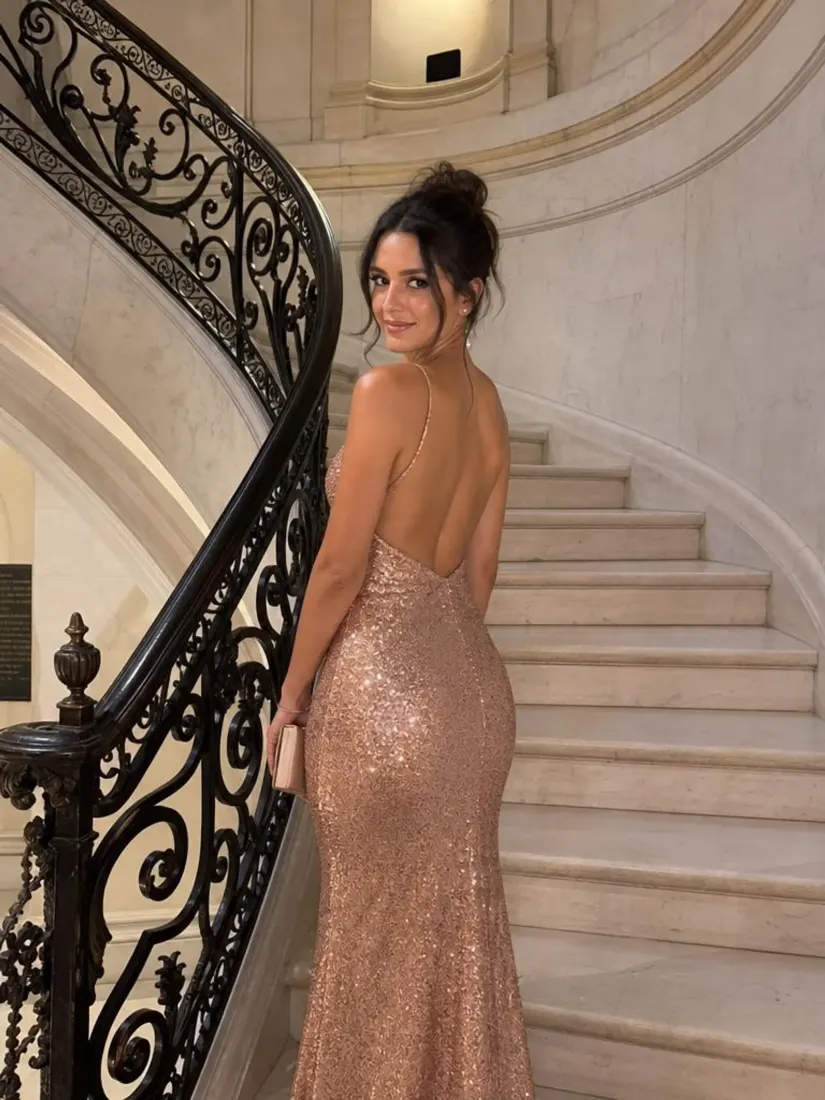
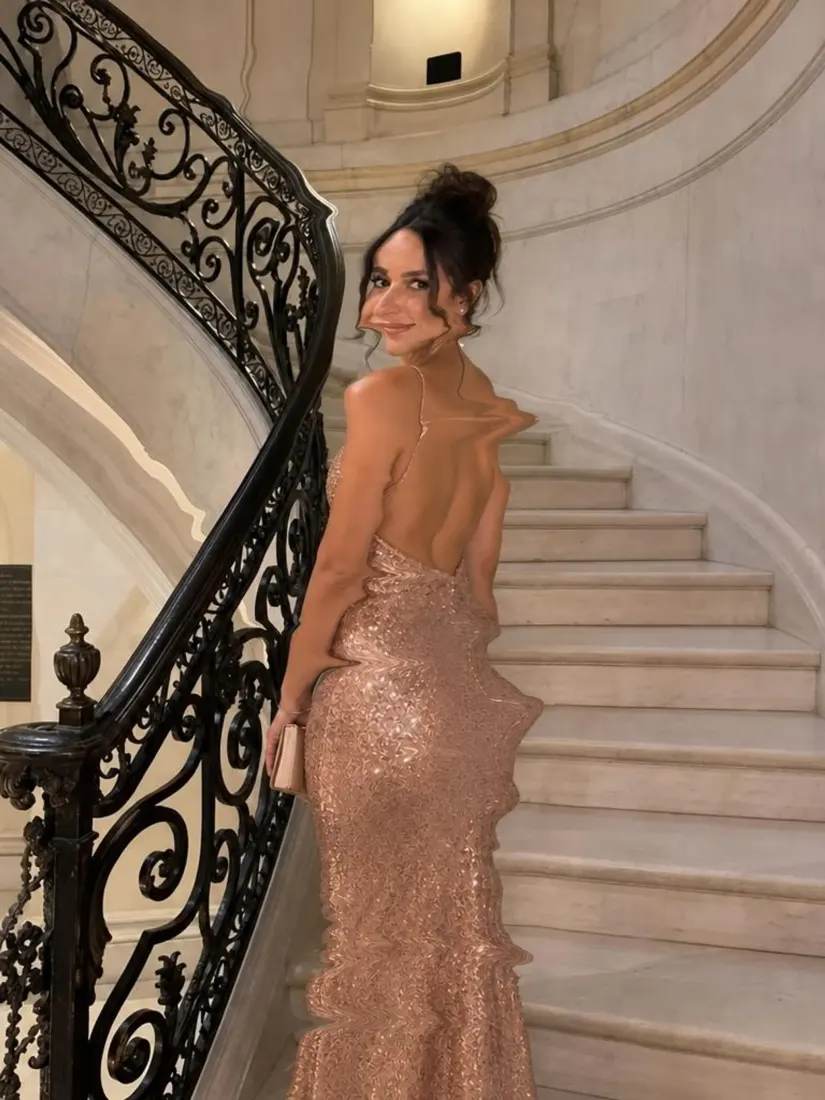
Click on one of these photos to try:
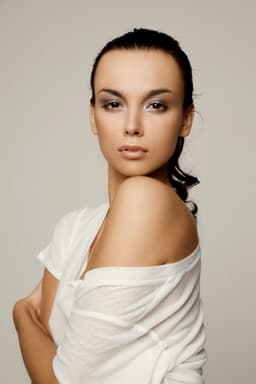
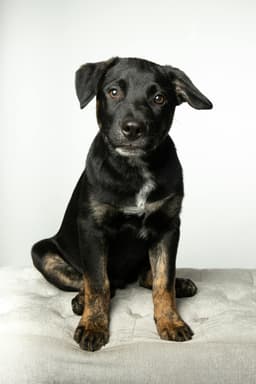
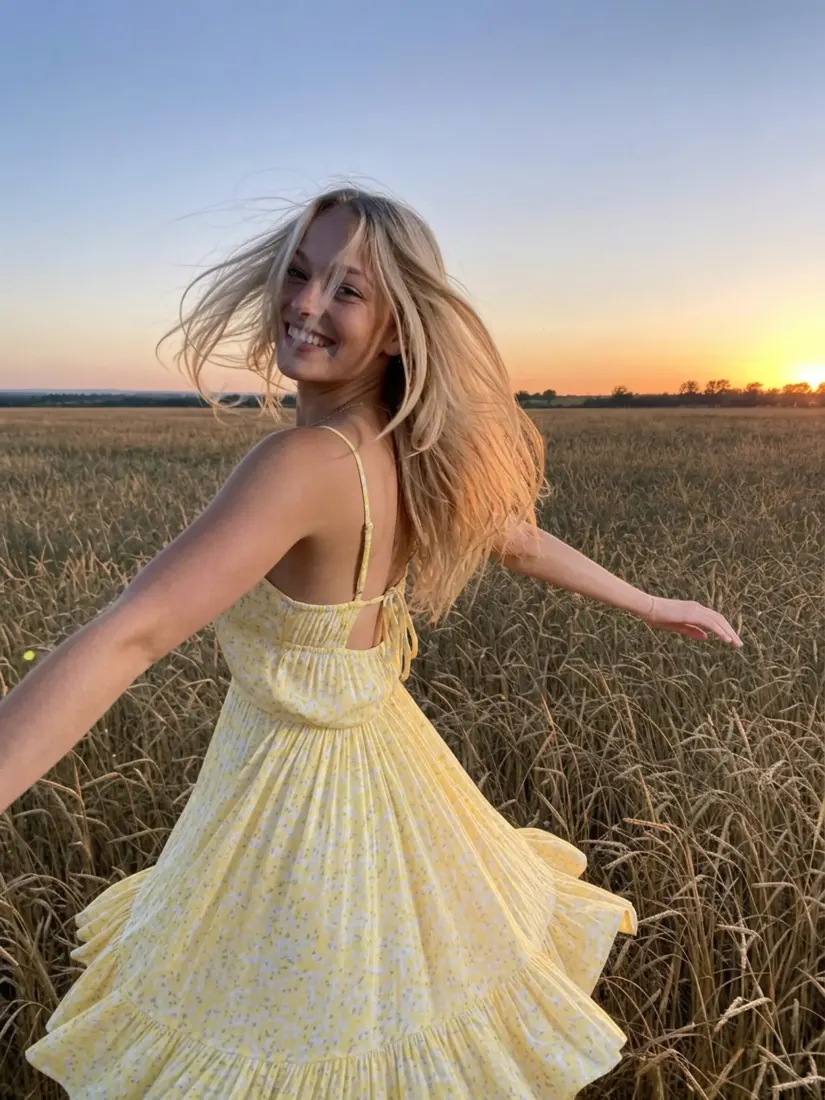
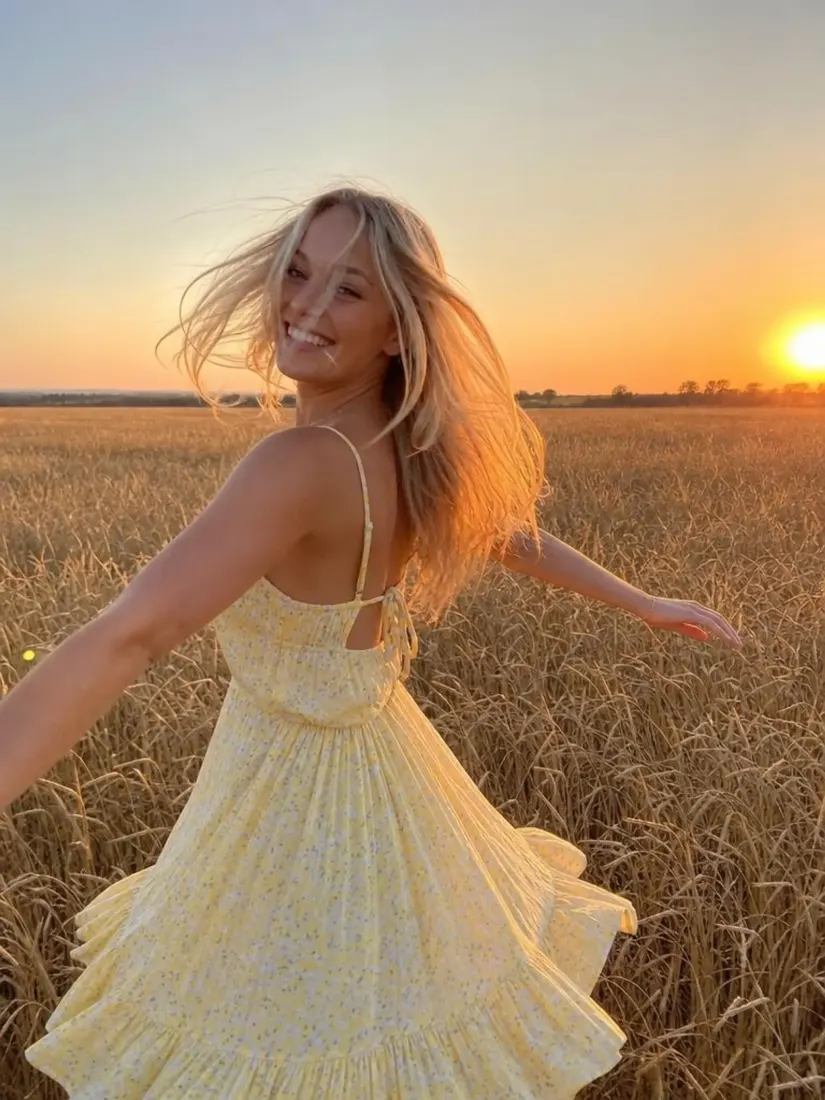
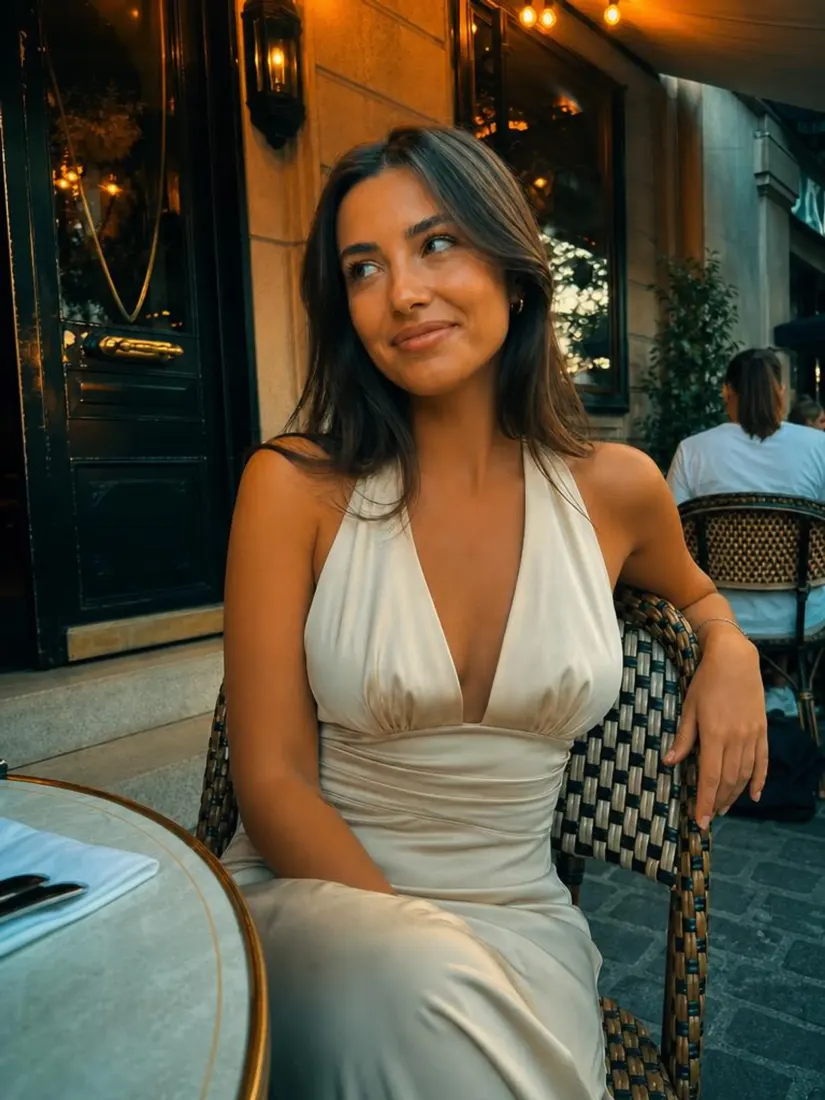
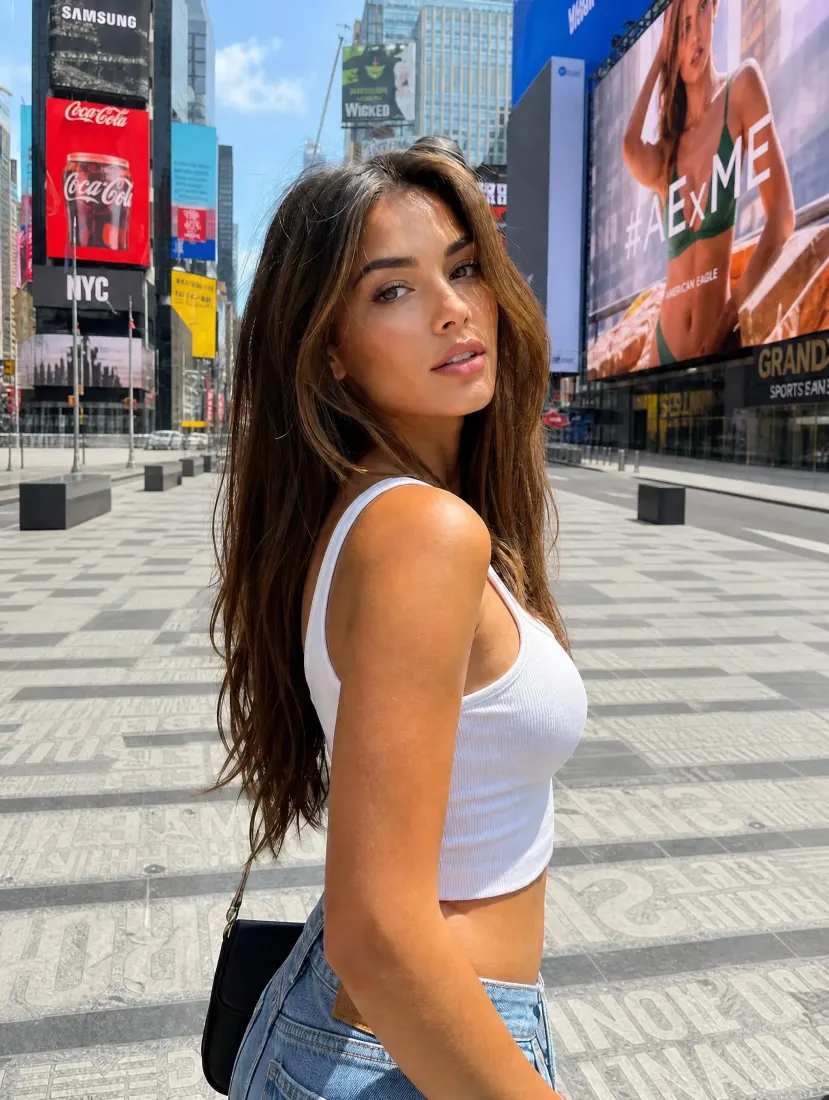
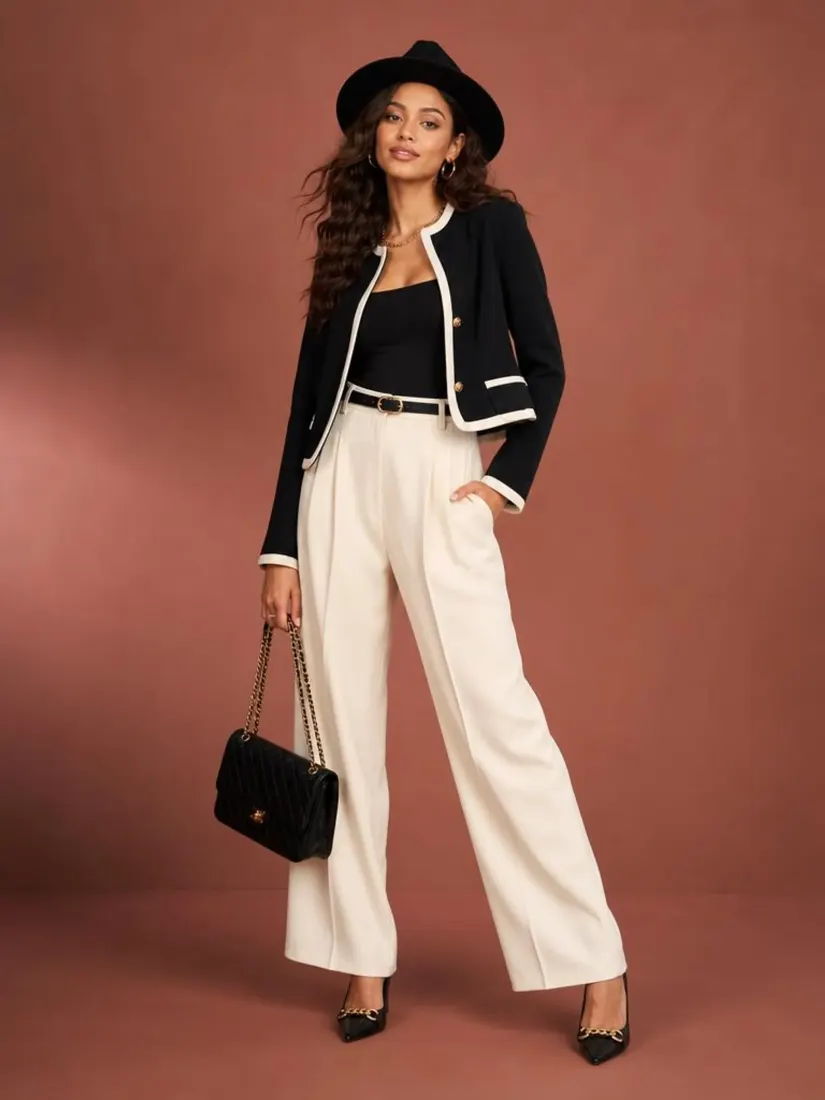
Before
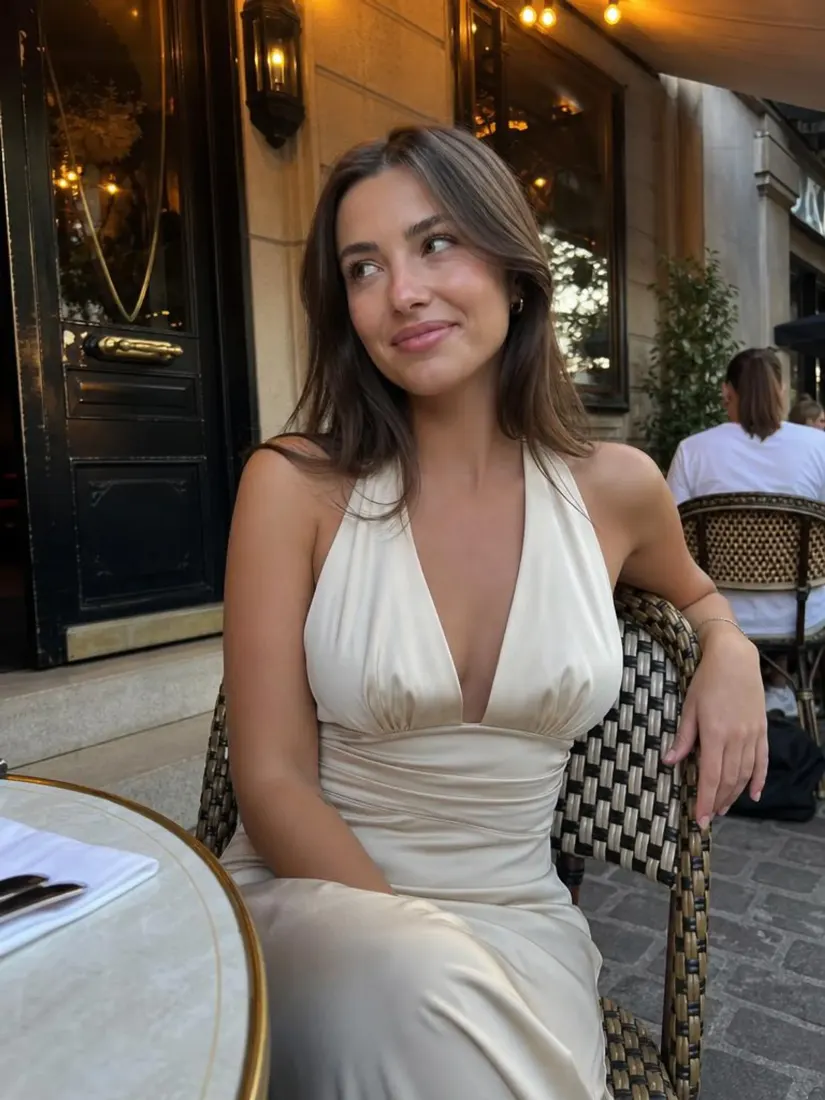
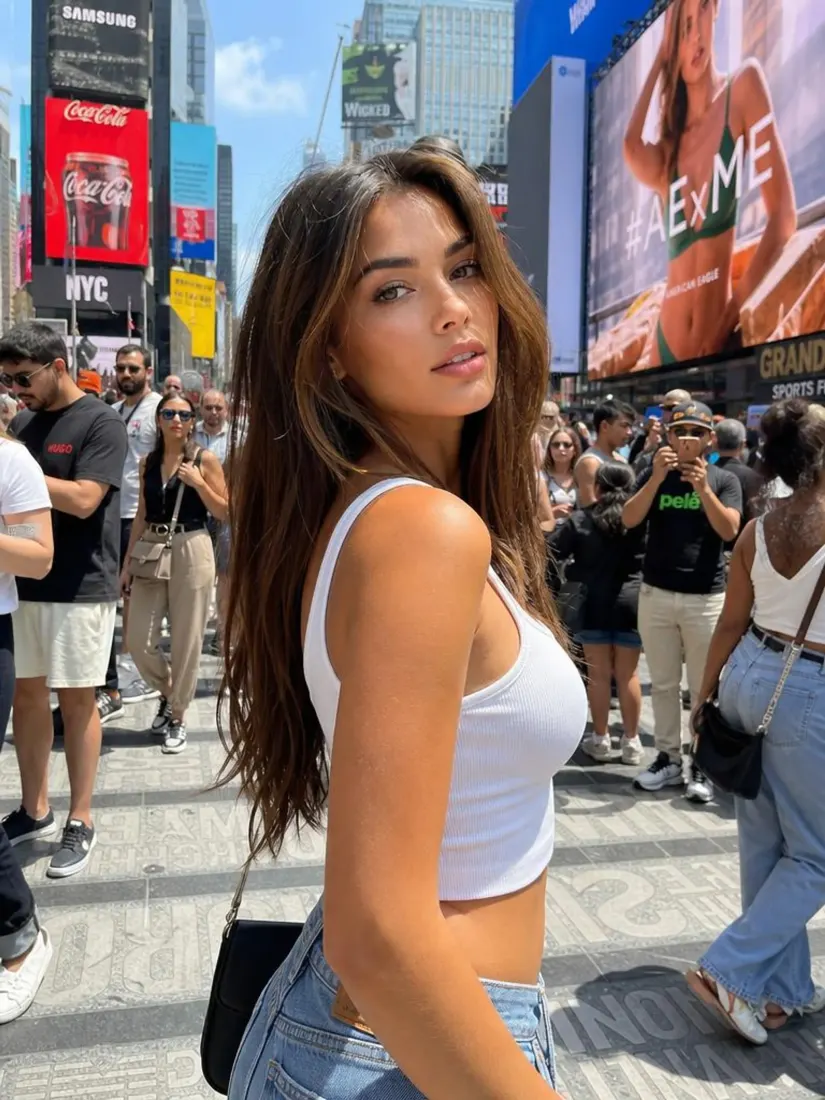
After
Trusted by Industry Leaders. Millions of images edited to date.









How does it work?
1
Upload your image
Start with a clear photo of yourself. We support JPG, JPEG, PNG, and other common image formats.
2
Adjust your lighting
Choose from lighting styles like studio, golden hour, neon, and natural. The AI applies your chosen lighting to your photo automatically, adjusting shadows, highlights, and color temperature.
3
Download your result
Your lighting-edited photo is ready to download in high resolution. Save it to your device and use it for professional profiles, headshots, or social media.
What makes it special?
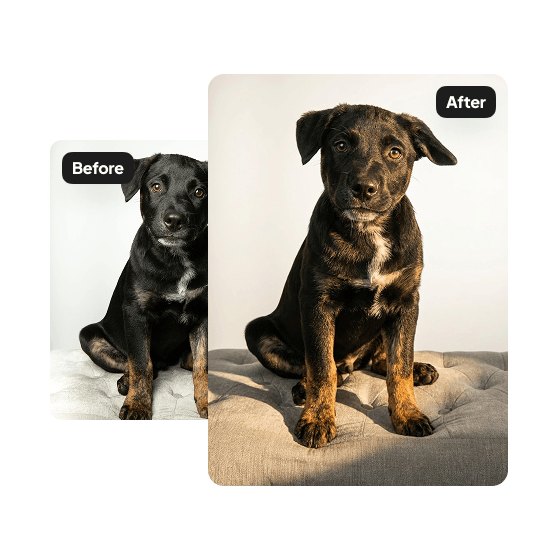
Control light direction
Adjust photo lighting direction with Aragon's AI light editor. Move the source left, right, above, below, or front — shadows and highlights shift naturally for realistic relighting.
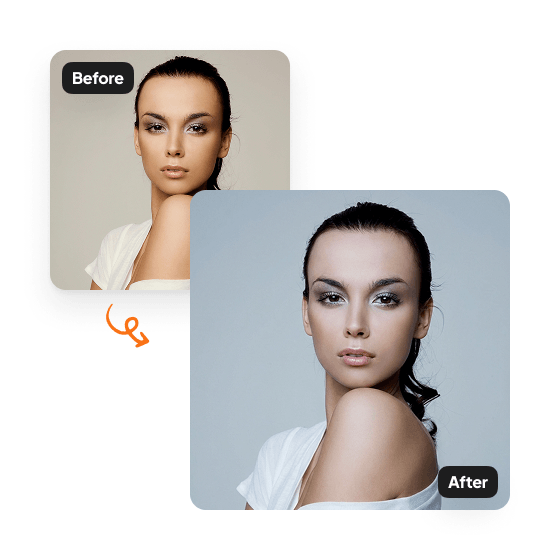
Consistent lighting across the whole photo
The AI applies the lighting treatment to the entire image. Foreground and background match consistently for a cohesive, natural result.
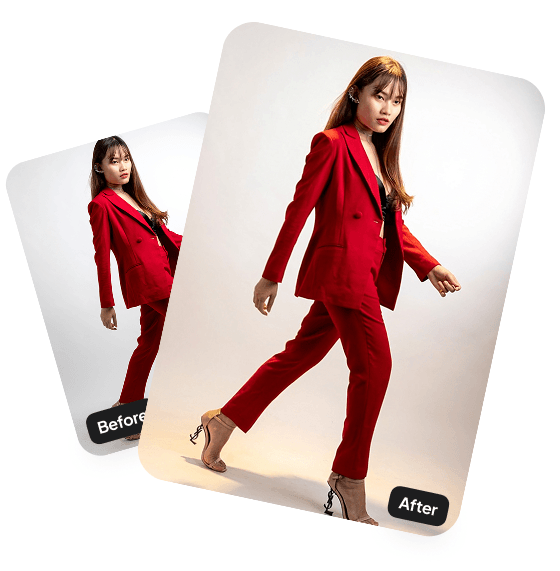
Fixes poorly lit original photos
Salvage photos taken in harsh shadows, dim rooms, or backlit scenes. The lighting adjustment makes the result usable for any context.
Have a question? We're here to help
Customer satisfaction is our number one priority. Our live agents are available 7am - 11pm (PT), 5 days Sunday through Thursday.
The Lighting Editor is an AI tool that lets you change the direction and color temperature of the light in your photos. Adjust where the light comes from and how warm or cool it looks—without reshooting.
Upload an image, choose a light direction and color temperature, and click Edit. Our tool adjusts the lighting while keeping your face, pose, and background exactly the same.
You can set the light to come from the left, right, above, below, or front.
You can choose warm (golden tones), cool (crisp blue tones), or neutral (balanced, natural light).
Your edited photos will appear in your dashboard within minutes and will be ready to download.
Explore our other AI Photo Editing Tools
Touch up your photos even further with our suite of photo editing tools and features
