01
Transfer Movement From a Reference Clip
Upload a video with the movement you need, and Kling 2.6 uses that performance to guide the animated character. The reference can carry body movement, gestures and timing into the new video.
Kling 2.6 is Kuaishou's AI video model for transferring movement from a reference clip onto a character image. On Aragon, Kling 2.6 Motion Control turns that image into a 720p character video that follows the movement and timing of the reference clip.
Kling 2.6 is an AI video model from Kuaishou's Kling AI family. The model supports video generation, native speech, sound effects and background sound, along with a Motion Control mode for transferring movement between visual inputs.
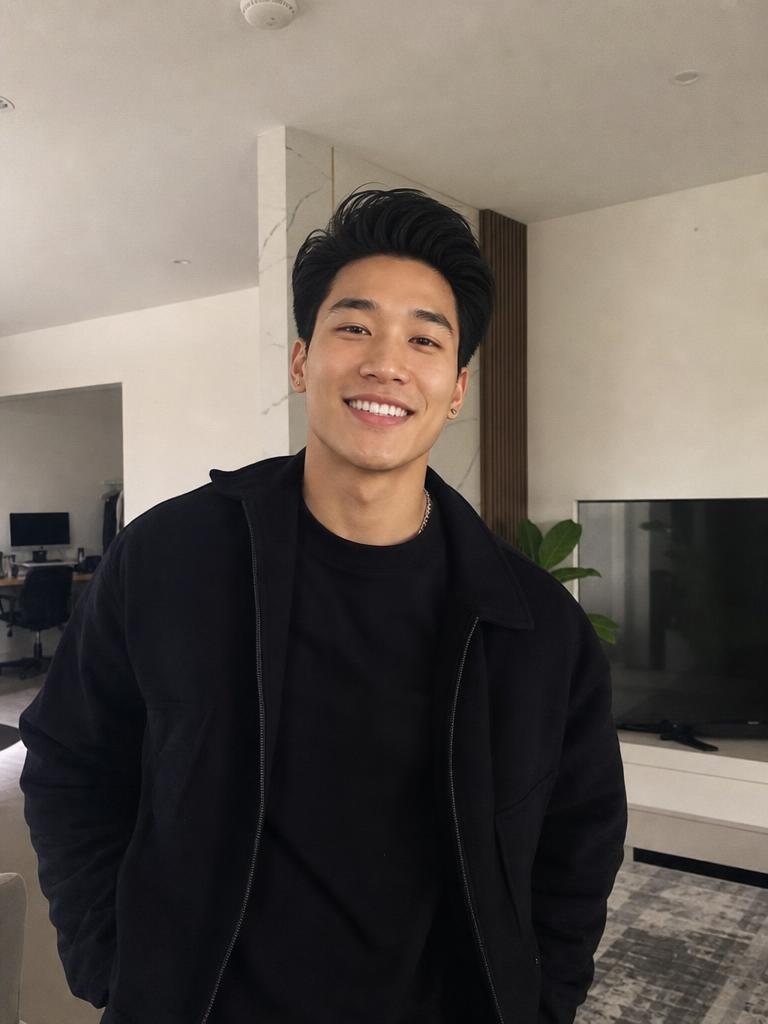
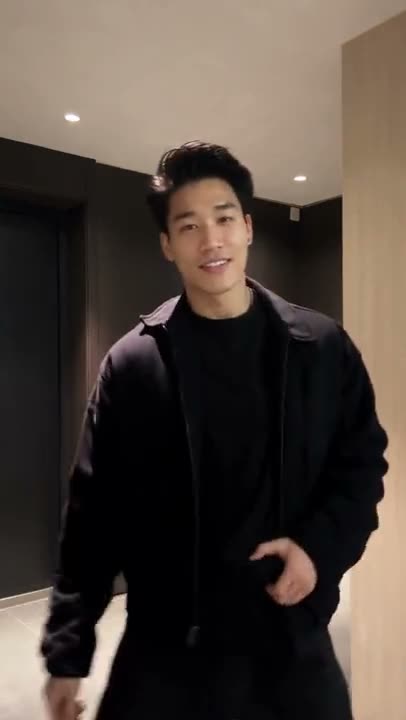
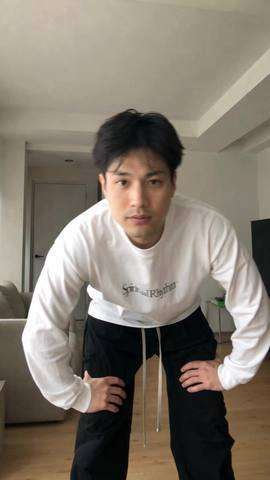
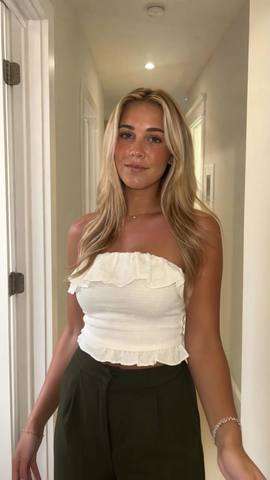
Kling 2.6 Motion Control uses two main inputs. A character image defines who appears in the video, while a reference clip guides the movement and timing.
On Aragon, the standard Kling 2.6 model is available through Motion Control. This makes it especially useful when you already have the movement you need and want a different character to perform it.
Kling 2.6 turns an existing performance into a guide for character animation, so you can control movement with a real reference instead of describing every gesture in text.
Upload a video with the movement you need, and Kling 2.6 uses that performance to guide the animated character. The reference can carry body movement, gestures and timing into the new video.
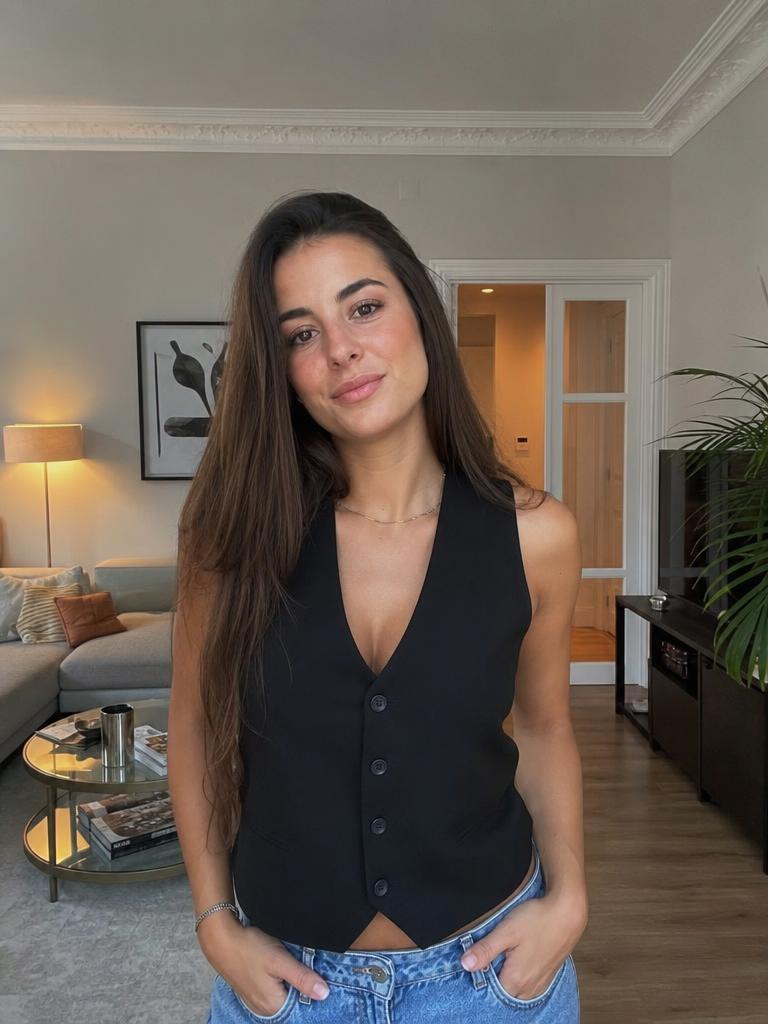 Character
Start with a still character image and give it movement from your chosen video reference. This works for realistic characters, illustrated people, mascots and other human-like designs.
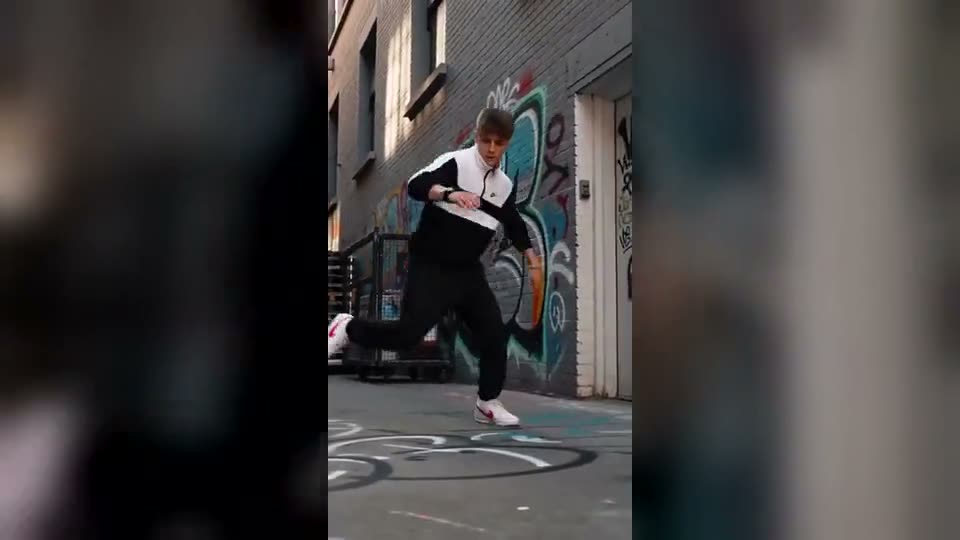
The reference video guides how the movement develops throughout the result. This gives the animation a clear sequence based on an existing performance rather than a series of written motion instructions.
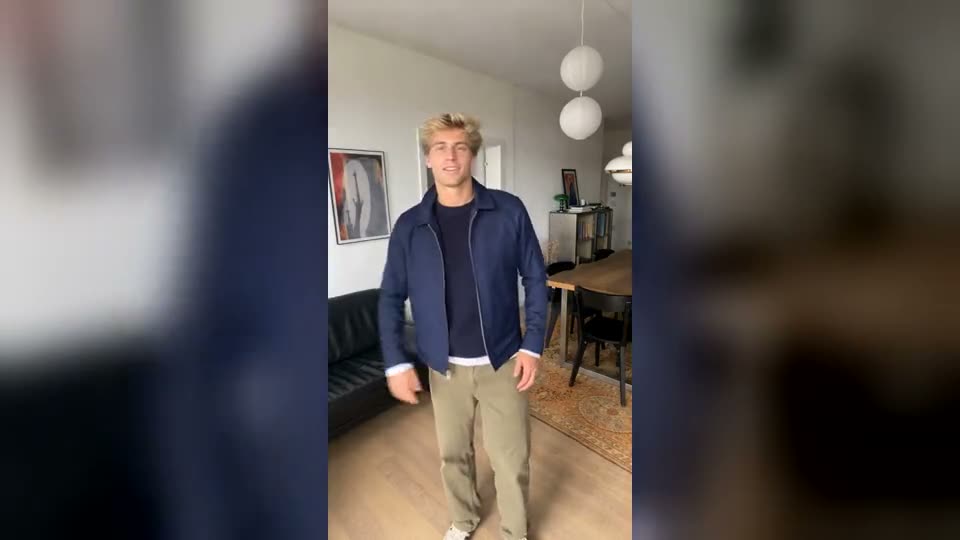
In Aragon Motion Control, the reference video guides the framing and duration of the generated result. This keeps the new character performance aligned with the structure of the source movement.
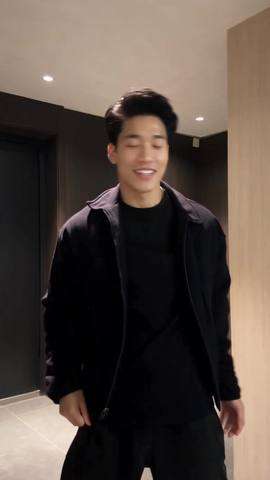
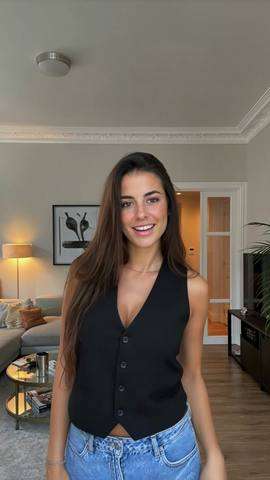
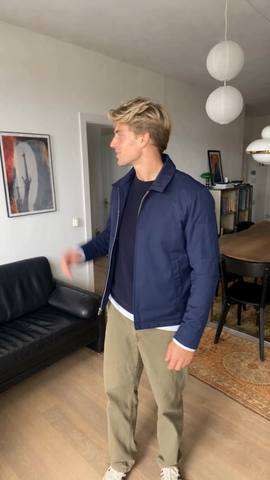
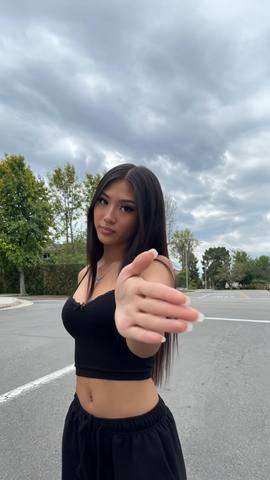
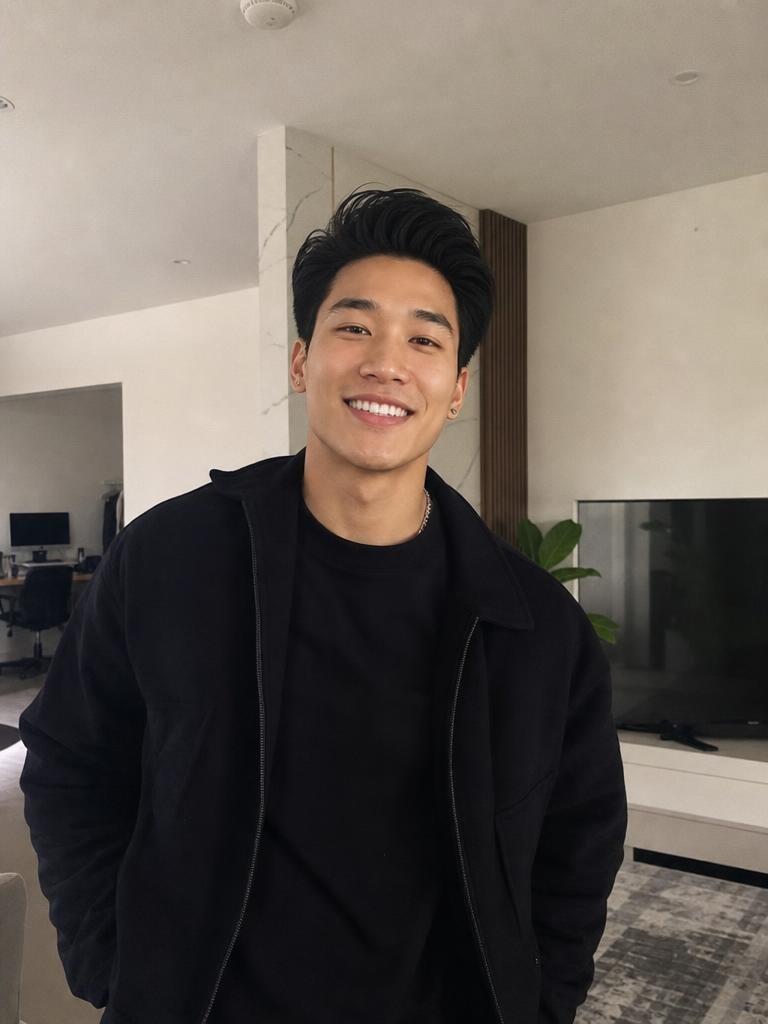
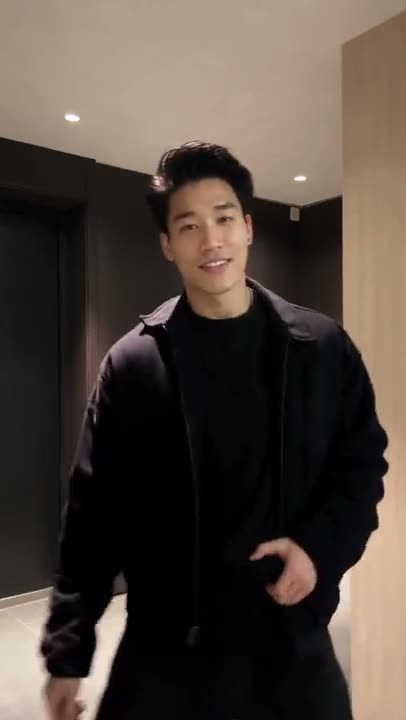
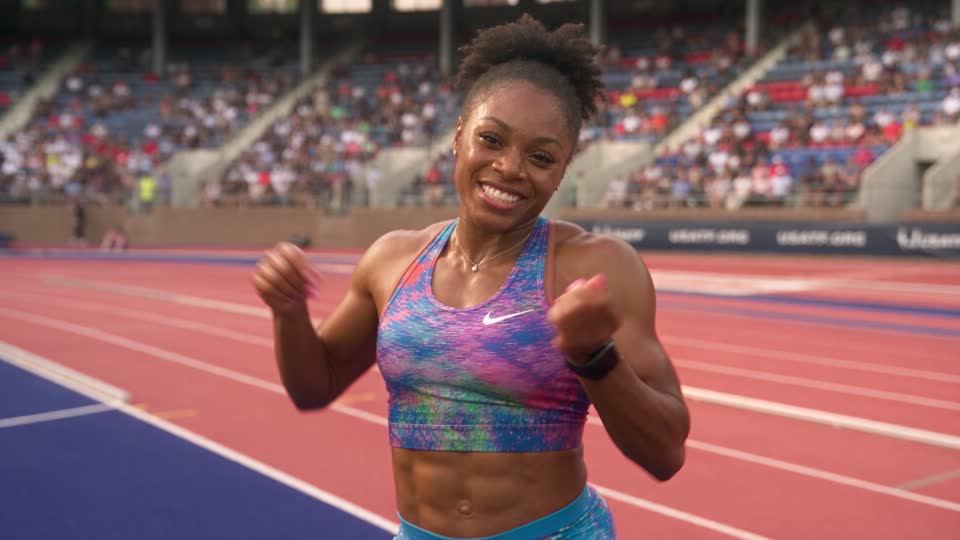
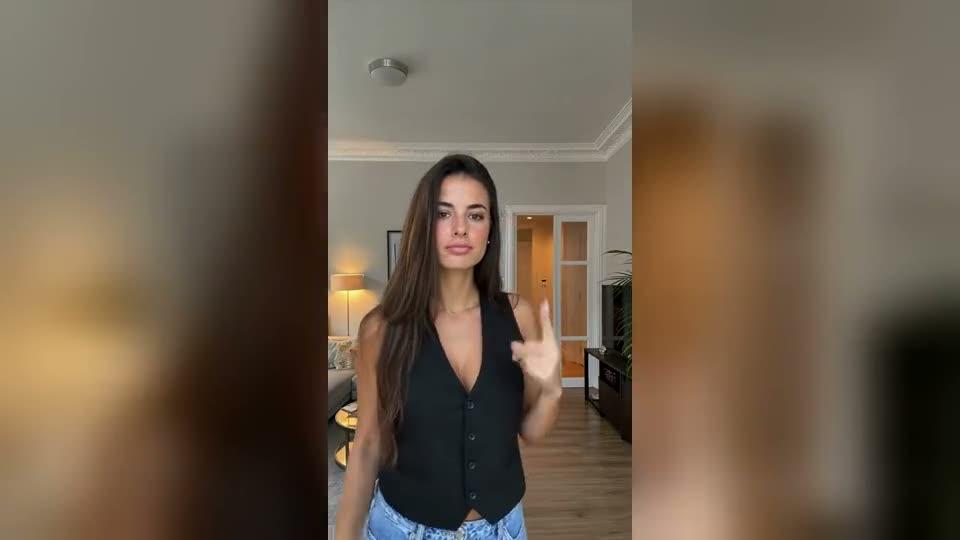
See how Kling 2.6 can transfer different types of movement onto a new character. Each example starts with a character image and a separate motion reference.
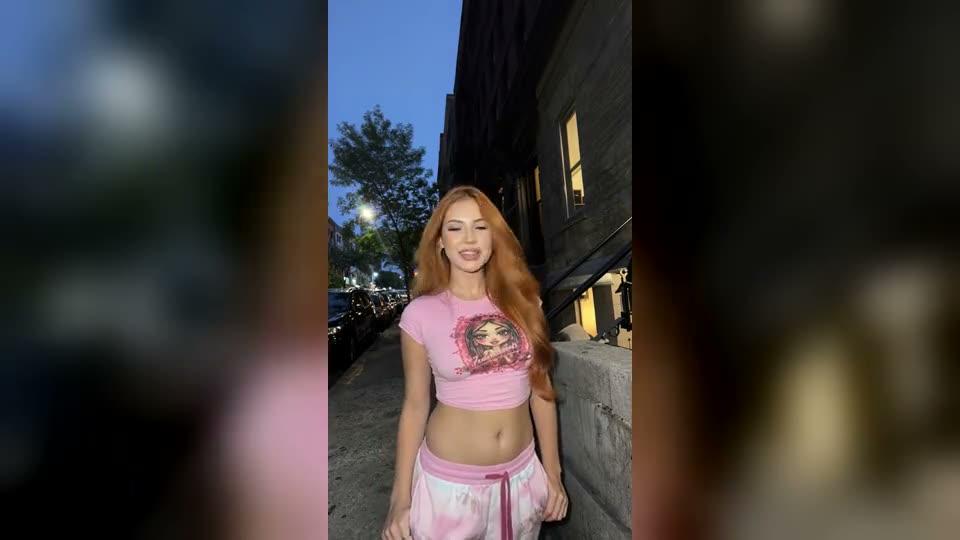
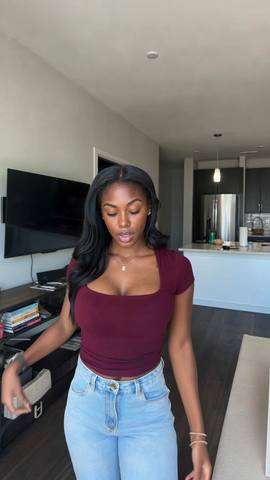
A full-body character follows the steps, arm movements and turns from a dance reference while keeping the character design from the uploaded image.
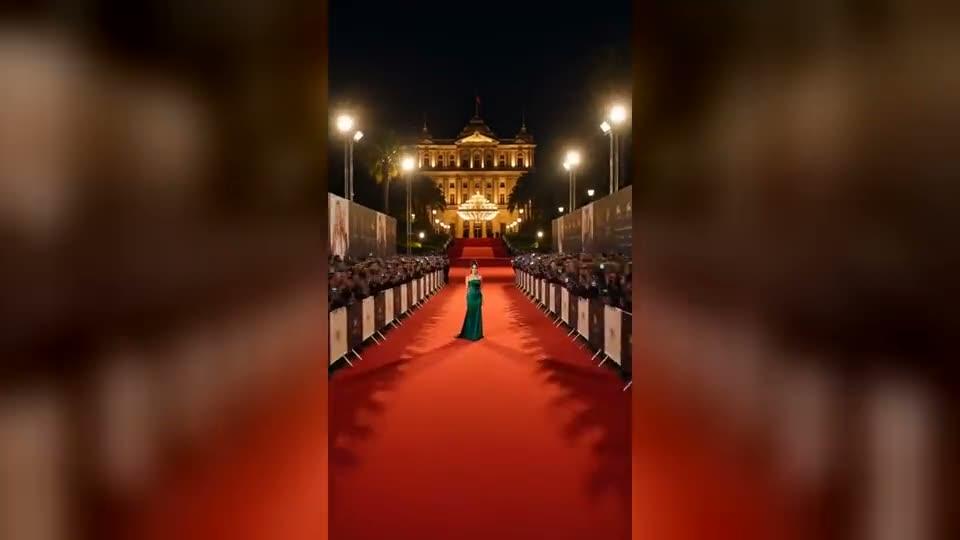
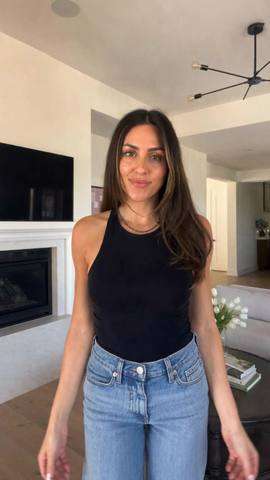
A fashion character follows a walking reference with natural steps, posture changes and turns suited to short campaign content.
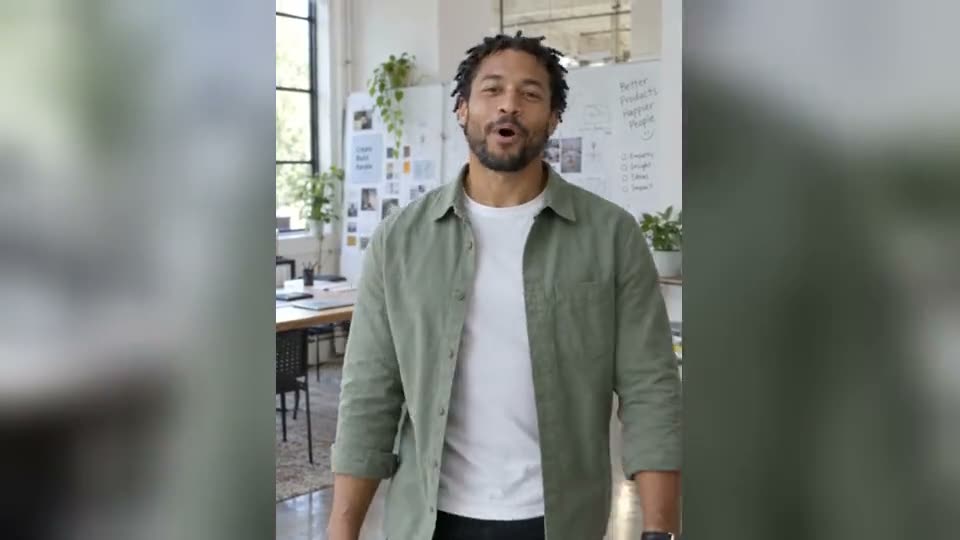
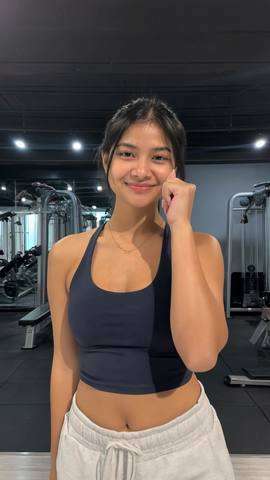
A character copies hand gestures, head movement and body language from a presenter reference for a simple speaking-style performance.
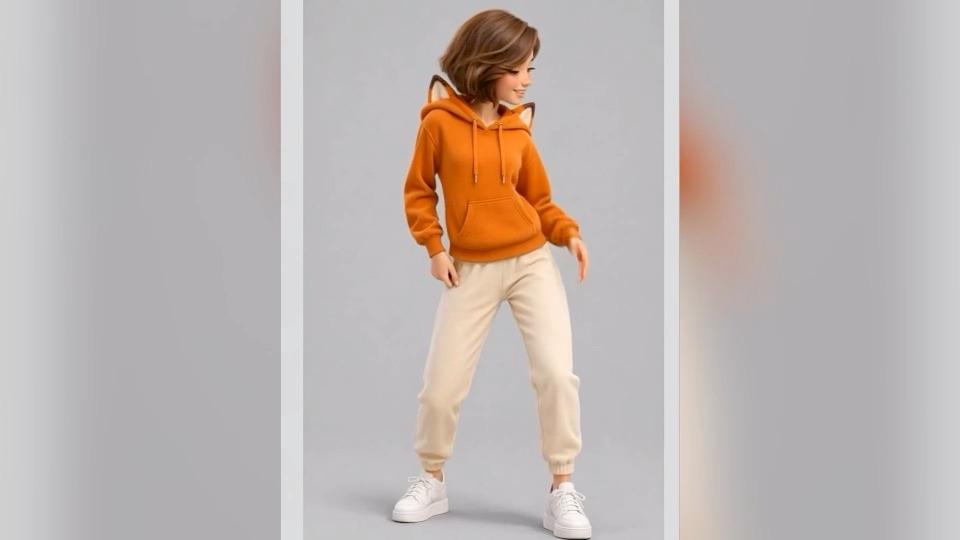
A mascot or illustrated character follows a clear full-body movement reference to create a more expressive animated performance.
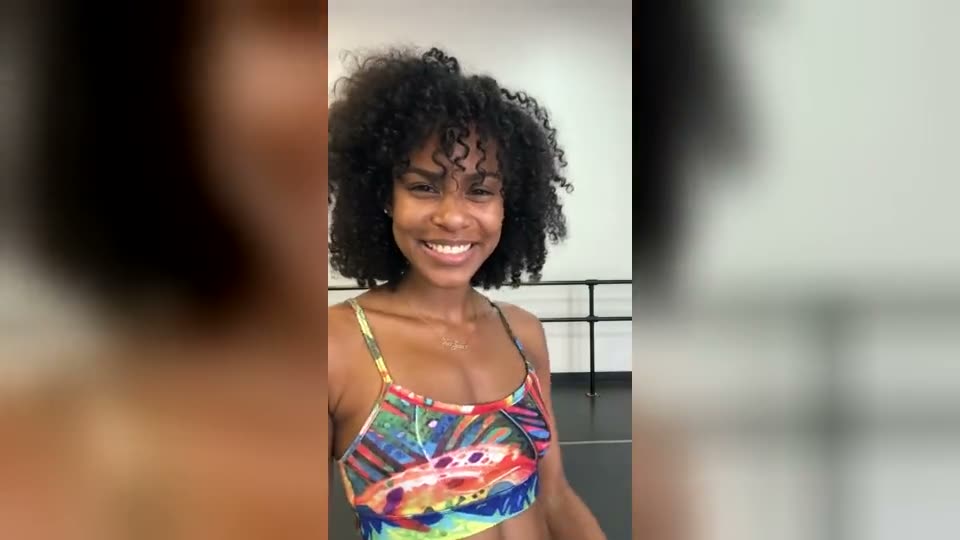
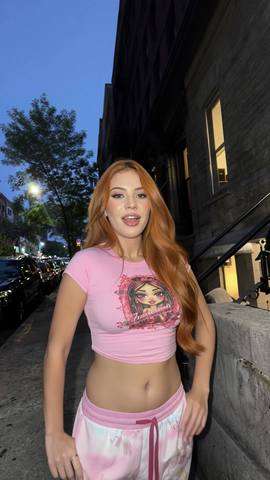
A character follows a short movement sequence designed for vertical social content, including pose changes and simple coordinated gestures.
Aragon gives Kling 2.6 a focused Motion Control workflow for turning a character image and movement reference into one animated result.
Use movement that already exists instead of trying to describe every action in a prompt. The reference clip gives Kling 2.6 a direct visual guide for the performance.
Motion Control centers the process around the two inputs that matter most for this model workflow, the character image and the movement reference.
Kling 2.6 Motion Control generates 720p output on Aragon, giving you a finished character animation for social content, creative concepts and short campaign videos.
Create a Motion Control video by pairing the character you want to animate with the movement you want that character to follow.
Add a clear image of the character that should appear in the finished animation.
Upload a video containing the body movement, gestures or performance you want the character to follow.
Start the generation and let Kling 2.6 apply the reference movement to your character image.
On Aragon, Motion Control works well for character videos where you already know exactly how the body should move.
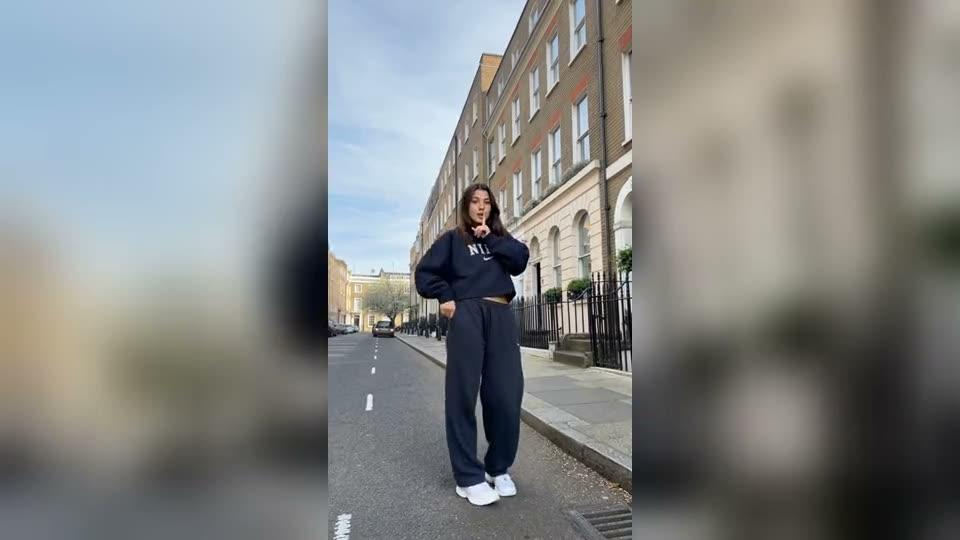
Transfer a dance or social movement from a reference clip onto a different character. Use Aragon's Instagram Reels maker when the finished creative is designed for Reels.
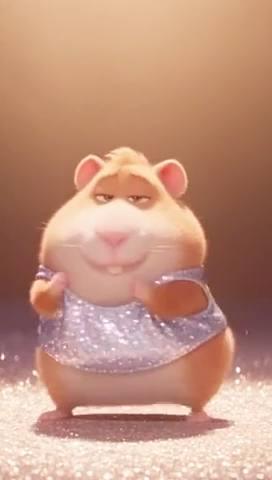
Give a mascot or illustrated character a real performance by using a person or character movement clip as the motion reference.
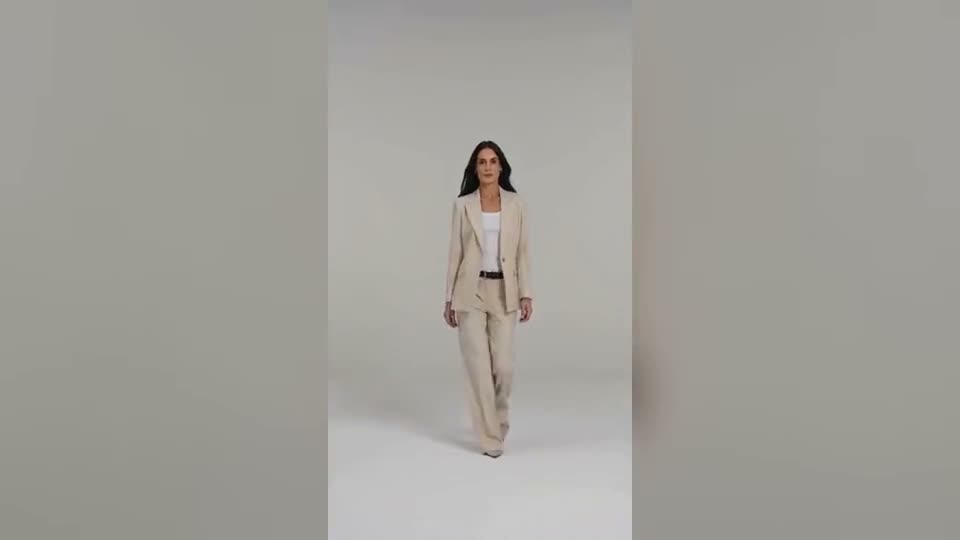
Animate a fashion character with walking, turning and posing taken from a reference performance while keeping the uploaded character design.
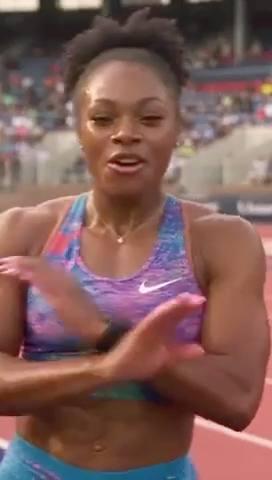
Transfer simple hand, head and body gestures onto a character for short presenter-style scenes and character-led social creative.
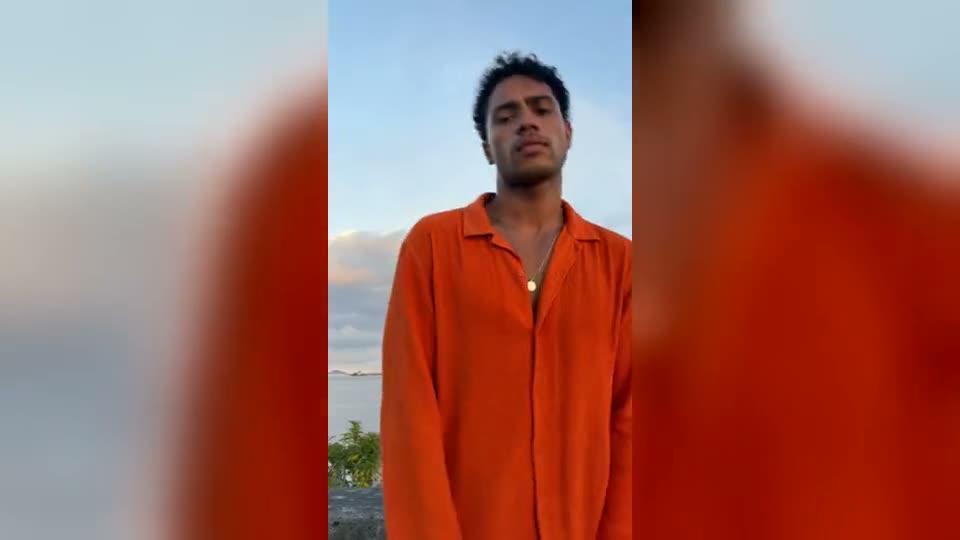
Create a new character performance from the movement in an existing clip. To change the person directly inside an existing video instead, Aragon also offers face swap video.
A strong character image and an easy-to-read reference performance give Kling 2.6 clearer visual information for the animation.
Use a character image that includes the arms, hands, legs or full body when those areas play an important part in the reference movement.
Pick a reference video where the main performer stays easy to follow and the important gestures remain visible throughout the clip.
A character image with a starting pose similar to the opening of the reference video gives the model a clearer point for beginning the movement.
Use an image where clothing, limbs and the body shape are clearly visible so Kling 2.6 has enough visual detail to animate the performance.
The two Kling models serve different video workflows on Aragon. Kling 2.6 focuses on transferring an existing performance, while Kling 3.0 creates new scenes from text or a starting image.
| Kling 2.6 Motion Control | Kling 3.0 | |
|---|---|---|
| Best for | Transferring movement onto a character | Creating new cinematic video |
| Maker | Kuaishou | Kuaishou |
| Starting inputs | Character image and reference video | Prompt or starting image |
| Aragon workflow | Motion Control | AI Video |
| Output on Aragon | 720p | 720p |
| Native audio | — | |
| Image input | ||
| Movement source | Reference performance | Generated from instructions |
| Best fit | Dance, gestures and character performance | Product clips, social scenes and animated images |
| Added to Aragon | July 1, 2026 | July 1, 2026 |
Upload a character image and a movement reference, then use Kling 2.6 Motion Control to create the animated performance on Aragon.
Customer satisfaction is our number one priority. Our live agents are available 7am - 11pm (PT), 5 days Sunday through Thursday.
The Leading AI Headshot Generator for Professionals
Trustpilot
Trusted by professionals and teams
Earn 30% for every referral
Join our affiliate program for free!
Copyright © 2026 Aragon AI, Inc. All rights reserved.