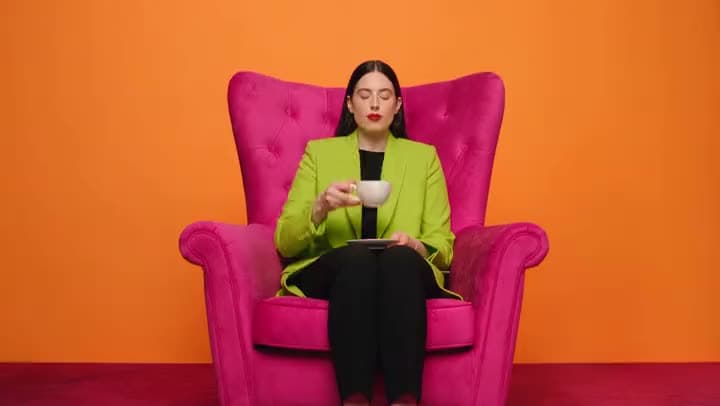
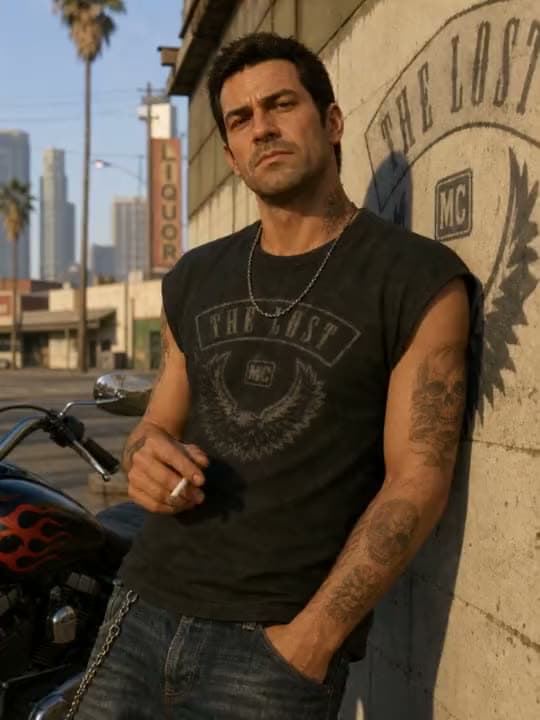
Aragon's AI video generator puts Kling, Seedance, Veo, Sora 2, PixVerse, Pika, and more in one workspace. Turn a prompt, photo, or clip into finished video, then edit and export.
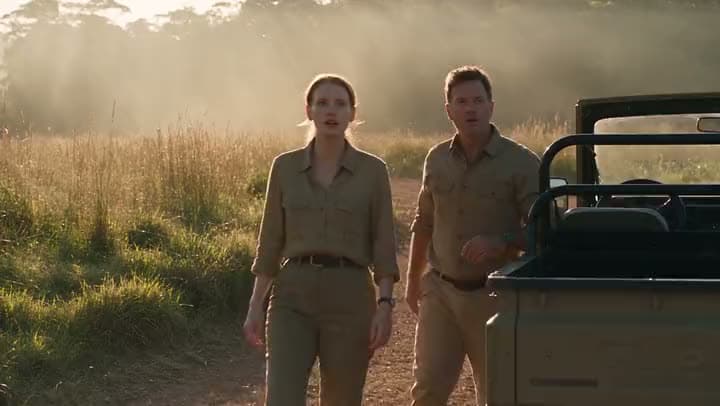
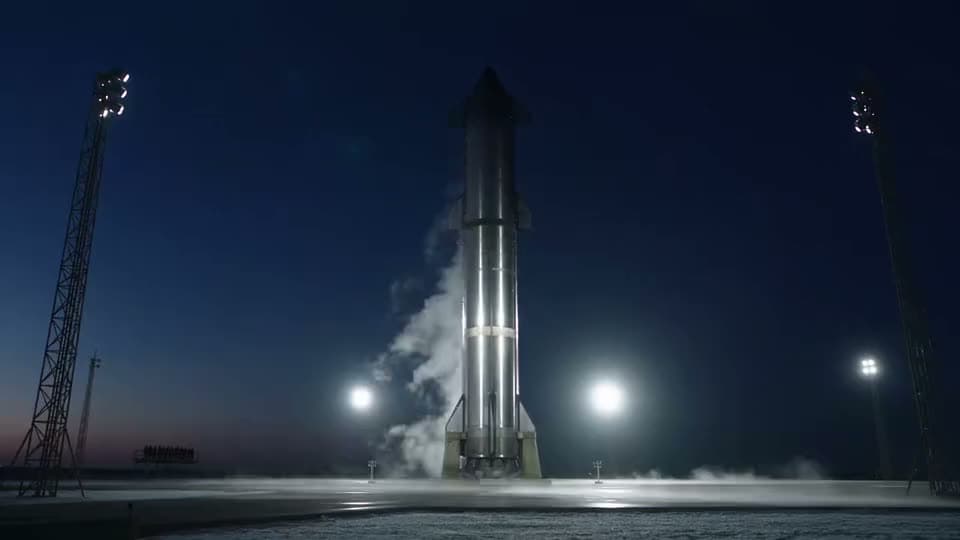
Two research scientists in khaki field clothes, standing beside a parked field vehicle in an open clearing. A massive long-necked creature emerges from the tree line. Original characters and creature design; consistent identity/wardrobe throughout.
A text prompt
A text prompt → text prompt to finished video
Prompt (Seedance 2.5): "Two research scientists in khaki field clothes, standing beside a parked field vehicle in an open clearing. A massive long-necked creature emerges from the tree line."
PhotoVideo
A reference photo
A reference photo → photo to motion
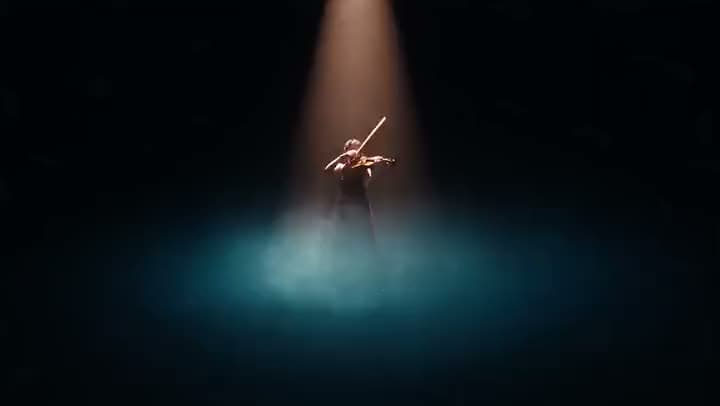
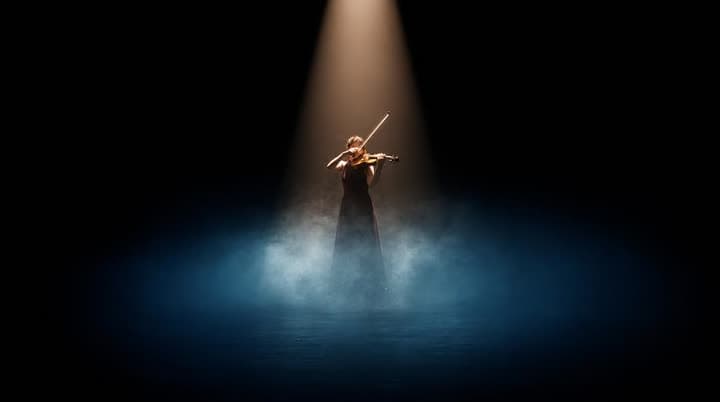
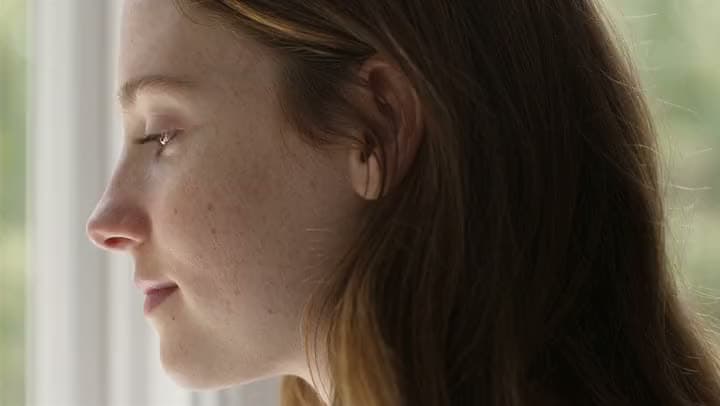
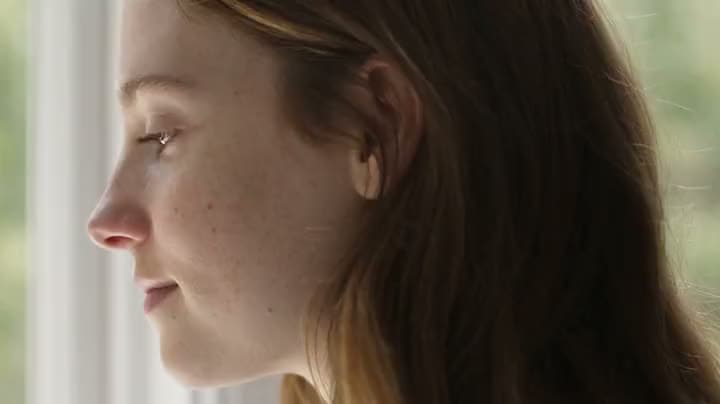
Before: a violinist's portrait. After: the same violinist playing alone under a single spotlight, blue mist pooling at their feet.
BeforeAfter
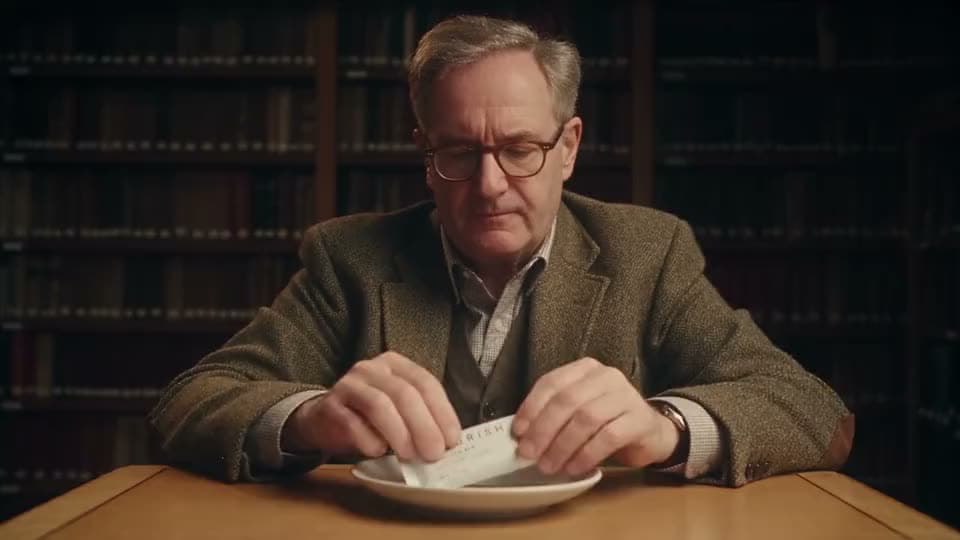
An existing clip
An existing clip → video edited
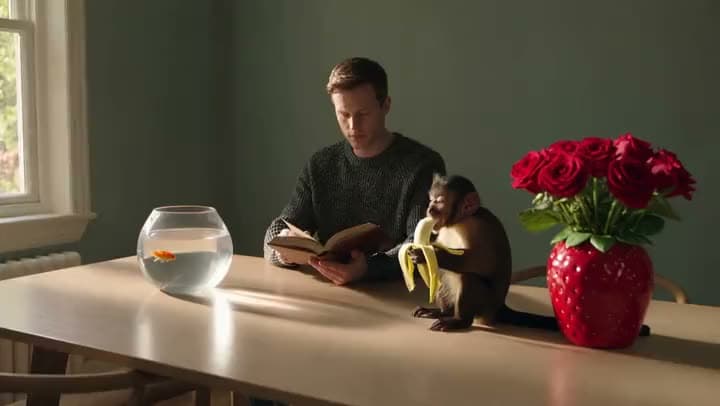
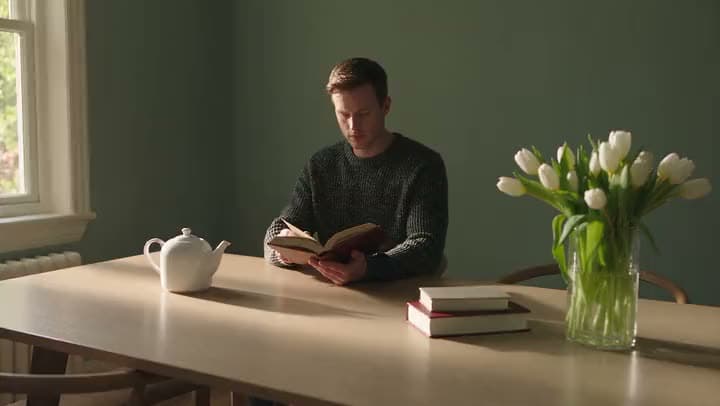
Before: a man reading at a table. After: a monkey eating a banana and a goldfish bowl added into the scene.
These clips show the real workspace: a prompt or photo going in, and a generated, edited, exported video coming out.
Made With Aragon
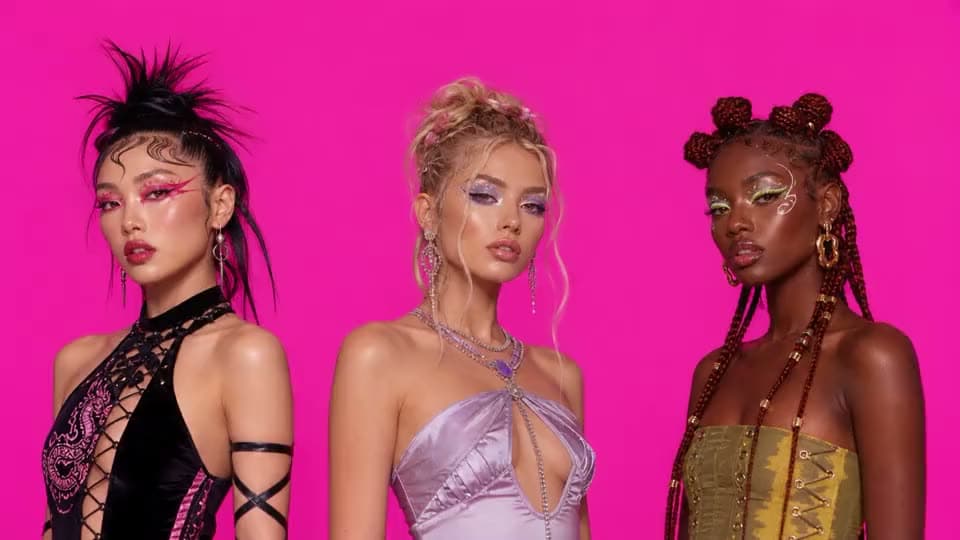
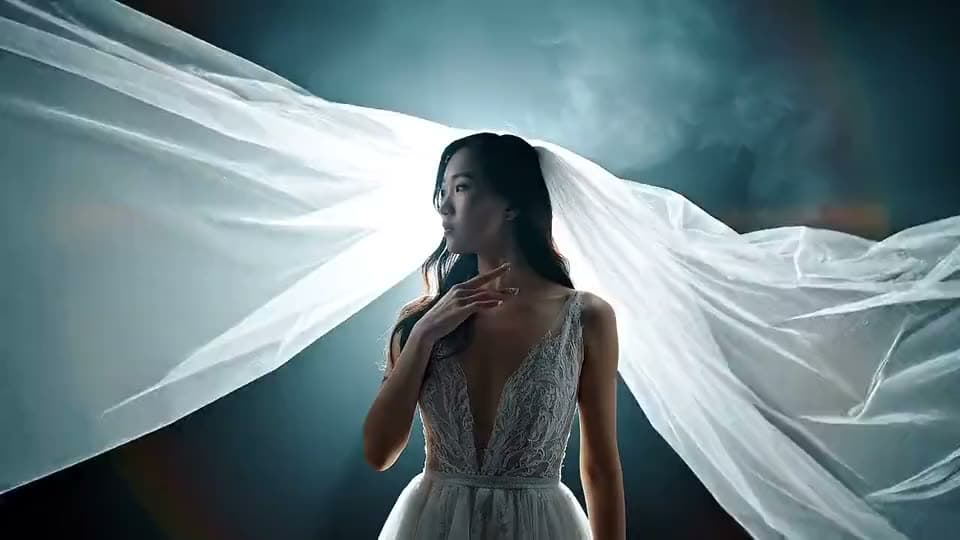
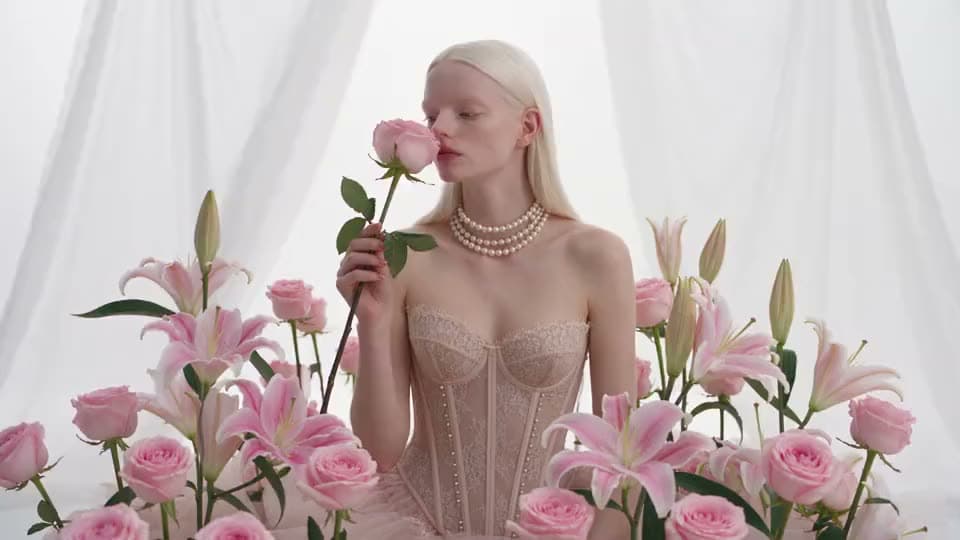
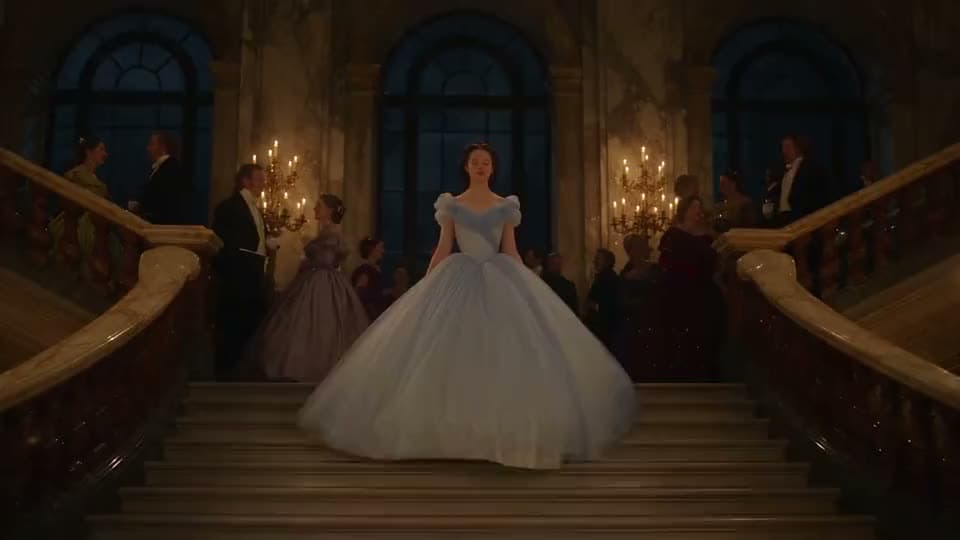
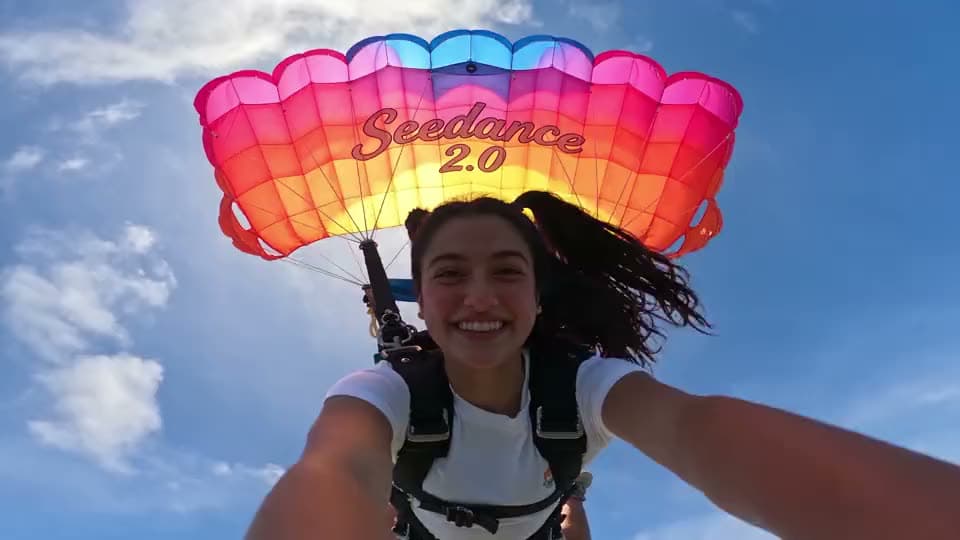
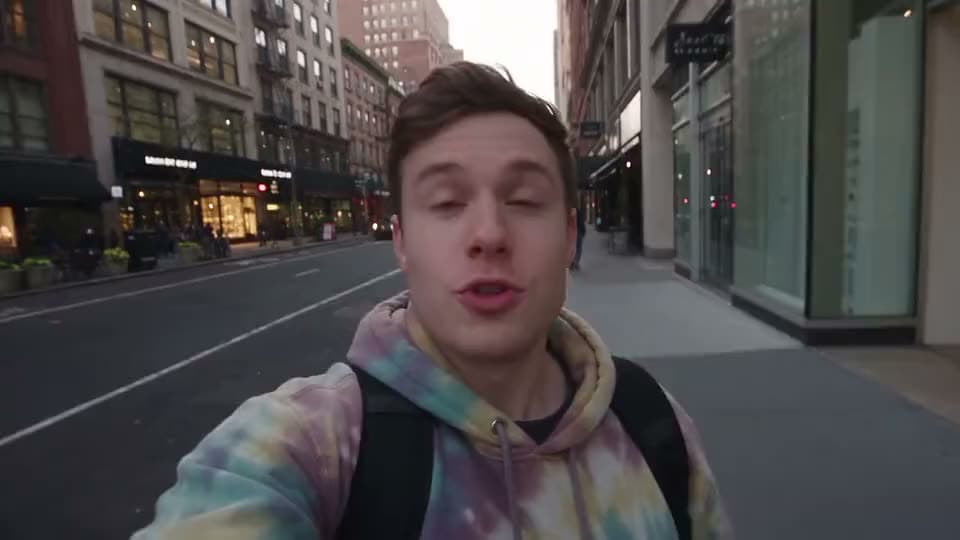
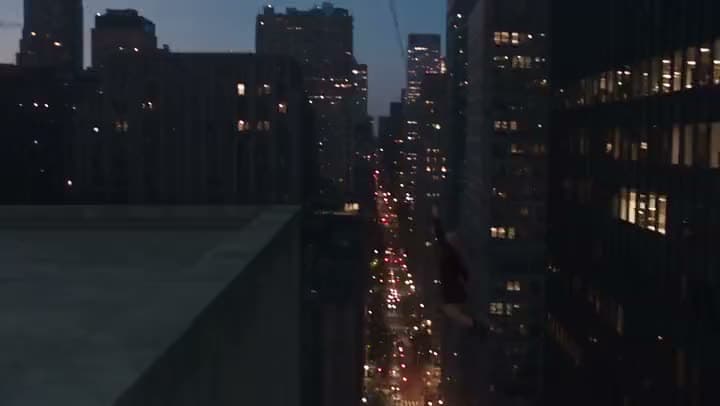
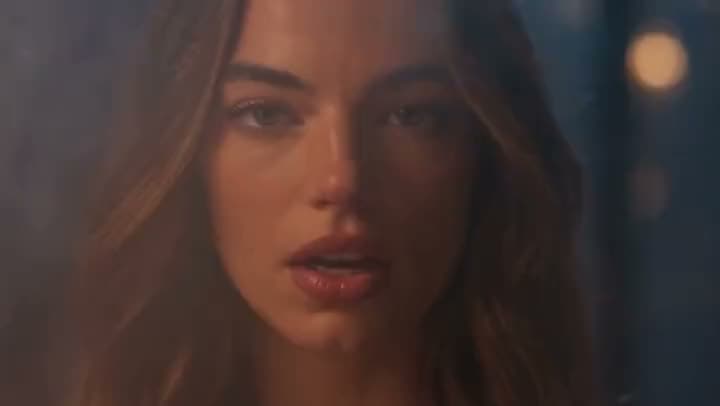
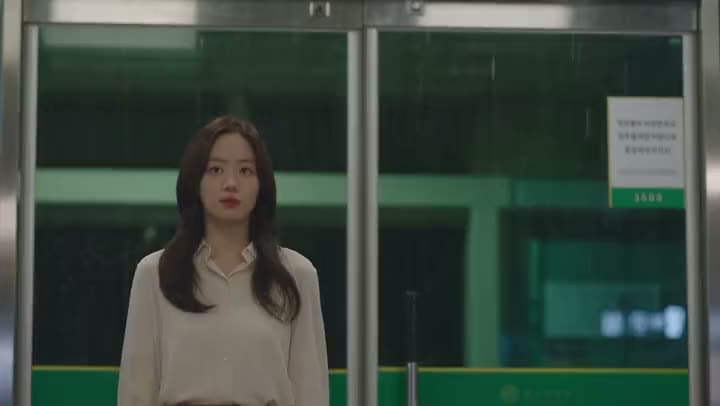
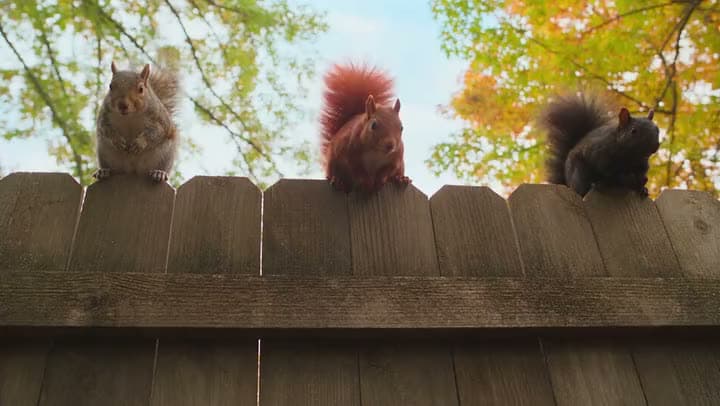
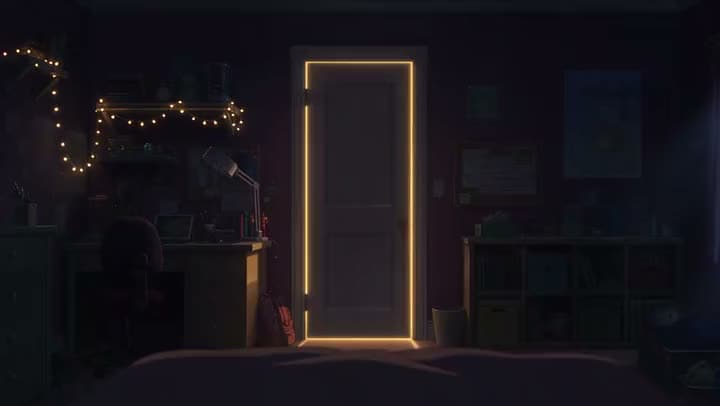
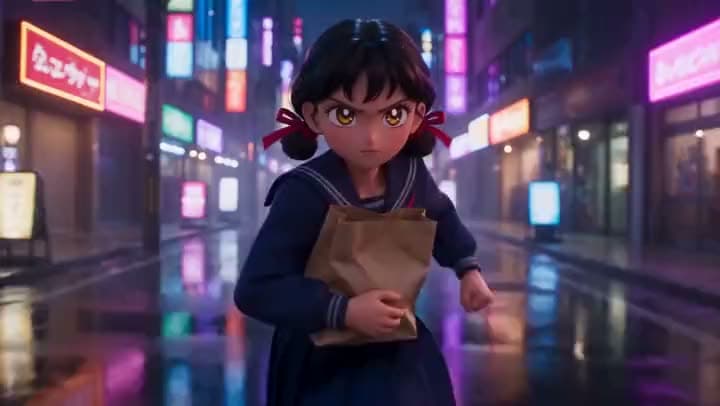
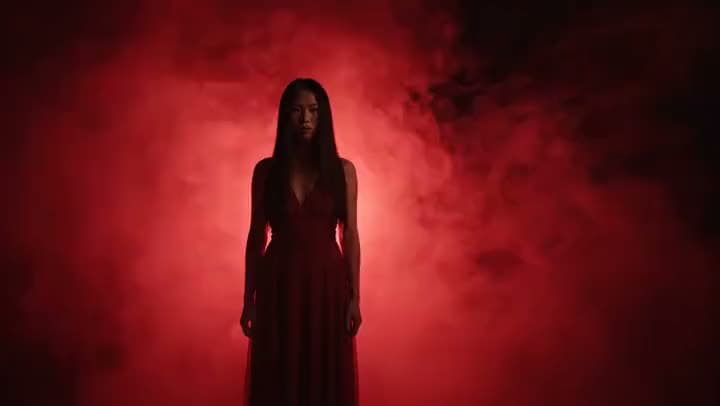
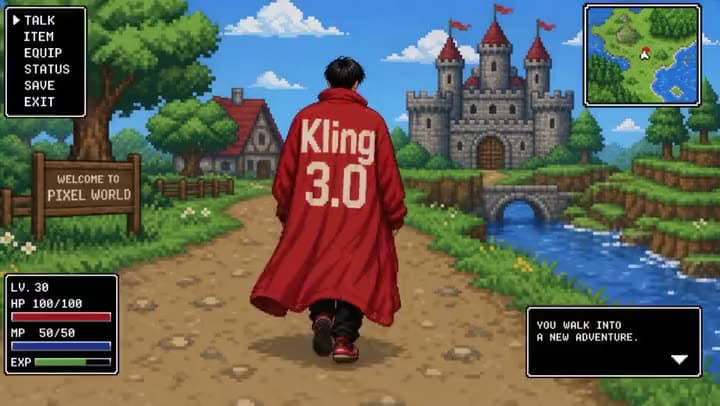
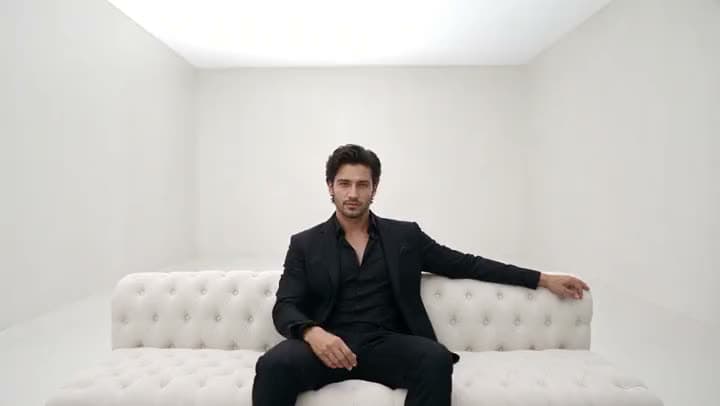
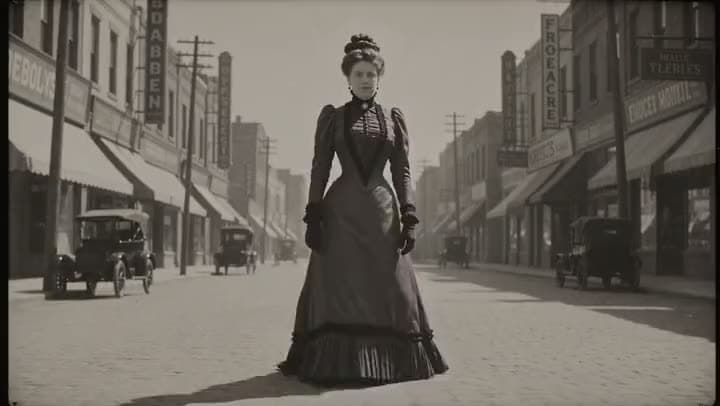
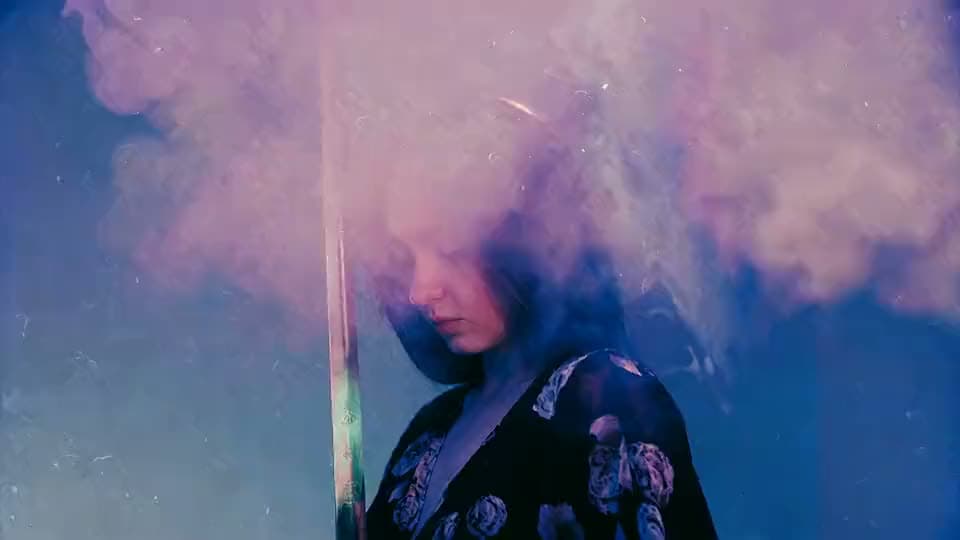
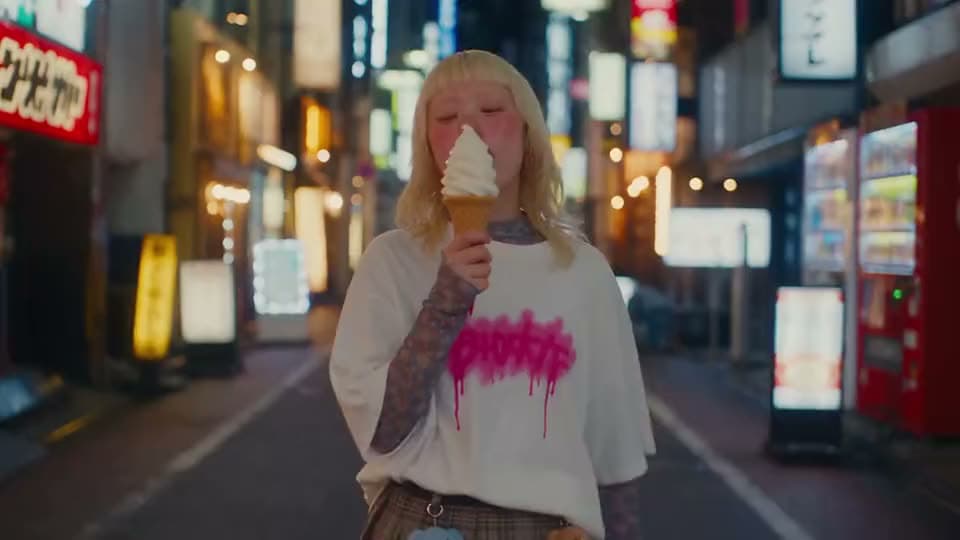
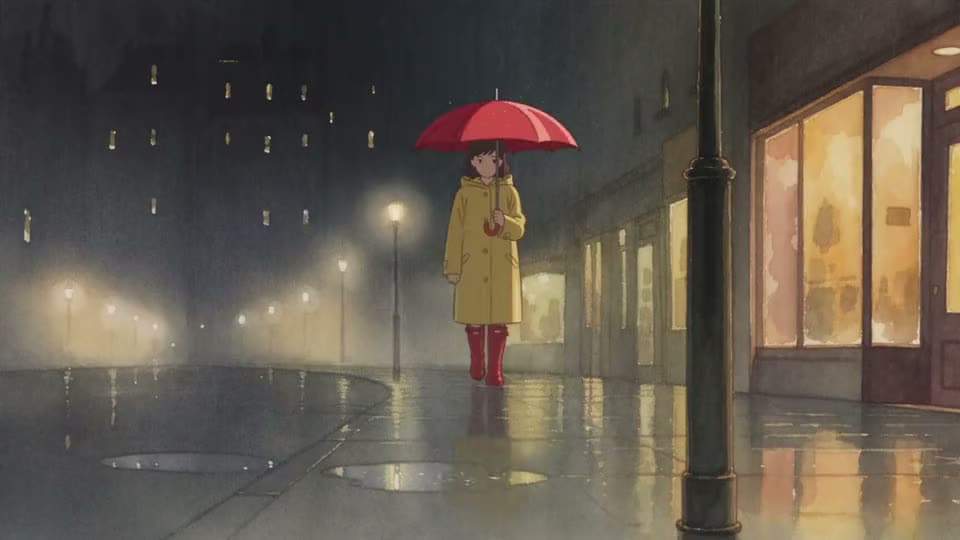
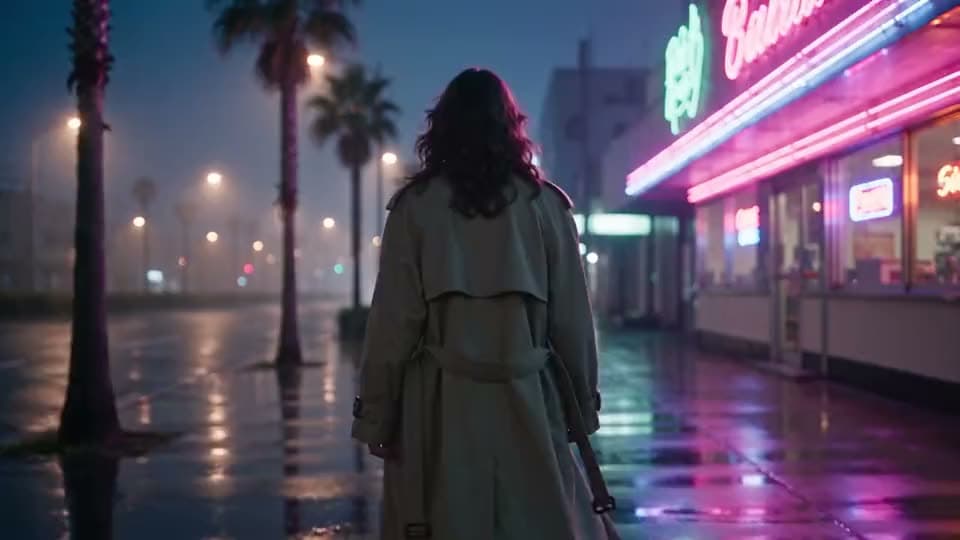
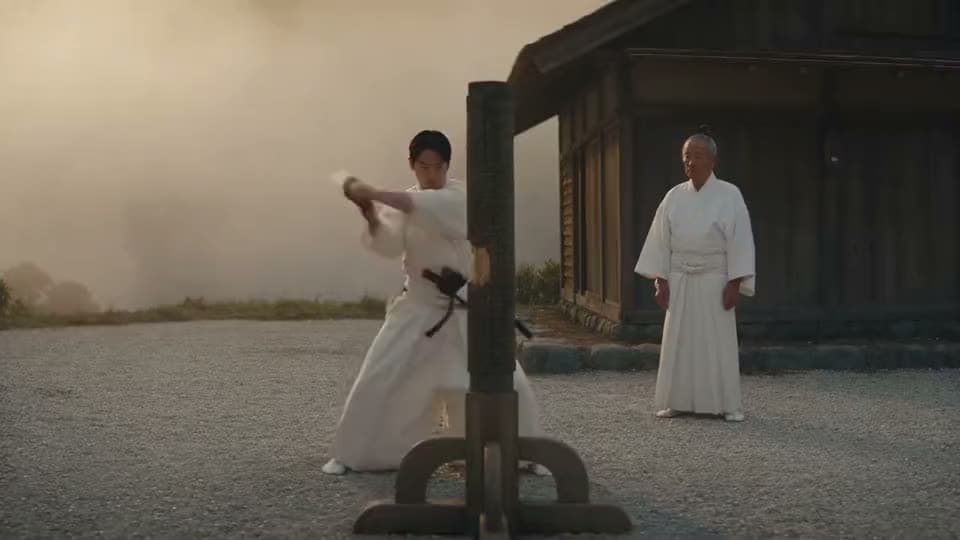
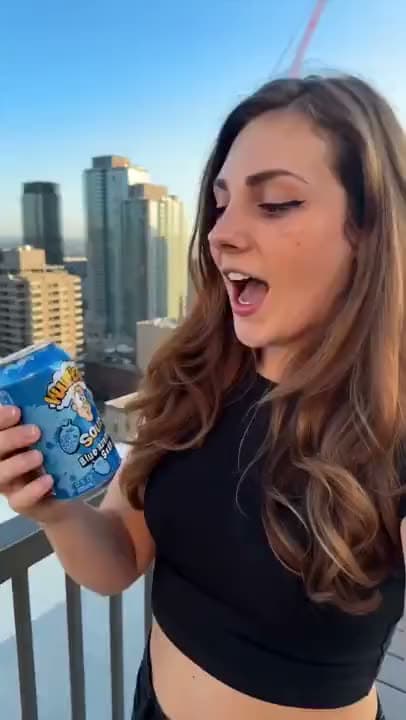
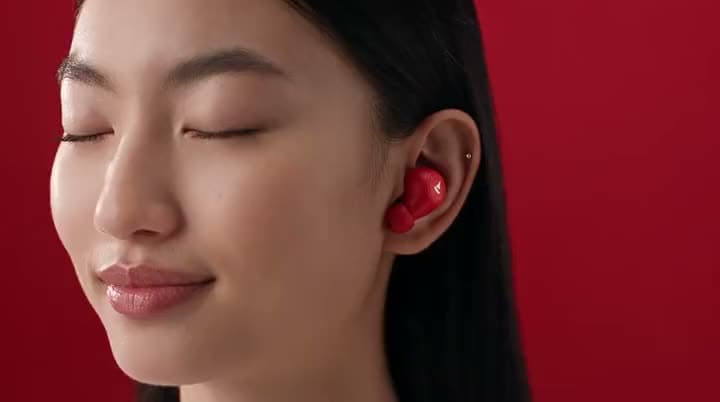
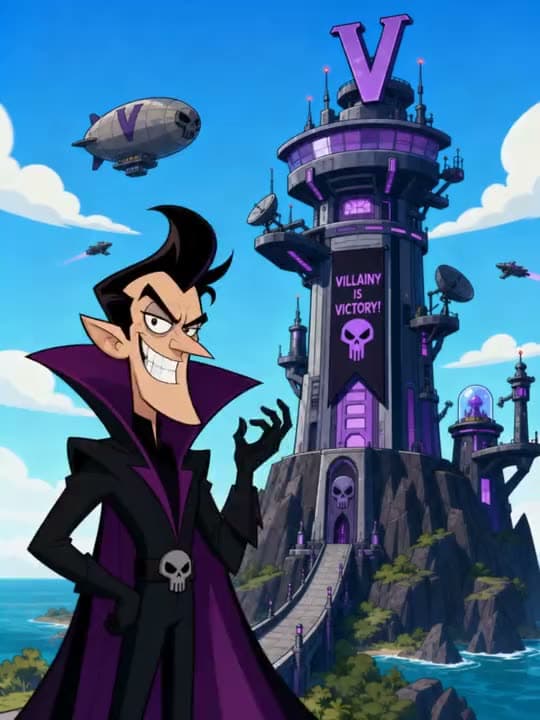
(A rotating gallery of real generated clips: a curtain rising on a stage, an anime fire-vs-ice duel, a felt stop-motion coral reef, a figure swinging between skyscrapers, a singer in soft bokeh light, rain against subway doors, a young wizard at a candlelit desk, squirrels on a fence, a glowing doorway, a schoolgirl running down a neon street.)
For projects that need more than a single generated clip, Cinema Studio supports multi-shot, multi-prompt sequences across a curated set of models, so a longer scene can be built shot by shot instead of one clip at a time.
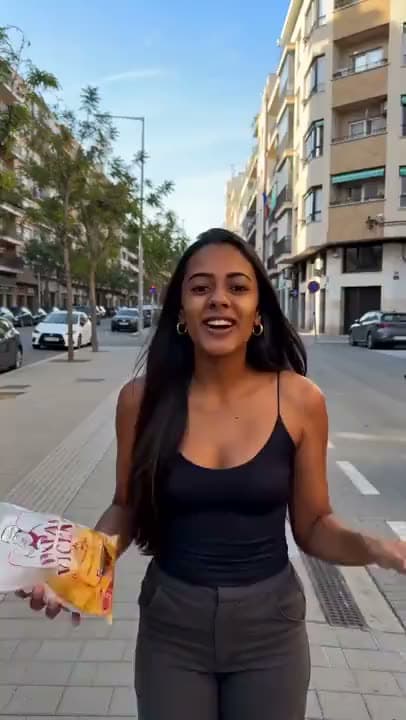
Built specifically for UGC-style ads and product content. Upload a person image and product or app photos, choose a format, hook, and setting, and Aragon generates ad-ready video around them.
Upload a face or character image along with your own audio, and Lipsync matches the mouth movement to what's being said. Lipsync runs on Seedance 2.5 or Veo 3.1.
Increase resolution and clean up quality with Precision, Creative, or Generative upscale modes, powered by Topaz. Output preserves the length of your source video.
up to 4K on select models and the Upscale tool; most generation models output 720p-1080p
Length
10–30s
up to 30 seconds depending on the model (for example, Seedance 2.5); many models cap at 10-15 seconds
Aspect ratios
16:9 · 9:16 · 1:1
16:9, 9:16, and 1:1 are broadly supported; Seedance also supports 21:9, 4:3, and 3:4
Format
MP4
Audio
many generation modes include a toggle to add audio automatically, or you can turn it off
How to Create an AI Video With Aragon
Two research scientists in khaki field clothes, standing beside a parked field vehicle in an open clearing. A massive long-necked creature emerges from the tree line. Original characters and creature design; consistent identity/wardrobe throughout.
1
Start With a Prompt, Photo, or Clip
Type a prompt, upload a reference photo, or bring in an existing video. Aragon reads your input and generates or edits footage to match it.
KlingSeedanceGoogle Veo
16:99:161:1
Generate
2
Choose Your Model and Tool
Pick the model built for what you're making, or let Aragon route you to the right tool, whether that's Create Video, Cinema Studio, Marketing and Ad Studio, or Lipsync.
Export
0:000:050:100:15
3
Edit, Upscale, and Export
Refine the result with video-to-video editing, upscale it if you need higher resolution, and export in the format your platform needs.
Why Use Aragon Instead of a Single-Model Video Tool?
One workspace, every model
Most AI video tools lock you into one model's style and limits.
Generation and finishing in the same place
Generating a clip is only half the job. Aragon keeps editing and upscaling in the same workspace as generation, so a video you create doesn't need to be exported somewhere else to actually finish it.
What Can You Create With an AI Video Generator?
An AI video generator is useful anywhere you need finished video without a camera crew, like a quick social clip or a polished product ad. Aragon's workspace covers social, marketing, editing, and repurposing use cases, each routing to the tool built for that specific job.
Social Shorts and Reels
Turn a prompt or a photo into a quick, vertical video built for feeds and Stories. For a dedicated short-form workflow with format-specific tools, see the Instagram Reels Maker.
Explainers and Educational Content
Turn a written idea or a script into an explainer for a product walkthrough, an online course, or internal training.
Ads and UGC-Style Content
Turn a product photo and a person image into UGC-style ad content using Marketing and Ad Studio's hook and setting options. See Promo Video for a campaign-ready workflow.
Talking-Head and Presenter Videos
Upload a face and your own audio to create a talking-head video using Lipsync, without filming a presenter on camera.
Cinematic, Multi-Shot Projects
Build a longer scene shot by shot in Cinema Studio instead of generating and stitching single clips manually.
Photo-Led Stories and Slideshows
Turn a set of product or lifestyle stills into a moving story, ideal for ecommerce listings and travel or event content. See Photo to Video.
Combining and Organizing Footage
Bring multiple clips together into a single video, useful for event recaps, compilations, and multi-part lessons. Do it in the AI Video Generator.
Branded Intros and Channel Openers
Create a short, branded opener for a YouTube channel, a webinar, or a presentation. See Intro Maker for a template-first workflow.
Cleaning Up and Repurposing Existing Video
Improve footage you already have instead of starting from scratch: sharpen and upscale a low-resolution clip with the Video Upscaler, remove a watermark with the AI Video Generator's Edit tool, or swap out the background with Video Background Remover.
Turning Audio Into Video
Build a video from an audio file with Audio to Video, then finish it in the AI Video Generator. More specialized jobs are covered across the rest of the suite too: create presenter-free content with Faceless Video, generate supporting cutaway footage with B-Roll, sharpen overall quality with Video Enhancer, or start anything else in the AI Video Generator.
More specialized jobs are covered across the rest of the suite too: create presenter-free content with Faceless Video, generate supporting cutaway footage with B-Roll, sharpen overall quality with Video Enhancer, or start anything else in the AI Video Generator.
Reviews
Trusted by Creators and Businesses
Aragon's AI tools are trusted by teams at PwC, Microsoft, Redfin, NYU, and other industry leaders, with a 4.8 rating on Google and a 4.9 rating on Trustpilot.
Customer satisfaction is our number one priority. Our live agents are available 7am - 11pm (PT), 5 days Sunday through Thursday.
An AI video generator is a tool that creates video content automatically from a starting input, such as a text prompt, a photo, or an existing clip, instead of requiring you to film footage yourself. Aragon's version adds editing, upscaling, and export in the same workspace.
Aragon connects to a range of licensed video models, including Kling, Seedance, Hailuo, Google Veo, Wan, FLUX, LTX, PixVerse, Pika, Grok Imagine, and Sora 2, so you're not limited to a single model's style or capabilities.
Yes, on tools and plans where model choice is available. Some tools use a fixed model to keep output consistent: Marketing and Ad Studio runs on Seedance 2.5, and Lipsync runs on Seedance 2.5 or Veo 3.1.
Resolution depends on the model and tool. Most generation models output 720p to 1080p; the Upscale tool and select models can reach 4K.
Length depends on the model. Some models support up to 30 seconds (for example, Seedance 2.0); many cap between 10 and 15 seconds. Motion Control supports up to 10 seconds from an image or up to 30 seconds from a video.
16:9, 9:16, and 1:1 are broadly supported. Seedance also supports 21:9, 4:3, and 3:4.
Many generation modes include a toggle to add audio automatically, and you can turn it off if you don't want it. For talking video with your own audio, use the Lipsync tool.
A text prompt, a reference photo, start and end frame images, a reference video, or a character image, depending on the tool.
Most AI video tools give you one model and no editing step. Aragon connects multiple licensed models in one workspace and keeps editing and upscaling alongside generation, instead of sending you to a separate app to finish the video.
Your uploads and generated videos are stored so you can access them again later. For full details, see Aragon's Privacy Policy.
Usage rights depend on your plan and the specific content generated. See Aragon's Terms and Conditions for full details.
Aragon's AI video generator includes a workspace you can start using without a separate app download; specific credit and pricing details are available on the pricing page.