




Before
After


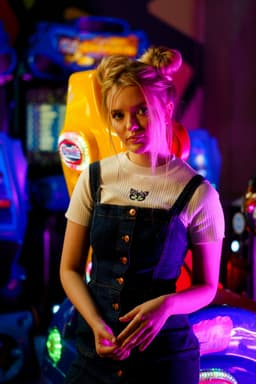
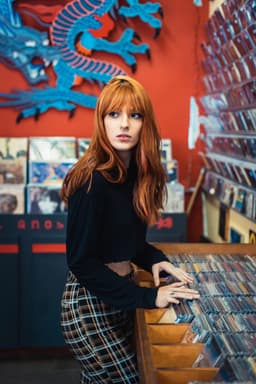
Portrait
Portrait to pixel sprite
Turn a clear photo into colorful, game-inspired pixel art with Aragon's Pixel Art Generator. Upload your image and create an 8-bit-style portrait or avatar.

Trusted by Industry Leaders. Millions of images edited to date.









Compare the original photo with its pixel-art version
Portrait
Portrait to pixel sprite
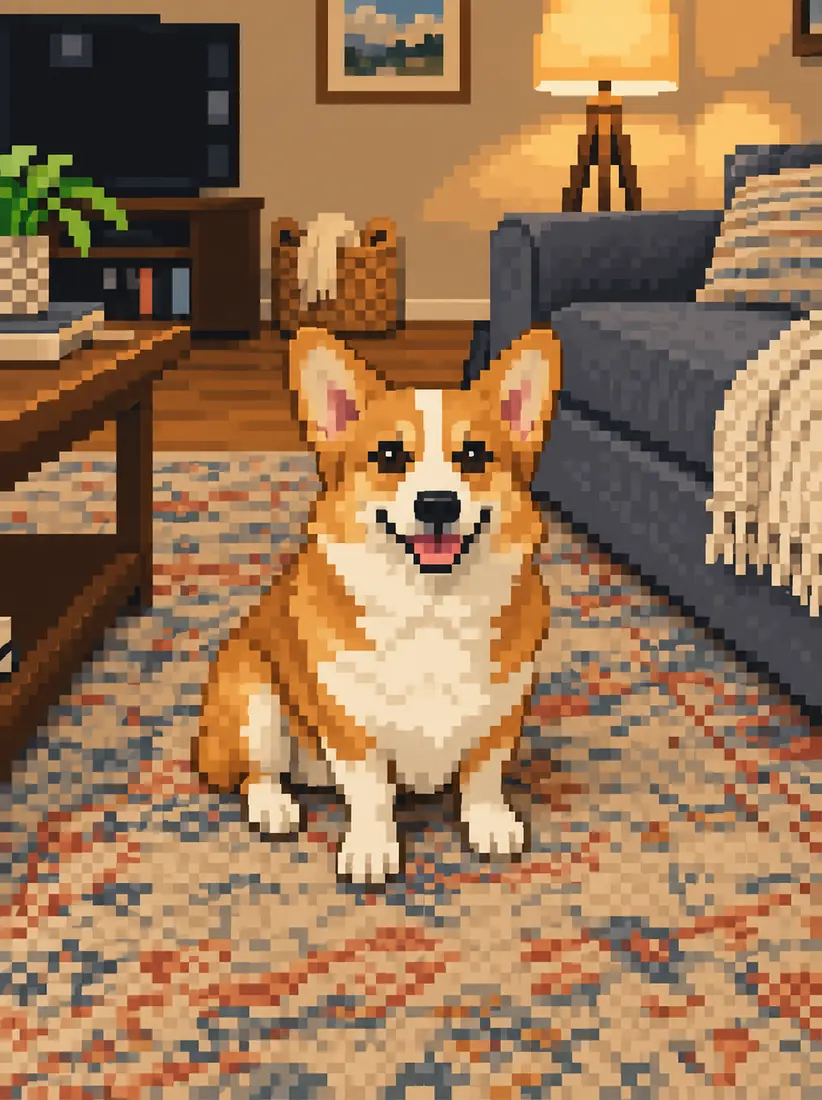
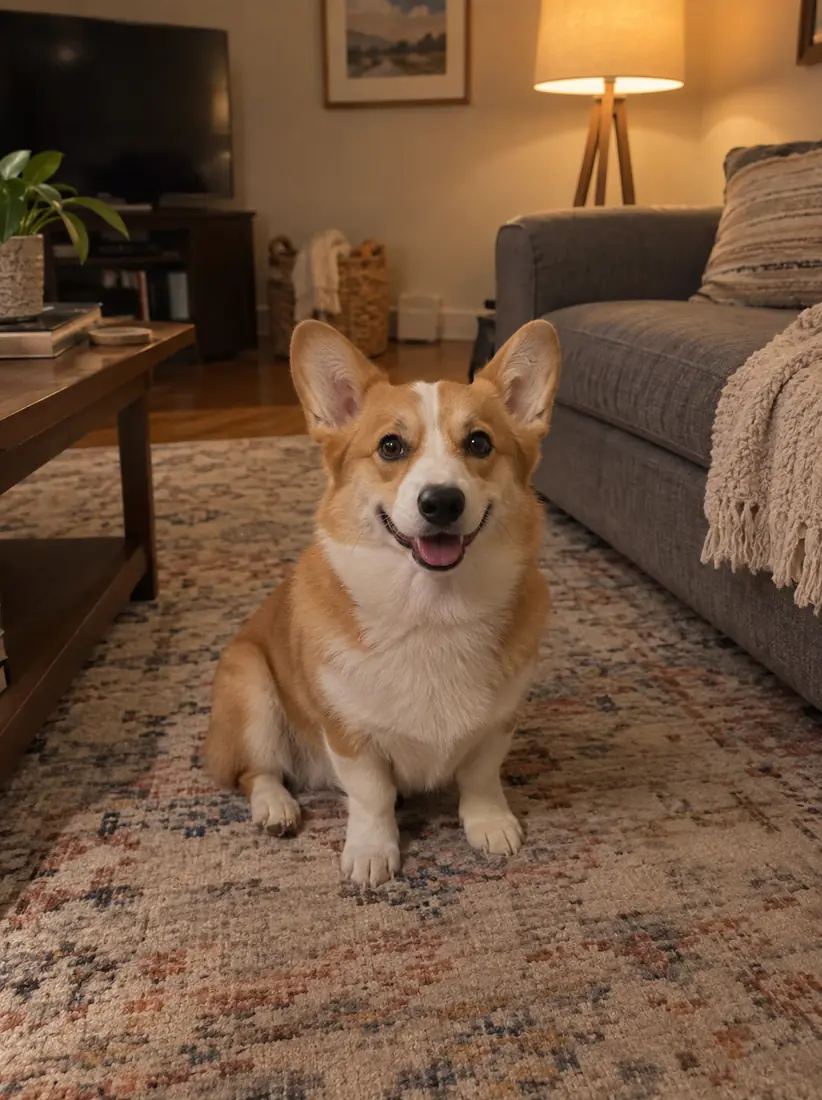
Pet
Pet to pixel sprite
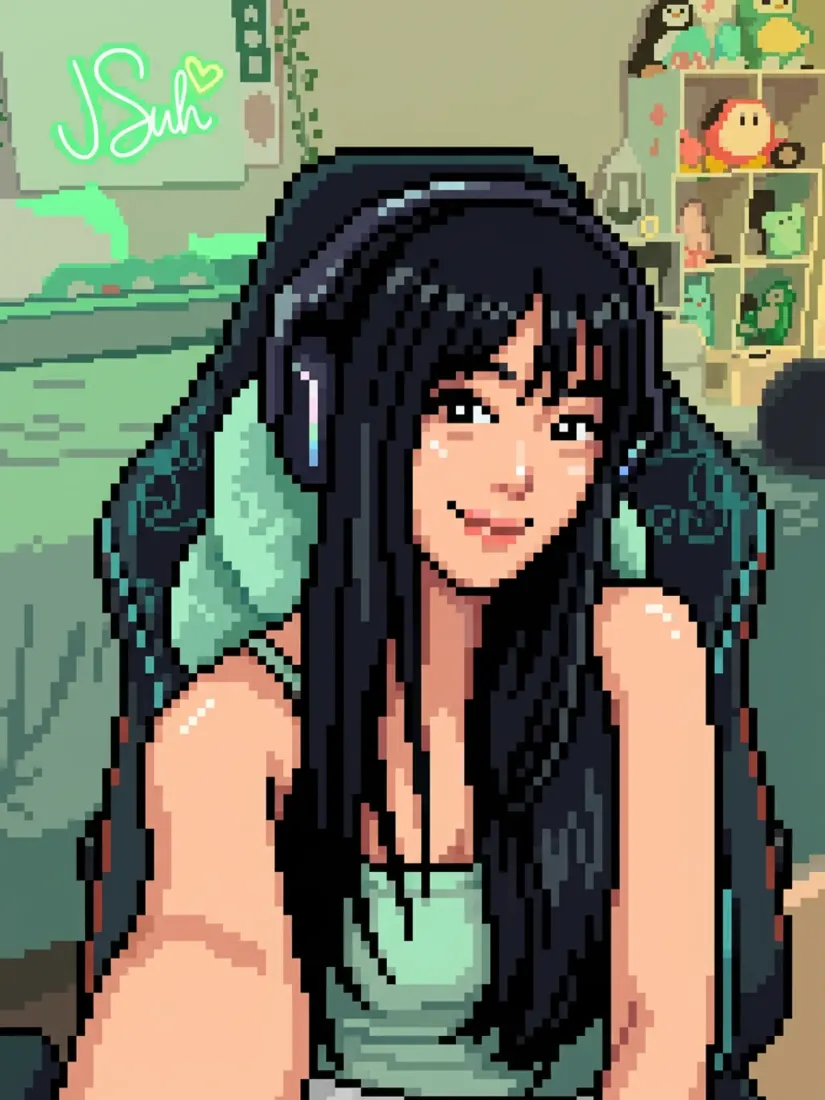
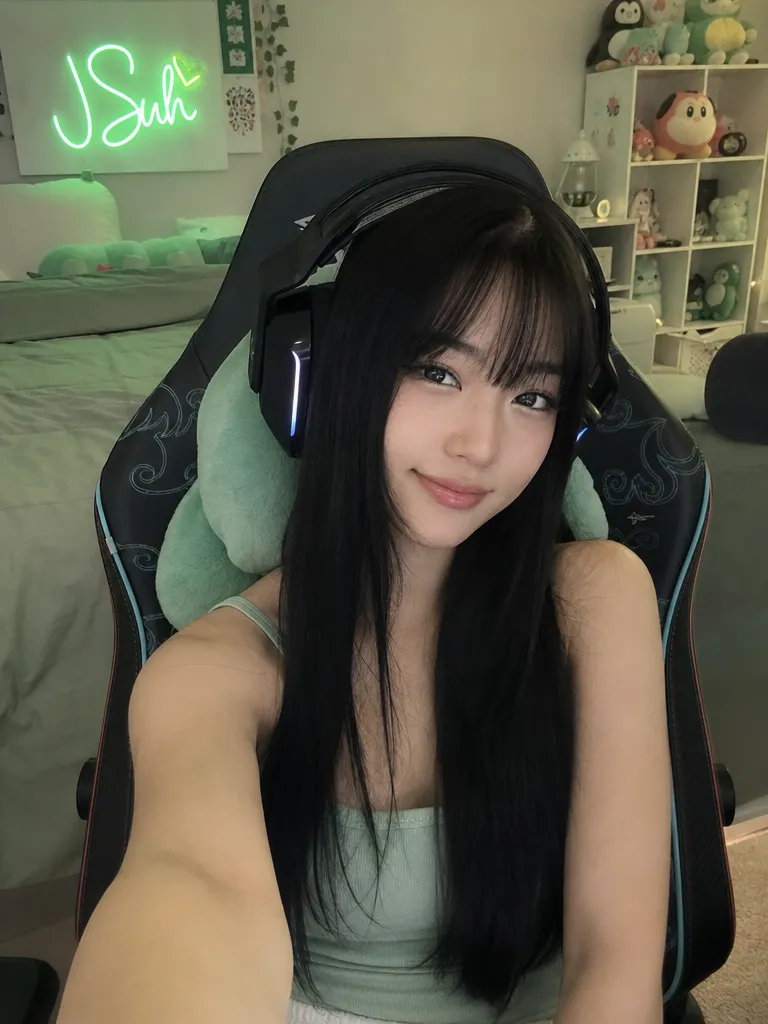
Full scene
Full scene to retro background
Upload your photo, let Aragon apply the pixel-art style, then review and download the finished image.
UploadedChoose a clear photo you want to turn into pixel art.
Style8-bit pixel artAragon turns the photo into a colorful pixel-art image with blocky details, simple shapes, and retro gaming shading.
Review the finished result, then download it for a profile picture, gaming avatar, or creative project.
A Pixel Art Generator turns a photo into artwork inspired by the blocky look of classic video games.
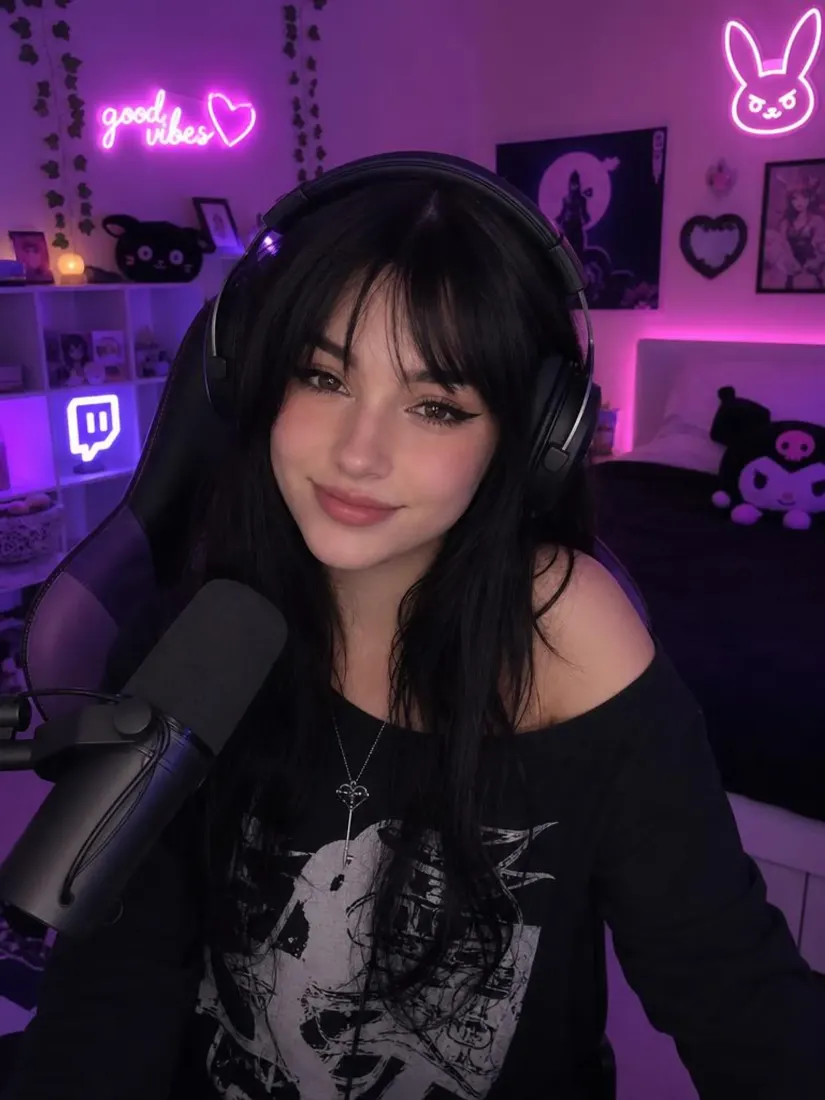 Before
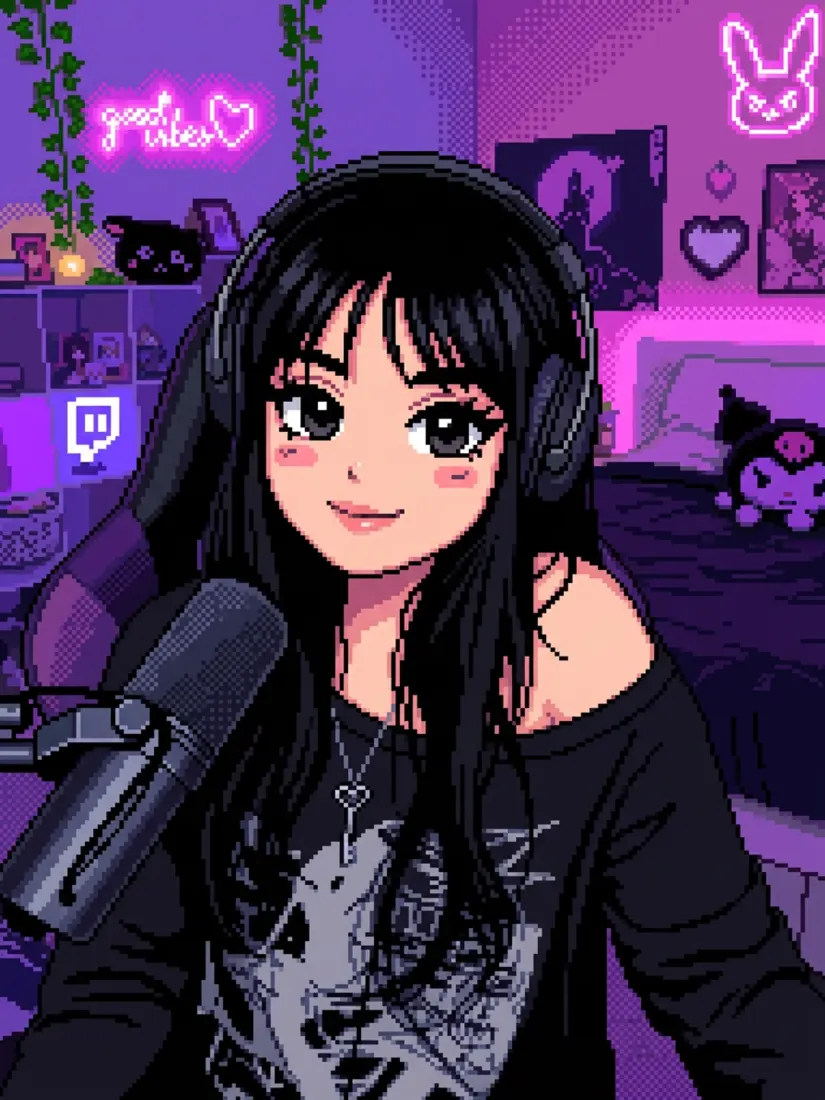 After
AfterChange a regular photo into a pixel art while using the original image as the starting point .
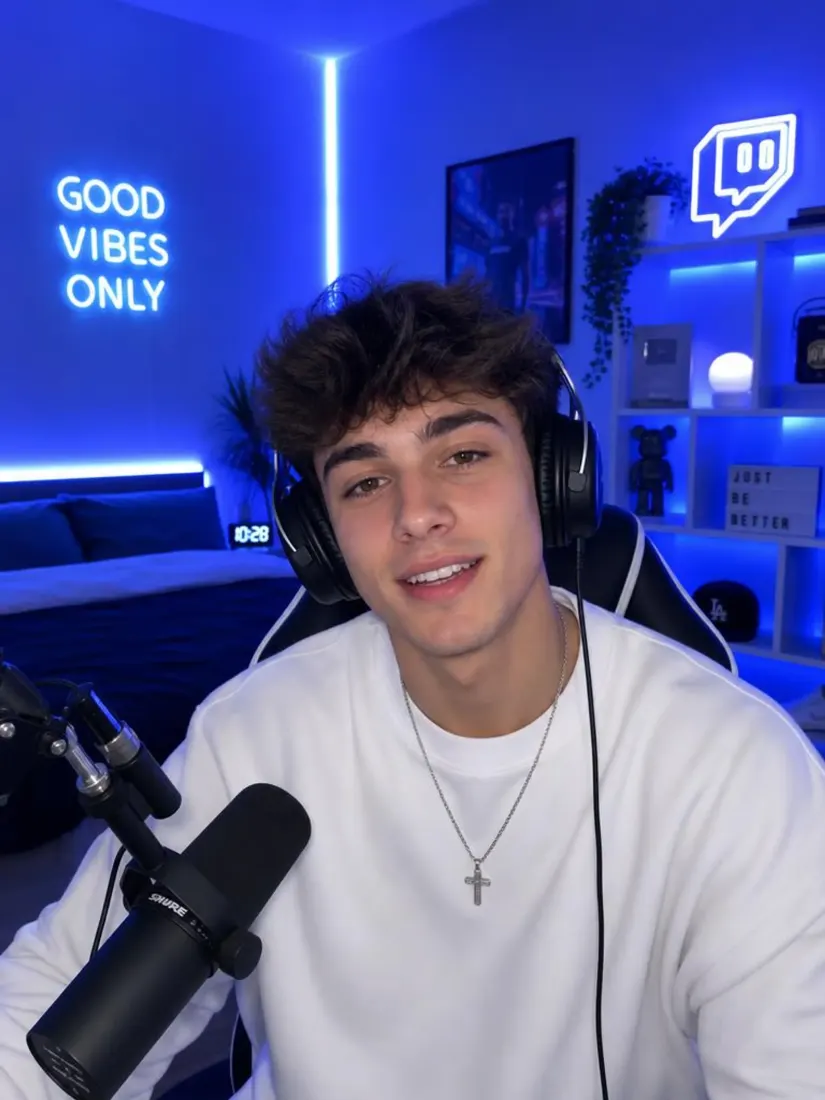 Before
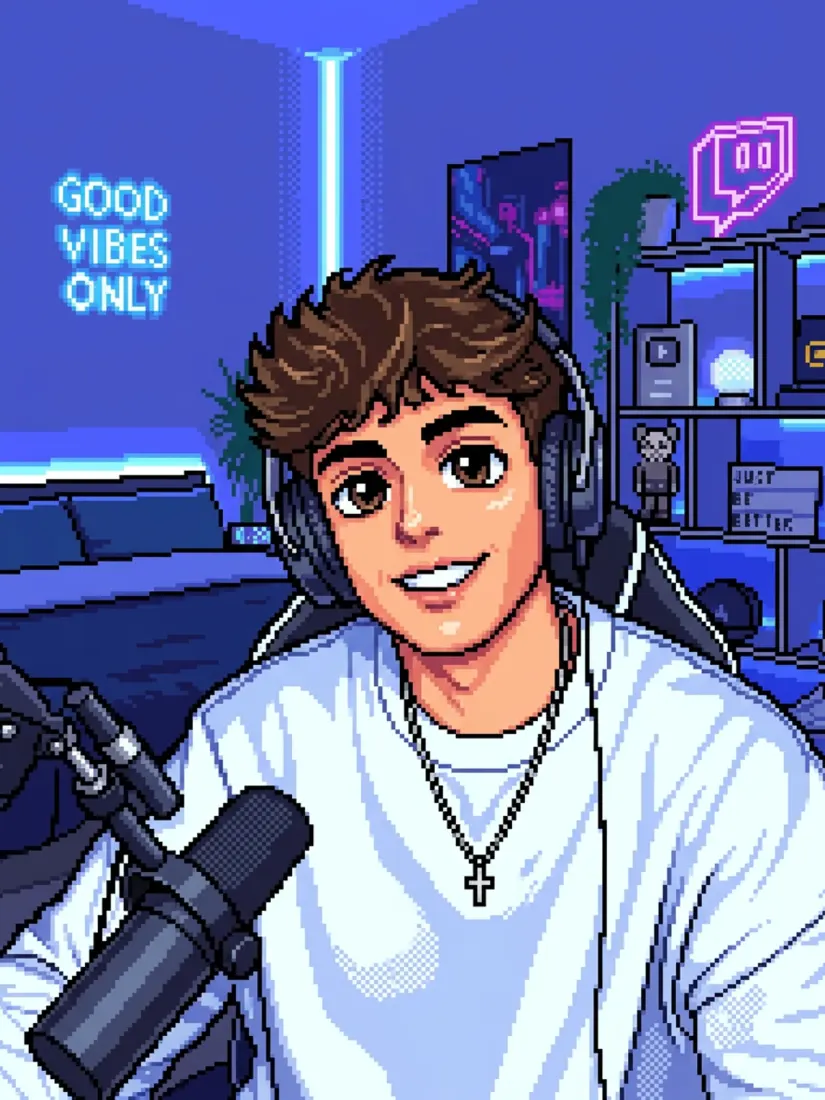 After
AfterAragon uses pixel blocks, simple shapes, and game-inspired shading to give the image a classic digital look.
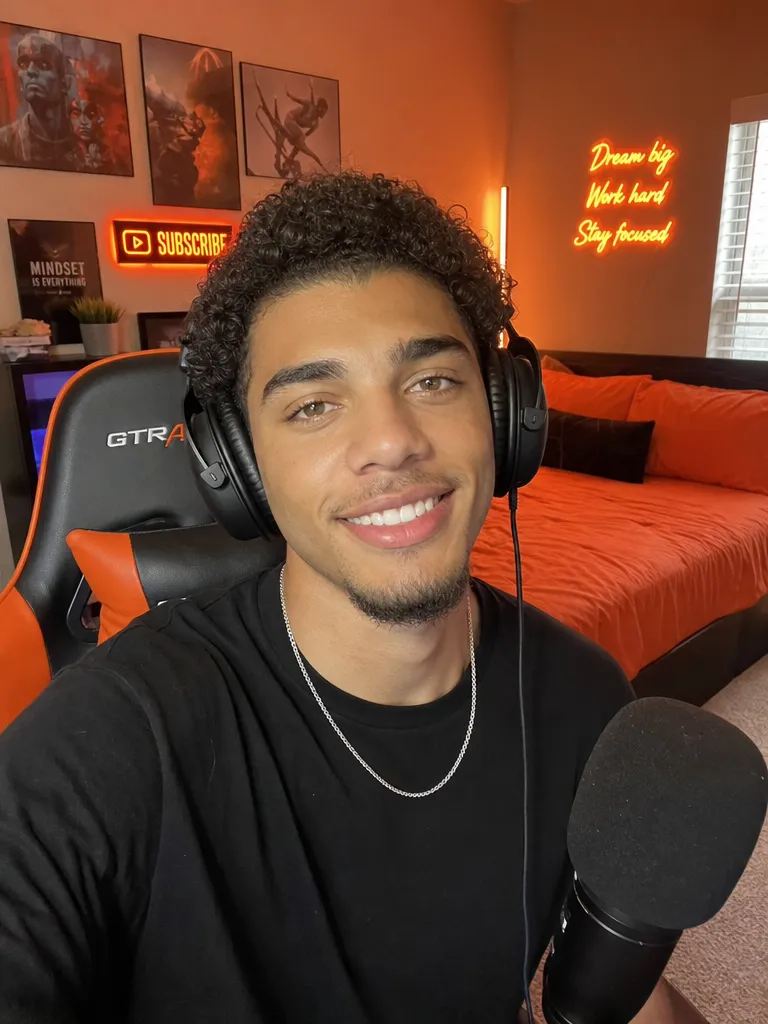 Before
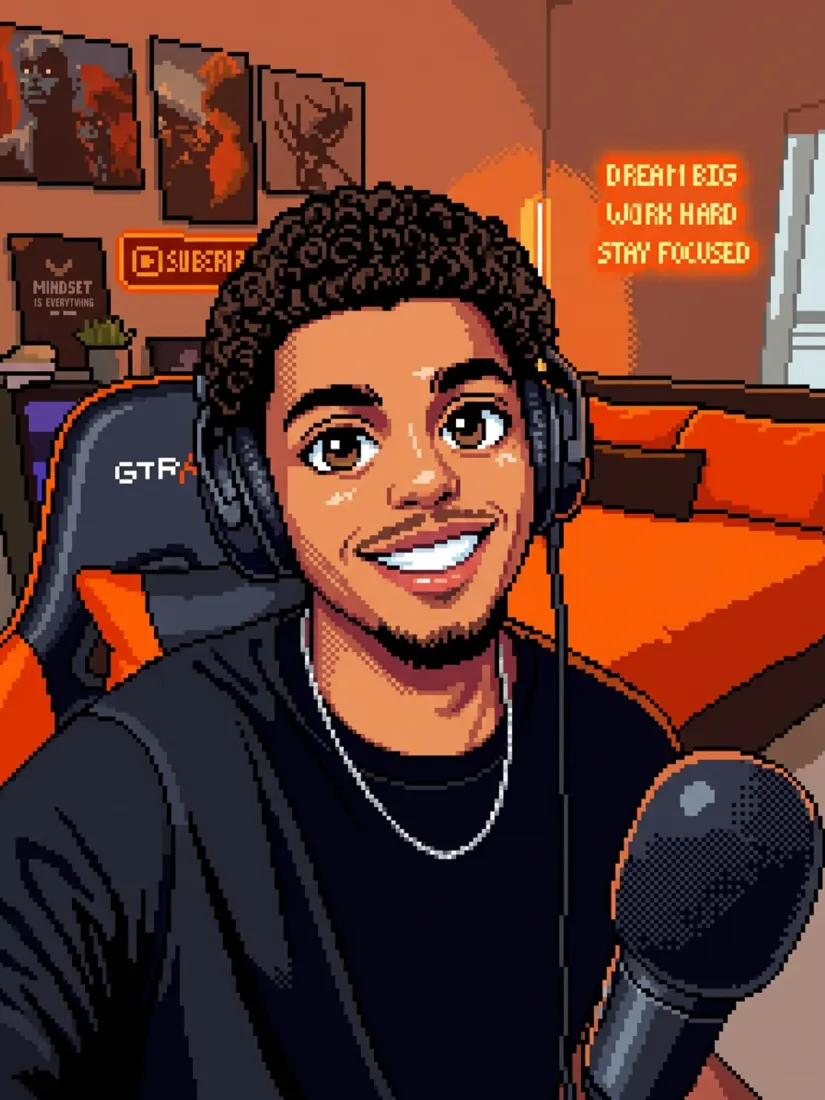 After
AfterGive portraits a colorful 8-bit-inspired look without turning the original photo into a basic blur or pixelated filter.
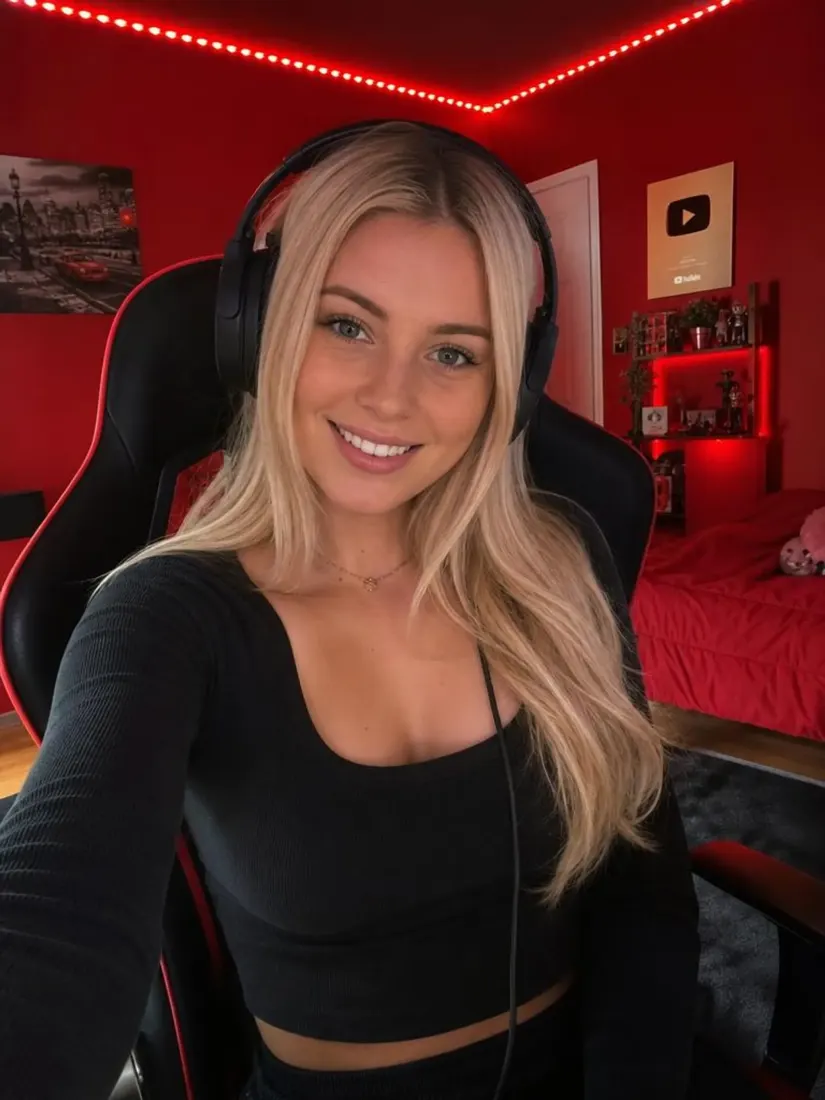 Before
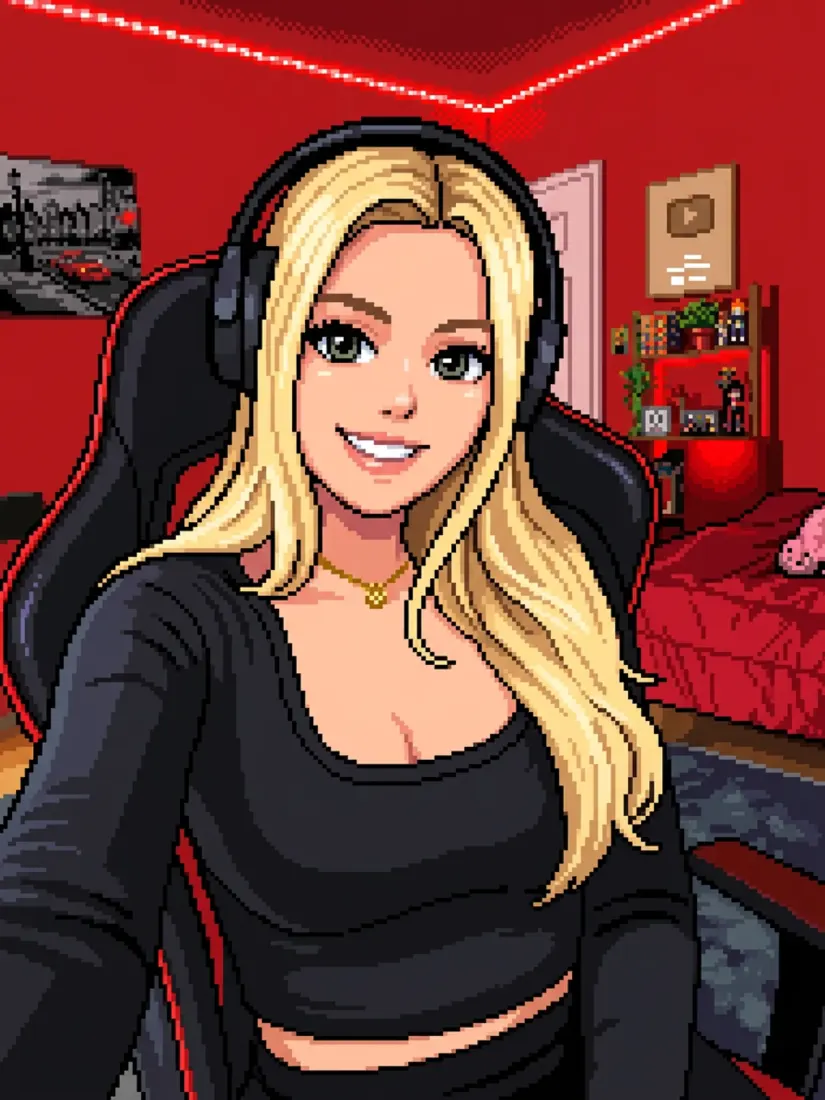 After
AfterThe result is created from the image you upload, so the person and main parts of the photo remain the starting point for the new style.
Turn a portrait into pixel art for profiles, gaming accounts, social posts, and other personal creative projects.
Turn a portrait into a colorful pixel-art image with a retro game look.
Create a pixel-style portrait for gaming profiles, Discord, Twitch, or other online communities.
Use your pixel-art portrait as a profile image when you want something different from a regular photo.
Use the final pixel art in personal posts, digital designs, and other creative projects.
Start with a clear image that gives Aragon enough information to work.
For portraits, choose a photo where the person's face is fully visible.
A clear main person or object gives the generator a simpler starting point.
Very dark or heavily filtered photos can leave the tool with less useful image information.
Portraits are a strong fit, but you can also try pet photos and wider scenes to explore different results.
They both use a blocky pixel look, but they are made for different jobs.
| Feature | Pixel Art GeneratorYou're here | Image Pixelator |
|---|---|---|
| What it does | Turns a photo into creative pixel-style artwork | Makes parts of an image blocky |
| Main purpose | Create retro game-inspired art | Blur or simplify part of an image |
| Best for | Avatars, portraits, and creative images | Basic pixel effects or hiding photo details |
| Result | A newly styled pixel-art image | The original image with a pixelated area |
Use Aragon's Pixel Art Generator when you want the whole photo turned into creative pixel art, rather than simply adding a blocky blur.
Upload a photo and create a colorful, retro pixel-art version with Aragon.
Customer satisfaction is our number one priority. Our live agents are available 7am - 11pm (PT), 5 days Sunday through Thursday.
The Leading AI Headshot Generator for Professionals
Trustpilot
Trusted by professionals and teams
Earn 30% for every referral
Join our affiliate program for free!

Copyright © 2026 Aragon AI, Inc. All rights reserved.



























































































































































































































































































































































