
BeforeAfter

Talking head
Talking head → a clean cutout or studio-style backdrop
A woman reading on a sofa, with a loud party scene behind her replaced by a clean backdrop. Only the scene behind the subject changes.
No green screen, no studio, just a clip and a subject you want cut free. Aragon's video background remover isolates the subject, then you download a clean export or a new backdrop.
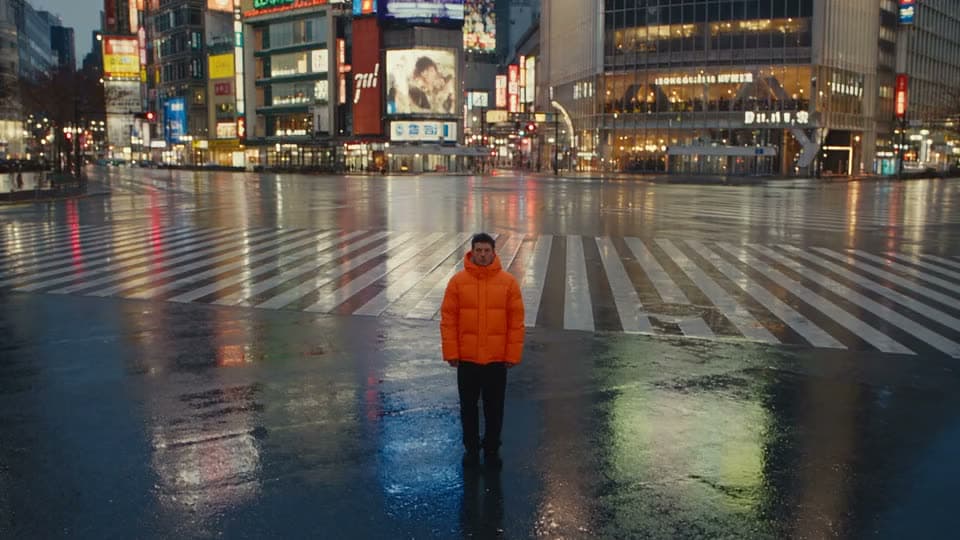
See what remove background video looks like on real subjects.
Talking head → a clean cutout or studio-style backdrop
A woman reading on a sofa, with a loud party scene behind her replaced by a clean backdrop. Only the scene behind the subject changes.
Only the scene behind the subject changes.
Upload a clip, remove or replace the backdrop, then download the result.
Bring a video you already shot or generated. Clear subject edges give you a better result.
Run the video background remover on the clip. Keep a transparent or solid cutout if you only need the subject by itself.
Review the edges, then export. Most jobs finish in minutes, depending on length and your plan.
It should cut your subject free from the background, without turning into a full video editor along the way.

Classic green screen setups need fabric, lights, and a clean key. Most social and product clips were never shot that way, and this tool doesn't need them to be.
Creators film at desks, sellers film on kitchen counters, and educators film in classrooms. A remover that only works on perfect studio footage fails the people who actually need it.
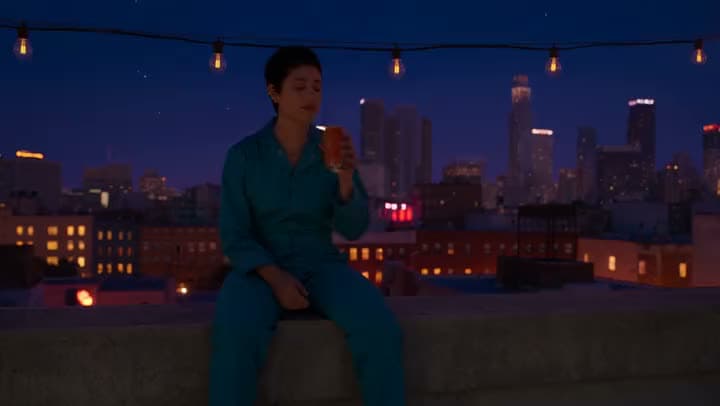
Removing the background is just step one. Many projects need the next step too: swap in a brand color, a campaign backdrop, or a quieter room so the clip actually fits where it's going.
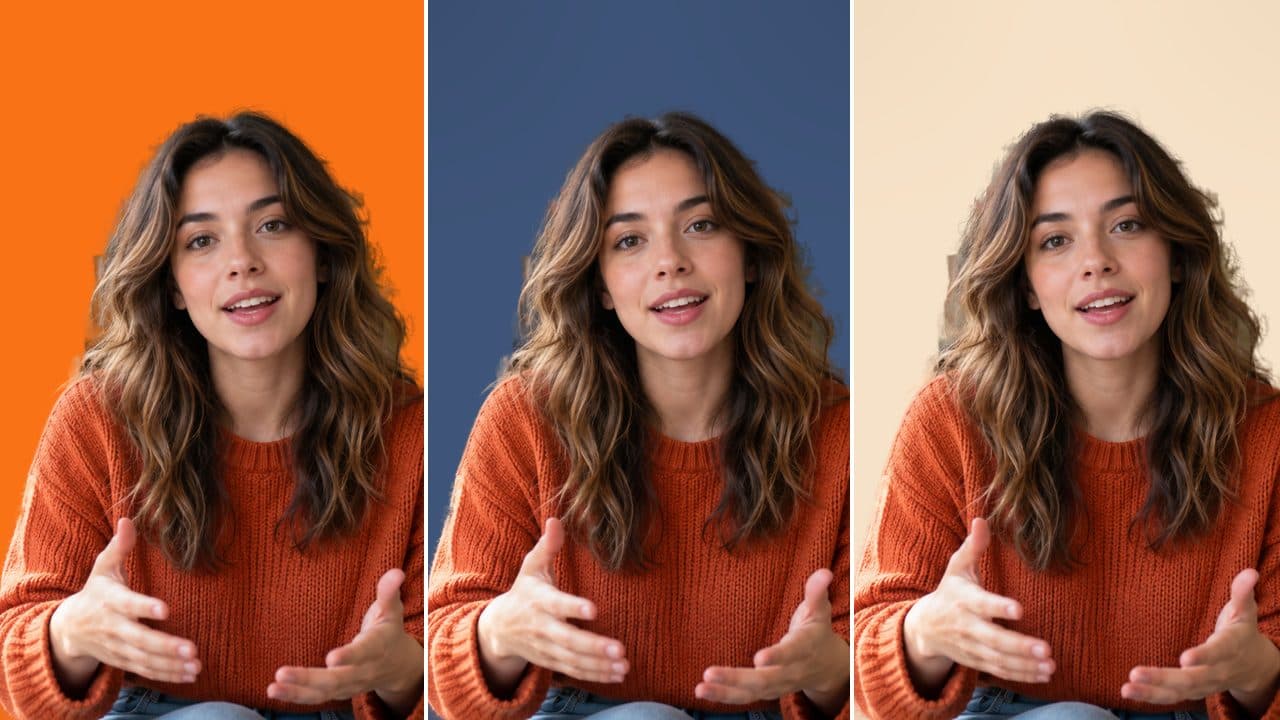
Once the cutout is done, replace the background with whatever fits your purpose, a solid color for thumbnails, a brand photo for ads, or a lifestyle scene for social.
Free credits come with your account, so you can try it before committing to a plan.
This tool is built for one thing: cutting your subject free from its background. Need something else? Video Upscaler for more resolution, Image to Video if you need motion from a photo, or the full AI Video Generator for a fresh generation.
Same upload process, used for a few different kinds of projects.
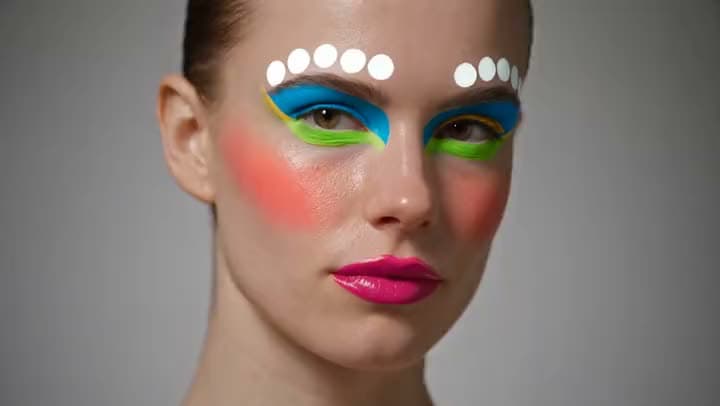
You filmed the hook in a real room. Clear out the clutter so the feed focuses on your face, not what's behind you.

Cut the product free, place it on a catalog background or your brand color, and keep the motion you already paid to capture.
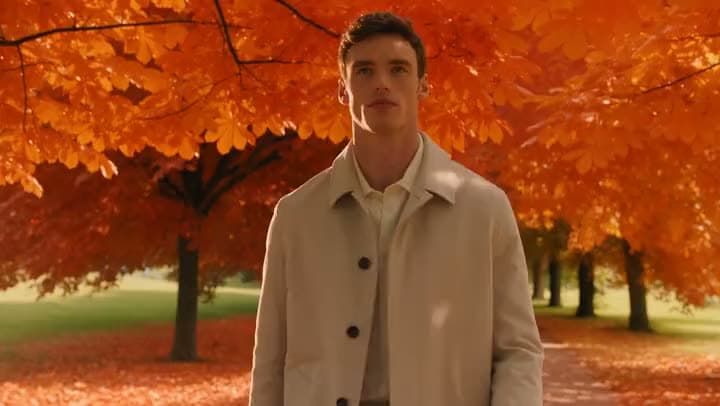
Lessons filmed at home look sharper once the background stops competing with your slides. Remove the room entirely.

Clients ask for a cleaner take, not an entirely new shoot. Deliver a revised scene from footage you already have.
I found Aragon AI easy to use and it gave highly professional resultsSep 24, 2026DSDr. Stefan Prangenberg
Very satisfied with the outcomes! Much better than Gemini or OpenAI out of the box.Sep 5, 2026PDPaul Dalitz
The simplicity of the process is exceptional and results are greatSep 8, 2026
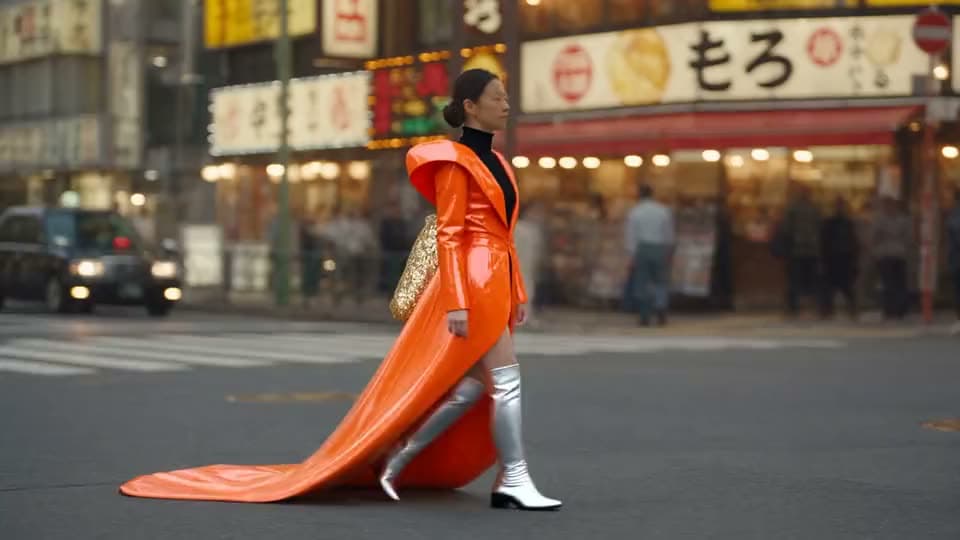
Upload a clip. Remove or replace the backdrop.
Customer satisfaction is our number one priority. Our live agents are available 7am - 11pm (PT), 5 days Sunday through Thursday.

suite hub for create, edit, and finish
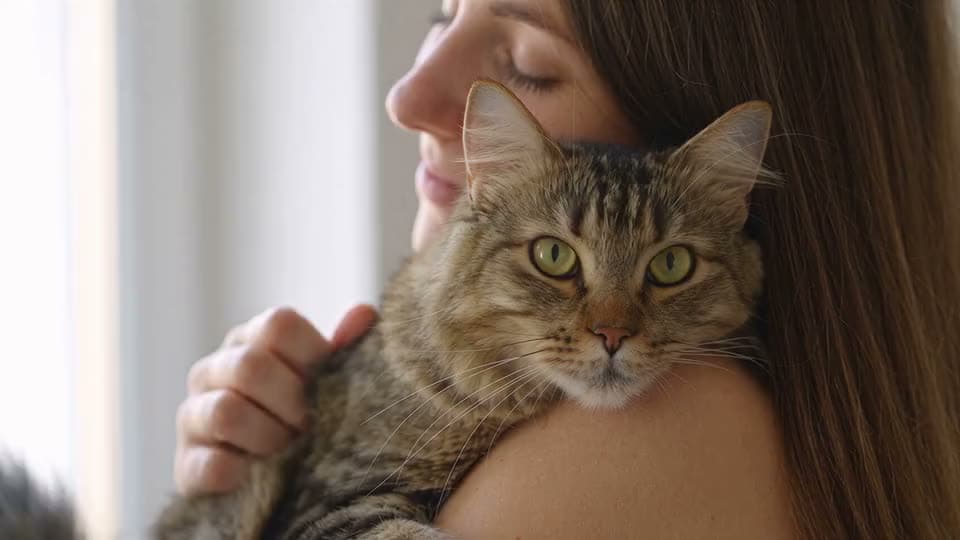
raise resolution after cutout

animate a photo when you need motion first
erase objects inside a photo frame (photo tool, not this video job)
turn several photos into a slideshow or montage
turn a short idea into generated scenes

paste a full script into matching scenes
make, edit, and export a full video
suite hub for create, edit, and finish
raise resolution after cutout
animate a photo when you need motion first
erase objects inside a photo frame (photo tool, not this video job)
turn several photos into a slideshow or montage
turn a short idea into generated scenes
paste a full script into matching scenes
make, edit, and export a full video
The Leading AI Headshot Generator for Professionals
Trustpilot
Trusted by professionals and teams
Earn 30% for every referral
Join our affiliate program for free!

Copyright © 2026 Aragon AI, Inc. All rights reserved.