

Podcast clip
Podcast clip → Turn your best podcast moments into scroll-stopping video.
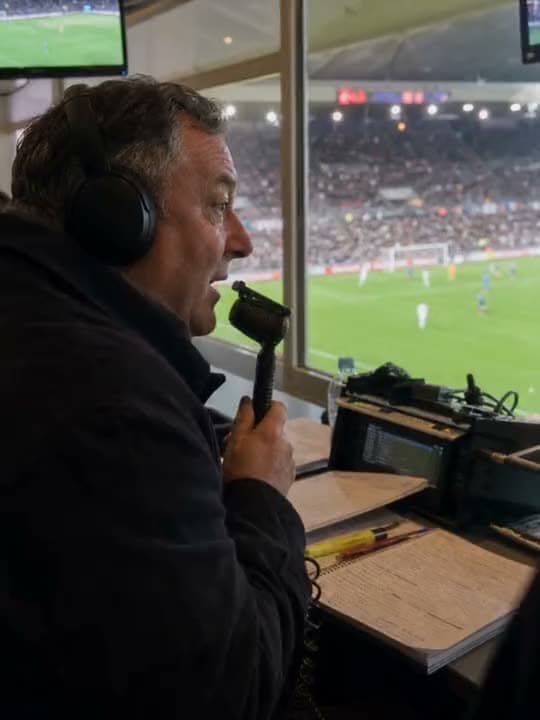
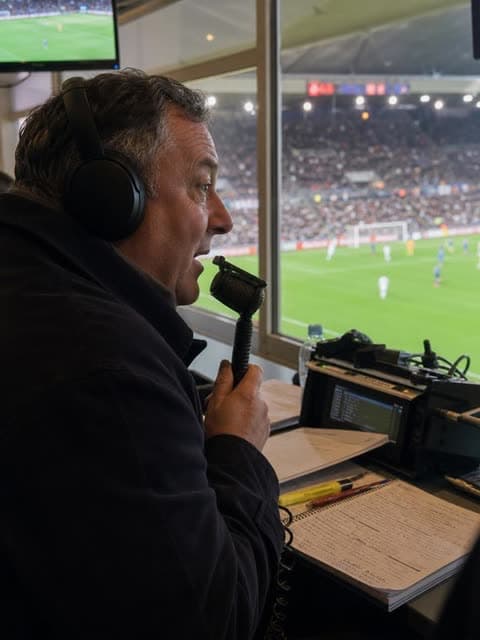
Before: a photo of a sports commentator. After: a video of him delivering that same commentary, generated from the audio.
A podcast episode or a voice note doesn't have to stay audio-only. Aragon's audio to video converter creates an AI video that follows what's being said, ready for you to edit and export.

See what audio to video looks like on real sound.
Podcast clip → Turn your best podcast moments into scroll-stopping video.
Before: a photo of a sports commentator. After: a video of him delivering that same commentary, generated from the audio.
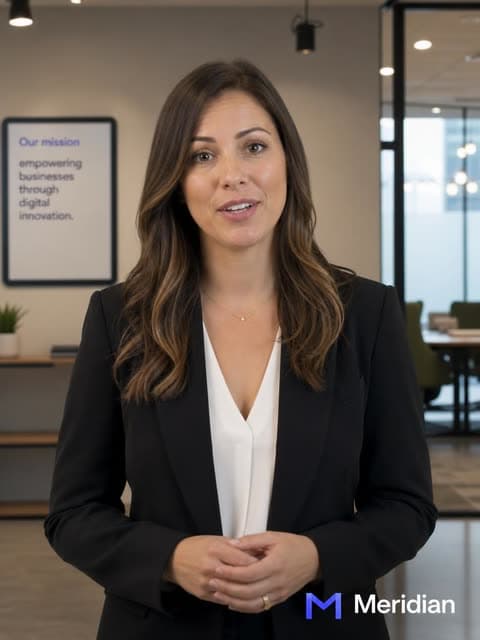
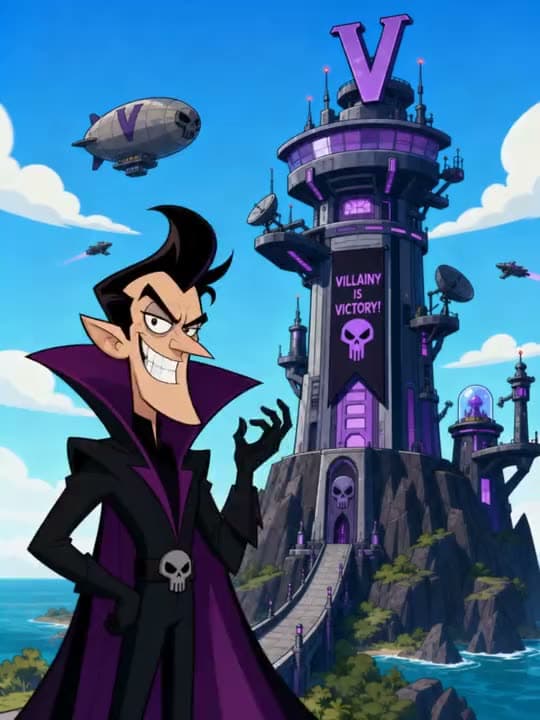
Voice note or VO → Turn any voiceover into visuals that follow every word.
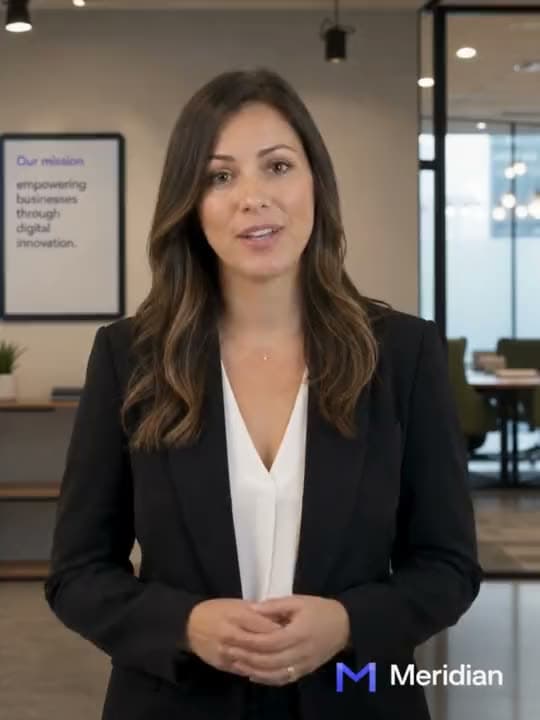
Before: a photo next to a company logo. After: a short explainer video built around that voiceover.
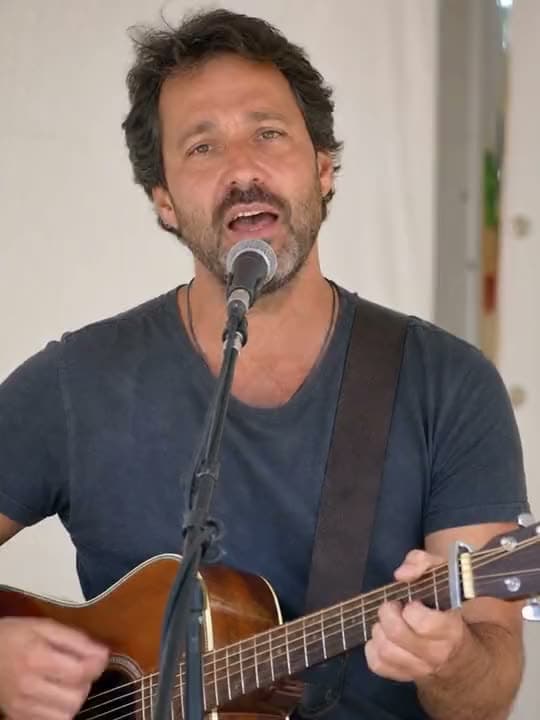
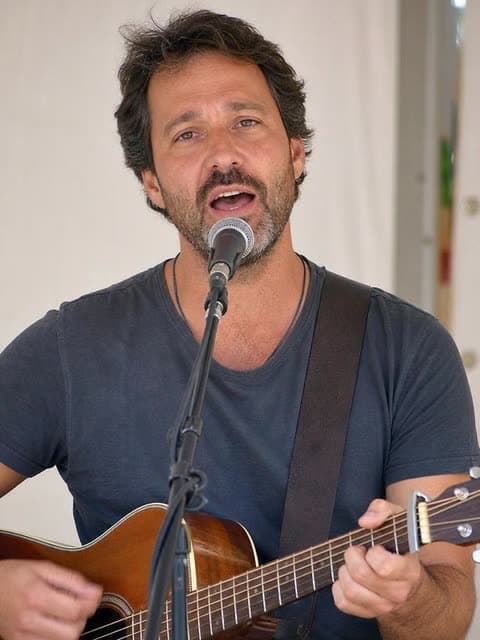
Music → Turn your song into a video that hits every beat.
Before: a photo of a man playing acoustic guitar. After: a video that moves with the song, ready to post.
Converting audio to video with Aragon takes just a few steps. Upload your podcast clip, voice note, or music track, and Aragon's audio to video converter creates an AI video that follows your audio. Then edit, export, and share.
It should feel like the video was made for your audio. Aragon builds visuals around your words and music, so your podcast, voiceover, or track has something worth watching.
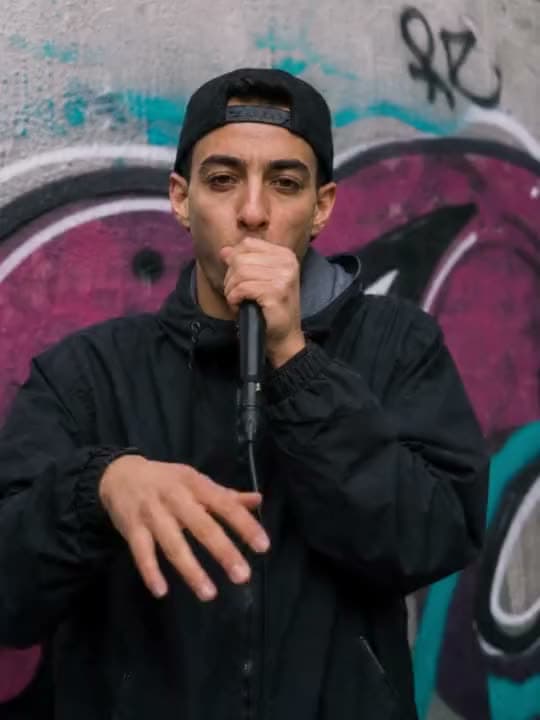
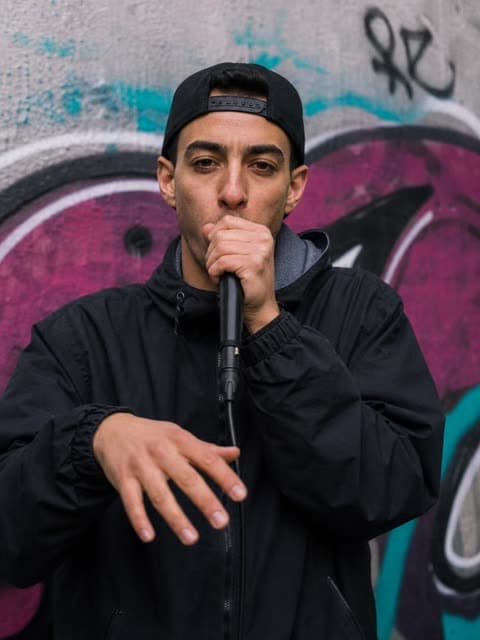
Audio to video starts with sound you already have. Upload your track, describe the visuals you have in mind, and Aragon builds a video that follows your words and moves with your music. You don't have to plan out the shots yourself.
Have cover art, a brand look, or a product shot in mind? Just describe it, the logo, the colors, the overall style, and Aragon builds the video around it so the result still feels like yours.
It works the same way for music. Upload your song, describe the mood or visuals you want, and Aragon builds a video that hits every beat, ready for Reels, Stories, or YouTube Shorts.
Free credits come with your account, so you can try a full audio to video conversion before deciding on a plan.
This tool is built for one thing: turning audio into video. If you need something different, like a talking avatar, a full scripted scene, motion added to a still photo, or music added to a video you already have, you'll find those tools in the same suite.
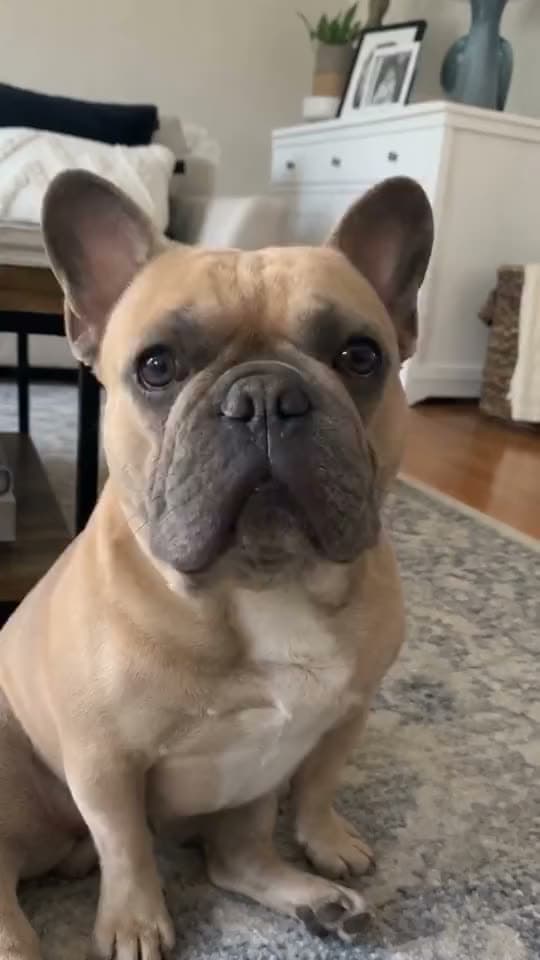
You already recorded the episode. Turn a highlight into a video you can post without re-recording anything.
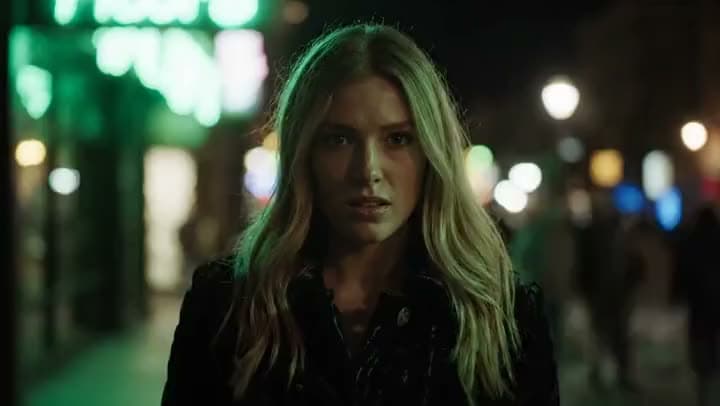
You've probably got voice memos sitting on your phone already. Turn one into a short explainer video instead of leaving it as just audio.

Marketing teams often pick the music before they have any footage. Describe the look you want, and build a teaser around the track instead of waiting on a shoot.
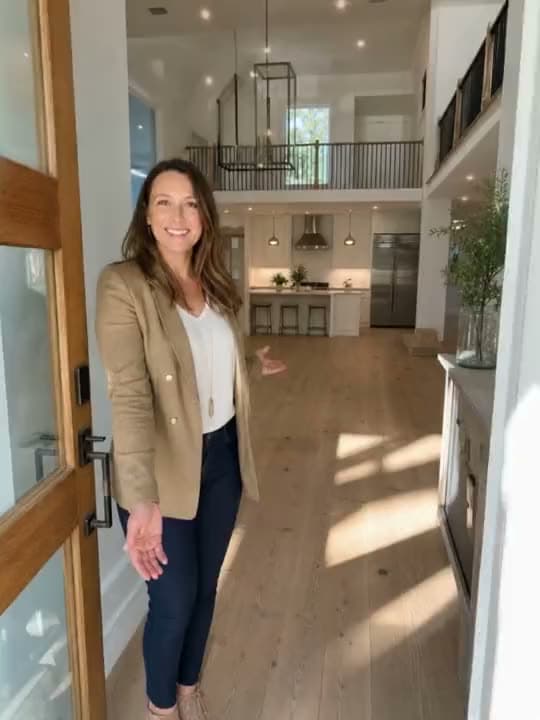
Clients often hand you audio that's already approved and just need a video to match their brand. Describe the brand style, and hand back a finished video.
I found Aragon AI easy to use and it gave highly professional resultsSep 24, 2026DSDr. Stefan Prangenberg
Very satisfied with the outcomes! Much better than Gemini or OpenAI out of the box.Sep 5, 2026PDPaul Dalitz
The simplicity of the process is exceptional and results are greatSep 8, 2026

Upload podcast, voice, or music. Describe the video. Export.
Customer satisfaction is our number one priority. Our live agents are available 7am - 11pm (PT), 5 days Sunday through Thursday.
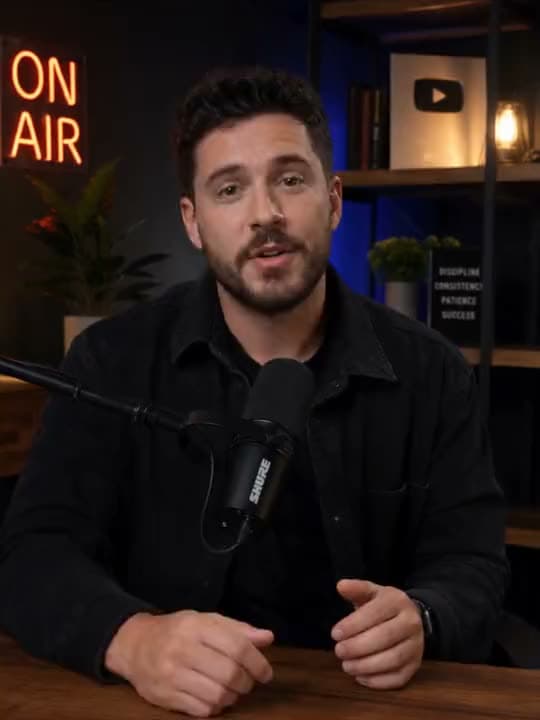
Need a presenter whose mouth follows your uploaded audio? Open Lipsync from the AI Video Generator suite for that talking-face finish.
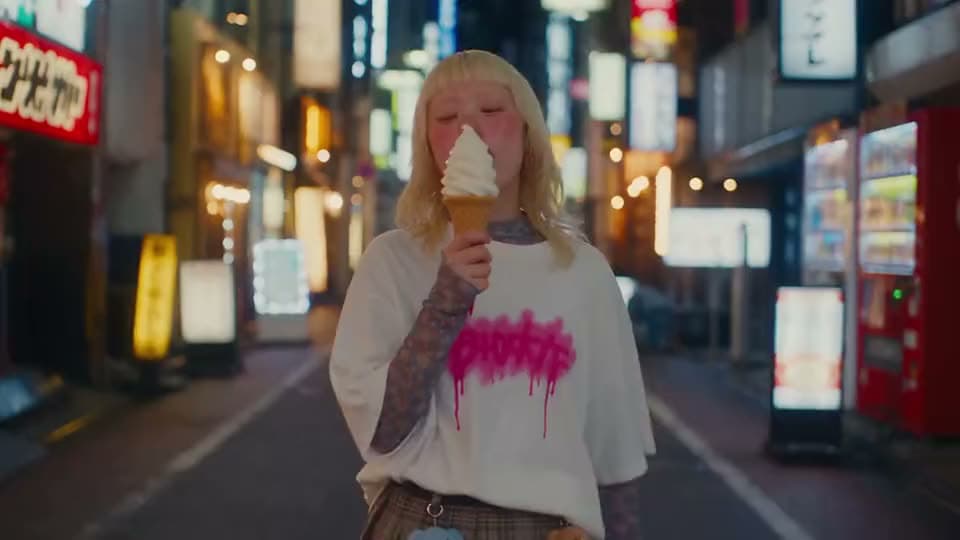
Starting from a photo you want to animate without an audio spine? Open Image to Video.
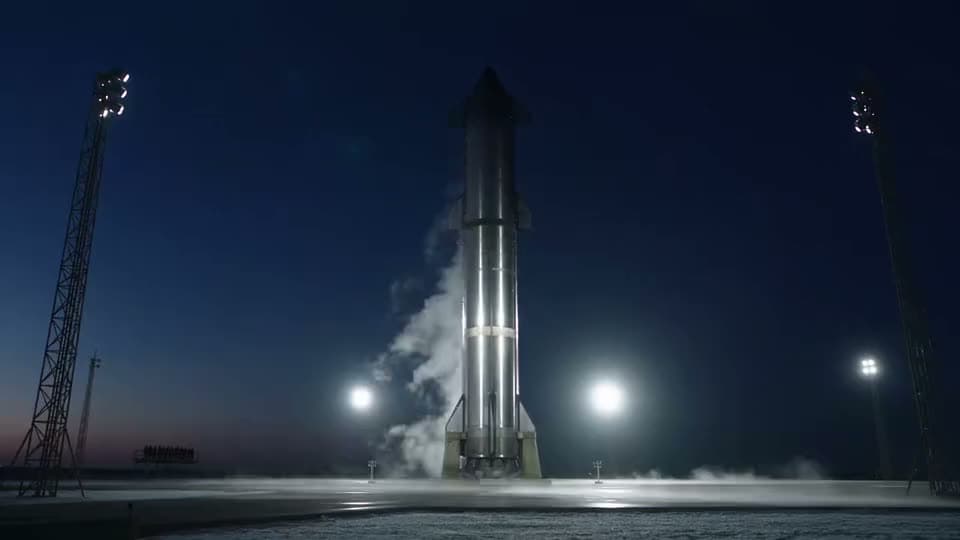
Starting from a full written script into scenes? Open Script to Video.
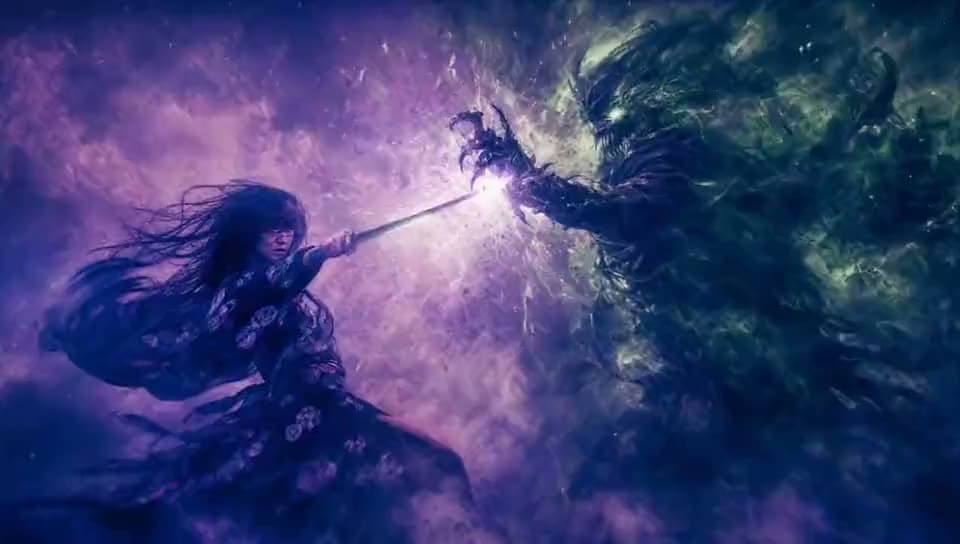
Need the full create-edit-finish hub? Open the AI Video Generator suite.
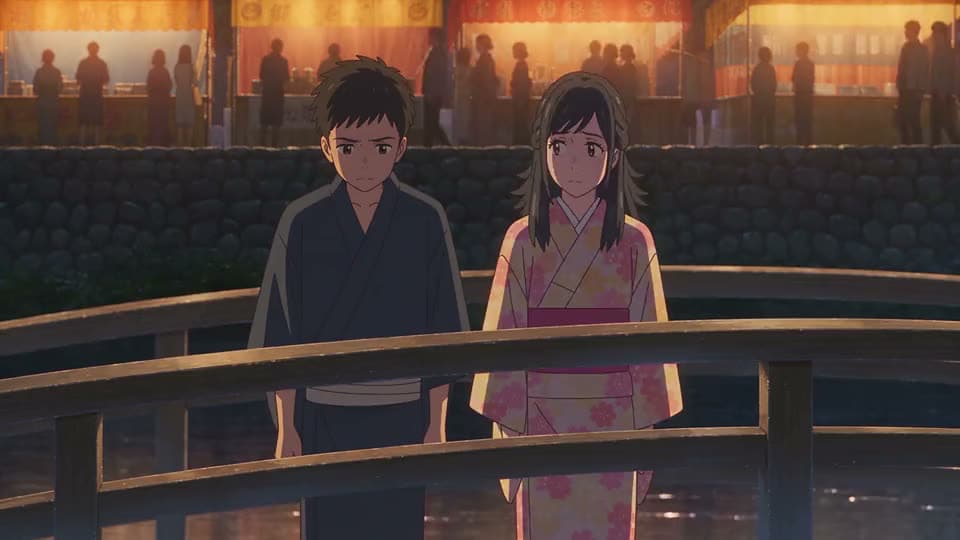
turn several photos into a slideshow or montage
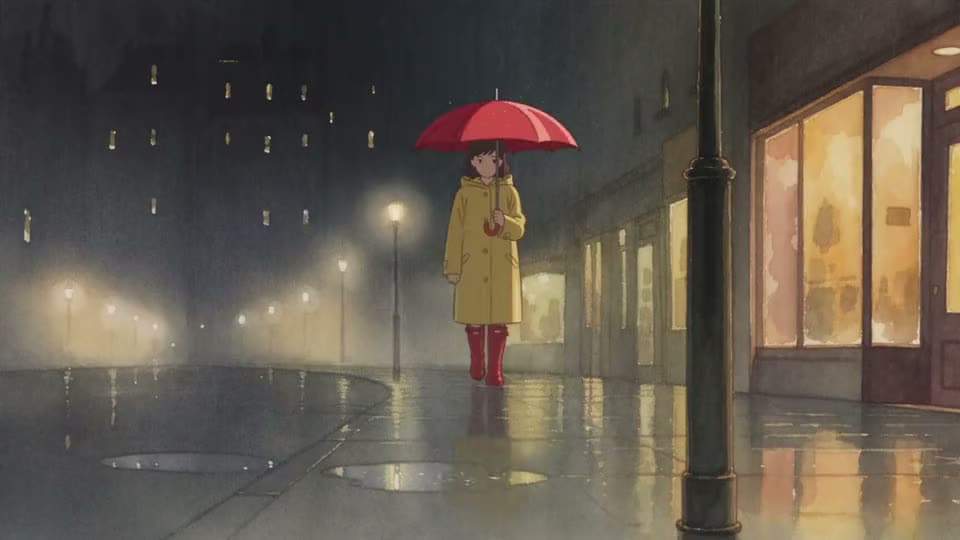
turn a short idea into generated scenes
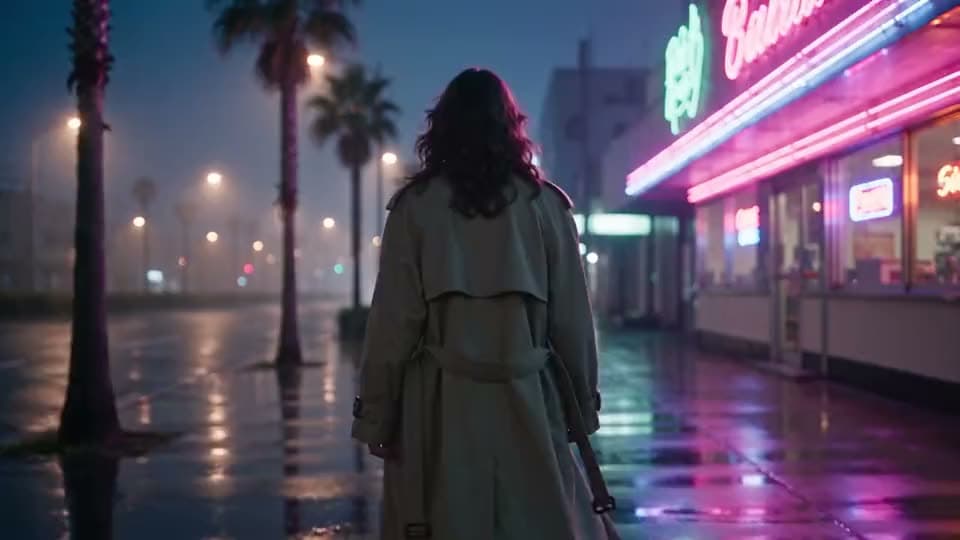
make, edit, and export a full video
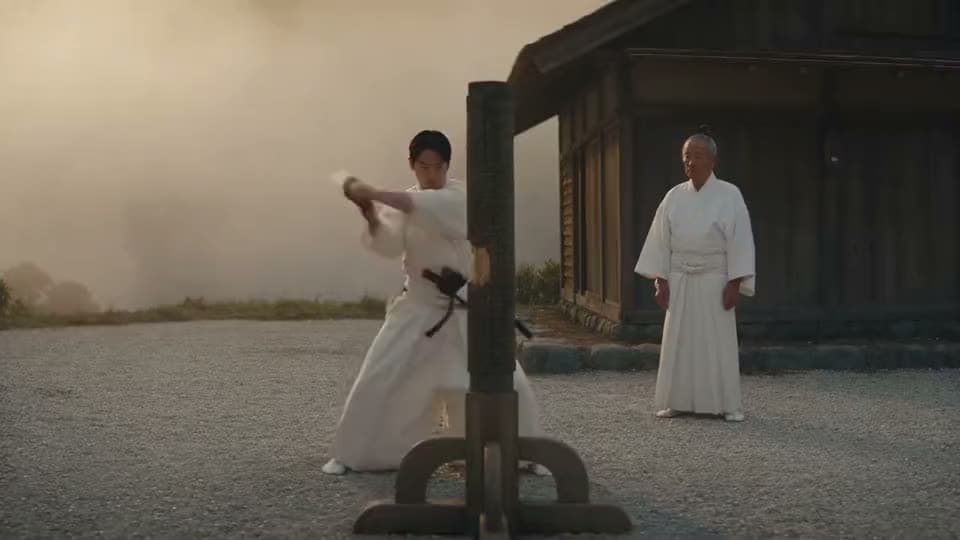
make videos without showing your face
Need a presenter whose mouth follows your uploaded audio? Open Lipsync from the AI Video Generator suite for that talking-face finish.
Starting from a photo you want to animate without an audio spine? Open Image to Video.
Starting from a full written script into scenes? Open Script to Video.
Need the full create-edit-finish hub? Open the AI Video Generator suite.
turn several photos into a slideshow or montage
turn a short idea into generated scenes
make, edit, and export a full video
make videos without showing your face
The Leading AI Headshot Generator for Professionals
Trustpilot
Trusted by professionals and teams
Earn 30% for every referral
Join our affiliate program for free!

Copyright © 2026 Aragon AI, Inc. All rights reserved.