

fb-pixelSkip to main content
Aragon.ai
THE #1 RANKED AI PHOTO EDITOR

Realism Enhancer - Realistic AI for AI-Generated Images

Aragon's realism enhancer uses realistic AI to make AI-generated images look like real photos. It adds natural skin, light, and detail while the face, pose, and expression in your image stay the same.

Free to try with an accountPrivate uploadsPose stays the sameSubtle natural finish

total reviews on
Click on one of these photos to try:
1
2
3
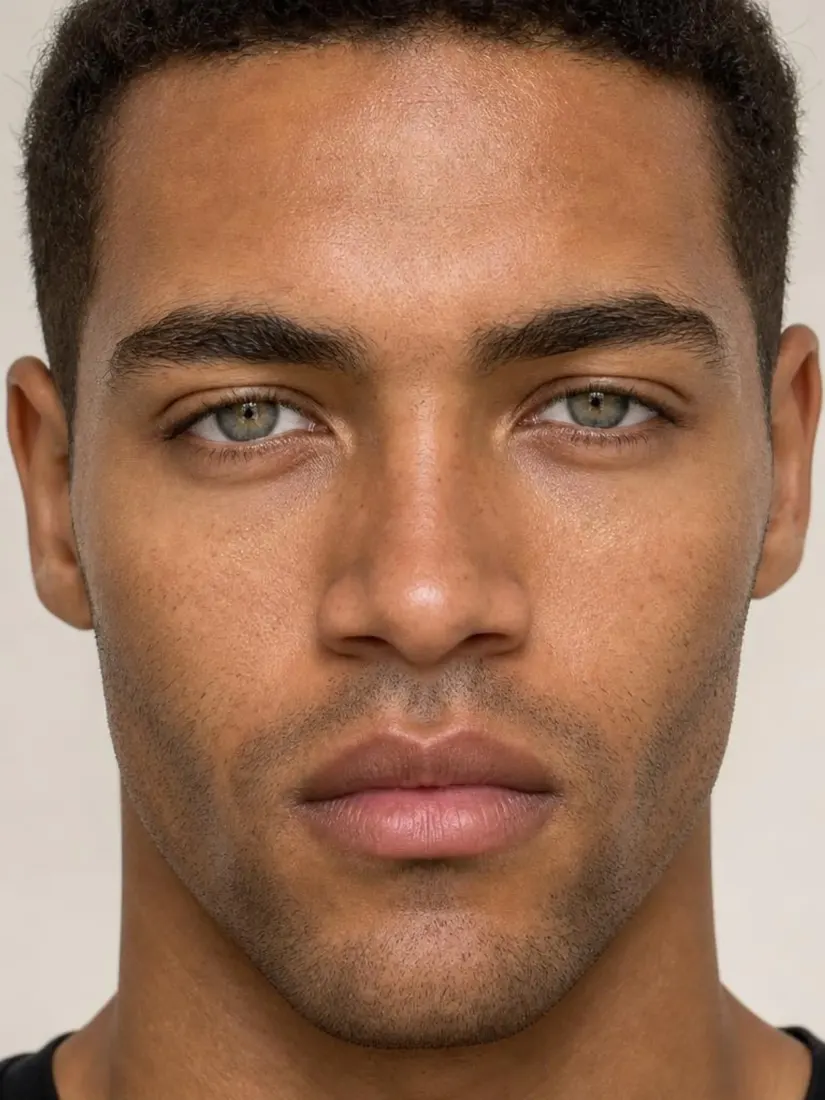
A man's close-up portrait shows clear, refined skin after the Skin Enhancer tool.
A man's close-up portrait appears before the Skin Enhancer tool refines his complexion.
Before
After

Trusted by Industry Leaders. Millions of images edited to date.

PWC logo
Microsoft logo
ASU logo
redfin logo
New York University logo
Trinity College Dublin logo
University of Michigan logo
Keller Williams logo
AT&T logo
Berkeley logo
See it work

Realism Enhancer Before and After Results

Compare an AI-generated image with the same image after Aragon's realism enhancer.

A man's close-up portrait shows clear, refined skin after the Skin Enhancer tool.
A man's close-up portrait appears before the Skin Enhancer tool refines his complexion.
Before
After

AI portrait

AI-generated portrait to a realistic photo
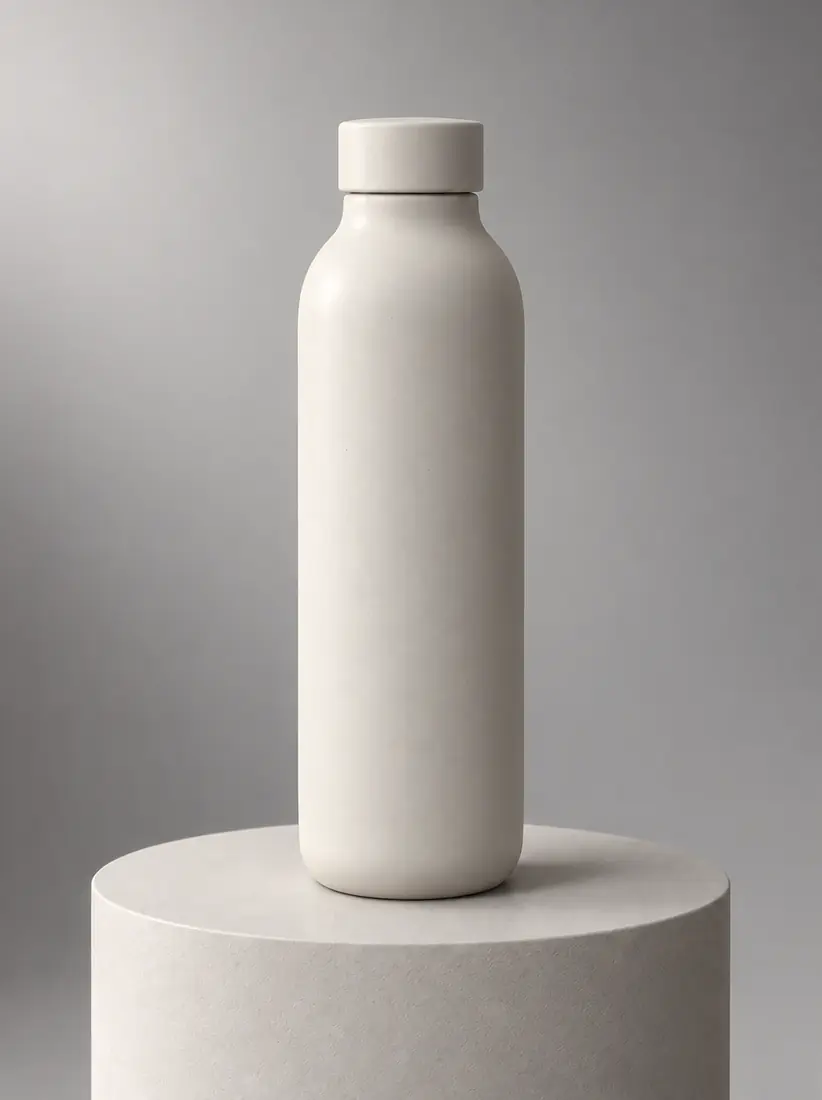
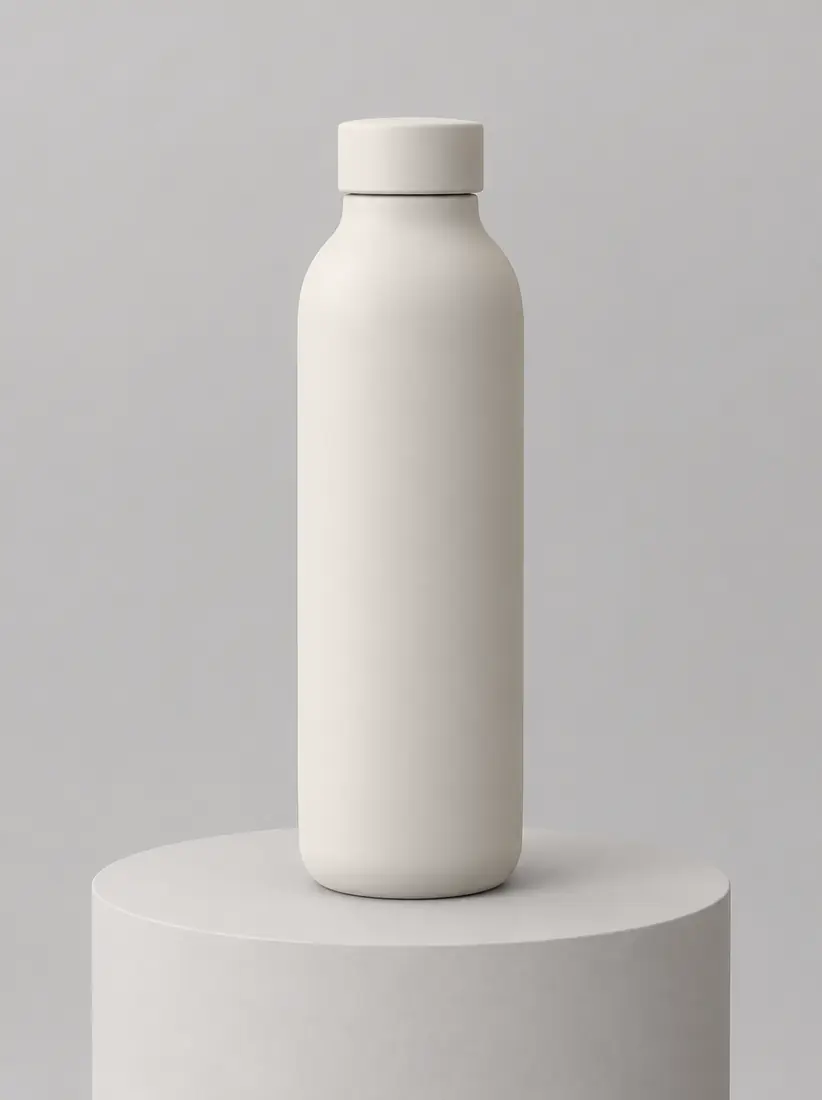
The same bottle and pedestal gain real studio light falloff, true specular highlights and a believable contact shadow from the Realism Enhancer.
A matte ceramic water bottle sits on a pedestal under flat, plastic-looking CGI light, before the Realism Enhancer makes it photographic.
Before
After

AI product concept

AI product image to a real-looking product shot

The same man by the same window gains real skin texture, natural micro-contrast and crisp fabric detail from the Realism Enhancer.
A man sits by a window in an over-smoothed, flat-contrast photo with a slightly rendered finish, before the Realism Enhancer adds detail.
Before
After

Soft phone or render

AI-generated scene to a lifelike photo

How Do You Make an AI-Generated Image Look Realistic?

Upload your AI-generated image, let Aragon add realism, then download your realistic photo.
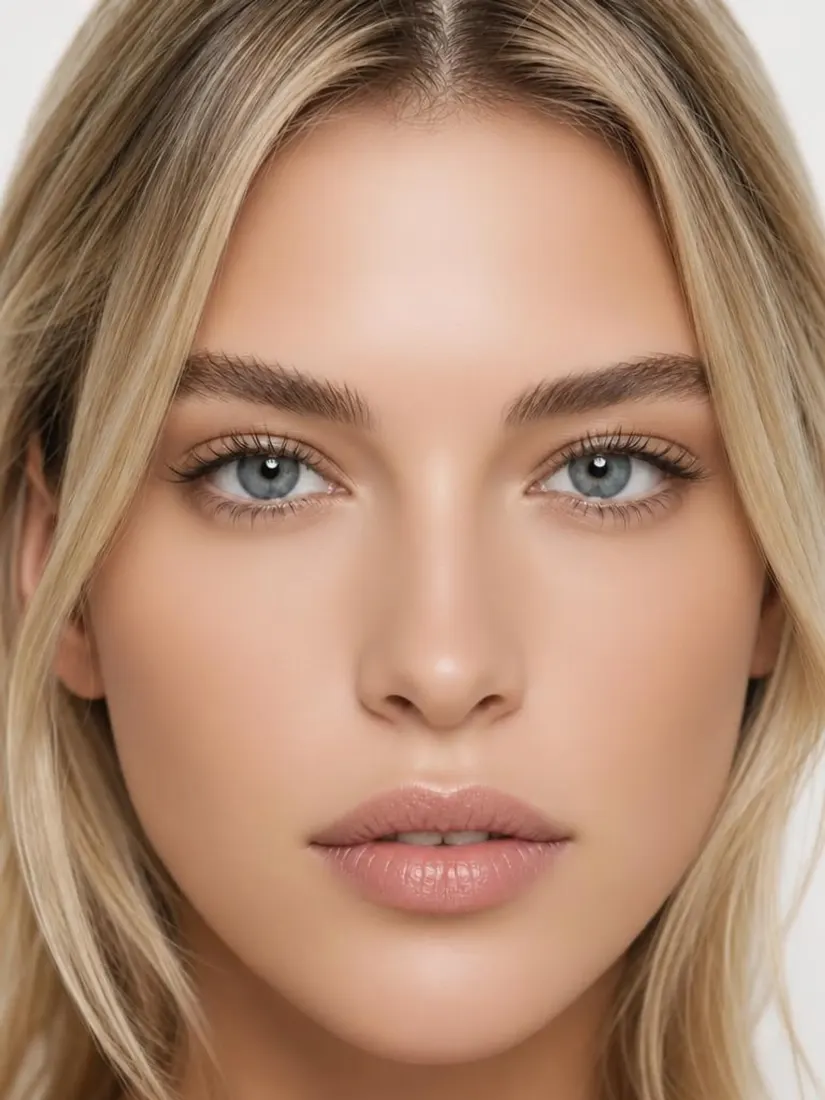
  1. A woman's close-up portrait appears before the Skin Enhancer tool refines her complexion.Uploaded
    1

    Upload Your AI Image

    Upload an AI-generated portrait, product image, or scene that doesn't look real.

  2. FixPlastic-looking skinNatural-Looking SkinImprove LightingClearer Small Details
    2

    Let Aragon Add Realism

    The realism enhancer adds natural skin, light, and detail while the pose and expression stay the same.
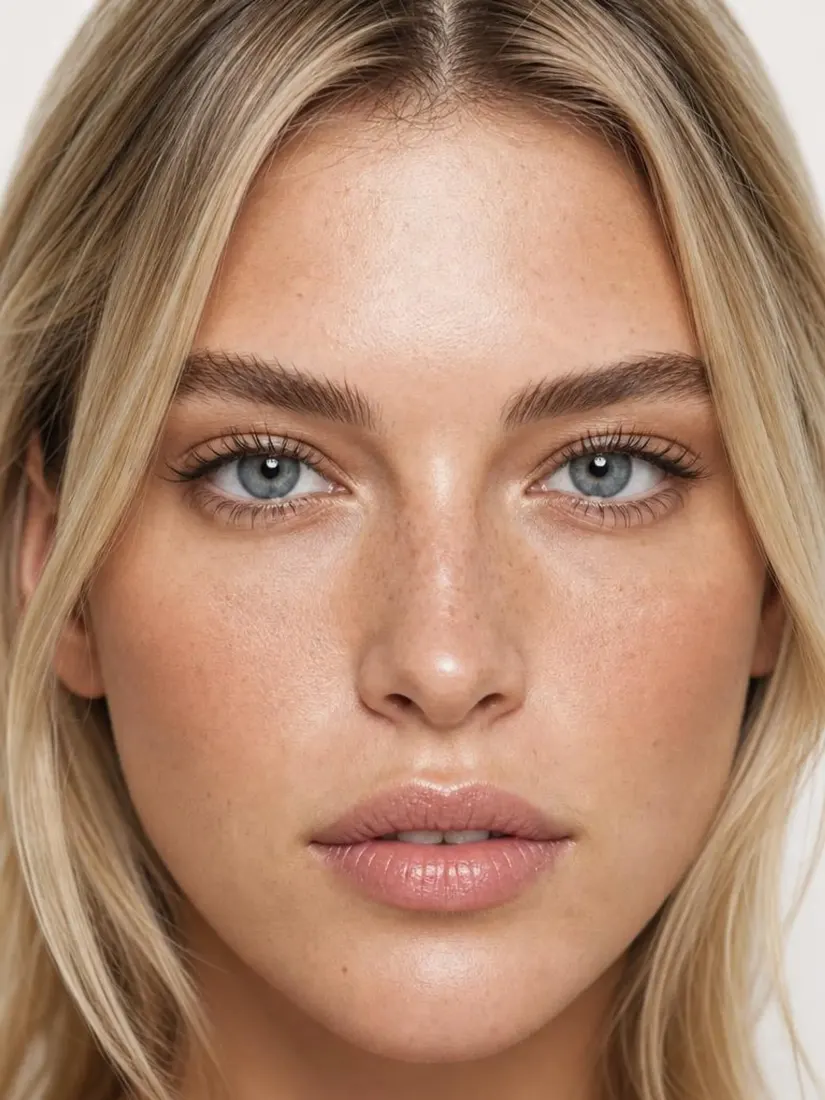
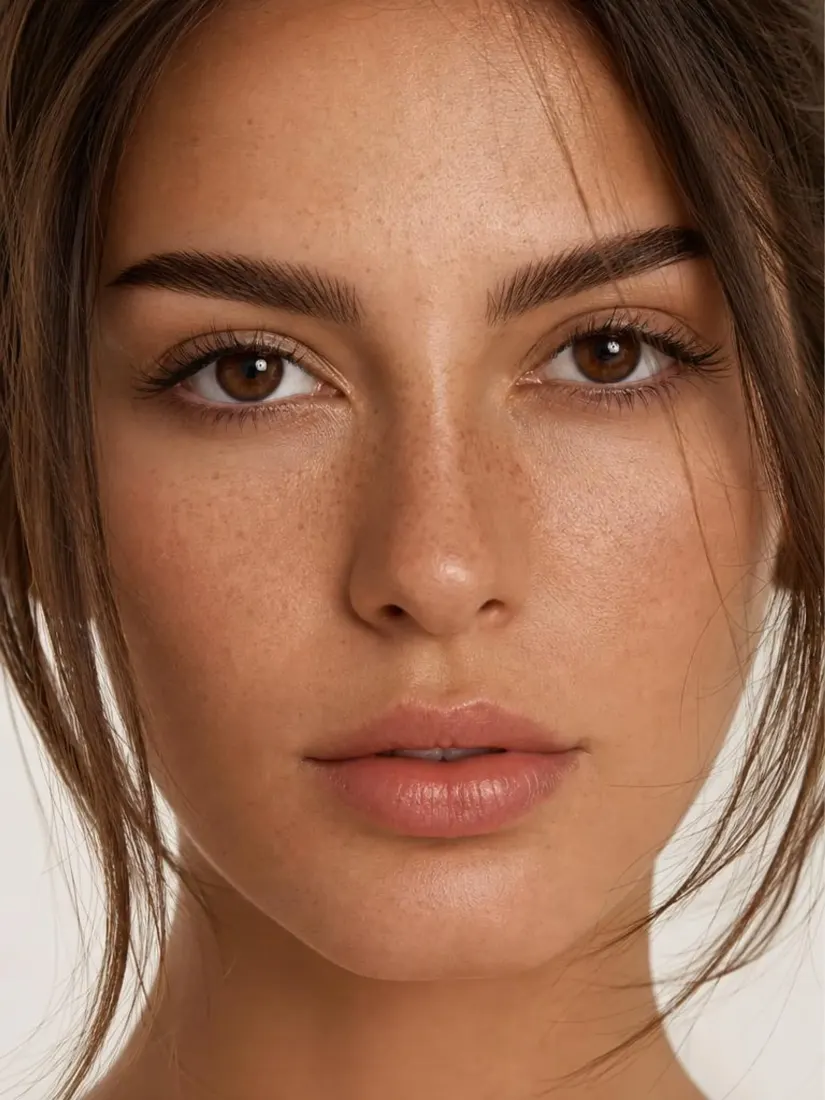
  3. A woman's close-up portrait shows clear, even skin after the Skin Enhancer tool.
    A woman's close-up portrait appears before the Skin Enhancer tool refines her complexion.
    Before
    After
    Download
    3

    Download Your Realistic Photo

    Compare the new image with your original, then download your realistic photo.

Features

What Does an AI Realism Enhancer Do?

An AI realism enhancer replaces the smooth, AI-generated images with natural skin, light, and more details.

A woman's close-up portrait appears before the Skin Enhancer tool refines her complexion.Before
A woman's close-up portrait shows clear, even skin after the Skin Enhancer tool.After

Natural-Looking Skin

Aragon replaces overly smooth AI skin with a natural finish, so faces look like real people.
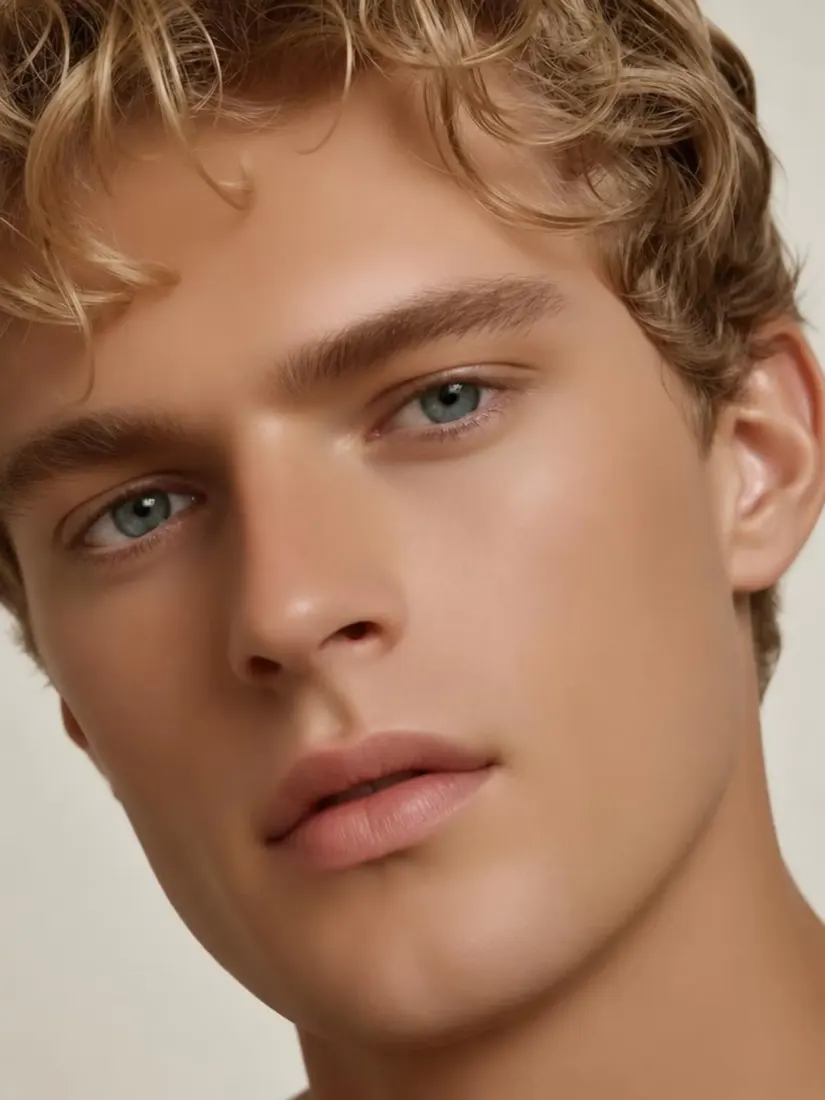
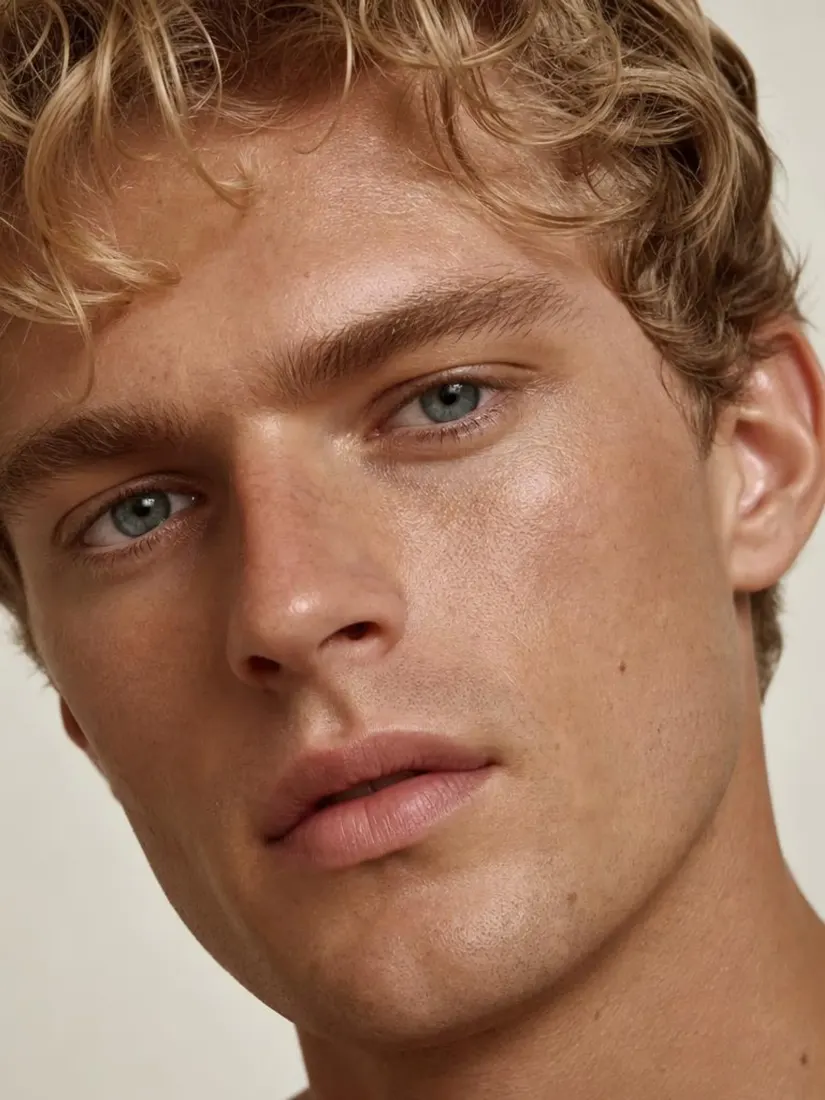
Close-up of a blond man with wavy hair, light blue-gray eyes and very smooth skinBefore
Close-up of a blond curly-haired man with blue eyes and natural skin textureAfter

Improve Lighting

Aragon adds soft shadows and depth to AI lighting, so the image looks like it was taken with a real camera.
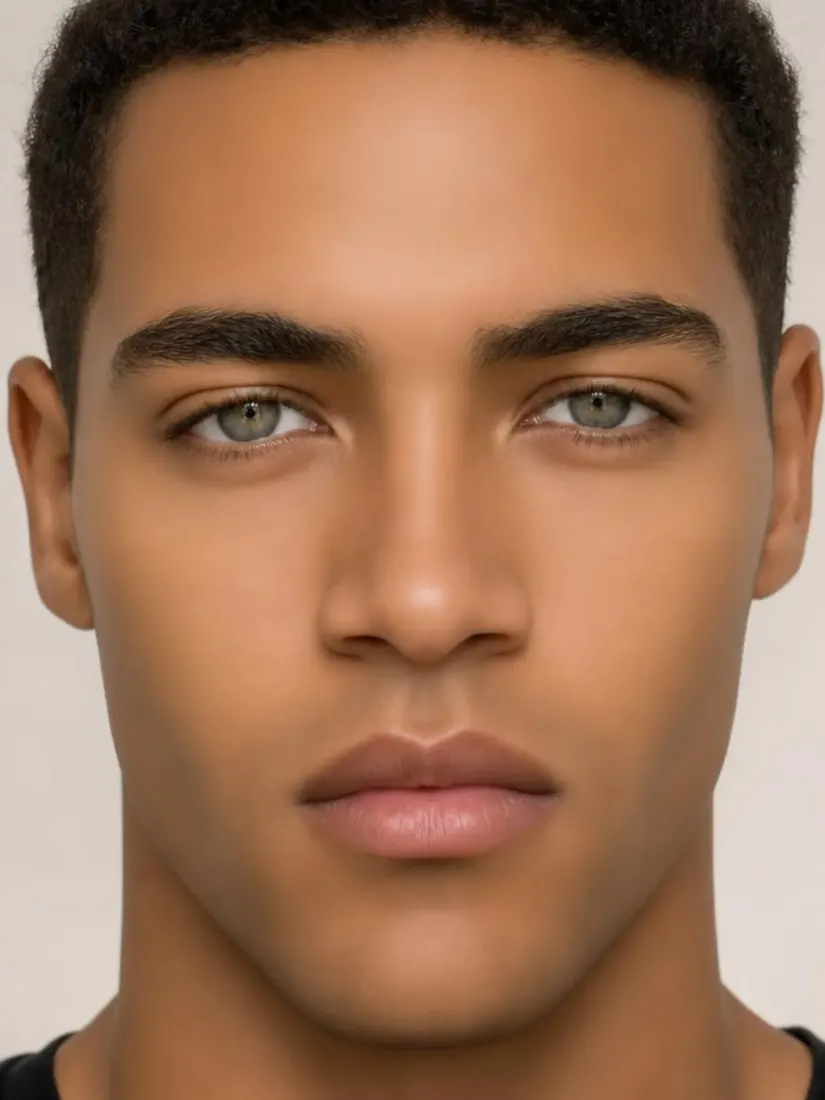
Clearer Small DetailsBefore
Clearer Small DetailsAfter

Clearer Small Details

Hair, eyes, and clothing get clearer detail, so the whole image looks more real.
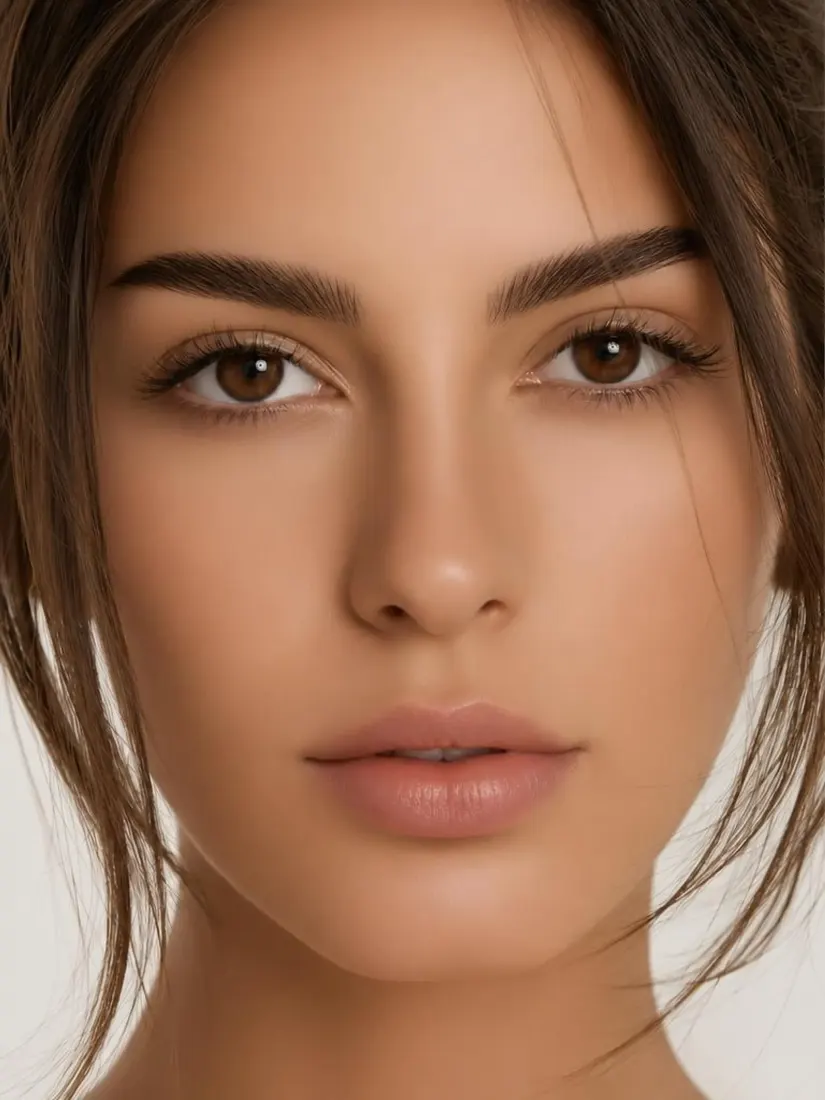
Same Face and PoseBefore
Same Face and PoseAfter

Same Face and Pose

Aragon only changes how real the image looks, so the face, pose, and expression don't change.

What Can You Use the Realism Enhancer For?

Use the realism enhancer to make AI portraits, headshots, ad images, and product images look like real photos.

  1. AI Portraits for Social Media

    Turn an AI-generated portrait into a realistic AI photo before you post it on Instagram or TikTok.

  2. AI Headshots

    Give an AI headshot a more natural finish before you add it to LinkedIn or a company page.

  3. Ads and Marketing Images

    Turn AI-generated images into enhanced portraits for your ads, banners, and marketing emails.

  4. Product Concepts

    Turn AI-generated product images using a realism enhancer so they look natural on your product listing pages.

Which one do I need?

Realism Enhancer vs. Photo Enhancer?

The Realism Enhancer makes AI-generated images look real, while the Photo Enhancer fixes dark, dull, or low-quality photos.

Main jobMakes AI images look like real photosImproves overall photo quality
Best forAI-generated images that don't look realDark, dull, or low-quality photos
ChangesSkin, light, and small detailsLight, color, and detail
Reviews

What Our Customers Say

total reviews on
A man's close-up portrait shows clear, refined skin after the Skin Enhancer tool.
Free to try

Make Your AI Images Look Real Today

Upload an AI-generated image and turn it into a realistic photo with Aragon.

Private uploadsFree daily creditsJPG, PNG, WEBP, HEIC

Frequently Asked Questions

Customer satisfaction is our number one priority. Our live agents are available 7am - 11pm (PT), 5 days Sunday through Thursday.

Realistic AI is AI that makes AI-generated images look like real photos taken with a camera.

The Realism Enhancer is Aragon's realistic AI tool that makes AI-generated images look like real photos while the pose and expression stay the same.

Upload your AI-generated image, let the realism enhancer add natural skin, light, and detail, then download the result.

Yes. It works best on AI-generated images, and it can also give real photos that look too smooth and have a more natural finish.

No. Aragon only improves realism, so the face, pose, and expression stay the same.

The Realism Enhancer makes AI-generated images look real, while Unblur Image fixes photos that are blurry.

Yes. Aragon runs in your browser, so there is nothing to install. You'll need an account to use your credits and access your saved work.

Yes. Free credits come with your account, so you can try it before you upgrade.

Processing time can vary based on the image. You can review your realistic photo when processing finishes.

Paid plans export without a watermark, while free exports may include one. Check the pricing page for details.

Usage rights depend on your plan and the specific content generated. See Aragon's Terms and Conditions for full details.

Your uploads stay private during processing. For full details, see Aragon's Privacy Policy.

Try Aragon's AI powered editing tools today

The Leading AI Headshot Generator for Professionals

Trustpilot

Trusted by professionals and teams

Earn 30% for every referral

Join our affiliate program for free!

SOC 2 Type II compliant

Copyright © 2026 Aragon AI, Inc. All rights reserved.

Terms of Use & Privacy Policy