01
Clear Text in Many Languages
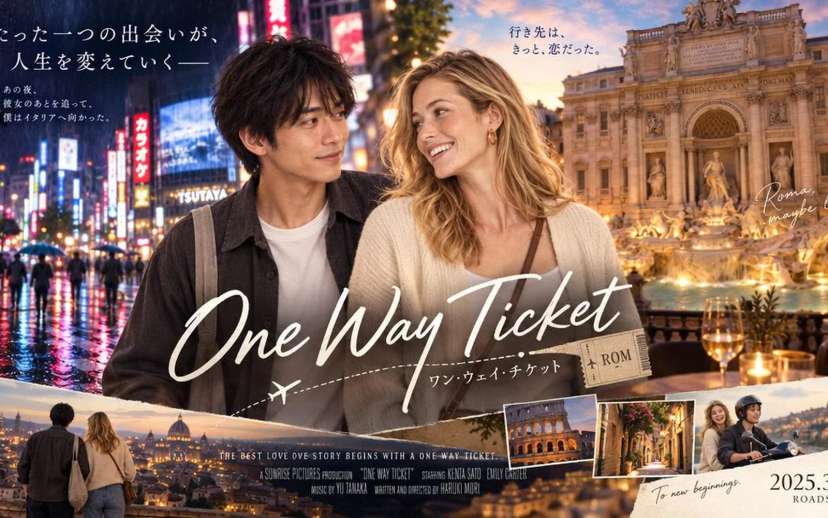
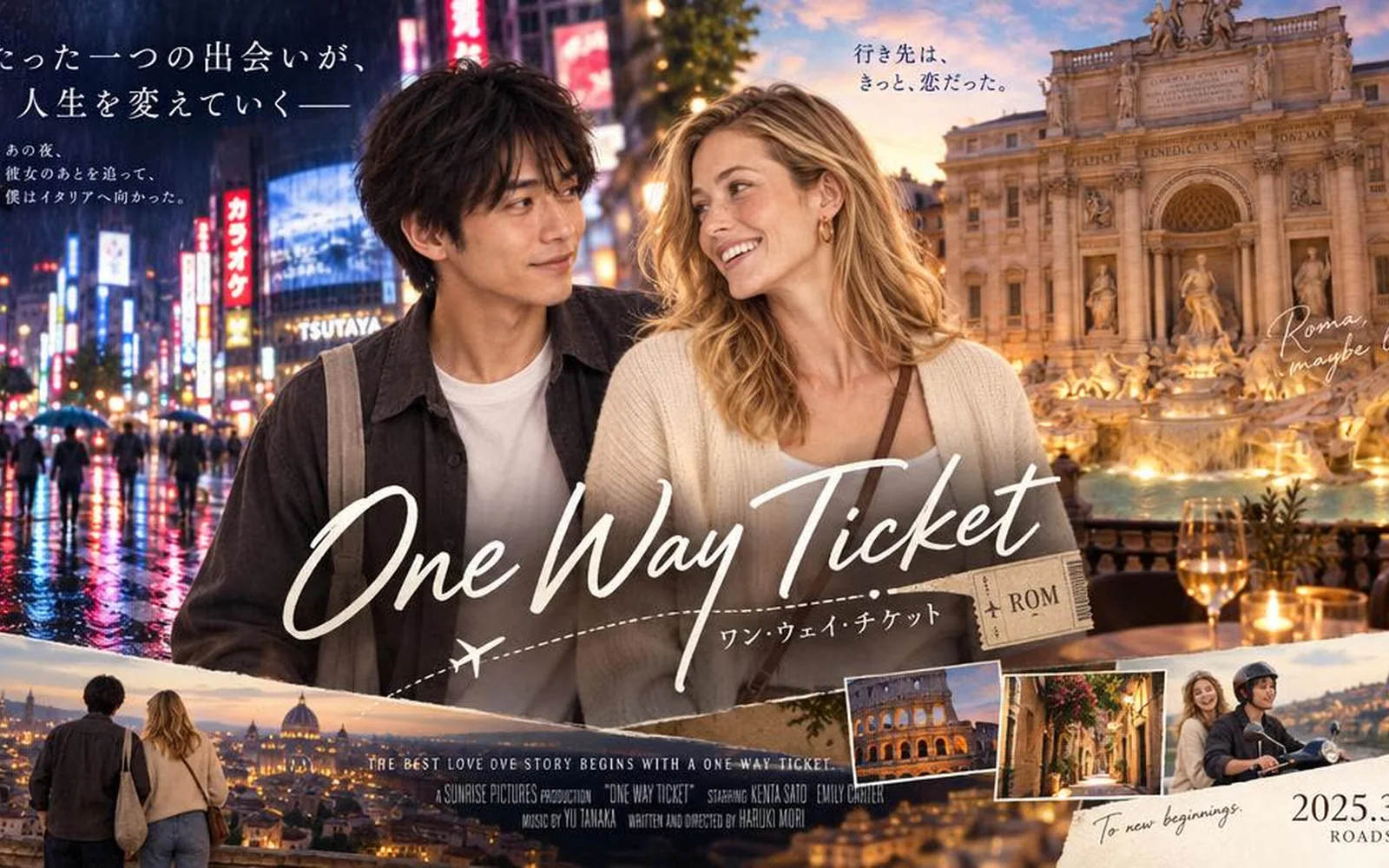
It writes headlines, labels and captions that read cleanly, in many languages. That makes it a strong fit for posters, menus and social graphics where the words matter as much as the picture.
Nano Banana Pro is Google's AI image model for posters, infographics and product shots with sharp, readable text and fine detail. It creates and edits images at up to 4K. Use Nano Banana Pro on Aragon to create and edit detailed images in a few clicks.
Nano Banana Pro is Google DeepMind's image model for creating and editing pictures, also known as Gemini 3 Pro Image. Google released it on November 20, 2025. It uses Gemini's reasoning to plan each image, so text reads clearly, layouts make sense and people look the same from shot to shot.
The Nano Banana Pro AI model belongs to Google's Nano Banana family. Nano Banana is the original Flash model, Nano Banana 2 is the fast newer Flash model, and Pro is the one built for detail. You give it a text prompt and up to 14 reference images, and it returns a new image at 1K, 2K or 4K.
Google Nano Banana Pro also draws on real-world knowledge through Google Search, which helps with diagrams, recipes and other images that need correct facts. Google built it for infographics, posters with text, mockups, product shots and images that combine several references into one scene.
The Nano Banana Pro AI image generator is built for images where text, layout and detail all need to be accurate.
It writes headlines, labels and captions that read cleanly, in many languages. That makes it a strong fit for posters, menus and social graphics where the words matter as much as the picture.
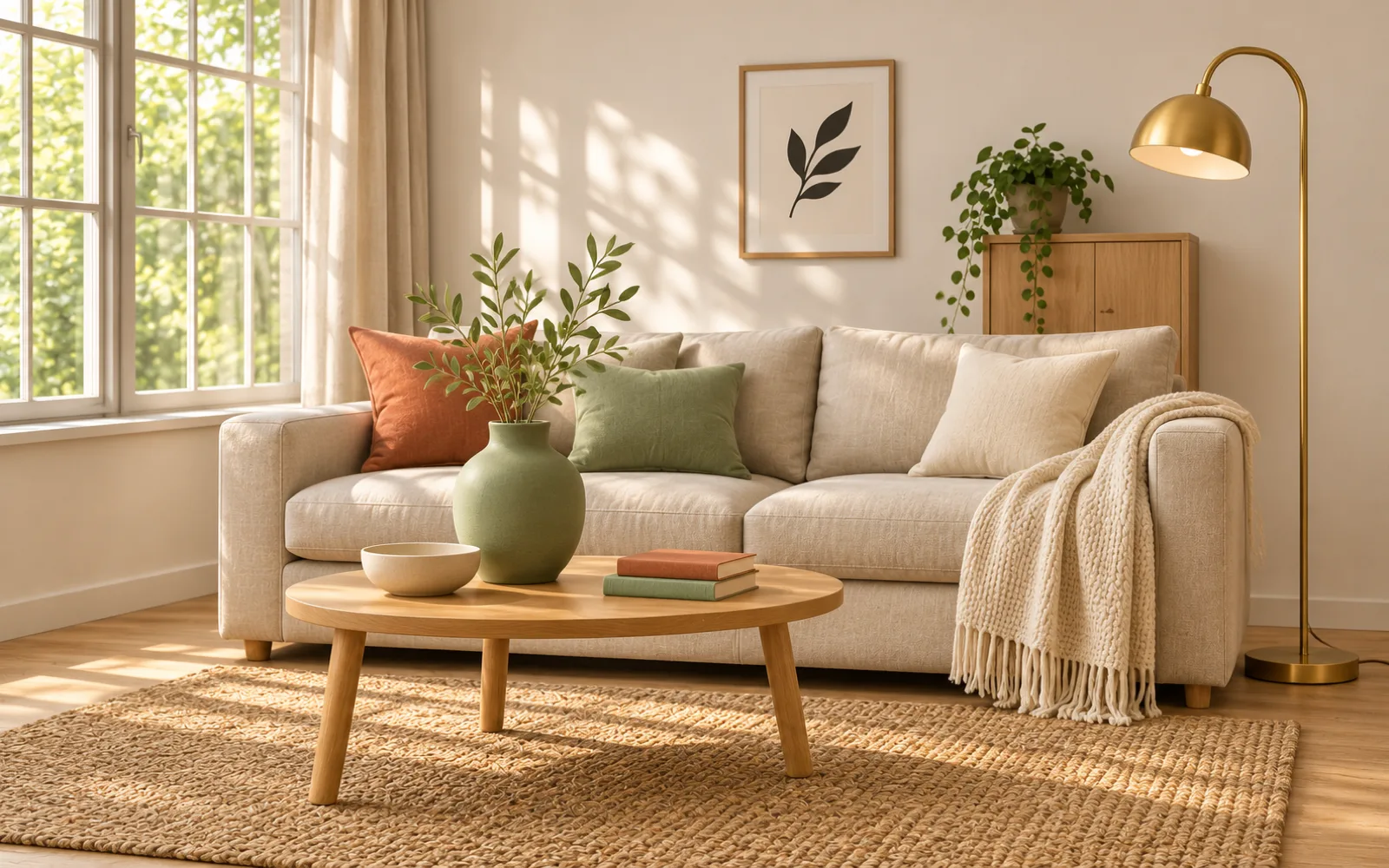
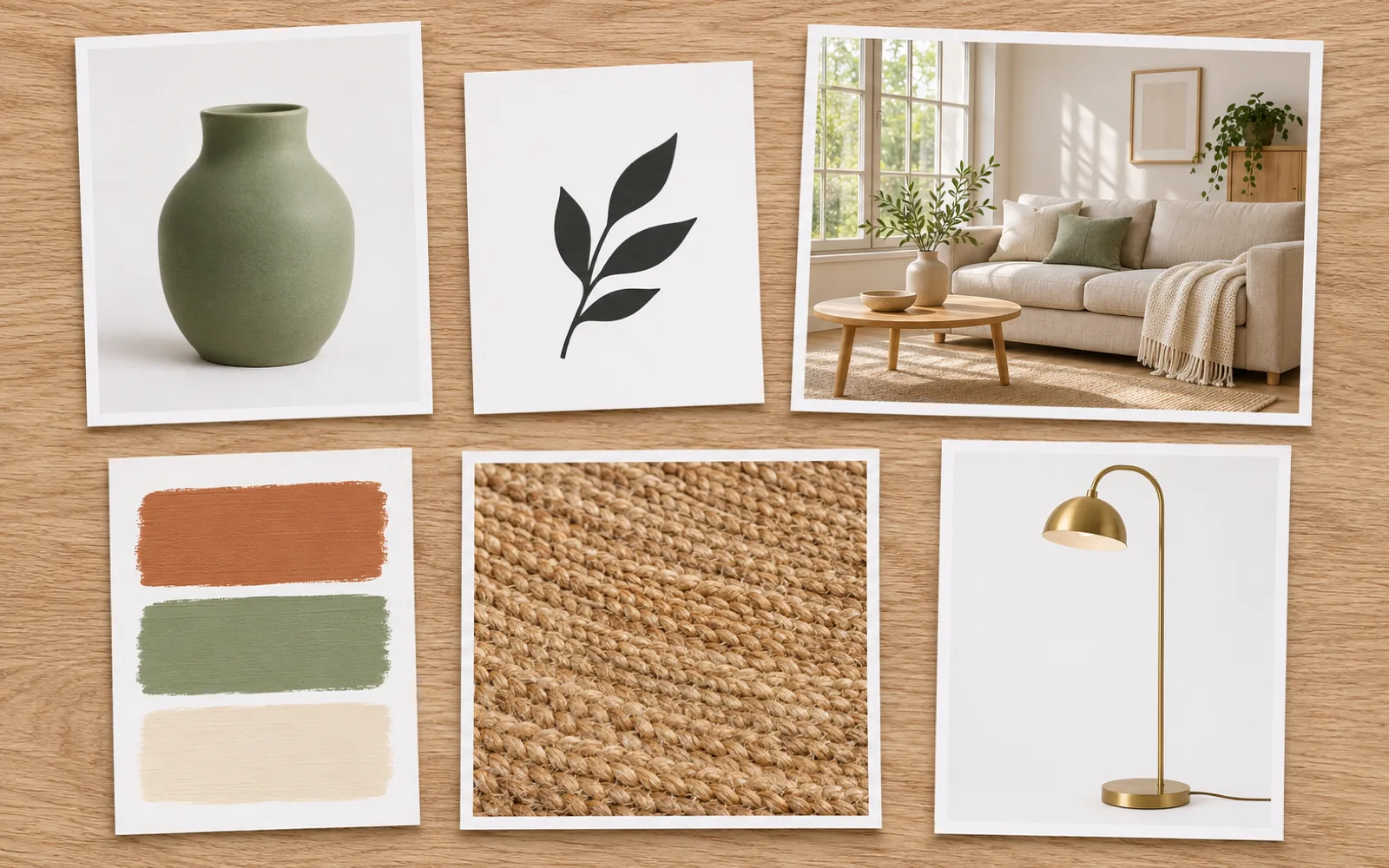
You can give the model up to 14 images at once, such as a product, a logo, a room and a color palette. It blends them into one new image that follows your references.
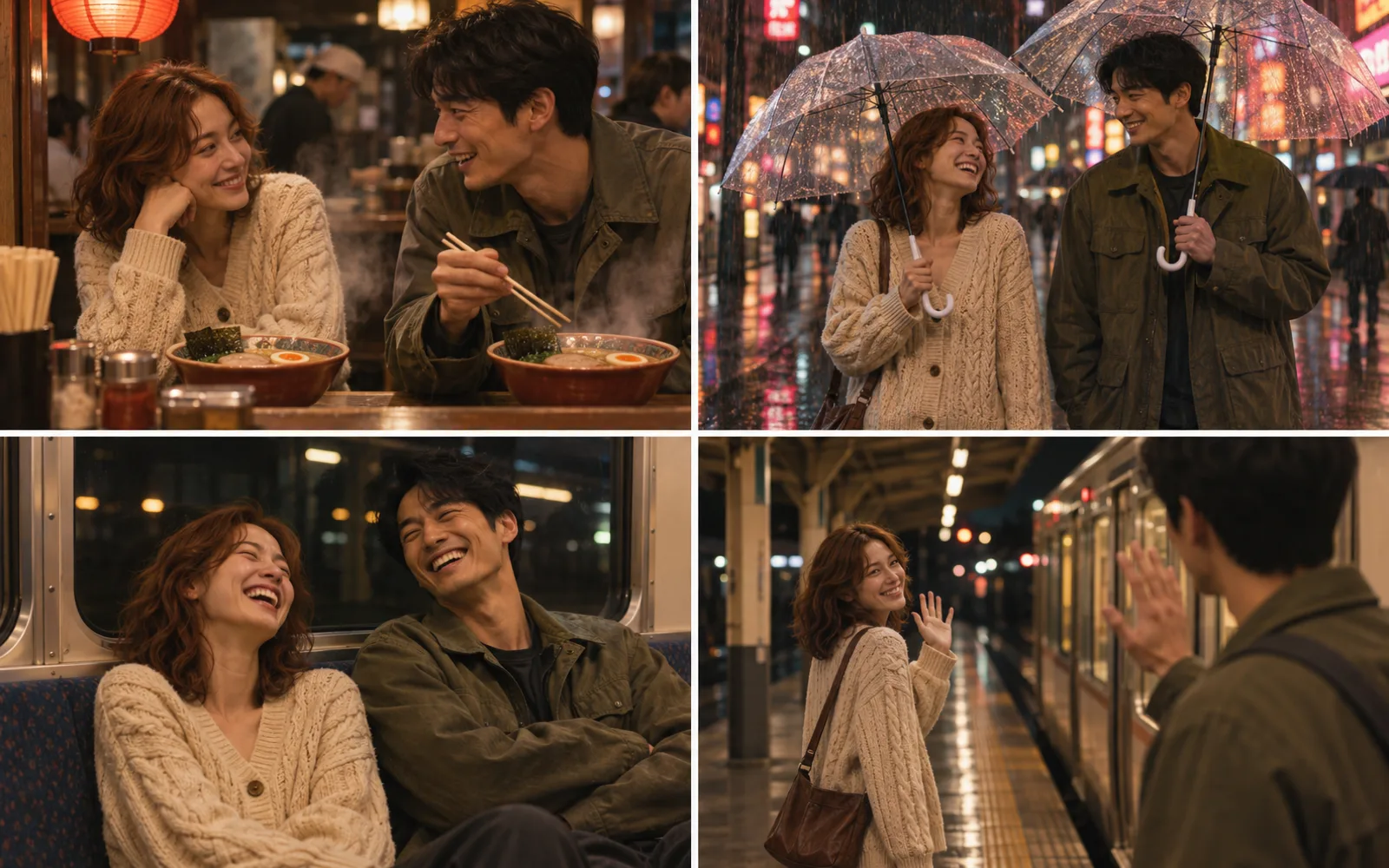
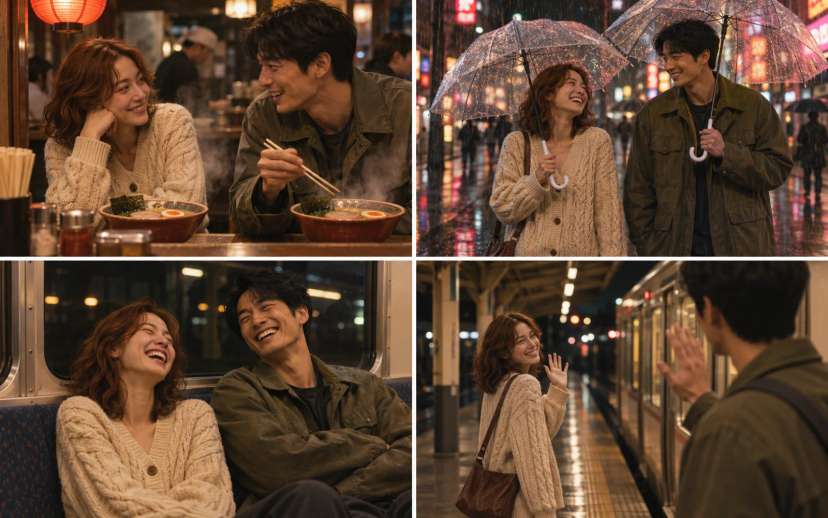
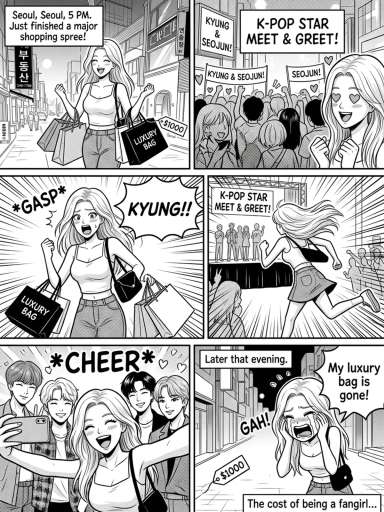
The model keeps up to 5 people looking the same across a series of images. This helps with storyboards, ad series and comic panels where the same faces appear in every shot.
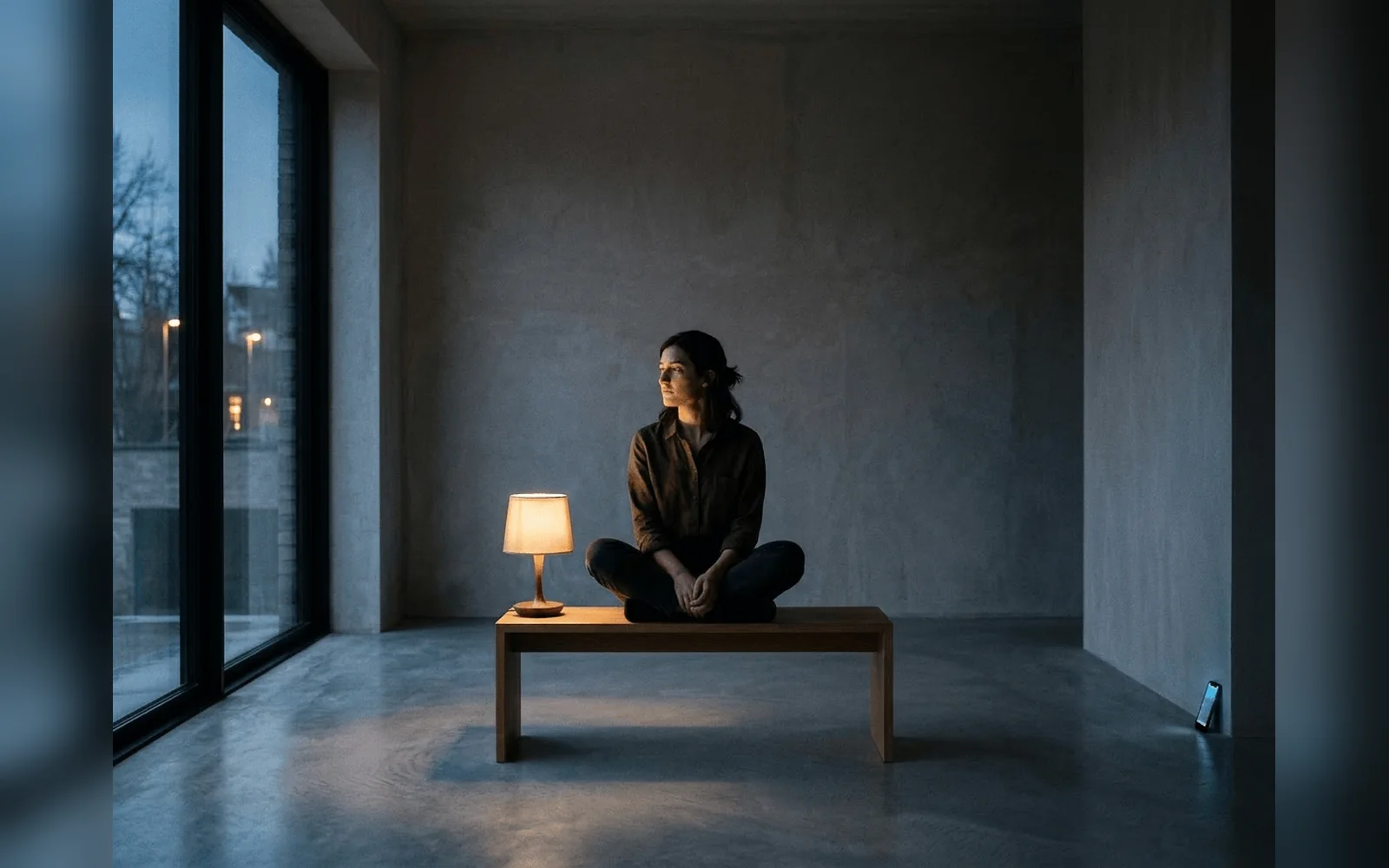
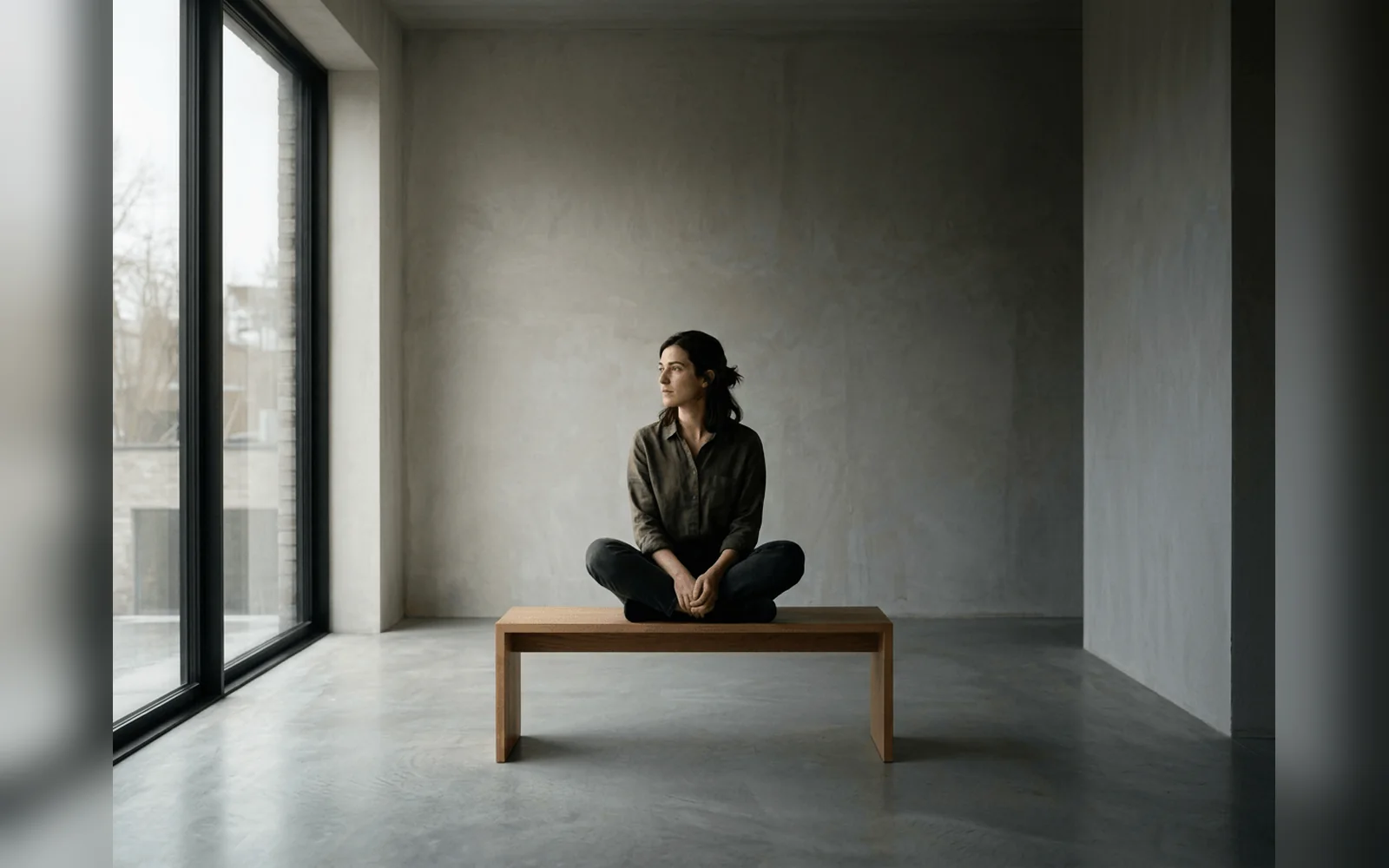
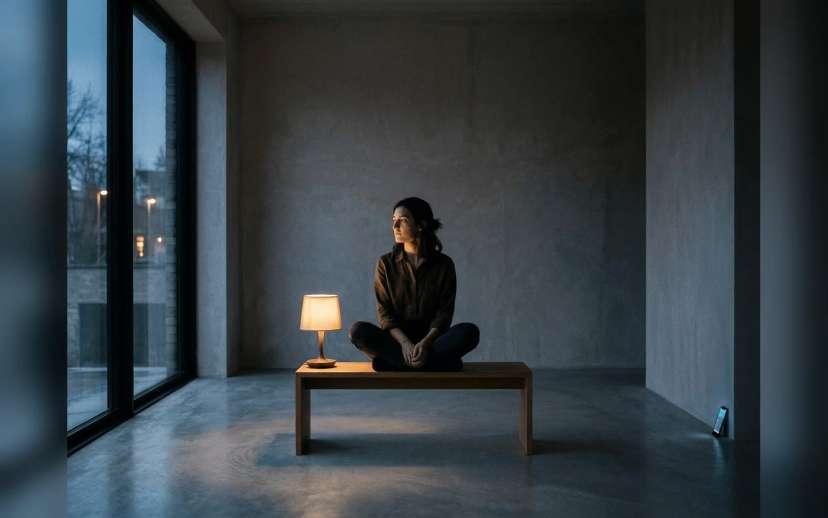
You can ask it to change the lighting, shift the camera angle, move the focus or color grade a photo. It edits only the part you describe and leaves the rest of the image unchanged.
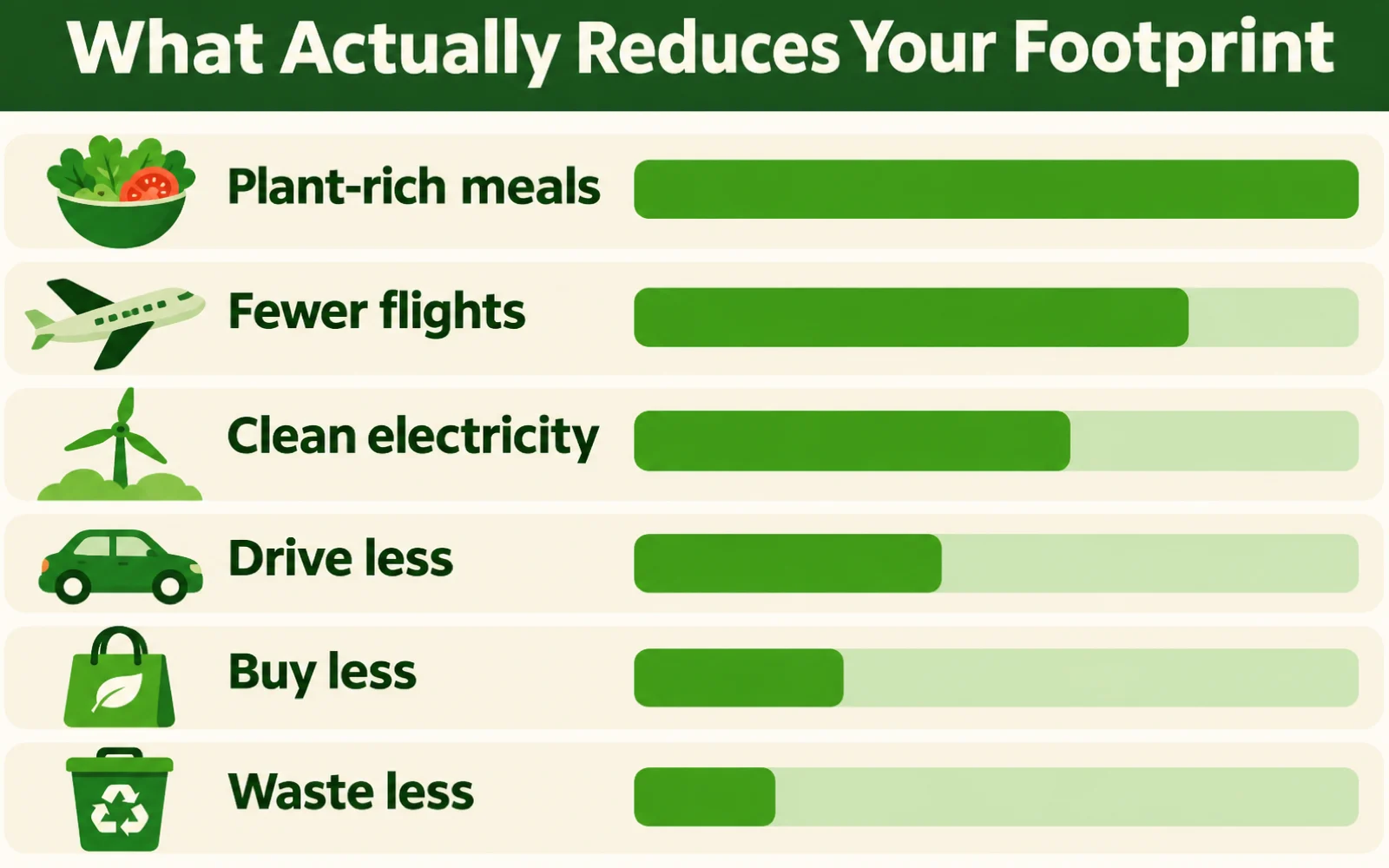
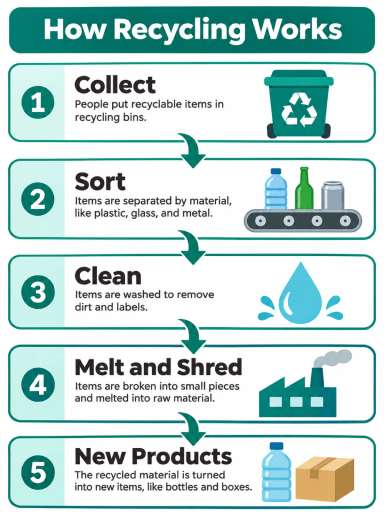
It can look up current facts through Google Search while it plans an image. Infographics, recipe cards and how-to diagrams come out with details that match the real world.
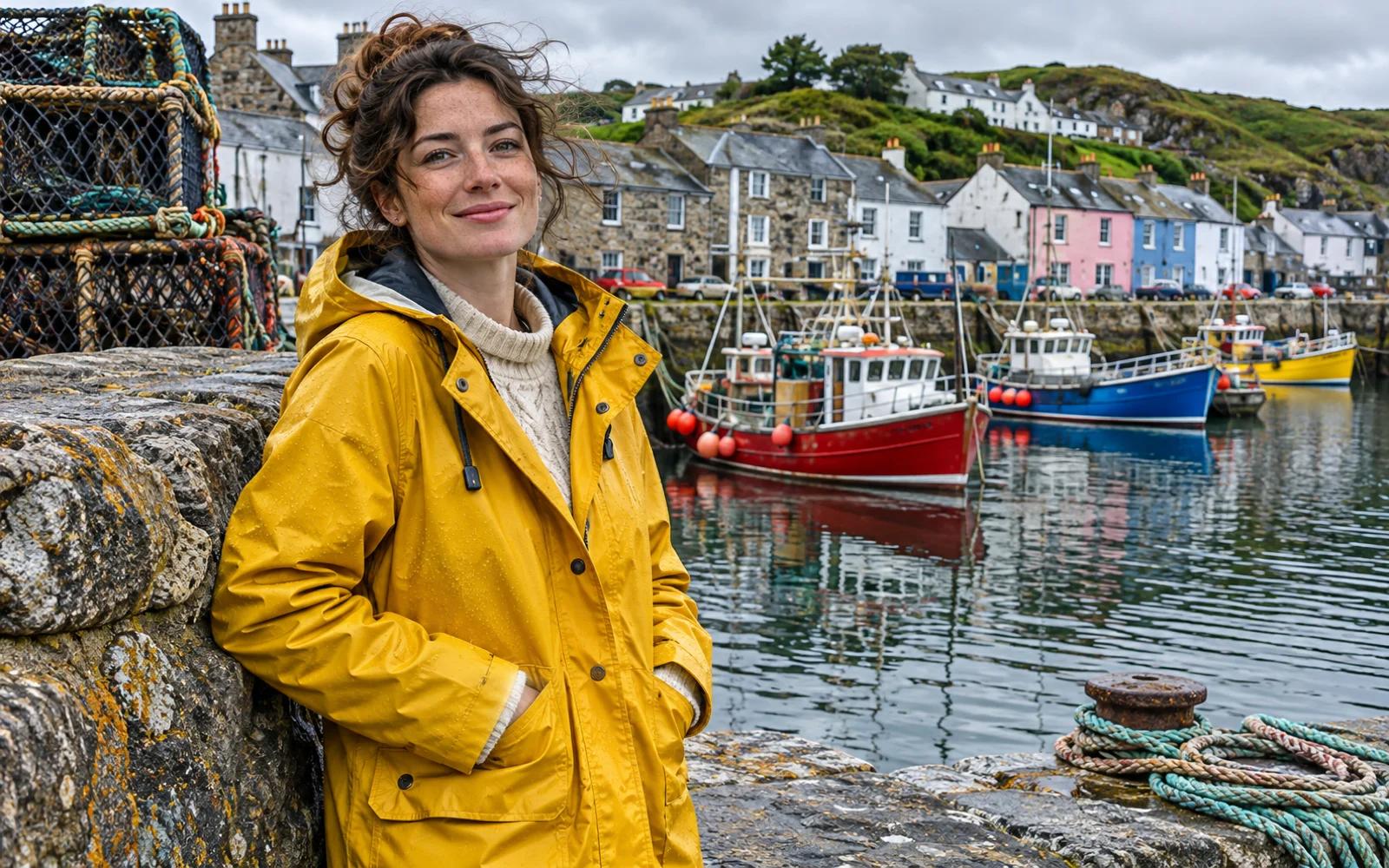
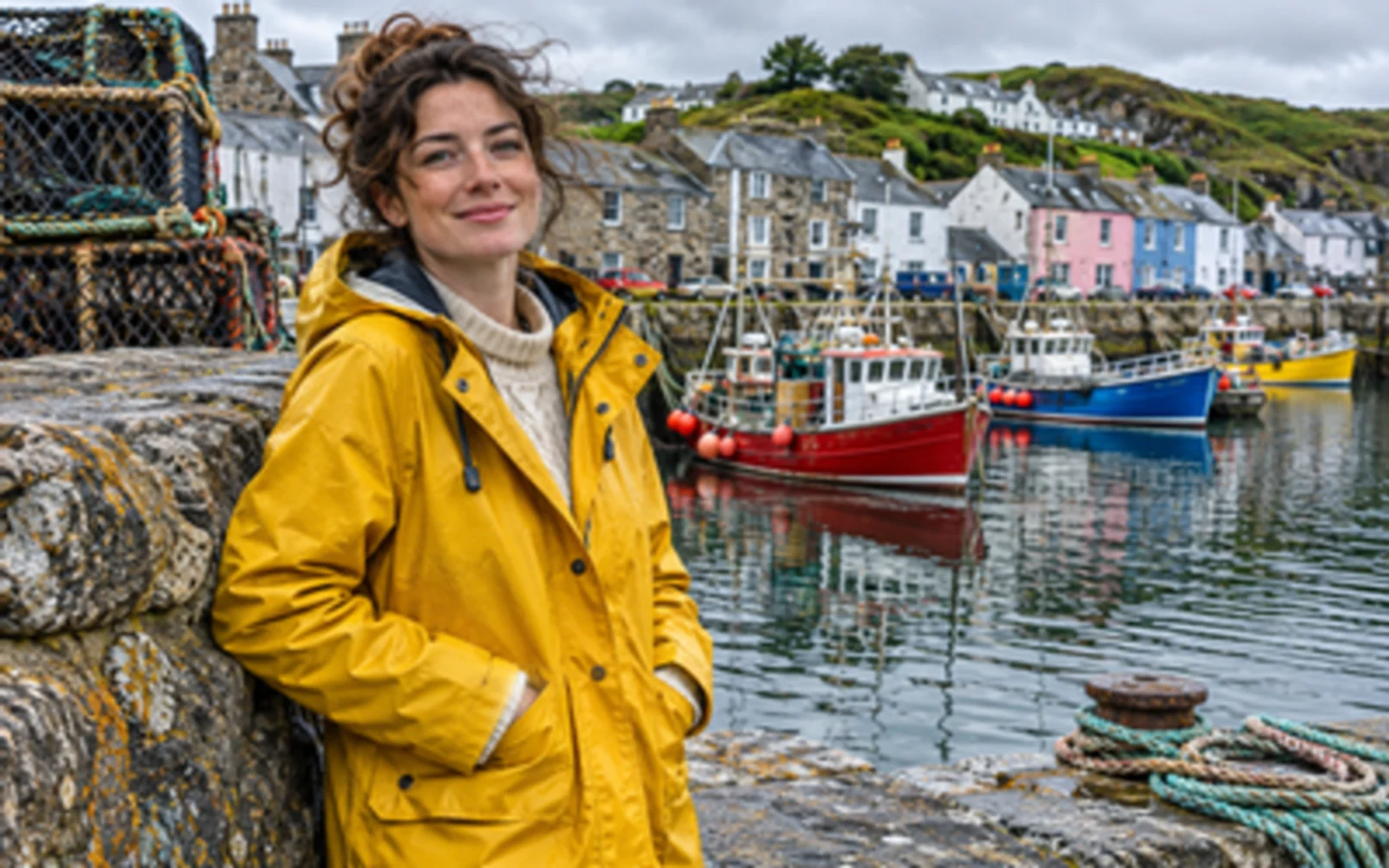
The model creates images at 1K, 2K or 4K. The 4K option gives you enough detail for print, large screens and close crops.
Every image in this gallery was made with Nano Banana Pro on Aragon. The prompt sits under each image, so you can copy it into the editor.
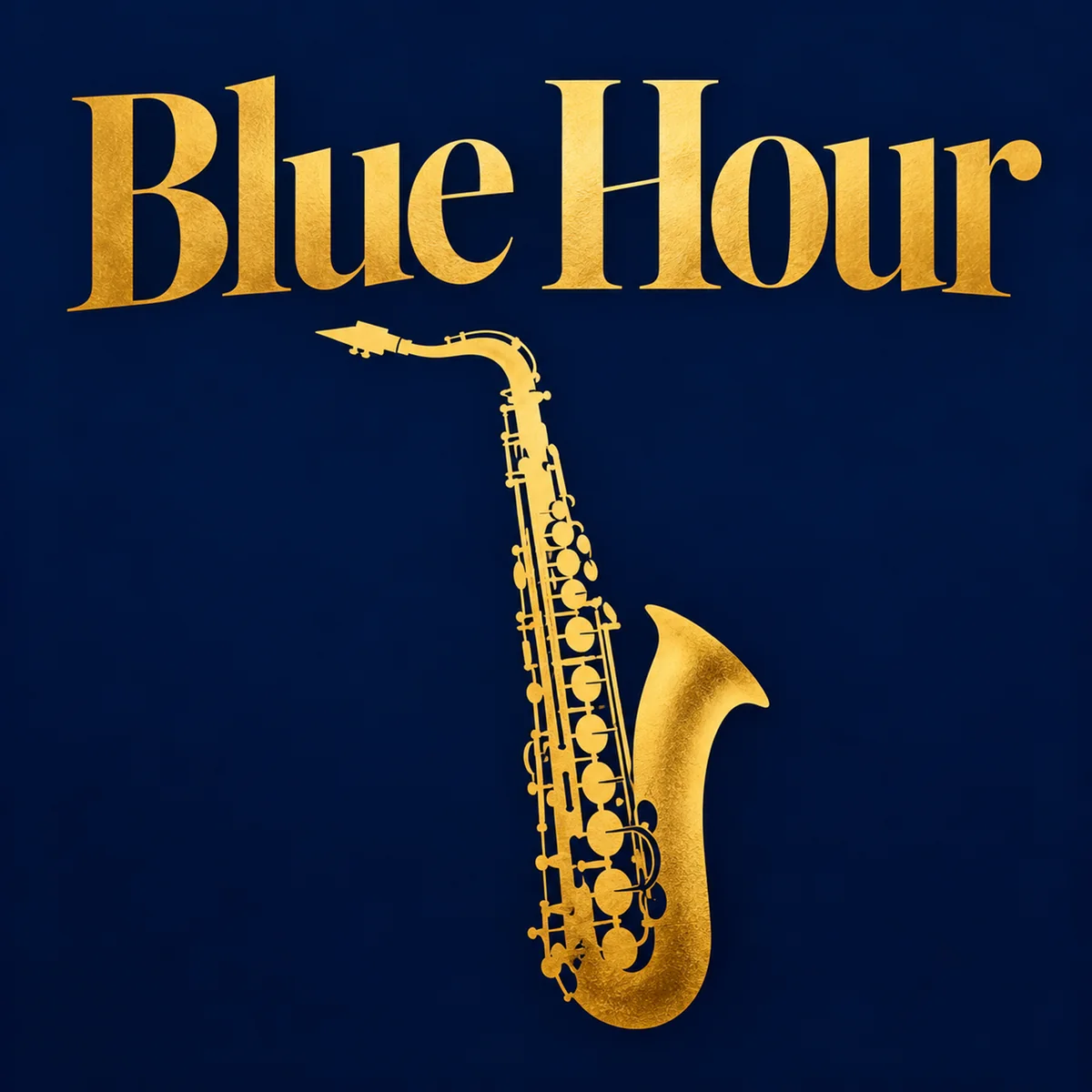
Prompt
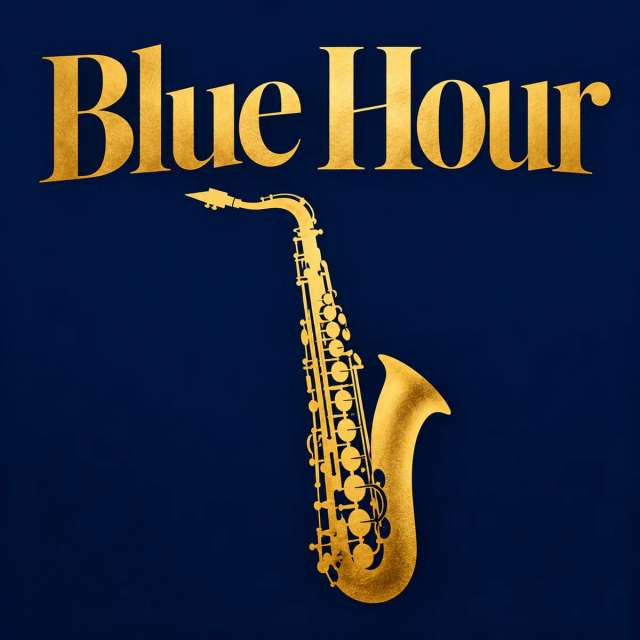
A bold concert poster for a jazz night called Blue Hour, deep navy background, gold headline, a saxophone silhouette, clean modern layout.
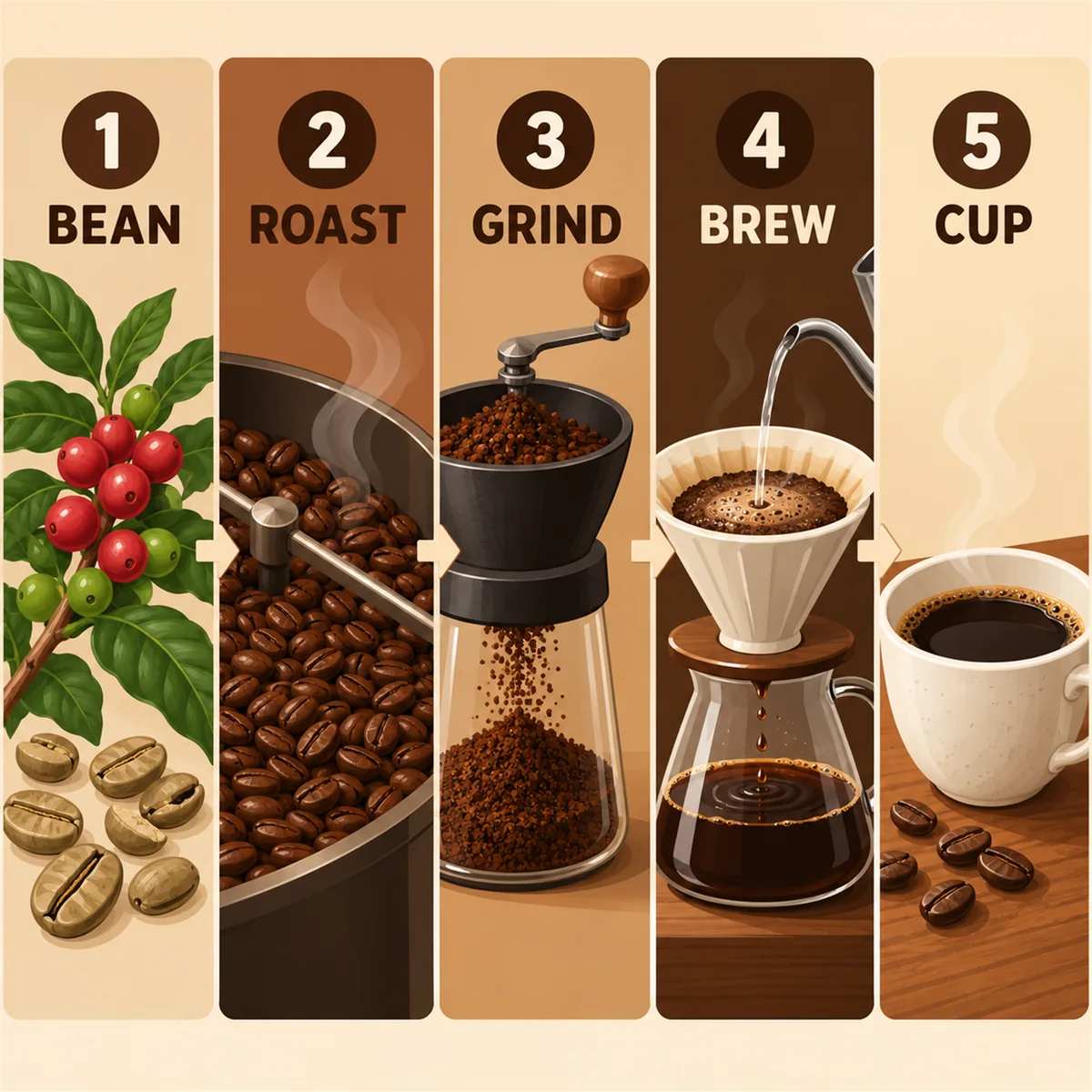
Prompt
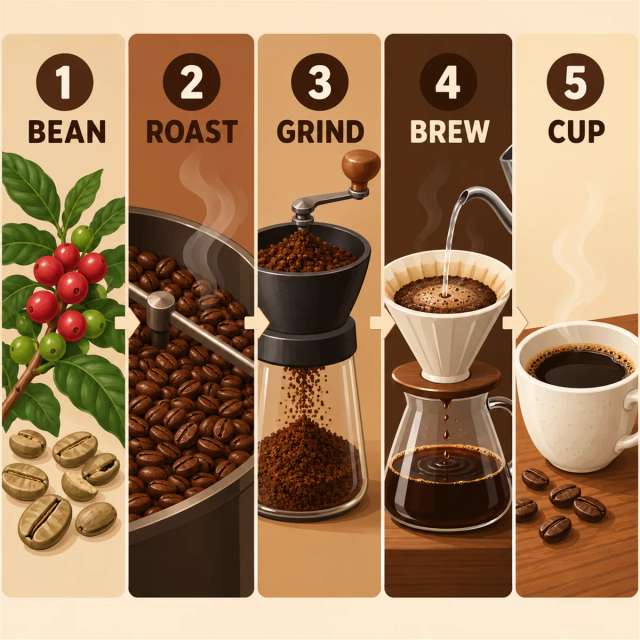
A clean infographic showing how coffee goes from bean to cup in five labeled steps, flat illustration style, warm brown palette.
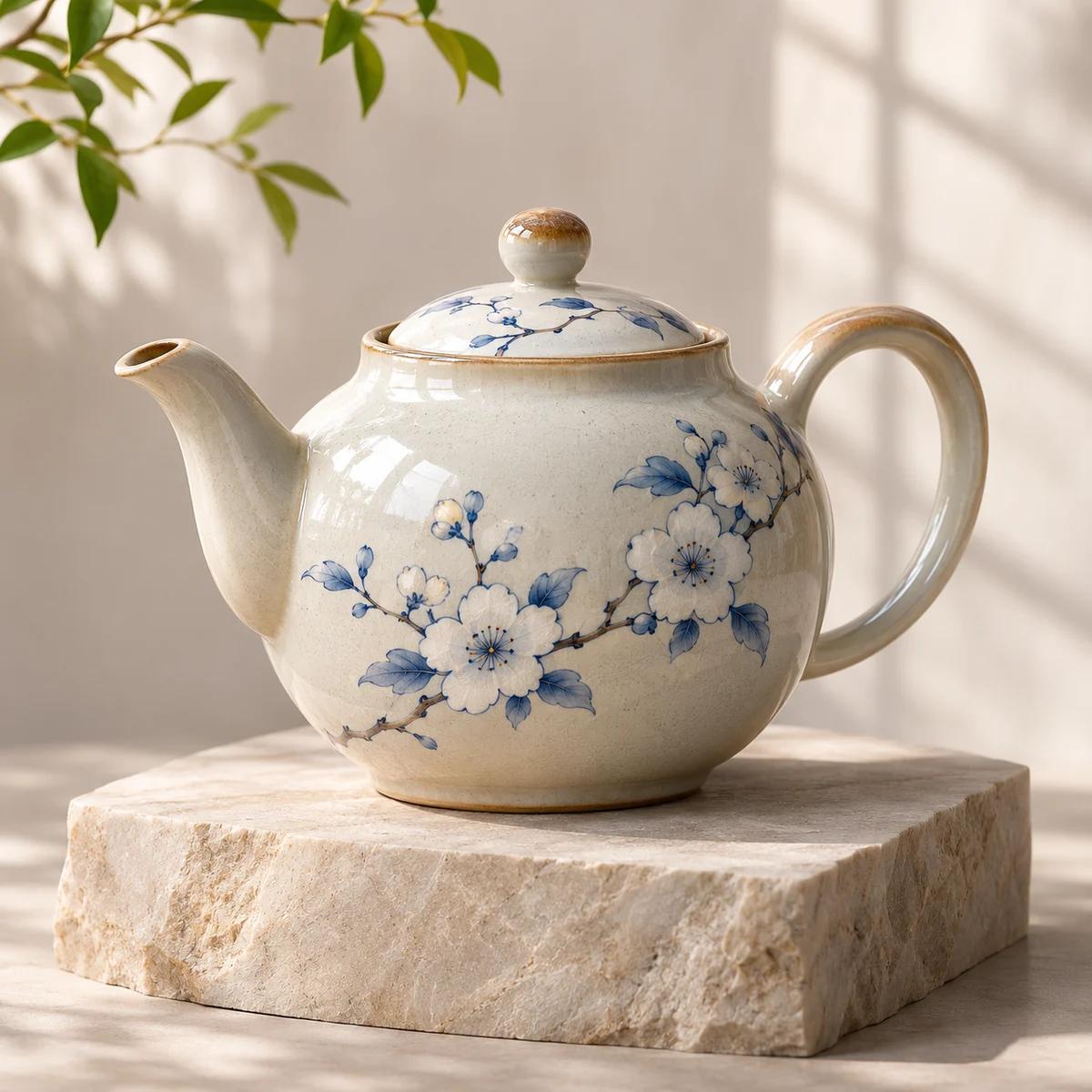
Prompt
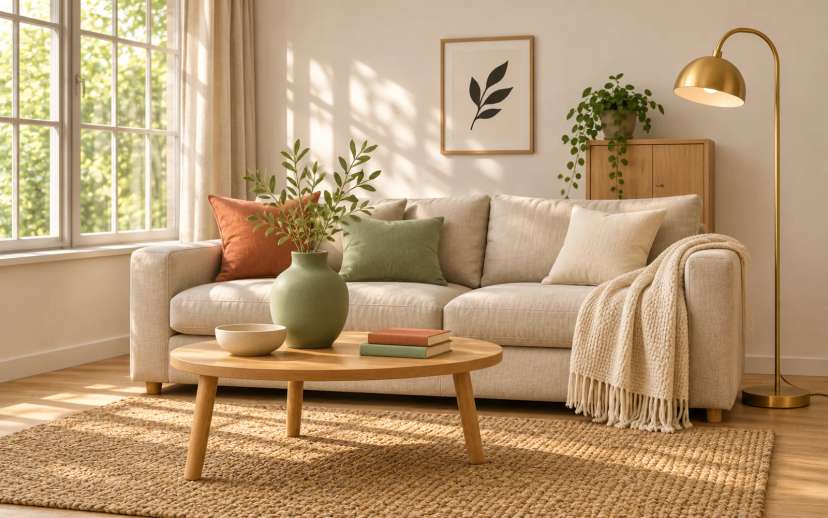
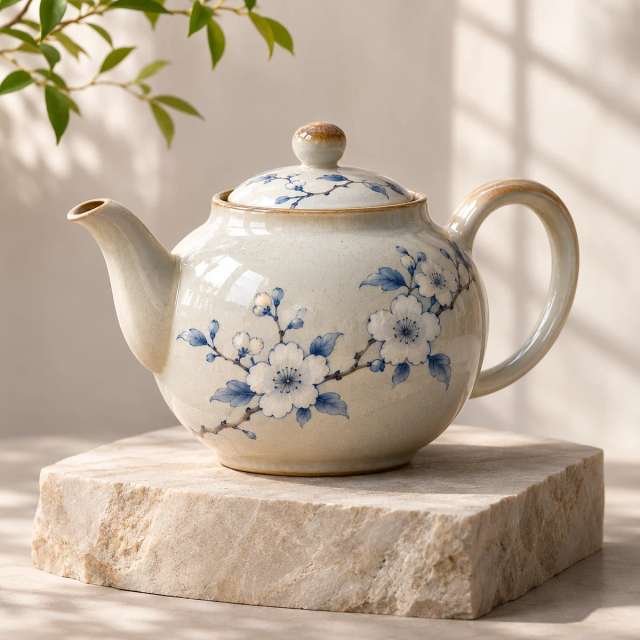
A ceramic teapot on a pale stone plinth, soft window light, gentle shadow, premium product photo.
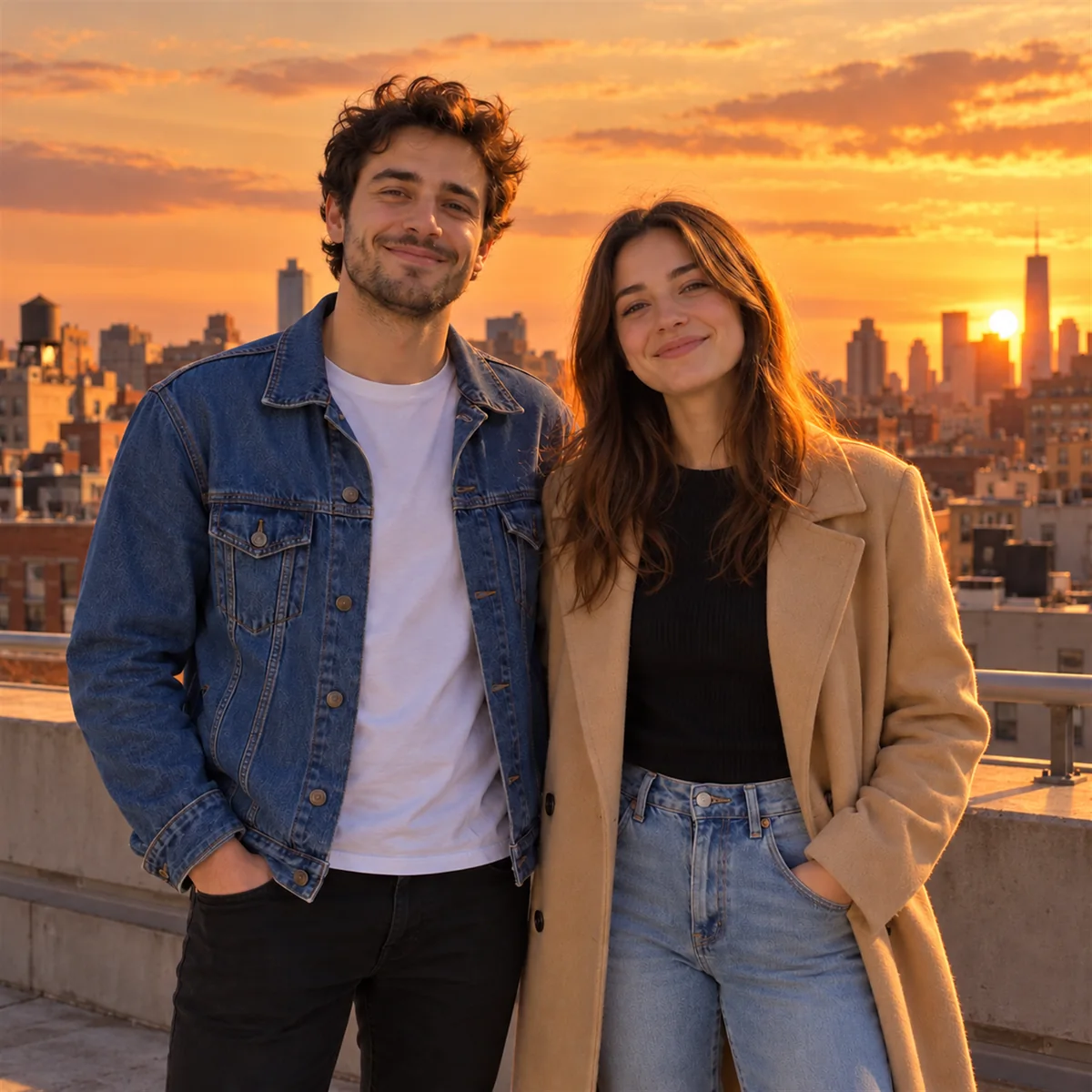
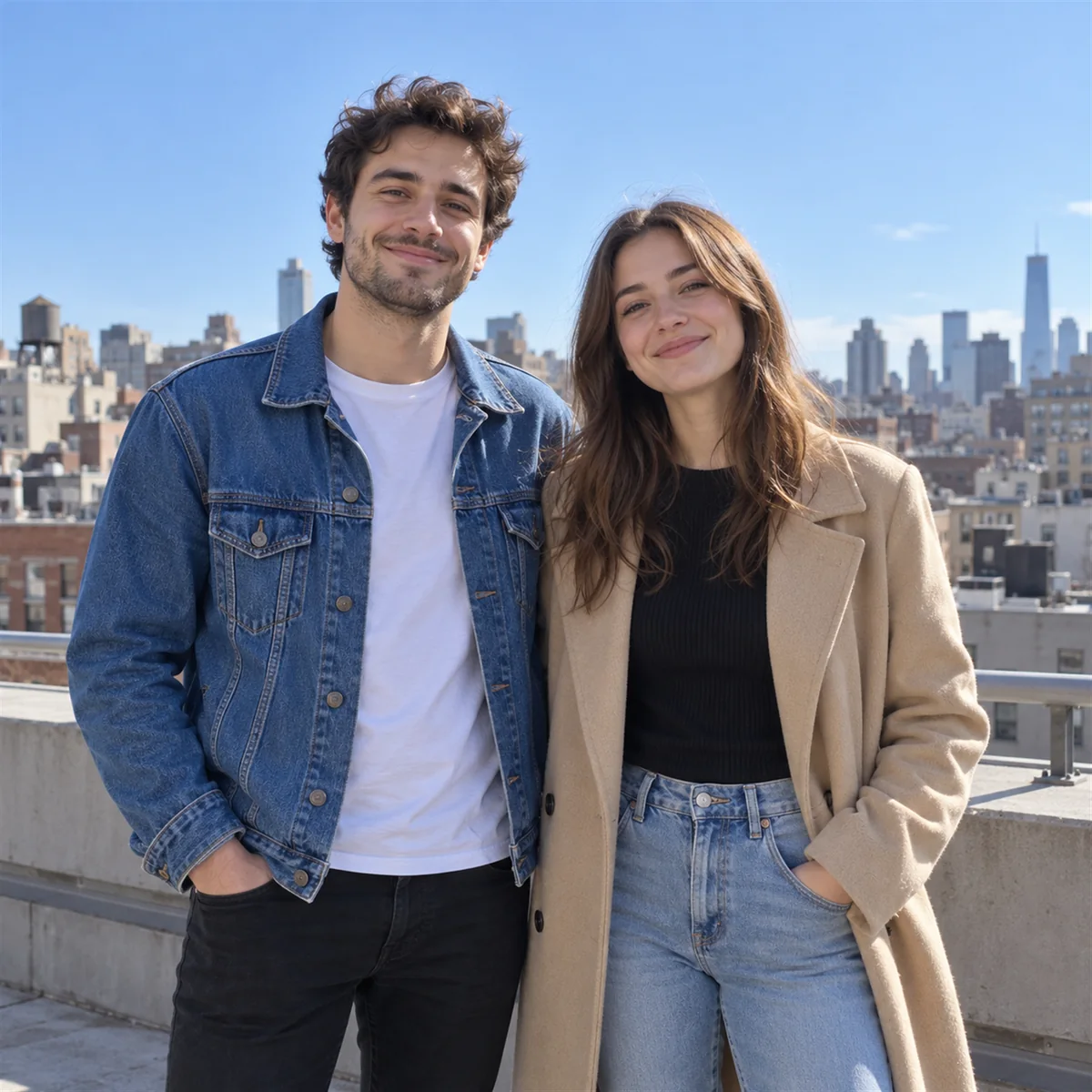
Edit instruction
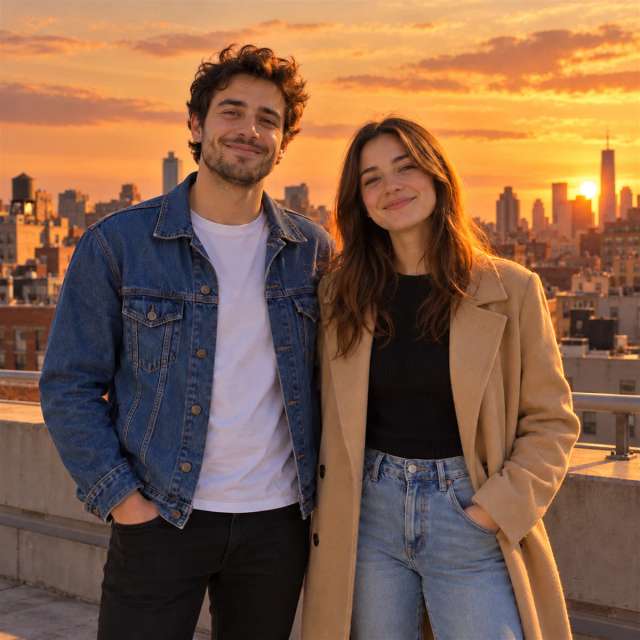
Change the time of day to sunset and keep the people and the pose the same.
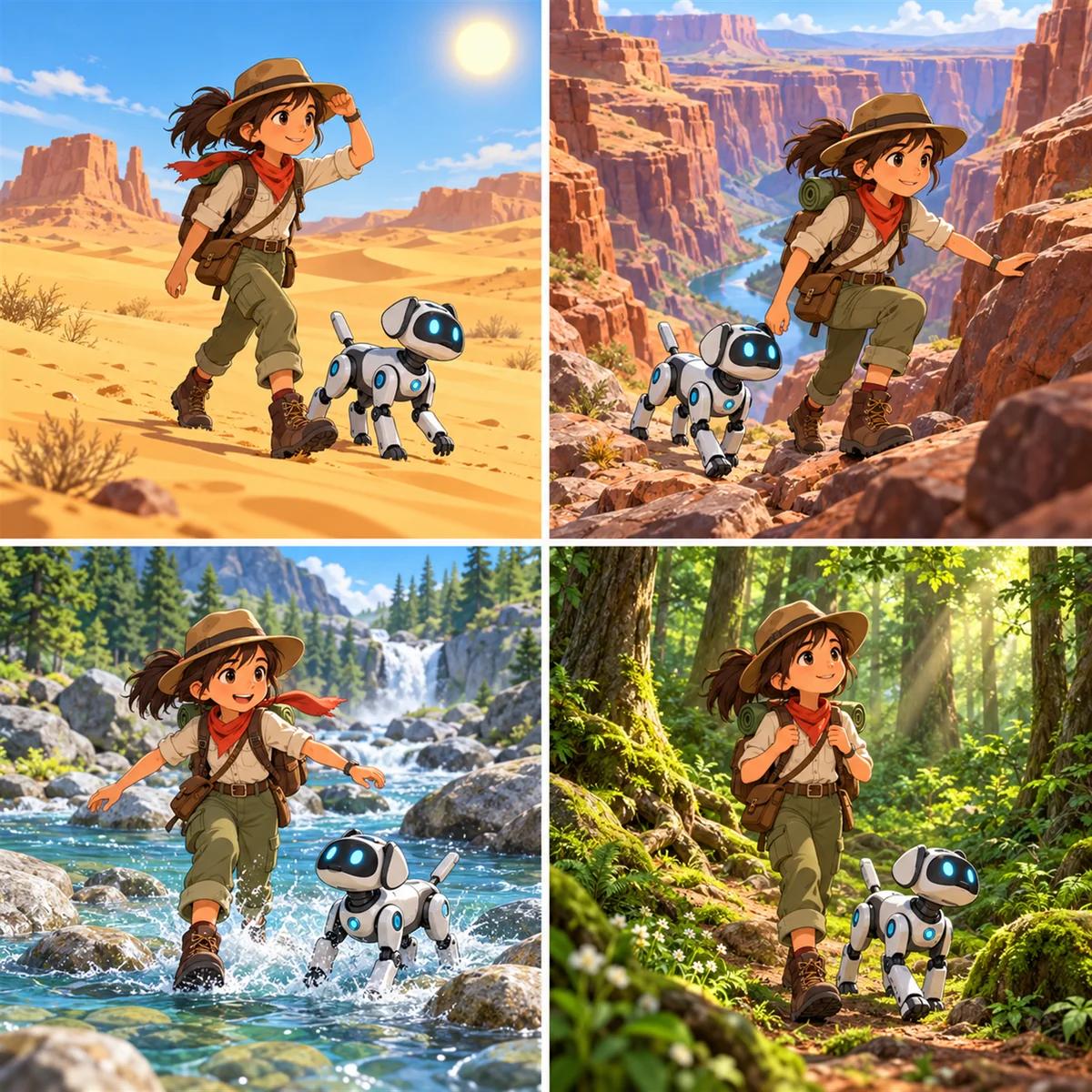
Prompt
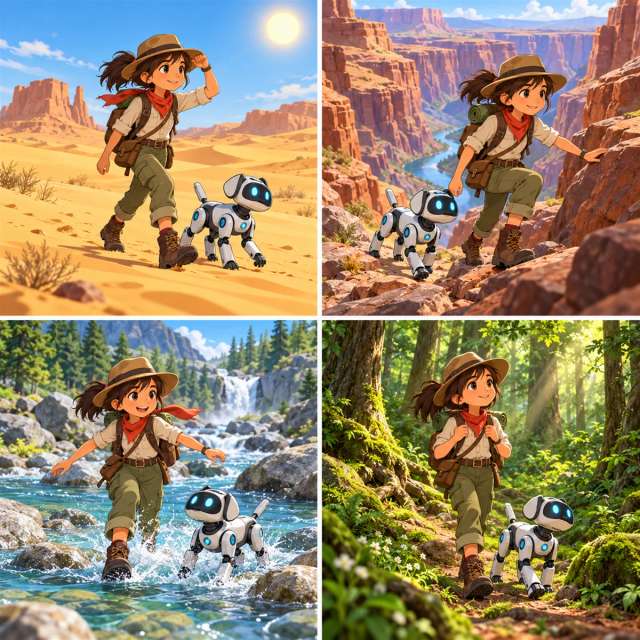
Four comic panels of the same young explorer and her robot dog crossing a desert, a canyon, a river and a forest, bright storybook colors.
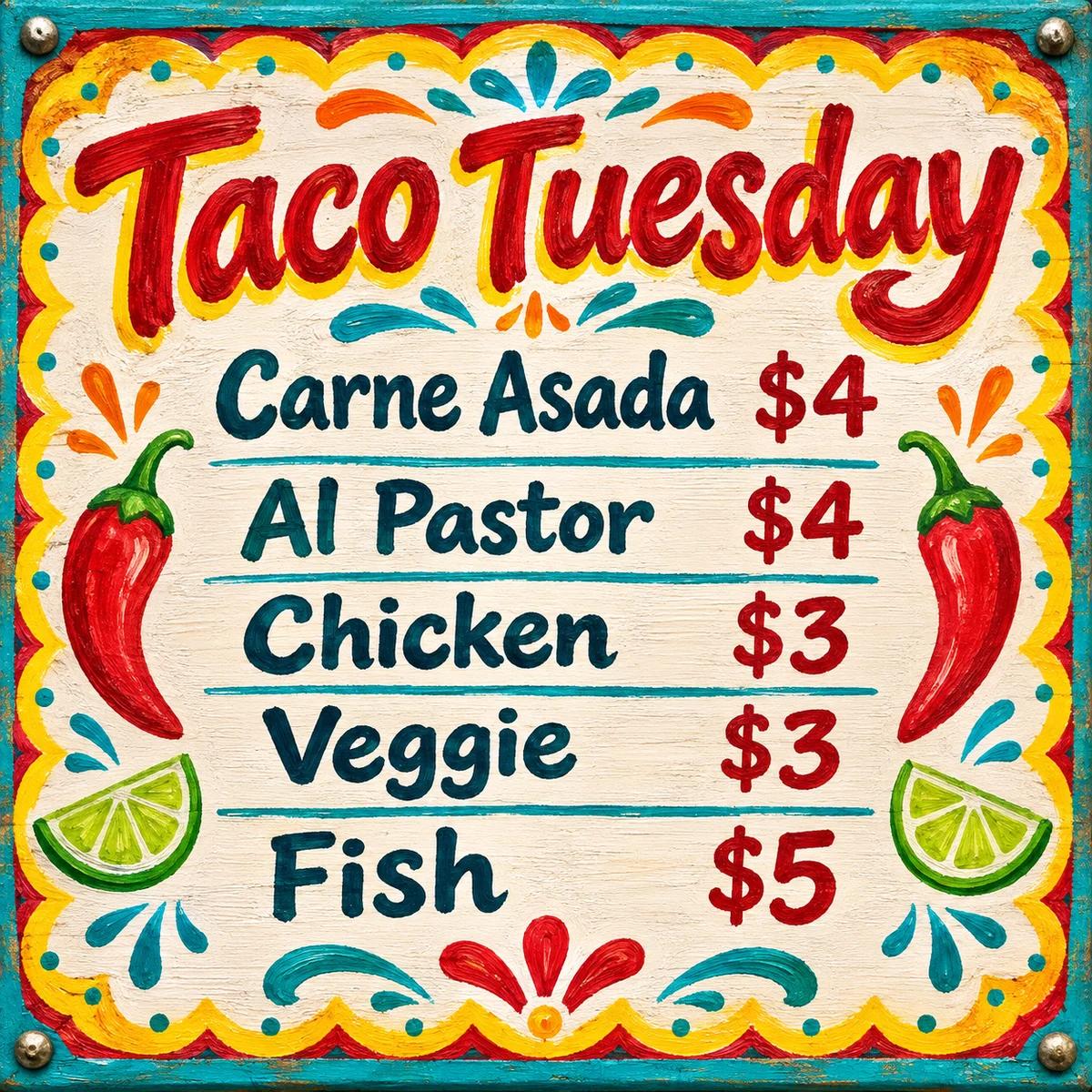
Prompt
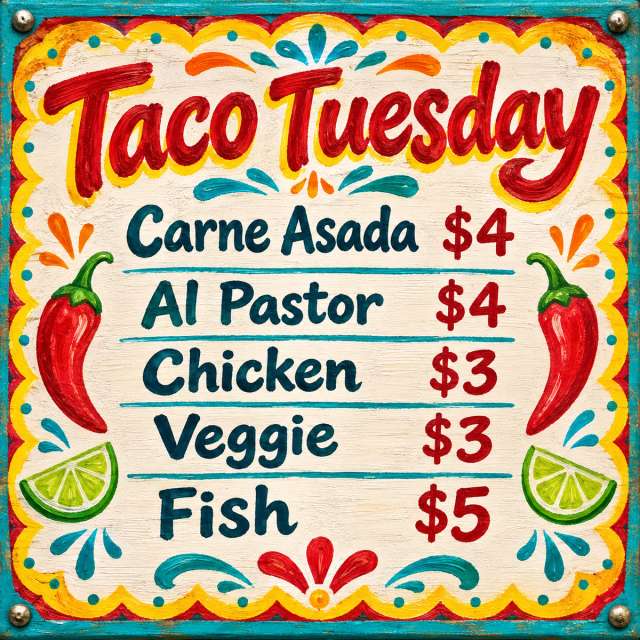
A colorful taco truck menu board with the title Taco Tuesday in painted lettering, five items with prices, hand-drawn chili and lime icons.
Illustrative images created from each prompt.
Millions of people already create on Aragon, and every account comes with the tools, models and security to make great images.
Switch between Nano Banana Pro and 14 other top image models from one prompt box, with no extra apps or accounts.
Make an image, edit it with Aragon's photo tools and turn it into a video clip, all in the same workspace.
Your uploads and images stay private, protected by AES-256 encryption and SOC 2 Type II security.
Free credits come with every Aragon account, so you can try your first images in your browser today.
Open AI Image, choose Nano Banana Pro and describe your image to start creating.
Sign in to Aragon and open AI Image from your dashboard.
Pick it in the model picker.
Type what you want, add reference photos if you have them, and generate your image.
Nano Banana Pro fits anyone whose images need readable words, correct details and a clear layout.
Designers get sharp, readable text, consistent characters and 4K detail for mockups, brand visuals and client concepts.
Marketers get ad and social graphics where the headline, product and offer all read clearly at a glance.
Creators get thumbnails, covers and story images that keep the same face and style from post to post.
Teachers get diagrams and step-by-step visuals that explain an idea in one picture.
On Aragon, use Nano Banana Pro to make posters, infographics, product shots, storyboards and photo edits for your next project.

A creator needs a thumbnail with a headline people can read at a glance. Clear text and bold layouts are this model's strength, and you can make the same kind of design with the YouTube thumbnail maker.
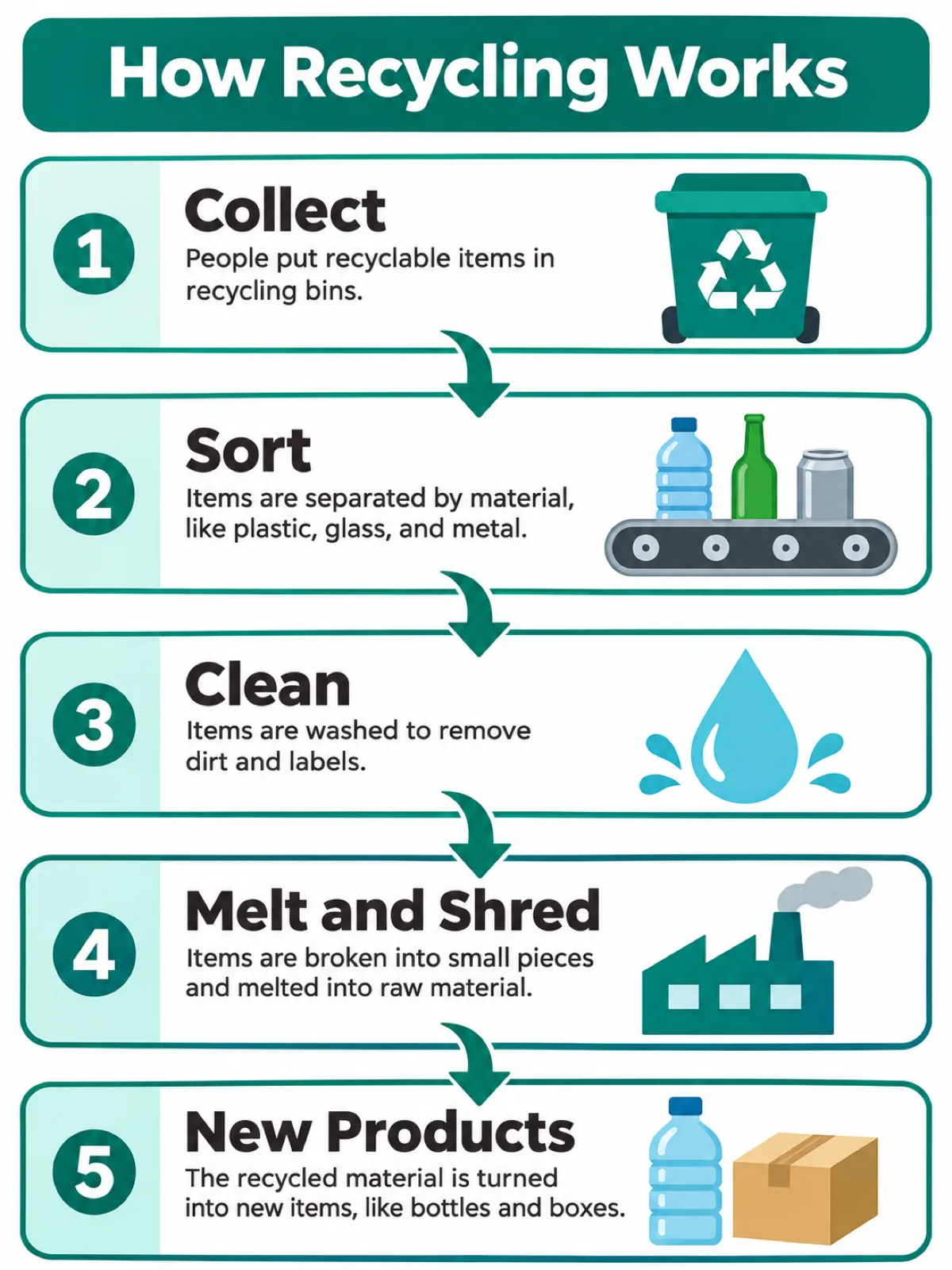
A teacher or marketer wants to explain a process in one picture. Describe the steps and the style, and the model lays out labels, icons and arrows in order.
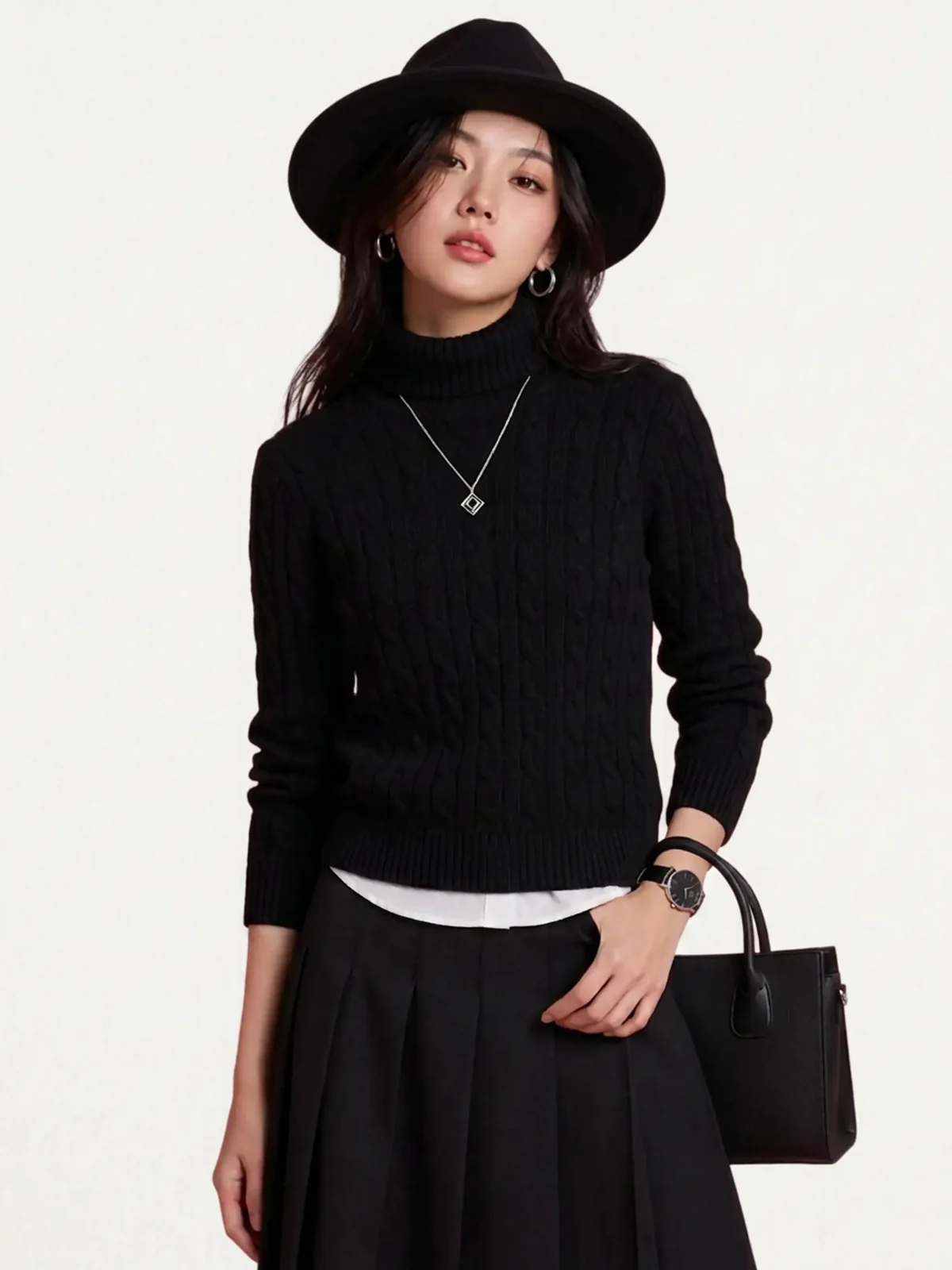
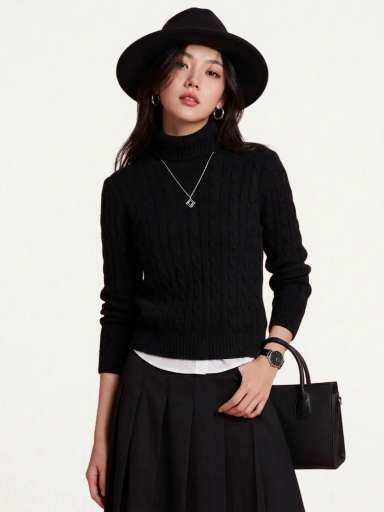
A small clothing brand needs model photos without a shoot. In Fashion Studio, Aragon's virtual try-on puts your clothes on a model.
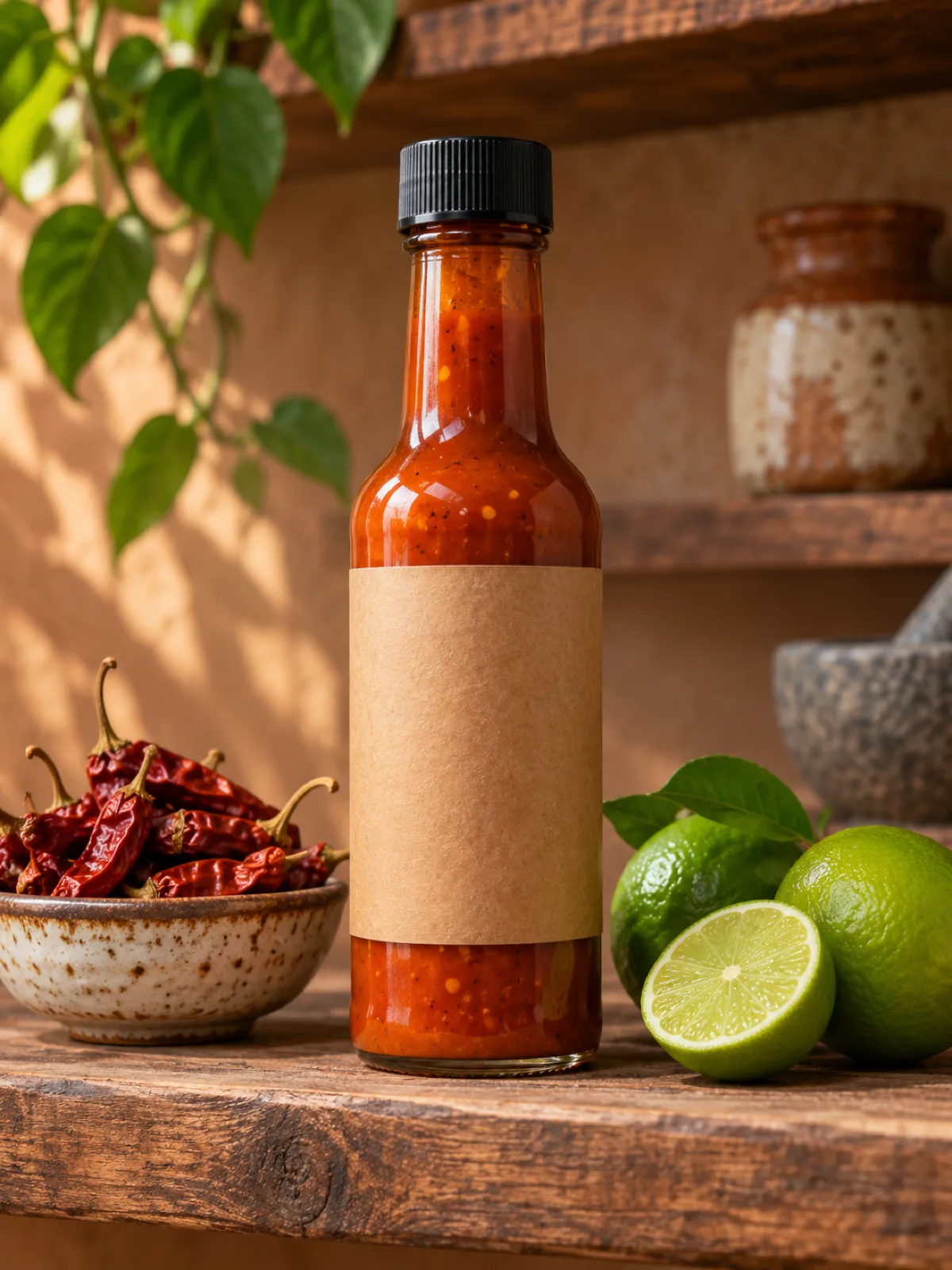
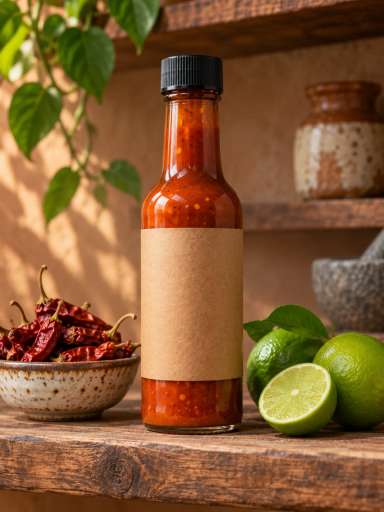
An online seller wants clean product shots in many scenes. Start from a text prompt in the AI image generator and place your product on any table, shelf or studio set.
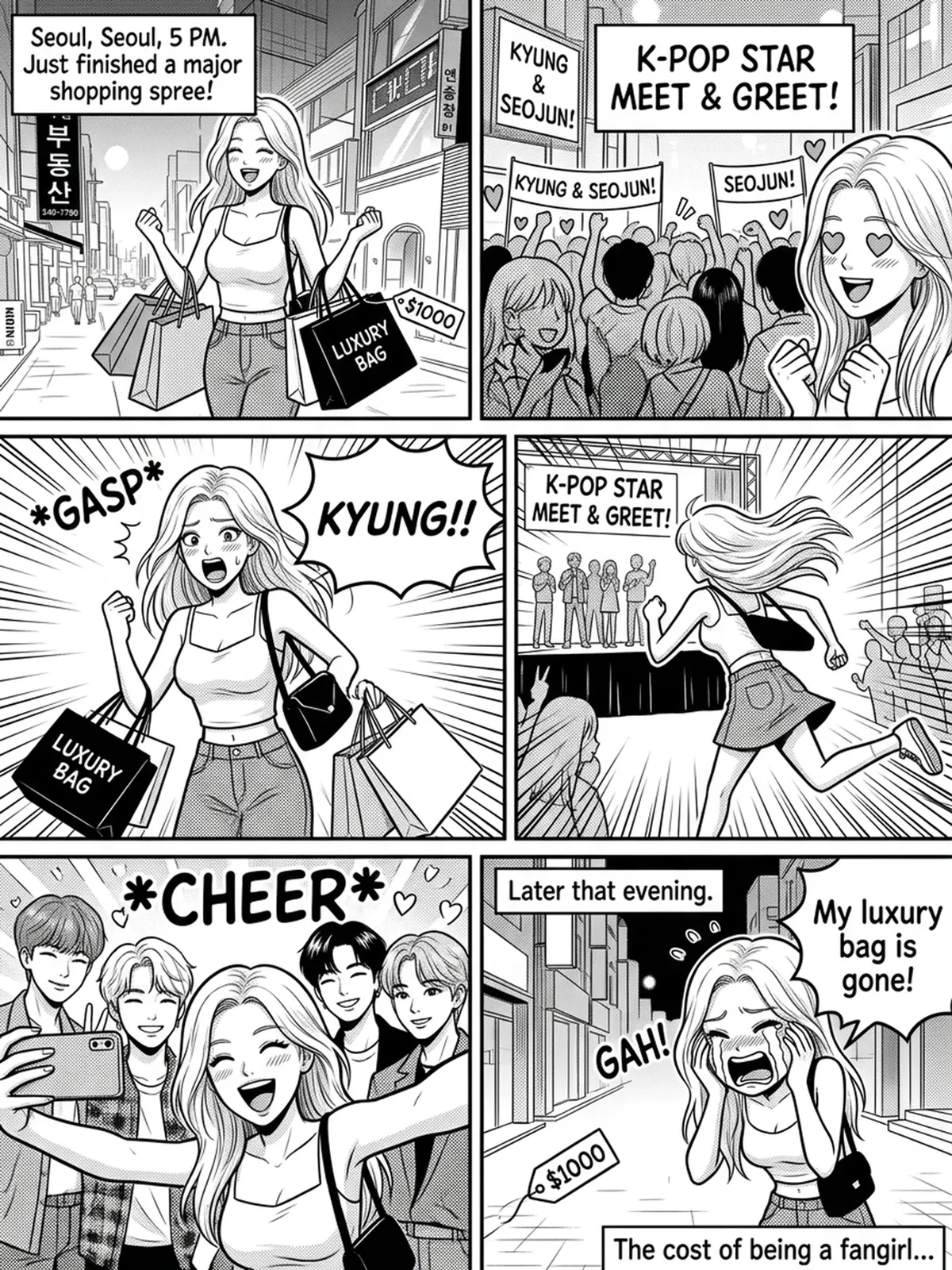
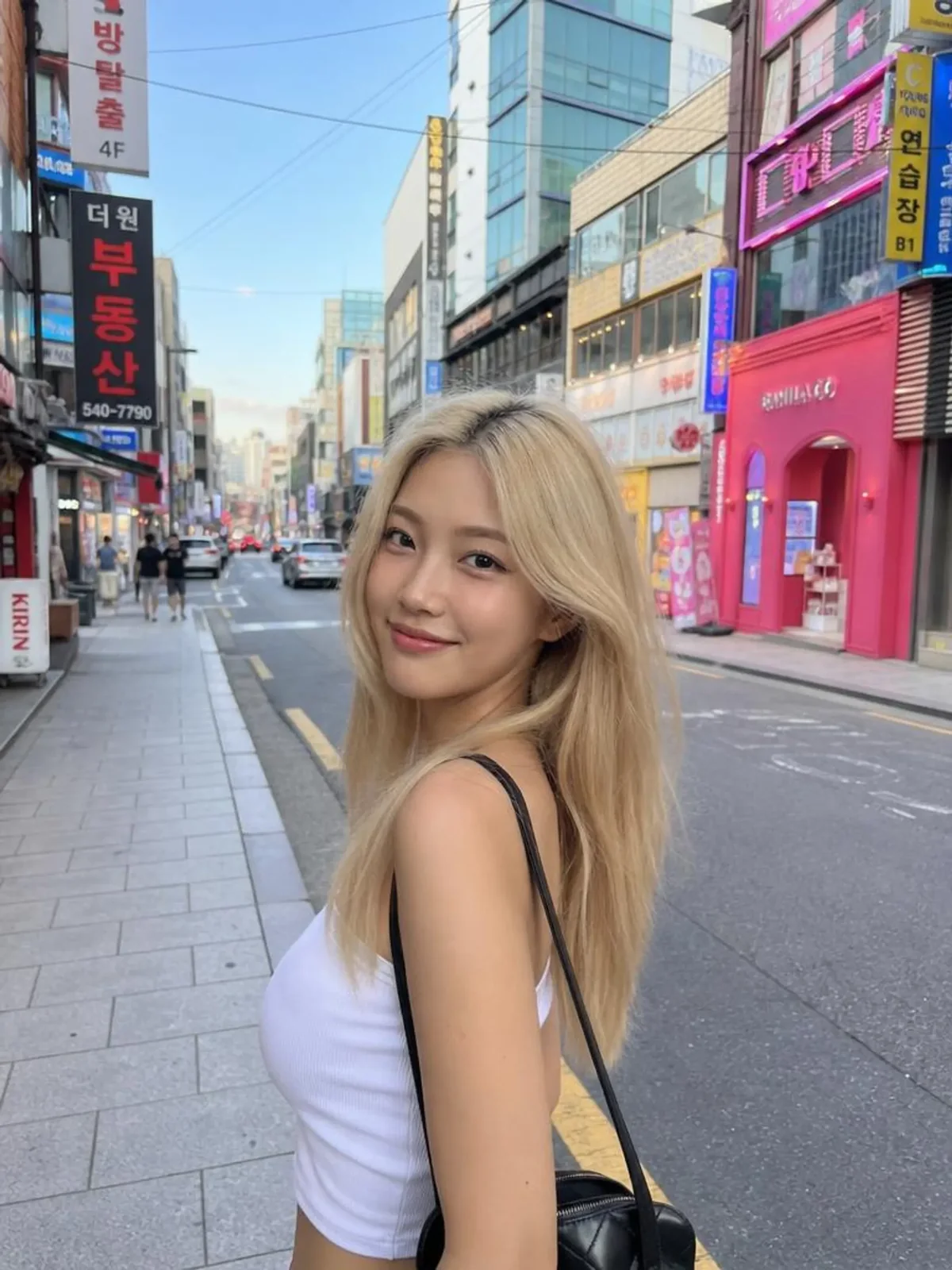
A filmmaker or comic artist needs the same characters in every frame. Describe each scene and add reference photos of your characters, and the model keeps their faces, hair and outfits consistent from panel to panel.
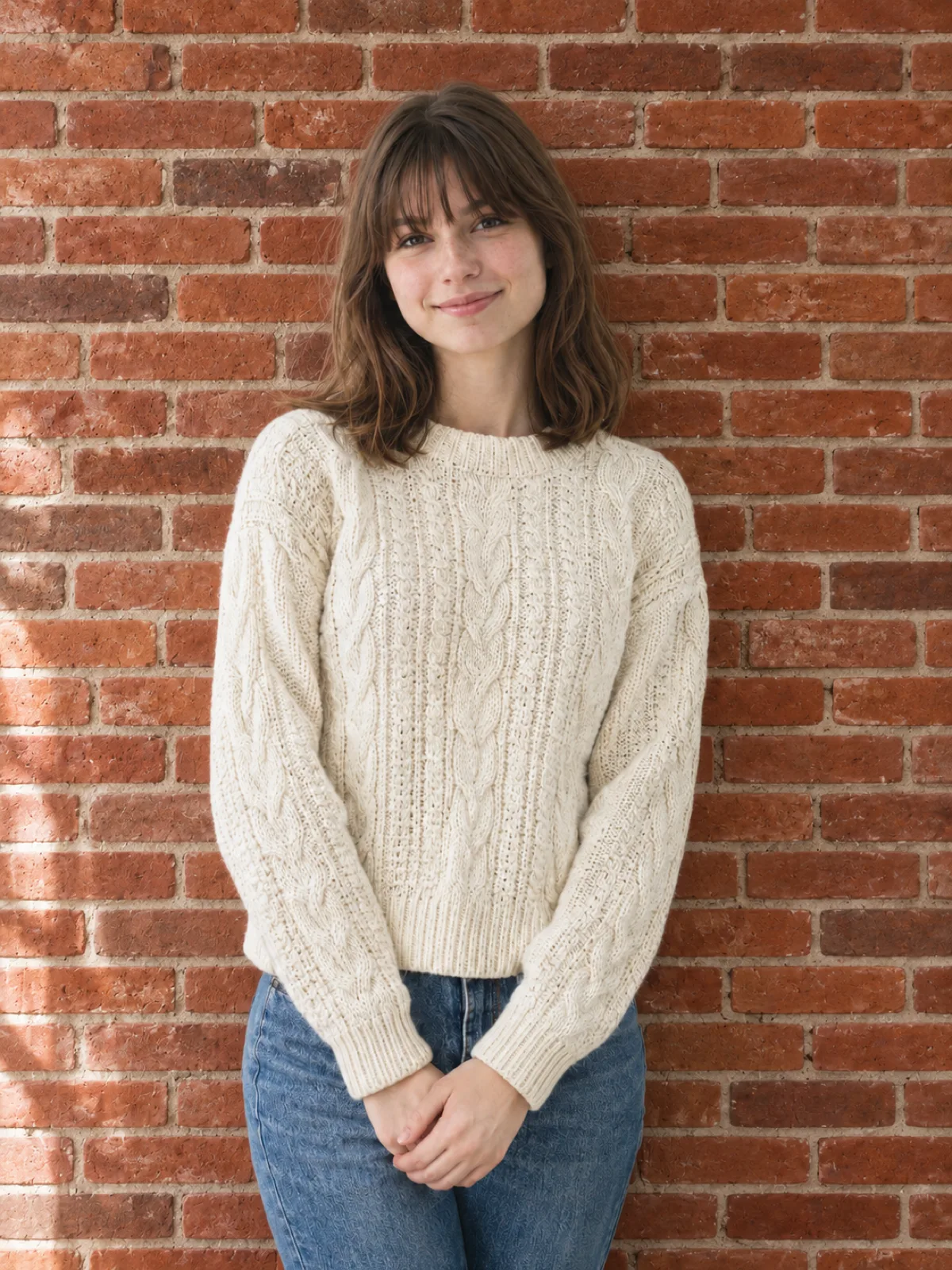
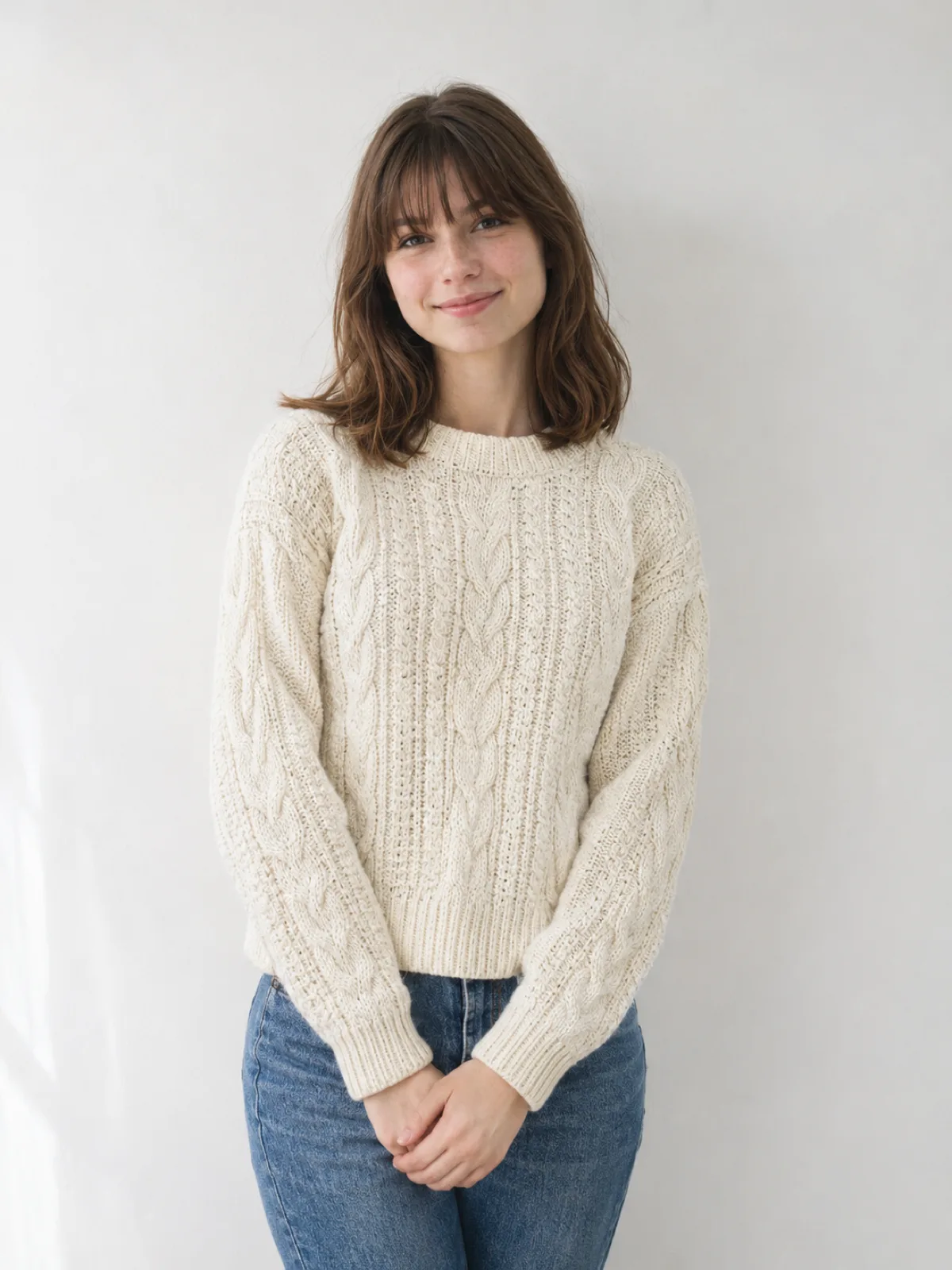
You have a good photo that needs a different background, light or color. The AI photo editor handles these edits in a few clicks.
A few simple habits give you sharper text, cleaner layouts and more accurate edits.
“Use the uploaded sunglasses and logo. Show the sunglasses on a striped beach towel in bright midday sun, with the logo printed on the temple.”Write the exact words you want in quotes, like "Summer Sale," so the model knows which words to show and spells them as written.
Start your prompt with the layout, like where the headline, product and price should go, and then add the style.
When you upload several photos, say what each one is for, like "use photo 1 for the product and photo 2 for the room."
When you edit a photo with Nano Banana Pro, name the parts to keep, like the face, pose or background, before you describe the change.
Copy any prompt below and try it on Aragon. Each prompt names the look, the words and the light, the three details where Nano Banana Pro shines.
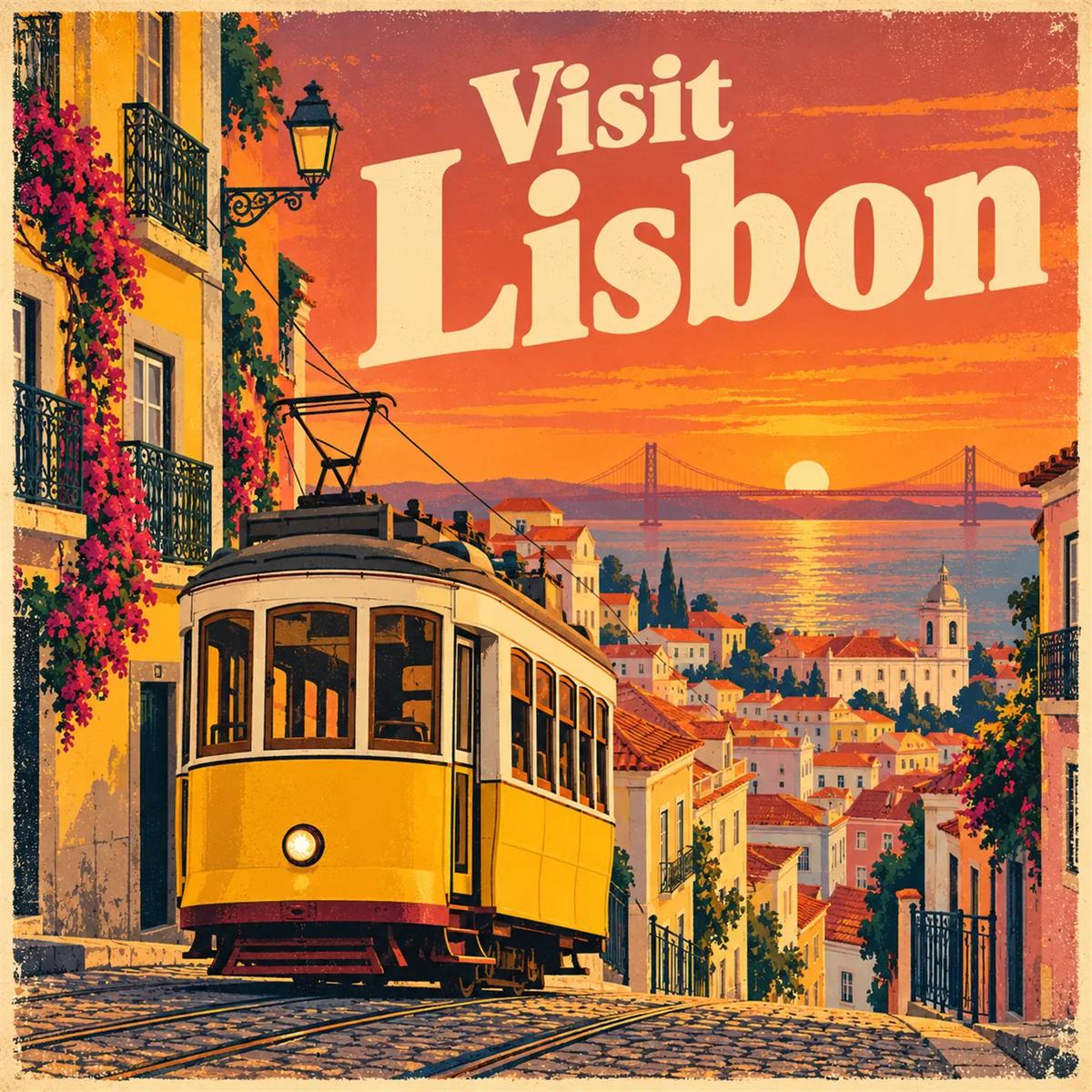
Prompt
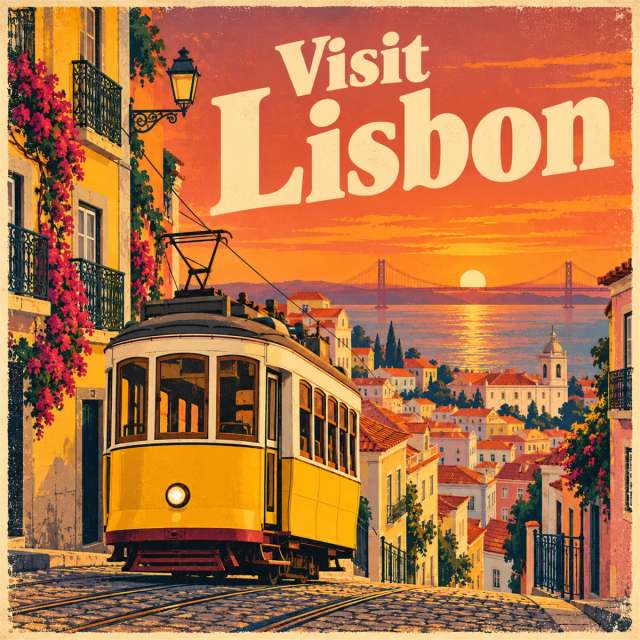
A vintage travel poster for Lisbon with the words "Visit Lisbon" in large cream letters, yellow tram on a hill, warm sunset colors, screen-print texture.
Works well for posters and ads where the headline must read clearly.
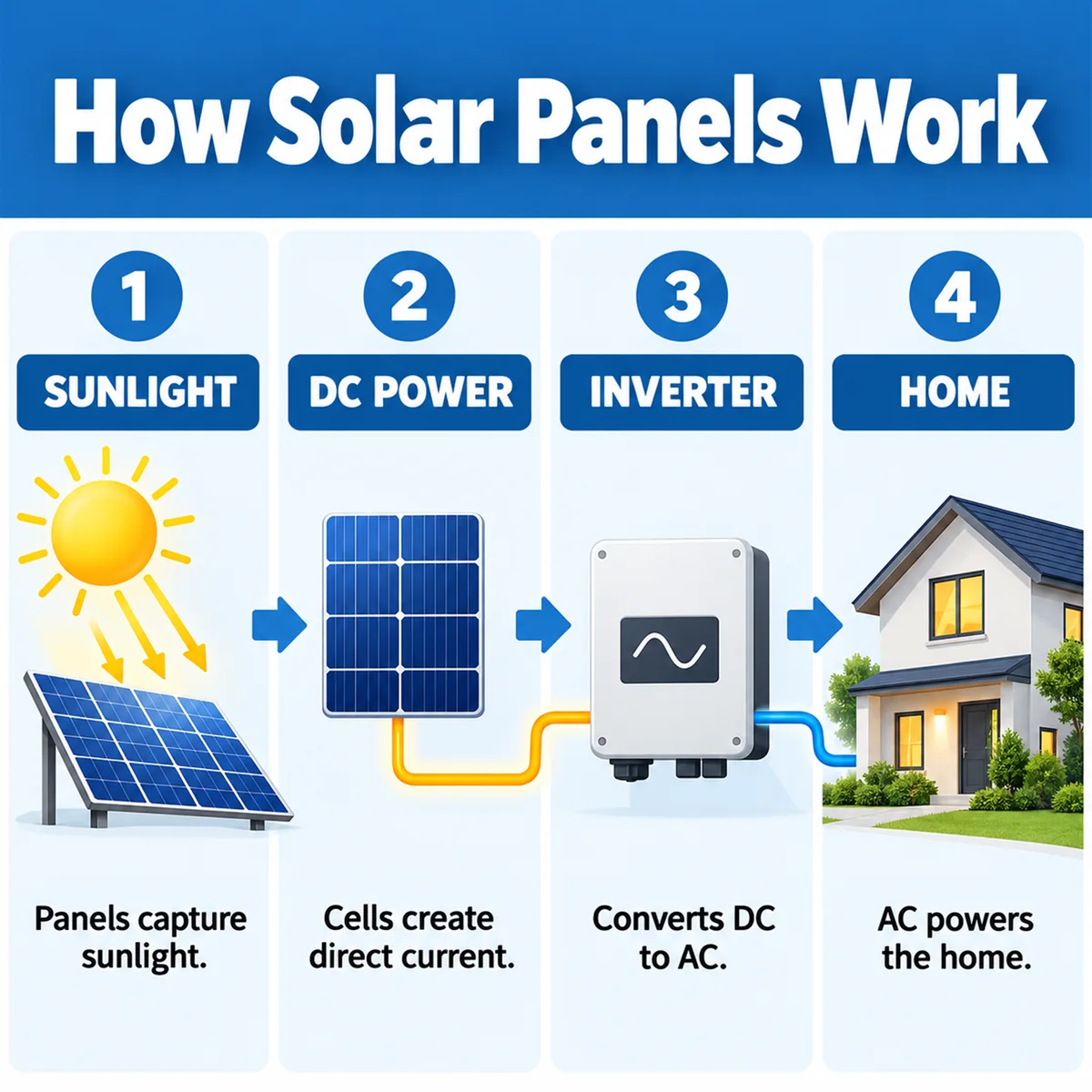
Prompt
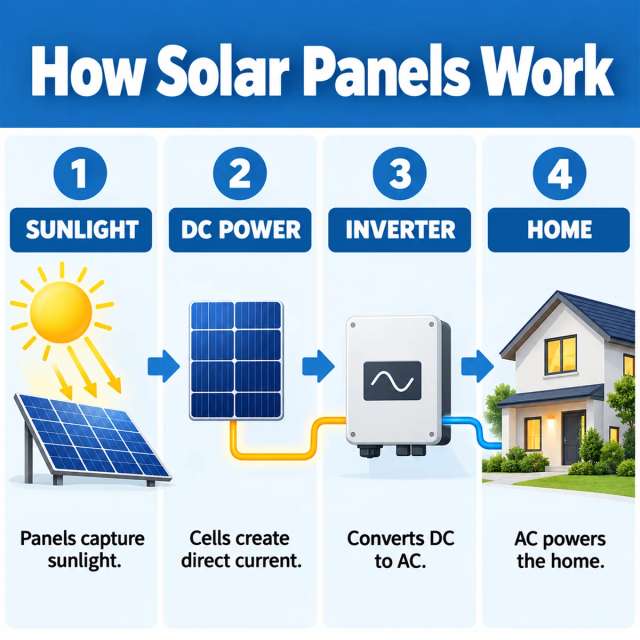
A one-page infographic titled "How Solar Panels Work" with four labeled steps, simple icons, a blue and white palette and short captions under each step.
Works well for explainers, class handouts and social carousels.
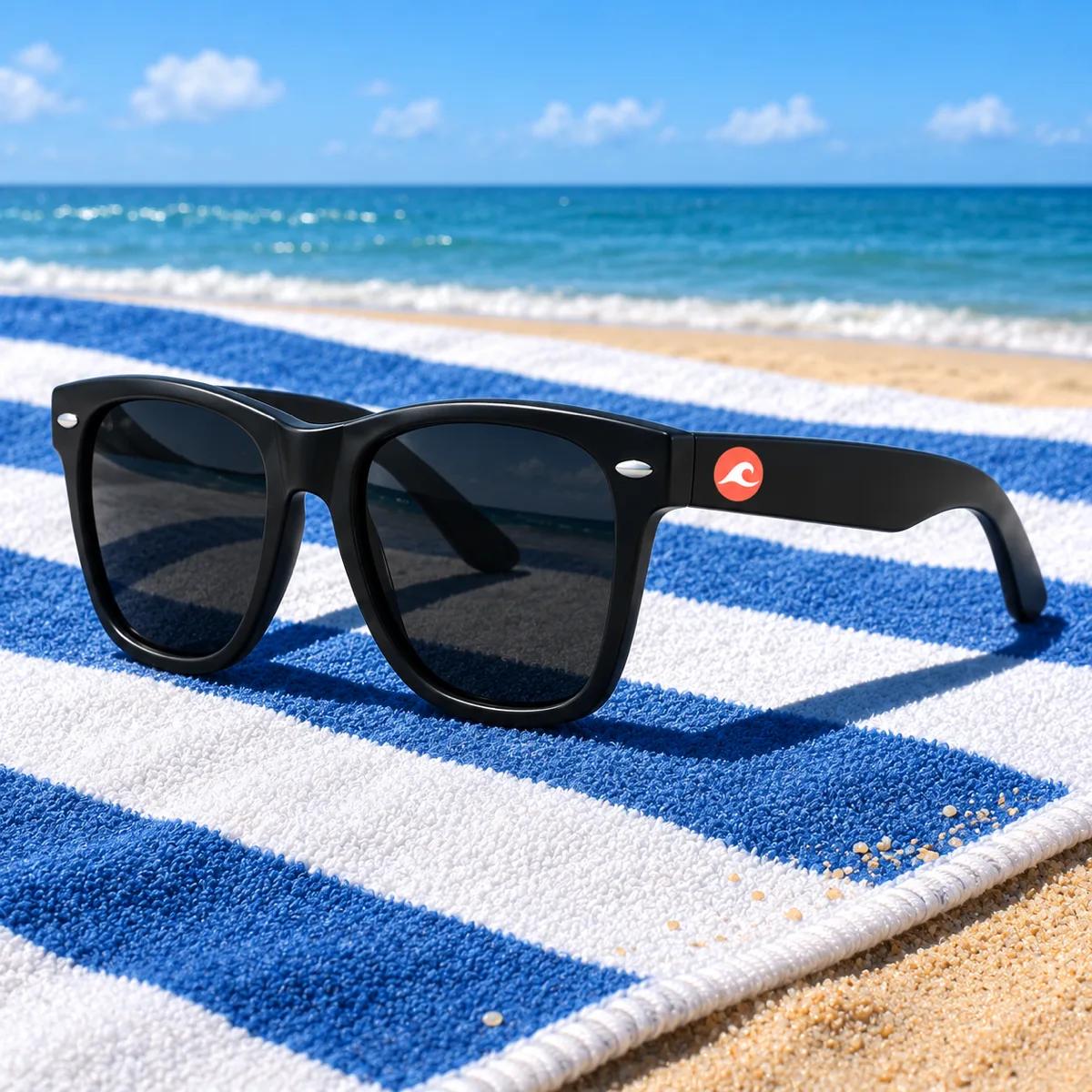
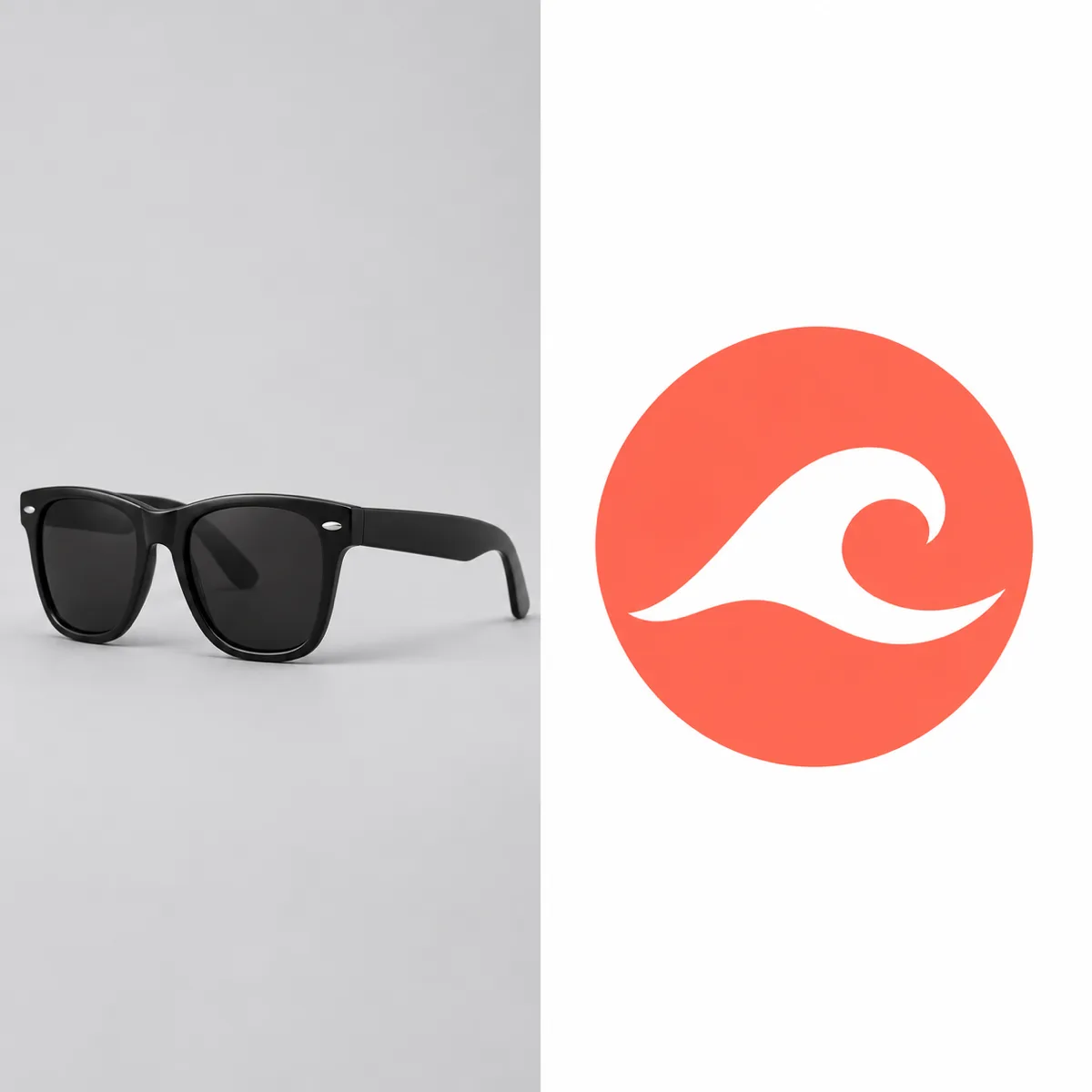
Prompt
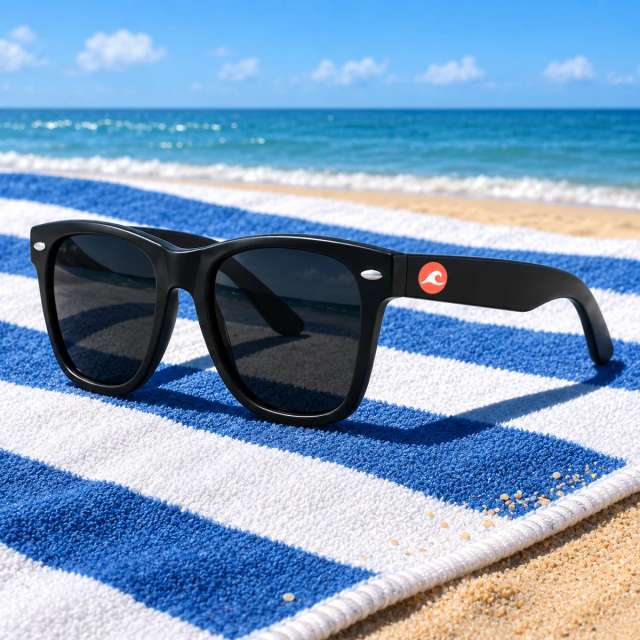
Use the uploaded sunglasses and logo. Show the sunglasses on a striped beach towel in bright midday sun, with the logo printed on the temple.
Works well for product ads that combine several reference images.
Illustrative images created from each prompt.
Each Nano Banana model has a different best use. Pro is built for detail and reasoning, while Nano Banana 2 and Nano Banana 2.1 are built for fast, everyday creating and editing.
| Nano Banana Pro | Nano Banana 2 | Nano Banana 2.1 | |
|---|---|---|---|
| Best for | Text-heavy designs, infographics and detailed 4K images | Fast everyday creating and editing with clear text | The newest Flash version for creating and editing |
| Google model | Gemini 3 Pro Image | Gemini 3.1 Flash Image | Newest Nano Banana Flash version |
| Released | November 20, 2025 | February 26, 2026 | Added to Aragon in October 2026 |
| Added to Aragon | February 9, 2026 | March 2, 2026 | October 16, 2026 |
Pick the model that matches your project.
Pick Nano Banana Pro if you need reasoning-first images with dense text and fine detail at 4K.
Pick Nano Banana 2 if you want fast, everyday creating and editing.
Pick GPT Image 2 if your image is mostly a text-heavy layout, like a flyer or a menu.
Describe your poster, product shot or edit, and the model creates it in AI Image on Aragon.
Customer satisfaction is our number one priority. Our live agents are available 7am - 11pm (PT), 5 days Sunday through Thursday.
The Leading AI Headshot Generator for Professionals
Trustpilot
Trusted by professionals and teams
Earn 30% for every referral
Join our affiliate program for free!
Copyright © 2026 Aragon AI, Inc. All rights reserved.