PhotoVideo
Portrait
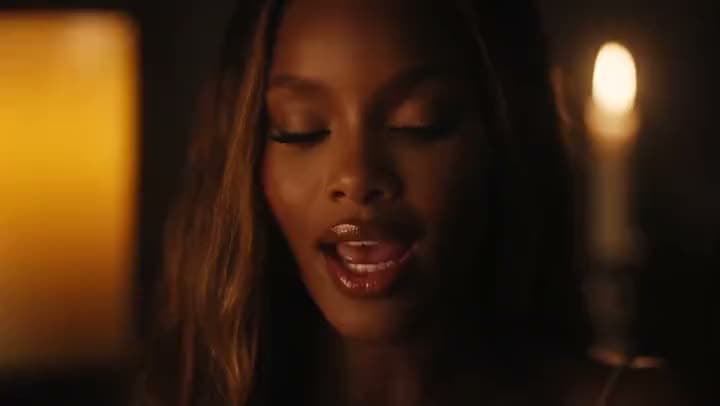
Portrait photo → subtle subject motion and a soft camera pan
A close-up of a woman singing in a candlelit room, animated from a still portrait.
A still photo doesn't have to stay still. Describe the motion you want, a pan, a turn, camera drift, and Aragon's image to video AI turns it into a video you can edit and export.
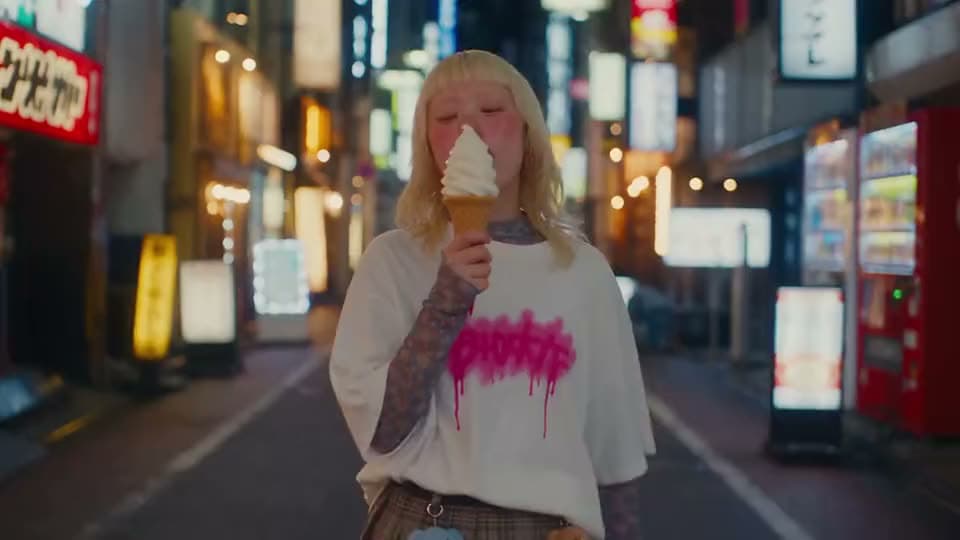
See real photos turned into finished videos.
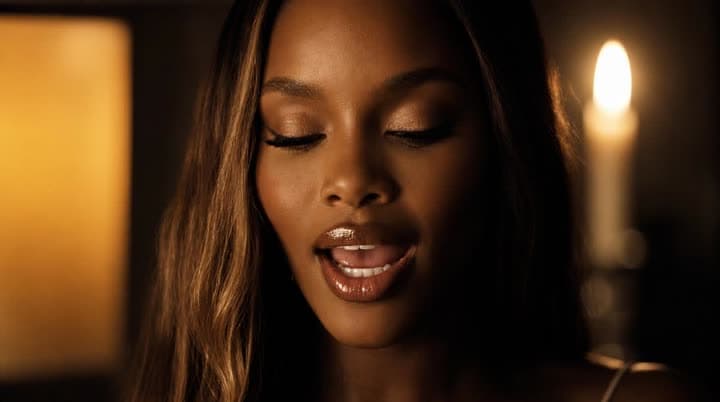
Portrait photo → subtle subject motion and a soft camera pan
A close-up of a woman singing in a candlelit room, animated from a still portrait.
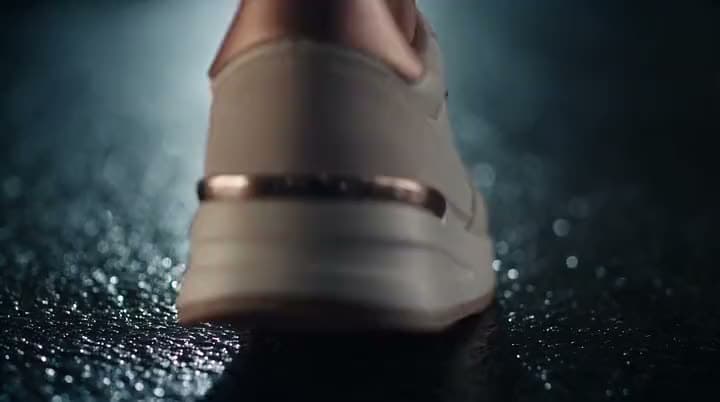
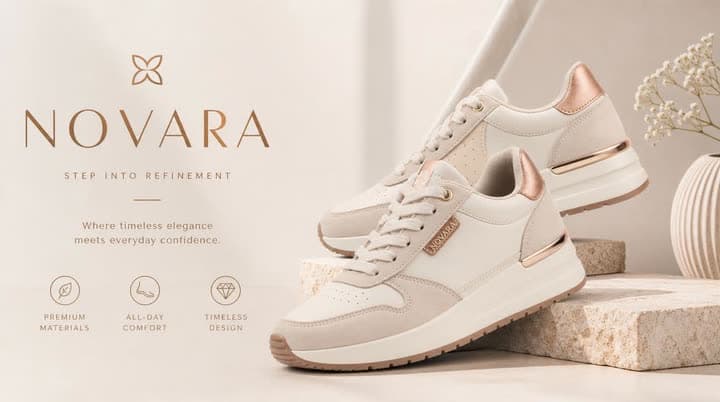
Product shot → slow orbit, light shift, or a handheld product move
A cream and rose-gold sneaker, animated from a product photo into a motion ad.
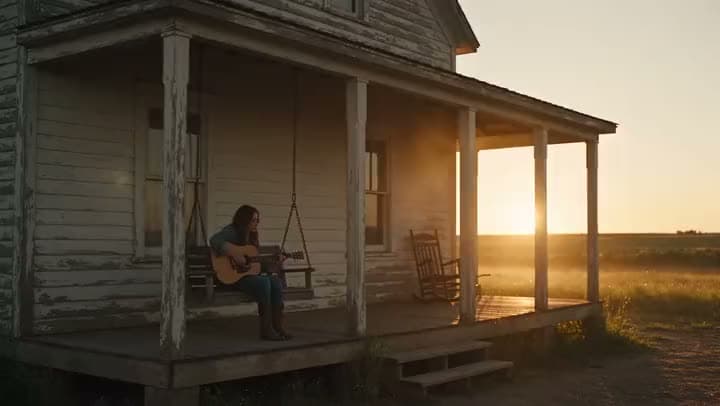
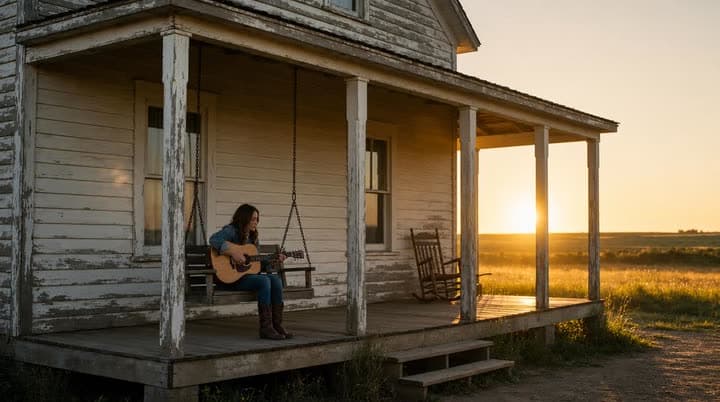
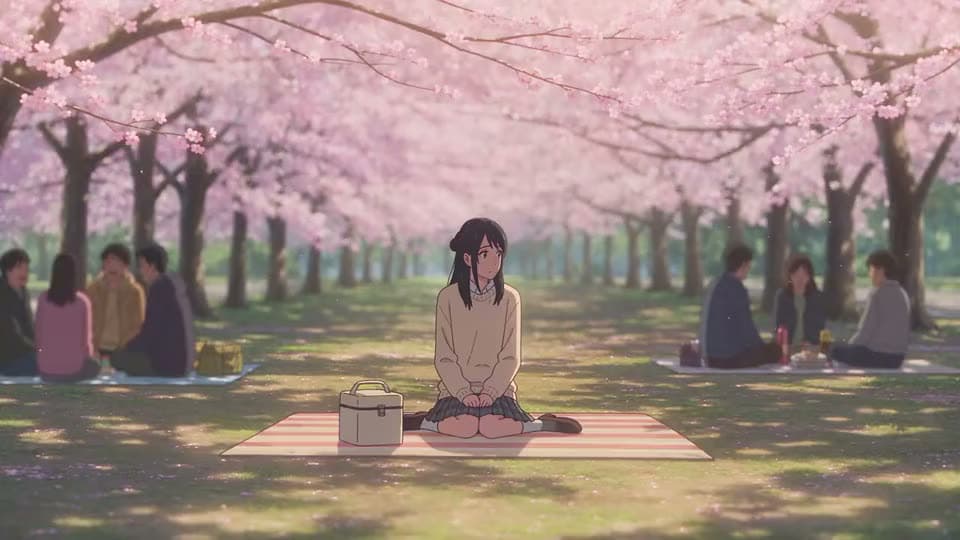
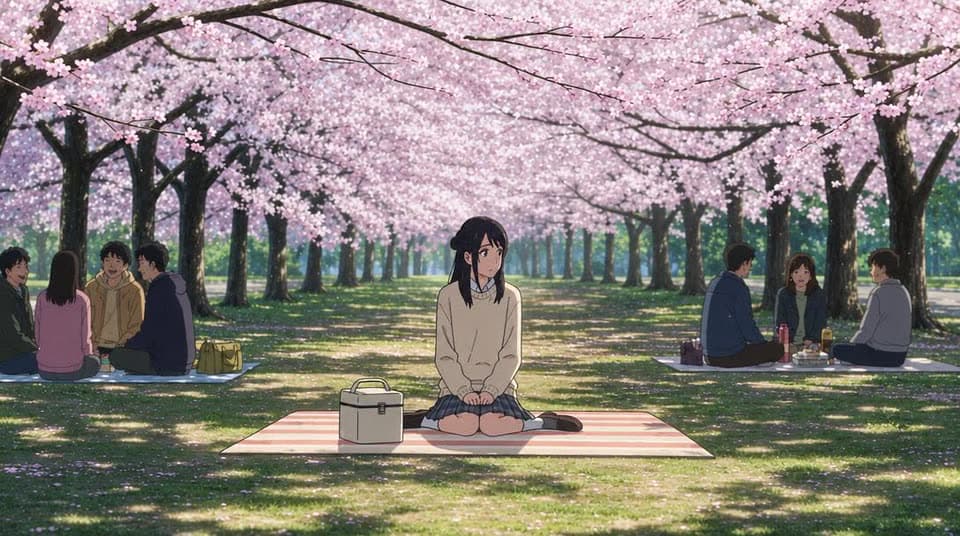
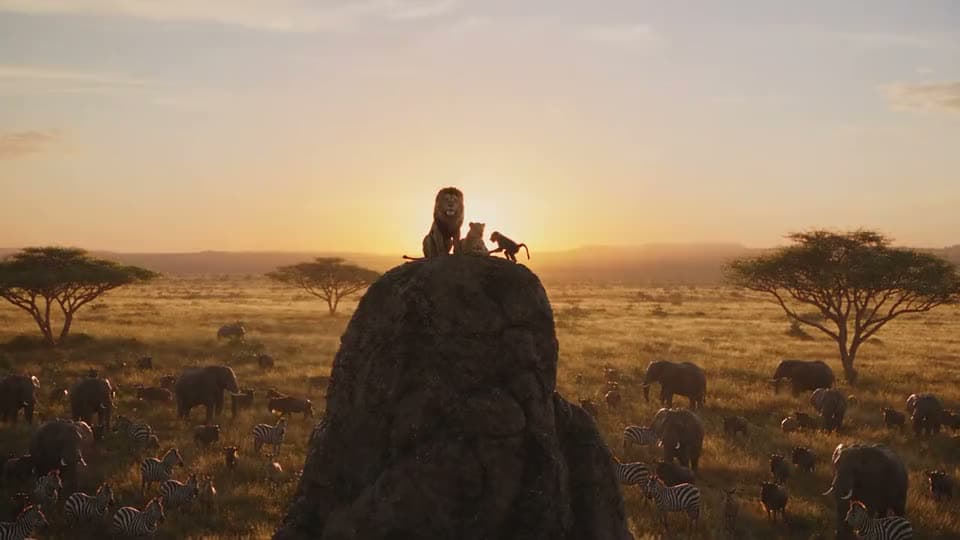
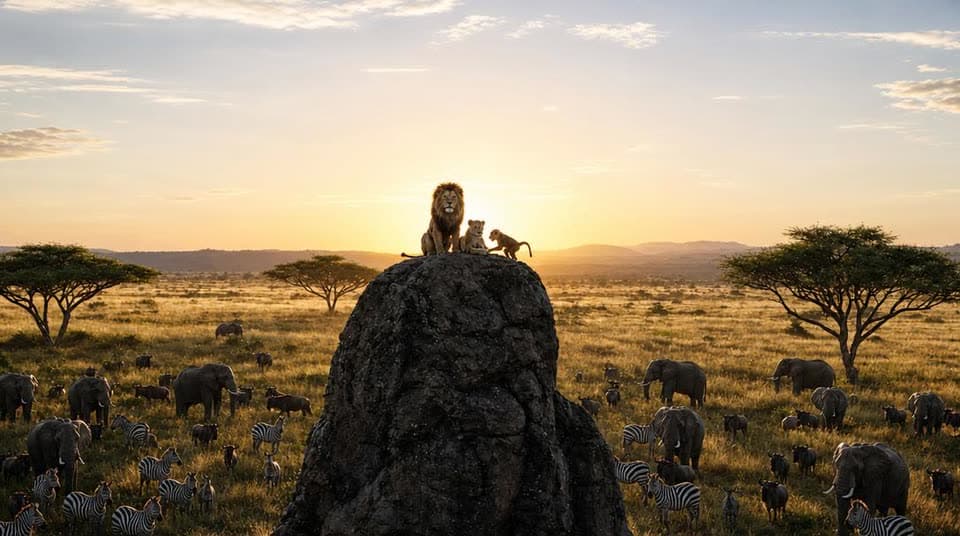
Scene or landscape frame → cinematic push, tilt, or ambient motion
A woman playing acoustic guitar on a farmhouse porch at sunset, animated from a still.
Want a slideshow built from several photos instead? That's a different tool, Photo to Video.
Upload a photo, describe the motion you want, choose a model, and Aragon generates a video you can edit and export.
Bring a portrait, product shot, scene, or reference photo you already have. Clear subjects give you better results.
Type the camera move, the subject motion, or both, then pick a model if you want to. The more specific your description, the more specific the motion.
Review the video Aragon generates and refine it with video-to-video editing if anything needs a tweak.
It should turn a photo you already have into a finished video, without making you learn a full video editor just to get there.
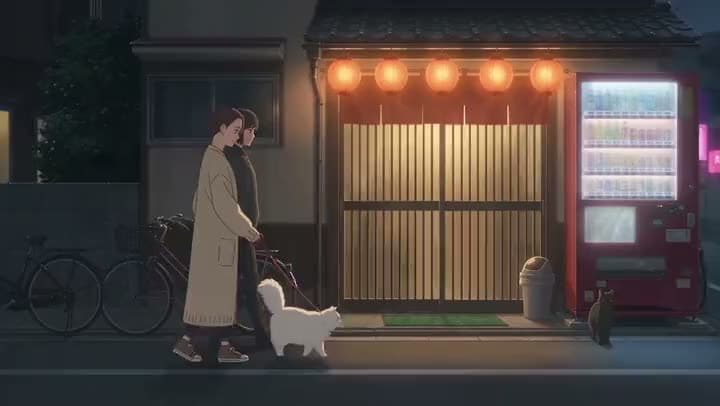
Whether it's a person, a product, or a scene, upload the photo you already like, then describe the motion you want instead of planning an entirely new shoot.
A single photo is enough for most jobs. When you need a clear beginning and ending, add a start frame and an end frame, and Aragon generates the motion that connects them.
Different models are better at different things, some are built for realistic motion, others for a more stylized look. Aragon gives you access to several, including Kling, Seedance 2.5, Google Veo, Sora 2, Hailuo, and Wan, so you're not stuck with whatever one model happens to produce.
A raw clip is only half the job. Your result lands on an editable timeline, so you can trim it, adjust the pacing, or refine it further with video-to-video editing before you export.
Free credits come with your account, so you can try a full image to video generation before deciding on a plan.
This tool is built for one thing: turning a photo into motion. Need something else? Text to Video, Script to Video, Video Upscaler, and Photo to Video each handle their own job in the same suite.
Aragon routes your request across licensed models in the workspace. The one you pick shapes the motion style, the speed, and the final quality, and availability can depend on your plan.
general-purpose image-to-video motion, a strong default when you're not sure what to pick
controllable output used across several Aragon video tools
Google's video model, when that look fits what you're making
more models for different styles and speeds
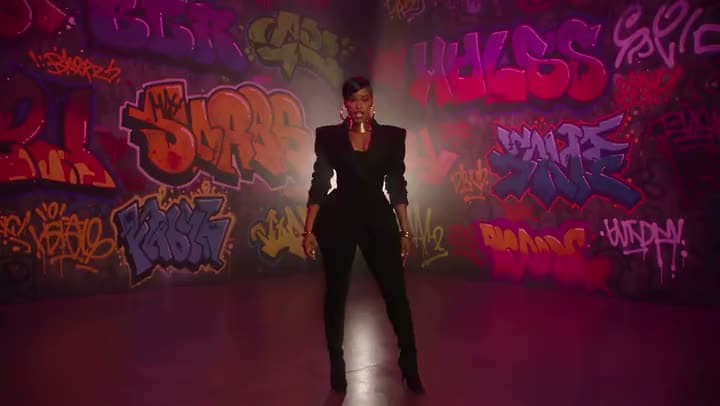
A strong portrait already gets noticed. Add motion to it for Reels and Stories without booking a shoot.
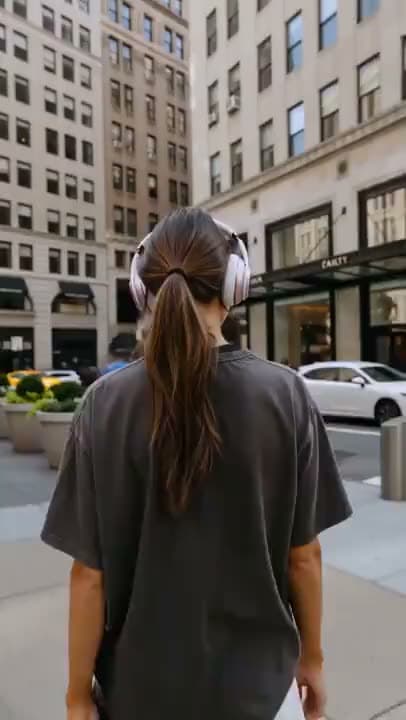
Teams often choose the hero photo before they have a hero clip. Turn that photo into video for decks and teasers.
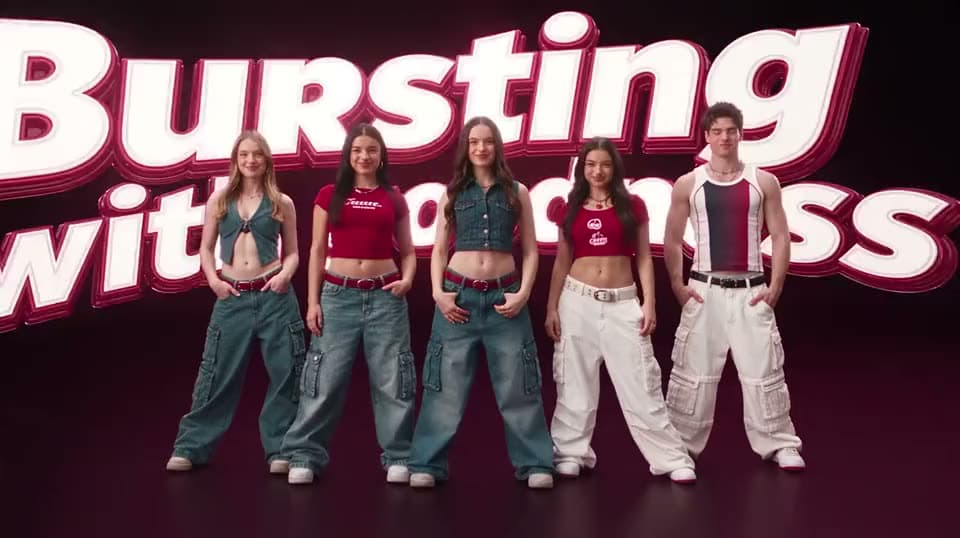
Product photos already live on your listing pages. A little motion can lift click-through on paid social and in listings.
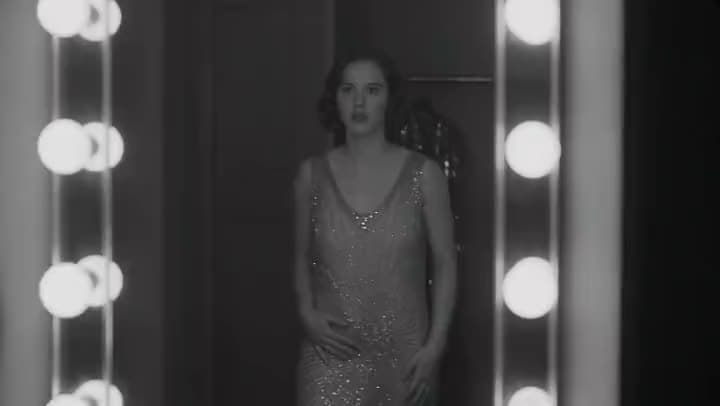
Clients want motion from photos they've already approved, not a brand-new shoot. Upload, describe the motion, and hand back a draft.
I found Aragon AI easy to use and it gave highly professional resultsSep 24, 2026DSDr. Stefan Prangenberg
Very satisfied with the outcomes! Much better than Gemini or OpenAI out of the box.Sep 5, 2026PDPaul Dalitz
The simplicity of the process is exceptional and results are greatSep 8, 2026
Customer satisfaction is our number one priority. Our live agents are available 7am - 11pm (PT), 5 days Sunday through Thursday.
Need a photo animated closer to as-is, or a multi-photo slideshow style path? Open Photo to Video.
Starting from a written prompt with no image? Open Text to Video.
Starting from a scripted narrative beat? Open Script to Video.
Need the full create-edit-finish hub? Open the AI Video Generator suite.
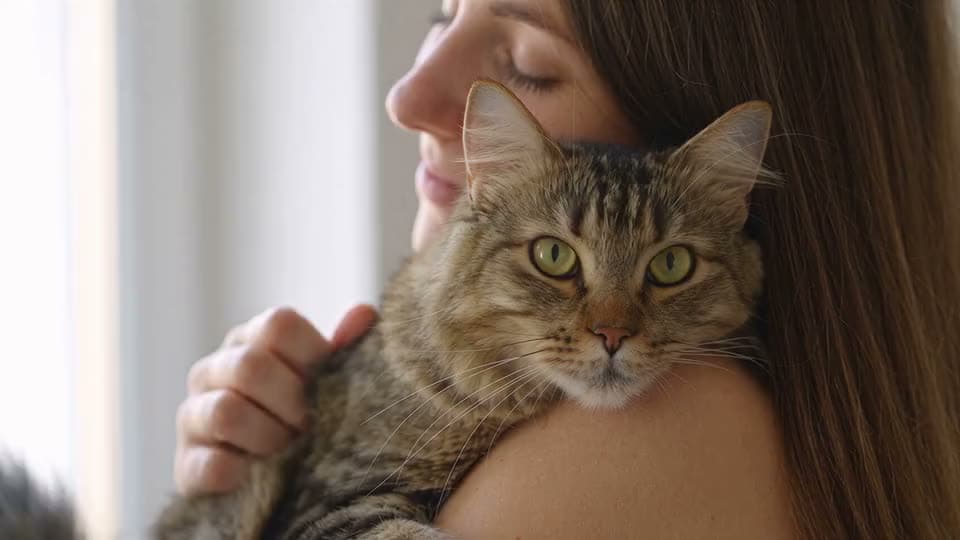
raise resolution after your motion cut lands
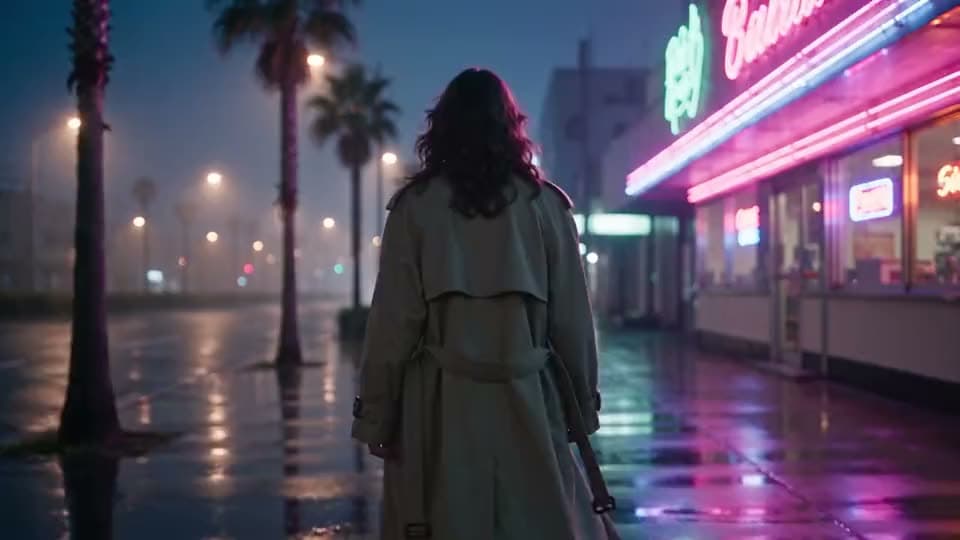
make, edit, and export a full video
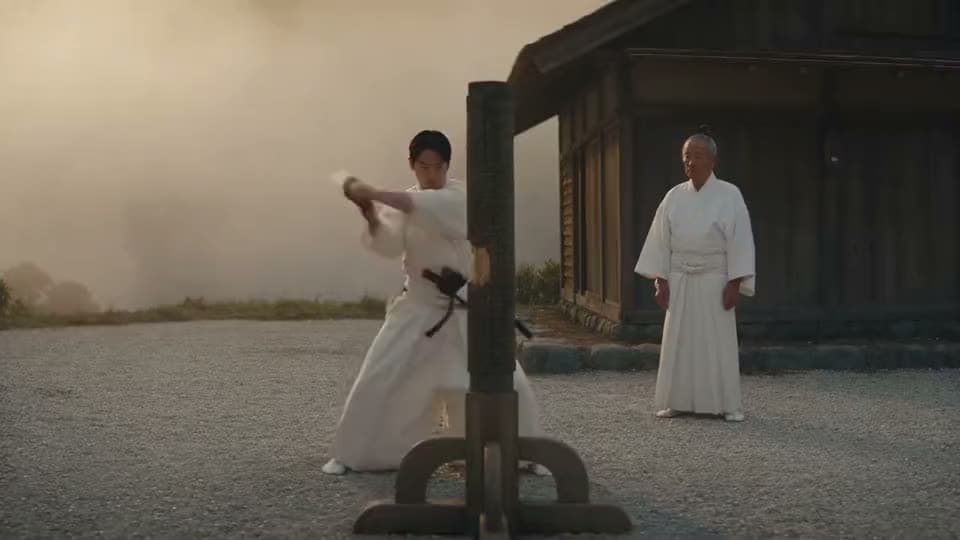
make videos without showing your face
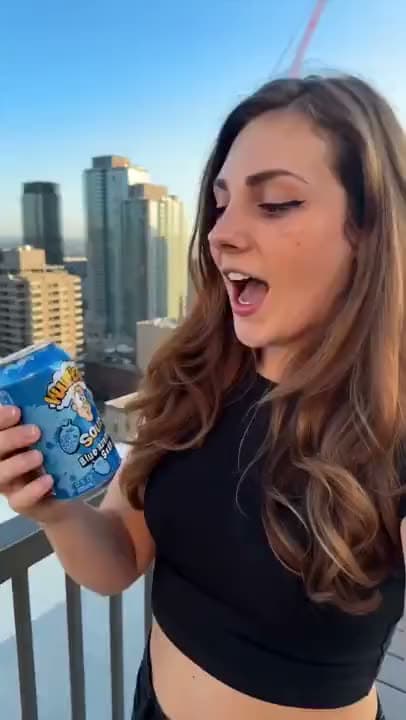
make vertical 9:16 reels from clips or a prompt
Need a photo animated closer to as-is, or a multi-photo slideshow style path? Open Photo to Video.
Starting from a written prompt with no image? Open Text to Video.
Starting from a scripted narrative beat? Open Script to Video.
Need the full create-edit-finish hub? Open the AI Video Generator suite.
raise resolution after your motion cut lands
make, edit, and export a full video
make videos without showing your face
make vertical 9:16 reels from clips or a prompt
The Leading AI Headshot Generator for Professionals
Trustpilot
Trusted by professionals and teams
Earn 30% for every referral
Join our affiliate program for free!

Copyright © 2026 Aragon AI, Inc. All rights reserved.