

























































































































































































































































































































































The Leading AI Headshot Generator for Professionals
THE #1 RANKED AI PHOTO EDITOR
AI Background Enhancer: Blur or Clean Up Any Photo's Background
Choose a blurred or sharp background and Aragon gives your photo a clean, professional look in seconds. No Photoshop needed. Free to try.
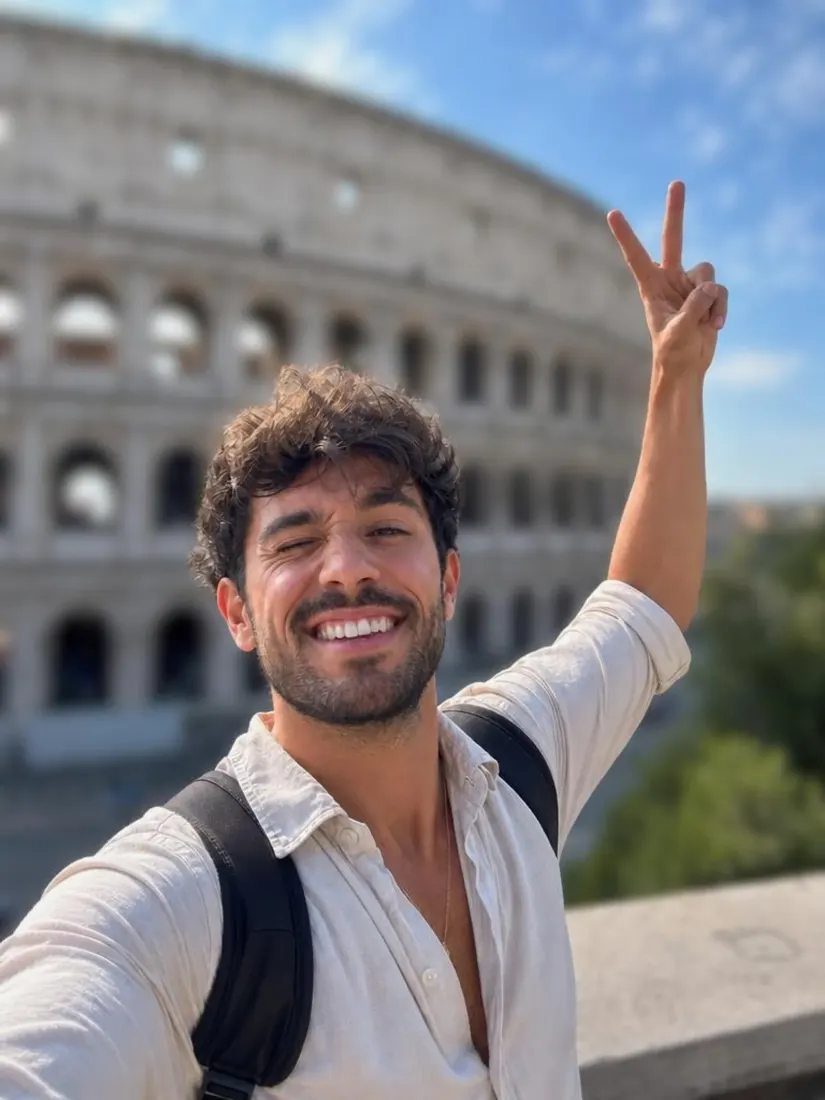
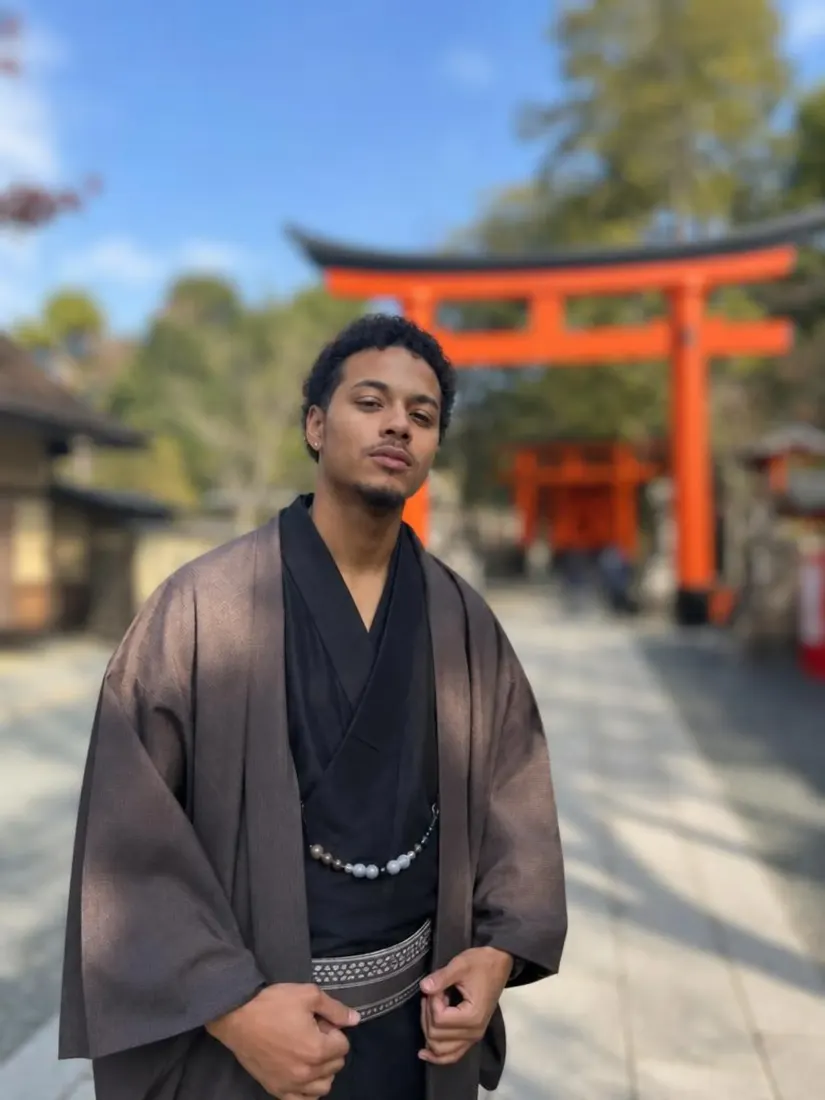
Click on one of these photos to try: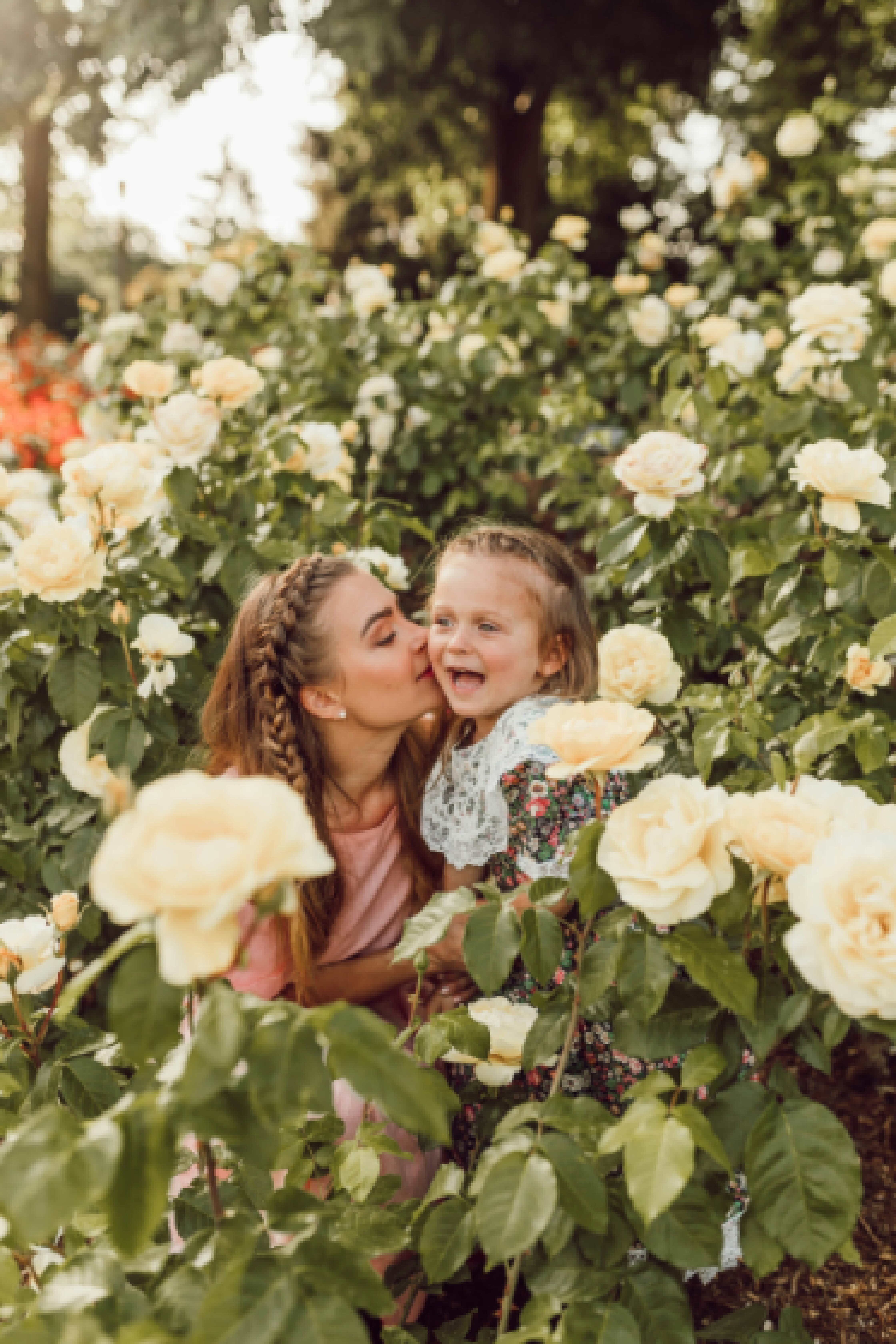
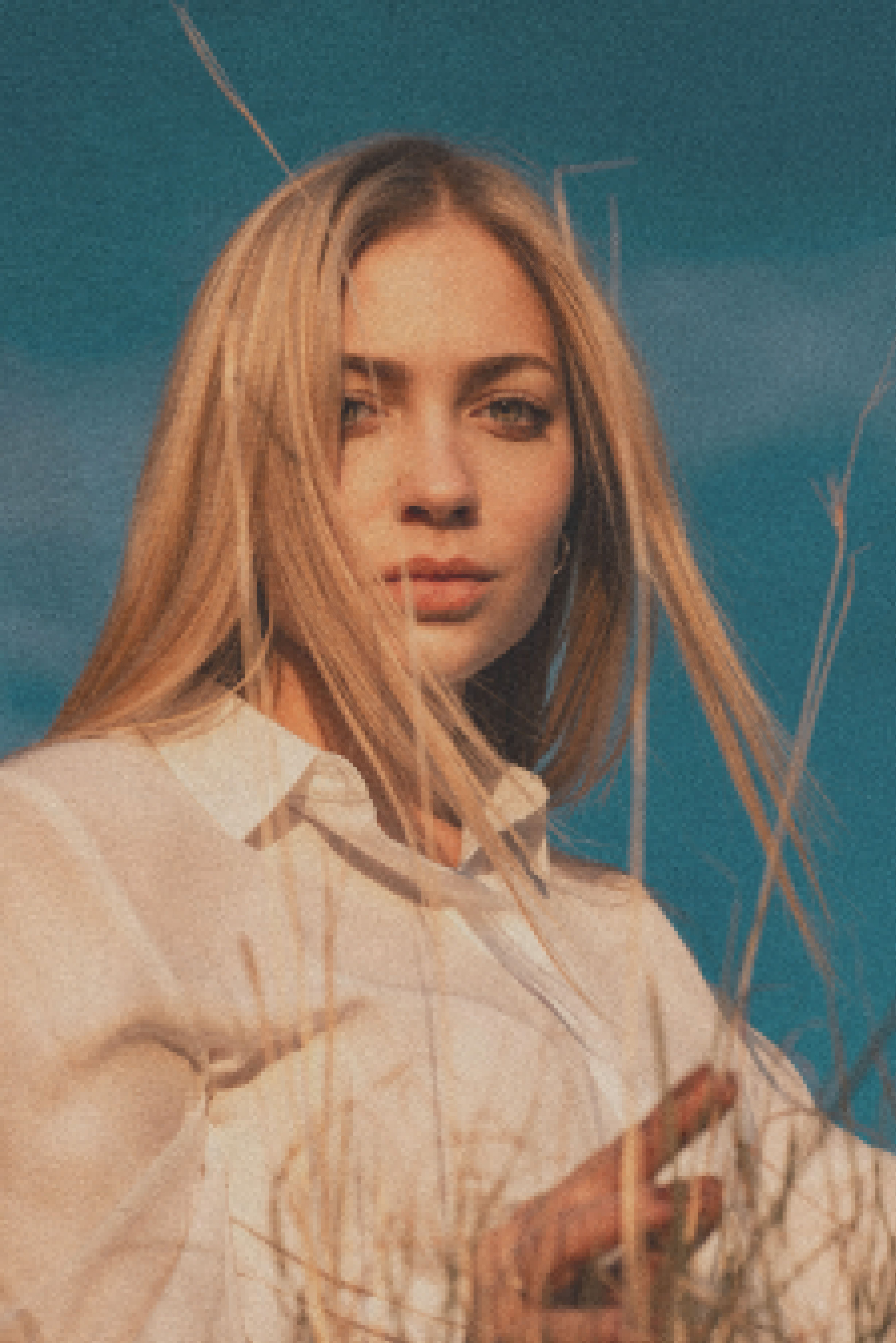



Before
After


Trusted by Industry Leaders. Millions of images edited to date.









How to enhance a photo background
1
Upload your photo
Start with a clear, well-lit photo. Aragon works with common photo types and standard dimensions.
2
Choose blurred or unblurred
Pick a soft, blurred background for a portrait look, or a clean, sharp background that still matches your photo.
3
Download your result
Your new photo is ready in your dashboard in seconds. Download in high resolution to share or save.
What makes it special?
BeforeAfterNo Photoshop or editing skills needed
Aragon replaces the manual retouching process entirely. Upload a photo and the edit happens automatically.
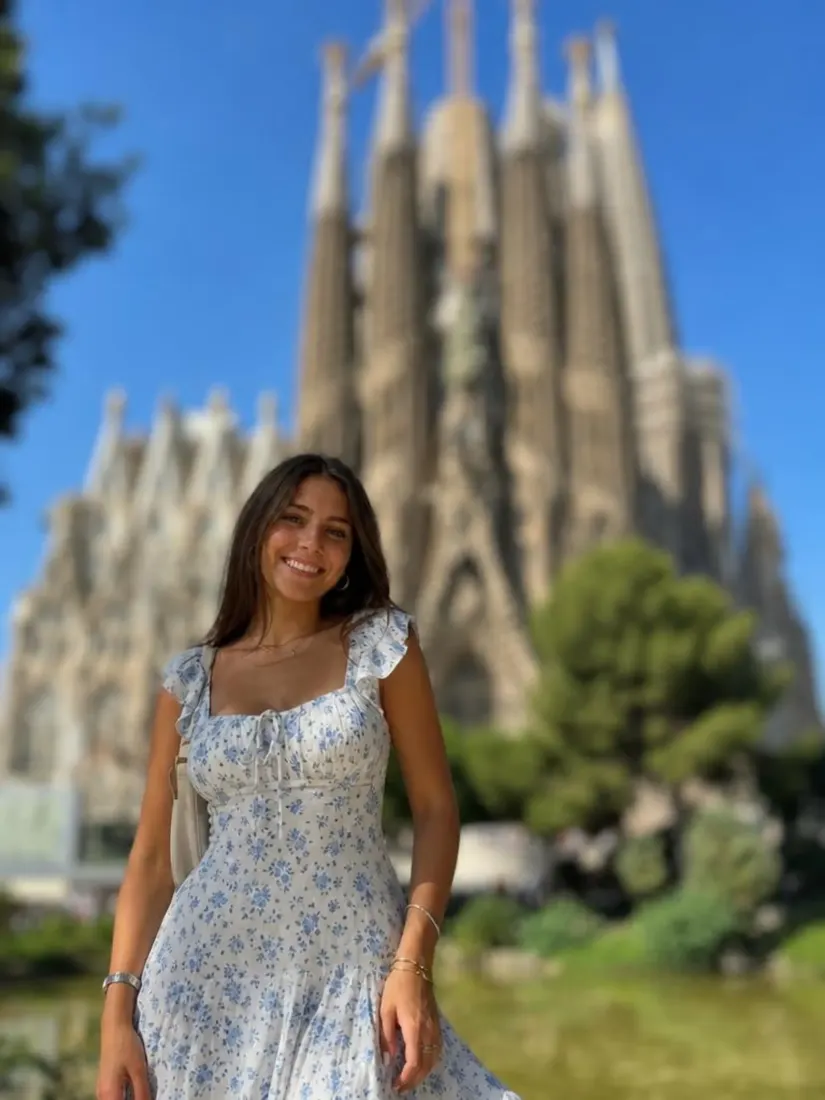 Before
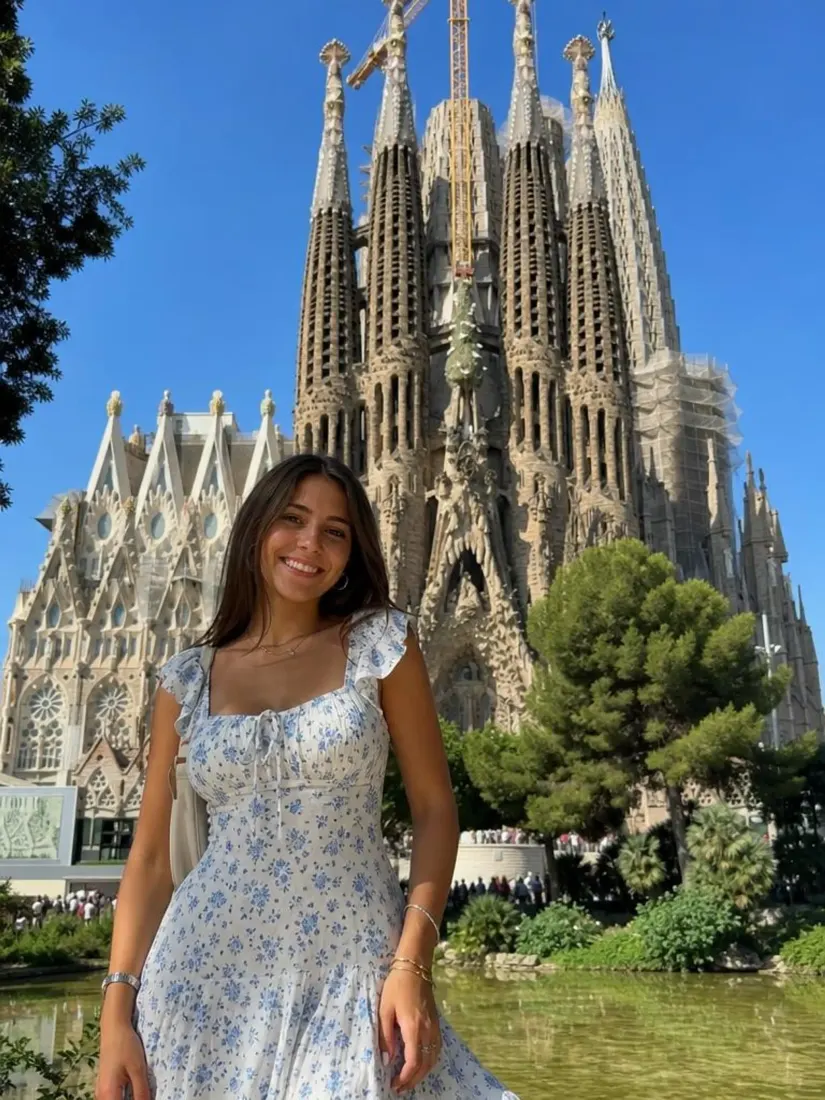 After
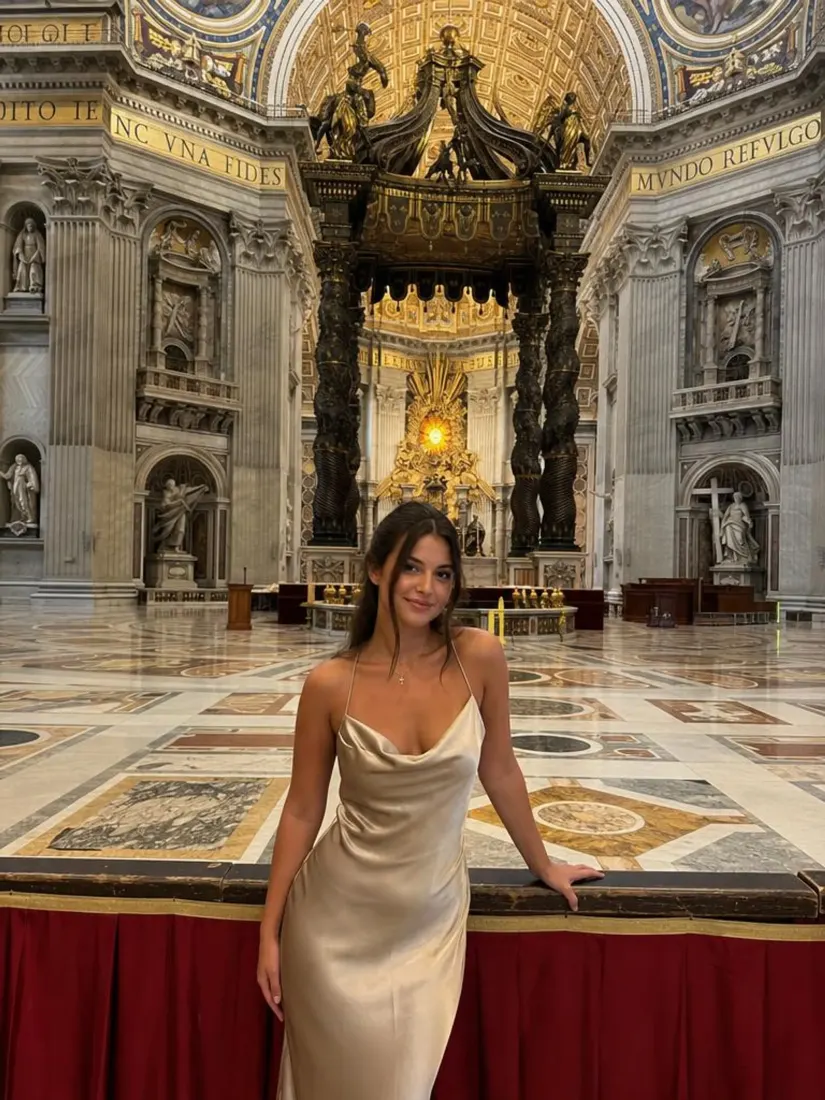
AfterA clean, professional background
The result matches your portrait's lighting and tone, rather than a flat, obvious blur filter.
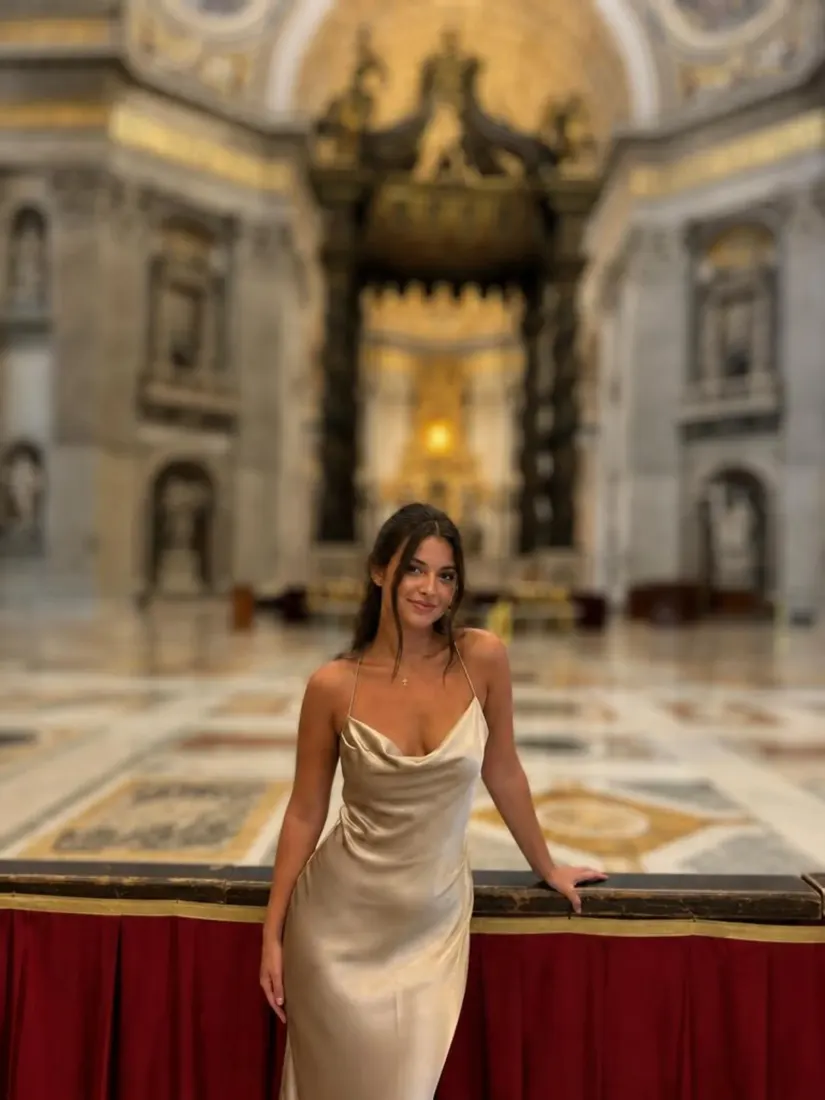 Before
 After
AfterPart of Aragon's photo editing suite
Pair with the Background Remover for more background editing options.
When should you use the Background Enhancer?
Use it to polish a headshot, sharpen a background that came out blurry, or skip the manual retouching entirely.
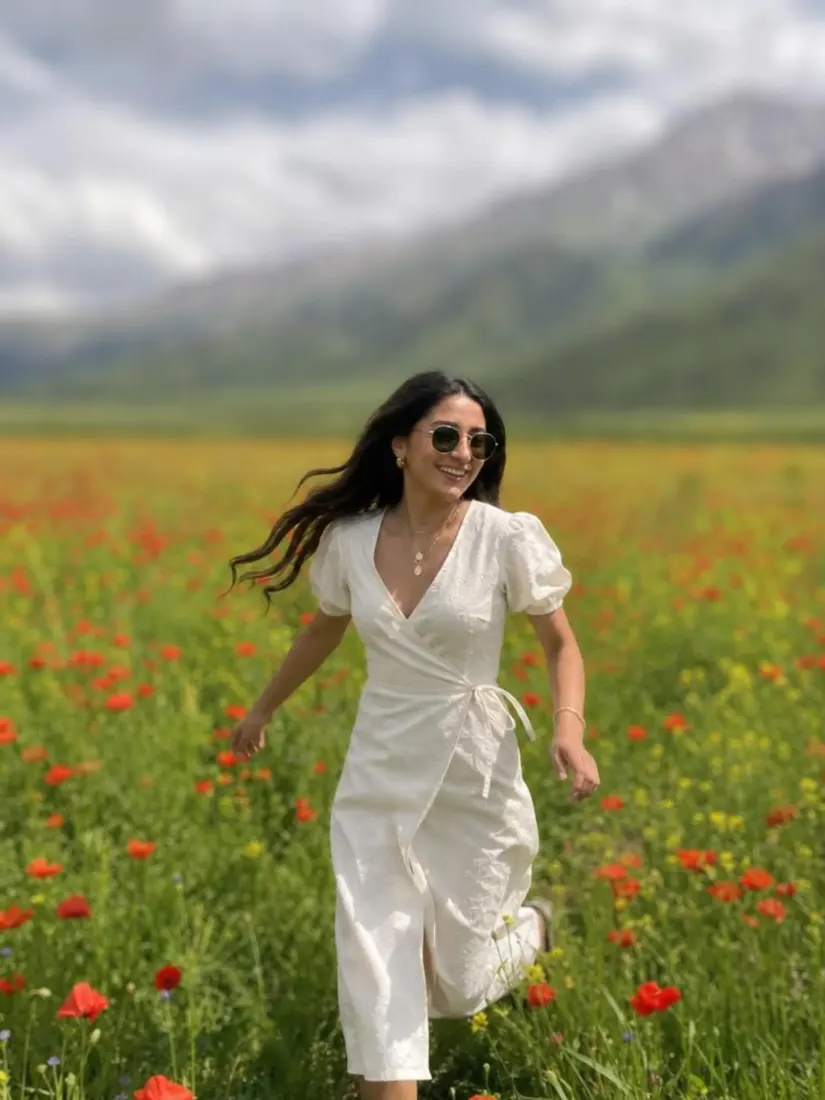 Before
Give a busy or cluttered background a soft, professional blur.
Have a question? We're here to help
Customer satisfaction is our number one priority. Our live agents are available 7am - 11pm (PT), 5 days Sunday through Thursday.
Aragon's background enhancer gives your photo's background a clean, professional look, either blurred or sharp, while keeping the rest of the photo unchanged.
No. Aragon replaces the manual retouching process. Upload a photo and the AI handles the edit in seconds.
Blurred gives your photo a soft, portrait-style background. Unblurred keeps the background sharp and clean while still matching your photo's lighting and tone.
Free credits come with every Aragon account, usable across this tool and the full photo editor suite. Paid plans add more credits for higher usage.
A clear, well-lit photo works best. Aragon adjusts the existing background rather than replacing the whole scene.
This tool works with one photo at a time. Upload the one you want to edit.
Explore our other AI Photo Editing Tools
Touch up your photos even further with our suite of photo editing tools and features
