



























































































































































































































































































































































The Leading AI Headshot Generator for Professionals
THE #1 RANKED AI PHOTO EDITOR
AI Hair Color Changer: Preview New Hair Colors in Photos
Upload a photo and preview a new hair color in seconds, no salon visit required. Aragon's AI keeps the result looking natural instead of painted on. Free to try.
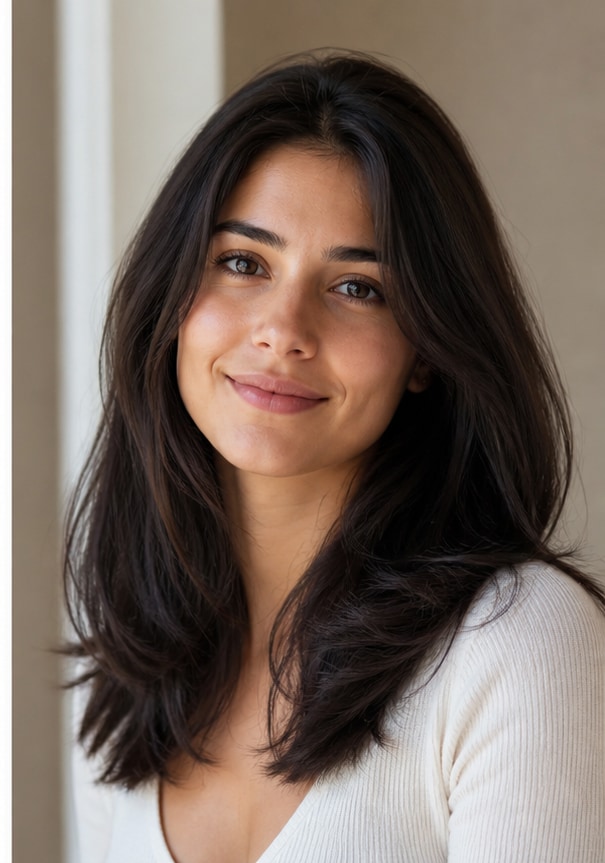
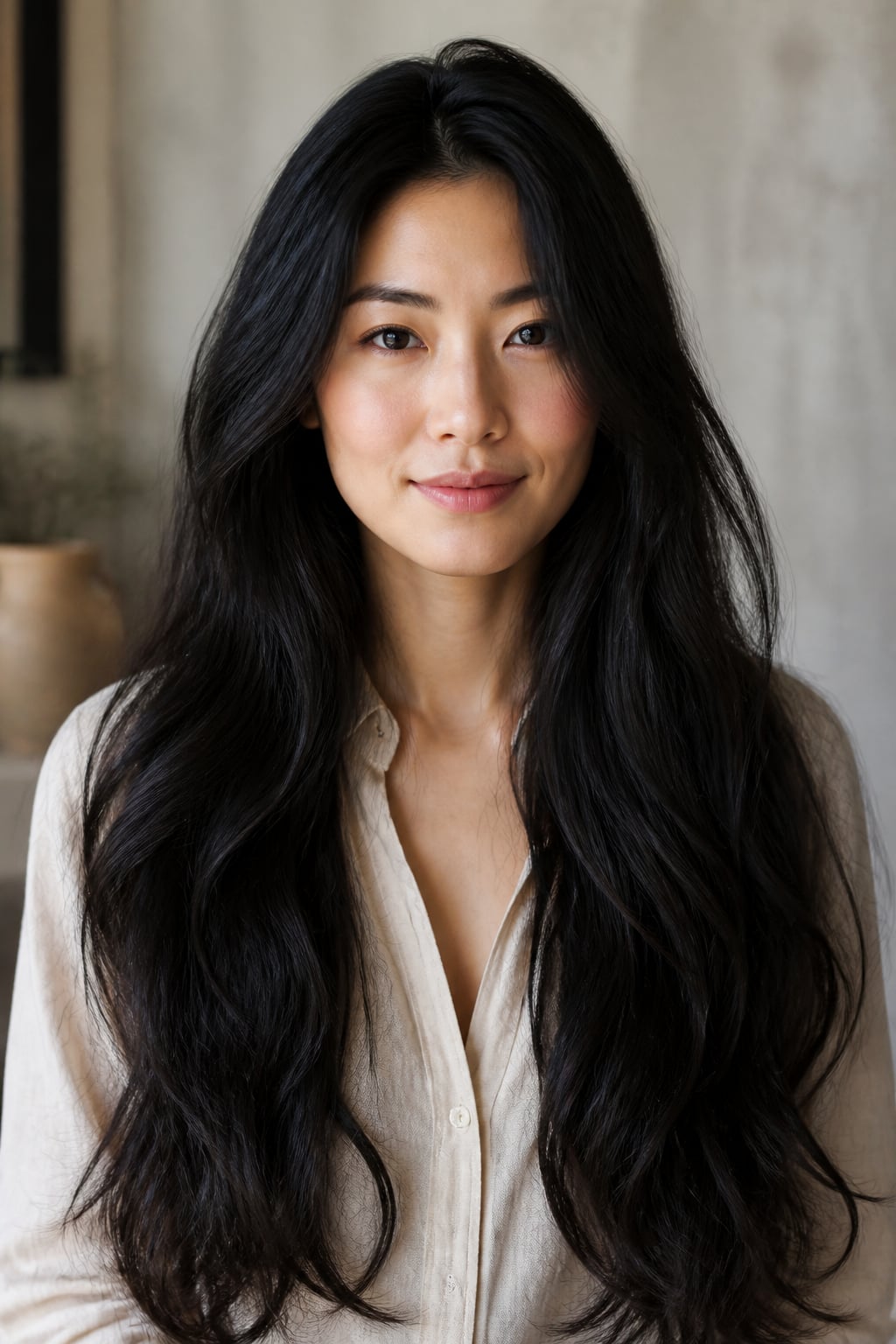
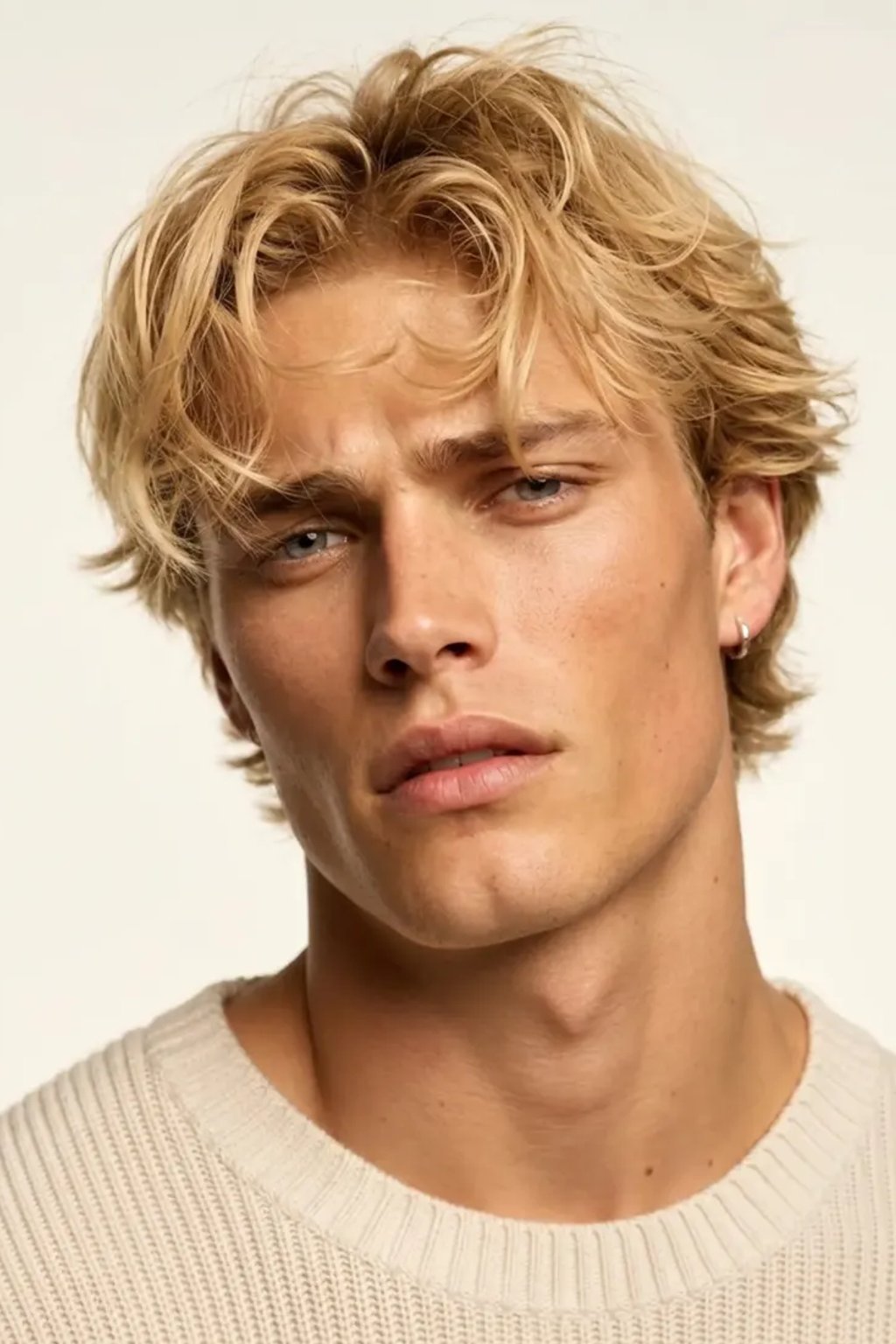
Click on one of these photos to try: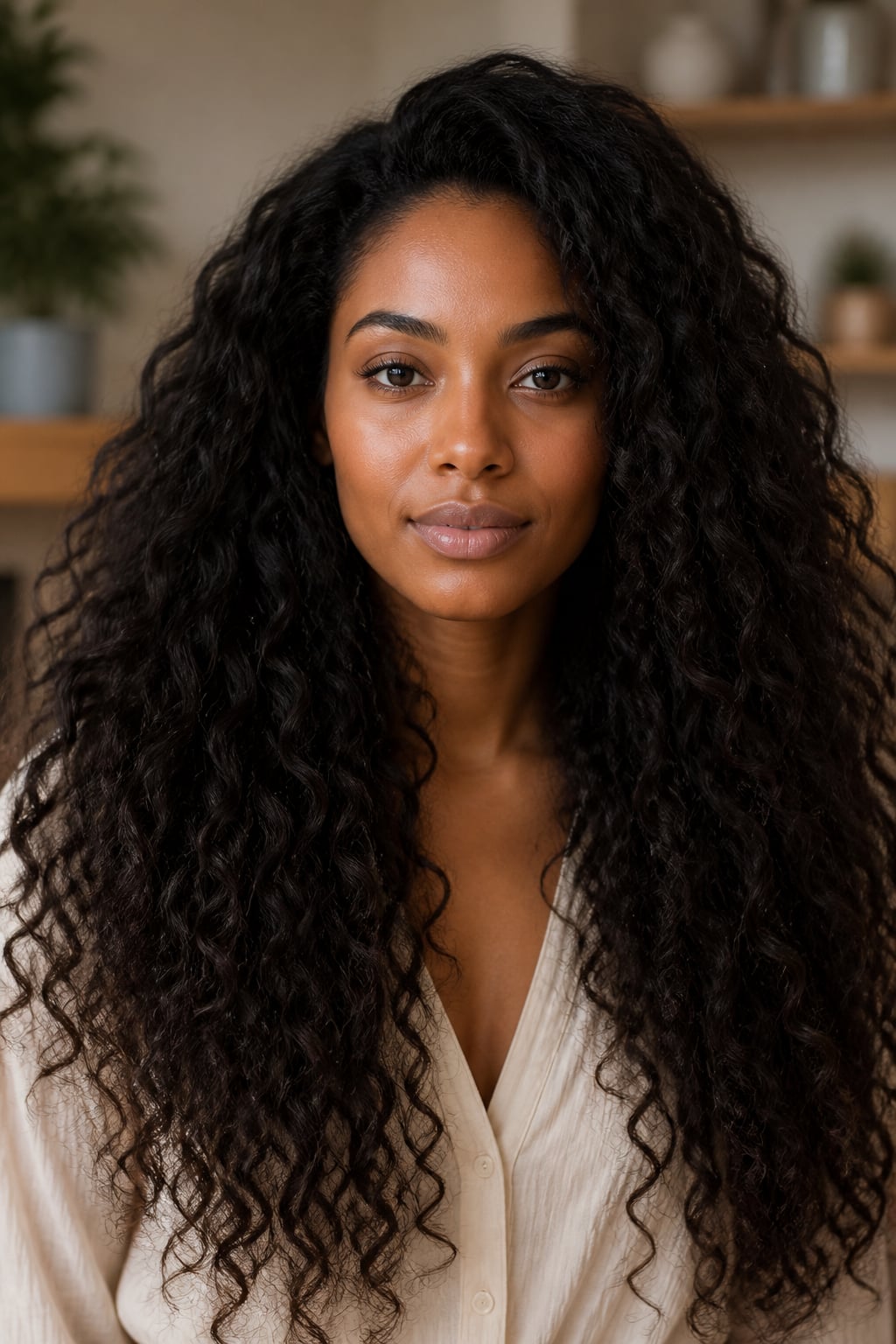


Trusted by Industry Leaders. Millions of images edited to date.









How to change hair color in a photo
1
Upload your photo
Start with a clear, well-lit photo where your hair is visible. Aragon works with common photo types and standard dimensions.
2
AI changes your hair color
Pick a new shade and Aragon applies it to just your hair, leaving the rest of the photo untouched. Try warm, cool, or bold colors before committing to anything permanent.
3
Download your result
Your new hair color is ready in your dashboard in seconds. Download in high resolution to share or bring to a stylist as a reference.
What makes it special?
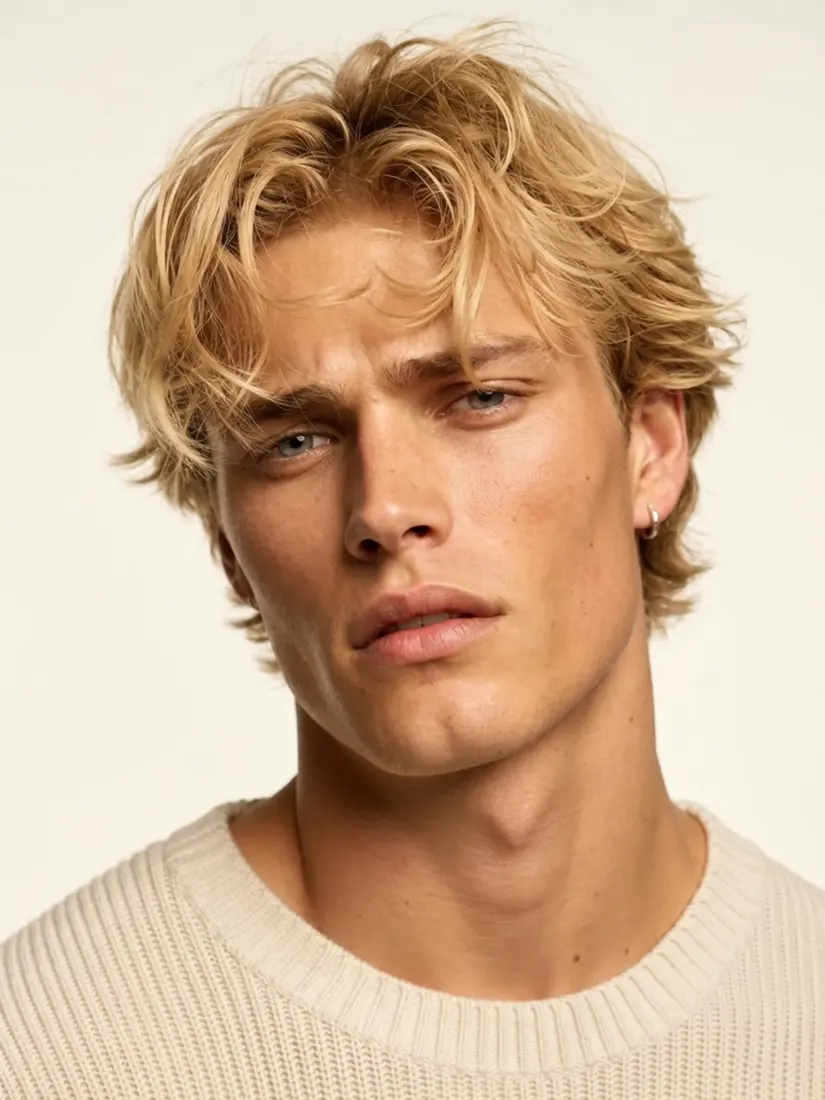 BeforeAfter
AI-applied color, not a flat overlay
Most online hair color tools apply a flat color layer that looks painted on. Aragon's AI follows the natural highlights and shading already in your hair for a more believable result.
Before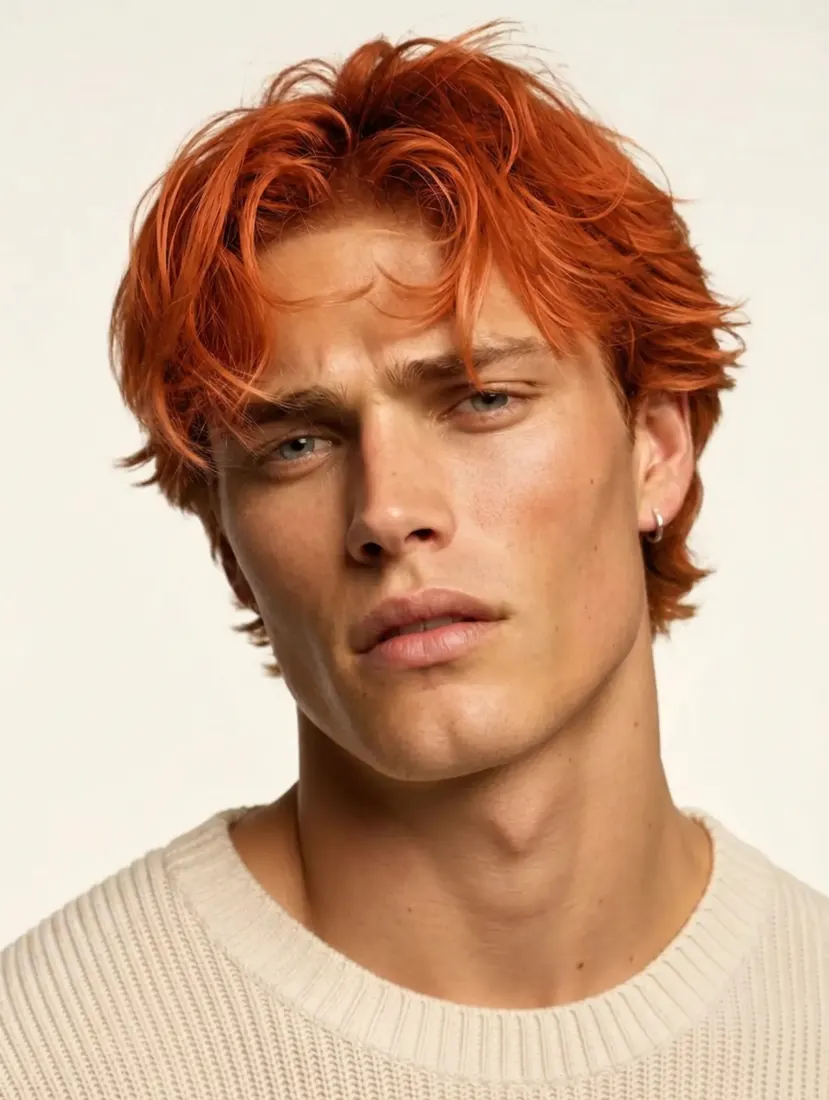 After
AfterPreview before you commit
See how a new shade looks on your own photo before booking a salon appointment or buying a box dye. Compare a few colors side by side before deciding.
Before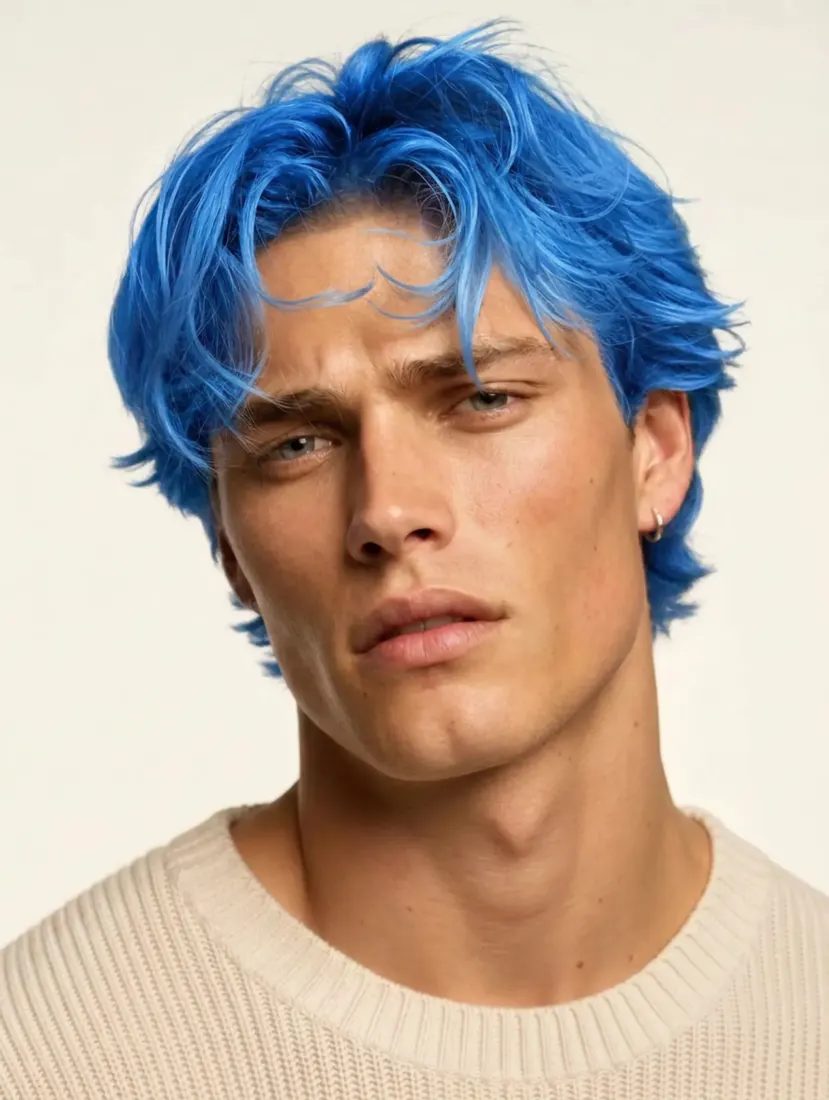 After
AfterPart of Aragon's photo editing suite
Pair with Hair Style Editor to change length and texture, or Makeup Editor to test a full new look.
When should you use the Hair Color Changer?
Use it to preview a new hair shade before a salon visit, explore without commitment, or create new content.
BeforeSee how blonde, brunette, or a bold new shade would look on you before booking an appointment, and bring the result along as a reference for your stylist.
Have a question? We're here to help
Customer satisfaction is our number one priority. Our live agents are available 7am - 11pm (PT), 5 days Sunday through Thursday.
Aragon's AI hair color changer lets you preview a new hair color on your own photo. Upload a photo and get a version back with the new color applied to your hair only.
A box dye package or salon lookbook only shows you a model's photo, not yours. This tool applies the color directly to your own photo, which makes it easier to judge if a shade actually suits you.
Aragon's AI follows the highlights, shadows, and texture already present in your hair rather than applying a flat block of color. Results vary depending on the starting photo's quality and lighting.
Free credits come with every Aragon account, usable across the hair color changer and the full photo editor suite. Paid plans add more credits for higher usage.
Yes. Generate as many versions as you want to compare shades side by side before deciding on a color to book or buy.
A clear, front-facing photo with even lighting and visible hair gives the most accurate result. Photos with hats, heavy shadows, or filters applied beforehand tend to produce less reliable color changes.
Explore our other AI Photo Editing Tools
Touch up your photos even further with our suite of photo editing tools and features
