

























































































































































































































































































































































The Leading AI Headshot Generator for Professionals
THE #1 RANKED AI PHOTO EDITOR
Motion Blur Filter: Add Motion Blur Without Photoshop
Upload a photo and get a dynamic motion blur effect in seconds, no manual Photoshop work required. Free to try.
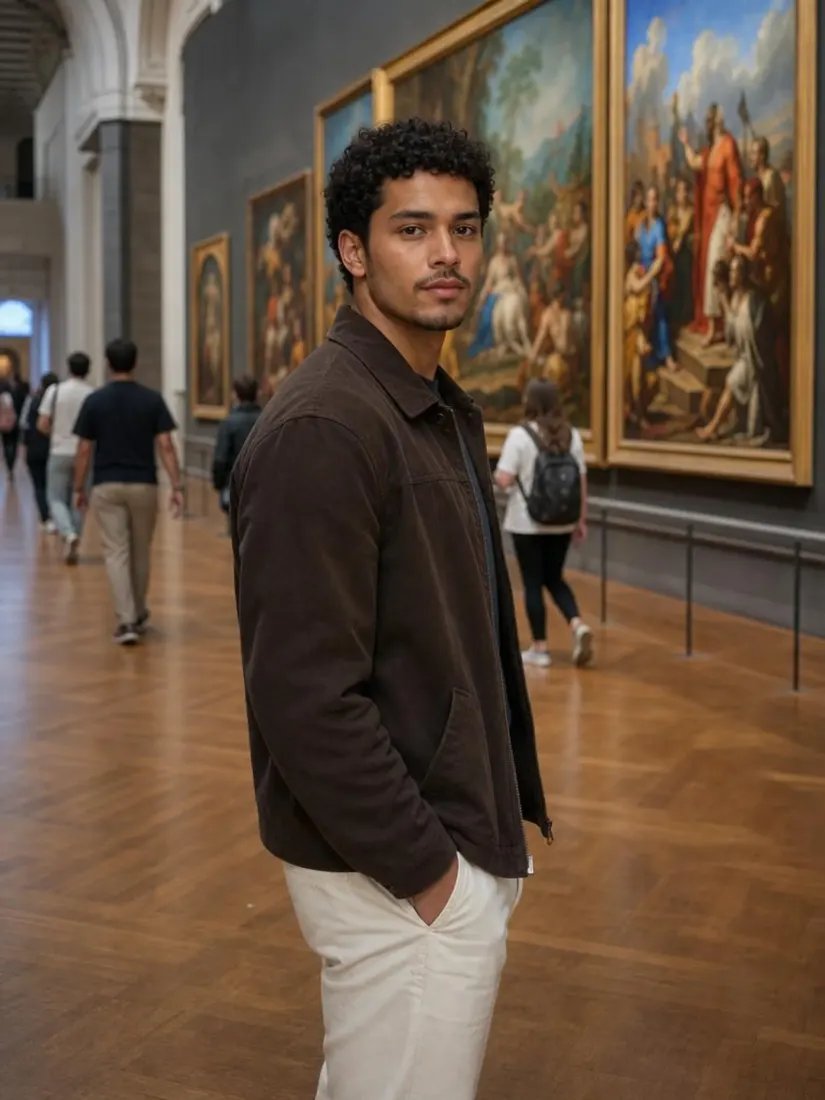
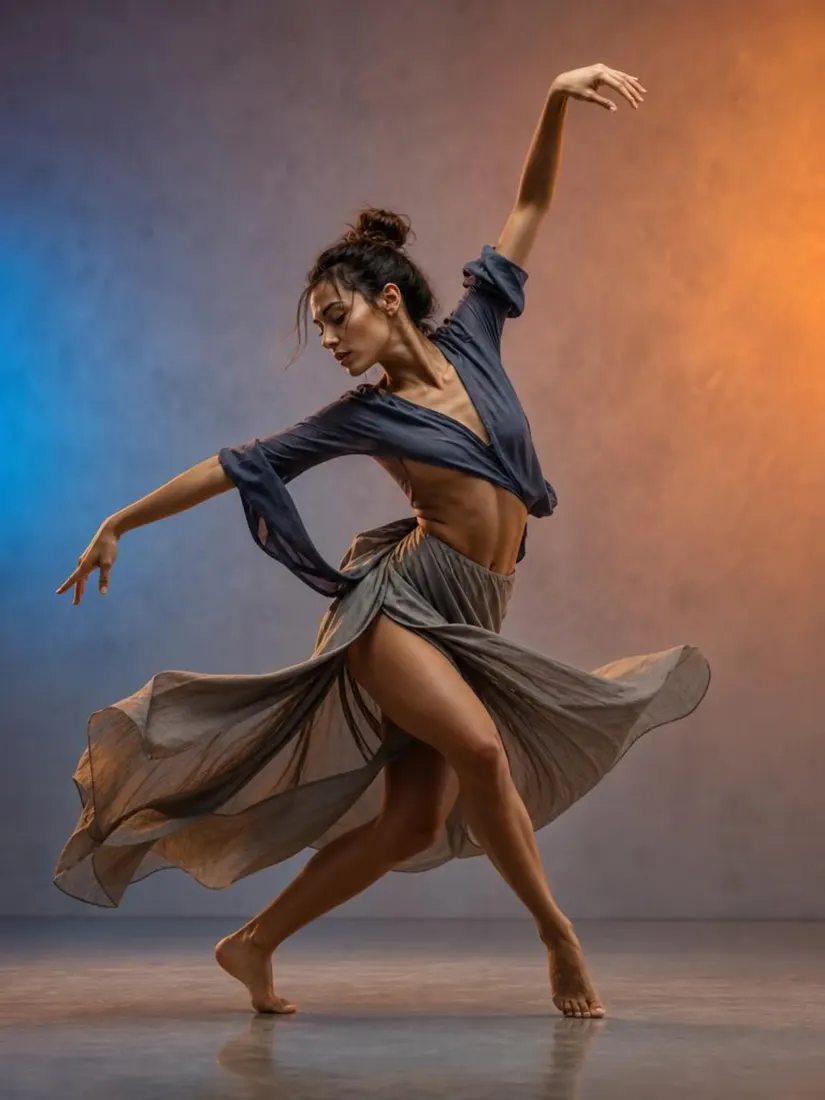
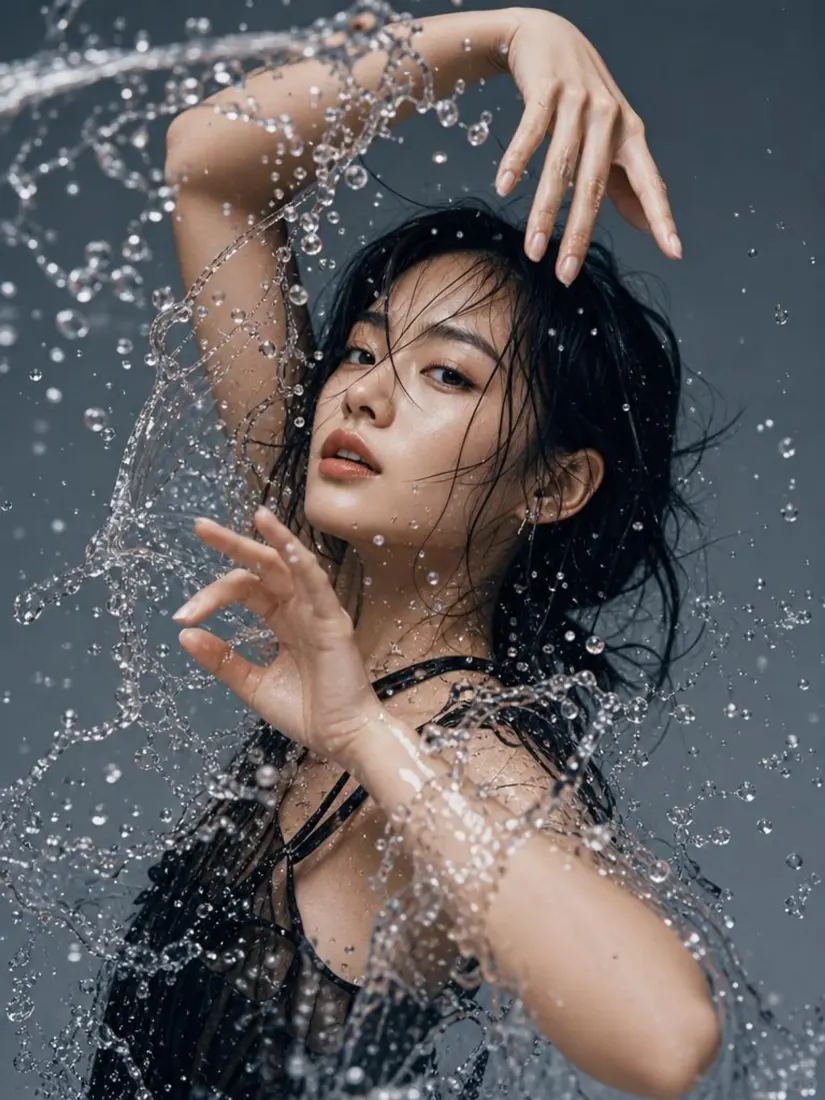
Click on one of these photos to try: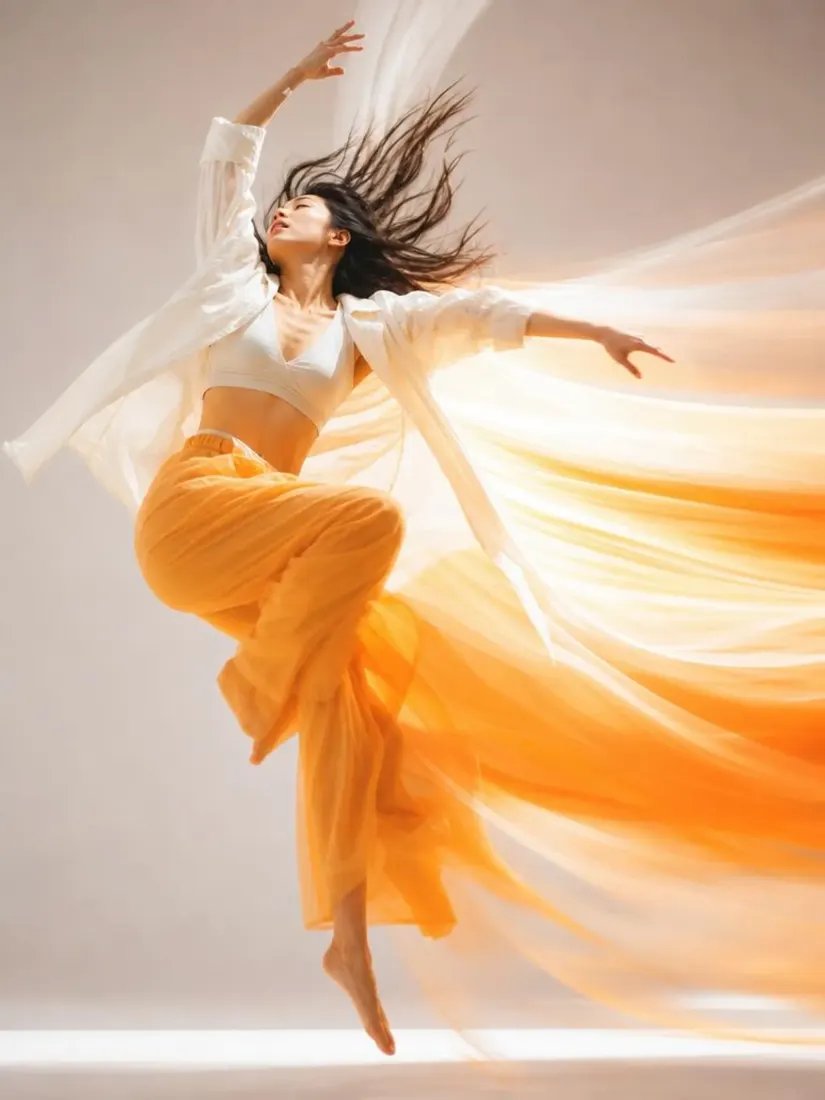

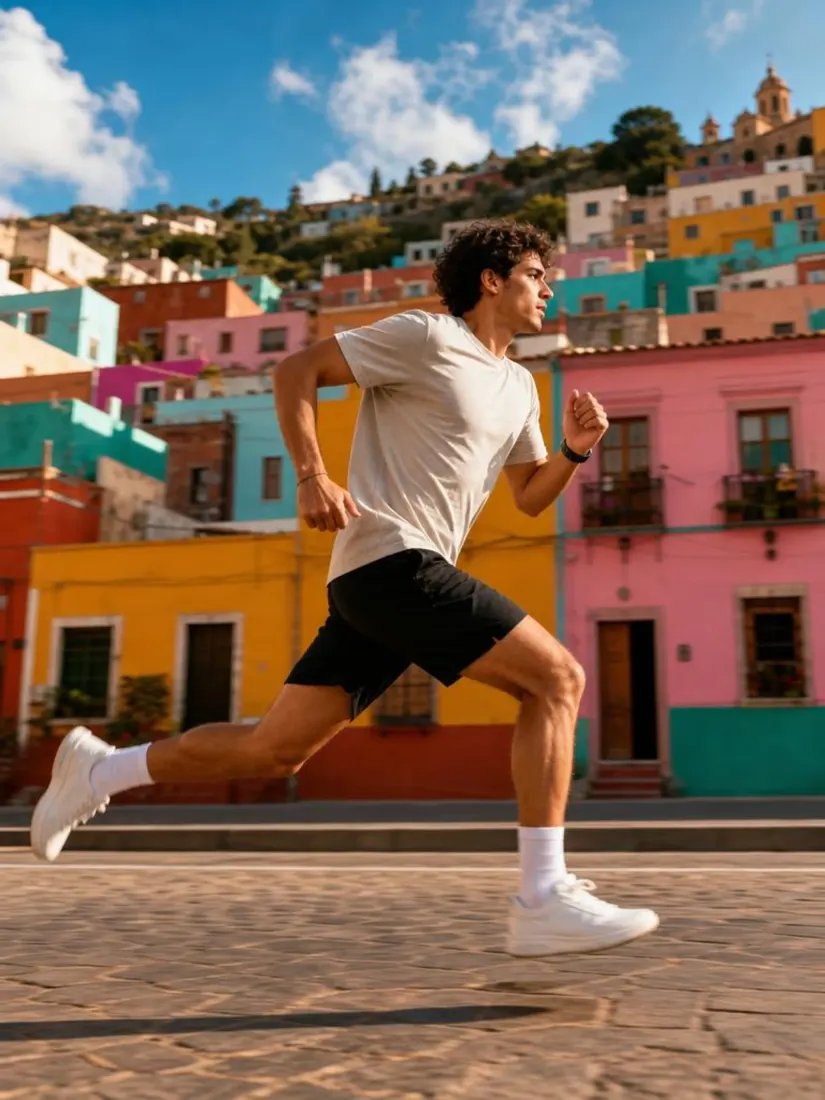


Before
After


Trusted by Industry Leaders. Millions of images edited to date.









How to add motion blur to a photo
1
Upload your photo
Start with a clear, well-lit photo. Aragon works with common photo types and standard dimensions.
2
AI adds the motion blur
Aragon adds a dynamic motion blur effect, bringing energy and a sense of movement to the photo.
3
Download your result
Your edited photo is ready in your dashboard in seconds. Download in high resolution to share or save.
What makes it special?
BeforeAfterInstant, no Photoshop needed
Skip the manual layers and masking a motion blur effect normally takes in Photoshop, get the same result in seconds.
 Before
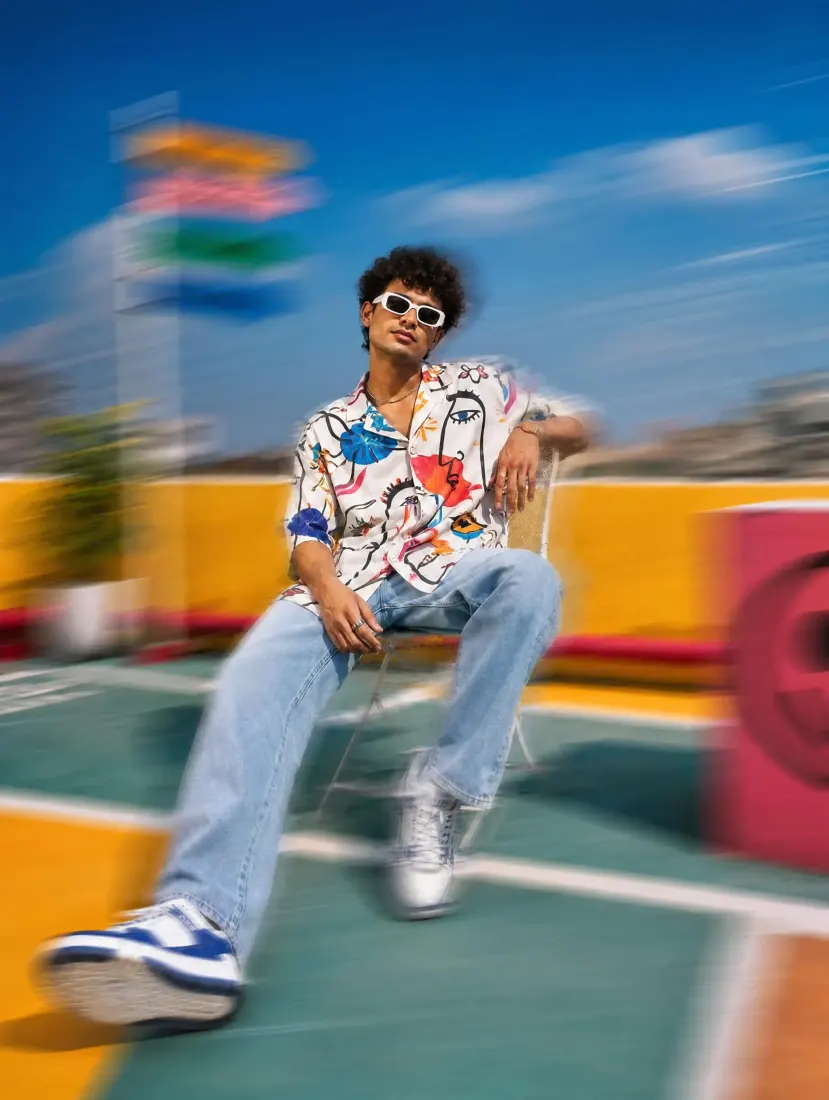 After
AfterRealistic, not a flat blur
Aragon keeps the subject sharp while adding directional blur to the background and edges, the way a real motion shot looks.
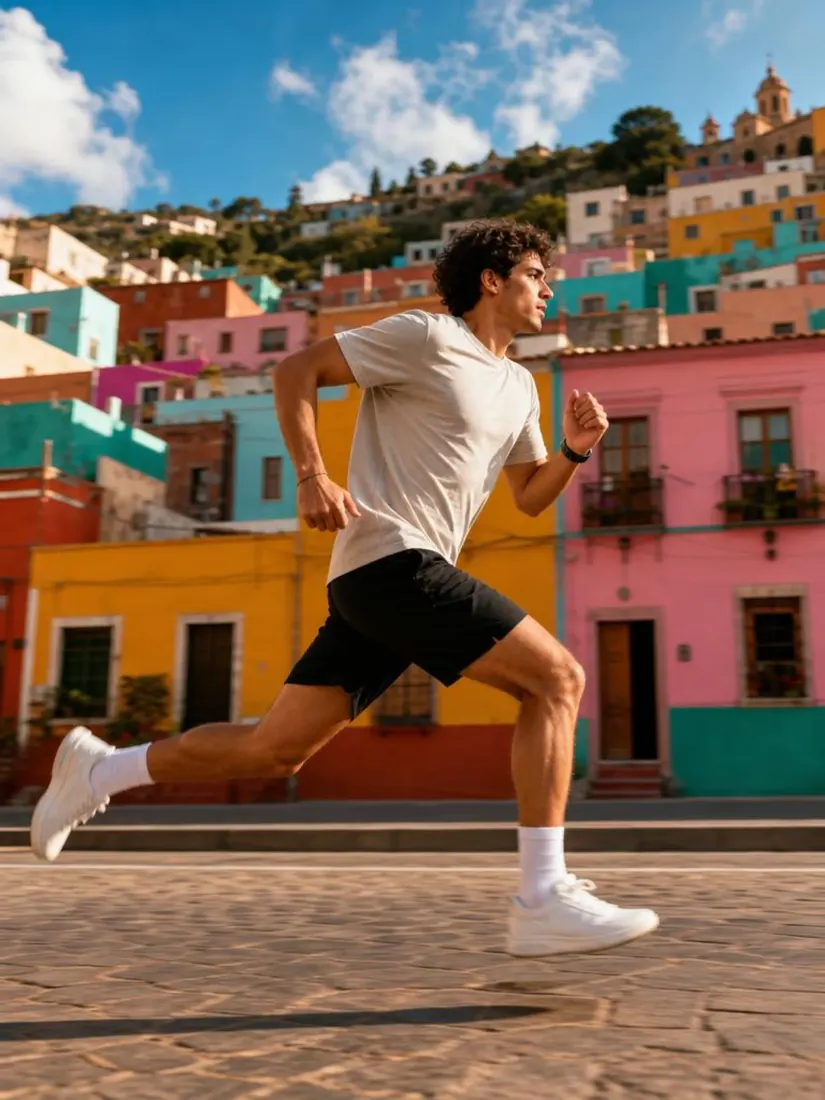 Before
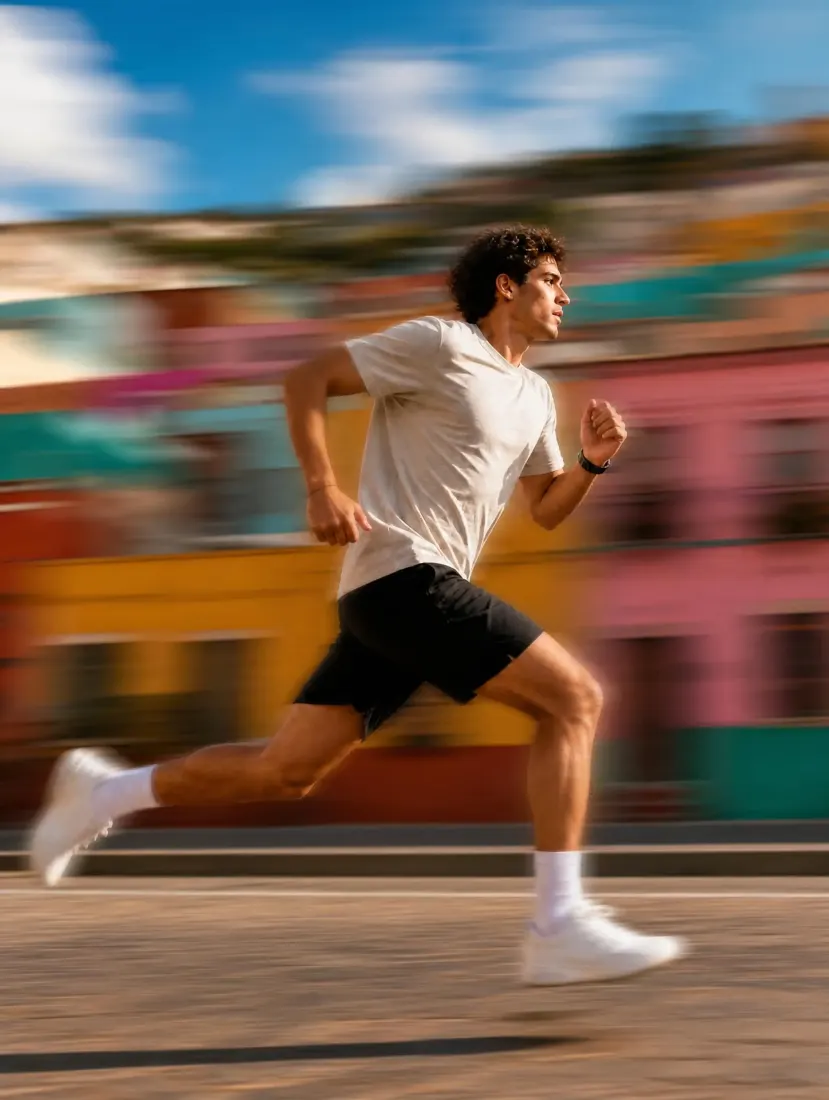 After
AfterPart of Aragon's photo editing suite
Pair with Sunset Glow Filter for more cinematic photo effects.
When should you use the Motion Blur Filter?
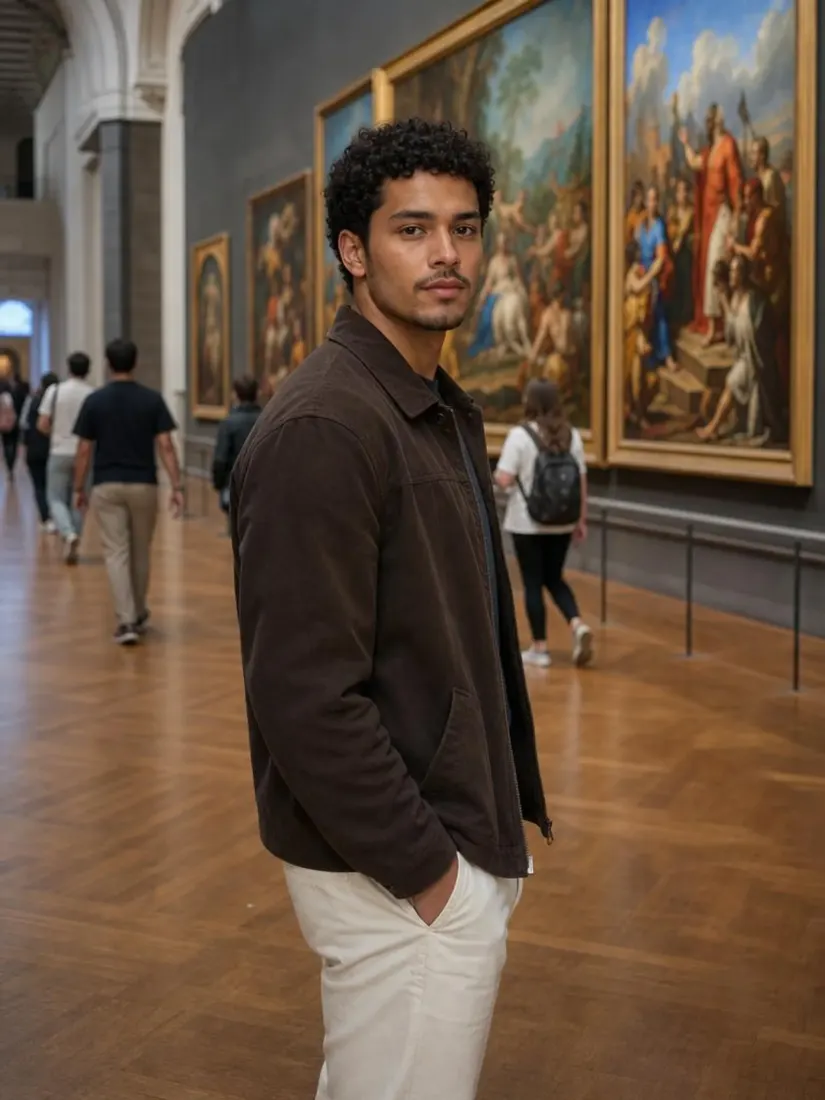
Use it to add energy to a flat photo, make a dramatic action shot, or create eye-catching social content.
 Before
Turn a static photo into something that feels dynamic and in motion.
Discover more tools
Have a question? We're here to help
Customer satisfaction is our number one priority. Our live agents are available 7am - 11pm (PT), 5 days Sunday through Thursday.
Aragon's AI motion blur filter adds a dynamic motion blur effect to your photo, bringing energy and a sense of movement without manual editing.
Photoshop requires manually creating layers and masks to apply motion blur realistically. This tool applies the effect automatically in seconds.
No. This tool adds a motion blur effect for a dynamic look. It doesn't fix or remove unwanted blur from a photo.
Free credits come with every Aragon account, usable across this tool and the full photo editor suite. Paid plans add more credits for higher usage.
A clear, well-lit photo gives the most accurate result. Already blurry or very low-resolution photos may produce less consistent results.
Explore our other AI Photo Editing Tools
Touch up your photos even further with our suite of photo editing tools and features
