fb-pixelSkip to main content
Aragon.ai
THE #1 RANKED AI PHOTO EDITOR

Free AI Image Extender - Uncrop and Expand Photos Online

Uncrop any photo and give it more room with Aragon's free AI image extender. Aragon fills the new space to match the light and colors of the original.

total reviews on
Click on one of these photos to try:
1
2
3
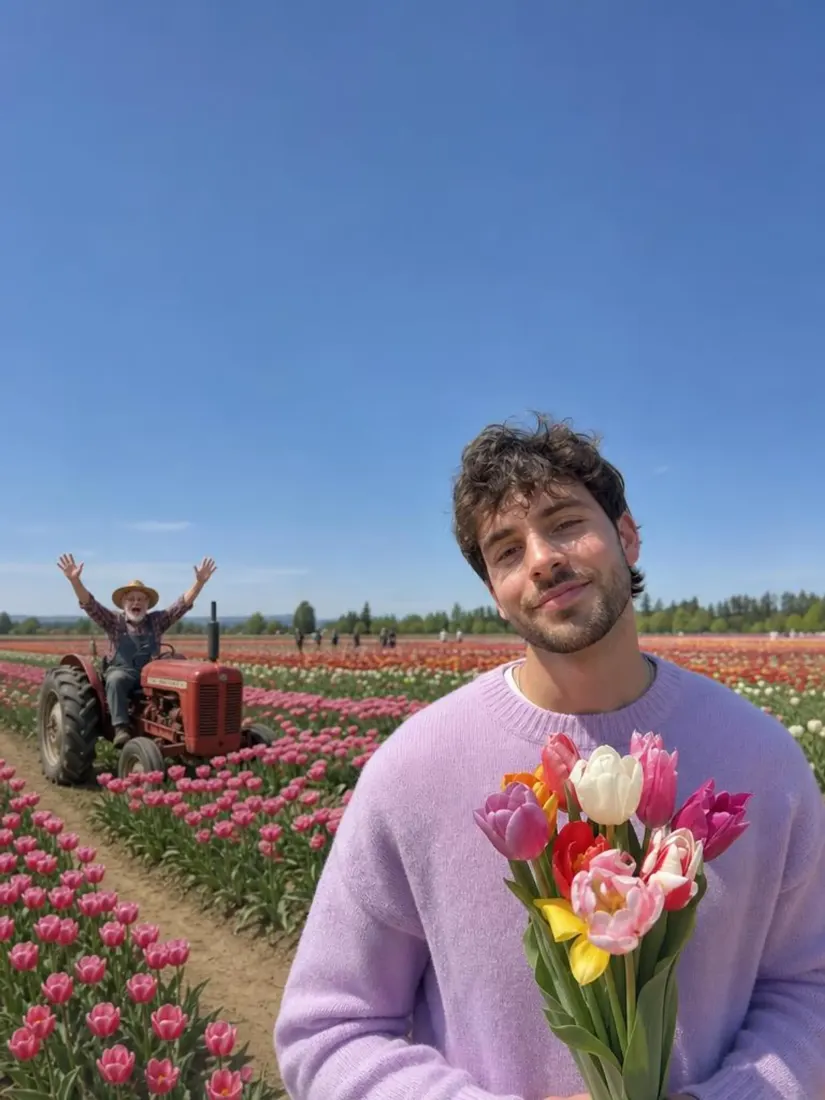
A man holding tulips in a flower field gains a wider expanded background from the Photo Expander tool.
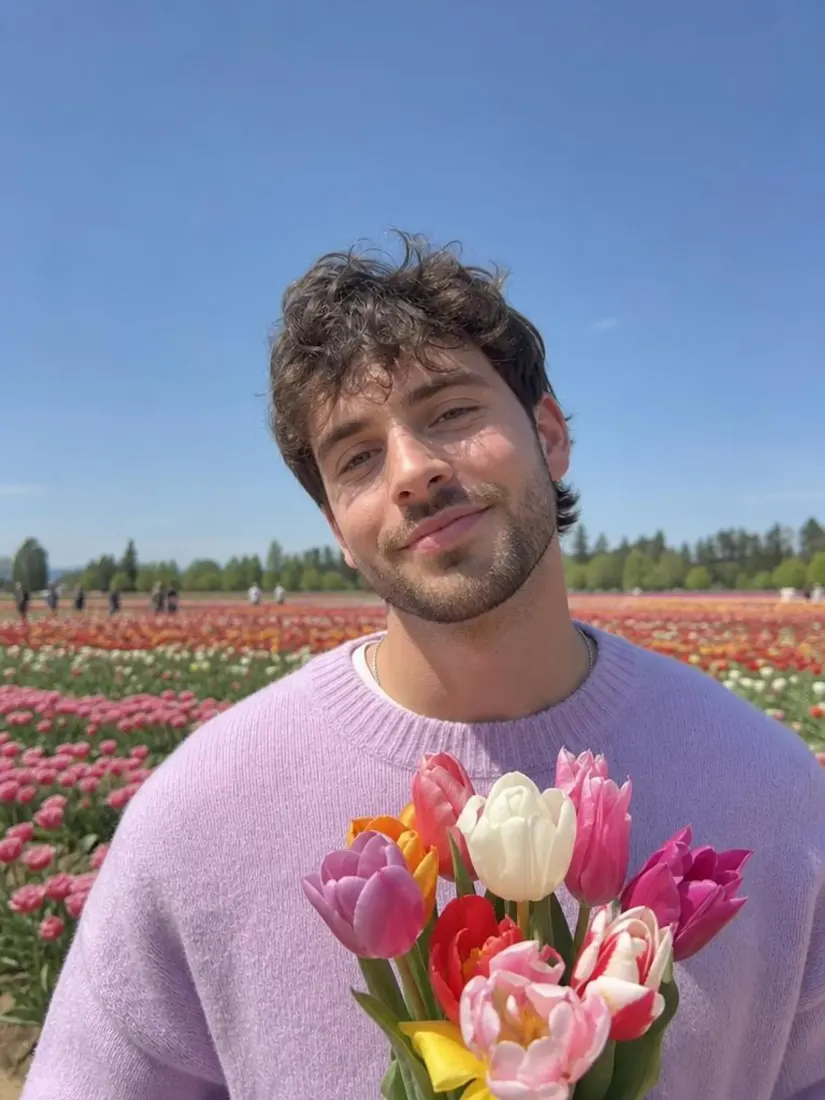
A man in a lavender sweater holds tulips in a tightly cropped photo, before the Photo Expander widens the scene.
Before
After

Trusted by Industry Leaders. Millions of images edited to date.

PWC logo
Microsoft logo
ASU logo
redfin logo
New York University logo
Trinity College Dublin logo
University of Michigan logo
Keller Williams logo
AT&T logo
Berkeley logo
See it work

Image Extender Before and After Results

See how Aragon's image extender adds more space around a photo.

A man holding tulips in a flower field gains a wider expanded background from the Photo Expander tool.
A man in a lavender sweater holds tulips in a tightly cropped photo, before the Photo Expander widens the scene.
Before
After

Social crop fix

Cut-off portrait with room added around the head
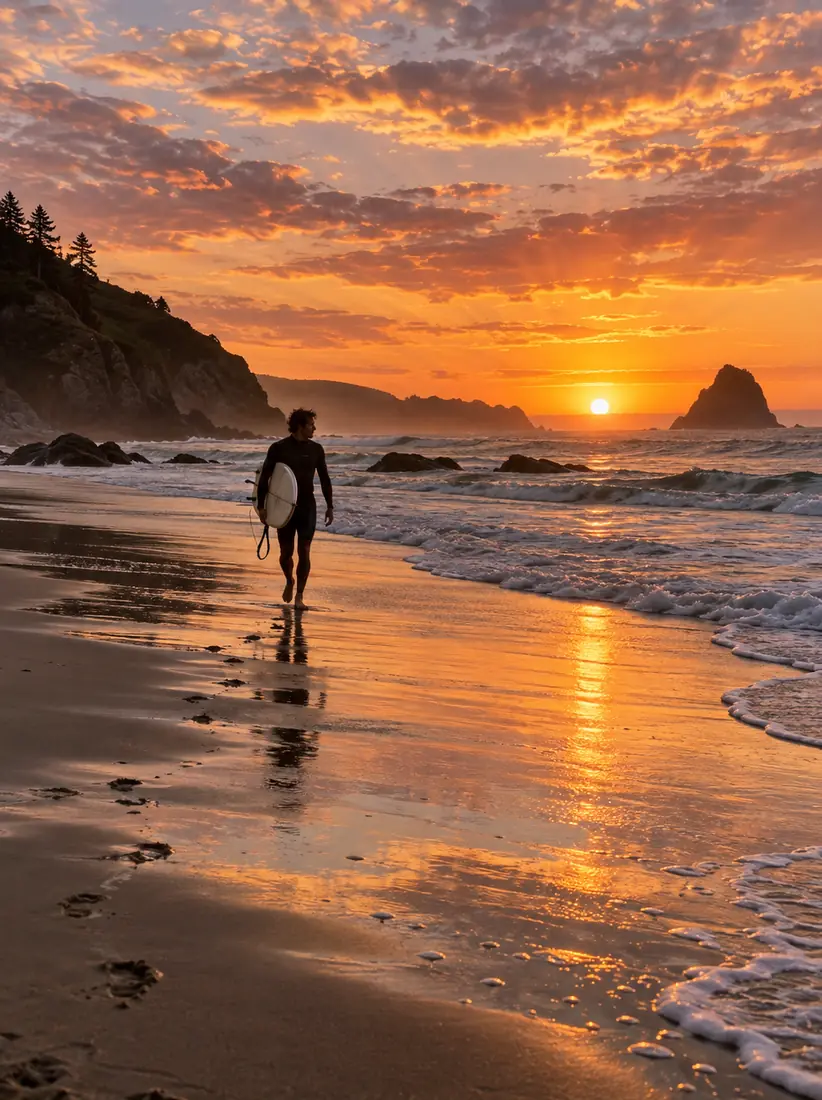
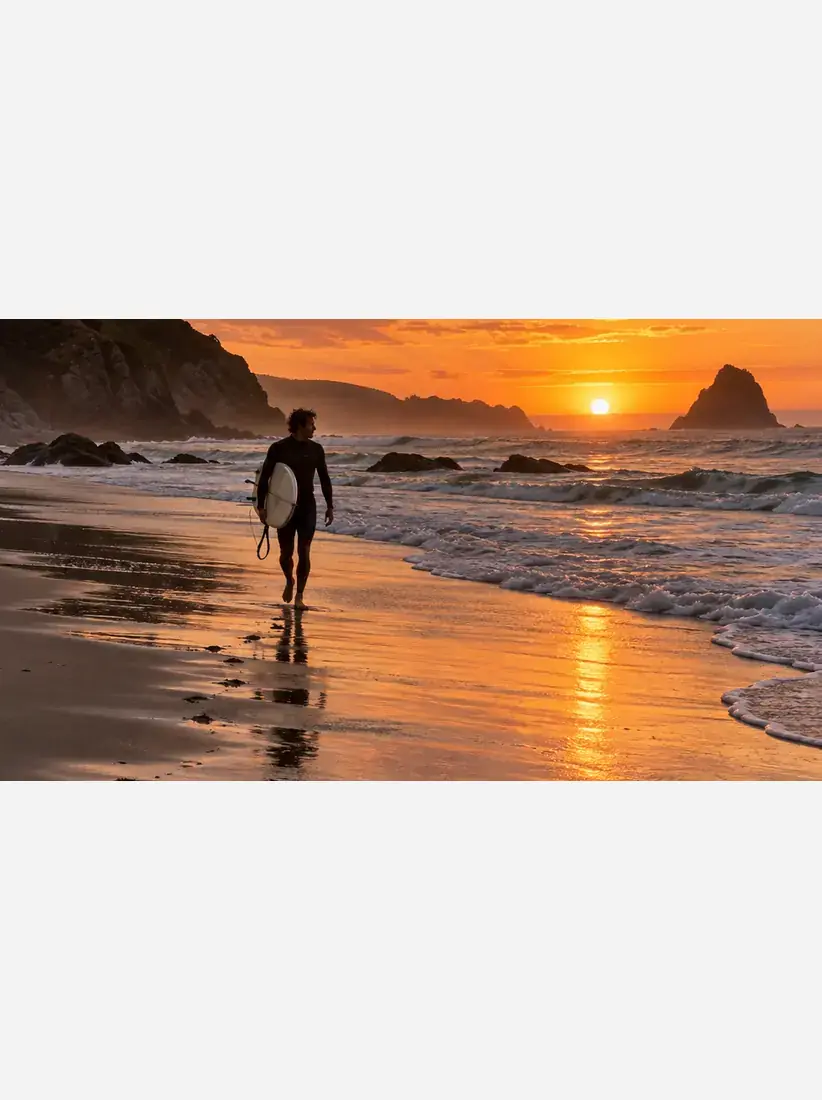
The same sunset beach scene fills a full vertical frame with sky above and sand below, expanded by the Photo Expander tool.
A wide sunset beach photo sits letterboxed on an empty vertical canvas, too short to fill the frame, before the Photo Expander widens it.
Before
After

Landscape to vertical

Wide photo made taller for Instagram Stories

The same perfume product photo extended with plain sage green backdrop above and around it, room for text.
A tightly cropped product photo of a glass perfume bottle with a gold cap on a stone plinth.
Before
After

Banner or product room

Product photo with space added for text

How Do You Uncrop an Image With AI?

Upload your photo, let Aragon add more space, then download the bigger photo.
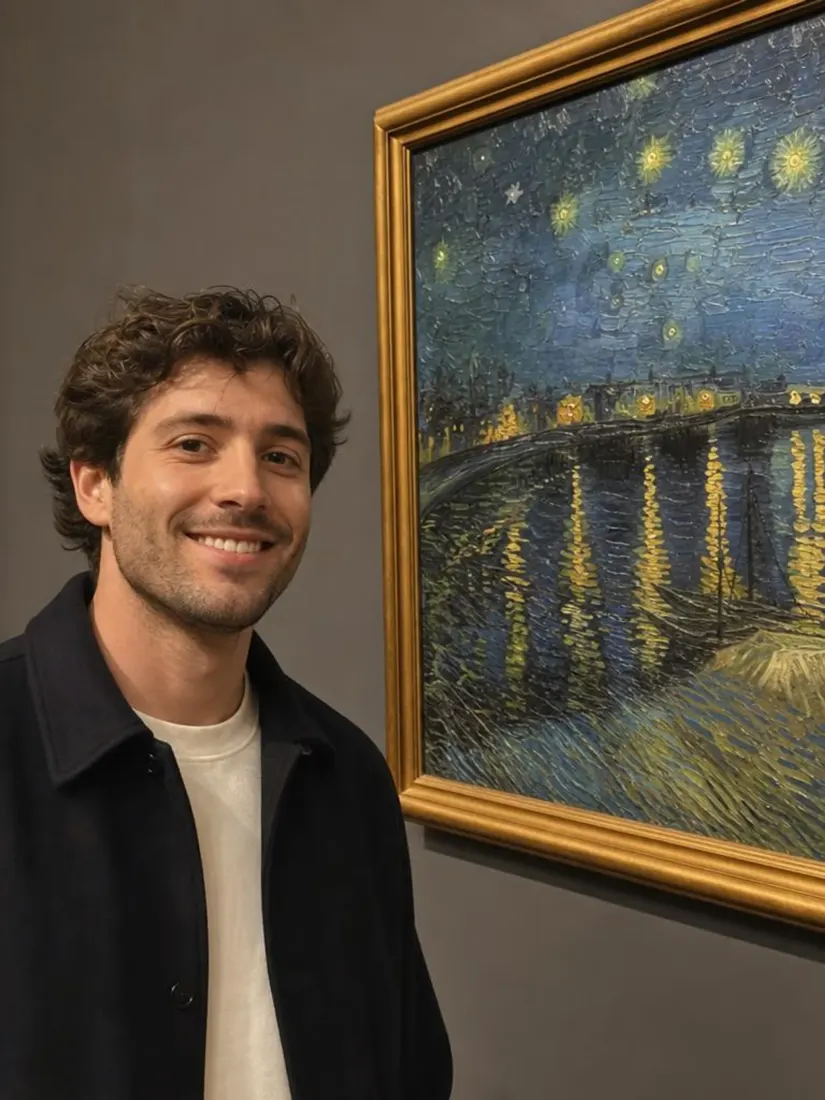
  1. Upload a photoPNG, JPG, HEIC up to 120MB
    Smiling man with curly hair taking a selfie next to Van Gogh's Starry Night Over the Rhone
    1

    Upload Your Photo

    Upload the photo that feels too tightly cropped.

  2. 2

    Let Aragon Add More Space

    Aragon adds new space around your photo and fills it to match the original light, colors, and background.
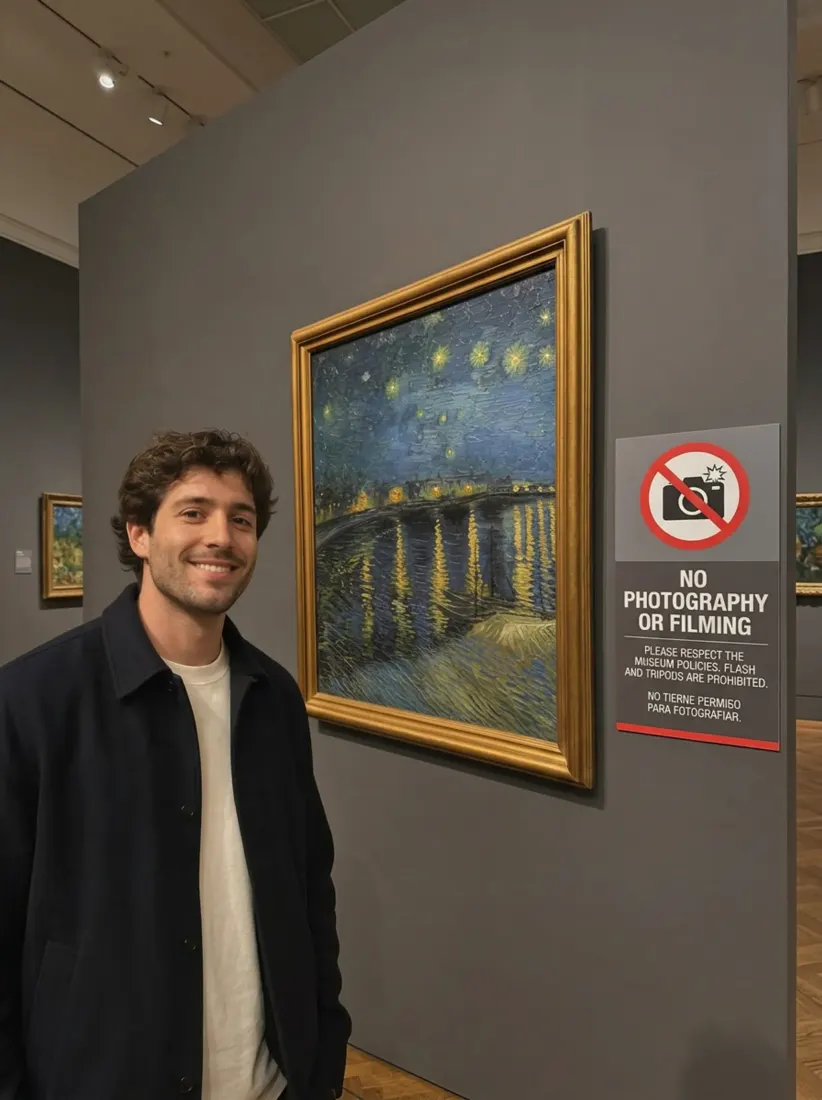
  3. Smiling man in a black jacket standing beside Starry Night Over the Rhone in a museum
    Smiling man with curly hair taking a selfie next to Van Gogh's Starry Night Over the Rhone
    Before
    After
    3

    Download Your Photo

    Check the added space, then download your extended photo.

Features

What Does an AI Image Extender Do?

An AI image extender adds more space around a photo and fills the new area so it blends with the original.
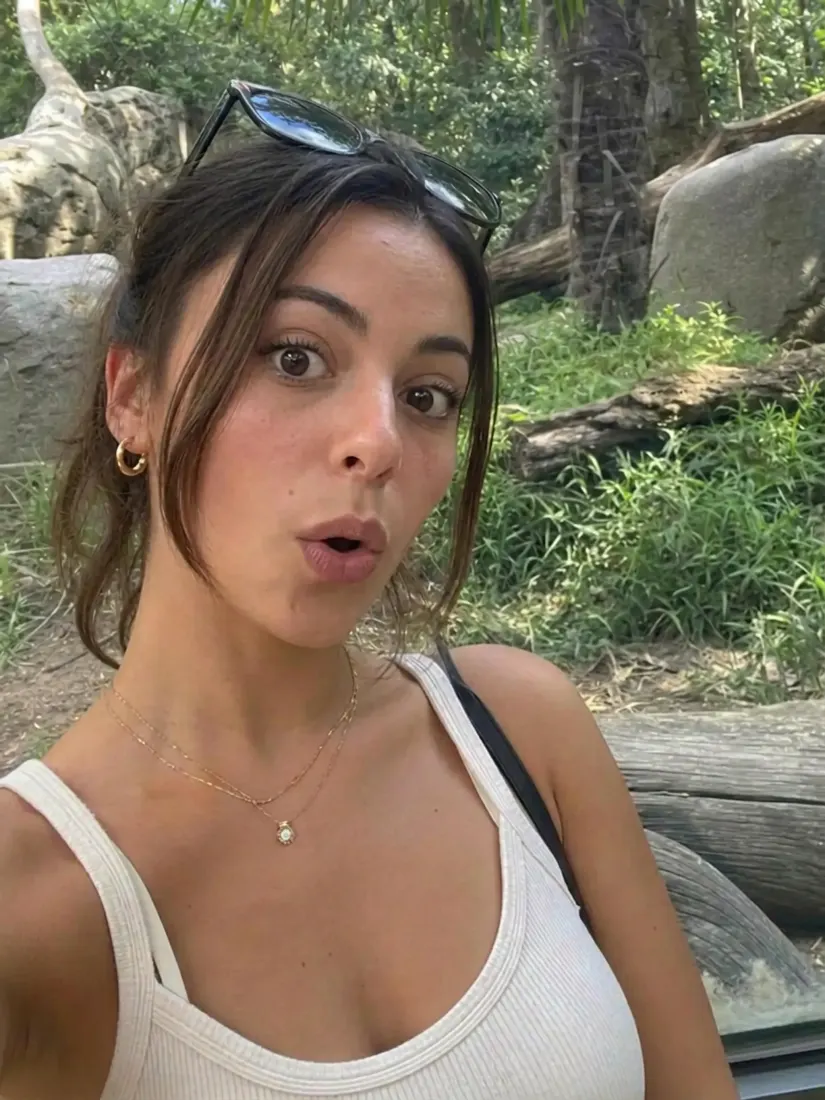
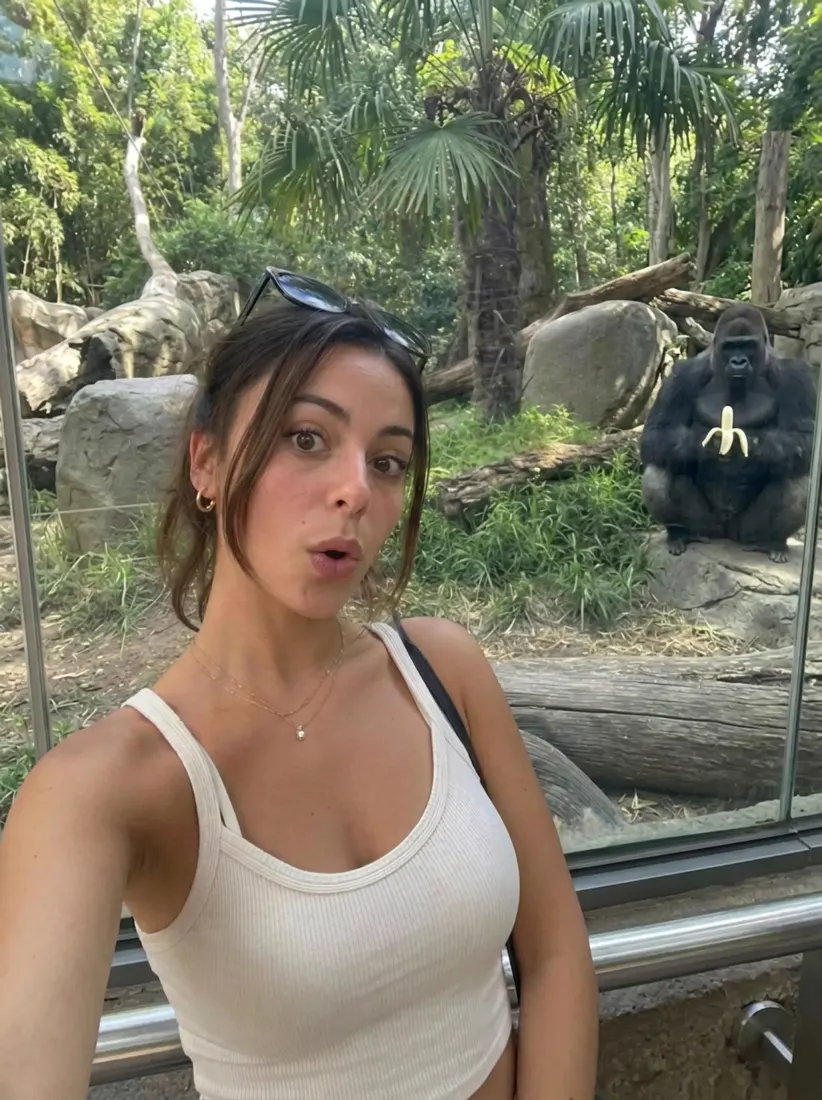
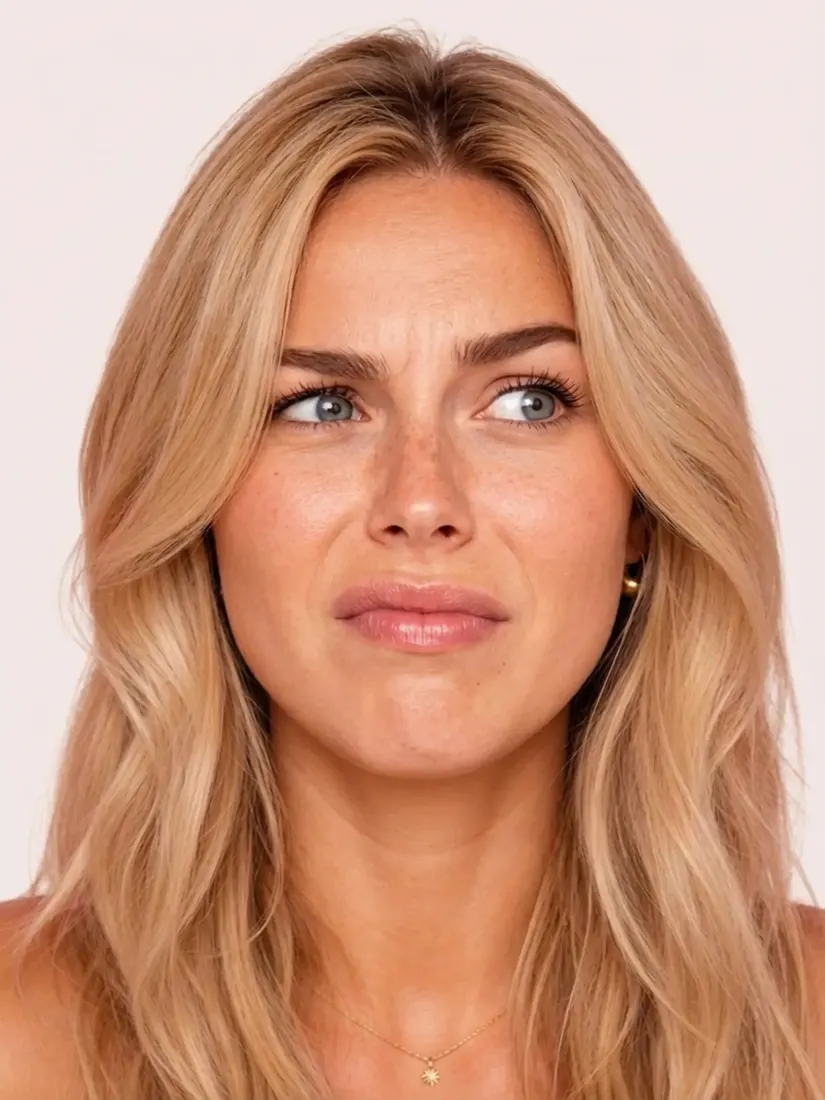
A woman makes a surprised face in a tightly cropped zoo selfie, before the Photo Expander widens the frame.Before
A woman's surprised selfie at a zoo gains a wider expanded frame from the Photo Expander tool.After

Adds Room Around Your Photo

Aragon adds more space around your photo, so the picture looks bigger.

Smiling man with curly hair taking a selfie next to Van Gogh's Starry Night Over the RhoneBefore
Smiling man in a black jacket standing beside Starry Night Over the Rhone in a museumAfter

Matches the Original Background

The new area follows the light, colors, and background of your photo, so it looks like part of the original picture.
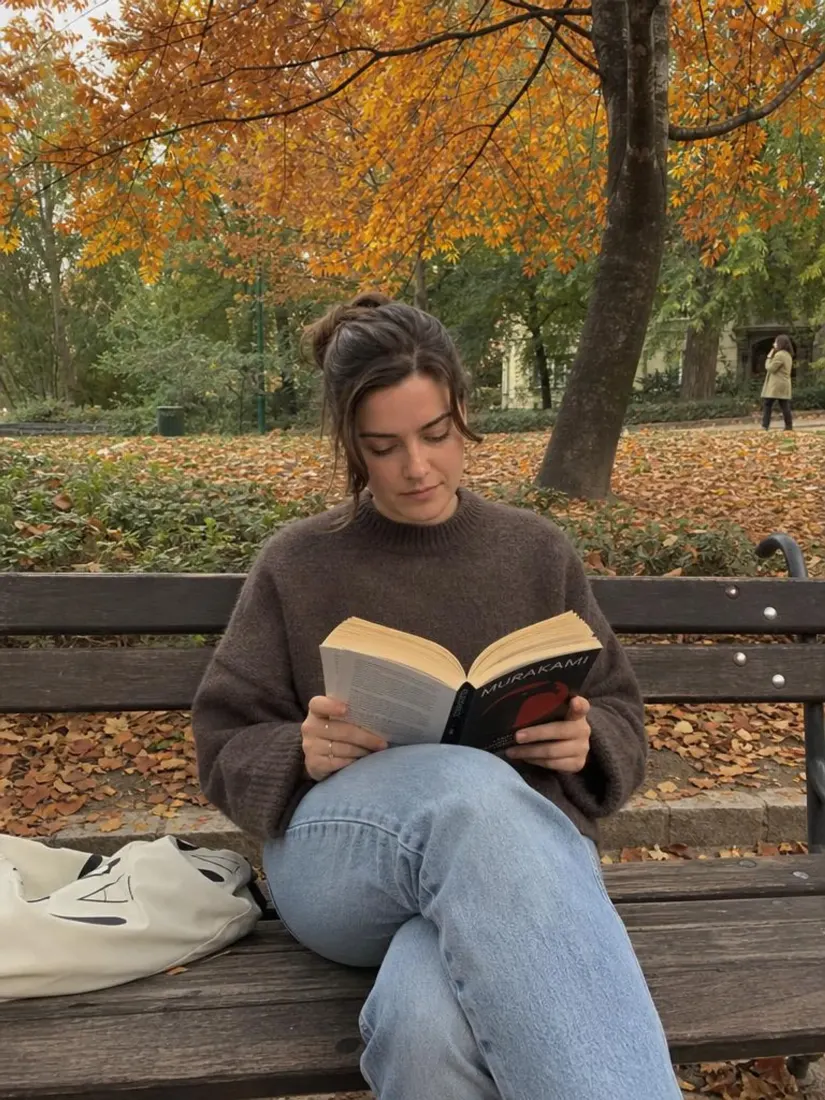
Changes the Shape of Your PhotoBefore
Changes the Shape of Your PhotoAfter

Changes the Shape of Your Photo

Extend a photo wider or taller so it fits a different shape, like a vertical Story or a wide banner.

A man in a lavender sweater holds tulips in a tightly cropped photo, before the Photo Expander widens the scene.Before
A man holding tulips in a flower field gains a wider expanded background from the Photo Expander tool.After

Keeps the Original Picture

Aragon only adds new space around the outside, so the people and objects in your original photo stay unchanged.

What Can You Use the Image Extender For?

Use the image extender when a photo needs more room to fit your layout.

  1. A woman's surprised selfie at a zoo gains a wider expanded frame from the Photo Expander tool.

    Social Media Posts

    Make a wide photo taller so it fits Instagram Stories, Reels covers, or Pinterest pins.

  2. A laptop showing a wide website banner of a surfer at sunset with space for a headline.

    Banners and Ads

    Widen a photo so it fits a website banner or ad with room for your headline.
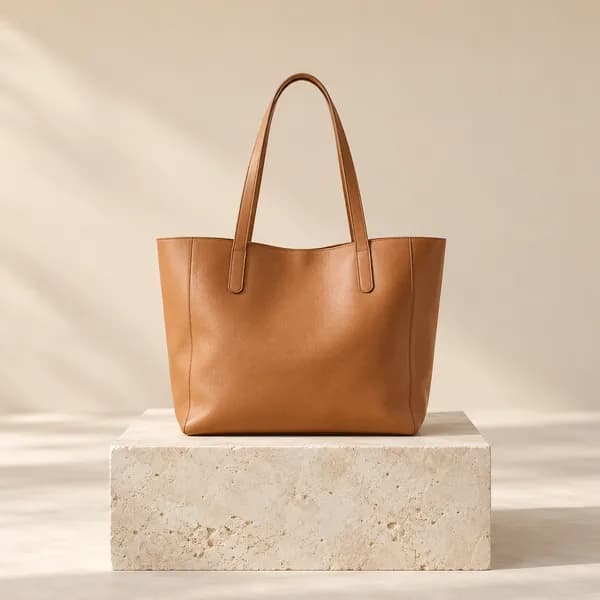
  3. A tan leather tote bag on a stone plinth with plenty of open space around it.

    Product Photos

    Add space around a product so prices, badges, or text don't cover the item.

  4. A wide printed photo of three generations of a family on a sofa.

    Family Photos

    Restore the missing sides of a family photo that was cropped.
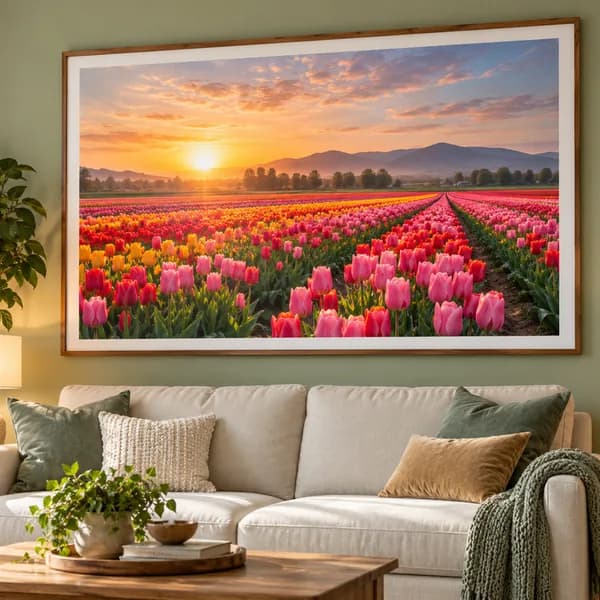
  5. A large framed print of a tulip field hanging above a sofa.

    Prints and Slides

    Fit a phone photo into a print size or widescreen slide without cutting off the important parts.

Related intent

Image Extender or Image Generator?

The Image Extender adds more room around a photo you already have, while the AI Image Generator creates a new image from a text description.

Starts withYour photoA written description
Main jobAdds space around your photoCreates a brand-new image
Best forTight crops and new photo sizesNew scenes and ideas
Reviews

What Our Customers Say

total reviews on
A man holding tulips in a flower field gains a wider expanded background from the Photo Expander tool.
Free to try

Uncrop Your Photo Today

Upload a tight crop and give your photo the room it needs.

Private uploadsFree daily creditsJPG, PNG, WEBP, HEIC

Have a question? We're here to help

Customer satisfaction is our number one priority. Our live agents are available 7am - 11pm (PT), 5 days Sunday through Thursday.

"Uncrop" means adding space back around a photo that was cropped too close so the full picture fits the frame again.

An AI image extender is a tool that adds space around a photo and fills the new area to match the original picture.

Upload your photo, let Aragon add more space, and download your wider photo.

No. New content only appears outside the original frame, so the people and objects in your photo stay the same.

Yes. You can extend a photo wider or taller to fit a different shape, like a square post or a vertical Story.

Photos with simple backgrounds, like sky, walls, floors, or plain colors, give the most natural results.

Yes. Portraits, group photos, landscapes, and product photos all work, and the people in your original photo keep their original look.

Yes. Aragon runs in your browser, so there is nothing to install. You'll need an account to use your credits and access your saved work.

Yes. Free credits come with your account, so you can try it before you upgrade.

Processing time can vary based on the photo size. You can review your extended photo when processing finishes.

Paid plans export without a watermark, while free exports may include one. Check the pricing page for details.

Usage rights depend on your plan and the specific content generated. See Aragon's Terms and Conditions for full details.

Your uploads stay private during processing. For full details, see Aragon's Privacy Policy.

Try Aragon's AI powered editing tools today

The Leading AI Headshot Generator for Professionals

Trustpilot

Trusted by professionals and teams

Earn 30% for every referral

Join our affiliate program for free!

SOC 2 Type II compliant

Copyright © 2026 Aragon AI, Inc. All rights reserved.

Terms of Use & Privacy Policy