fb-pixelSkip to main content
THE ALL-IN-ONE AI VIDEO STUDIO

B-roll Generator - Add Supporting Footage to Video Online

A video of just someone talking can only hold attention for so long. Aragon's b-roll generator helps you find or create supporting footage in the same workspace, then export the finished video.

total reviews on
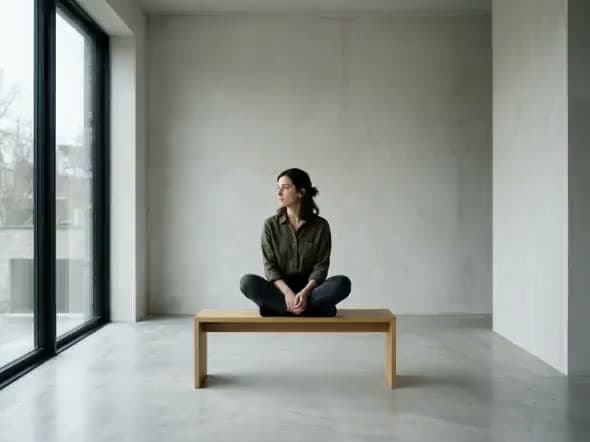
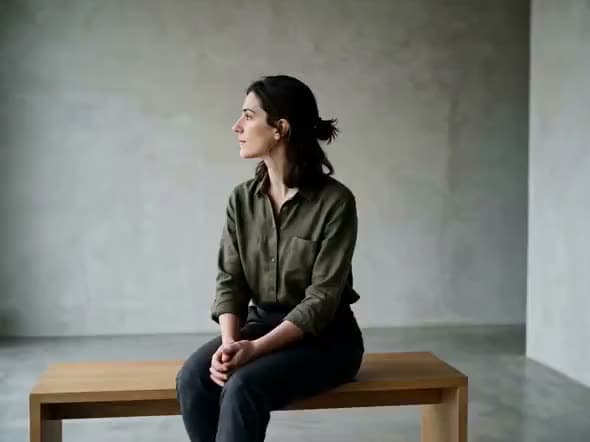
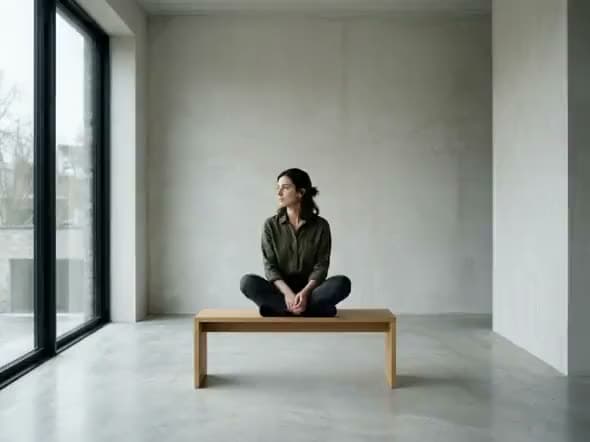
An AI video of a woman sitting cross-legged on a wooden bench in a bare concrete room, gazing out a tall window.
Intimate Observer

See B-roll Results Before You Commit

See what supporting footage actually does to a talking-head video.

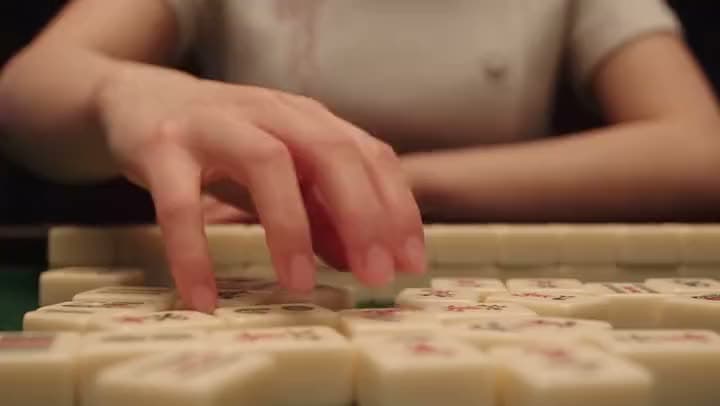
An AI video of a close-up of a woman's hand reaching over rows of mahjong tiles on a table.
ScriptSeedance 2.5

Create a 20-second ultra-realistic cinematic high-action cooking video in 16:9 horizontal format, designed for Seedance 2.5. The video should feel like a professionally filmed live-action Japanese fantasy movie. The world is whimsical and surreal, but every character, object, texture, and movement must look physically…

Scripted explainer

Scripted explainer → product or scene B-roll under key lines

A close-up of a hand reaching over rows of mahjong tiles, built from a script prompt describing a cinematic cooking scene.

Generate B-roll

How to Add B-Roll to Video with Aragon

You open a talking-head or scripted video, generate or find supporting B-roll, place it in the workspace, then export.

  1. 1

    Start with the Video That Needs Support

    Bring an A-roll take, podcast clip, course lesson, or scripted explainer you already have. Clear speech and a finished script make every B-roll result better.

  2. 2

    Generate or Find Supporting B-Roll

    Describe the supporting B-roll you need, whether that's a product close-up, a location shot, a process step, or a reaction cutaway.

  3. 3

    Place Cutaways on the Timeline, Then Export

    Drop B-roll footage wherever the talk needs a visual break. Trim it, swap out any weak cutaways, refine the pacing, and export when it's ready.

Generate B-roll

What Should an AI B-Roll Generator Actually Do?

It should give you supporting footage for a video you've already recorded, without forcing you into a full stock marketplace.

An AI video of a woman sitting cross-legged on a wooden bench in a bare concrete room beside tall windows.

Generate or Find Supporting B-Roll for Talking-Head Videos

B-roll comes in after your main footage already exists. You've got the speaker, the script, or the interview. Now you need something else on screen while they talk.

B-Roll That Fits Right on Your Timeline

Most people need clean B-roll they can drop under specific lines, not a separate slideshow. Some just want light, stock-style cutaways for social.

Bring Your Own Stock Footage Too

If you already have stock-style clips you have the rights to use, bring them in and use them as supporting B-roll right inside the workspace.

Try Free Online with Account Credits

Free credits come with your account, so you can try it before committing to a plan.

Stay Inside the AI Video Suite After You Export

This tool is built for one thing: supporting footage for a video you already have. Need something else?

Who Uses B-Roll Like This?

YouTubers, marketers, and course teams use supporting cutaways under talking-head or scripted footage they've already shot.

An AI video of a freckled woman in a gray sweater holding a glowing orb beside window blinds in a dim blue room.
Creators

YouTubers Covering Jumps in Talking-Head Videos

Cover an awkward jump cut, show the product you're talking about, and keep viewers watching instead of staring at a static frame.

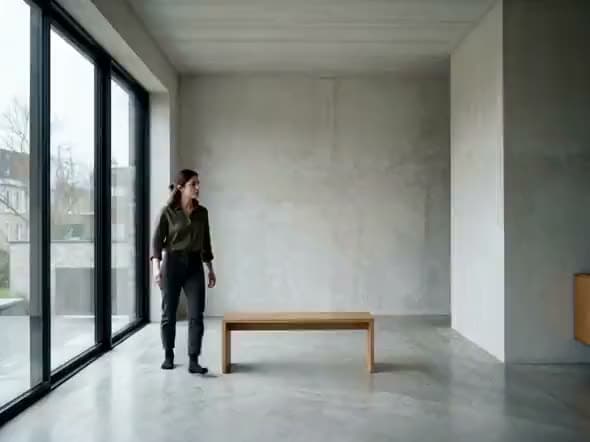
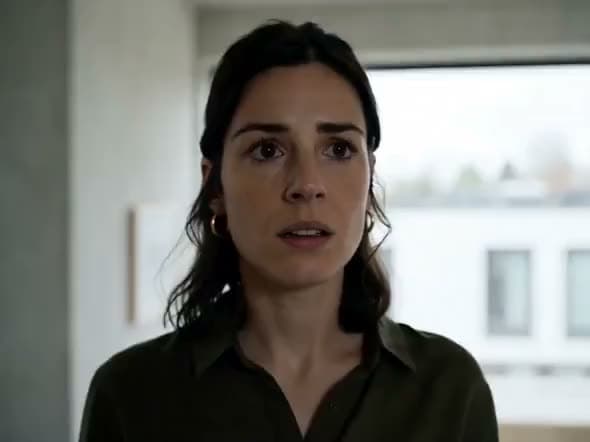
An AI video of a woman in an olive shirt standing by tall windows in a bare concrete room with a single wooden bench.
Podcasters

Podcasters and Interviewers Shipping Clip Packages

Generate or find B-roll that matches the topic, place it between speaker shots, and end up with a cut that actually feels finished.

An AI video close-up of a young woman's face with her eyes closed, lying still in dim, low light.
Educators

Course Creators Illustrating Steps Without a Second Shoot Day

Show the software screen, the hands-on step, or the before and after, without booking another day of filming.

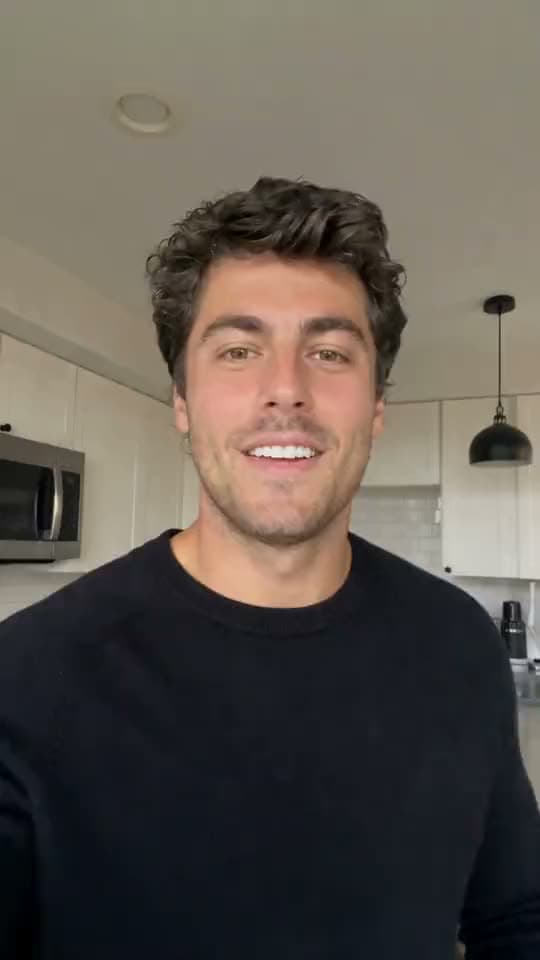
A vertical video of a smiling man with curly dark hair in a black sweater talking to his phone camera in a kitchen.
Marketers

Marketers and Agencies Finishing Client Talking-Head Ads

Open the video, generate or find supporting footage, and hand back an export that still matches the brand's tone.

Reviews

What our customers say

total reviews on

Generate B-Roll Today

Open a talking-head or scripted video. Generate or find supporting footage.

Have a question? We're here to help

Customer satisfaction is our number one priority. Our live agents are available 7am - 11pm (PT), 5 days Sunday through Thursday.

B-roll, sometimes written "b roll," is the supporting footage that sits alongside your main footage. On a talking-head or scripted video, that means cutaways, product shots, location shots, and process clips that cover jumps and back up what's being said. On Aragon, you generate or find that supporting footage, place it in the workspace, then export.

B-roll footage is any secondary visual that supports your main camera footage. It's not a second host talking: it's the coffee being poured, the shot of the city, the UI on a screen, the hands-on demo.

You start with a video that needs support, generate or find supporting B-roll, place the clips under the talk, then export.

Open your talking-head or scripted video, generate or find supporting footage, place the cutaways on the timeline, refine the pacing, then export. That's the whole process, without leaving the workspace.

If you already have stock-style clips, bring them in and use them as supporting B-roll inside the workspace.

Yes. Free credits come with your account so you can try it online before you upgrade. Paid plans raise your volume.

Yes, as long as you already have the rights to the footage. Bring it in, place it under your main video, and export.

No. This page is for adding supporting footage to a video you already have. Image to Video animates a still photo into motion. Script to Video builds entirely new scenes from a written script.

Personal and commercial use depend on your plan and Aragon's Terms. Only use footage and generations you have the rights to use, and check your plan's limits if you're working on something for a client.

Your uploads stay private during processing. For full details, see Aragon's Privacy Policy.

The Leading AI Headshot Generator for Professionals

Trustpilot

Trusted by professionals and teams

Earn 30% for every referral

Join our affiliate program for free!

SOC 2 Type II compliant

Copyright © 2026 Aragon AI, Inc. All rights reserved.

Terms of Use & Privacy Policy