01
Text to Image
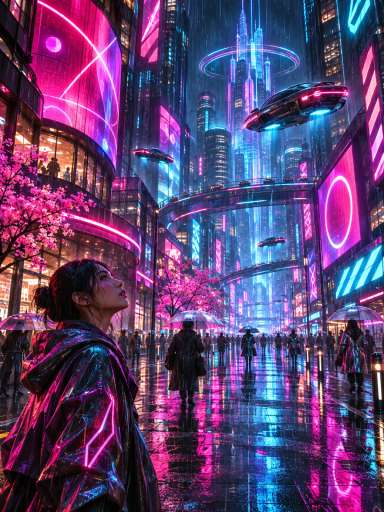
Type a description, and the model turns your words into a new image. It handles bold colors, strong lighting and creative scenes, so it's a natural fit for eye-catching posts and art.
Grok Imagine is xAI's image model for creating new images from a prompt and editing photos in plain words. Use Grok Imagine on Aragon to make bold social posts, concept art and product scenes, then refine them with simple edits.
Grok Imagine is xAI's AI image model for creating images from text and editing images with a written instruction. You describe what you want, or upload up to 3 photos and say what to change, and it returns a new image at 1K or 2K.
The Grok Imagine family from xAI covers both images and video, and the image model is the one built for making and editing pictures. On Aragon, you use it from AI Image, so creating, editing and downloading all happen in one place.
The model reads plain language well, so short, simple prompts work and you can refine an image step by step with follow-up edits.
The model combines fast text-to-image creation with plain-language editing, so one model covers both new images and changes to existing ones.
Type a description, and the model turns your words into a new image. It handles bold colors, strong lighting and creative scenes, so it's a natural fit for eye-catching posts and art.
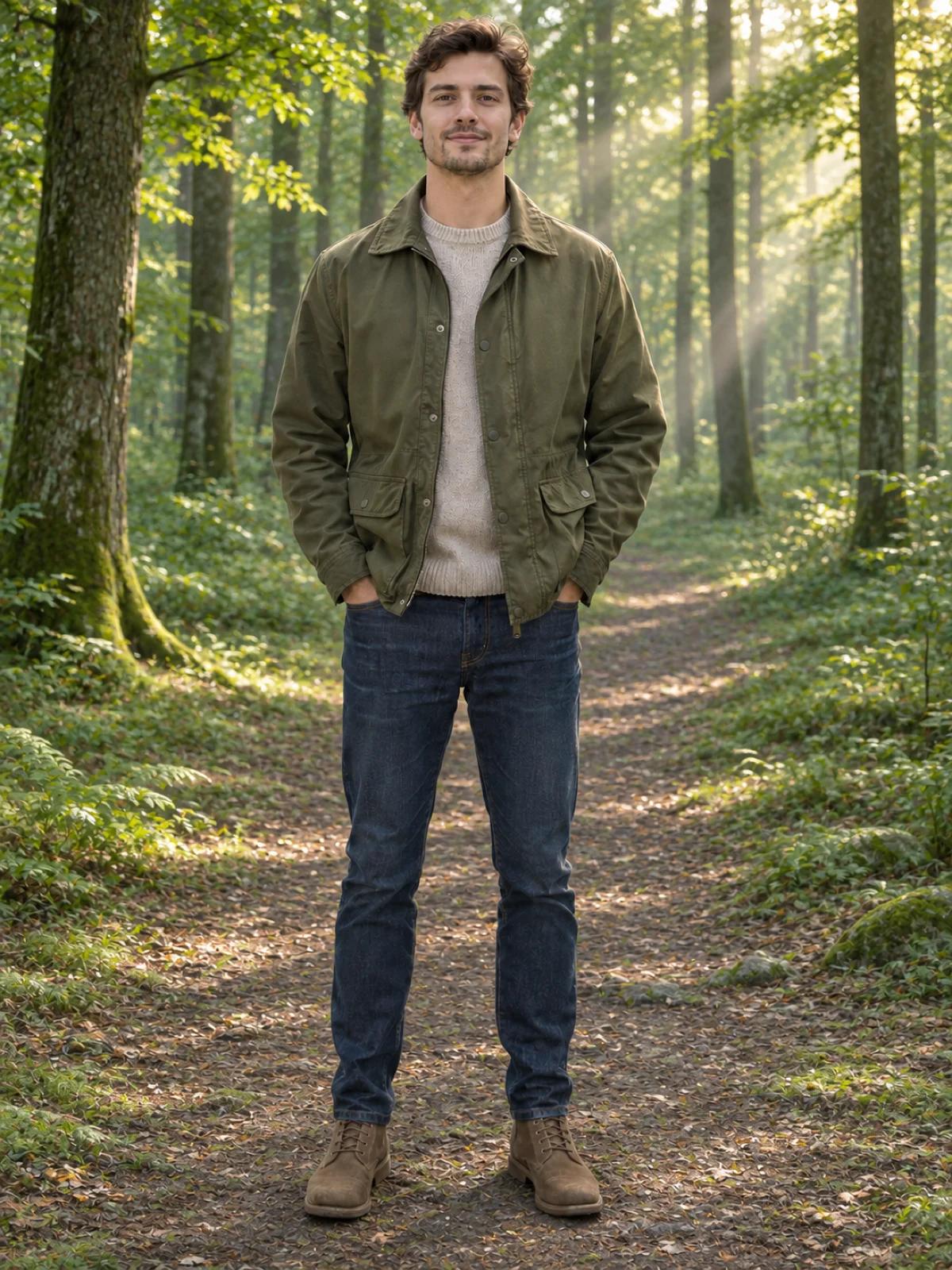
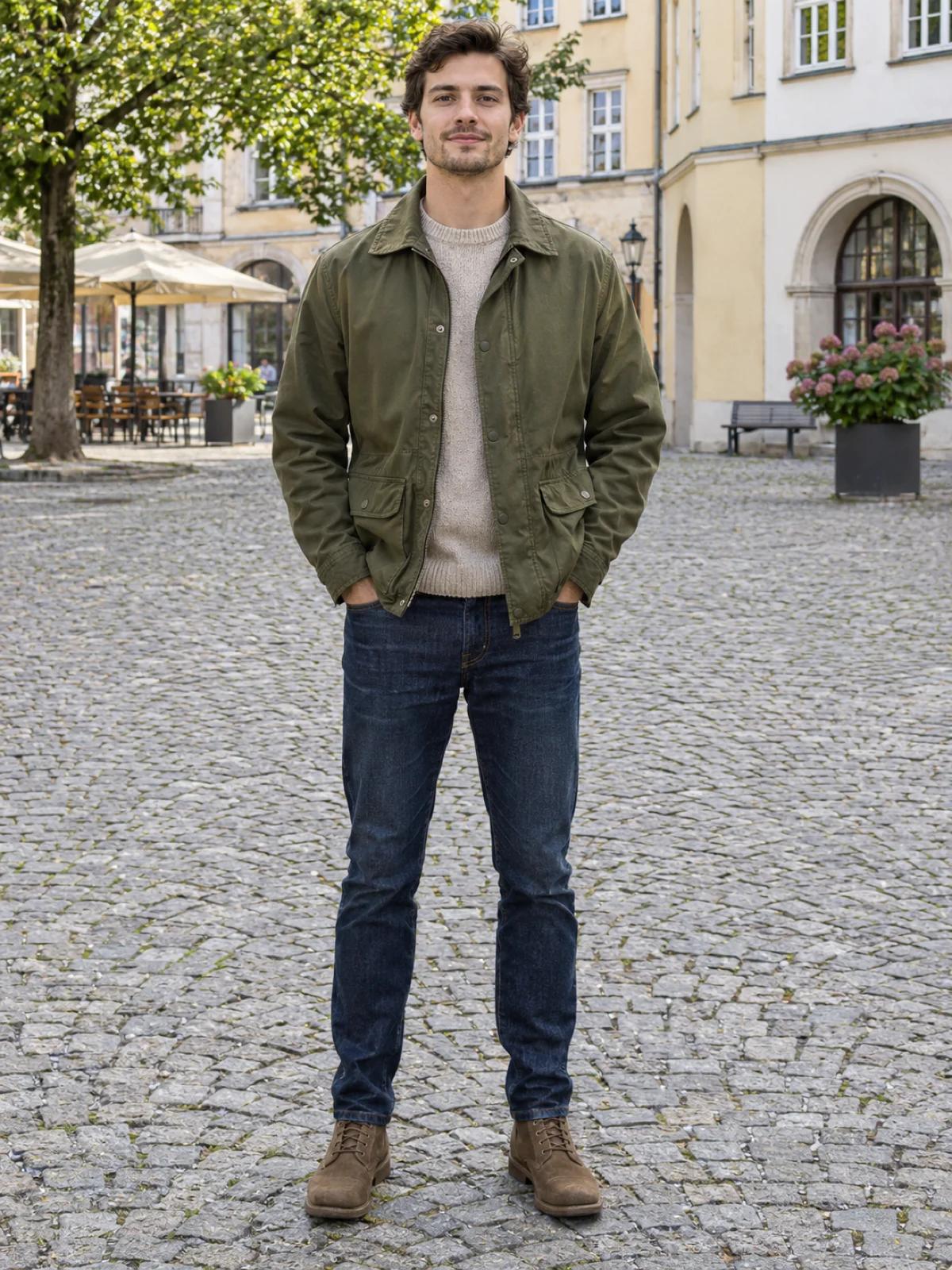
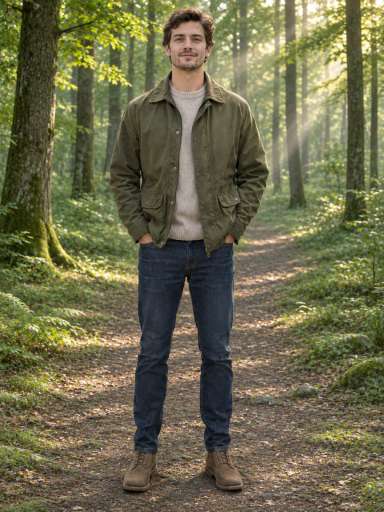
Upload a photo and say what to change, like the background, the colors or an object in the scene. xAI built the model to follow edit instructions written in everyday words.
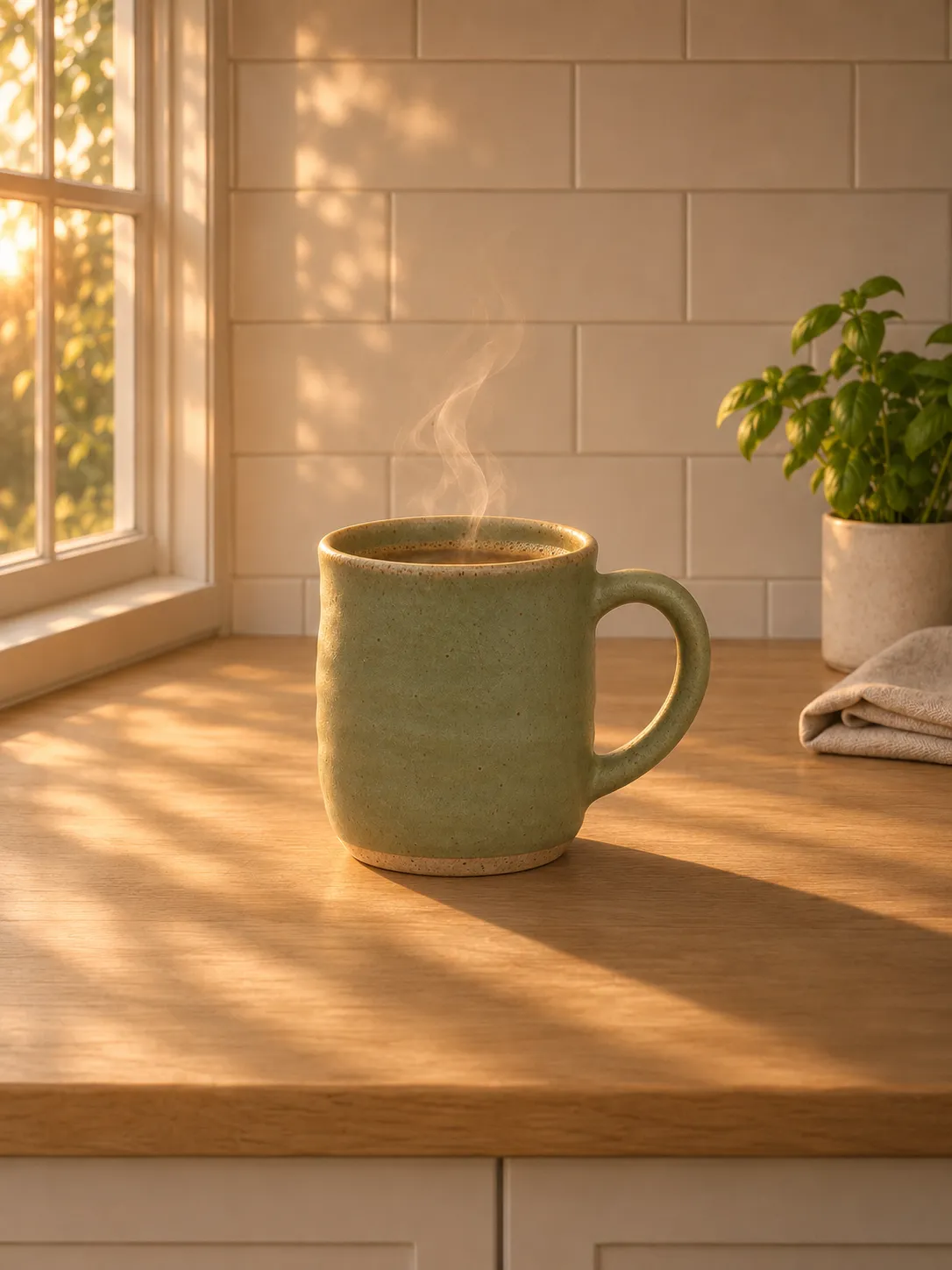
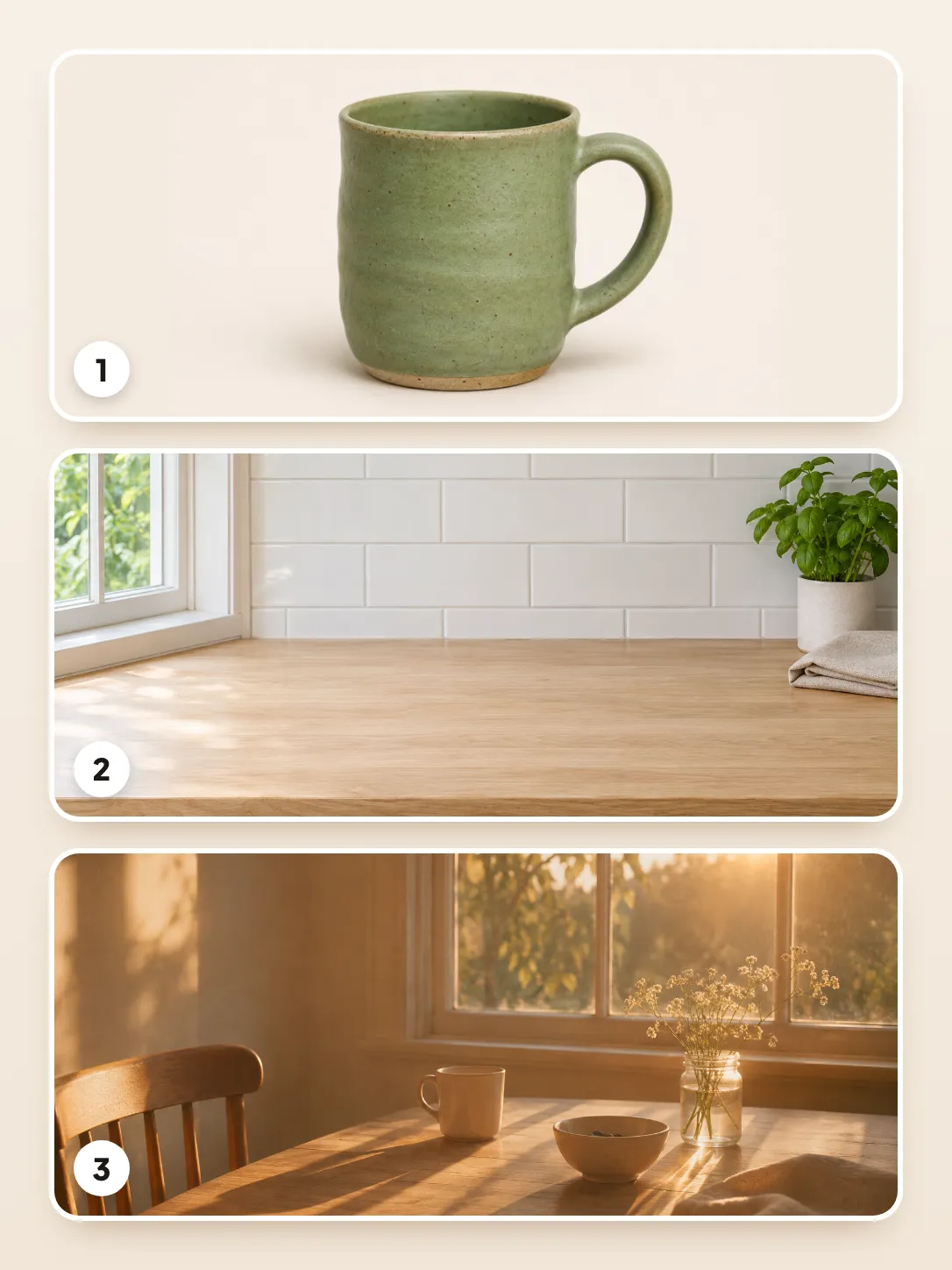
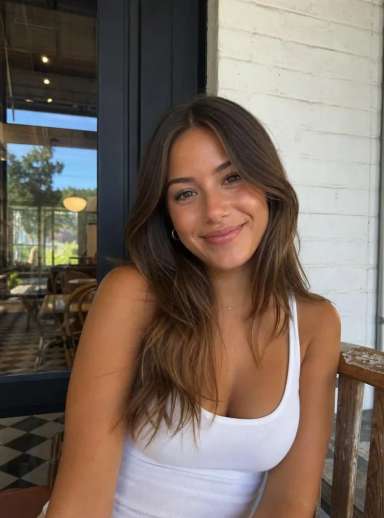
Combine up to 3 images in one edit. Add a product, a scene and a style reference, and the model blends them into a single new picture.
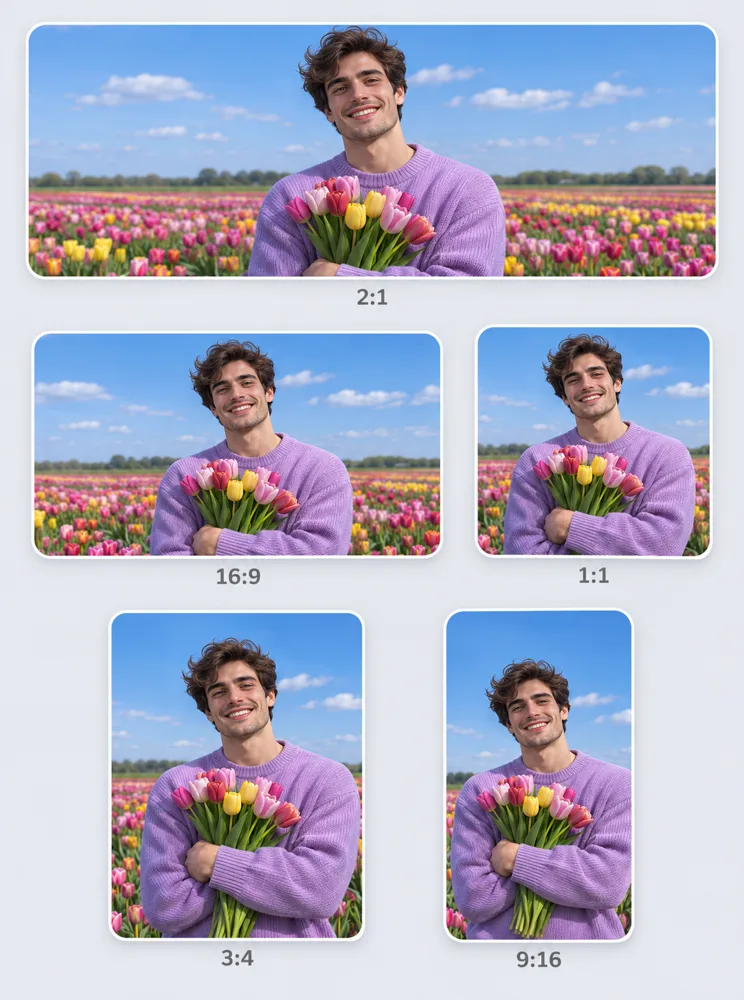
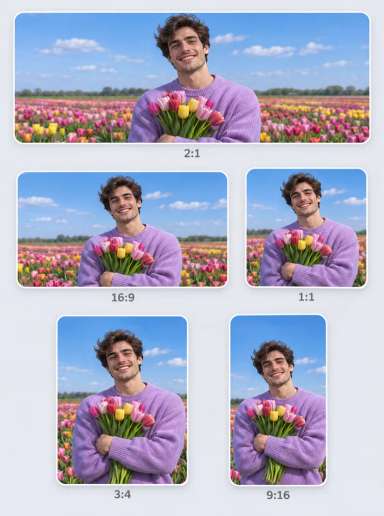
The model supports 13 aspect ratios, from wide 2:1 banners to tall 9:20 phone screens. That range covers posts, Stories, thumbnails and wallpapers.
Choose 1K for quick drafts and social posts, or 2K when you need more detail for larger screens and prints.
Every image in this gallery was made with Grok Imagine on Aragon. The prompt sits under each image, so you can copy it into the editor.
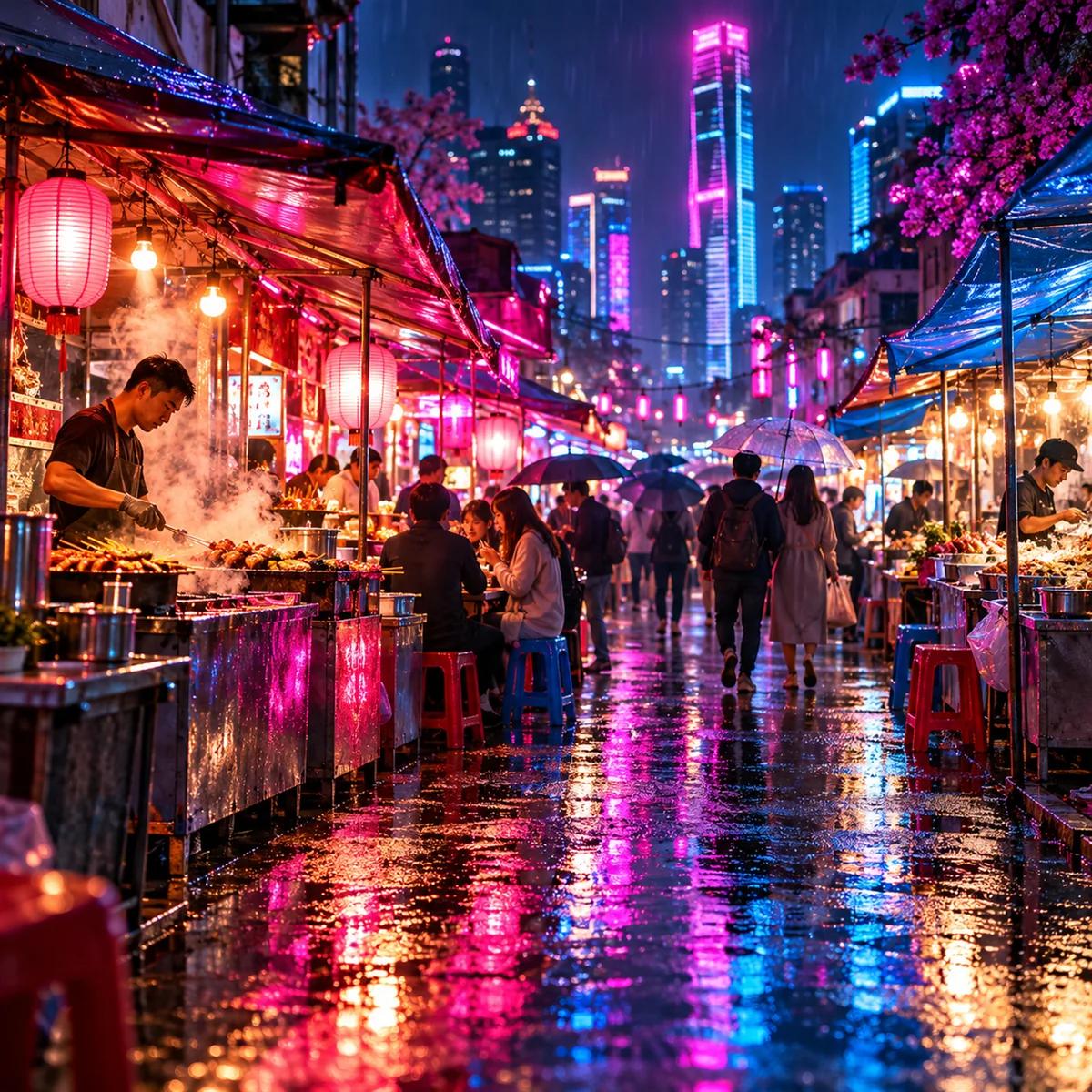
Prompt
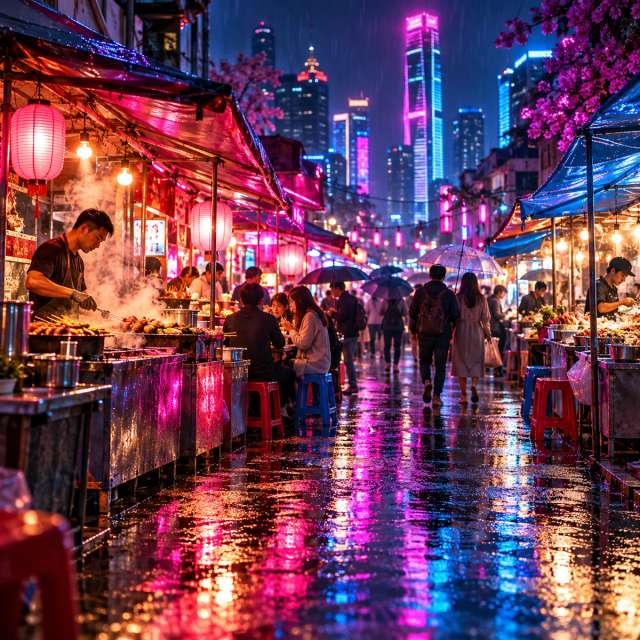
A neon-lit night market in the rain, glowing food stalls, reflections on wet pavement, bold pink and blue colors.

Prompt
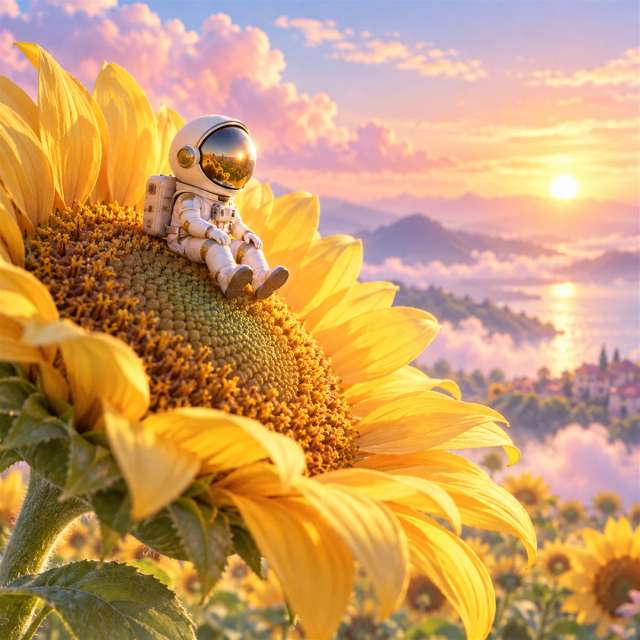
A tiny astronaut sitting on a giant sunflower, soft morning light, dreamy pastel colors.
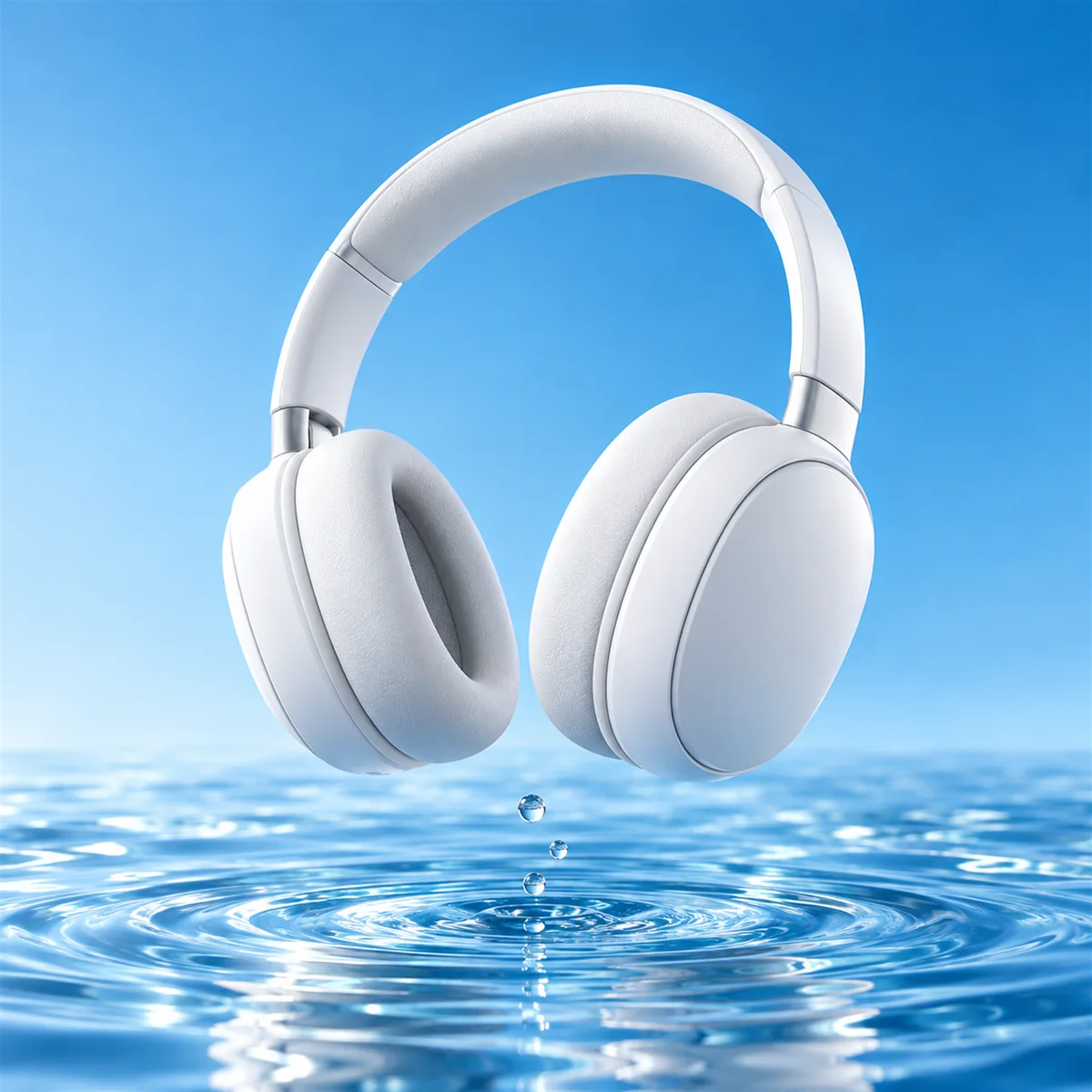
Prompt
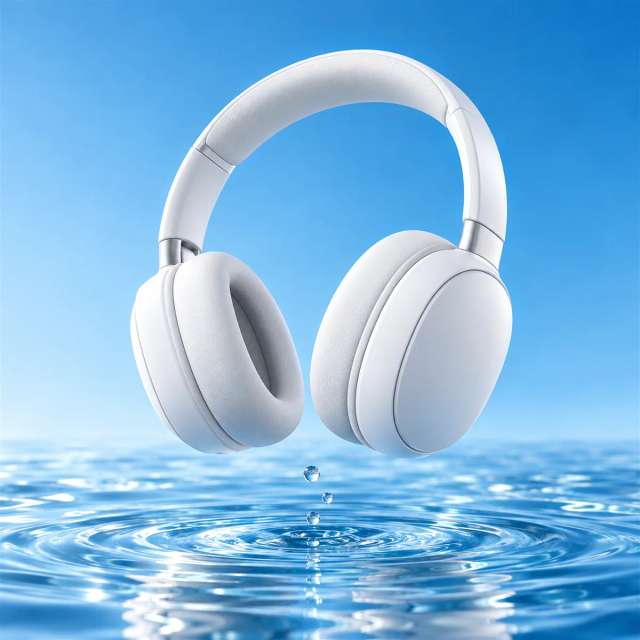
A pair of white headphones floating above a pool of water, bright studio light, clean blue background.
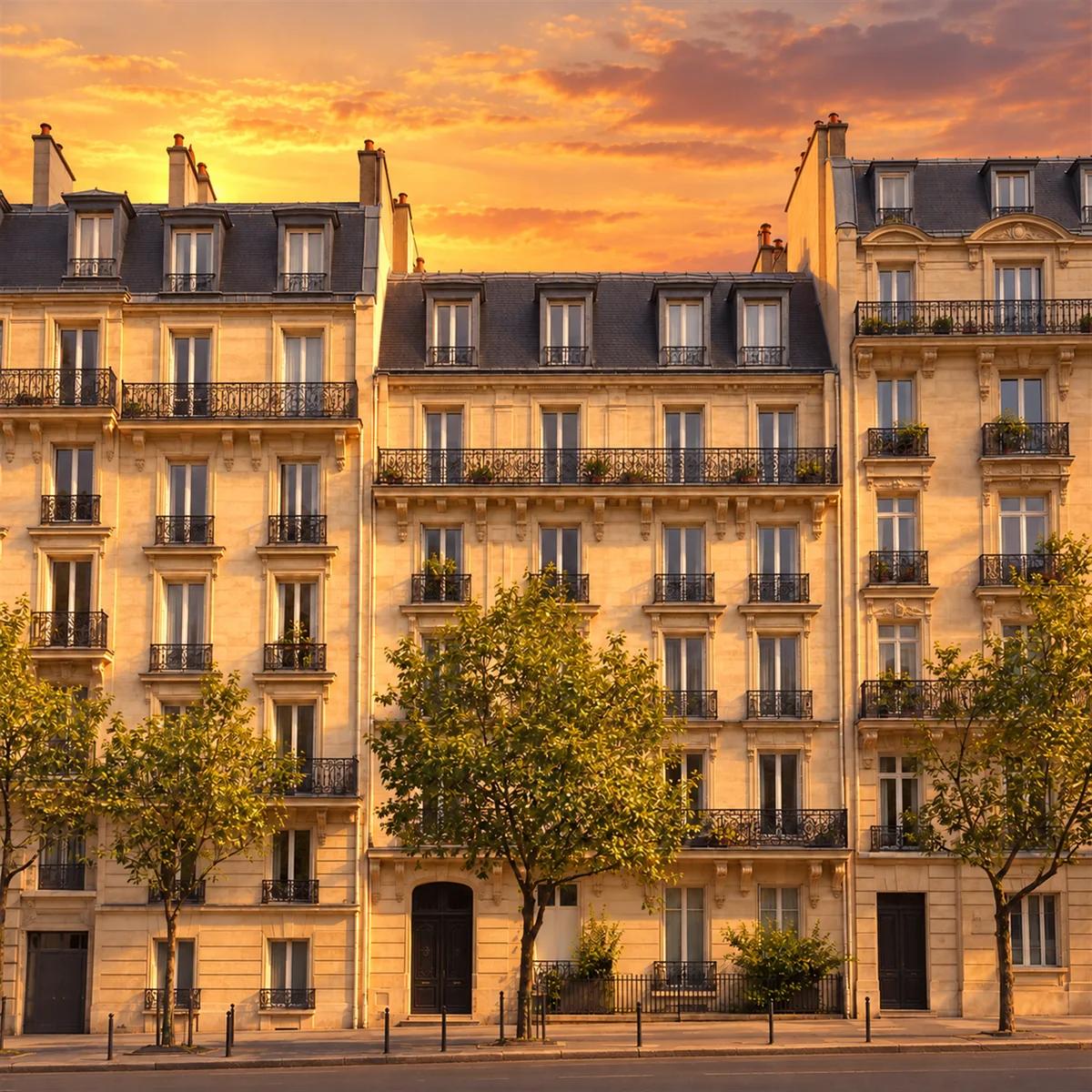
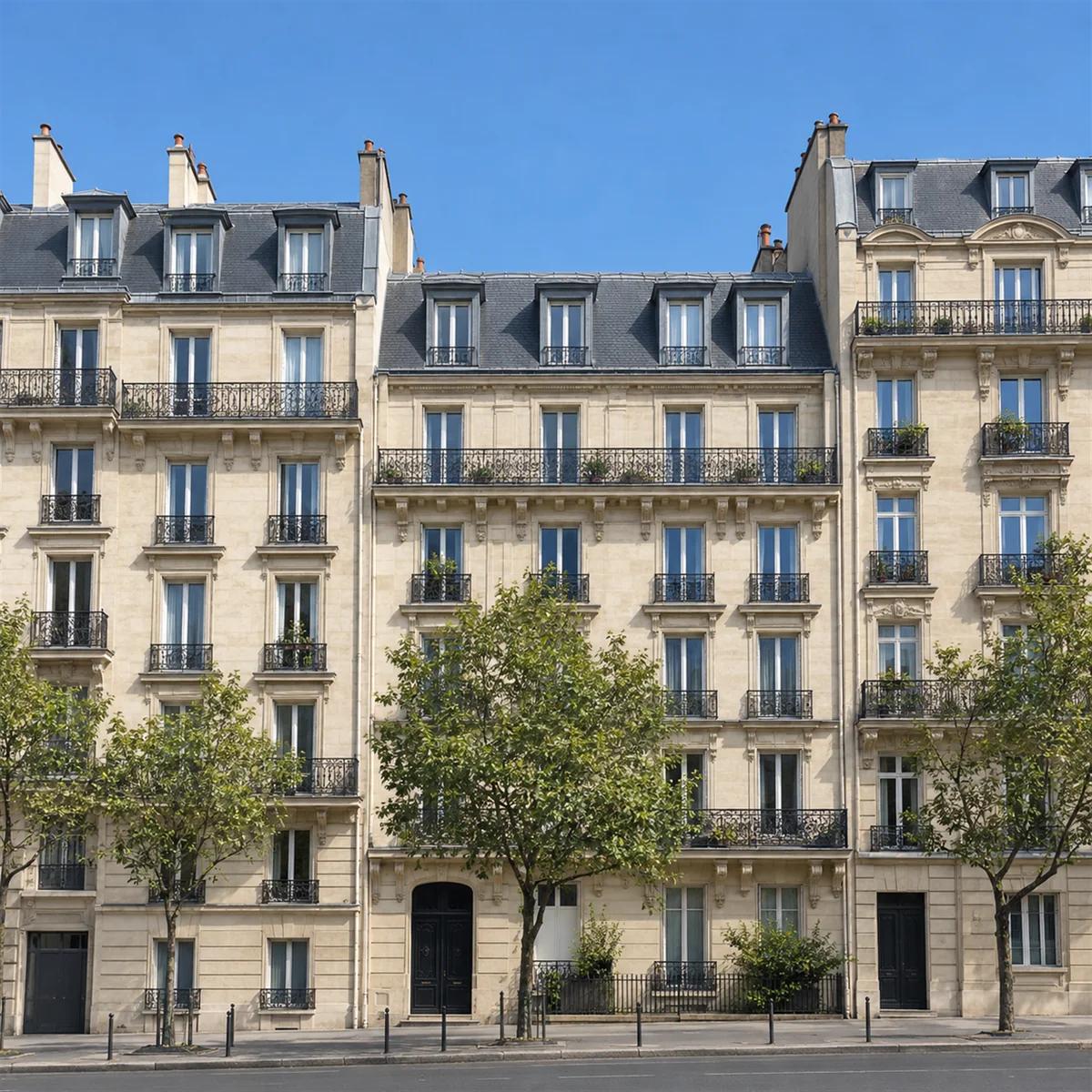
Edit instruction
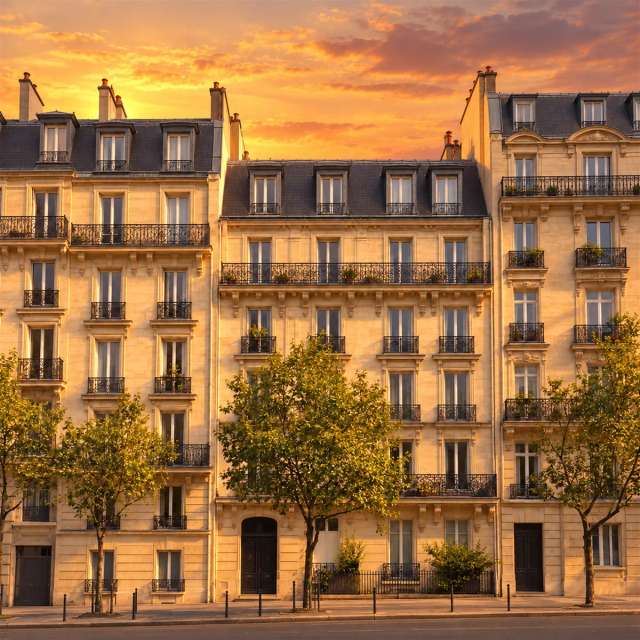
Turn the sky into a golden sunset and add warm light on the buildings.
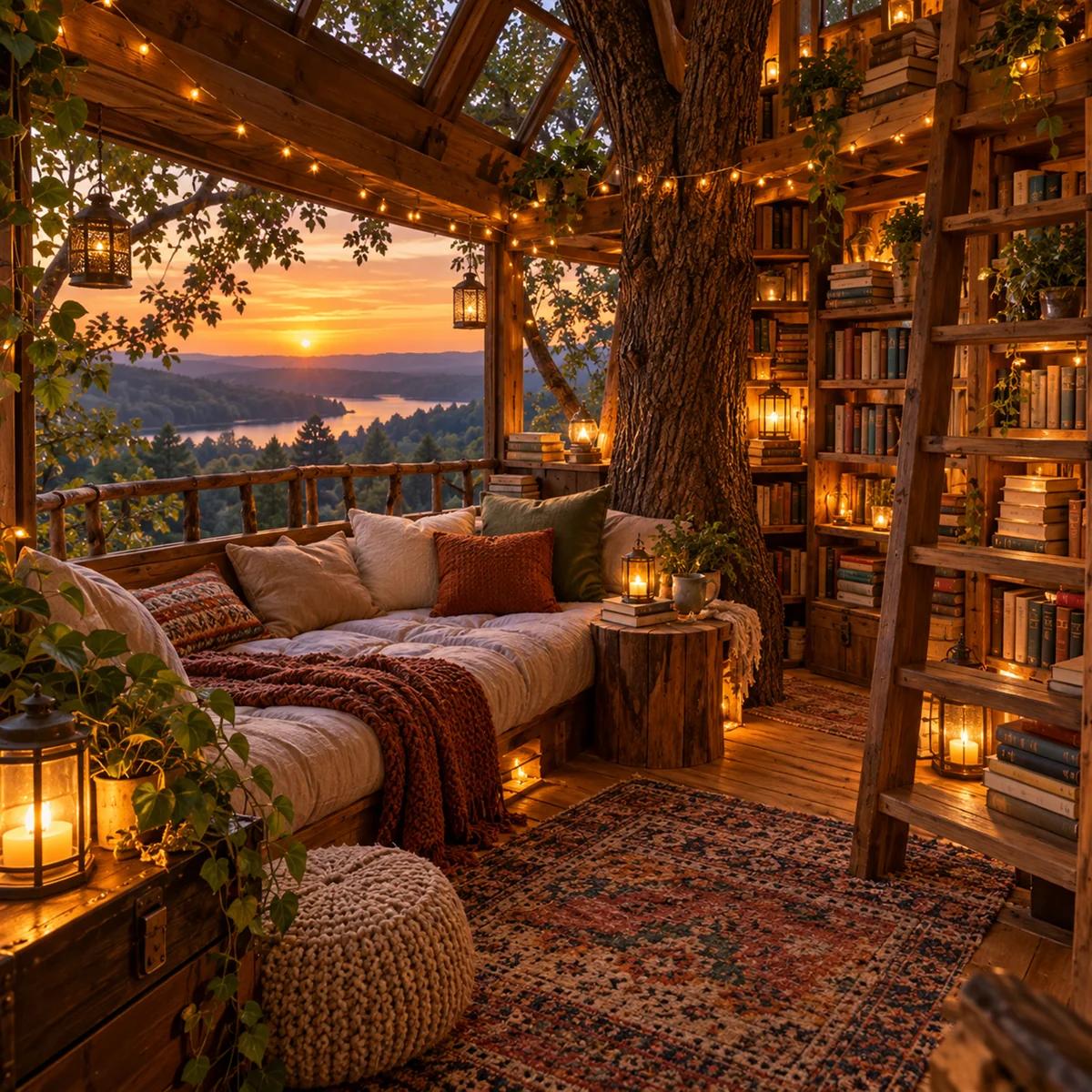
Prompt
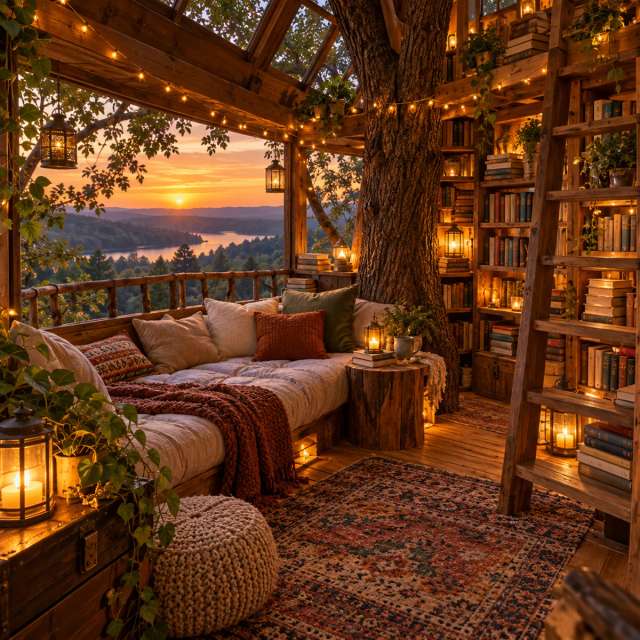
A cozy reading nook inside a treehouse, fairy lights, stacks of books, warm evening glow.
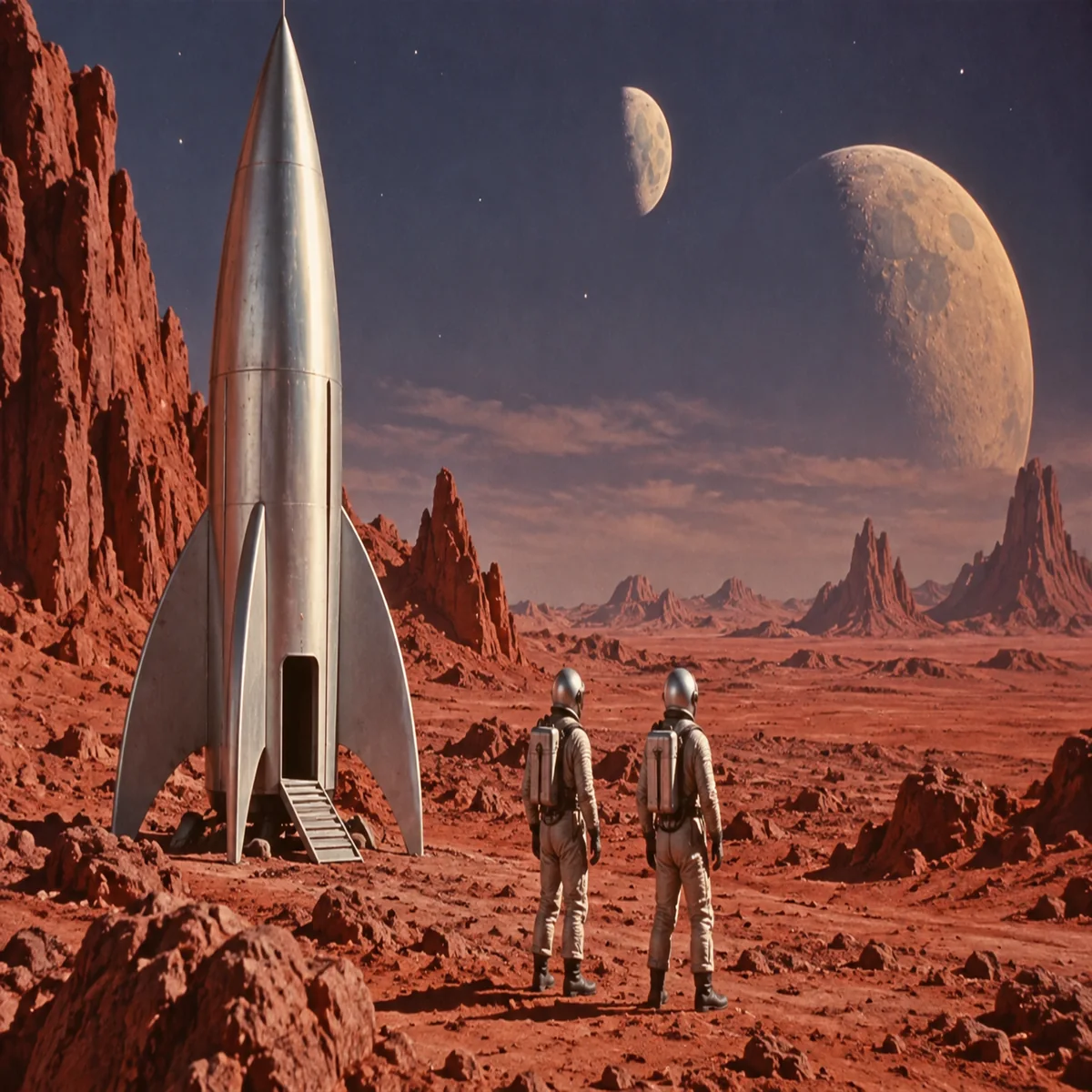
Prompt
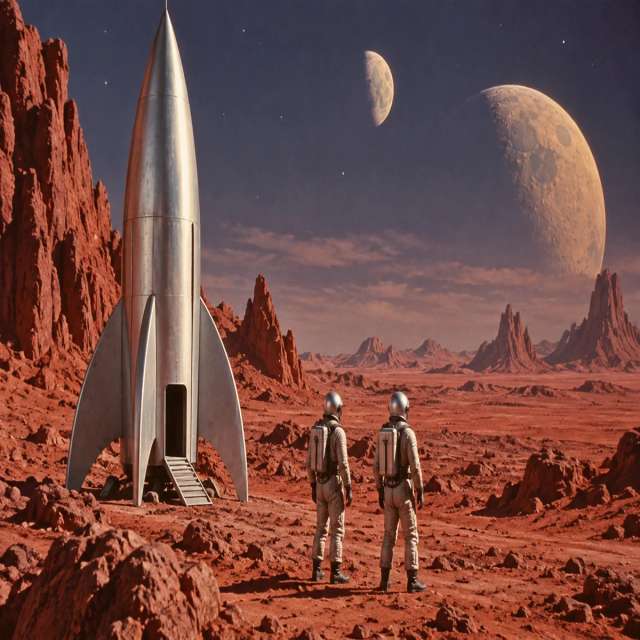
A retro sci-fi movie scene with a silver rocket on a red desert planet, two moons in the sky.
Illustrative images created from each prompt.
Millions of people already create on Aragon, and every account comes with the tools, models and security to make great images.
Switch between Grok Imagine and 14 other top image models from one prompt box, with no extra apps or accounts.
Make an image, edit it with Aragon's photo tools and turn it into a video clip, all in the same workspace.
Your uploads and images stay private, protected by AES-256 encryption and SOC 2 Type II security.
Free credits come with every Aragon account, so you can try your first images in your browser today.
Open AI Image, choose Grok Imagine and describe your image to start creating.
Sign in to Aragon and open AI Image from your dashboard.
Pick xAI Grok Imagine in the model picker.
Type your prompt, or upload up to 3 photos with an edit instruction, and generate your image.
The model fits anyone who wants bold, creative images and quick edits in plain words.
Event planners get custom invitations, party themes and signs that match any celebration.
Writers and game makers get characters and worlds that show their stories in pictures.
Students and teachers get clear visuals for school projects, reports and slides.
Brand teams get fresh visuals in their brand colors, plus quick edits that keep every image on brand.
On Aragon, use Grok Imagine to make social posts, concept art, product scenes and photo edits for your next project.
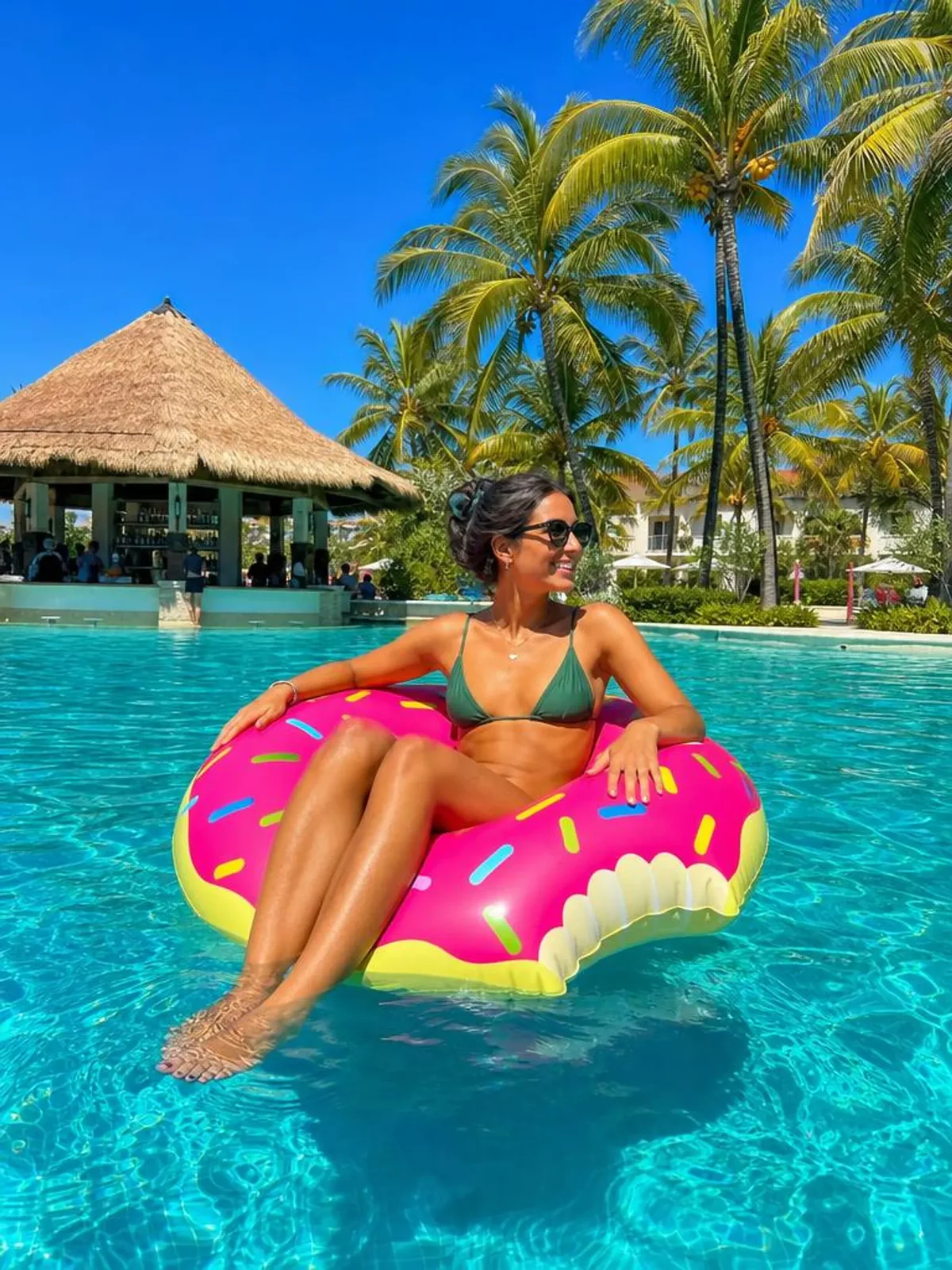
A creator needs a striking image for today's post. Describe the mood and colors, pick a square or tall ratio, and the model creates a post that fits the feed.
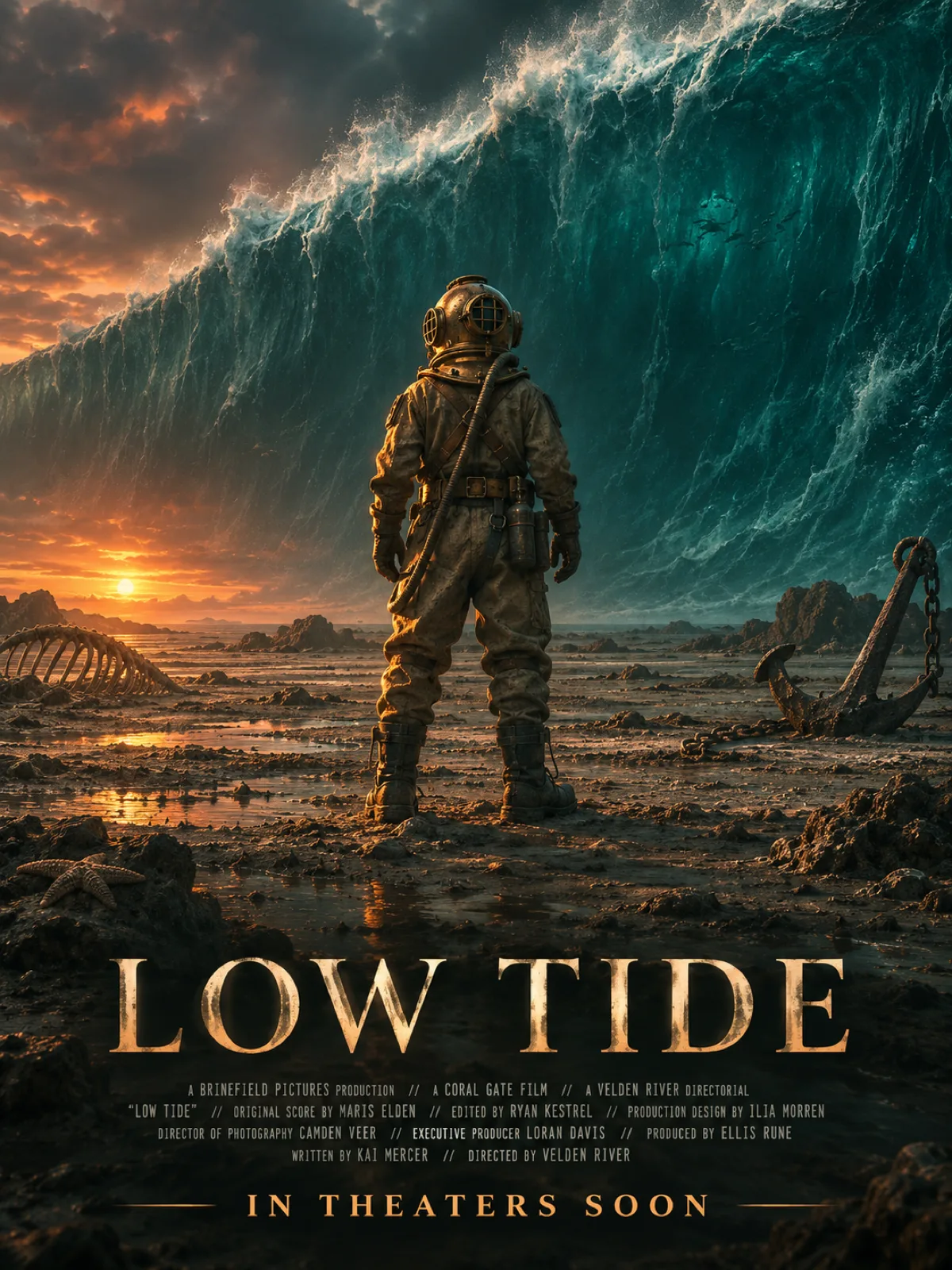
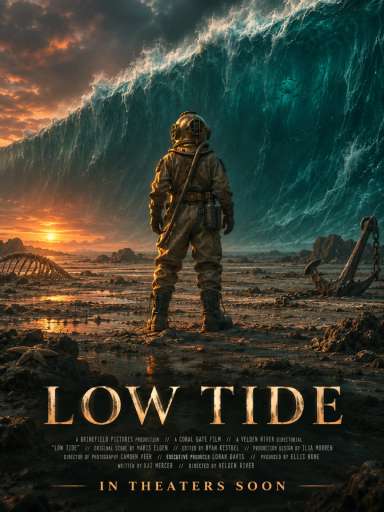
A filmmaker wants to show the look of a story before the shoot. The model sketches scenes and characters fast, and the movie poster generator turns the idea into a finished poster.
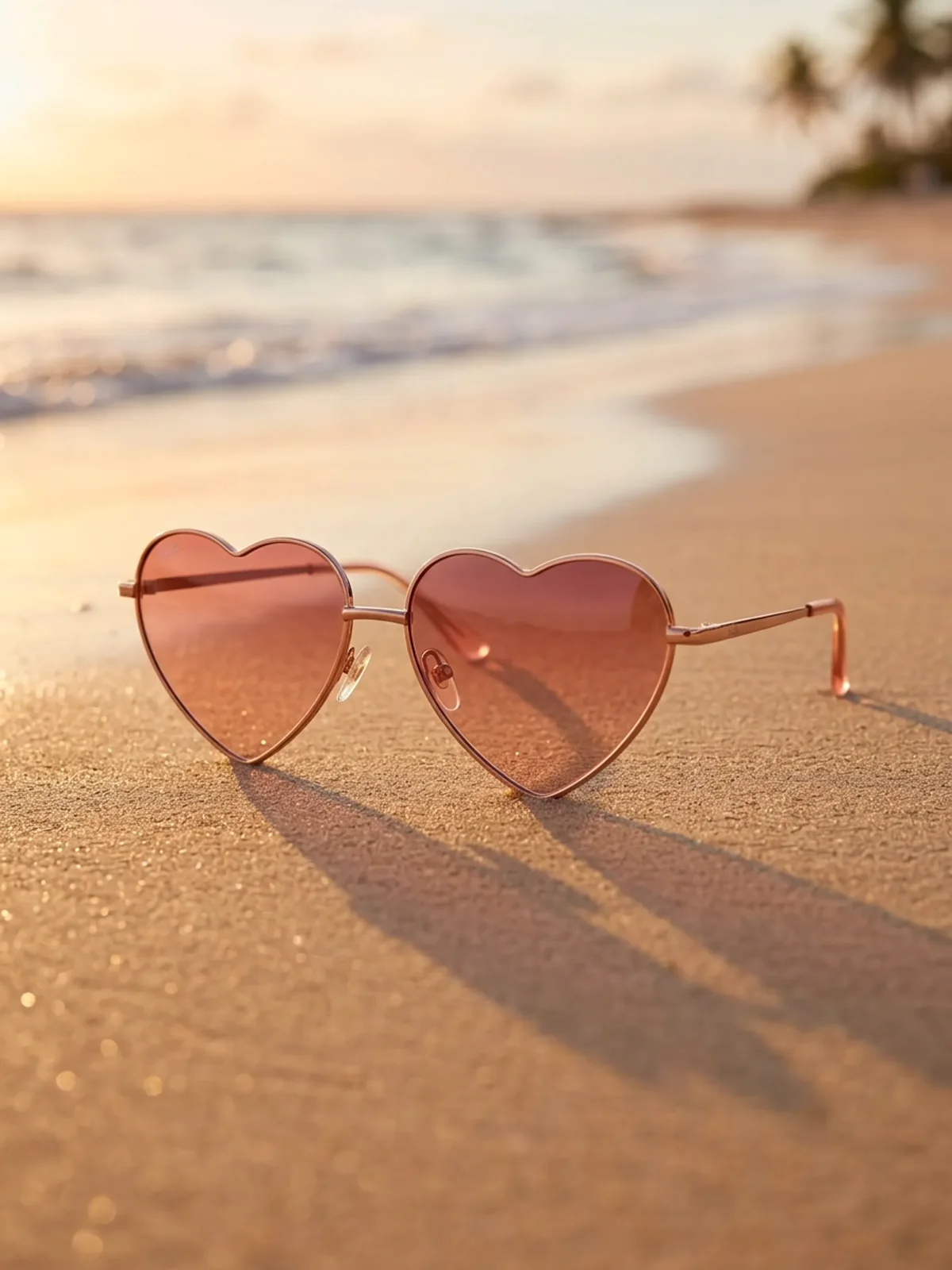
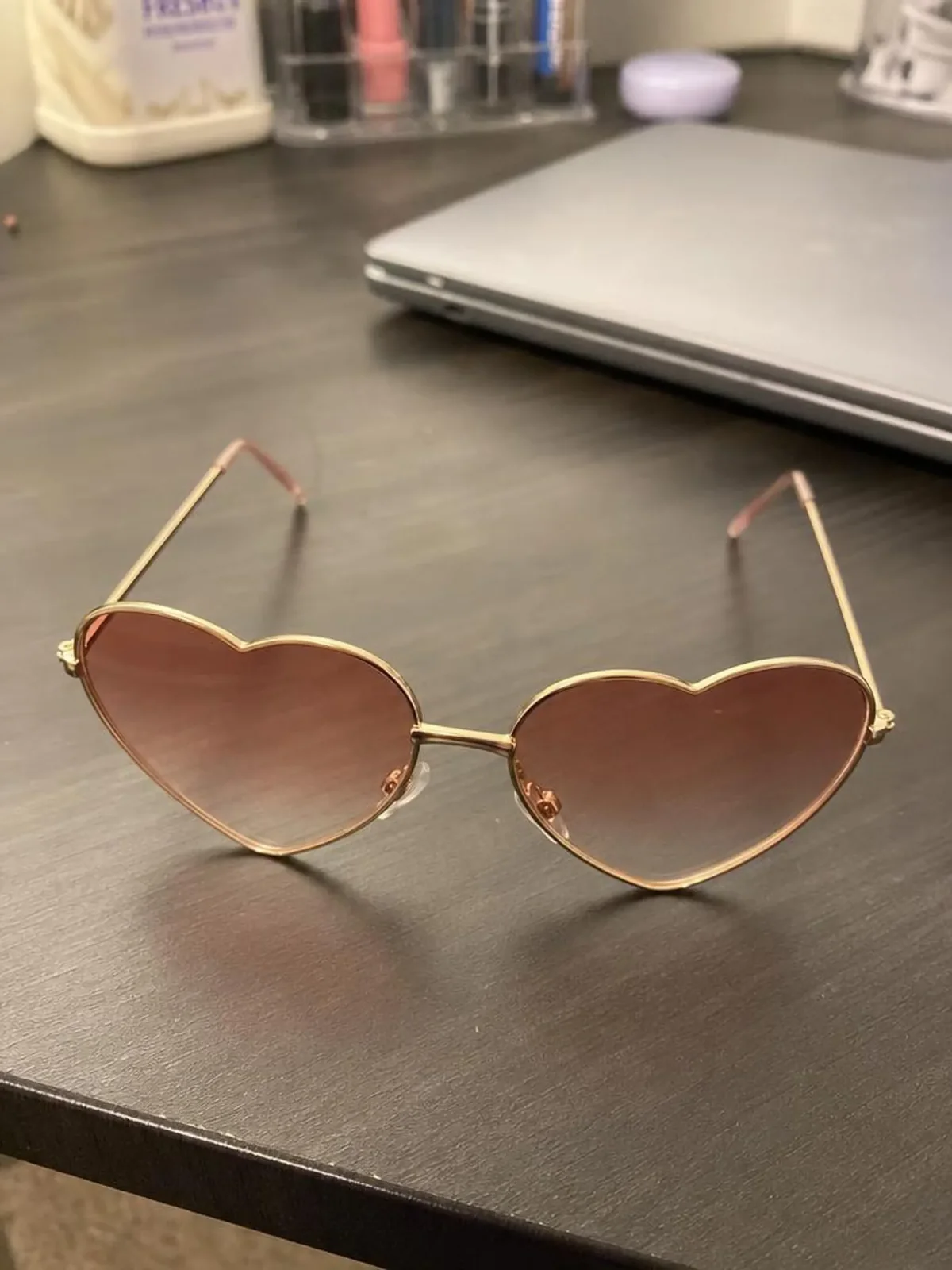
An online seller wants their product in a fresh scene for a launch. Start in the AI image generator, then place the product on a beach, a desk or a studio set.
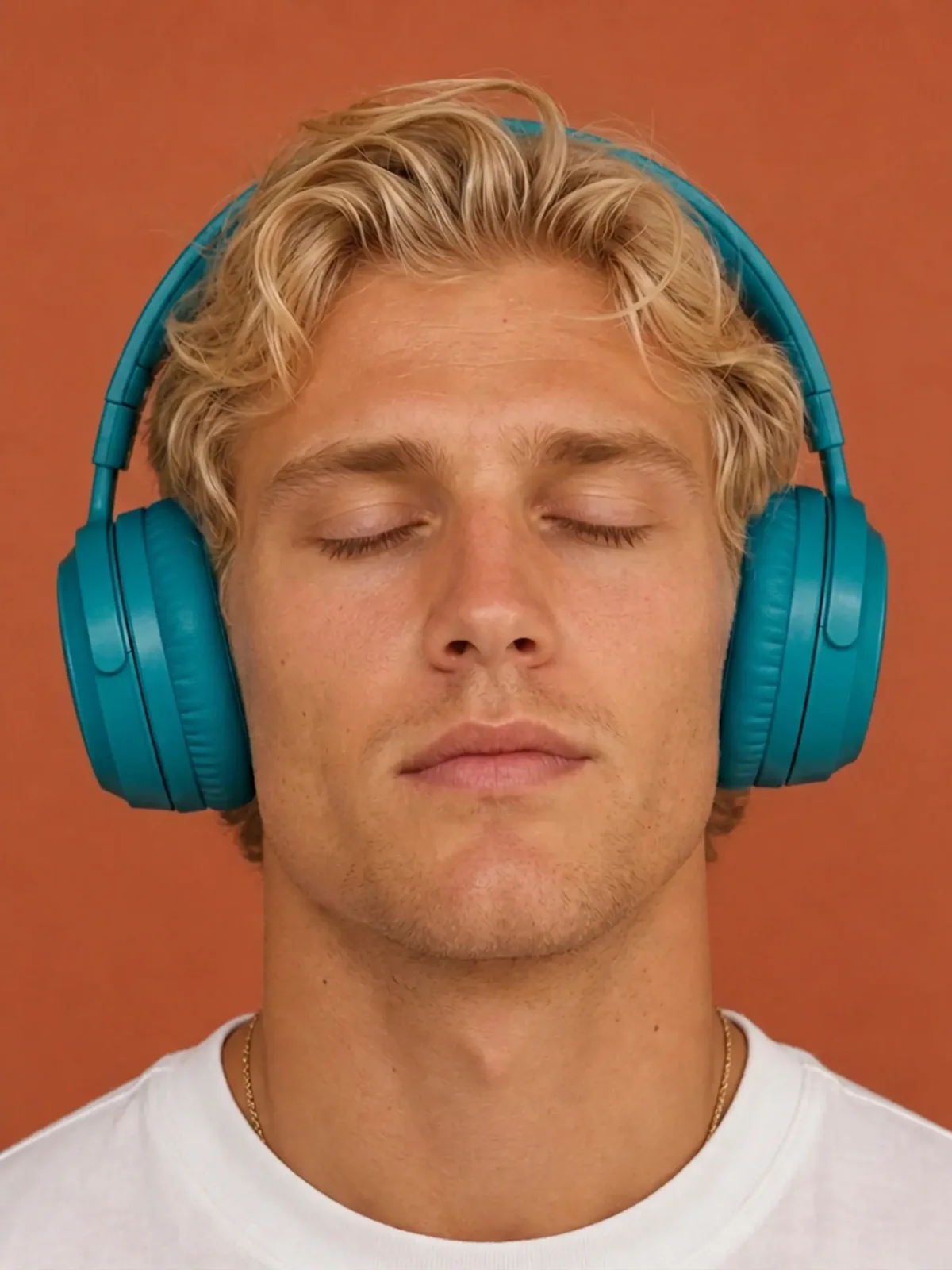
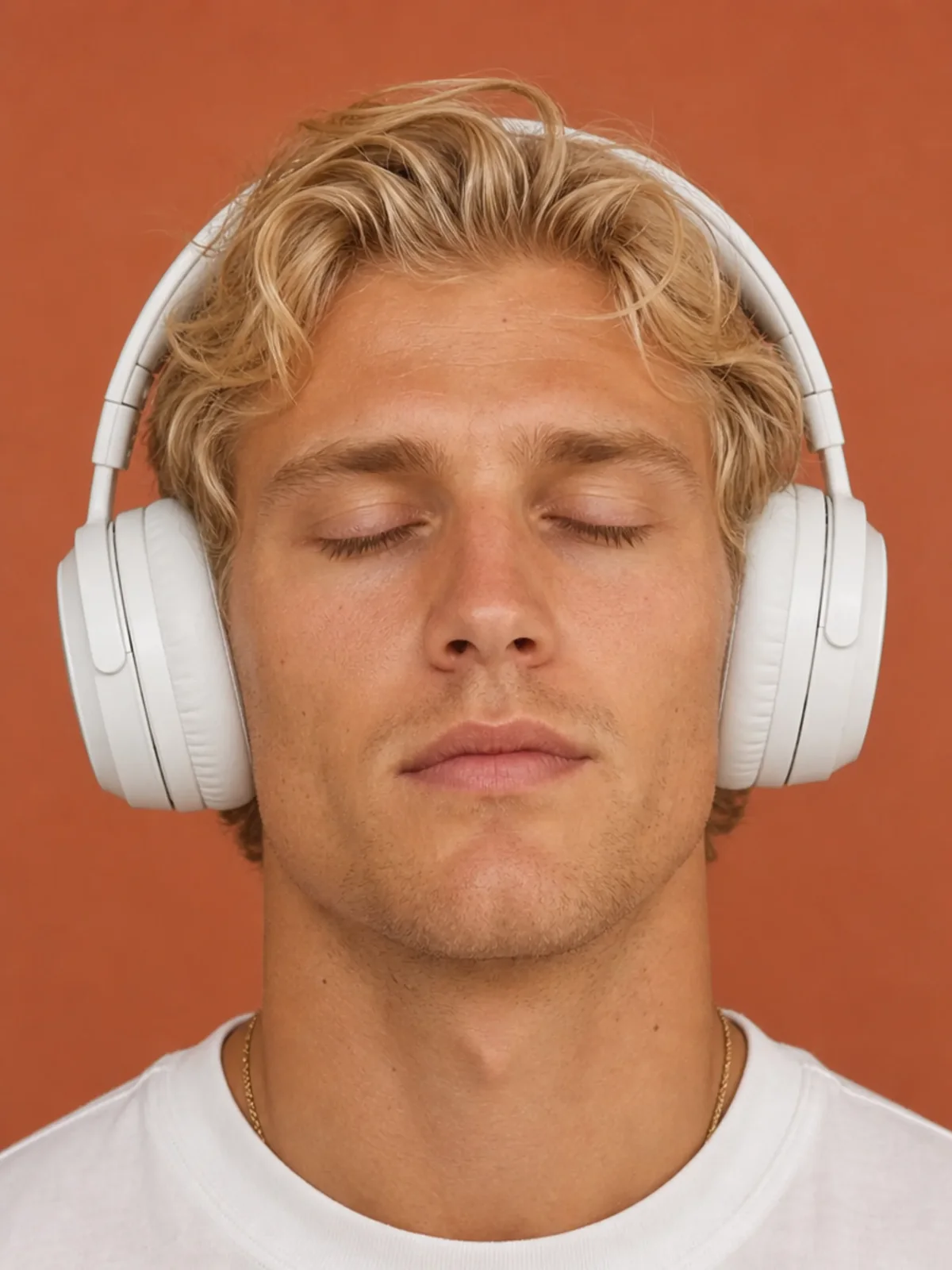
You have a photo that needs a new background, a color change or a removed object. Describe the change, and the AI photo editor has more tools for finishing touches.
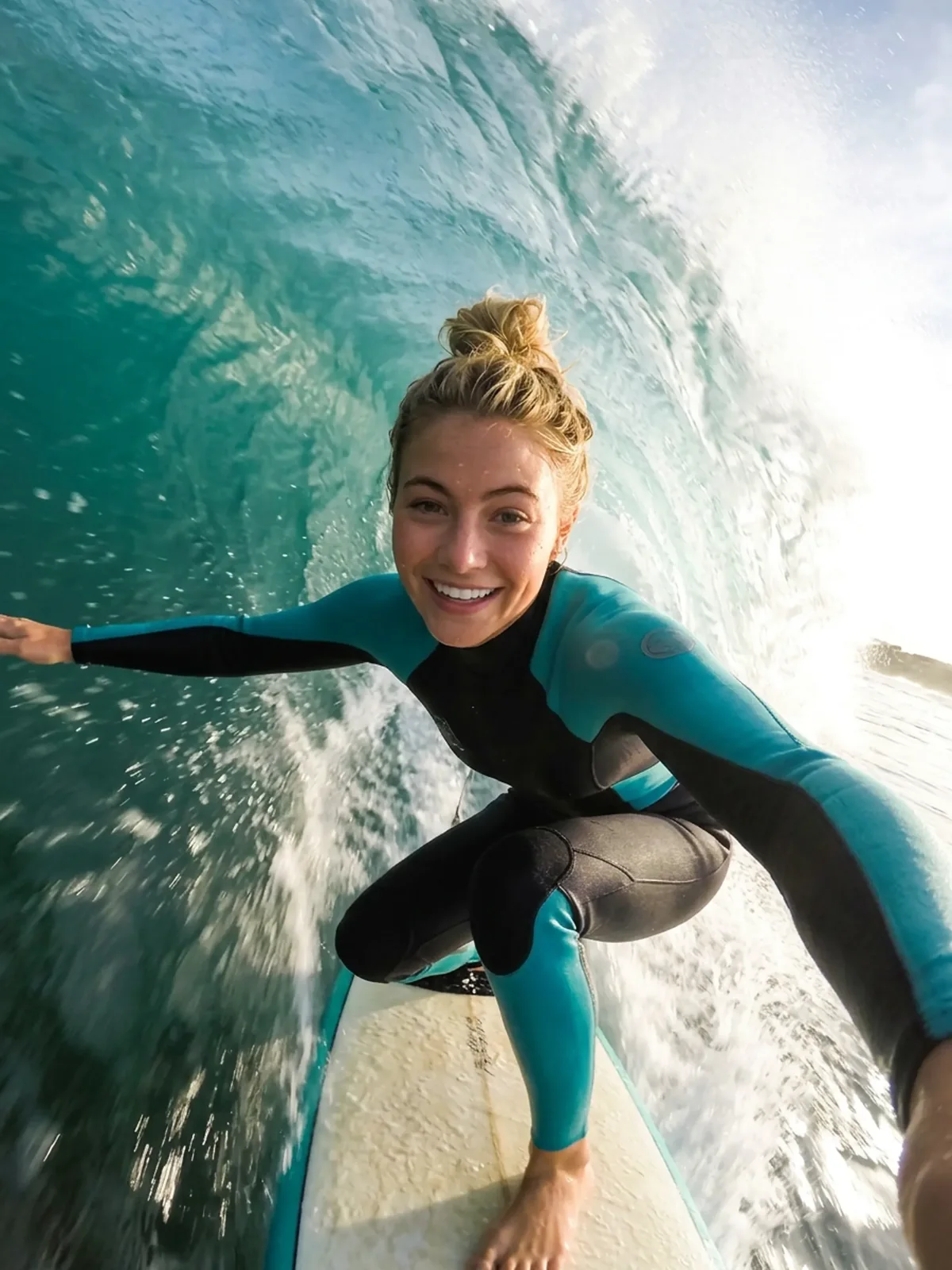
You made a great image and want it to move. Turn it into a short clip with image to video.
A few simple habits give you sharper, more accurate images.
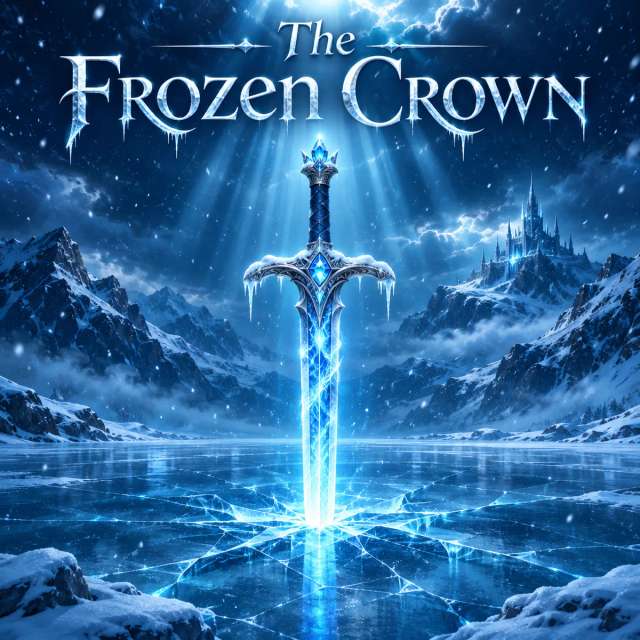
“A fantasy book cover titled The Frozen Crown, with a glowing sword stuck in a frozen lake, deep blue colors, snow falling, dramatic light from above.”Start with the one thing the image is about, like "a red vintage car," before you add the scene and style.
Say the colors and the light you picture, like "warm golden light" or "neon pink and blue," so the mood comes through.
When you edit, describe one change at a time, like "make the sky orange," and then add the next change in a new edit.
When you upload 2 or 3 images, say what each one is for, like "use photo 1 for the product and photo 2 for the background."
Copy any prompt below and try it on Aragon.
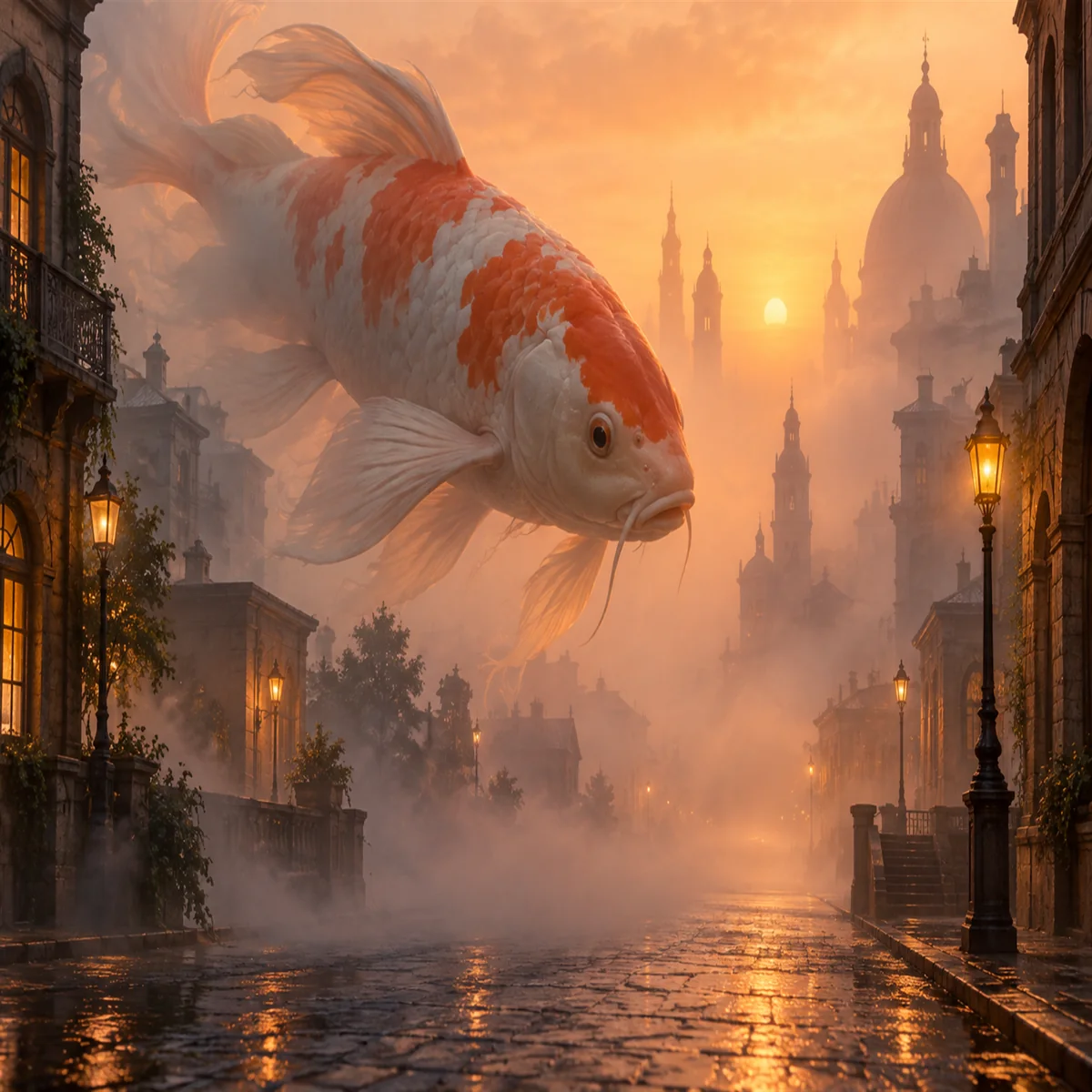
Prompt
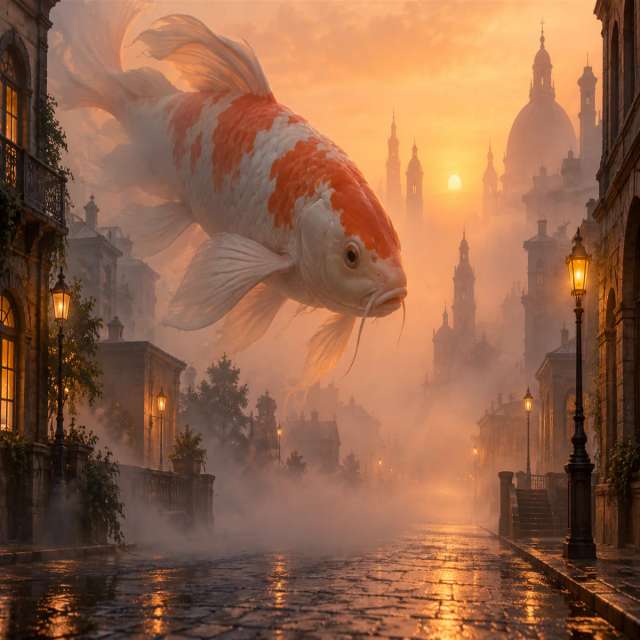
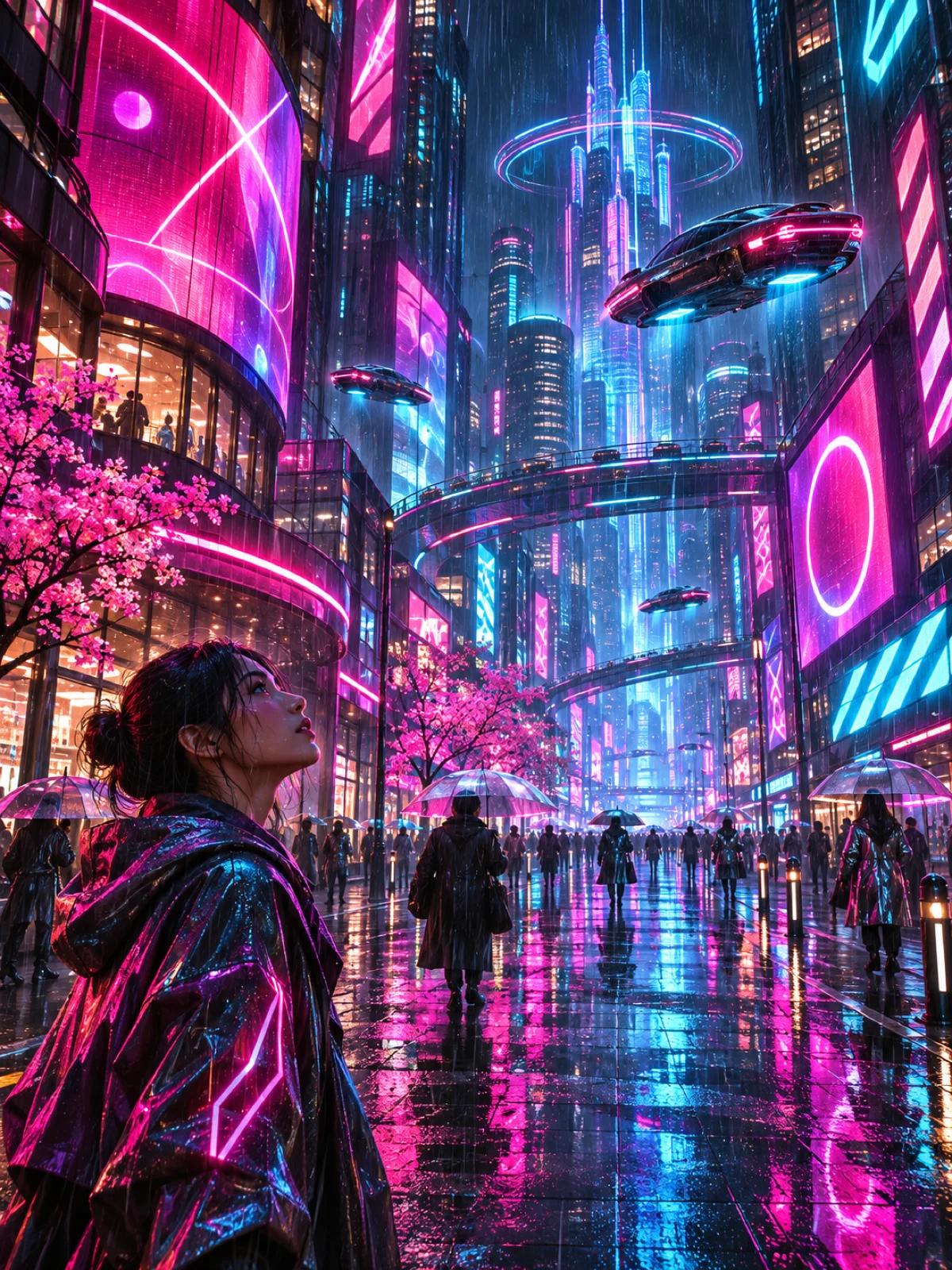
A giant koi fish swimming through a foggy city street at dawn, soft orange light, dreamy and calm mood.
Works well for eye-catching social posts and wallpapers.
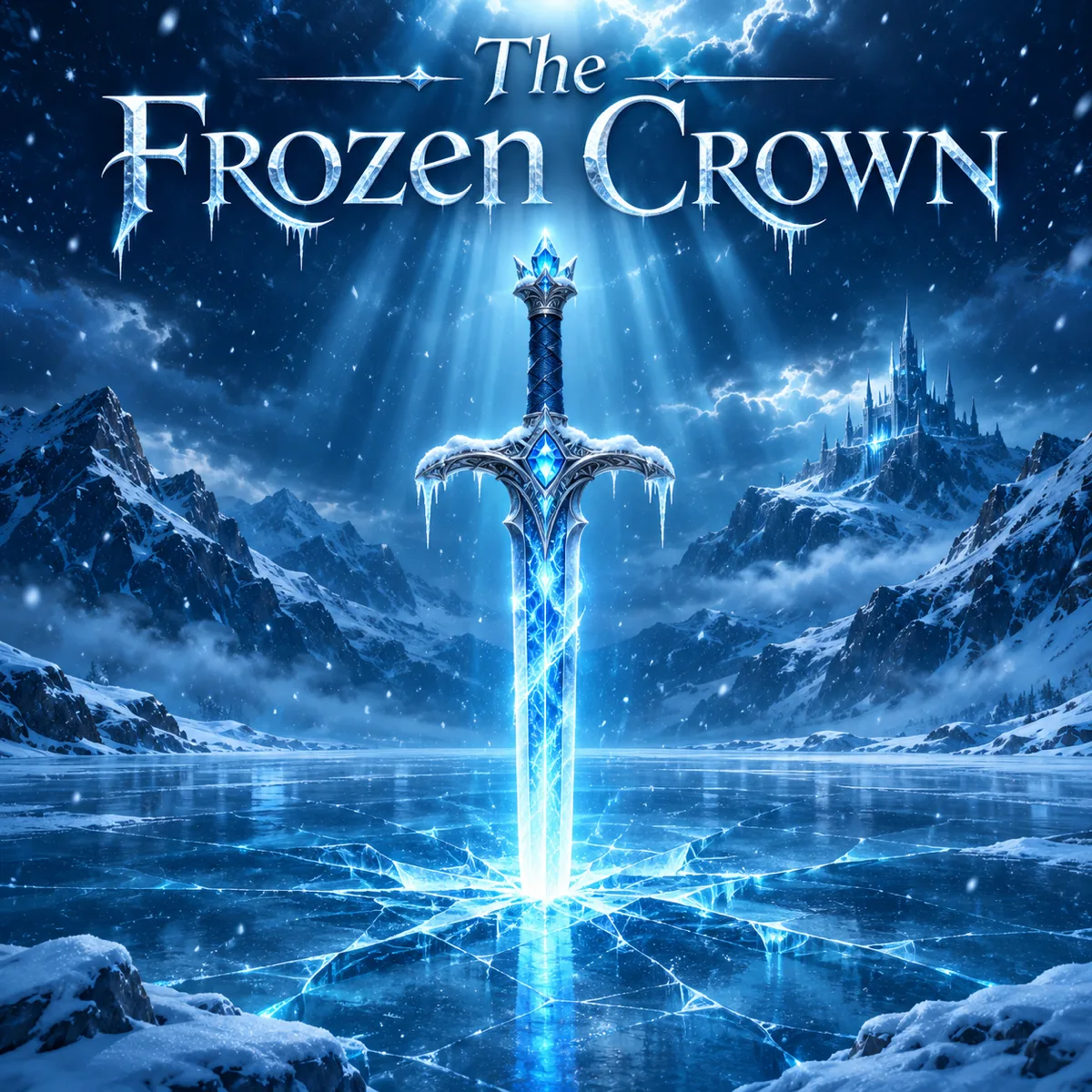
Prompt
A fantasy book cover titled The Frozen Crown, with a glowing sword stuck in a frozen lake, deep blue colors, snow falling, dramatic light from above.
Works well for covers, posters and concept art.
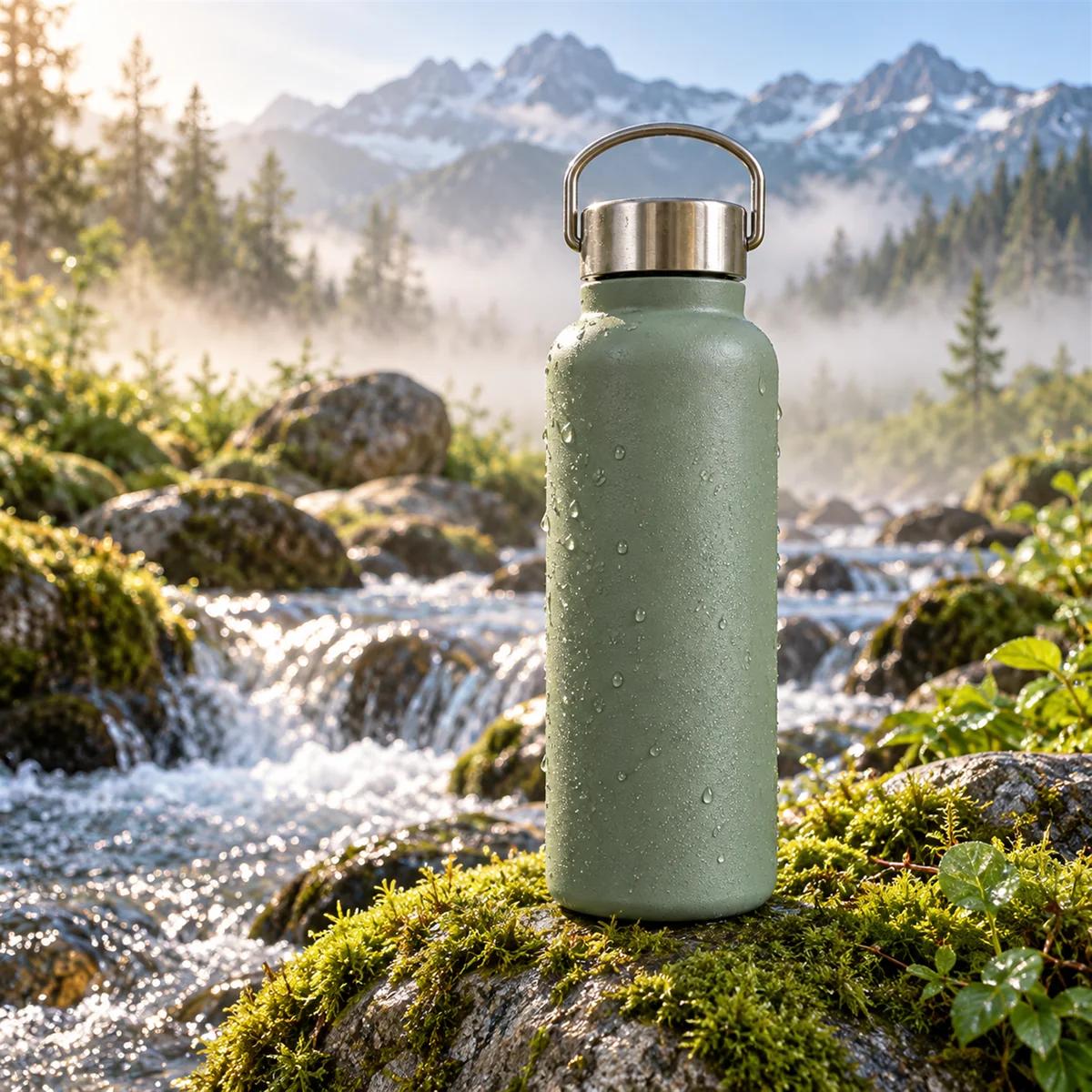
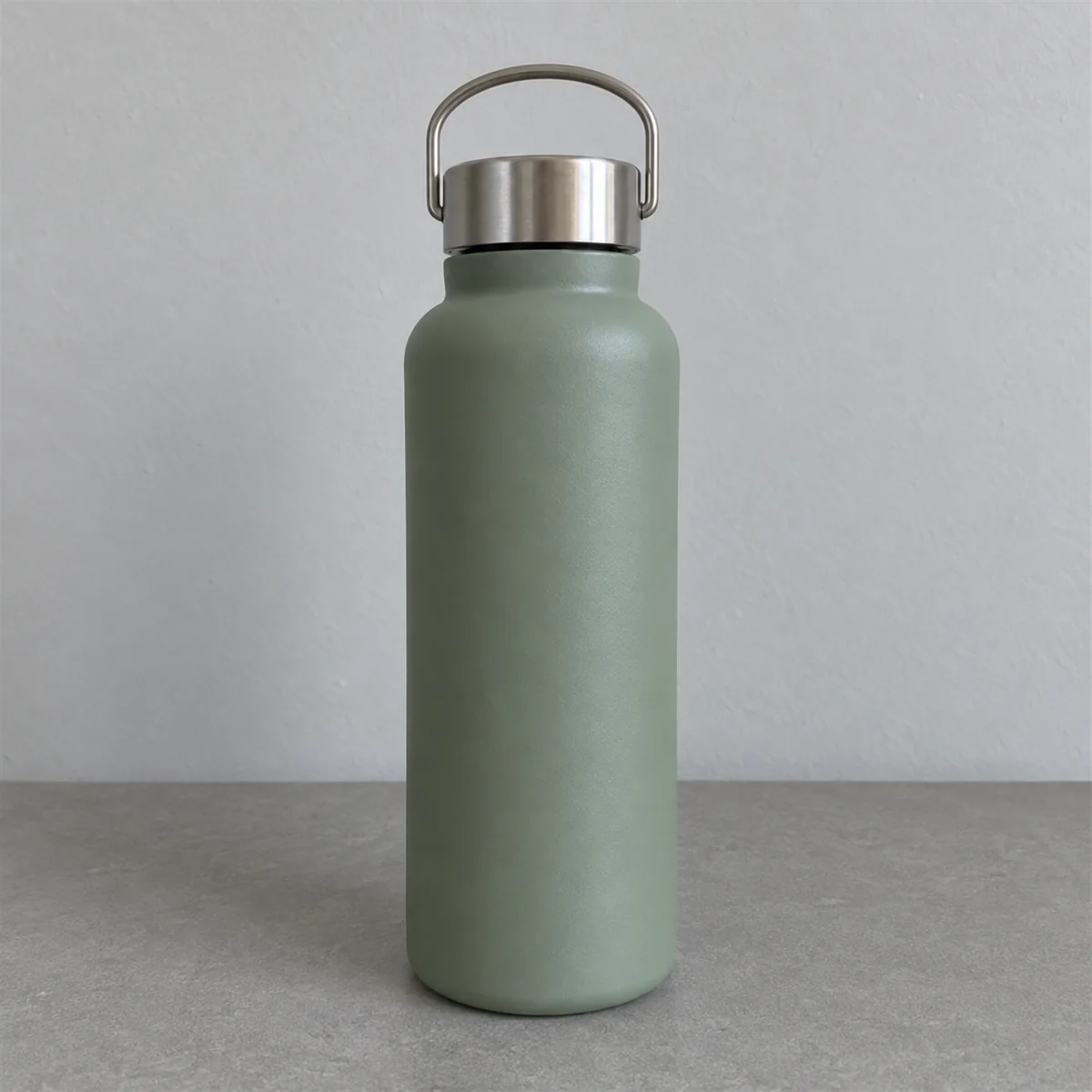
Prompt
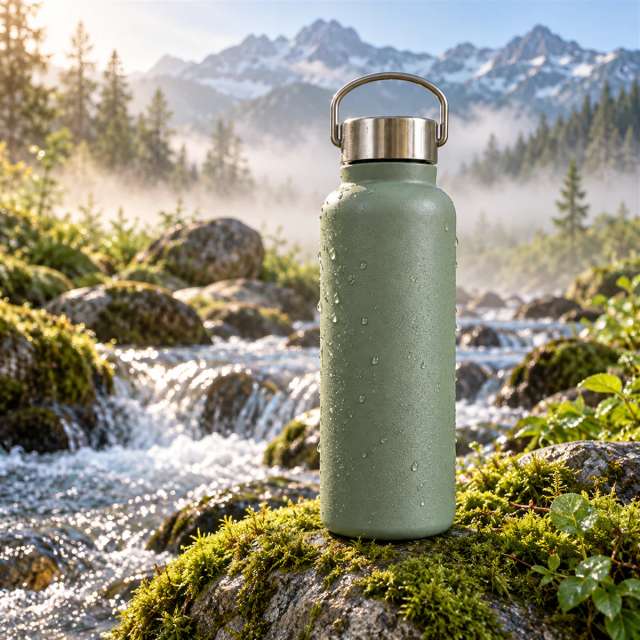
Use the uploaded water bottle. Place it on a mossy rock beside a mountain stream, morning mist, fresh and clean look.
Works well for product scenes from one or more reference photos.
Illustrative images created from each prompt.
Each image model has a different strength. xAI's model shines at bold, creative images and plain-language edits.
| Grok Imagine | Nano Banana 2 | GPT Image 2 | Seedream 4.5 | |
|---|---|---|---|---|
| Best for | Bold creative images and quick edits in plain words | Fast everyday creating and editing | Images with clear text and layouts | Consistent edits across several images |
| Maker | xAI | OpenAI | ByteDance | |
| Edit inputs | Up to 3 images | Several reference images | Reference images | Several reference images |
Pick the model that matches your project.
Pick Grok Imagine if you want bold, creative images and quick edits written in plain words.
Pick Nano Banana 2 if you want fast, everyday creating and editing.
Pick GPT Image 2 if your image needs clear text, like a flyer or a menu.
Pick Seedream 4.5 if you want consistent edits across a set of images.
Describe your idea or upload a photo, and the model creates or edits your image in AI Image on Aragon.
Customer satisfaction is our number one priority. Our live agents are available 7am - 11pm (PT), 5 days Sunday through Thursday.
The Leading AI Headshot Generator for Professionals
Trustpilot
Trusted by professionals and teams
Earn 30% for every referral
Join our affiliate program for free!
Copyright © 2026 Aragon AI, Inc. All rights reserved.