




























































































































































































































































































































































The Leading AI Headshot Generator for Professionals
THE #1 RANKED AI PHOTO EDITOR
Free AI Underwater Filter: Add Aquatic Effects to Any Photo
Take any photo underwater for free. Our AI underwater filter adds sunlit currents, bubbles, and blue-green depth in a single click.
Click on one of these photos to try:
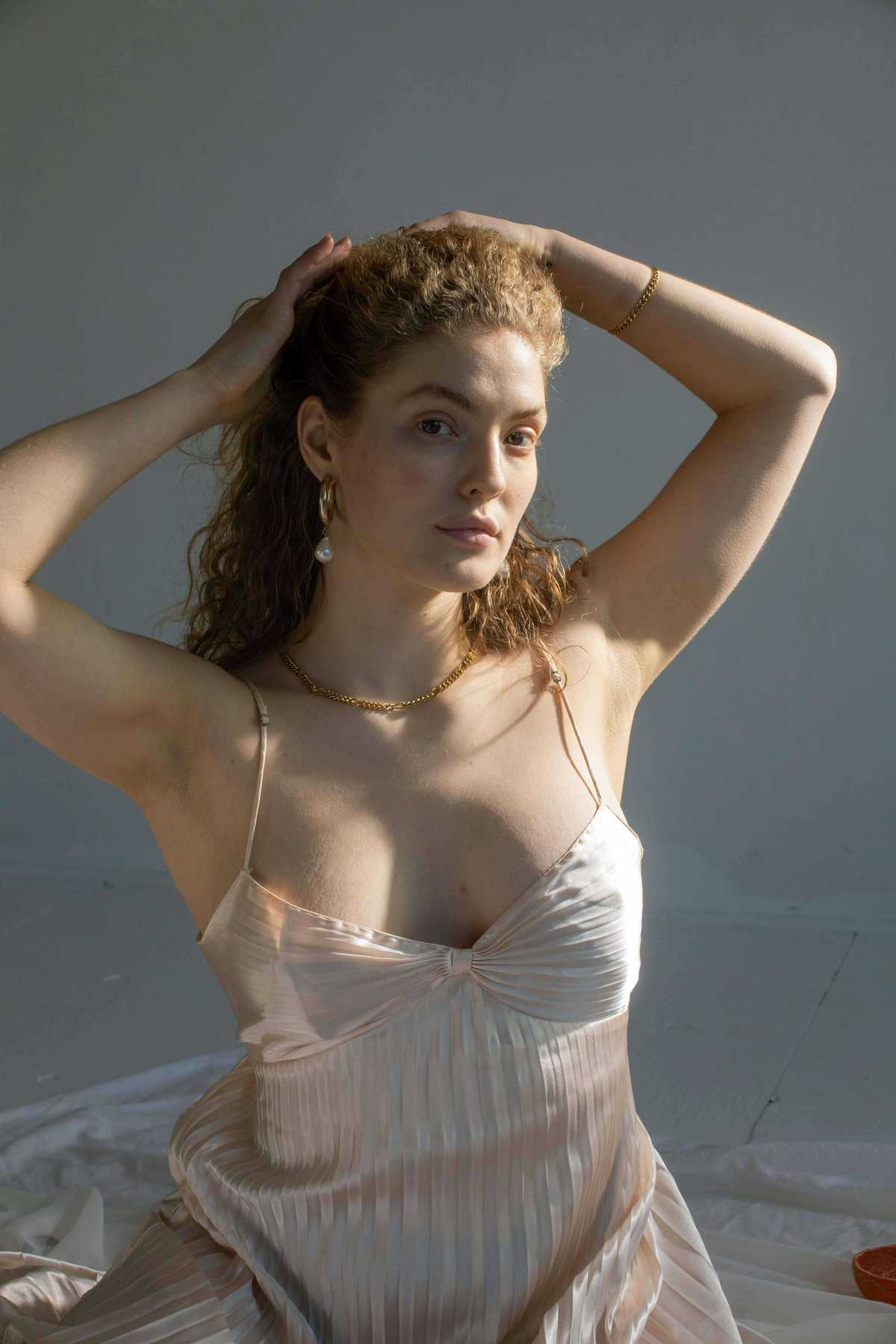



Before
After
Trusted by Industry Leaders. Millions of images edited to date.









How does it work?
1
Upload your image
Start with a clear photo of yourself. We support JPG, PNG, HEIC, and WEBP formats.
2
Go beneath the surface
The AI applies an immersive underwater visual effect to your photo automatically, adding depth, cool color shifts, light refraction, and an ocean-inspired atmosphere.
3
Download your result
Your underwater photo is ready to download. Share it on social media or use it for creative projects and profile updates.
What makes it special?
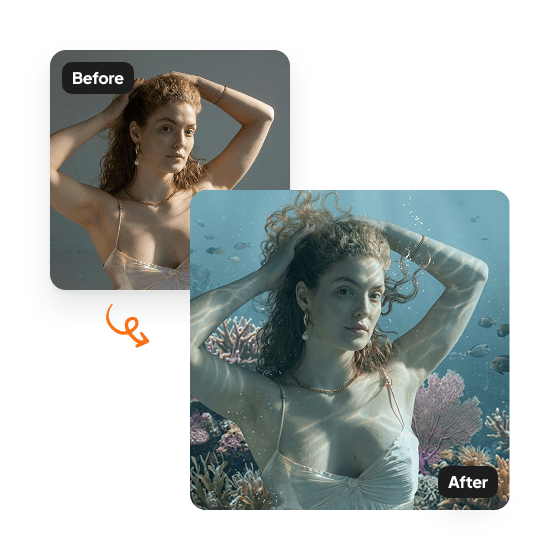
Dreamy underwater aesthetic
Transform photos into ethereal underwater portraits with Aragon's AI mermaid generator. Flowing hair, soft light rays, and vibrant coral reefs create a cinematic underwater scene.
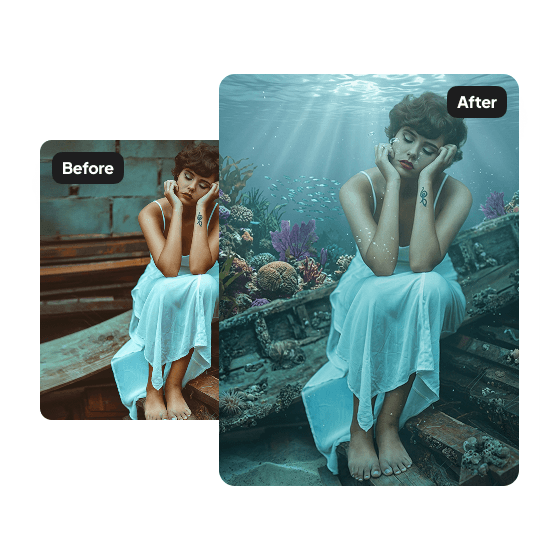
Consistent scene-wide atmosphere
The AI applies the underwater setting uniformly. Tropical fish, coral, aquatic plants, and filtered sunlight appear consistently across the photo.
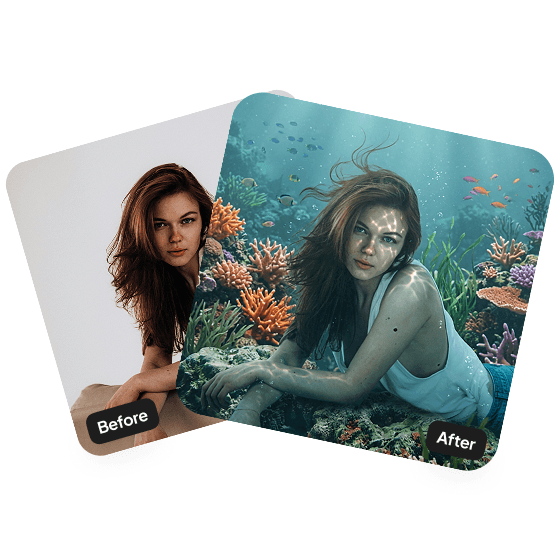
Eye-catching and unique
Underwater portraits stand out in social feeds. The dreamy aesthetic works as a profile photo, post, or creative content piece.
Discover more tools
Have a question? We're here to help
Customer satisfaction is our number one priority. Our live agents are available 7am - 11pm (PT), 5 days Sunday through Thursday.
The Underwater Filter is an AI tool that transforms your photo into a dreamy underwater portrait. You're placed beneath the surface, surrounded by coral reefs, tropical fish, and soft light rays.
Upload a photo of yourself and click Edit. Our AI creates an underwater scene around you with flowing hair, marine life, and sunlight streaming through the water.
The scene includes coral reefs, tropical fish, aquatic plants, and soft light rays filtering from the surface. Your hair flows naturally as if submerged.
Yes. Your face and features remain intact. The AI blends you naturally into the underwater setting without altering your appearance.
Nope. The process is fully automated. Just upload your photo and download the result.
Your photo will appear in your dashboard within minutes and will be ready to download.
