



























































































































































































































































































































































The Leading AI Headshot Generator for Professionals
THE #1 RANKED AI PHOTO EDITOR
Virtual Earring Try-On: Preview Earrings on Your Photo
Upload a photo and see how earrings look on you in seconds, from studs to statement styles. Compare a few before buying. Free to try.
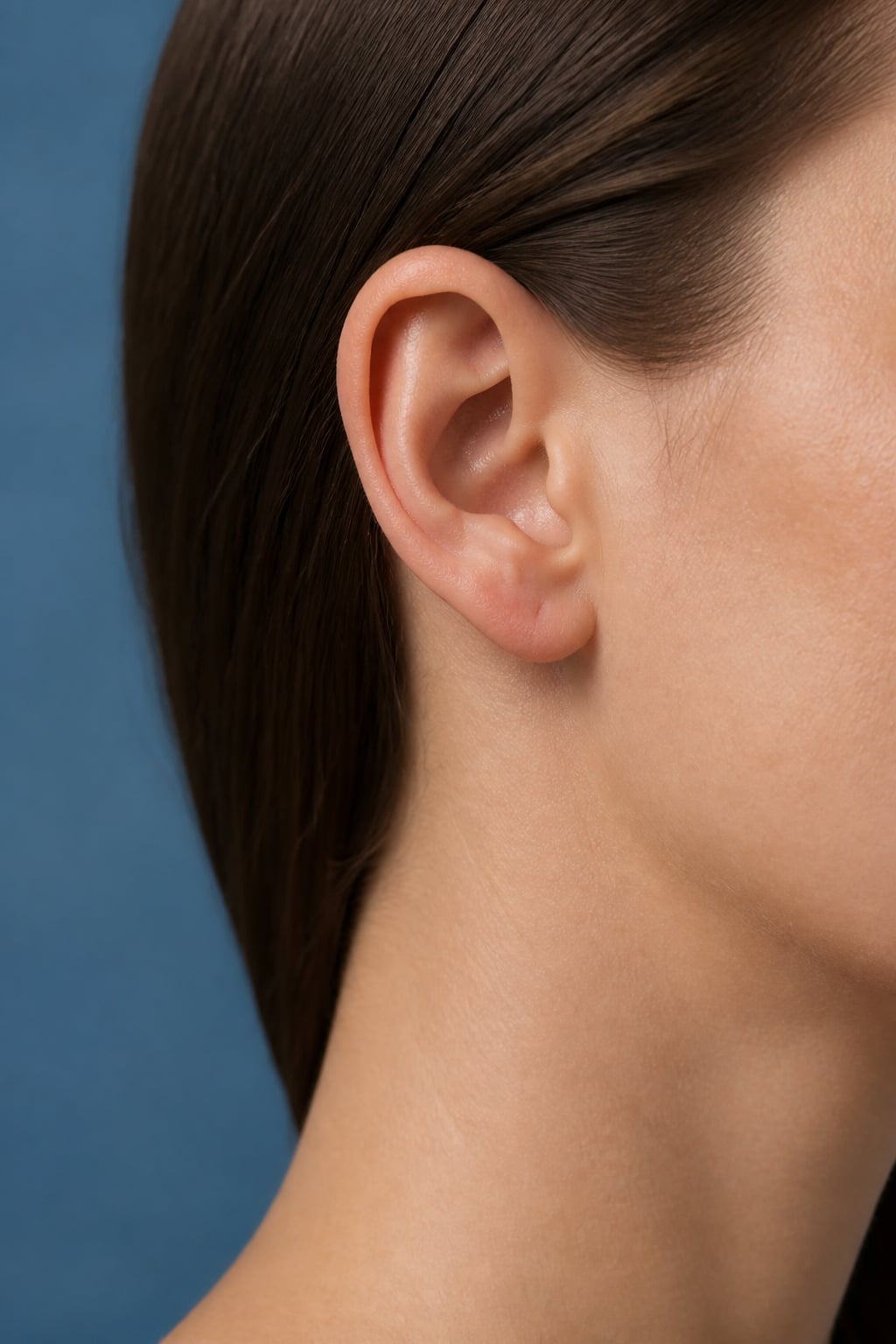
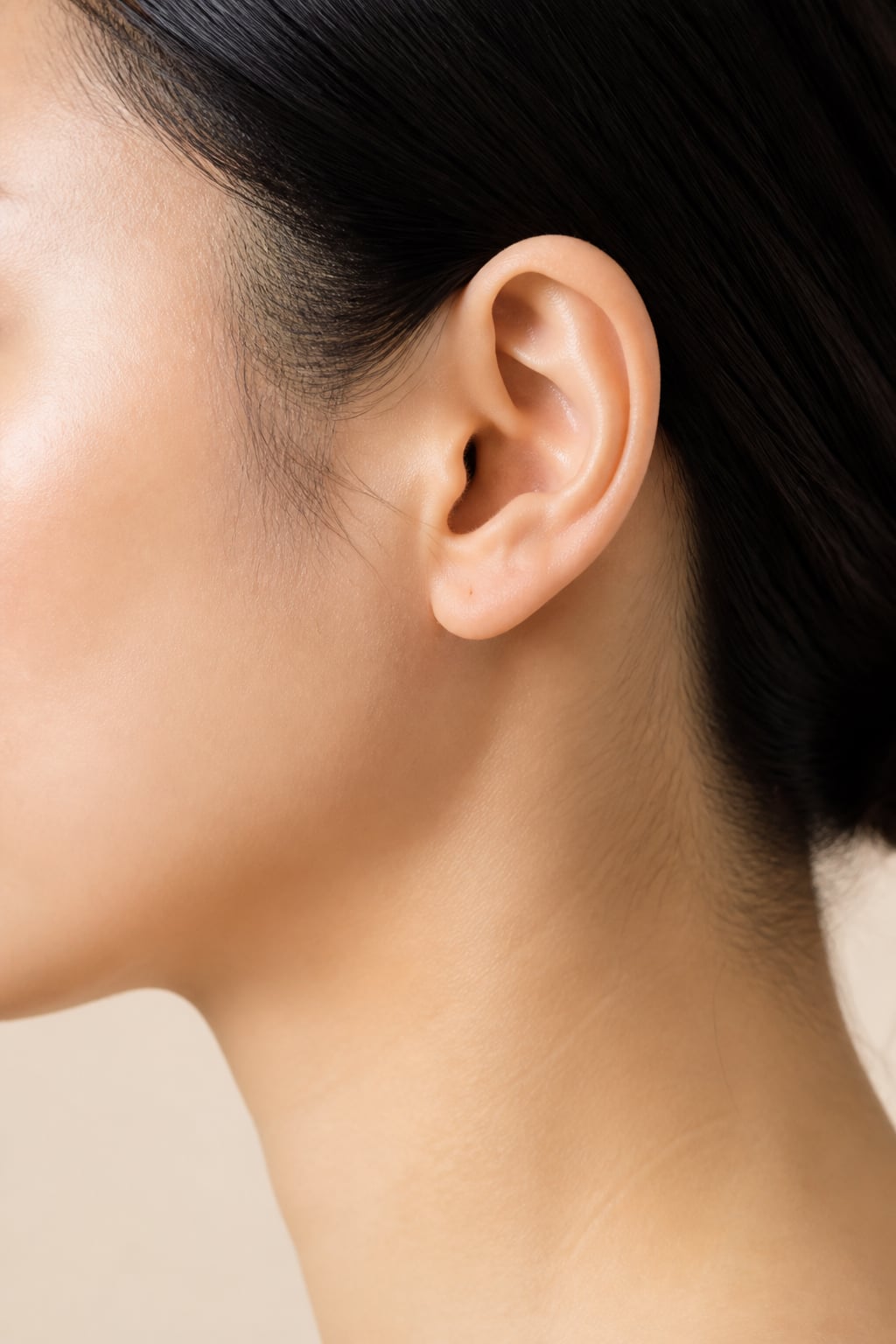
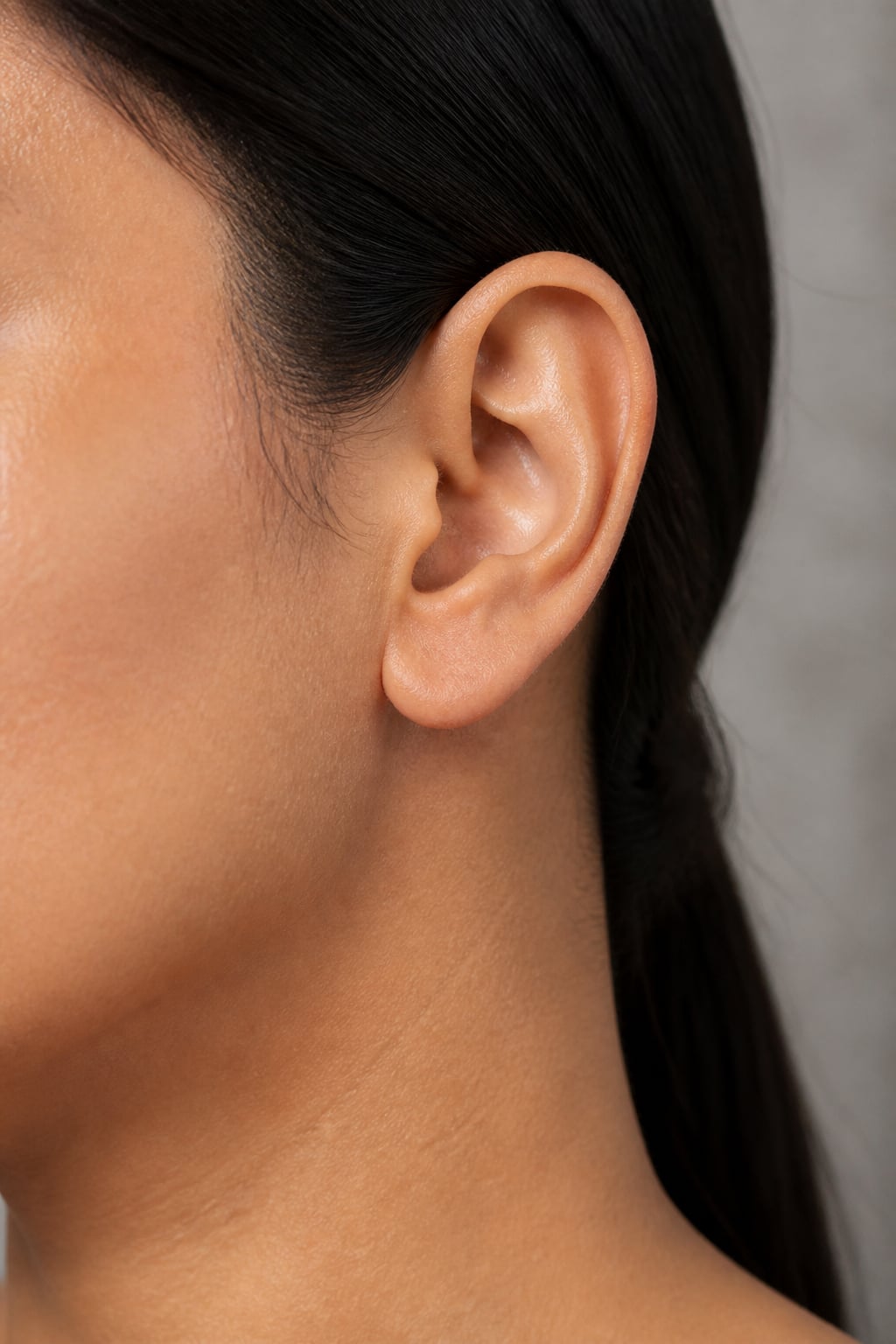
Click on one of these photos to try: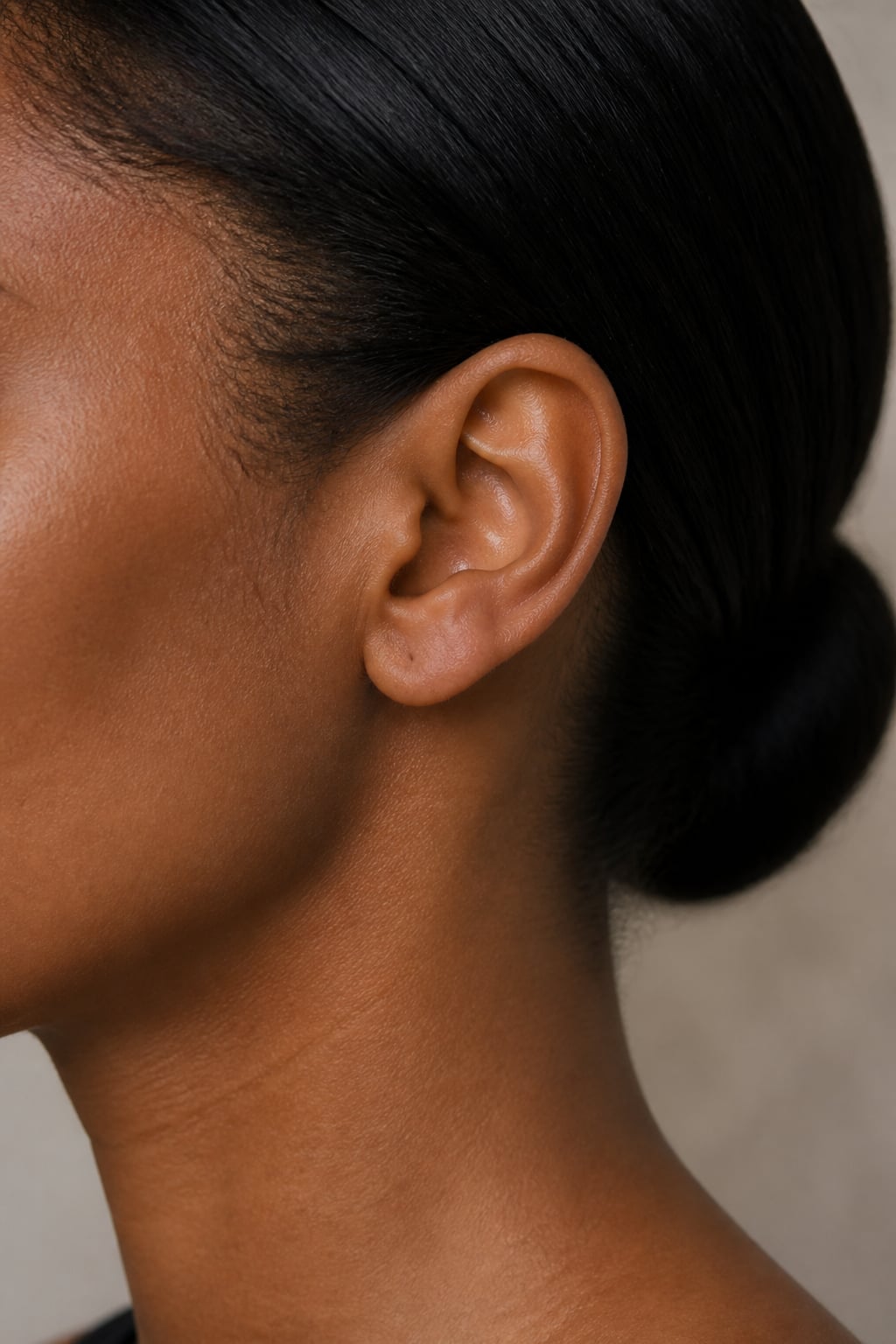


Trusted by Industry Leaders. Millions of images edited to date.









How to try on earrings in a photo
1
Upload your photo
Start with a clear, well-lit photo showing your ears. Aragon works with common photo types and standard dimensions.
2
AI adds the earrings
Choose a style, from studs to hoops to statement pieces, and Aragon adds it to your photo, matching lighting and angle.
3
Download your result
Your edited photo is ready in your dashboard in seconds. Download in high resolution to share or save for reference.
What makes it special?
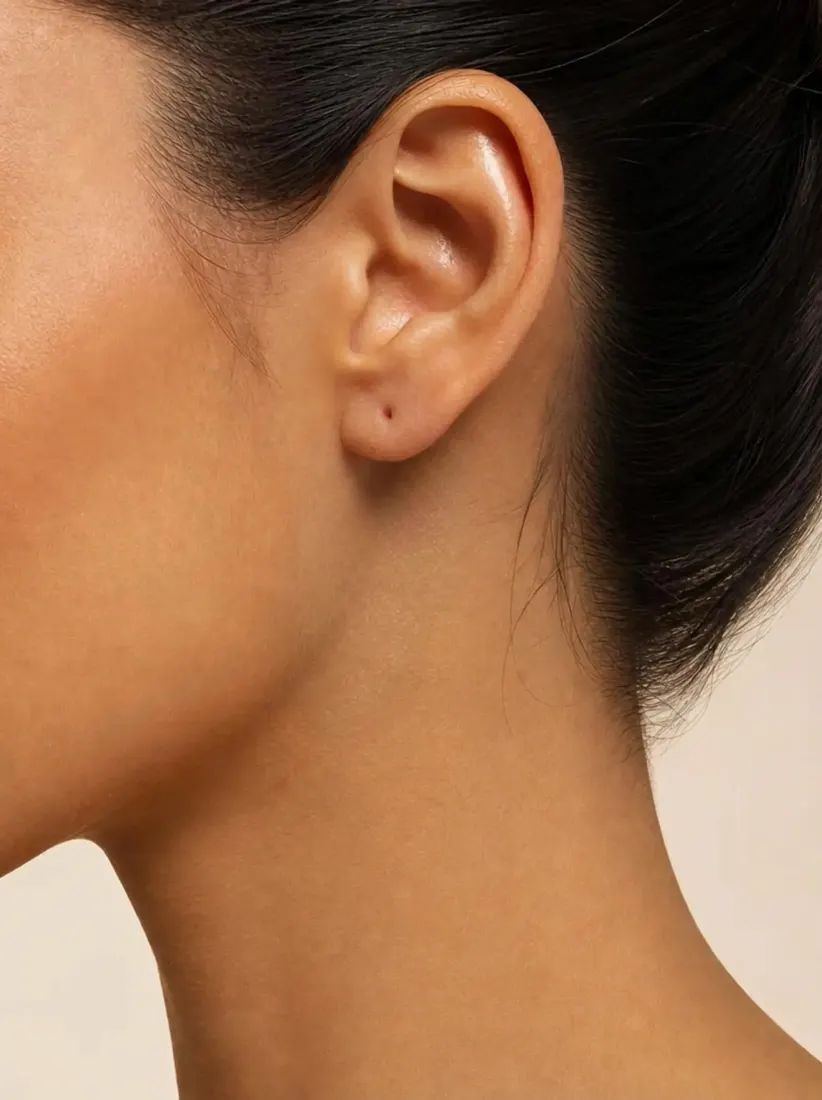 BeforeAfter
AI-applied, not a static product photo
See earrings on your own photo instead of a stock image of a model. Aragon matches lighting and angle so the style looks like it belongs.
Before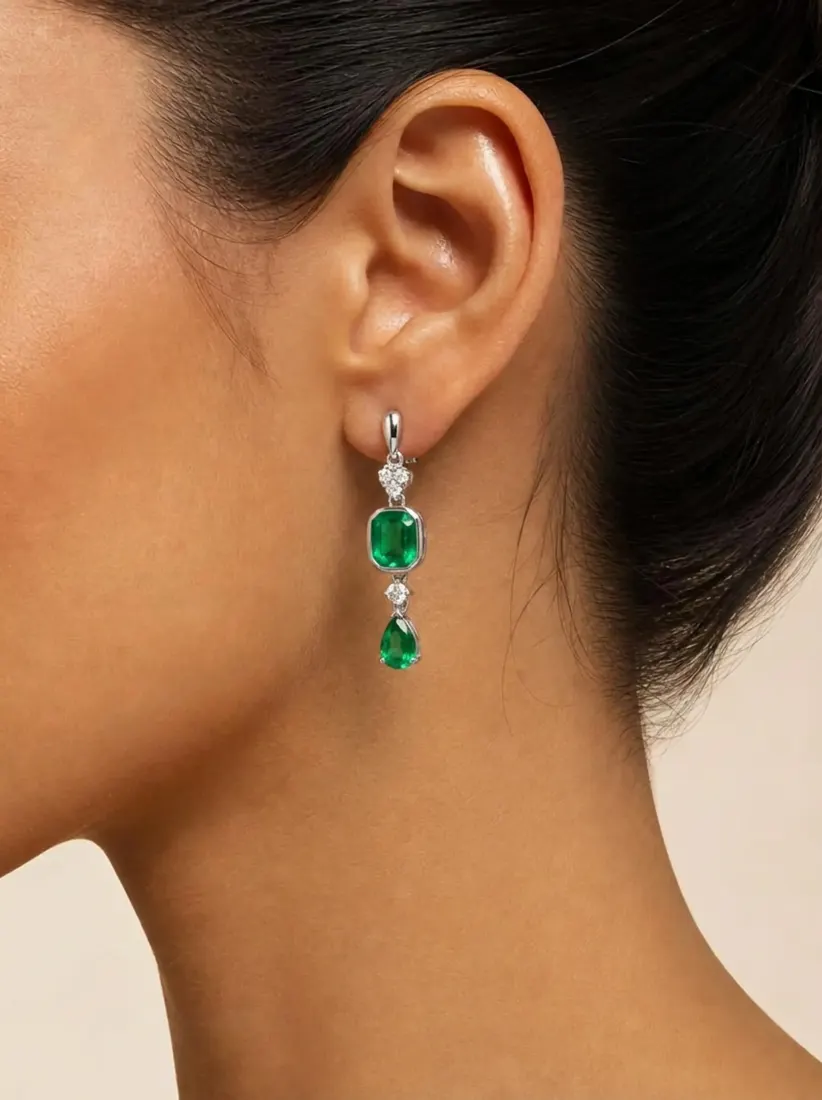 After
AfterCompare styles before buying
Preview studs, hoops, and statement pieces side by side before making a purchase.
Before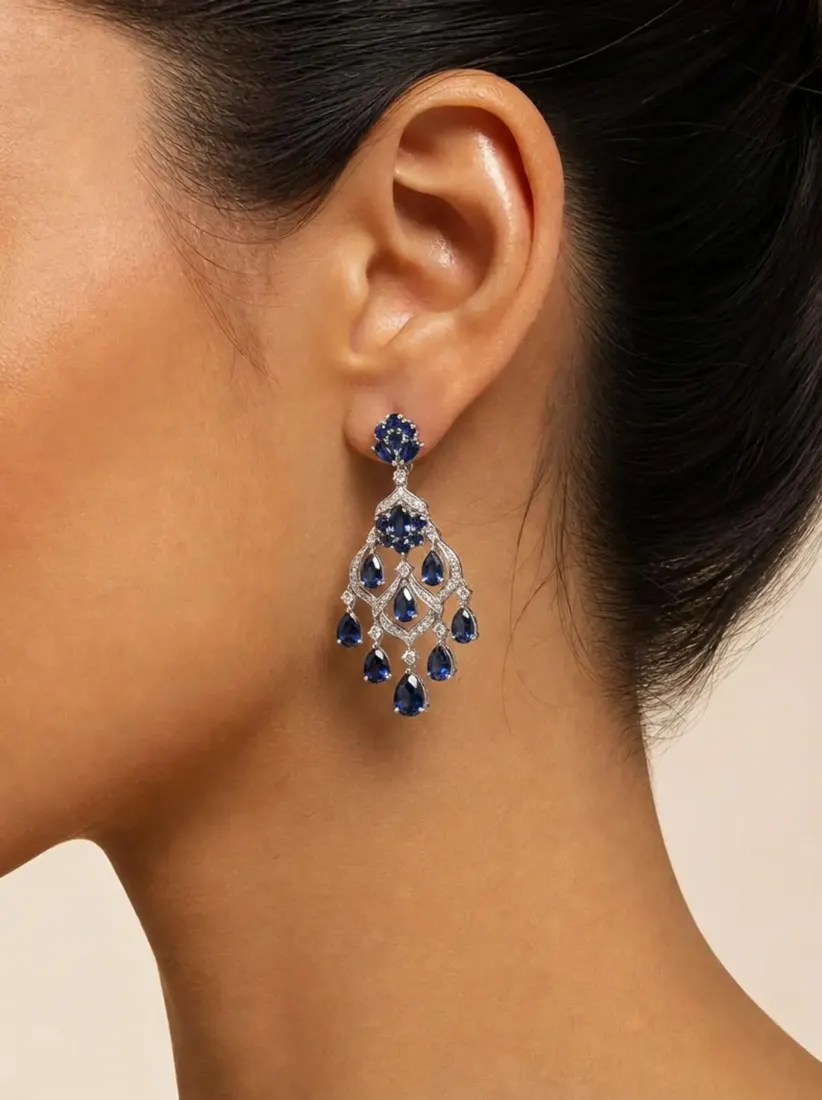 After
AfterPart of Aragon's photo editing suite
Pair with Ring Generator, Necklace Generator, or Bracelet Generator to preview a fuller look.
When should you use the Earring Generator?
Use it to preview earring styles before buying, compare options, or choose a gift with more confidence.
BeforeSee how a pair of earrings would look on you before making a purchase online.
Discover more tools
Have a question? We're here to help
Customer satisfaction is our number one priority. Our live agents are available 7am - 11pm (PT), 5 days Sunday through Thursday.
Aragon's AI earring generator adds earrings to your photo so you can preview how different styles look. Choose a style and see it applied.
Yes. The tool works the same way regardless of style or who's wearing it.
No. This is a photo preview tool only. Trying jewelry on in person is still the best way to judge fit and comfort before buying.
Free credits come with every Aragon account, usable across the earring generator and the full photo editor suite. Paid plans add more credits for higher usage.
Yes. Generate as many versions as you want to compare styles side by side.
A clear photo with your ears visible and even lighting gives the most accurate result. Hair covering the ears or heavy shadows tend to produce less reliable results.
No. Aragon generates earrings without visible brand logos, focusing on the style itself rather than a specific real brand.
Explore our other AI Photo Editing Tools
Touch up your photos even further with our suite of photo editing tools and features
