




























































































































































































































































































































































The Leading AI Headshot Generator for Professionals
THE #1 RANKED AI PHOTO EDITOR
Free AI Crowd Remover: Remove People from Travel and Event Photos
Remove crowds from your photos for free. Upload a busy travel shot and our AI clears out people so the landmark gets the attention.
Click on one of these photos to try:



Before
After
Trusted by Industry Leaders. Millions of images edited to date.









How does it work?
1
Upload your image
Start by uploading the photo you want to edit. We support JPG, JPEG, PNG, and other common image formats.
2
Remove the crowd
The AI finds and removes unwanted people from your photo automatically, filling each cleared area with background pixels that match the surrounding scene.
3
Download your result
Your edited photo is ready to download in high resolution. Save it to your device and use it anywhere you need a cleaner, less-crowded shot.
What makes it special?
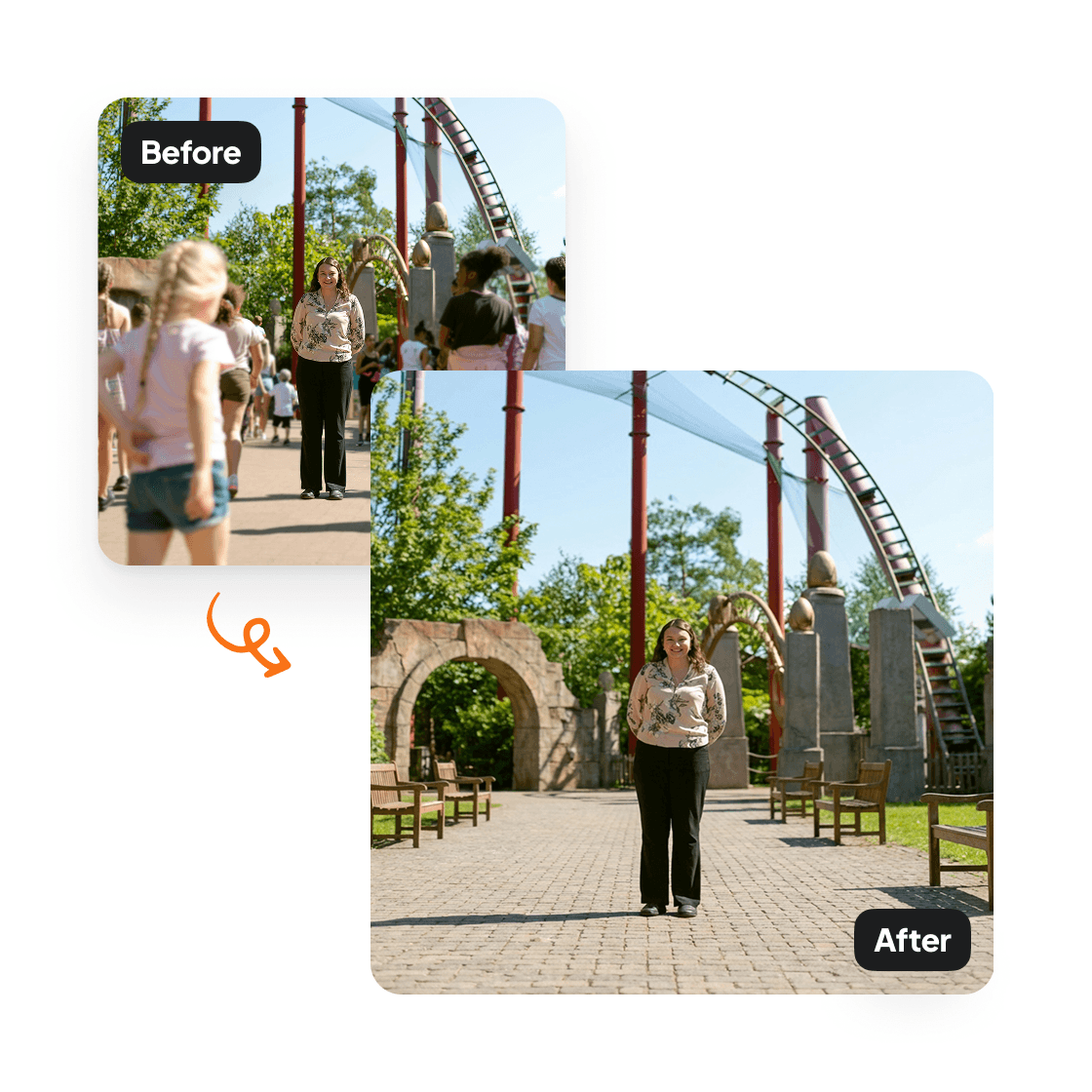
Remove crowds from any photo
Remove people from photo backgrounds with Aragon's AI people remover. Tourists, photobombers, and crowds disappear cleanly while the scene fills in naturally — no smudges or blur.
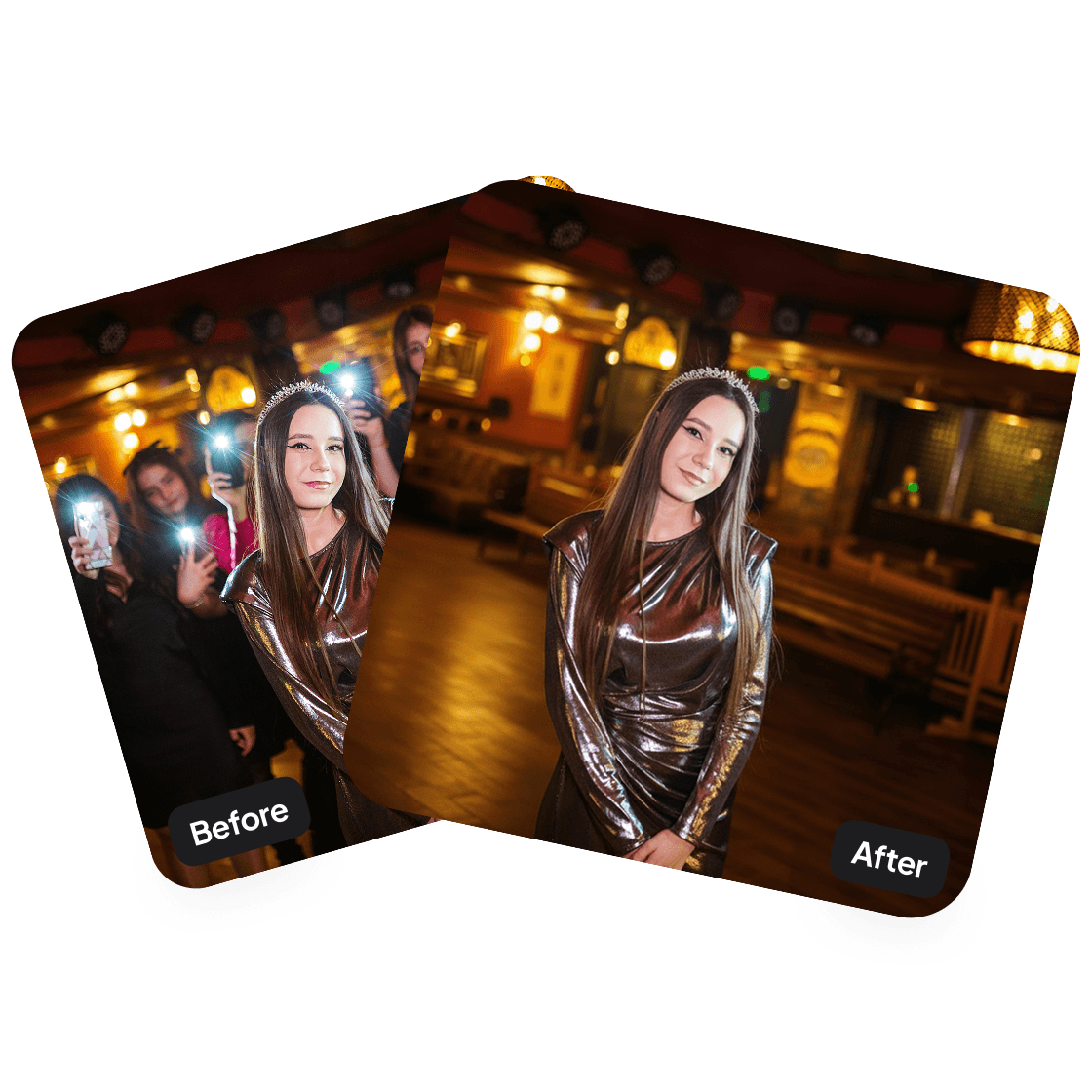
Background fills itself cleanly
Cleared areas are filled with generated background content that matches the original photo. No patches, blur, or visible cuts.
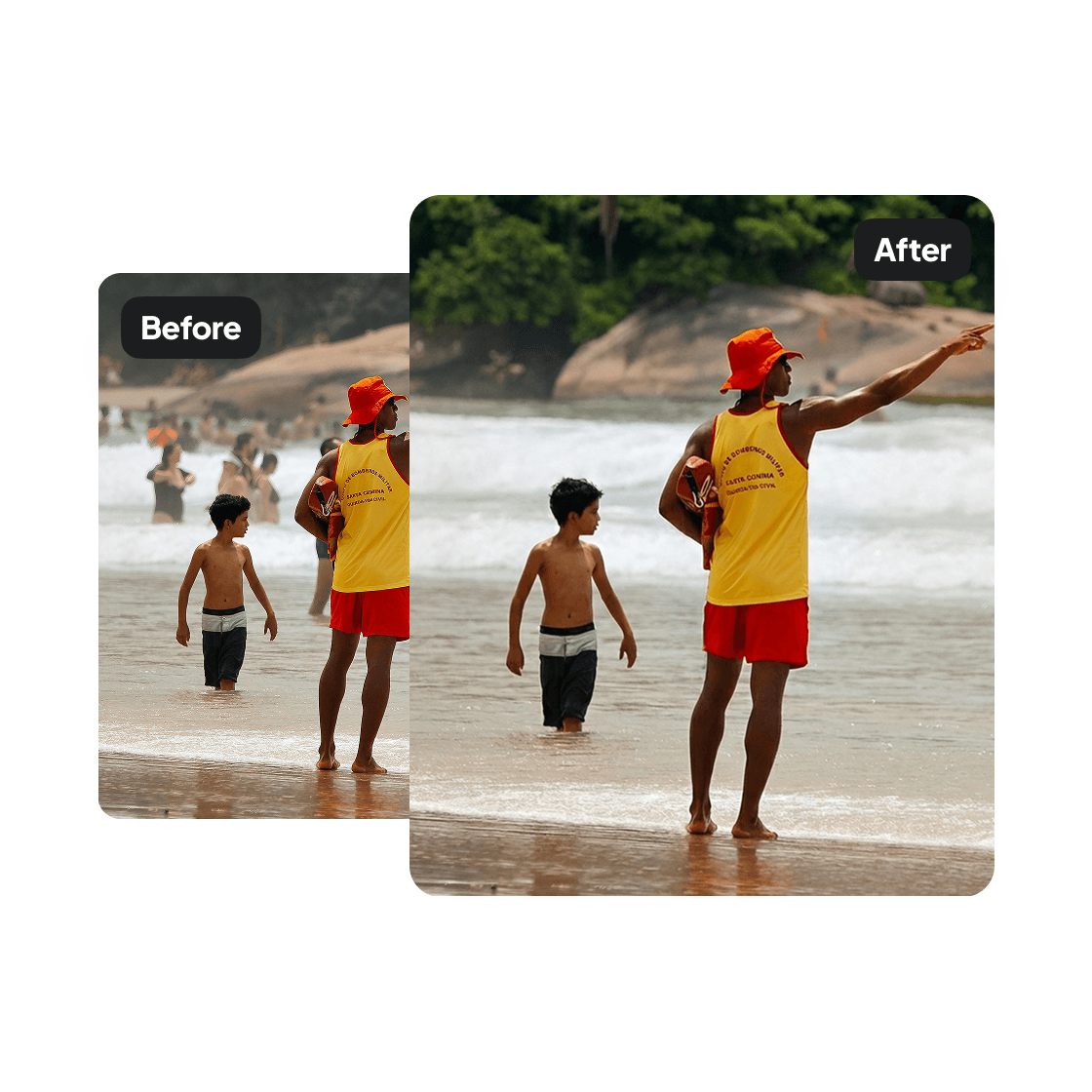
Ideal for travel and event photos
Travel photos at popular tourist spots and event photos with crowded venues come out cleaner. The subject takes center stage without distractions.
Have a question? We're here to help
Customer satisfaction is our number one priority. Our live agents are available 7am - 11pm (PT), 5 days Sunday through Thursday.
The Crowd Remover is an AI tool that removes people from the background of your photos. It keeps you as the main subject and fills in the empty space with realistic background elements.
Upload an image and click Edit. Our tool detects people in the background, removes them, and replaces them with elements that match the scene, like extended pavement, empty benches, or natural textures.
No. The tool only removes people in the background. You stay in the shot exactly as you are.
Travel photos, tourist spots, street photography, or any image where you want fewer people in the background. The tool works best when you're clearly the main subject.
Your edited photos will appear in your dashboard within minutes and will be ready to download.
Explore our other AI Photo Editing Tools
Touch up your photos even further with our suite of photo editing tools and features
