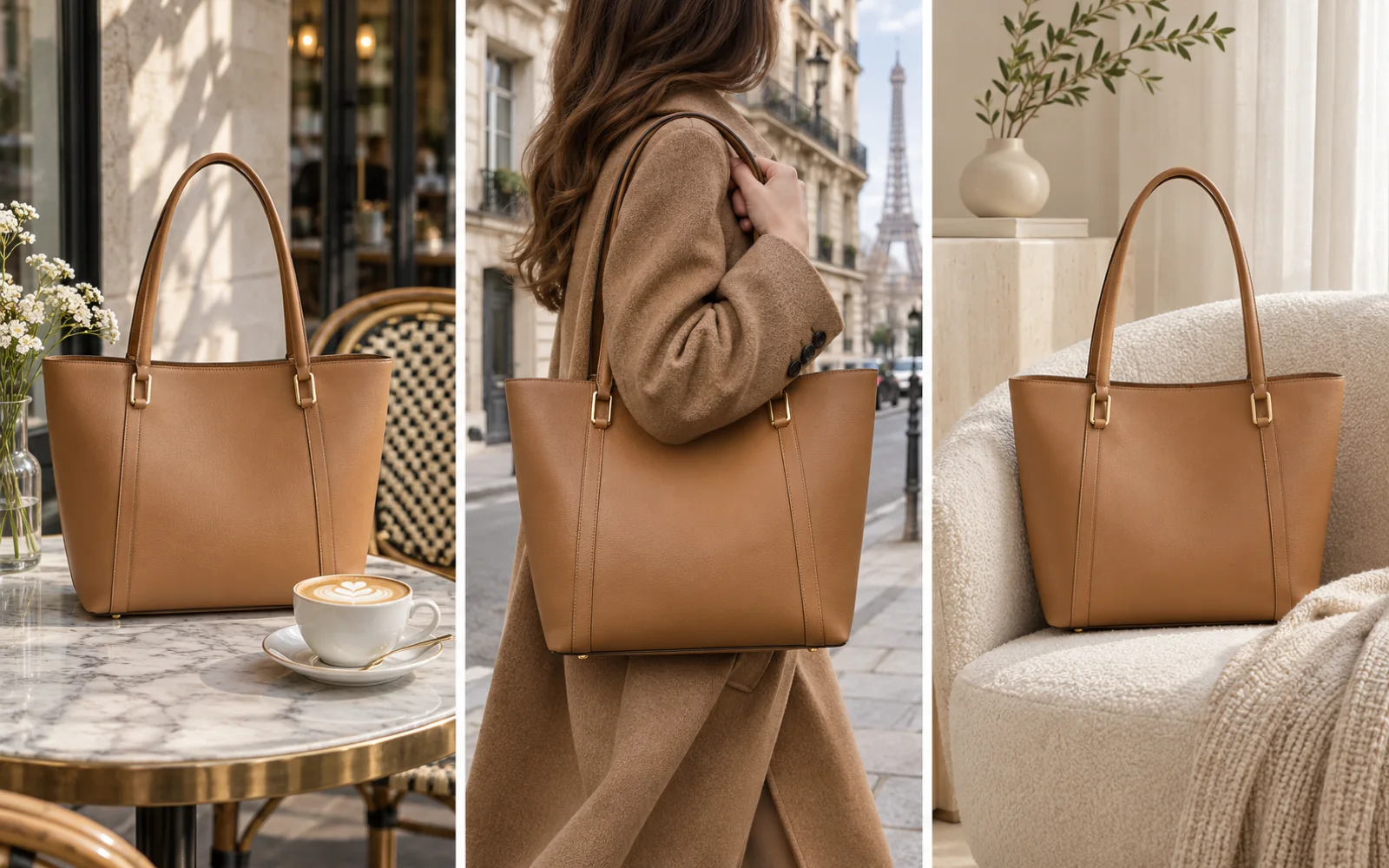
01
Keep People and Products Consistent
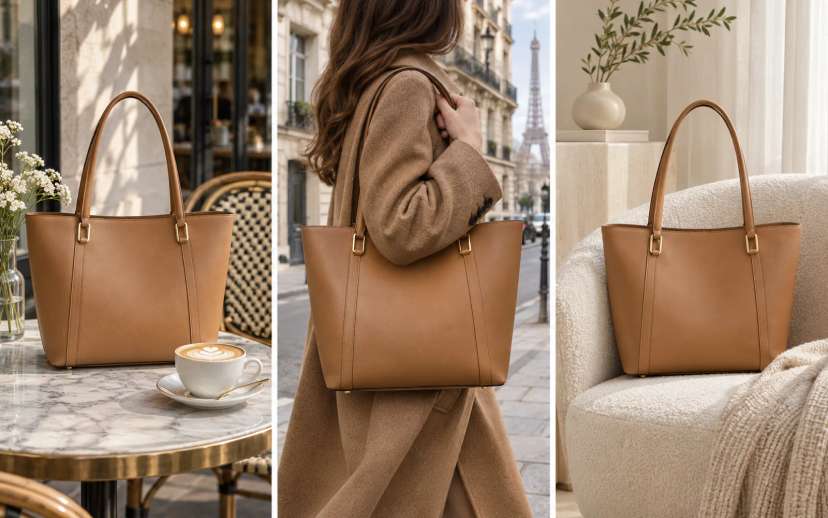
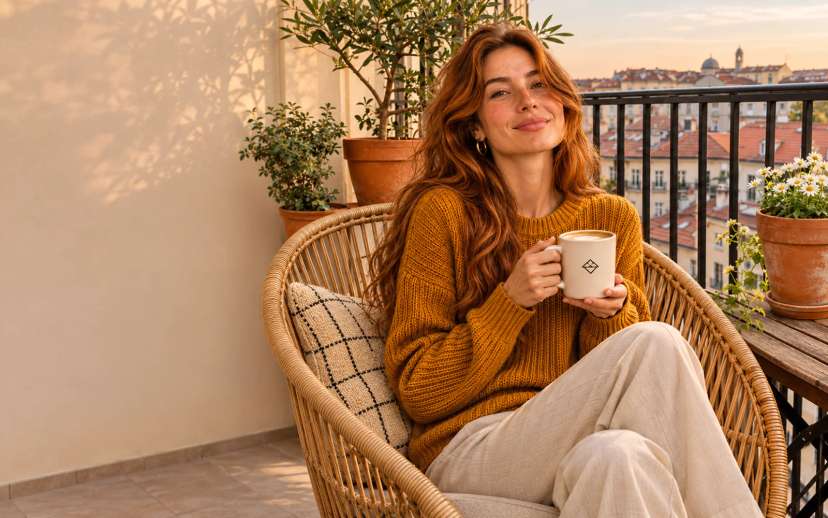
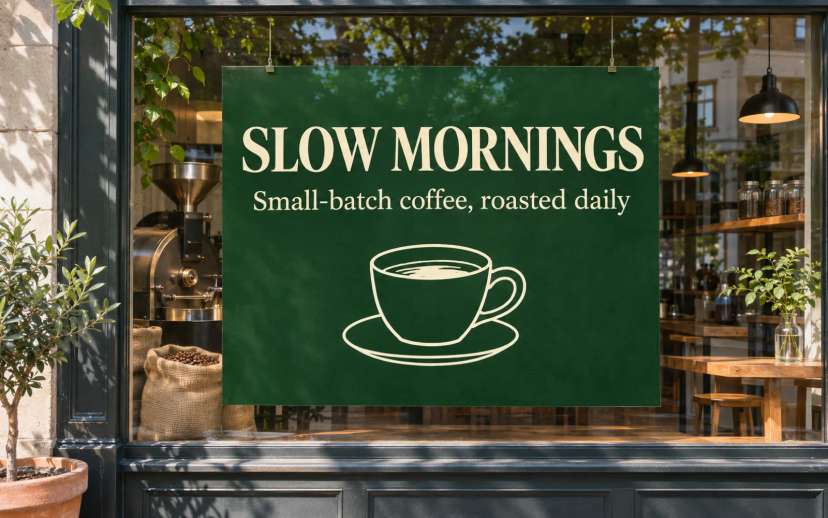
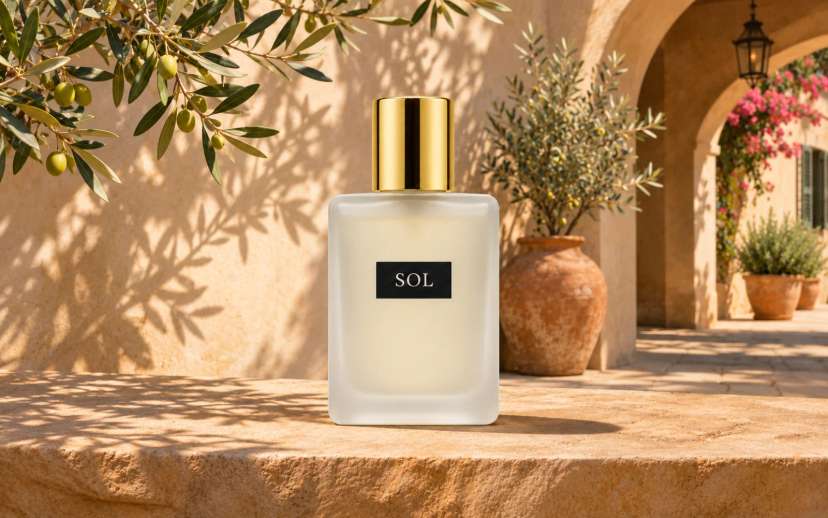
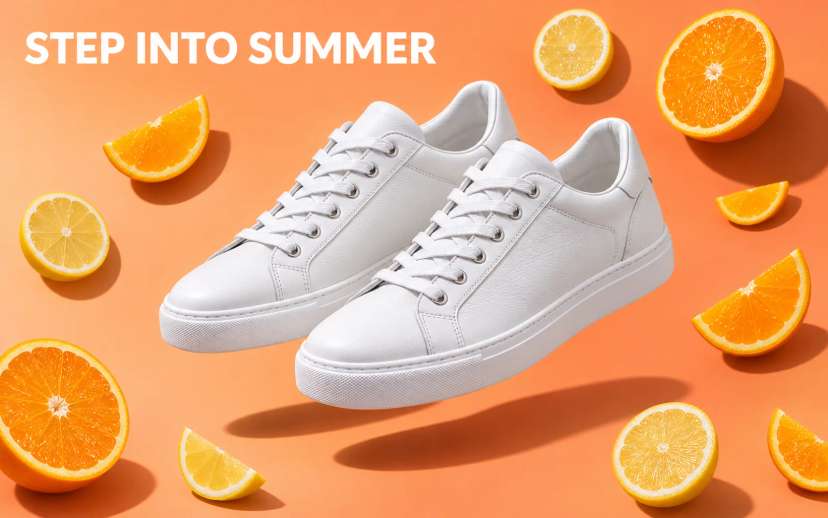
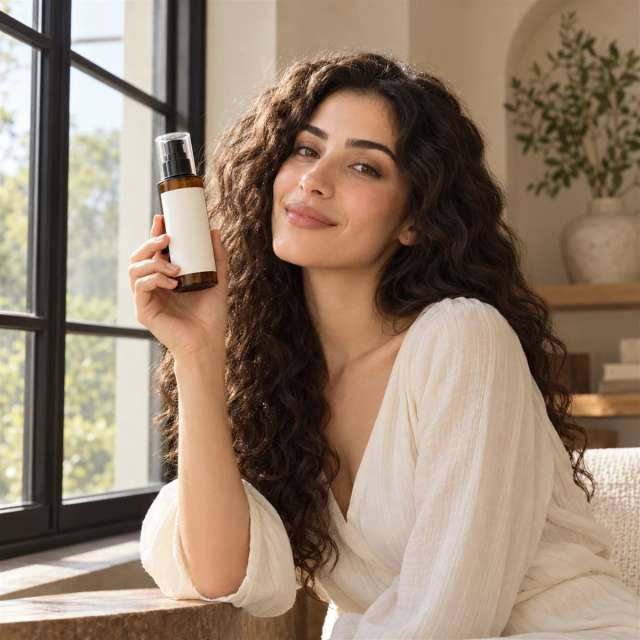
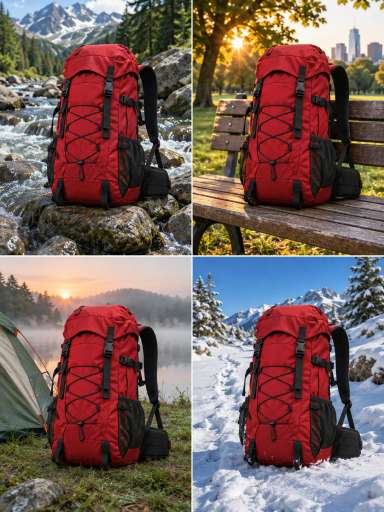
Use reference images to keep the same person, product, clothing or key design details recognizable across different scenes. This works well for campaign sets, product collections and visual stories.
Seedream 4.5 is ByteDance's AI image model for creating new visuals and making consistent changes across reference images. It handles detailed prompts, readable text and repeated people or products while keeping important visual details connected.
Use Seedream 4.5 on Aragon to create a new image or upload existing visuals for editing.
Seedream 4.5 is ByteDance Seed's image generation and editing model, announced on December 3, 2025. It keeps the same person, product or design recognizable across a set of images and places readable text in posters, logos and graphics, using up to 10 reference images.
On Aragon, you use Seedream v4.5 in the AI Chat Editor on the Pro plan and above, with high-resolution output in ten ratios up to 21:9.
Seedream 4.5 combines multi-image editing, visual consistency and clear lettering for creative work that needs more control than a single text prompt.
Use reference images to keep the same person, product, clothing or key design details recognizable across different scenes. This works well for campaign sets, product collections and visual stories.
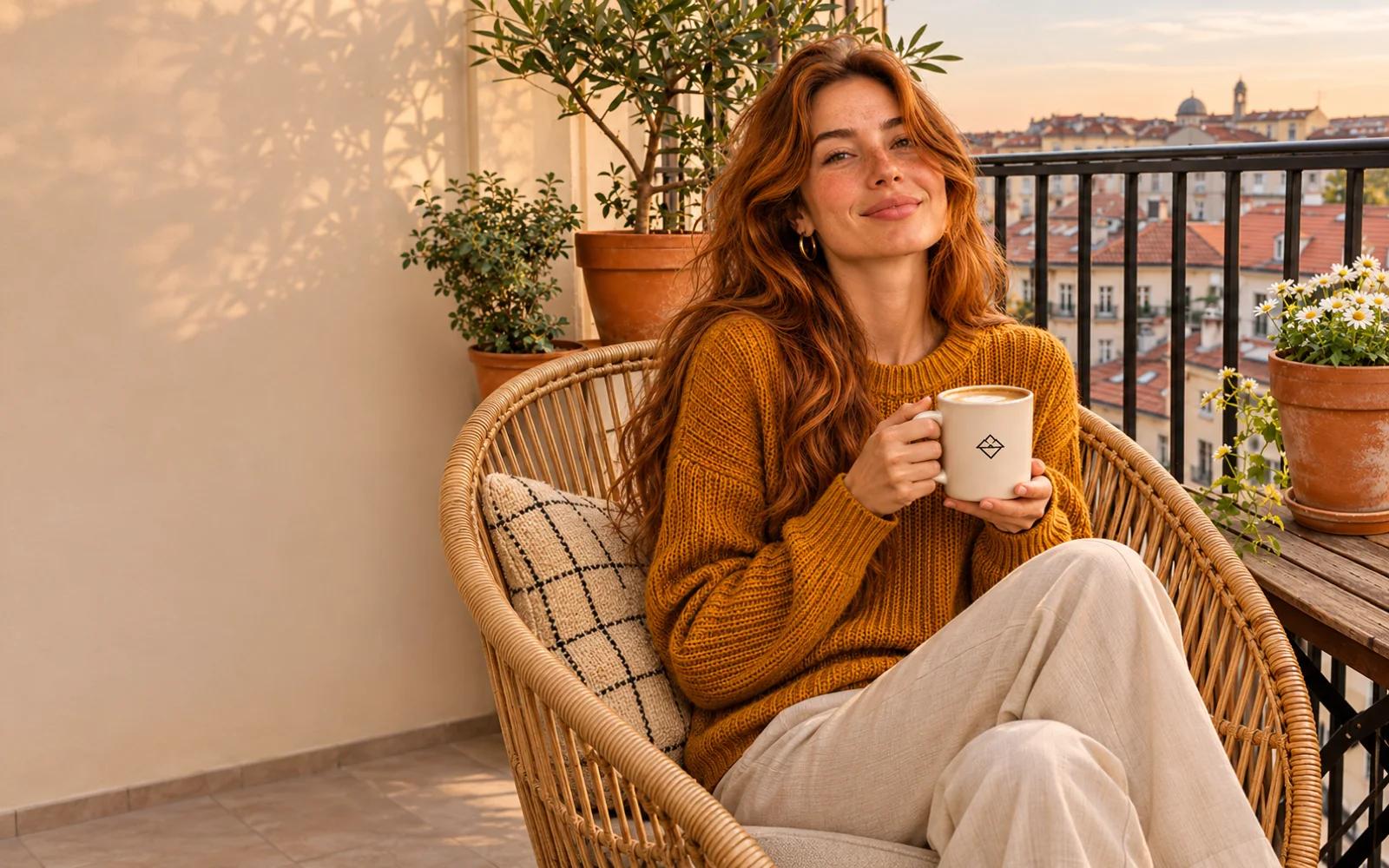
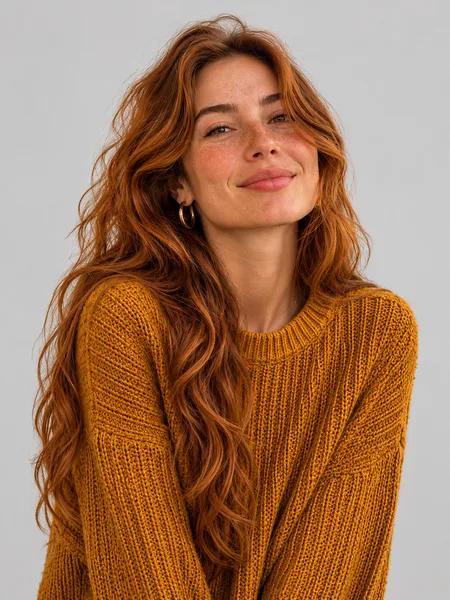
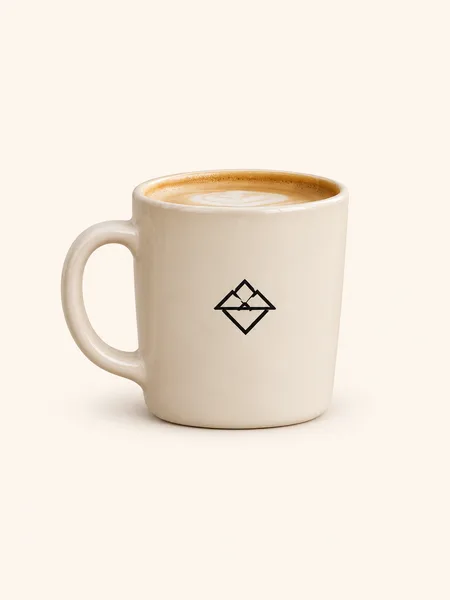
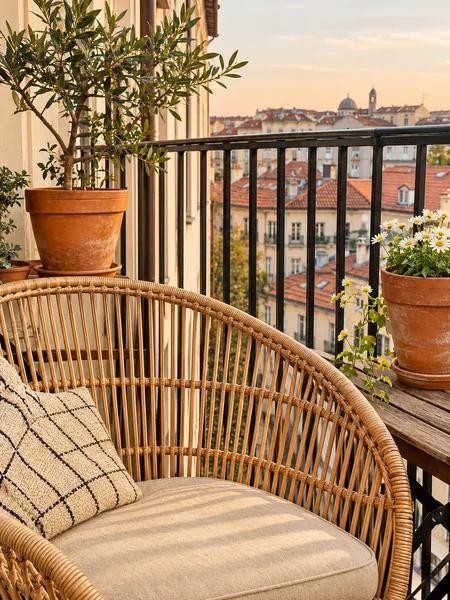
Give the model multiple images and explain the role of each one. Seedream 4.5 can use different references for the person, product, setting or design direction inside one image request.
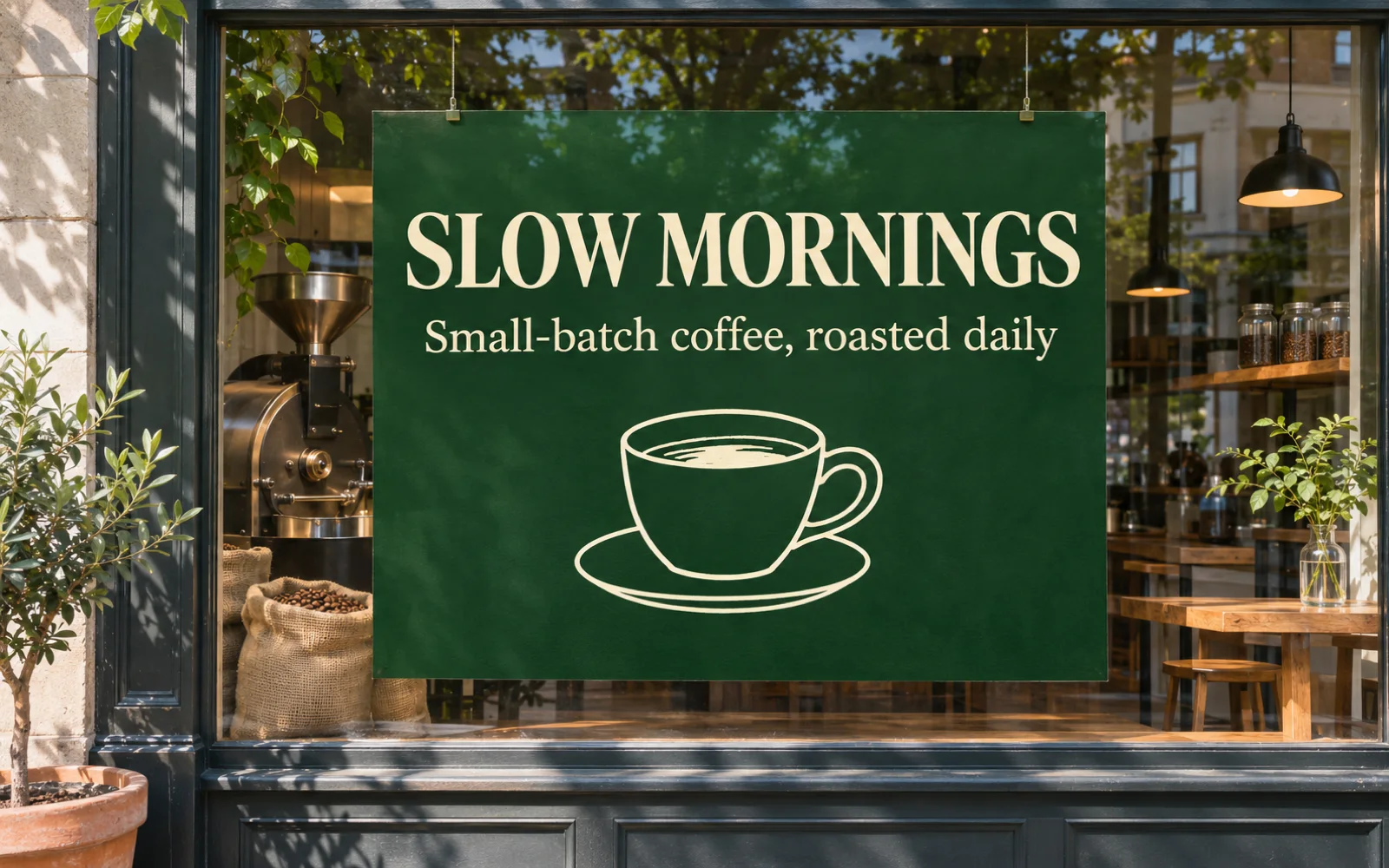
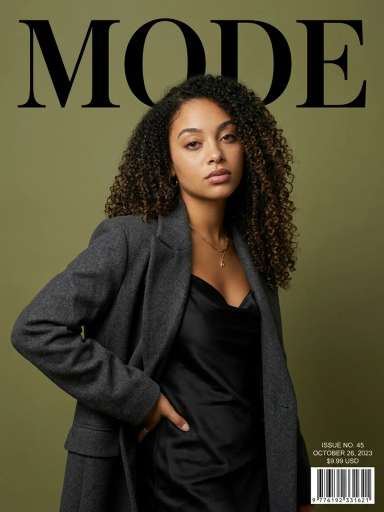
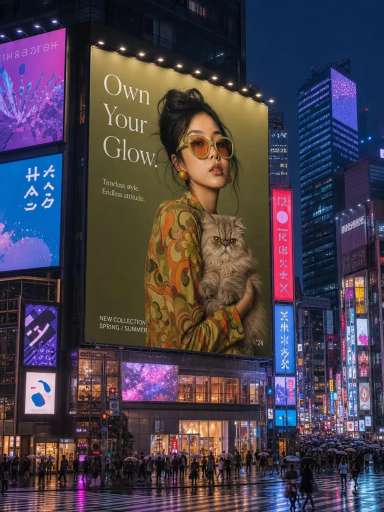
Add headlines, labels, logo wording and other text directly into a generated design. This makes Seedream 4.5 useful for posters, covers and promotional graphics where words are part of the visual.
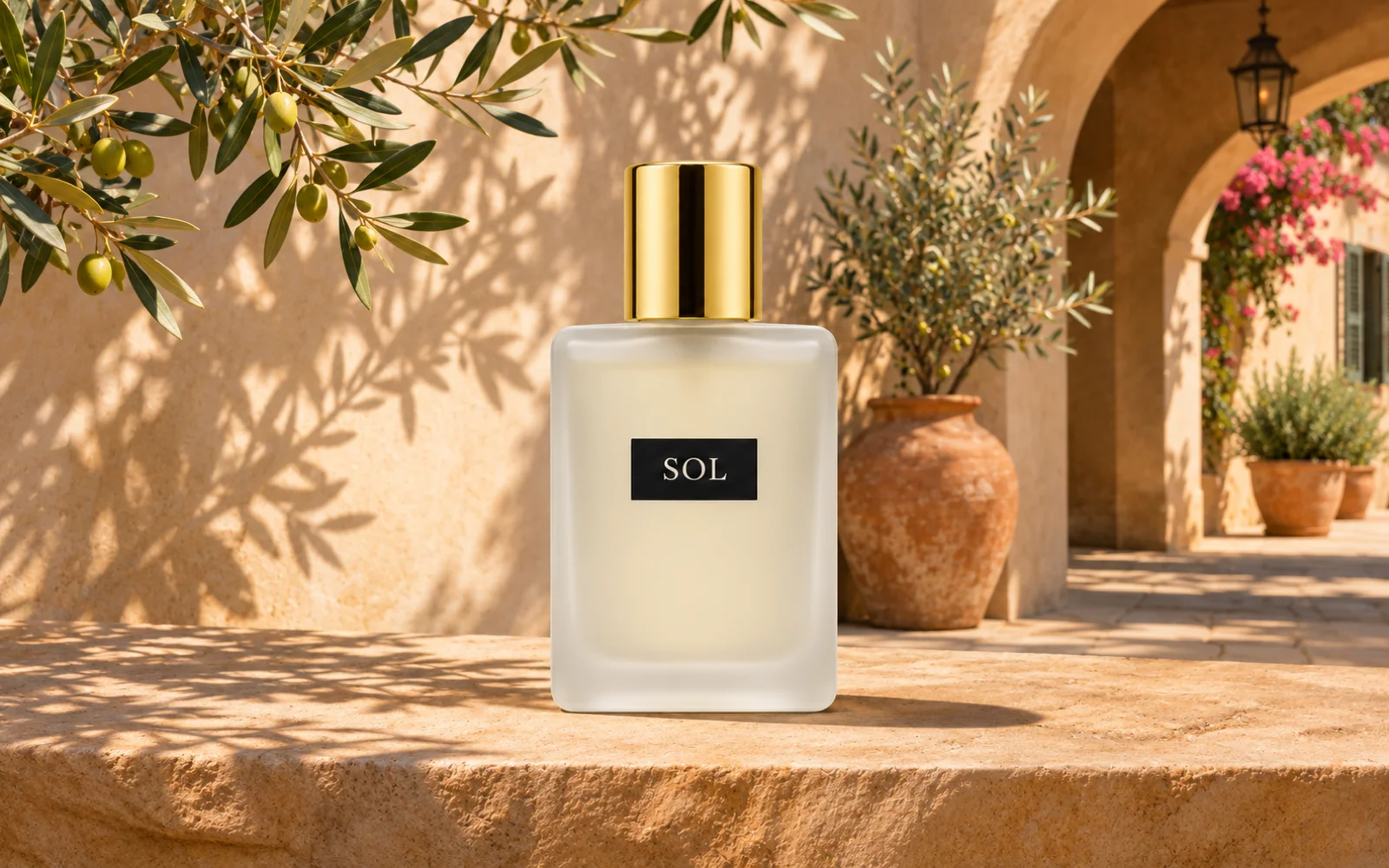
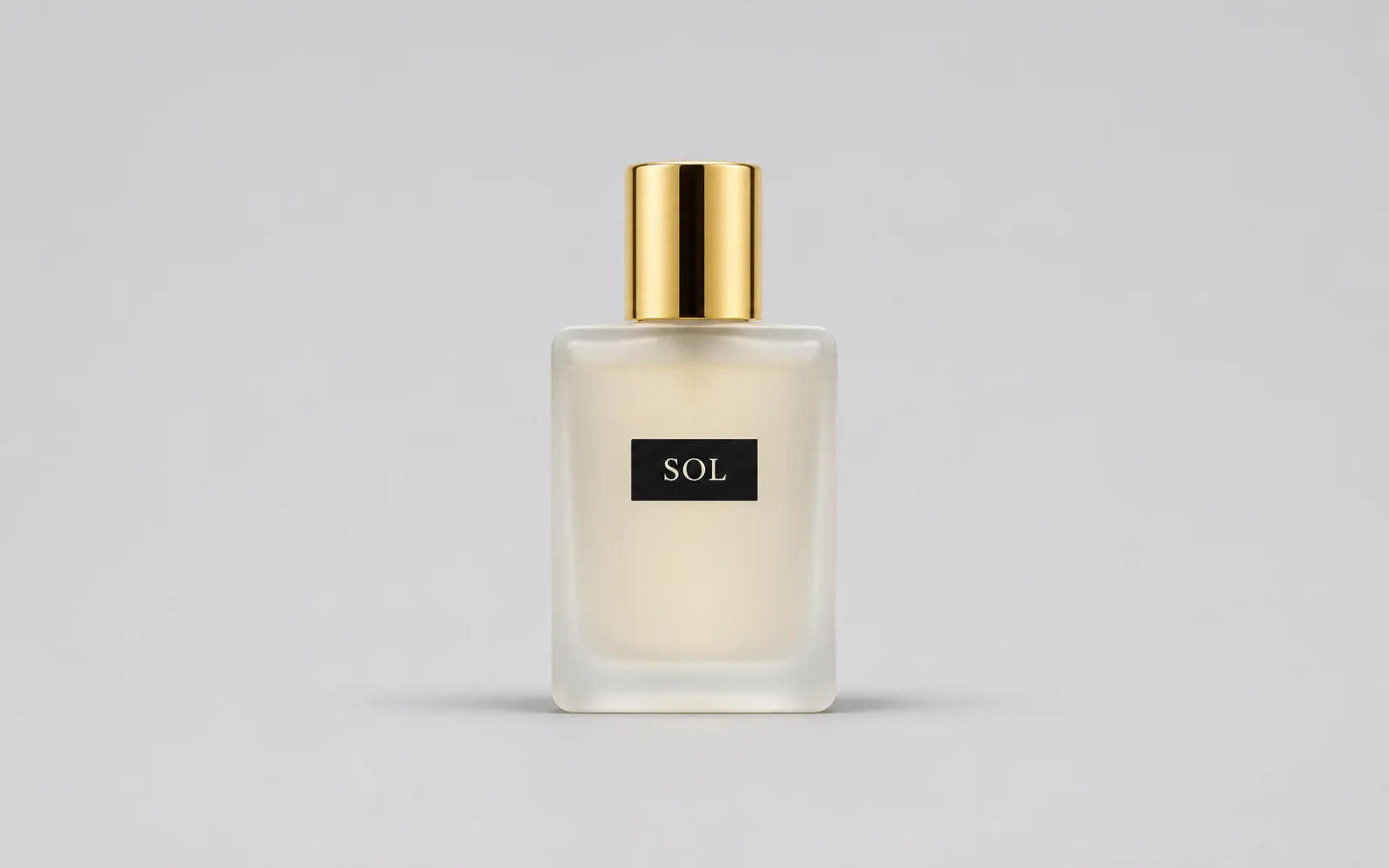
Upload an image and describe what should change while naming the details that should stay the same. This helps with new backgrounds, clothing changes, product variations and other focused updates.
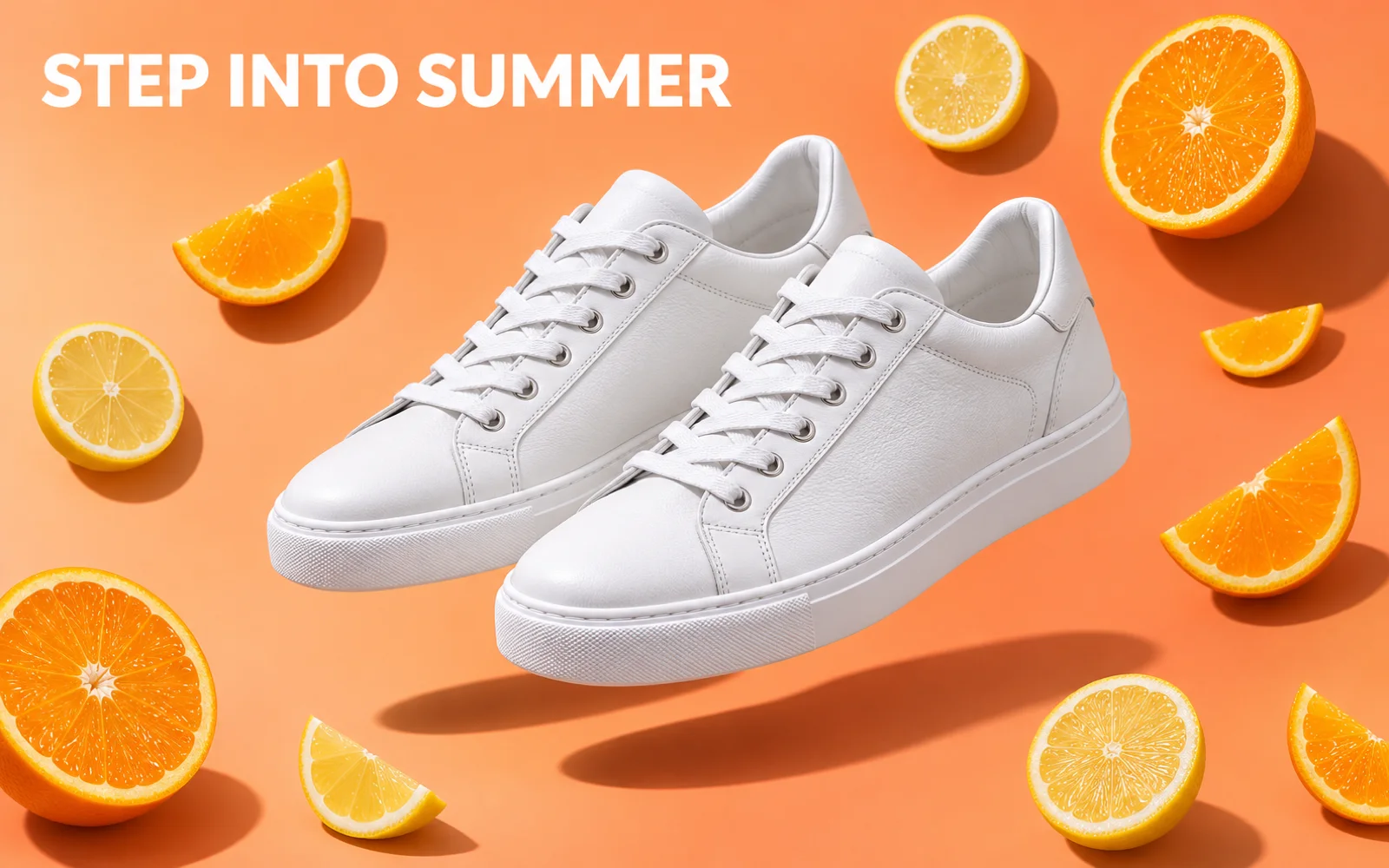
Seedream 4.5 creates high-resolution images on Aragon, giving detailed designs room for products, typography and visual elements.
See images created with Seedream 4.5 on Aragon, with the exact prompt used for each example. Copy a prompt and change the product, person, wording or visual direction for your project.
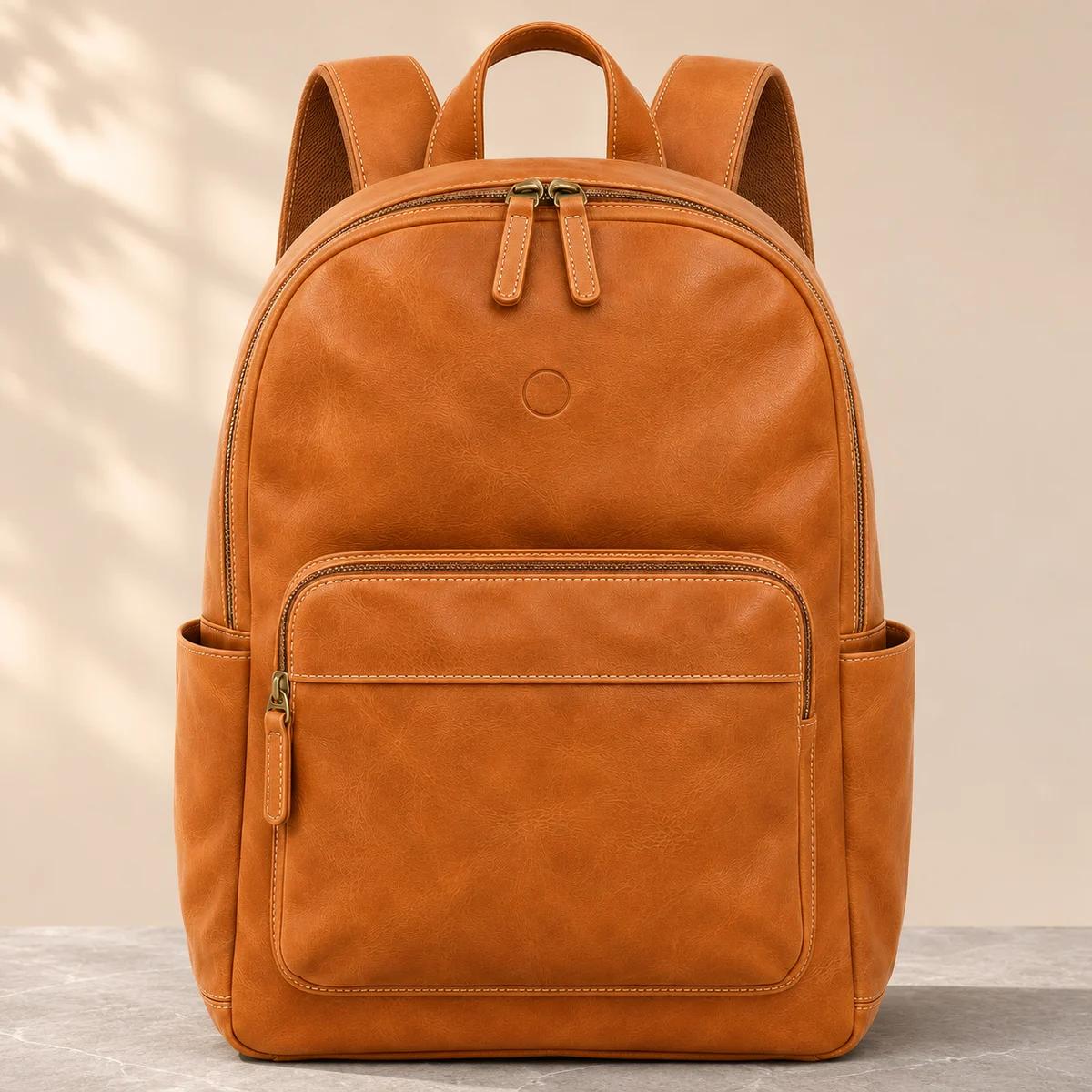
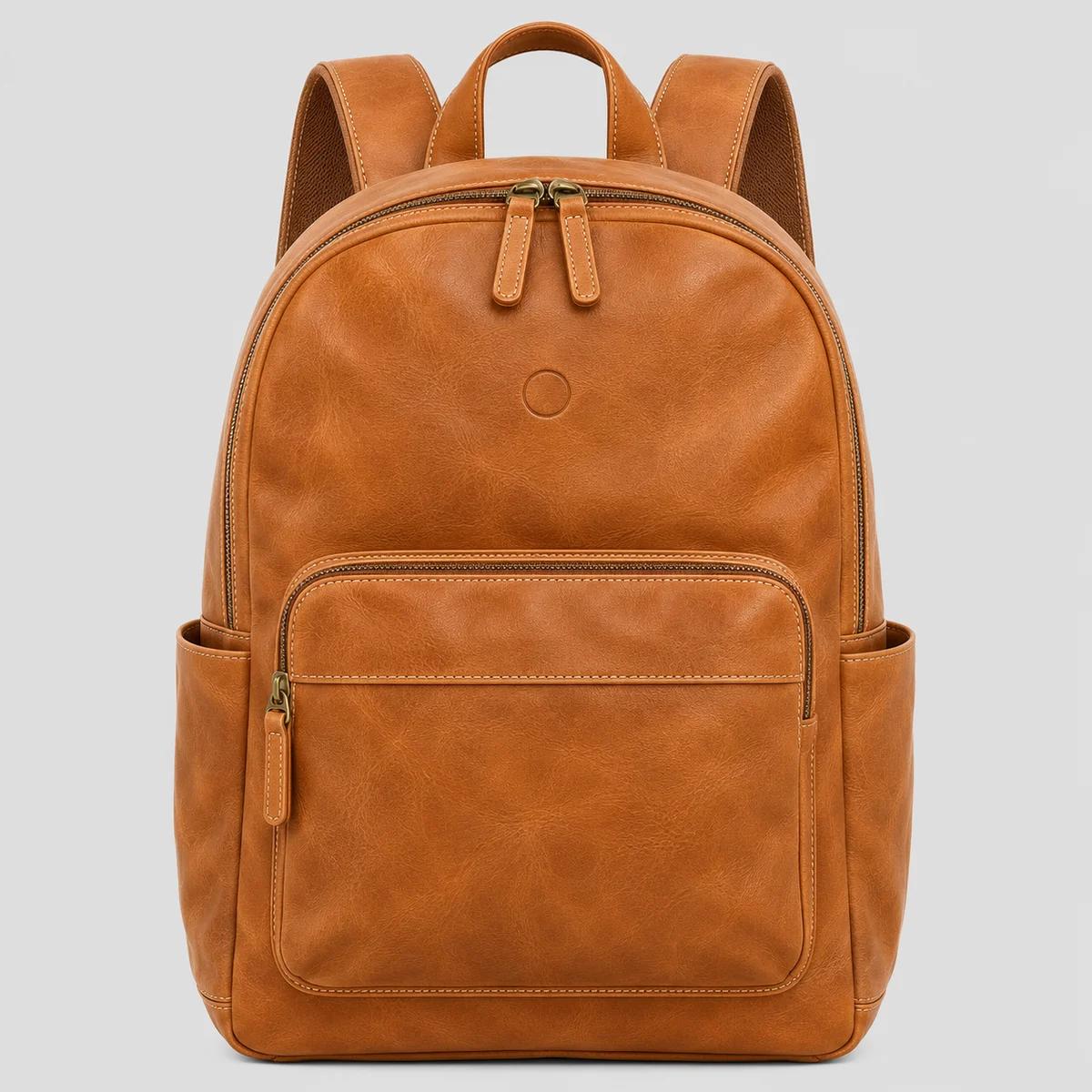
Prompt
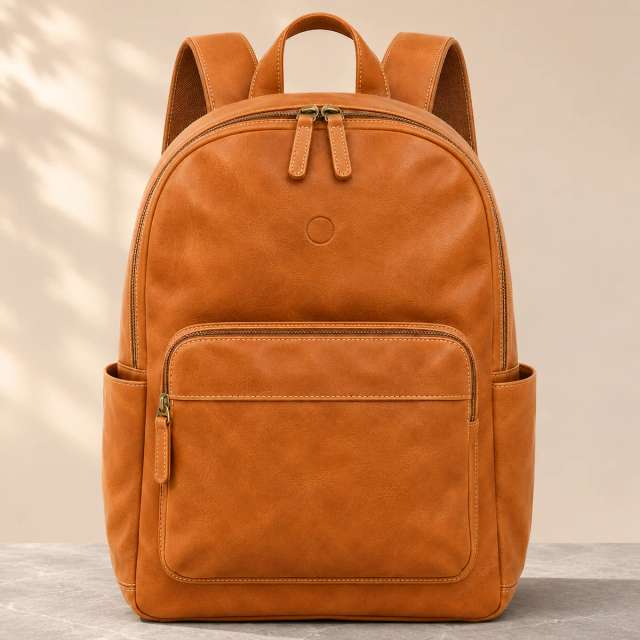
Use the uploaded leather backpack as the exact product reference. Create a premium campaign image with the backpack on pale gray stone, soft morning light and a clean beige wall. Keep the logo, stitching and materials unchanged.

Prompt
Create a poster with the headline "NORTHERN LIGHTS FESTIVAL" in large clear type. Use a night sky with green auroras over snowy mountains and a clean modern layout with open space around the headline.
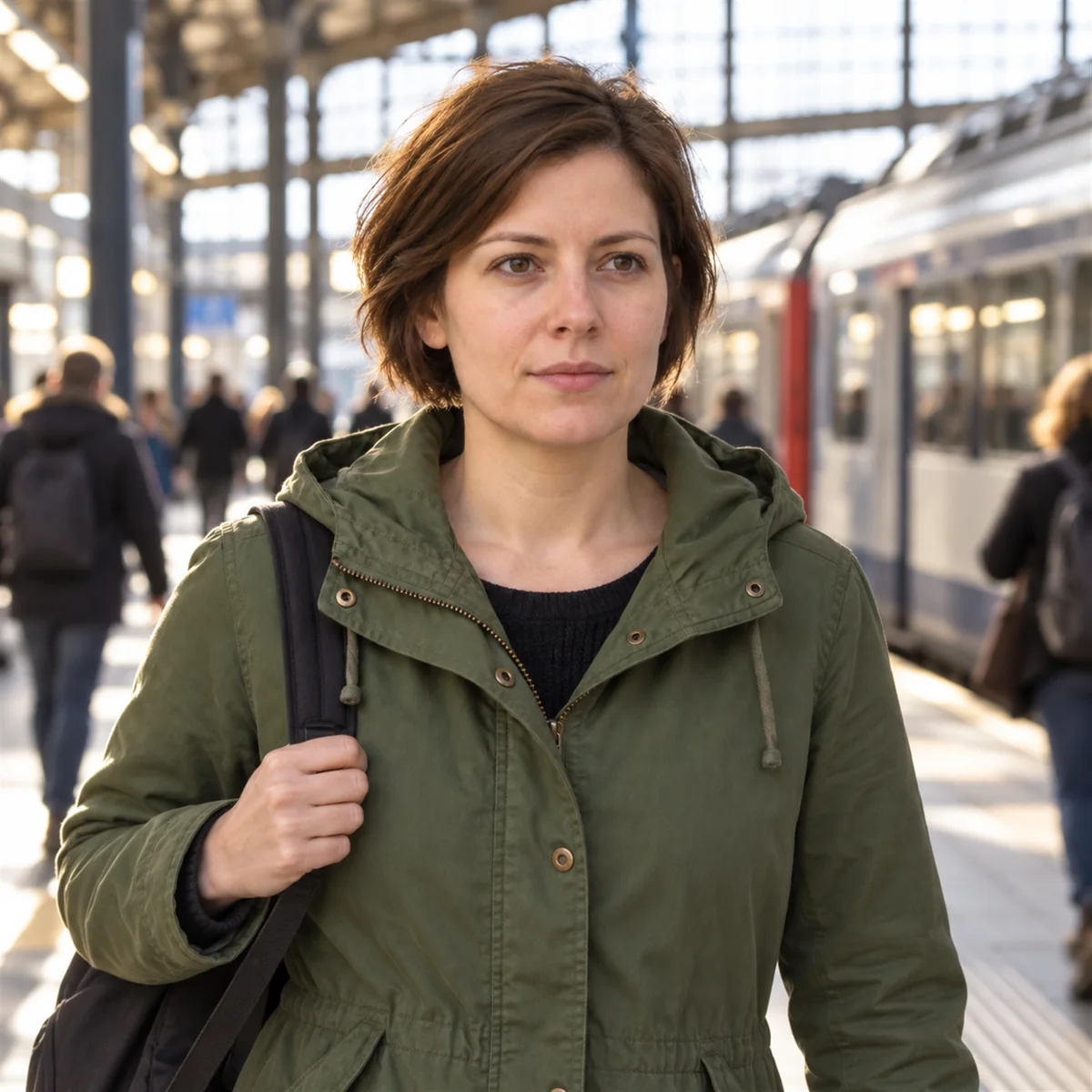
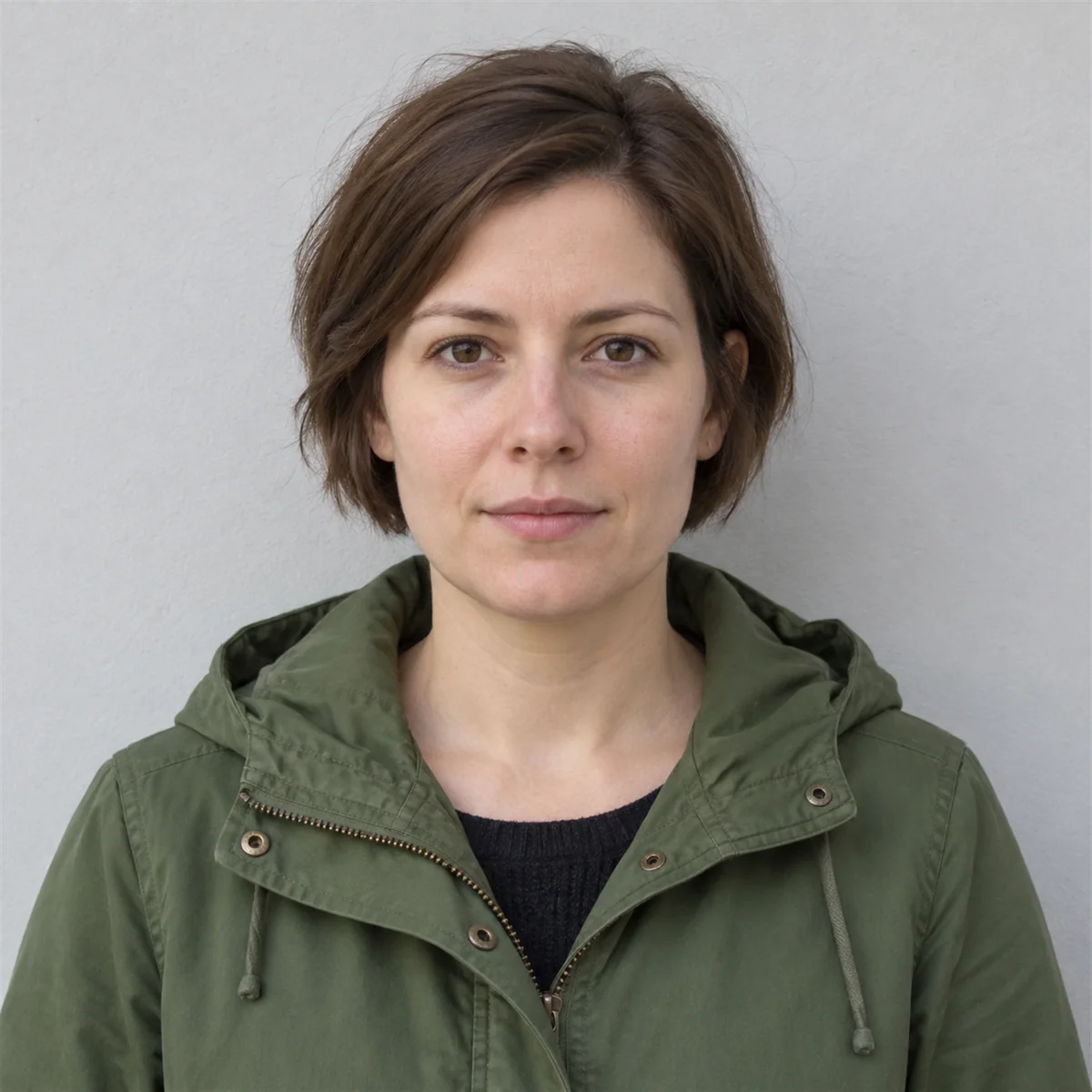
Prompt
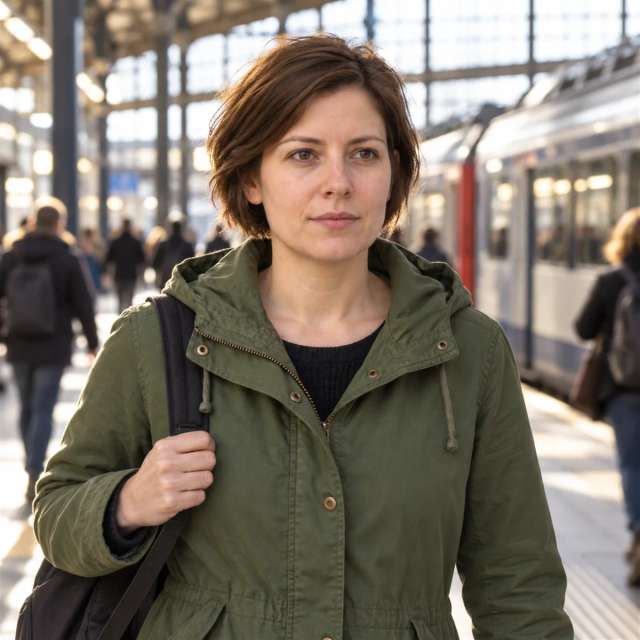
Use the uploaded woman as the character reference. Keep the same face, short brown hair and green jacket. Show her walking through a train station during the morning with natural light and a documentary photography style.
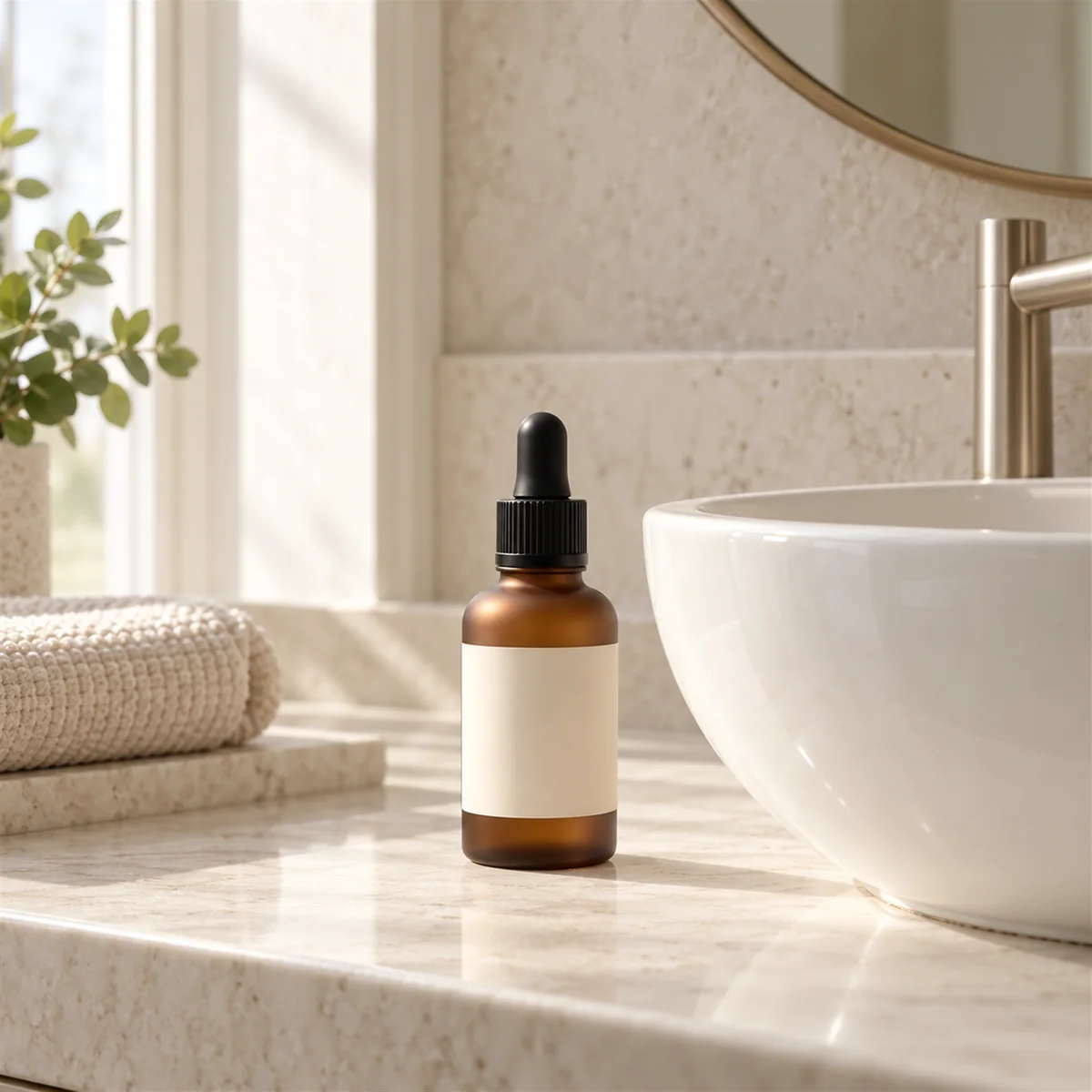
Prompt
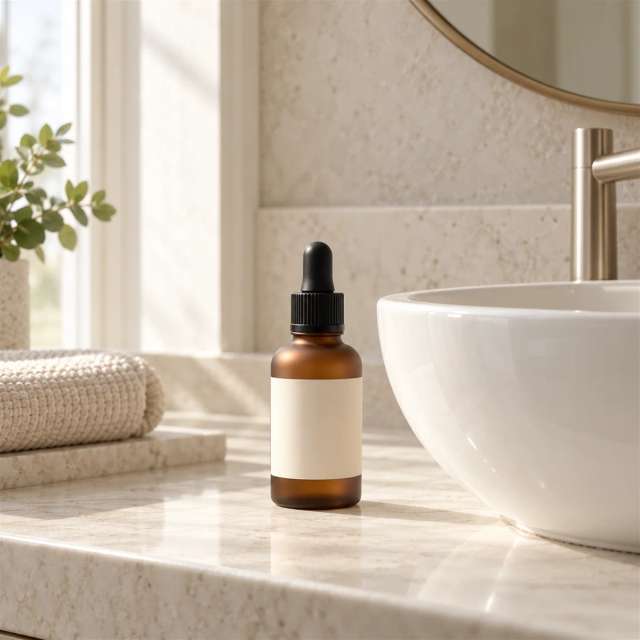
Use image one for the exact skincare bottle and image two for the bathroom setting. Place the bottle beside the sink under soft window light. Keep the packaging colors, label and bottle shape unchanged.
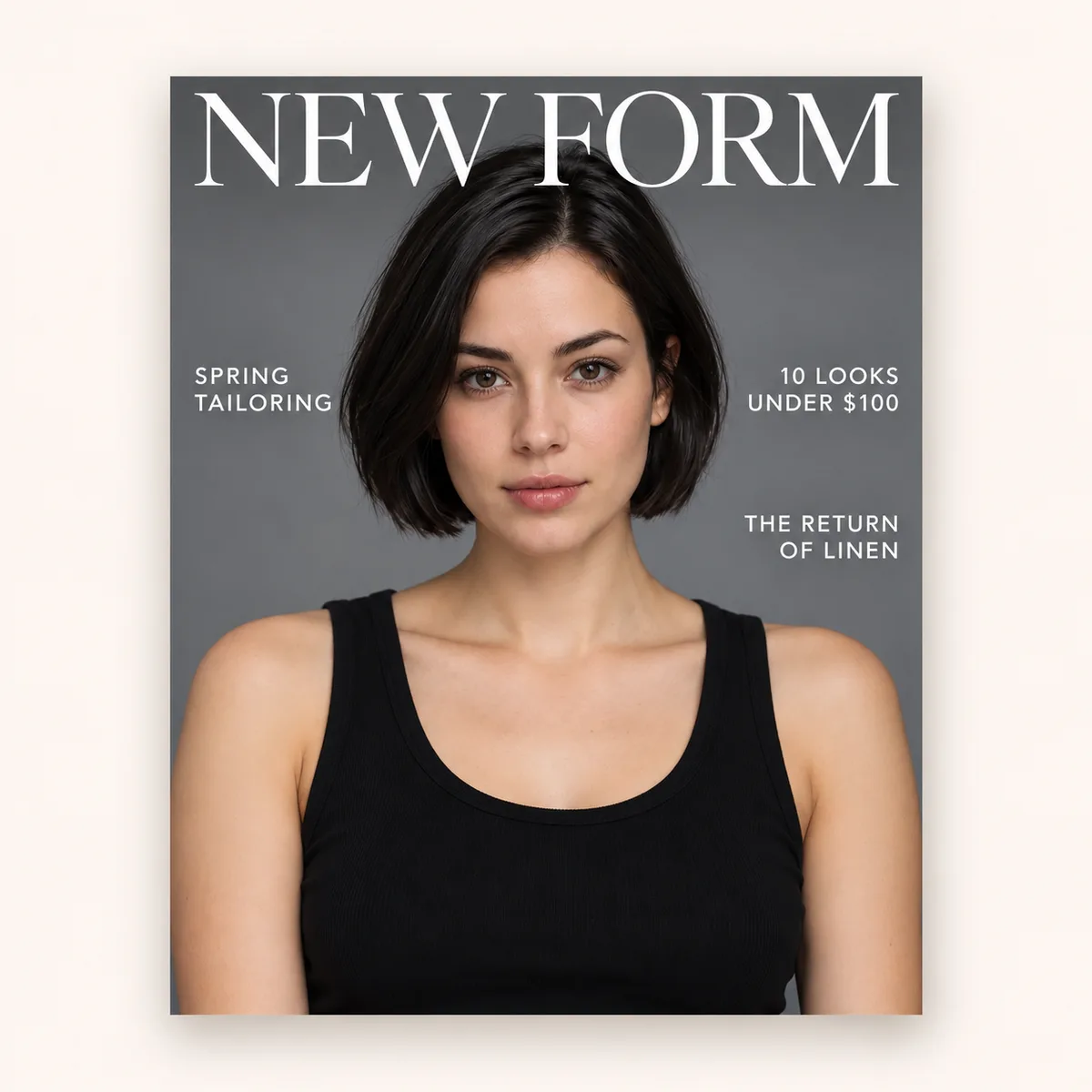
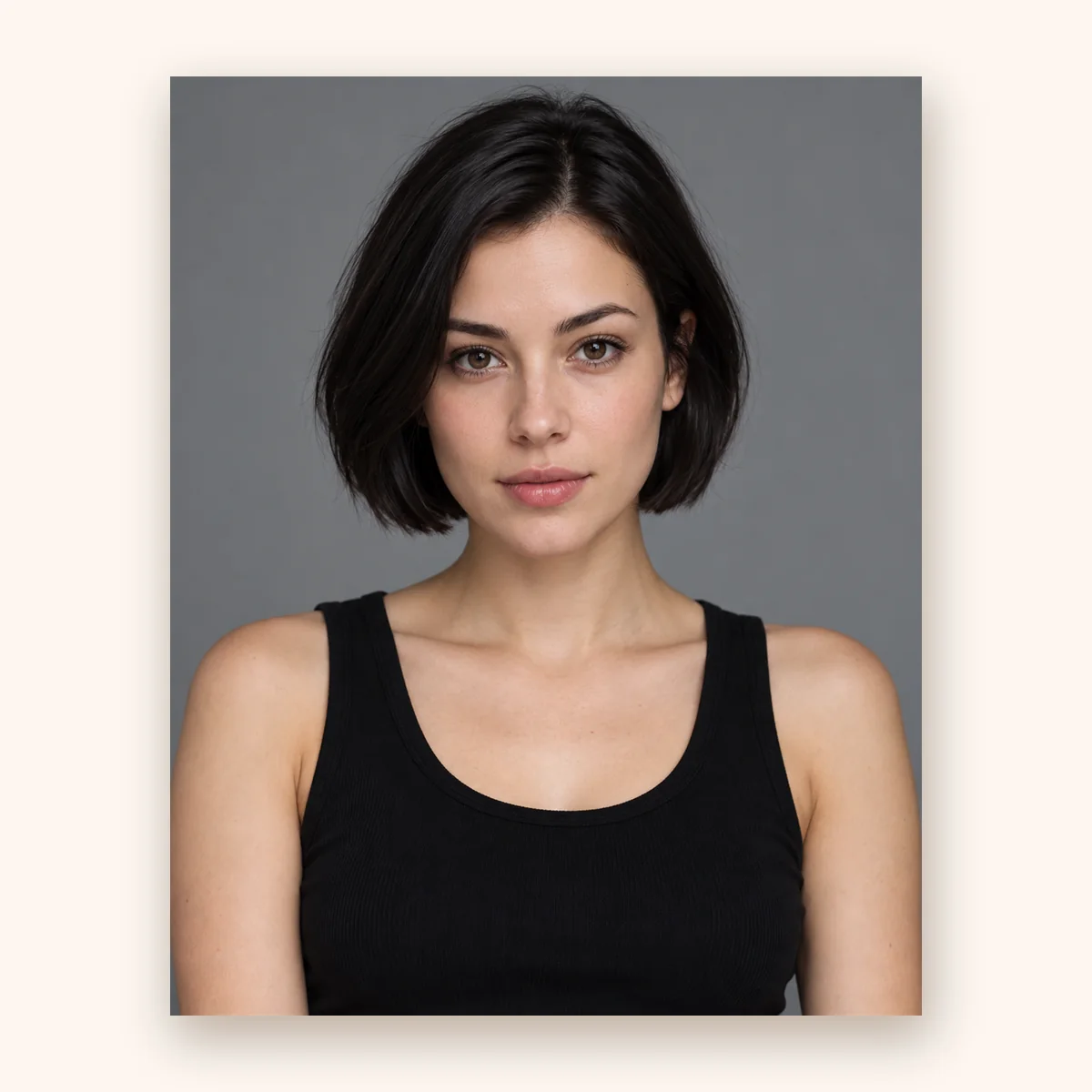
Prompt
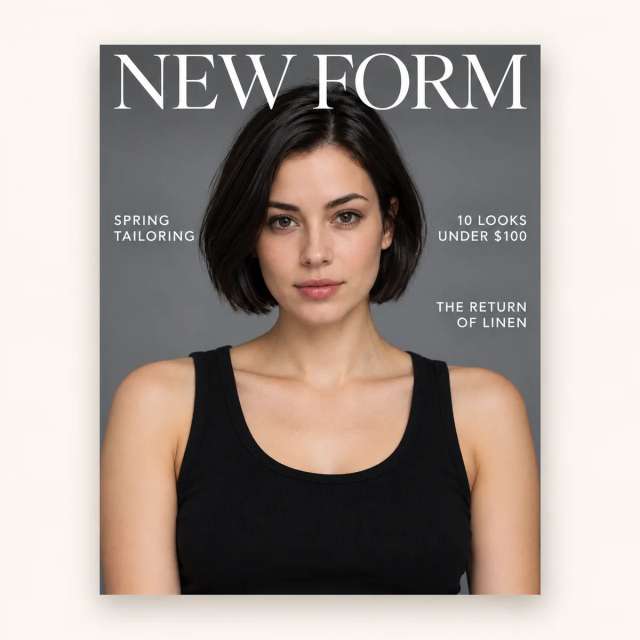
Create a clean fashion magazine cover using the uploaded portrait. Add the title "NEW FORM" at the top in large white lettering and three cover lines: "Spring Tailoring", "10 Looks Under $100" and "The Return of Linen". Keep the person's face and clothing unchanged.
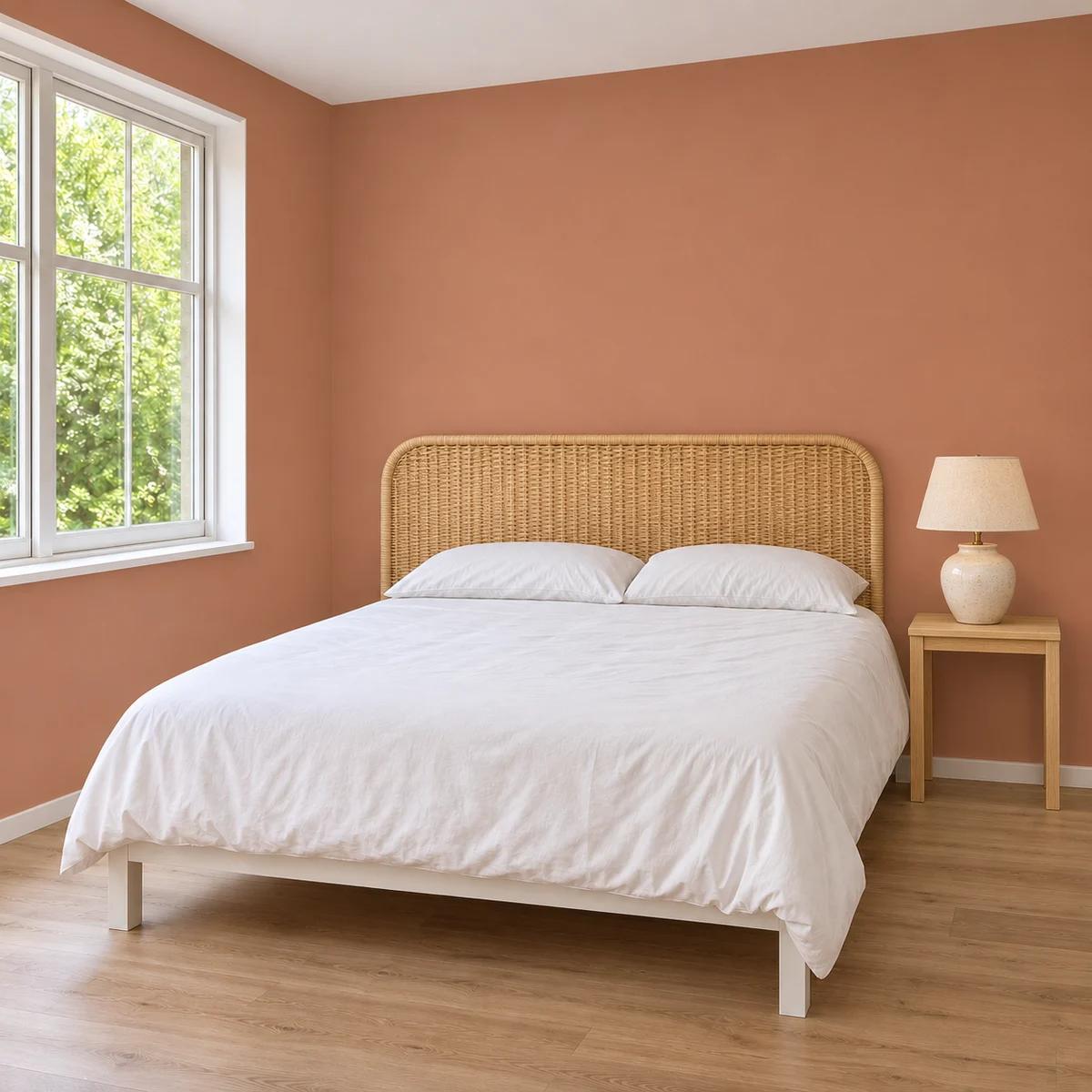
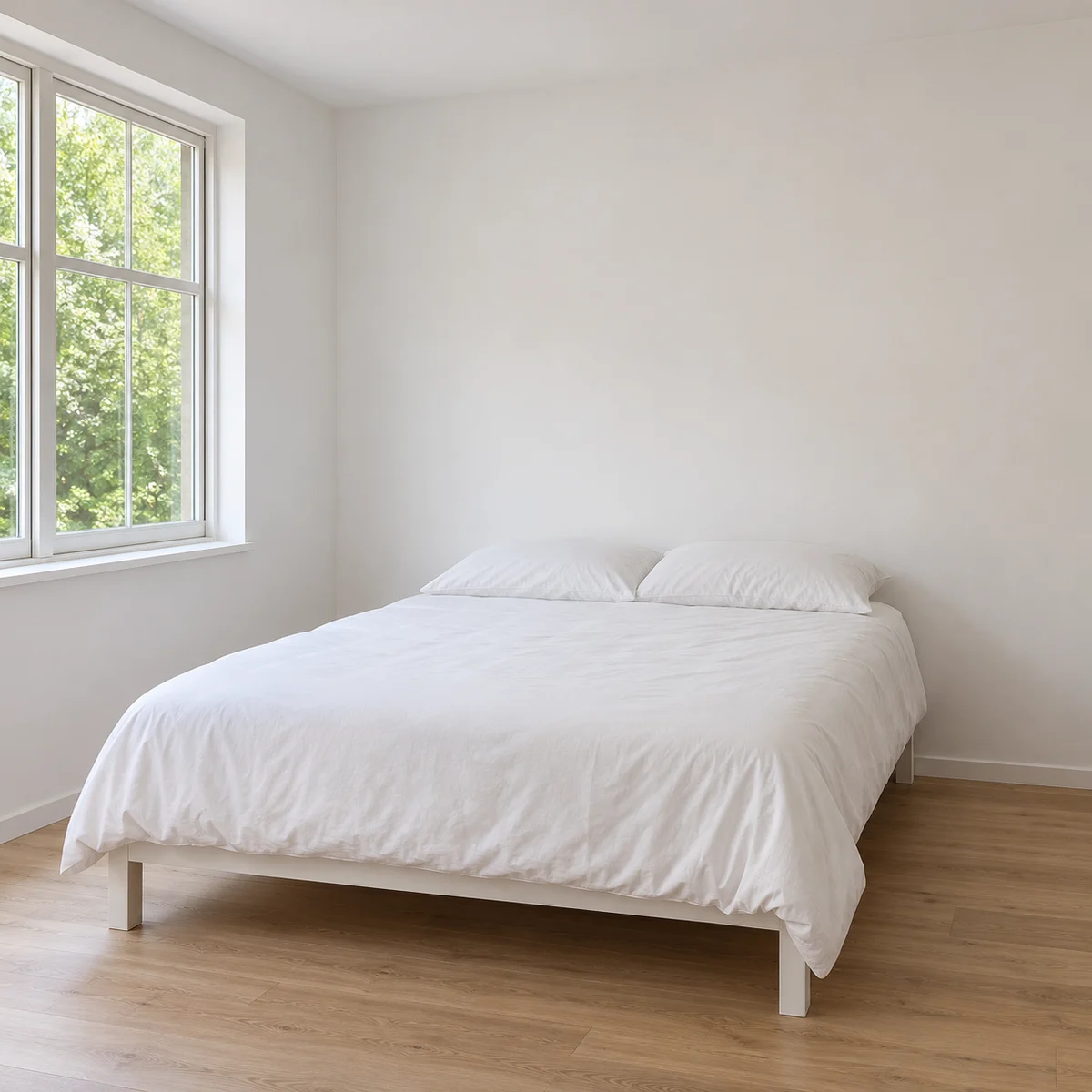
Edit instruction
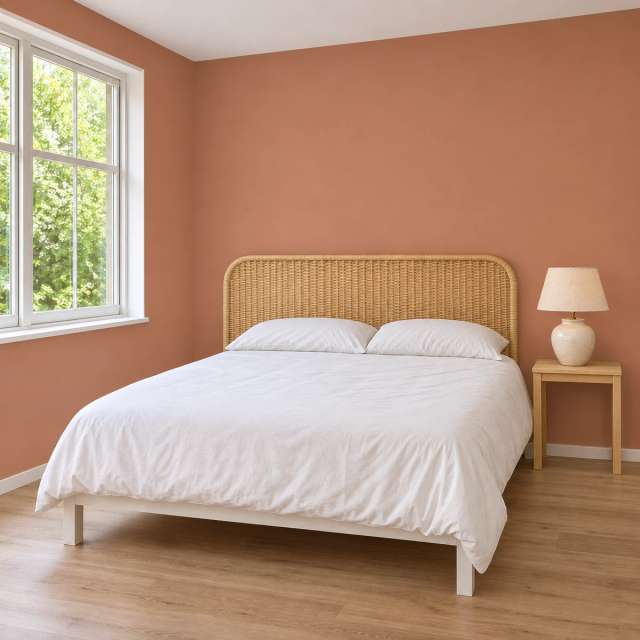
Keep the bed, floor and window unchanged. Replace the wall with soft terracotta paint, add a woven headboard and place a ceramic lamp on a bedside table.
Illustrative images created from each prompt.
Aragon gives you direct access to Seedream 4.5 for both image generation and uploaded-image editing without requiring a separate model setup.
Choose Seedream v4.5 from the AI Chat Editor model picker when your project needs multi-image references, consistent visual details or text inside the design.
Create an image from written instructions or upload visuals that should guide the result. Both workflows use the same conversational editor.
Continue describing changes when a result needs another version, such as a new setting, different wording or an updated product scene.
Open the AI Chat Editor, choose Seedream 4.5 and explain the image you want to create or change.
Sign in to Aragon and open the AI Chat Editor from your dashboard.
Select Seedream v4.5 from the image model picker.
Write a prompt for a new visual, or upload reference images and describe the exact result you need.
A useful Seedream 4.5 prompt explains what needs to appear, which references control important details and what should remain unchanged.
“Use image one for the product, image two for the model and image three for the room style. Create a premium lifestyle advertisement where the model holds the product beside a large window. Keep the product packaging and model's face unchanged.”Name the main result first, such as a product advertisement, poster, thumbnail, portrait or cover. Then add the details that define how it should look.
When you upload several images, explain what each one controls. One image might define the product while another provides the person, setting or visual direction.
Put exact headlines, labels or logo wording inside quotation marks and explain where the text should appear within the design.
For edits and image sets, name the face, clothing, packaging, logo, colors or other details that should remain consistent between results.
Explain where the person, product, headline and open space should appear when you need a specific poster, cover or advertising layout.
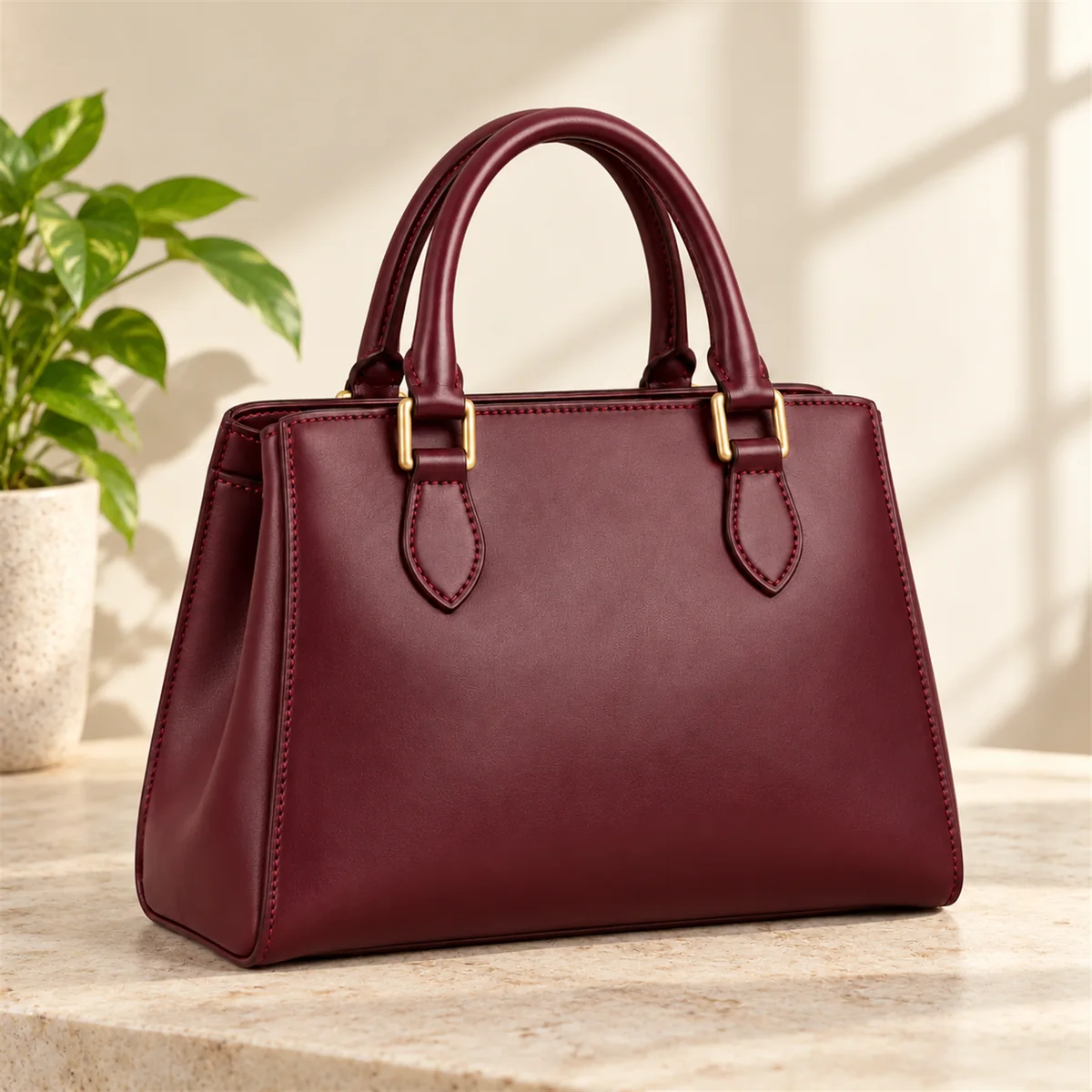
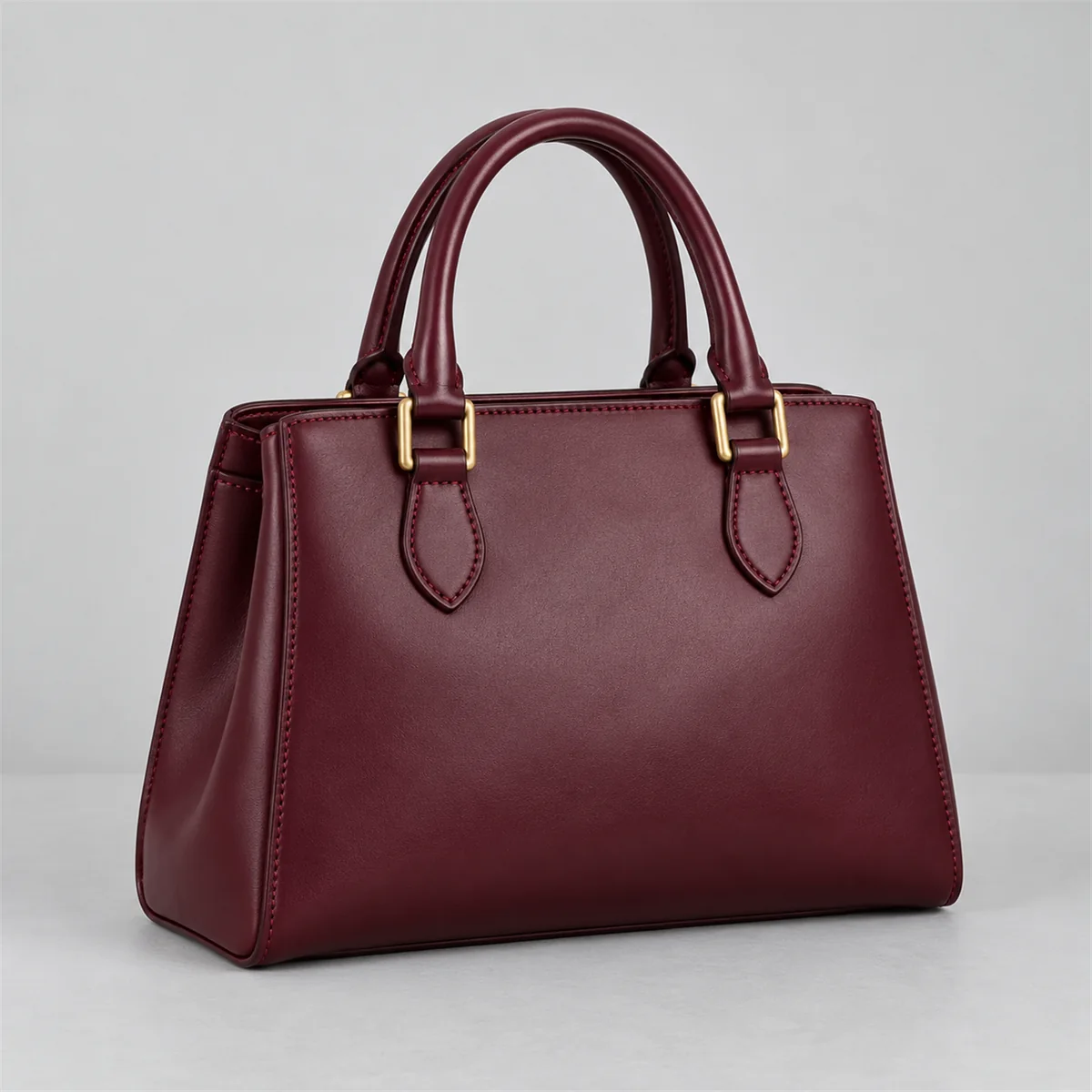
Prompt
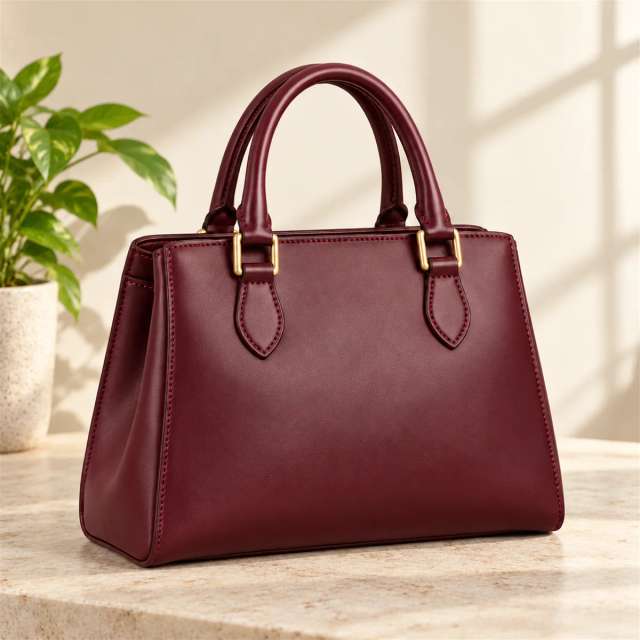
Use the uploaded handbag as the exact product reference. Place it on a light stone table beside a small green plant. Use soft window light and a warm cream wall. Keep the bag shape, stitching, hardware and color unchanged.
Works well for product pages, campaign sets and ecommerce creative.

Prompt
Create a square poster with the headline "FRESH FROM THE OVEN" in bold brown lettering. Use a warm cream background, one illustrated loaf of bread and a clean layout with the headline in the upper half.
Works well for posters, announcements and social campaign graphics.
Prompt
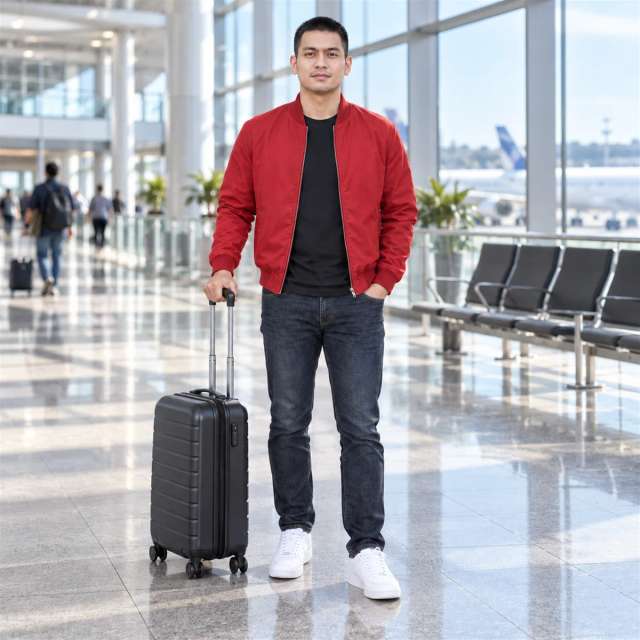
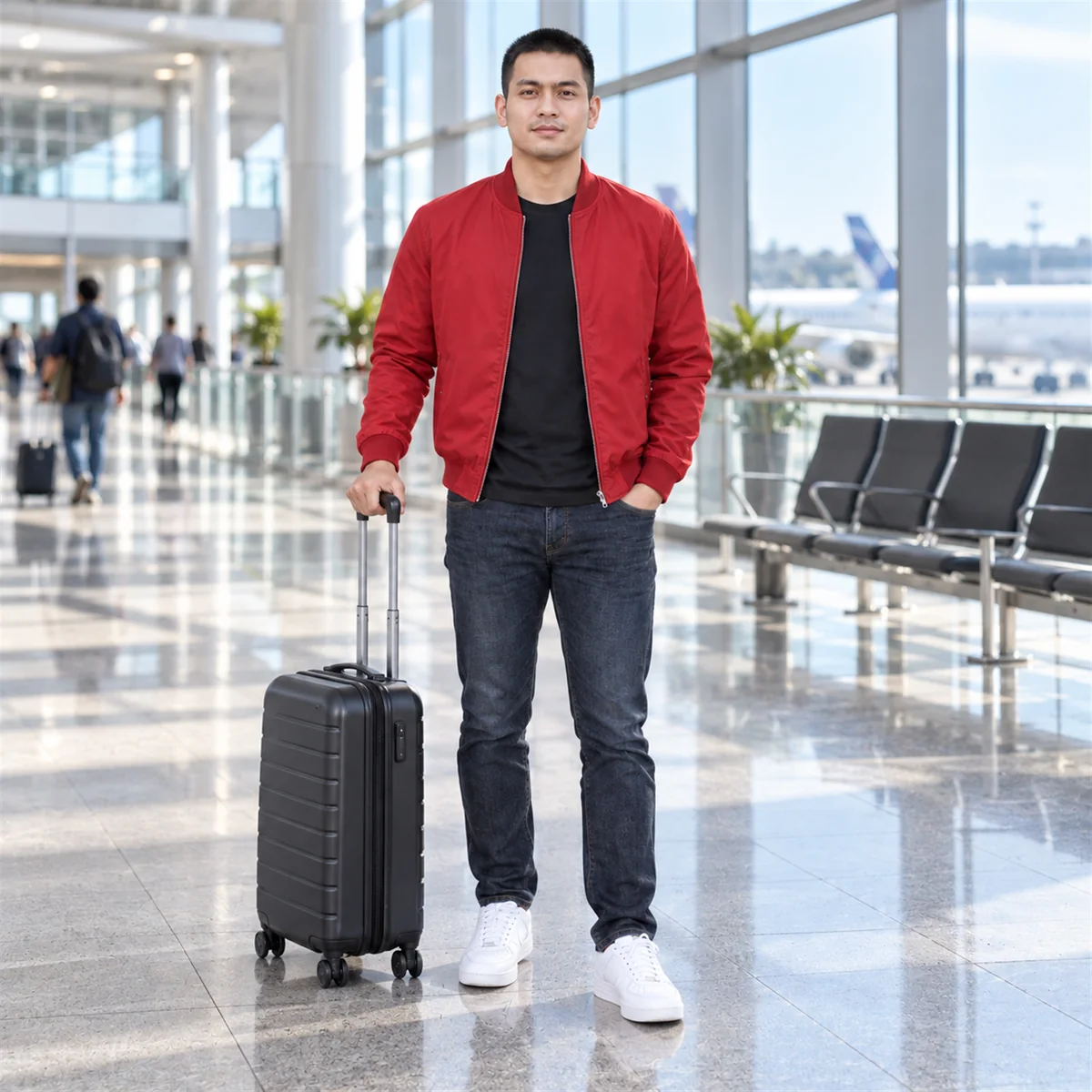
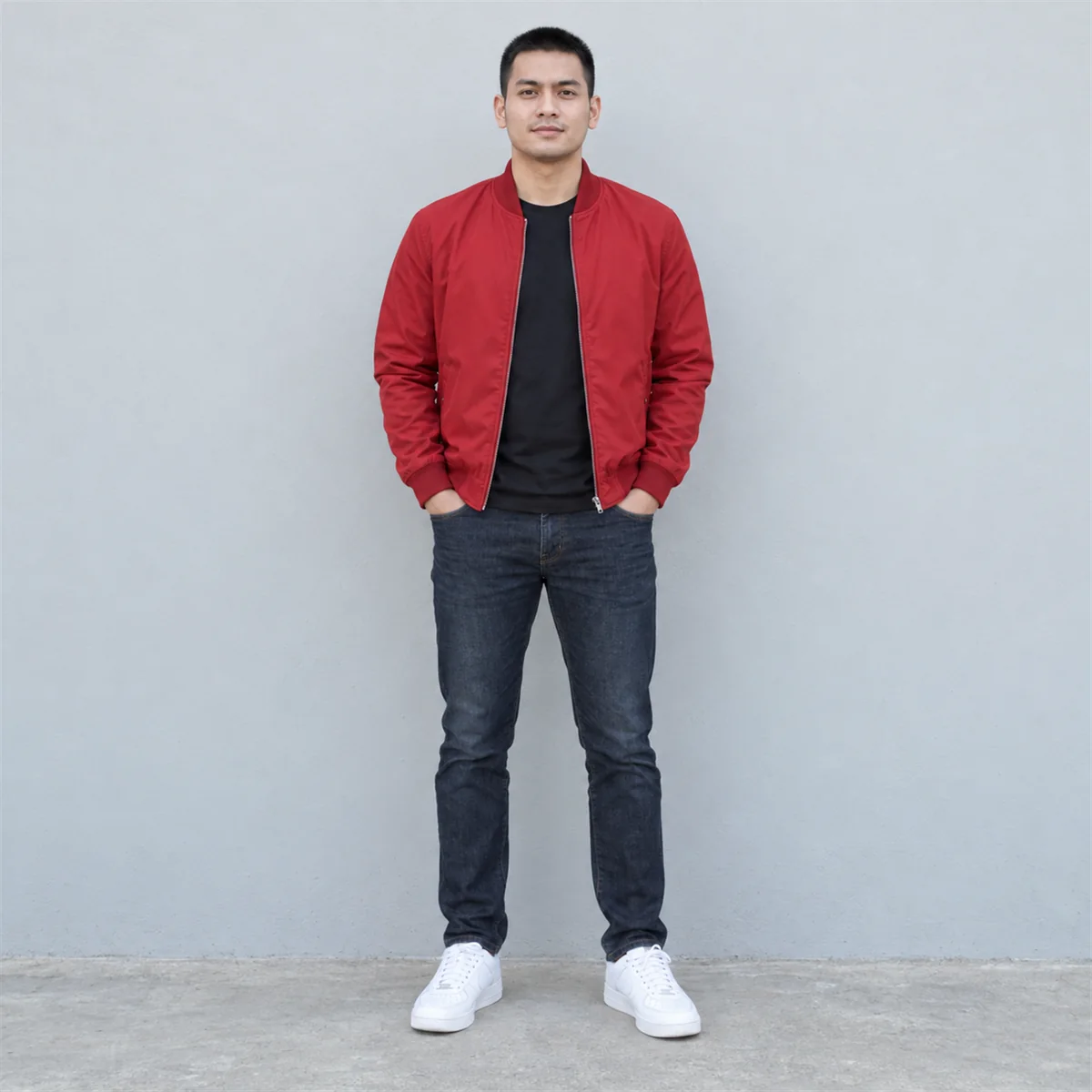
Use the uploaded person as the exact character reference. Keep the same face, hairstyle and red jacket. Place the character inside a modern airport terminal holding a small suitcase under bright natural daylight.
Works well for visual stories and campaign images featuring the same person.
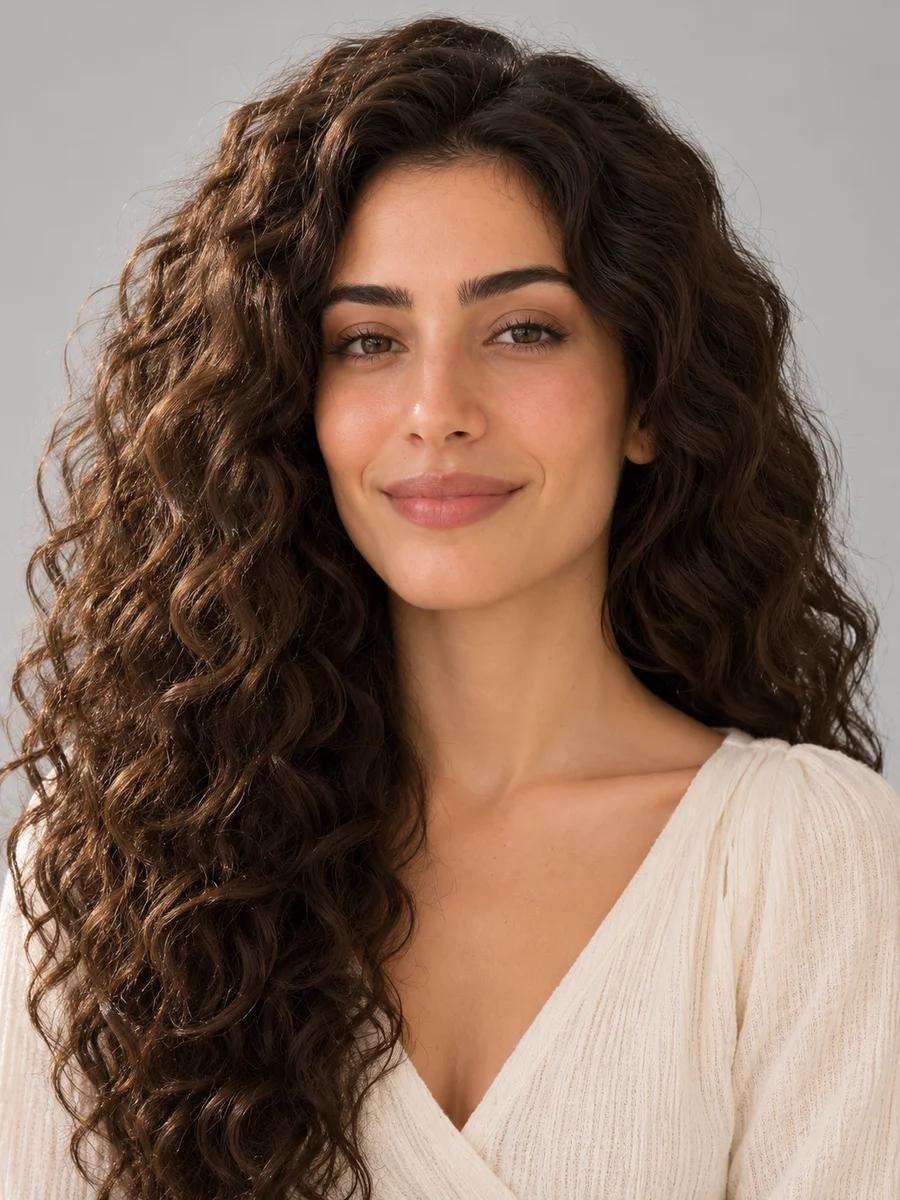
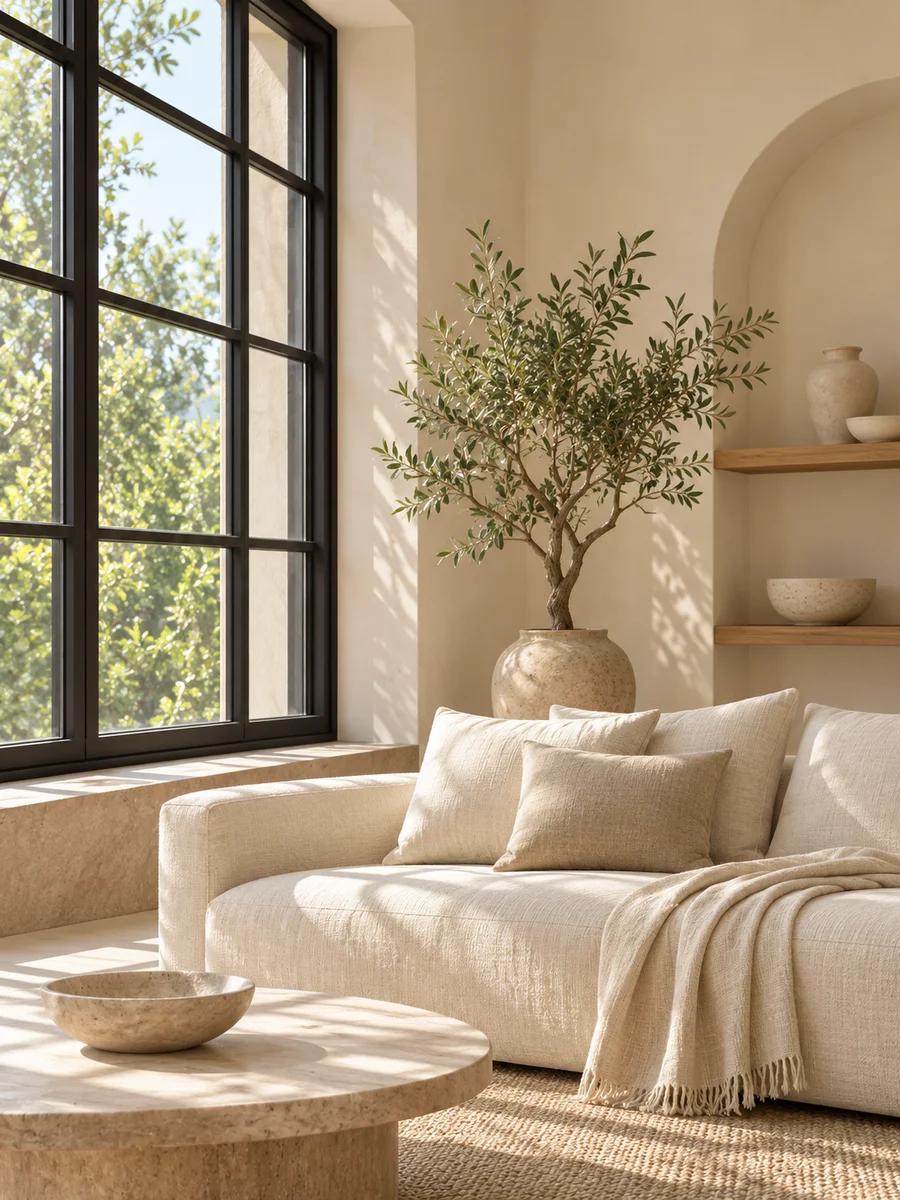
Prompt
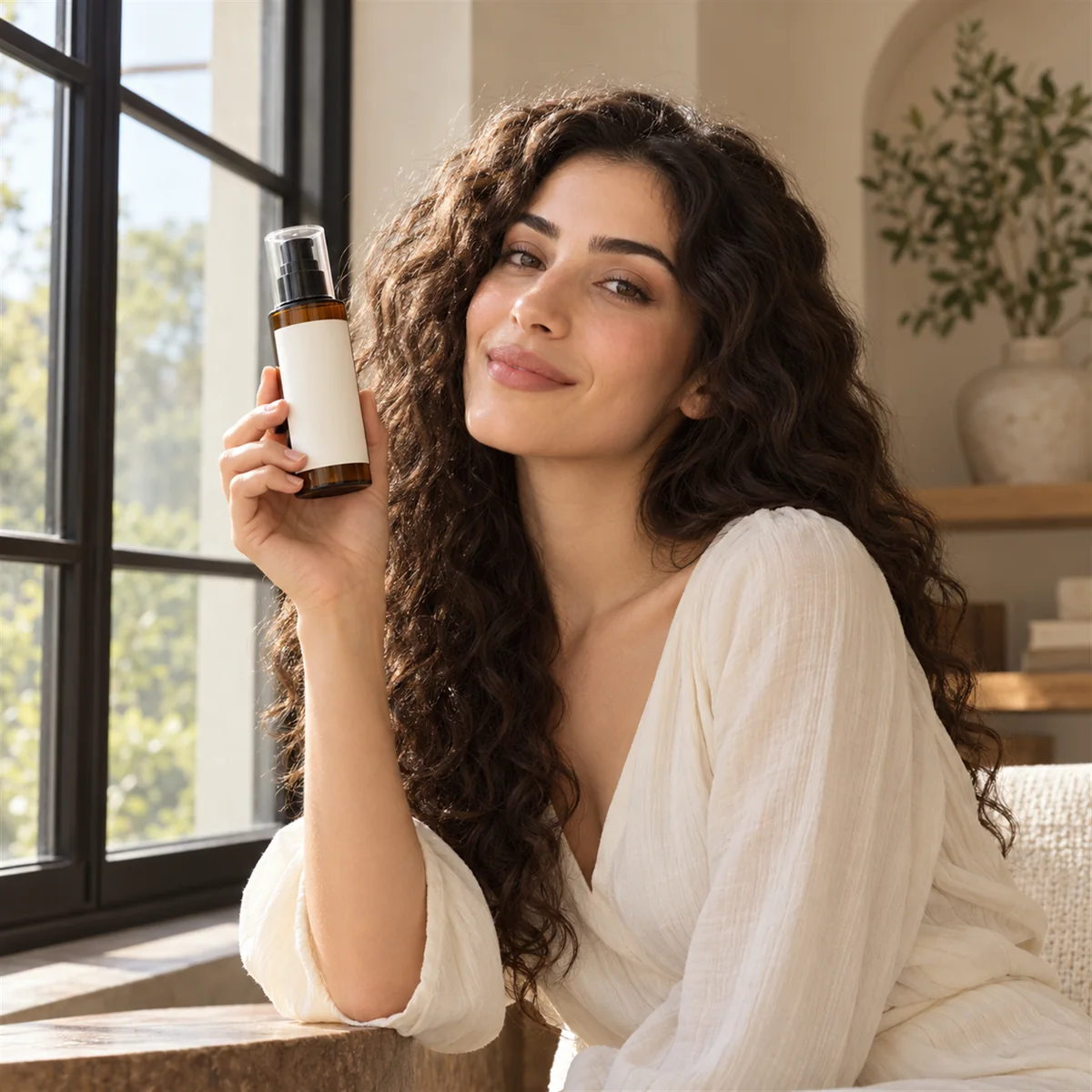
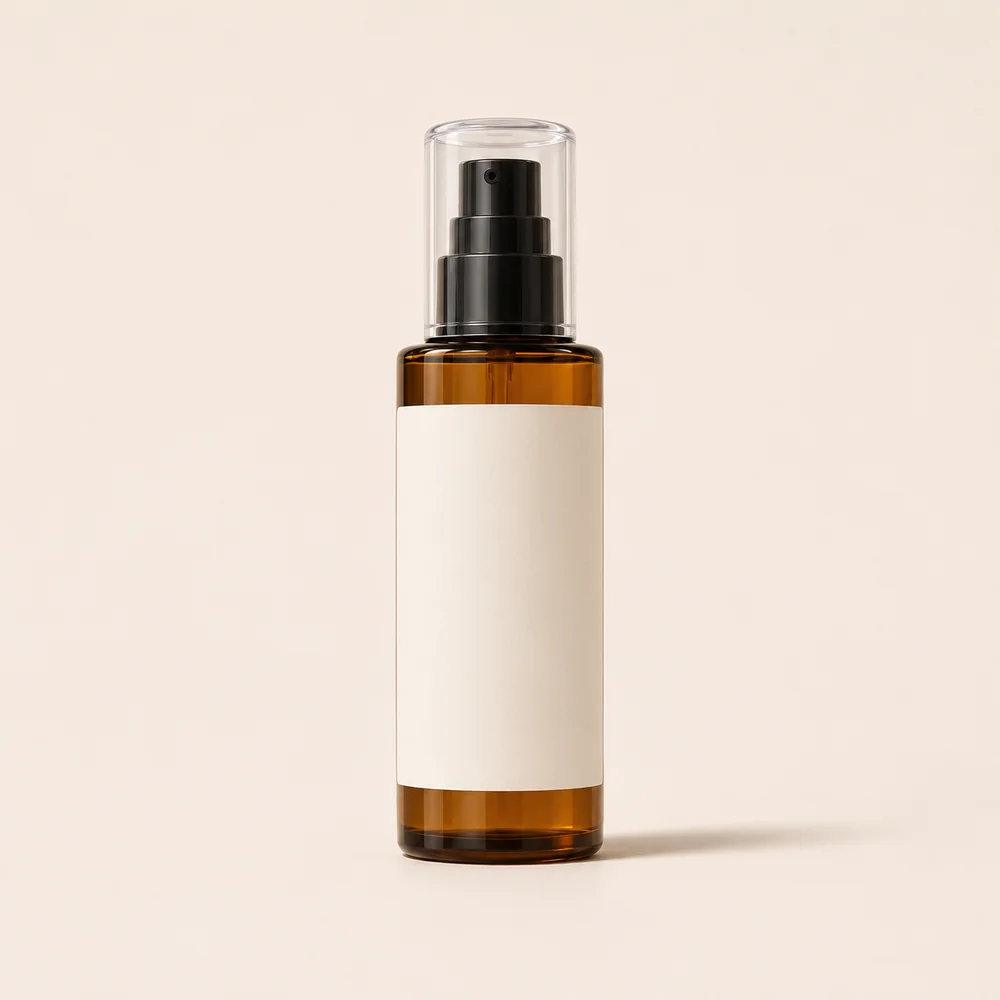
Use image one for the product, image two for the model and image three for the room style. Create a premium lifestyle advertisement where the model holds the product beside a large window. Keep the product packaging and model's face unchanged.
Works well when several visual references need to come together in one result.
Illustrative images created from each prompt.
Seedream 4.5 fits projects where images need consistent details, clear wording or several visual references working together.
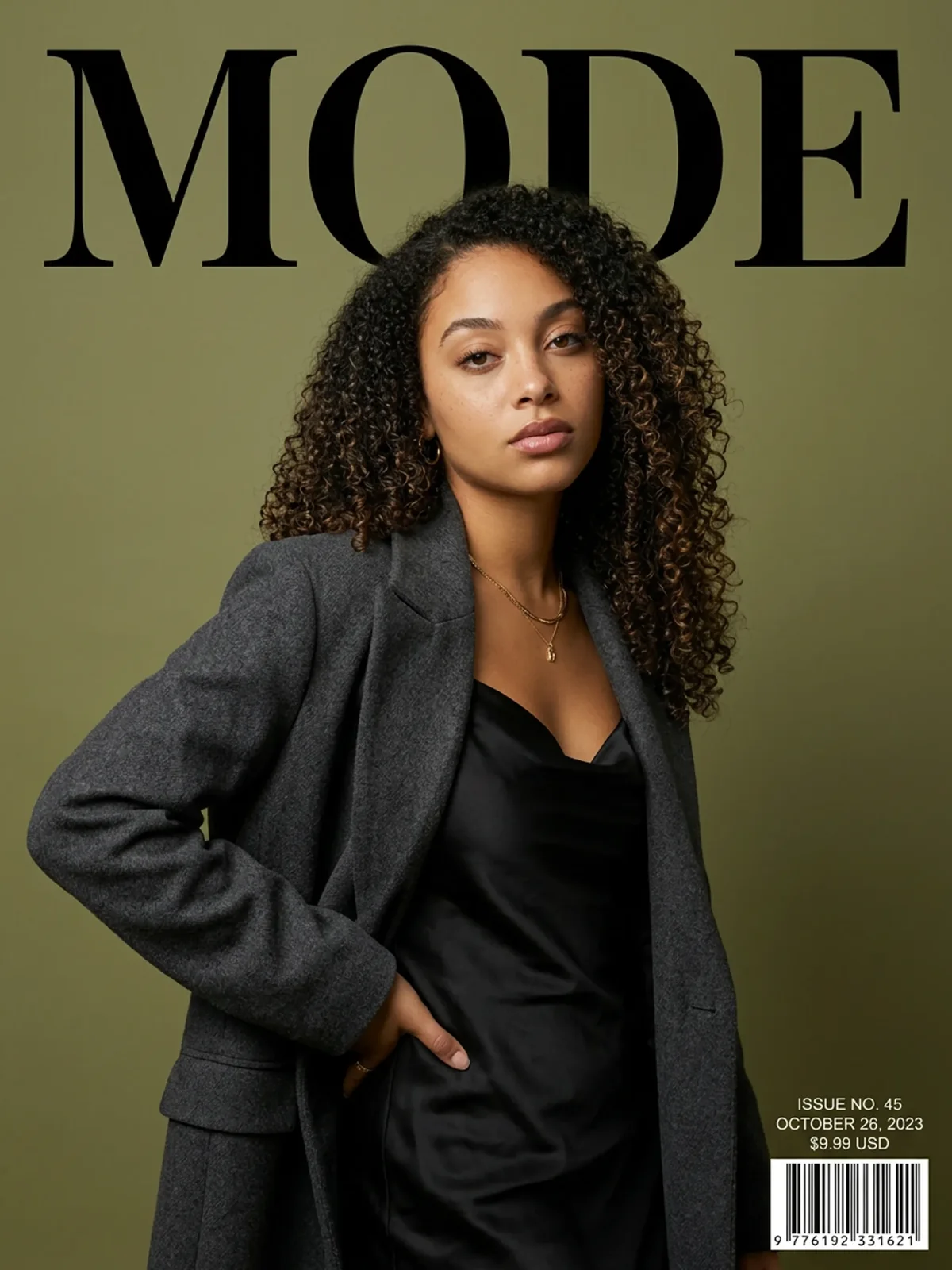
Create text-led designs for campaigns, events and editorial projects. Aragon's magazine cover maker is another option when the project specifically needs a magazine-style layout.
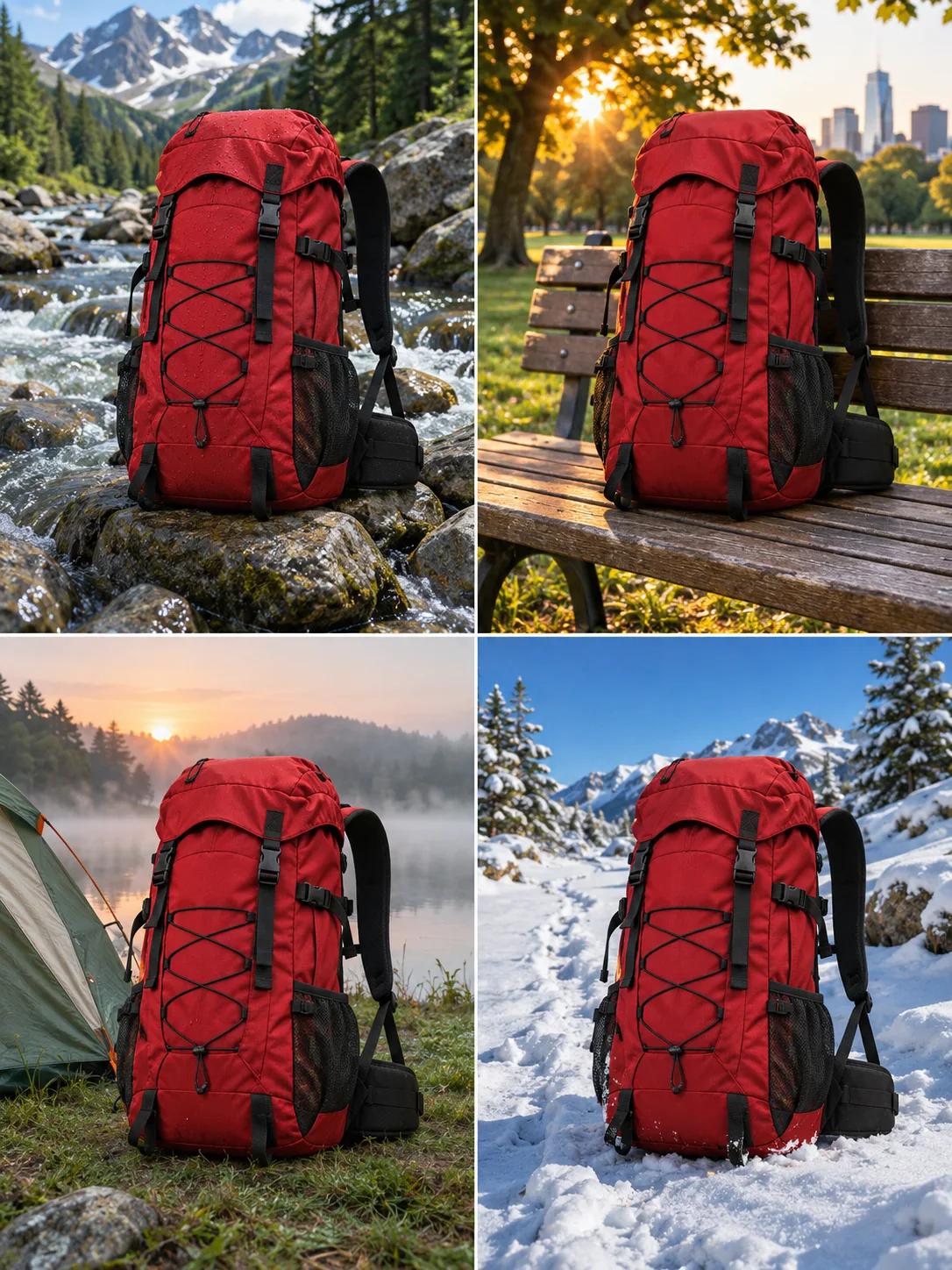
Keep one product recognizable while changing the location, lighting or surrounding elements across several campaign visuals.

Build attention-grabbing designs with clear focal points and text. Aragon also offers a YouTube thumbnail maker for dedicated thumbnail projects.
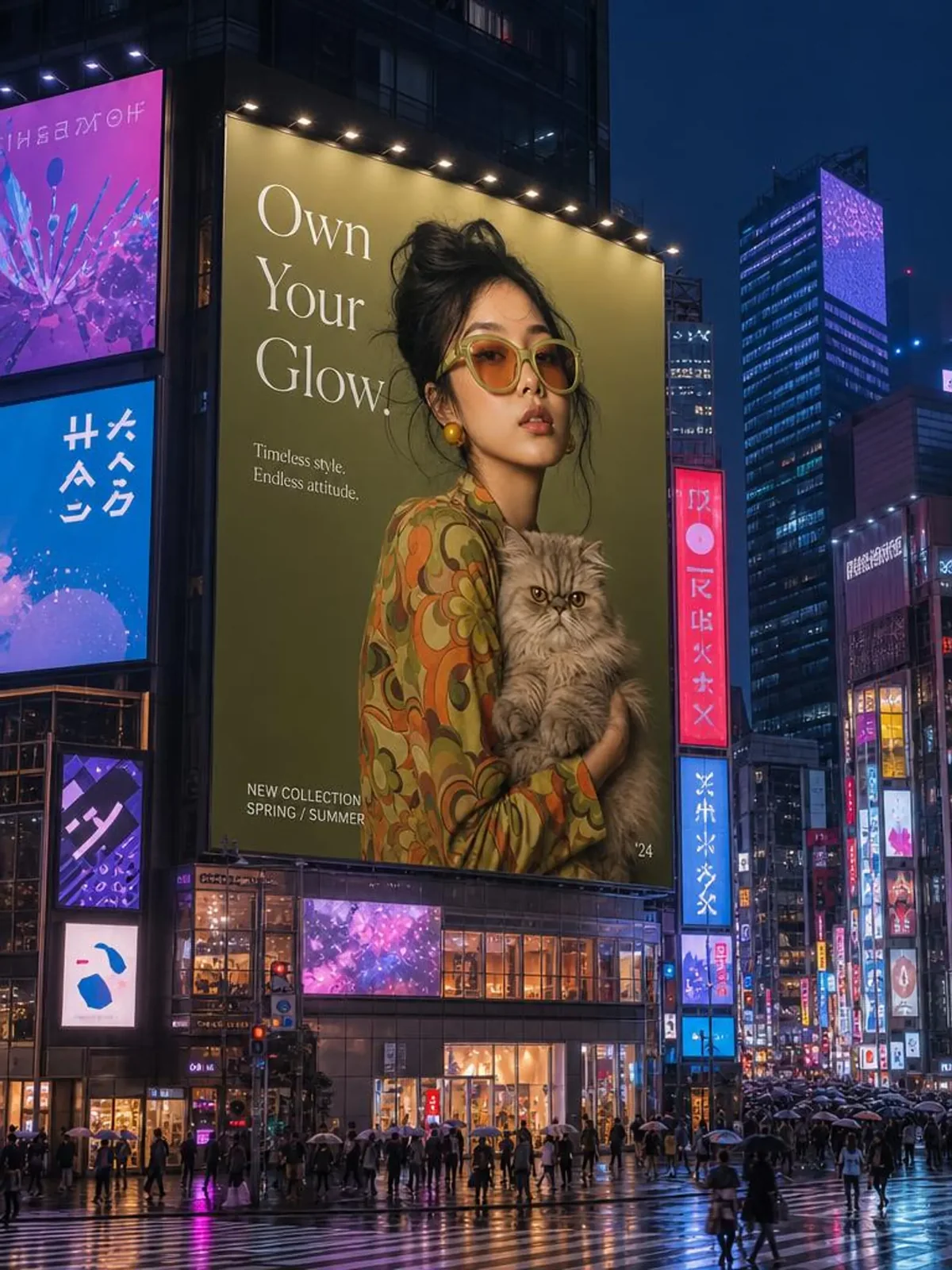
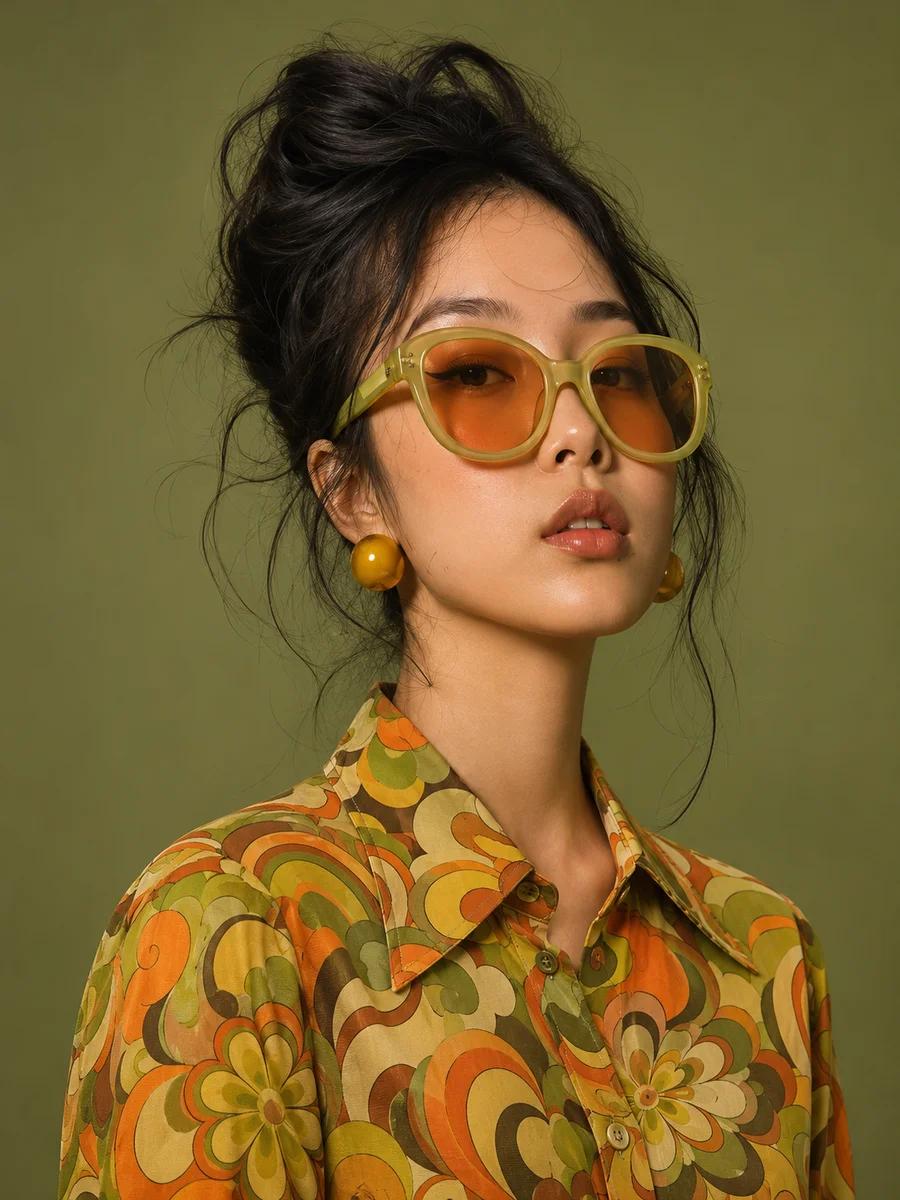
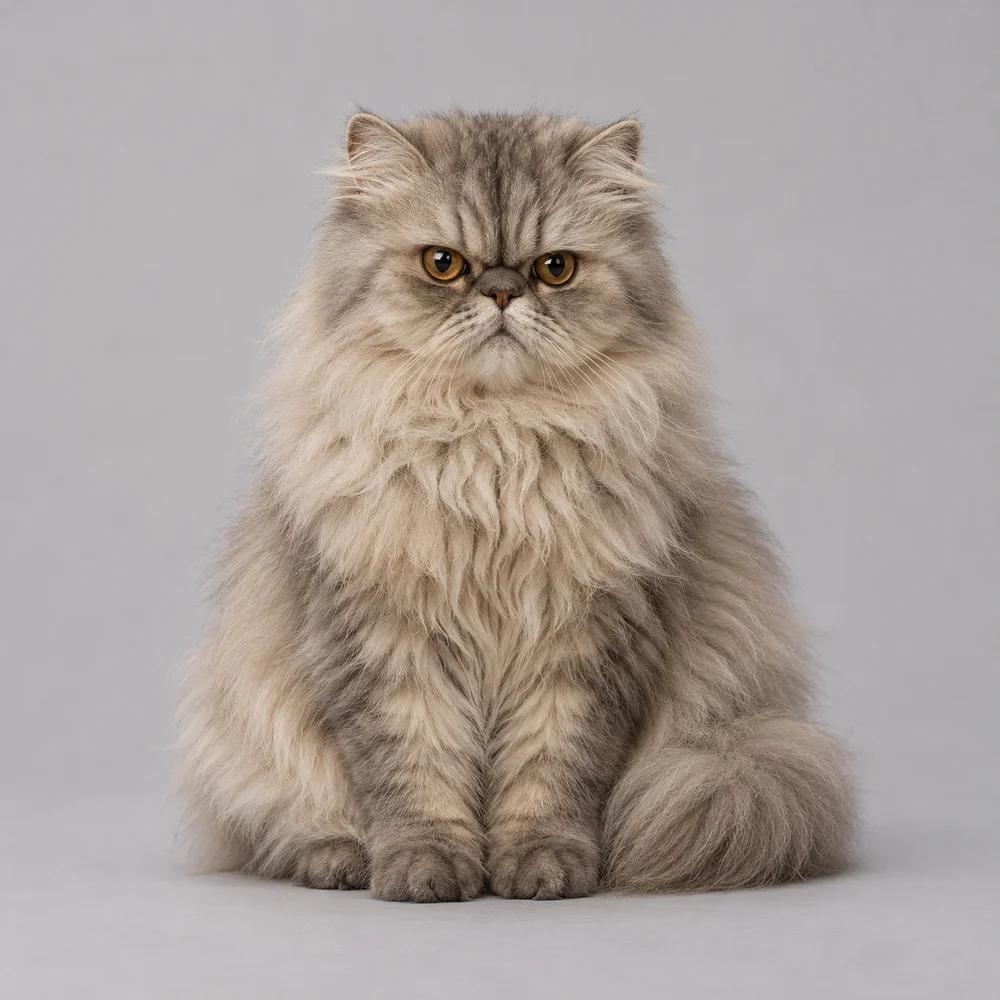
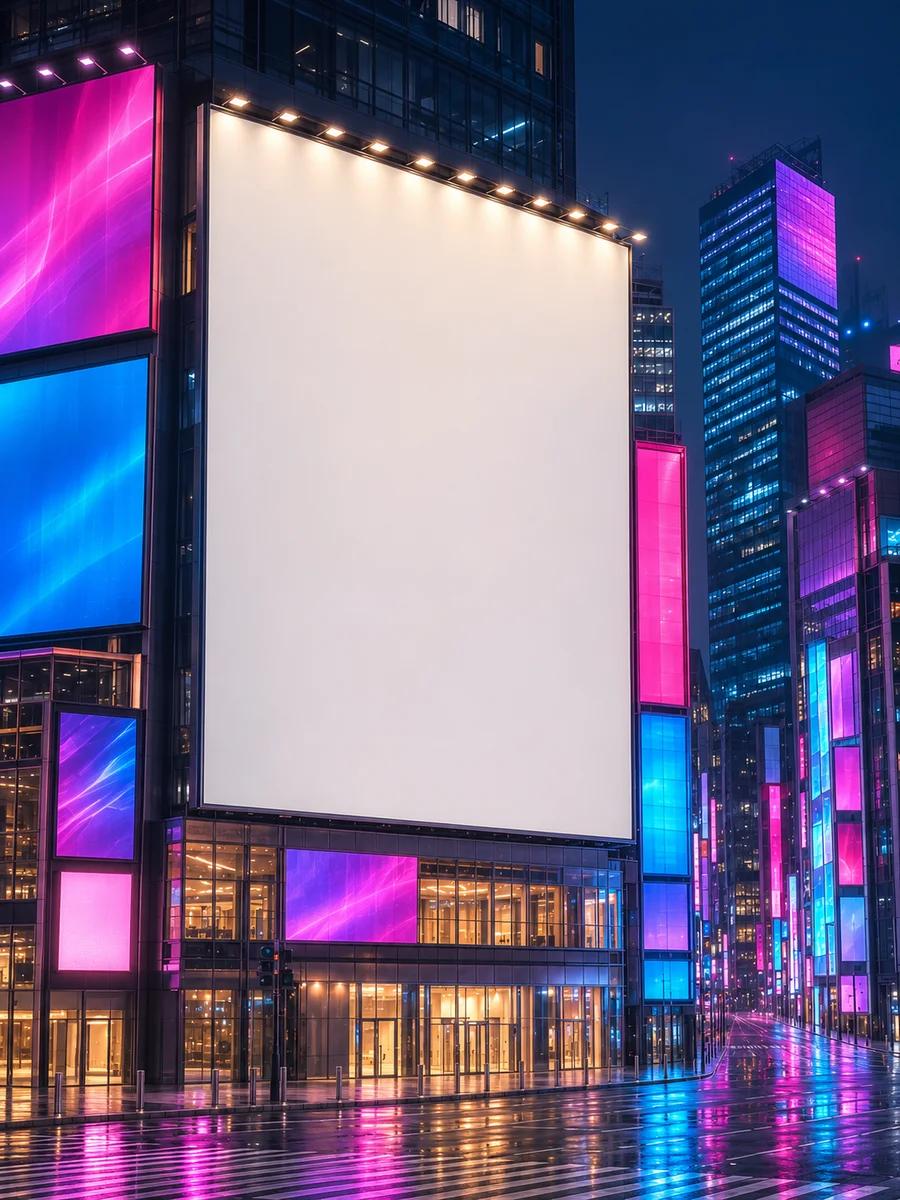
Combine separate people, products and visual references into a new scene when the creative direction depends on several source images.
You can also start a new visual from a written idea in Aragon's AI image generator.
Seedream 4.5 and GPT Image 2 both create and edit images, but each model fits a different kind of image workflow.
| Seedream 4.5 | GPT Image 2 | |
|---|---|---|
| Best for | Consistent multi-image work | Text-heavy layouts and controlled edits |
| Maker | ByteDance Seed | OpenAI |
| Released | December 3, 2025 | April 21, 2026 |
| Reference images | Up to 10 | Up to 16 |
| Output on Aragon | High-resolution output | Edits up to 3840 px on the long side |
| Text in images | Posters, logos and design text | Posters, ads and structured layouts |
| On Aragon | AI Chat Editor, Pro plan and above | AI Chat Editor and Cinema Studio, Medium on every paid plan and High on Pro and above |
| Best fit | Image sets, character consistency and reference-driven creative | Text-led designs and focused photo changes |
Different image models fit different creative jobs, so match the model to the result your project needs.
Pick Seedream 4.5 when several references need to guide a consistent person, product or design across new images and edits.
Pick GPT Image 2 when the image depends heavily on readable copy, placement instructions and controlled photo changes.
Pick Nano Banana 2 for quick image creation, regular editing and repeated visual variations.
Pick FLUX 2 Pro when the project focuses on realistic materials, product photography and polished commercial scenes.
Start from a prompt or reference images, then use Seedream 4.5 to create consistent visuals, controlled edits and text-led designs on Aragon.
Customer satisfaction is our number one priority. Our live agents are available 7am - 11pm (PT), 5 days Sunday through Thursday.
The Leading AI Headshot Generator for Professionals
Trustpilot
Trusted by professionals and teams
Earn 30% for every referral
Join our affiliate program for free!
Copyright © 2026 Aragon AI, Inc. All rights reserved.