













































































































































































































































































































































The Leading AI Headshot Generator for Professionals
THE #1 RANKED AI PHOTO EDITOR
Remove Text from Image: Free AI Text Remover
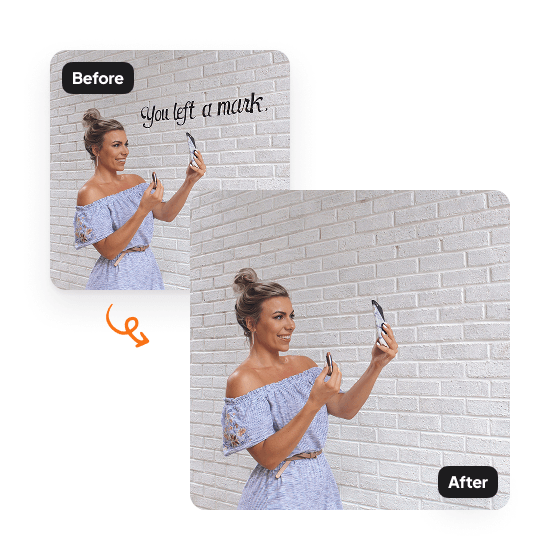
Use Aragon's free AI text remover to erase watermarks, date stamps, captions, price tags, and any unwanted text from photos. Upload your image, click once, and get a clean result in minutes.
Click on one of these photos to try:

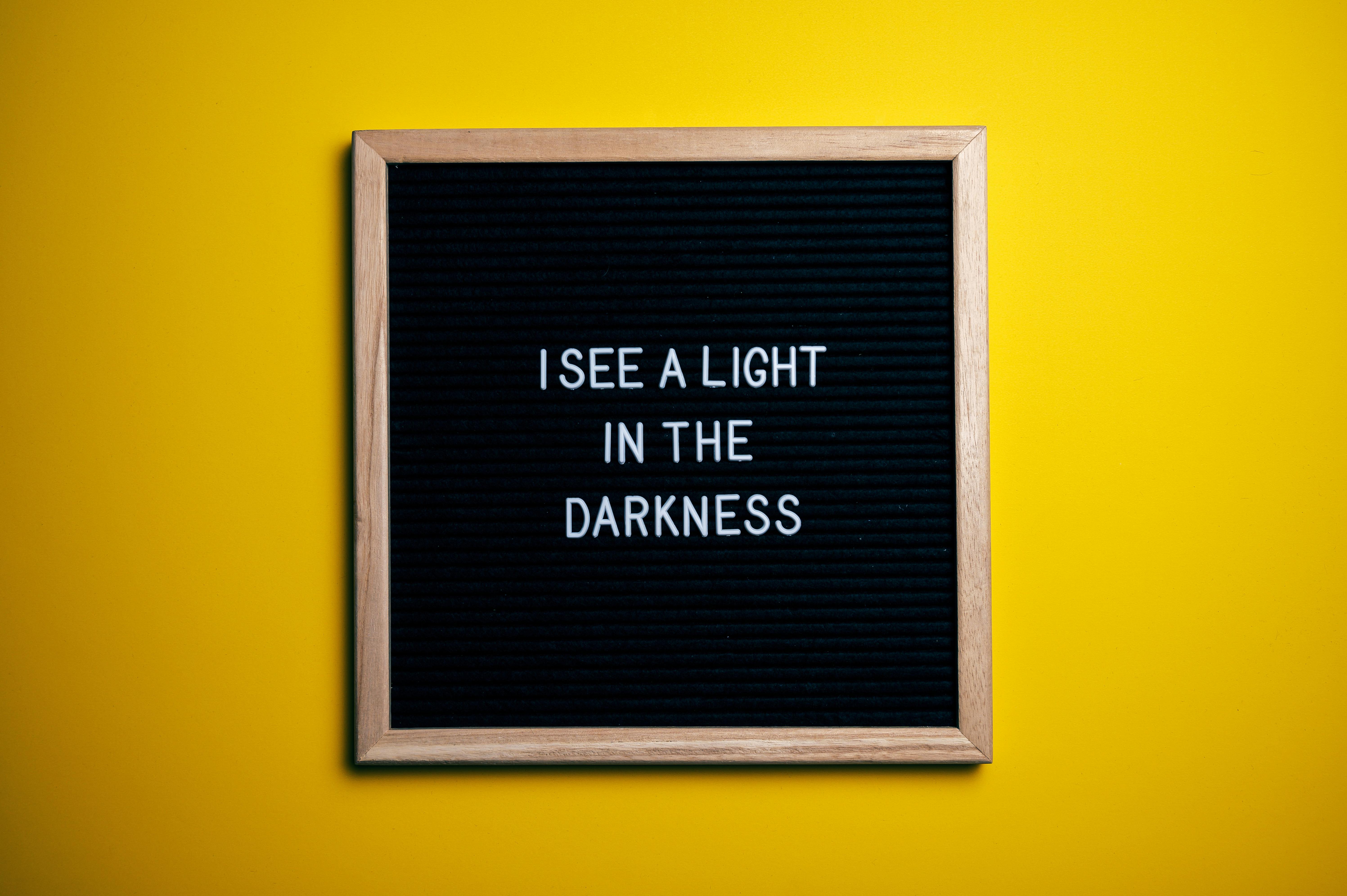

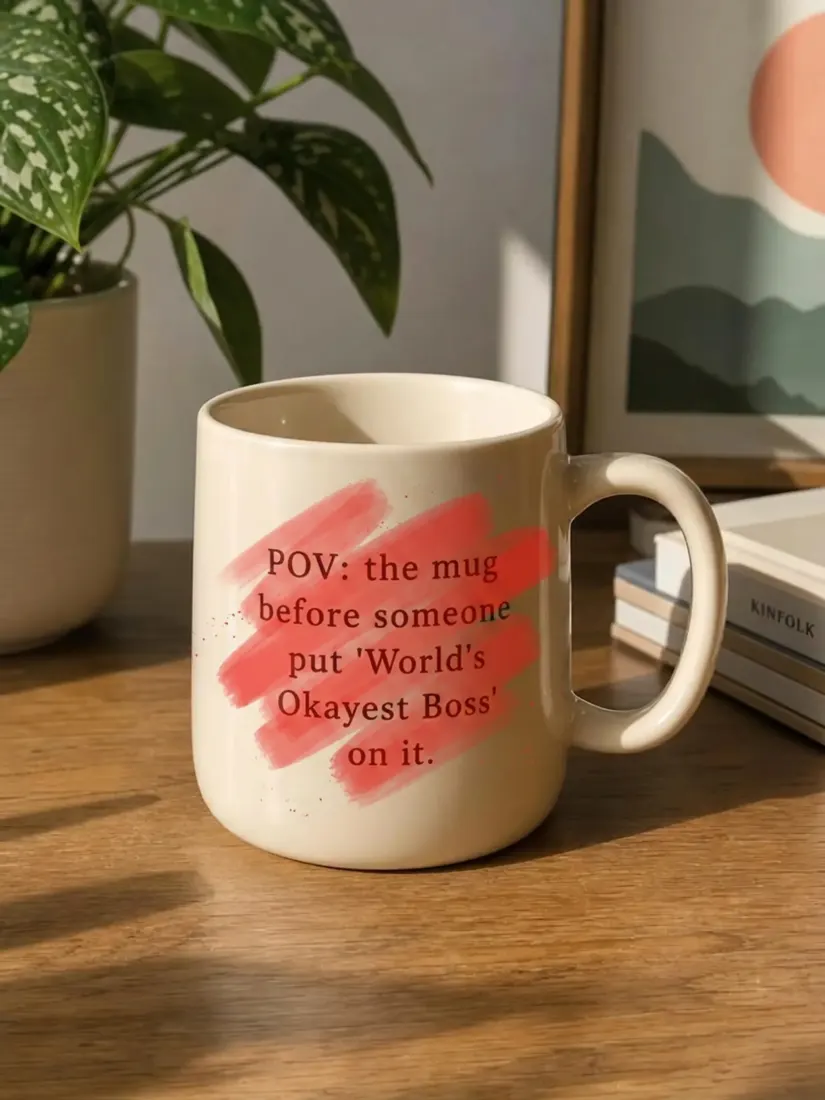
Before
After


Trusted by Industry Leaders. Millions of images edited to date.









How Does It Work?
1
Upload your image
Drop in the photo with text you want removed. Aragon's AI text remover supports all major image dimensions and works on photos, screenshots, scanned documents, product shots, and social media graphics.
2
Let the AI erase your text
The AI traces the outline of every word in your image, removes the text, and rebuilds the area underneath using the surrounding pixels. The result blends naturally with the rest of the photo so the cleaned area looks untouched.
3
Download your clean image
Review the result and download the cleaned image. Use Aragon's other photo editor tools to swap backgrounds, remove unwanted objects, or polish further before saving the final version.
What makes it special?
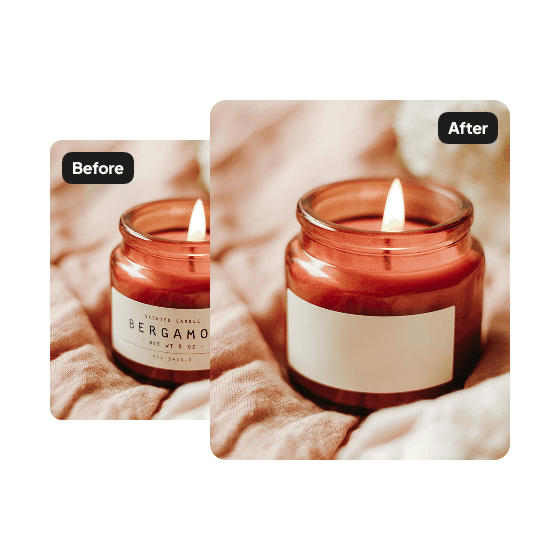
Clean up product photos for online stores
Remove price tags, promotional stickers, packaging text, and labels from product photos before listing on Amazon, Shopify, Etsy, or eBay. Aragon's AI text remover keeps the product looking clean and professional without a reshoot.
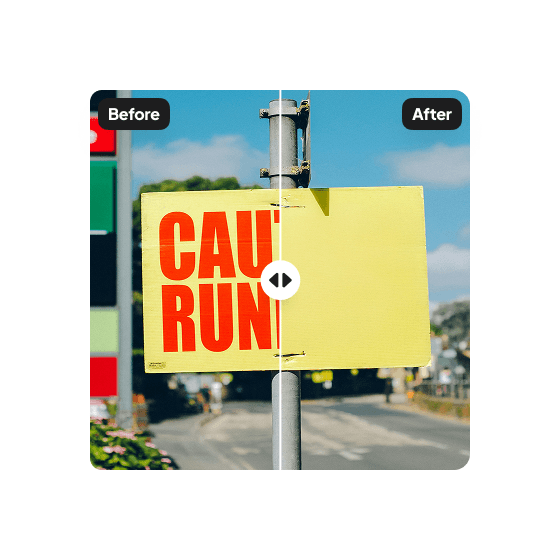
Erase watermarks, date stamps, and captions
Remove brand watermarks, date stamps from old photos, captions on screenshots, and overlay text from social media images. The AI rebuilds the texture beneath each removed element so the result looks like the original image without the markup.
Refresh marketing and social media graphics
Update flyers, ads, and social posts by removing outdated copy, expired promotions, or old contact info. Aragon's AI text remover saves the design work so you can refresh existing assets instead of rebuilding from scratch.
Have a question? We're here to help
Customer satisfaction is our number one priority. Our live agents are available 7am - 11pm (PT), 5 days Sunday through Thursday.
Aragon's AI text remover traces the outline of every word, character, and typography in your image and removes them. The tool then rebuilds the area underneath using the surrounding pixels so the cleaned space blends naturally with the rest of the photo. Most images finish in minutes.
The AI text remover handles watermarks, date stamps, captions, price tags, sticker labels, packaging text, signage, marketing copy, and most other text overlays. Works on photos, screenshots, scanned documents, product shots, and social media graphics. Results depend on the text's clarity and how complex the background is.
Yes. Aragon's AI text remover detects every word in your image and removes them all in one pass. For images with text on uneven surfaces (walls, fabrics, curved objects) or complex backgrounds, you may need a second pass for the cleanest result.
Photoshop's content-aware fill and clone stamp tools require manual selection, layer adjustments, and editing skill to remove text cleanly. Aragon's AI text remover does it automatically. Upload, wait, download. No selection masks, no manual blending, no editing experience needed.
Yes, but only watermarks on photos you have the legal right to use. The AI text remover handles watermarks, brand stamps, and overlay text by rebuilding the texture beneath them. Don't use this tool on photos you don't own or aren't licensed to edit.
Yes. The AI text remover runs in your browser on any device, including iPhone, Android, laptops, and desktops. There's no app to install. Open Aragon in your phone's browser, upload your photo, and remove text from anywhere.
Yes. Free credits come with every Aragon account, so you can remove text from images without paying. Paid plans add more credits and unlock the full editor suite for higher resolution outputs.
Explore our other AI Photo Editing Tools
Touch up your photos even further with our suite of photo editing tools and features
