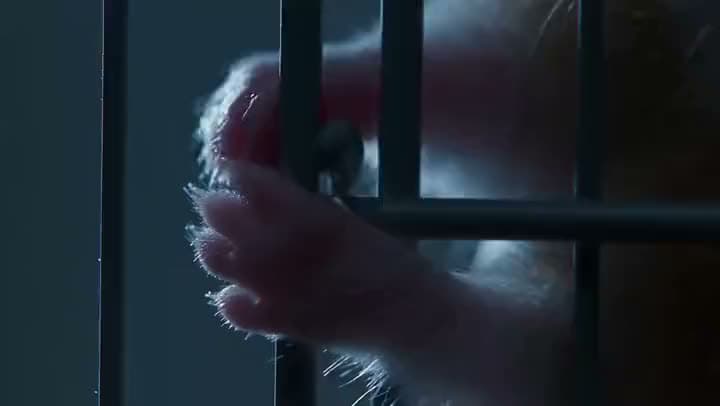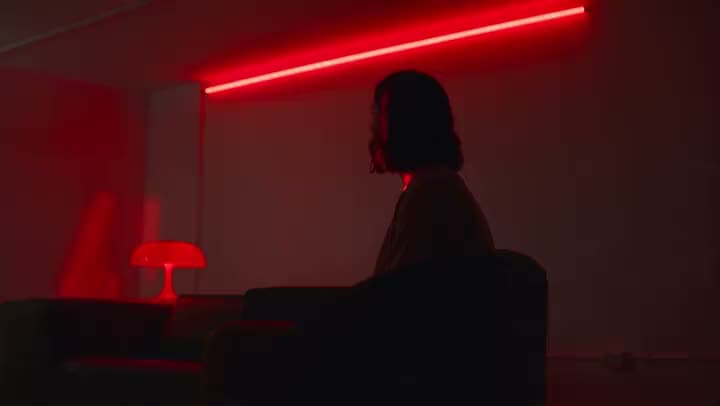

BeforeAfter

Talking head
Soft talking-head or product clip → sharper, clearer result
A man in a cable-knit sweater, with the knit texture sharpened and made visible after enhancement.
Soft, dull, or compressed footage doesn't have to stay that way. Aragon's video enhancer cleans it up, then you download a sharper export.
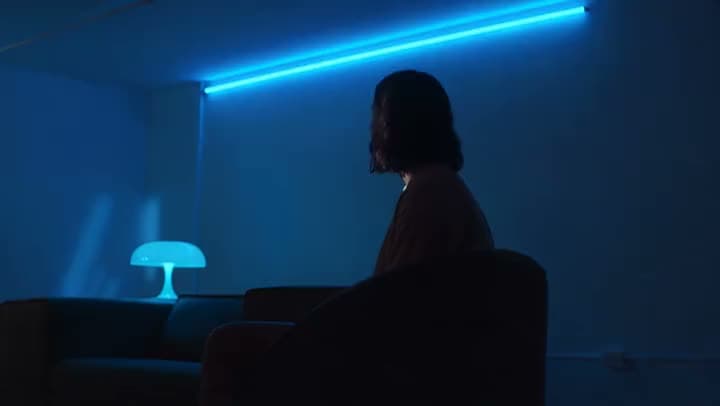
See what enhancing a video's quality actually looks like on real clips.
Soft talking-head or product clip → sharper, clearer result
A man in a cable-knit sweater, with the knit texture sharpened and made visible after enhancement.
Upload a clip, run the enhancement in the workspace, then download the clearer result.
Bring footage you already shot, generated, or downloaded. Soft social exports, older phone files, and muddy talking-head clips are common starting points.
Choose Precision, Creative, or Generative, depending on how much the footage needs. You're enhancing what's already there, not rebuilding the whole clip.
Check faces, product edges, and fine text to make sure the enhancement looks right, then download your finished video.
It should make your clip look clearer and sharper, without turning into a full editor along the way.

The job is simple to say and hard to fake: make the clip look better.

When you enhance a video's quality, you want the edges and textures to read with more confidence. That's the real gap between a dull export and a clip that actually holds up on a feed.

Sometimes the footage already has everything you need, it just looks dark, flat, or muddy. A video enhancer fixes exactly that need to be fixed.
Free credits come with your account, so you can try it before committing to a plan.
This tool is built for one thing: improving a clip's quality. Need something else? Video Upscaler for a higher resolution, Video Background Remover for a cleaner backdrop, or Image to Video if you need motion from a photo.
Creators, marketers, and editors upload a soft clip, run the enhancement, then export a cleaner version for wherever they're publishing.
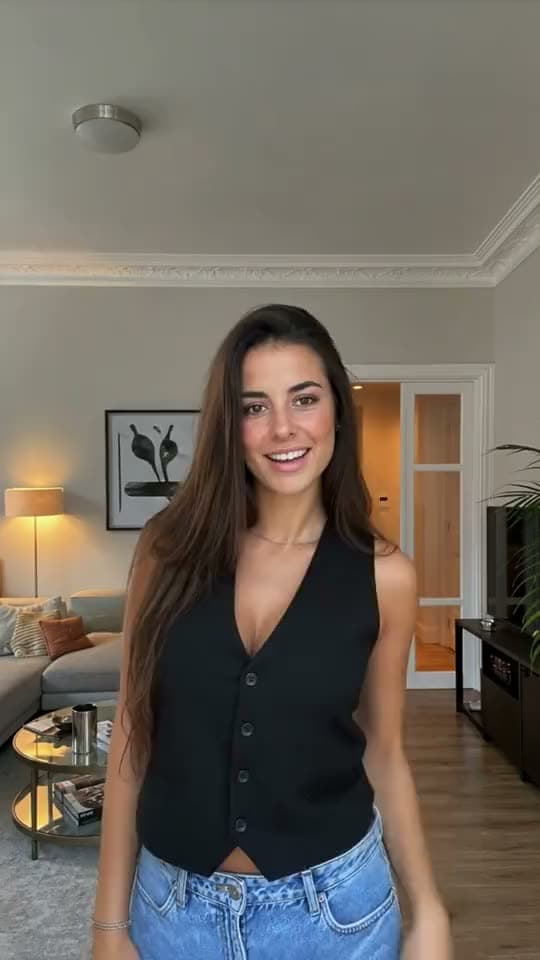
Old phone footage often looks dull on today's screens. Improve the take you already love instead of rebuilding the shoot.

Enhance the master you already approved, so media buyers get a clearer file without a new day of filming.
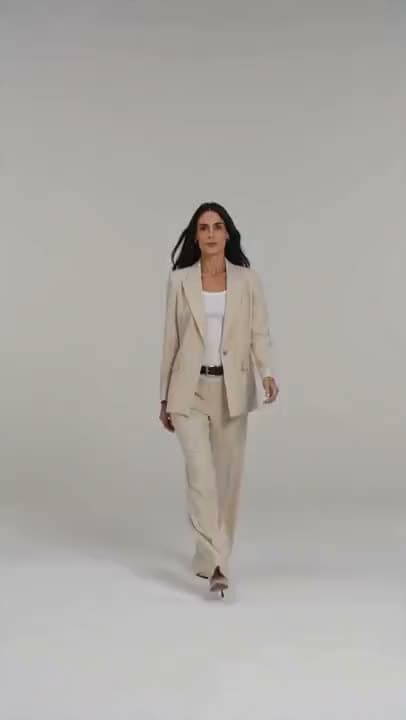
Product video that looked fine on a phone can fall apart under bright listing-page lighting. Run the enhancement, then scale it up as your listings multiply.
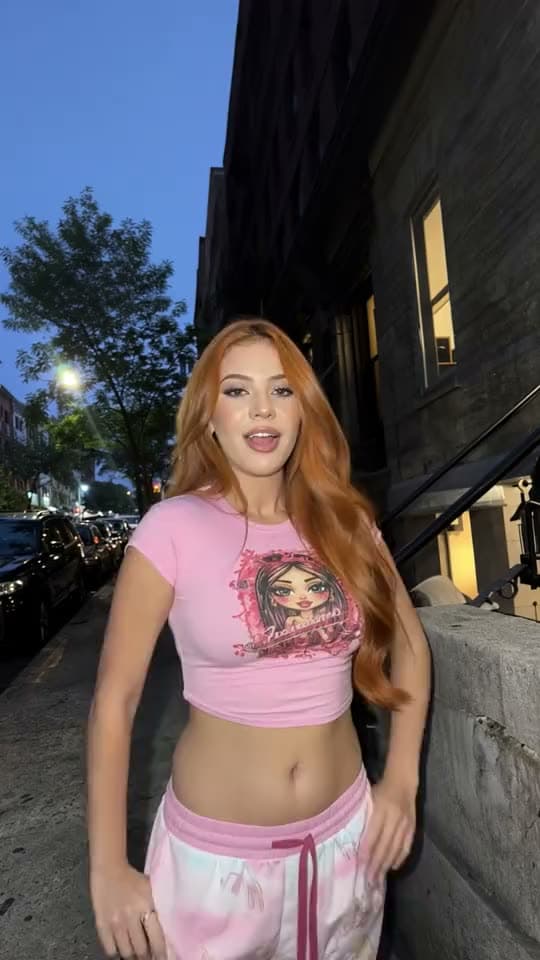
Clients ask for a clearer file, not an entirely new production. Upload the approved clip and hand back an export that still matches the original timing.
I found Aragon AI easy to use and it gave highly professional resultsSep 24, 2026DSDr. Stefan Prangenberg
Very satisfied with the outcomes! Much better than Gemini or OpenAI out of the box.Sep 5, 2026PDPaul Dalitz
The simplicity of the process is exceptional and results are greatSep 8, 2026
Customer satisfaction is our number one priority. Our live agents are available 7am - 11pm (PT), 5 days Sunday through Thursday.
raise a clip's resolution toward 4K

suite hub for create, edit, and finish
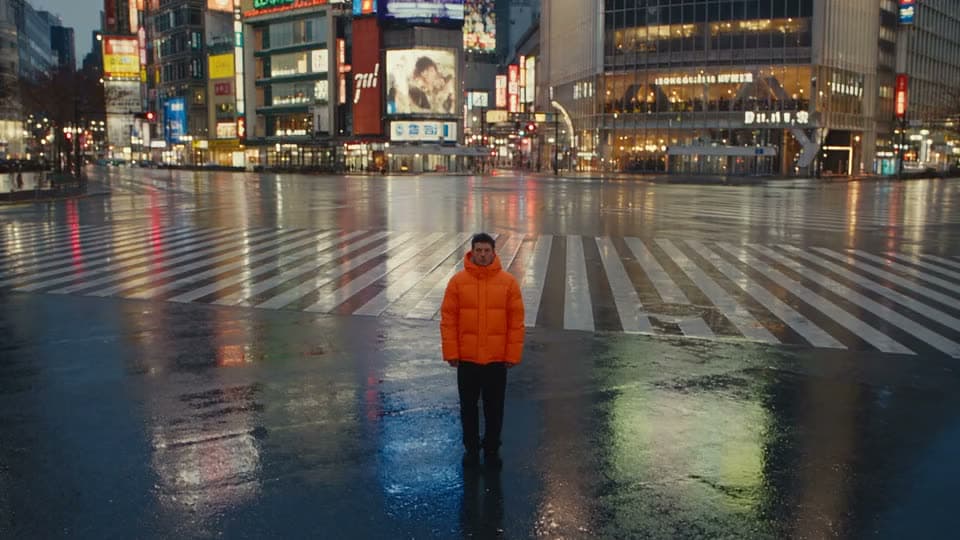
cut or swap the backdrop before you enhance

animate a photo when you need motion first
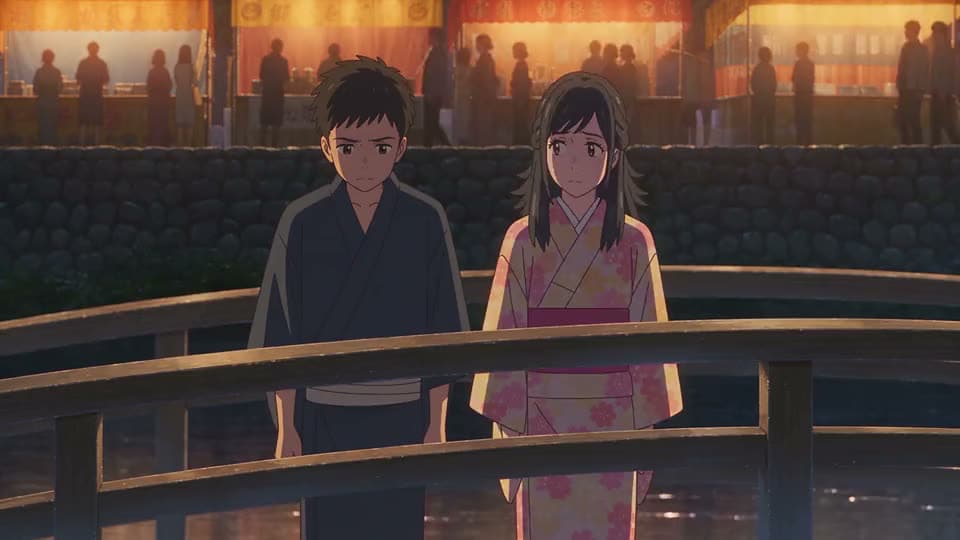
turn several photos into a slideshow or montage

turn a short idea into generated scenes

paste a full script into matching scenes
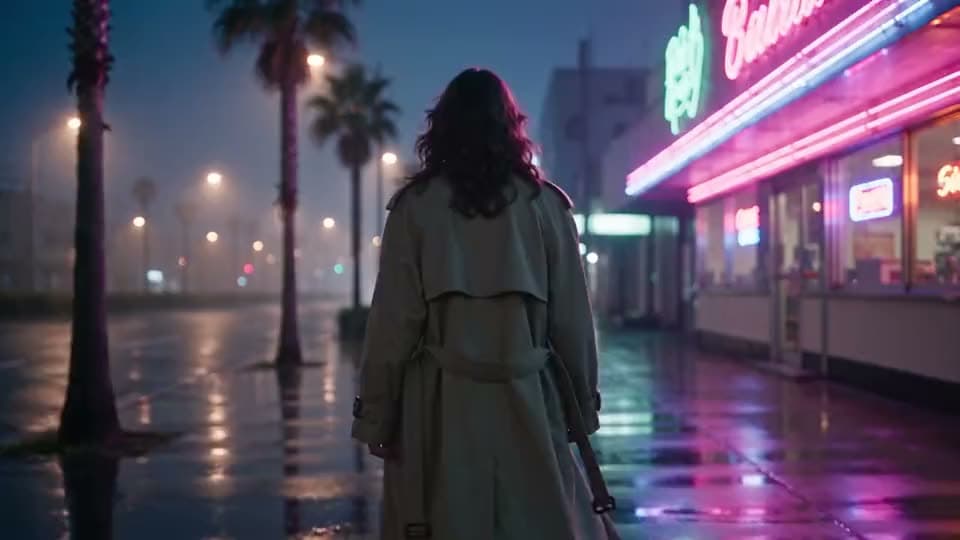
make, edit, and export a full video
raise a clip's resolution toward 4K
suite hub for create, edit, and finish
cut or swap the backdrop before you enhance
animate a photo when you need motion first
turn several photos into a slideshow or montage
turn a short idea into generated scenes
paste a full script into matching scenes
make, edit, and export a full video
The Leading AI Headshot Generator for Professionals
Trustpilot
Trusted by professionals and teams
Earn 30% for every referral
Join our affiliate program for free!

Copyright © 2026 Aragon AI, Inc. All rights reserved.