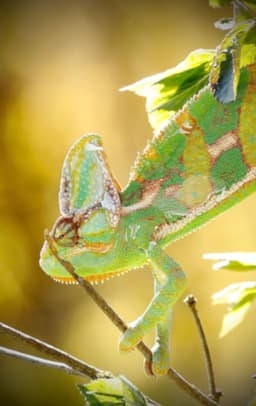




Before
After


Portrait
Blurry, out-of-focus portrait
Have a blurry, shaky, or out-of-focus photo? Aragon's AI unblur image tool sharpens the main subject and improves the image quality.

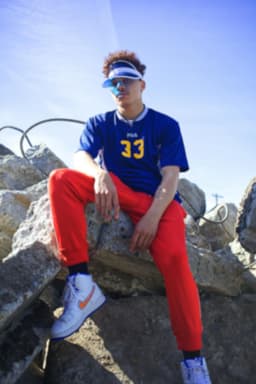


Trusted by Industry Leaders. Millions of images edited to date.









Compare original photos with their improved results across portraits, product shots, and older photos.
Portrait
Blurry, out-of-focus portrait
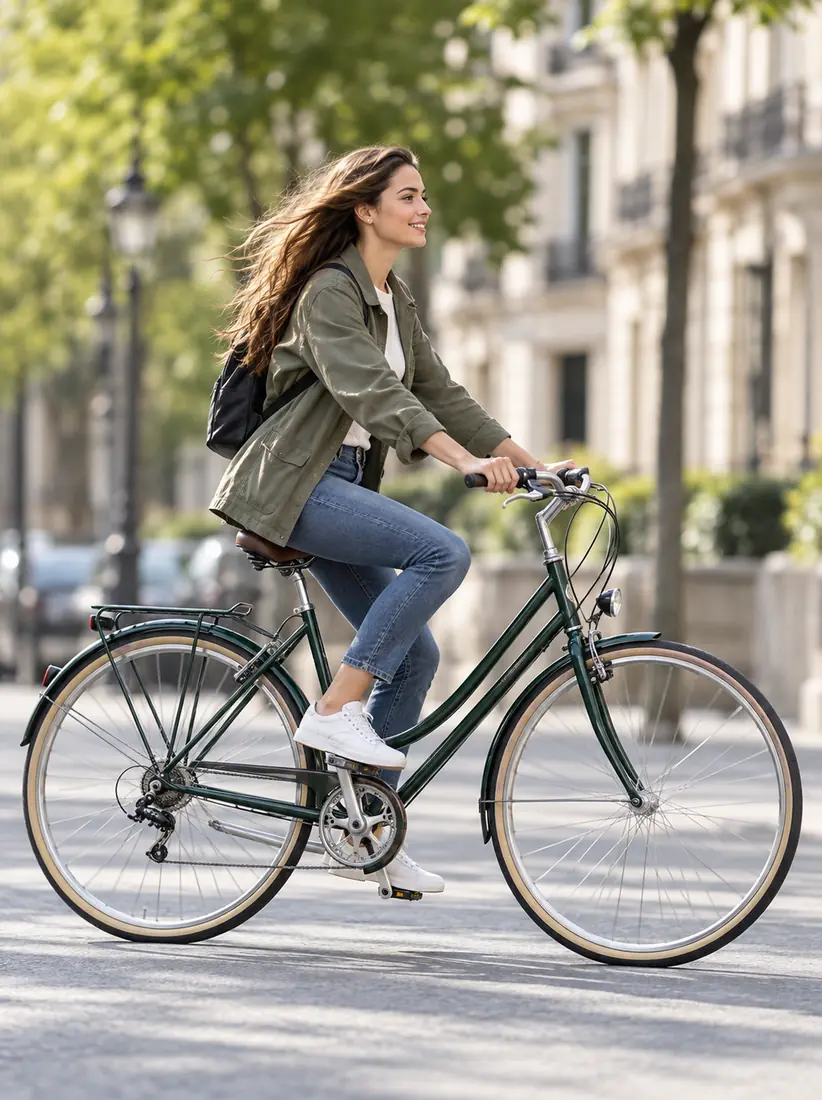
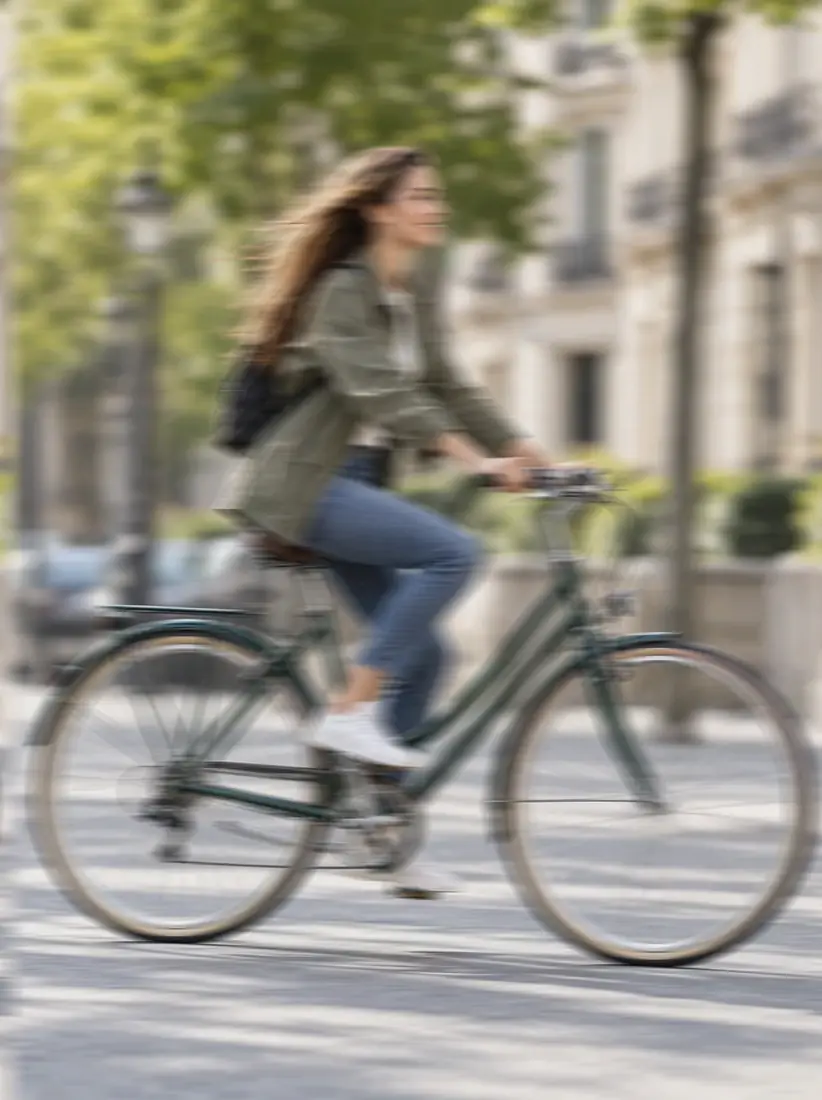
Motion blur
Camera shake on a moving subject
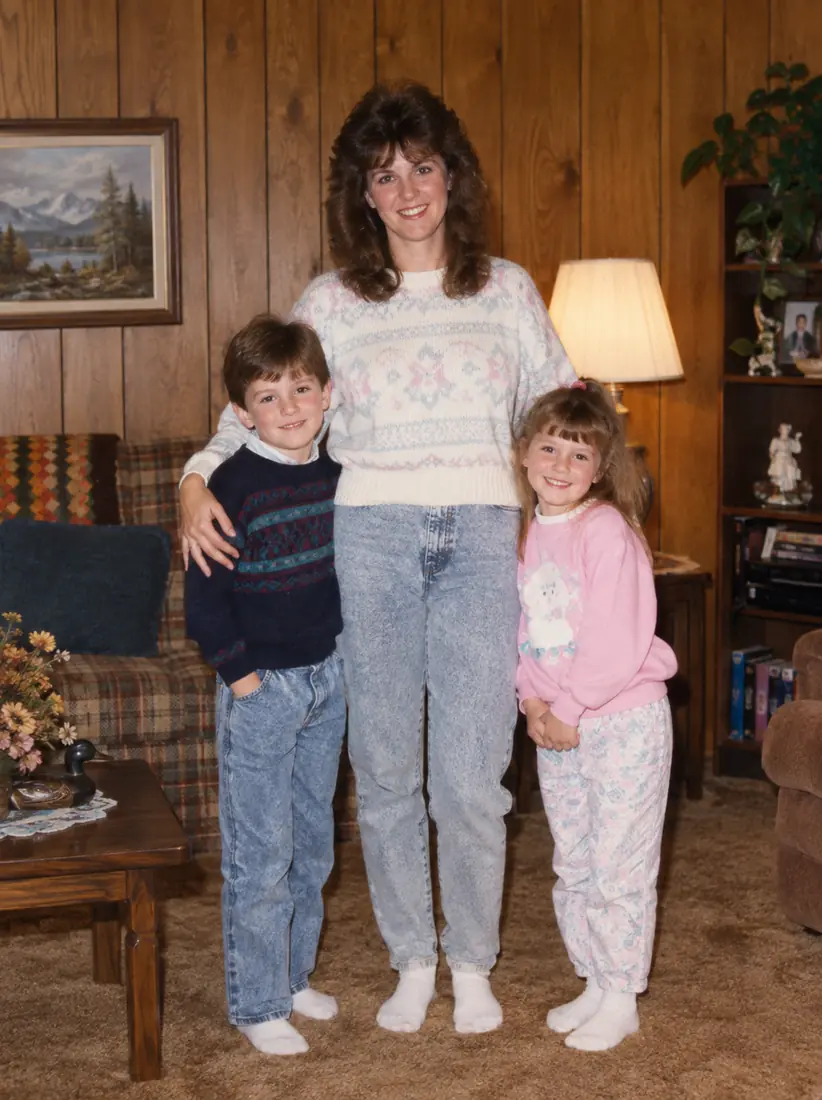
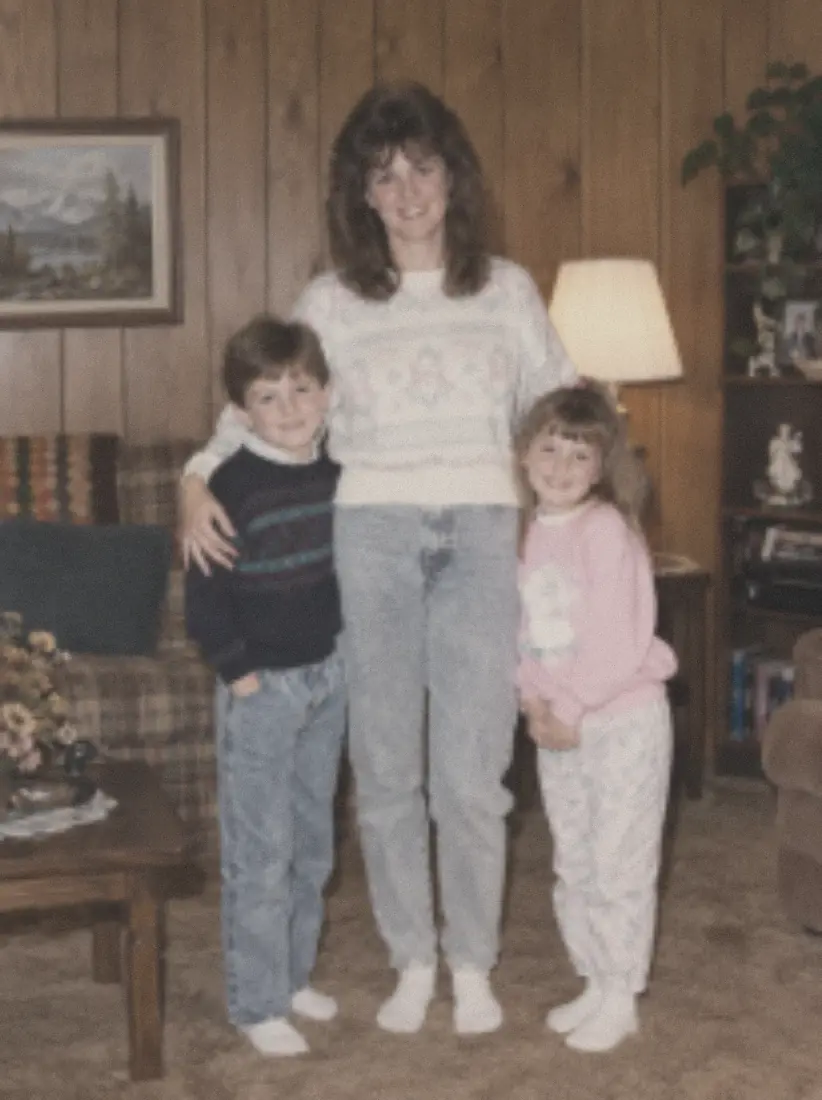
Old photo
Old, low-quality photograph
Upload your blurry photo, use Unblur Image, then review and download the improved result.
UploadedUpload the blurry photo you want to fix so Aragon can sharpen the person, product, or main subject.
Unblur Image reduces blur and sharpens the main subject and nearby details.
Compare the edited photo with the original, then download the improved result.
An AI unblur tool makes blurry or out-of-focus photos clearer.
BeforeAfterBlur often weakens the outline of a face, product, or object. Unblur Image sharpens the subject so it stands out better in the photo.
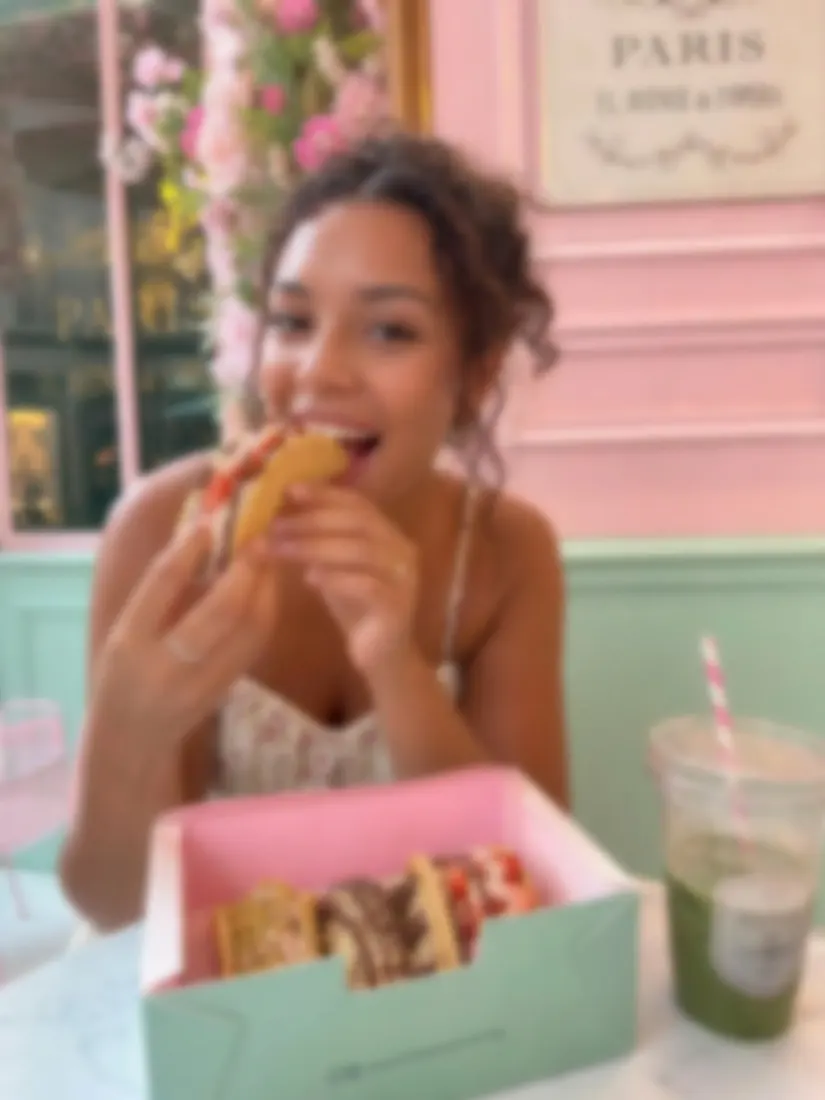 Before
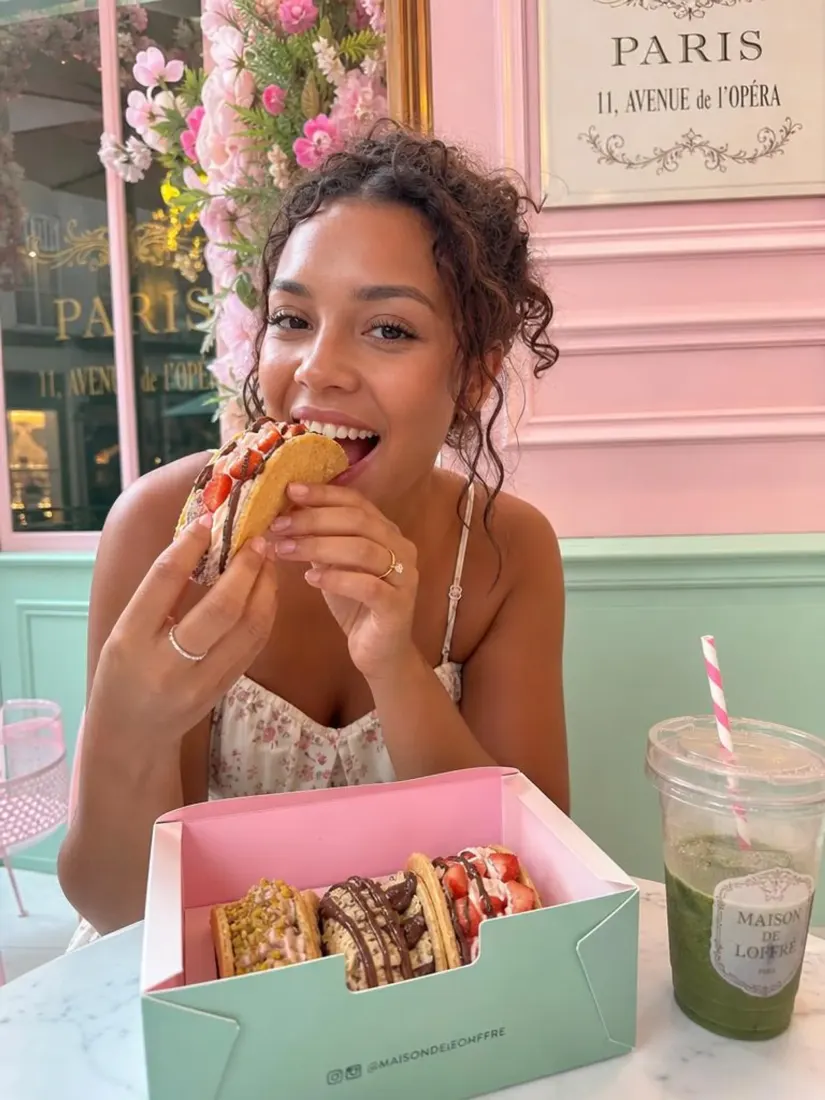 After
AfterSlight blur can make eyes, hair, and other facial features difficult to notice. Unblur Image improves those visible details while keeping the same person and photo.
 Before
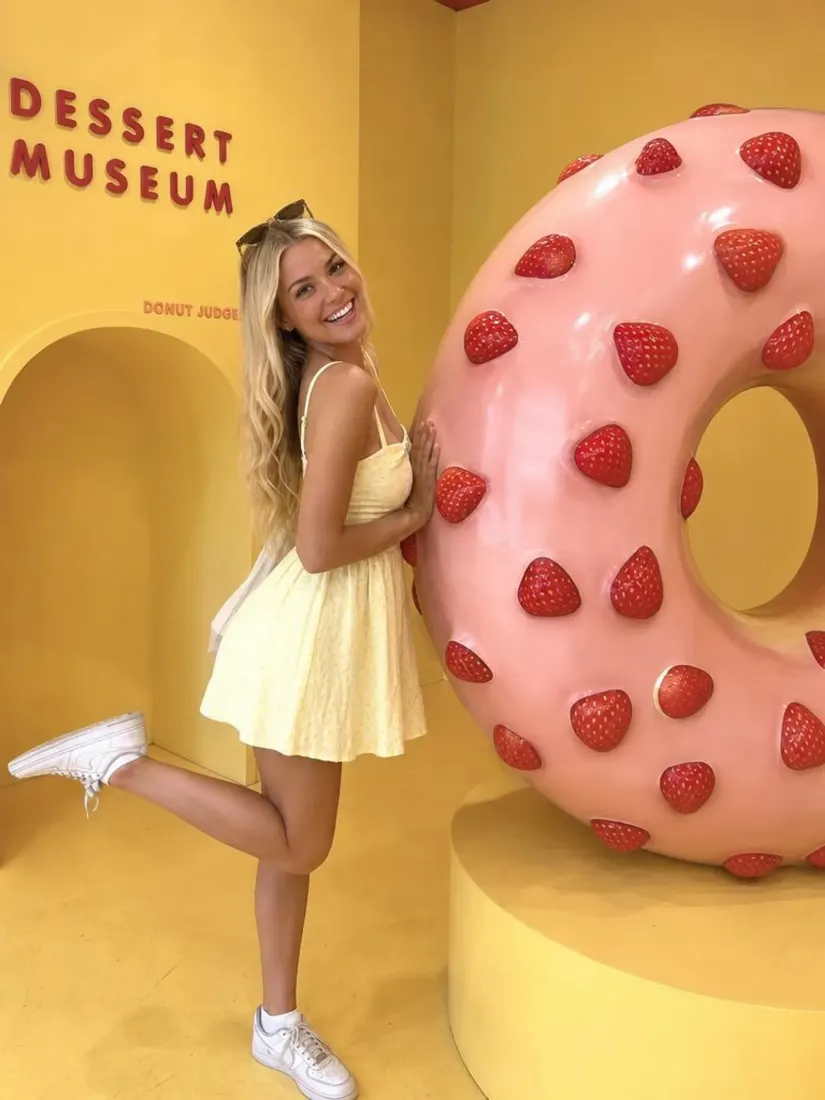 After
AfterMake labels, packaging, and small product details easier to read for listings, ads, and product pages.
 Before
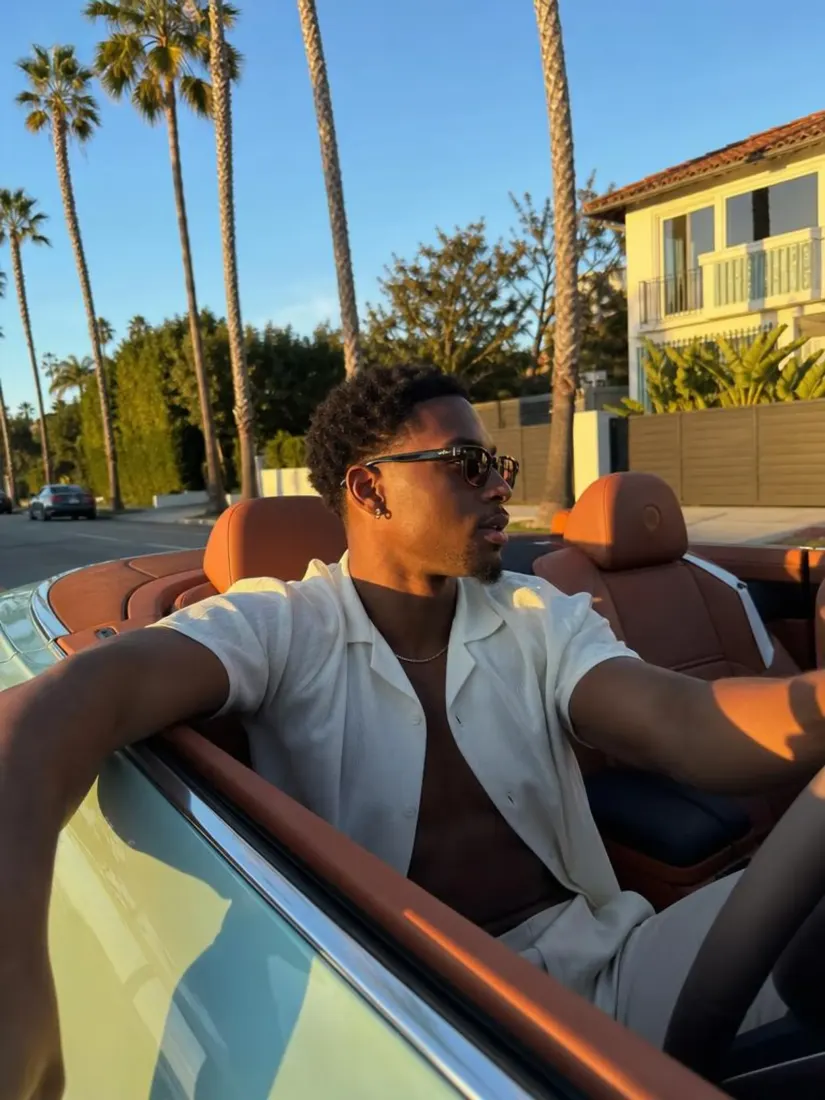 After
AfterImprove photos for profiles, posts, and prints when the original image needs a better finish.
Blur can happen for different reasons, including camera movement, missed focus, and low image quality.
Movement while taking a photo can affect the subject and nearby details. Unblur Image helps sharpen the shot and improve the final result.
When the camera focuses on the wrong area, the main subject may not look sharp enough. Unblur Image sharpens the subject and improves the final photo.
Use Unblur Image when faces, clothing, or objects need a little more sharpness without changing the original scene.
Older digital photos and compressed files can lose small details over time. Unblur Image can improve the overall photo quality when enough detail remains in the original image.
Use Unblur Image when a blurry photo needs better quality for post, listing, or campaigns.

Fix a shaky portrait or phone photo before using it in a post, profile, or thumbnail.

Sharpen product photos so labels, packaging, and small details look better on store and marketplace listings.

Improve campaign photos that already have the right subject and layout but need a sharper finish.
Improve old scans and casual family photos before sharing them with family or printing a copy.
Both can improve a photo, but they handle the problem in different ways.
| Feature | AI Unblur ImageYou're here | Traditional Sharpening |
|---|---|---|
| Main purpose | Improves areas affected by blur or missed focus | Adds more sharpness to existing details |
| Best for | Camera shake, missed focus, and mild blur | Small sharpness adjustments |
| Editing effort | Applies the edit automatically | Usually needs manual adjustment |
| Typical result | An improved photo when blur affects the main subject | A stronger sharpness effect across the image |
Upload your photo, improve its sharpness with Aragon, and download the improved result.
Customer satisfaction is our number one priority. Our live agents are available 7am - 11pm (PT), 5 days Sunday through Thursday.
The Leading AI Headshot Generator for Professionals
Trustpilot
Trusted by professionals and teams
Earn 30% for every referral
Join our affiliate program for free!

Copyright © 2026 Aragon AI, Inc. All rights reserved.



























































































































































































































































































































































