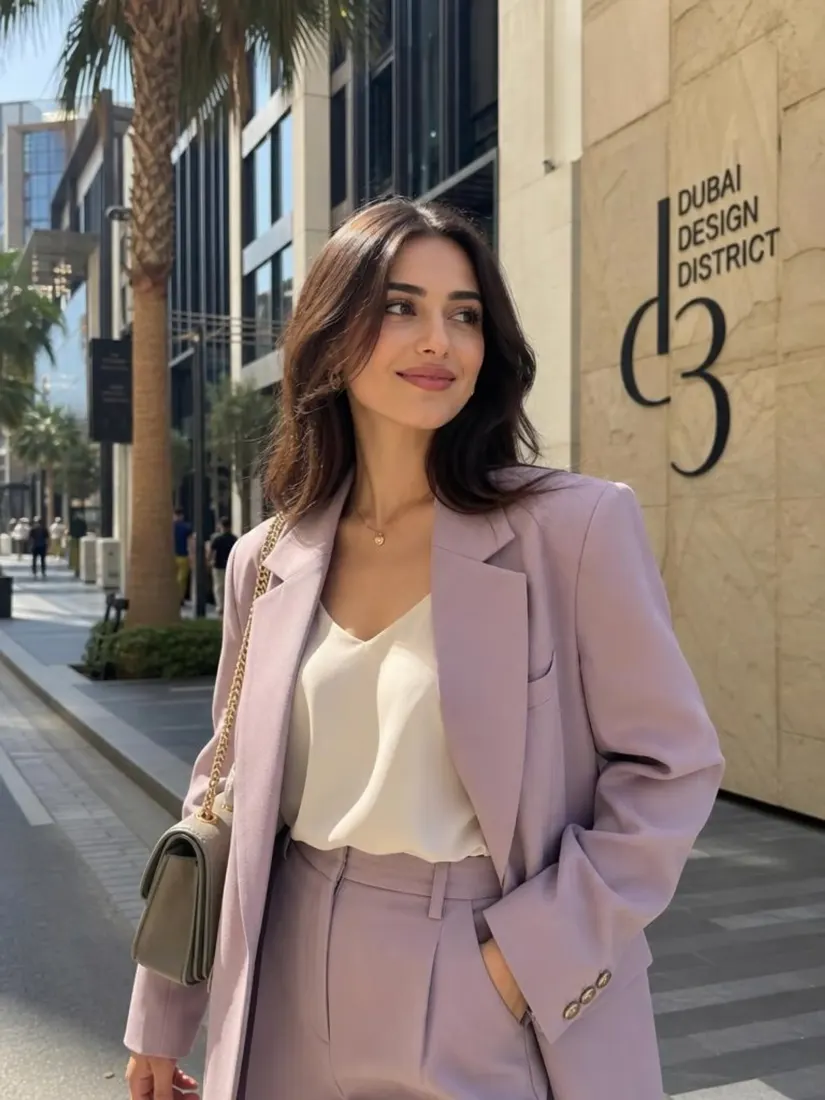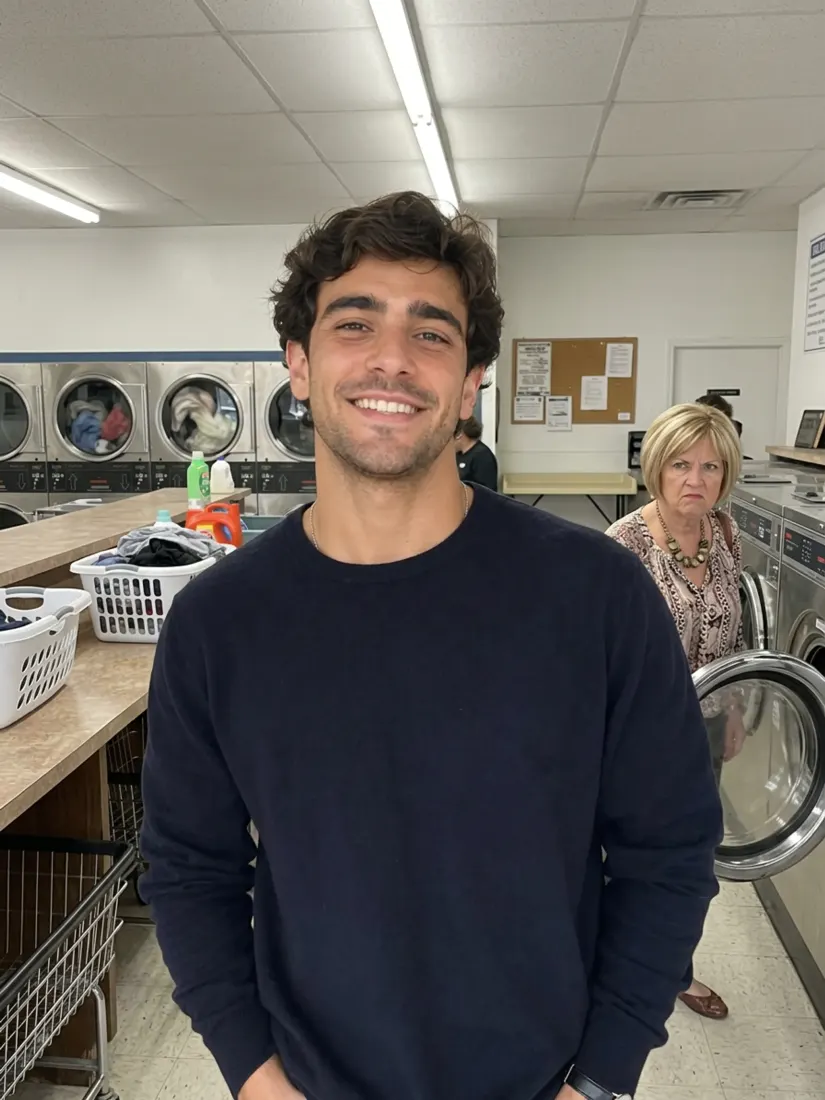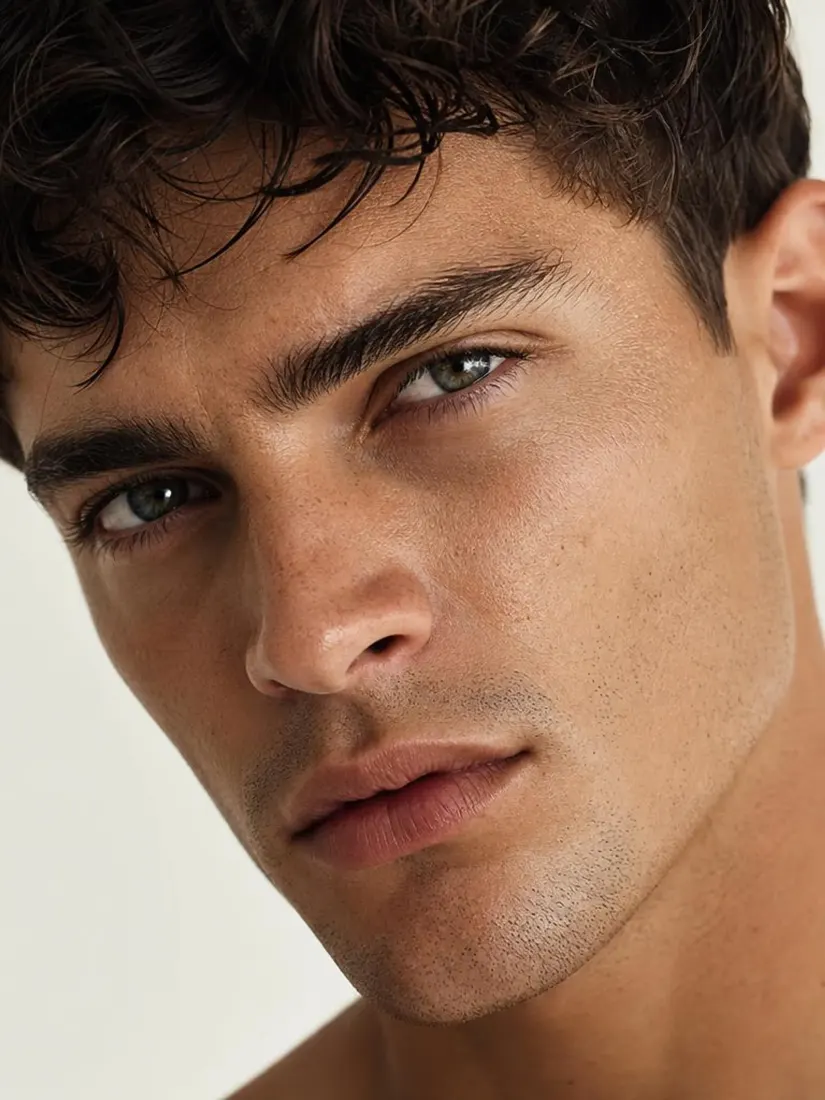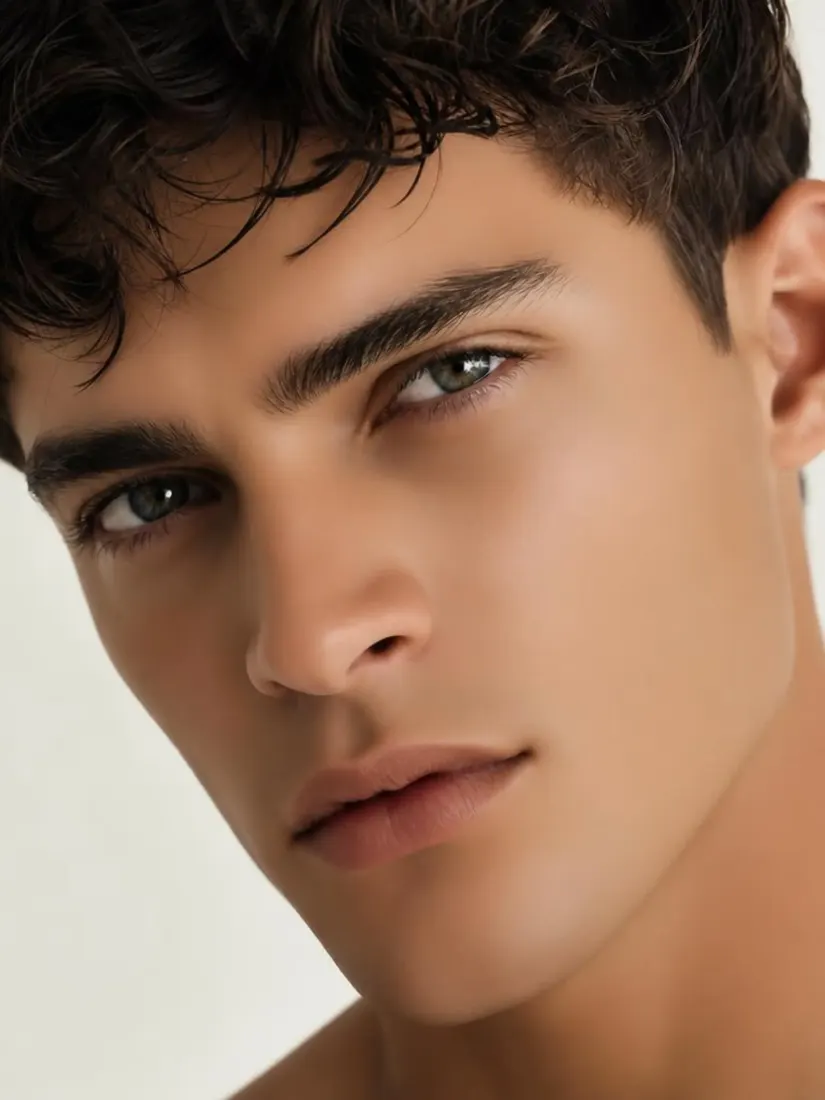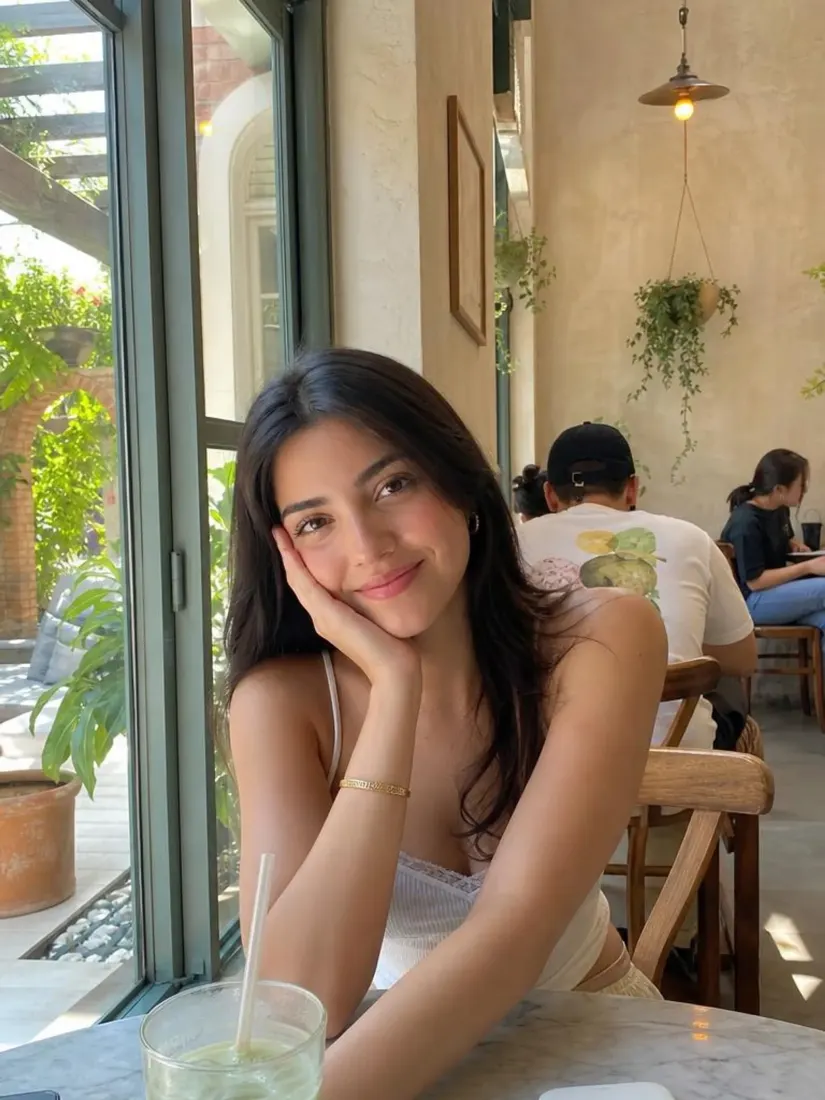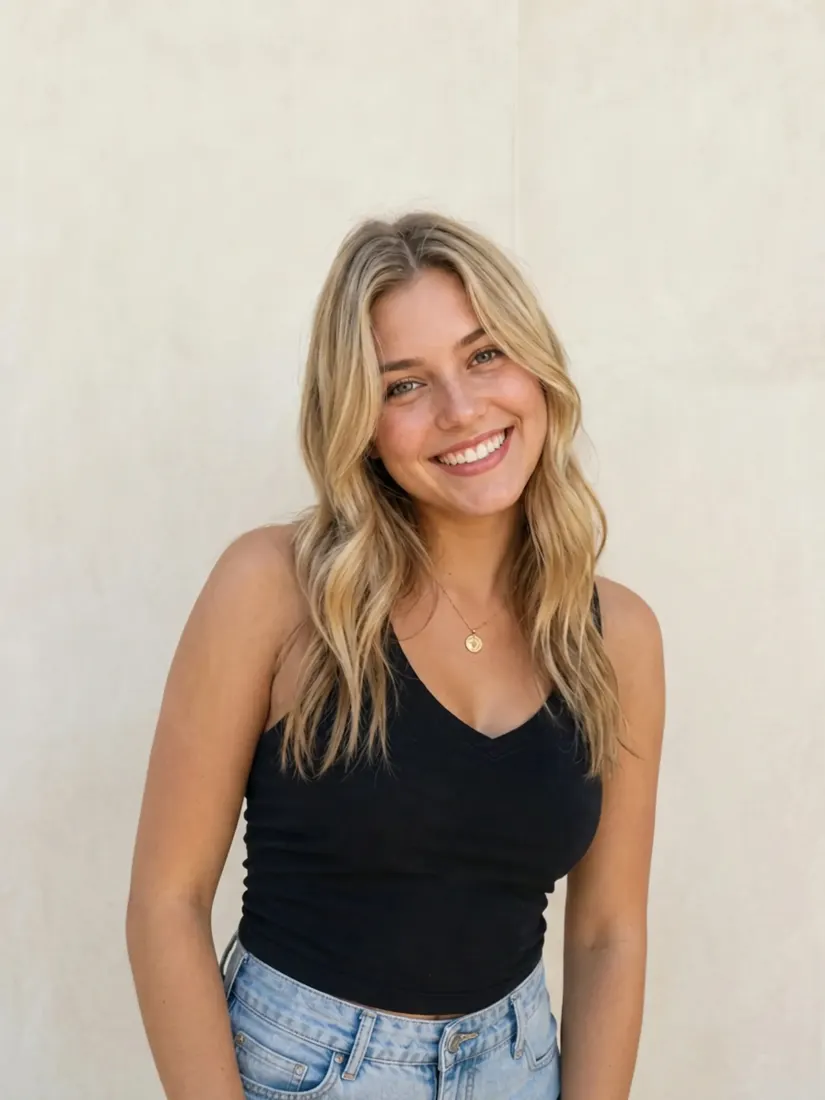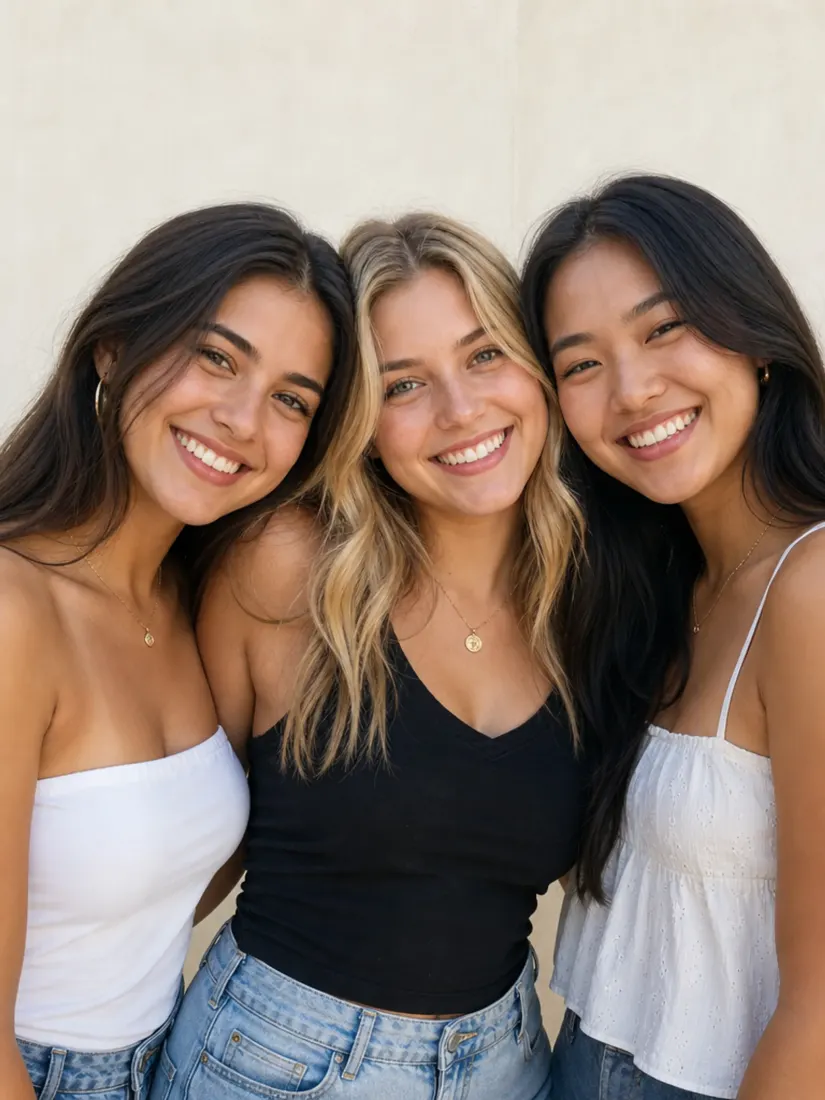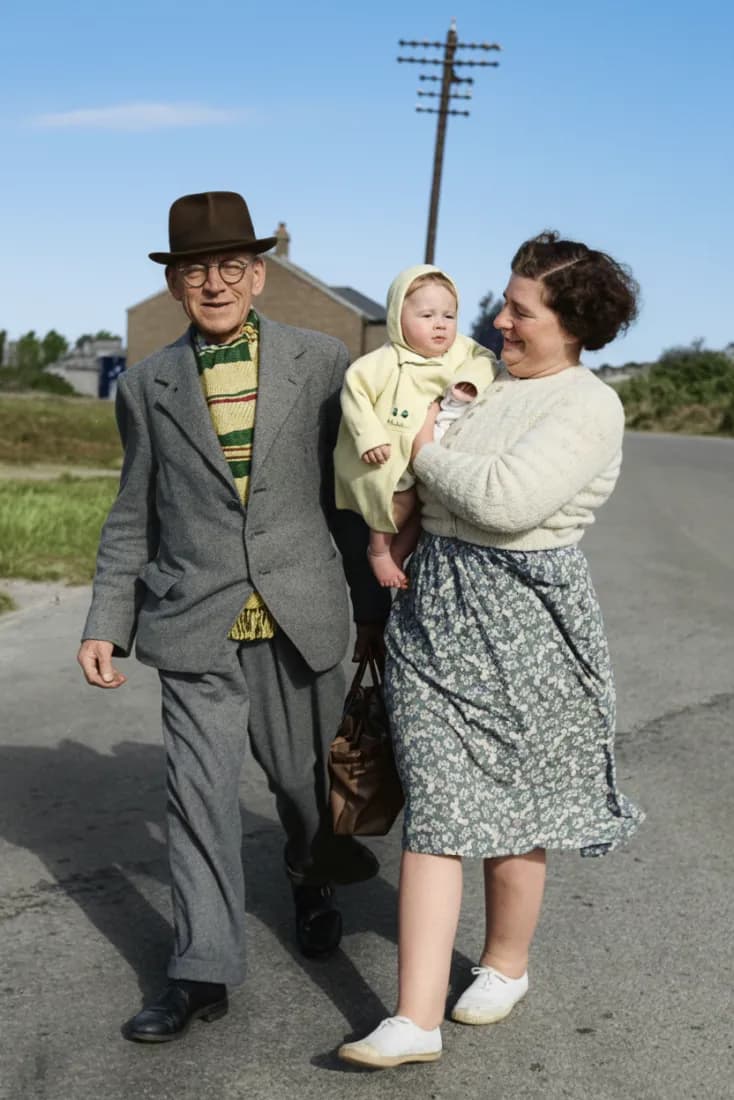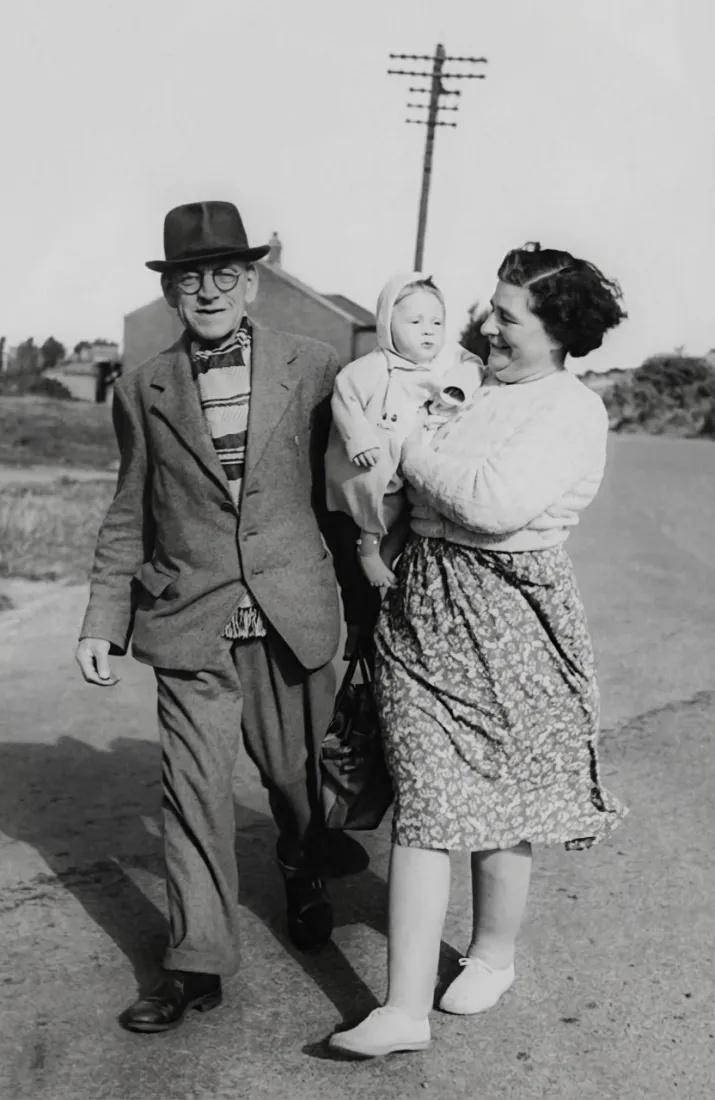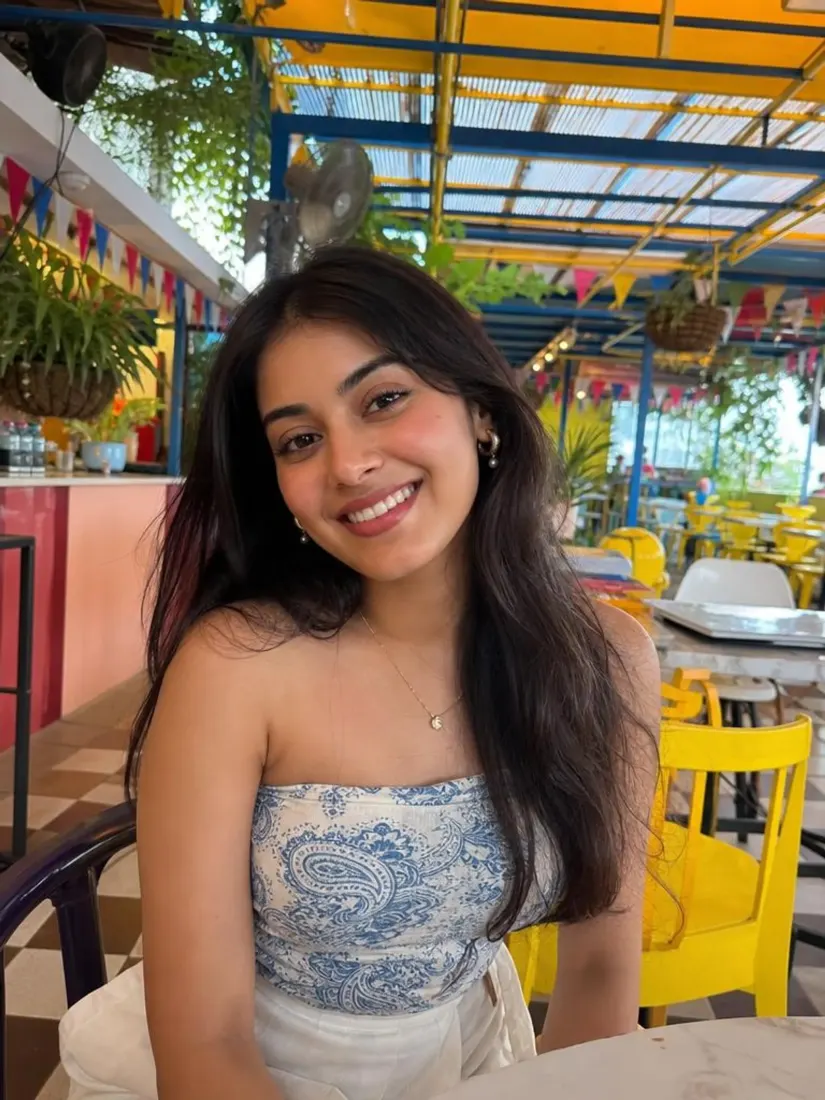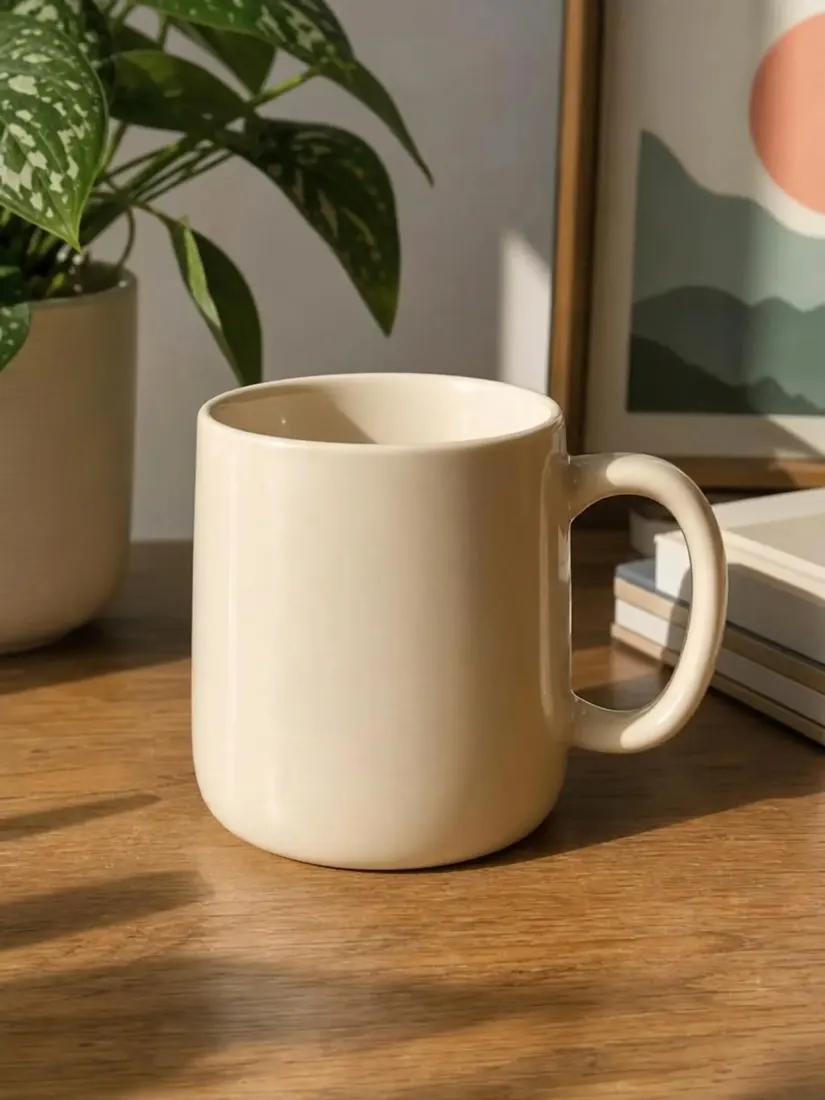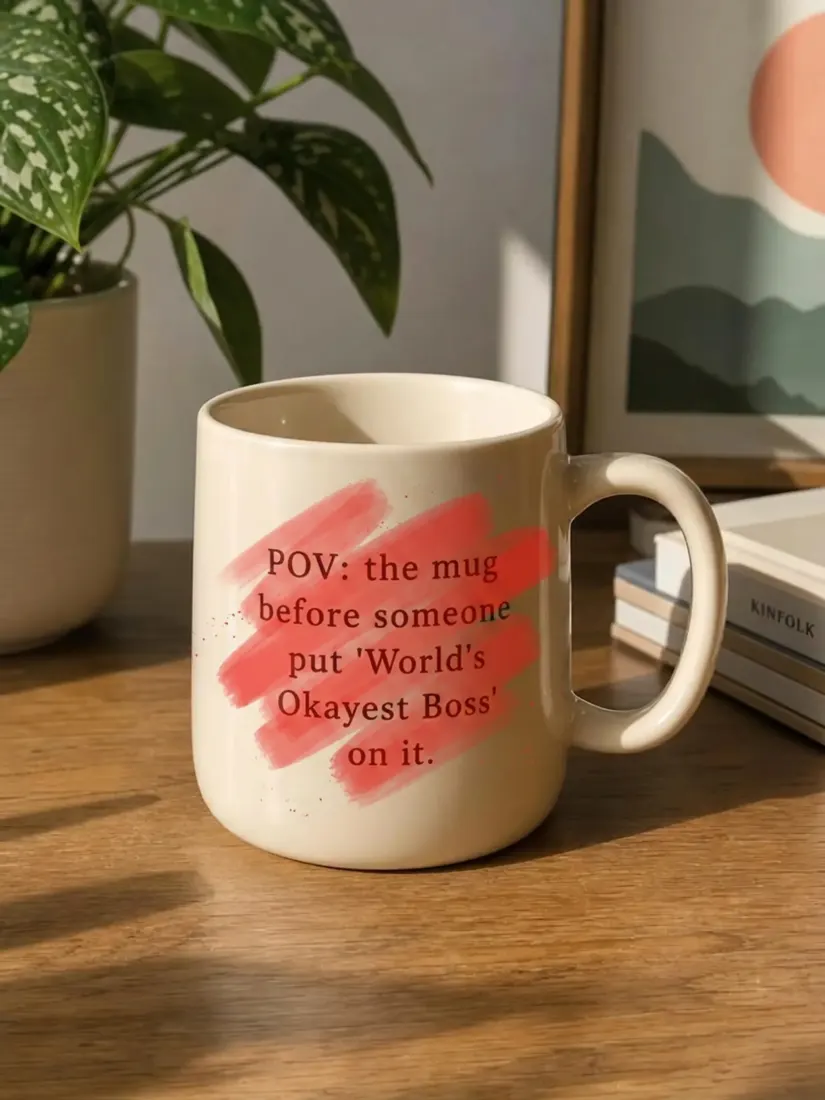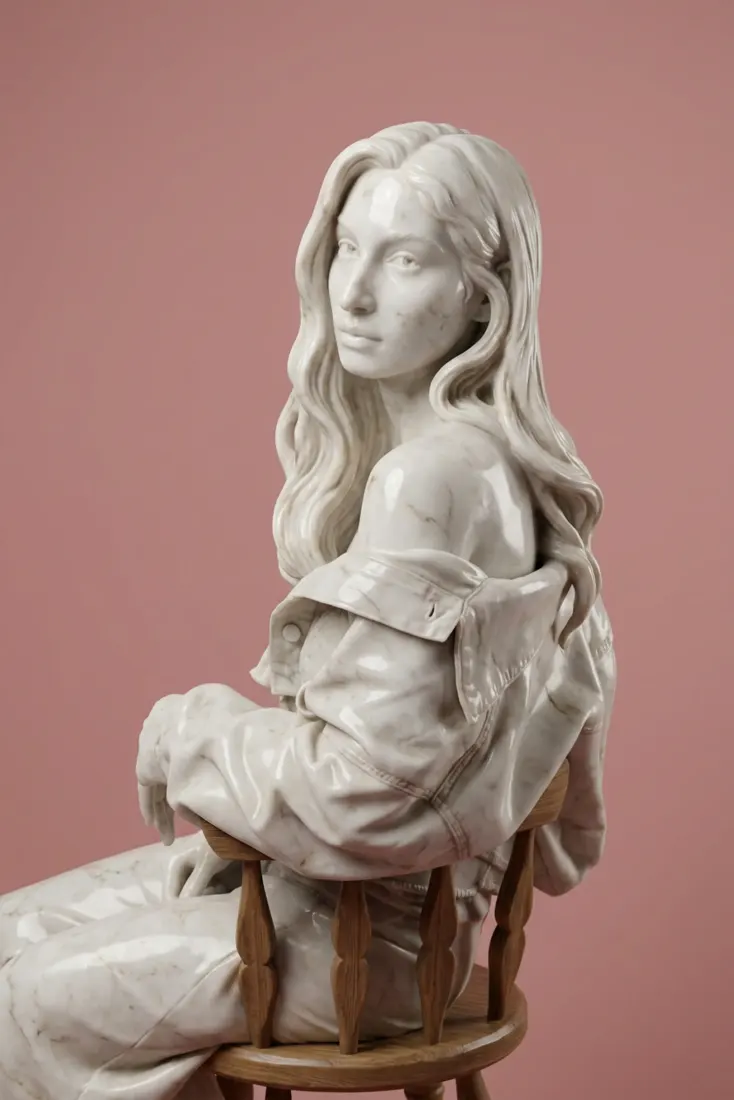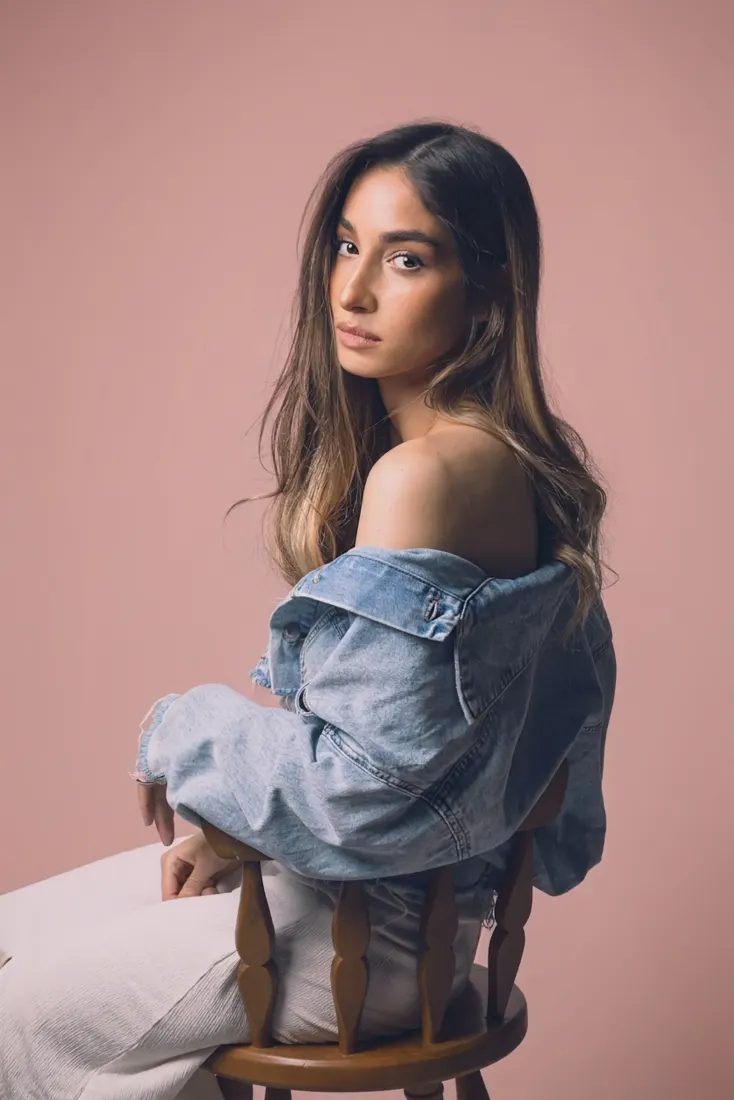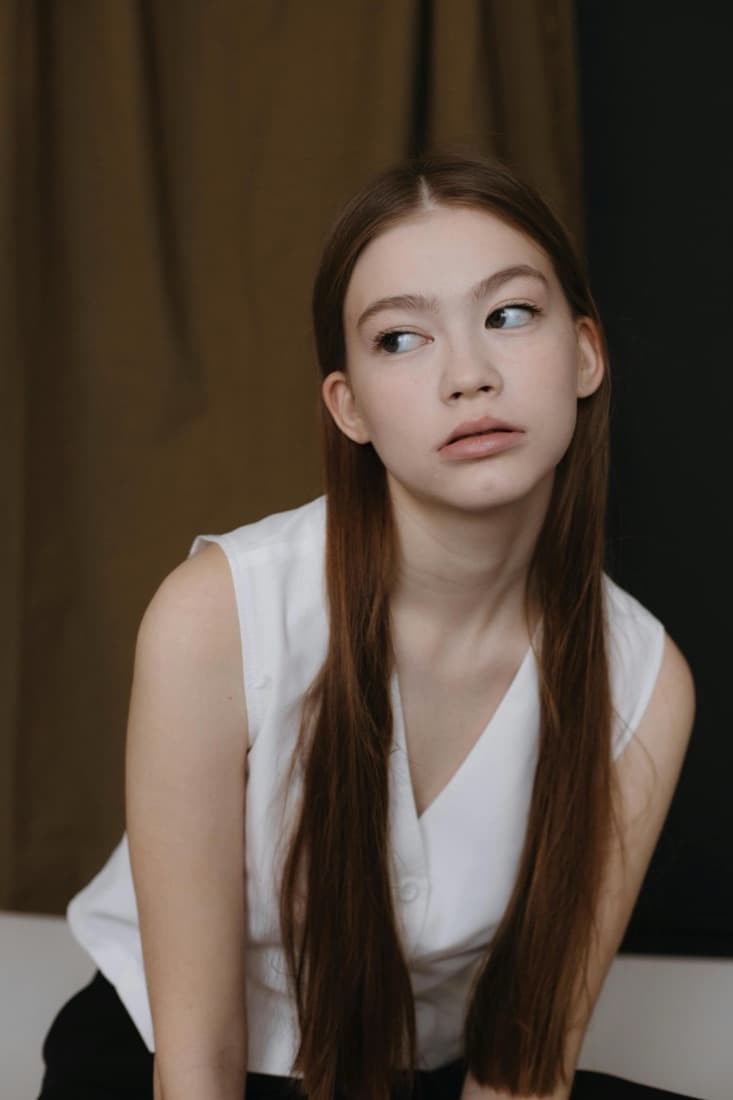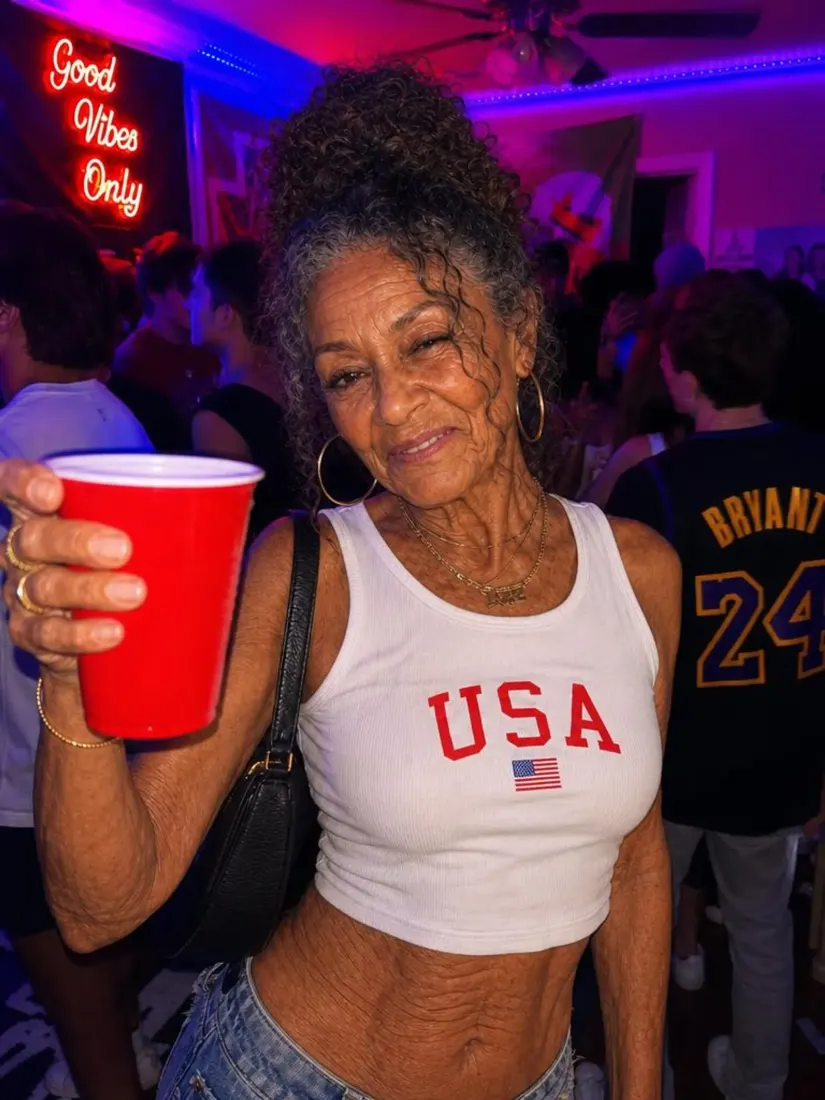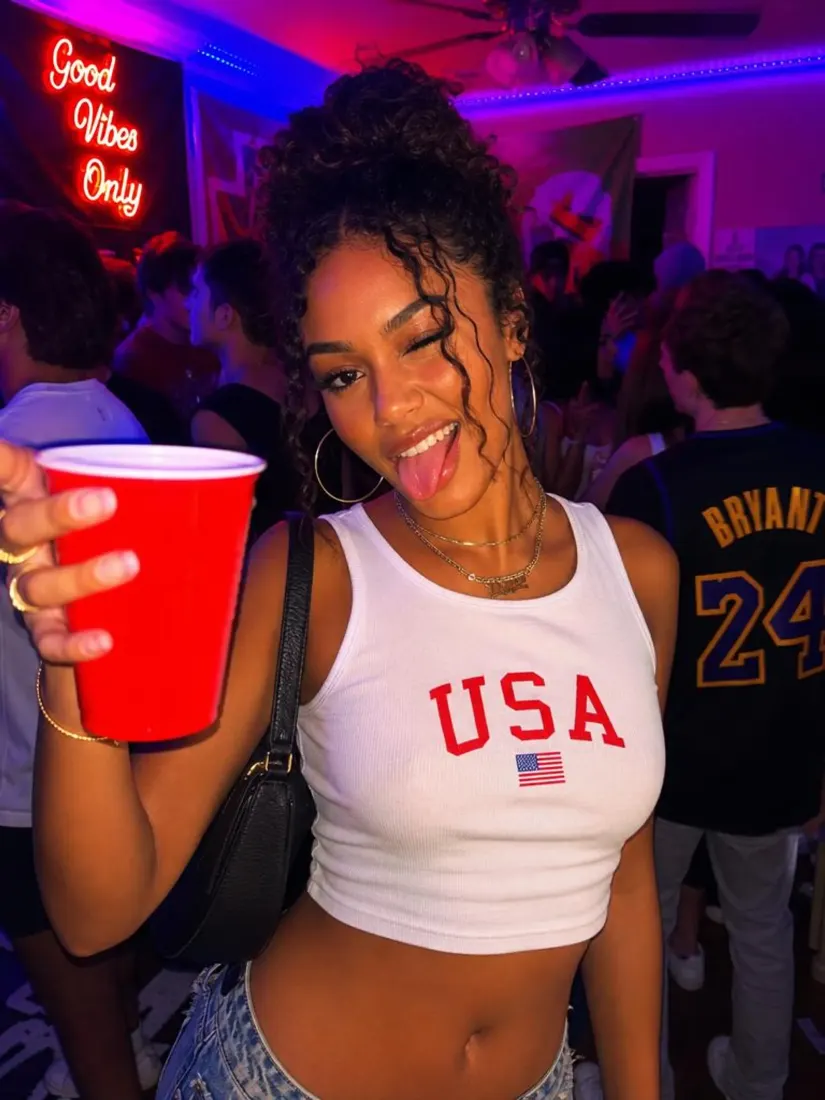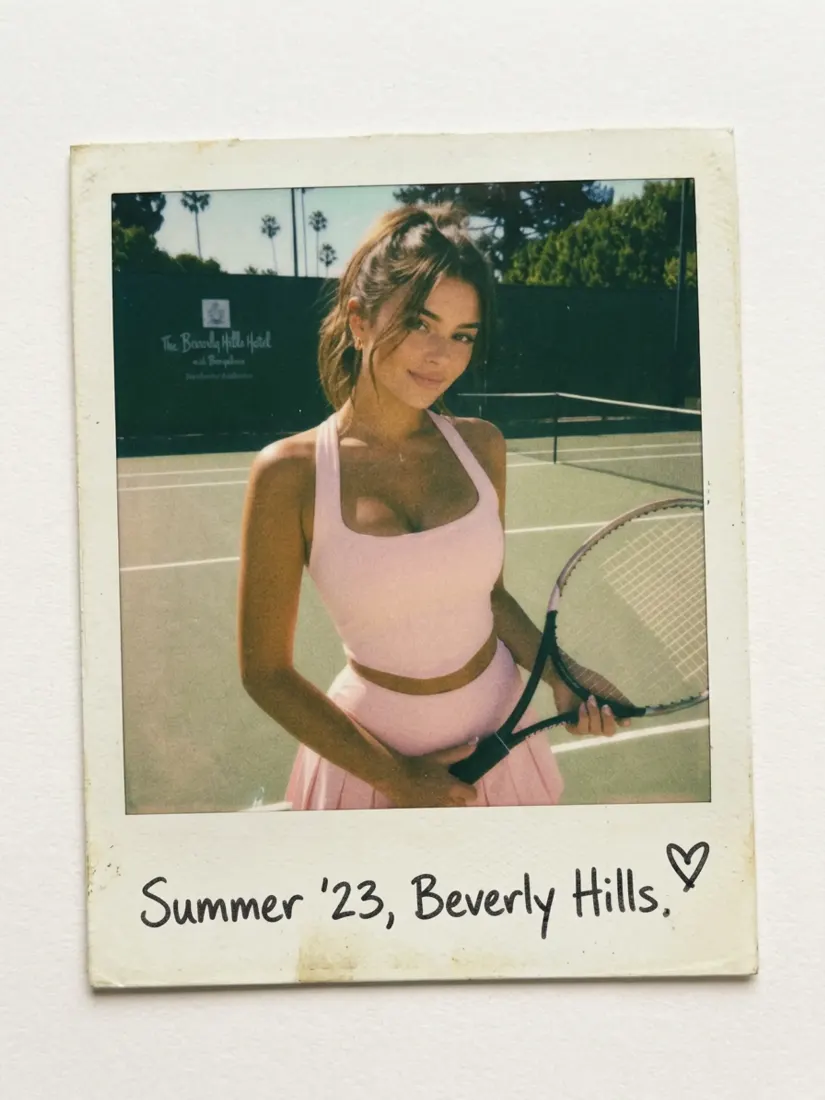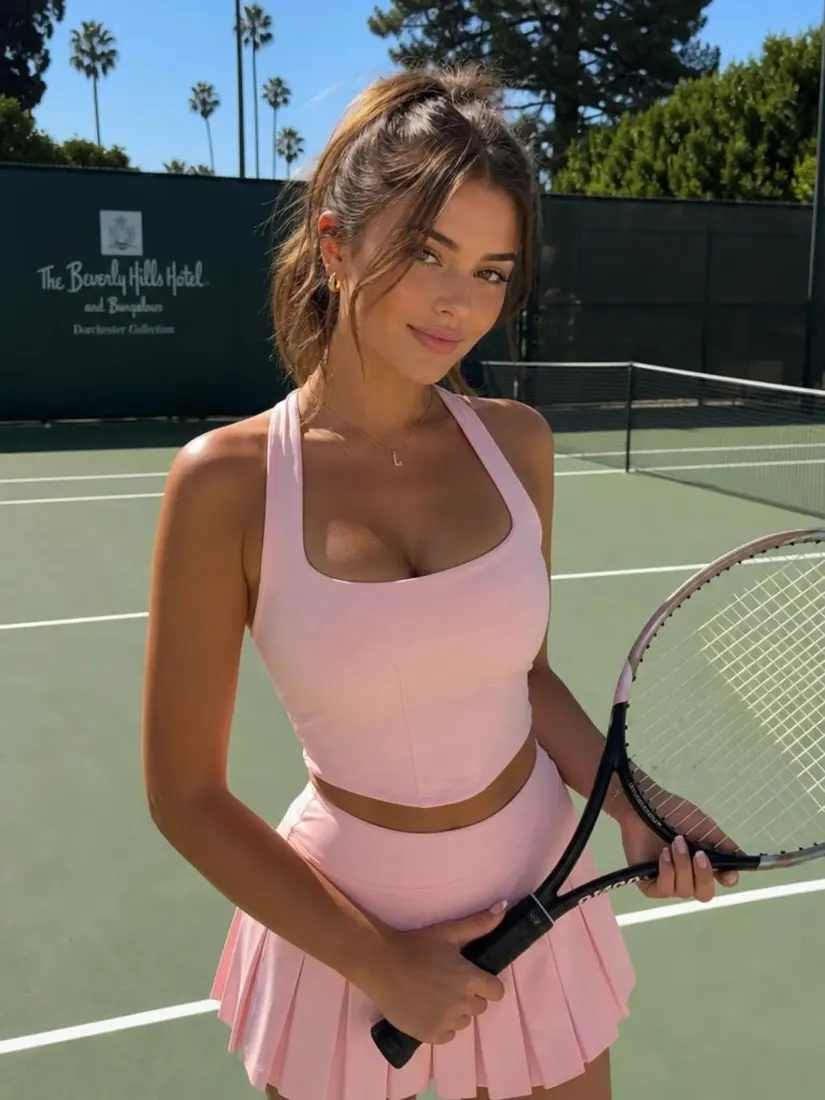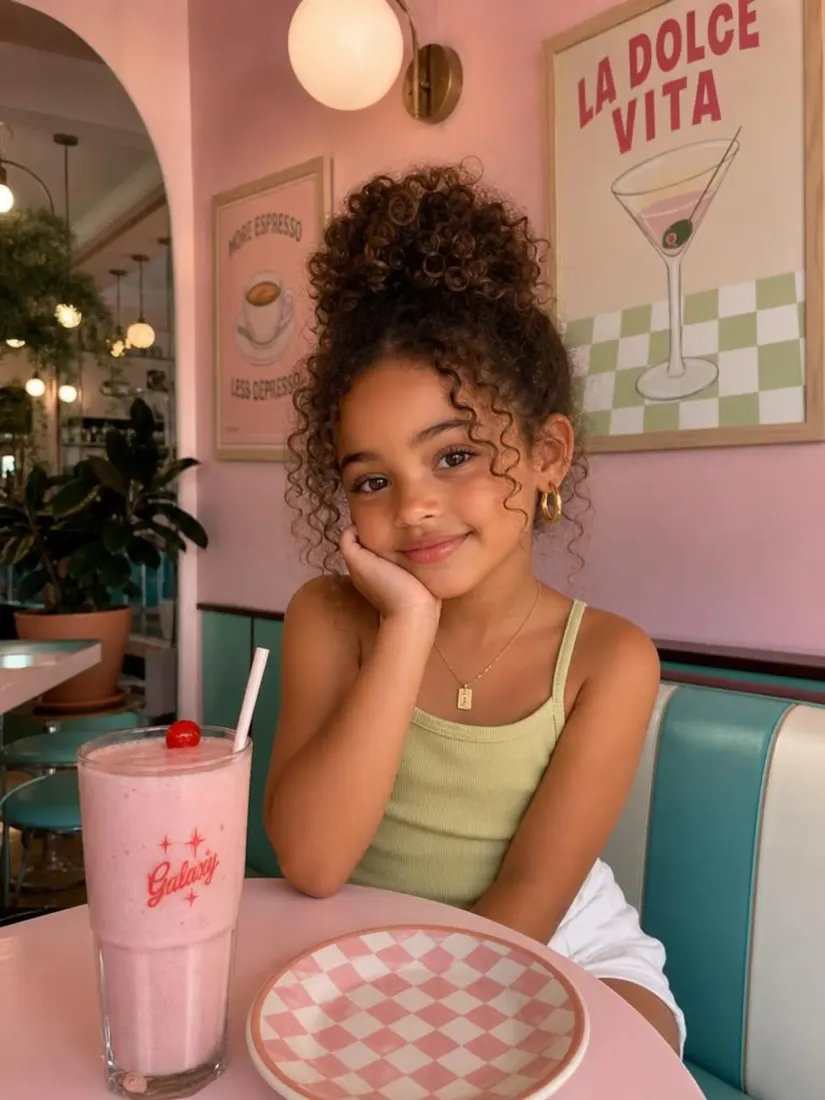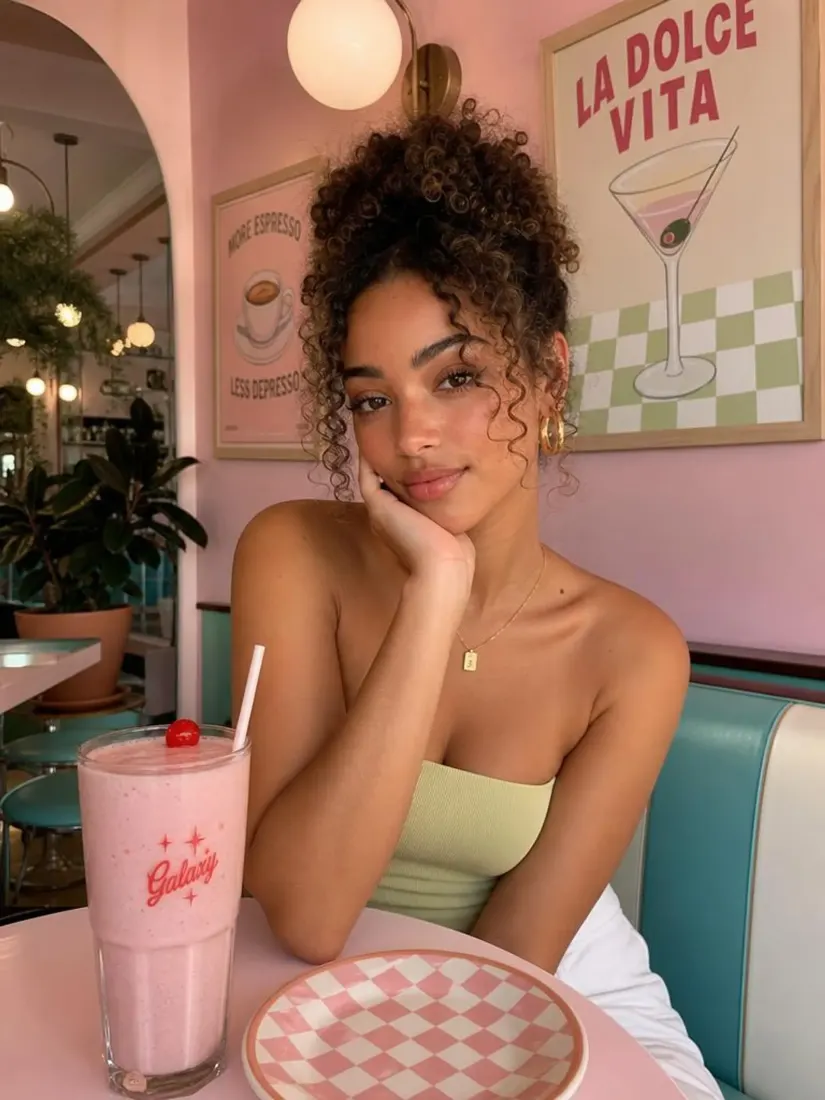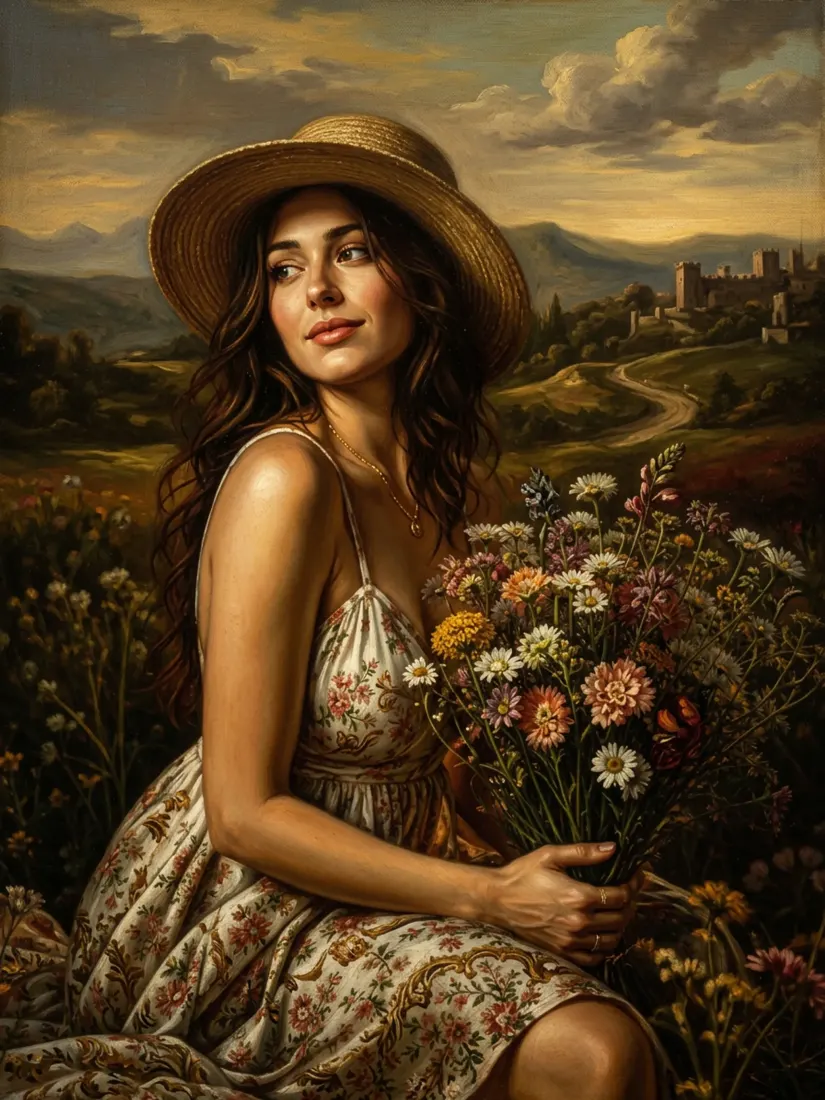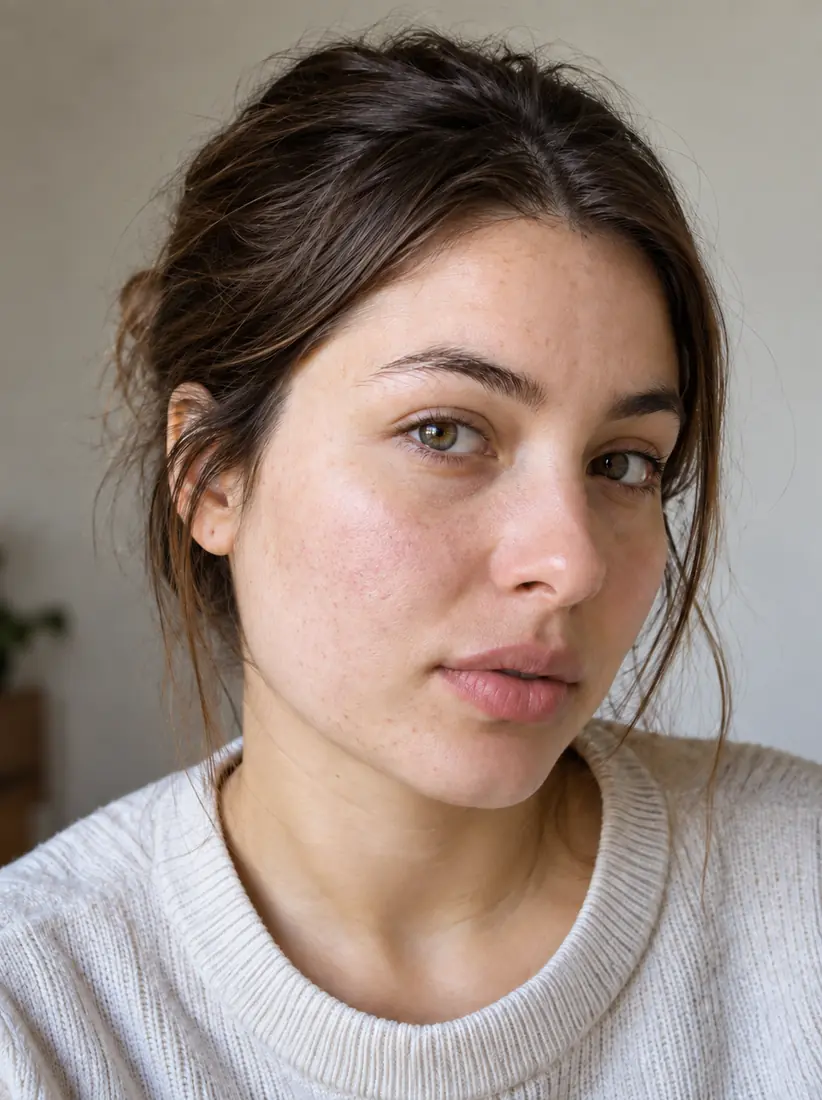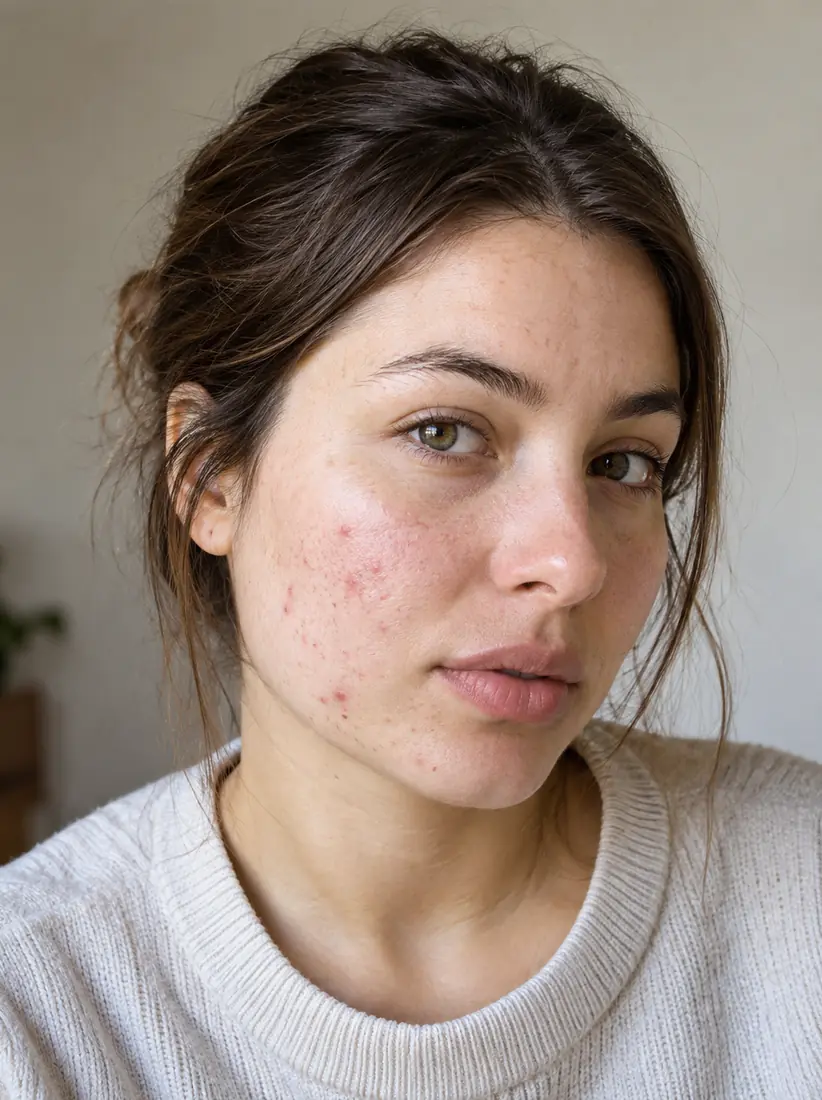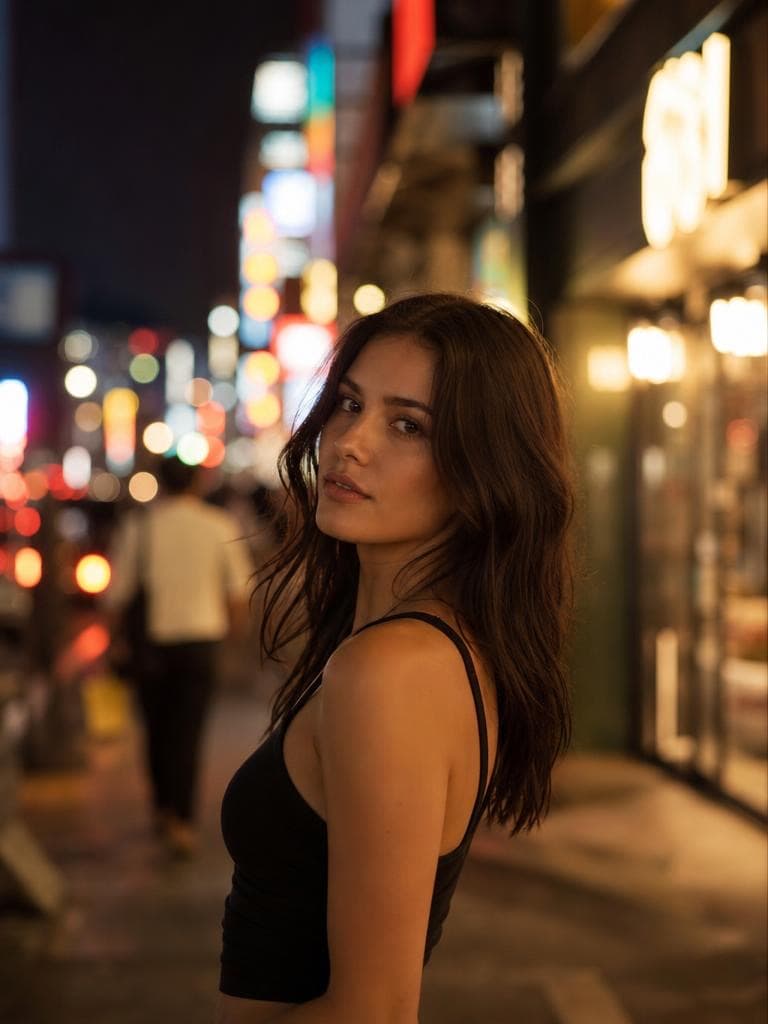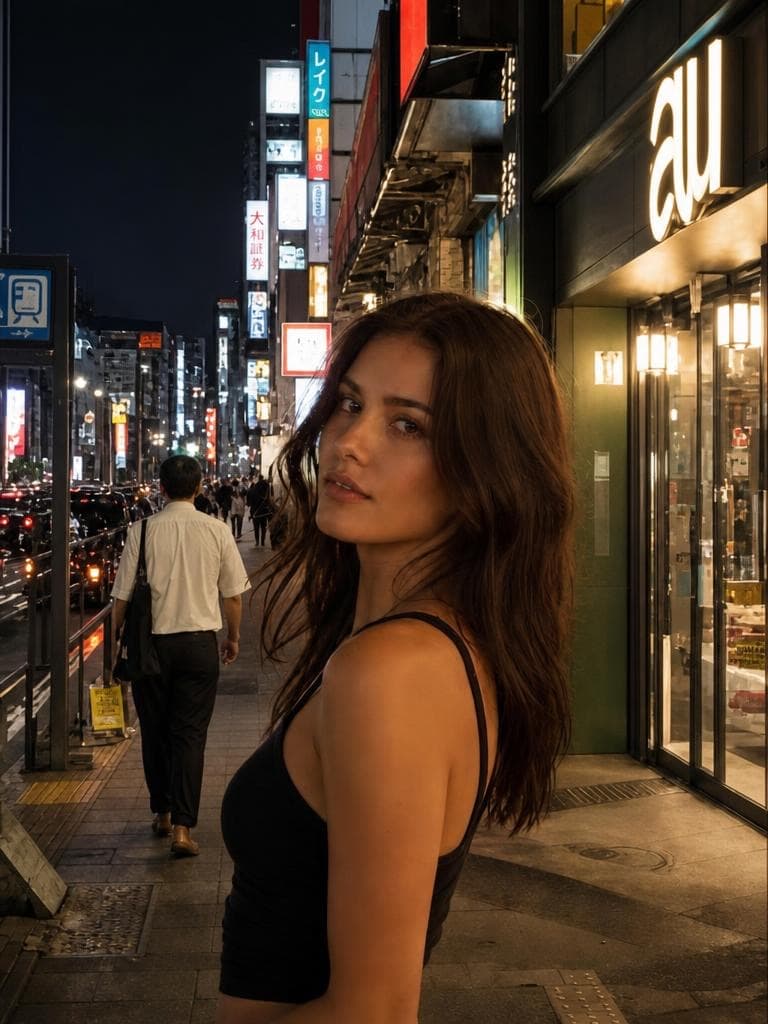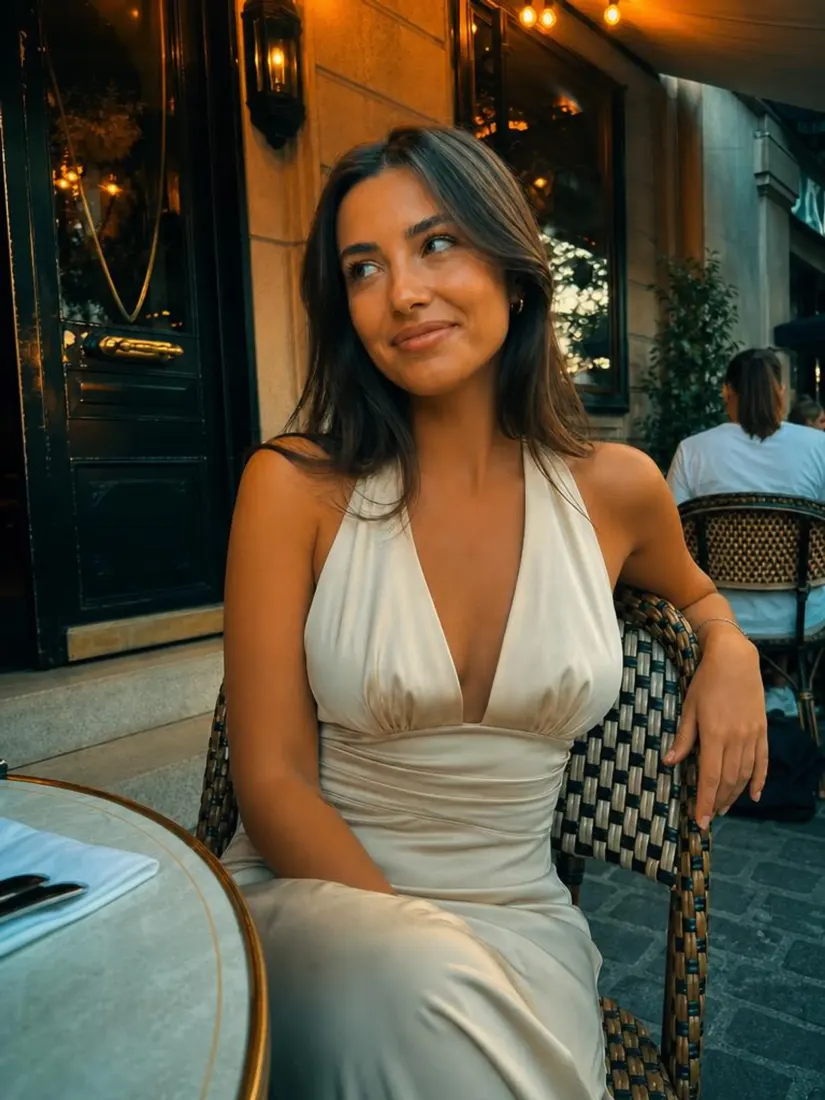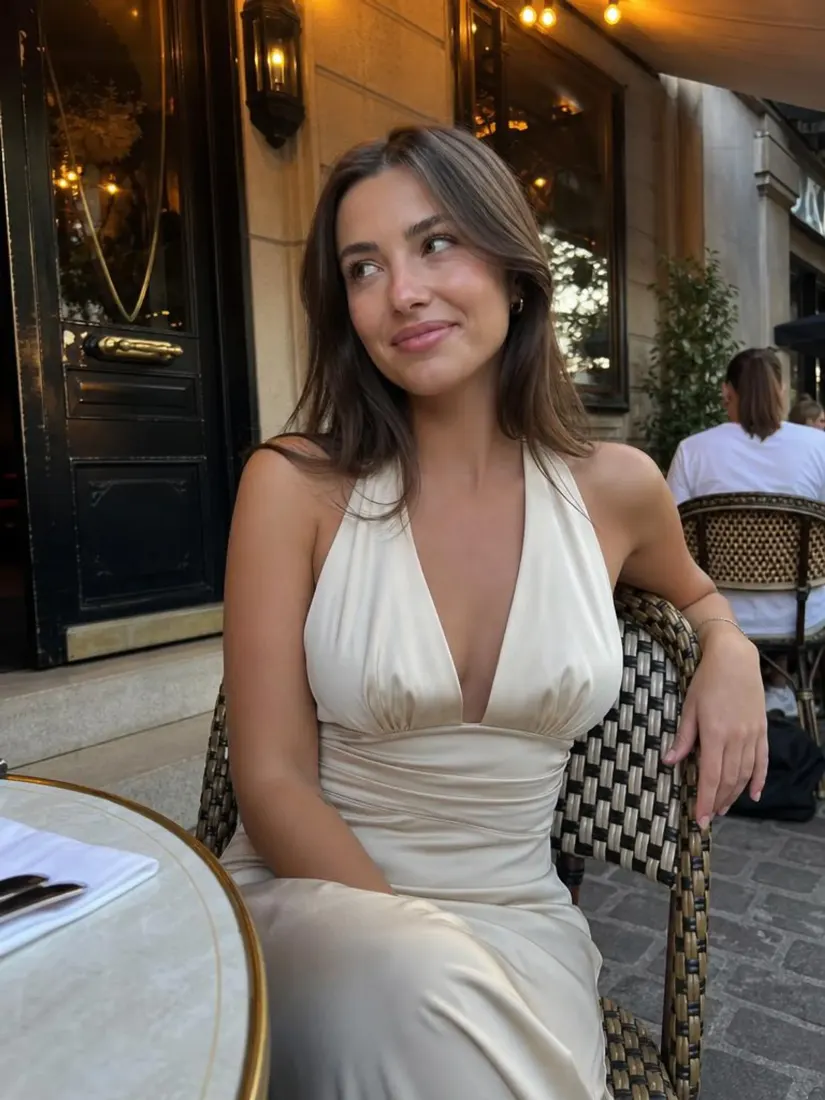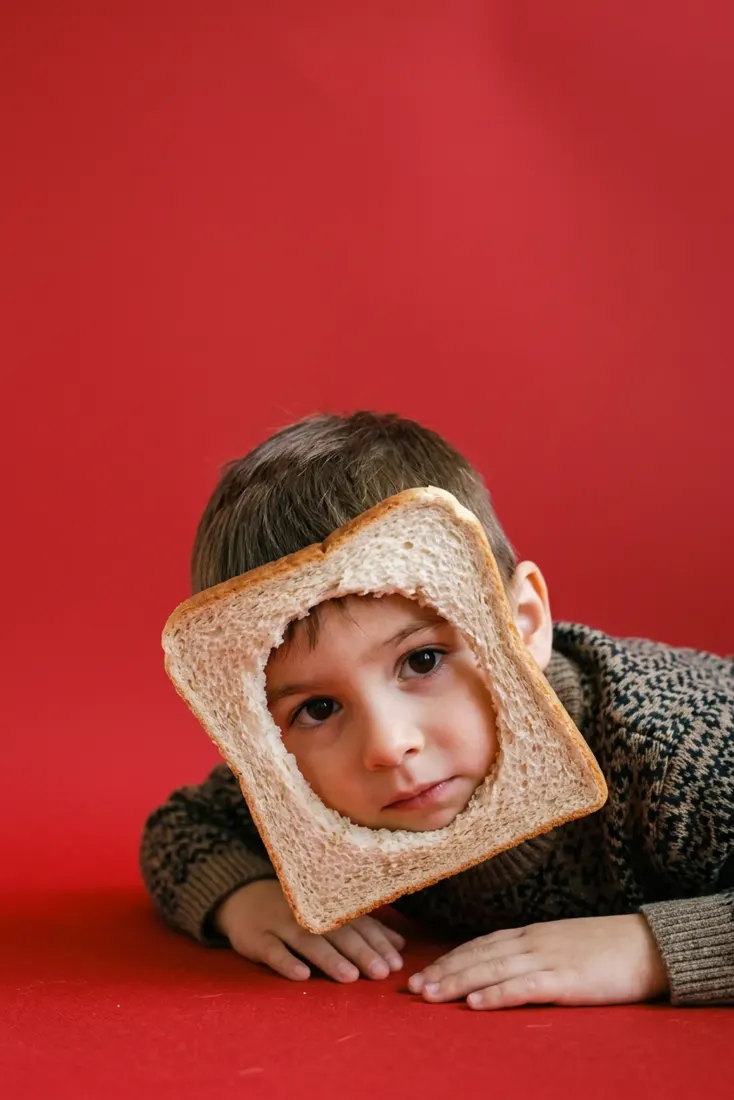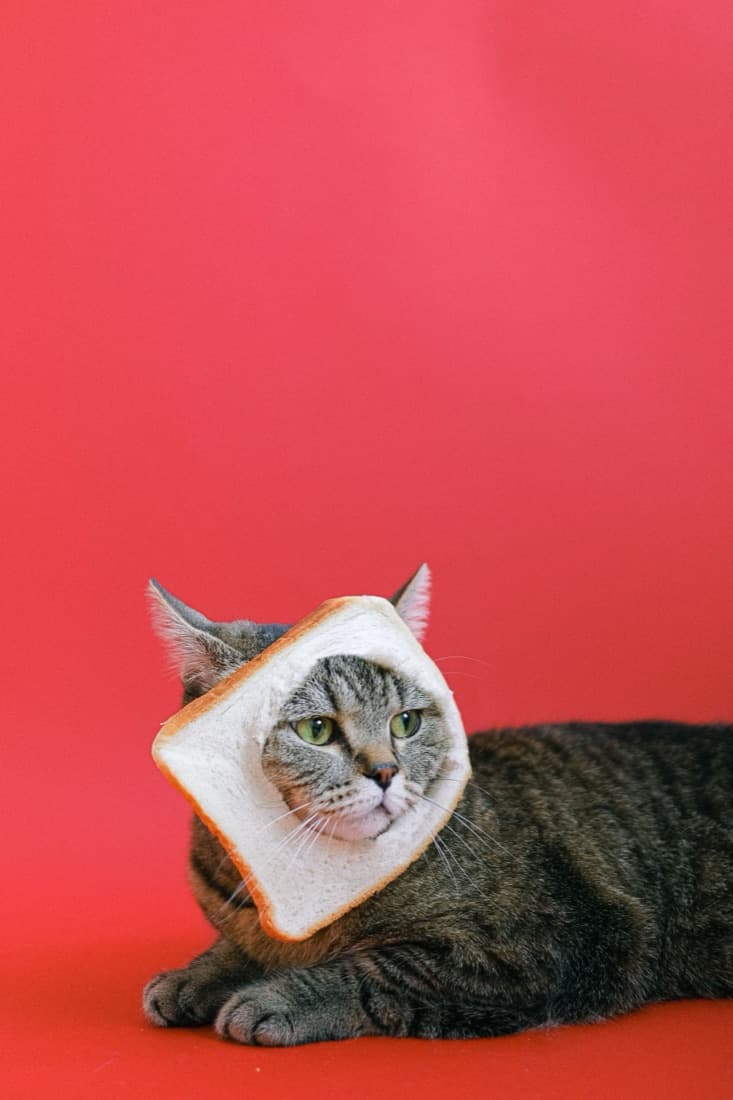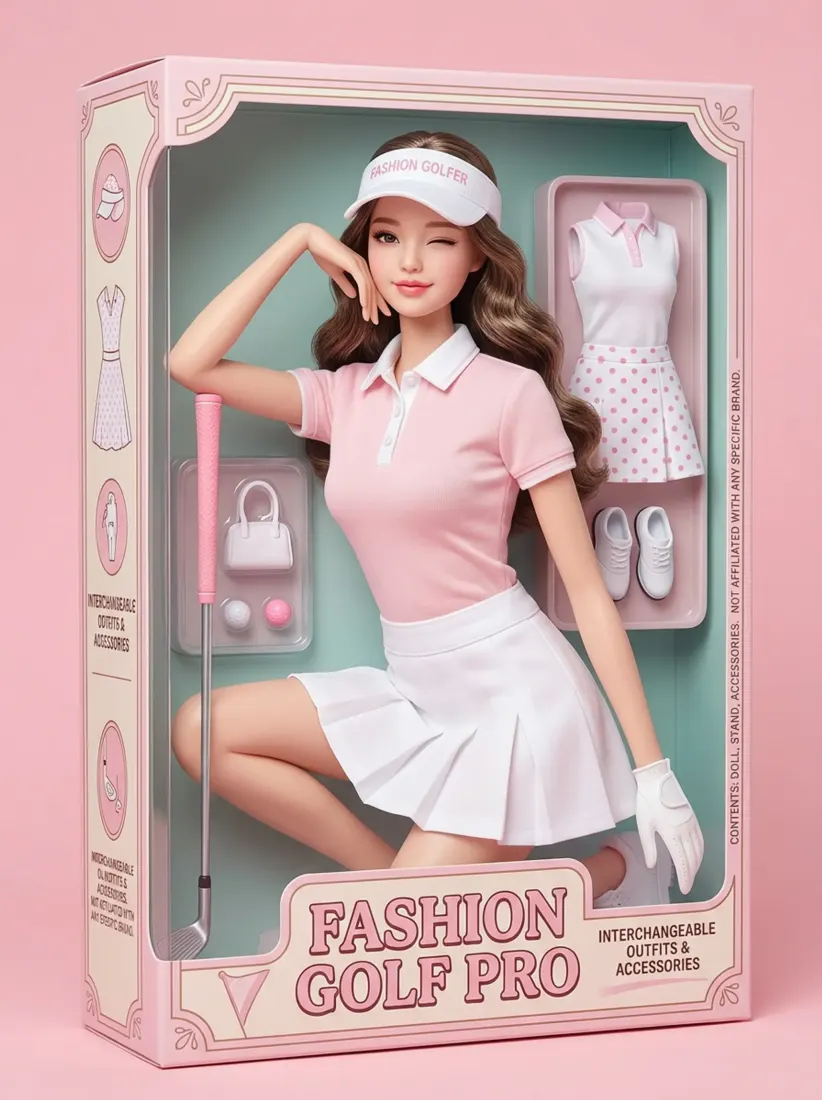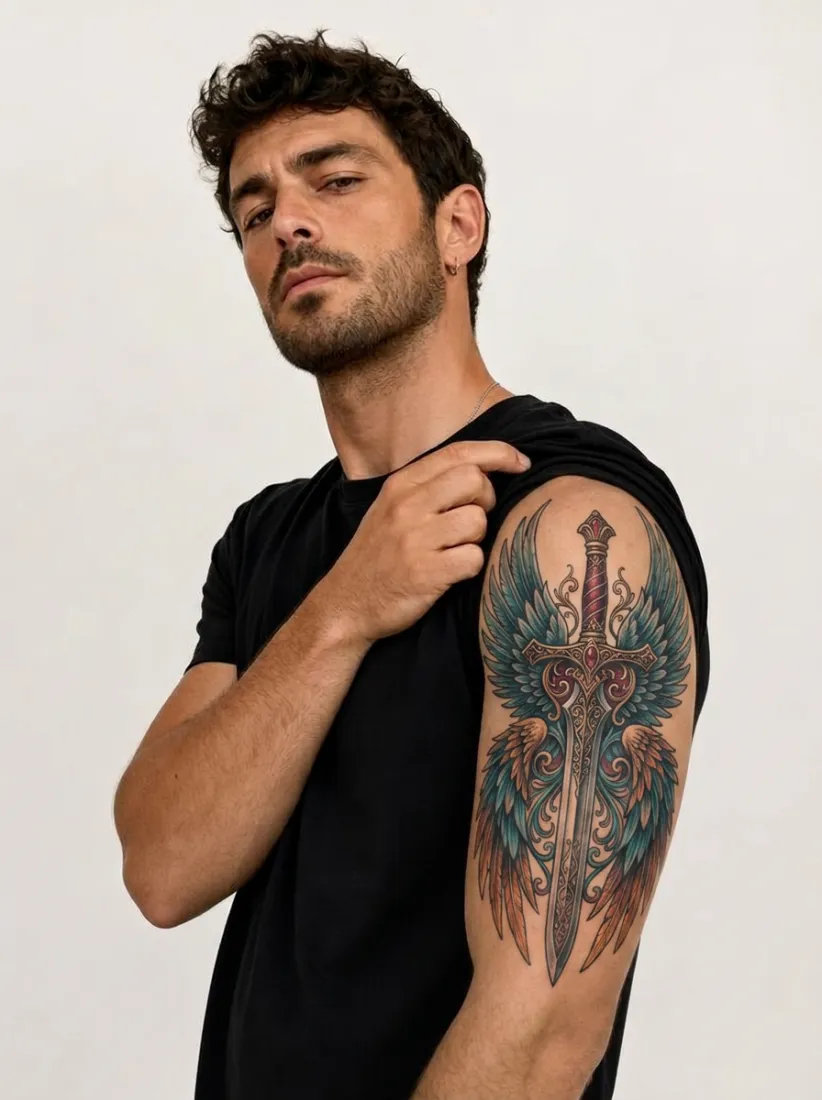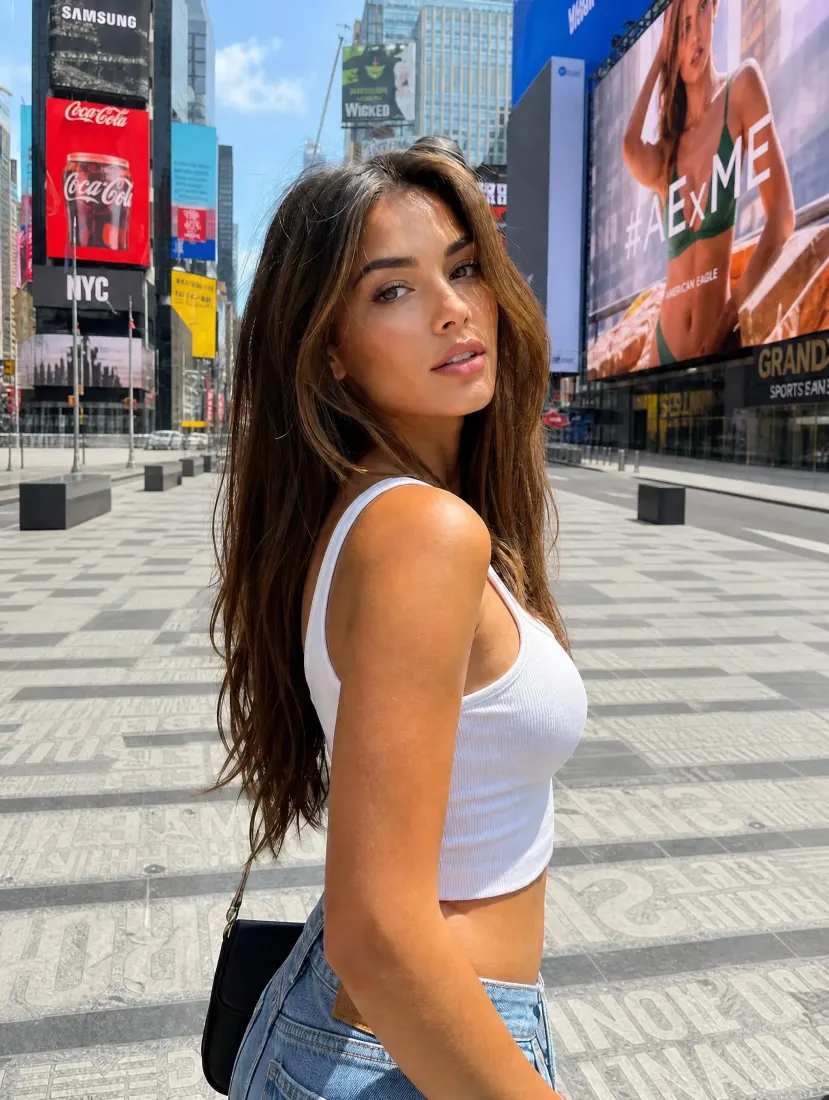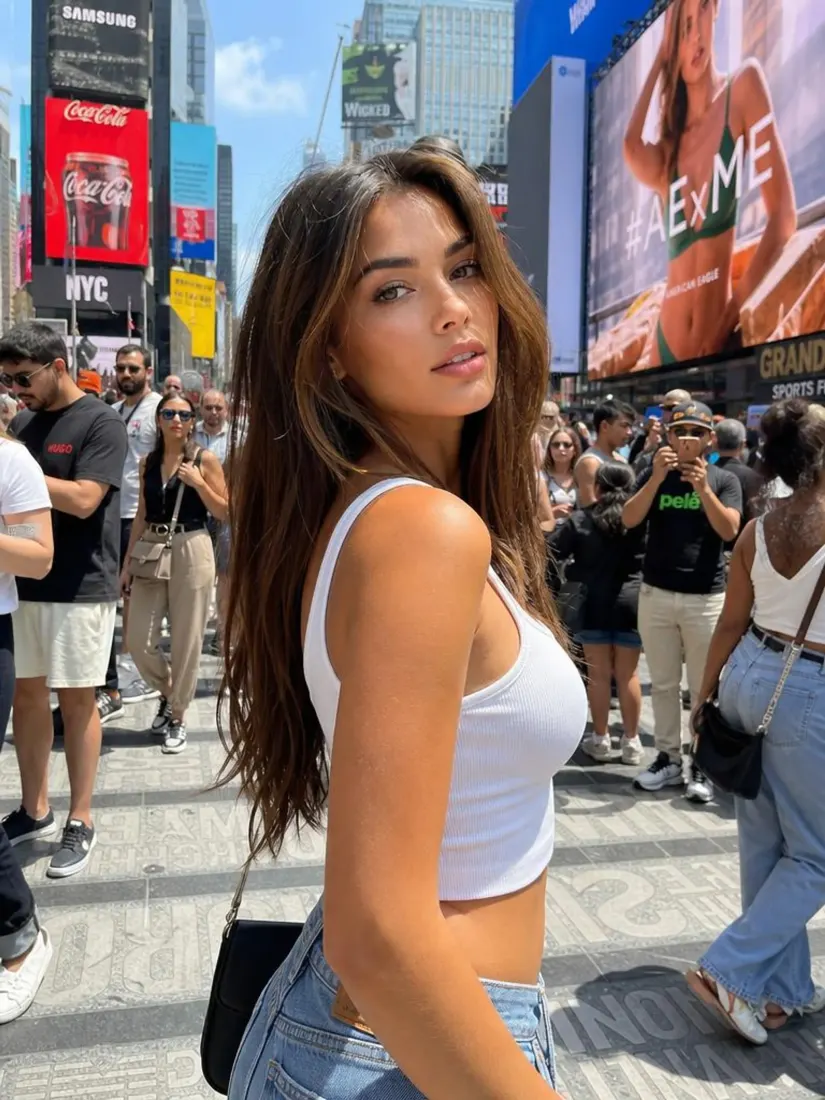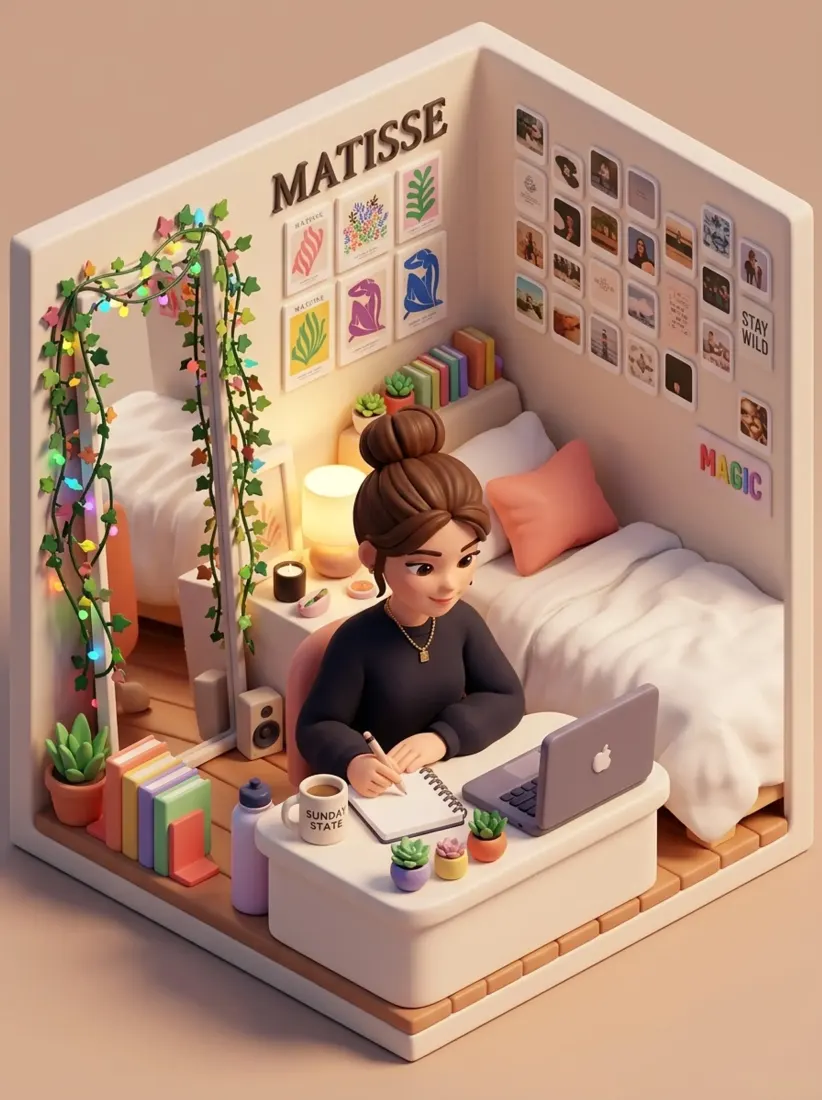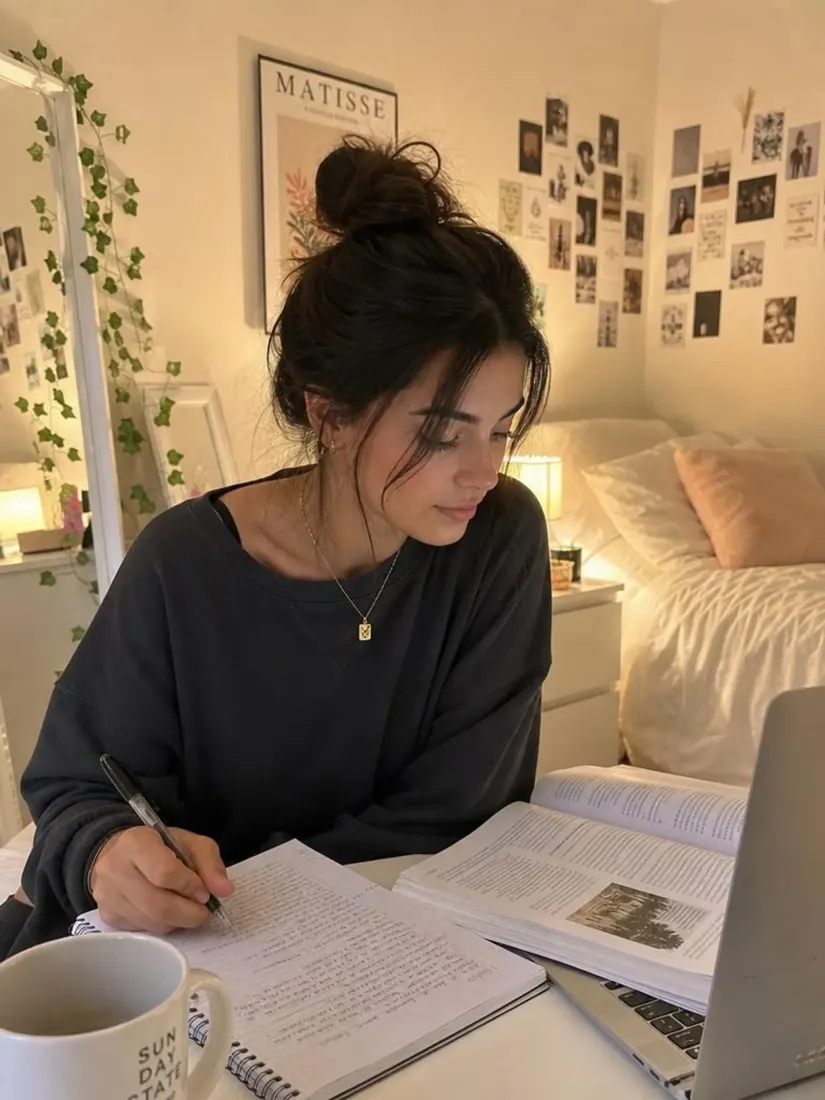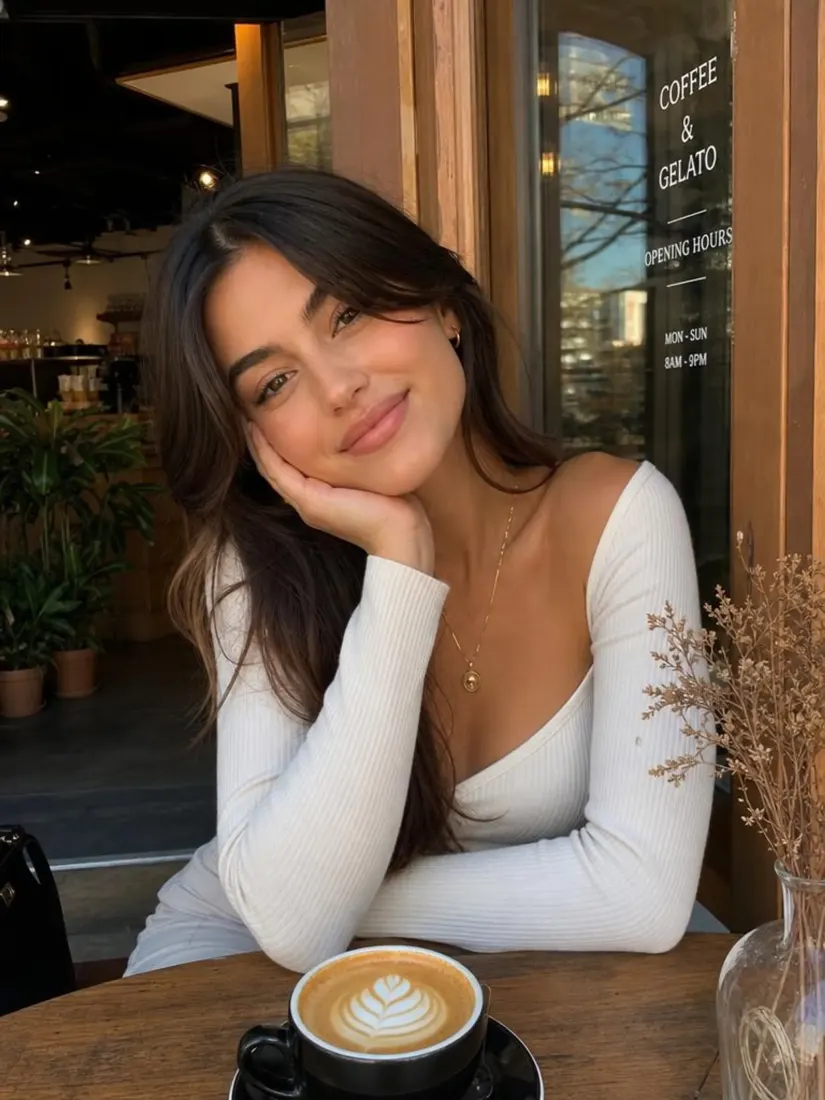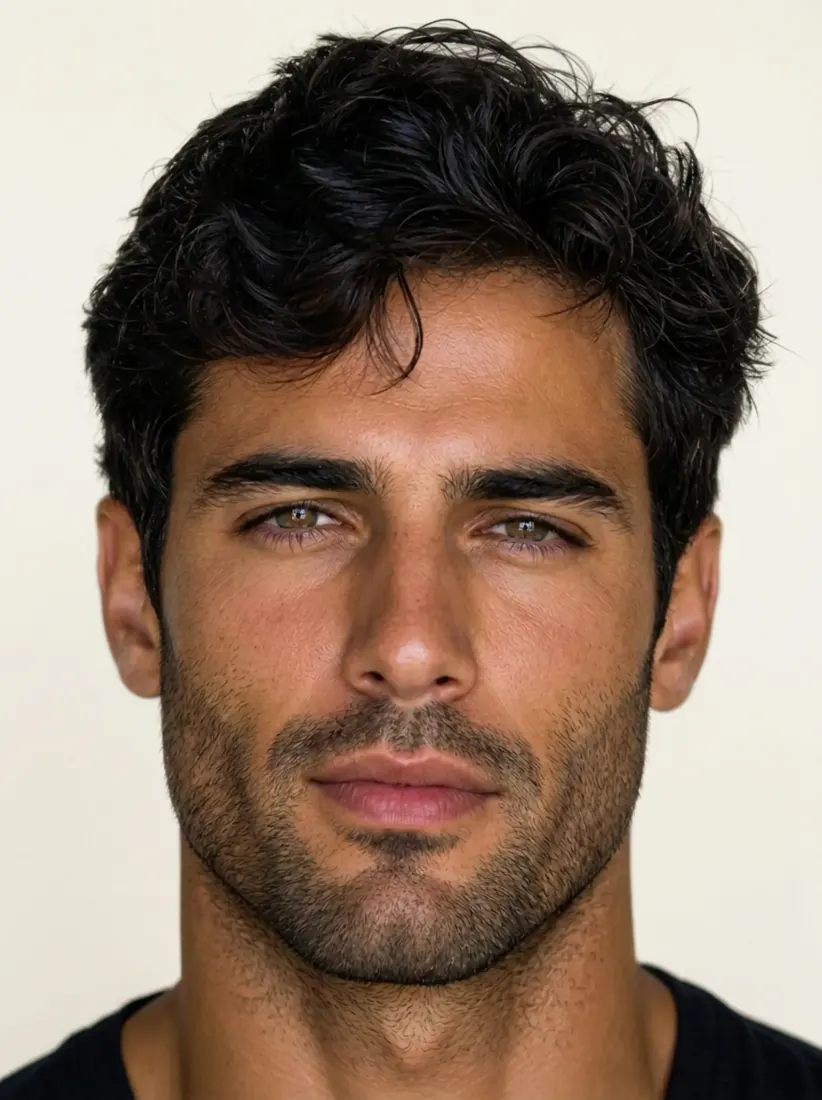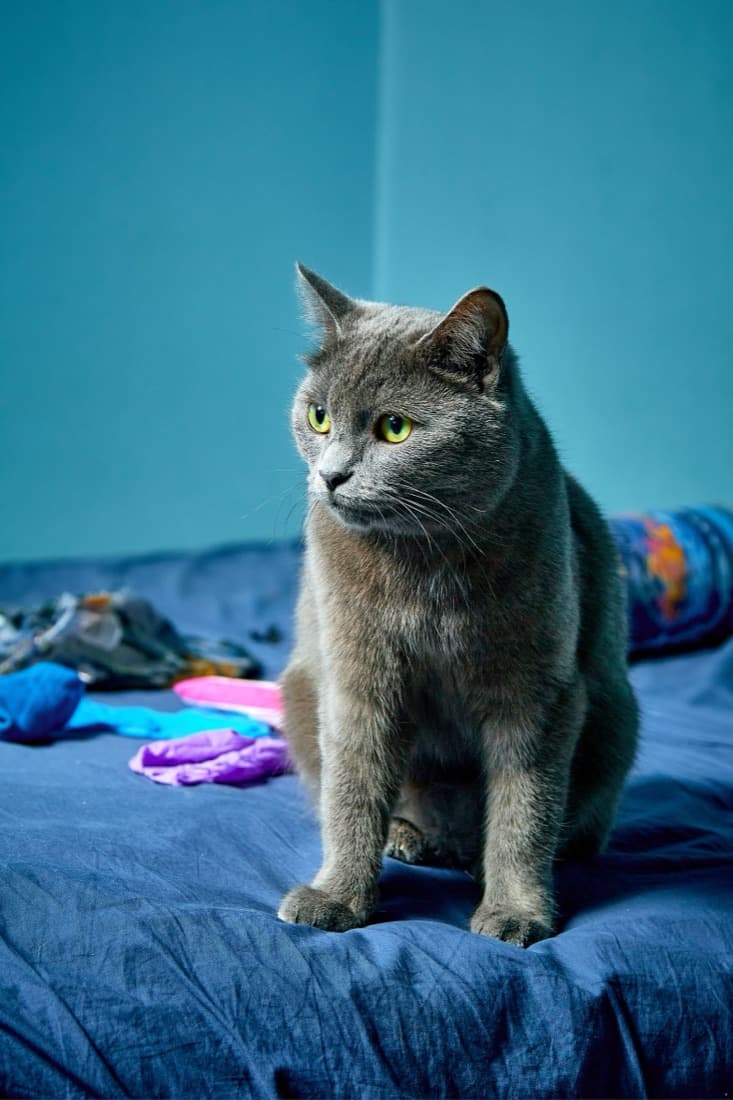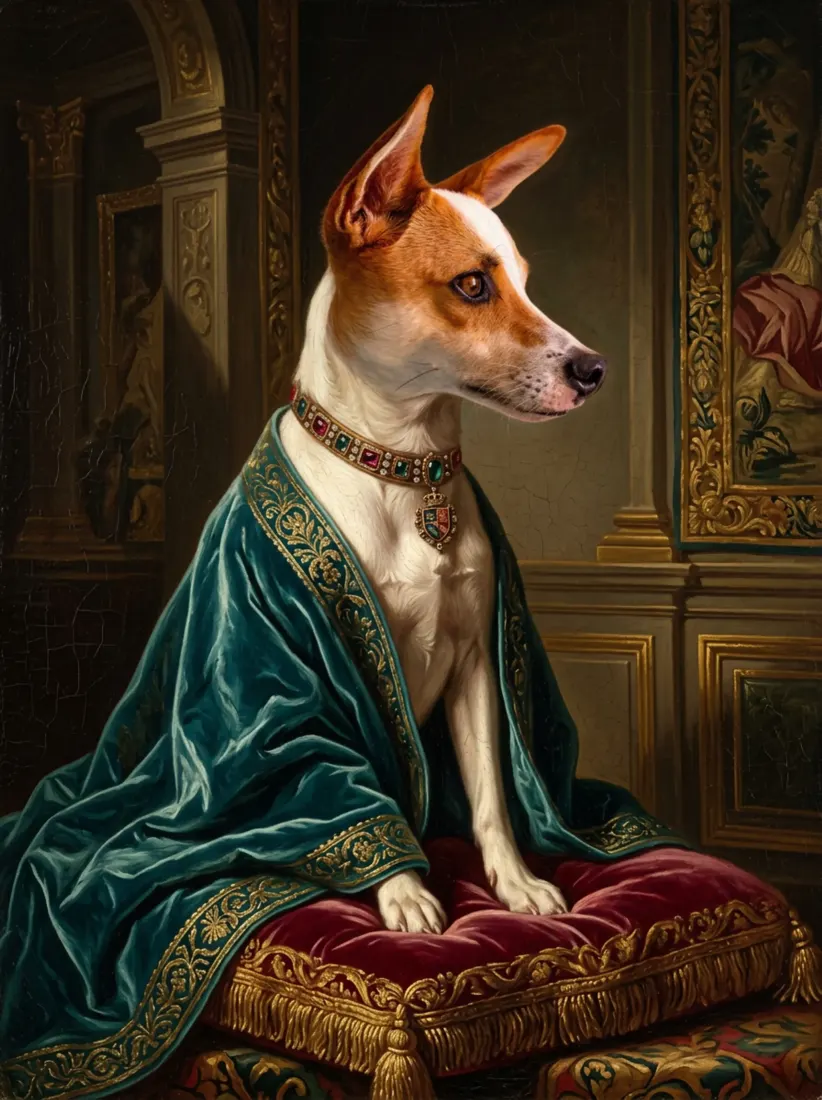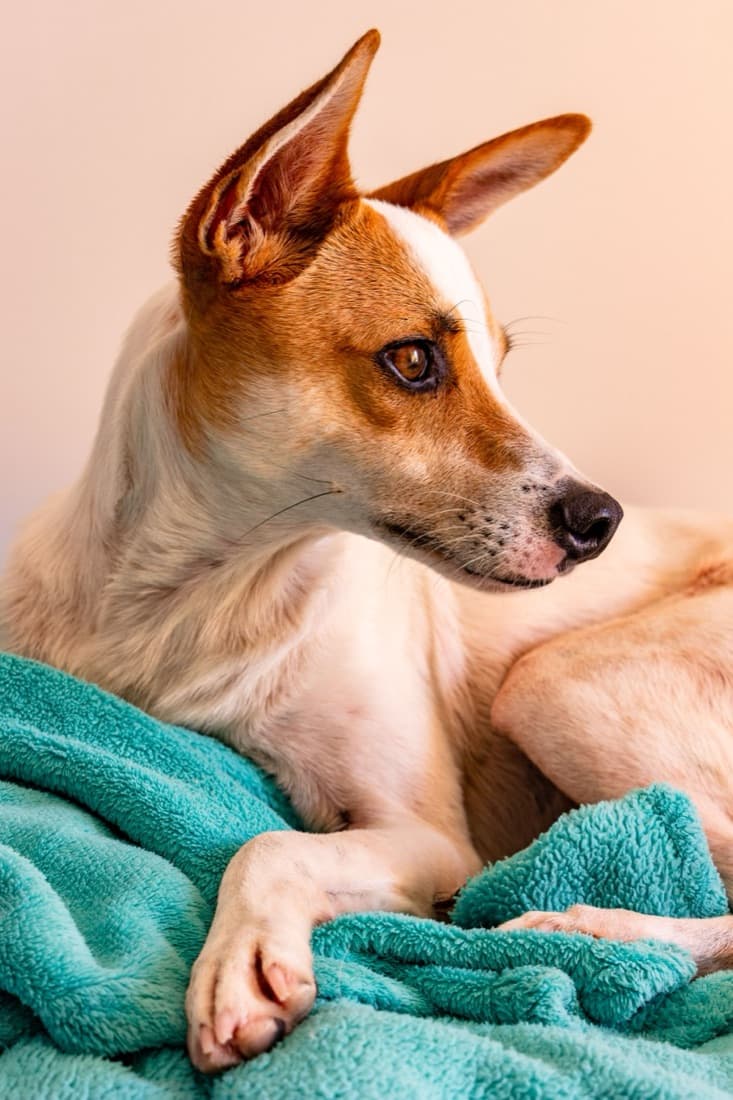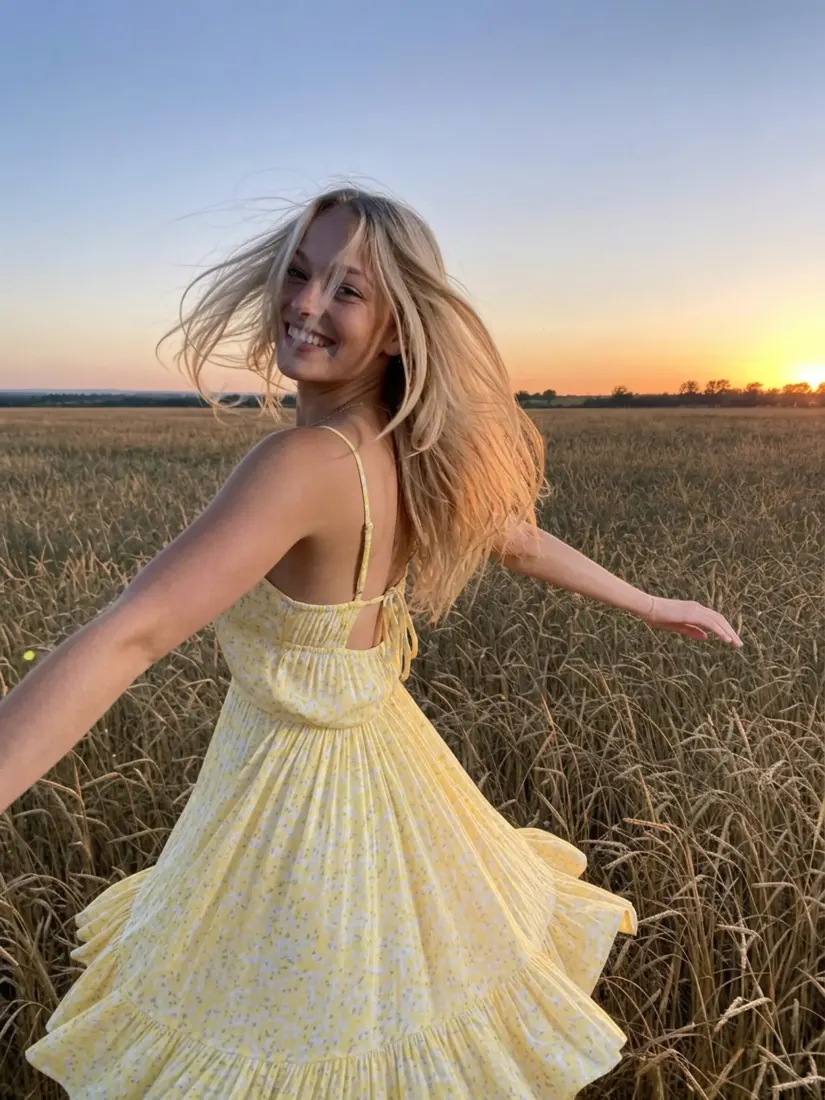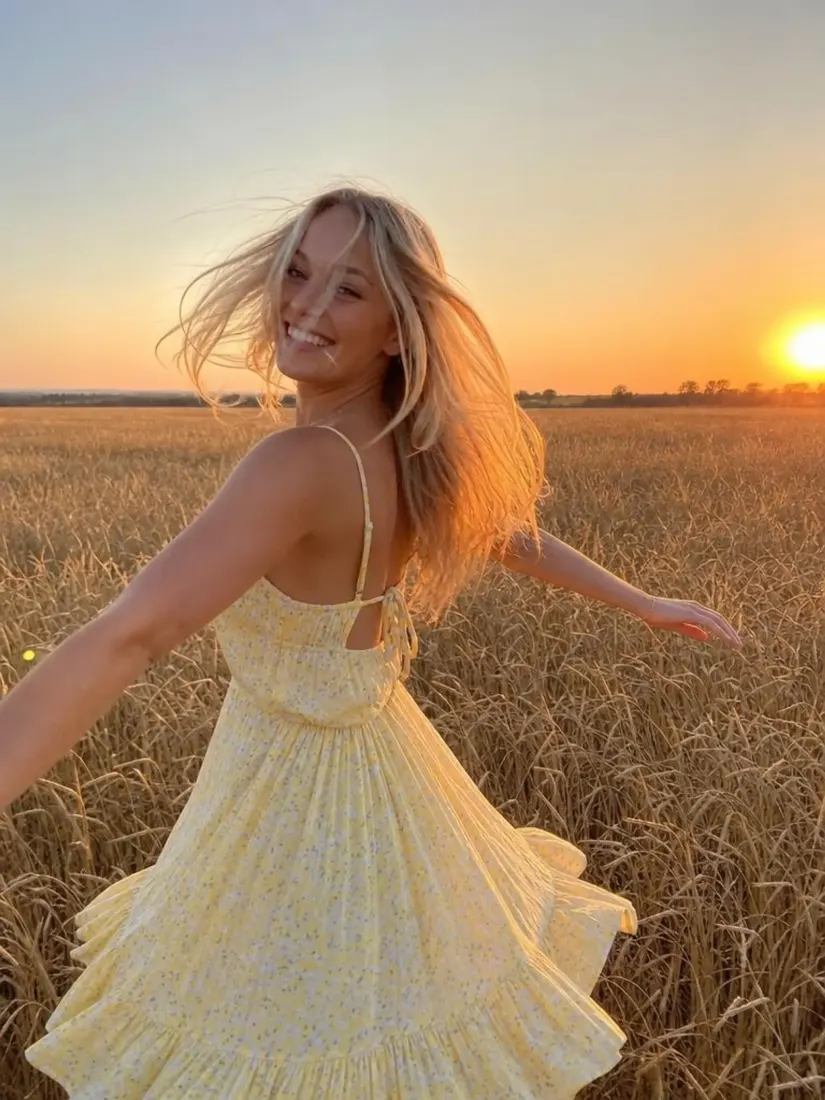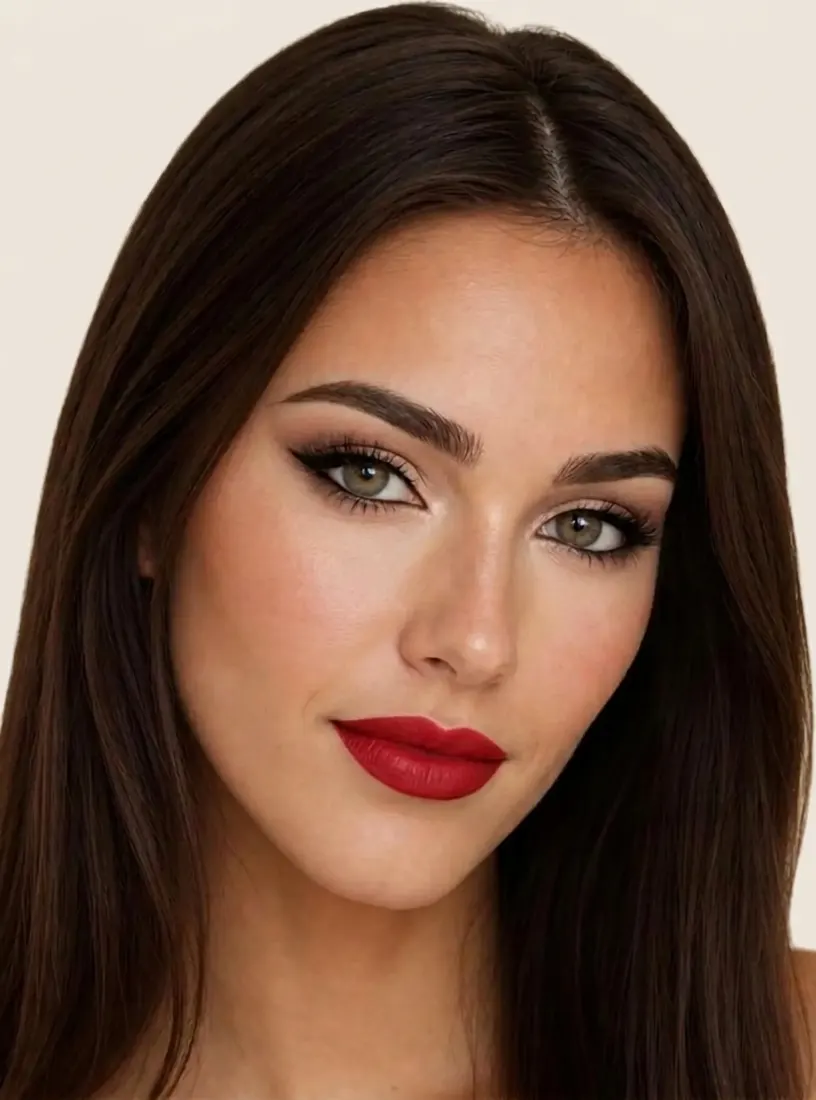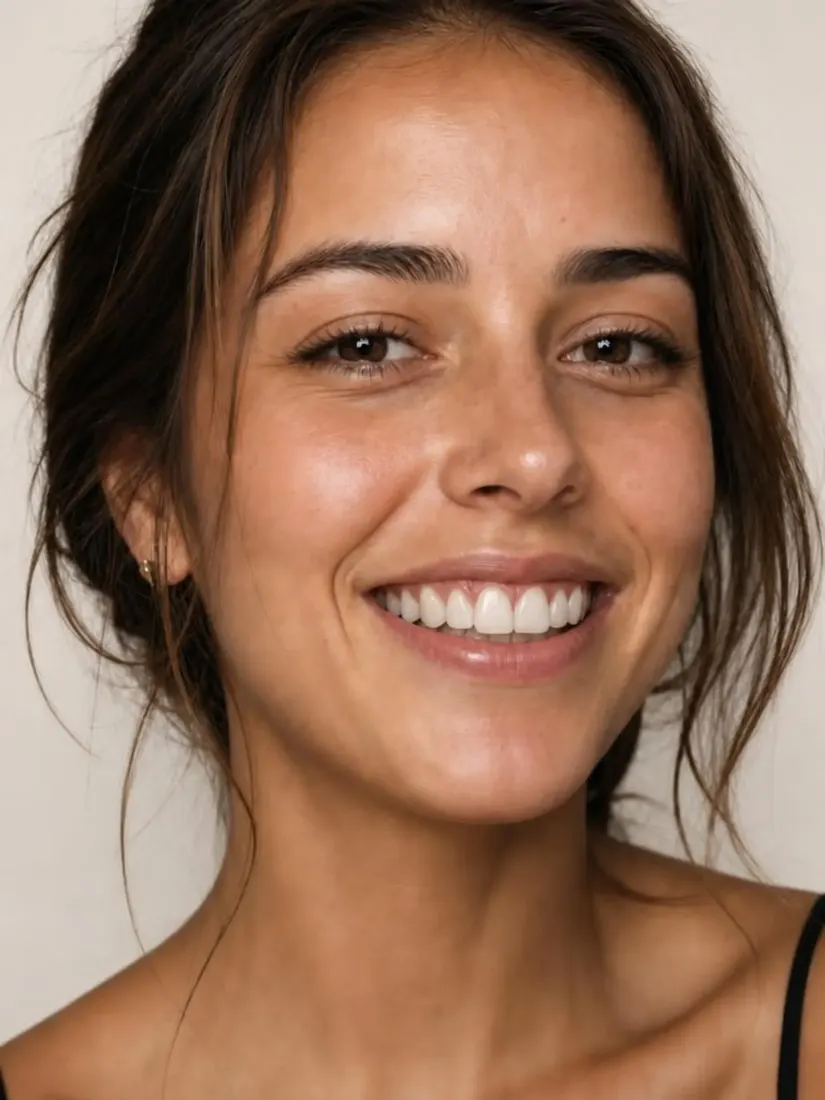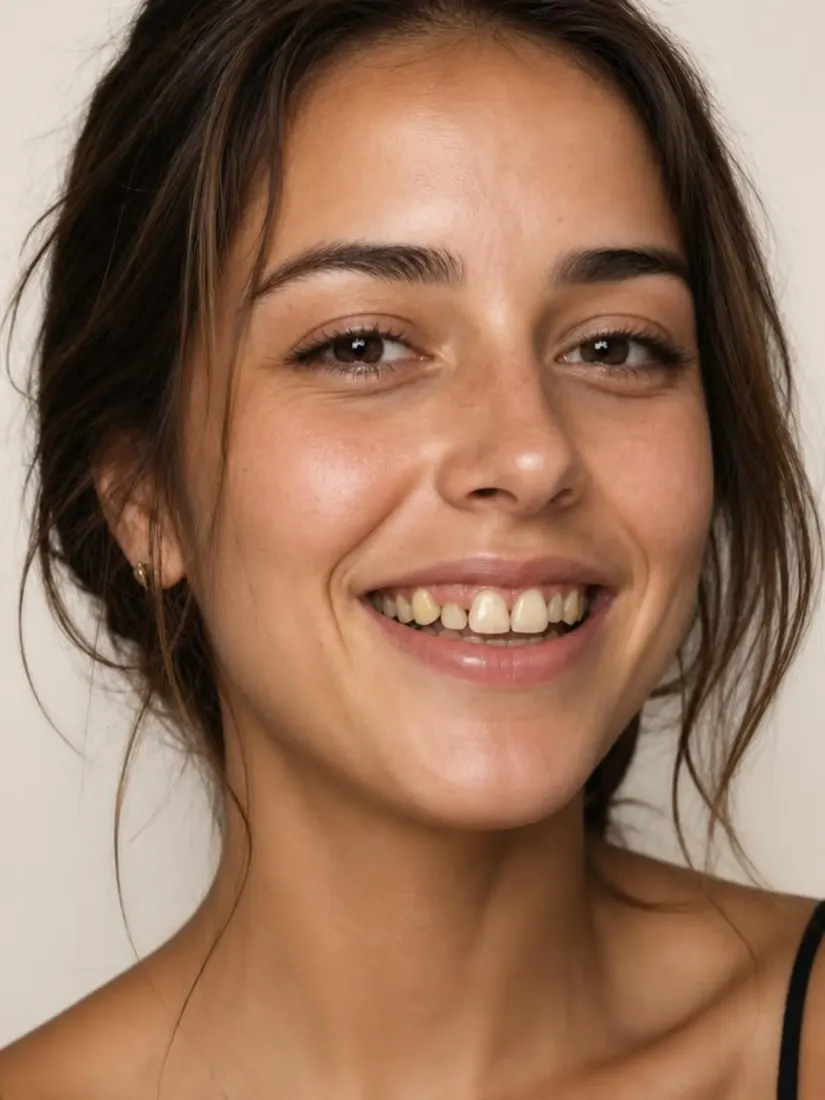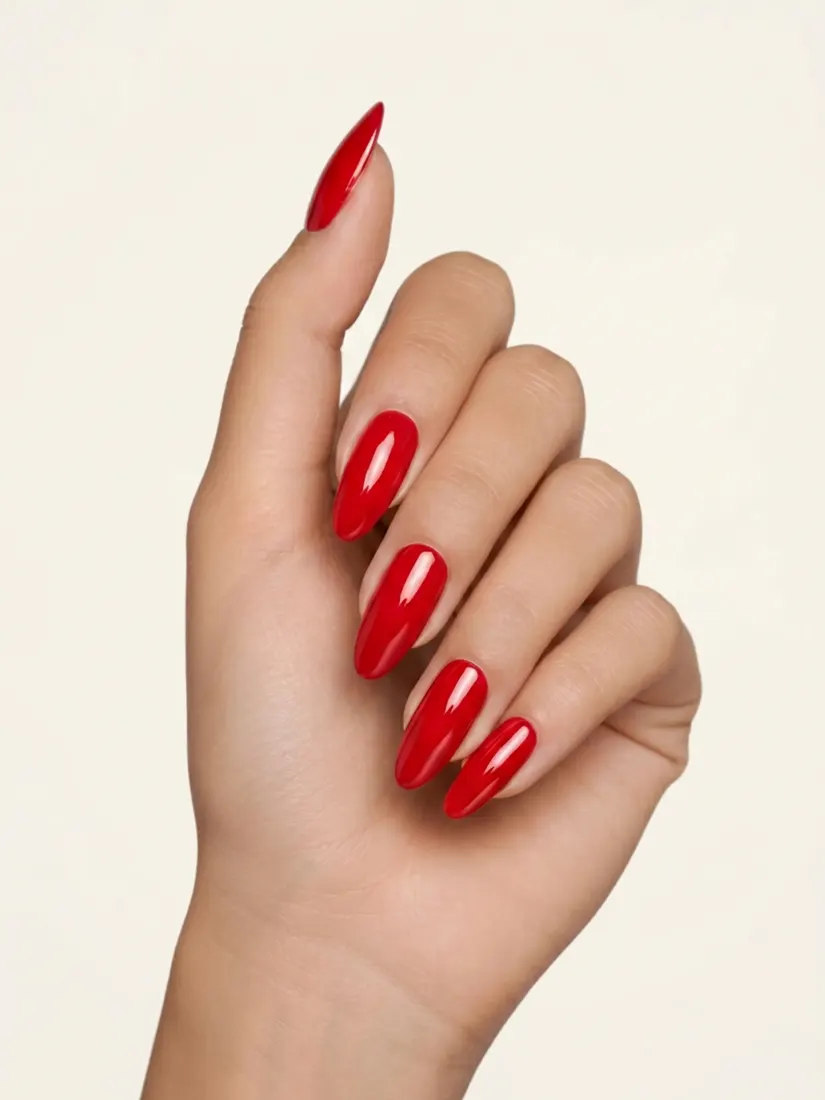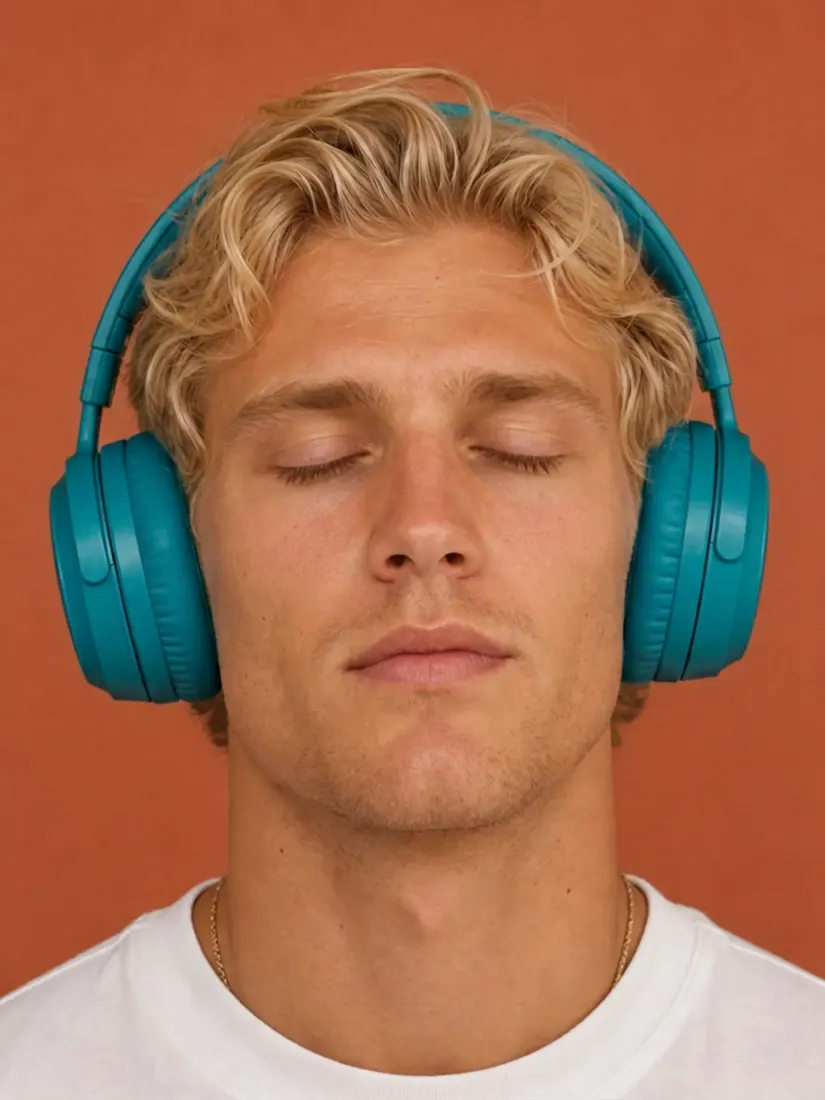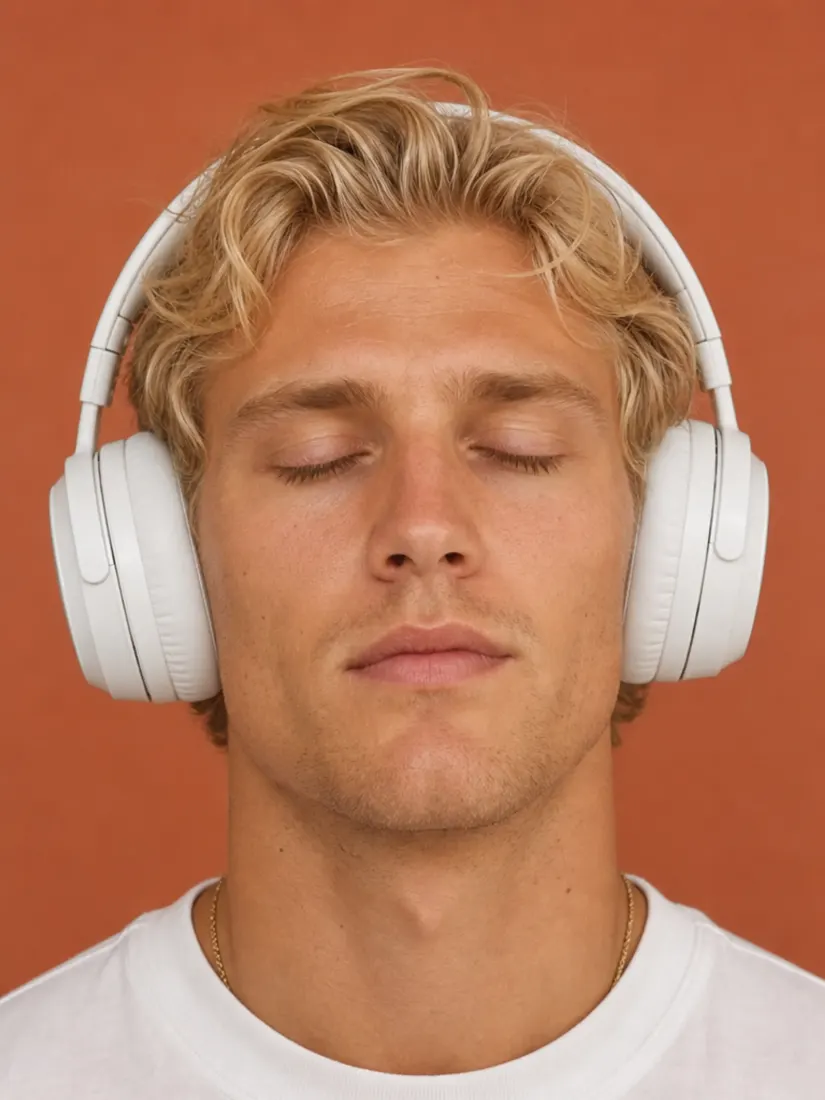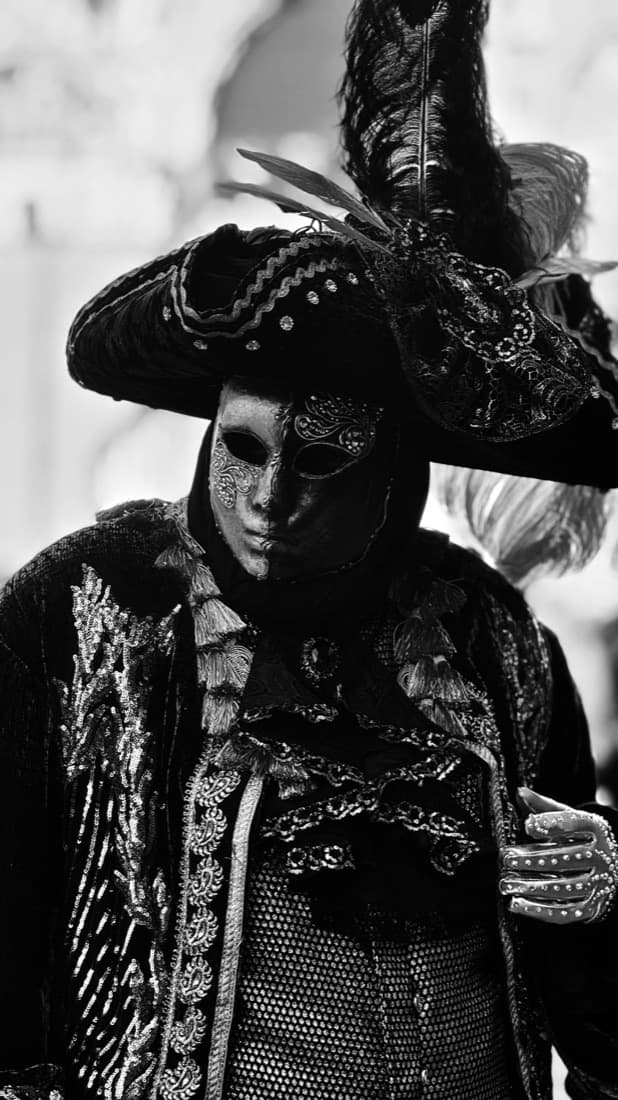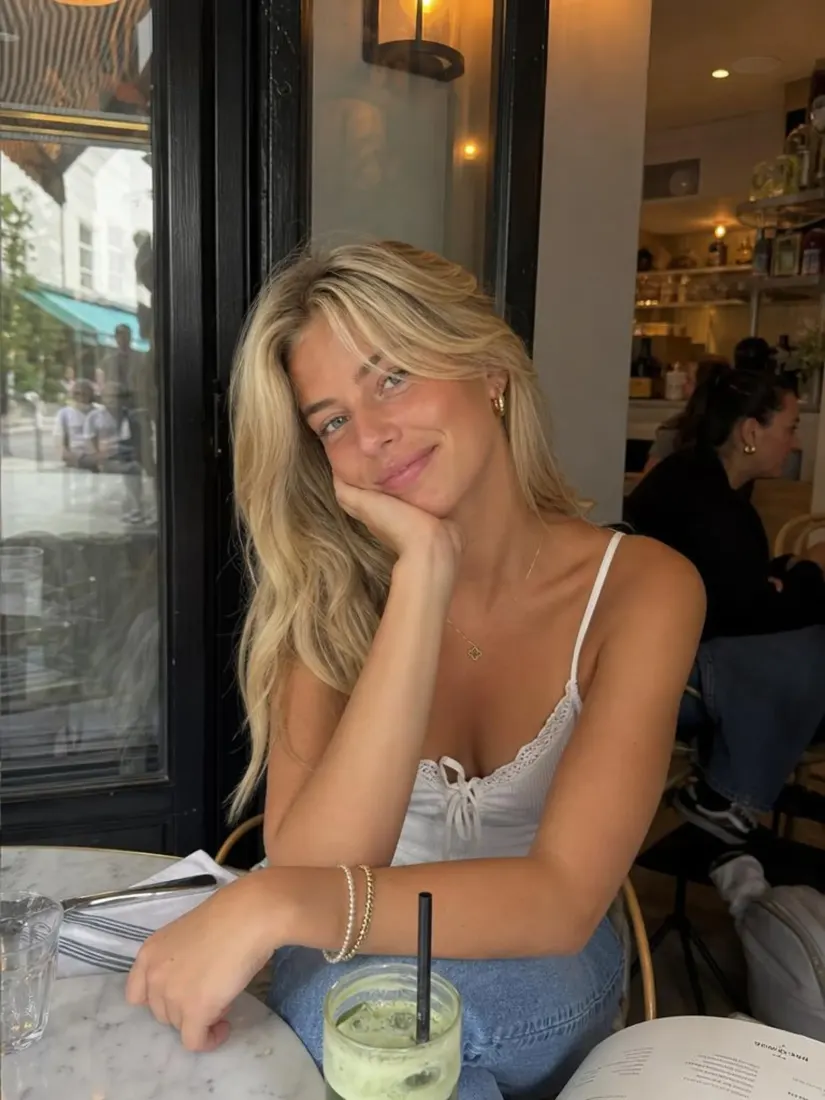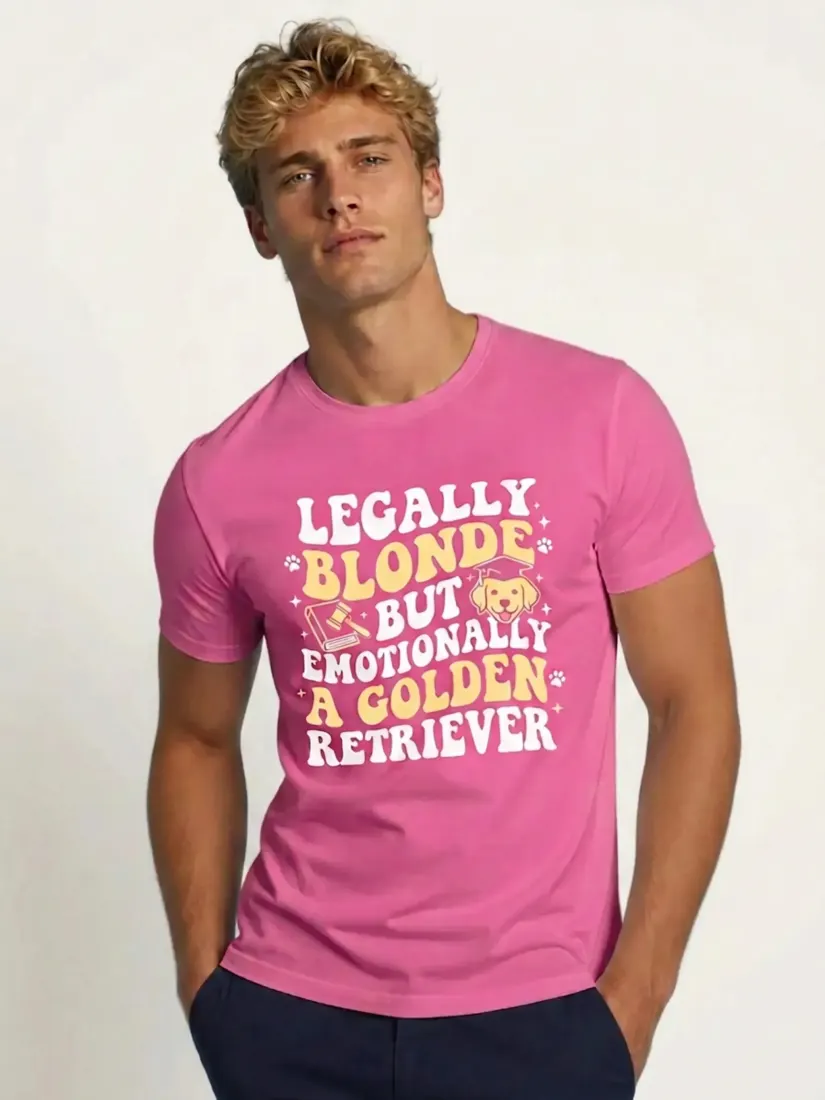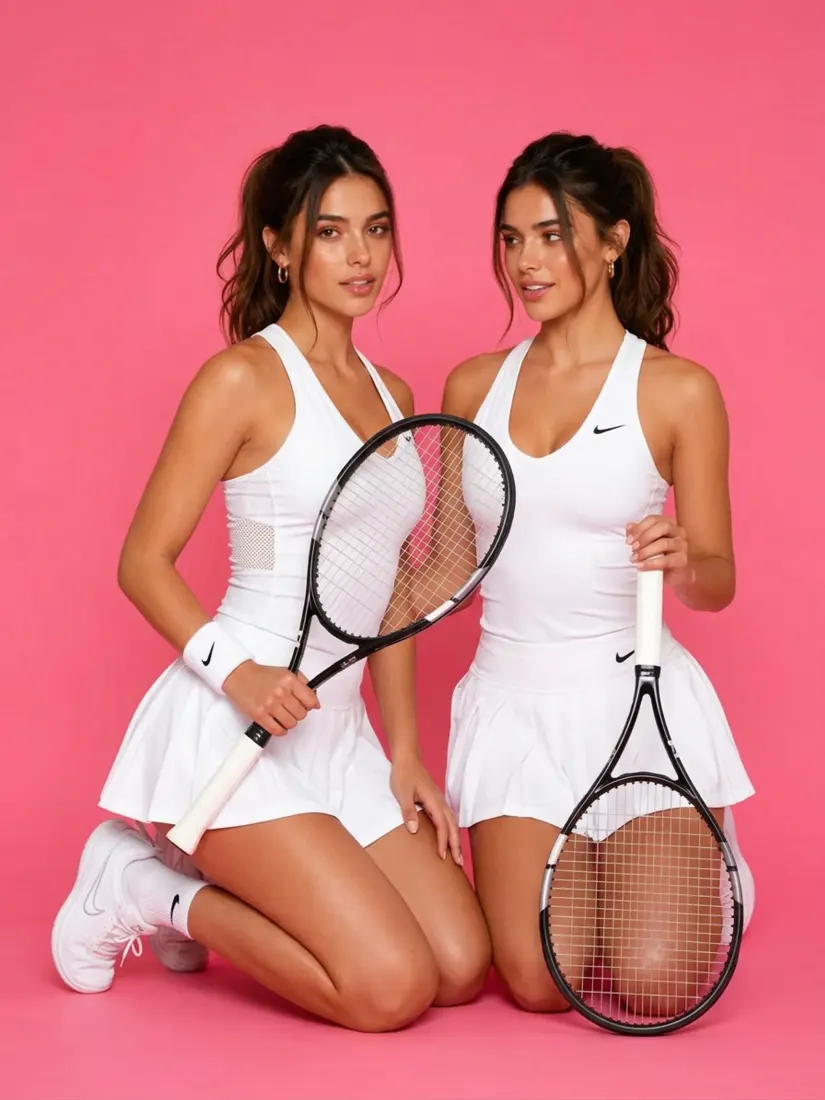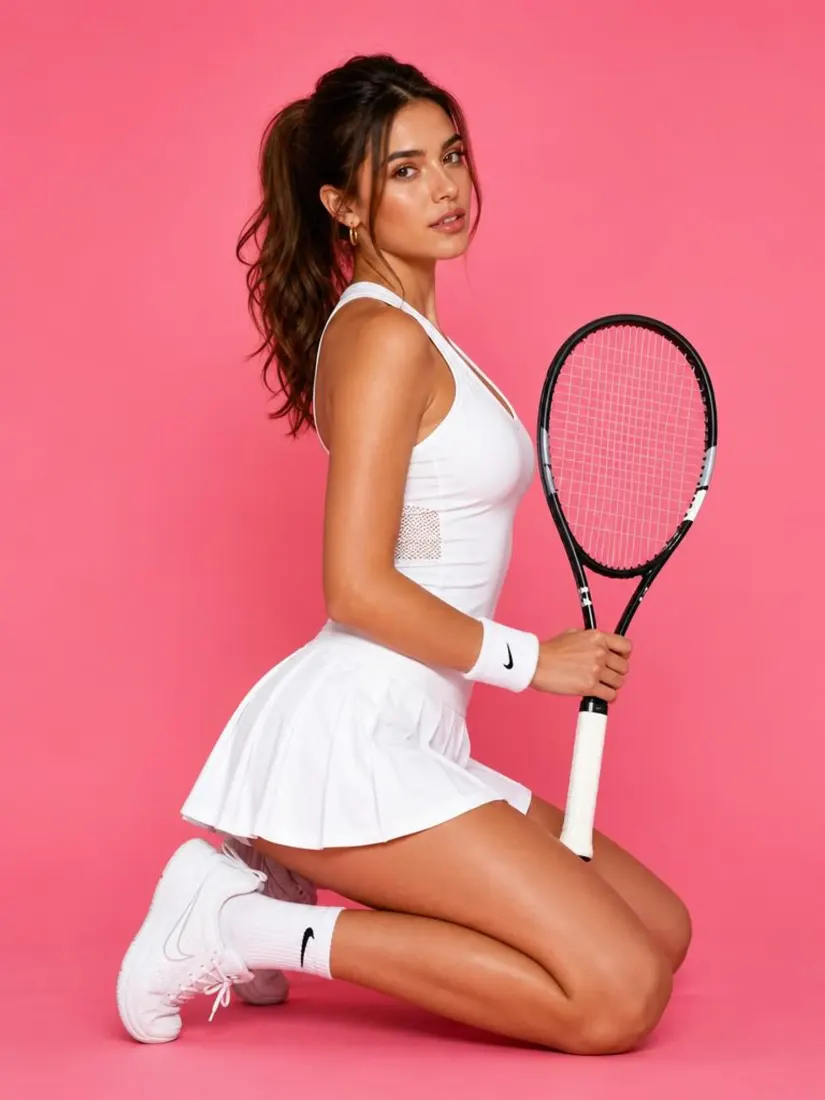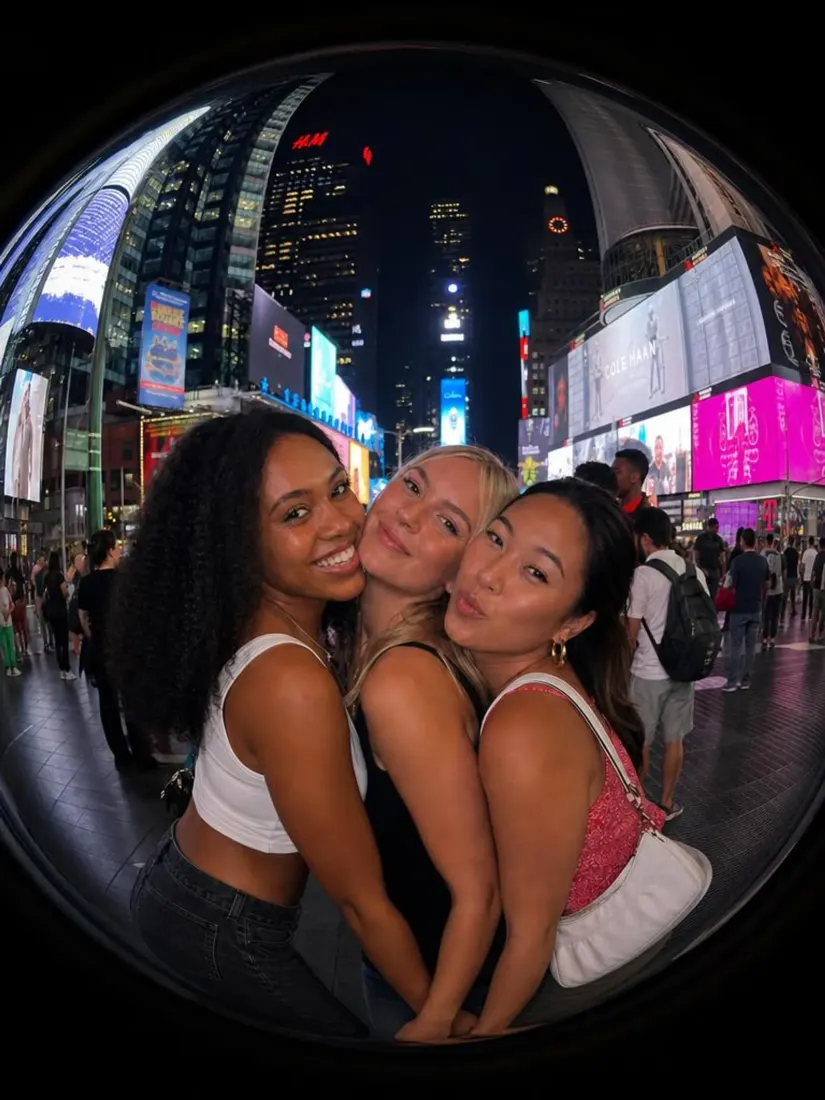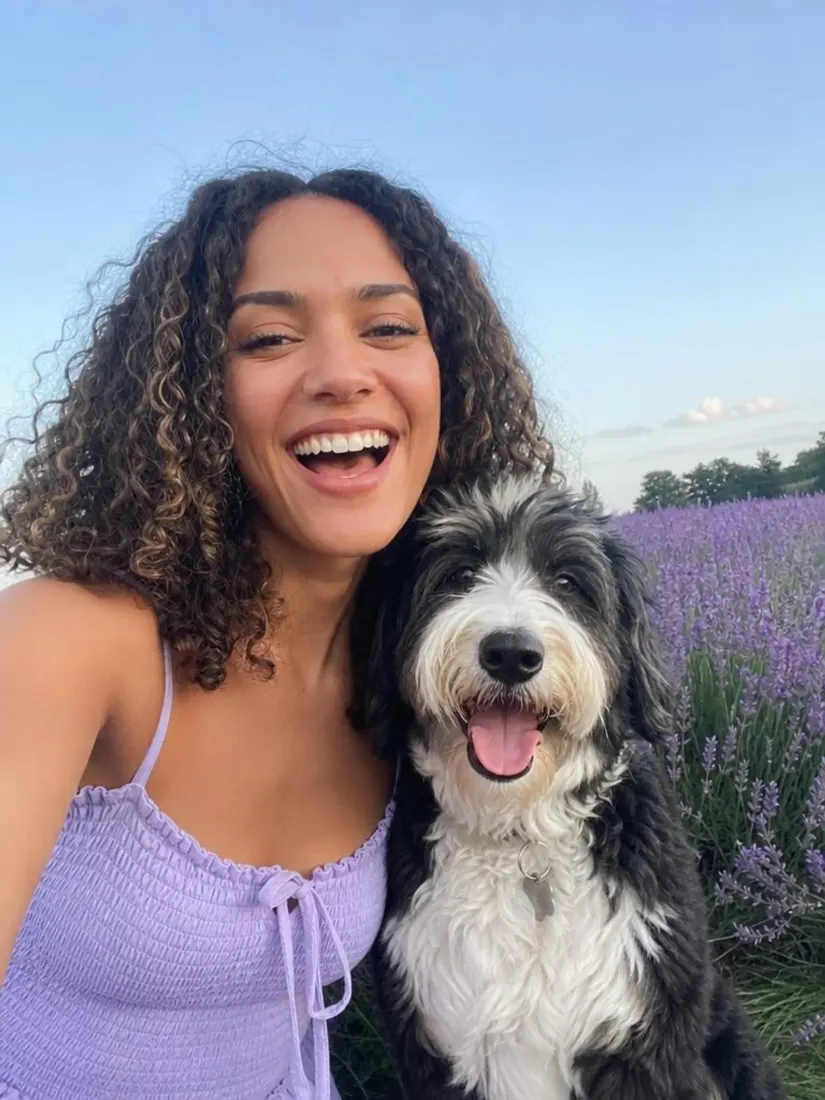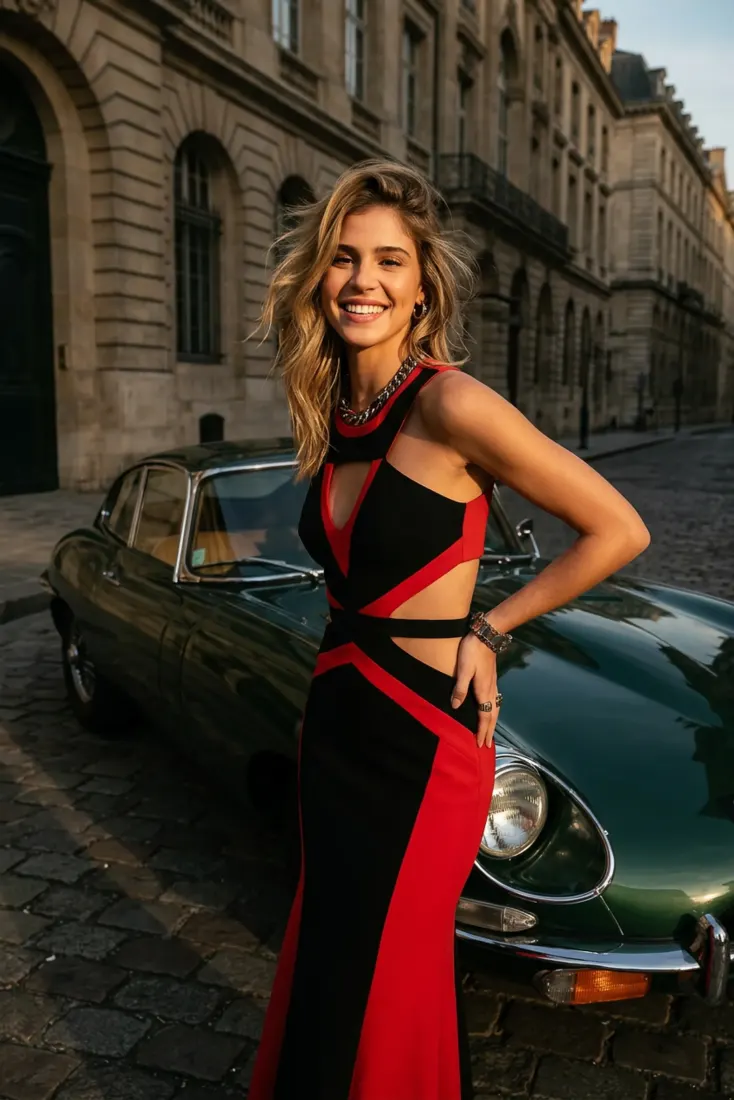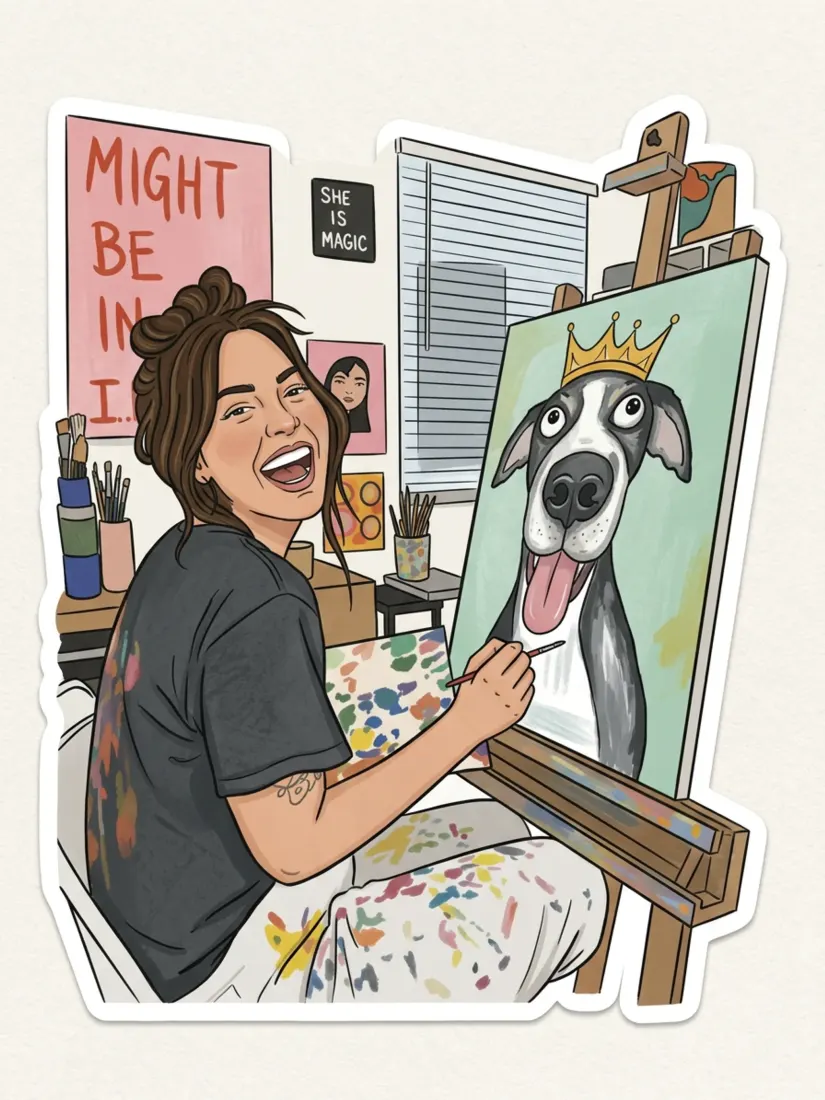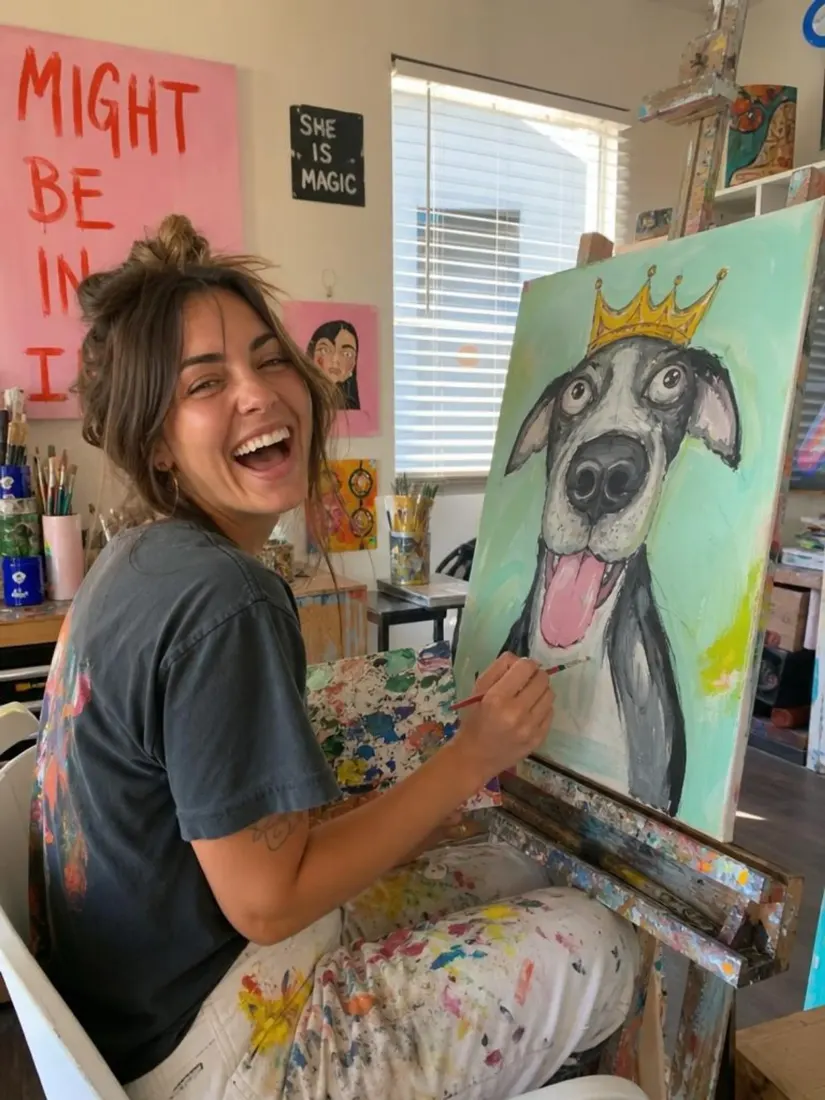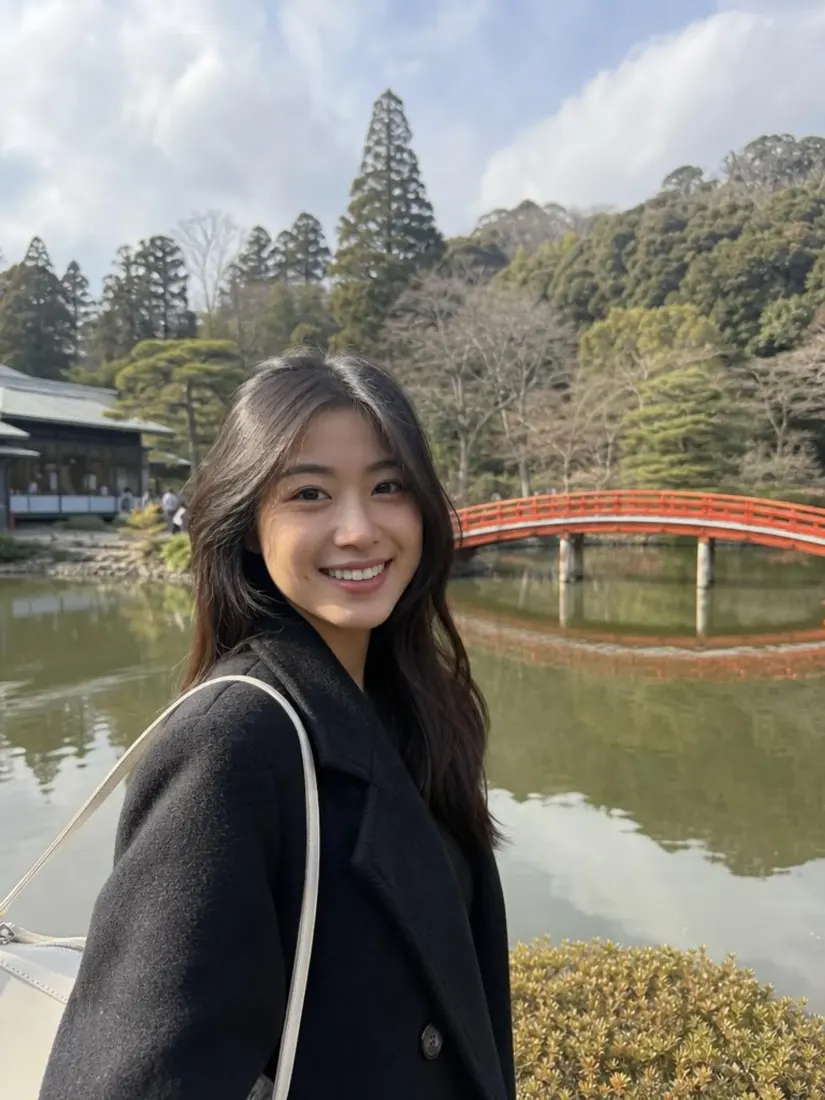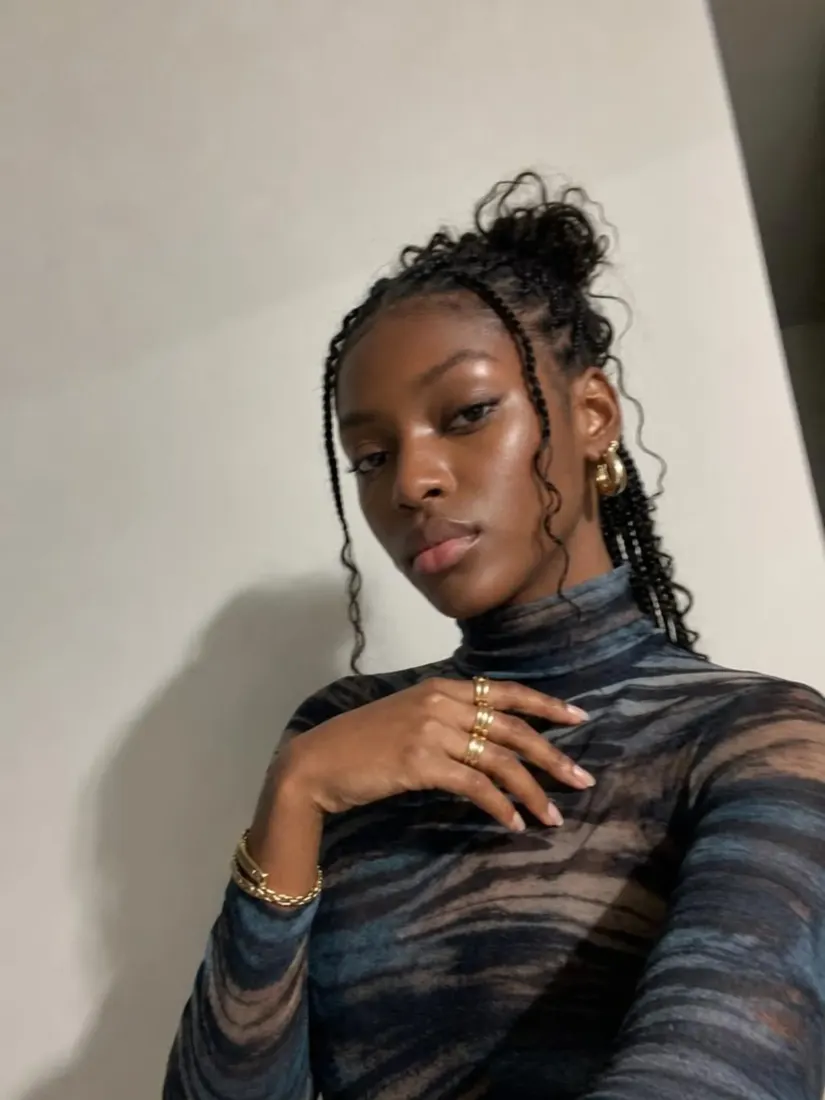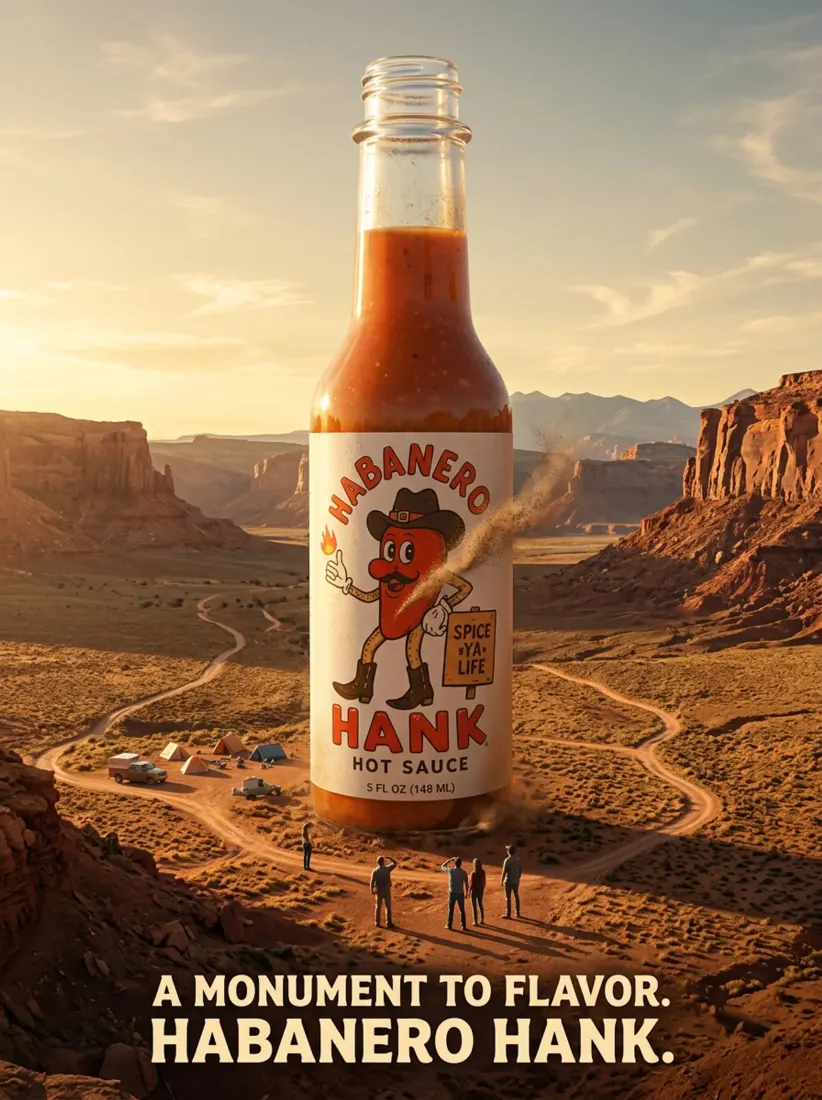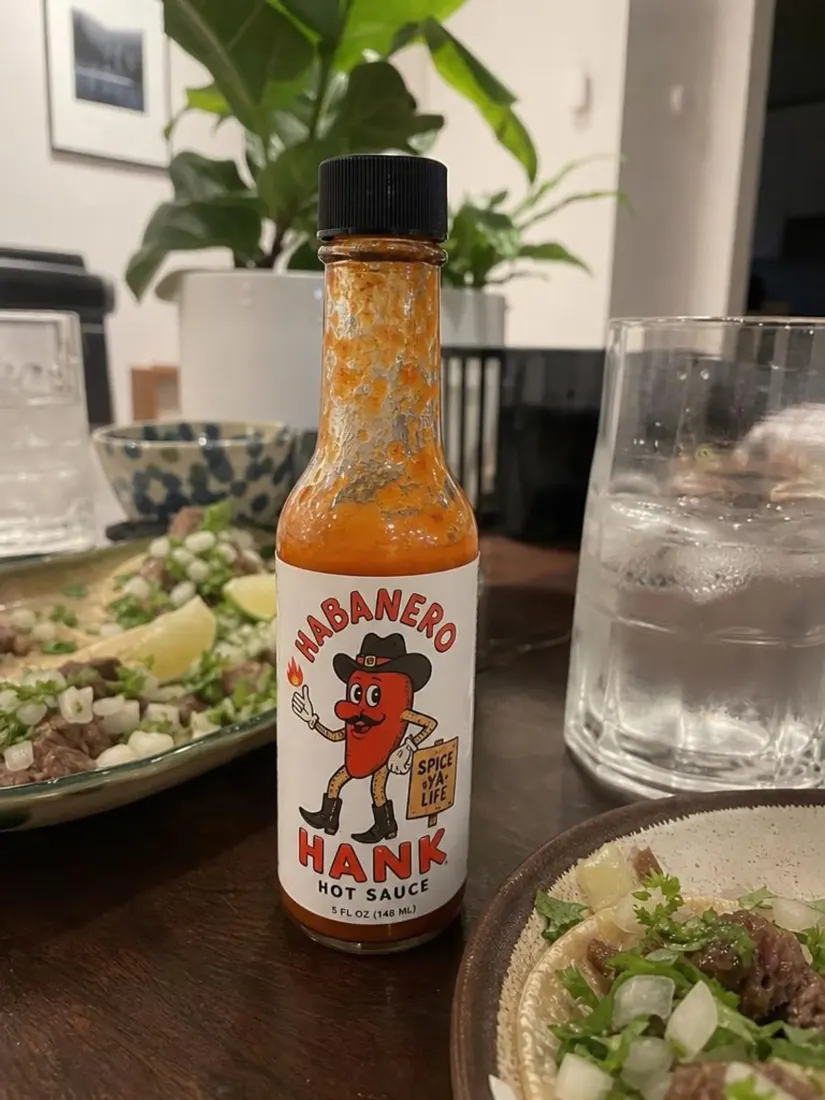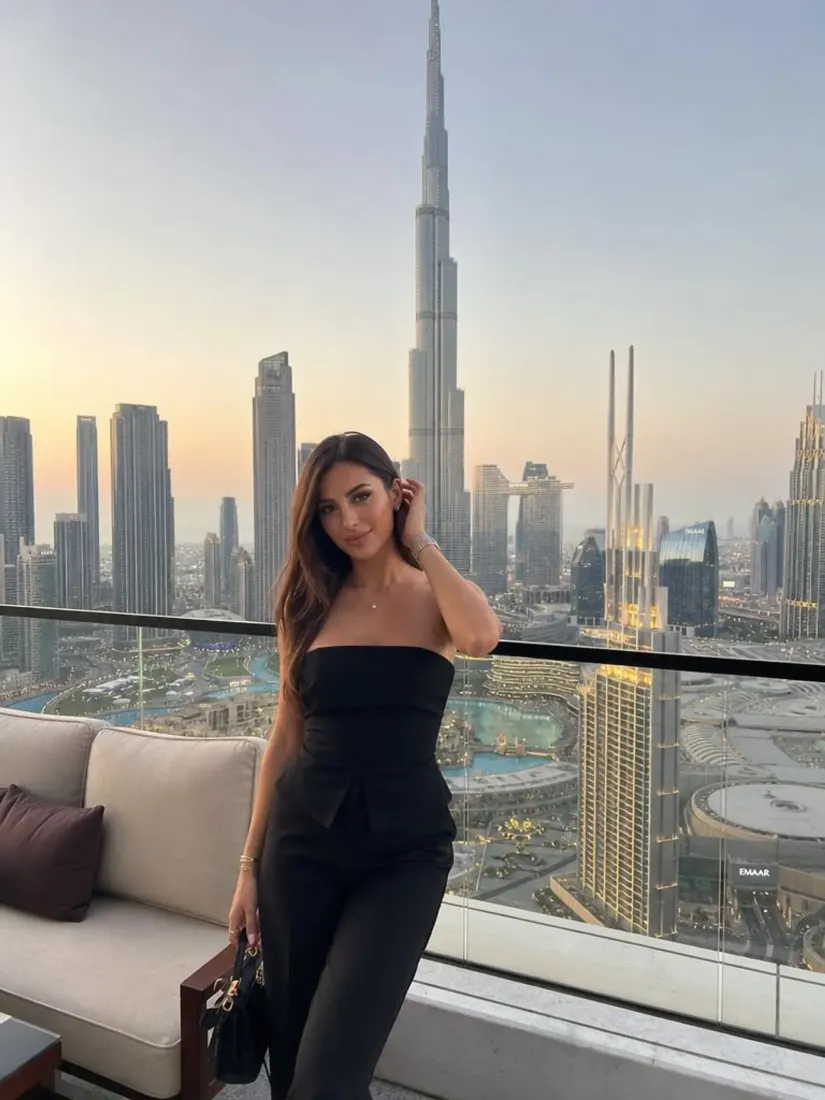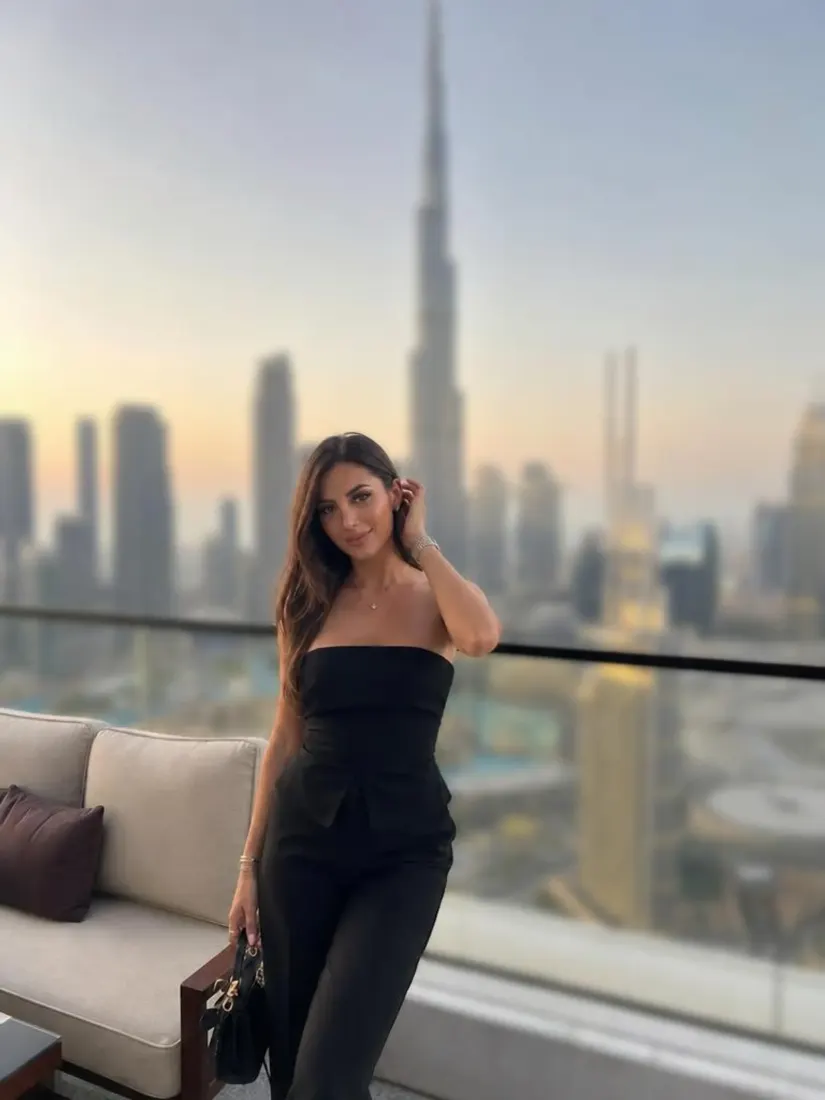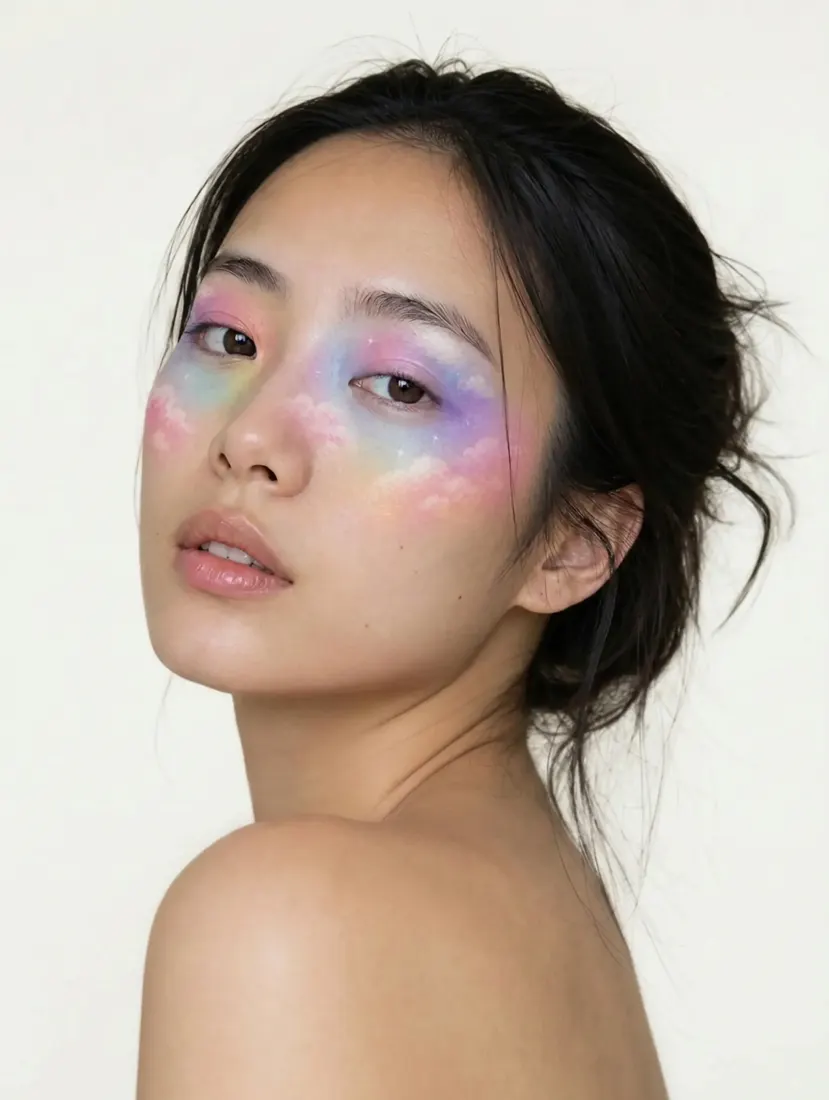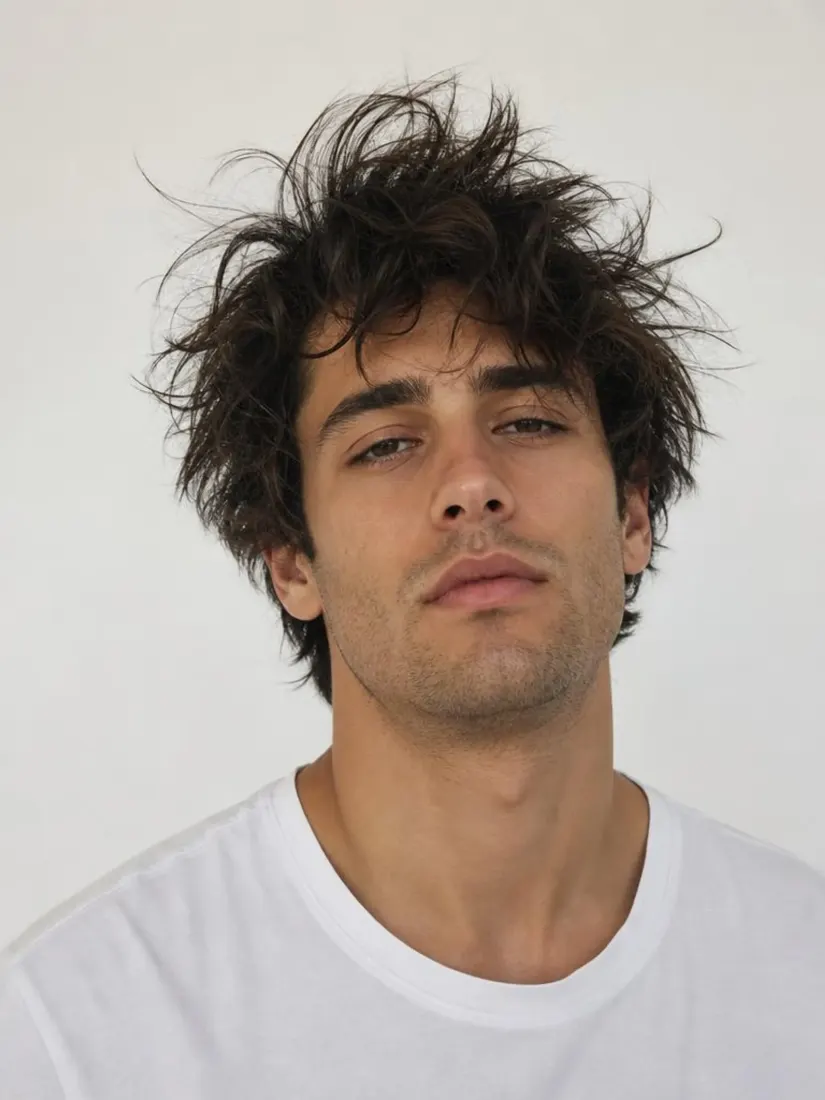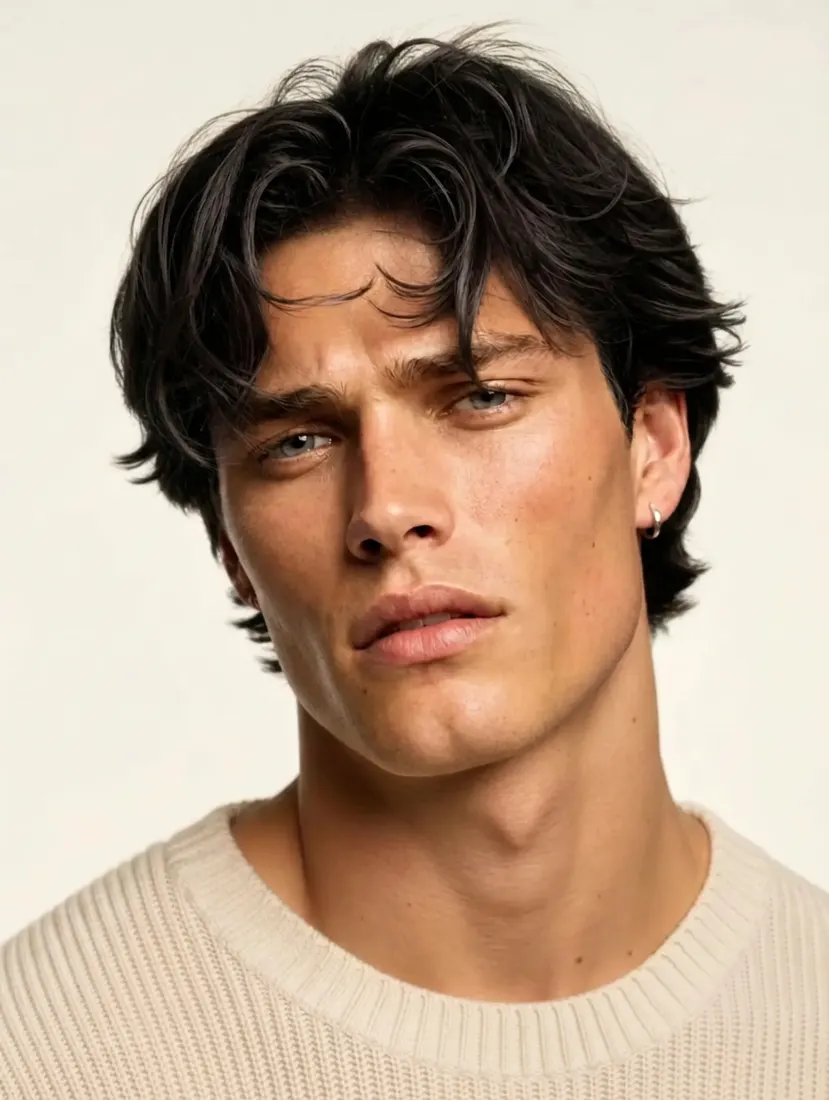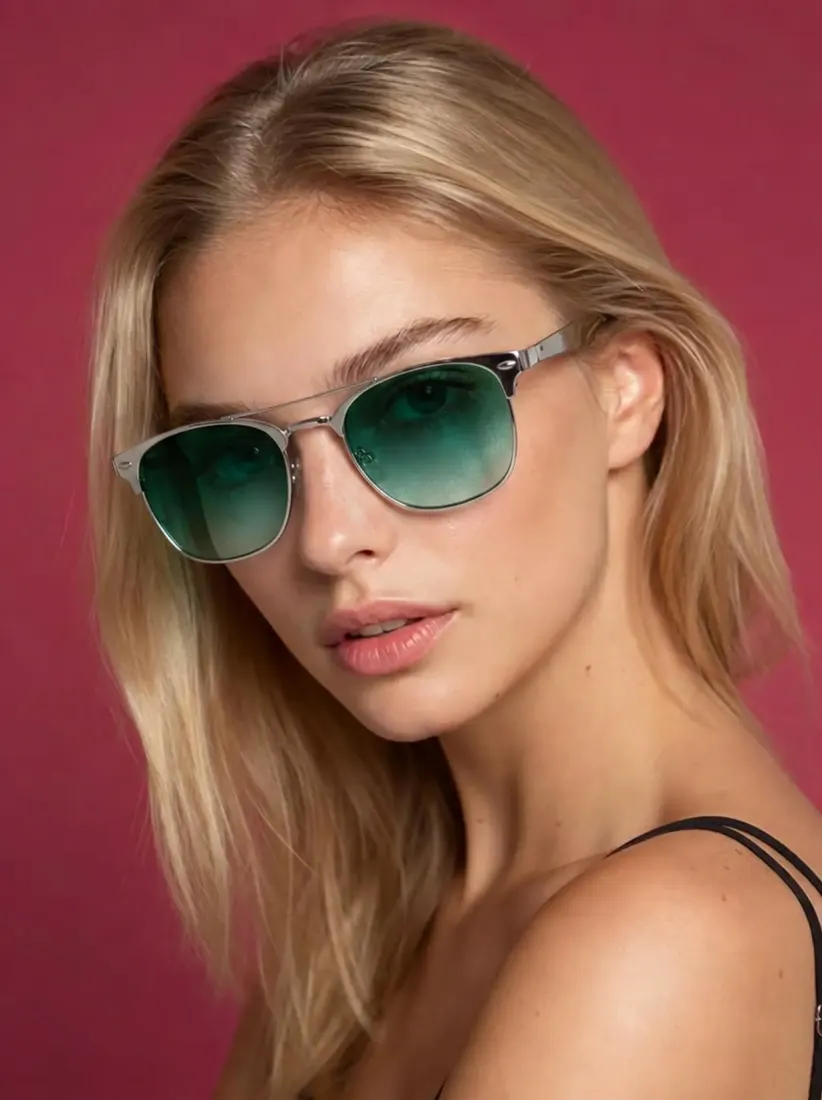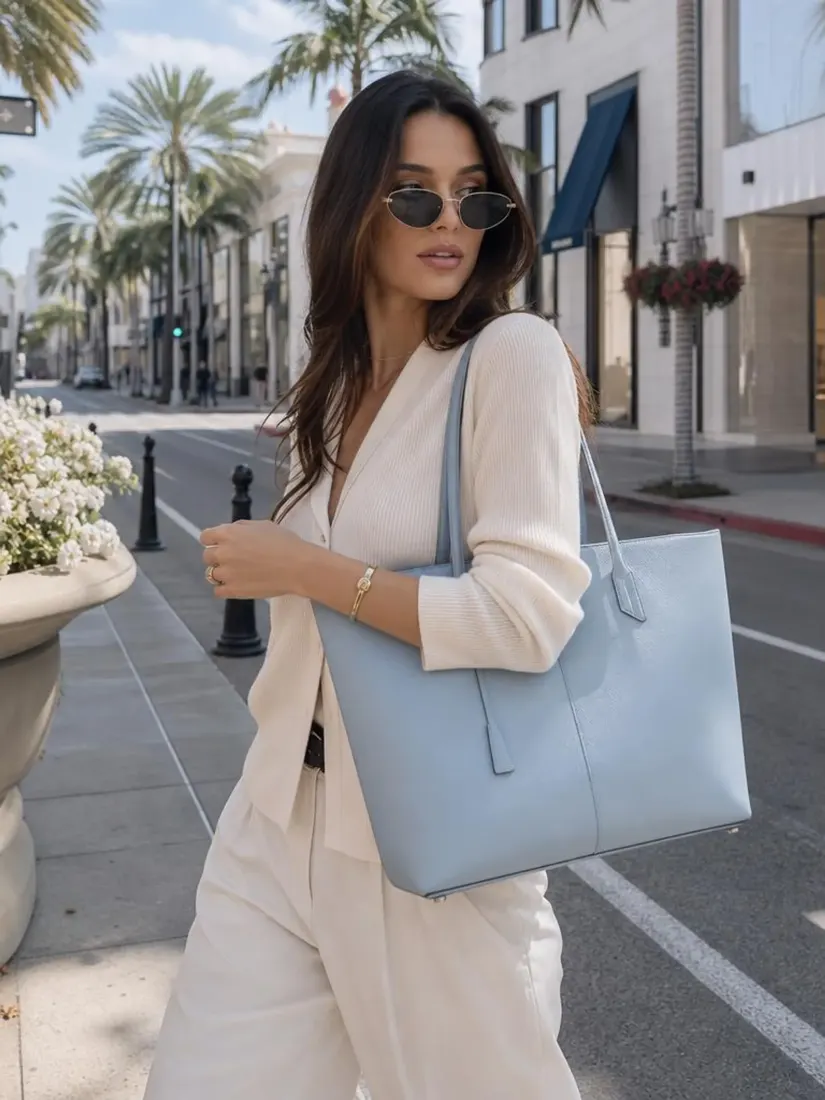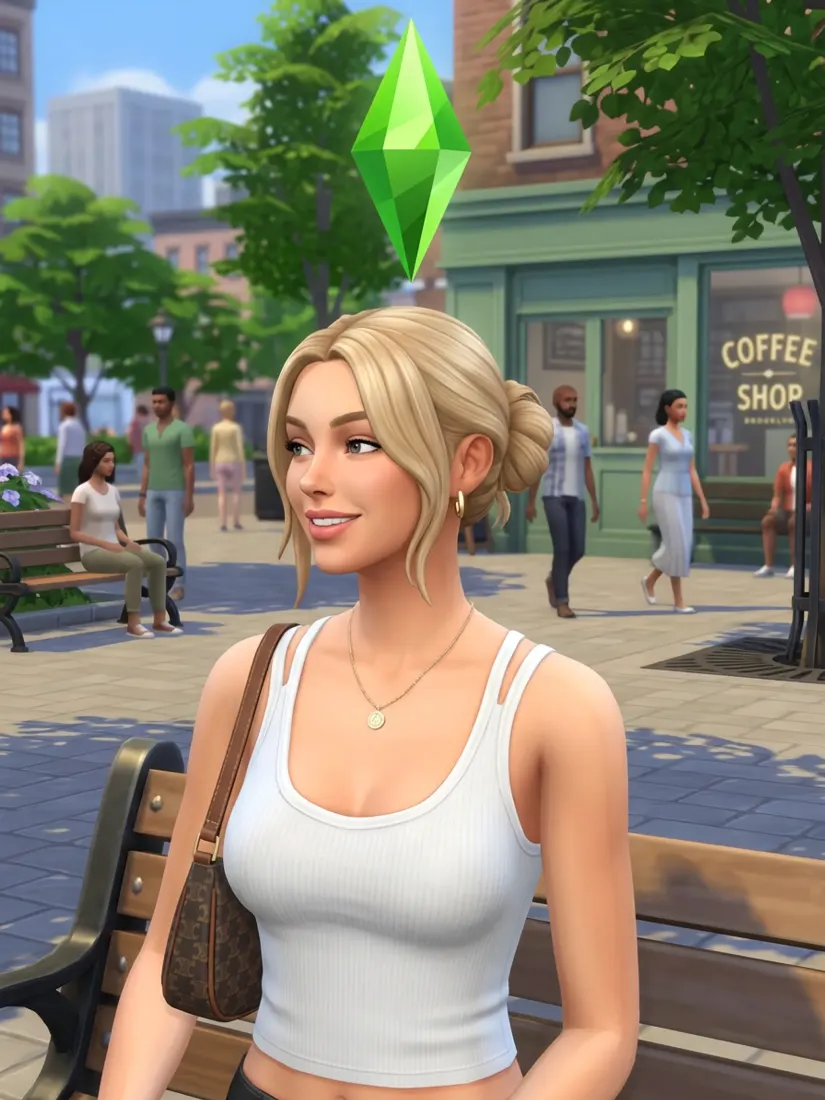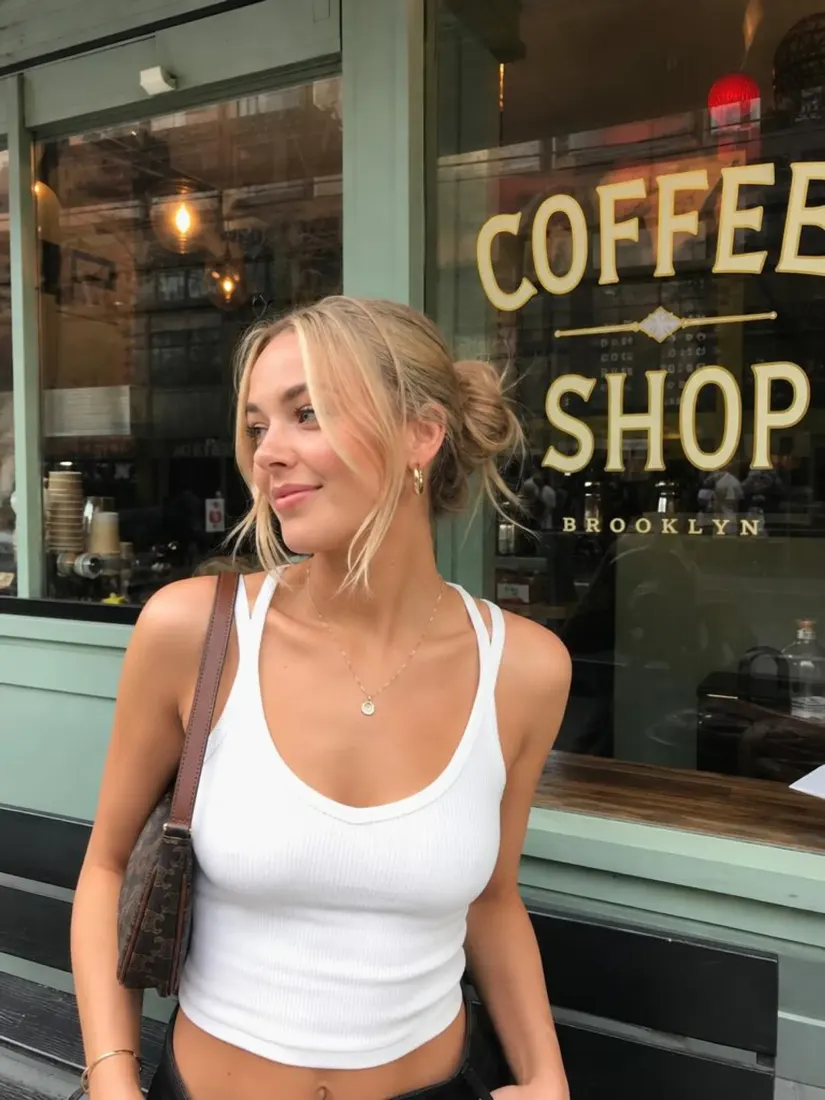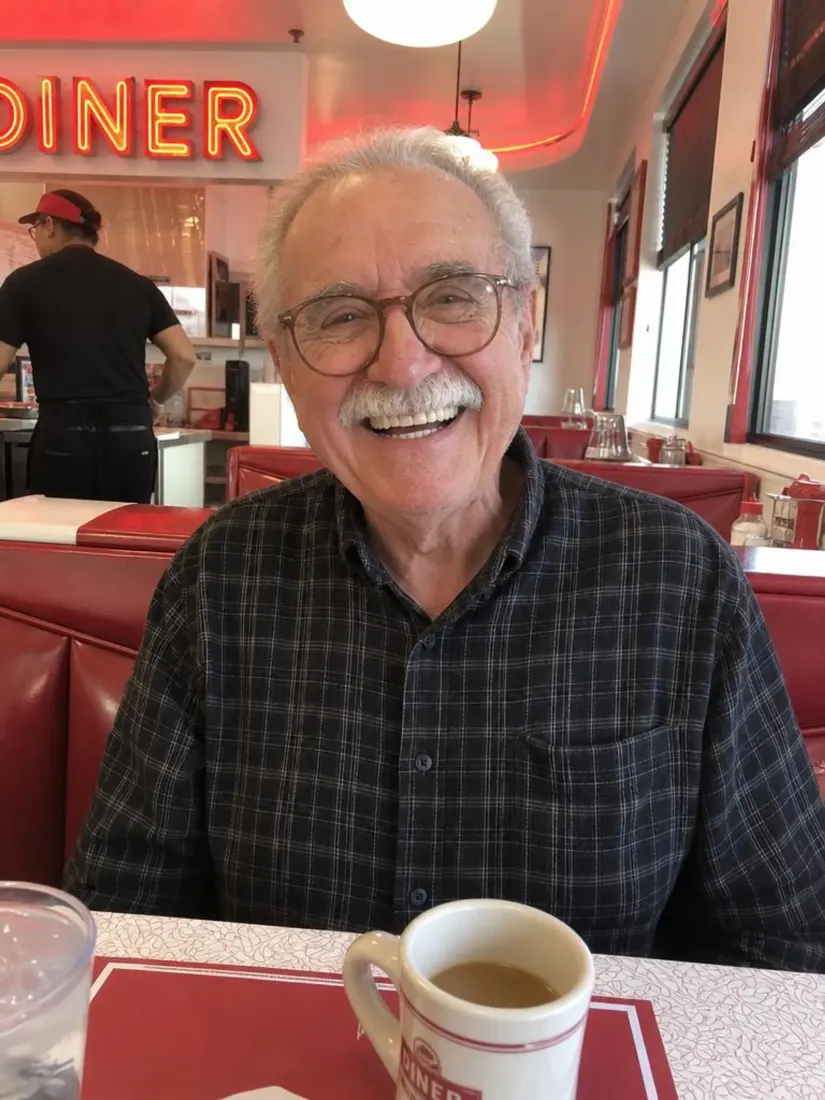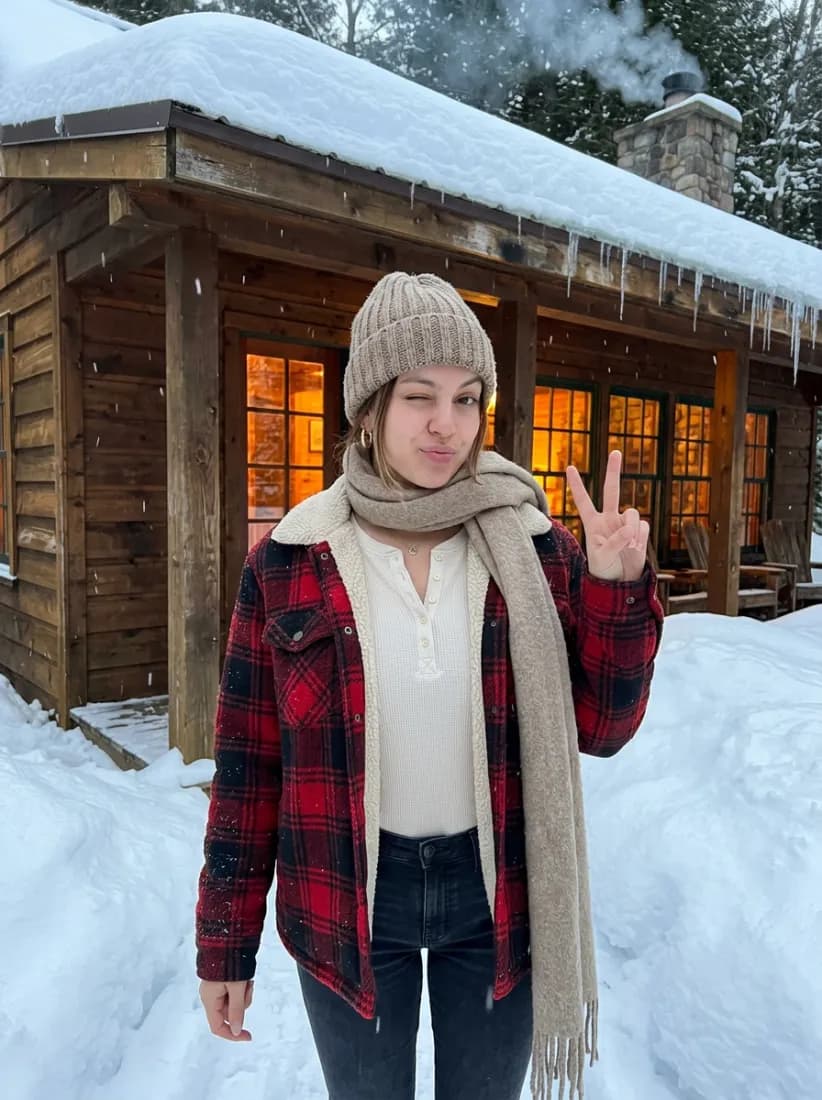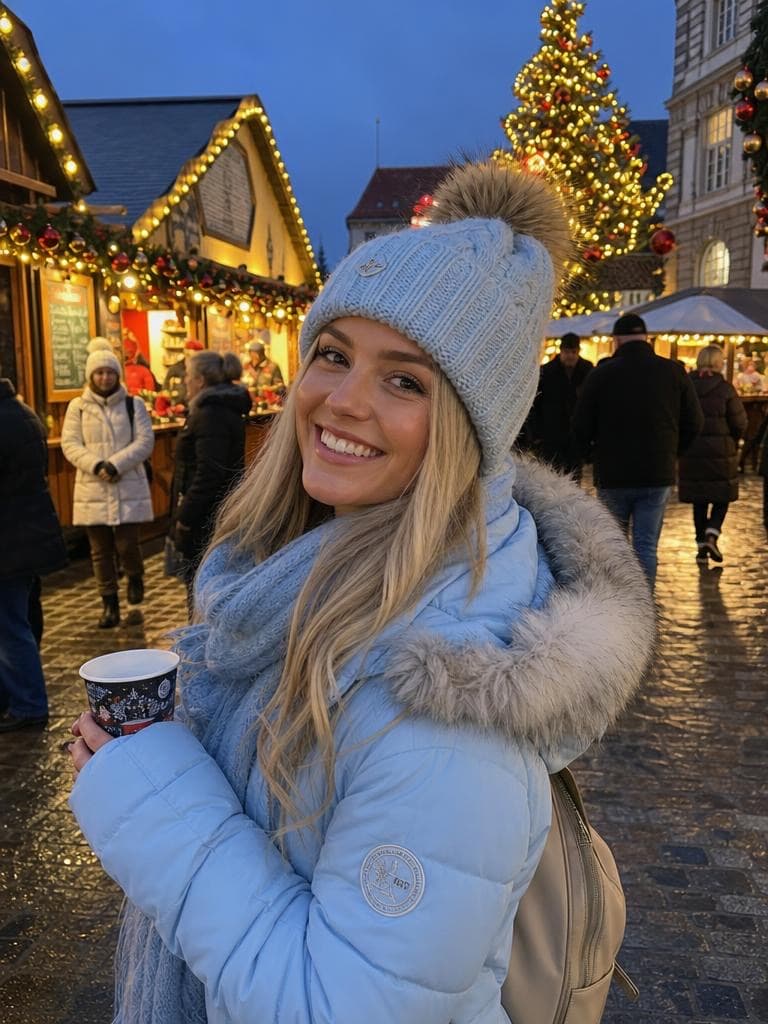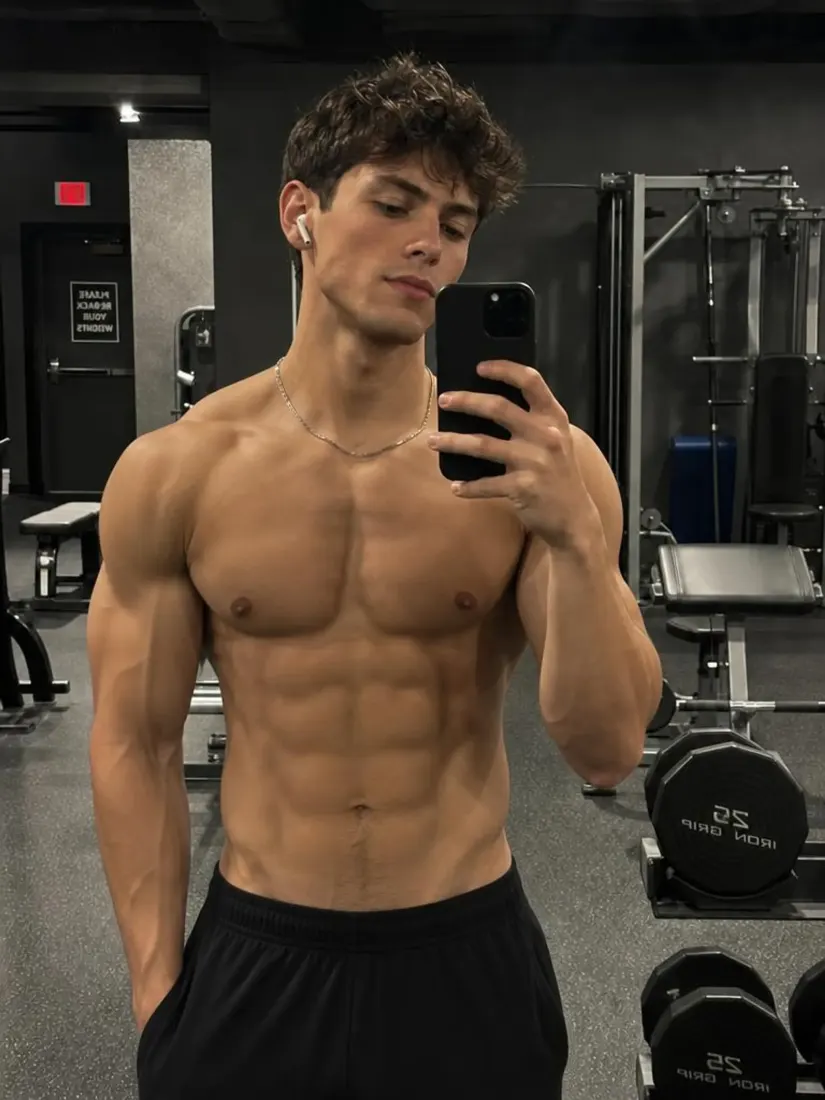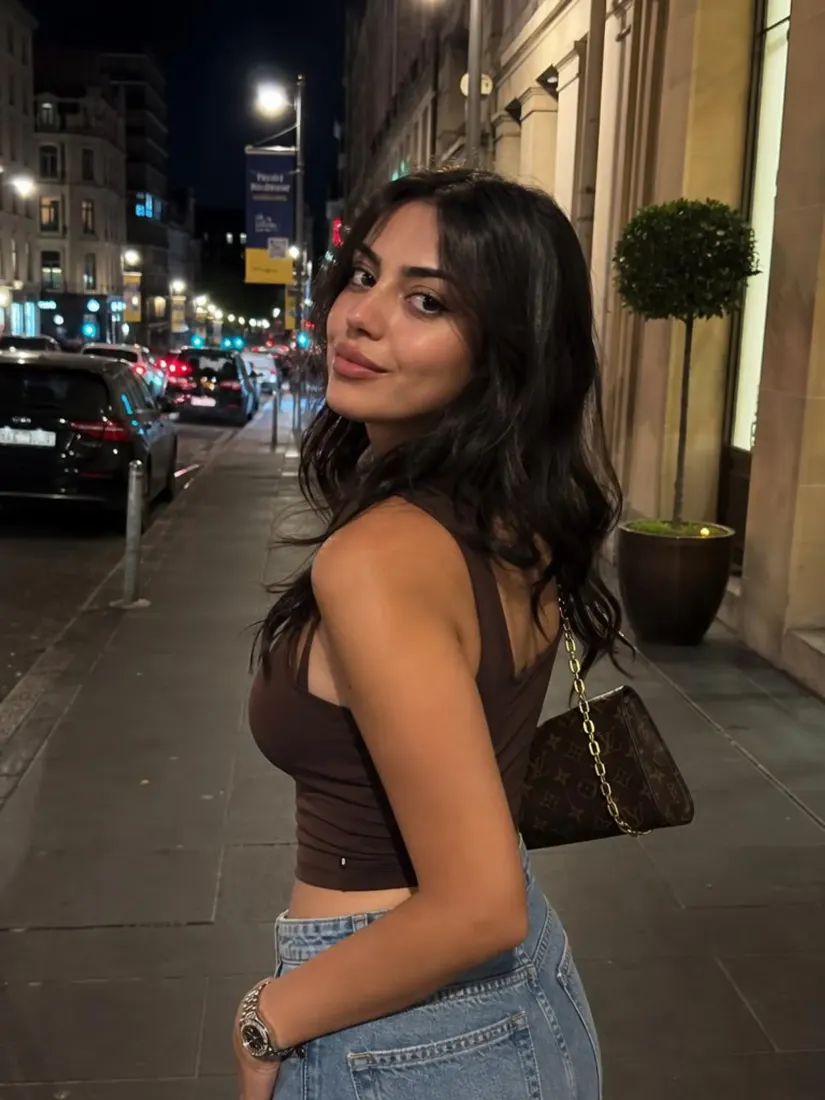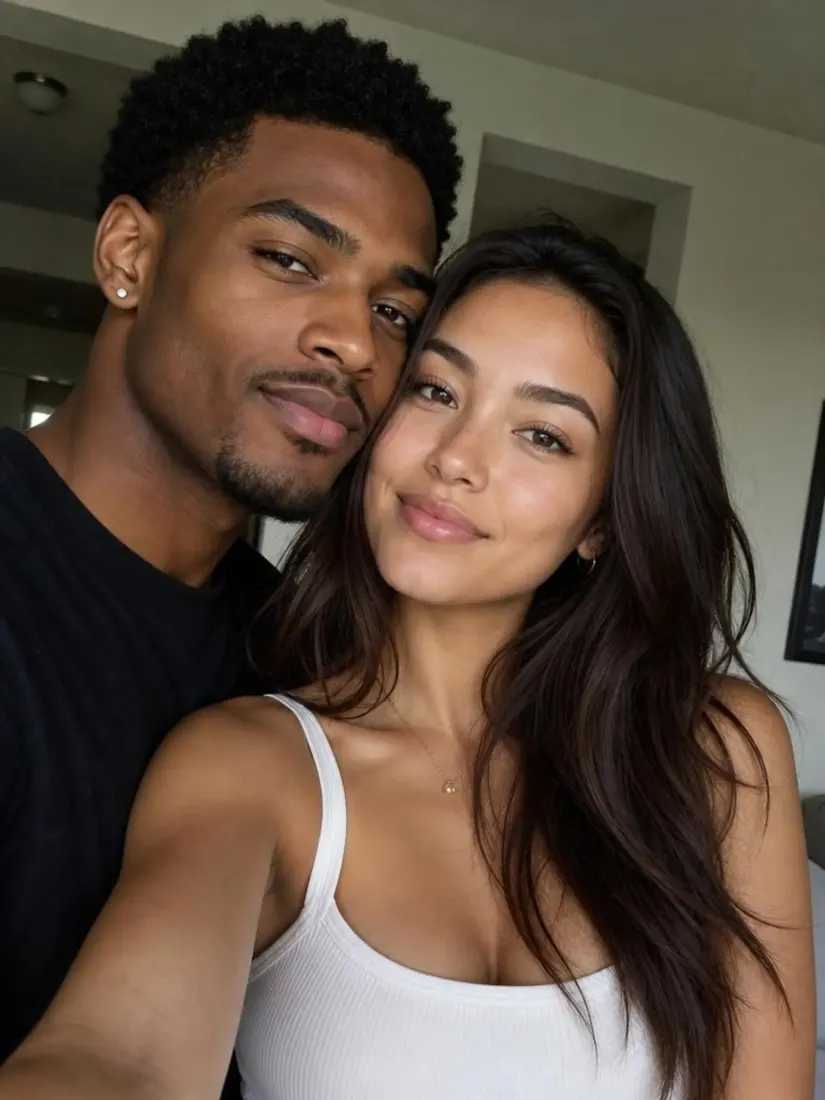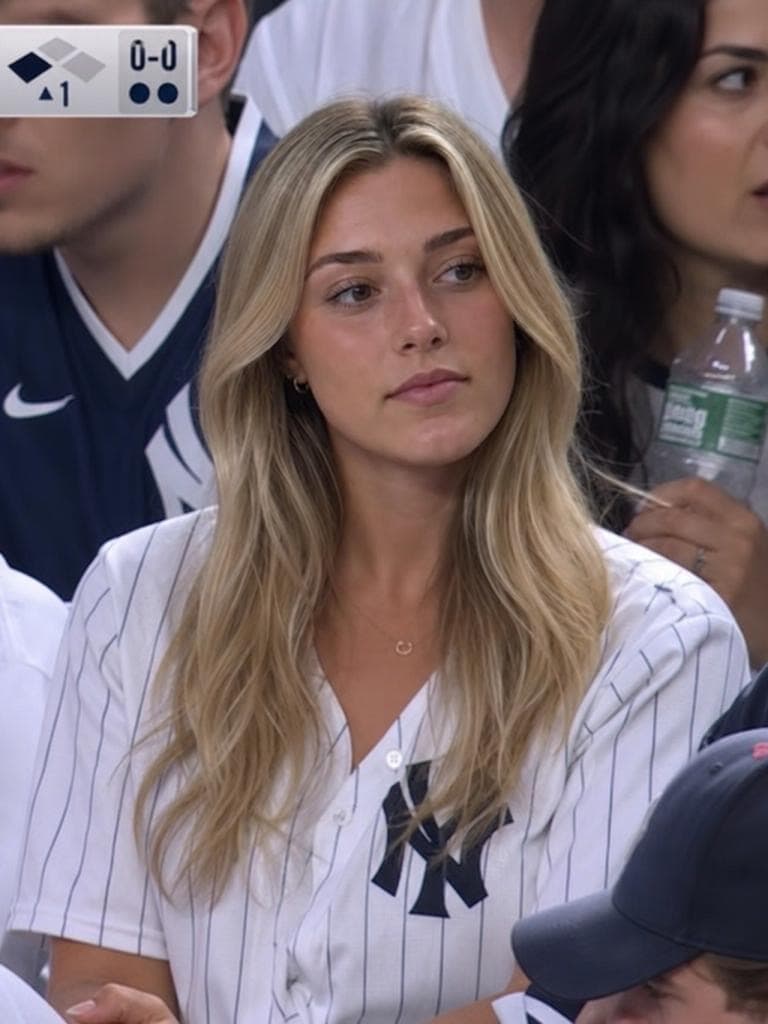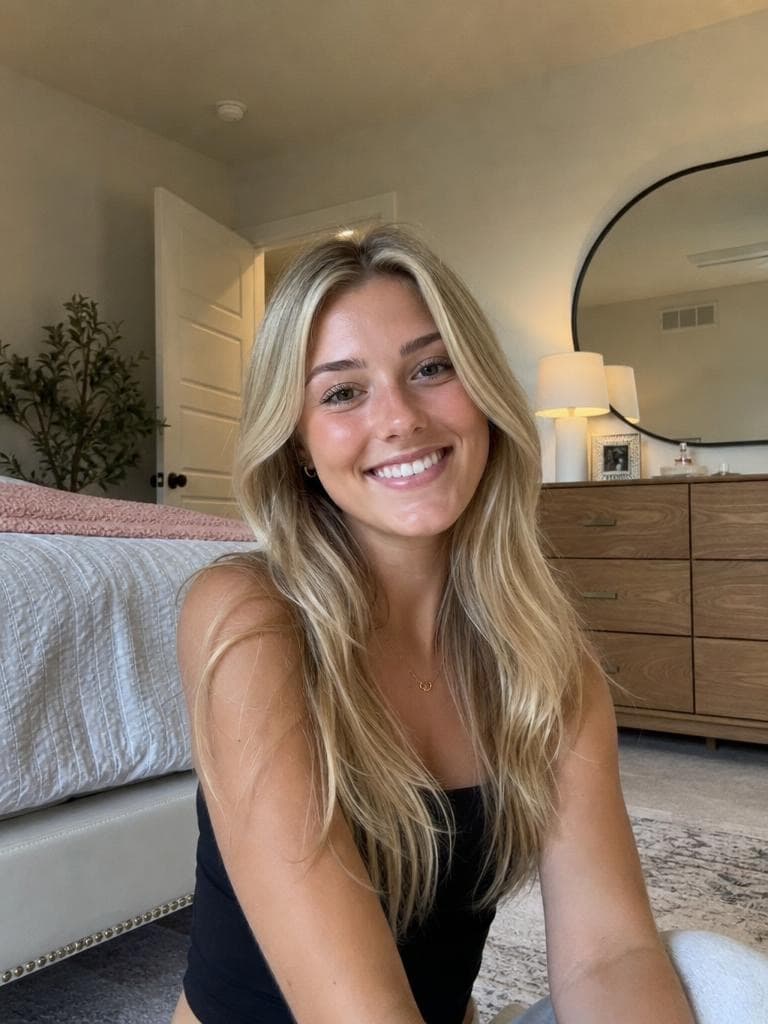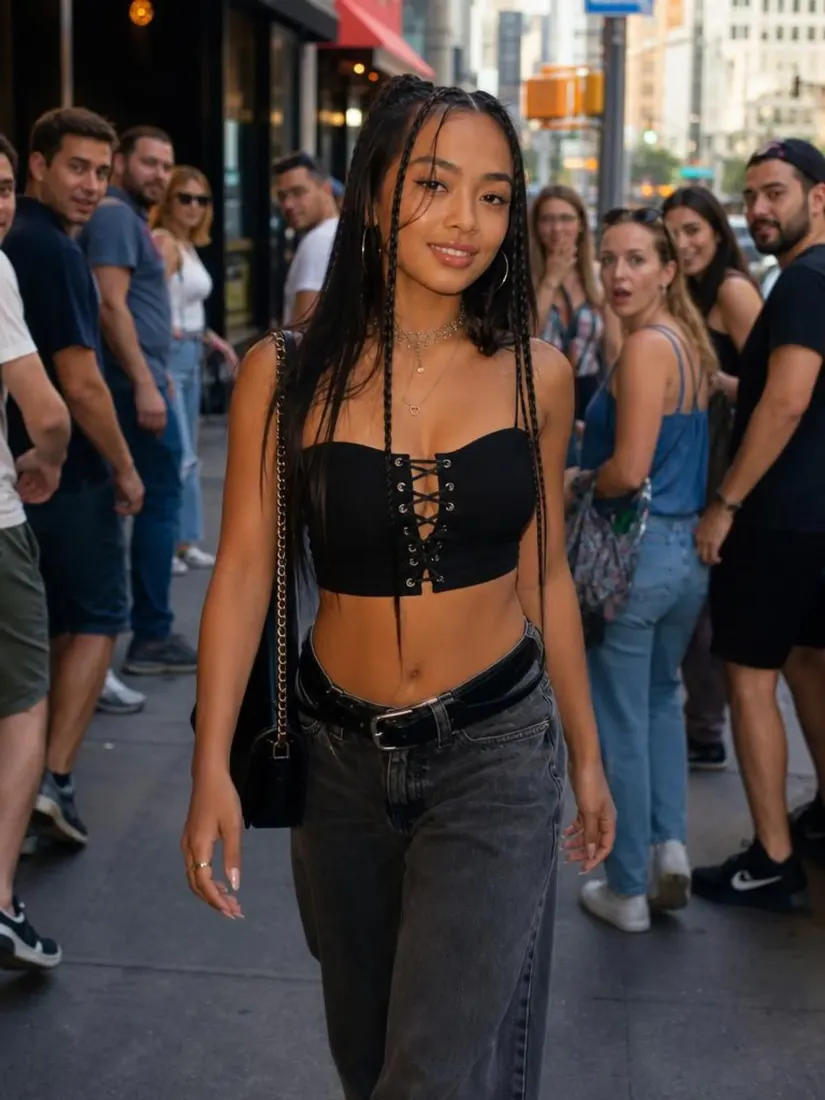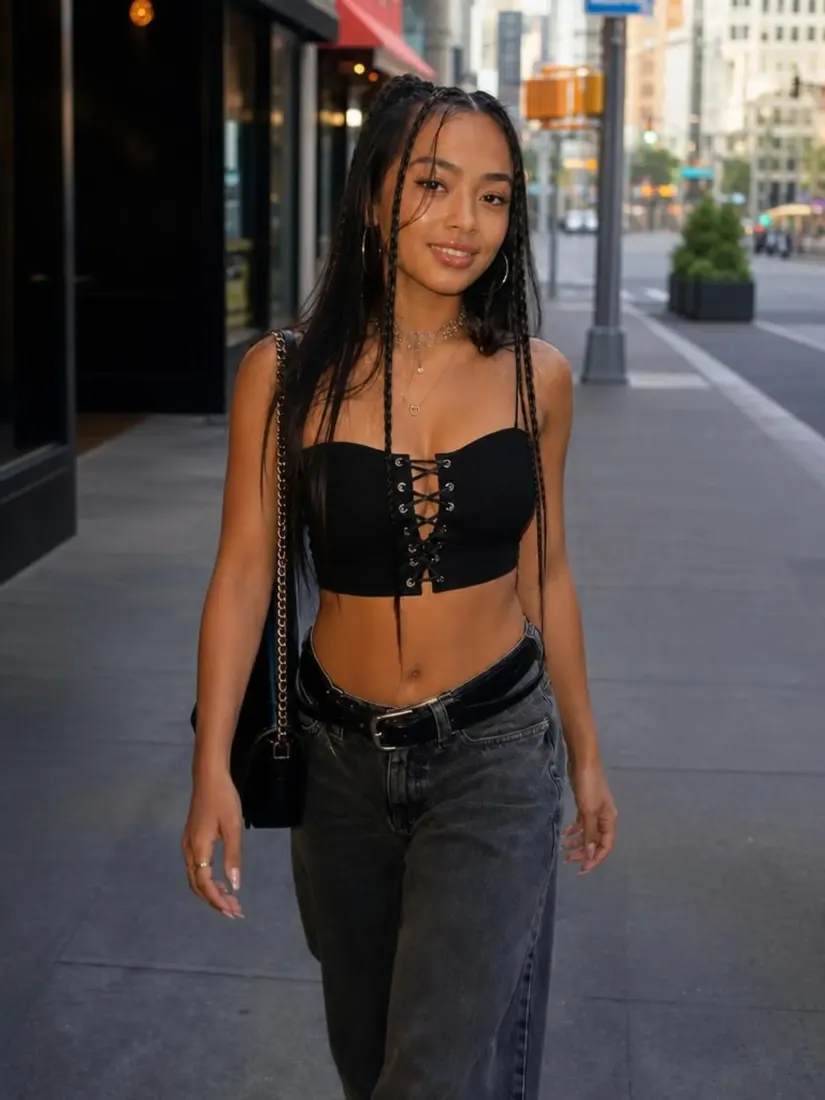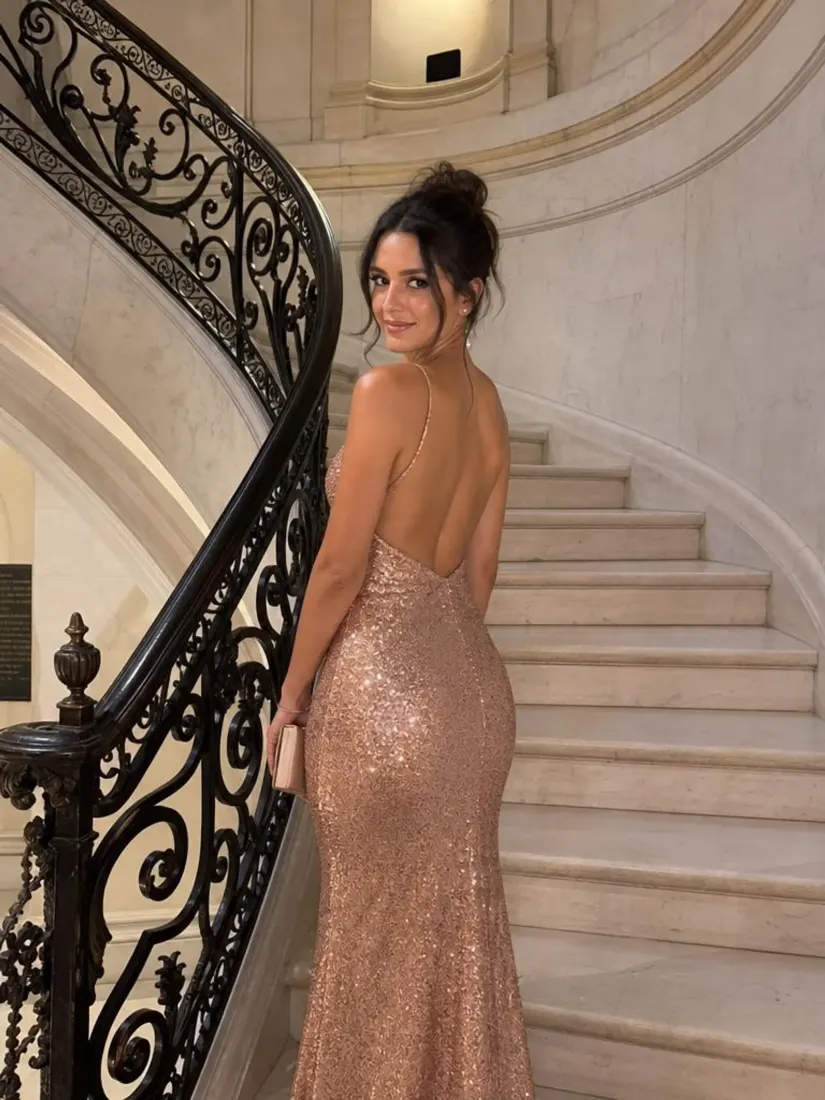
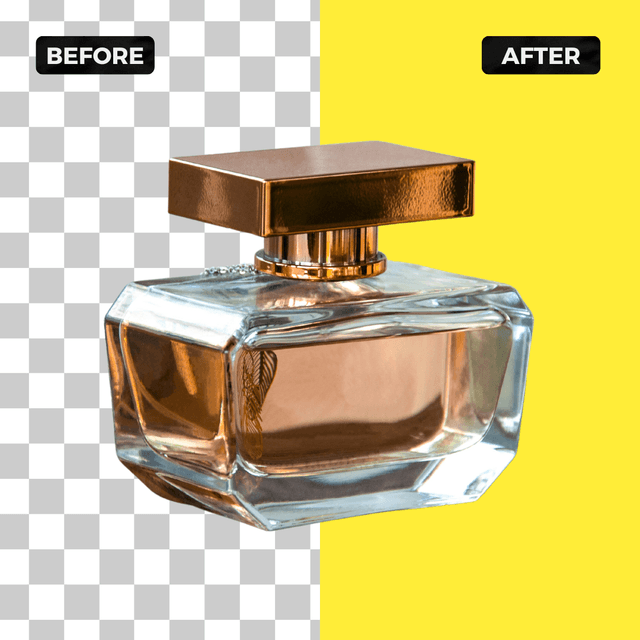
Before
After


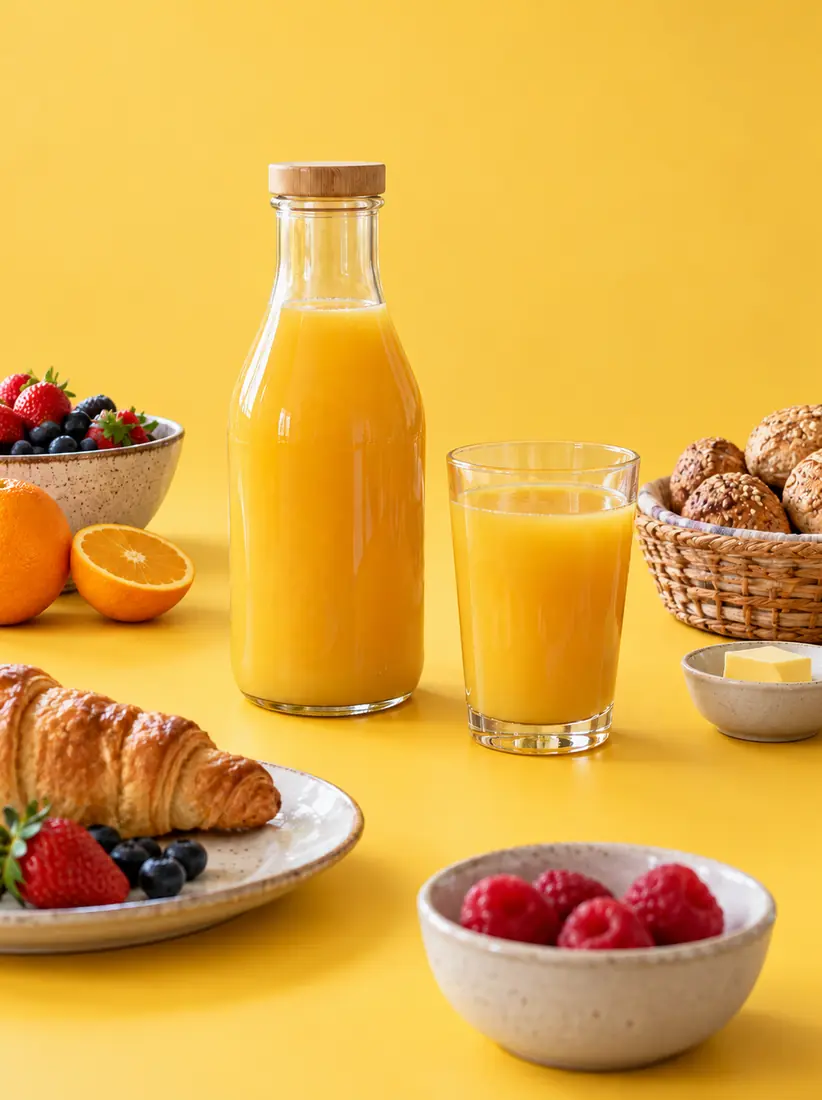
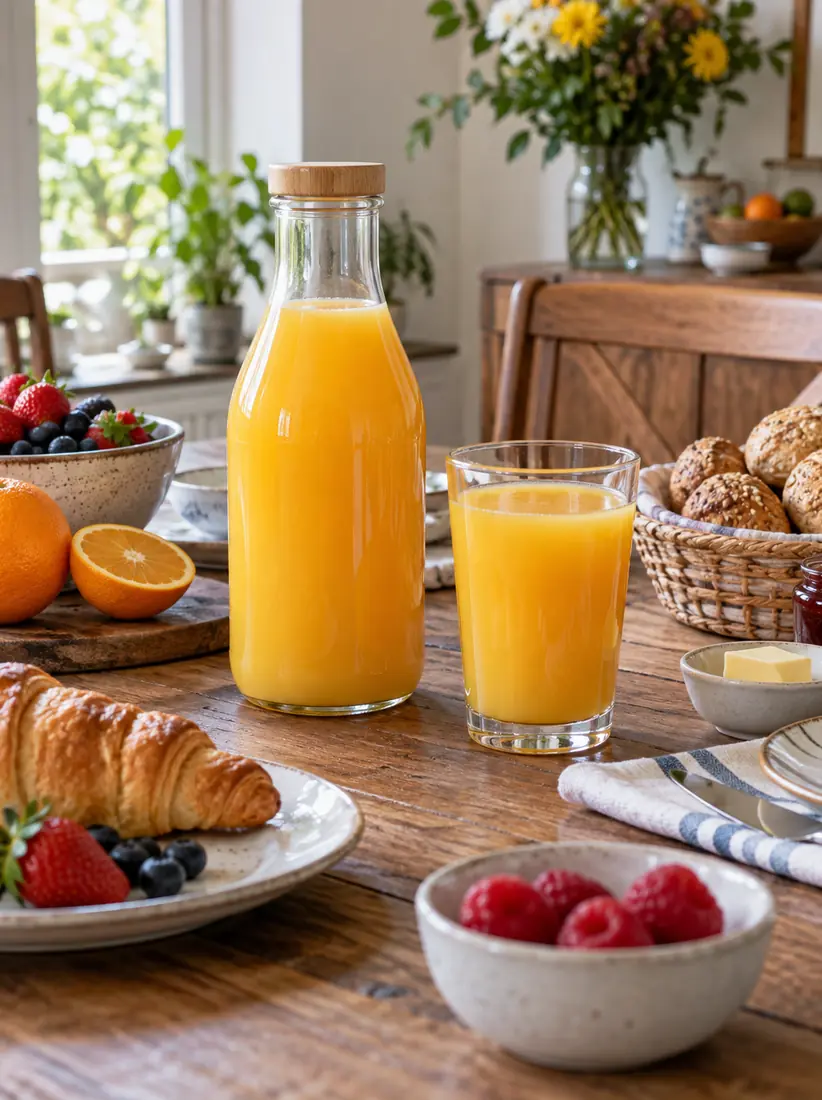
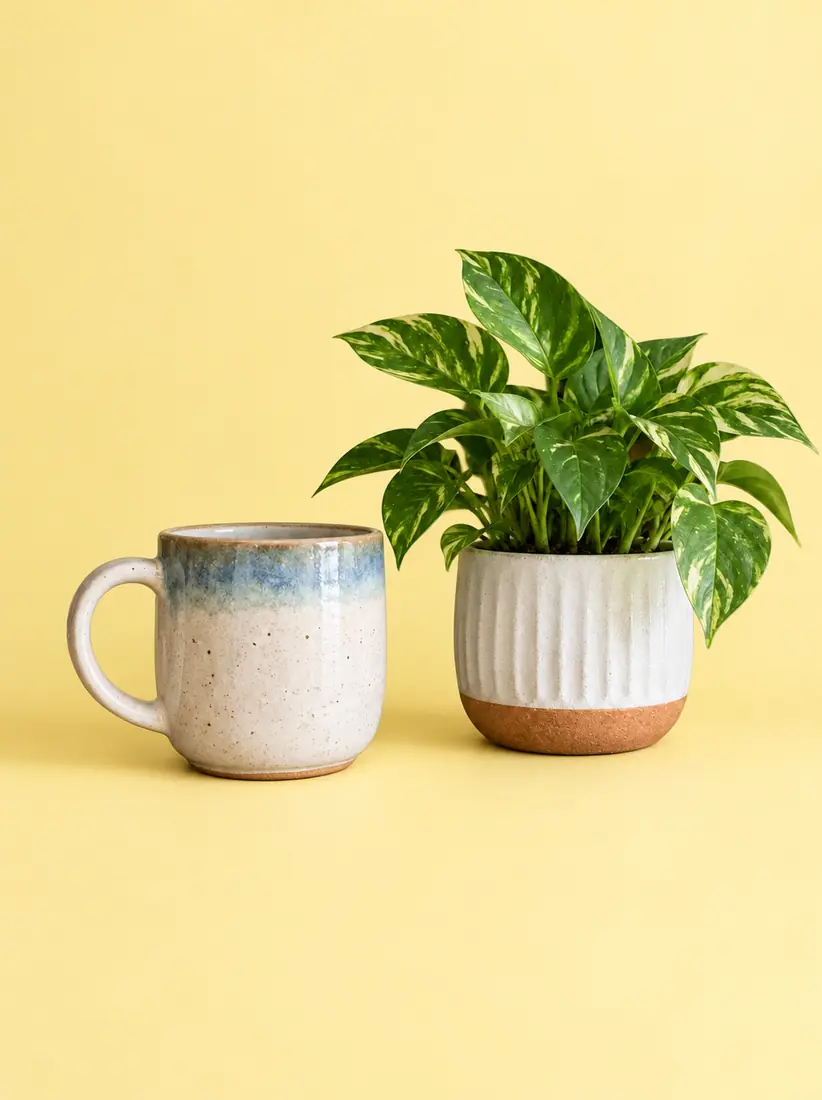
Food and beverage pack
Same item on warm studio yellow
Or drag and drop an image to change the background

FOR PROFESSIONALS









You upload a JPG or PNG, Aragon removes the old backdrop, and you get a yellow background for editing ready to download. That is the whole job. A free account is required to run the tool.
UploadSimply upload the photo you want to edit. Image format can be PNG or JPG, and we support all image dimensions.
Yellow Background ChangerAragon's AI automatically removes the background from your photo and replaces it with a clean yellow background. No manual selection needed.
DownloadDownload your yellow background photo once it is ready. Great for food and beverage photography, lifestyle product shots, social media, and any project that needs a warm vibrant backdrop.
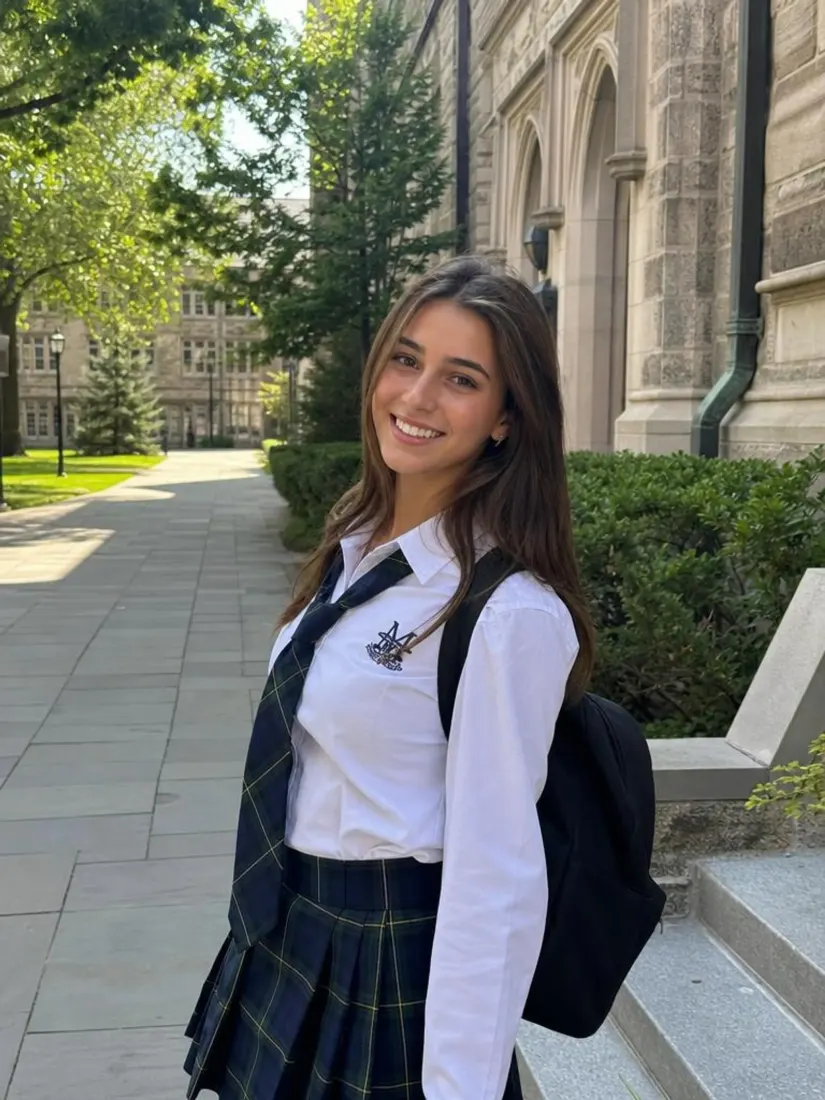
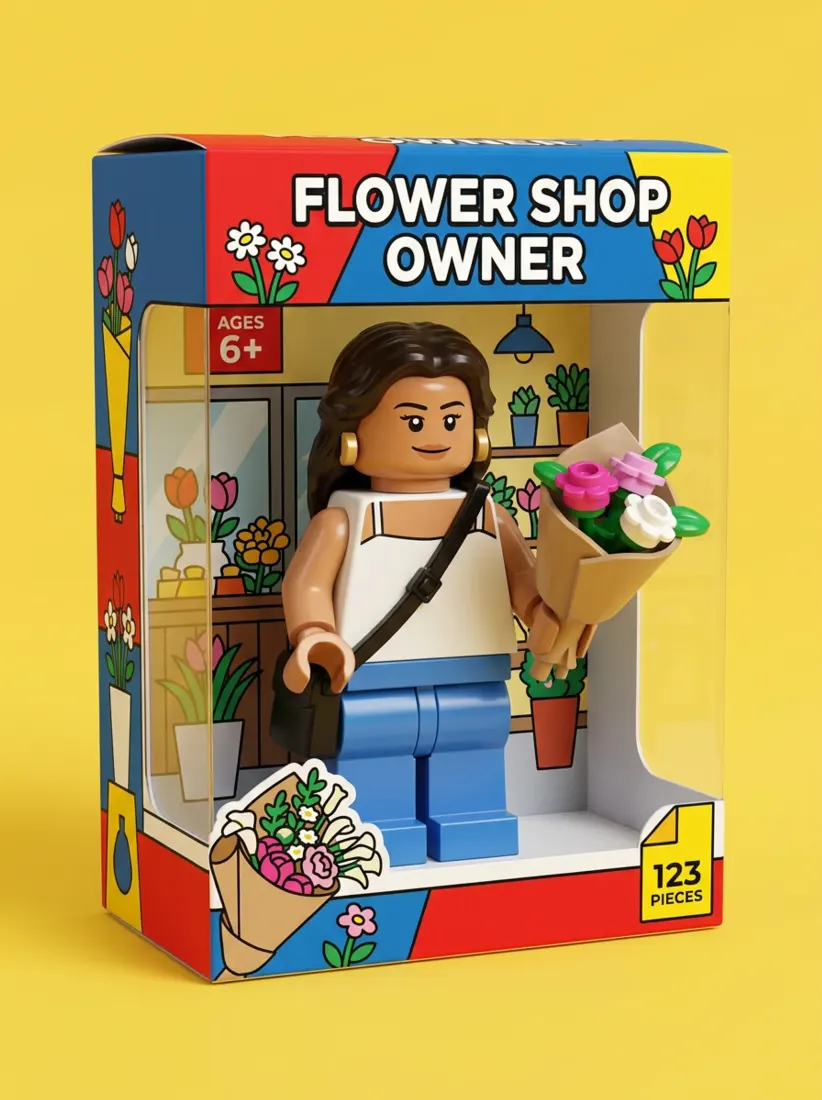
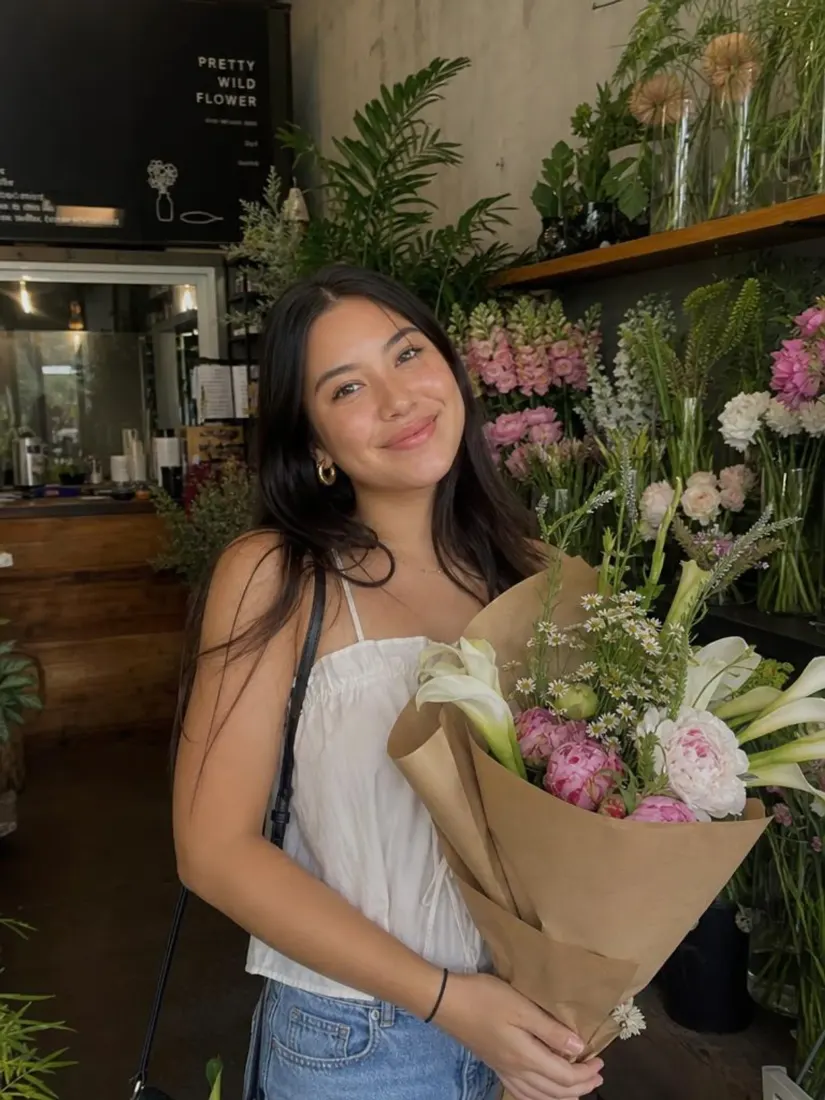
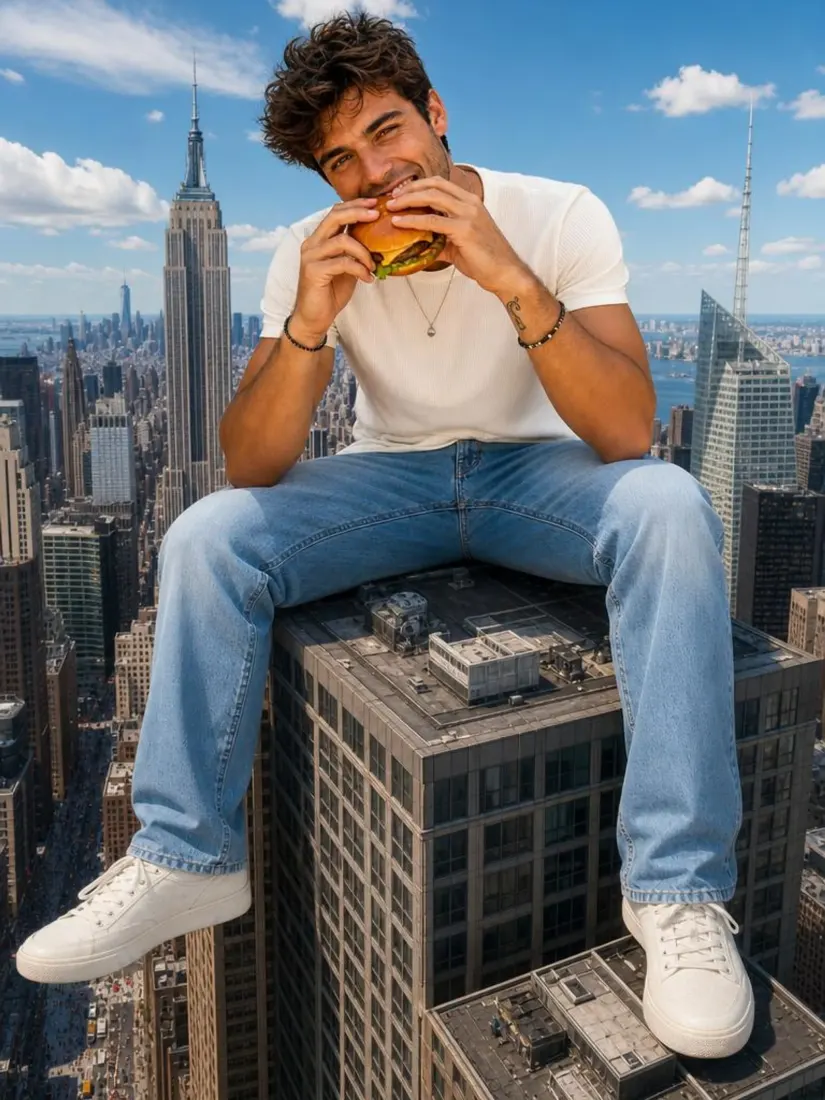
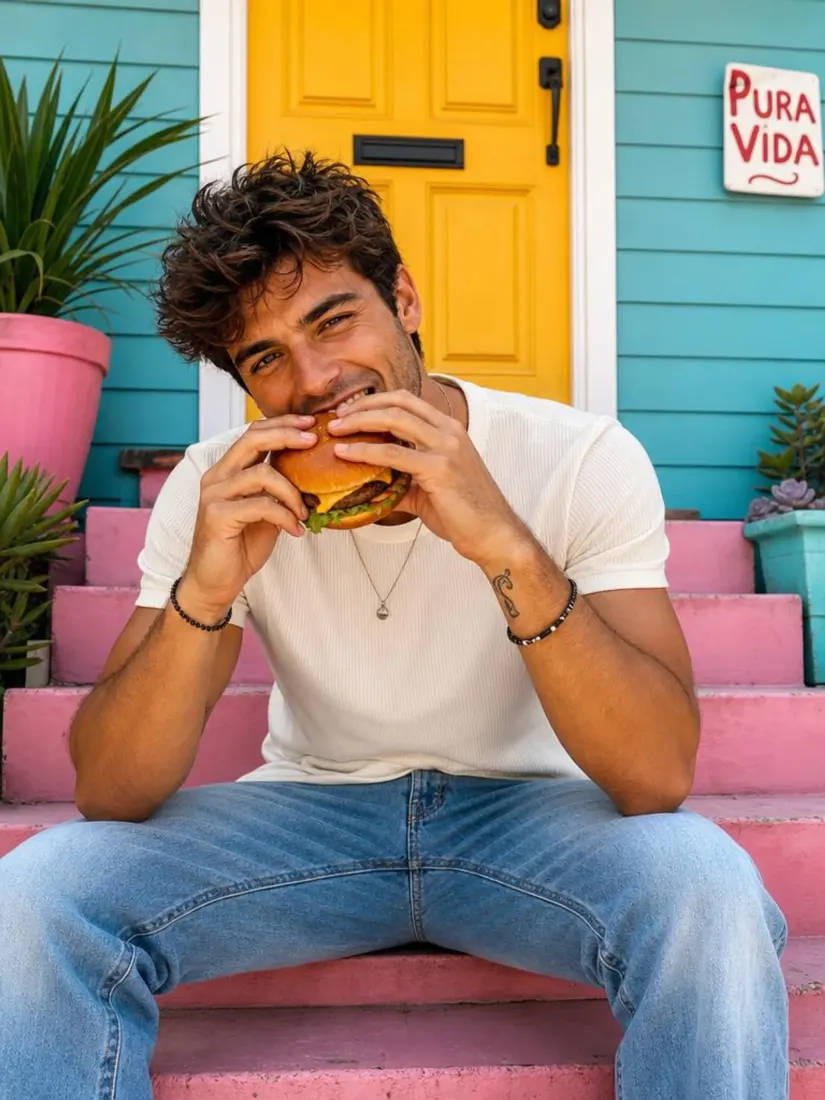
Before and after pairs show how a yellow background behaves on food, lifestyle products, and cheerful social frames. Crumbs on packaging, flyaways, and bottle labels either hold or they fringe against lemon.
Food and beverage pack
Same item on warm studio yellow
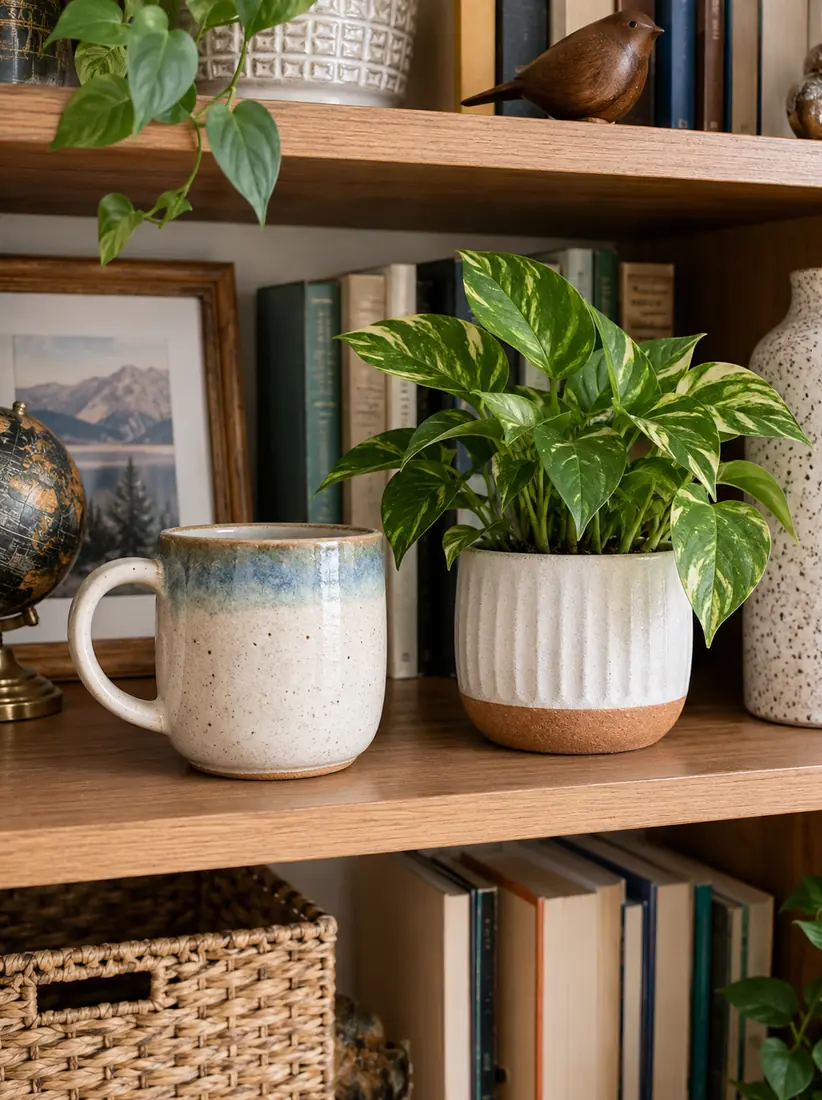
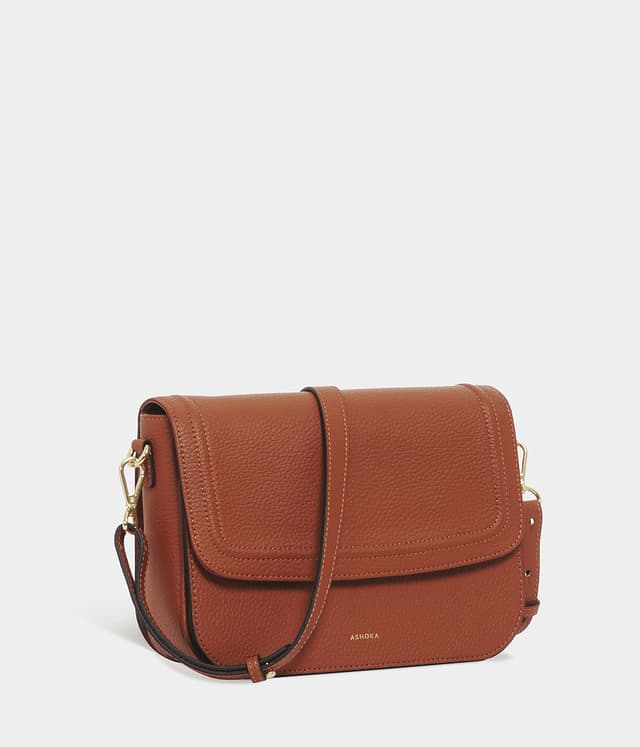
Lifestyle product
Product on soft pastel yellow
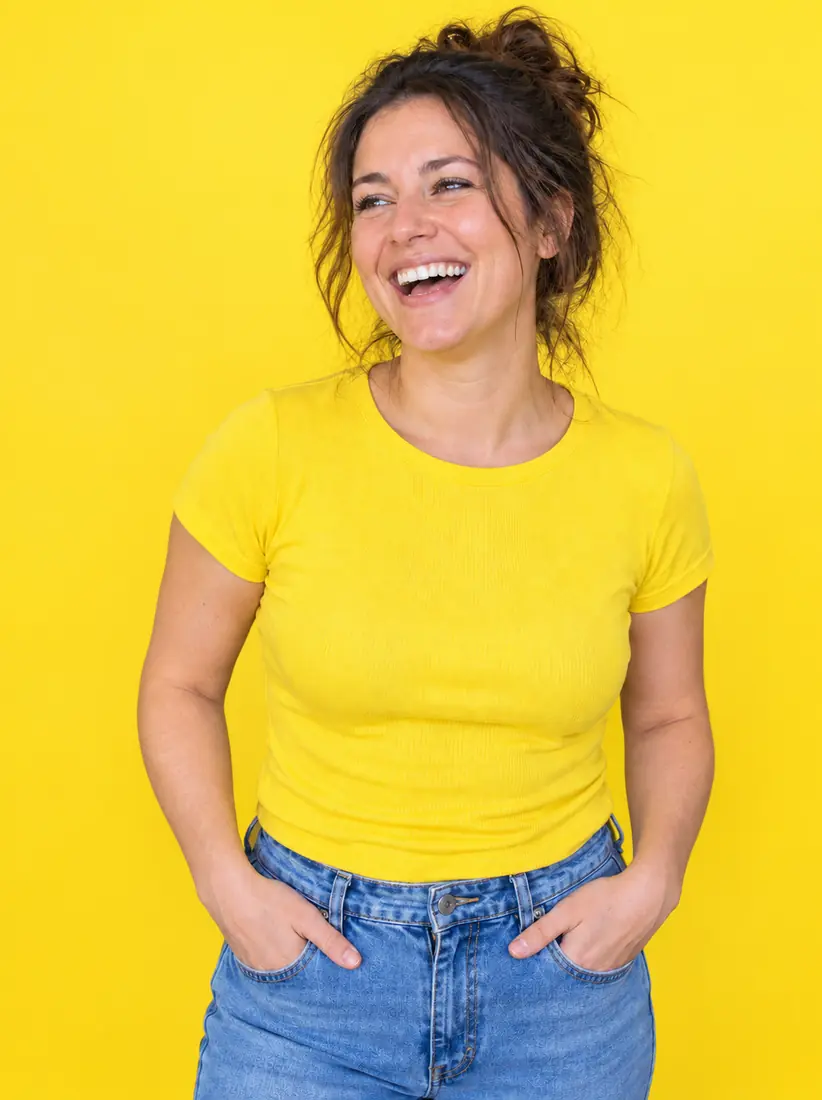
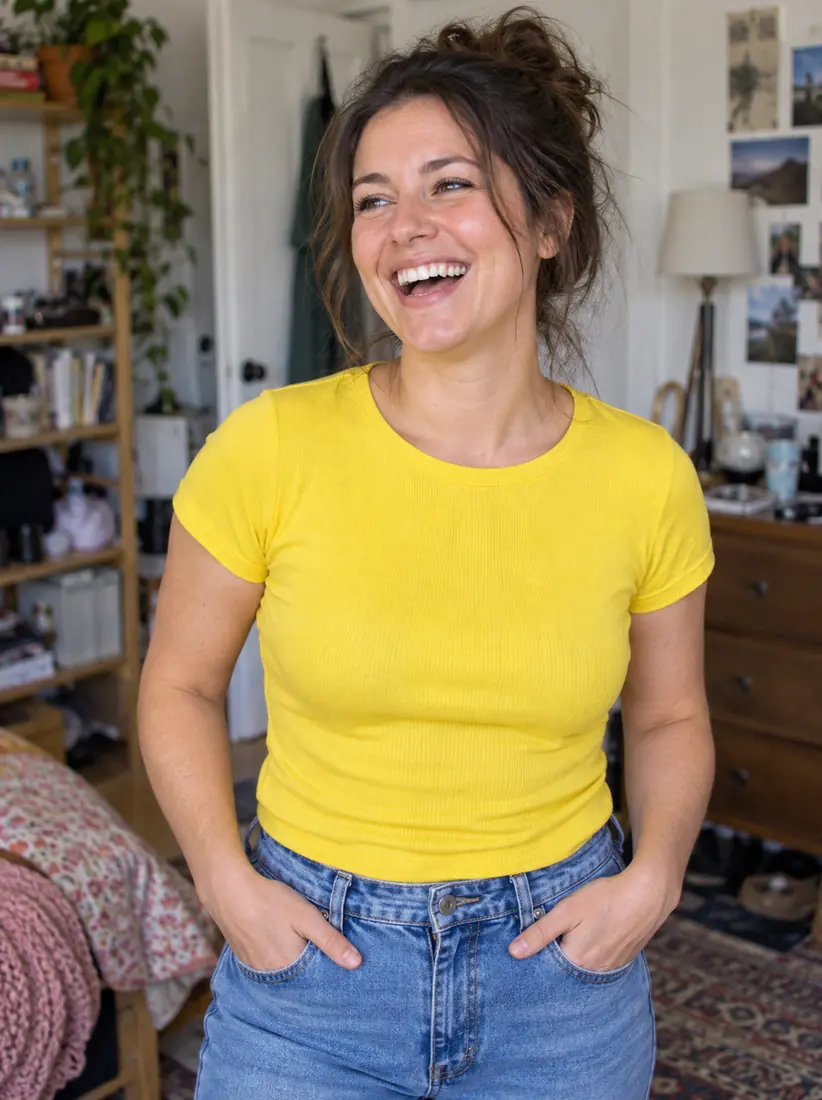
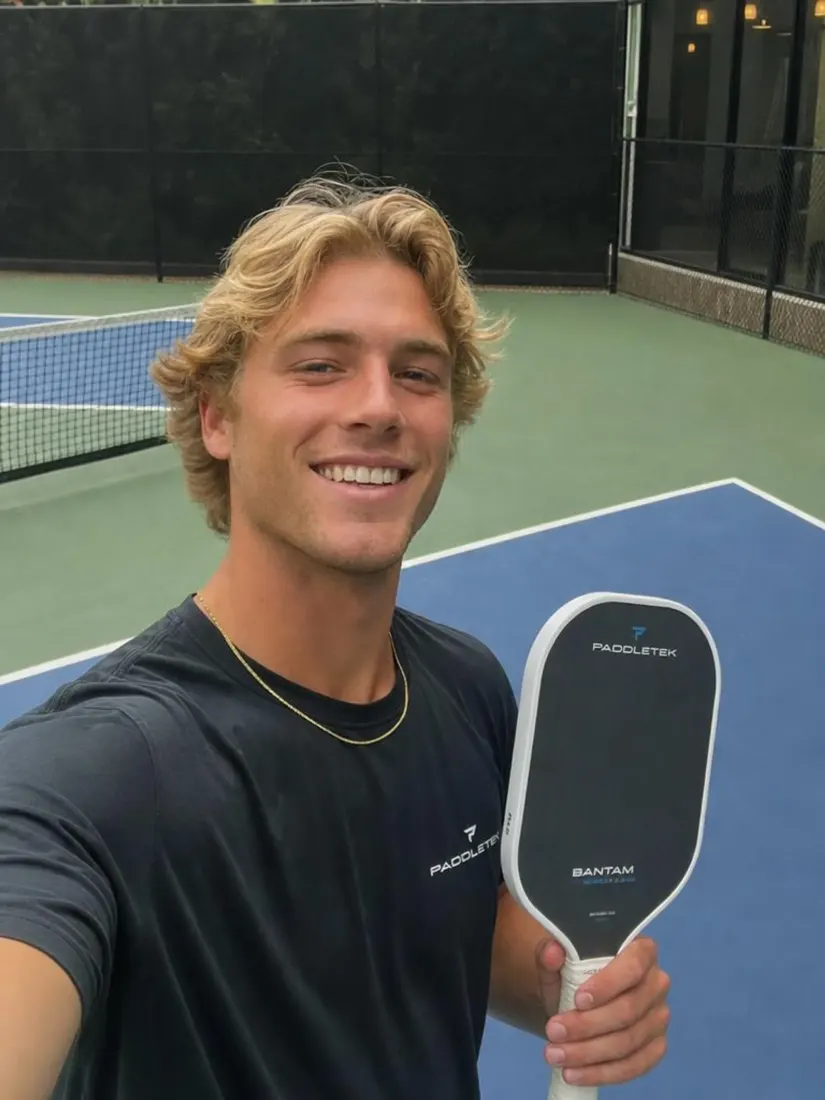
Cheerful social creative
Subject on vivid lemon yellow
Aragon.ai runs upload, cutout, and solid yellow replace on one page. You keep subject detail against a bright yellow background, and you leave with a file sized like the original.
AfterBeforeReplace any photo background with solid yellow. It is a full yellow fill, not a scenic wallpaper: what food brands and social teams need when they search background yellow.
A light yellow background reads softer for lifestyle portraits and kids creatives. Soft pastel sits between calm and cheerful. Lemon and vivid brand yellow suit promos and food packs.
The AI preserves fine edges and subject detail even against a bright yellow background for editing. Steam wisps, thin straps, and label type are where cheap cutouts fail.
Warm yellow is a classic studio choice for food and beverage because it reads appetizing without fighting plate colors. Lifestyle products pick up energy without going dark.
Output stays the same size as the original upload. Grab PNG or JPG as supported and drop the file into a listing, carousel, or deck.
Uploads stay private under Aragon's policies. Personal and commercial use follow your plan and Terms. Read the FAQ below before you ship a campaign asset.
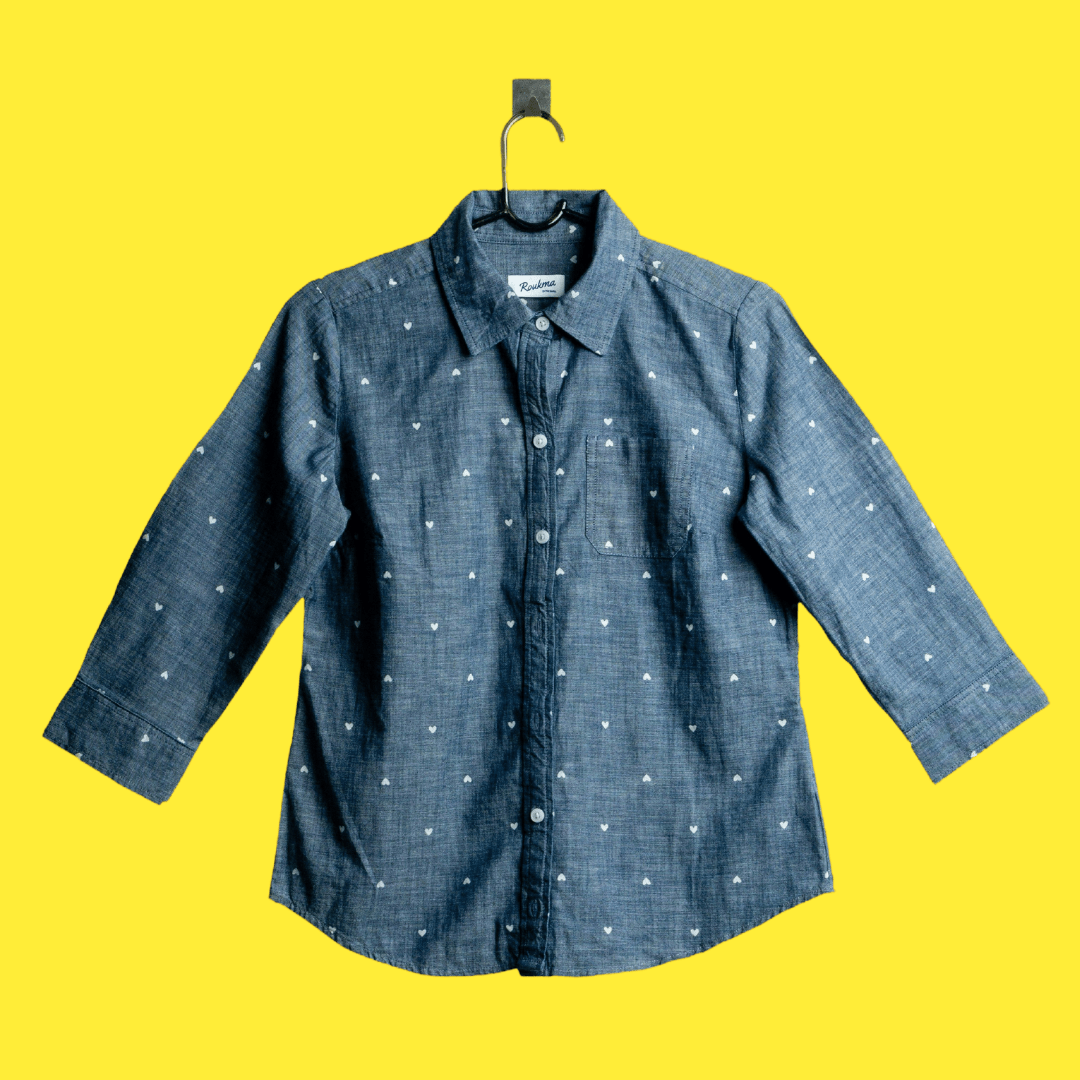
Replace any photo background with bright yellow using Aragon's AI yellow background changer. Great for energetic portraits, creative branding, and standout product photos.
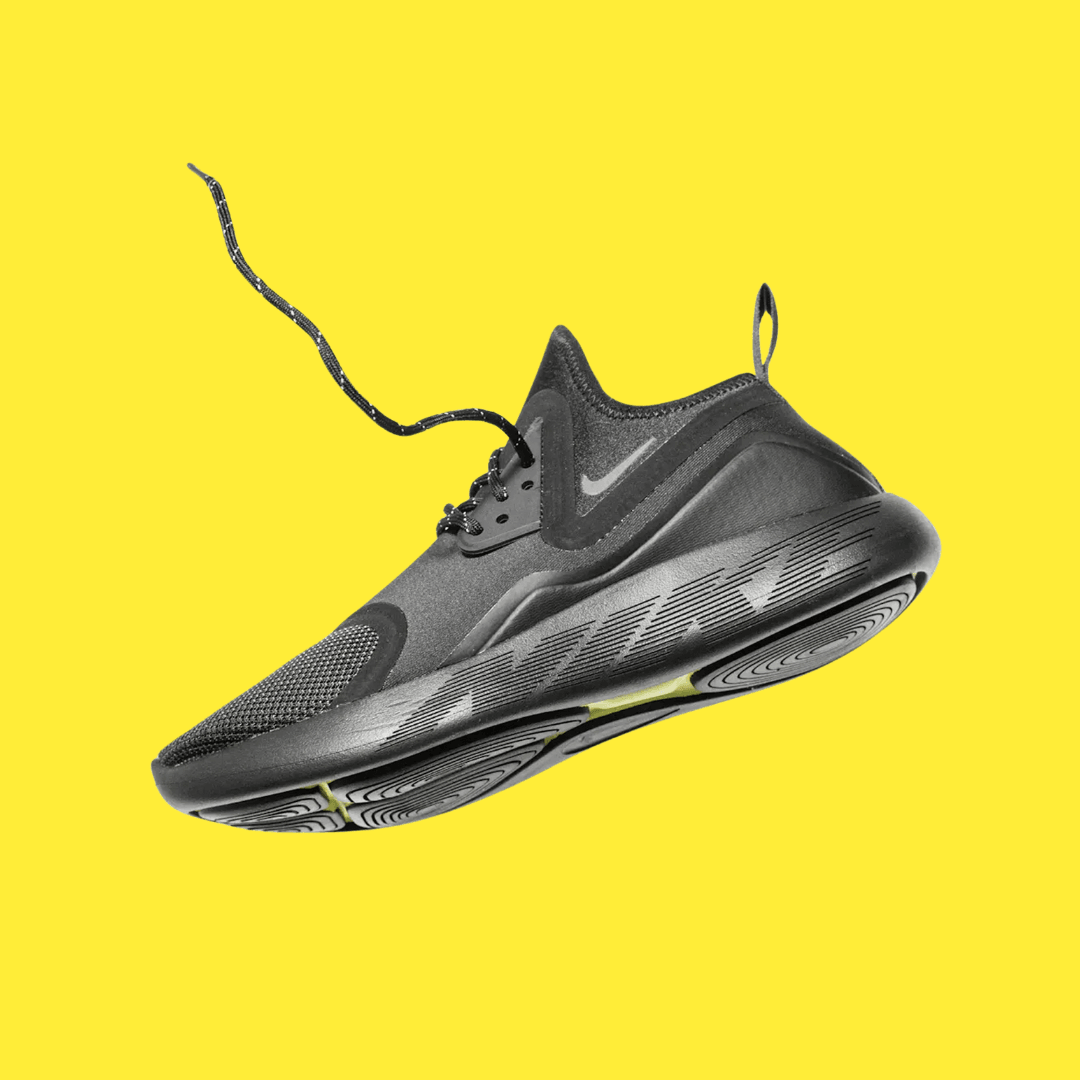
A yellow background adds warmth and energy to headshots and social media content. The subject stands out clearly against the backdrop.
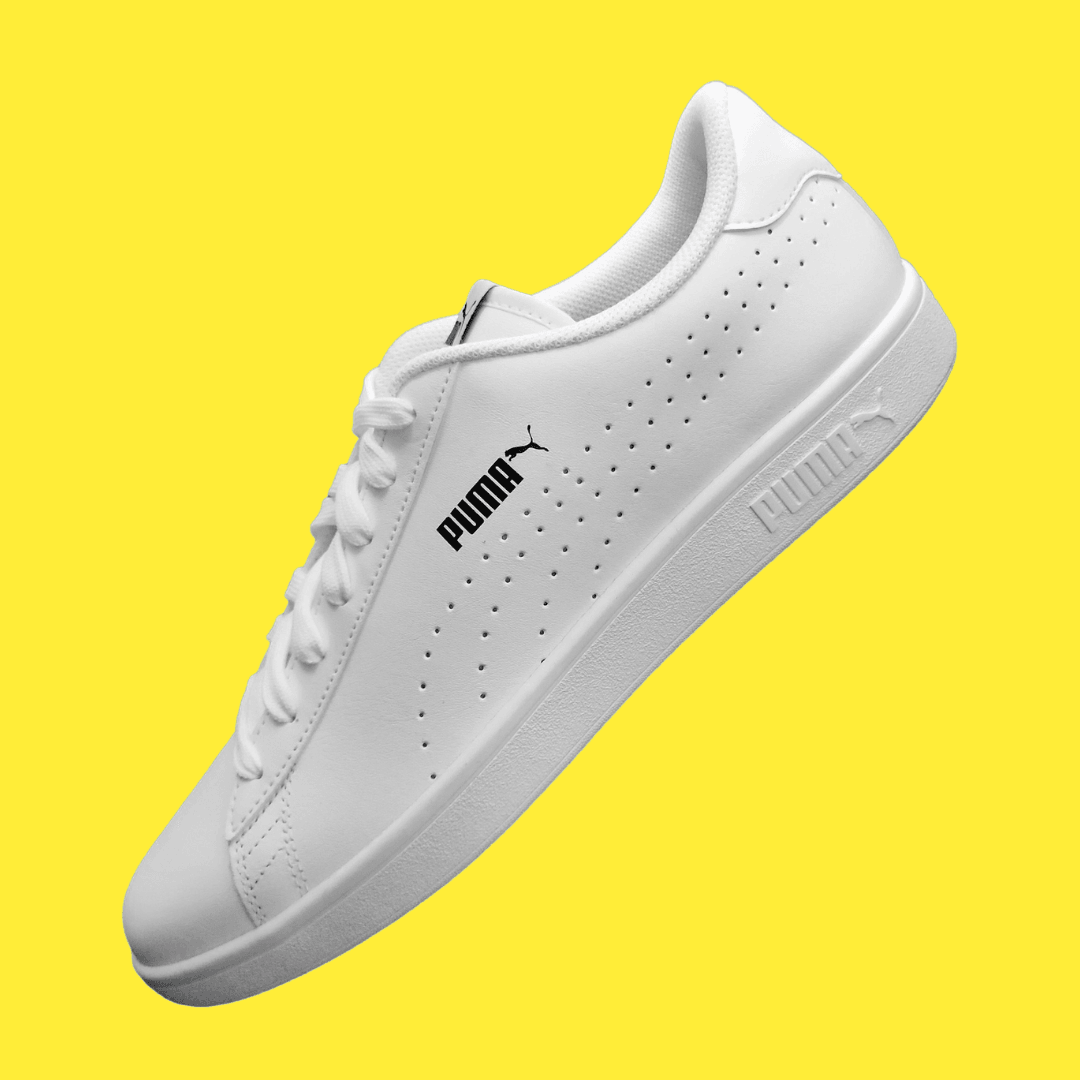
Whether you're updating a profile photo or creating product visuals, the yellow background adds energy without overwhelming the subject.
A yellow background photo is for jobs where warmth and energy do the selling. Restaurants, CPG brands, creators, and DTC teams land here for the same reason: the subject should feel cheerful, and the room should disappear.
Appetite-friendly studio yellow behind dishes, bottles, and snack packs. Consistent background yellow across a menu set beats five different kitchen walls in one carousel.
Scroll-stopping yellow bg creatives without a painted set. Upload the take you already have, swap the room for lemon, and keep the face lighting you liked.
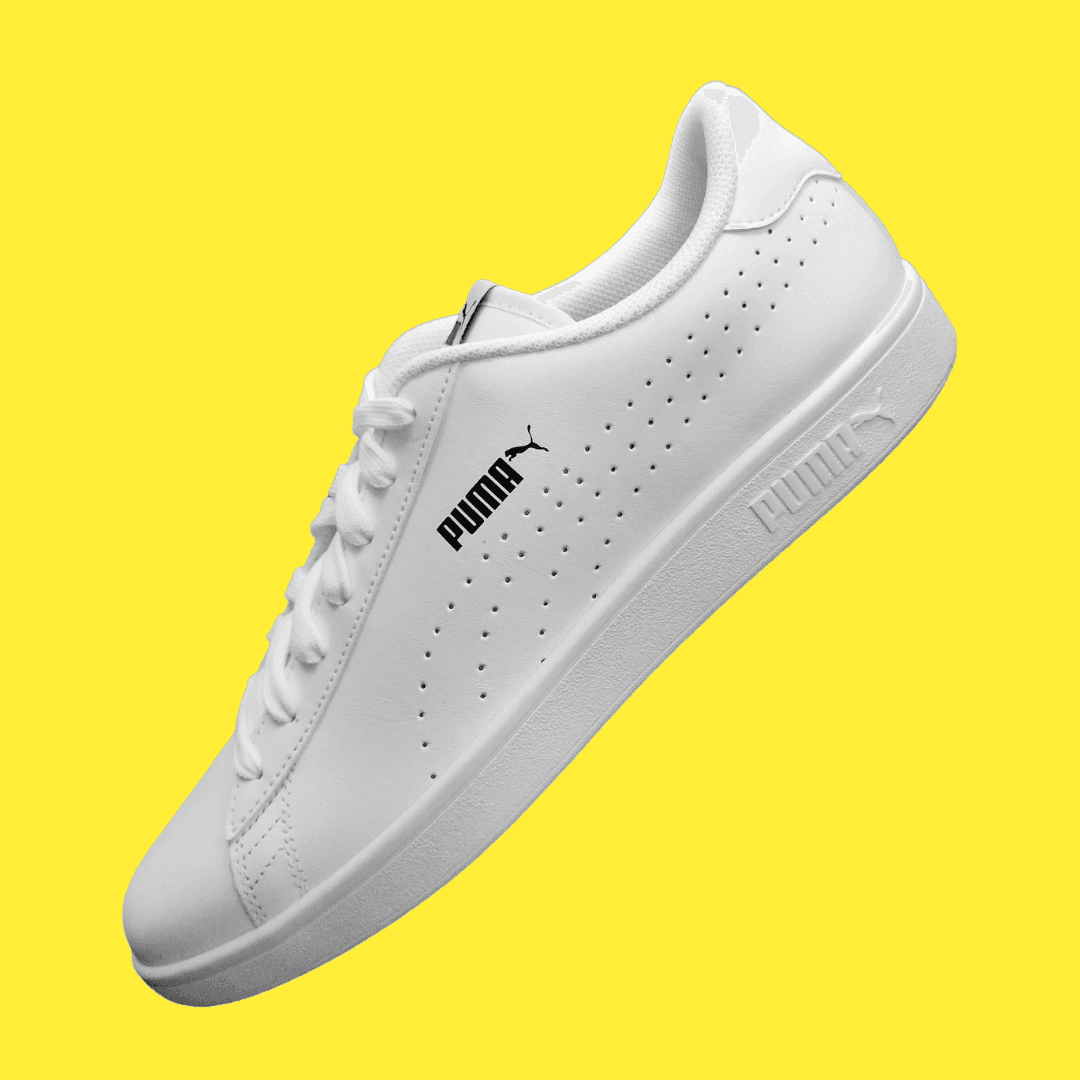
Energetic product on yellow when white feels clinical and black feels too premium-dark. Soft goods, toys, and summer SKUs often sit better on warm fills.
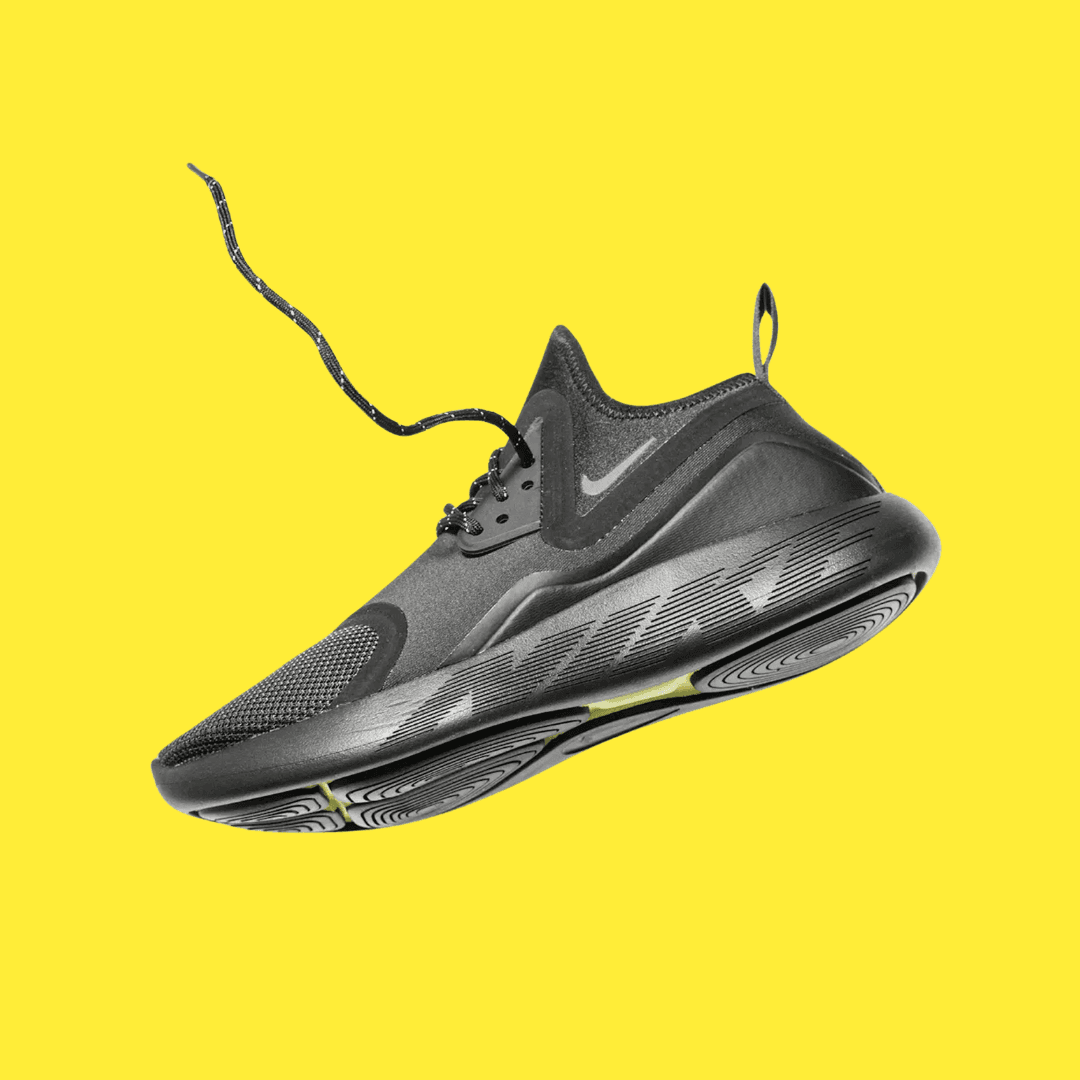
Campaign yellow without a reshoot. Pick the yellow closest to your brand, then export for ads and landing heroes.
Often for appetite cues, yes. Taste still depends on the plate colors, so test both shades on the same cutout before you lock a campaign.
Reads clean and catalog-safe, the safe pick for a clinical packshot.
Reads friendlier on many dishes and drinks when the brief wants energy instead of clinical packshot white.
This page finishes the job with a solid yellow background. Same cutout family, different outcome.
A generic remover often stops at a transparent PNG. If you only need transparency, start from the main hub and pick your next step there.
Open Background ChangerI had never used AI for pictures and tried 3 different companies and Aragon was by far the best results.Oct 3, 2026PRPhil Roberts
Very comprehesive insights into how to best postion oneself for optimal results. Thank you for your assistance!Oct 3, 2026KCKimberly Crossland
Excellent headshots in half the time and a fraction of the cost. Great quality and value for the money.Oct 3, 2026
Customer satisfaction is our number one priority. Our live agents are available 7am - 11pm (PT), 5 days Sunday through Thursday.
The Leading AI Headshot Generator for Professionals
Trustpilot
Trusted by professionals and teams
Earn 30% for every referral
Join our affiliate program for free!

Copyright © 2026 Aragon AI, Inc. All rights reserved.