
fb-pixelSkip to main content
Aragon.ai
THE #1 RANKED AI PHOTO EDITOR

Free Green Background Changer - Replace Any Photo Background With Green

Change your photo background to green with Aragon’s AI green background changer. Upload an image and create a clean green background for products, portraits, thumbnails, and projects.
Upload your photo

Or drag and drop an image to change the background
No picture on hand? Try with one of these
1.jpg
2.jpg
3.jpg
4.jpg

FOR PROFESSIONALS

PWC logo
Microsoft logo
ASU logo
redfin logo
New York University logo
Trinity College Dublin logo
University of Michigan logo
Keller Williams logo
AT&T logo
Berkeley logo
See it work

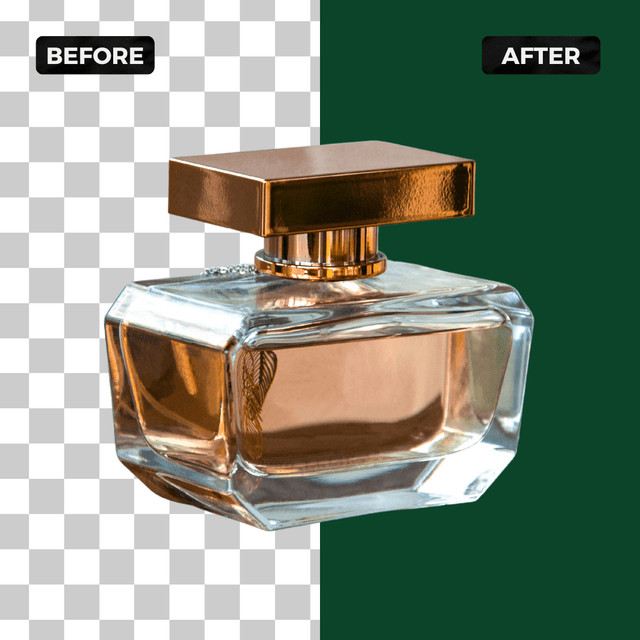
Green Background Before and After Results

See how your photos look after replacing the original background with green.

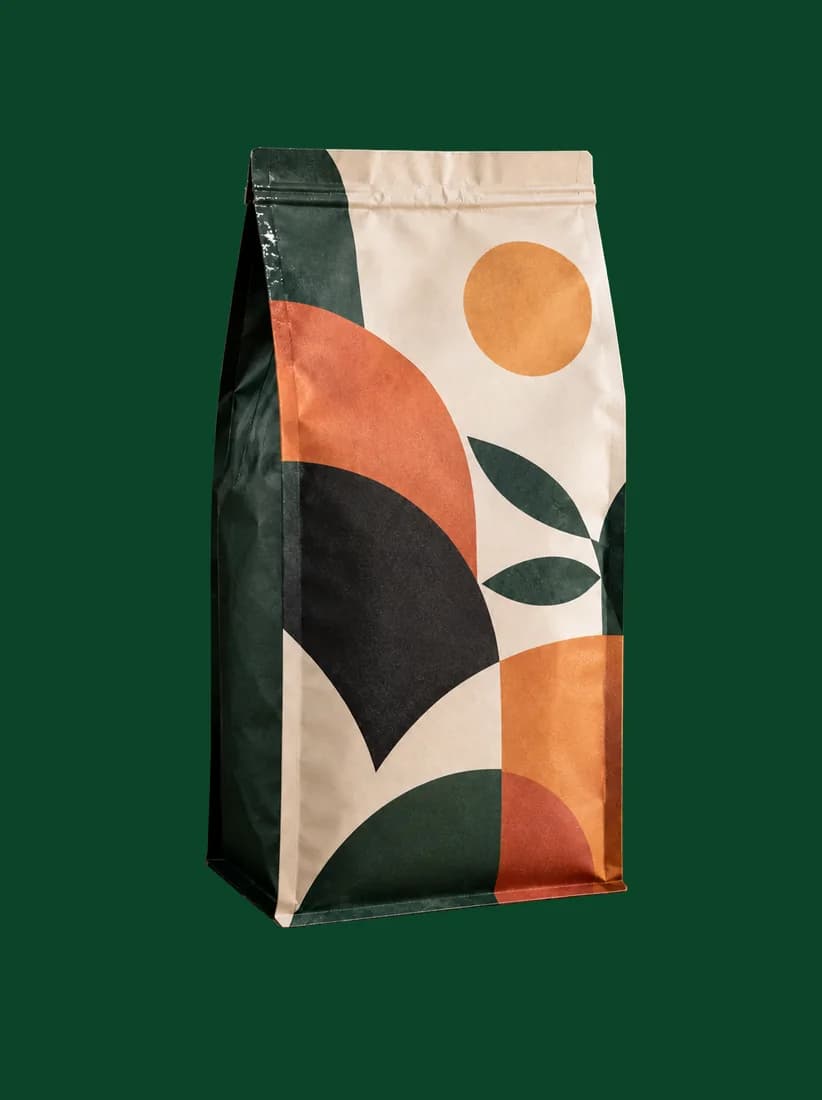
A branded coffee bag stands against solid brand green, isolated by the Green Background changer.
A branded coffee bag stands on a cluttered wooden counter beside a grinder and a pour-over jug, before the Green Background changer isolates it.
Before
After

Product Photos With Green Backgrounds

Compare a product image before and after replacing the original background with green.

A man in a knit sweater appears against a solid deep green background, placed there by the Green Background changer.
A man in a knit sweater stands in a busy open-plan living room, before the Green Background changer replaces the room.
Before
After

Portraits With Green Backgrounds

See how a portrait changes when the background is replaced with a simple green fill.

A woman with long loose hair appears against a solid deep green background with clean hair edges, produced by the Green Background changer.
A woman with long loose hair is photographed in a warmly lit room, before the Green Background changer swaps in a chroma plate.
Before
After

Creative Images With Green Backgrounds

Explore how green backgrounds can change the look of creative photos.

How Do You Change a Photo Background to Green?

Upload your image, choose a green background, and download your edited photo.

  1. Upload a photoPNG, JPG, HEIC up to 120MB
    A woman with long loose hair is photographed in a warmly lit room, before the Green Background changer swaps in a chroma plate.
    1

    Upload Your Image

    Upload a JPG or PNG with the person, product, or object you want to replace with a green background.

  2. 2

    Choose a Green Background

    Select green as the new background and let Aragon replace the existing photo background.

  3. A woman with long loose hair appears against a solid deep green background with clean hair edges, produced by the Green Background changer.
    A woman with long loose hair is photographed in a warmly lit room, before the Green Background changer swaps in a chroma plate.
    Before
    After
    3

    Review and Download

    Check your edited image and download the finished green background photo.

Features

What Does a Green Background Changer Do?

A green background changer replaces the original background of a photo with a solid green background.

A branded coffee bag stands on a cluttered wooden counter beside a grinder and a pour-over jug, before the Green Background changer isolates it.Before
A branded coffee bag stands against solid brand green, isolated by the Green Background changer.After

Replace Busy Backgrounds

Remove distracting backgrounds and create a cleaner image where the person or product stays the focus.

A man in a knit sweater stands in a busy open-plan living room, before the Green Background changer replaces the room.Before
A man in a knit sweater appears against a solid deep green background, placed there by the Green Background changer.After

Create Consistent Images

Use a matching green background style across different photos for a consistent visual look.

A woman with long loose hair is photographed in a warmly lit room, before the Green Background changer swaps in a chroma plate.Before
A woman with long loose hair appears against a solid deep green background with clean hair edges, produced by the Green Background changer.After

Prepare Photos for Editing

Create a green background image that can be used as a starting point for your own creative projects.

Who Uses a Green Background Changer?

A green background changer helps different teams create photos with a consistent background.

  1. A woman with long loose hair appears against a solid deep green background with clean hair edges, produced by the Green Background changer.

    Creators

    Creators can change photo backgrounds when preparing images for social content, thumbnails, and creative projects.

  2. A Nike product photo on a green background, created with the Background Changer.

    Ecommerce Teams

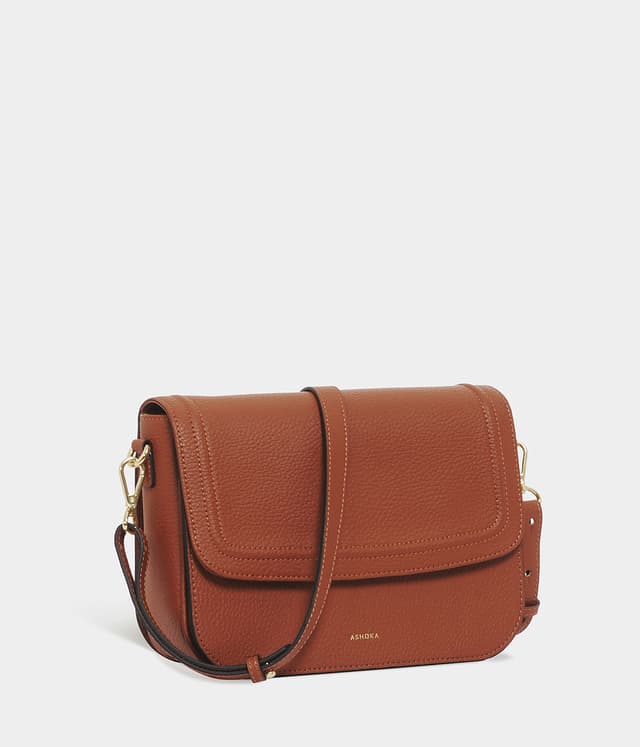
    Ecommerce teams can create product photos with matching backgrounds across their product images.

  3. A shirt product photo on a green background, created with the Background Changer.

    Designers

    Designers can prepare images with clean backgrounds for layouts, presentations, and creative work.

  4. A man in a knit sweater appears against a solid deep green background, placed there by the Green Background changer.

    Marketers

    Marketing teams can update visuals with green backgrounds for campaigns, promotions, and branded content.

Which one do I need?

Green Background vs. Transparent Background

A green background and transparent background are useful for different editing needs.

Main purposeAdds a solid green backgroundRemoves the background completely
ResultPhoto with green backgroundSubject without a background
Best forCreative images, portraits, product visualsDesigns needing flexible placement
Reviews

What Our Customers Say

total reviews on
A branded coffee bag stands against solid brand green, isolated by the Green Background changer.
Free to try

Create your green background photo

Upload a photo, let Aragon fill a clean green plate, and download. Prompt-free. Cutout in, green out.

Private uploadsEdge-preserving cutoutPNG and JPG

Have a question? We're here to help

Customer satisfaction is our number one priority. Our live agents are available 7am - 11pm (PT), 5 days Sunday through Thursday.

A green background changer replaces the original background of a photo with a solid green background while keeping the main subject visible.

Upload your photo, choose green as the new background, review the result, and download your edited image.

Yes. Free credits come with your account, so you can try the tool before upgrading.

No. Upload your photo, select a green background, and download your edited image.

Yes. You can create product images with a green background for creative projects, presentations, and other visual needs.

Yes. You can replace portrait backgrounds with green while keeping the person in the photo.

No. Aragon runs in your browser, so there is nothing to install.

Yes. Your uploads stay private during processing. See Aragon's Privacy Policy for more details.

Usage rights depend on your plan and the content created. Review Aragon's Terms and Conditions for complete details.

Try Aragon's AI powered editing tools today

The Leading AI Headshot Generator for Professionals

Trustpilot

Trusted by professionals and teams

Earn 30% for every referral

Join our affiliate program for free!

SOC 2 Type II compliant

Copyright © 2026 Aragon AI, Inc. All rights reserved.

Terms of Use & Privacy Policy