



















































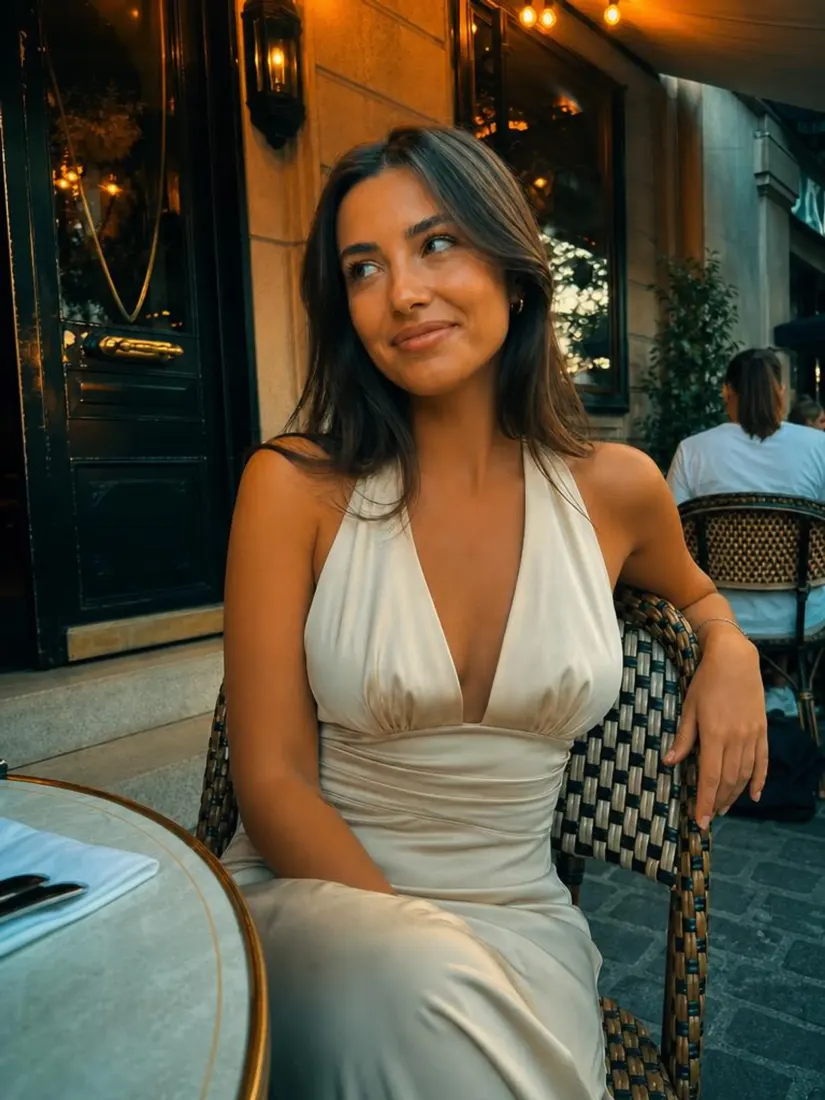
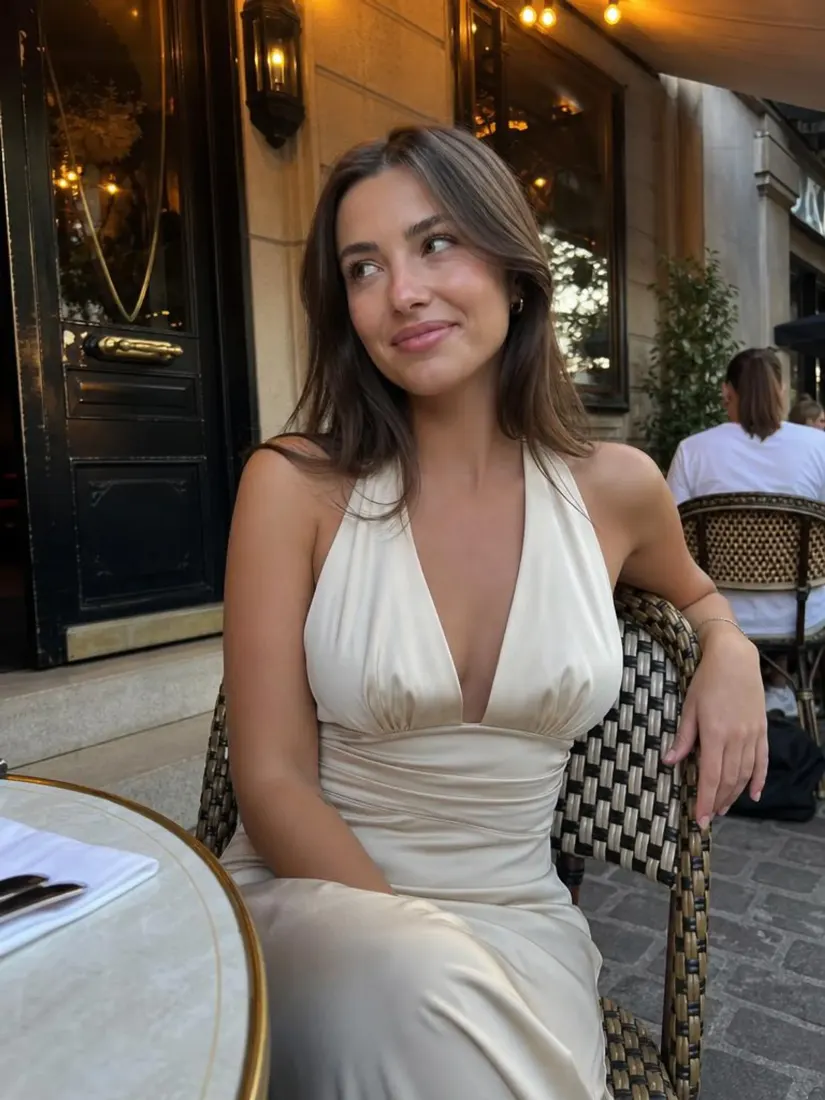




















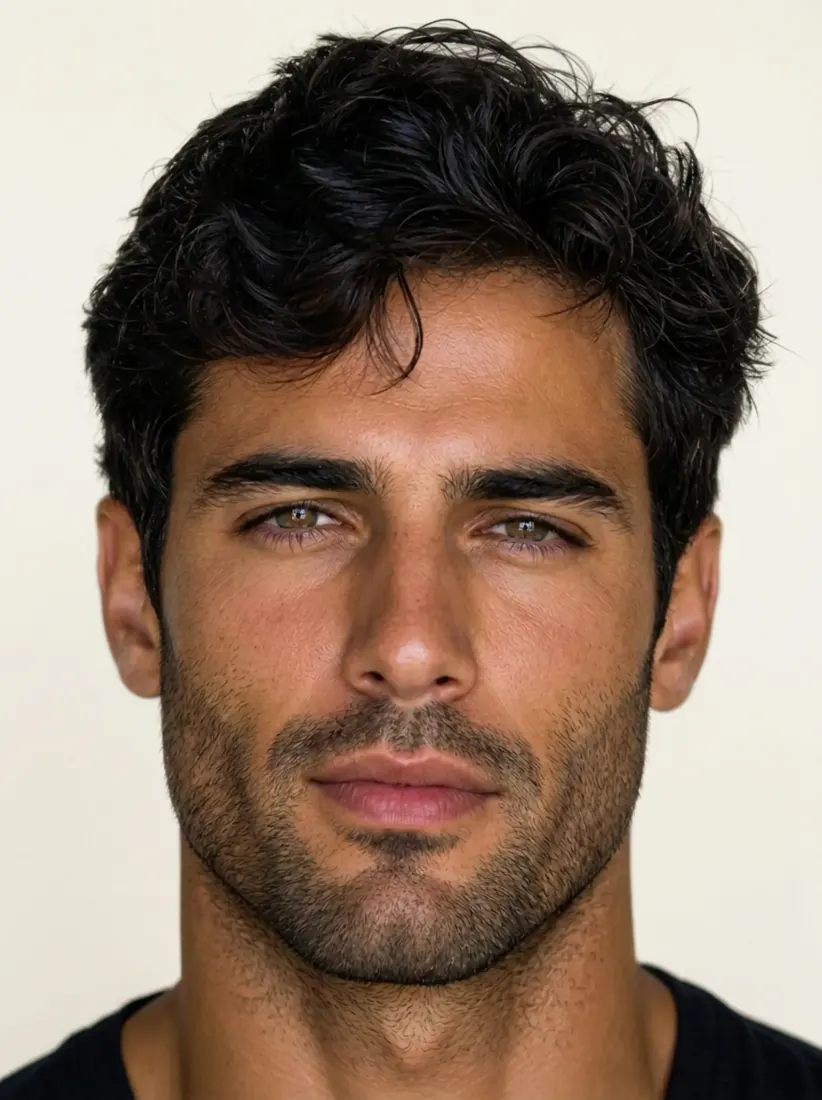

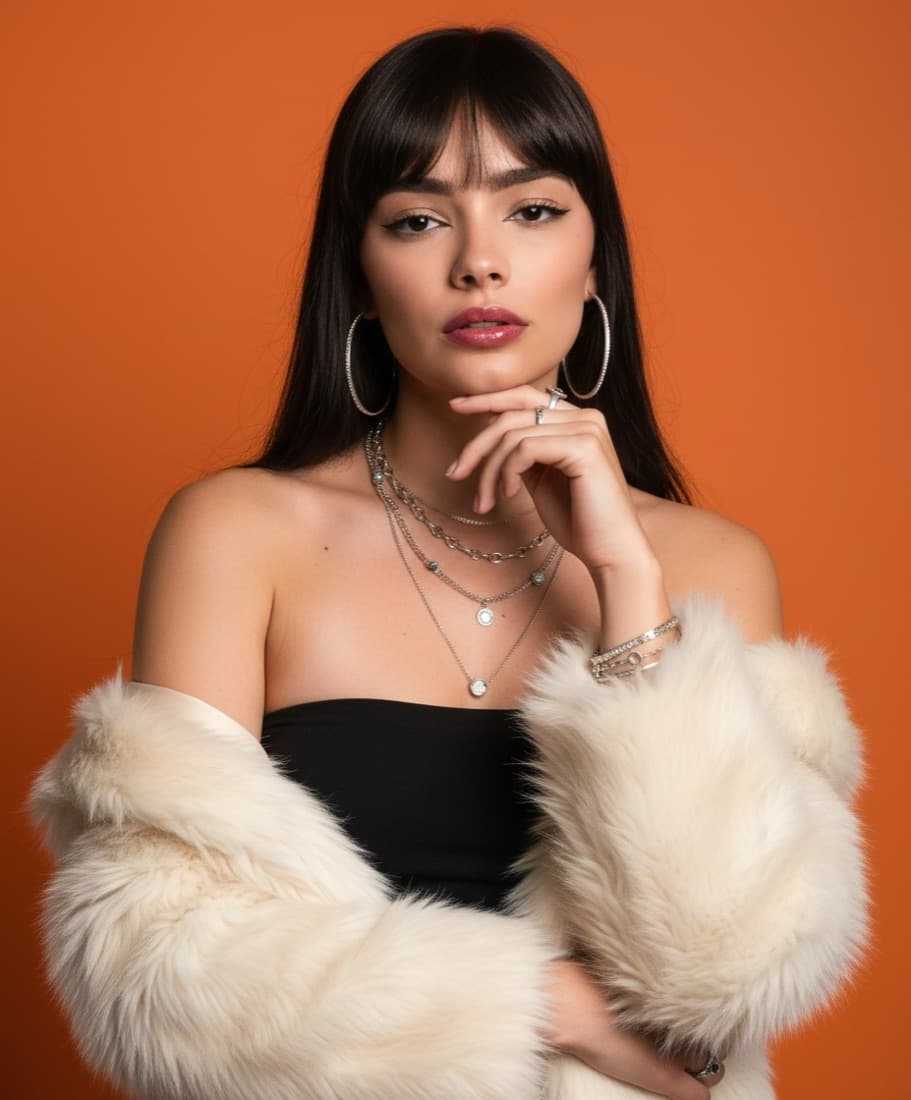

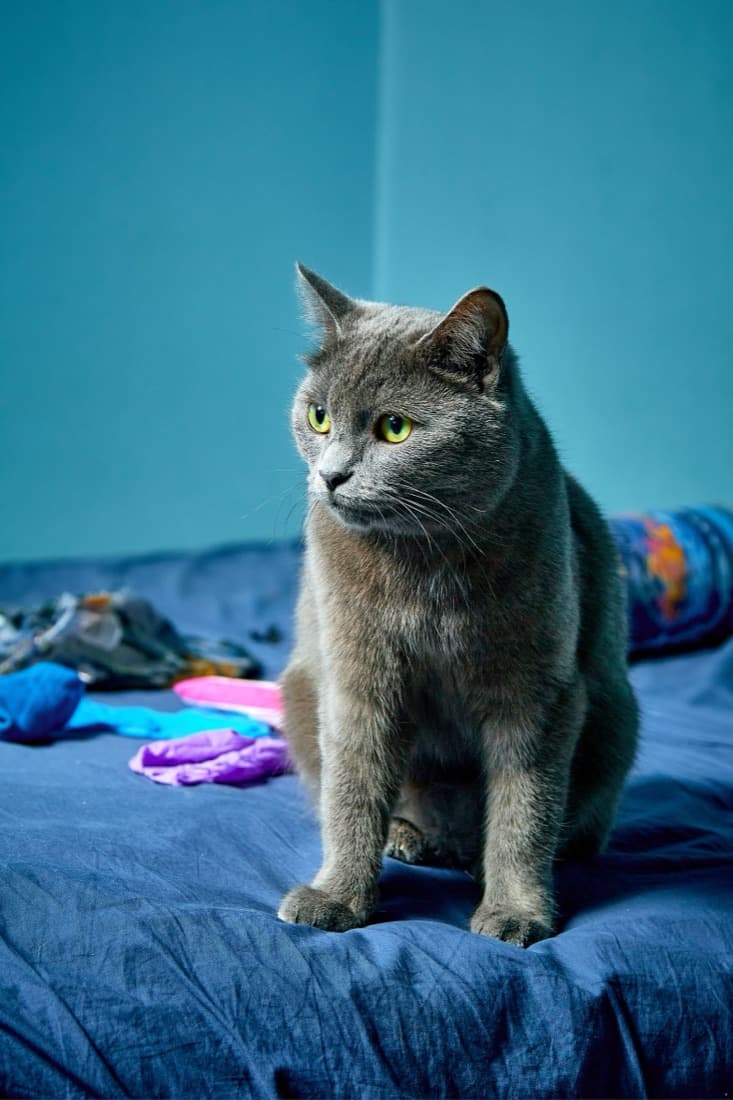














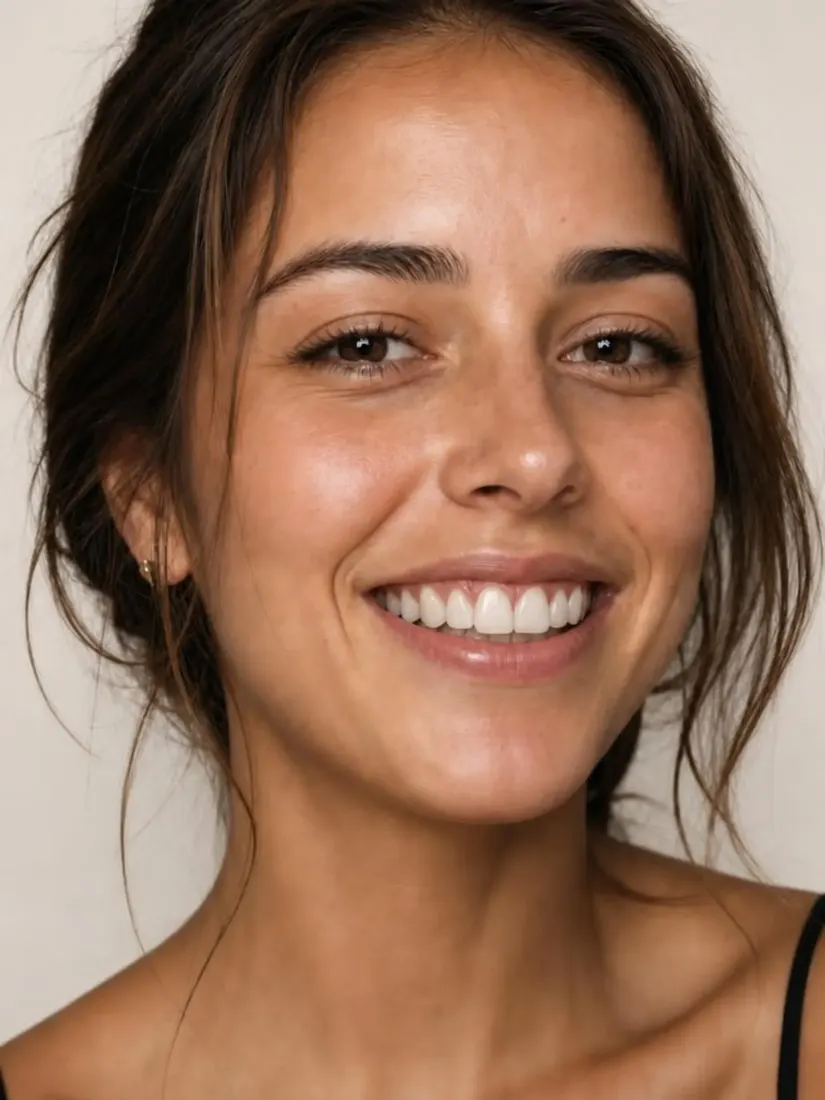
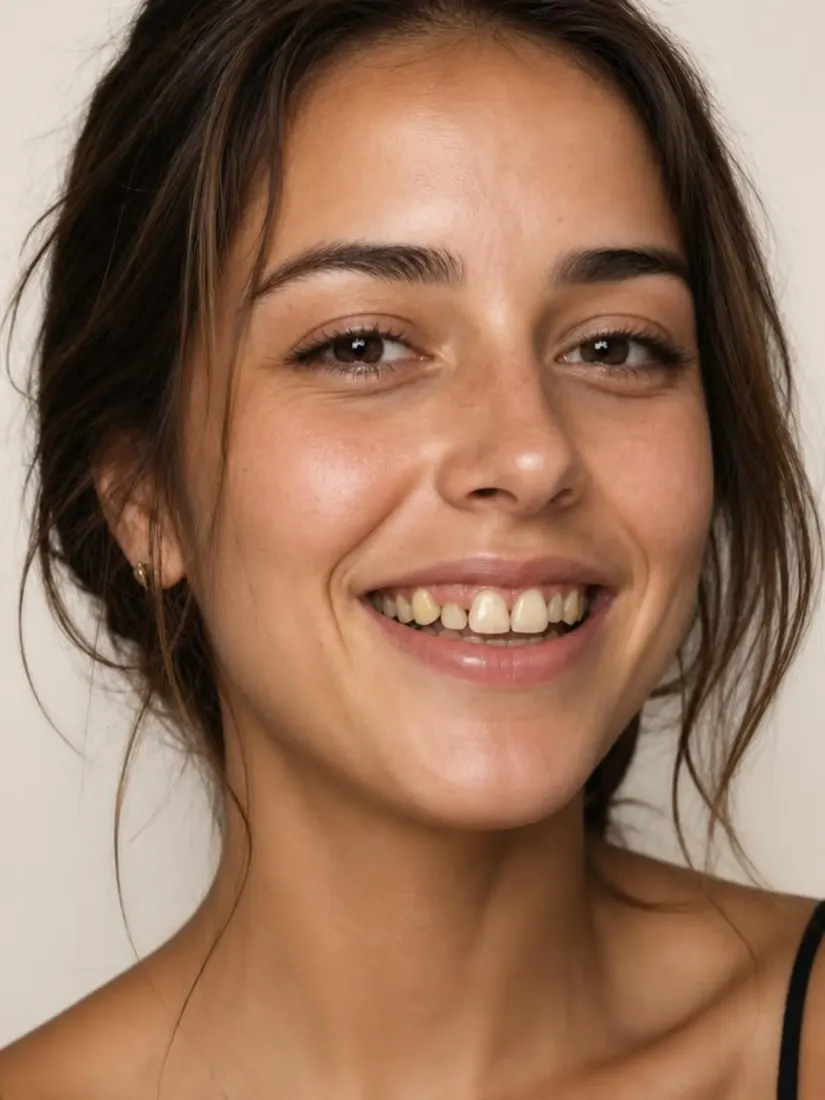




























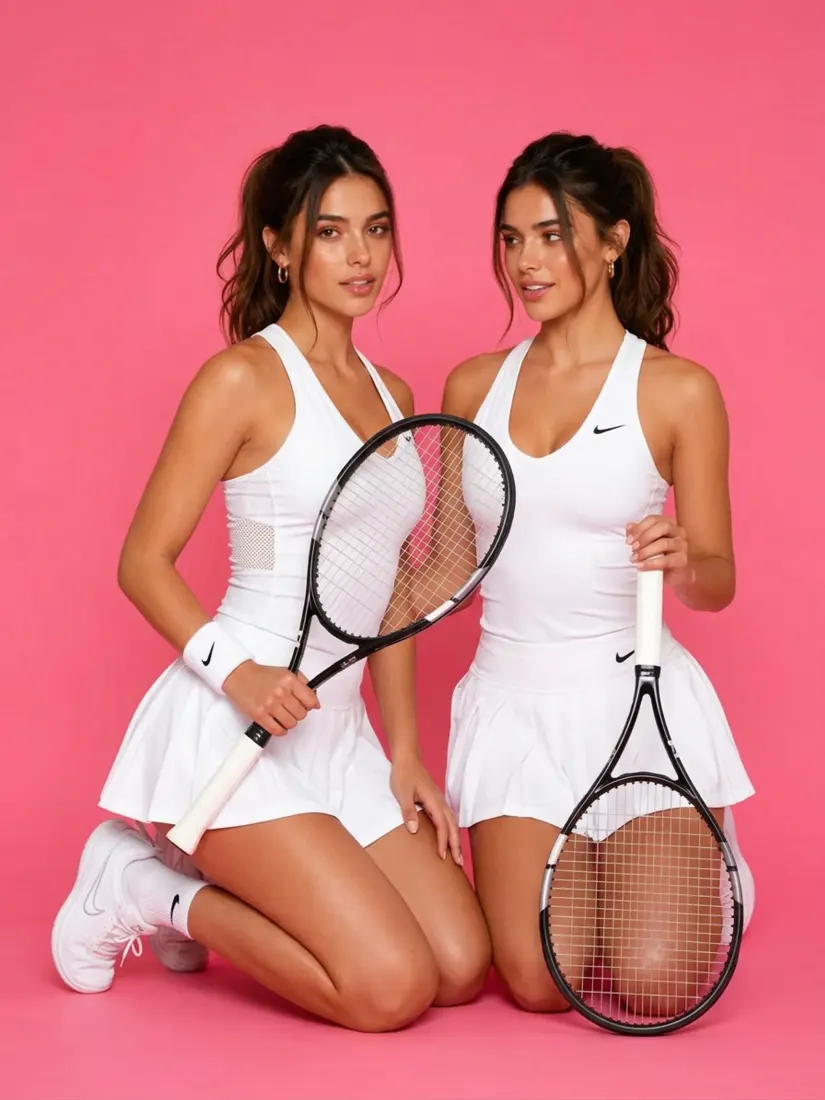
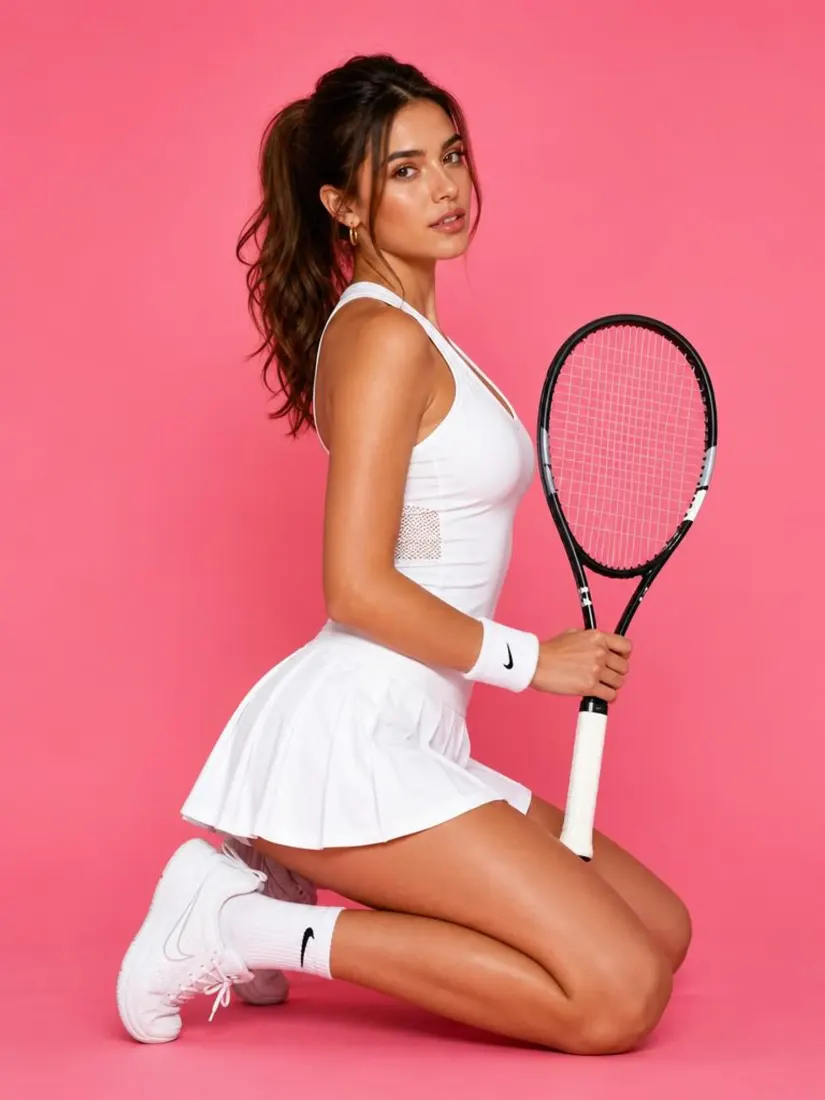


























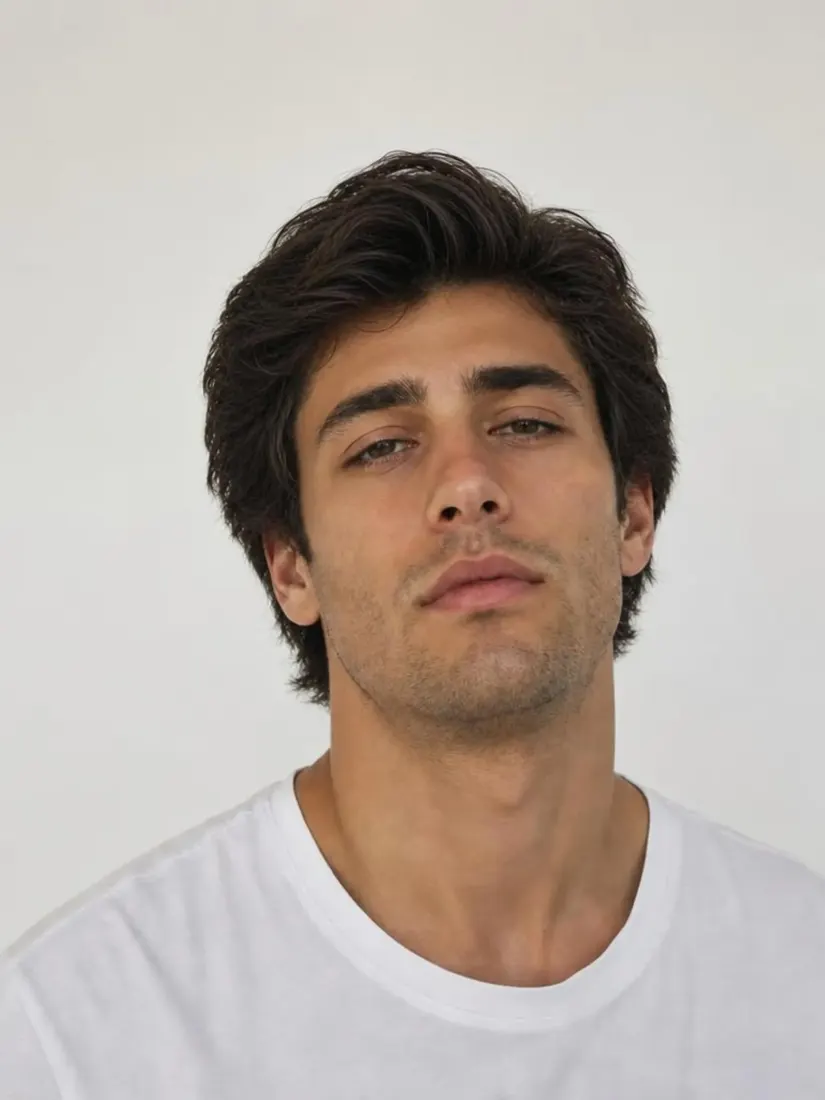
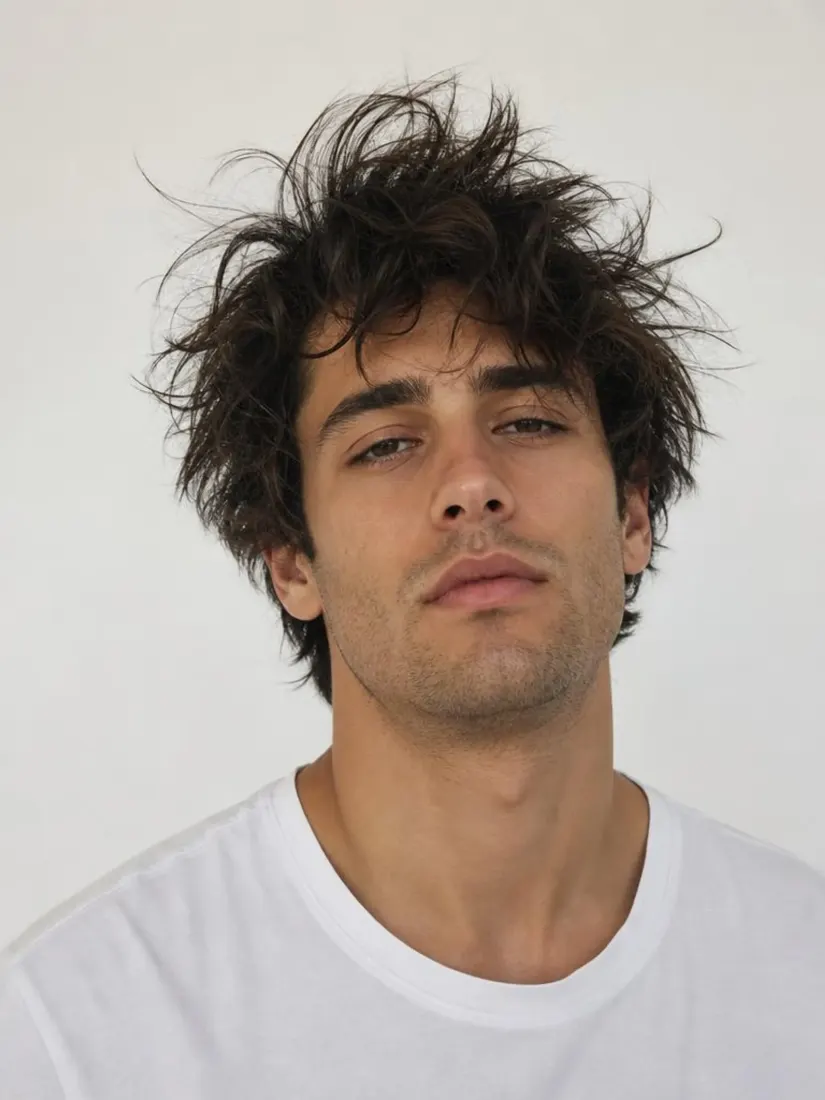


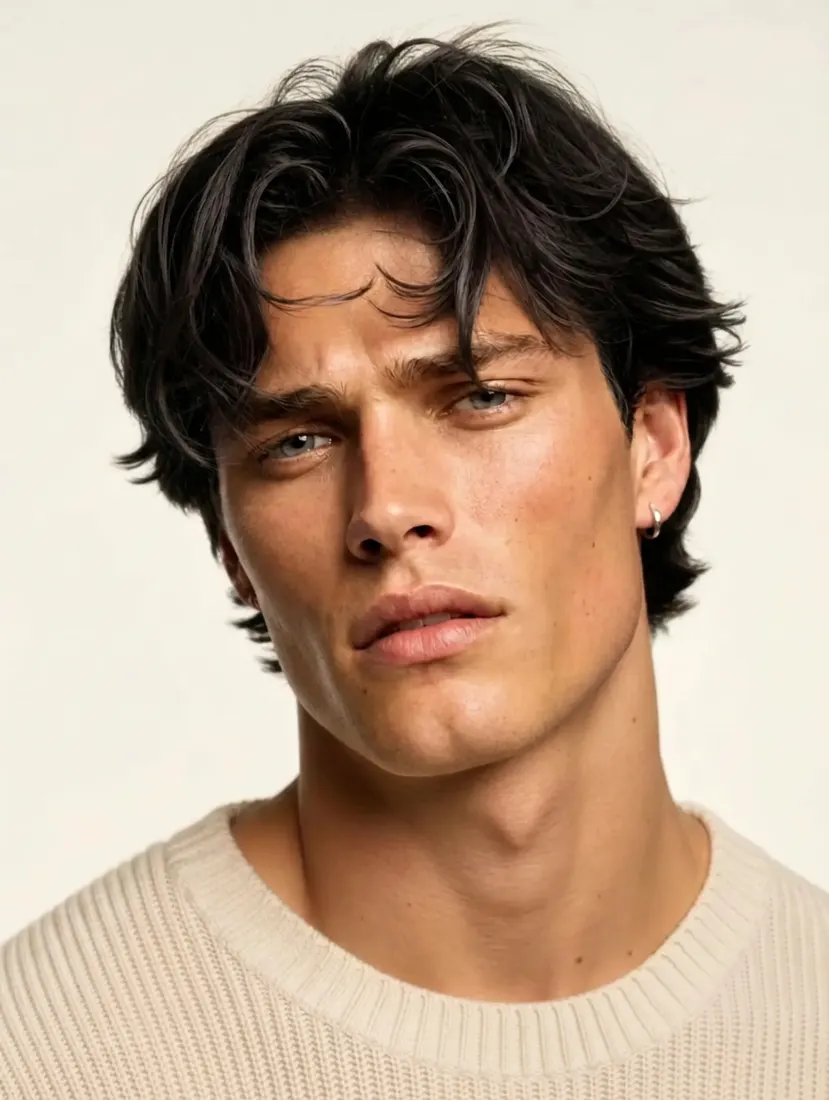

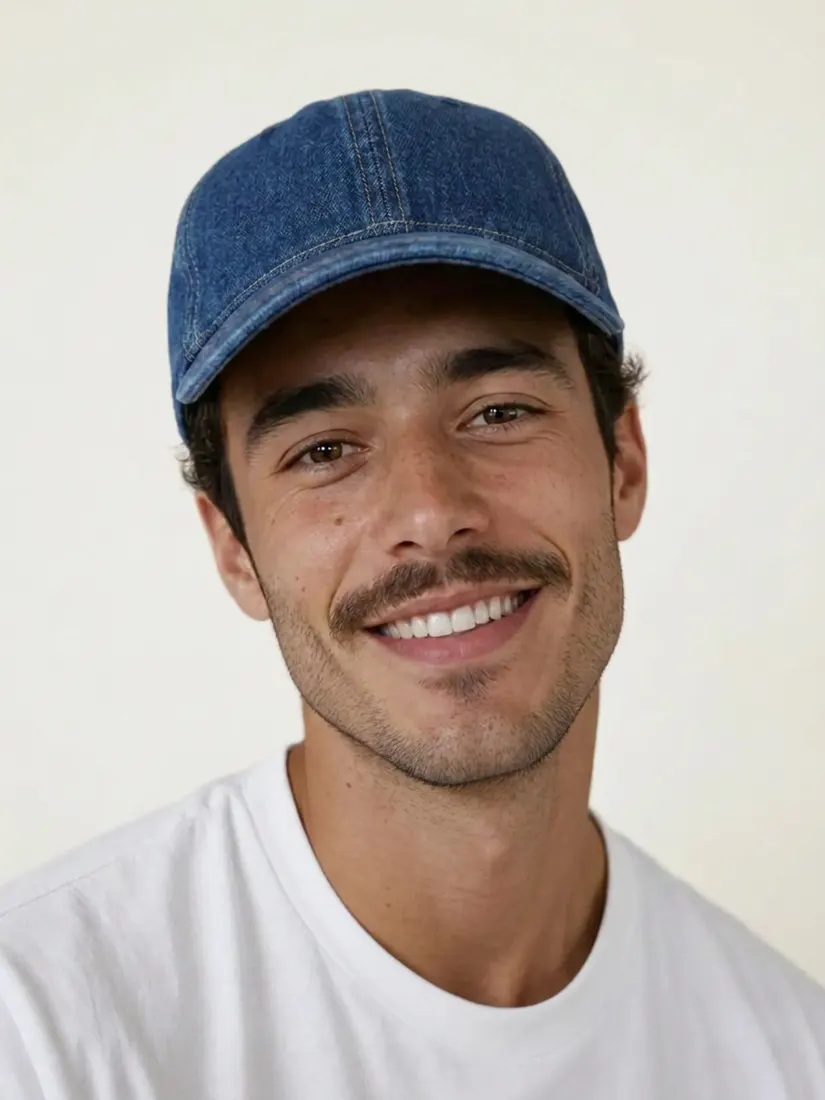













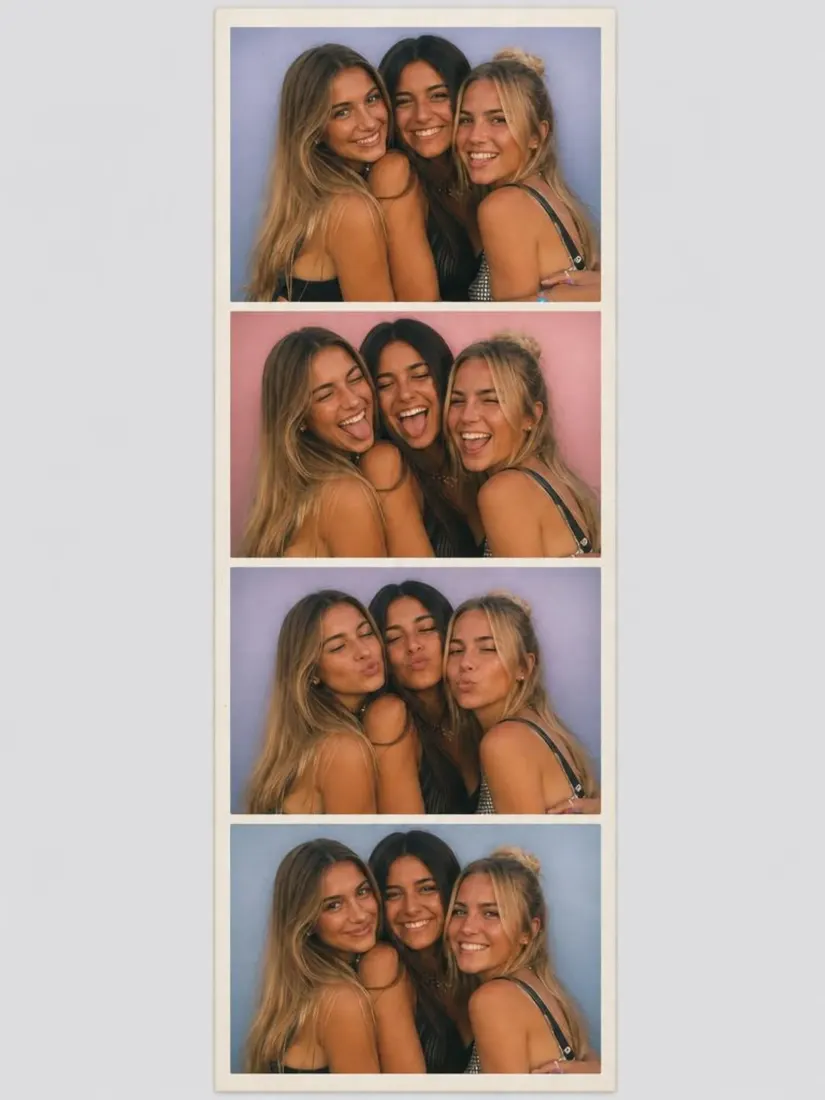
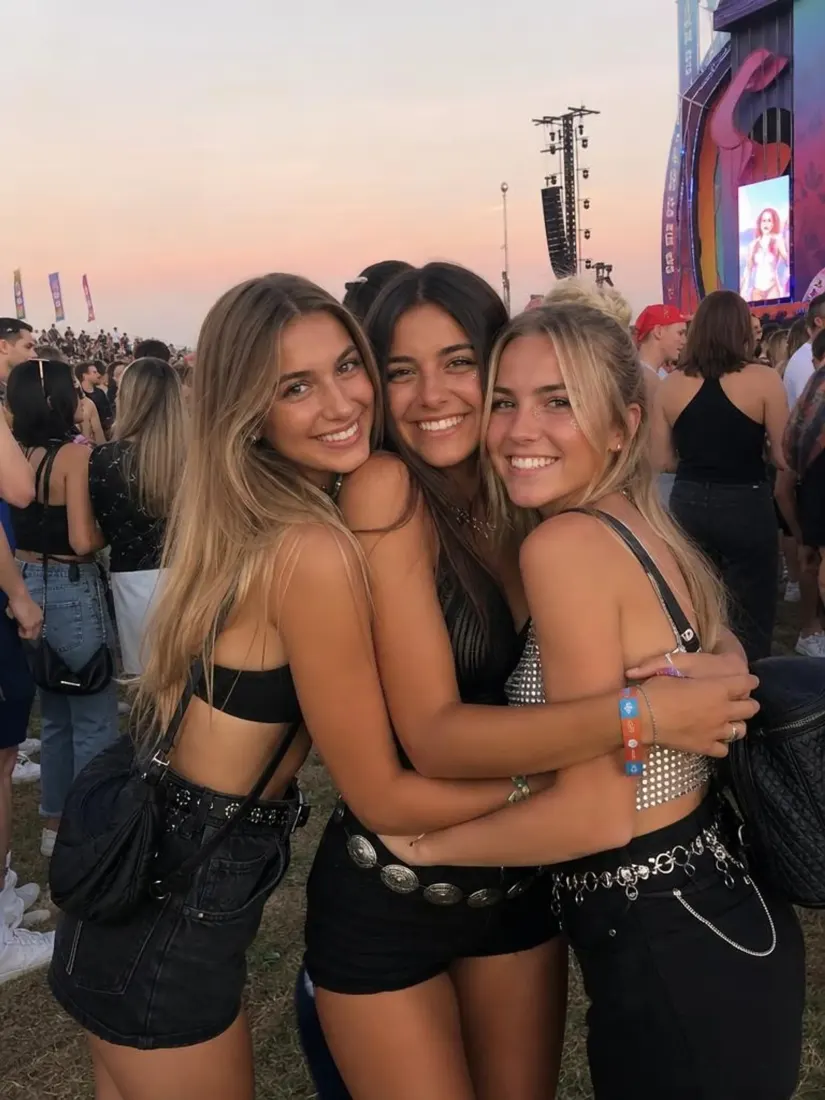


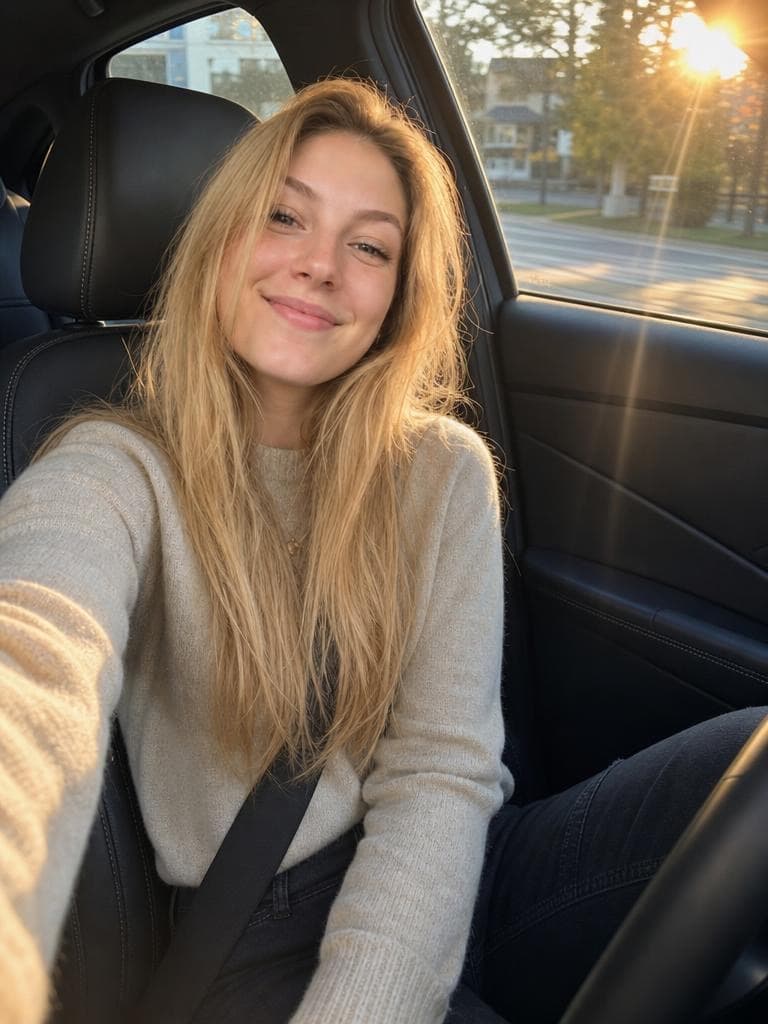

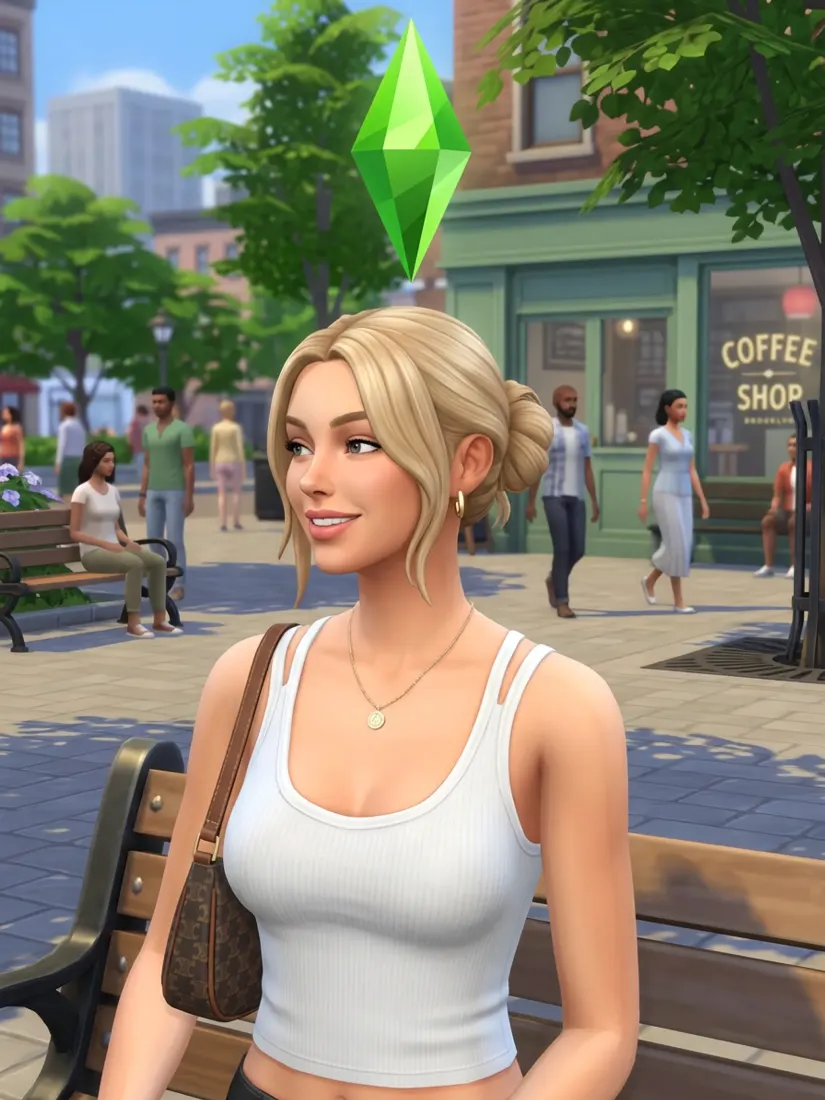









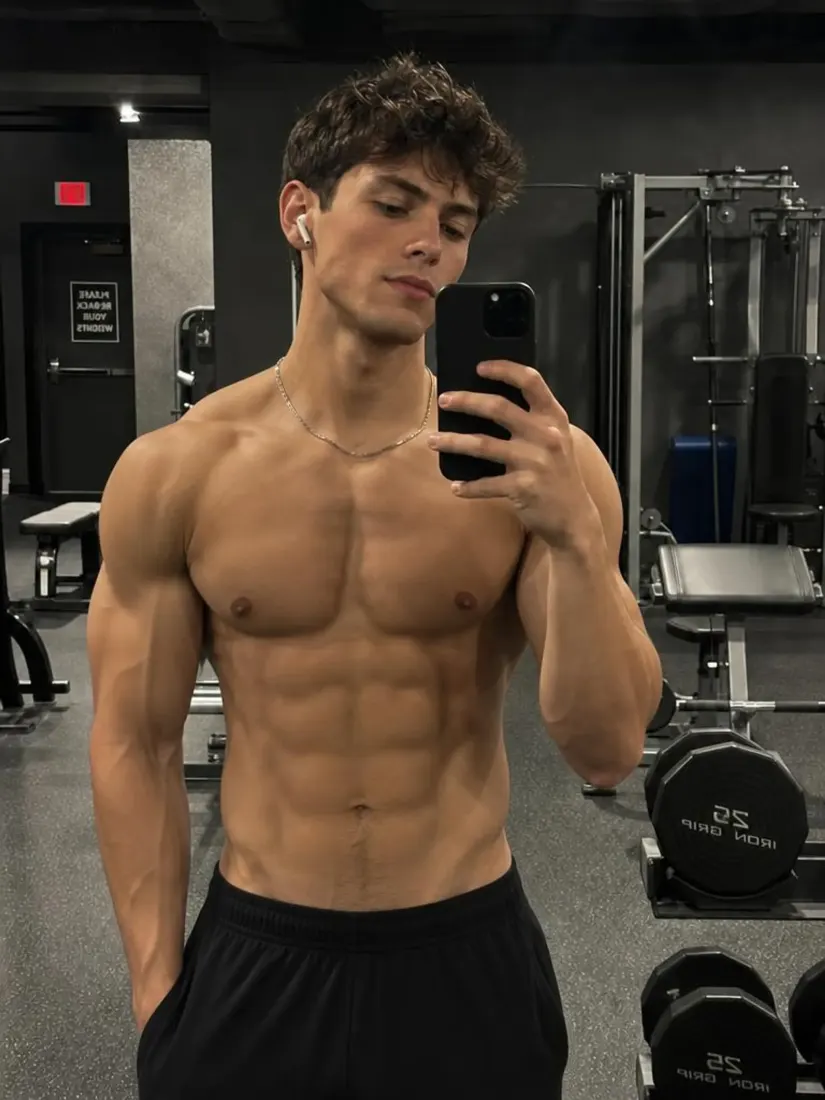
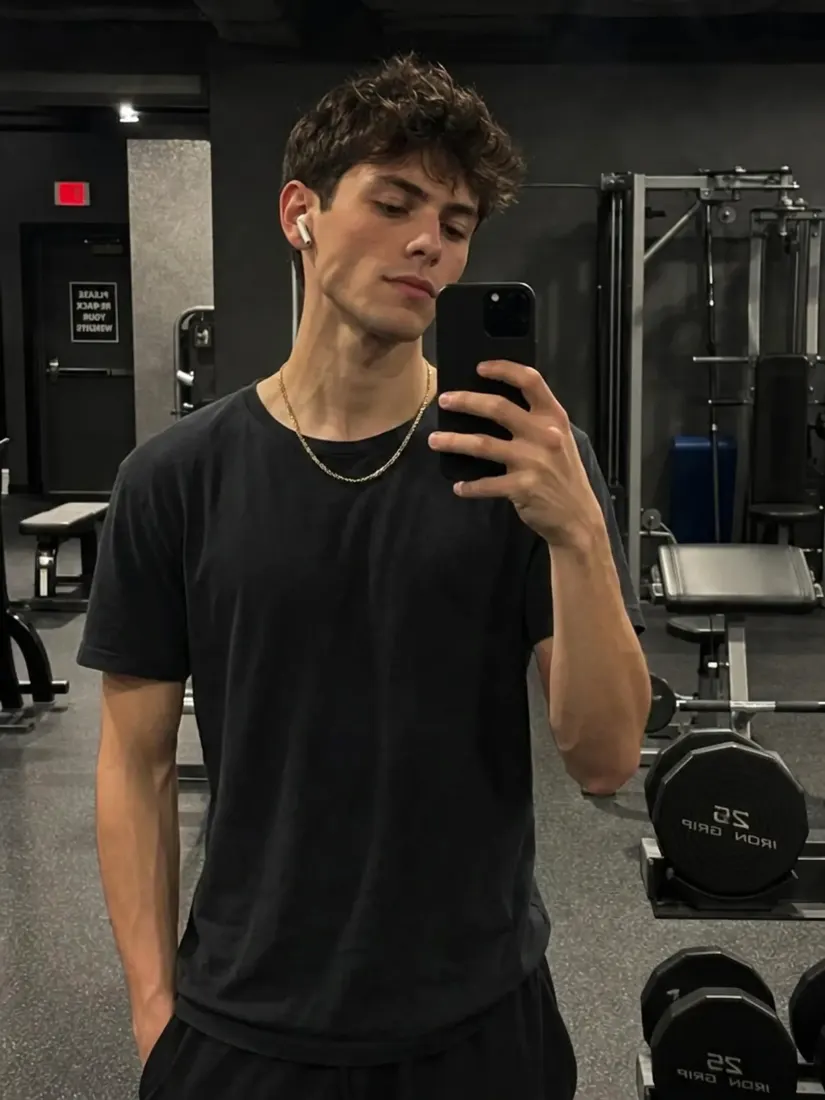


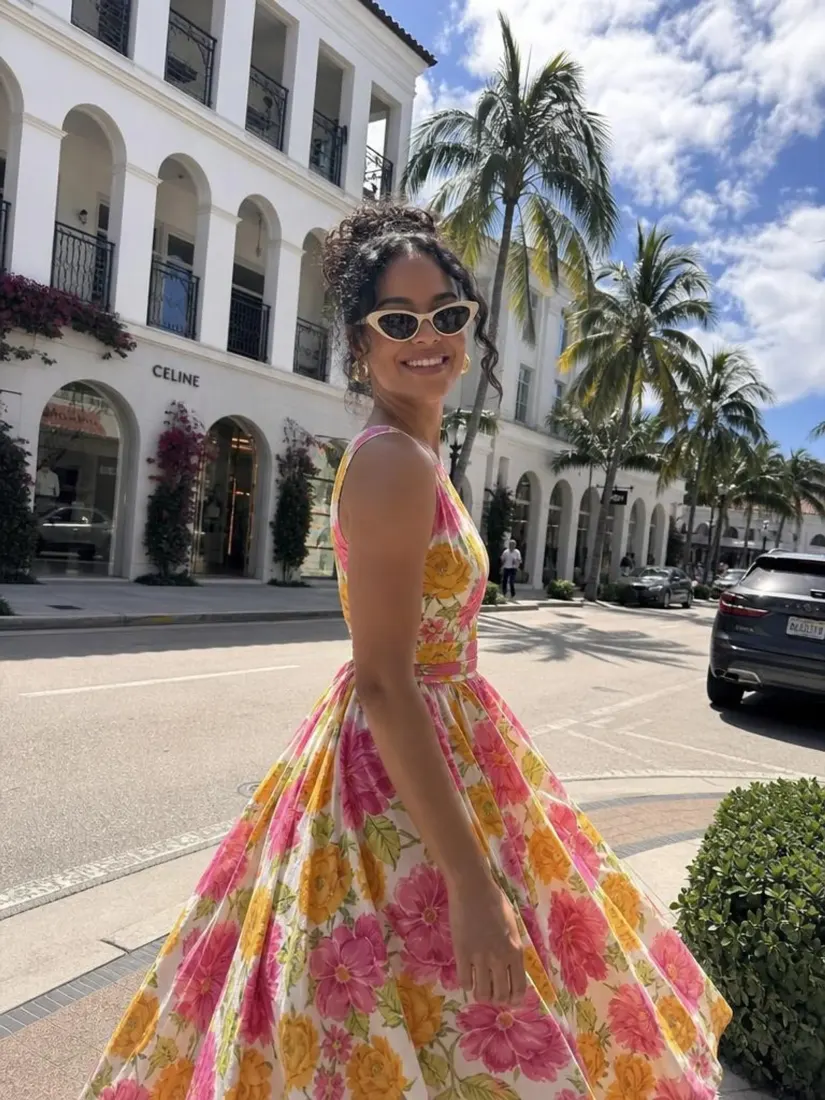






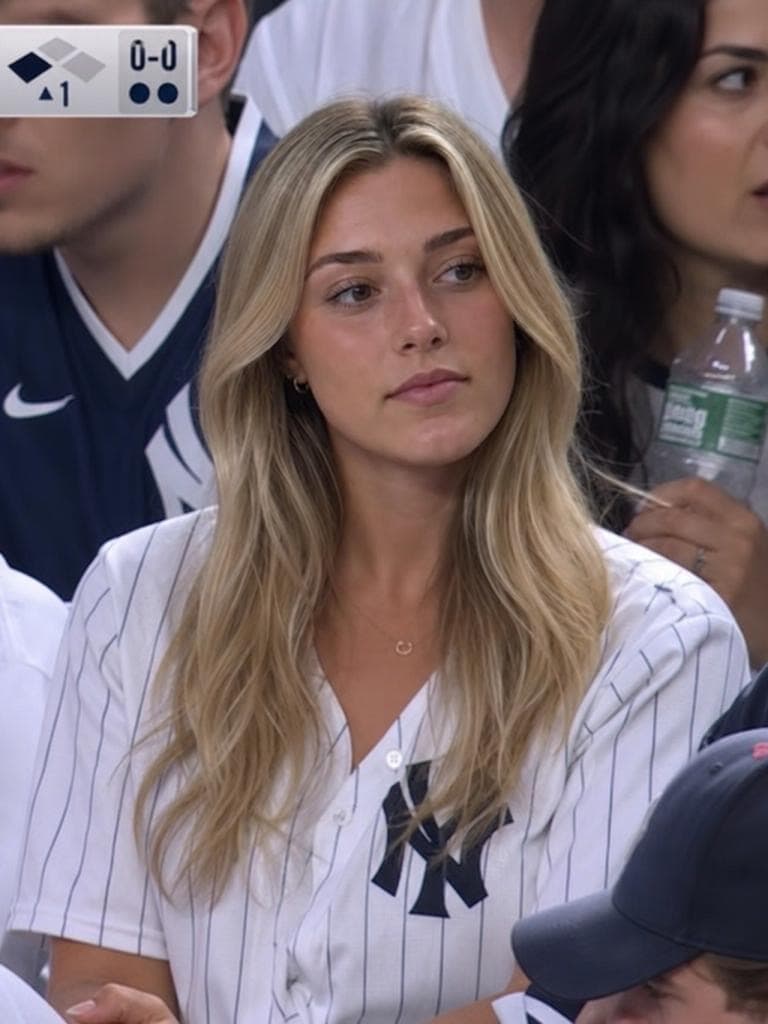
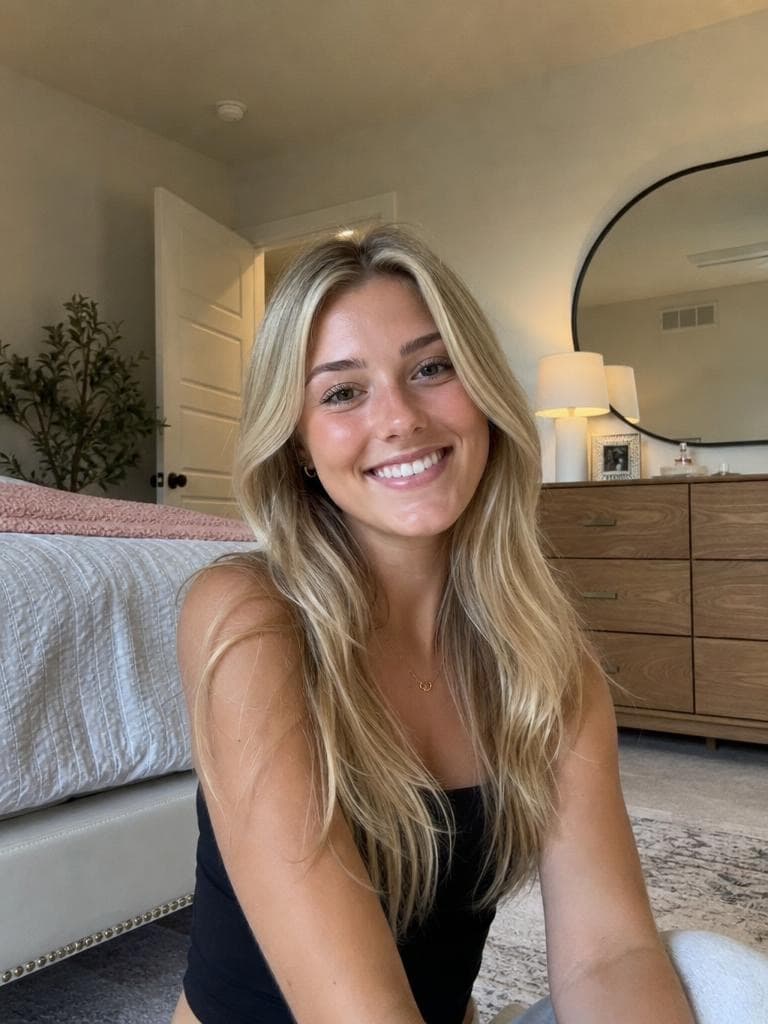


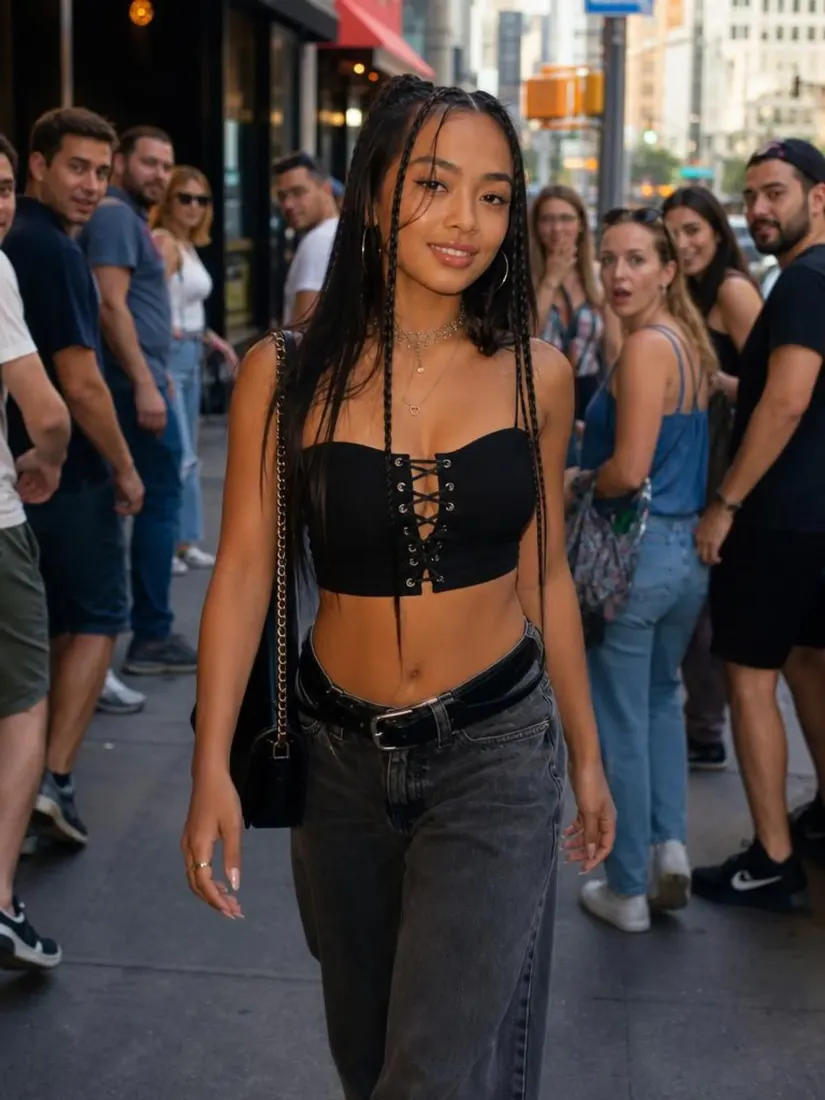
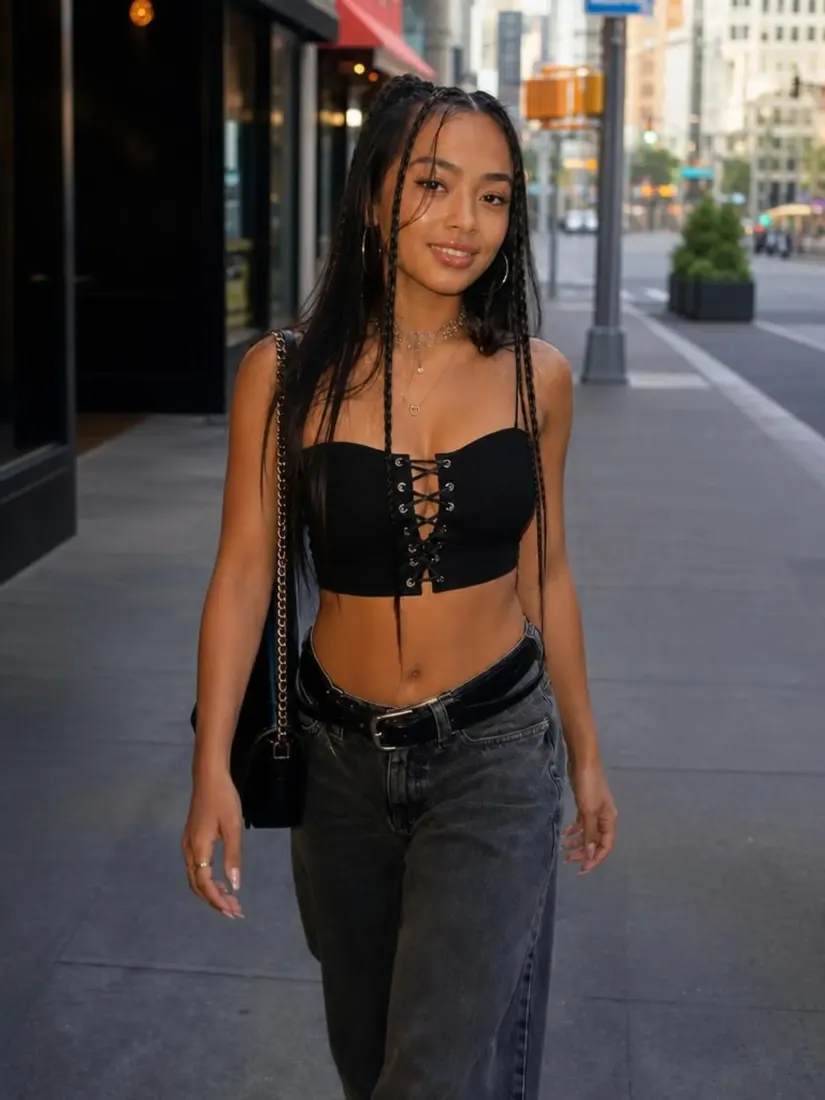





The Leading AI Headshot Generator for Professionals
THE #1 RANKED AI PHOTO EDITOR
Free Gray Background Changer: Replace Any Photo Background With Gray
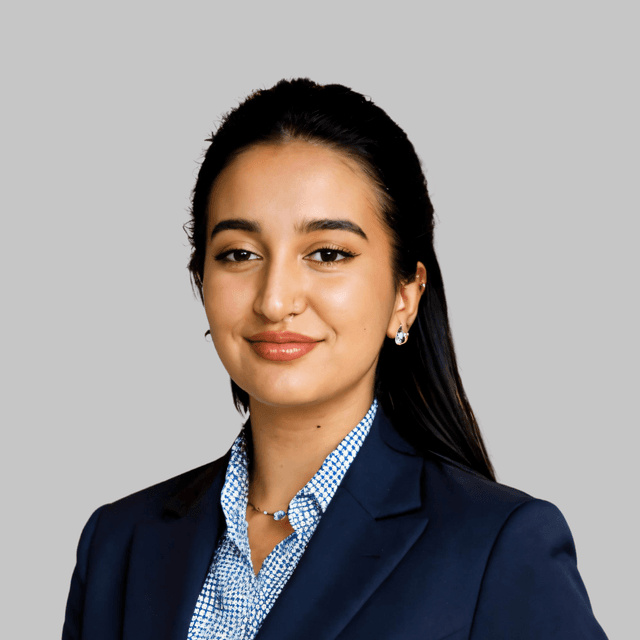
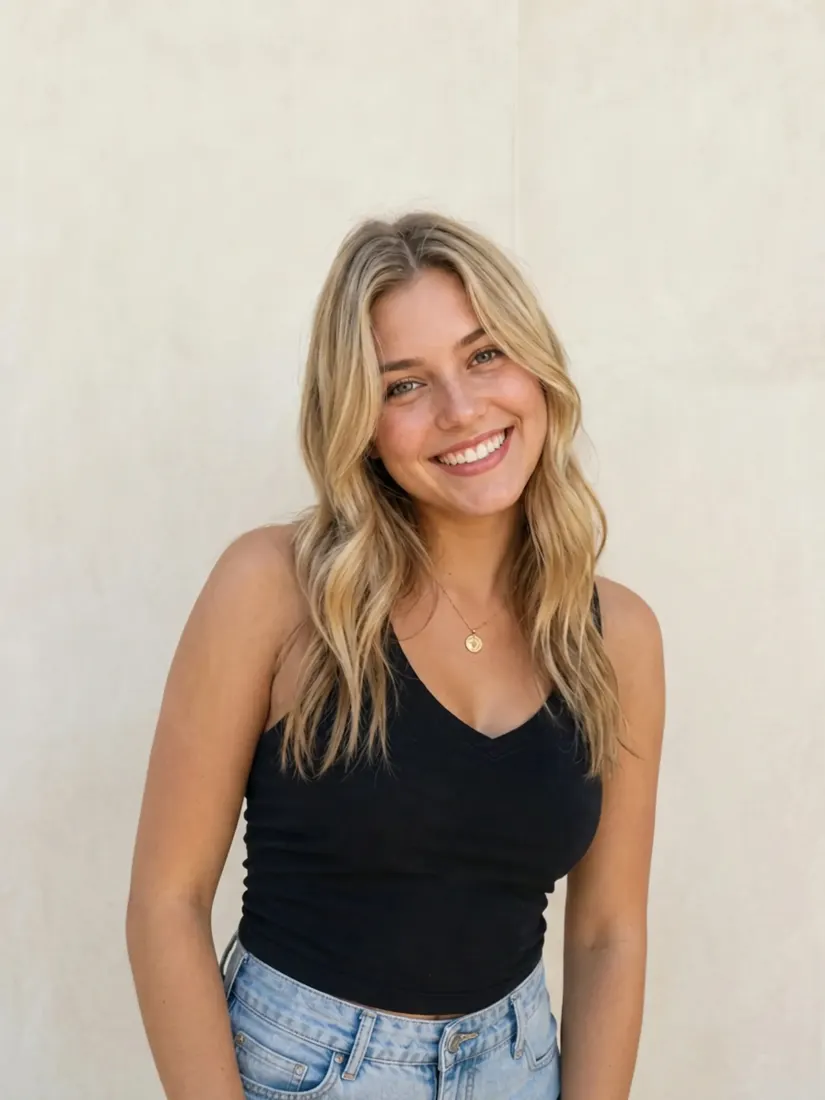
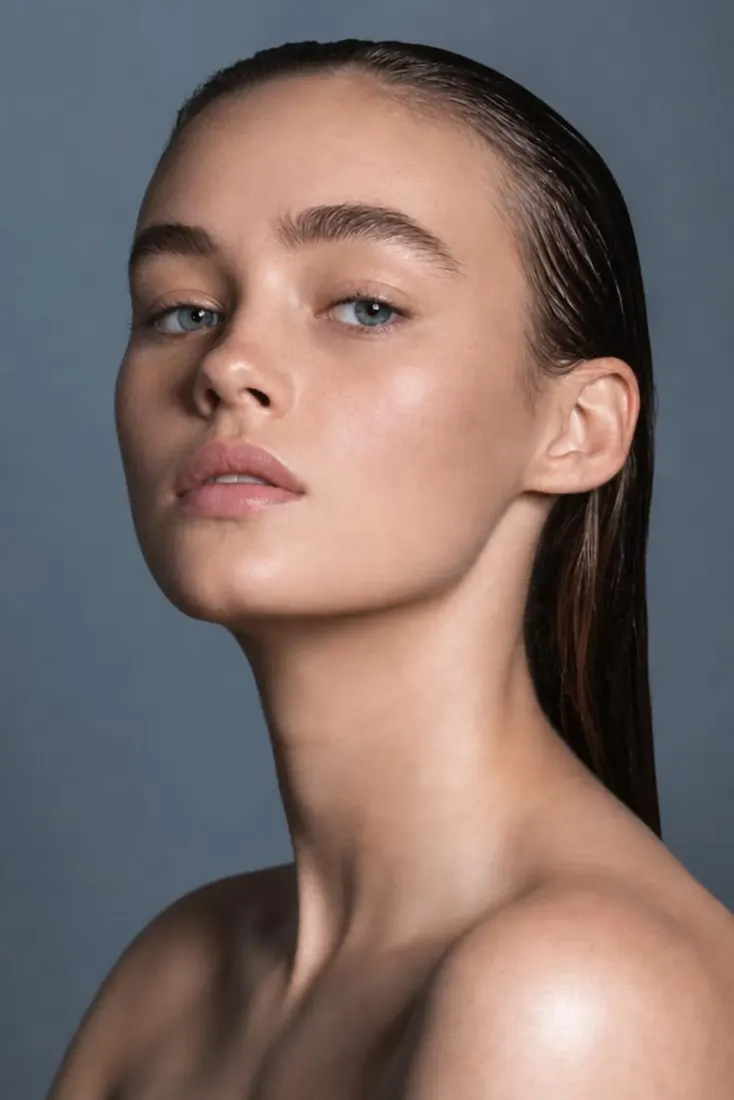
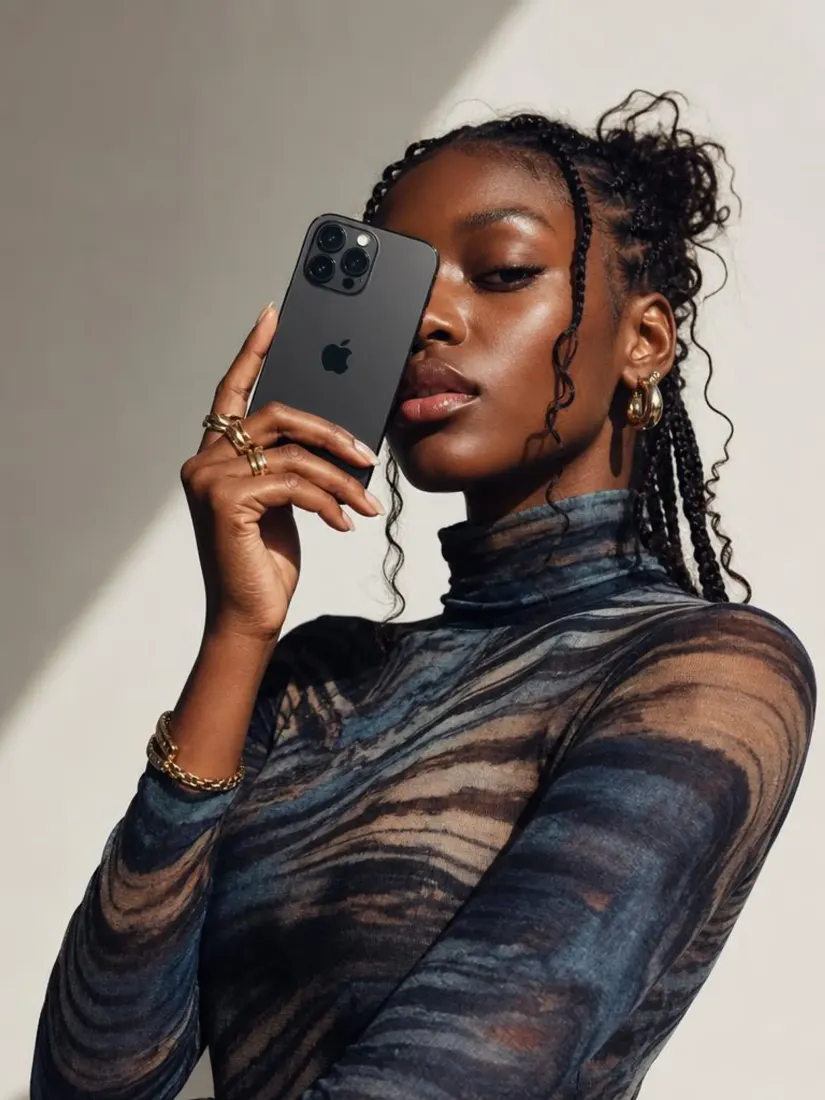
Change any photo background to soft gray in seconds. Get a neutral, minimalist backdrop for corporate headshots and editorial shots.
Upload your photo
Or drag and drop an image to change the background
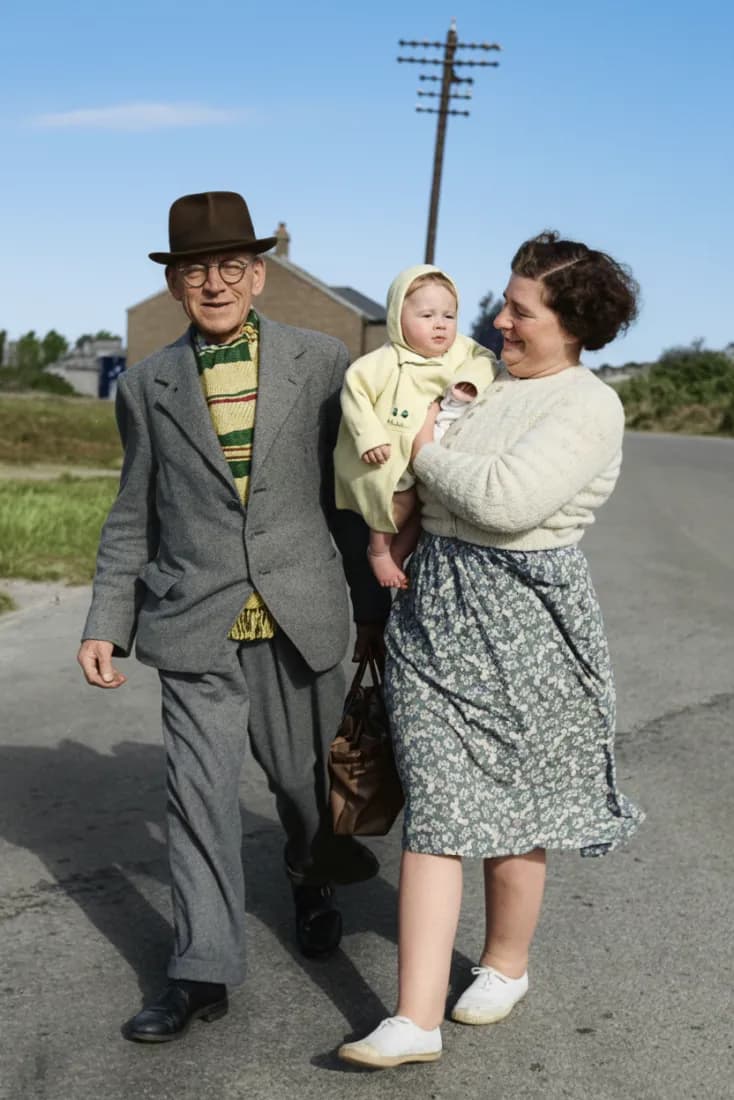
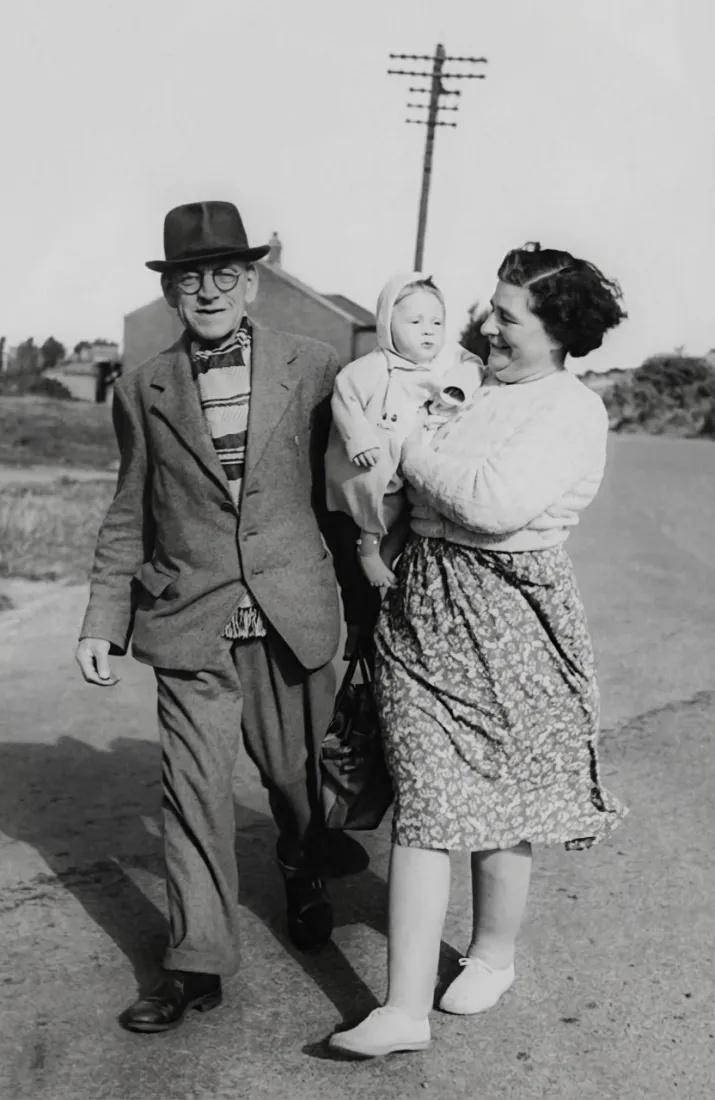
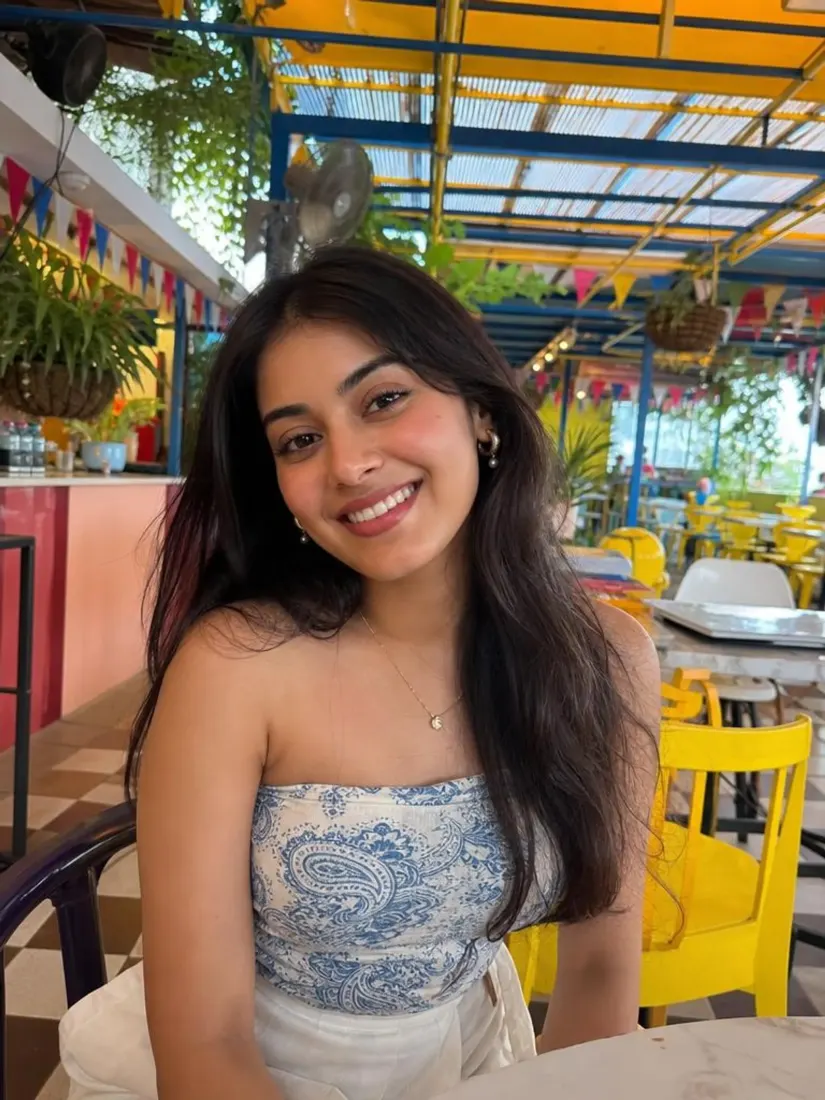
No picture on hand? Try with one of these
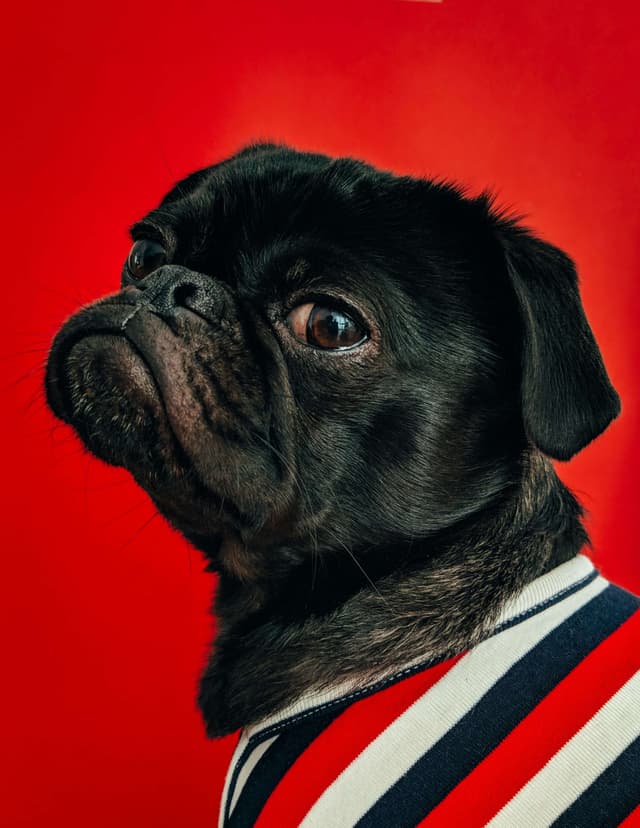
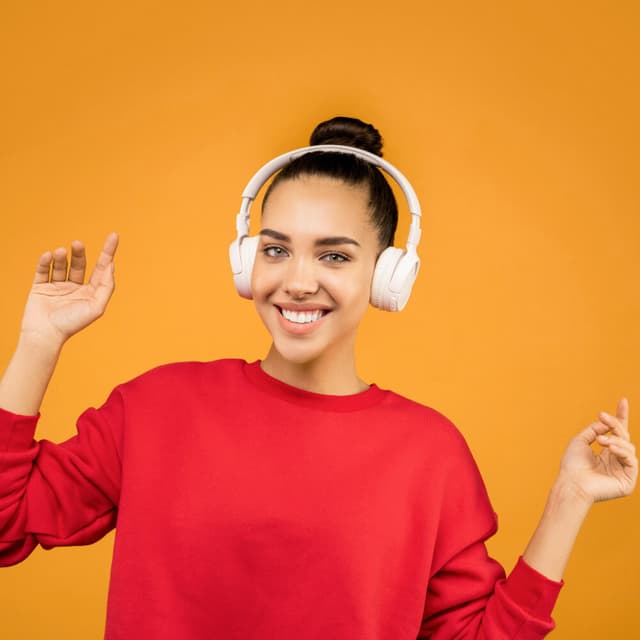
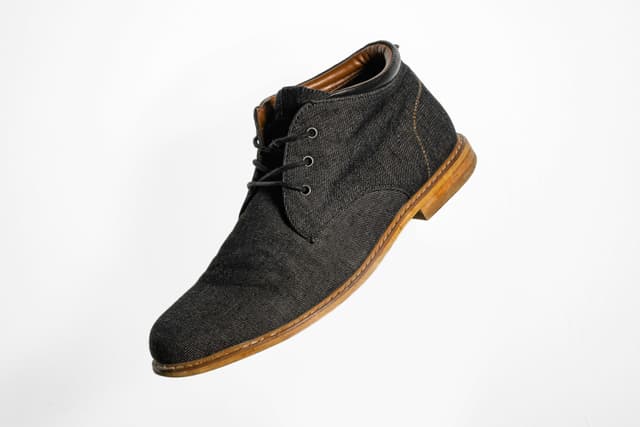
FOR PROFESSIONALS









How to change a photo background to gray?
1
Upload your image
Simply upload the photo you want to edit. Image format can be PNG or JPG, and we support all image dimensions.
2
Choose your background
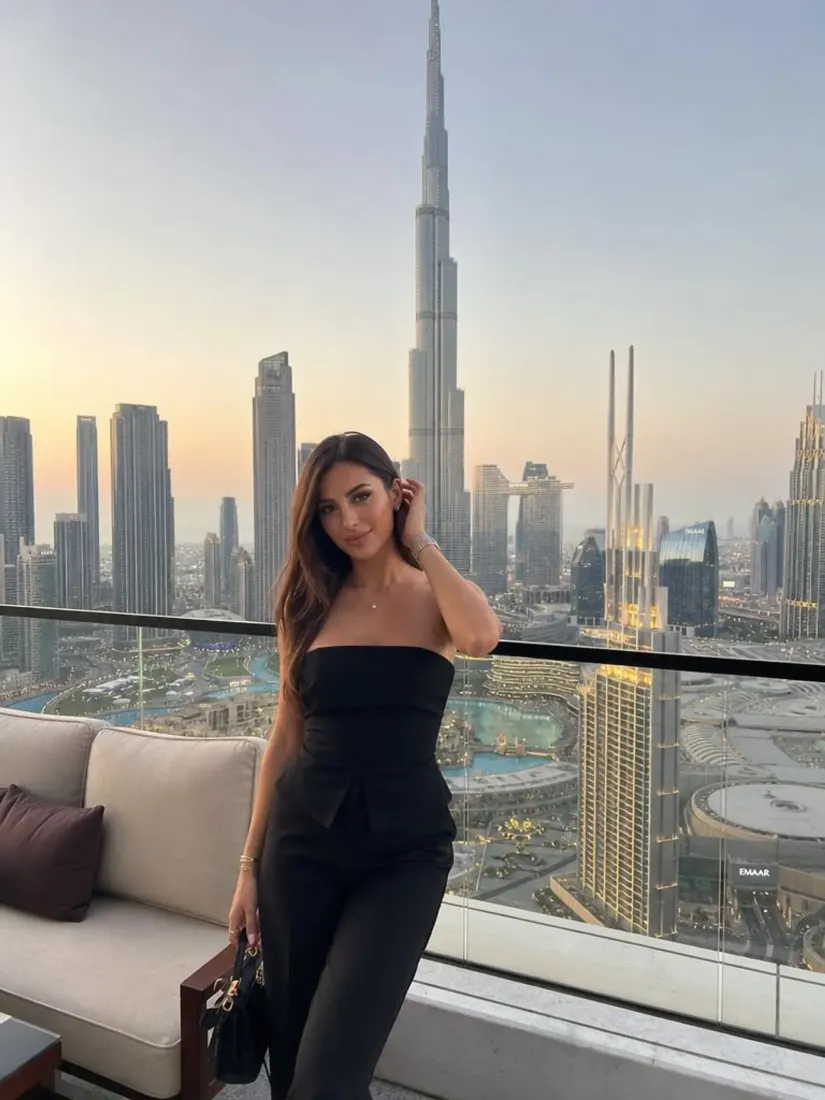
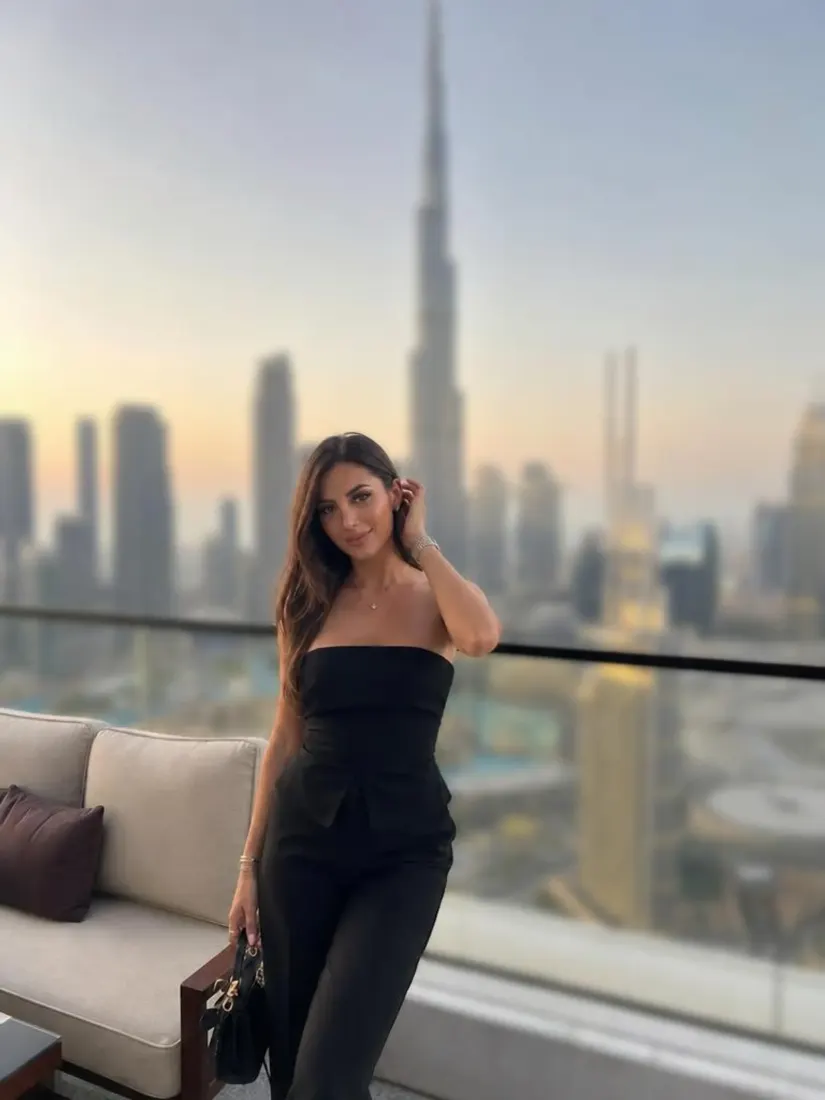
The AI finds your subject and removes the background automatically. Then select gray from the background options to get a clean, neutral result.
3
Download the results
Download your gray background photo once it is ready. Great for professional headshots, LinkedIn profile photos, corporate portraits, and any project that needs a neutral backdrop.
What makes our gray background changer special?
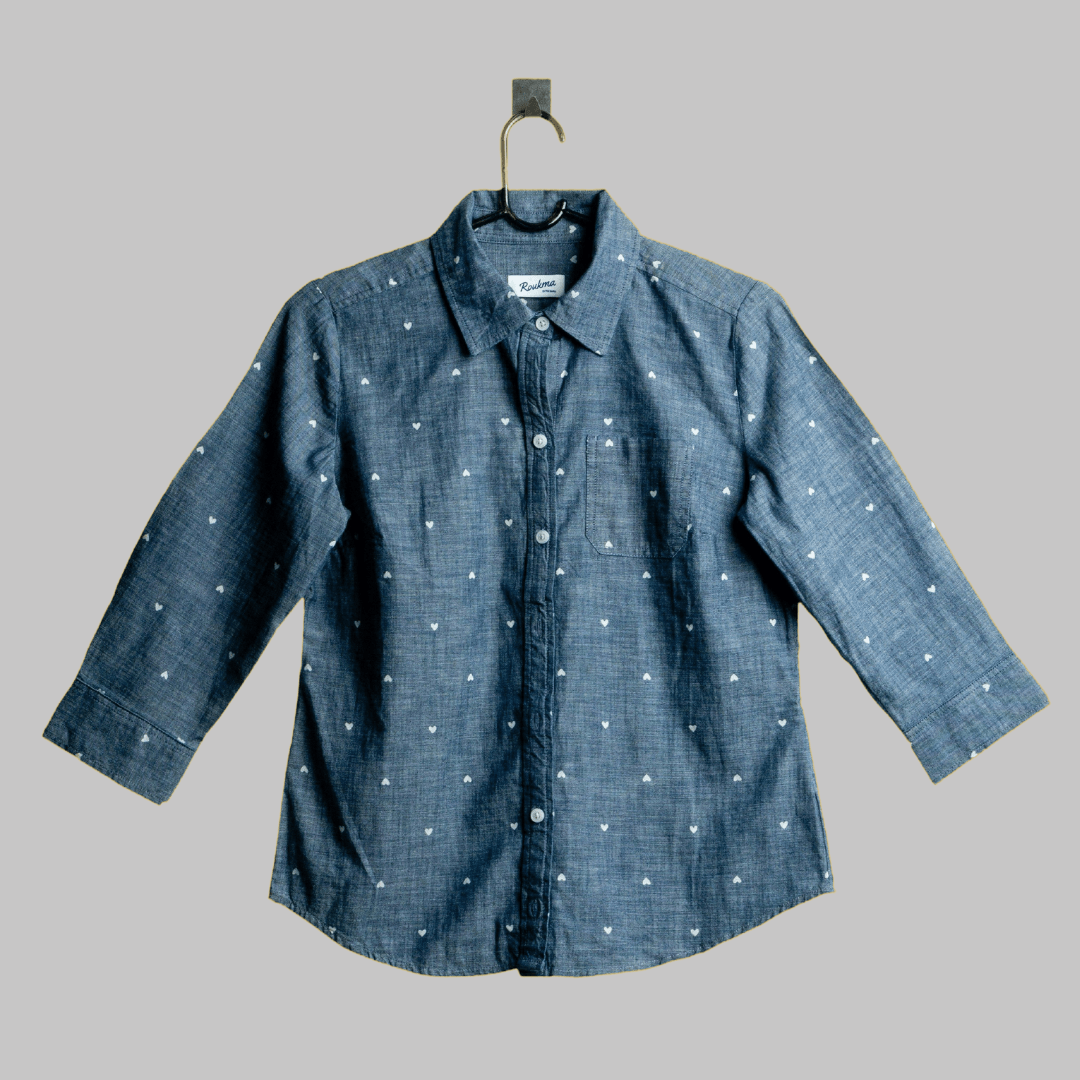
Neutral gray background
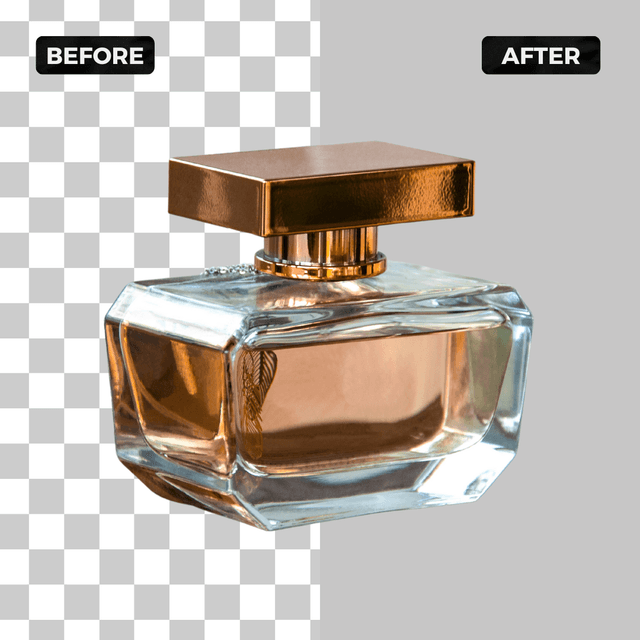
Replace any photo background with neutral gray using Aragon's AI gray background changer. Ideal for clean professional headshots and product shots with precise edge detection.
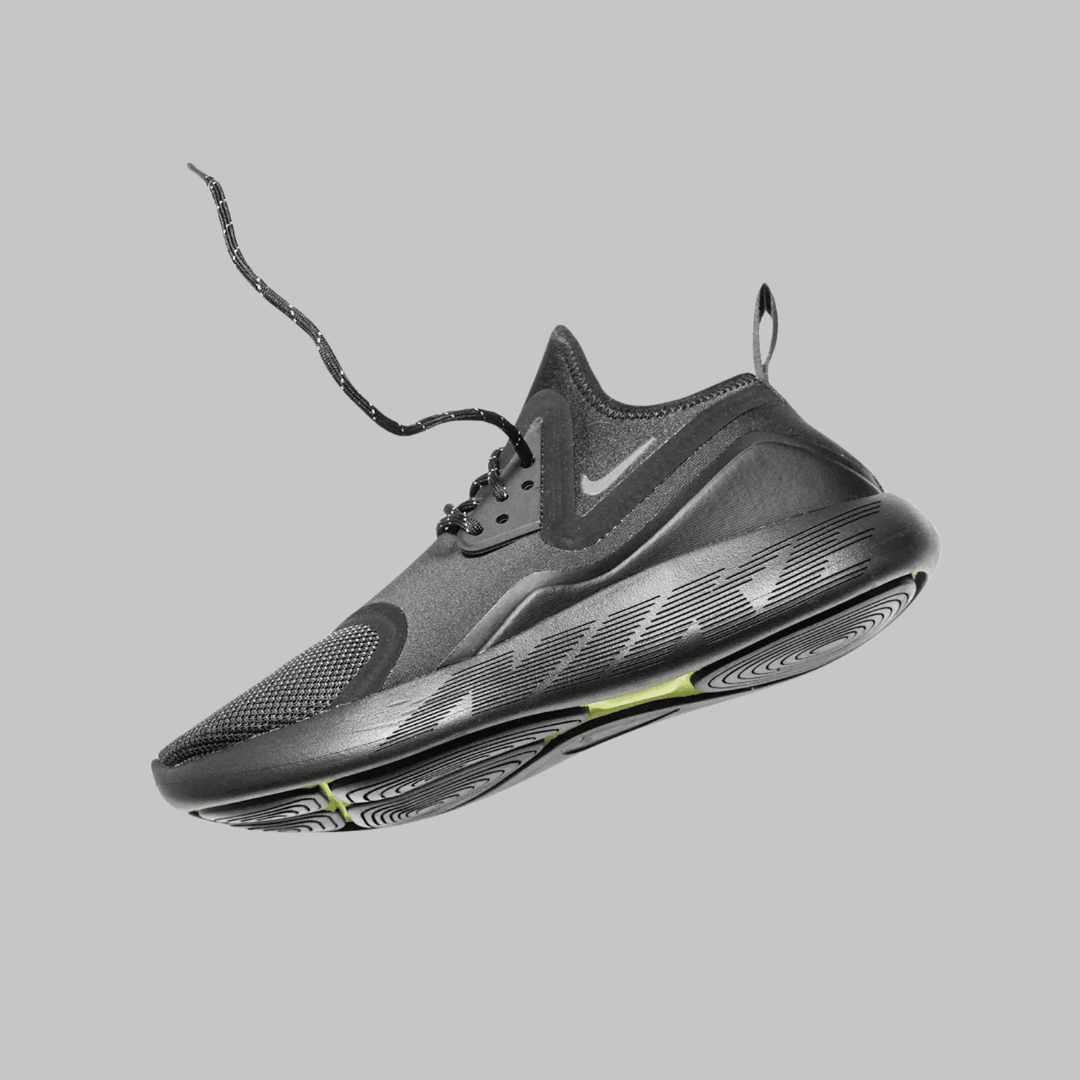
Works for headshots, press, and corporate profiles
Gray works for LinkedIn headshots, press photos, corporate profiles, and any context where a clean, neutral backdrop is needed.
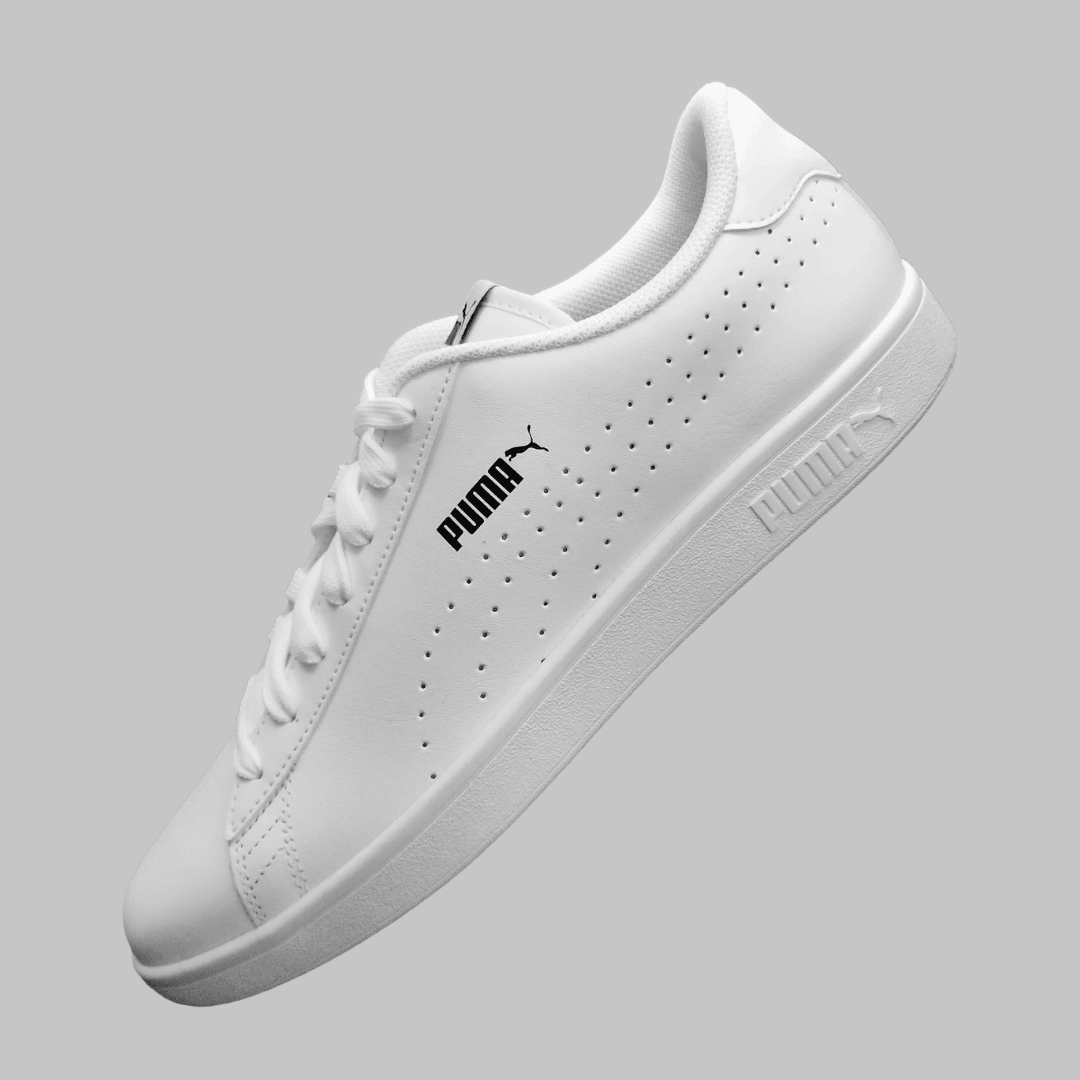
Works for headshots, IDs, and press photos
Gray works for residency headshots, medical profiles, legal directories, and corporate press photos. Get a compliant result instantly.
Have a question? We're here to help
Customer satisfaction is our number one priority. Our live agents are available 7am - 11pm (PT), 5 days Sunday through Thursday.
Our cutting-edge AI technology precisely separates the subject from the background, tracing the finest details of its outline. The subject's outline is retained, while the rest of the image is removed. A new background is then seamlessly added, completely transforming the background of the original photo.
Our tool supports all major image formats. However, the results depend on the subject and its outline. Subjects with many gaps and spaces in between may affect the traced outline, missing the inner areas.
Yes! You can also remove the background entirely, leaving only the subject of your photo. The photo will still retain the same dimensions even with the background removed.
You can access our free-to-use backgrounds not only in gray, but for all colors on the color wheel. Just select the solid color option as your background and pick your color of choice.
Depending on the uploaded image size and resolution, the unblurring process can take a couple minutes.
Yes, you need to sign up and log in to use the AI Editing Tools. We offer free daily credits so you can try our tools before subscribing.
We’re glad you asked! We offer a referral program with amazing rewards, as well as an affiliate program where you can earn a 30% commission on each sale you help facilitate. To date, we have over 2,000 affiliates, and some of our partners have made over $400,000!
We have a 99% satisfaction rate, but if your photos don’t meet your expectations, we’re here to help. Full refund available for your most recent payment if your request is submitted within the eligible window. You can view the full refund policy for details.
Enhance your photos and brand with our most popular tools
Touch up your photos even further with our suite of photo editing tools and features
