





















































































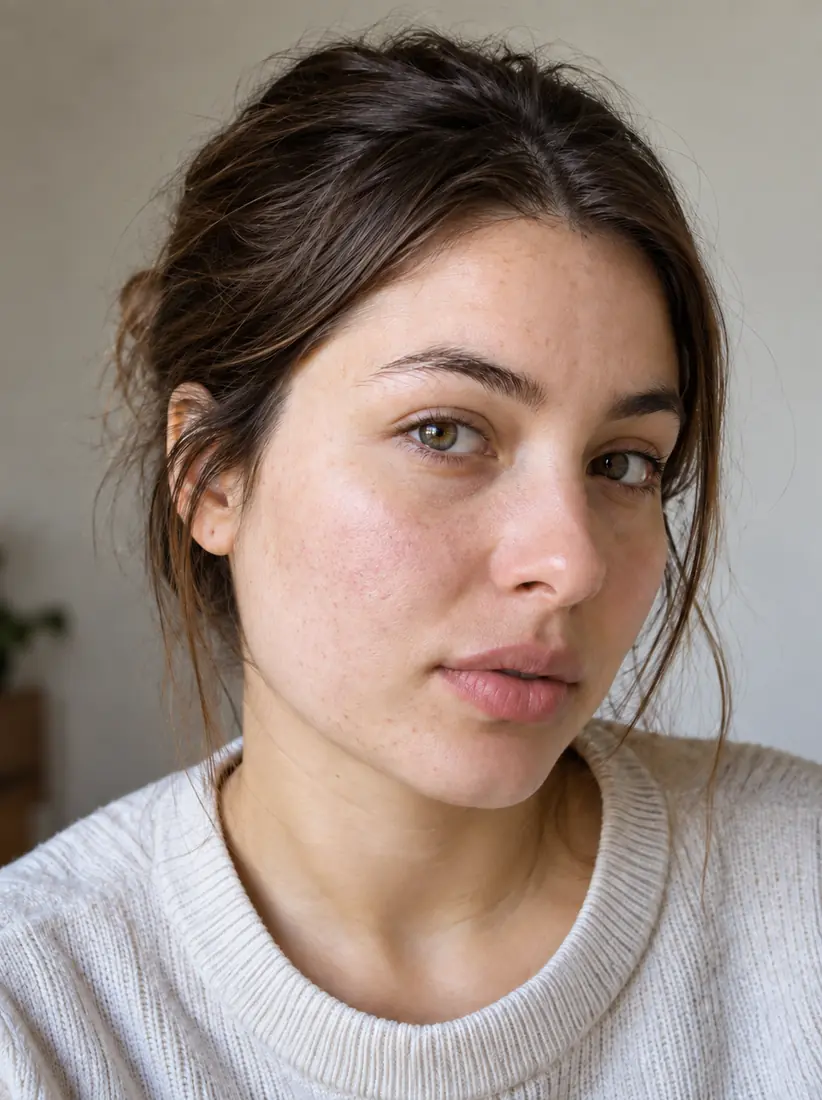
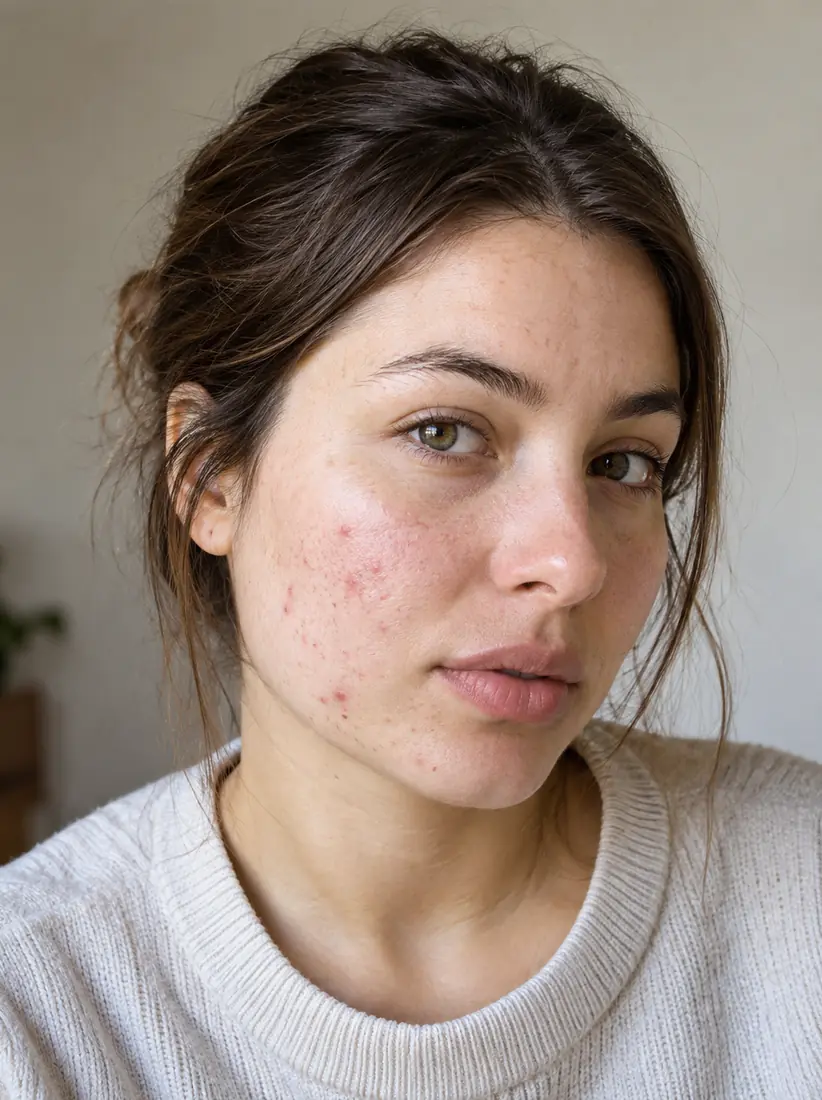






































































































































































































































































The Leading AI Headshot Generator for Professionals
THE #1 RANKED AI PHOTO EDITOR
Free Pink Background Changer: Replace Any Photo Background With Pink
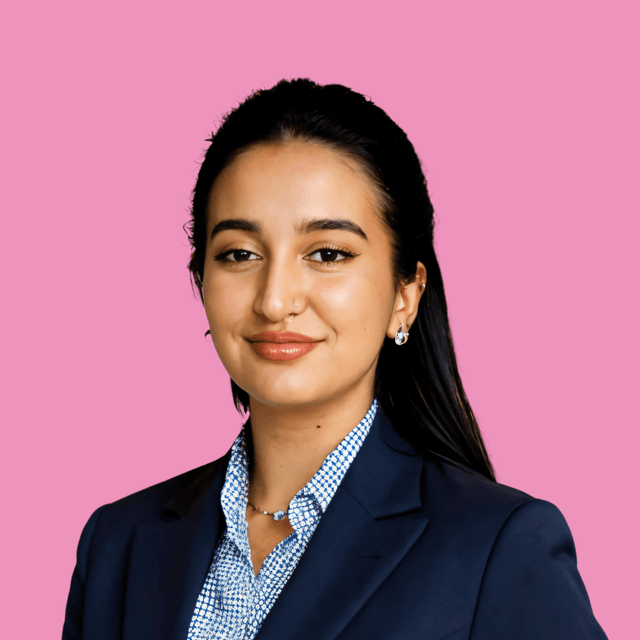
Change any photo background to pink in seconds. Pick from soft blush to bold magenta for beauty content and fashion shots.
Upload your photo
Or drag and drop an image to change the background
No picture on hand? Try with one of these
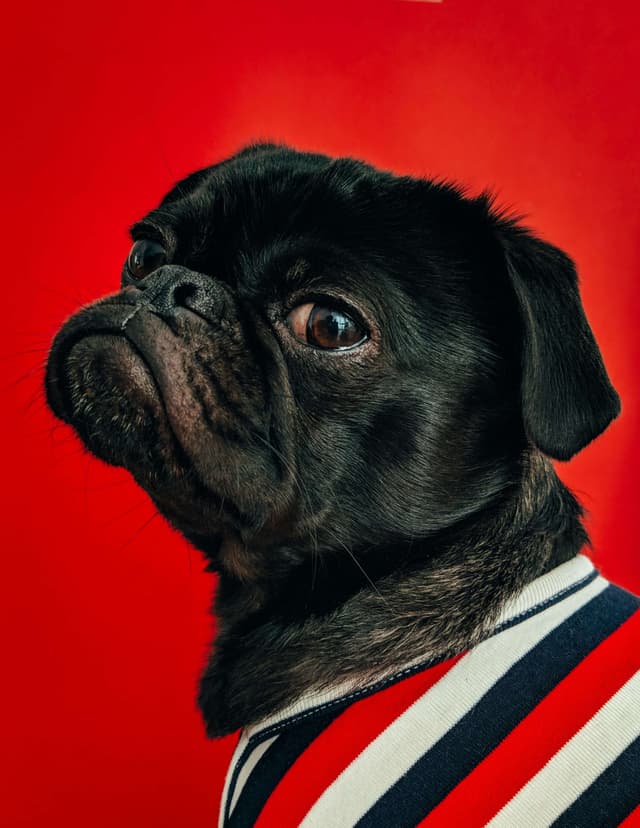

FOR PROFESSIONALS









How to change a photo background to pink?
1
Upload your image
Simply upload the photo you want to edit. Image format can be PNG or JPG, and we support all image dimensions.
2
Choose your background
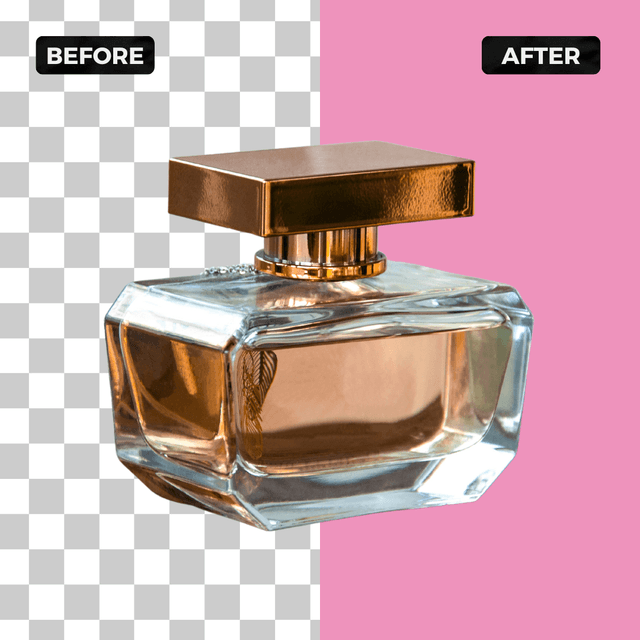
Aragon's AI automatically removes the background from your photo and replaces it with a clean pink background. No manual selection needed.
3
Download the results
Download your pink background photo once it is ready. Great for beauty and cosmetic product photography, fashion portraits, social media, and any project that needs a warm colorful backdrop.
What makes our pink background changer special?
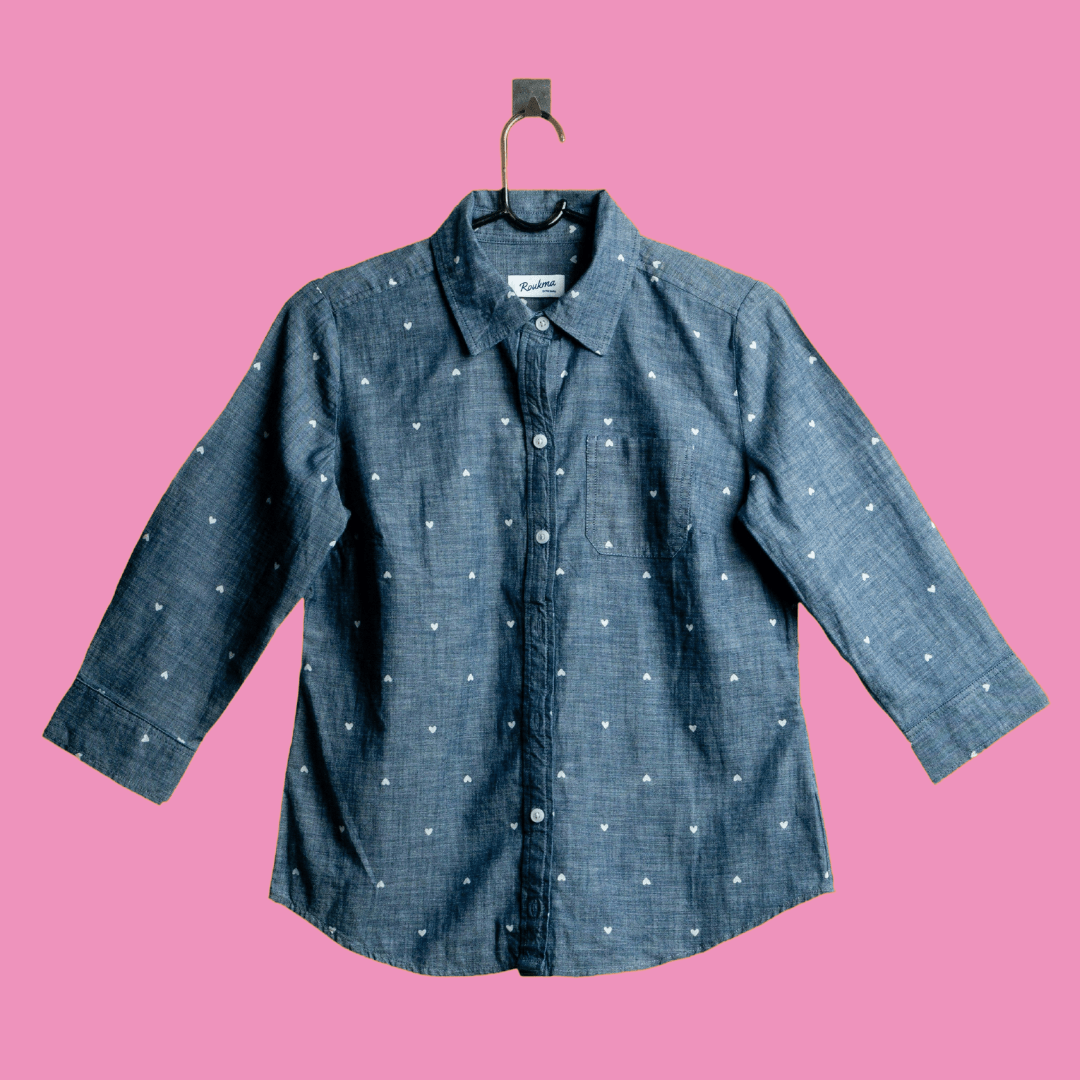
Vibrant pink background
Swap any photo background to vibrant pink with Aragon's AI pink background changer. Perfect for branded content, themed portraits, and standout social posts.
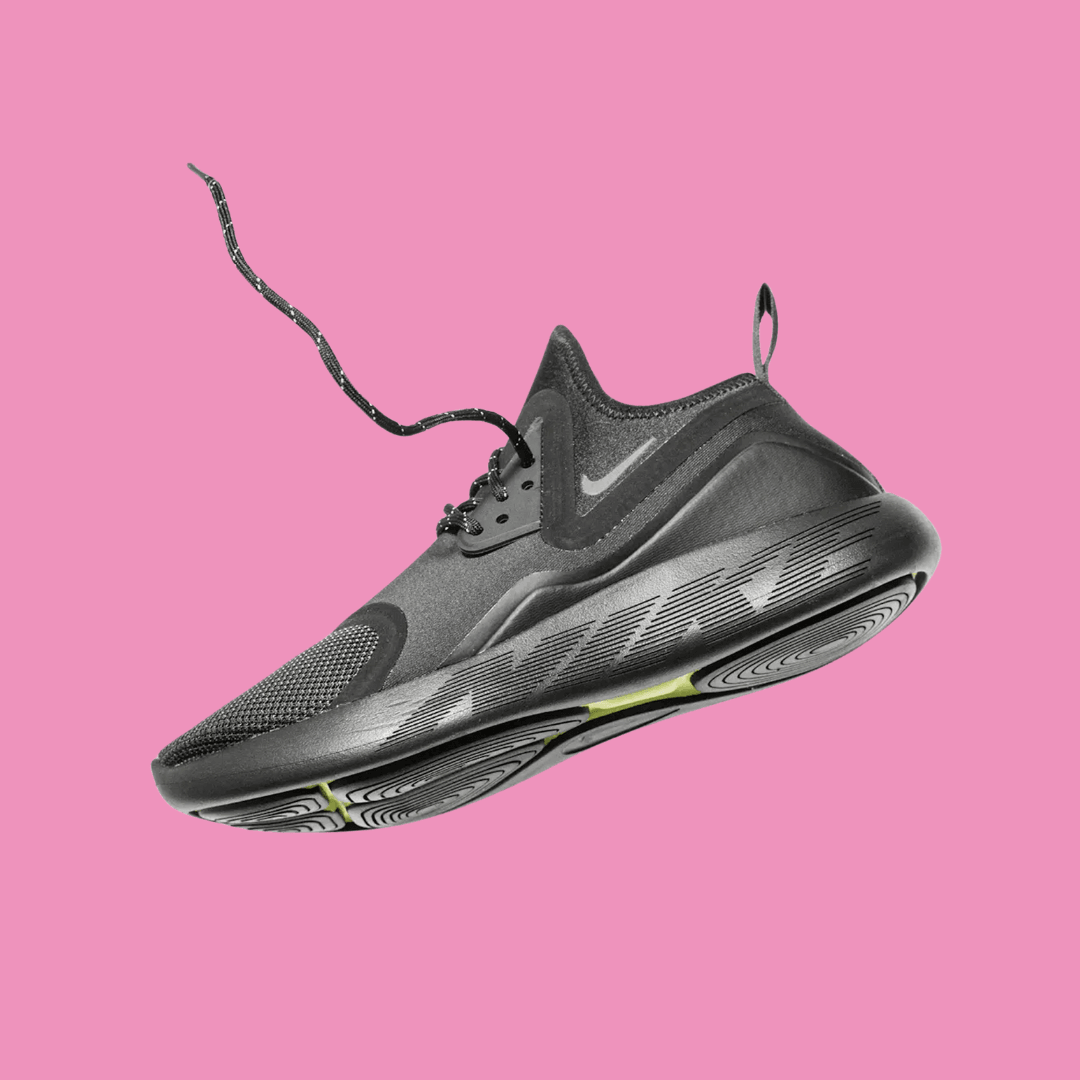
Warm and approachable tone
A pink background works well for lifestyle headshots, social media content, and any context where a warm, friendly aesthetic is the goal.
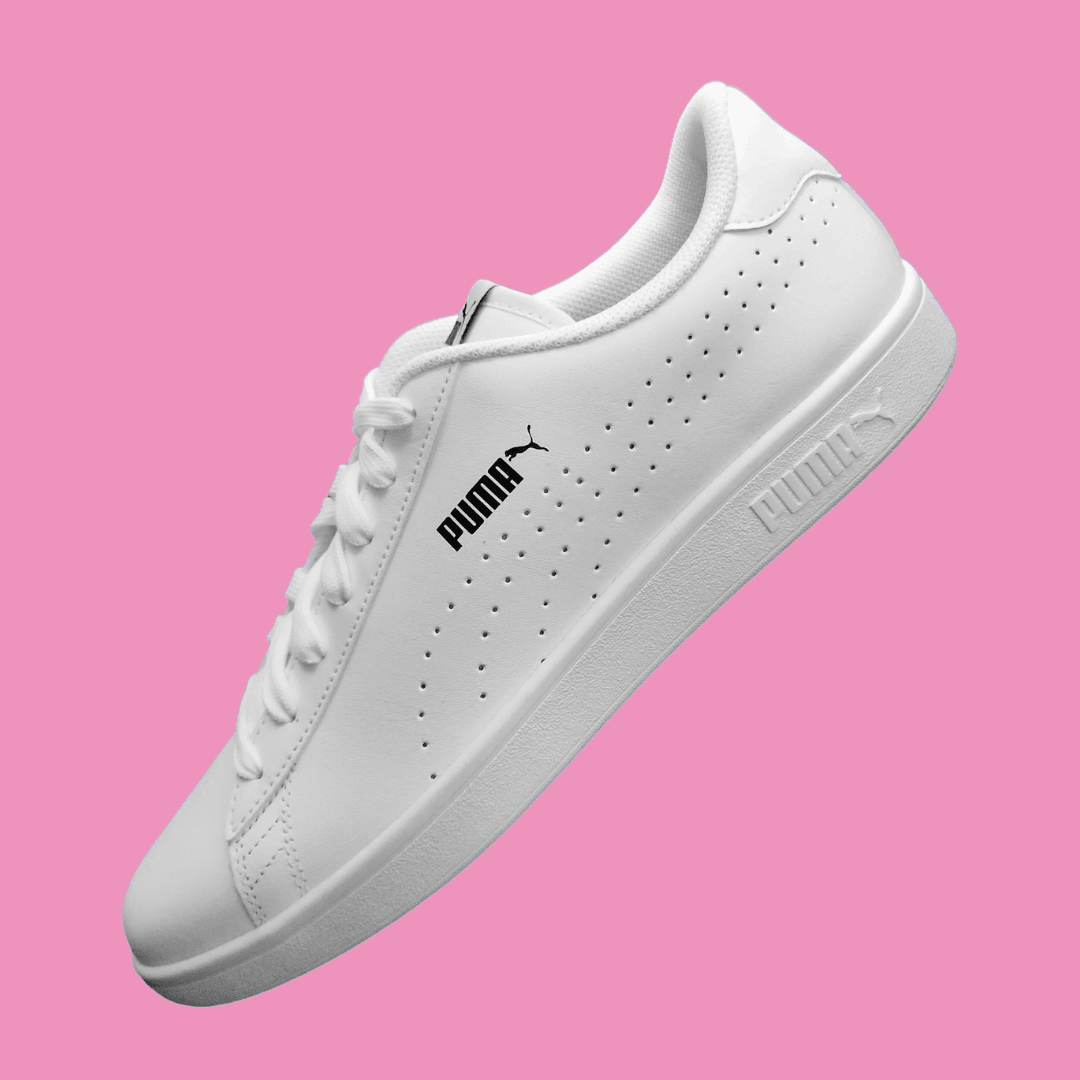
Pairs well with natural lighting shots
Photos taken in warm or natural light pair naturally with a pink background.
Have a question? We're here to help
Customer satisfaction is our number one priority. Our live agents are available 7am - 11pm (PT), 5 days Sunday through Thursday.
A black background changer removes the original backdrop from a photo and replaces it with solid black. On Aragon.ai you upload an image, the AI cutout runs, and you download a black background photo without manual masking.
Black background photo editing here means upload → auto cutout → solid black fill → download. You are not painting pixels by hand. Review the edge, then export.
Black bg is the same job in short form: a solid dark fill behind the subject. A full studio black usually means paper, lights, and a controlled set. This tool approximates that look on a photo you already shot.
Yes. Misspellings like black backround still map to this black background changer. Same upload flow. Same solid black result.
Our AI precisely separates the subject from the background by tracing the finest details of its outline. The subject's outline is retained, while the rest of the image is removed. A new background is then seamlessly added, completely transforming the background of the original photo.
Upload your photo to Aragon's AI blue background tool. The AI automatically removes your original background and applies a blue backdrop, with shade options to choose from, without any manual editing.
Exact color, size, and framing requirements for passports, visas, and other official documents vary by country and issuing authority. Aragon lets you choose from a range of blue shades, but you should confirm your specific document's requirements before submitting a photo.
Aragon's AI traces fine details in the subject's outline to keep edges looking natural. Results are strongest on clearly defined subjects; very intricate details like stray hair may occasionally need review.
A green background changer removes the original backdrop from a photo and replaces it with solid green. On Aragon.ai you upload an image, the AI cutout runs, and you download a green background photo without manual masking.
Our AI separates the subject from the background, tracing fine outline detail. The subject's outline stays. The old backdrop goes. A new green fill is added so the original photo gets a clean green background without hand selection.
Yes. Aragon's green background changer is free to try. Upload your image and download the result with a clean green background. A free account is required, and free daily credits apply before a paid plan.
Upload your photo, let Aragon replace the backdrop with green, then download PNG or JPG as supported. That is a green background for editing without a pen tool. Review edges before you drop the file into a composite.
This page does photo stills with a solid or chroma green fill. It is not a full video green screen background editor with timelines. Use it for green background images and plates. Use a video tool when you need clip-based keying.
A green background plain is a flat solid fill. That is what this changer ships. Scenic green (forests, fields, city parks) is a different job. If you need nature scenes instead of solid green, that is outside this page's core replace flow.
Our tool supports all major image formats. Results still depend on the subject and its outline. Subjects with many gaps and spaces in between may affect the traced outline, missing the inner areas.
You can access free-to-use solid backgrounds in green and across the color wheel on Aragon. Select the solid color option as your background and pick your shade of choice.
Yes. The green background changer preserves the original image dimensions. Whether you replace the background or remove it entirely, the output image stays the same size as the original.
Our AI precisely separates the subject from the background, tracing the finest details of its outline. The subject's outline is retained, while the rest of the image is removed. A new background is then seamlessly added, completely transforming the background of the original photo.
Our tool supports all major image formats. However, the results depend on the subject and its outline. Subjects with many gaps and spaces in between may affect the traced outline, missing the inner areas.
Yes. The AI separates the person from the existing background and replaces it with a clean white backdrop.
Clear images with a well-defined subject generally produce better results. Complex gaps, fine outlines, and difficult edges may affect the final cutout.
You can access our free-to-use backgrounds not only in white, but for all colors on the color wheel. Just select the solid color option as your background and pick your color of choice.
Background yellow here means a solid yellow fill behind your subject after Aragon removes the old backdrop. Same job as a yellow background changer. Upload, auto cutout, yellow fill, download. Not a wallpaper texture pack. Not a scenic field photo.
Our AI separates the subject from the background, tracing fine outline detail. The subject's outline stays. The old backdrop goes. A new yellow fill is added so the original photo gets a clean yellow background without hand selection.
Yes. Aragon's yellow background changer is free to try. Upload your image and download the result with a clean yellow background. A free account is required, and free daily credits apply before a paid plan.
Upload your photo, let Aragon replace the backdrop with yellow, then download PNG or JPG as supported. That is a yellow background for editing without a pen tool. Review edges before you drop the file into a composite or listing.
Yes, when shade tiles ship in the UI. Pick a light yellow background for softer lifestyle and kids creatives, or step up to lemon and vivid brand yellow for food packs and promos. If only one yellow is live, you still get a solid fill you can grade later.
Yes. Misspellings like yellow backround still map to this yellow background changer. Same upload flow. Same solid yellow result.
Our tool supports all major image formats. Results still depend on the subject and its outline. Subjects with many gaps and spaces in between may affect the traced outline, missing the inner areas.
You can access free-to-use solid backgrounds in yellow and across the color wheel on Aragon. Select the solid color option as your background and pick your shade of choice.
Yes. The yellow background changer preserves the original image dimensions. Whether you replace the background or remove it entirely, the output image stays the same size as the original.
Our cutting-edge AI technology precisely separates the subject from the background, tracing the finest details of its outline. The subject's outline is retained, while the rest of the image is removed. A new background is then seamlessly added, completely transforming the background of the original photo.
Our tool supports all major image formats. However, the results depend on the subject and its outline. Subjects with many gaps and spaces in between may affect the traced outline, missing the inner areas.
Yes! You can also remove the background entirely, leaving only the subject of your photo. The photo will still retain the same dimensions even with the background removed.
You can access our free-to-use backgrounds not only in pink, but for all colors on the color wheel. Just select the solid color option as your background and pick your color of choice.
Depending on the uploaded image size and resolution, the unblurring process can take a couple minutes.
Yes, you need to sign up and log in to use the AI Editing Tools. We offer free daily credits so you can try our tools before subscribing.
We’re glad you asked! We offer a referral program with amazing rewards, as well as an affiliate program where you can earn a 30% commission on each sale you help facilitate. To date, we have over 2,000 affiliates, and some of our partners have made over $400,000!
We have a 99% satisfaction rate, but if your photos don’t meet your expectations, we’re here to help. Full refund available for your most recent payment if your request is submitted within the eligible window. You can view the full refund policy for details.
