fb-pixelSkip to main content
Aragon.ai
THE #1 RANKED AI PHOTO EDITOR

Free AI Face Expression Changer - Change Expressions Online

Change the expression in a portrait with Aragon's AI face expression changer. Add a smile, choose a serious or surprised look, or create a stronger reaction while keeping the rest of the photo consistent.

total reviews on
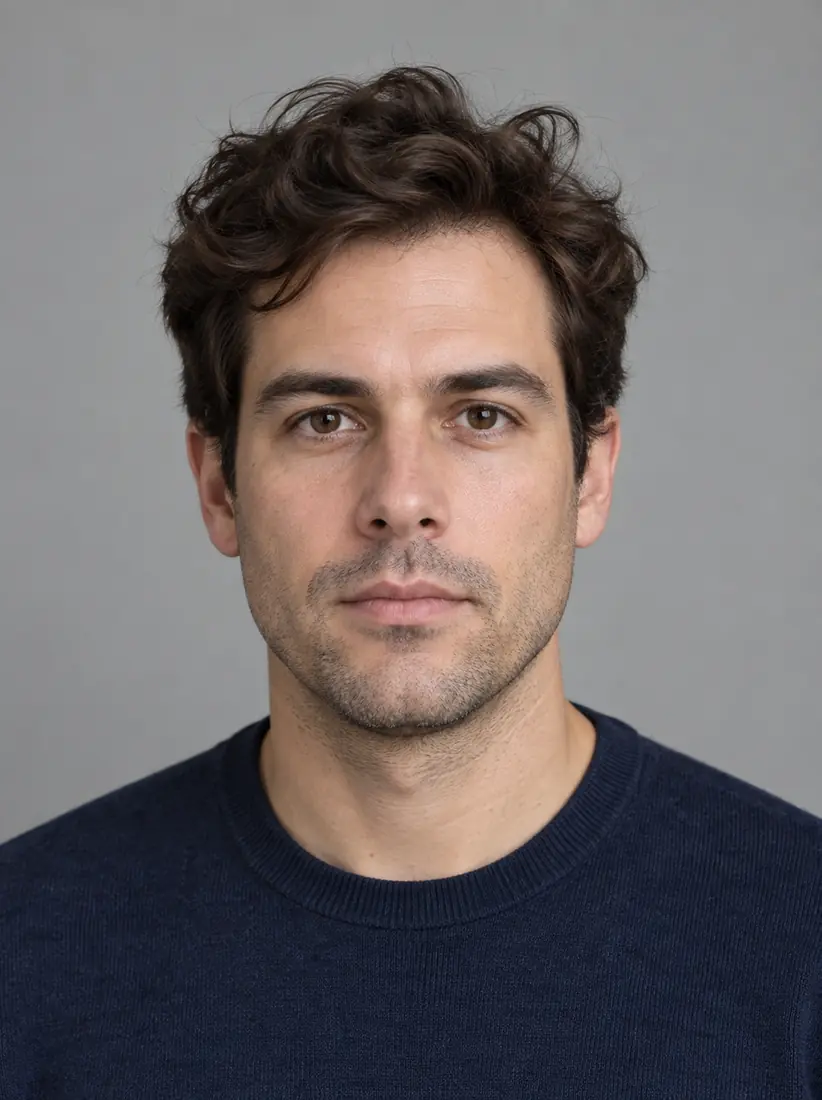
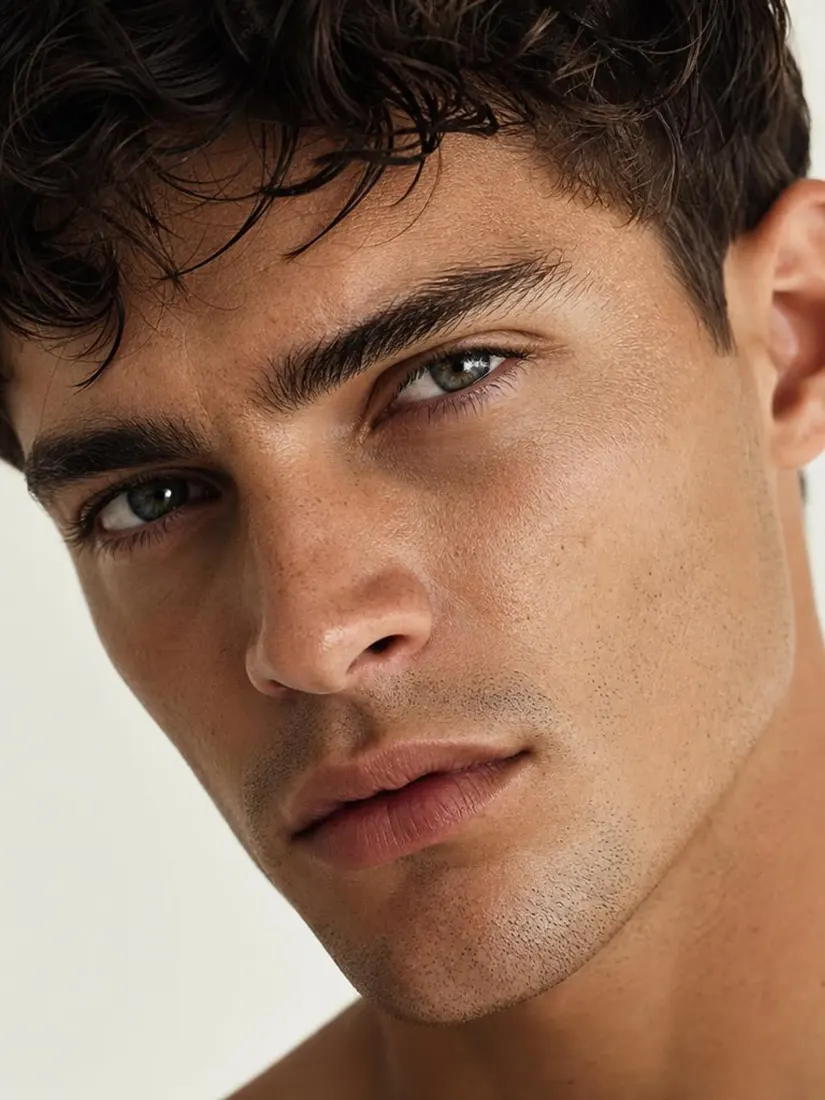
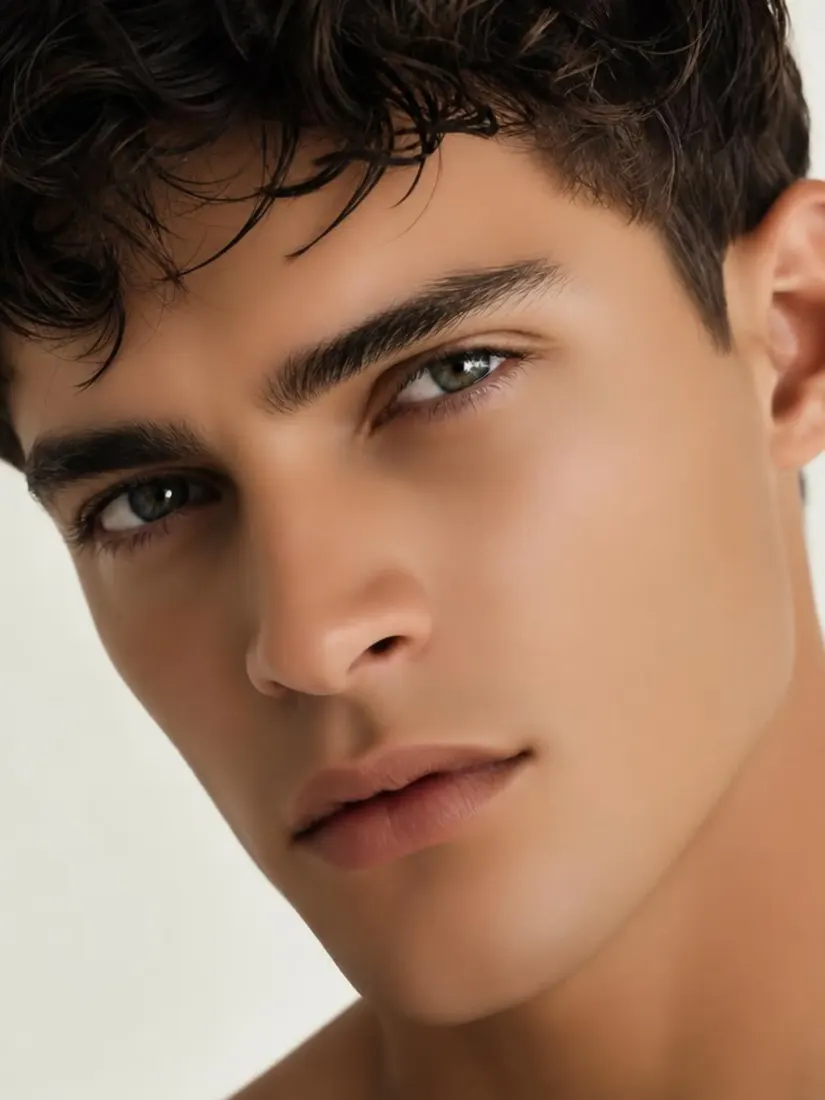
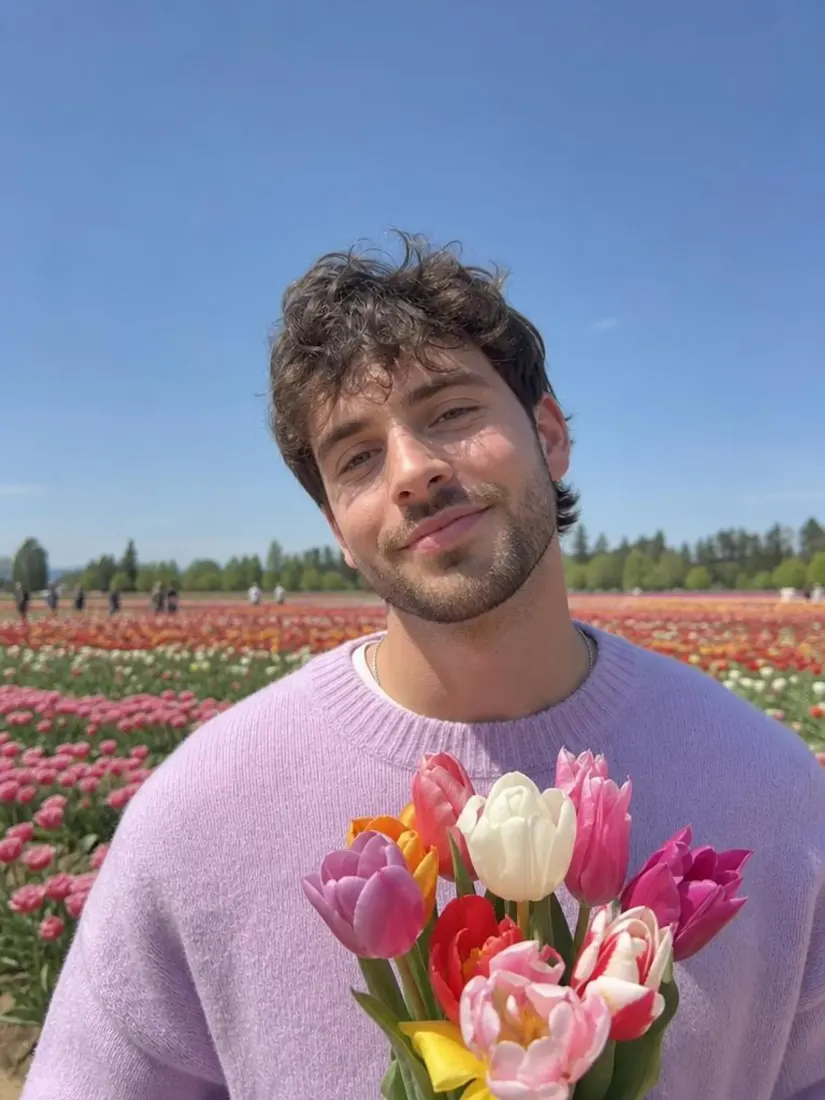
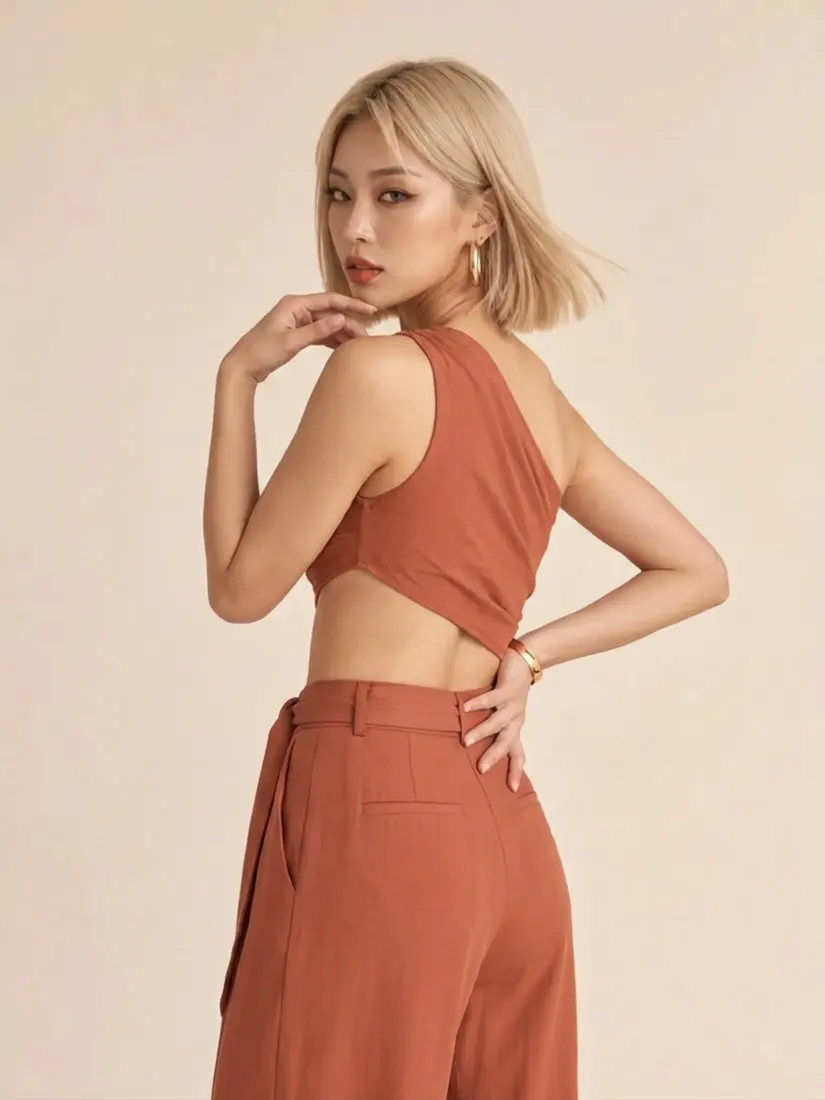
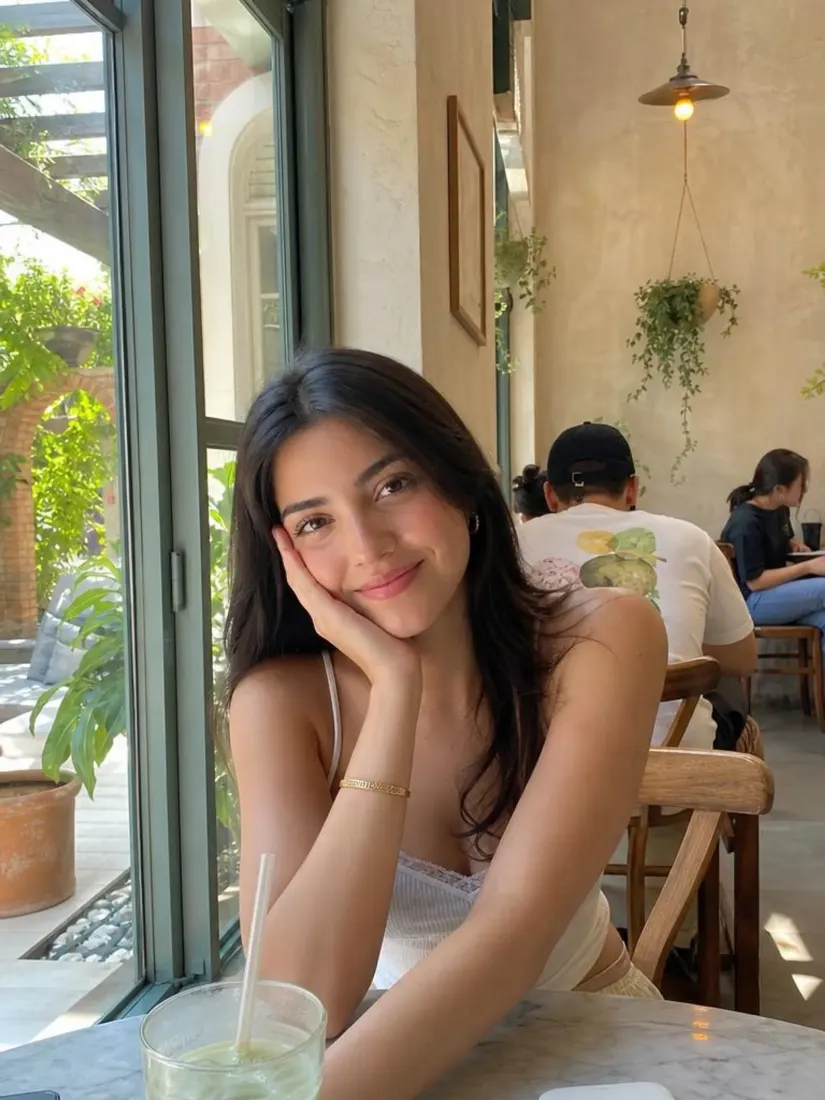
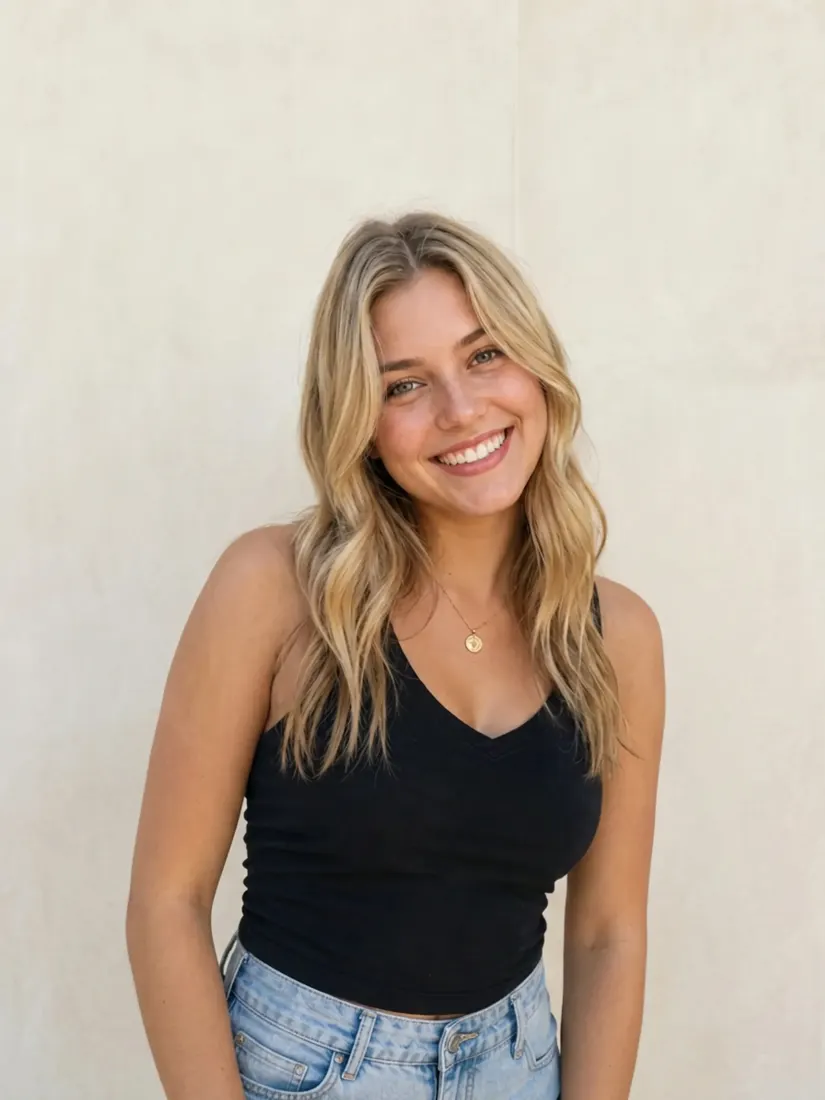
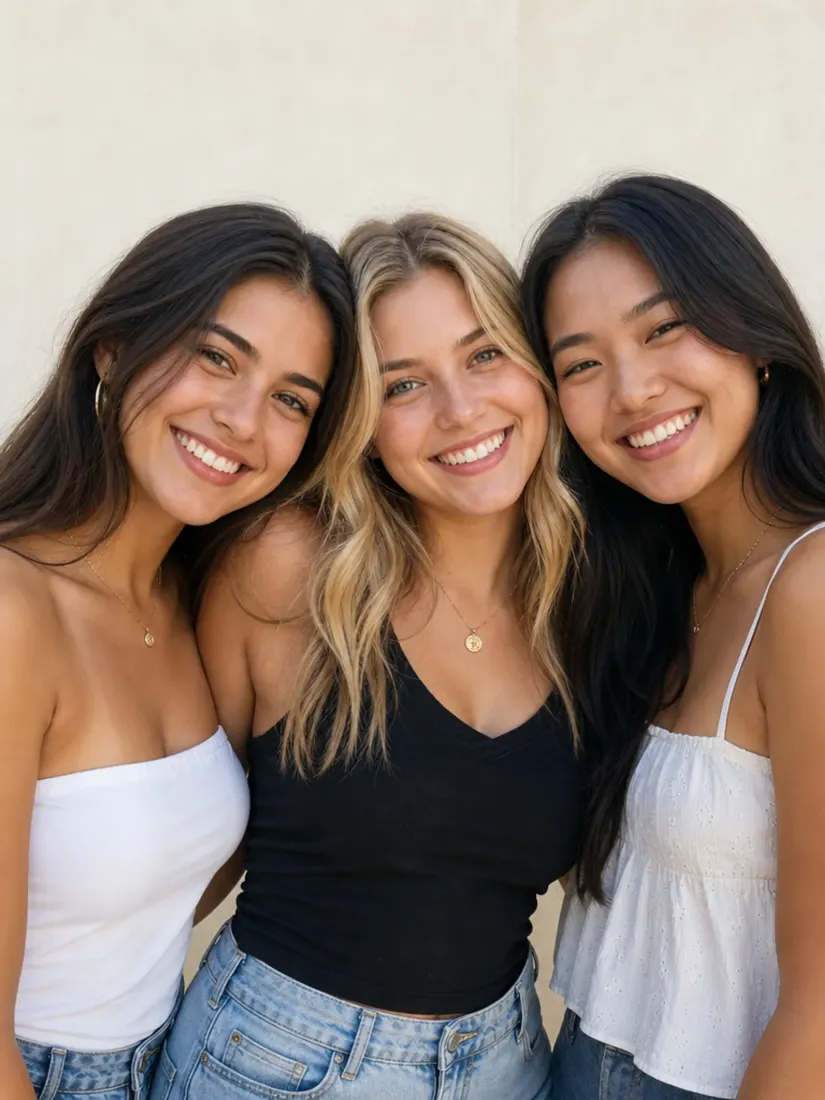
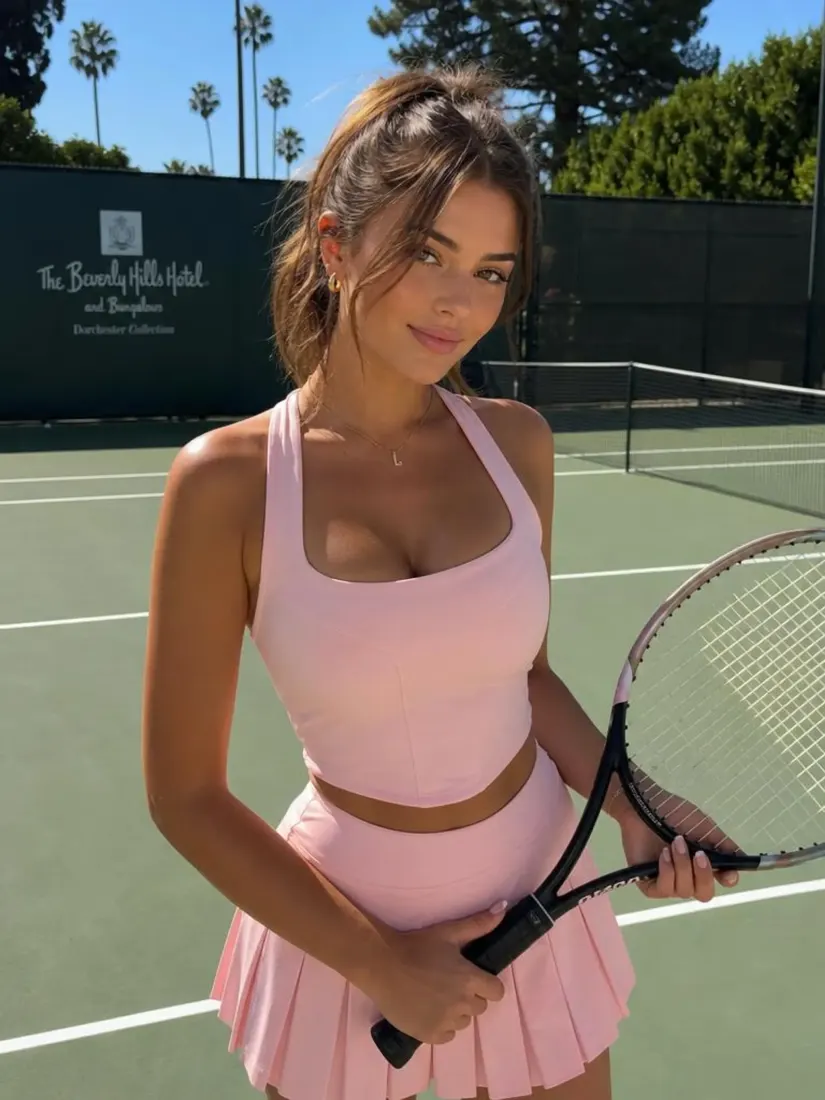
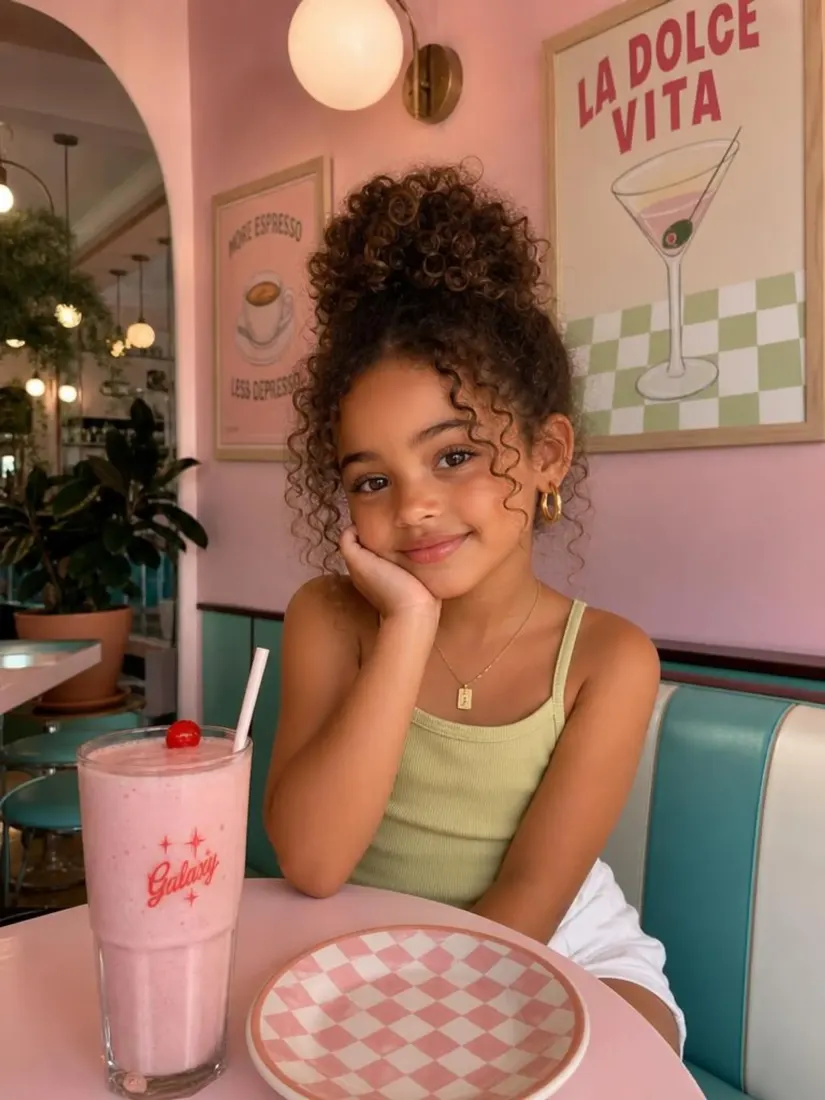
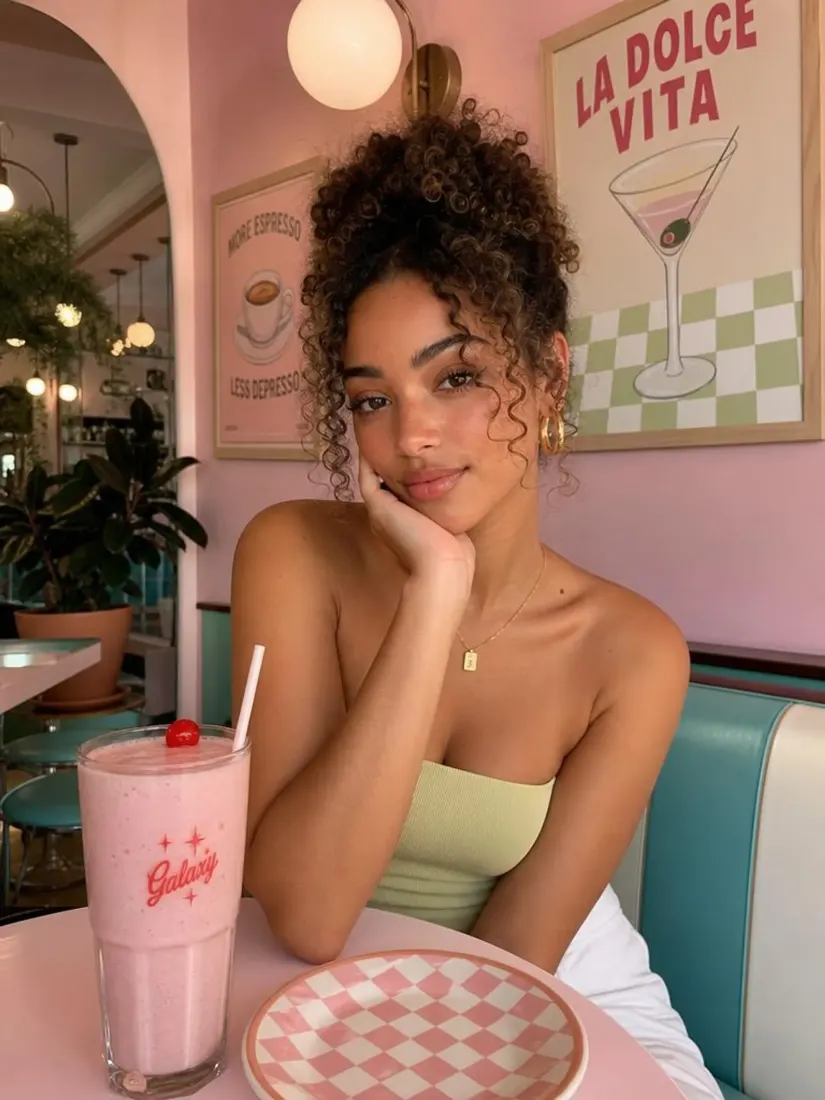
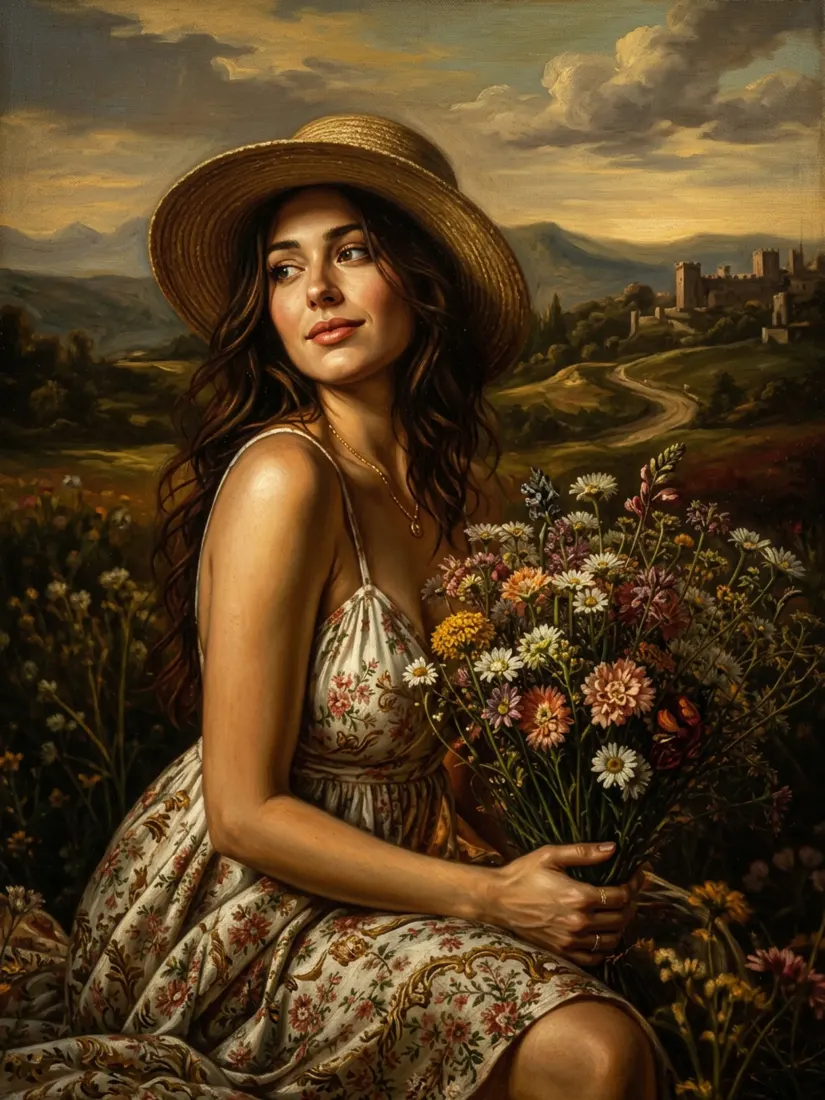
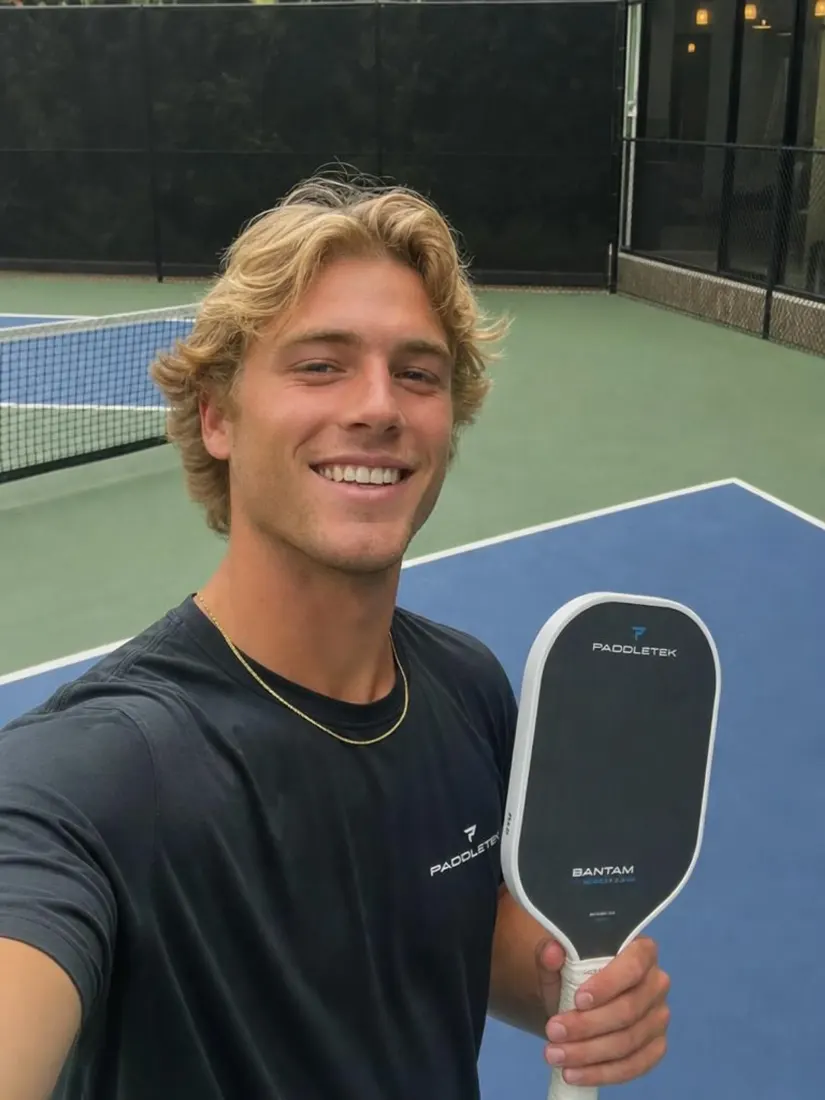
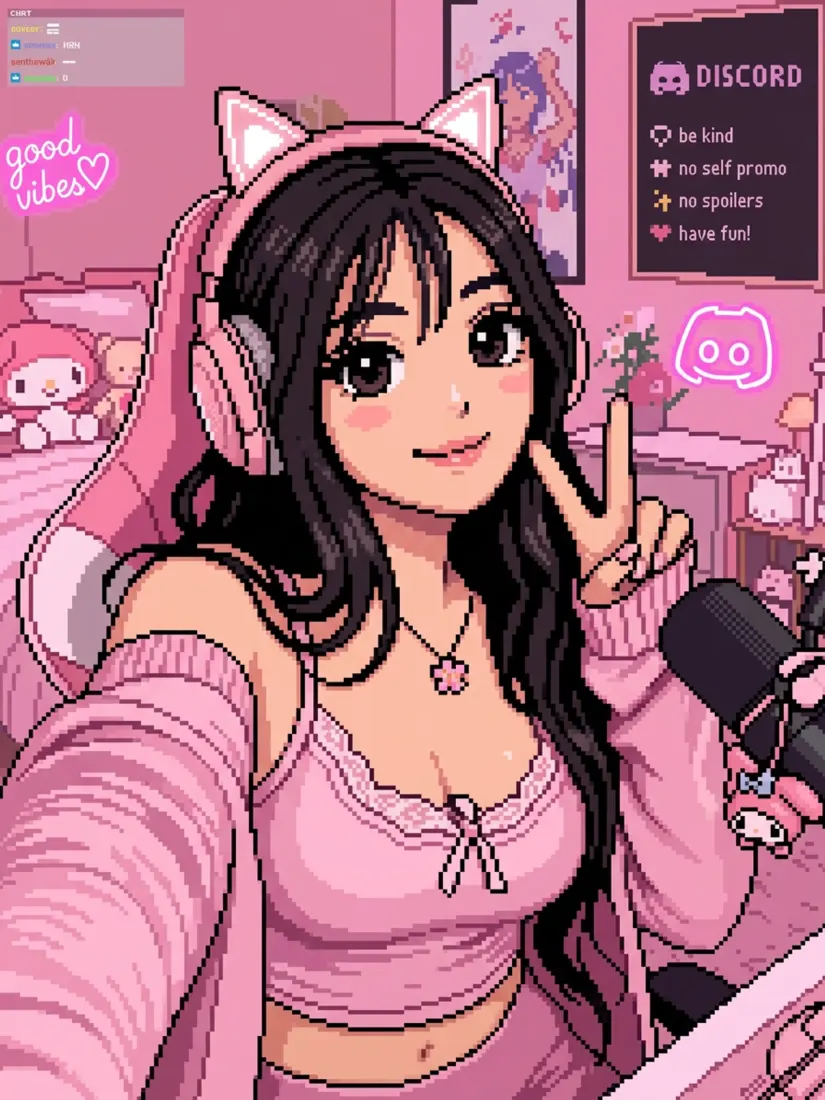
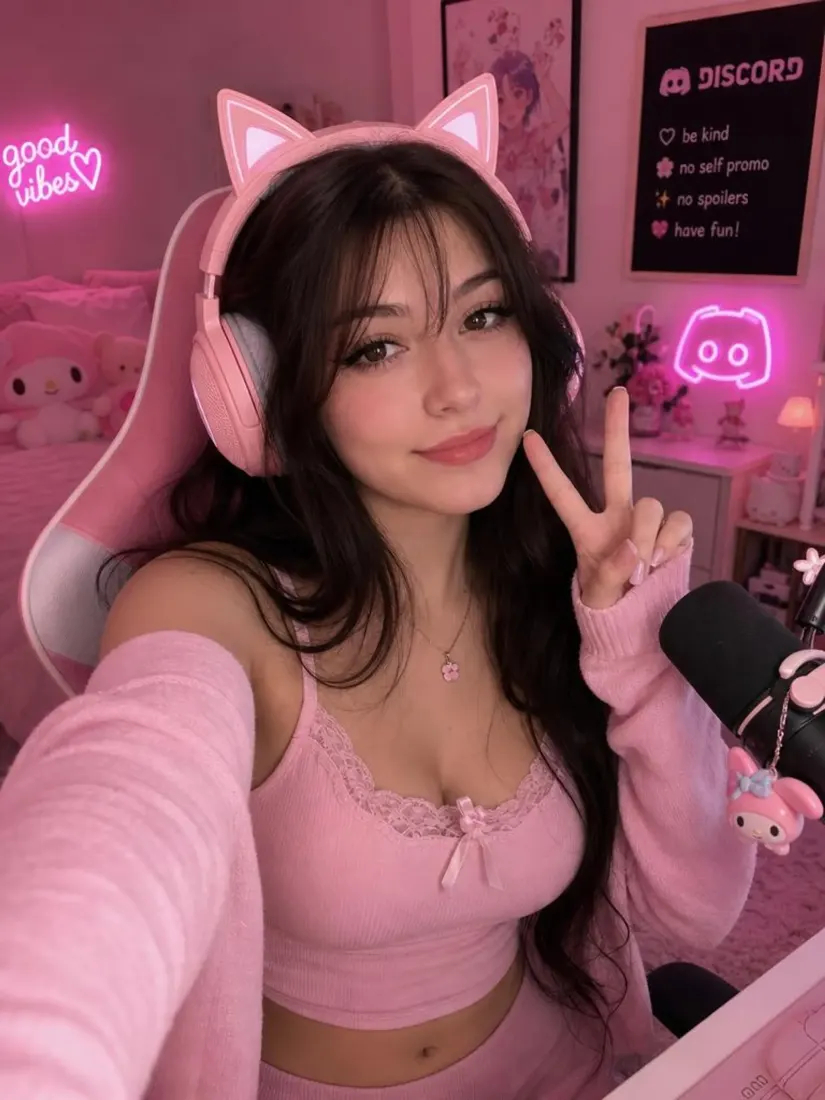
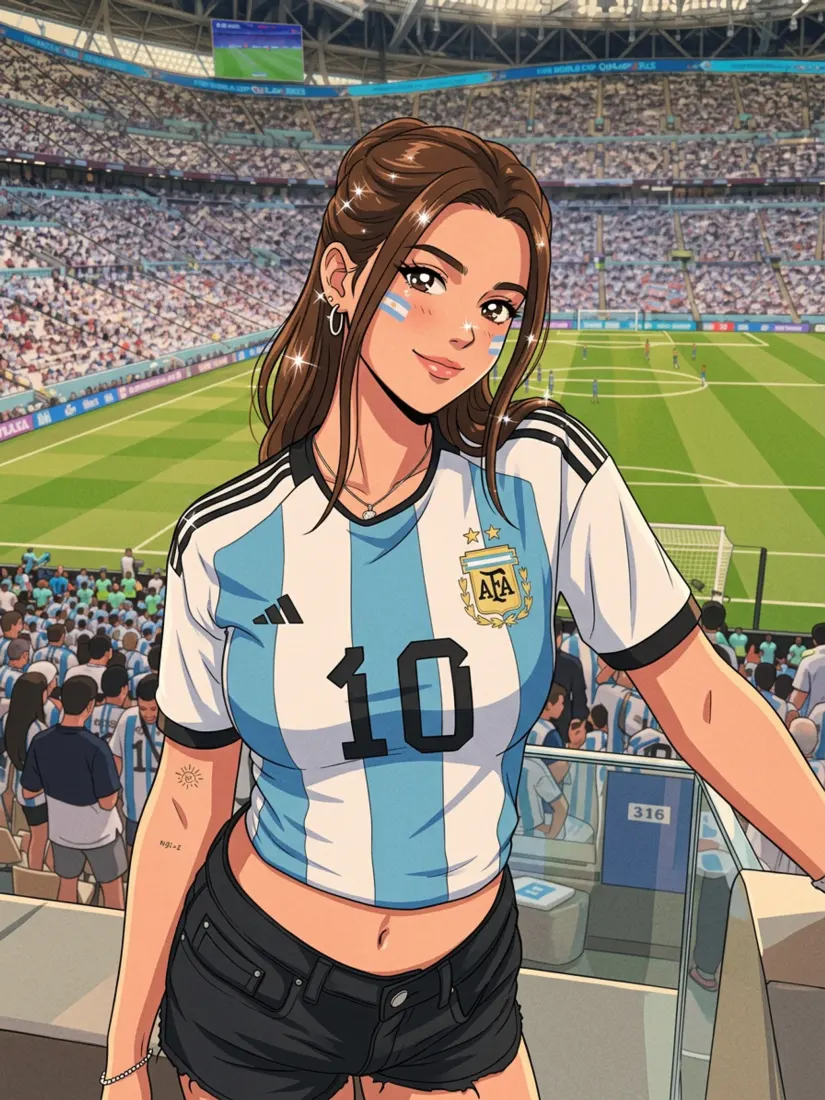
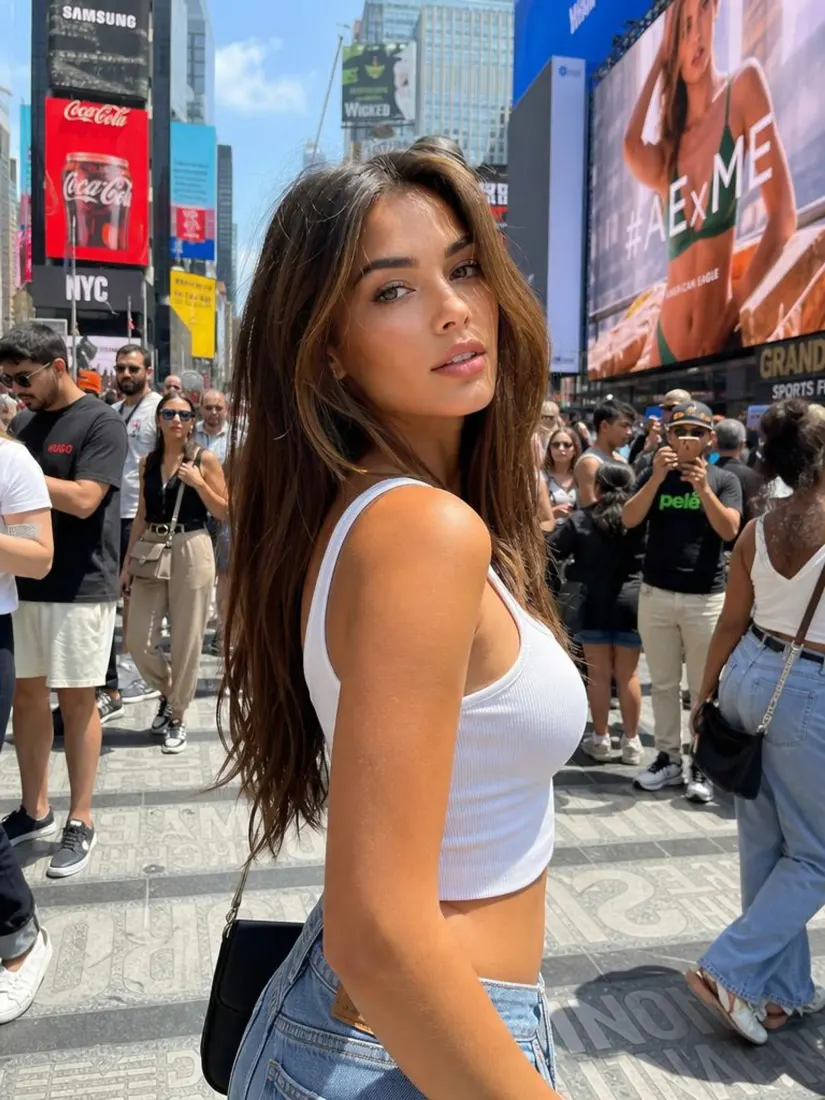
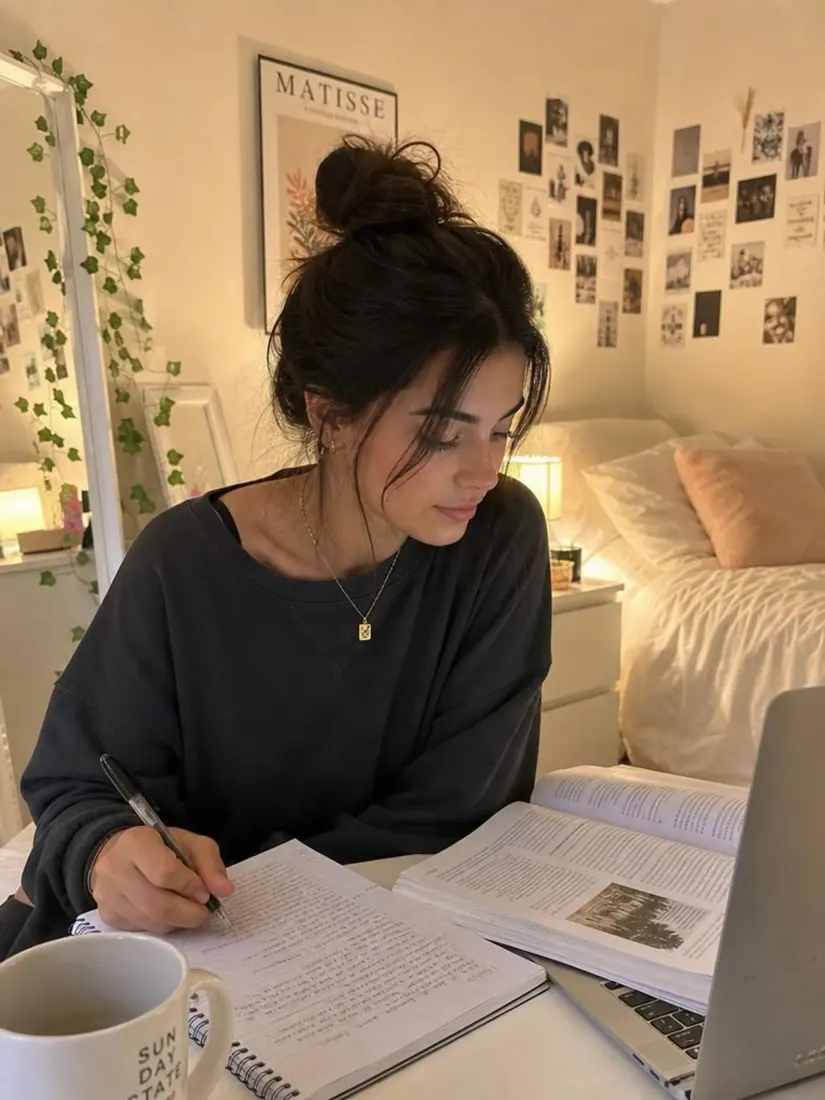
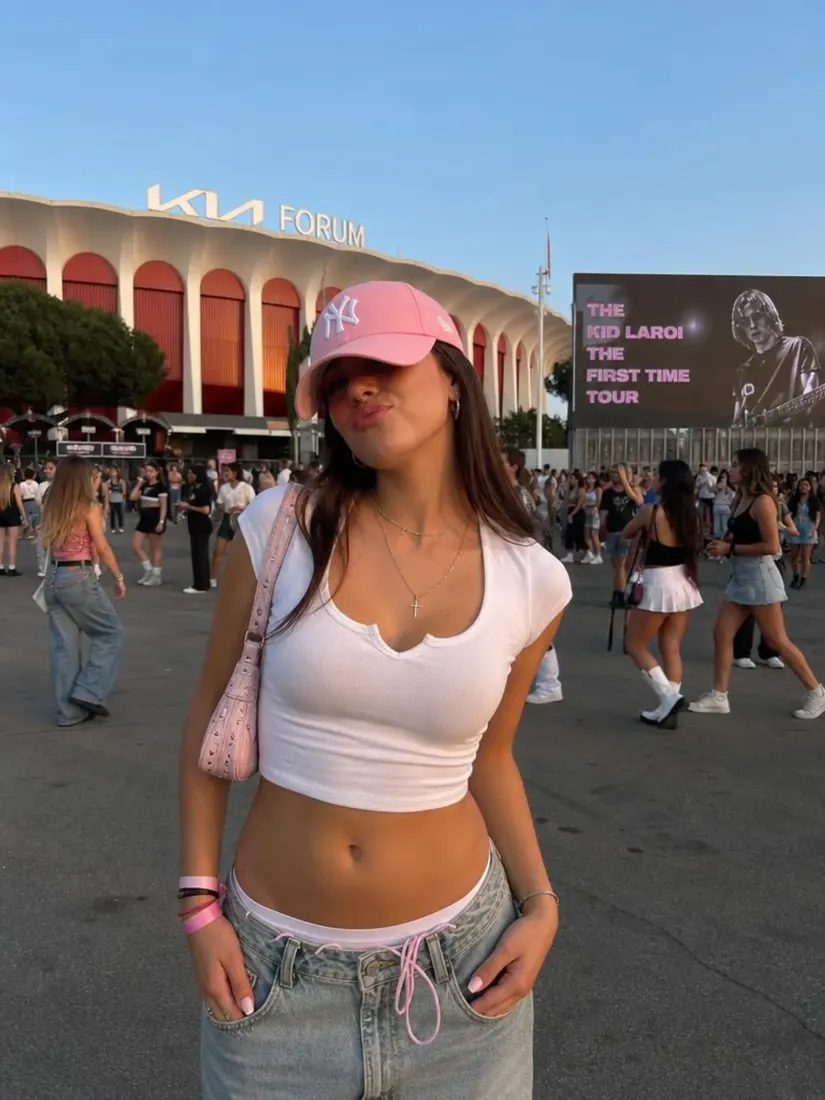
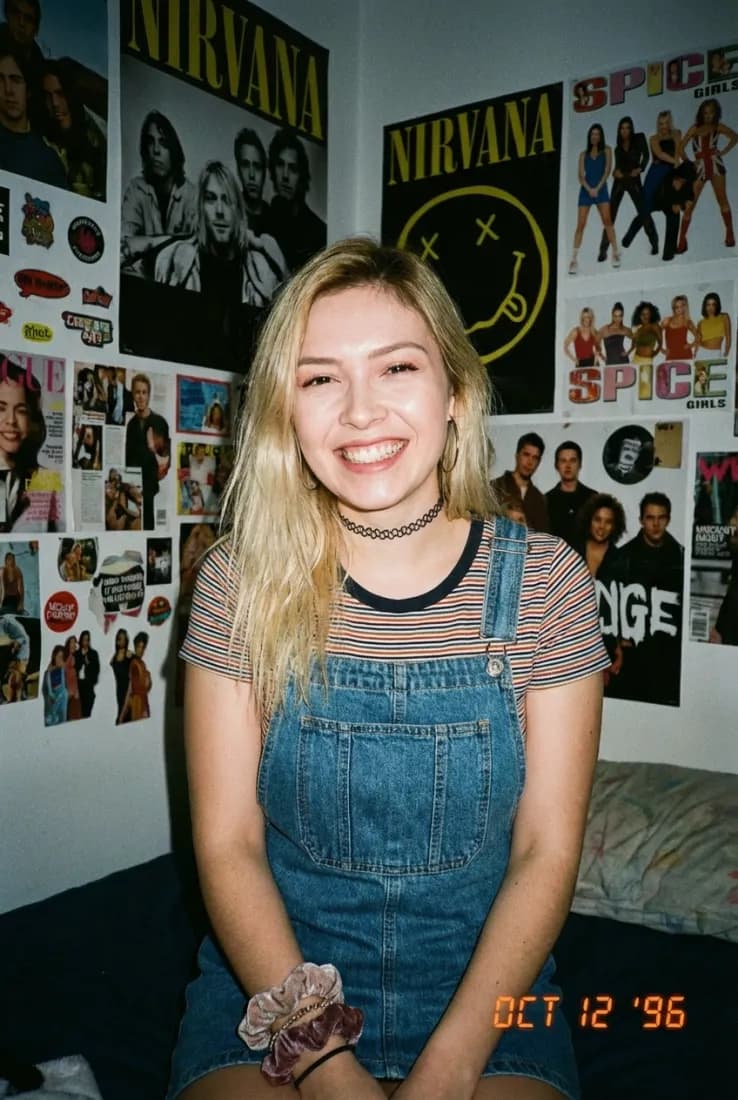
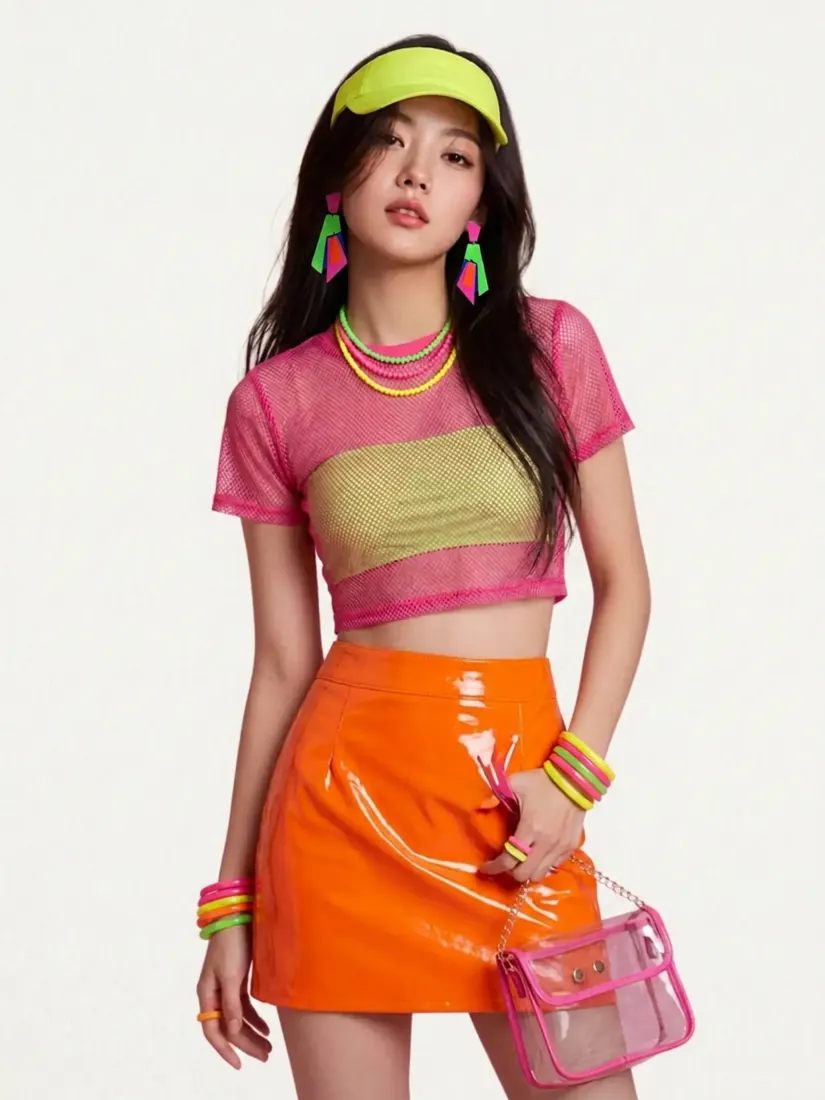
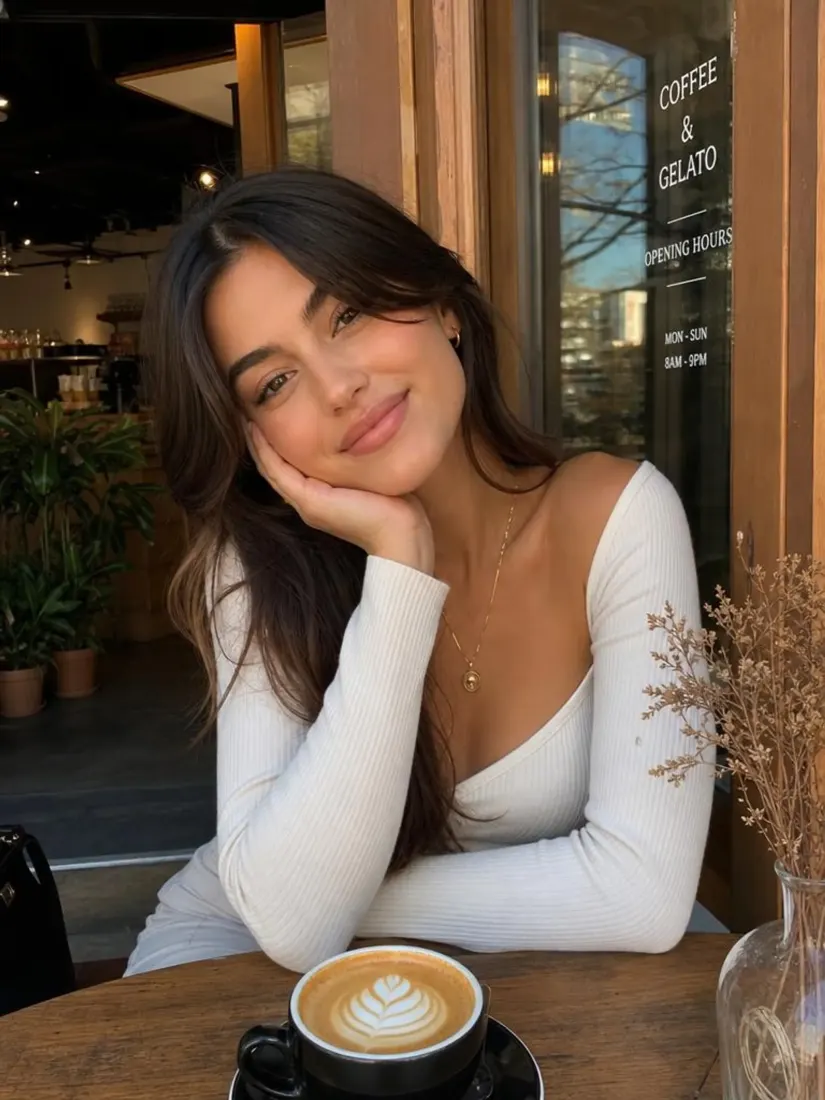
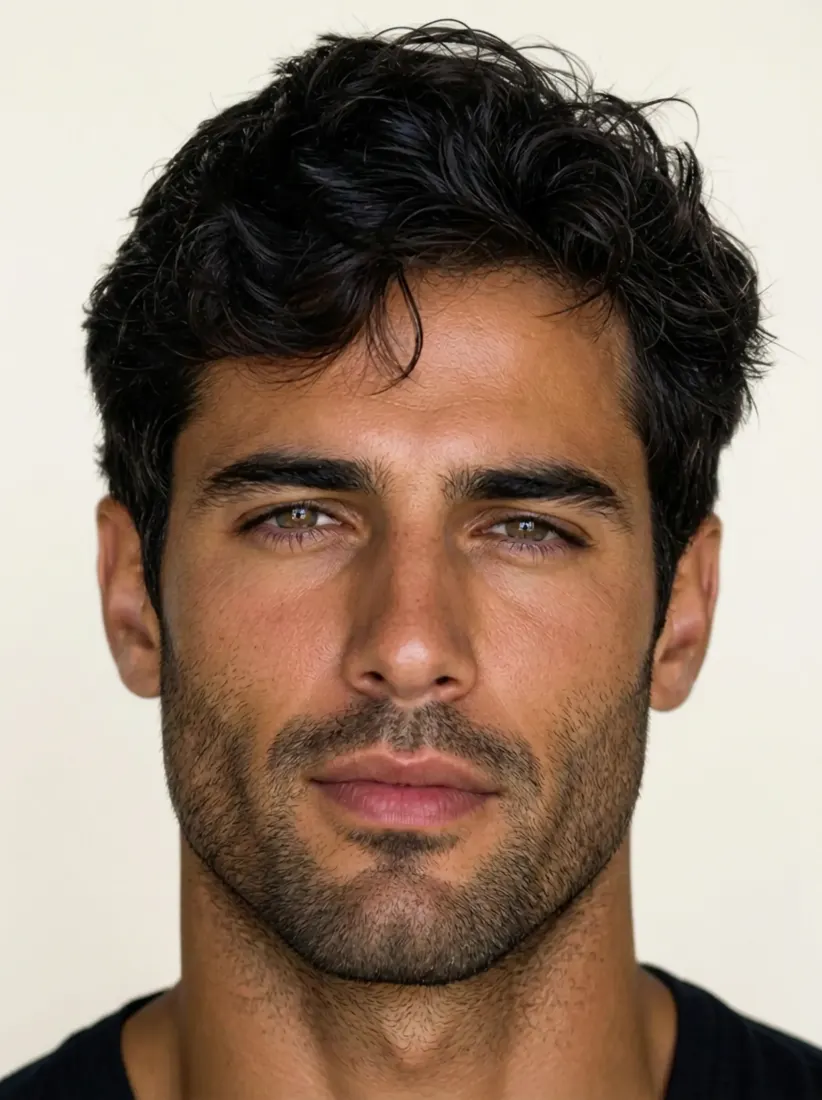
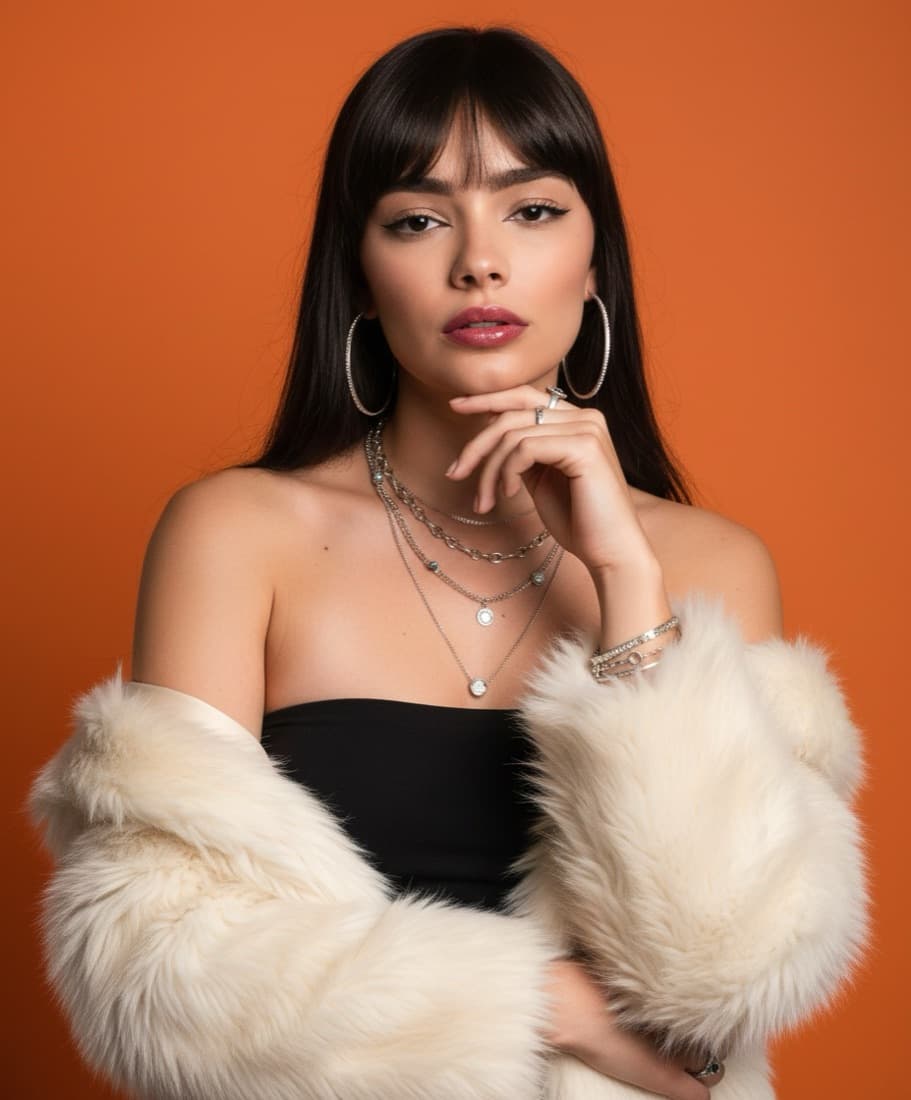
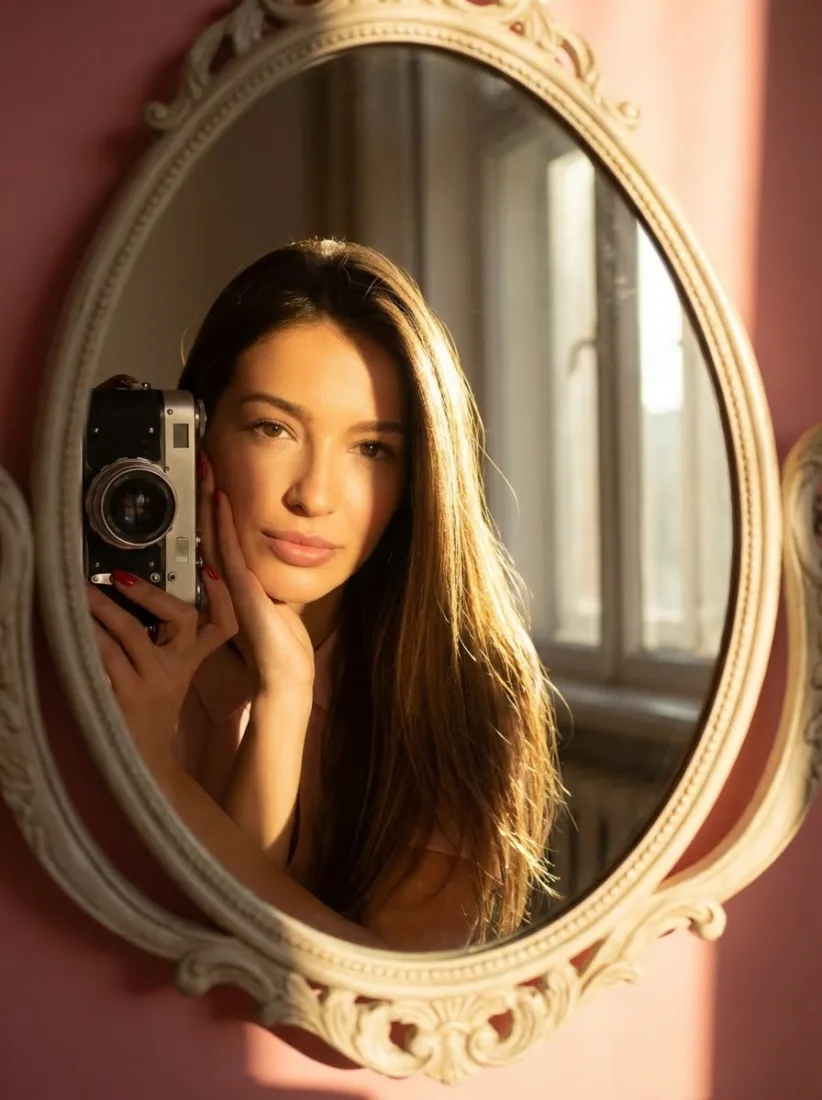
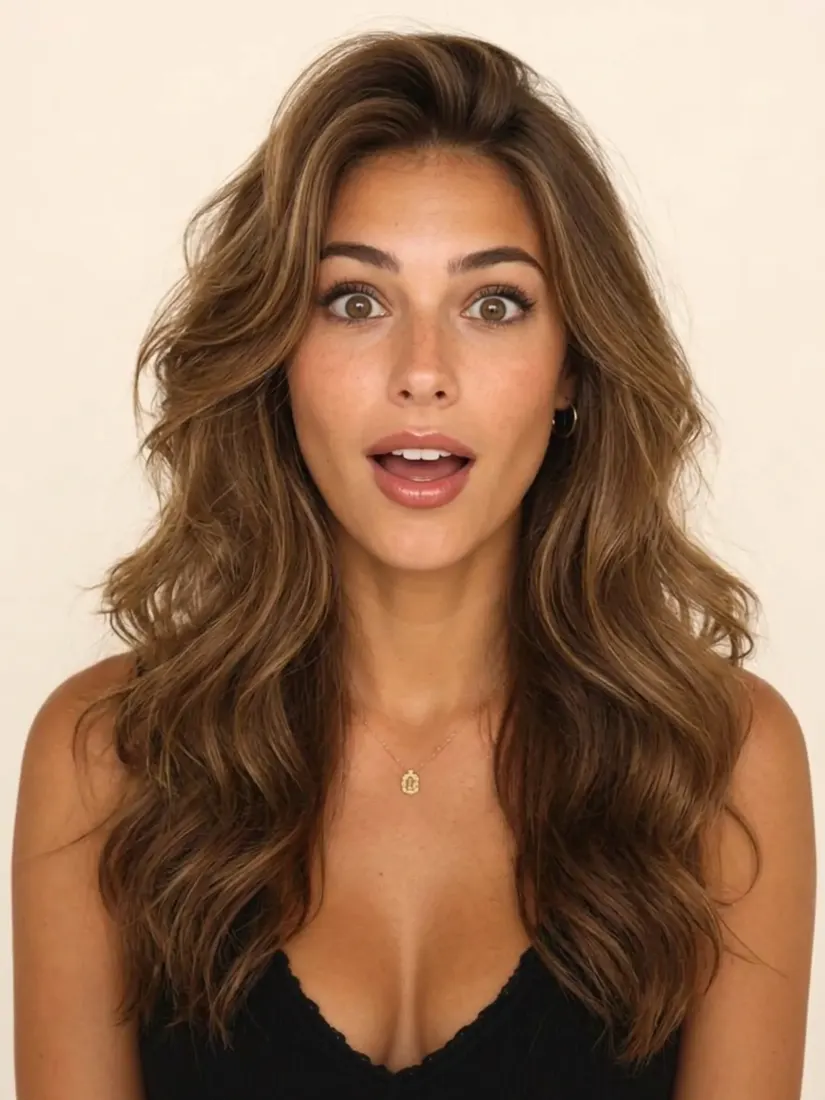
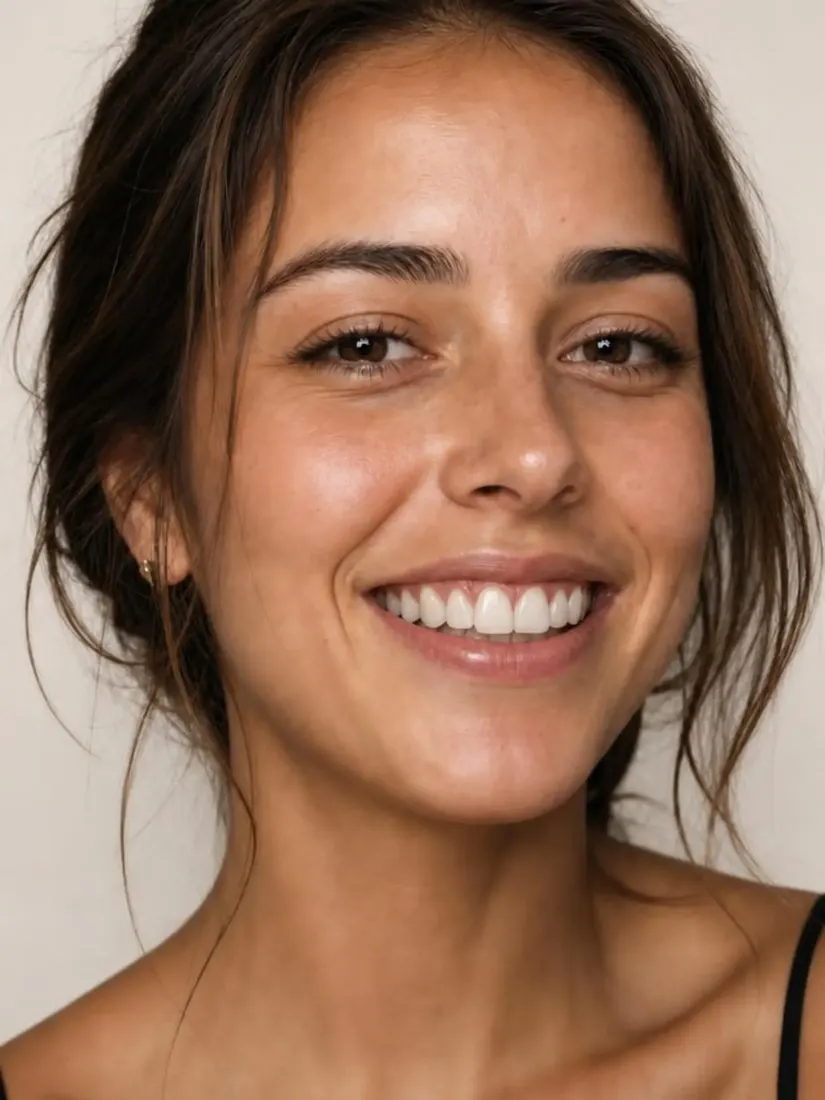
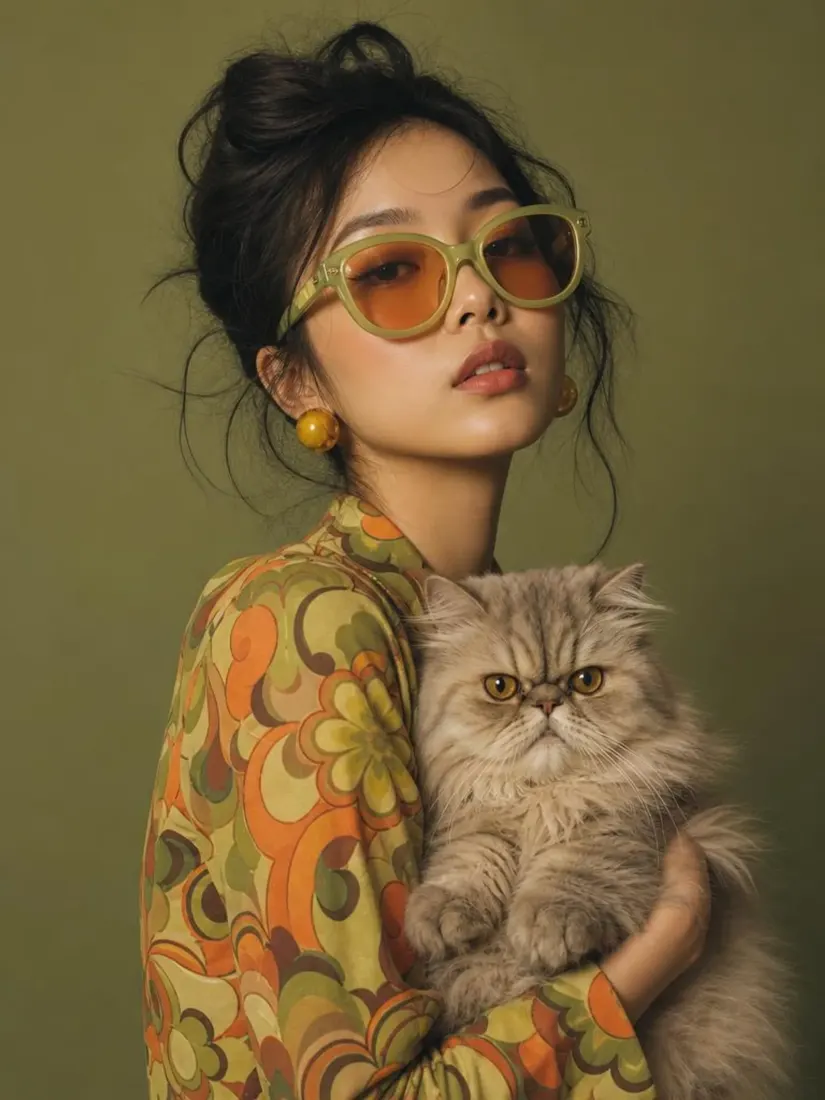
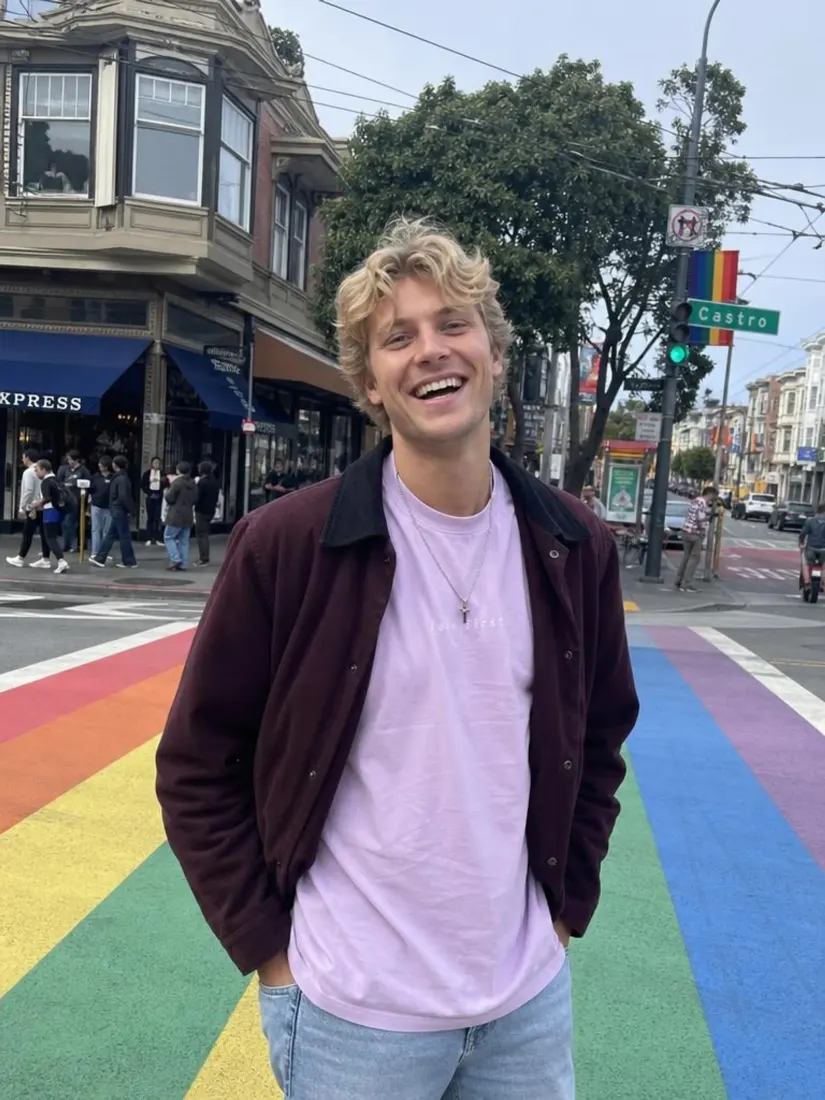
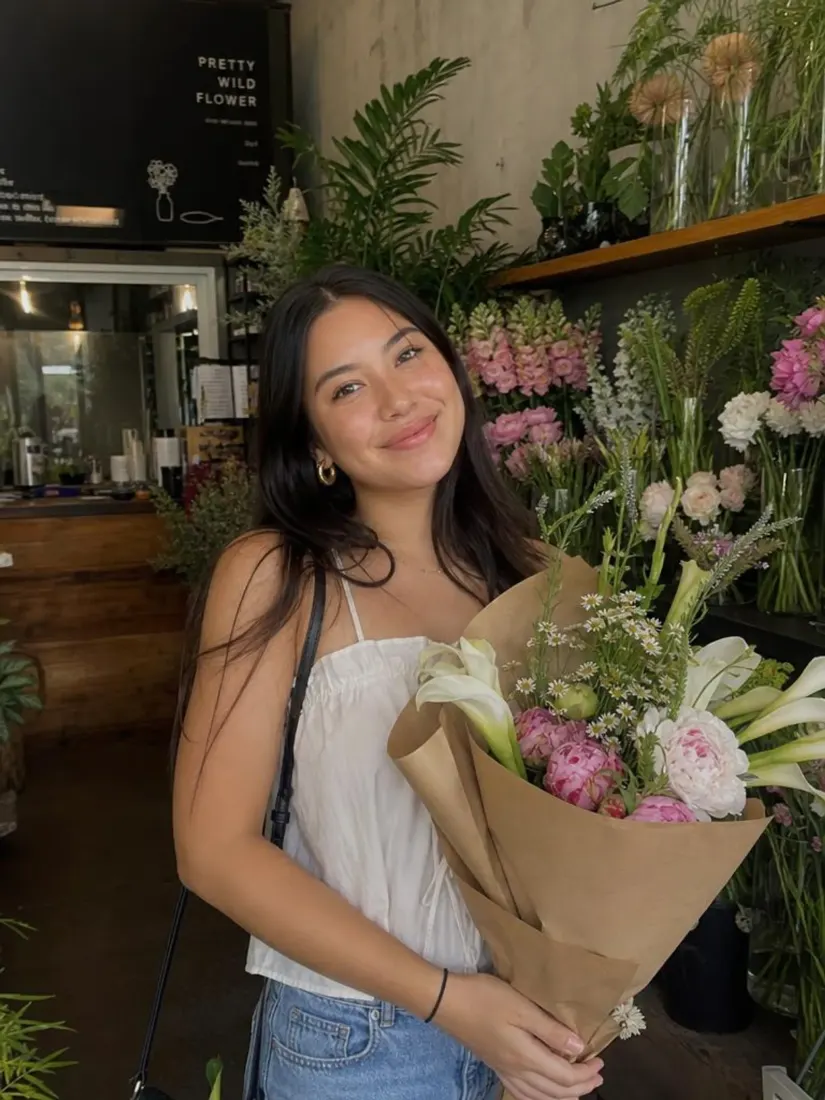
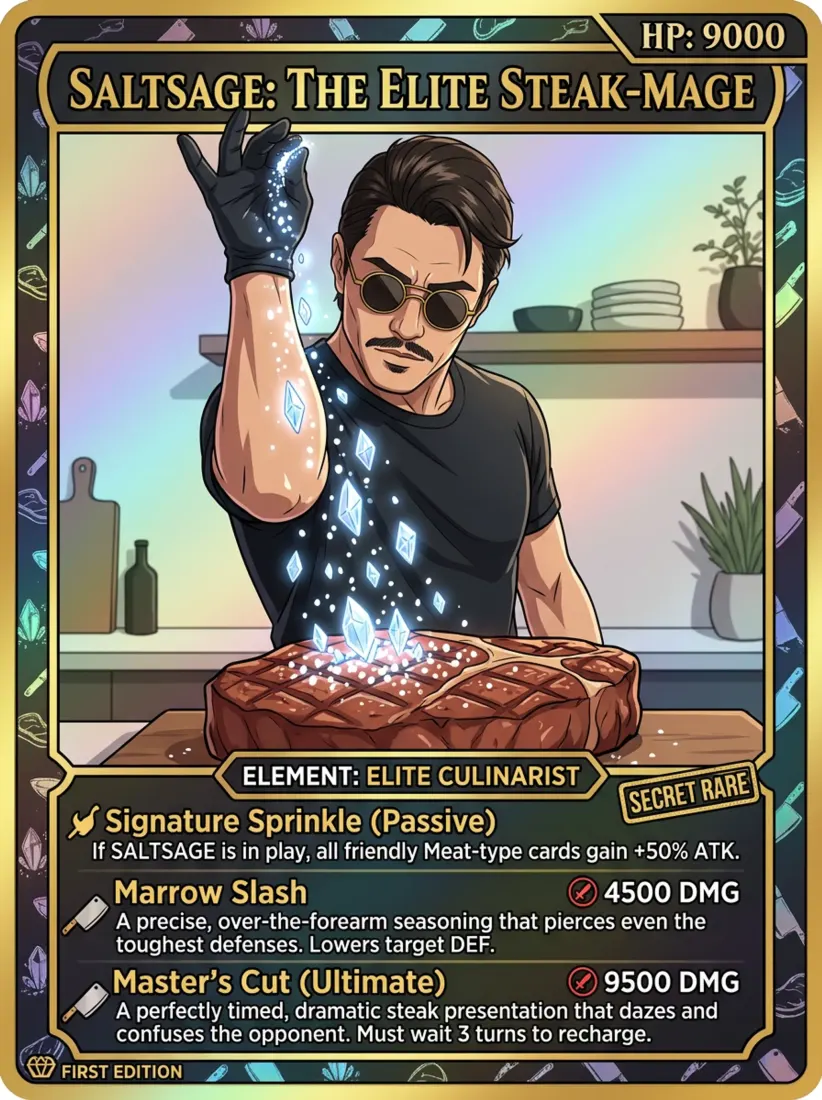
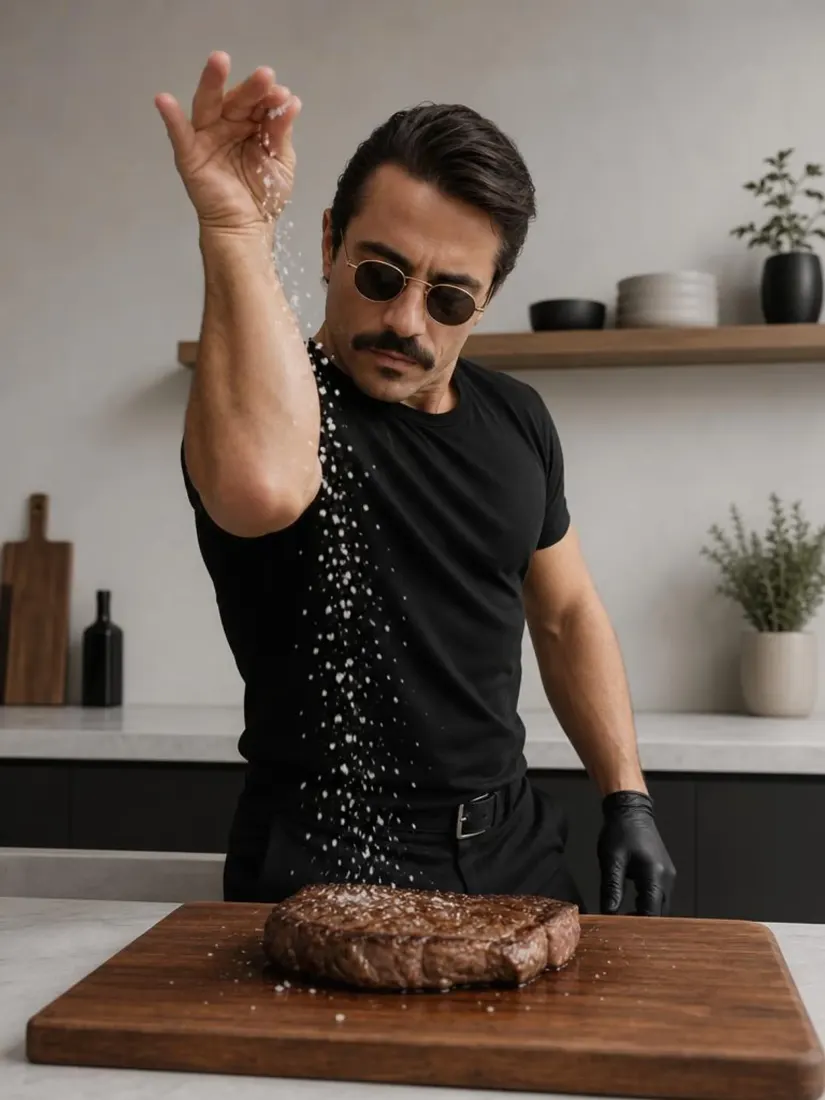
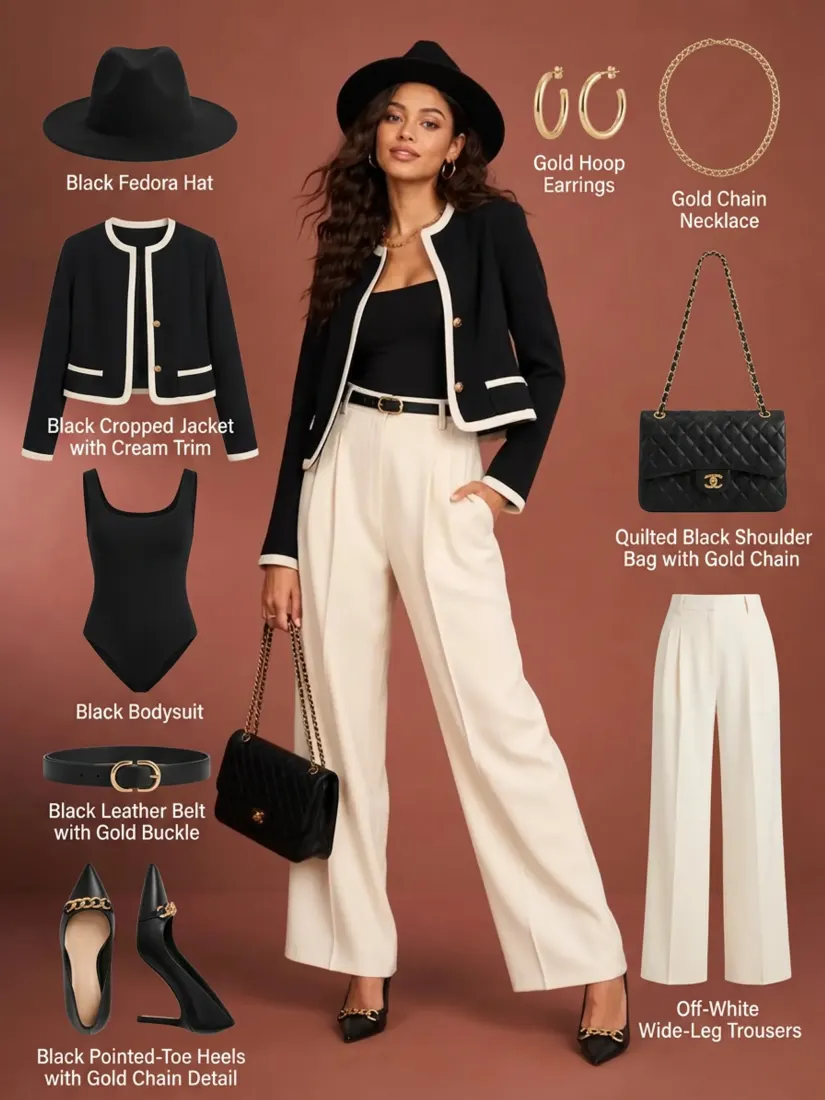
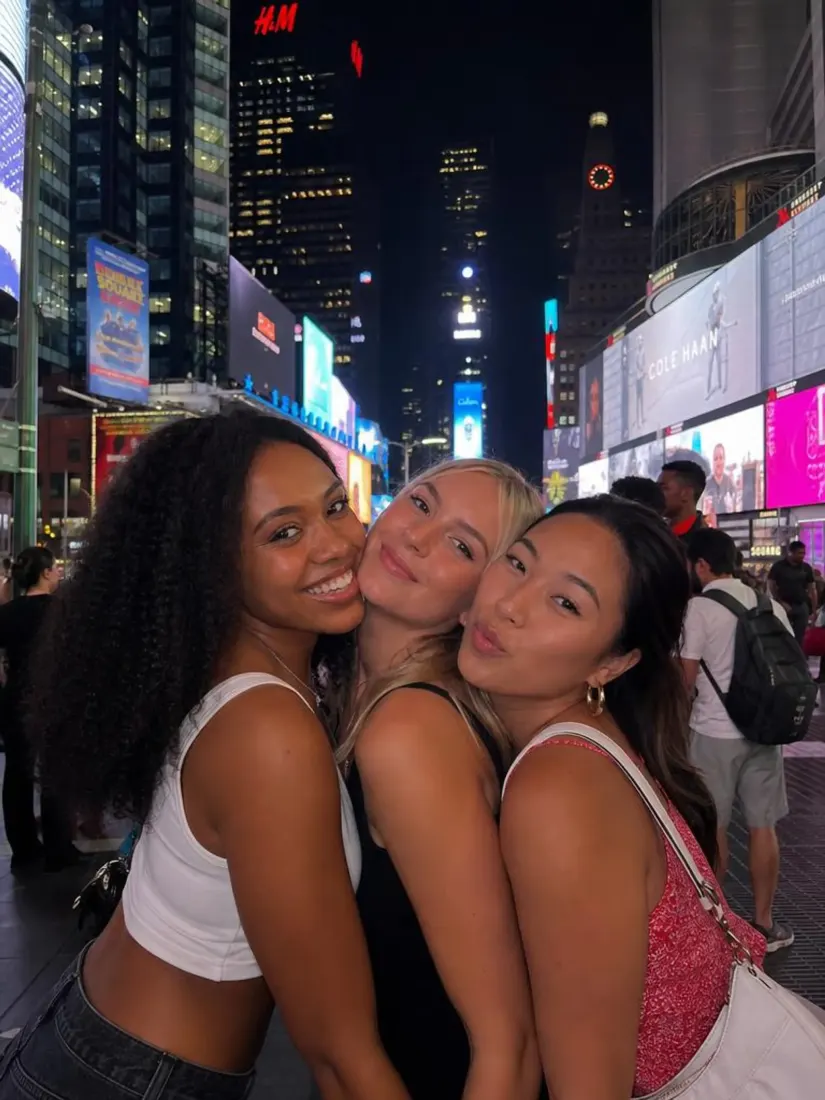
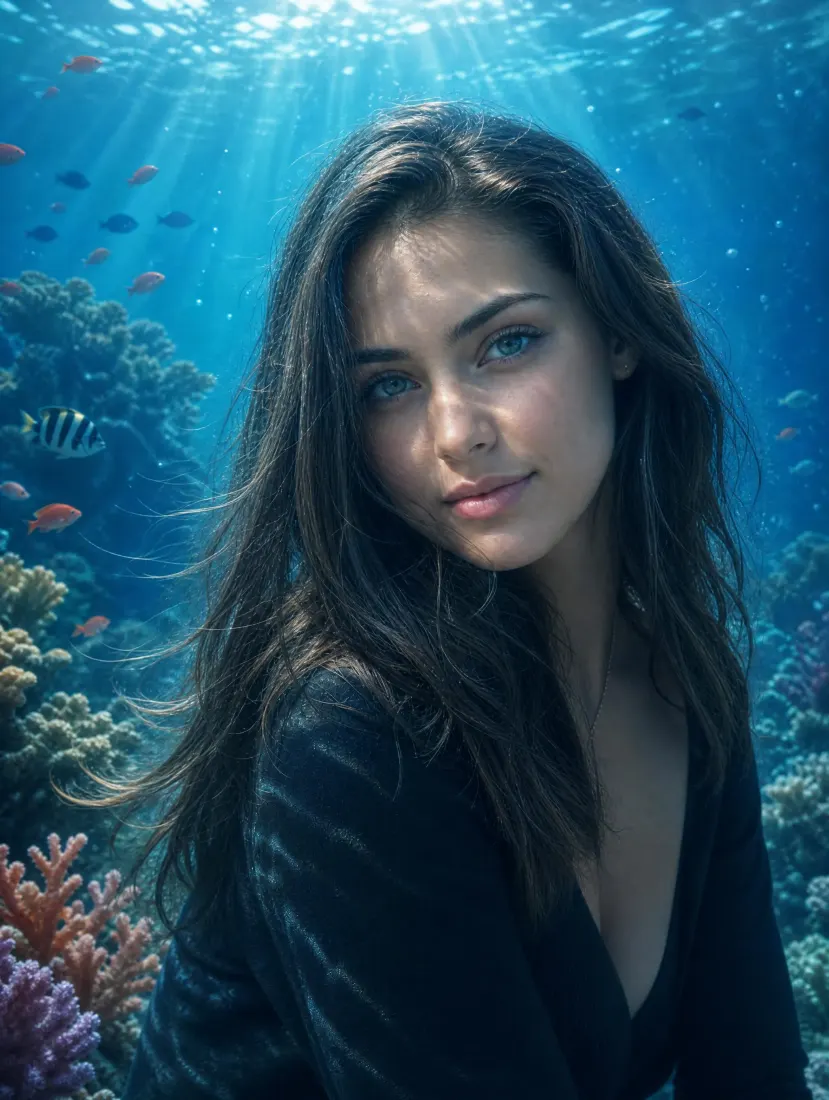
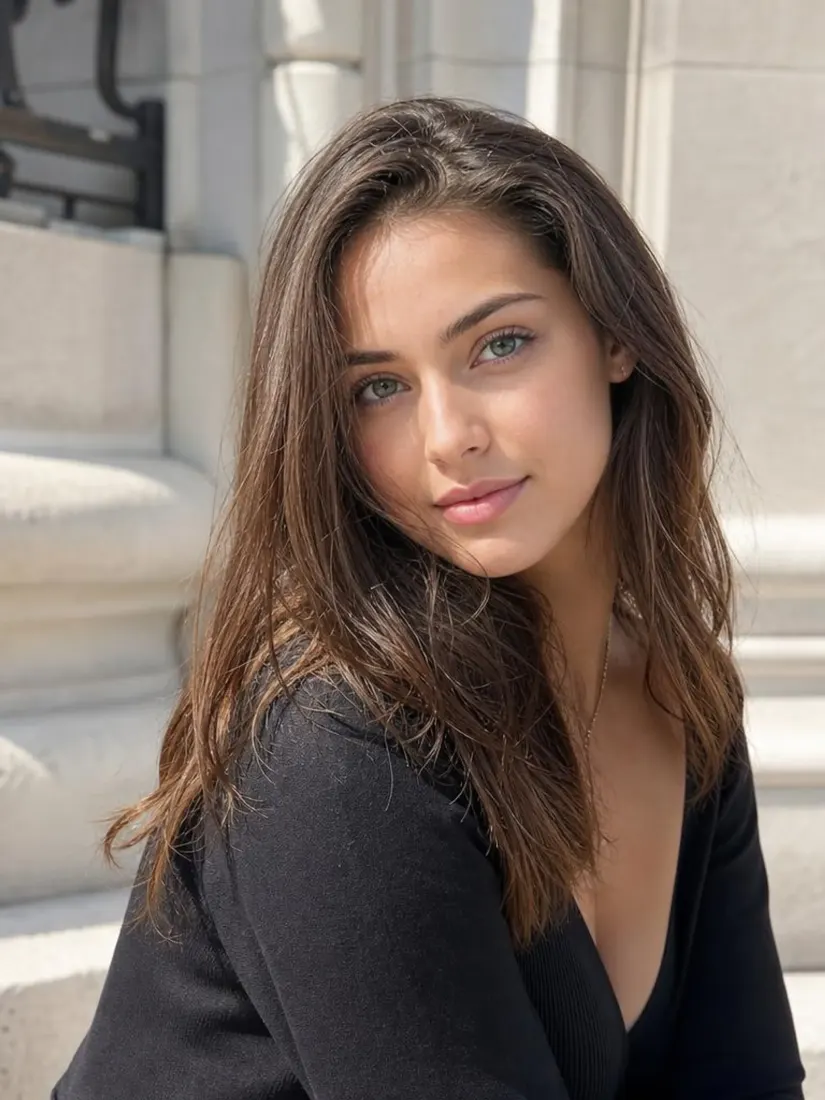
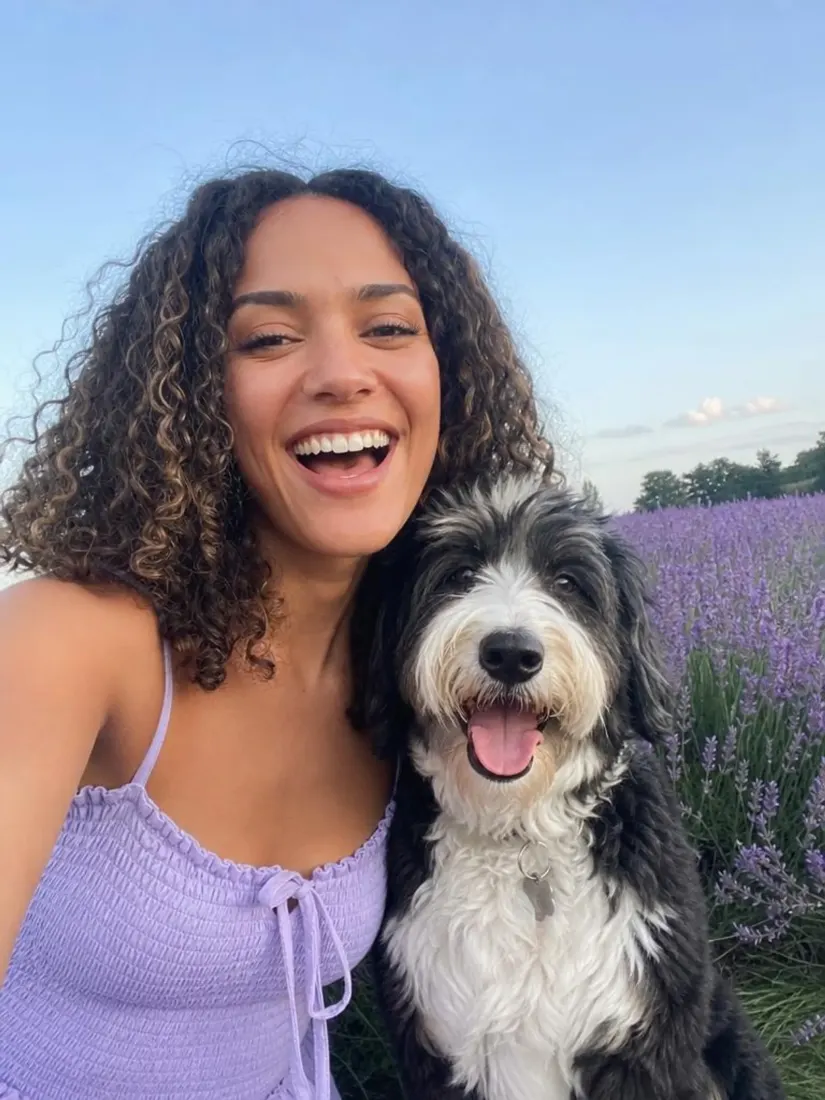
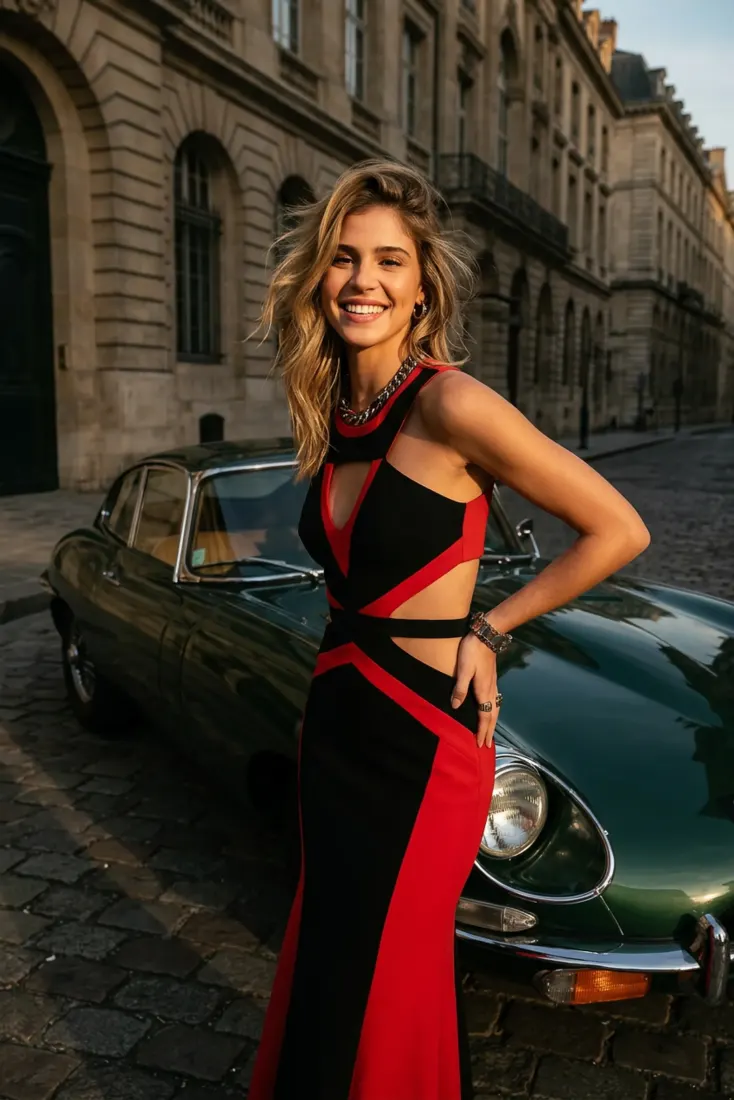
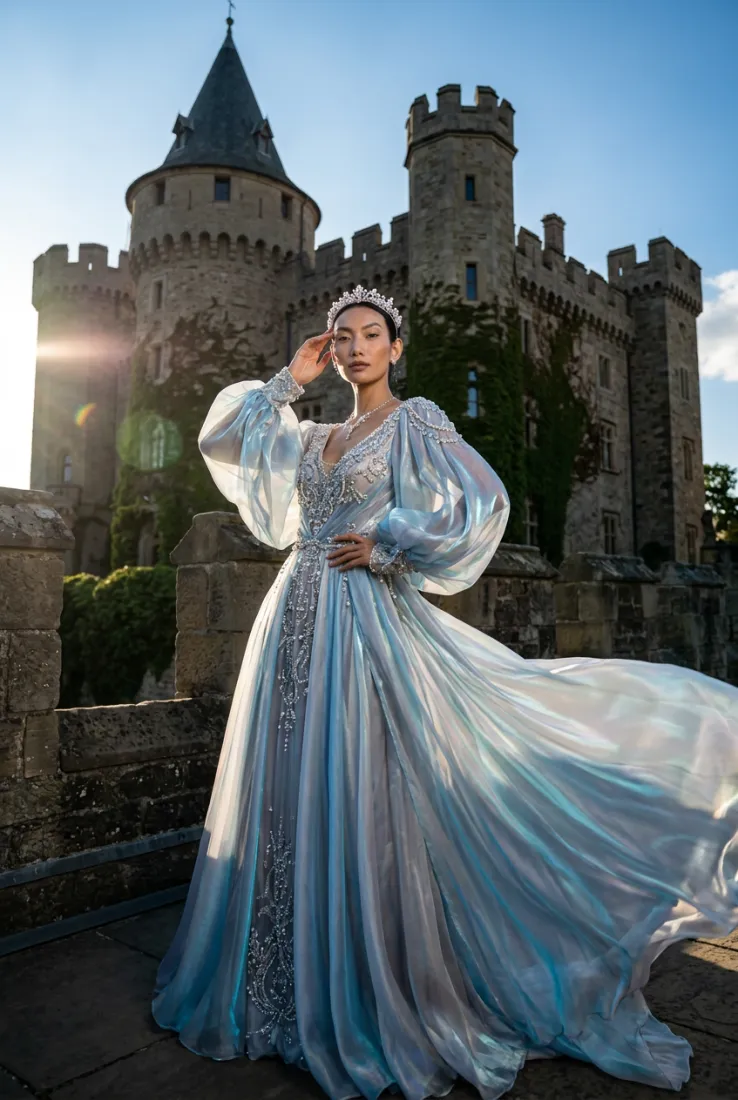
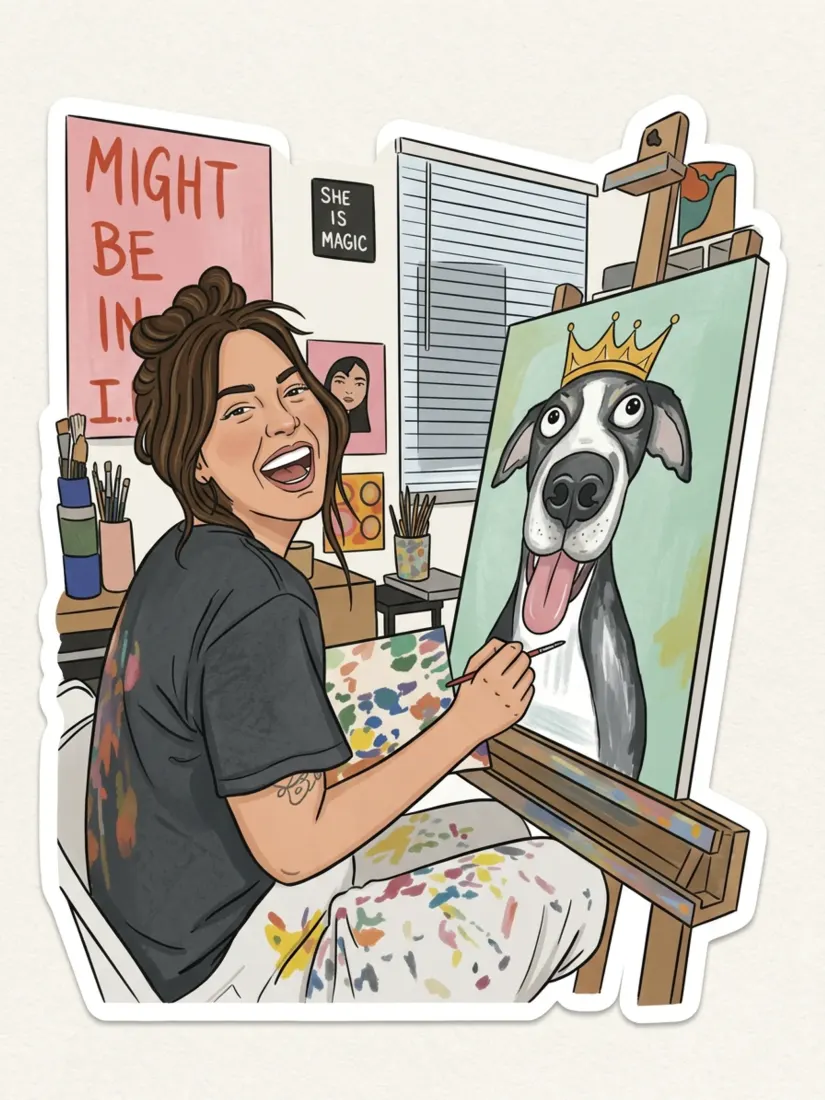
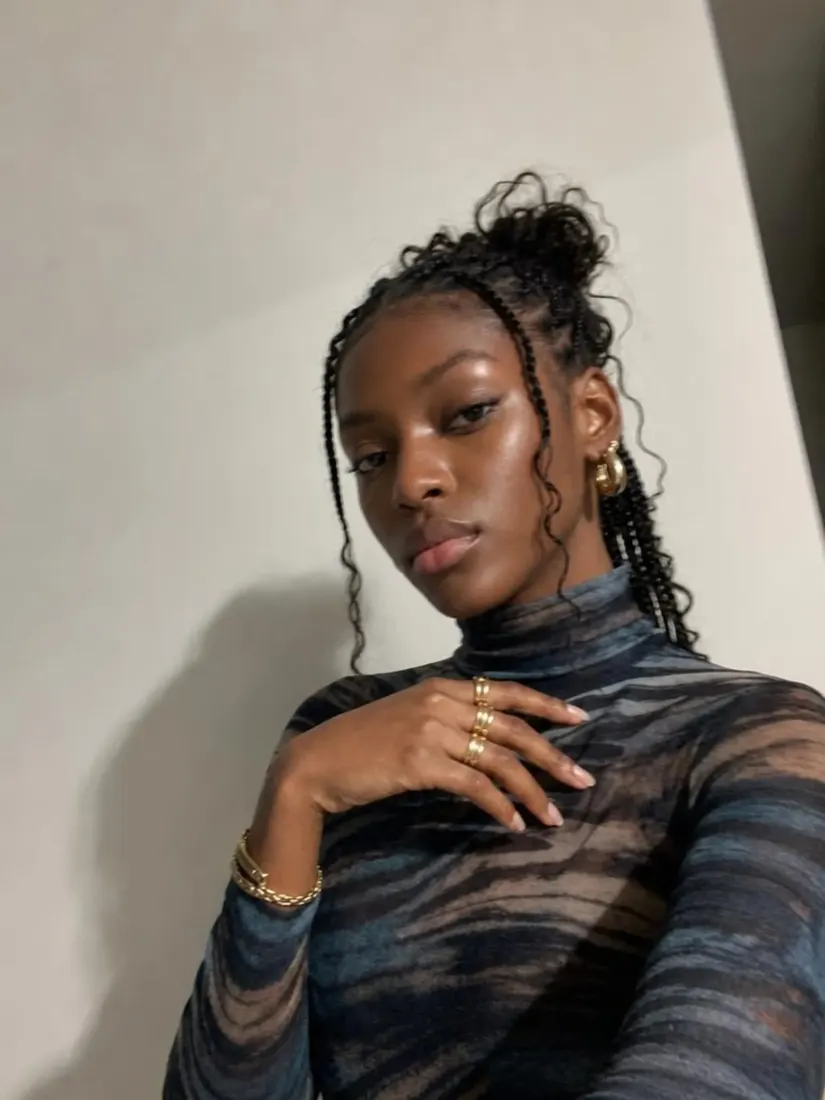
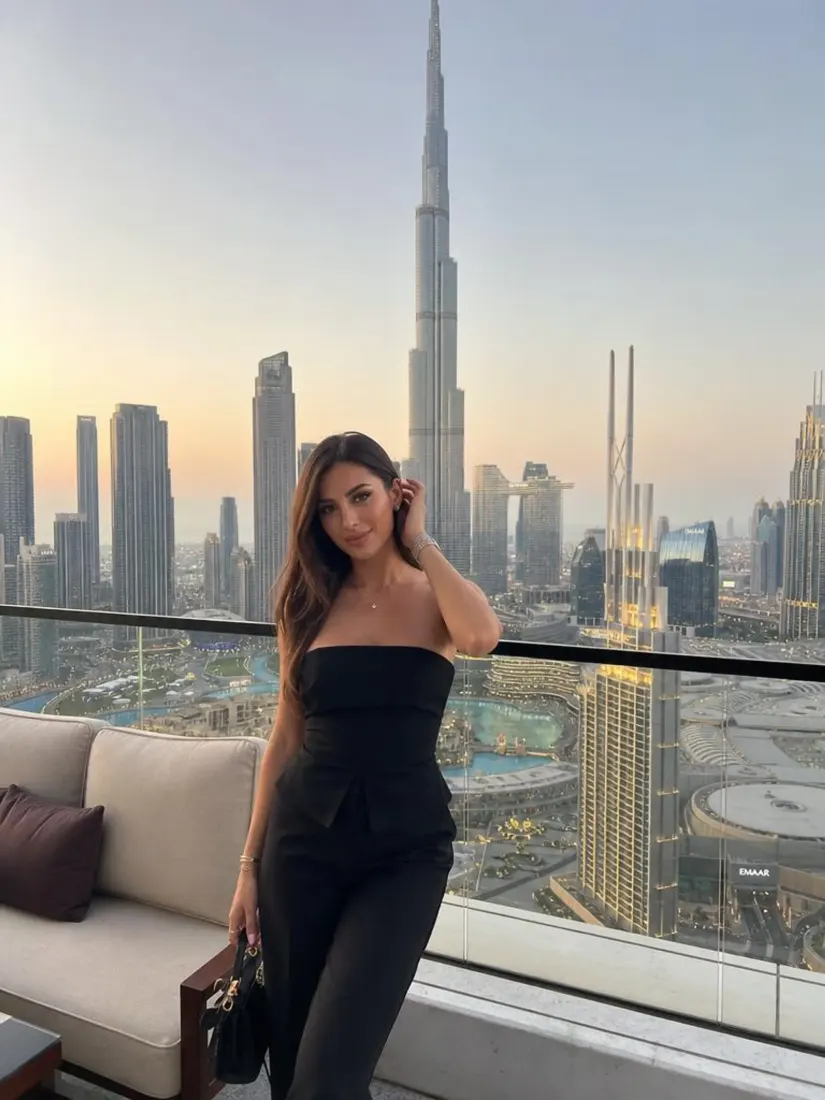
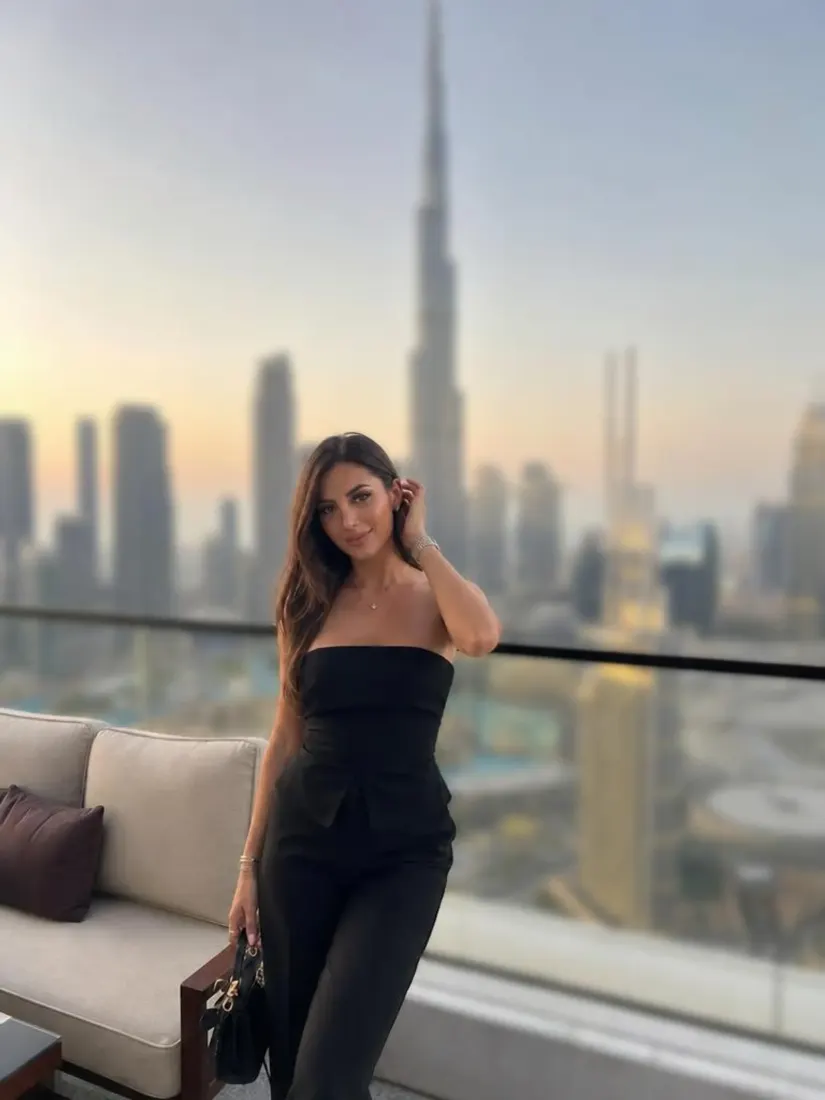
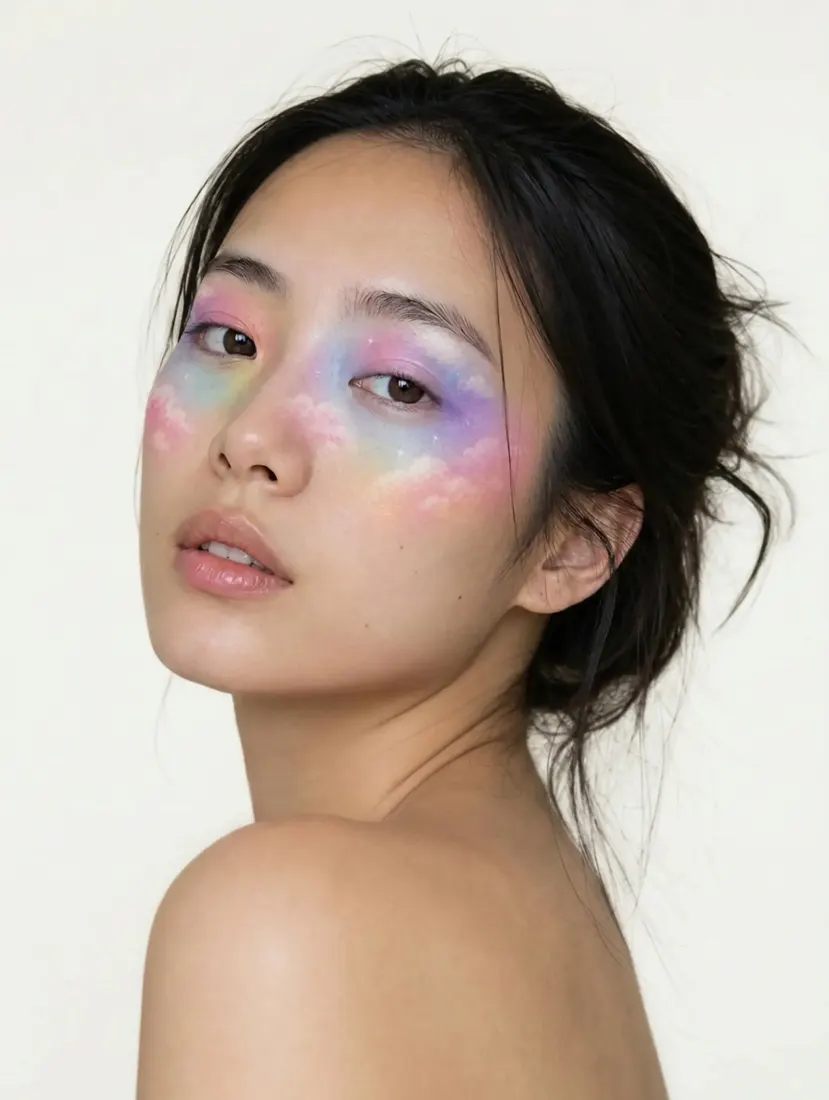
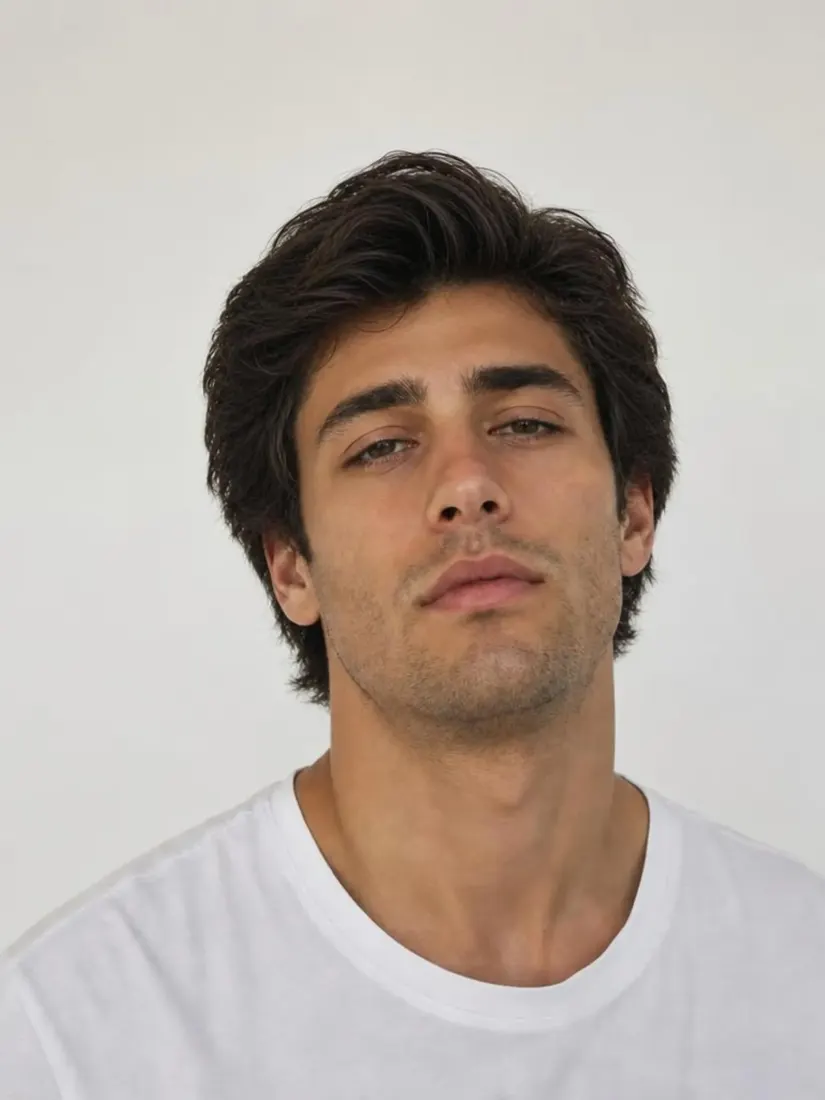
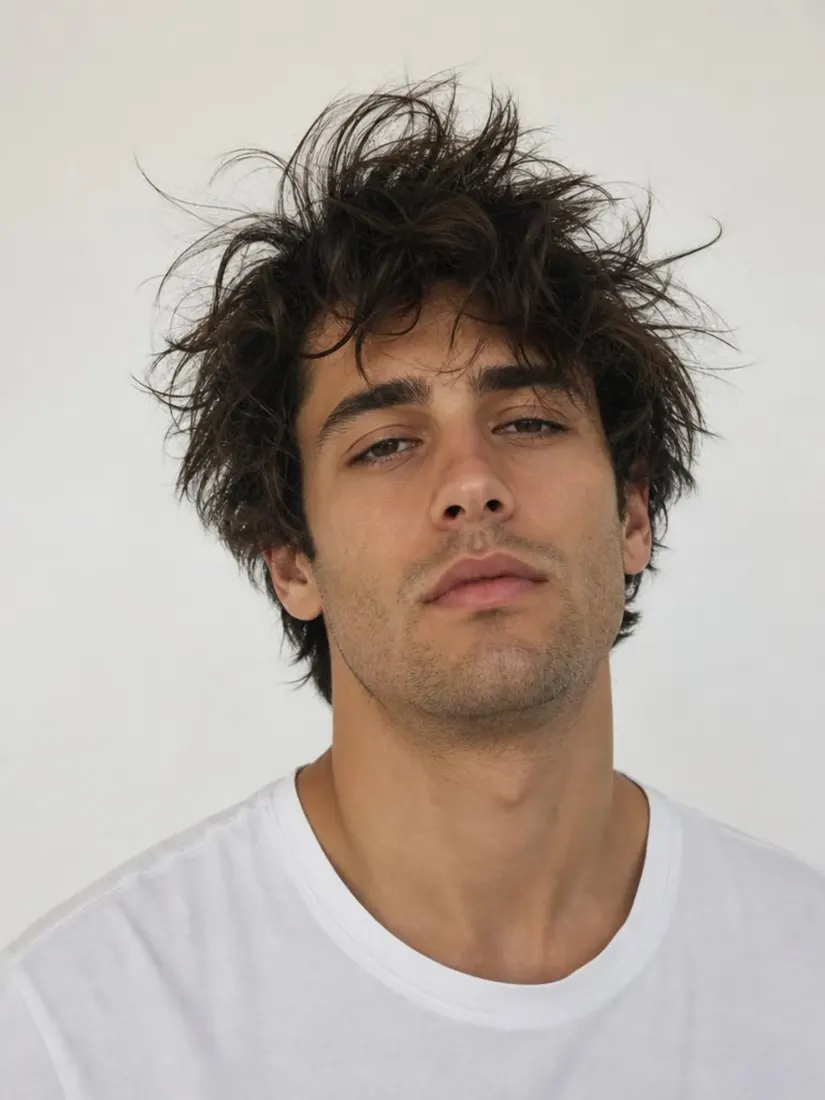
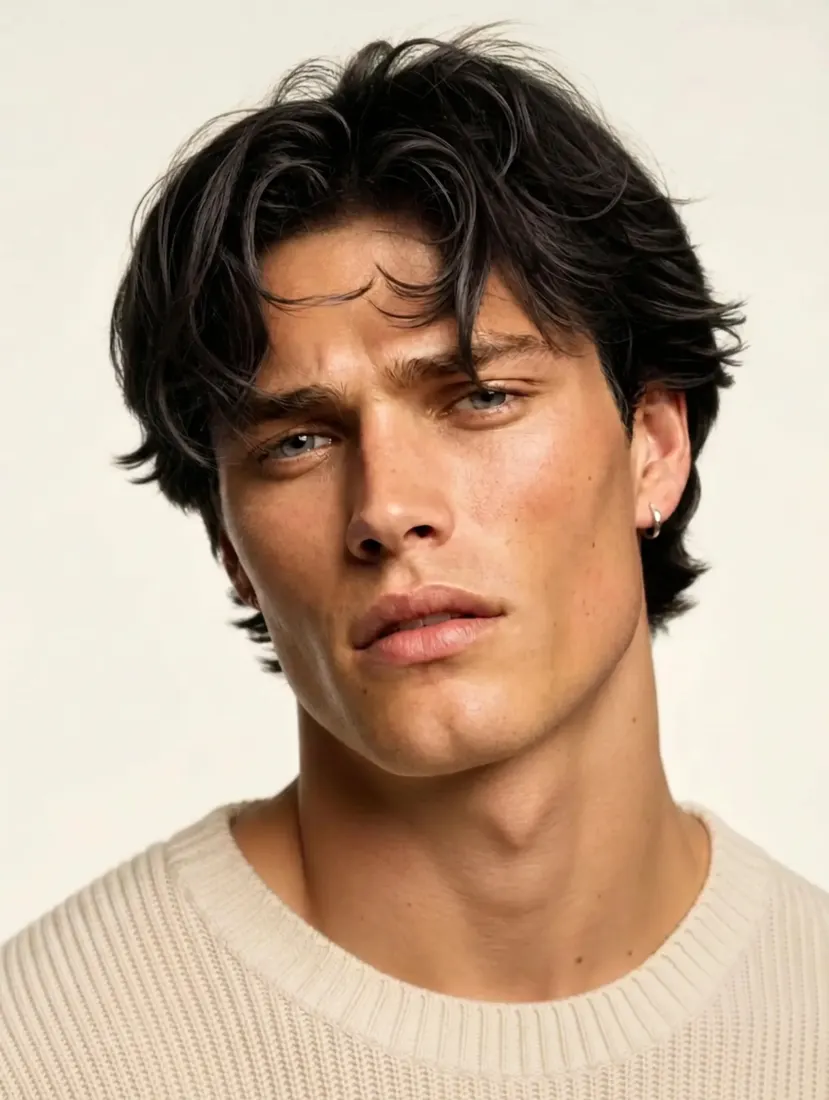
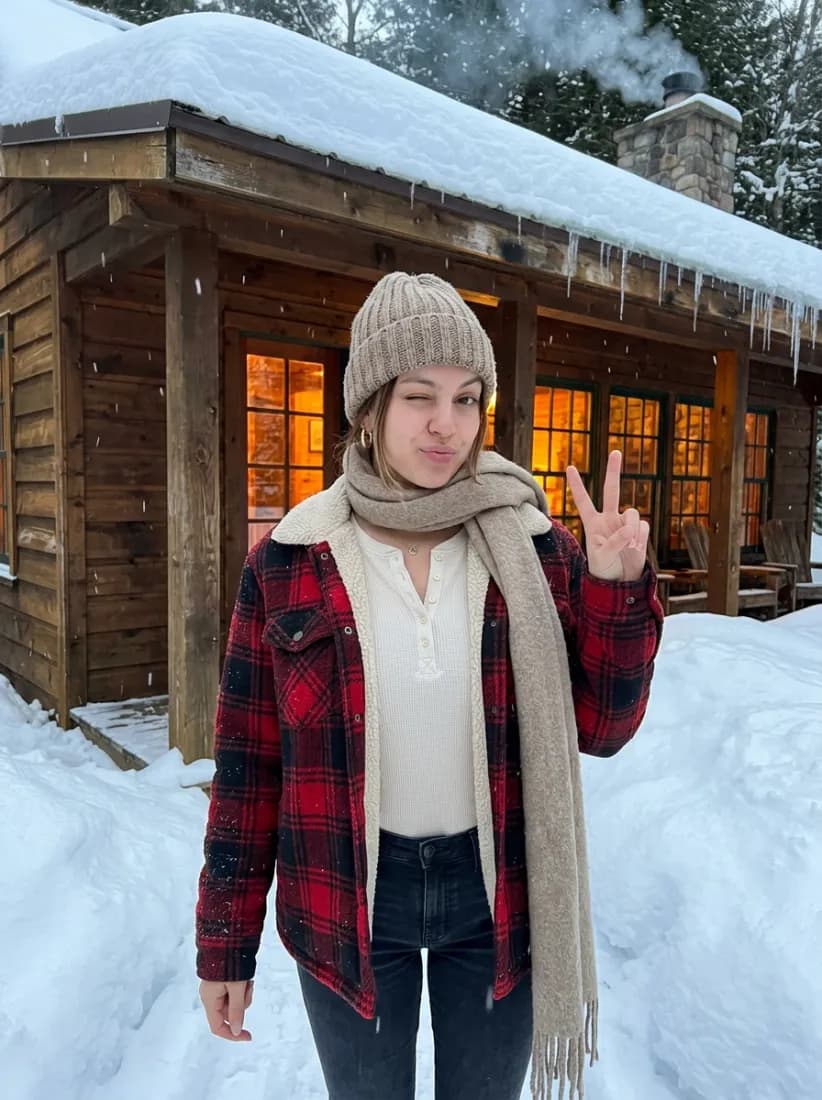
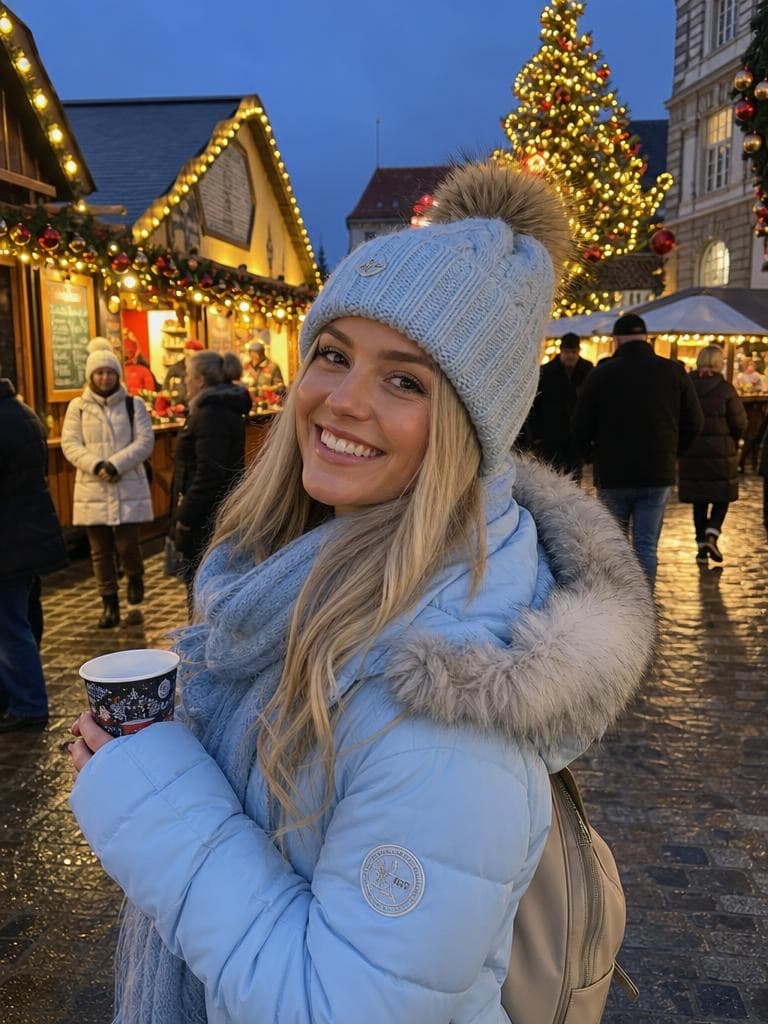
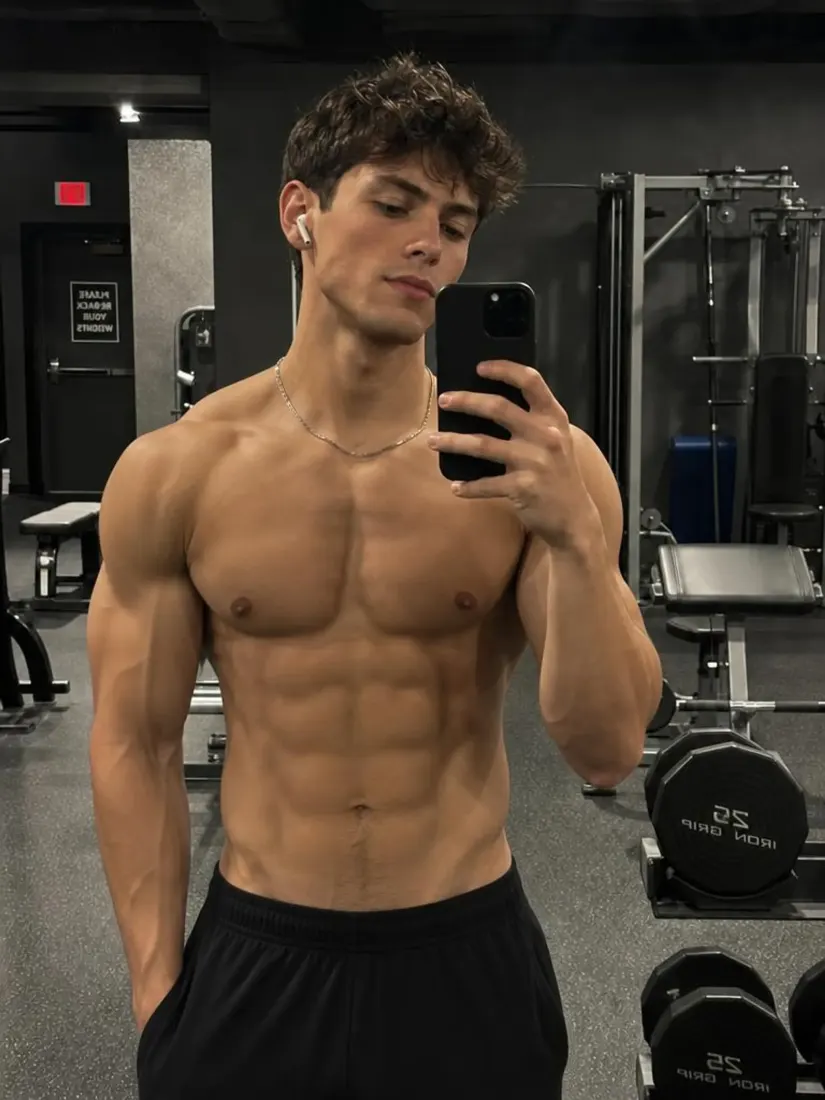
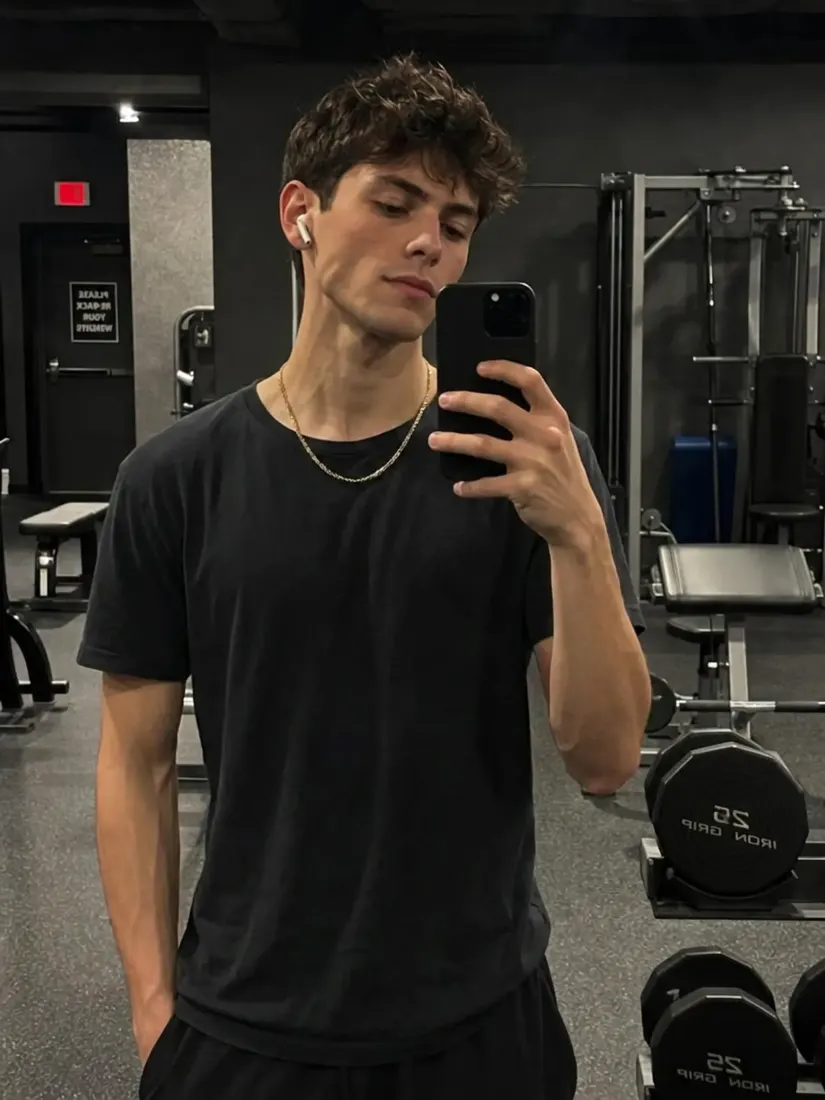
Click on one of these photos to try:
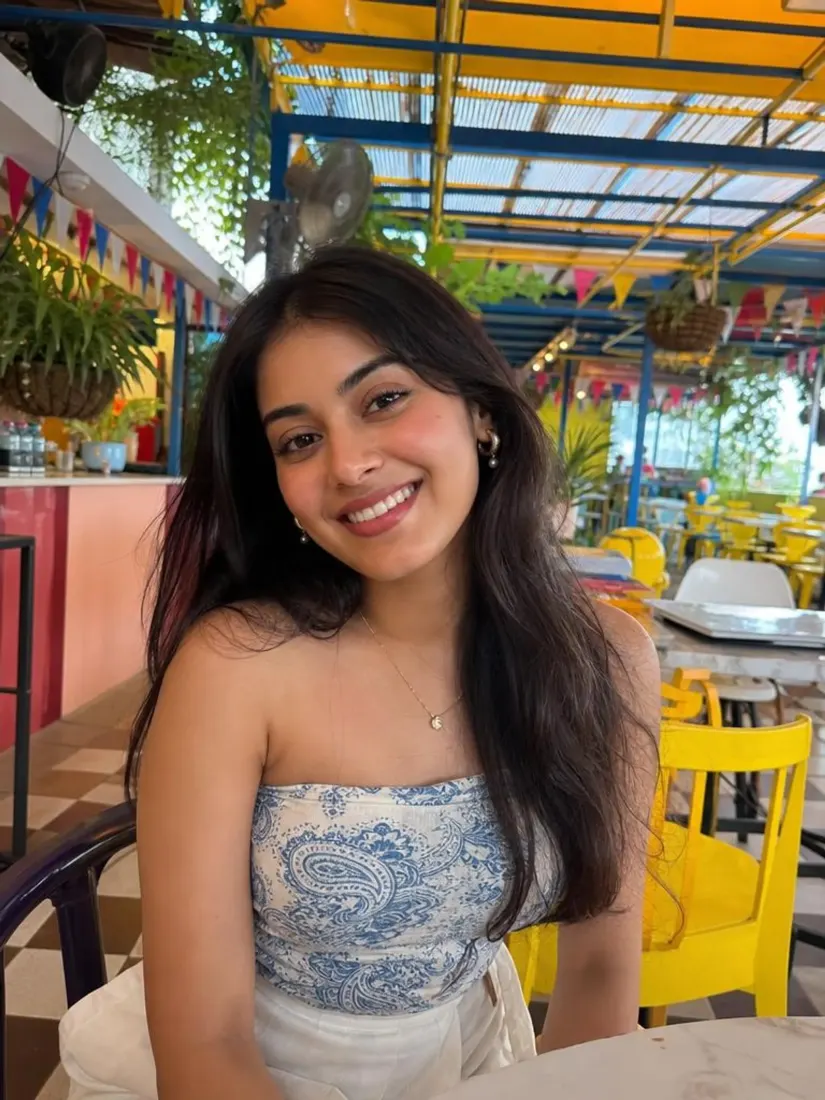
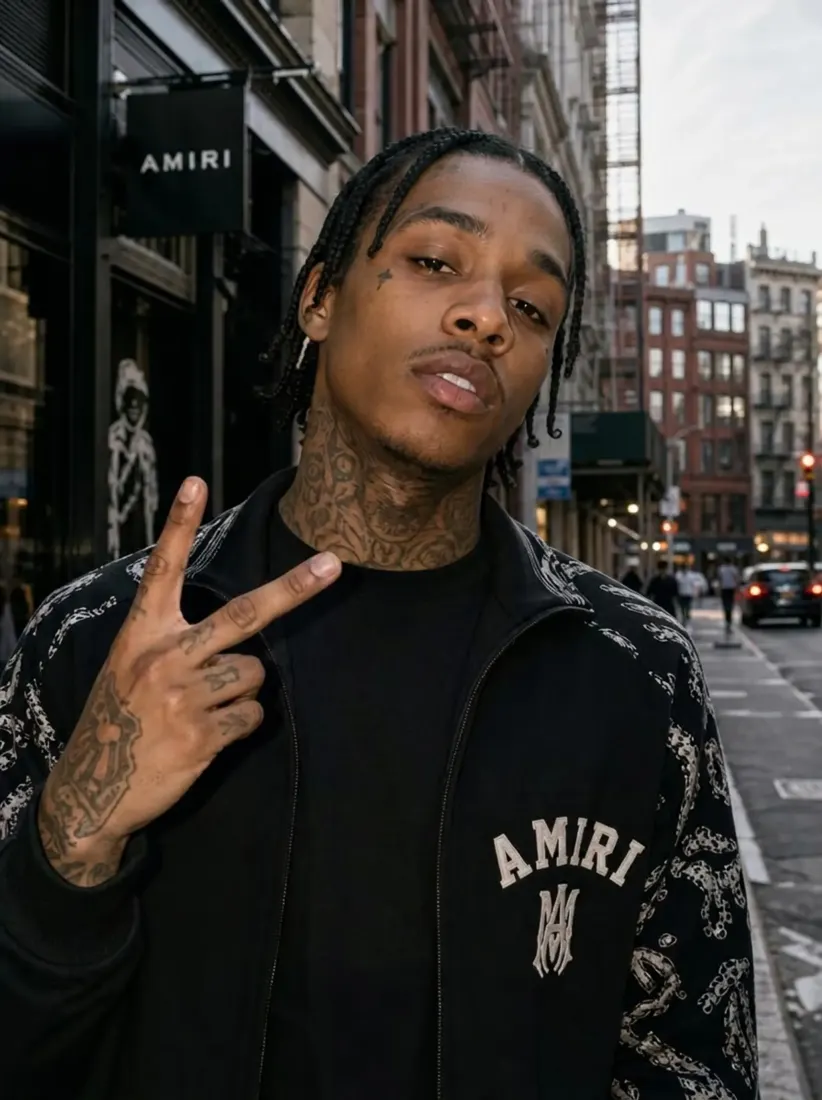
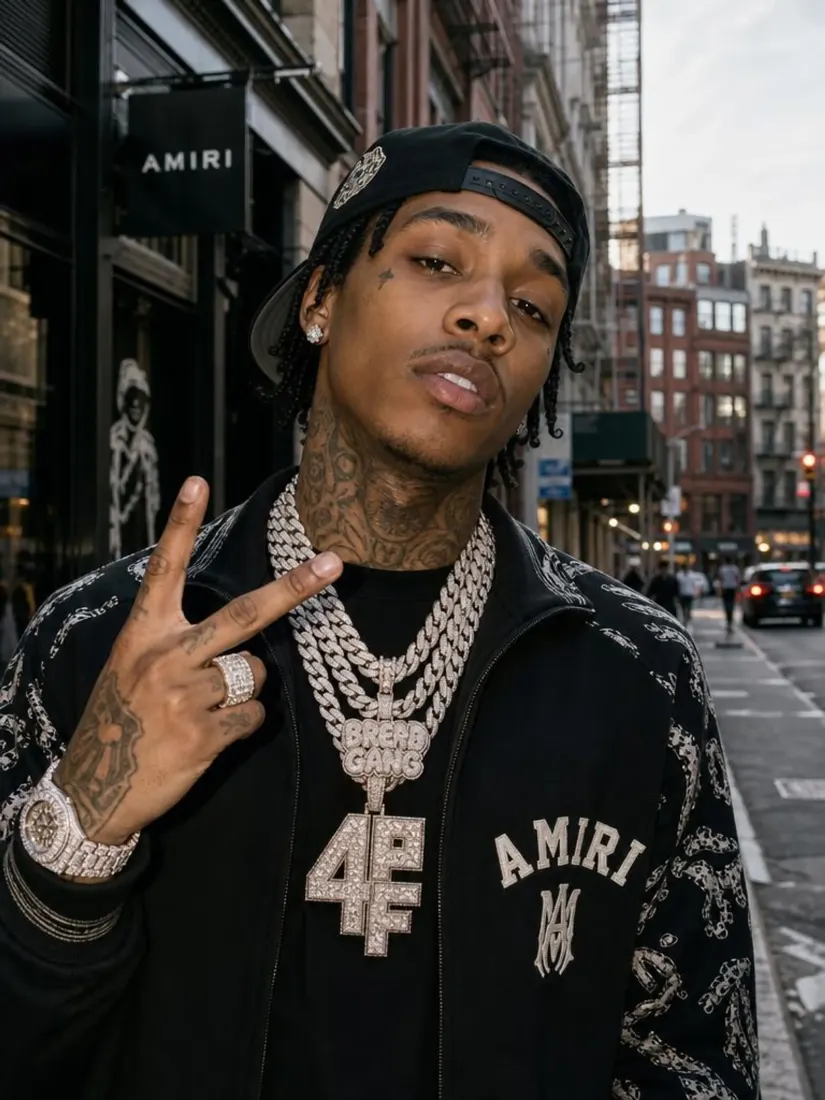
1
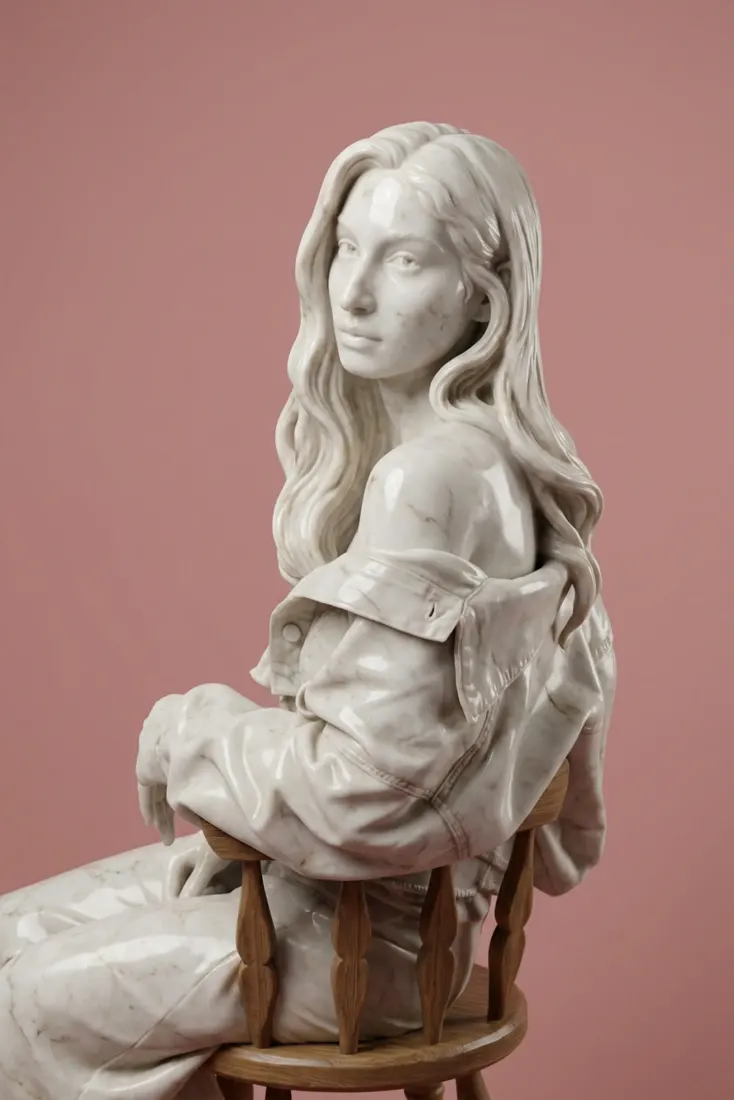
2
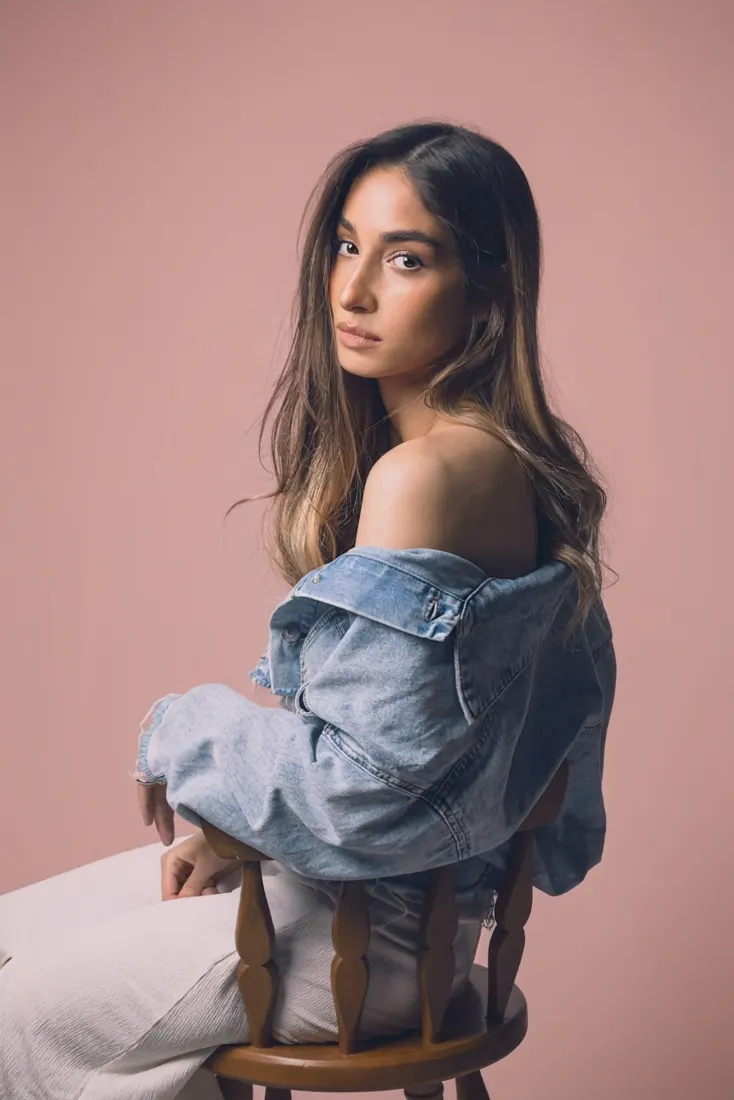
3
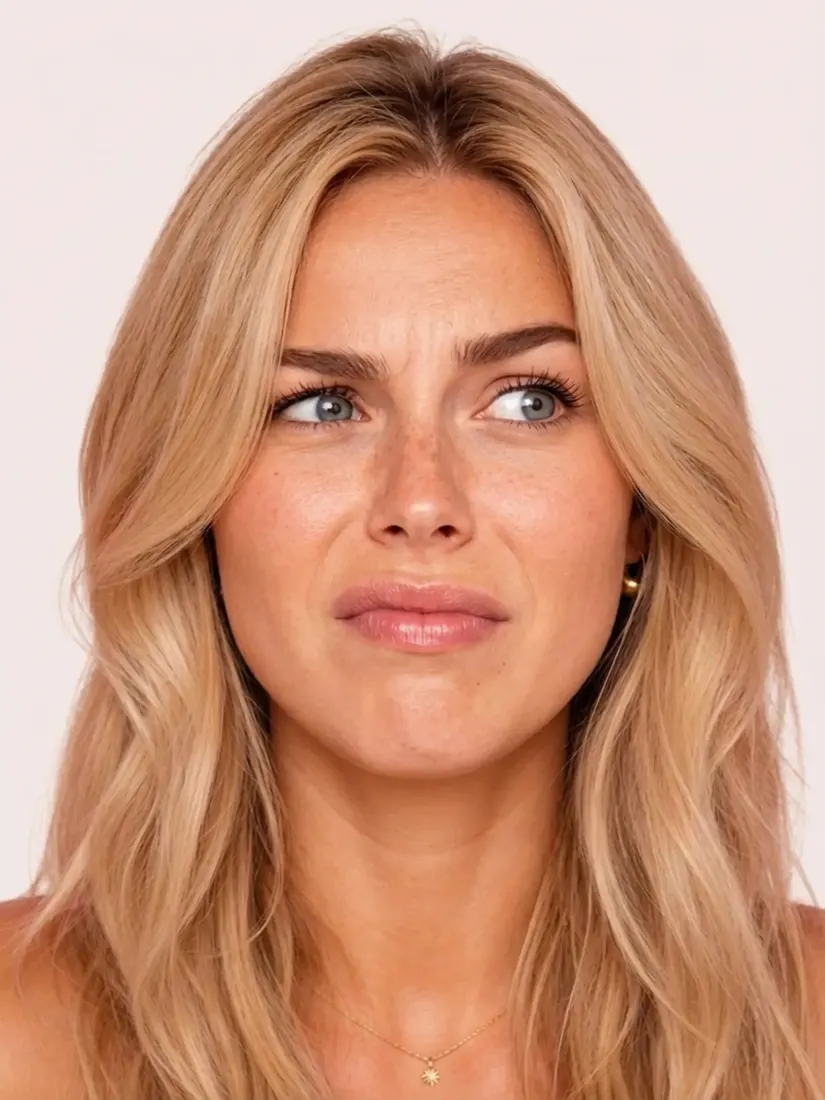
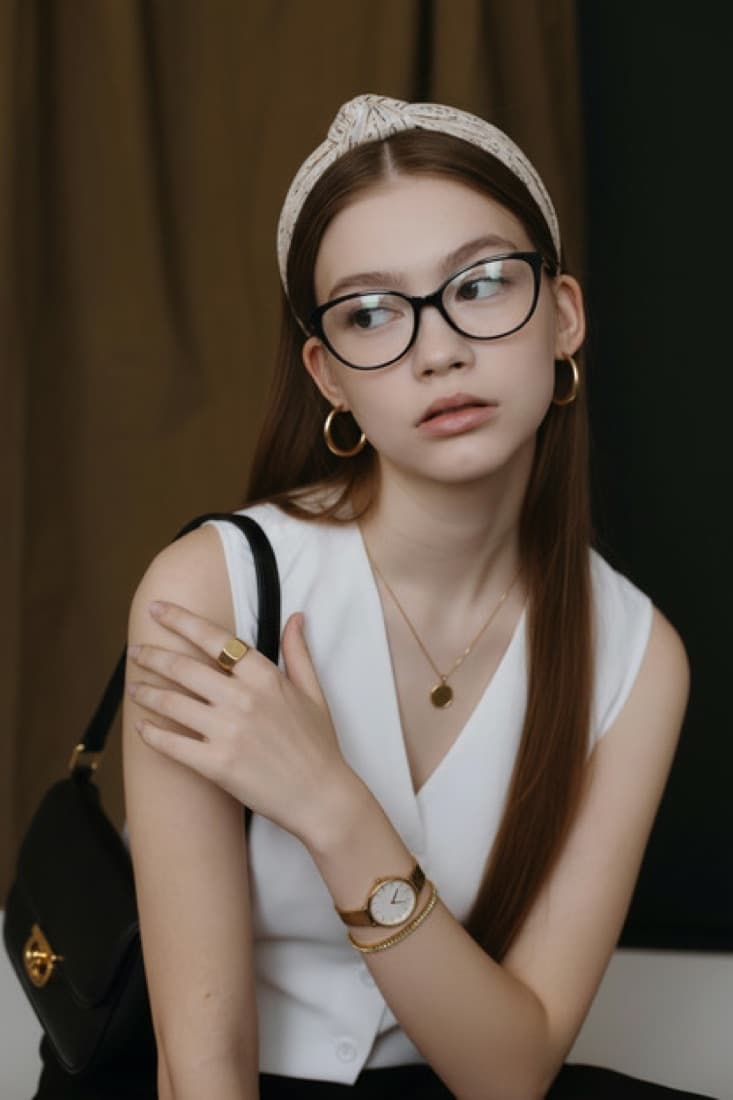
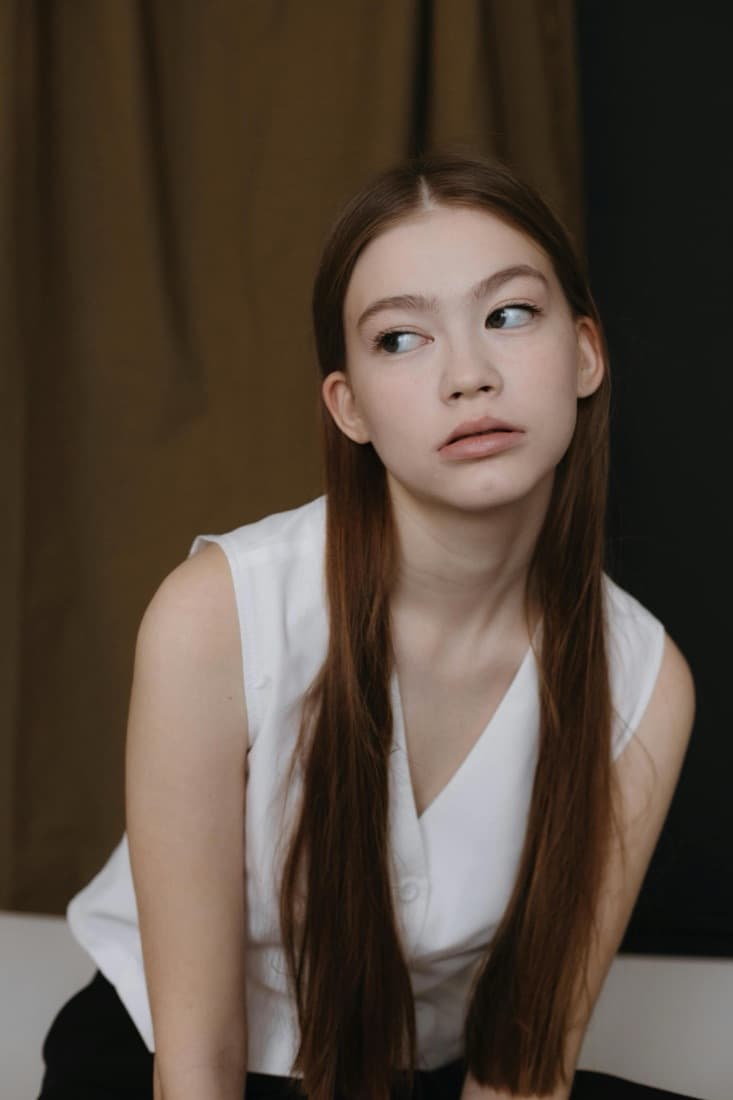
A woman's face shows an exaggerated skeptical expression, created by the Facial Expression Editor tool.

Trusted by Industry Leaders. Millions of images edited to date.

PWC logo
Microsoft logo
ASU logo
redfin logo
New York University logo
Trinity College Dublin logo
University of Michigan logo
Keller Williams logo
AT&T logo
Berkeley logo
See it work

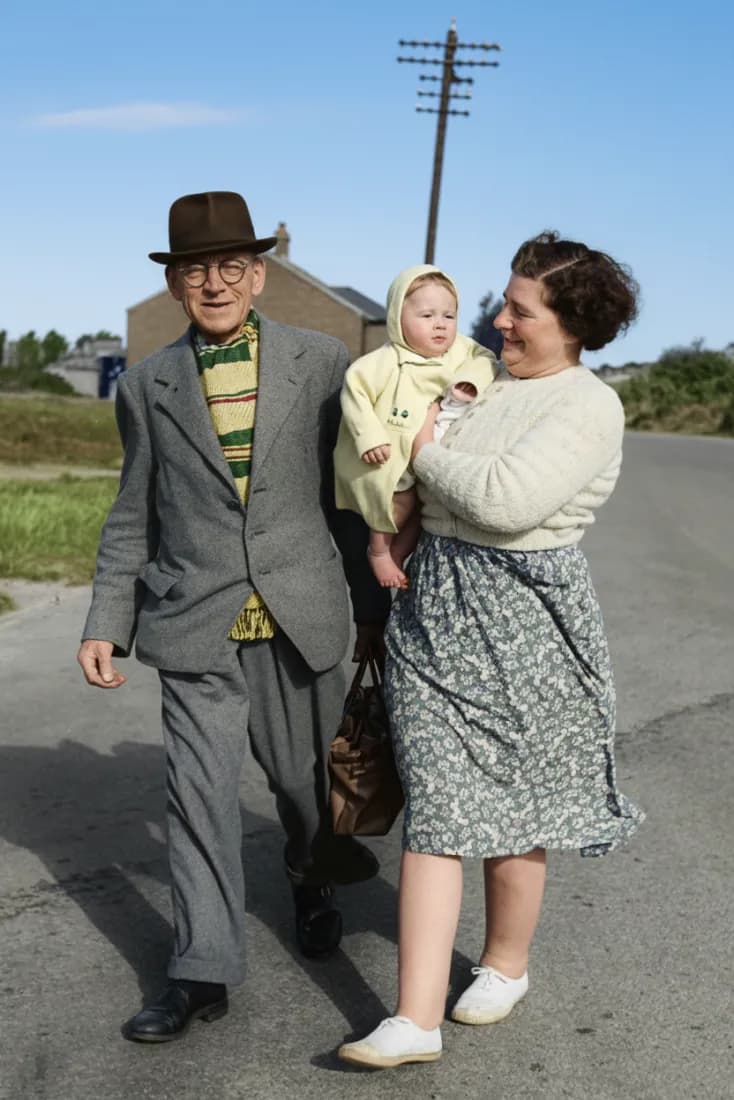
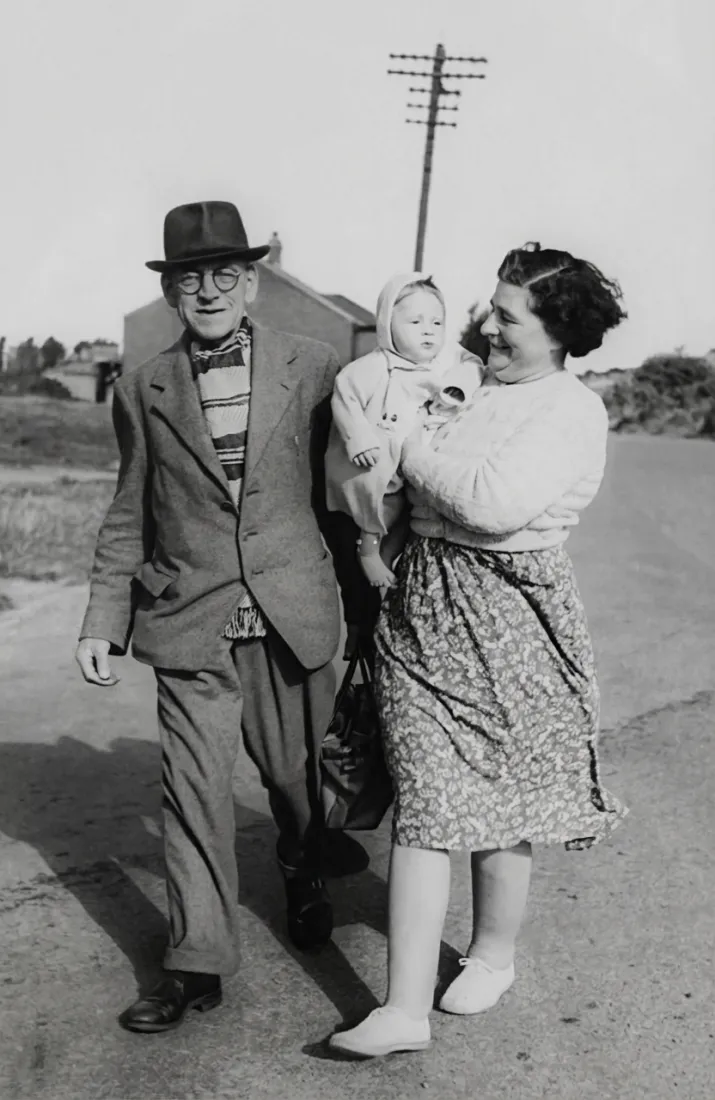
Facial Expression Changes Before and After

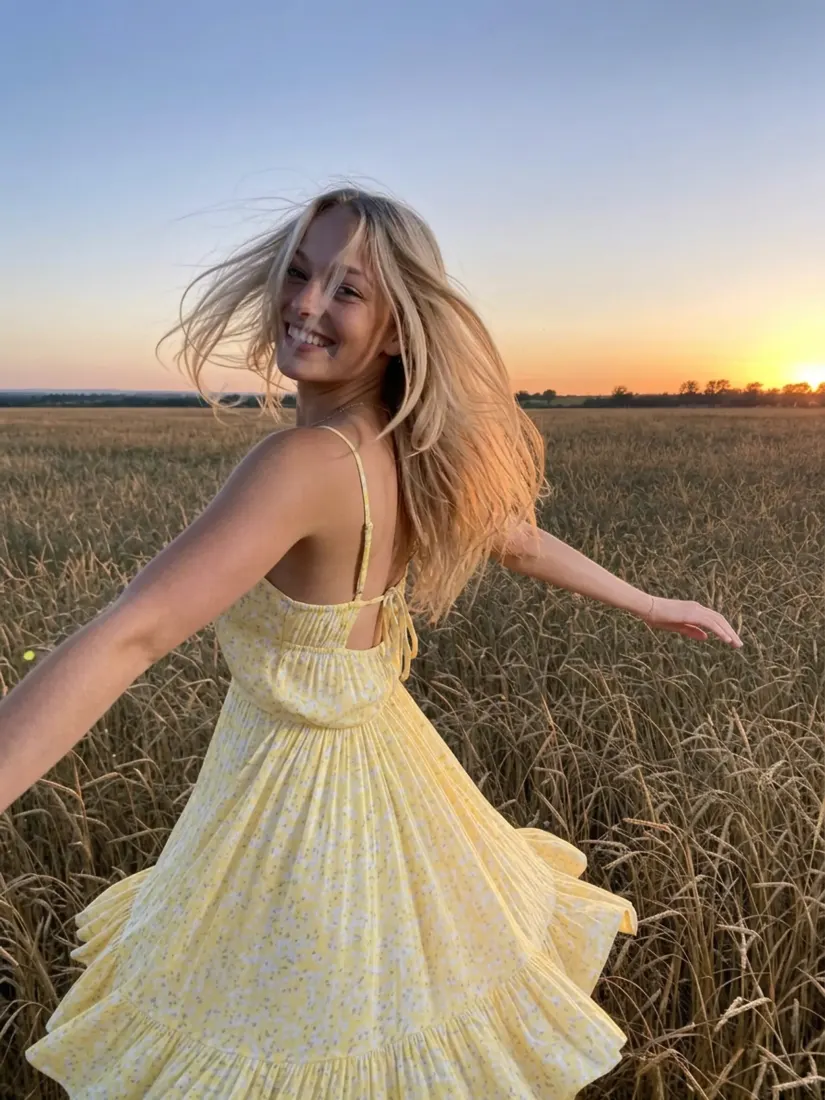
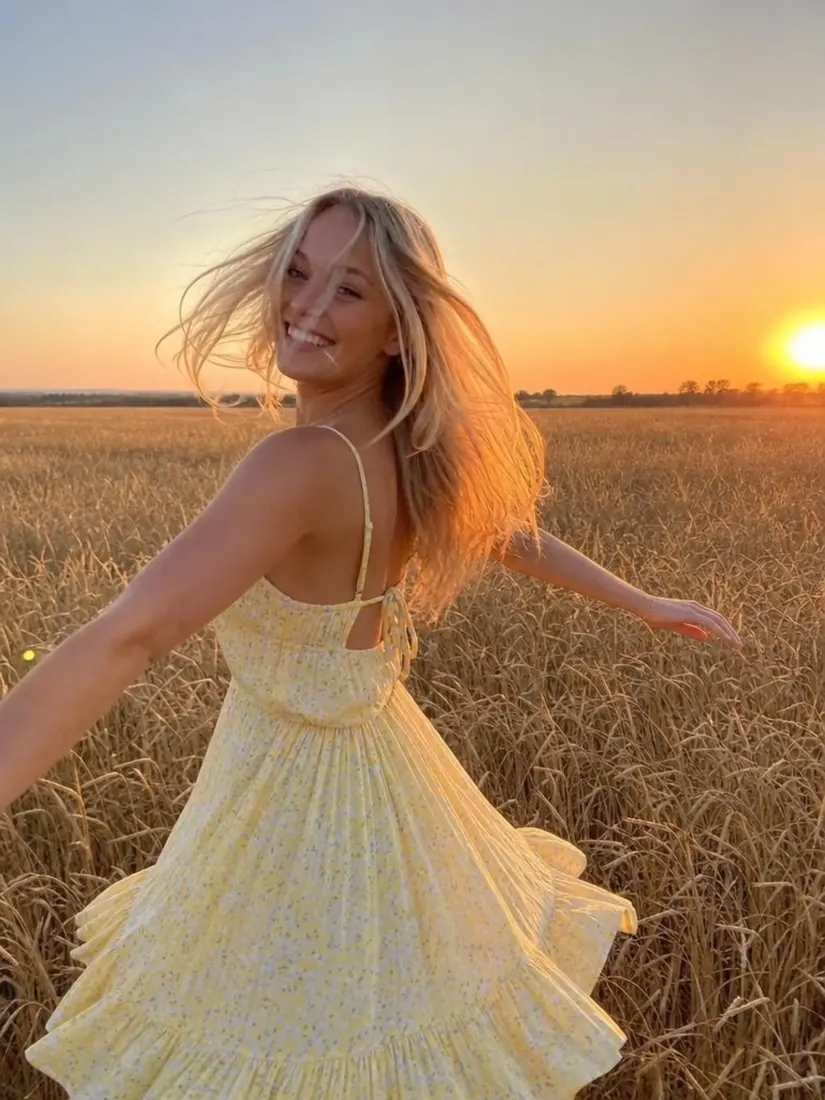
Compare the original photo after changing a smile, reaction, or expression.

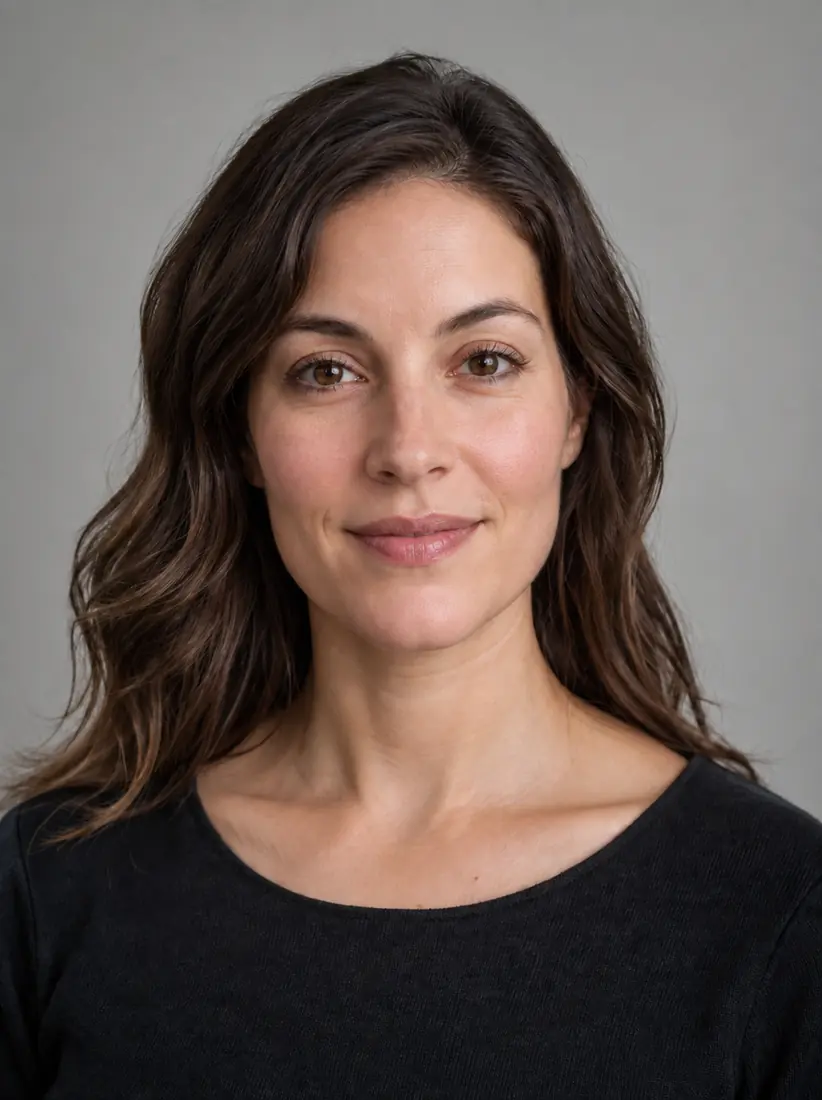
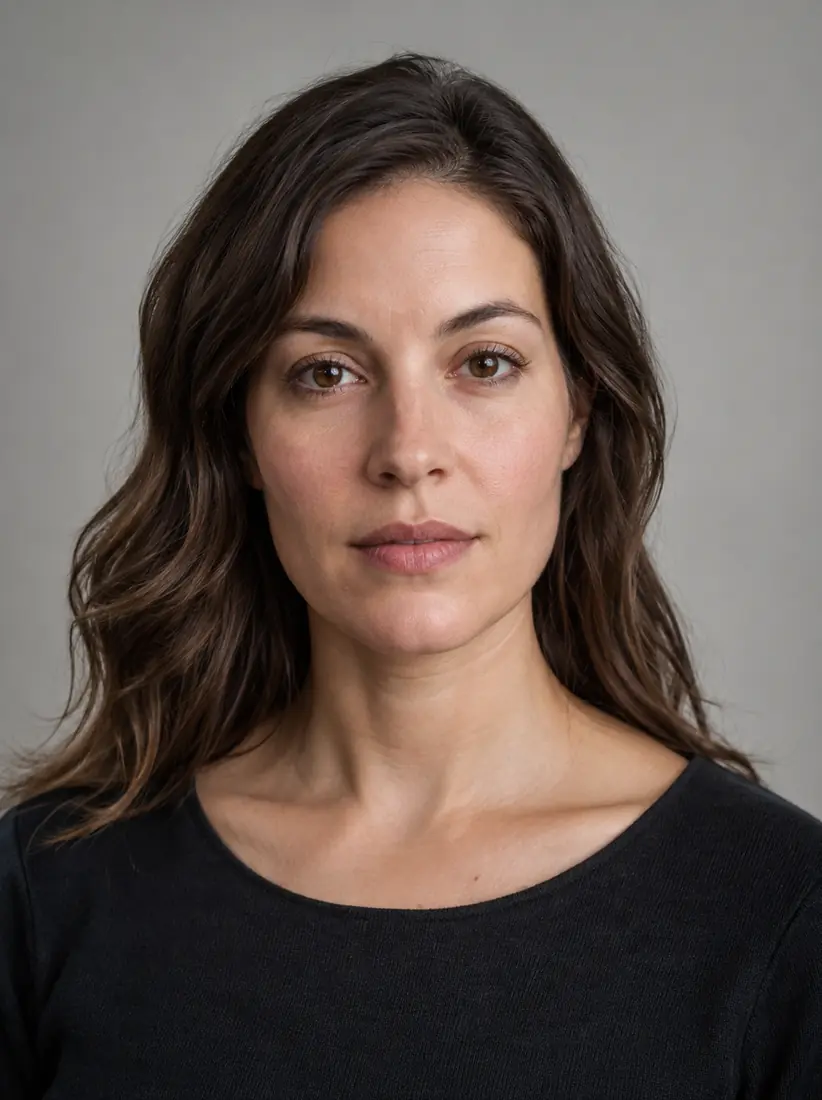
Before
After

Smile

Neutral to smiling

Before
After

Group fix

One corrected face in a group photo

Before
After

Reaction

Expressive reaction for a thumbnail

How Do You Change a Facial Expression With Aragon?

Upload a photo, choose the expression you want, then review and download the edited result.

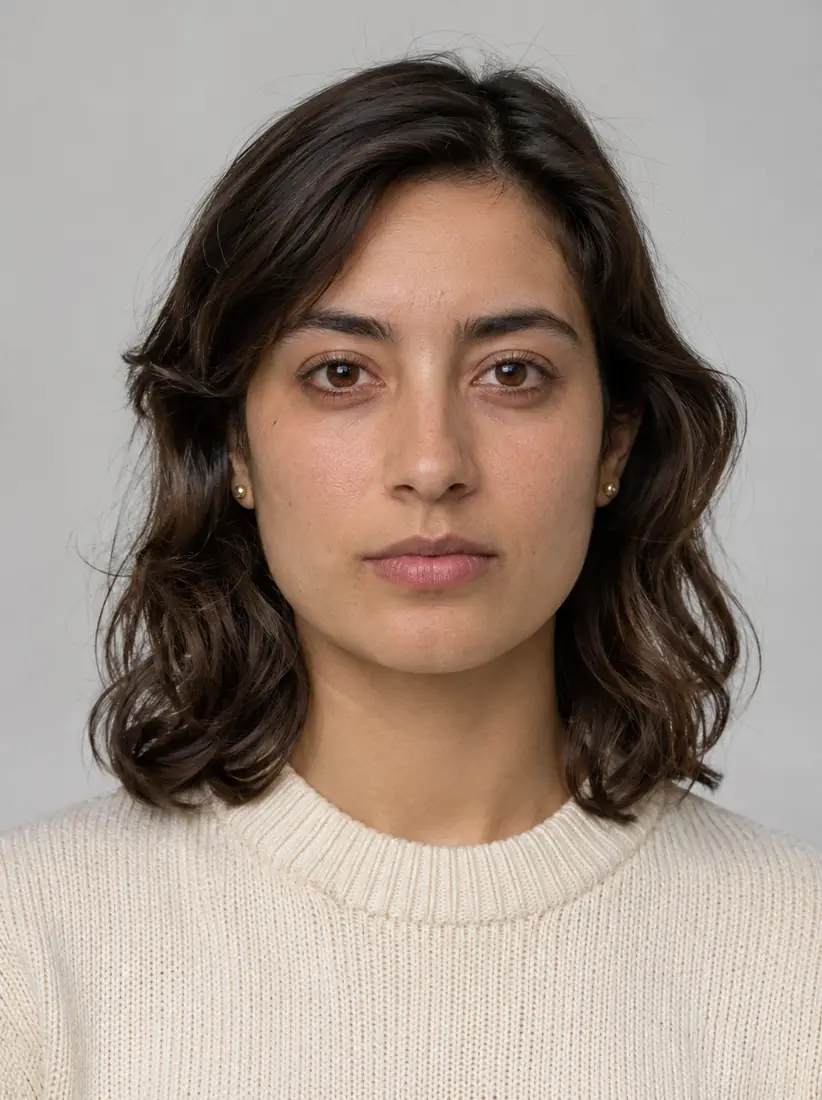
  1. Upload a photoPNG, JPG, HEIC up to 120MB
    A woman with wavy dark hair and a cream sweater looking at the camera with a neutral expression.
    1

    Upload Your Photo

    Upload a clear portrait or group photo where the face you want to edit is fully visible.

  2. 2

    Choose an Expression

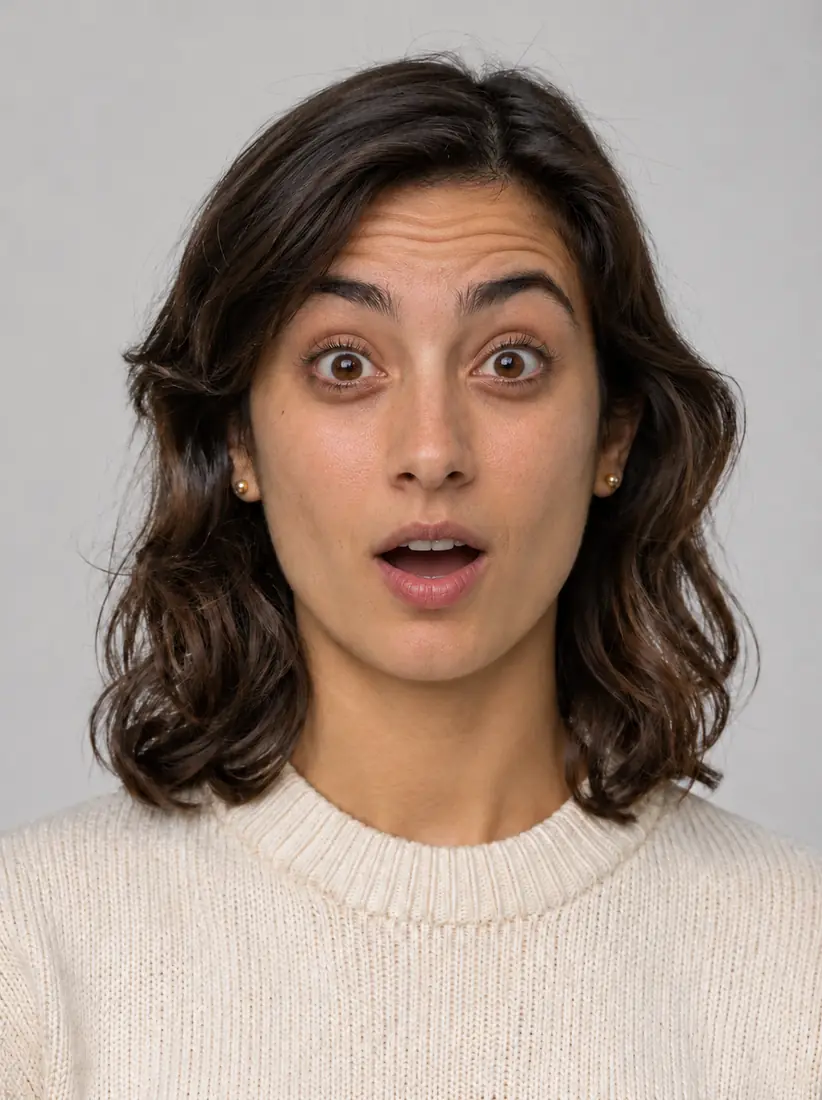
    Choose from expressions such as happy, surprised, neutral, serious, laughing, crying, frowning, scared, confused, disgusted, or shocked.

  3. The same woman and photo, now with raised eyebrows and an open-mouthed look of surprise.
    A woman with wavy dark hair and a cream sweater looking at the camera with a neutral expression.
    Before
    After
    3

    Review and Download

    Compare the edited face with the original photo, then download the result when the expression works for your image.

Features

What Can the Facial Expression Editor Change?

Aragon changes the facial expression while keeping the rest of the photo close to the original.

Add a SmileBefore
Add a SmileAfter

Add a Smile

Change a neutral expression to a smile without taking another photo.

Try Different ExpressionsBefore
Try Different ExpressionsAfter

Try Different Expressions

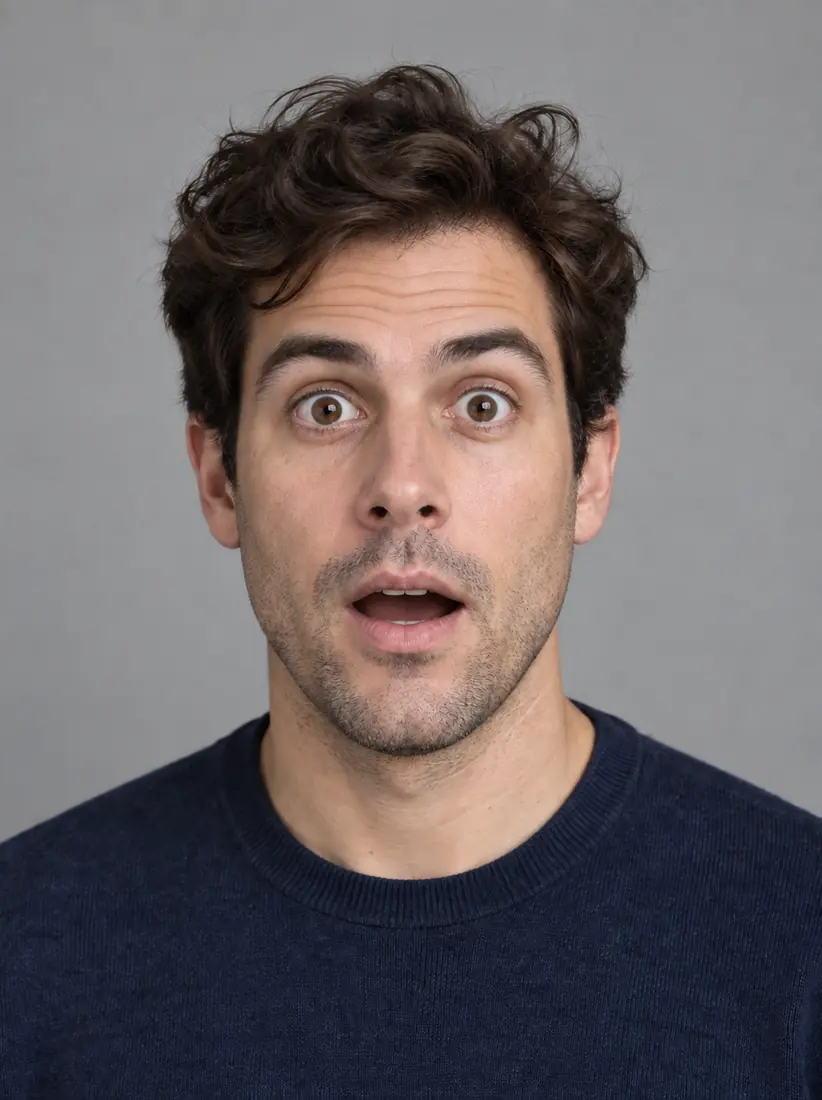
Choose a happy, surprised, neutral, serious, or stronger reaction depending on the image you want to create.

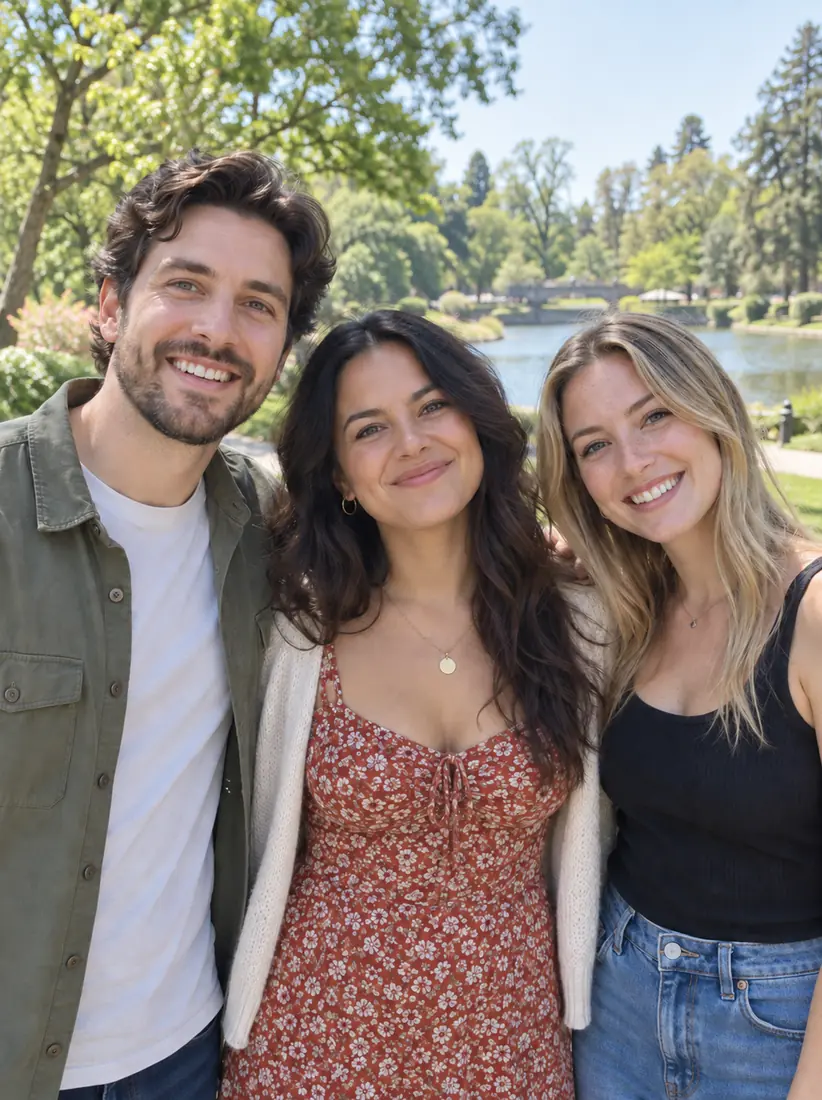
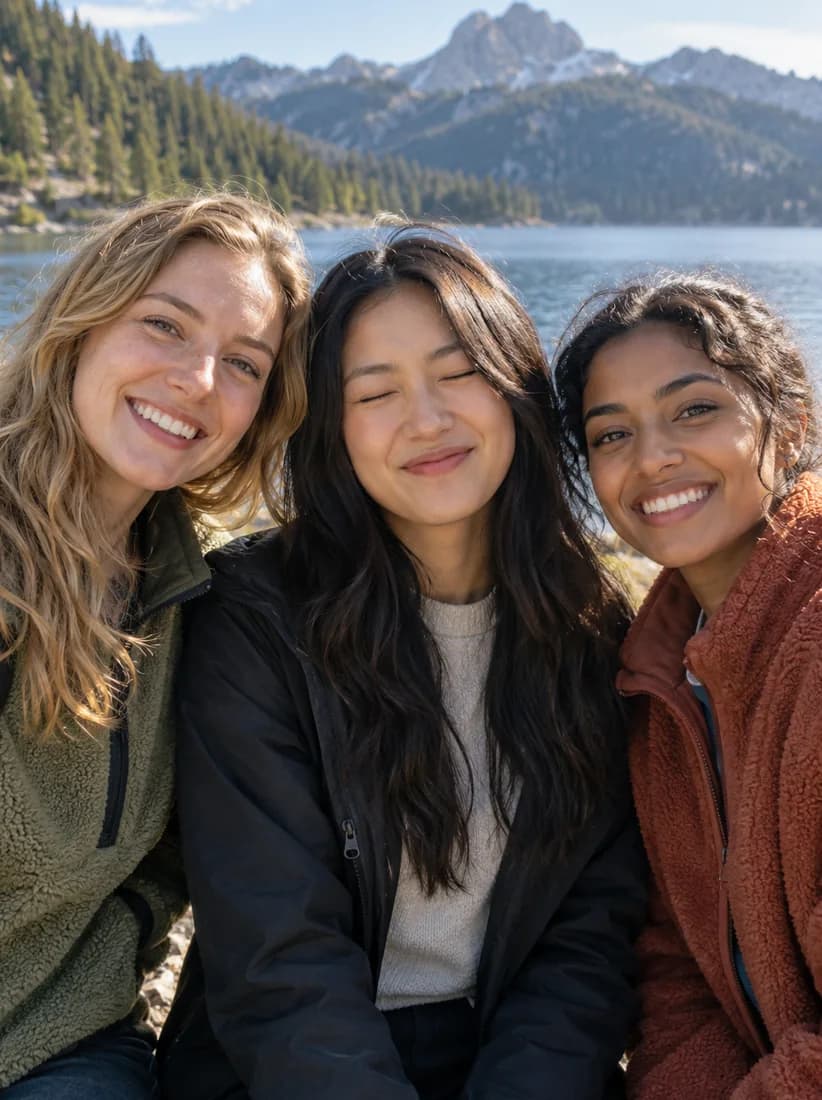
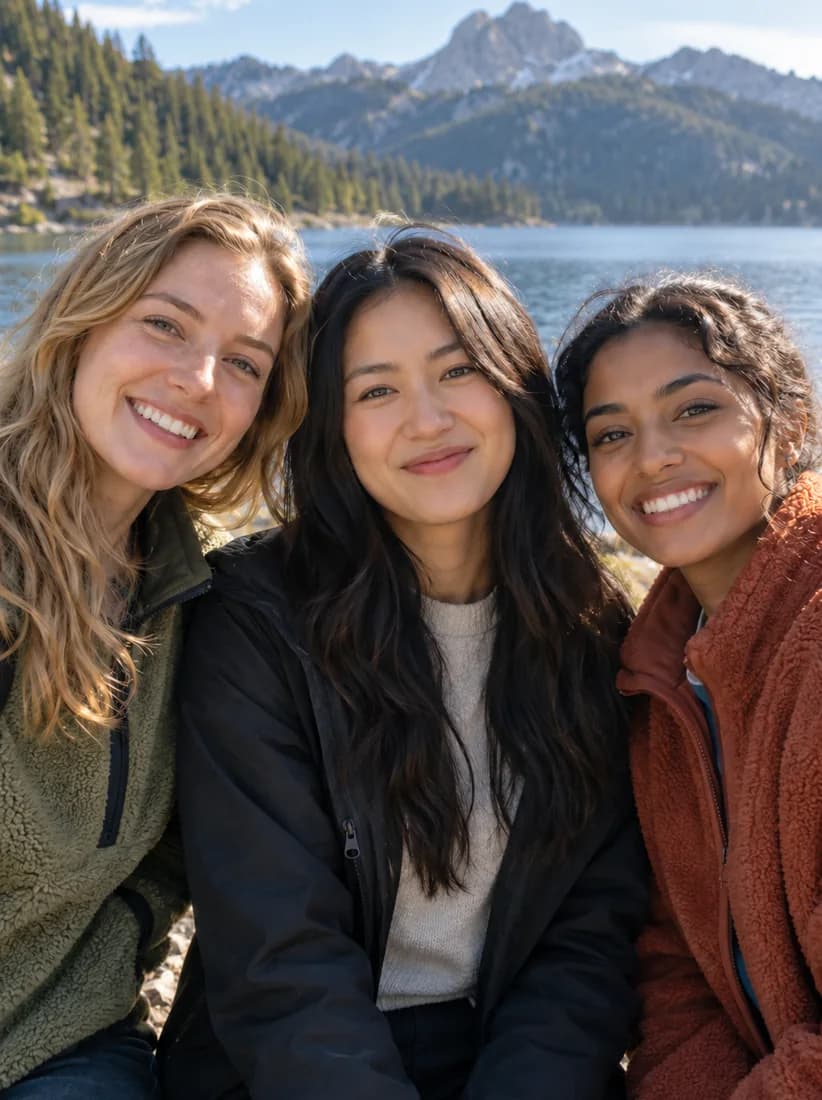
Three friends at a lake, with the woman in the middle caught mid-blink.Before
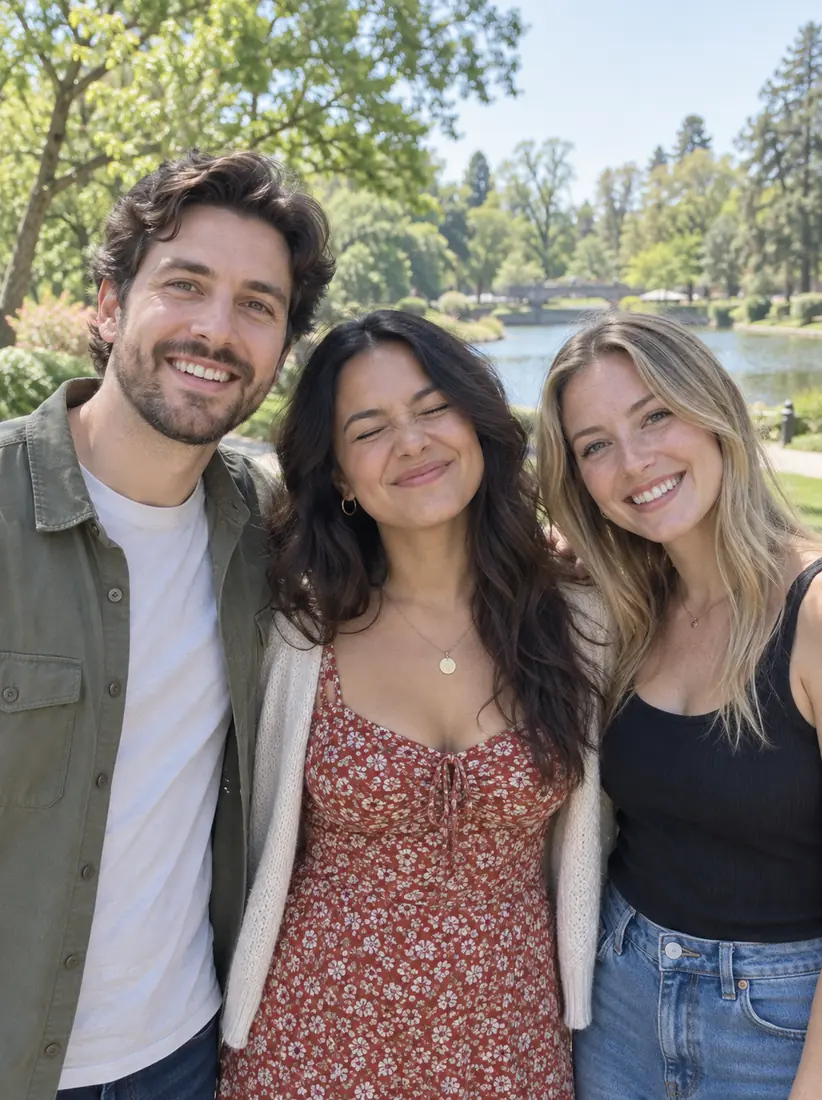
The same three friends with the middle woman's eyes now open.After

Correct a Closed-Eye Moment

Adjust one person's face in a group or family photo when their eyes were closed in the original shot.

Edit One Person in a GroupBefore
Edit One Person in a GroupAfter

Edit One Person in a Group

Change one person's expression without applying the edit to the other people in the photo.

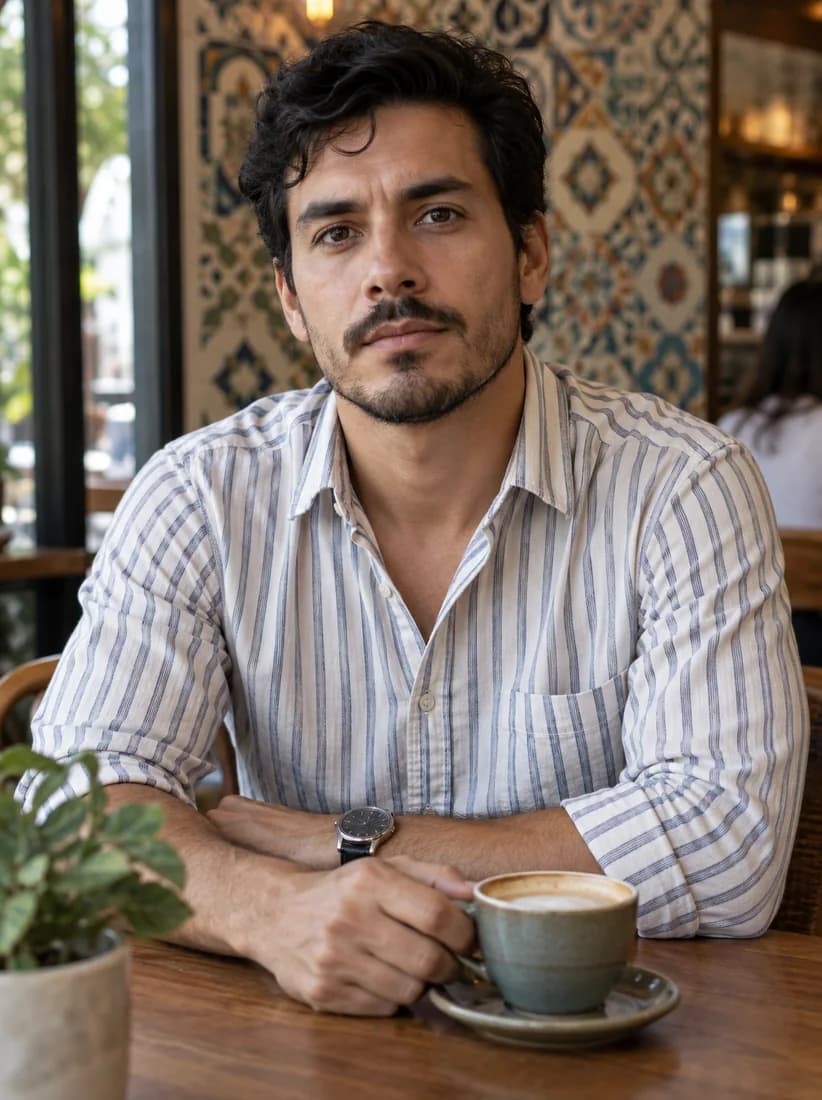
A man with a serious expression at a cafe table in a striped shirt.Before
The same man and cafe, now with a warm smile.After

Keep the rest of the Photo Consistent

Aragon focuses the edit on the chosen facial expression while keeping the hair, clothing, body, and background consistent with the original image.

When Can You Use a Face Expression Changer?

Use the Facial Expression Editor when the photo works but you want a different expression for the final image.

  1. Family and Group Photos

    Family and Group Photos

    Change one smile, closed-eye moment, or expression without applying the same edit to everyone in the photo.

  2. A smiling graduate in a navy cap and gown holding a diploma on a campus lawn.

    Photos You Cannot Retake

    Adjust the expression in a graduation, event, travel, or candid photo when taking the same photo again is not possible.

  3. A profile portrait of a man in a navy sweater with a warm, closed-mouth smile.

    Profile Photos

    Try a smile, neutral look, or another available expression while keeping the same portrait.

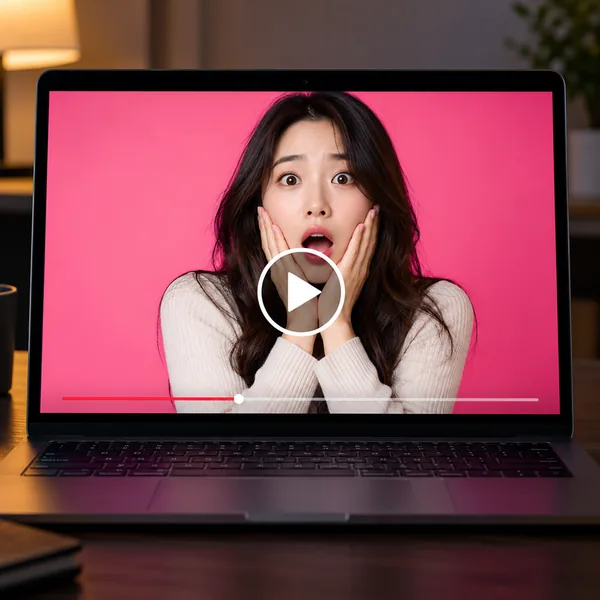
  4. A laptop showing a video thumbnail of a shocked woman on a bright pink background.

    Thumbnails and Reaction Images

    Create surprised, laughing, shocked, or other reaction expressions for thumbnails, memes, and social graphics.

Which one do I need?

Facial Expression Editor or Pose Editor?

Facial Expression Editor changes the expression on the face. The Pose Editor changes the body position.

Main jobChanges facial expressionChanges body position
ChangesSmile, neutral look, serious expression, reactionsArms, hands, body angle, and pose
Best forPortraits, group photos, reaction imagesPhotos where the body position needs to change
KeepsHair, clothing, body, and background consistentFace, outfit, and background are consistent
Reviews

What Our Customers Say

total reviews on
Free daily credits

Change the Expression in Your Photo

Upload a portrait and choose the smile, reaction, or facial expression you want with Aragon.

Your photos stay privateNo editing skills requiredJPG, PNG, WEBP, HEIC

Have a question? We're here to help

Customer satisfaction is our number one priority. Our live agents are available 7am - 11pm (PT), 5 days Sunday through Thursday.

An AI face expression changer edits the expression shown on a face in a photo while keeping the rest of the image close to the original.

Upload your photo to Aragon, choose the expression you want, review the edited result, and download the finished image.

Yes. Choose a smiling expression, and Aragon will update the face while keeping the rest of the photo consistent.

Aragon currently supports happy, surprised, neutral, serious, laughing, crying, frowning, scared, confused, disgusted, and shocked among its expression choices.

Yes. Upload the portrait and choose a smiling expression to create an edited version of the same photo.

Yes. Aragon can change one person's expression in a group photo without applying the same expression to everyone else.

Yes. The current Facial Expression Editor is designed to handle cases such as one person having closed eyes in a family or team photo.

Aragon focuses on the facial expression while keeping the hair, clothing, body, and background consistent with the original photo.

Yes. Expressions such as surprised, laughing, crying, or shocked can be used for thumbnails, memes, reaction images, and social graphics.

Use a clear photo where the face you want to edit is fully visible. Faces covered by hair, hands, sunglasses, or other objects may give the tool less information for the edit.

Yes. Choose the person whose expression you would like to edit and review the finished group photo before downloading it.

No. Upload your photo, choose an expression, and Aragon handles the facial expression change.

No. Aragon runs in your browser, so there is nothing to install. You'll need an account to use your credits and access your saved work.

Yes. Free credits come with your account, so you can try it before you upgrade.

Paid plans export without a watermark, while free exports may include one. Check the pricing page for details.

Usage rights depend on your plan and the specific content generated. See Aragon's Terms and Conditions for full details.

Your uploads stay private during processing. For full details, see Aragon's Privacy Policy.

Try Aragon's AI powered editing tools today

The Leading AI Headshot Generator for Professionals

Trustpilot

Trusted by professionals and teams

Earn 30% for every referral

Join our affiliate program for free!
SOC 2 Type II compliant

Copyright © 2026 Aragon AI, Inc. All rights reserved.

Terms of Use & Privacy Policy