
fb-pixelSkip to main content
Aragon.ai
THE #1 RANKED AI PHOTO EDITOR

Free AI Hairstyle Changer - Try New Hairstyles on Your Photo

Wondering how a different hairstyle might look on you? Aragon's AI hairstyle changer lets you try new cuts, lengths, curls, waves, and hair colors on your photo before making a real change.


total reviews on
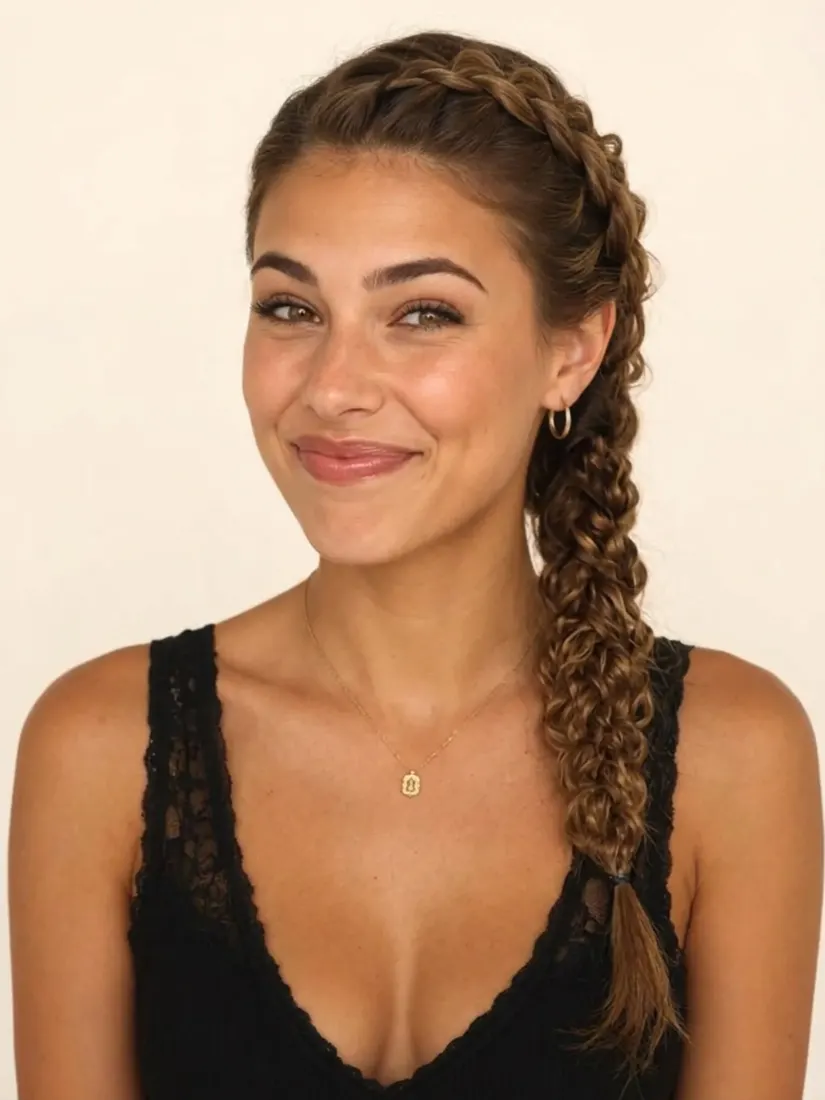
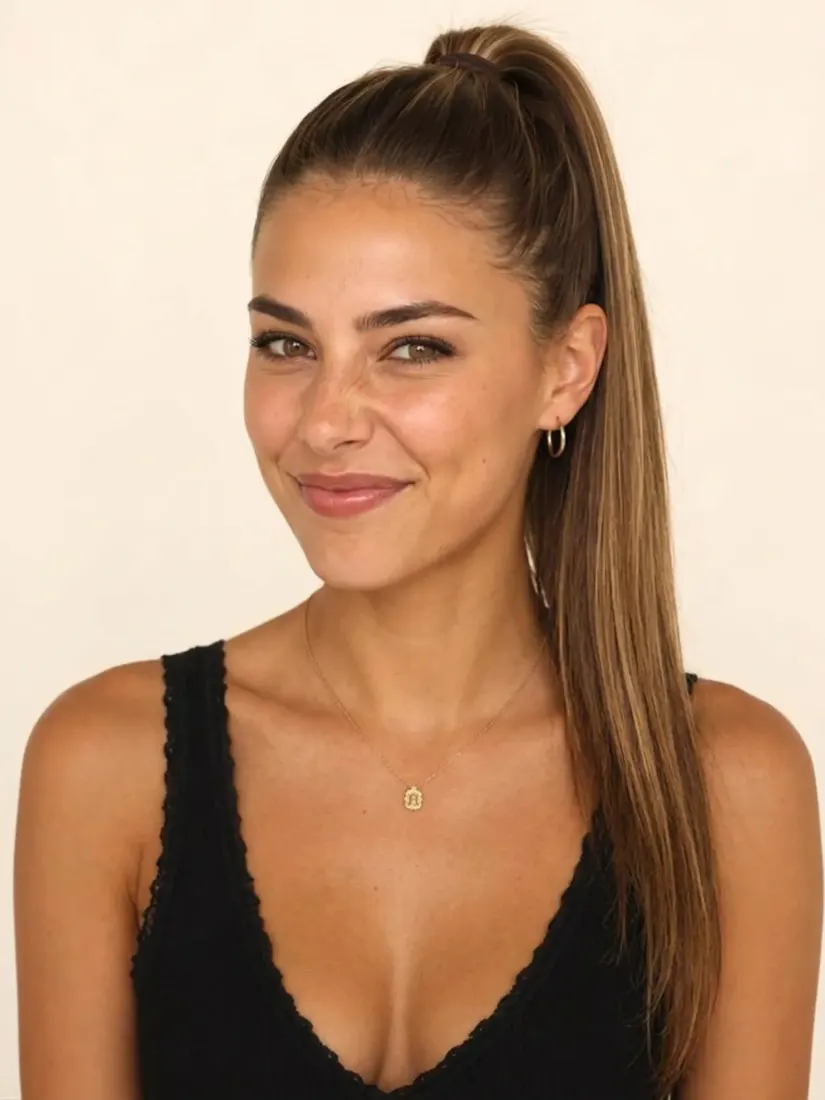
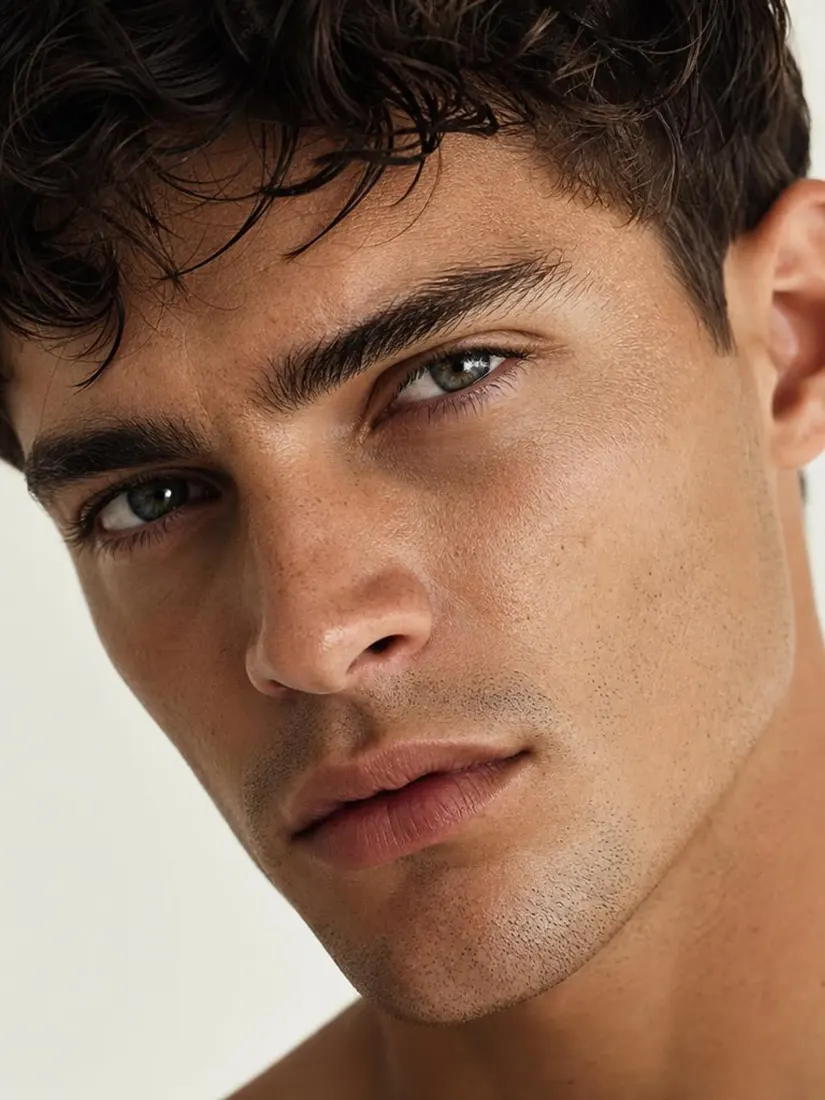
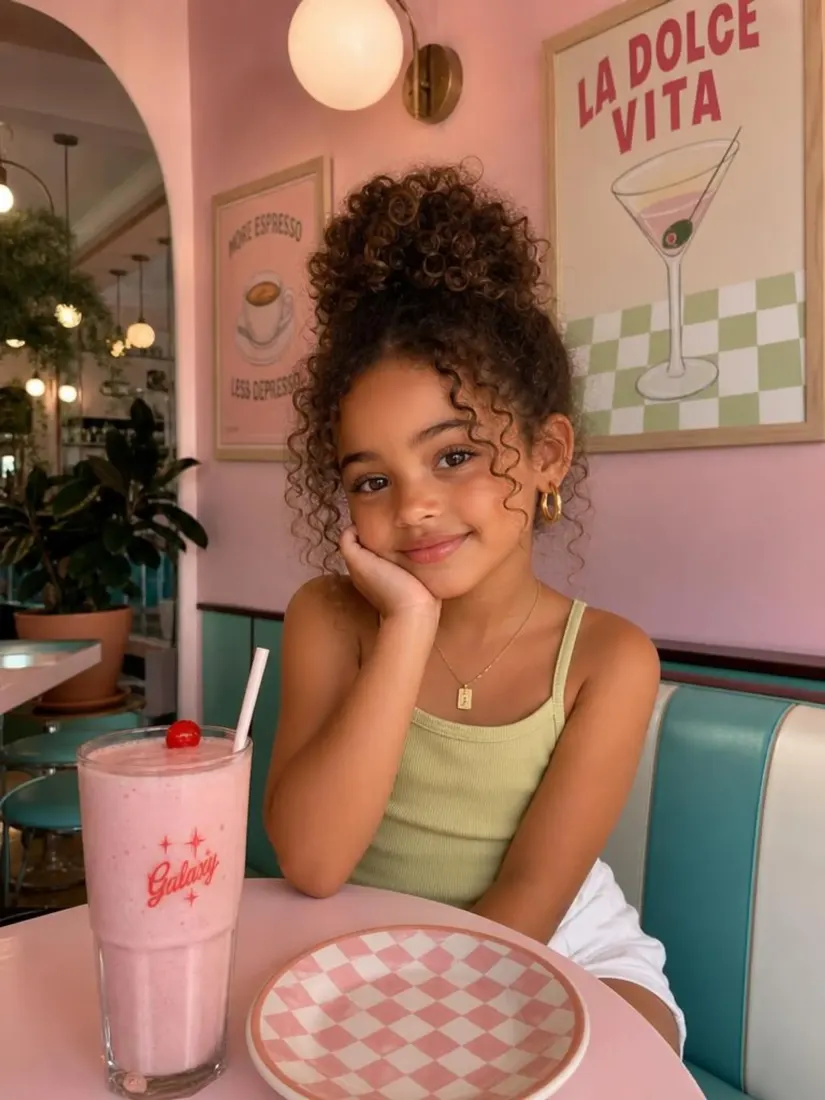
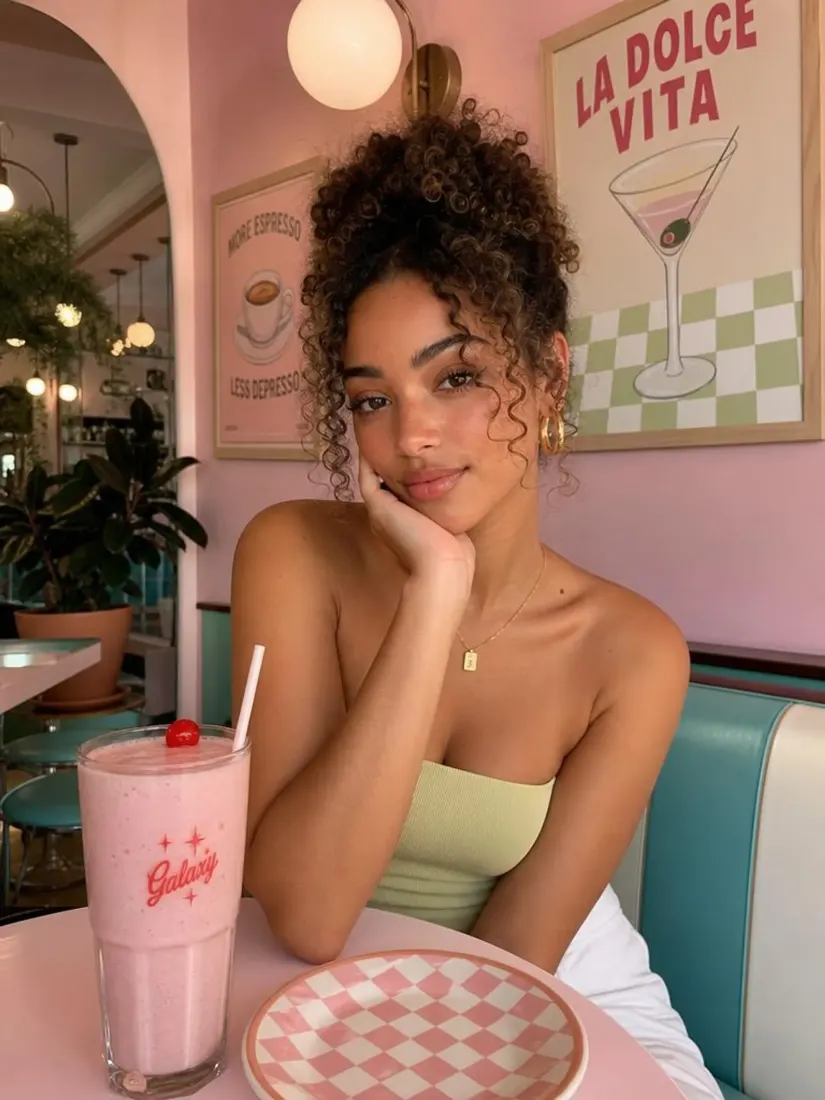
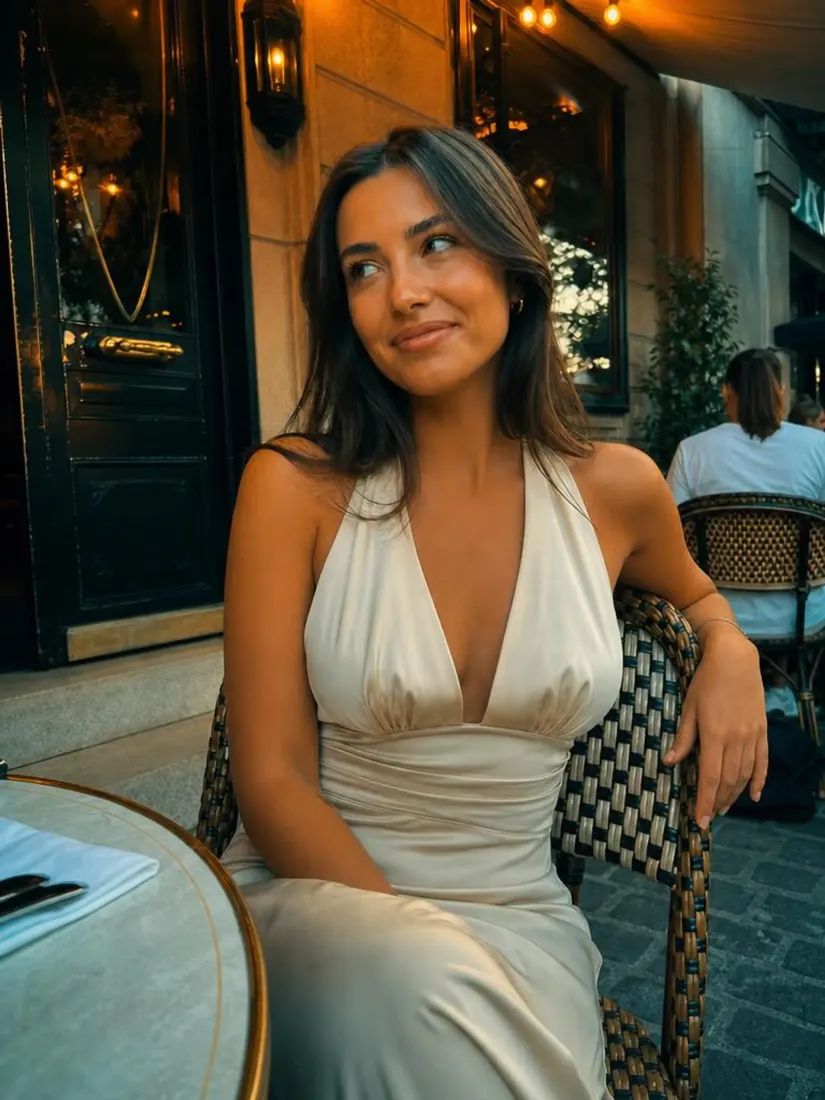
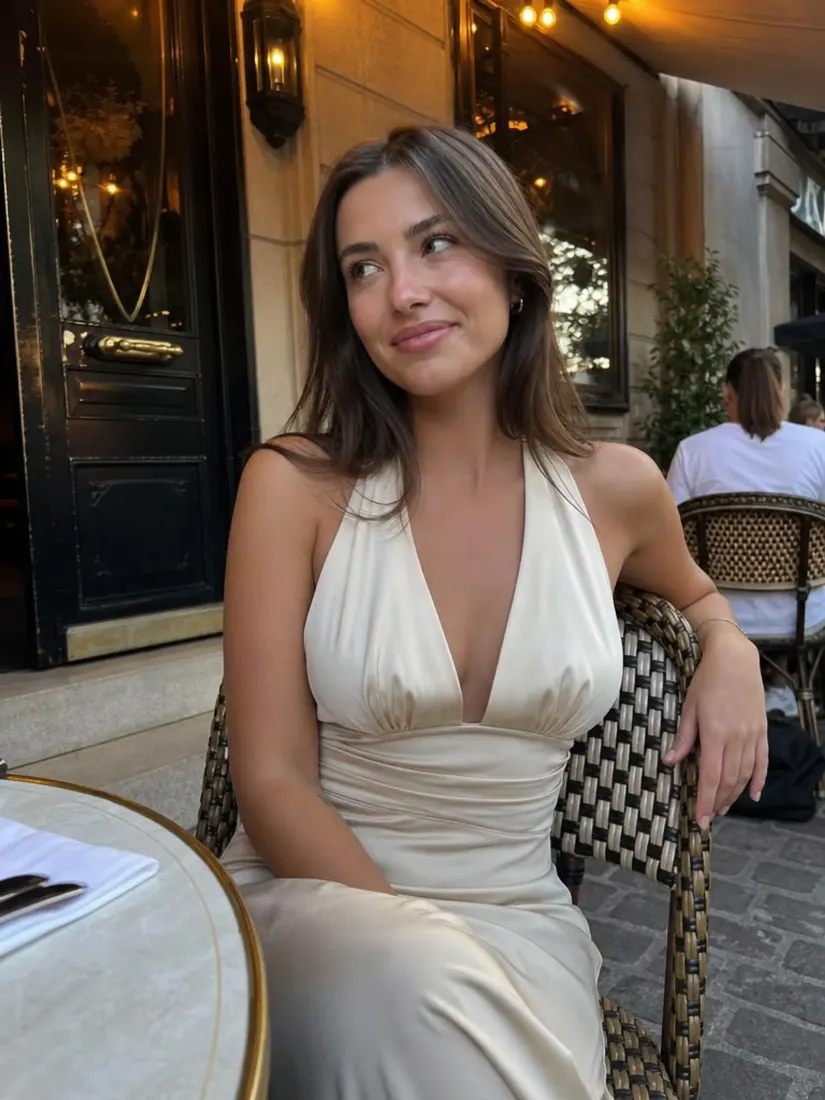
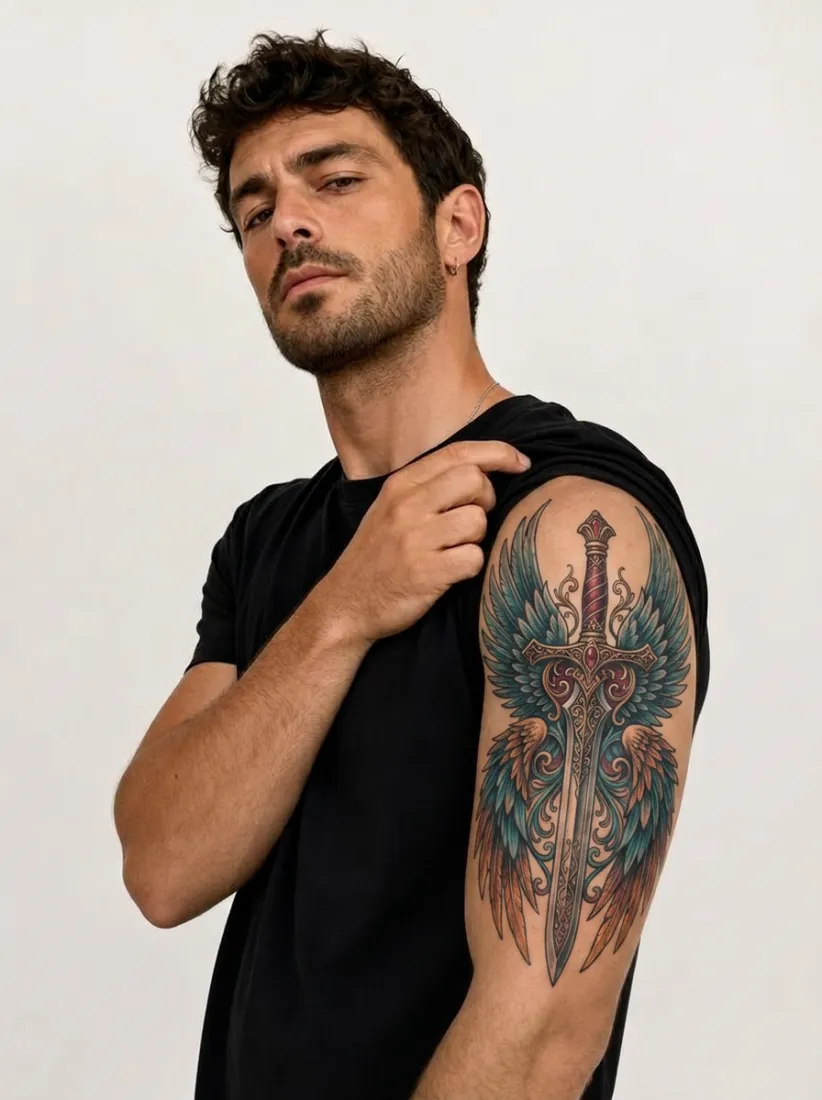
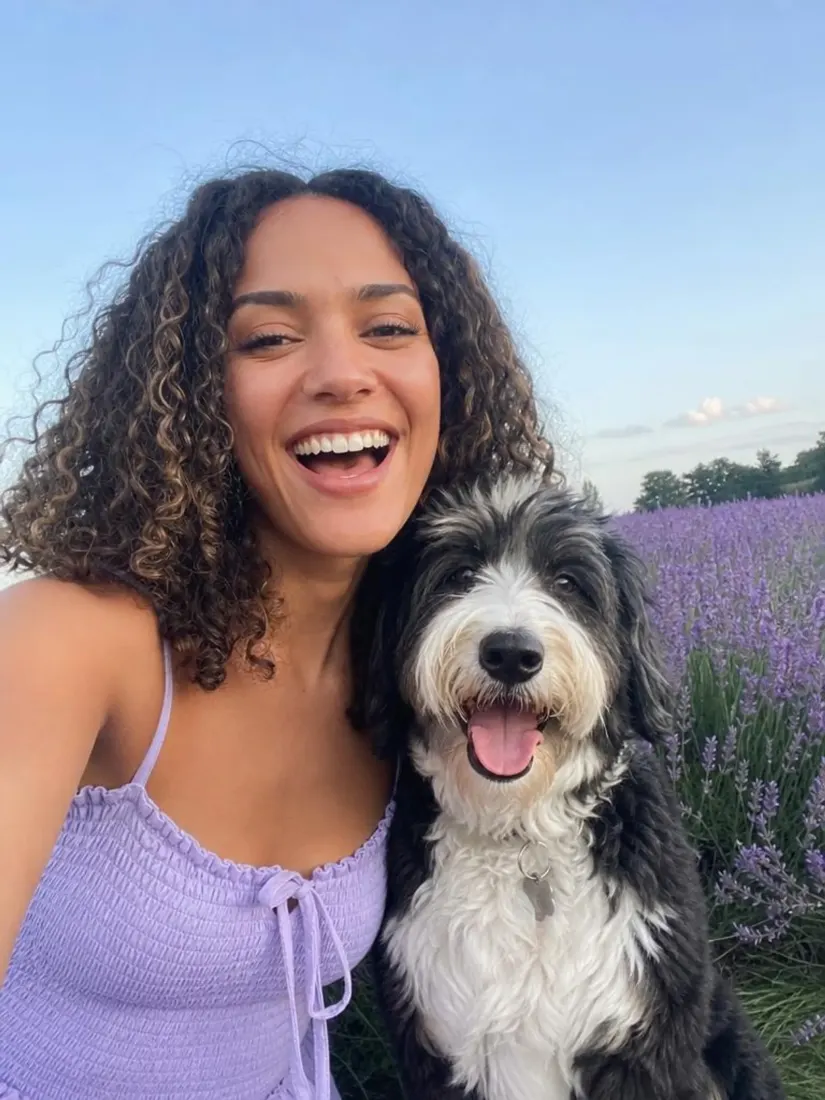
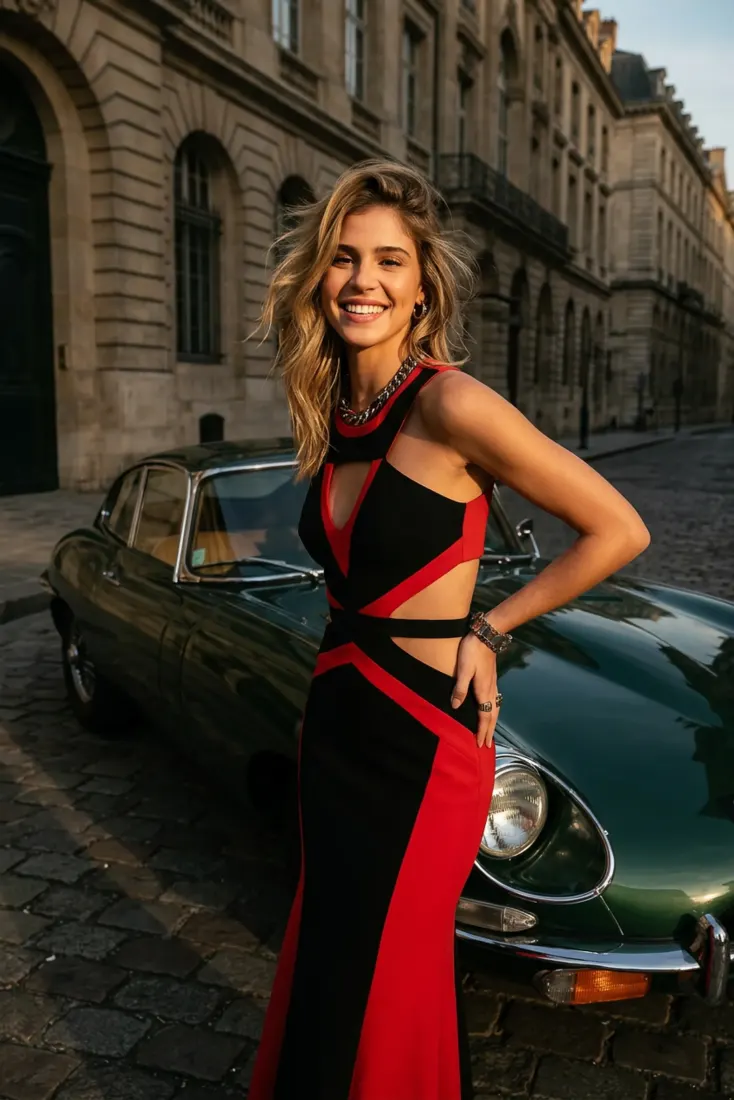
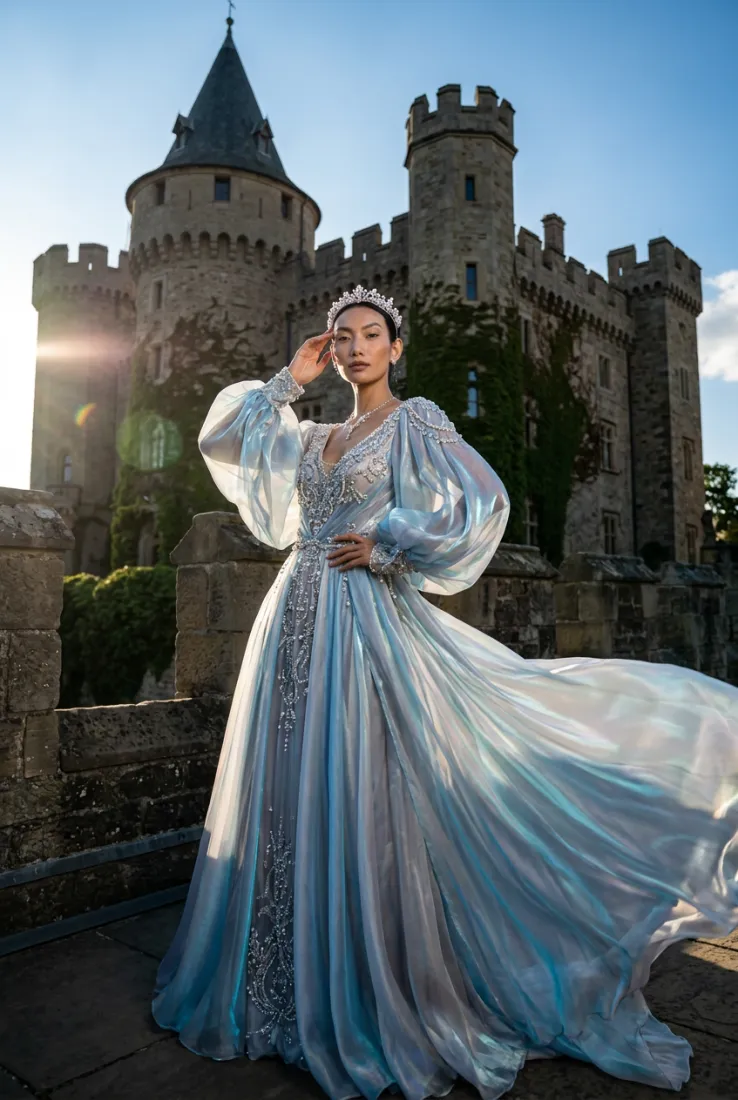
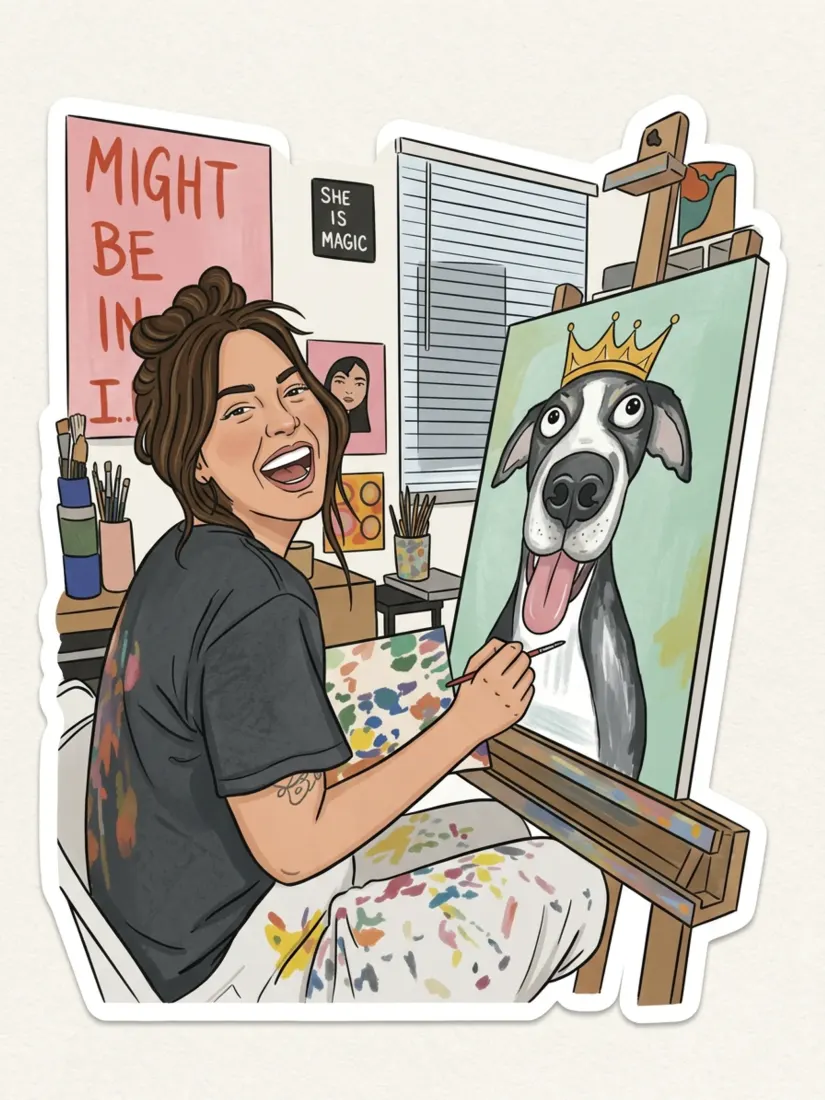
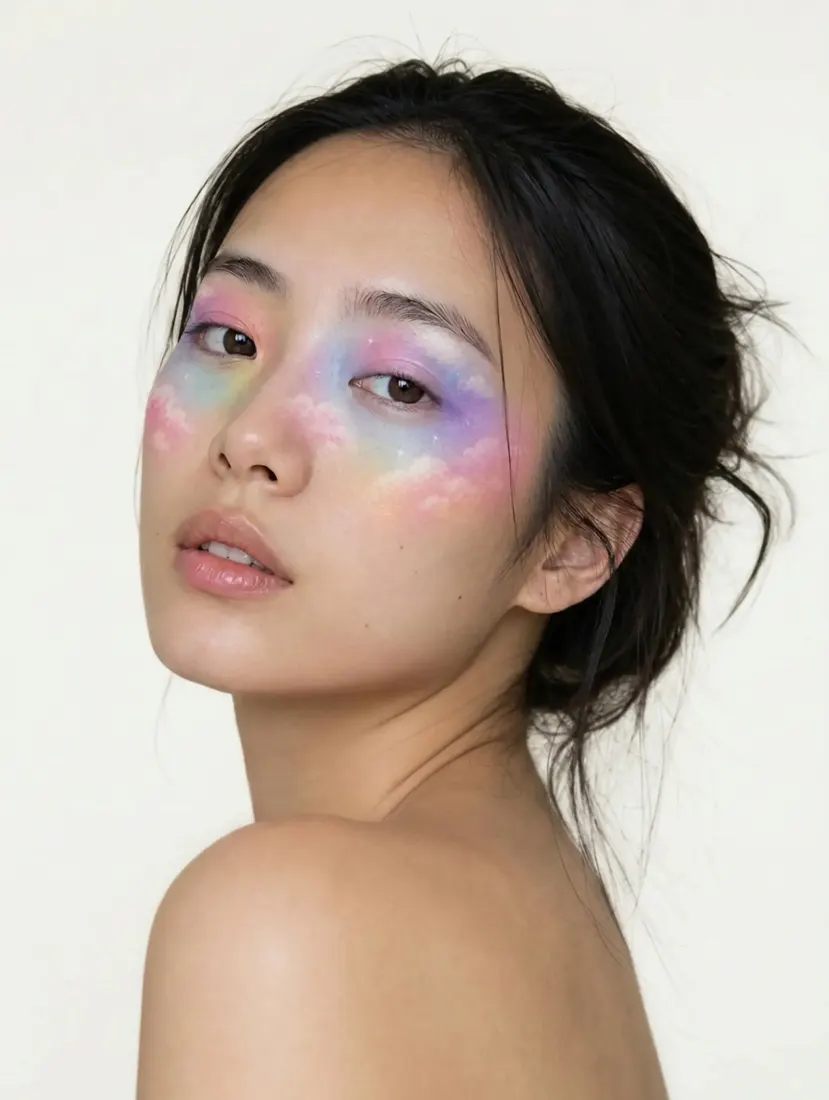
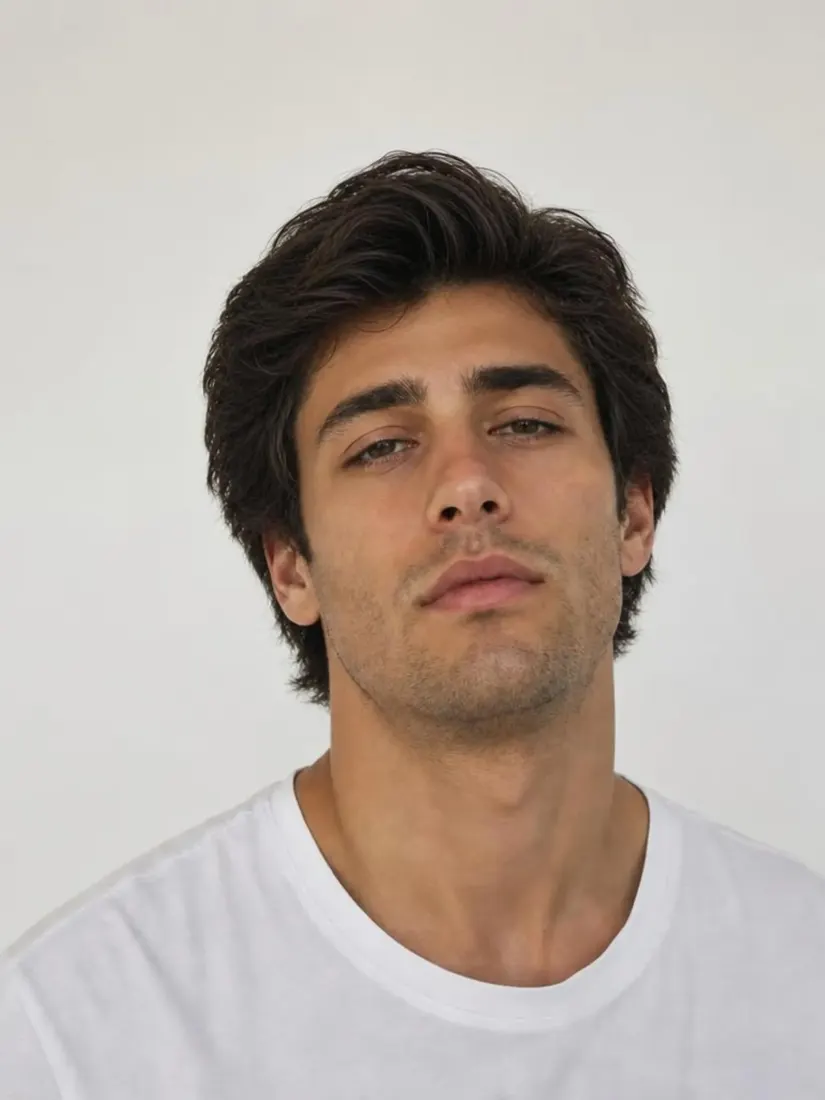
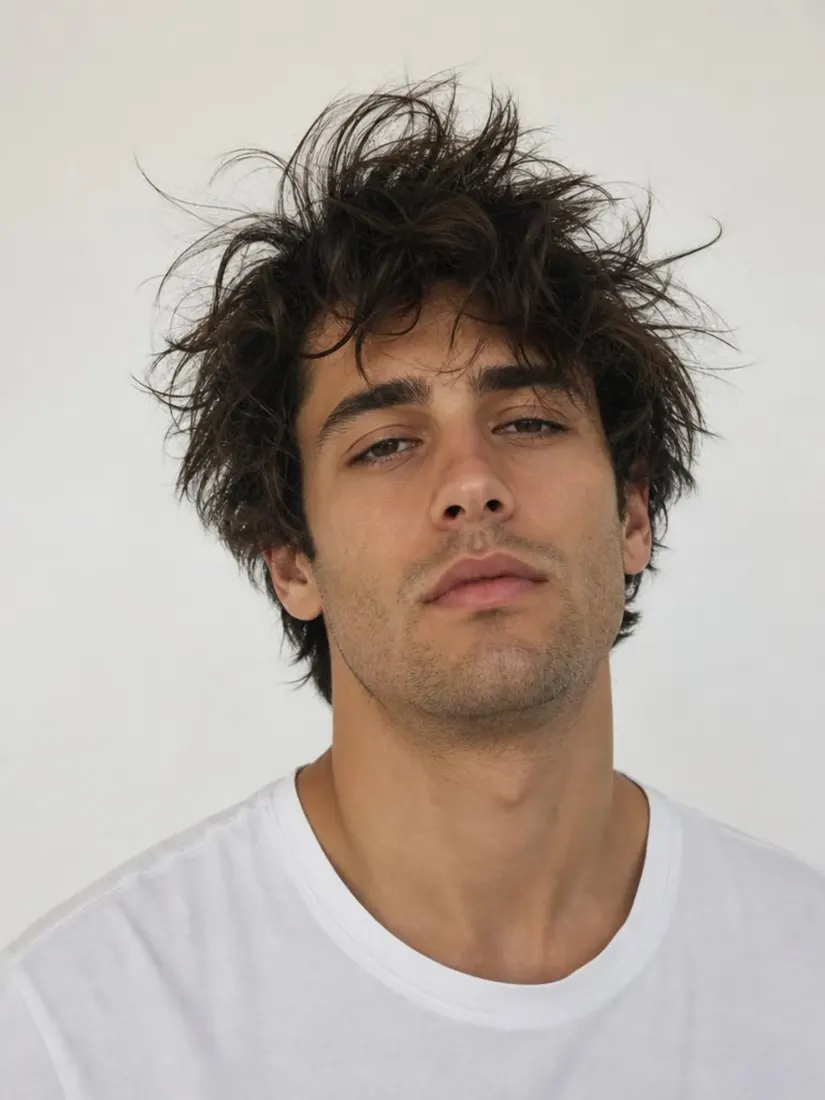
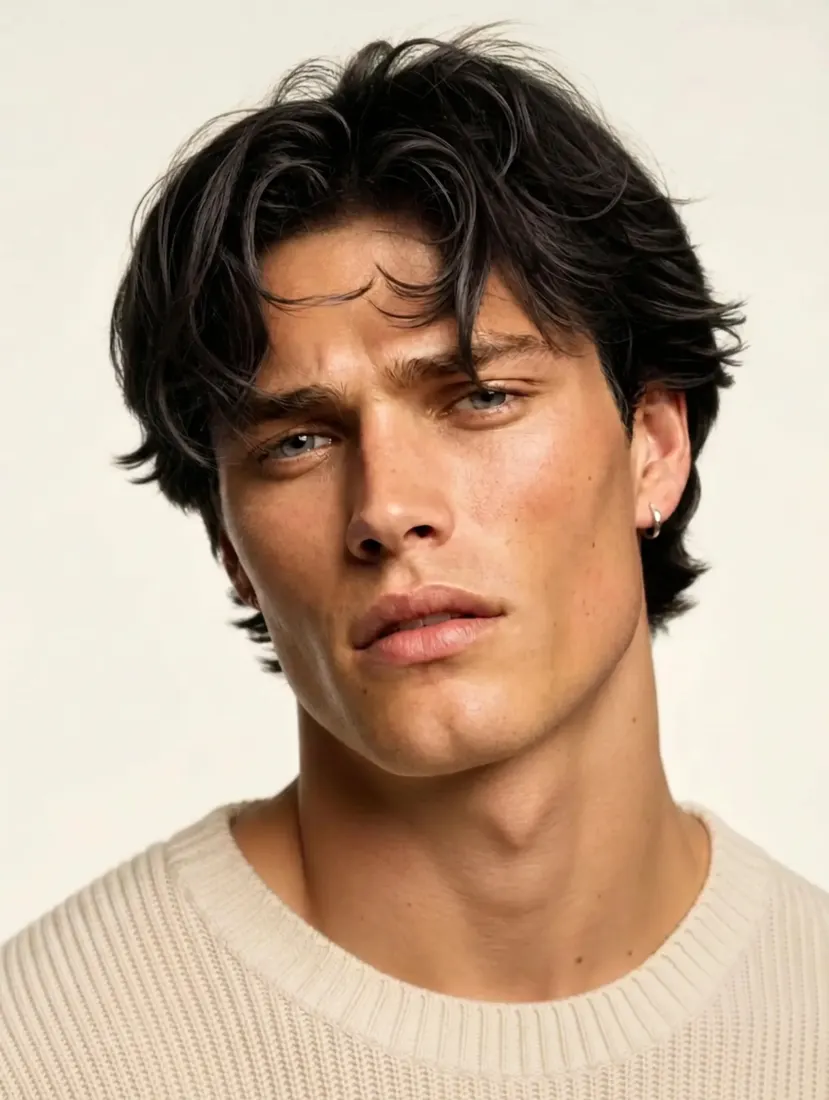
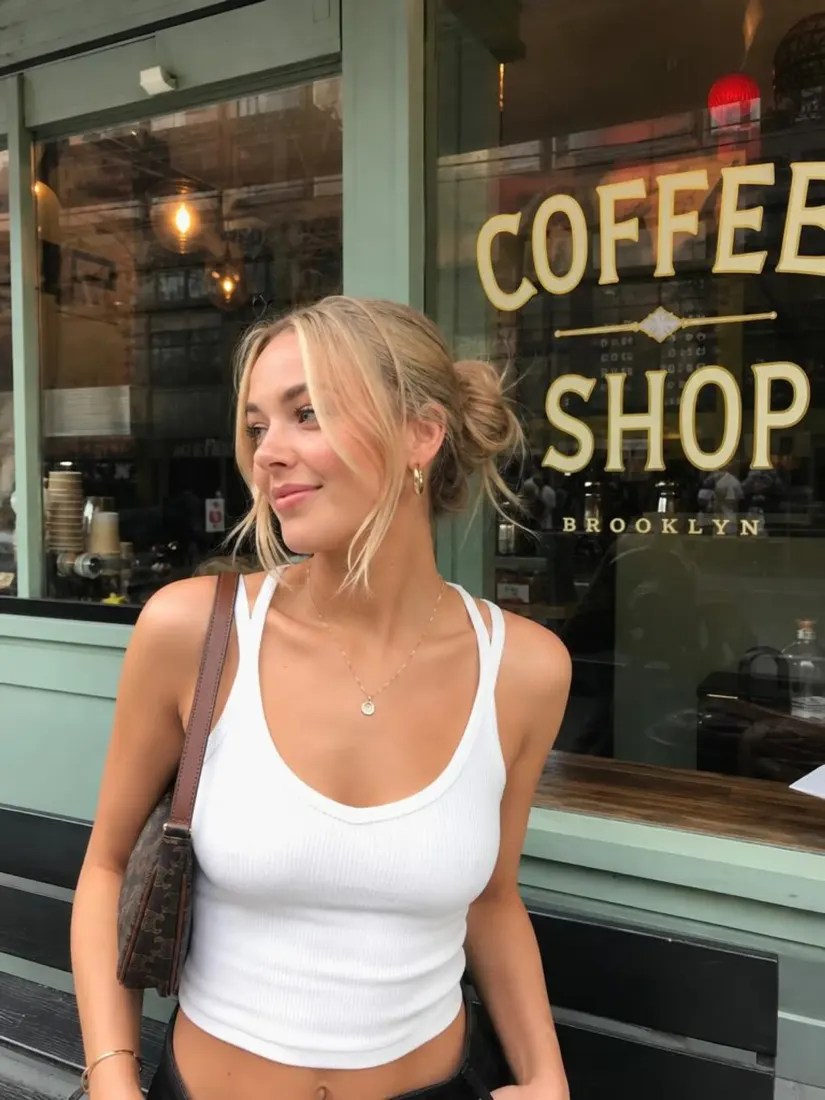
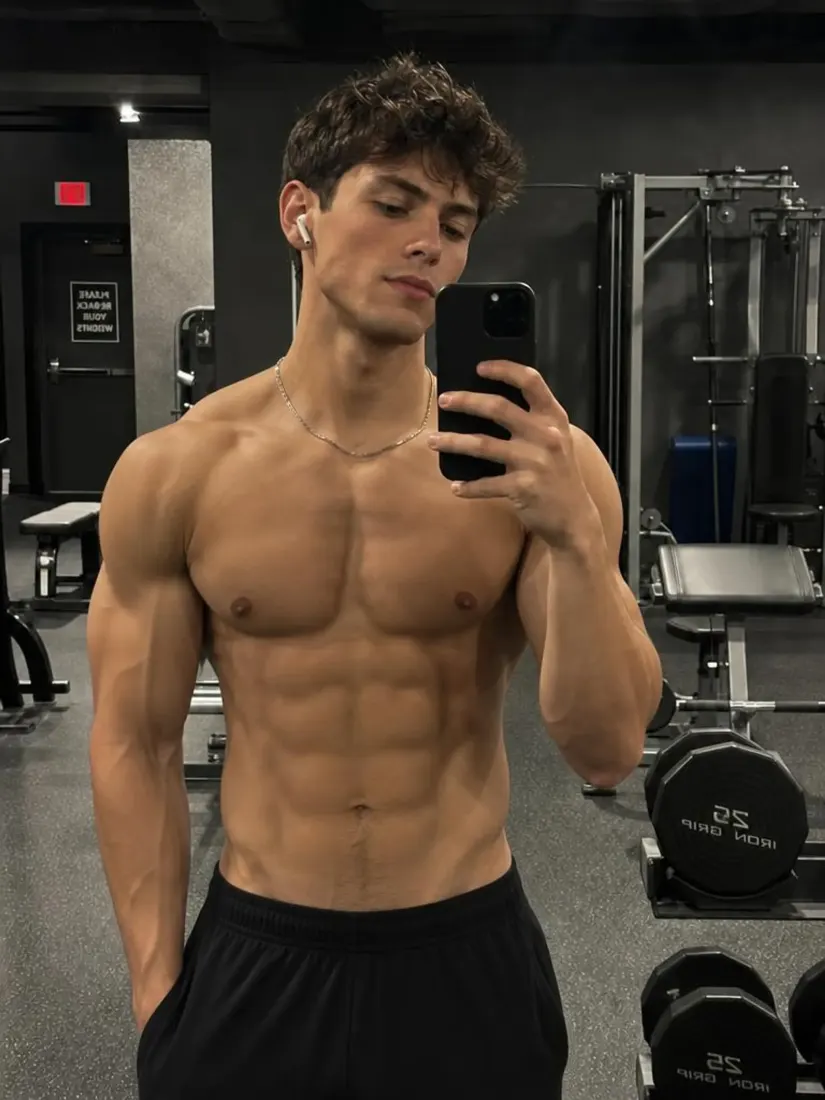
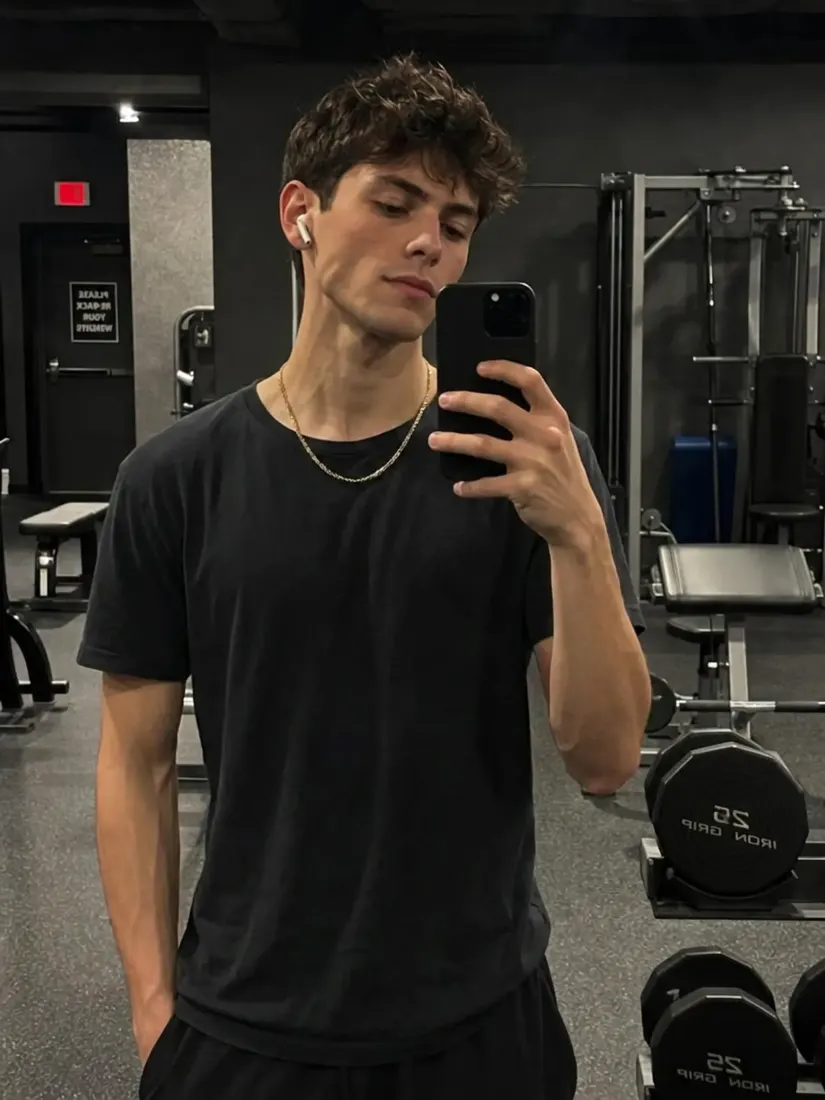
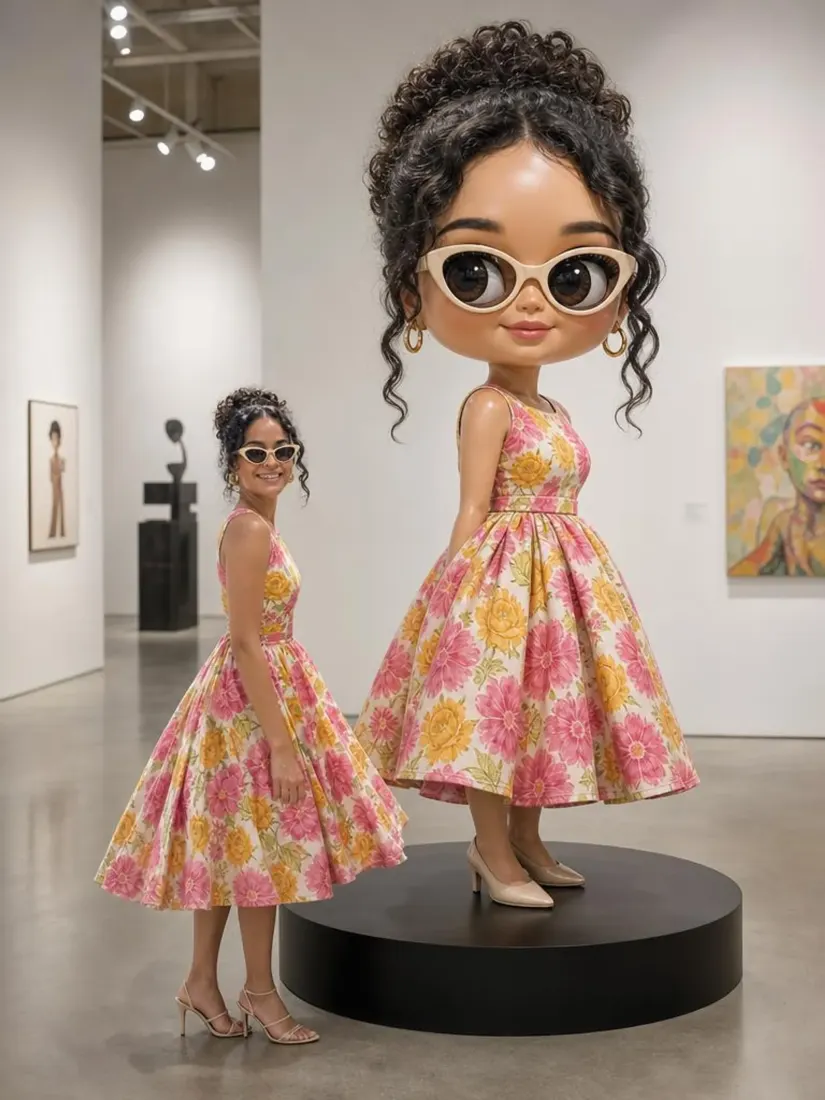
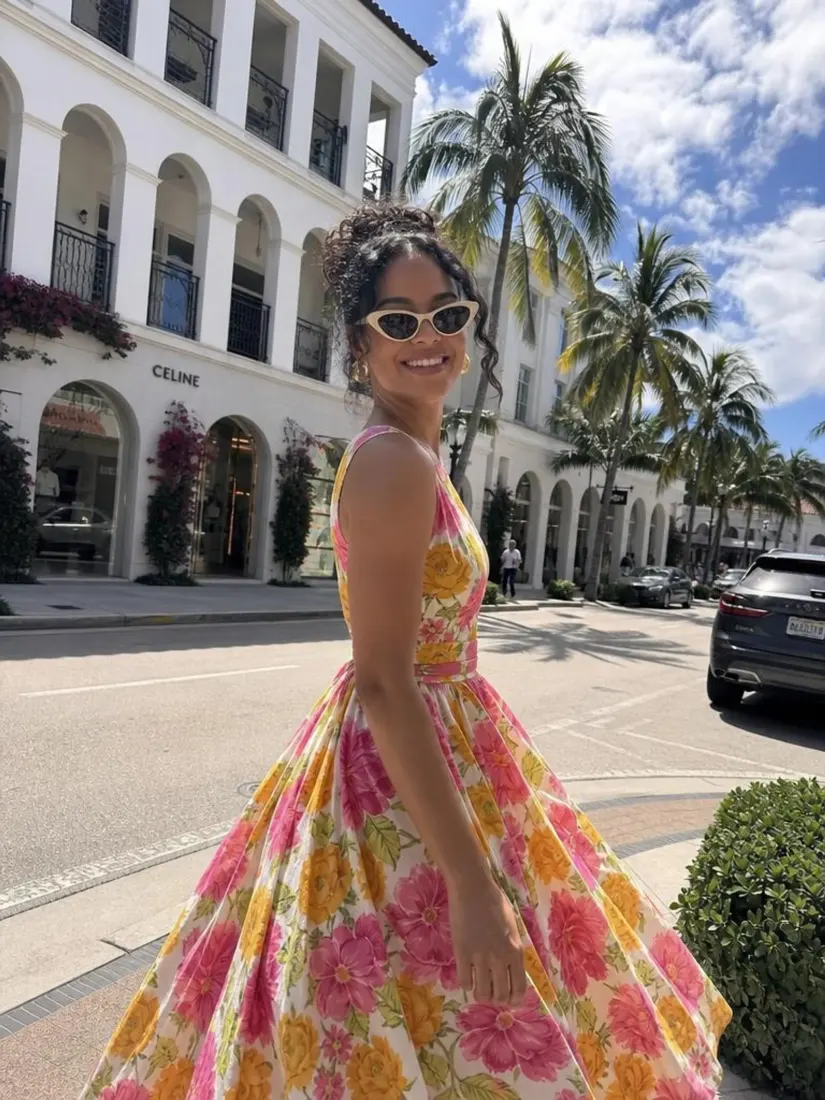
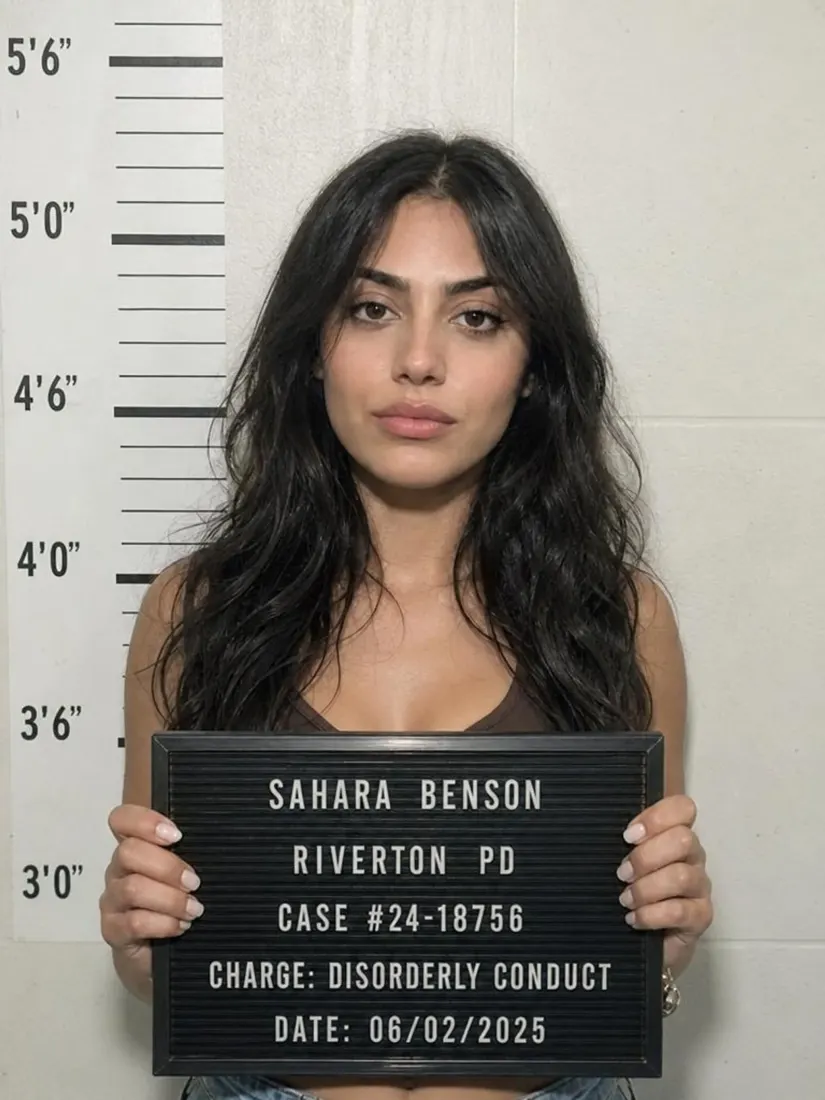
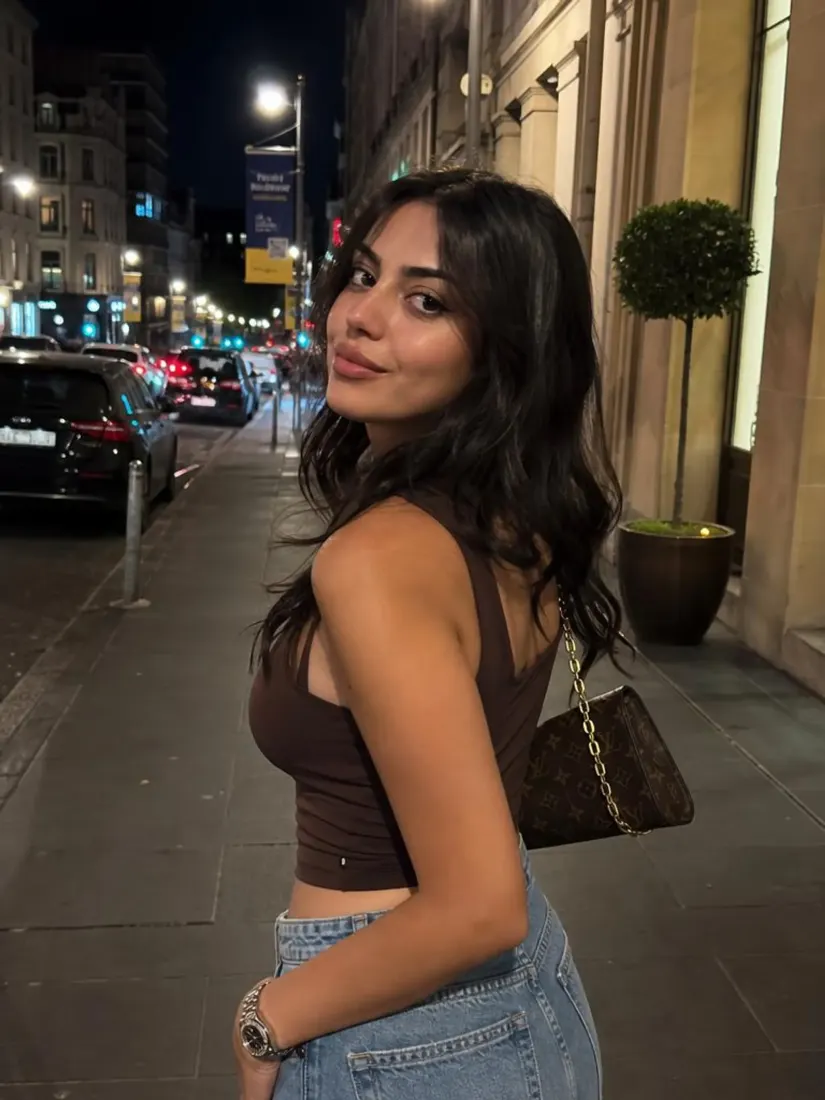
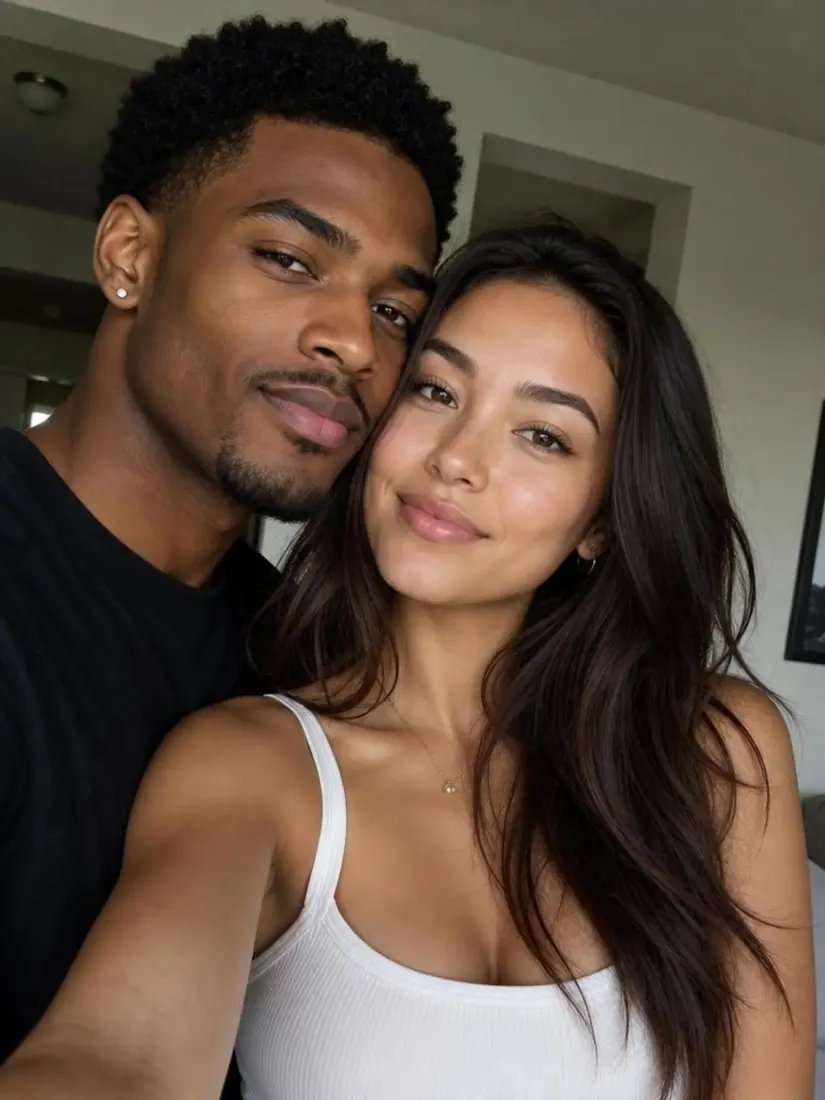
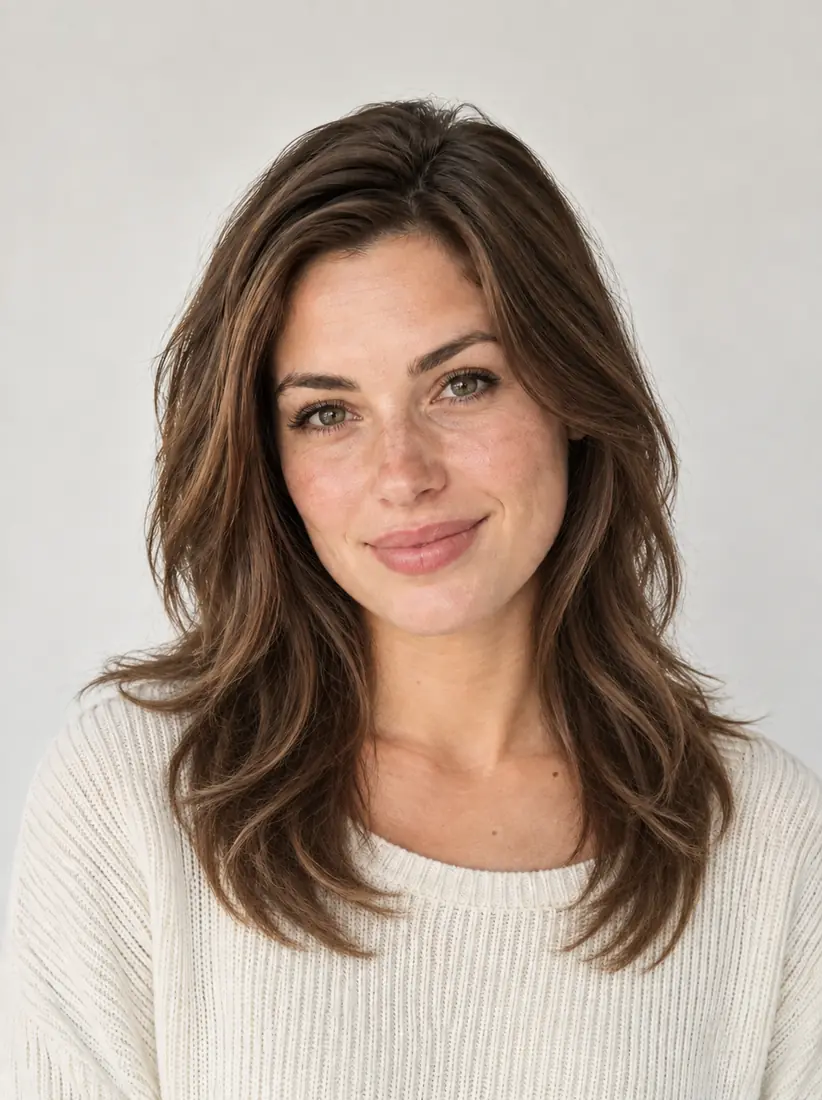
Click on one of these photos to try:
1
2
3
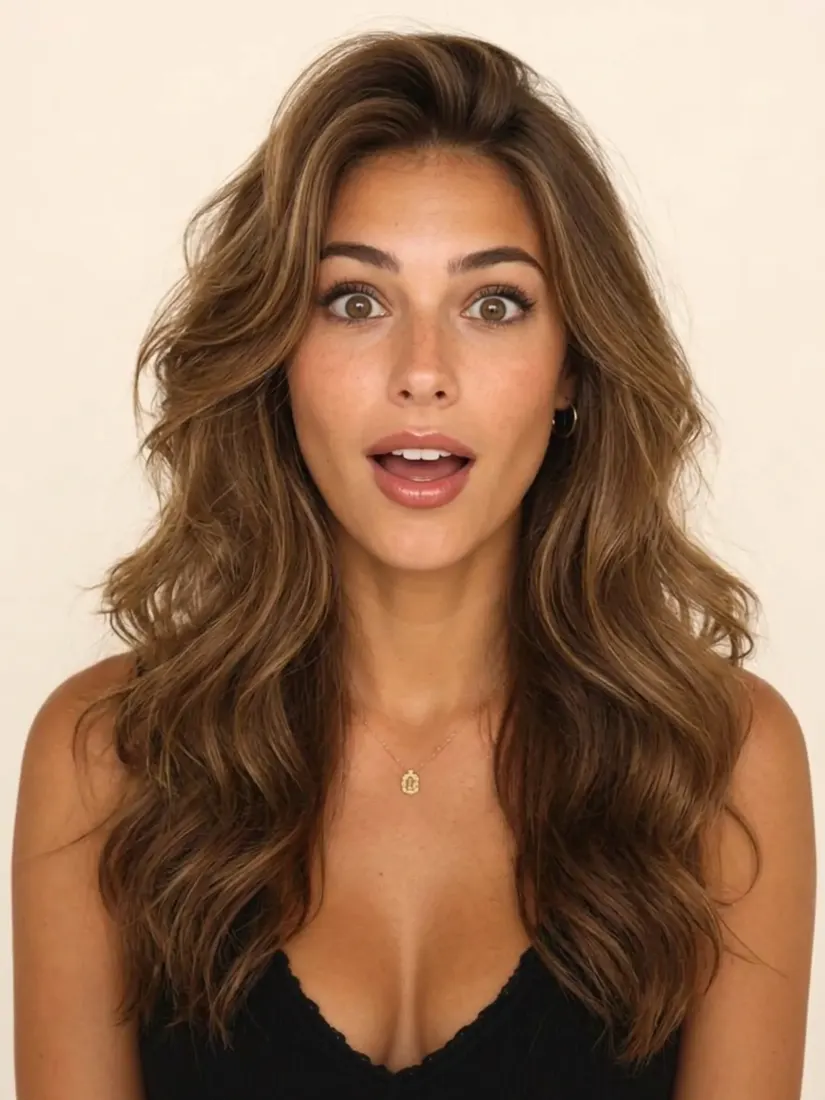
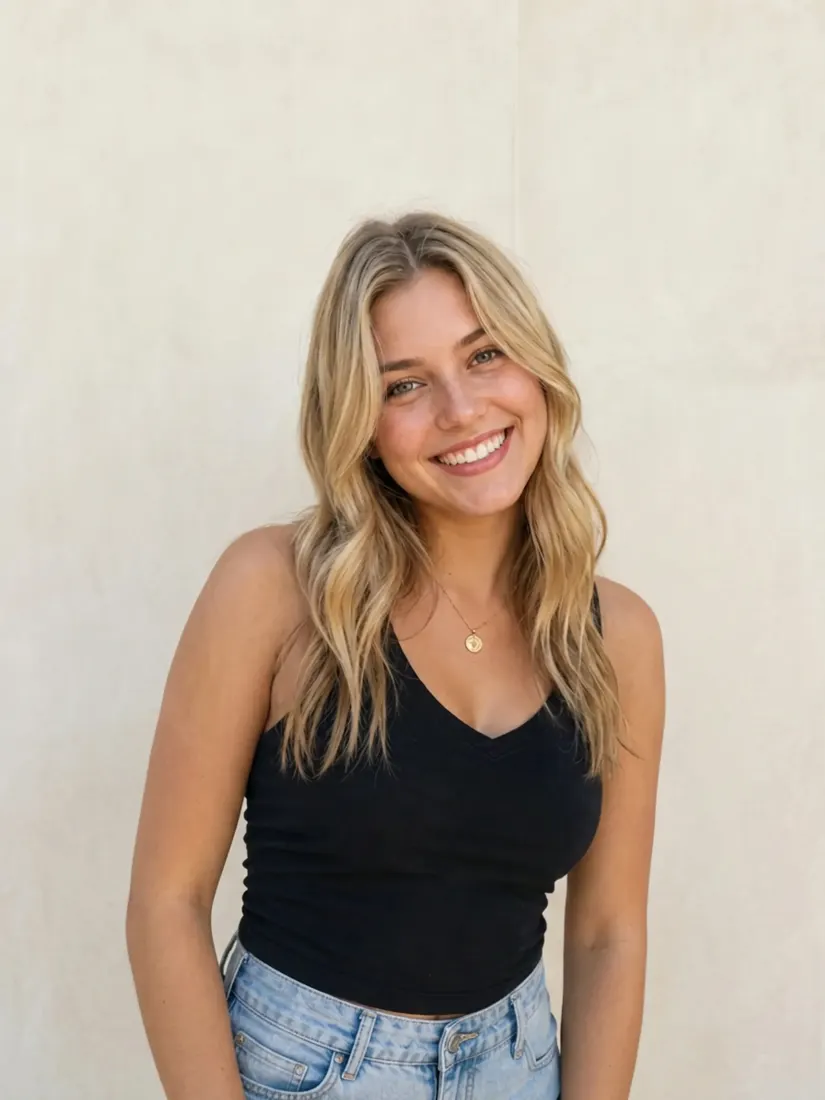
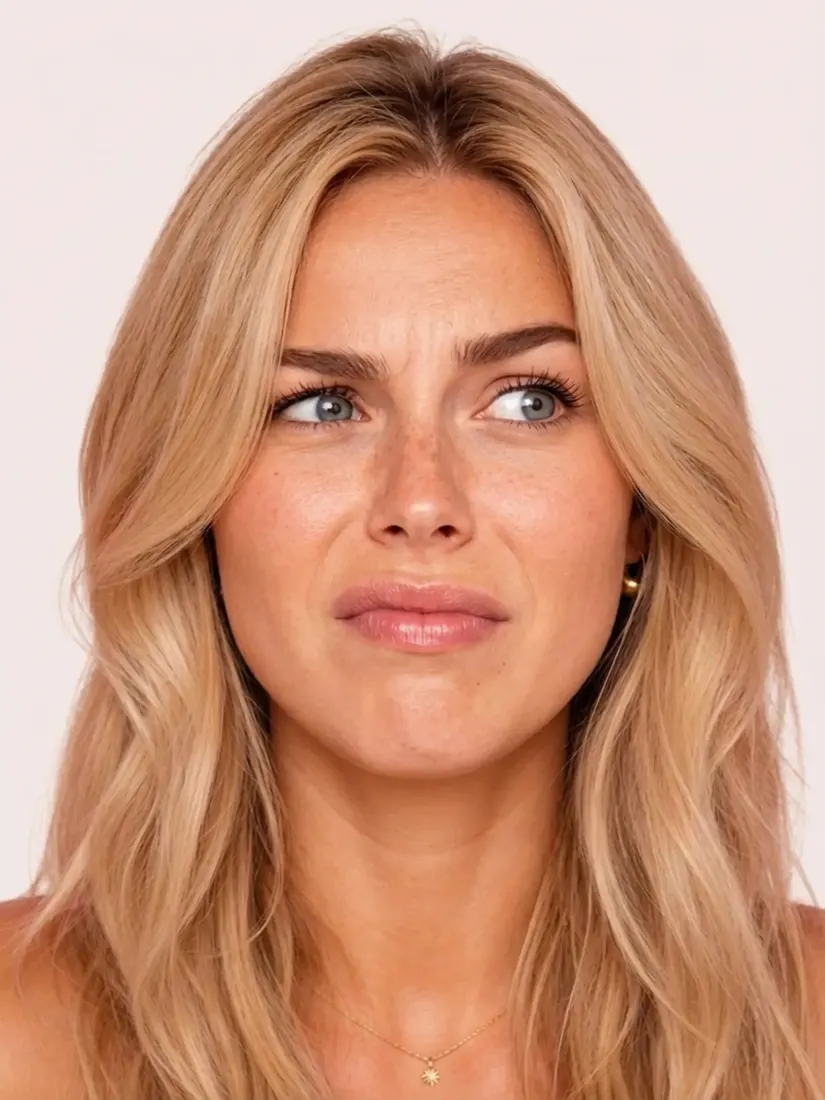
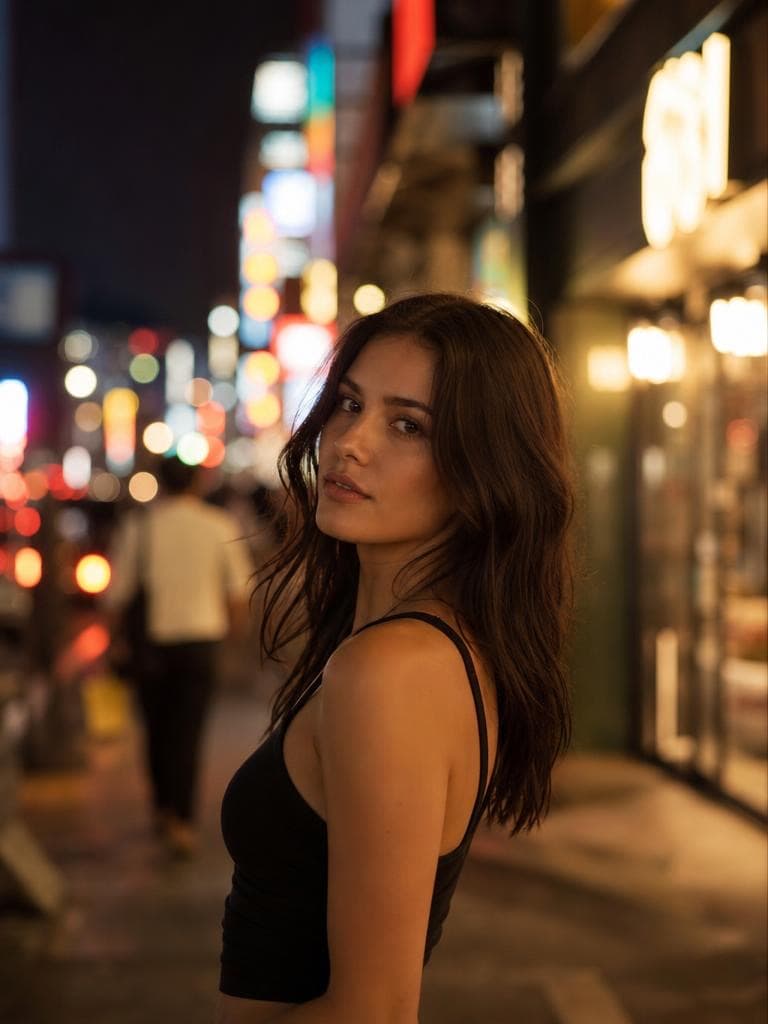
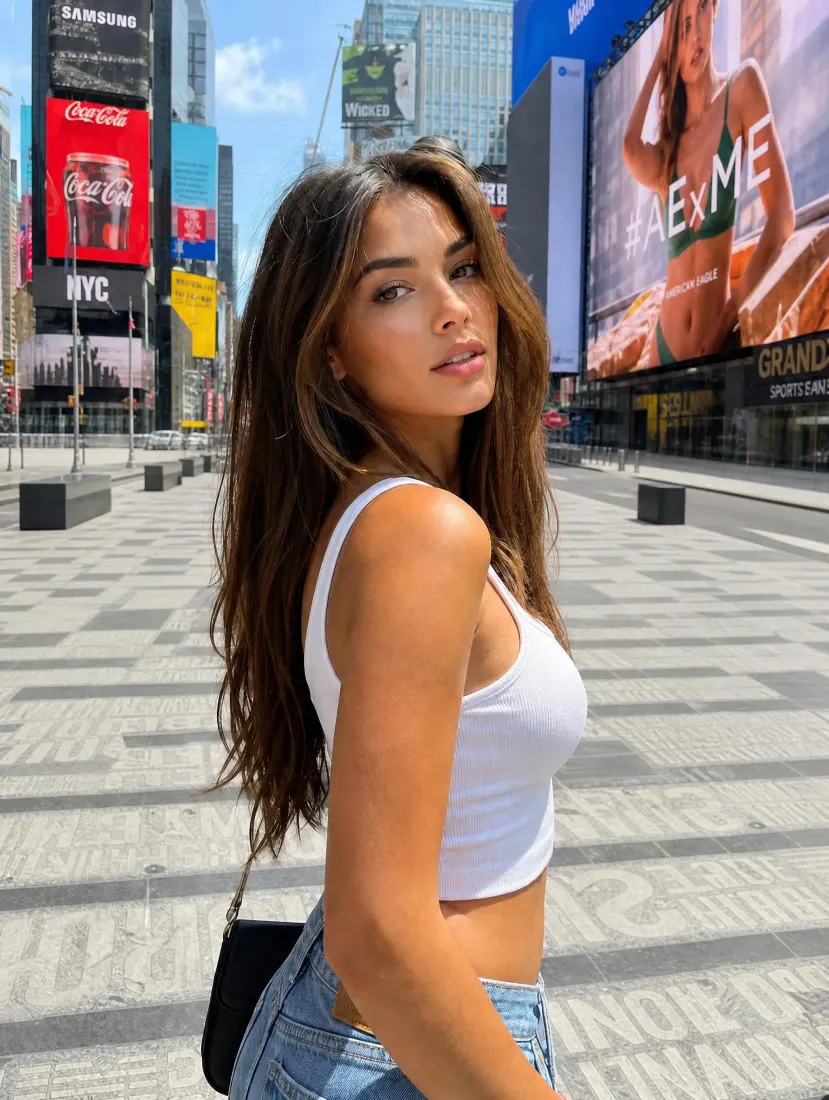
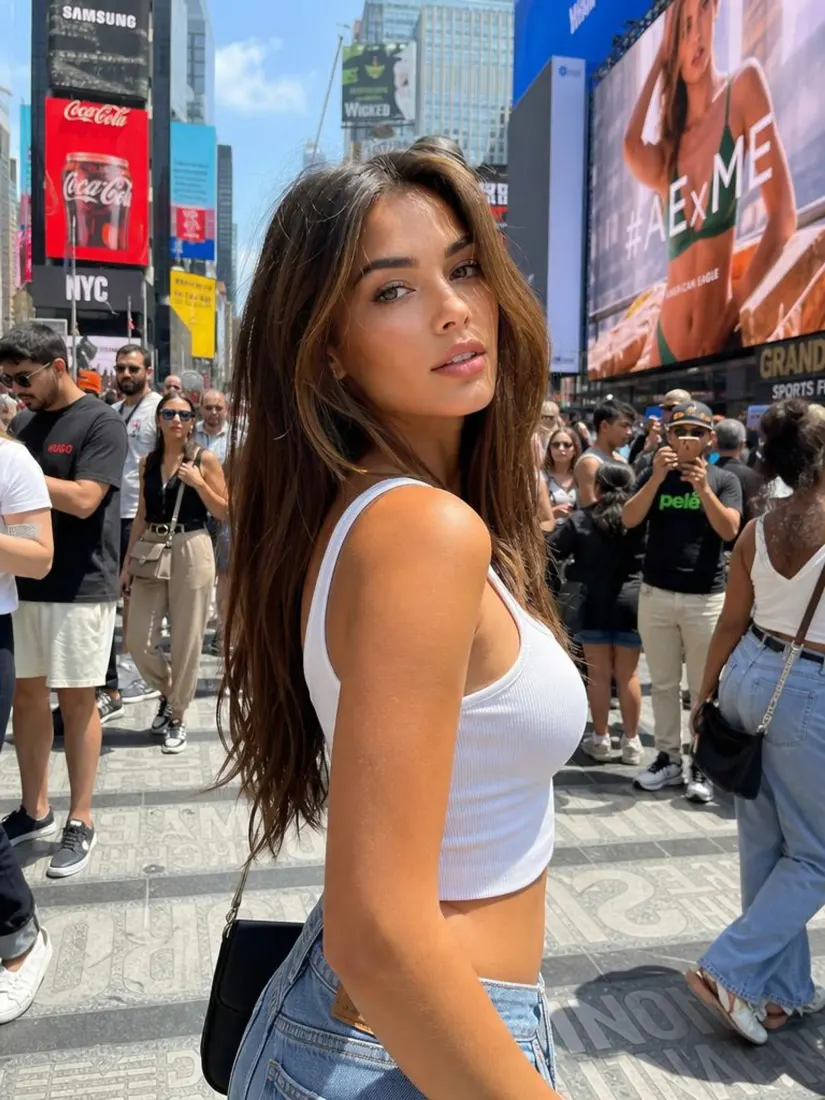
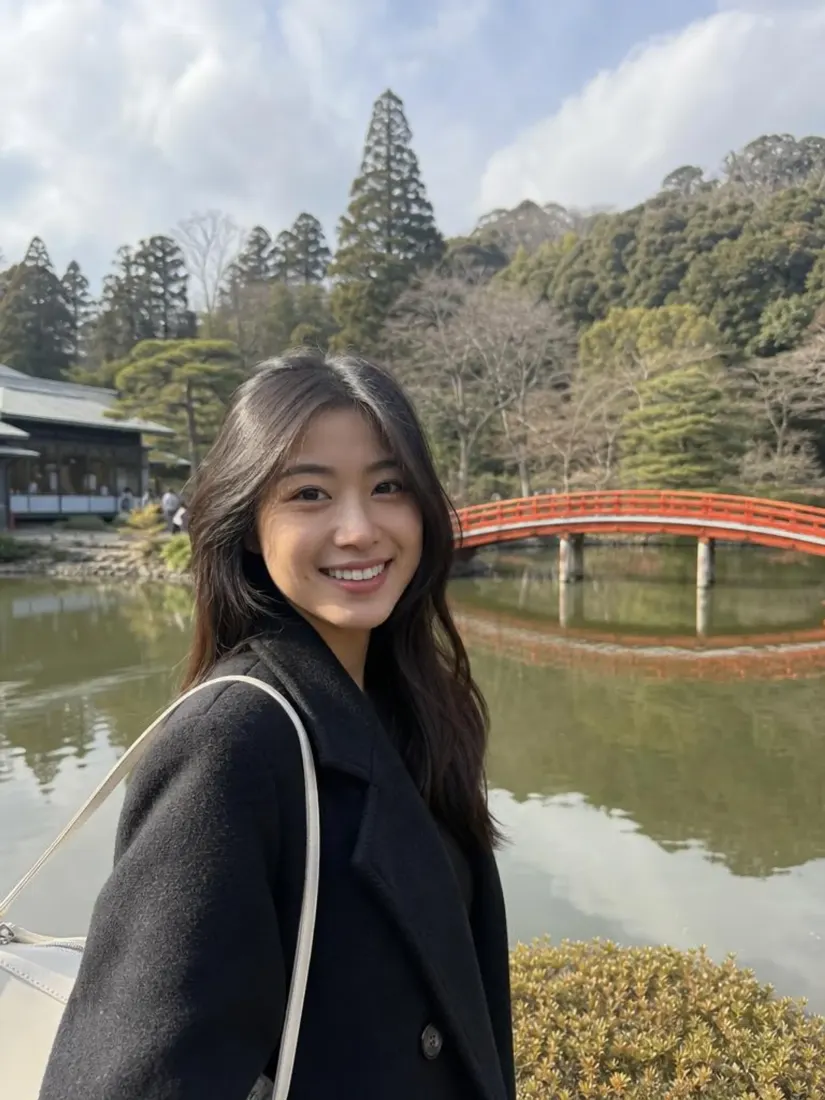
A woman now has voluminous, wavy tousled hair, a new look from the Hair Style Editor tool.

Trusted by Industry Leaders. Millions of images edited to date.

PWC logo
Microsoft logo
ASU logo
redfin logo
New York University logo
Trinity College Dublin logo
University of Michigan logo
Keller Williams logo
AT&T logo
Berkeley logo
See it work

Hairstyle Changer Before and After Results

Compare your original portrait with different hairstyles.

Before
After

Length

Short to long layers

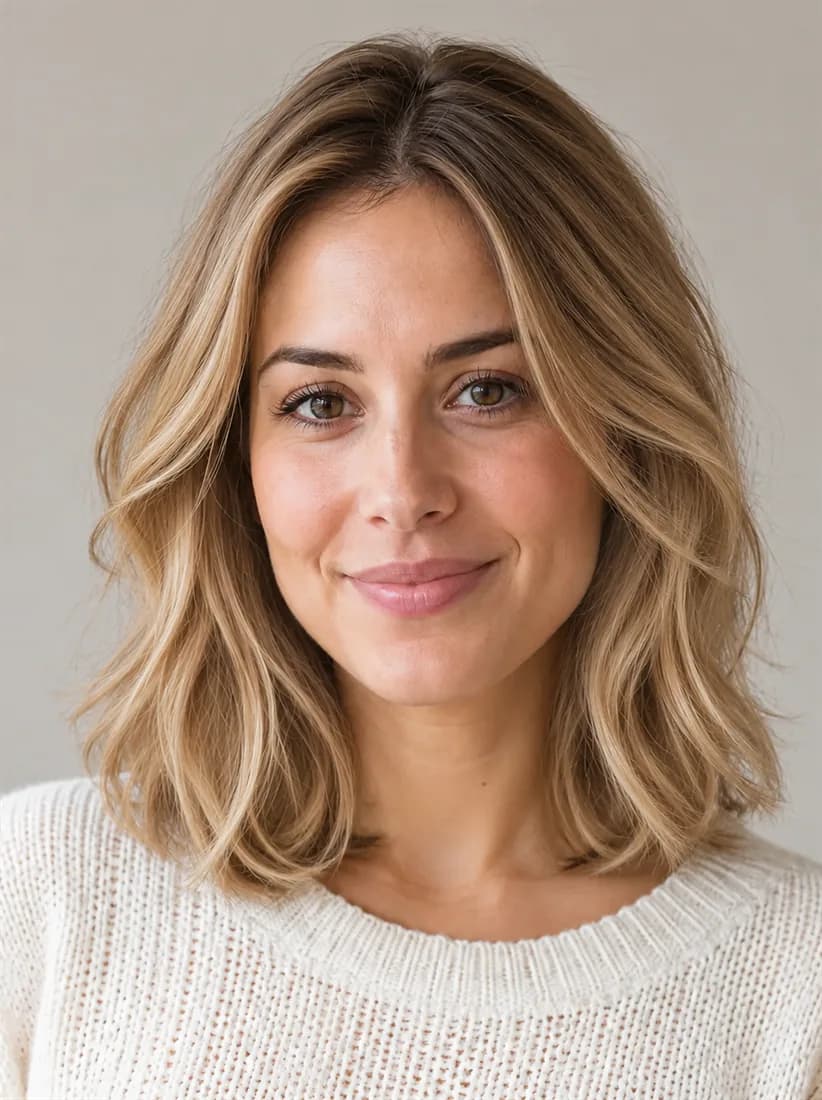
The same woman with her wavy shoulder-length hair recolored a natural honey blonde, her cut unchanged.
Before
After

Color

Brunette to blonde color change

Before
After

Texture

Straight to curly texture

How Do You Try a New Hairstyle With Aragon?

Upload a clear portrait, choose the hairstyle you want to try, then review and download the result.

  1. Upload a photoPNG, JPG, HEIC up to 120MB
    1

    Upload Your Photo

    Upload a photo with clear lighting where your face and hair are easy to capture.

  2. 2

    Choose Your Hairstyle

    Pick a cut, length, style, or hair color from the available choices.

  3. The same woman now has a sleek, chin-length straight bob in her own brown colour, a new cut from the Hair Style Editor tool.
    Before
    After
    3

    Review and Download

    Compare the new hairstyle with your original photo, then download the finished image.

Features

What Can an AI Hairstyle Changer Help You Try?

Explore different hair looks on your own photo before deciding which style you want in real life.

Different Hair LengthsBefore
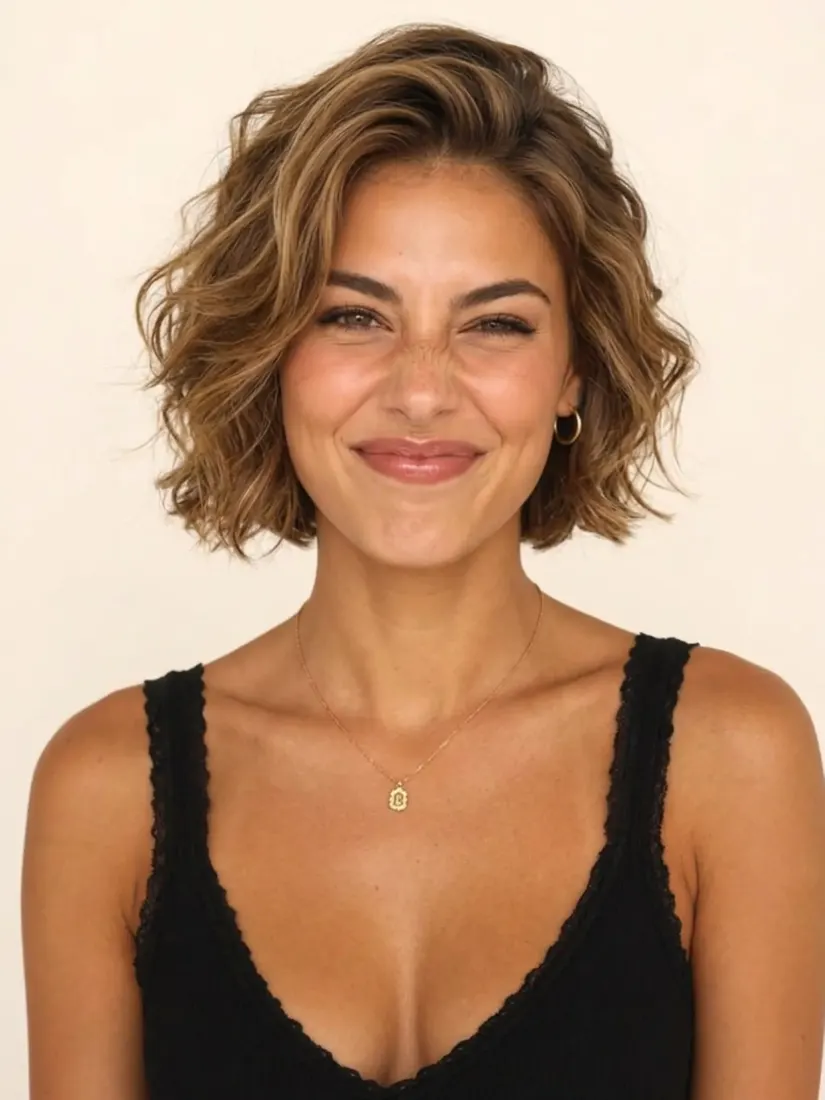
A woman now has a short wavy bob haircut, a different style from the Hair Style Editor tool.After

Different Hair Lengths

Compare short, medium, and long hairstyles without cutting your hair first.

Straight, Wavy, and Curly StylesBefore
Straight, Wavy, and Curly StylesAfter

Straight, Wavy, and Curly Styles

Try different ways of styling your hair to see which look suits your photo.
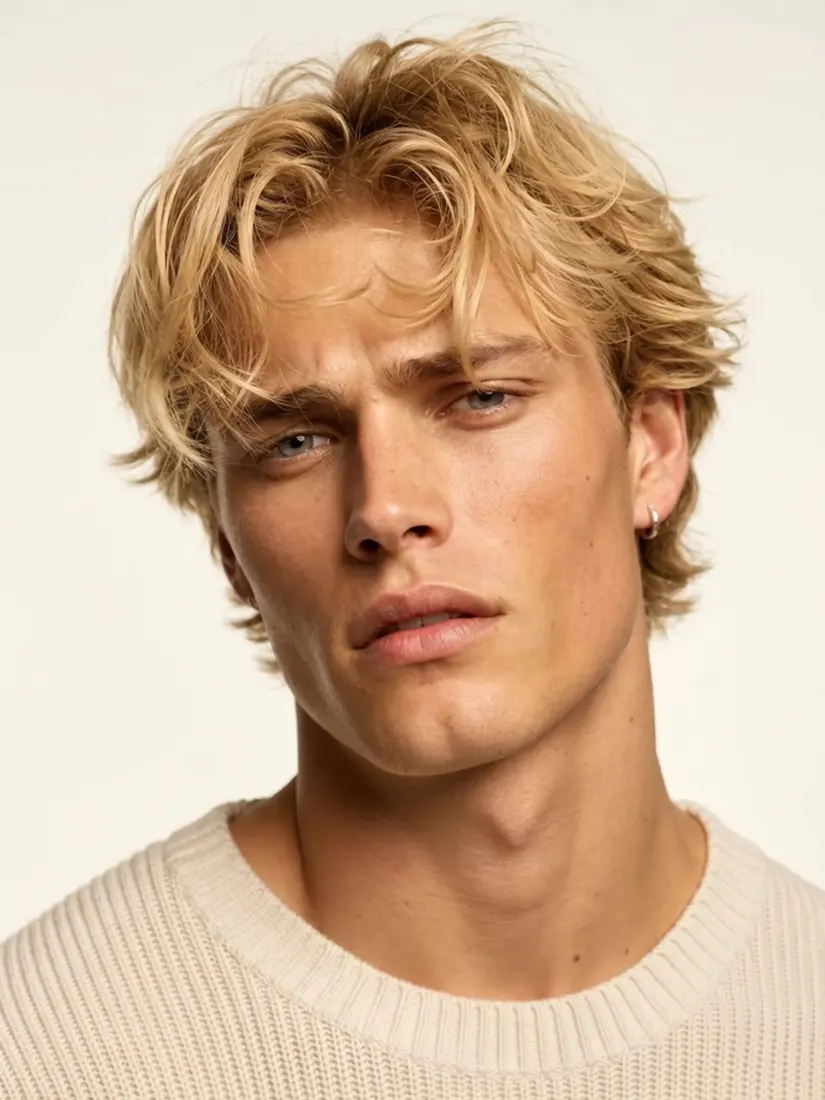
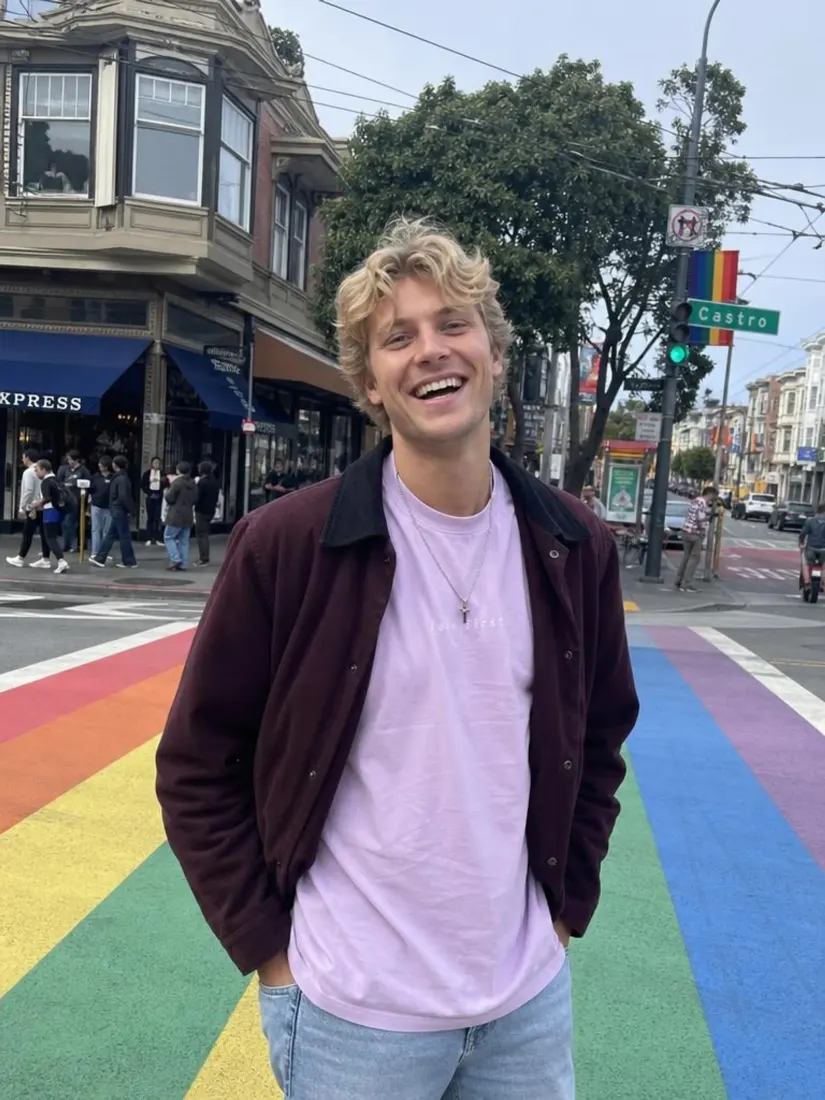
A man with natural wavy blond hair appears before the Hair Color Editor previews new shades.Before
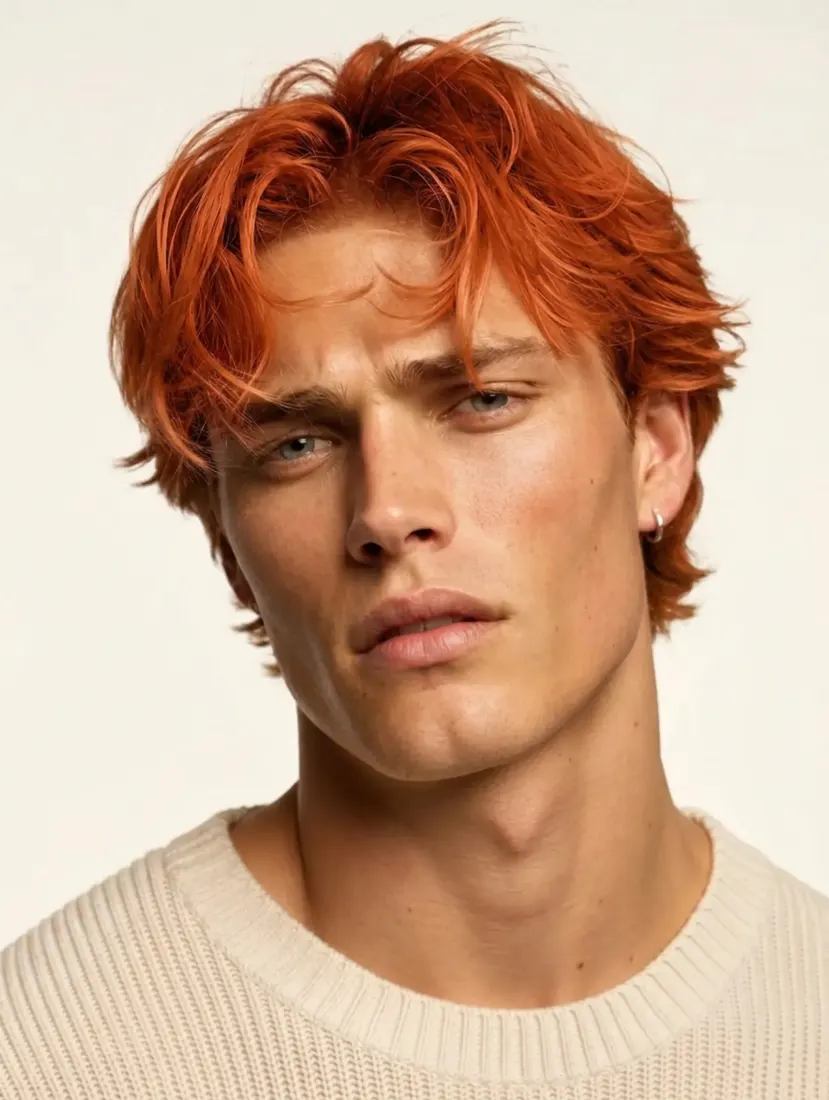
The same man's hair is recolored a bright copper red by the Hair Color Editor tool.After

Different Hair Colors

Compare new shades to your photo before deciding whether you want to change your real hair color.

A Look That Fits Your PhotoBefore
A Look That Fits Your PhotoAfter

A Look That Fits Your Photo

Aragon applies the selected hairstyle with the lighting from your original photo for a more natural result.

No Need to Outline Your HairBefore
No Need to Outline Your HairAfter

No Need to Outline Your Hair

Choose the hairstyle you want and let Aragon apply the change without drawing around your hair.

What Can You Use the Hair Style Editor For?

Use the Hair Style Editor when you want to compare new looks before a haircut, color change, event, or profile update.

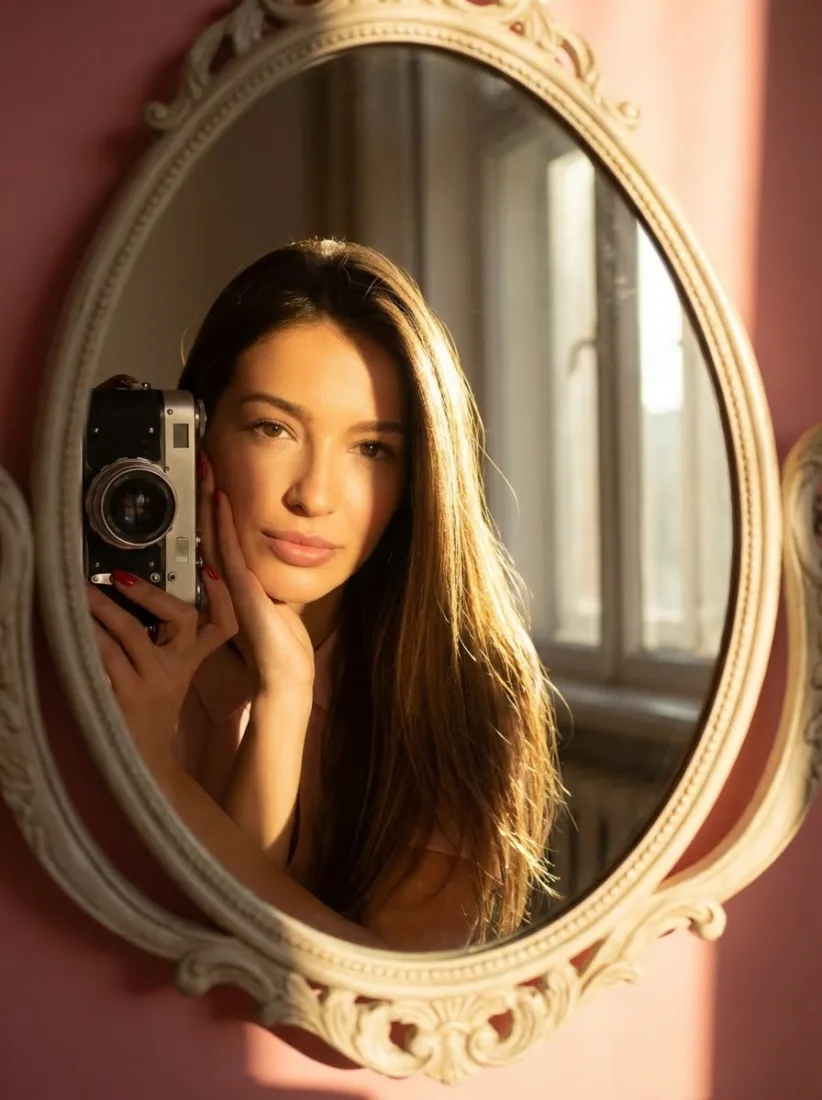
  1. A woman with short natural curls looking at her hair in a round mirror.

    Plan Your Next Haircut

    Compare different lengths and styles before deciding what to ask for at your next salon visit.

  2. A smiling woman with shoulder-length copper-red hair in front of a pale pink wall.

    Try a New Hair Color

    See how another shade looks on your photo before making a permanent color change.
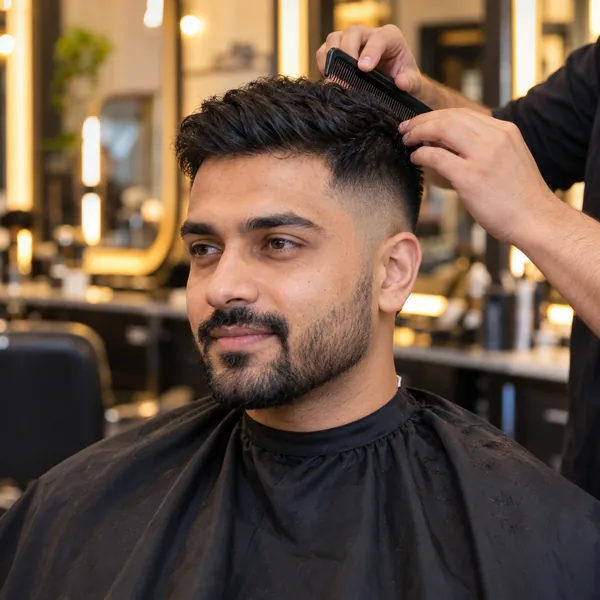
  3. A man in a salon cape with a fresh short fade while a stylist combs his hair.

    Prepare for a Salon Visit

    Save a hairstyle you like and use the result as a visual reference when talking with your stylist.

  4. A professional profile photo of a woman with a sleek straight bob and a charcoal blazer.

    Refresh a Profile Photo

    Try another hairstyle or hair color when you want a different look for a profile or social photo.

  5. A woman with an elegant low bun in an emerald satin dress at an evening party.

    Explore a Look for an Event

    Compare hairstyles before a wedding, party, photo shoot, or other event where you want to plan your look in advance.

Which one do I need?

Hair Style Editor or Hair Color Editor?

Hair Style Editor lets you explore the hairstyle and color together, while Hair Color Editor focuses only on changing the shade of your existing hair.

Main jobTries different hairstyles and colorsChanges hair color
ChangesCut, length, style, and colorHair color only
Best forExploring an entirely different hair lookComparing shades while keeping your hairstyle
Good to know

Hair Style Editor: Supported Formats and Limits

Supported Image Formats

You may upload images in common formats like JPEG, PNG, and HEIC.

Output Quality

All of Aragon's editing tools provide downloads at full original resolution. Hair Style Editor does not reduce image file size.

Free Usage

Aragon offers free daily credits, so you can try the hair style editor at no cost. Continued or higher volume requires a paid subscription; you can view current plans on the pricing page.

Reviews

What Our Customers Say

total reviews on
Free daily credits

Try Your Next Hairstyle Today

Upload your photo and compare new hairstyles and hair colors before making a real change.

Your photos stay privateNo editing skills requiredJPG, PNG, WEBP, HEIC

Frequently Asked Questions About the AI Hair Changer

Customer satisfaction is our number one priority. Our live agents are available 7am - 11pm (PT), 5 days Sunday through Thursday.

An AI hairstyle changer lets you try different hairstyles and hair colors on your own photo before changing your real hair.

Upload a clear portrait, choose the hairstyle you want to try, and Aragon applies the new look to your photo. You can then compare the result with your current hairstyle.

You can explore short, medium, and long hairstyles with straight, wavy, or curly looks. Available styles may vary as new choices are added.

Yes. Hair Style Editor also lets you try different hair colors along with a new hairstyle.

No. Choose a hairstyle from the available options, and Aragon applies the change to your photo.

Yes. You can compare different looks before your appointment and use the hairstyle you like as a visual reference when talking to your stylist.

The result is a visual preview of the hairstyle in your photo. Your real haircut can look different depending on your hair, styling, and the cut.

Yes. Aragon runs in your browser, so there is nothing to install. You'll need an account to use your credits and access your saved work.

Yes. Free credits come with your account, so you can try it before you upgrade.

Processing time can vary based on the photo. You can review the result when processing finishes.

Paid plans export without a watermark, while free exports may include one. Check the pricing page for details.

Usage rights depend on your plan and the specific content generated. See Aragon's Terms and Conditions for full details.

Your uploads stay private during processing. For full details, see Aragon's Privacy Policy.

Try Aragon's AI powered editing tools today

The Leading AI Headshot Generator for Professionals

Trustpilot

Trusted by professionals and teams

Earn 30% for every referral

Join our affiliate program for free!
SOC 2 Type II compliant

Copyright © 2026 Aragon AI, Inc. All rights reserved.

Terms of Use & Privacy Policy