
fb-pixelSkip to main content
THE ALL-IN-ONE AI VIDEO STUDIO

Script to Video AI: Convert a Full Script Into Scenes Online

Already have a full script written? Paste it in, and Aragon's script to video AI turns it into matching video scenes you can edit and export.

total reviews on
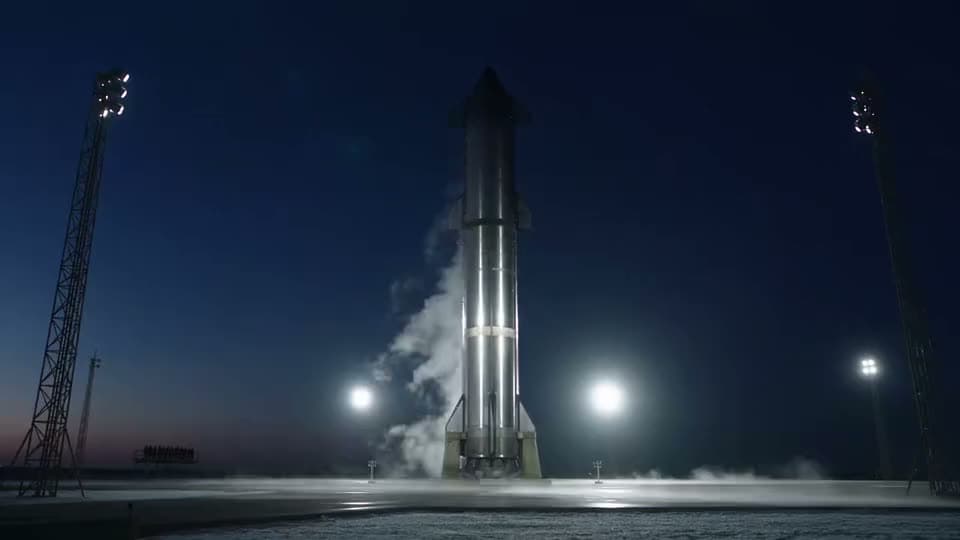
An AI video of a steel rocket venting vapor on a floodlit launch pad under a deep blue twilight sky.
ScriptSeedance 2.5

00:00–00:04 — Wide shot: the rocket stands illuminated on the launch pad against a pre-dawn sky, steam venting gently from its base. Narration: "Every launch begins with days of fueling and final checks." 00:04–00:08 — Medium shot: a countdown clock ticks down to 5, 4, 3, 2 on a nearby display, engineers at a control…

See Script to Video Results Before You Commit

See what script to video looks like on real, structured input.

An AI animated clip of a small orange octopus drifting over a sandy seabed between colorful coral reefs.
ScriptSeedance 2.5

00:00–00:04 — Wide shot: a bright reddish-orange octopus drifts curiously along the sandy seafloor, clearly visible against the sand. Narration: "An octopus's skin is covered in thousands of tiny color-changing cells." 00:04–00:08 — Medium shot: as the octopus glides over a patch of textured brown coral, its skin…

Explainer script

Explainer script → three scene beats on a timeline

An octopus drifting over a seabed, built scene by scene from a script describing its camouflage.
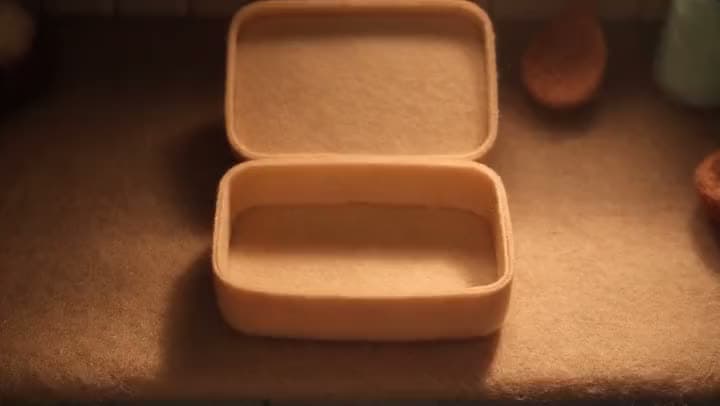
An AI stop-motion clip of an empty felt lunch box with its lid open, sitting on a felt table in warm, low light.
ScriptSeedance 2.5

00:00–00:04 — Wide overhead shot: the empty felt lunchbox sits open on the counter, felt hands gesturing "let's fill it up!" Narration: "Let's arrange a lunchbox! We'll start with the base." 00:04–00:08 — Overhead shot: felt hands place a round felt rice ball into one corner of the box, patting it gently into…

Product demo script

Product demo script → scene cuts that follow the product's beats

A felt lunchbox being packed, built from a script describing each step of the process.

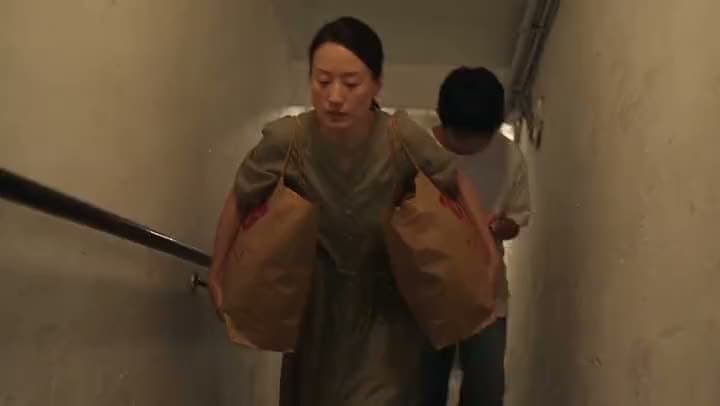
An AI video of a woman carrying two heavy paper shopping bags up a narrow stairwell as a boy follows behind her.
ScriptSeedance 2.5

00:00–00:04 — A woman struggles up the narrow stairwell with heavy grocery bags; a teenage boy walking up the stairs behind her squeezes past her without a glance. 00:04–00:08 — On the rooftop, she hangs laundry beside an elderly man doing the same; they exchange only a polite nod, working in comfortable silence.

Training or pitch script

Training or pitch script → a narrative sequence ready to trim

A woman and a boy's daily routines in an apartment building, built from a longer narrative script.

Convert script

How Do You Convert Script to Video with Aragon?

Paste your full script, generate matching scenes, then edit and export a finished video.

  1. 1

    Paste Your Full Script

    Bring the screenplay, voiceover draft, training outline, or marketing script you already have. Clear scene beats in your script make for better results.

  2. 2

    Generate Matching Scenes and Choose a Model

    Aragon builds scene-matched clips from your script's structure. Where model choice is available, pick from options like Kling, Seedance 2.5, and Google Veo.

  3. 3

    Edit on the Timeline, Then Export

    Review the result, trim the pacing, and refine it with video-to-video editing if a beat needs a tweak. Then export your finished video.

Convert script

What Should a Script to Video Maker Actually Do?

It should take the full script you already wrote and turn it into matching video scenes you can edit and export.

Paste a Full Script, Not Just a One-Line Prompt

Script to video starts from structured writing. Paste the full draft, and Aragon follows its actual beats instead of guessing from a single sentence.

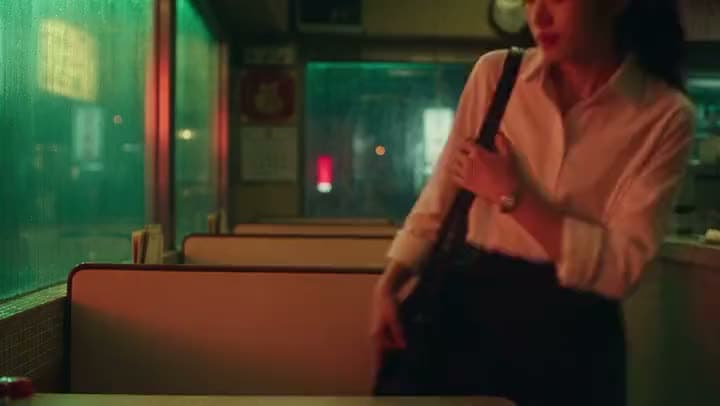
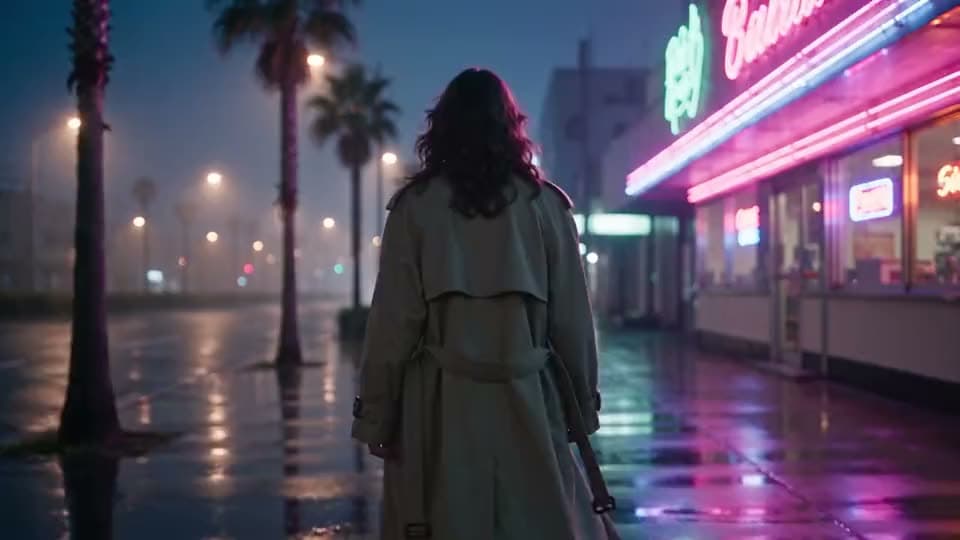
An AI video of a woman in a white blouse clutching her shoulder bag strap by the booths of a neon-lit late-night diner.
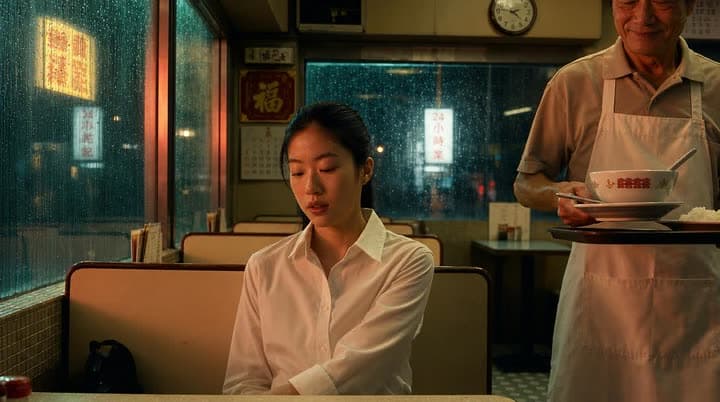
A reference photo of a young woman in a white shirt at a diner booth as an older waiter brings a bowl on a rainy night.

Scenes That Follow Your Script's Structure

Aragon generates scenes that track the script you pasted, turning its structure into motion rather than generating something generic that only loosely matches what you wrote.

Several Models in One Workflow

Different models suit different projects. Aragon gives you access to several, including Kling, Seedance 2.5, Google Veo, Sora 2, Hailuo, and Wan, so you're not limited to whatever one model happens to produce.

A Real Timeline After You Generate

A raw scene dump is only half the job. Your results land on a timeline you can actually work with, trim it, reorder it, or refine it with video-to-video editing before you export.

Scenes First, Narration Through Lipsync When You Need It

This tool generates scenes from your script. It doesn't include a built-in text-to-speech voiceover or an avatar library. If you need a talking presenter, use Lipsync with your own recorded audio.

Try Free Online with Account Credits

Free credits come with your account, so you can try a full script-to-video conversion before deciding on a plan.

Stay Inside the AI Video Suite After You Export

This tool is built for one thing: turning a script into scenes. Need something else? Text to Video for a short open prompt, Image to Video for a photo-to-motion start, Video Upscaler for a resolution bump, or Lipsync for a talking-audio finish.

What Models Can You Use for Script to Video?

Aragon routes your script through licensed models in the workspace. The one you pick shapes the motion style, the speed, and the final quality. Which models are available can depend on your plan.

Typical output notes

Resolution
720p–1080p
720p–1080p for most generations; select paths can reach higher with Upscale afterward
Length
10–15s
around 10–15 seconds per generated beat, some models reach up to 30 depending on your settings
Aspects
common social and landscape ratios, wherever the model supports them
Format
MP4
Finish
ready to edit, with optional Upscale or Lipsync afterward
Convert script

Who Uses Script to Video AI Like This?

Teams paste scripts they already trust and generate scene-matched videos for explainers, campaigns, lessons, and client drafts.

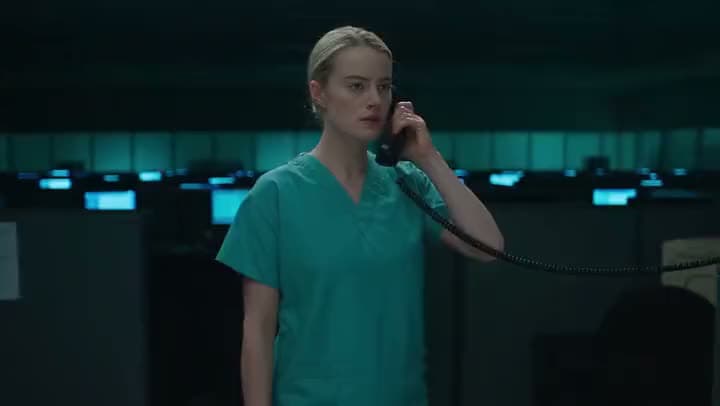
An AI video of a nurse in green scrubs holding a corded phone to her ear in a darkened hospital office full of monitors.
Creators

Creators Shipping Explainer and Story Scripts

You already wrote the beats for Reels, Stories, or YouTube Shorts. Turn that script into matching video scenes.

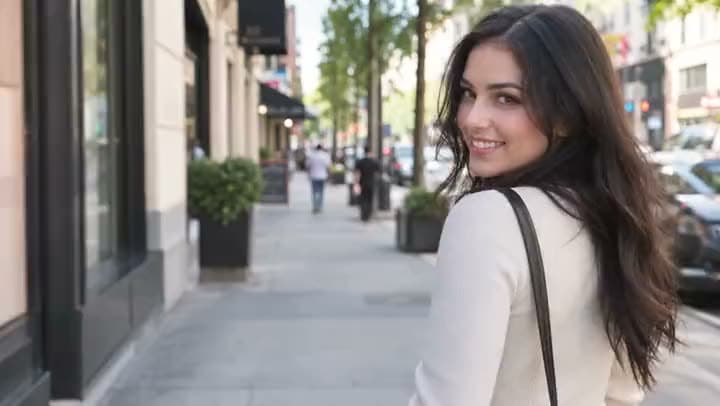
An AI video of a dark-haired woman in a cream top glancing back over her shoulder with a smile on a tree-lined city sidewalk.
Marketers

Marketers Turning Campaign Scripts Into Draft Videos

Campaign teams often finalize their copy before they have any footage. Turn the approved script into draft scenes you can trim.

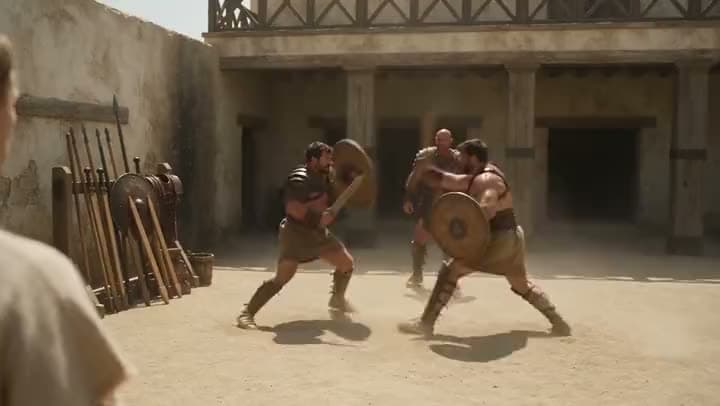
An AI video of gladiators with round shields sparring in a sunlit sandy training yard beside racks of spears.
L&D teams

Training and L&D Teams Packaging Lesson Scripts

Lesson scripts and SOP outlines already exist in your docs. Package them into multi-scene lesson videos without a day of filming.

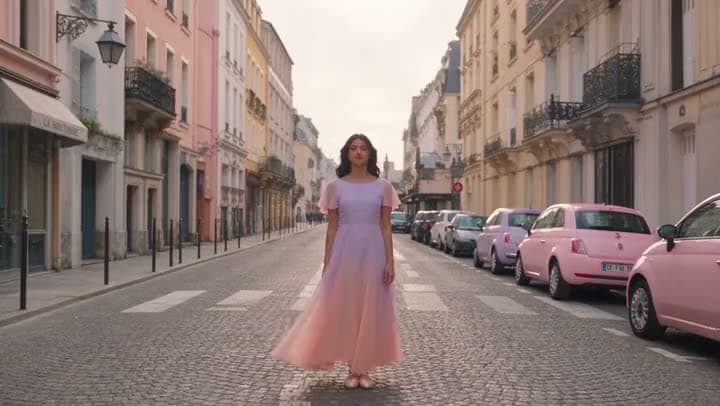
An AI video of a woman in a flowing pink dress standing in the middle of a cobbled Paris street lined with pink cars.
Agencies

Agencies and Freelancers Delivering Client Script Drafts

Clients ask for video built from an approved script, not an entirely new production.

Reviews

What our customers say

total reviews on

Convert Script to Video Today

Paste a full script. Generate matching scenes.

Have a question? We're here to help

Customer satisfaction is our number one priority. Our live agents are available 7am - 11pm (PT), 5 days Sunday through Thursday.

Script to video AI turns a full written script into matching video scenes, instead of working from a one-line prompt. On Aragon, you paste the script, generate scene-matched clips, choose a model if you'd like, then edit and export a finished video.

A script to video maker converts structured writing into video you can edit and export. On Aragon, that means pasting a full script, generating matching scenes, refining them on the timeline, and exporting as MP4.

Yes. Free credits come with your account, so you can try it online before upgrading to a paid plan.

Paste your full script, generate matching scenes, choose a model if you'd like, then review the result on the timeline. Trim the pacing, refine anything that needs it, and export. That's the whole process, without leaving the workspace.

Script to video starts from a structured, full script and builds matching scenes around its beats. Text to video starts from a shorter, open prompt with no script structure required.

Not on this script path. There's no built-in text-to-speech voiceover or avatar library here. Generate your scenes from the script first; if you need a talking presenter with your own audio, use Lipsync.

Where model choice is available, Aragon routes across licensed options like Kling, Seedance 2.5, Hailuo, Google Veo, Wan, FLUX, LTX, PixVerse, Pika, Grok Imagine, and Sora 2. Availability can depend on your plan.

Yes. It runs entirely in your browser, with nothing to install, to paste a script and start generating scenes.

Personal and commercial use depend on your plan and Aragon's Terms. Only convert scripts and footage you have the rights to use, and check your plan's limits if you're working on something for a client.

Your uploads stay private during processing. For full details, see Aragon's Privacy Policy.

The Leading AI Headshot Generator for Professionals

Trustpilot

Trusted by professionals and teams

Earn 30% for every referral

Join our affiliate program for free!

SOC 2 Type II compliant

Copyright © 2026 Aragon AI, Inc. All rights reserved.

Terms of Use & Privacy Policy