
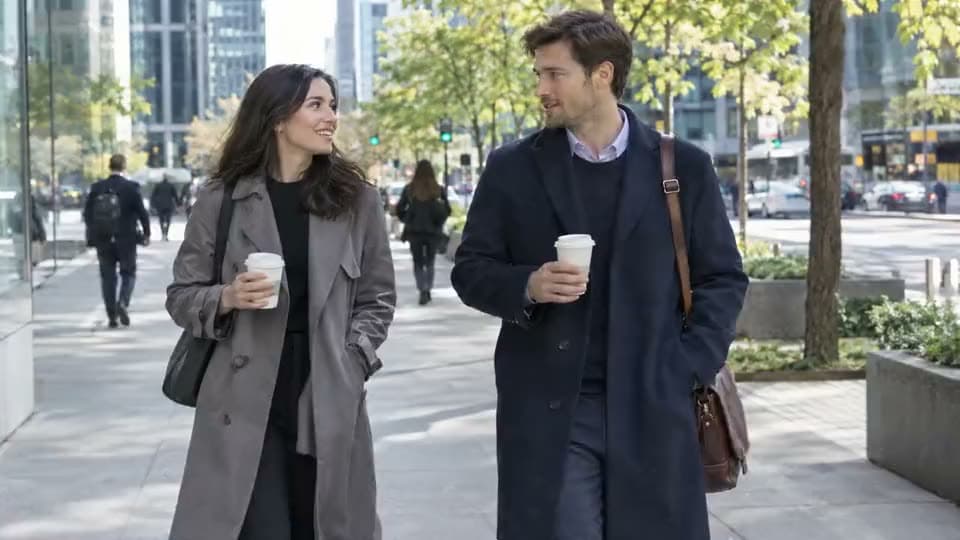

Search And Browse Usable Inventory
A stock library has a search with filters for category, orientation, or duration to find exactly what you need quickly.
Need a clip you did not shoot yourself? Browse free stock videos without leaving the AI video workspace. Search, preview, and then drop it straight into your project.

Subtle background music only, inaudible voices. Candid stock video shot at an outdoor ceremony, looking down an aisle between rows of guests (@Image1). 0–2s: a bride and groom begin walking toward the camera, hand in hand. 2–6s: the bride joyfully raises her bouquet in the air as the groom laughs beside her,…
See stock videos you can preview and actually use.






You search or browse, preview a clip, then add it to a project, edit, and export.
Type a prompt, or search for a category that matches the exact scene you need. Business, people, nature, technology, and vertical social-ready frames are common starting points.
Render the preview first. Check the duration and orientation so you know the clip fits the cut before you add it.
Add the footage to your Aragon project. Trim the clip, pair it with other media or captions, then export it for the platform you publish on.
It provides a searchable catalog of usable clips right inside your editing workspace.
A stock library has a search with filters for category, orientation, or duration to find exactly what you need quickly.

Preview is a core part of the library process. Check the motion, framing, and length before the clip lands on your timeline.
Add the clip directly to the project you are already building. You can keep browsing and editing all in one single workspace.
Once the footage is in, pair the new stock video with generated or uploaded media to create a polished final cut.
You can browse the stock library online for free using your account credits to get started.

Social media feeds move fast. Browse vertical or social-ready stock videos when you need high quality motion under your captions without booking a shoot day.

Performance teams often need supporting scenes. Browse the catalog for clips you can publish quickly.

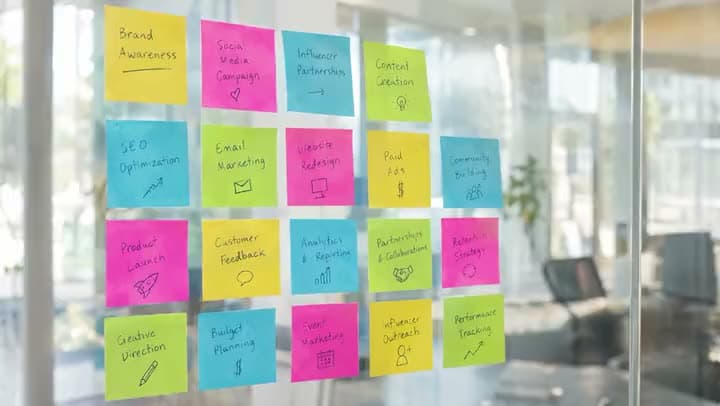
Product explainers stall when every beat needs a custom camera take. Drop stock videos under voiceovers or on-screen copy for context scenes like offices, cities, or devices.
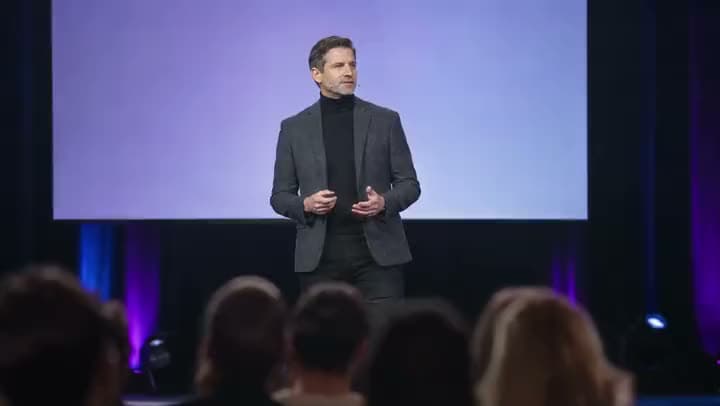
Sometimes you only need a calm, looping video behind a headline or a presentation deck. Browse abstract or nature stock videos, preview the motion, add the clip, and export a short background you can reuse.

Teachers and course creators often need footage between lessons. Browse, preview, add, then edit the stock clips directly beside slides or talking-head takes.
I found Aragon AI easy to use and it gave highly professional resultsSep 24, 2026DSDr. Stefan Prangenberg
Very satisfied with the outcomes! Much better than Gemini or OpenAI out of the box.Sep 5, 2026PDPaul Dalitz
The simplicity of the process is exceptional and results are greatSep 8, 2026

Customer satisfaction is our number one priority. Our live agents are available 7am - 11pm (PT), 5 days Sunday through Thursday.

suite hub for create, edit, and finish

supporting footage for talking-head and scripted cuts
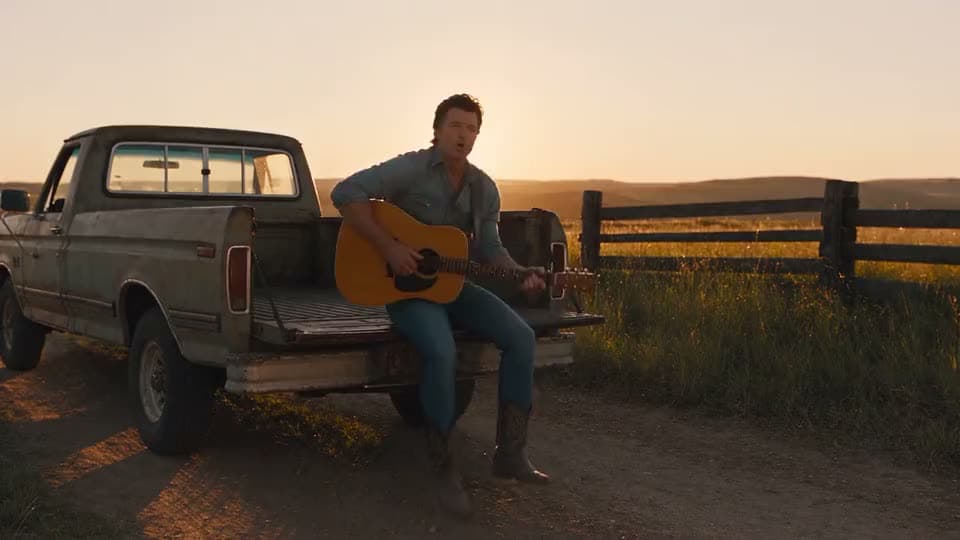
lay music onto a clip you already have

short branded opener before the main cut

animate a still into generative motion

turn several photos into a slideshow or montage

turn a short idea into generated scenes

paste a full script into matching scenes
suite hub for create, edit, and finish
supporting footage for talking-head and scripted cuts
lay music onto a clip you already have
short branded opener before the main cut
animate a still into generative motion
turn several photos into a slideshow or montage
turn a short idea into generated scenes
paste a full script into matching scenes
The Leading AI Headshot Generator for Professionals
Trustpilot
Trusted by professionals and teams
Earn 30% for every referral
Join our affiliate program for free!

Copyright © 2026 Aragon AI, Inc. All rights reserved.