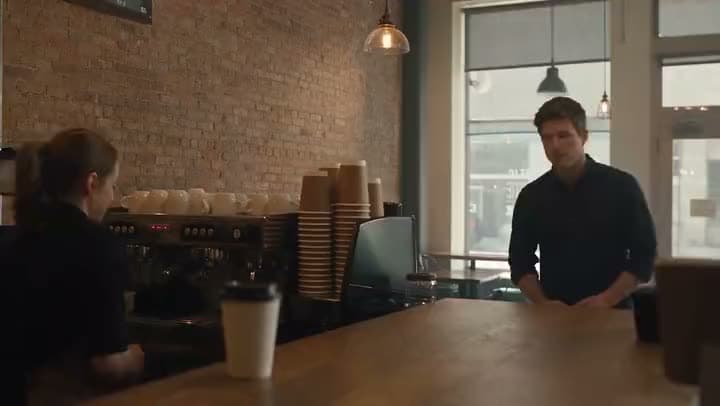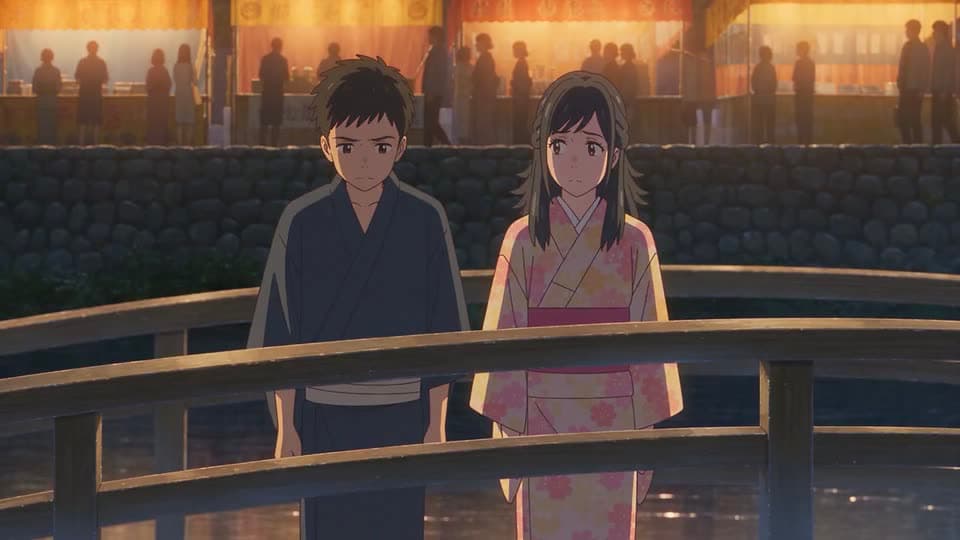
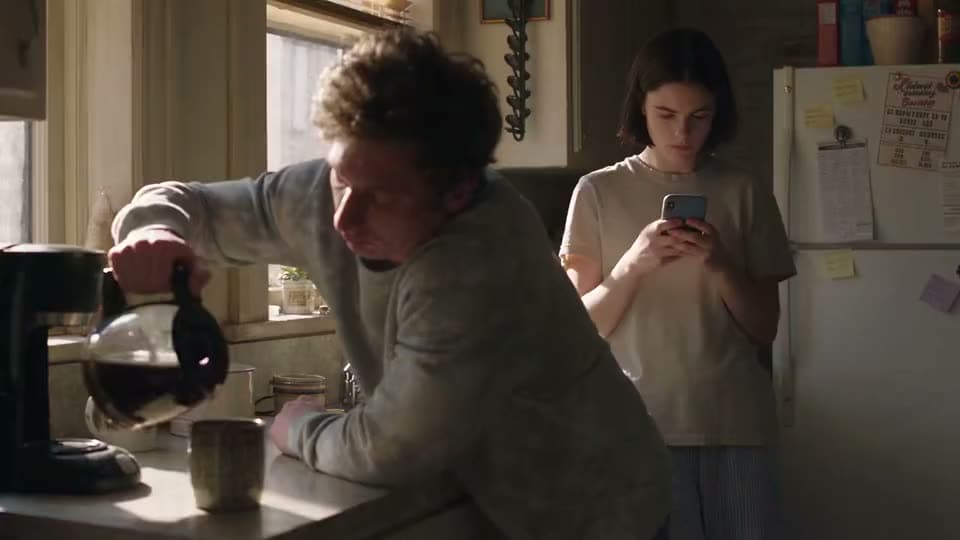
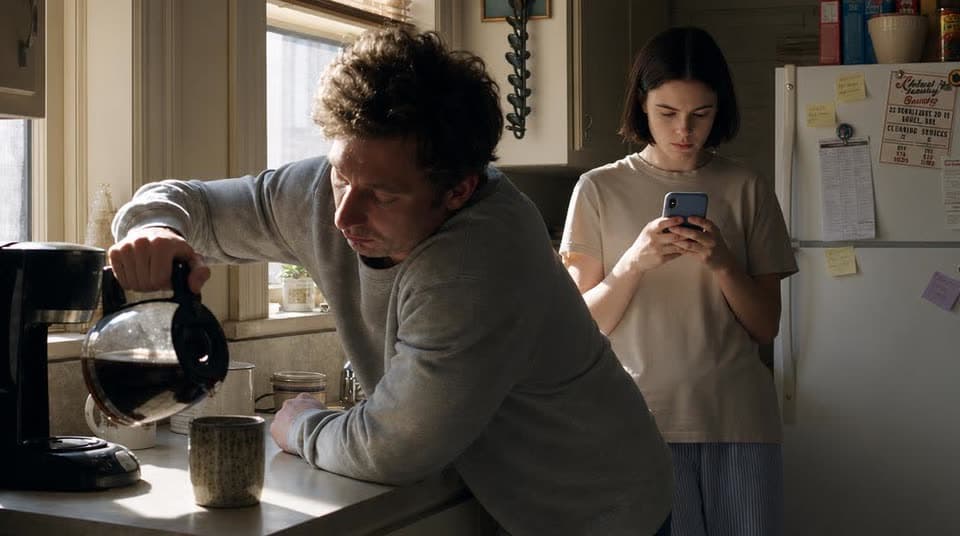
Product stills
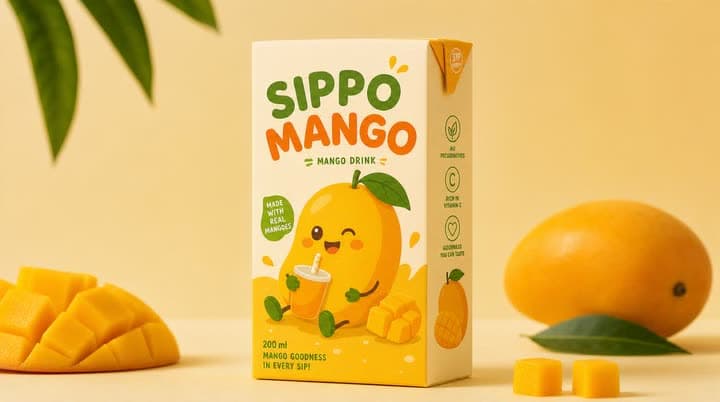
Product stills → a feed-ready video with a music track
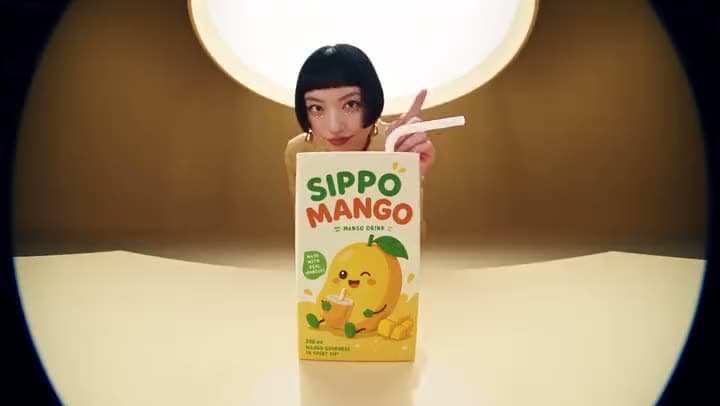
A product ad for mango juice, built from still product photos sequenced into a short video.
Aragon's photo to video tool turns your stills into a finished slideshow or montage video. Upload your photos, arrange the order, add music or transitions, then export. Free to try with credits.
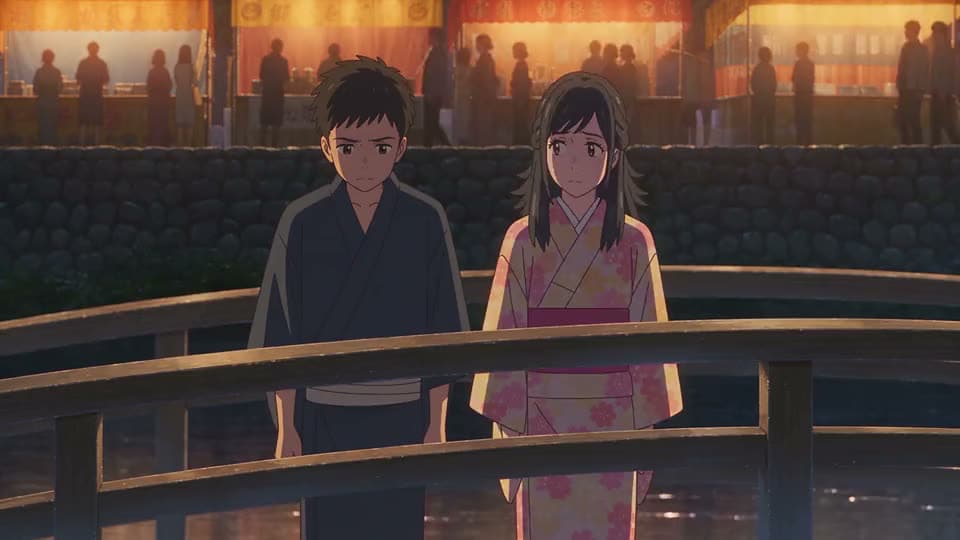
See real photos turned into a finished slideshow video.
Product stills → a feed-ready video with a music track
A product ad for mango juice, built from still product photos sequenced into a short video.
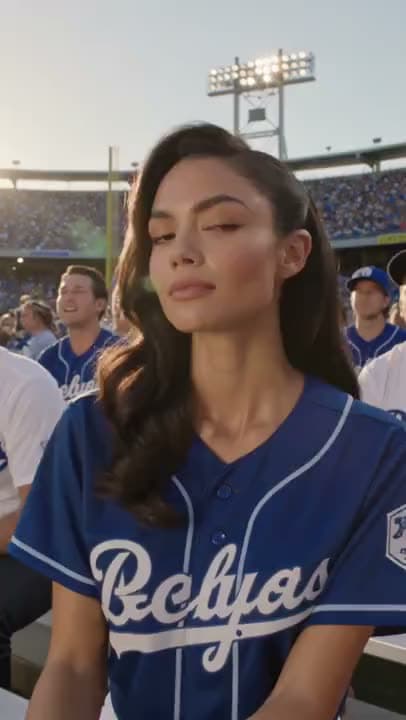
Event gallery → a highlight slideshow video
A woman at a baseball game, built from event photos sequenced into a vertical highlight video.
Upload your photos, arrange them in order, add music or transitions, and Aragon turns them into one finished video file.
Bring wedding stills, travel photos, product shots, event galleries, lookbook images, or phone photos you already have. Clear, sharp photos give you a better result.
Drag your photos into the order that tells the story you want. Add a music track or transitions between photos if you'd like.
Review the video, fix anything that's out of place, then export it, ready to post.
It should turn photos you already have into one finished video, without pretending to generate brand-new motion from a single still.
Photo to video is for when you already have a set of photos to turn into one video, not for generating new footage from a single image.
Getting the order right matters most here. Drag your photos into the sequence that tells your story, then export.
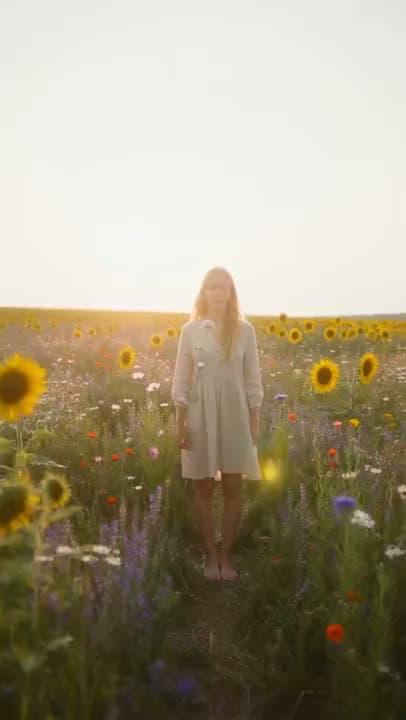
Most slideshow videos just need a clean track under the photos. If you want something more polished, light fades between photos help the video feel finished for social.
Social posts and presentations often need a title, a date, or a short caption over the photos, plus the right aspect ratio for wherever you're posting.
Free credits come with your account, so you can try a full photo to video conversion before deciding on a plan.
This tool helps you sequence and polish photos you already have. If you want the AI to generate new camera motion or movement from a single still, that's a different tool, Image to Video.
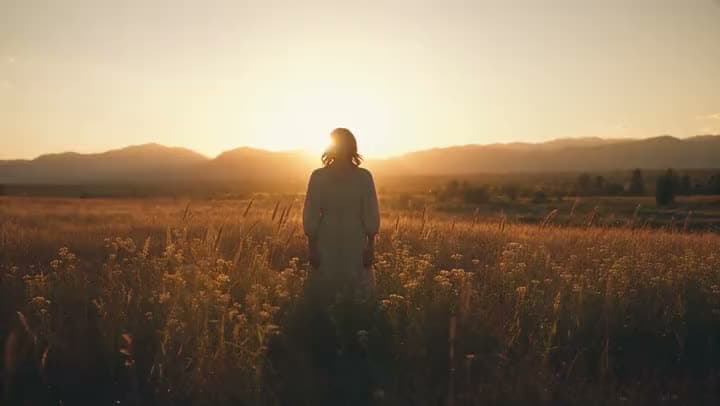
You already took the photos over the weekend. Turn that gallery into a shareable recap video without building it from scratch in a blank editor.
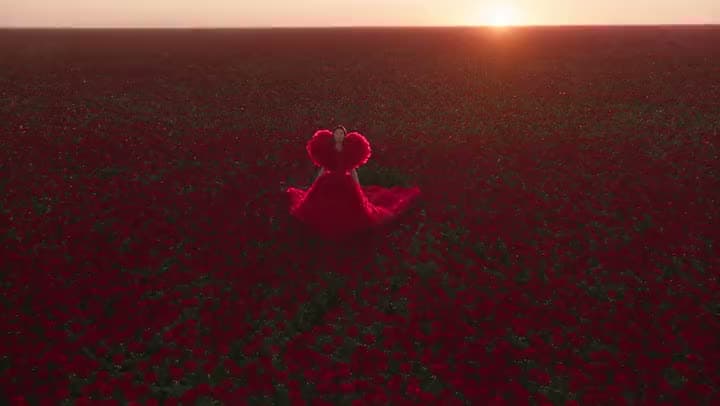
Catalog teams often choose their product images before they have any motion footage. Sequence your hero and detail shots into a short video for launches, listing pages, and ads.
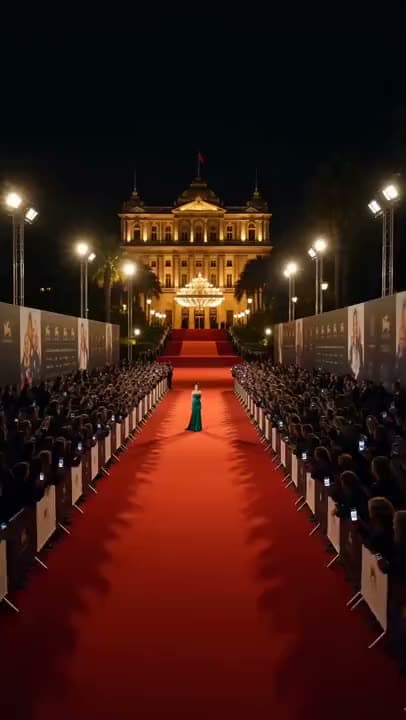
Community managers end up with dozens of phone photos after a meetup, open house, or fundraiser. Upload the set, order the highlights, and export one video instead of sharing a folder of loose photos.
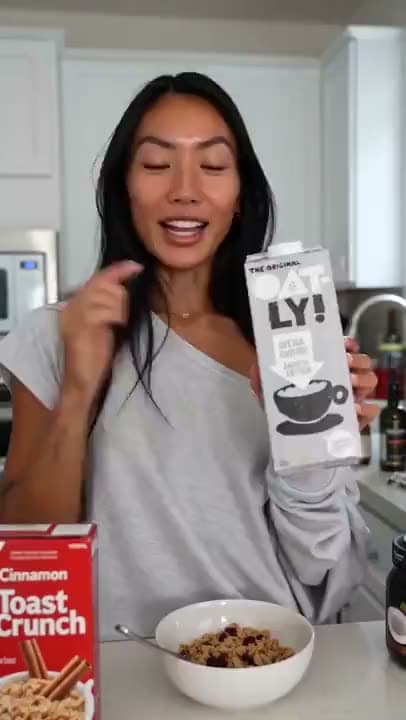
When a shoot's budget only covers photography, you can still get a video. Sequence the hero shots into an ad-length video, add music, and export it.
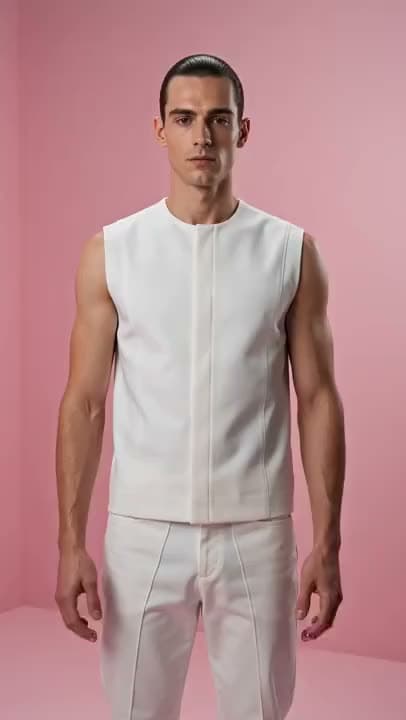
Designers and brands often want an ordered lookbook people will actually watch, not a PDF nobody opens. Arrange the photos, add titles for each collection or season, and export a presentation-ready video.
I found Aragon AI easy to use and it gave highly professional resultsSep 24, 2026DSDr. Stefan Prangenberg
Very satisfied with the outcomes! Much better than Gemini or OpenAI out of the box.Sep 5, 2026PDPaul Dalitz
The simplicity of the process is exceptional and results are greatSep 8, 2026
Customer satisfaction is our number one priority. Our live agents are available 7am - 11pm (PT), 5 days Sunday through Thursday.
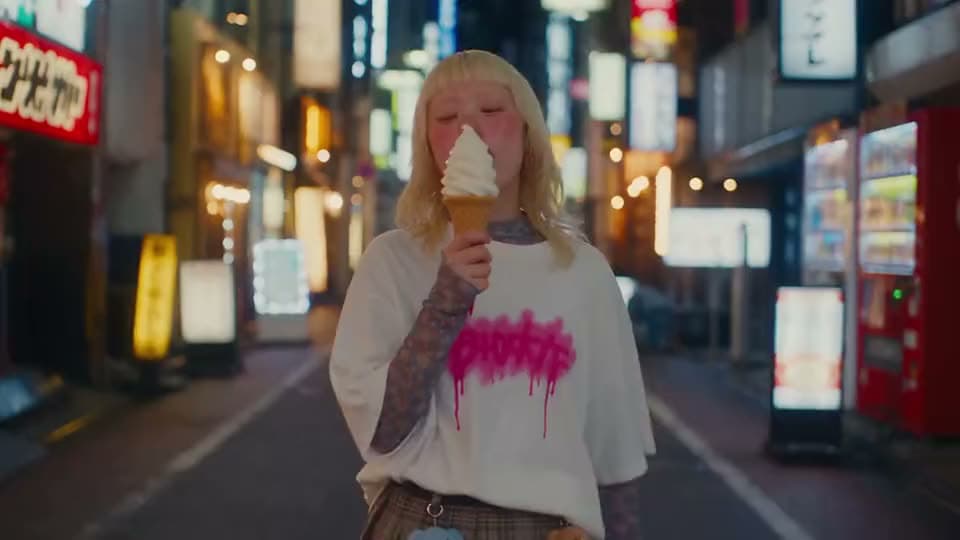
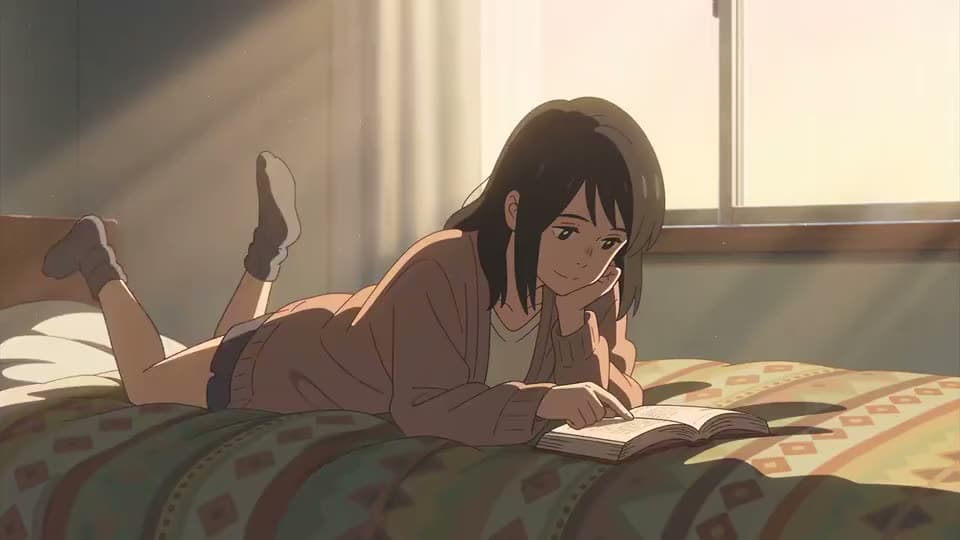
Want generative camera motion or subject animation from one still? Open Image to Video for that finish.
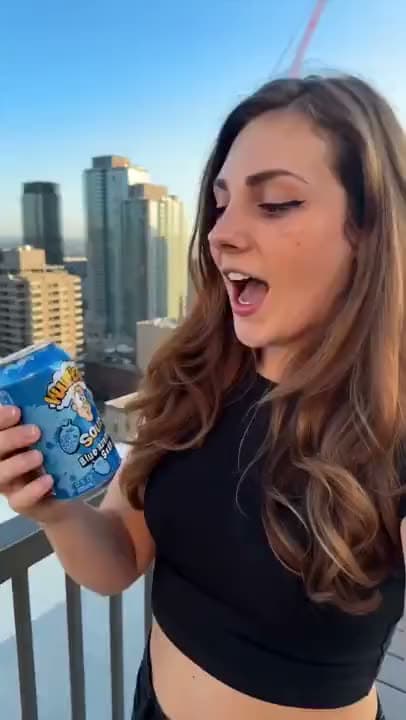
Building a vertical social cut from mixed assets? Open Instagram Reels Maker.

Need the full create-edit-finish hub? Open the AI Video Generator suite.
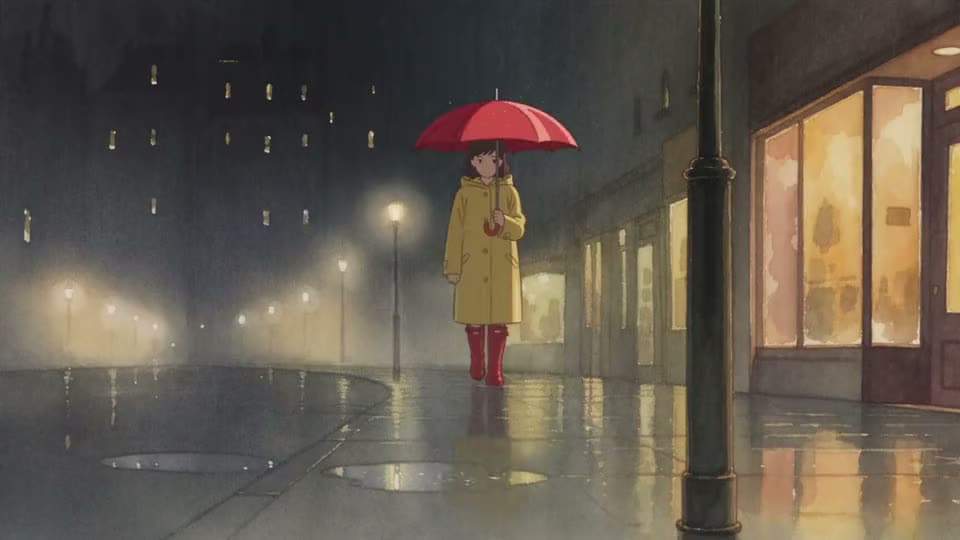
turn a short idea into generated scenes
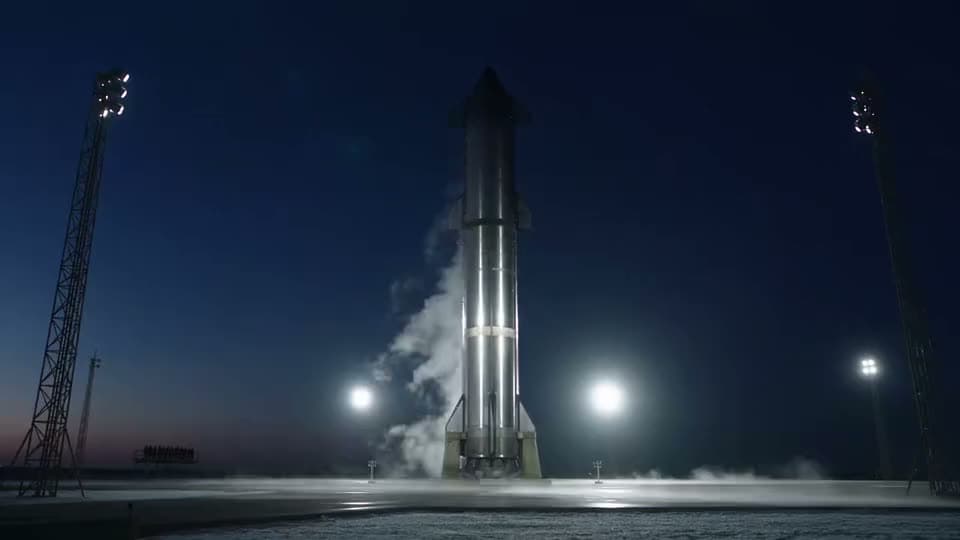
paste a full script into matching scenes
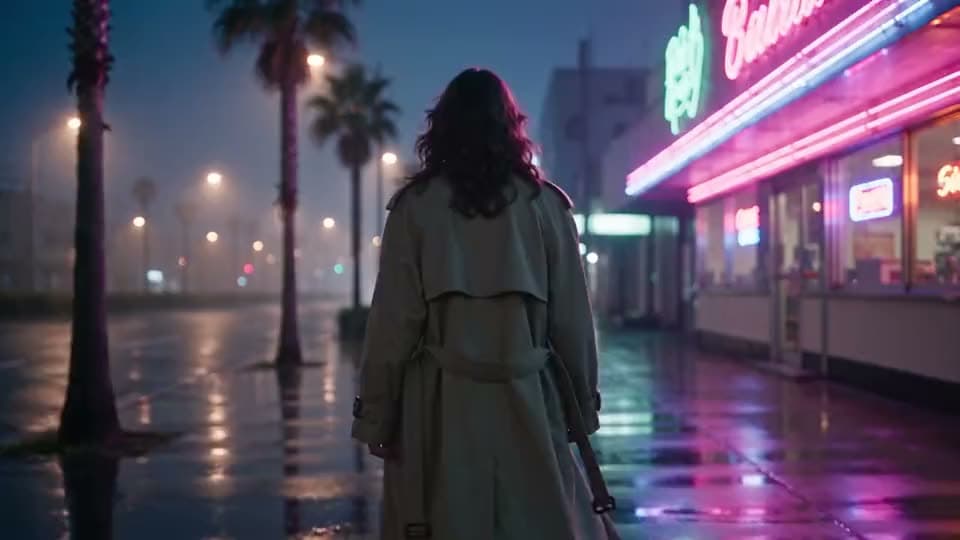
make, edit, and export a full video
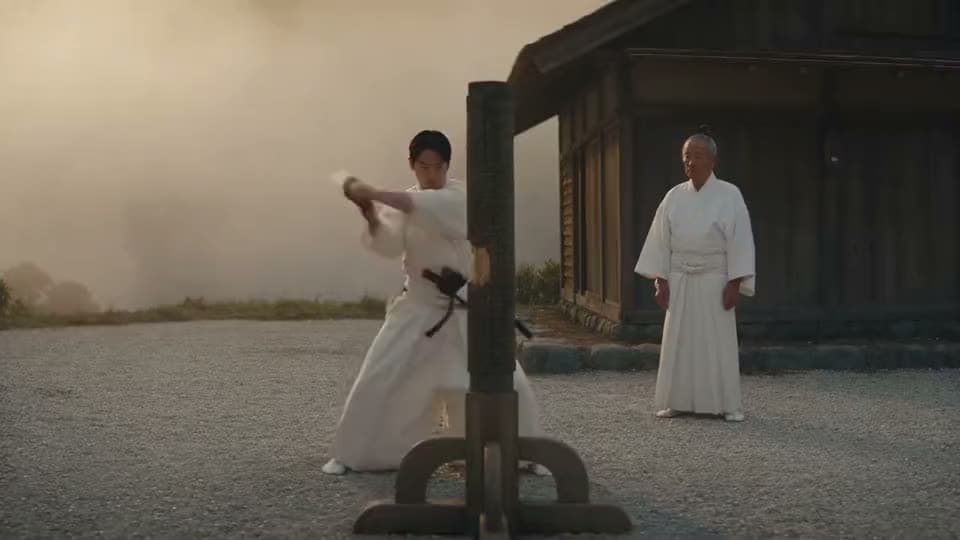
make videos without showing your face
make a short branded intro for your videos
Want generative camera motion or subject animation from one still? Open Image to Video for that finish.
Building a vertical social cut from mixed assets? Open Instagram Reels Maker.
Need the full create-edit-finish hub? Open the AI Video Generator suite.
turn a short idea into generated scenes
paste a full script into matching scenes
make, edit, and export a full video
make videos without showing your face
make a short branded intro for your videos
The Leading AI Headshot Generator for Professionals
Trustpilot
Trusted by professionals and teams
Earn 30% for every referral
Join our affiliate program for free!

Copyright © 2026 Aragon AI, Inc. All rights reserved.