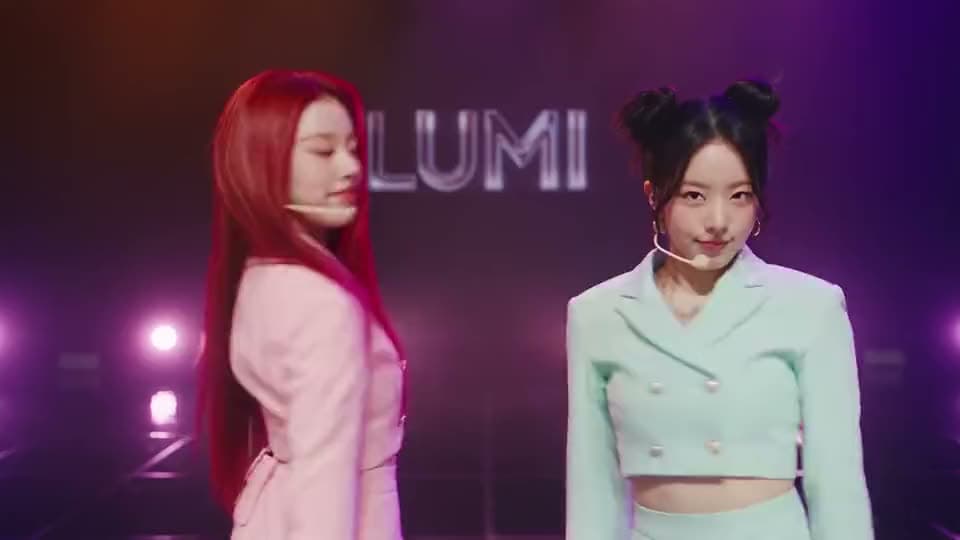

Add Music to Any Video
Add a song or background track to your video, whether it is a phone recording, screen recording, or AI-generated video.
Add music to your video online with Aragon. Upload your video, choose a track or upload your own, then adjust the volume and download your finished video.
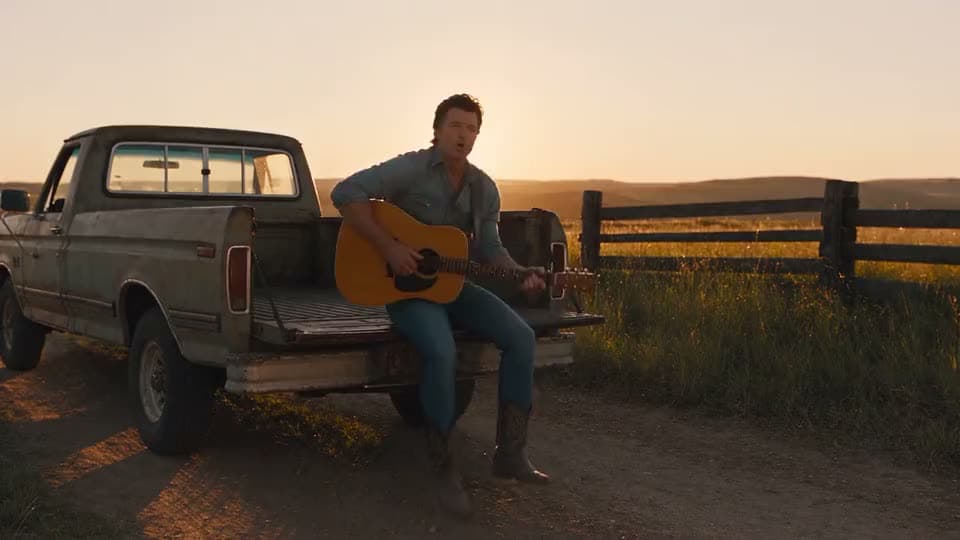
Style: Warm, sun-drenched country music video aesthetic — golden hour lighting, wide open landscapes, a mix of rustic authenticity and polished Nashville-style production. Think dusty trucks, open fields, front porches, and that classic "storytelling" visual feel country videos are known for.
You upload a video, pick or upload a track, mix the volume, then export.
It helps you to add a song, background track, or audio to your video.
Add a song or background track to your video, whether it is a phone recording, screen recording, or AI-generated video.
Add voice recordings to share explanations, provide context, or add a personal touch to your videos.
Adjust audio levels so background music fits naturally with your audio and other sounds in your video.
Upload audio you have the rights to use and add it to your video for a more personalized result.
Free credits come with your account, so you can add music to a video before you choose a plan.
Aragon's add music to video tool adds audio to videos you've already created. If you need extra footage, scenes from a script, or a video made from audio, try B-Roll, Script to Video, or Audio to Video.
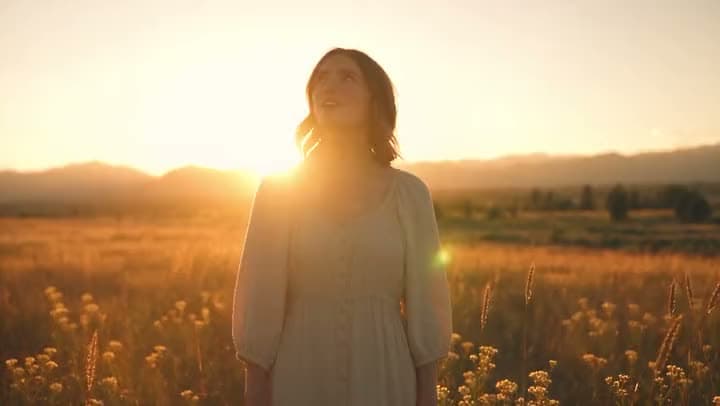
Creators add background music to vlogs, Reels, TikToks, and Shorts to make their videos more engaging and match the style of their content.
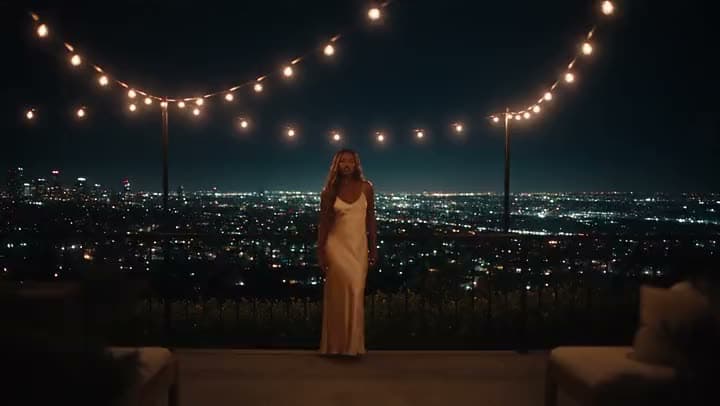
Marketers add music to product videos, ads, and campaign content while keeping important voiceovers and messaging clear.
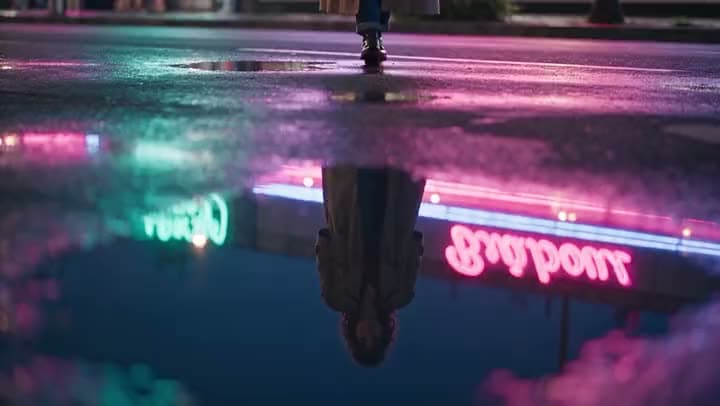
Educators can add music to recorded lessons, tutorials, and explainer videos to make educational content feel more engaging and easier for students to follow.
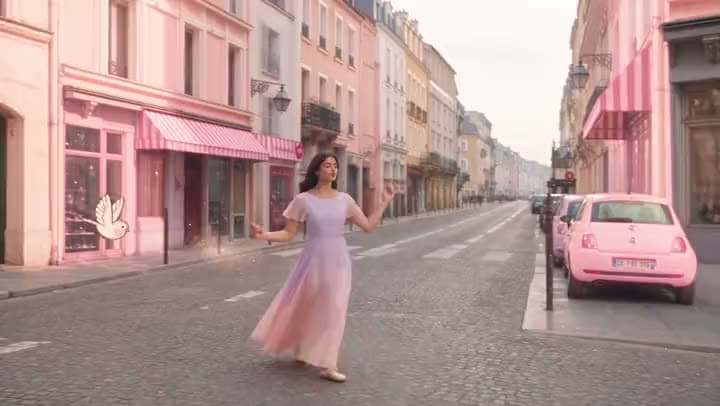
Agencies add music to client videos for campaigns, social content, and presentations using existing brand visuals and approved content.
I found Aragon AI easy to use and it gave highly professional resultsSep 24, 2026DSDr. Stefan Prangenberg
Very satisfied with the outcomes! Much better than Gemini or OpenAI out of the box.Sep 5, 2026PDPaul Dalitz
The simplicity of the process is exceptional and results are greatSep 8, 2026
Customer satisfaction is our number one priority. Our live agents are available 7am - 11pm (PT), 5 days Sunday through Thursday.

suite hub for create, edit, and finish

generate or find supporting footage for talking-head cuts

turn podcast, voice, or music into a video export

paste a full script into matching scenes

animate a still into generative motion

turn several photos into a slideshow or montage
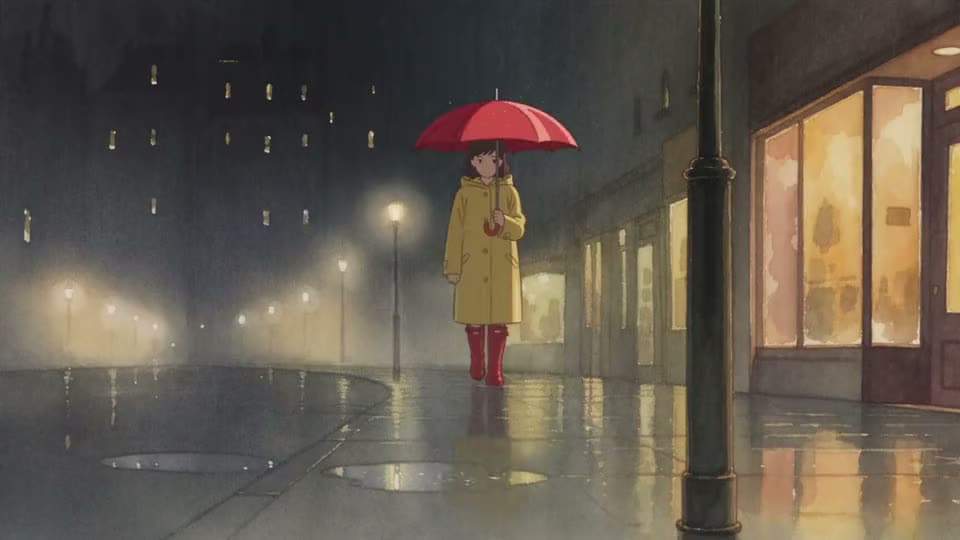
turn a short idea into generated scenes
make, edit, and export a full video
suite hub for create, edit, and finish
generate or find supporting footage for talking-head cuts
turn podcast, voice, or music into a video export
paste a full script into matching scenes
animate a still into generative motion
turn several photos into a slideshow or montage
turn a short idea into generated scenes
make, edit, and export a full video
The Leading AI Headshot Generator for Professionals
Trustpilot
Trusted by professionals and teams
Earn 30% for every referral
Join our affiliate program for free!

Copyright © 2026 Aragon AI, Inc. All rights reserved.