

The Leading AI Headshot Generator for Professionals
Model Context Protocol
Integrate Aragon into your native workflows
A new protocol lets your agent generate Aragon images and video without ever opening a browser.
Add Aragon to Claude
Opens Claude's Add custom connector dialog with Aragon already filled in. Select Continue.
Or add it by hand
In Claude, open Customize → Connectors, add a custom connector named Aragon and paste this URL.
https://mcp.aragon.ai/mcpConnect, sign in and start
Sign in, then ask Claude to generate an image or video for you.
Turn on Developer mode
In ChatGPT Settings, open Security and login and turn on Developer mode.
Copy the connector URL
You'll paste this URL into ChatGPT in the next step.
https://mcp.aragon.ai/mcpAdd Aragon in ChatGPT Plugins
Choose Add → Create MCP App (Create app on some accounts). Name it Aragon, paste the URL, accept the notice and select Create.
Start creating
Start a new chat, add Aragon from the tools menu and ask for anything.
Add to Cursor
Opens Cursor with the server pre-filled. Click Install.
Or add it by hand
Paste this server URL into Cursor's MCP settings.
https://mcp.aragon.ai/mcpAuthenticate and start
Click Authenticate next to Aragon in Cursor's MCP list and sign in. Then ask it for a hero image.
Copy the server URL
Codex reads its MCP servers from your Codex config file.
https://mcp.aragon.ai/mcpAdd Aragon as an MCP server
Run codex mcp add aragon --url followed by that URL.
Sign in and start
Codex opens the sign-in page as soon as the server is added. Then ask it for a hero image.
Example workflows
One connection. The tools you'll use every day.
Each one runs through your Aragon account, on your credits. Hand the agent a link to a photo or clip and it brings it into Aragon to work on.
Image Generator
Generate any portrait from a prompt
Describe the shot and the agent returns a set of variations — studio, outdoor, editorial — in any style and aspect ratio, straight from your chat.
Video Generator
A finished clip from a single photo
Hand the agent one still and a brief, and get back a short clip with real camera movement, ready to drop into the timeline.
Background Removal
Pixel-perfect cutouts from any link
Point the agent at an image and get a clean cutout with full transparency — accurate on hair, fine edges and tricky overlaps.
Image Upscale
Scale any image to print resolution
Send an image and the agent raises the resolution with no smearing. Edges, texture and text stay crisp at any output size.
Photo Restoration
Bring a damaged print back to life
Scans with creases, fading and missing corners come back repaired, with the grain and character of the original left intact.
Balance Inquiry
Check your credits at any time
Ask from any conversation to see your remaining credits and your current plan, so you always know where you stand before generating.
What you can build with Aragon MCP.
Built for clean cutouts
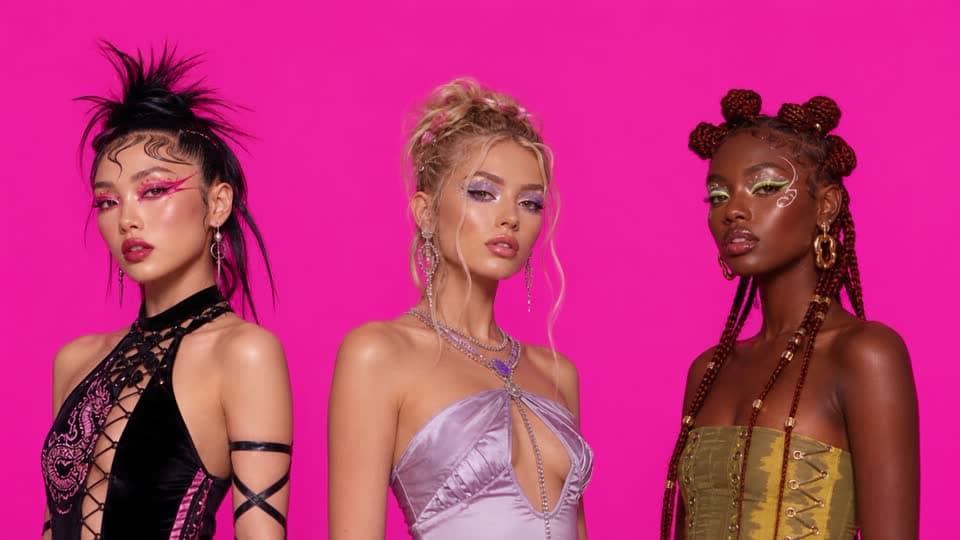
Fashion Studio
Every outfit, on you, in seconds.
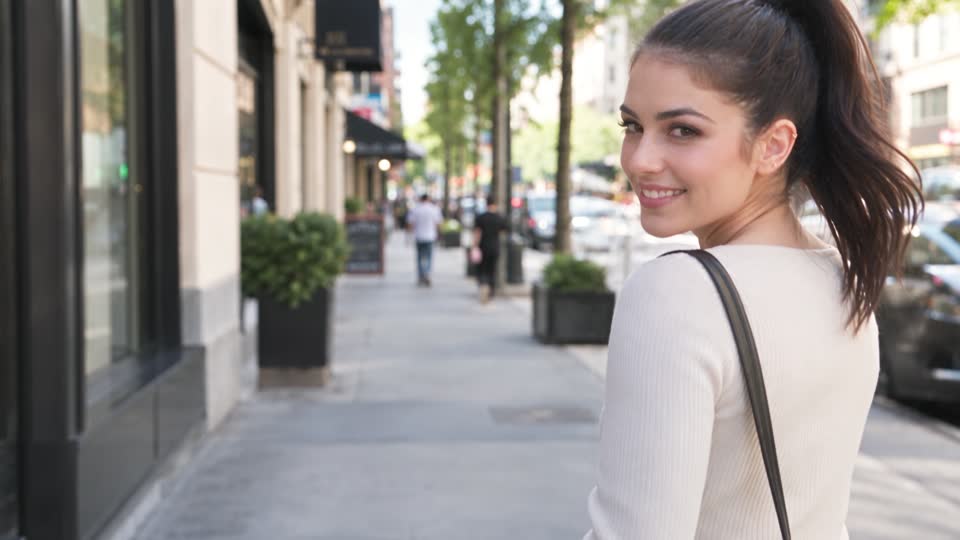
GPT Image 2.5
The sharpest text-to-image yet.


Background Changer
Replace and edit the backgrounds of your images.
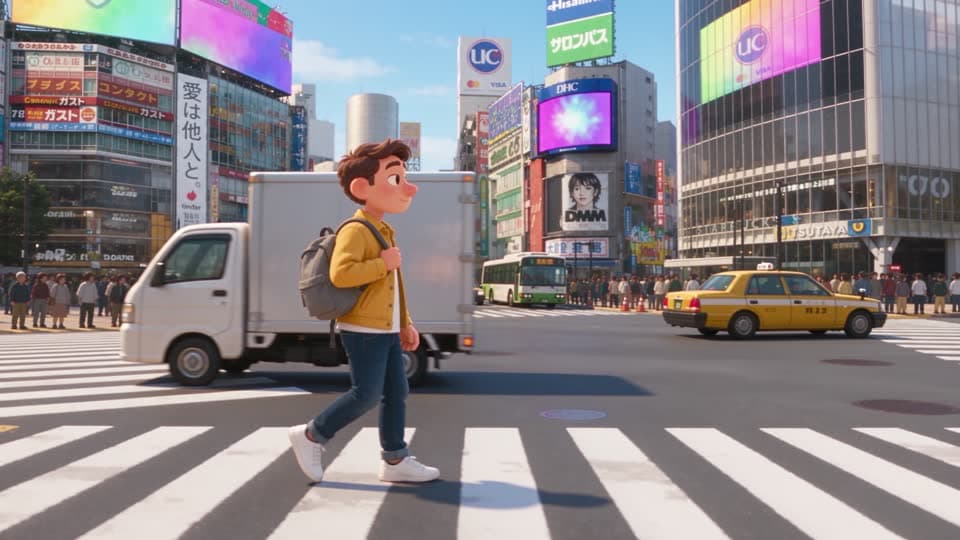
Seedance 2.5
One scene, every animation style.


Before
After


Magic Eraser
Remove specific objects, people, and text from your photos.
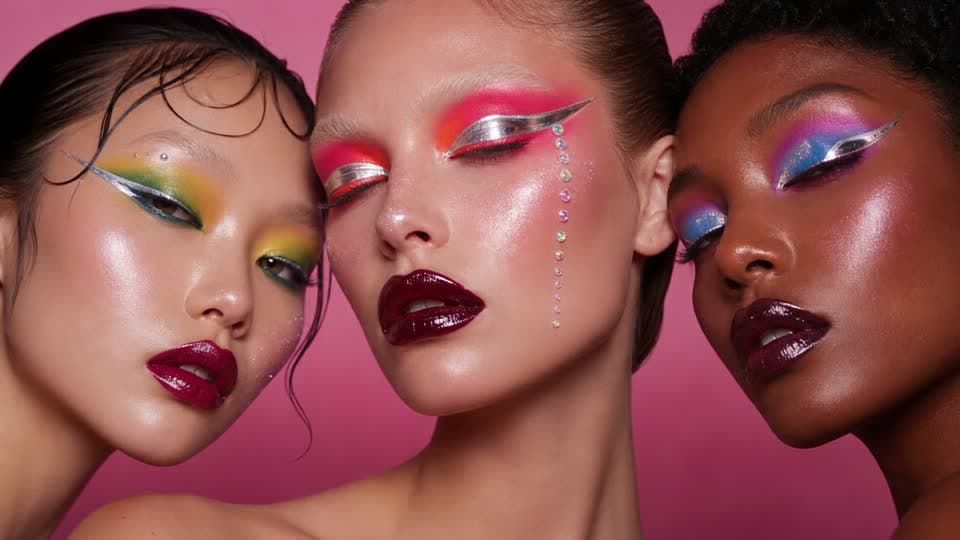
Creative Makeup
Editorial looks, on your own face.


Before
After


Image Upscaler
Enhance the quality and increase the resolution of your images.
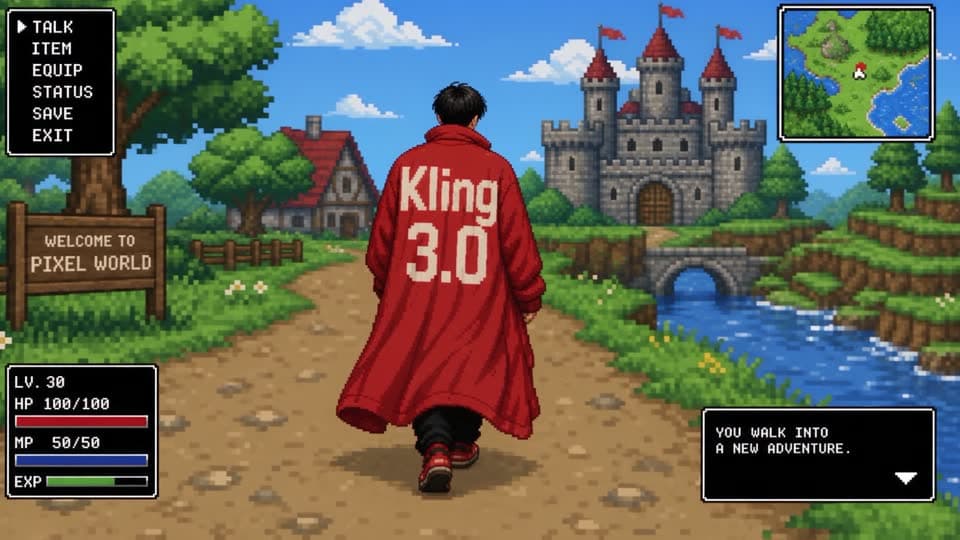
Kling 3.0
A whole pixel world from one prompt.


Before
After


Photo Restoration
Repair old photos by fixing damages and improving color quality.
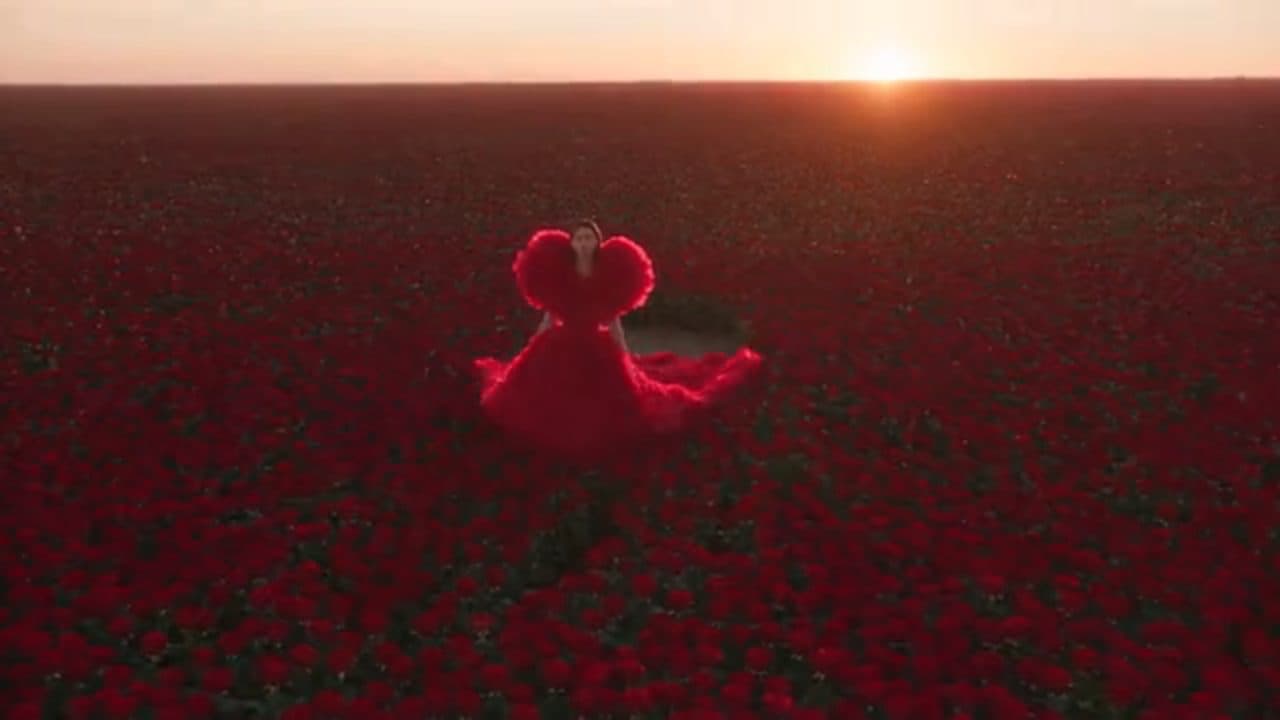
Fashion Campaign
A full campaign film from a single brief.
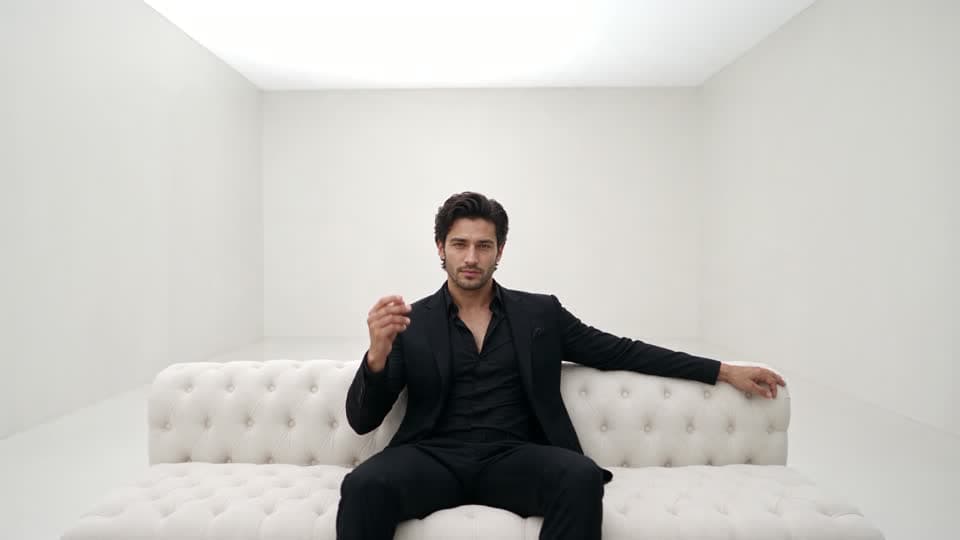
Relight Video
Change the light after the shoot.


Clothing Changer
Swap outfits and pick a new style for your photo in seconds.
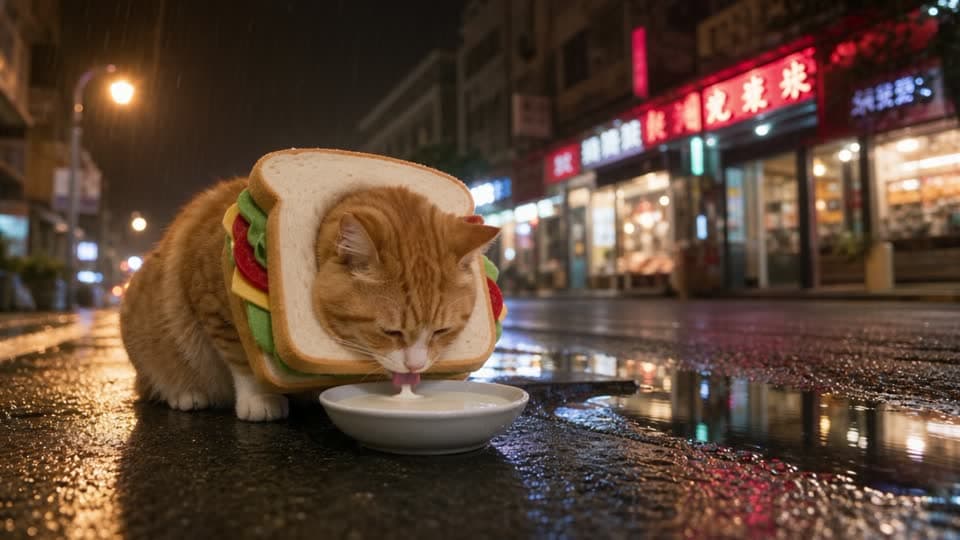
Change Location
Same take, anywhere you want it.


Before
After


Anime Filter
Reimagine any person as a modern Japanese anime character.
Product Ad
Scroll-stopping spots for any product.
Music Video
Cut a video to the track in your head.
Property Tour
Walk a listing through before it is staged.


Before
After


Action Figure Generator
Turn yourself into a collectible action figure inside its own display box.
Top models
Every model worth using. One connection.
Your agent reaches the same models Aragon runs on the site. Ask for a still or a clip and the right one handles it.
Seedance 2.5GPT Image 2.5Nano Banana 2KlingWanMinimax HailuoSora 2GrokLTXPikaPixVerseHappy Horse
Questions about connecting
Customer satisfaction is our number one priority. Our live agents are available 7am - 11pm (PT), 5 days Sunday through Thursday.
It is an open standard that lets an AI assistant use an outside service directly. Connecting Aragon over MCP means your agent can generate images and video for you inside the conversation, instead of sending you off to a browser tab.
Claude, ChatGPT, Cursor and Codex. Each one has its own setup steps above. Any other assistant that can connect to a remote MCP server and sign in can use the same server address.
No. Connecting is free and works with any Aragon account. Generating spends credits at the same rate as generating on the site, so a free account can connect and try it straight away.
The same balance as the rest of Aragon. There is no separate allowance for MCP, and you can ask your assistant what you have left at any point.
Nothing from your library is sent to it up front. It can look through the images, videos, uploads and audio in your Aragon account when a task calls for it, such as reusing earlier work or finding a photo to edit, and only what it looks up enters the conversation. It connects only after you sign in and approve it, and you can sign it out from the chat at any time.
Yes. Nothing changes on the site. Anything your assistant generates shows up in your Aragon account, so you can open it in the editor and keep working on it there.
— Trusted by teams worldwide
Type Your Idea.
Aragon MCP Does The Magic.
From global brands to indie builders: describe what you want, and your agent generates it through Aragon MCP.
