Customize Your AI Headshots with Free Editing Tools [2026]

Last updated: June 2026
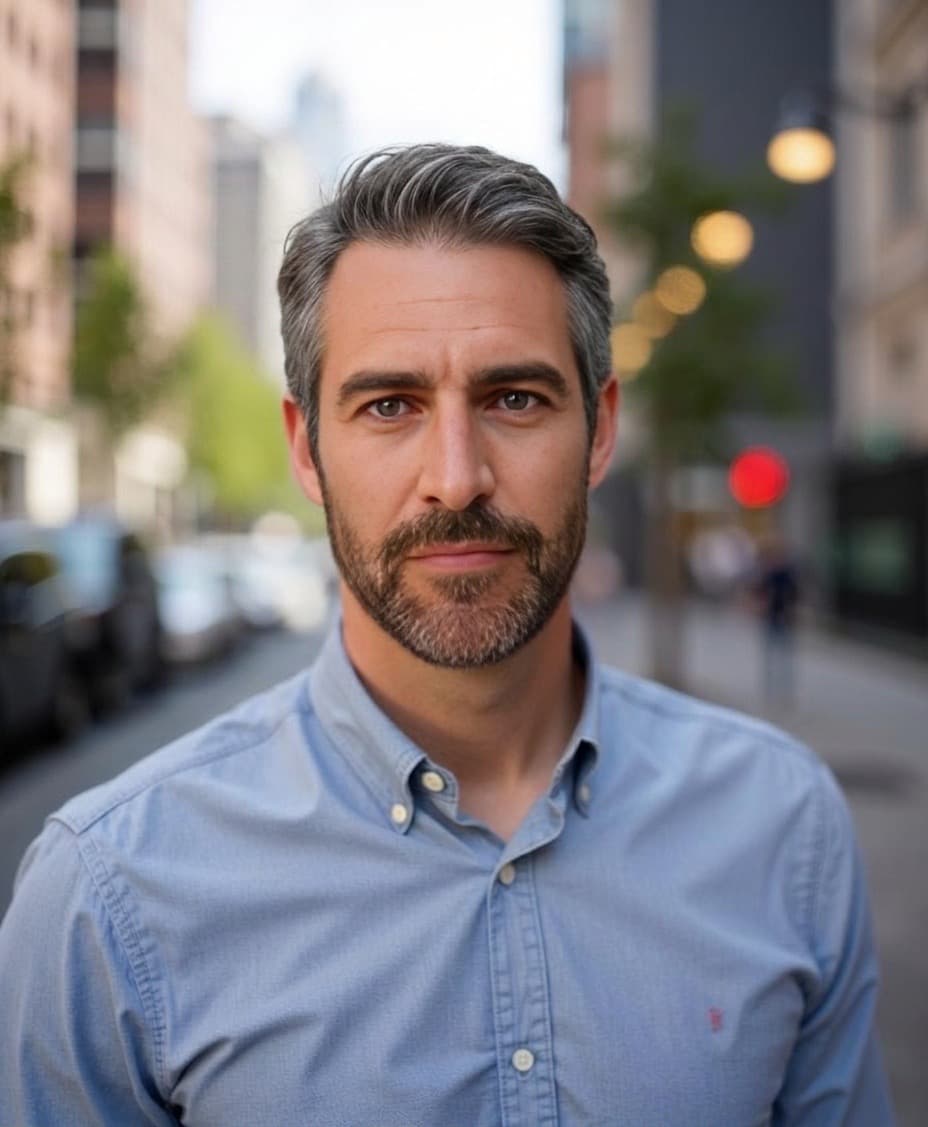
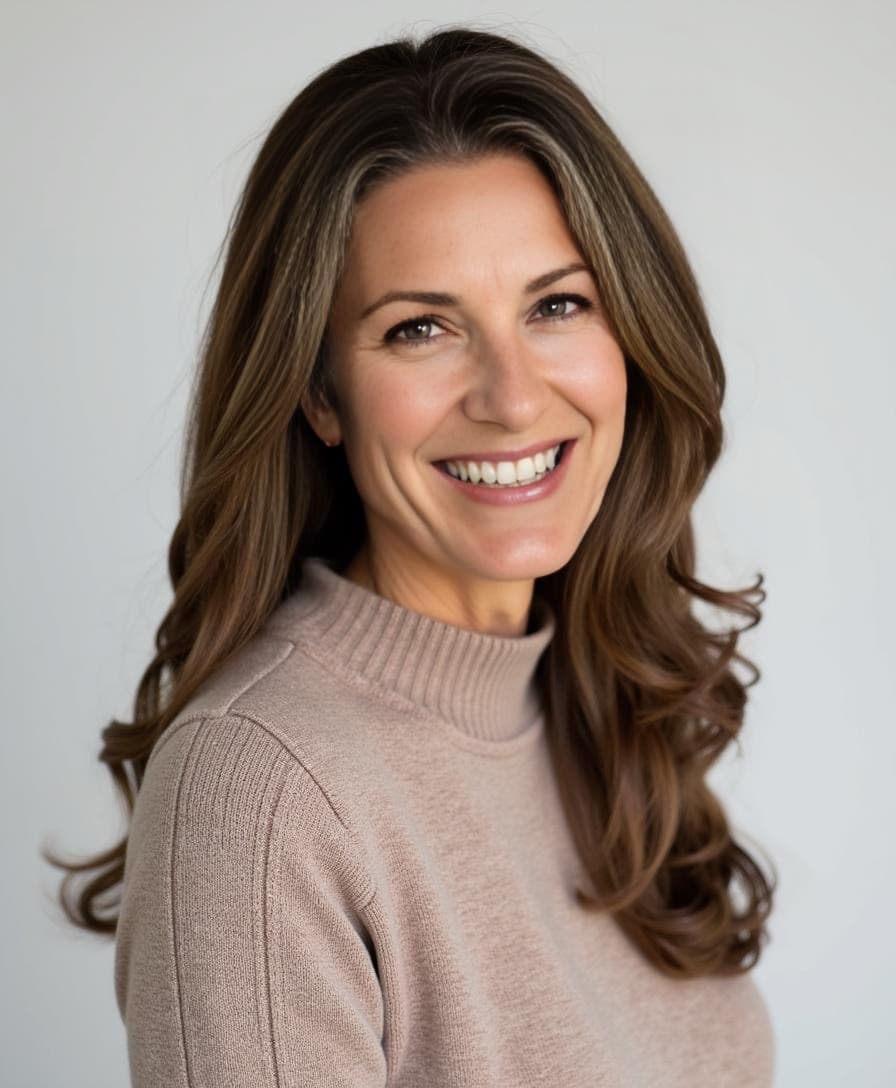
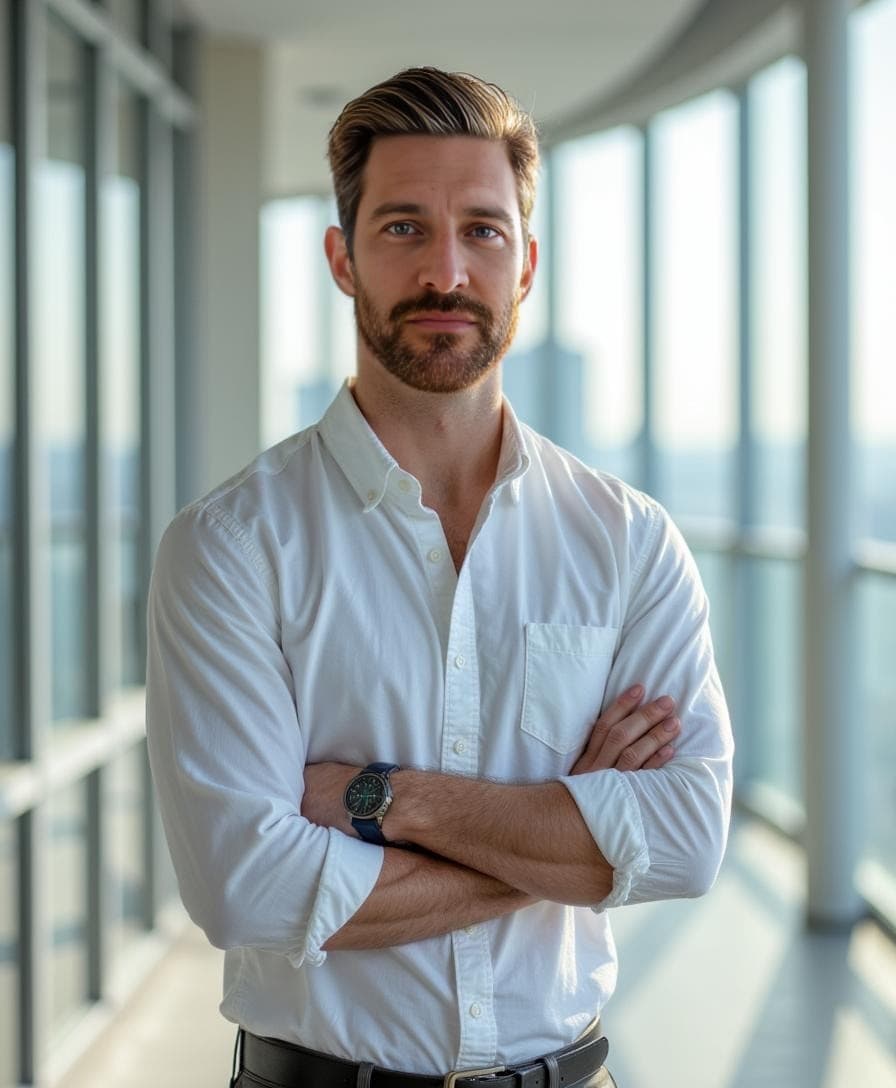
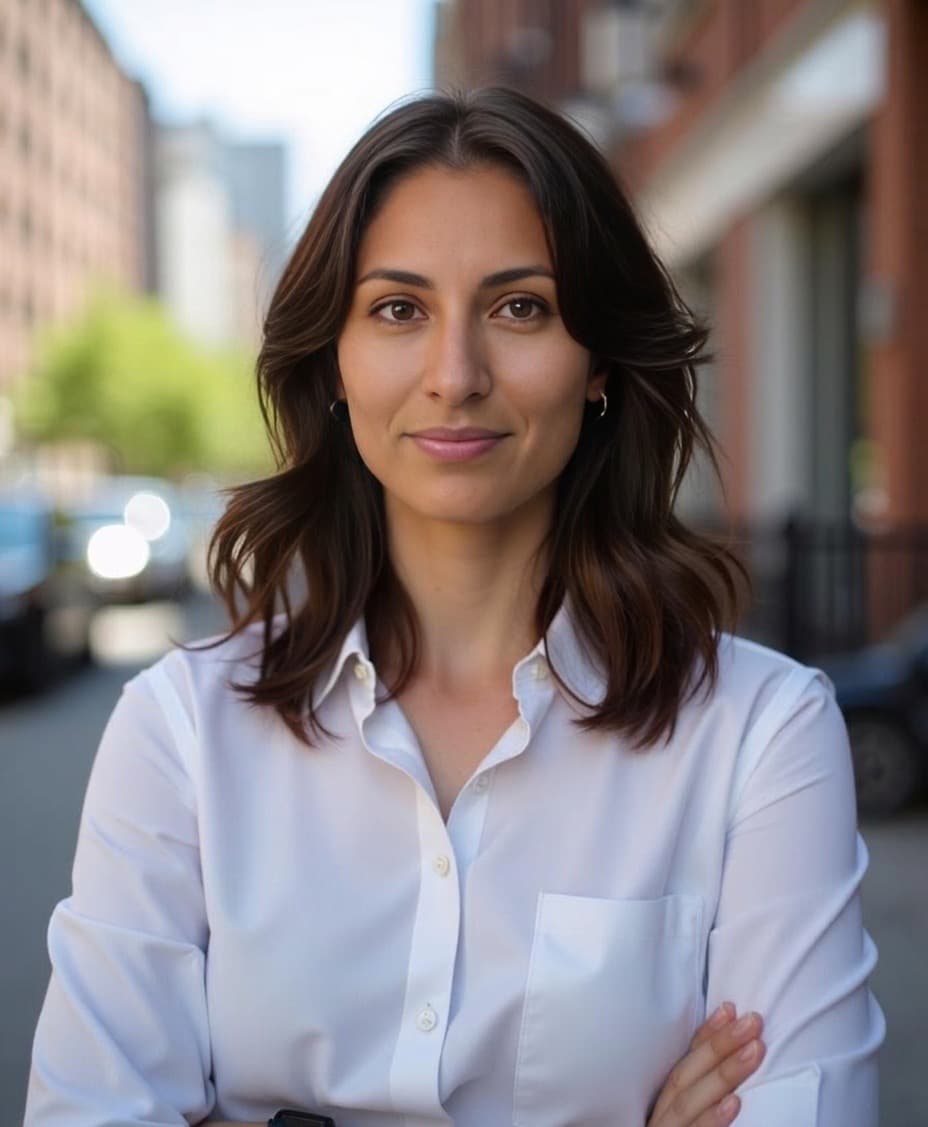
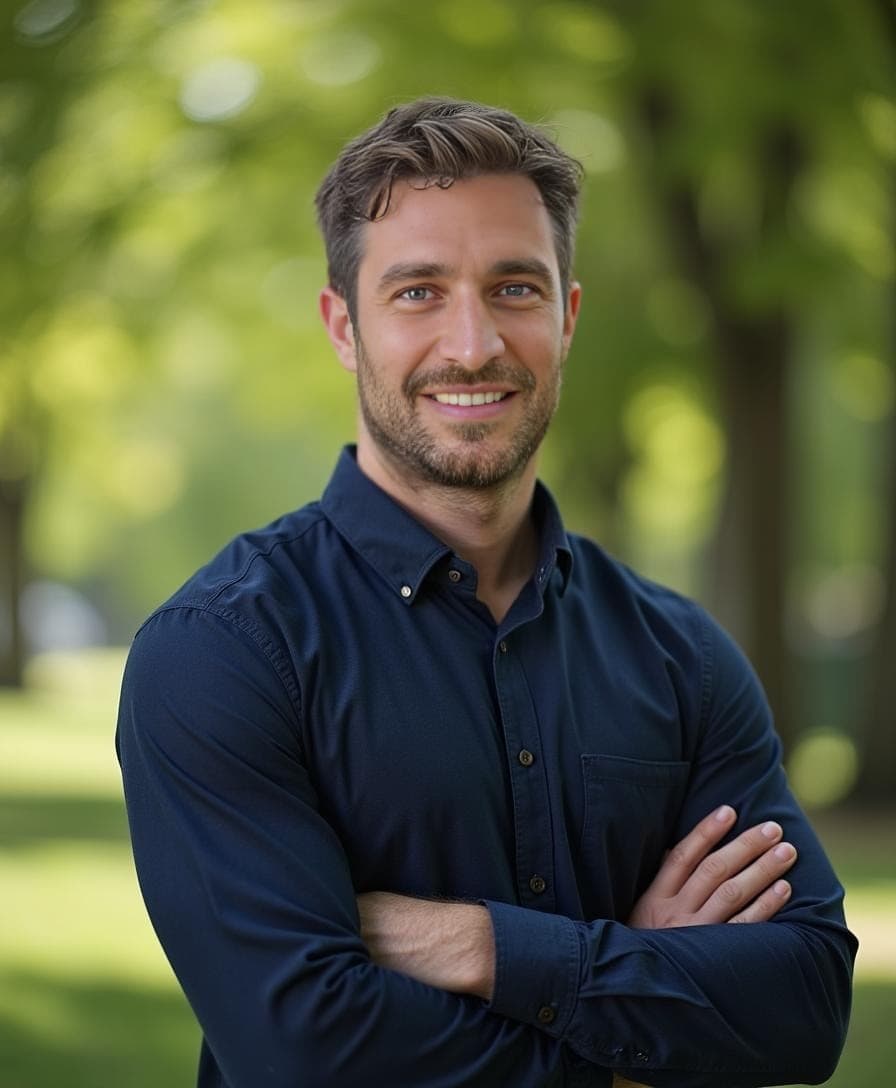
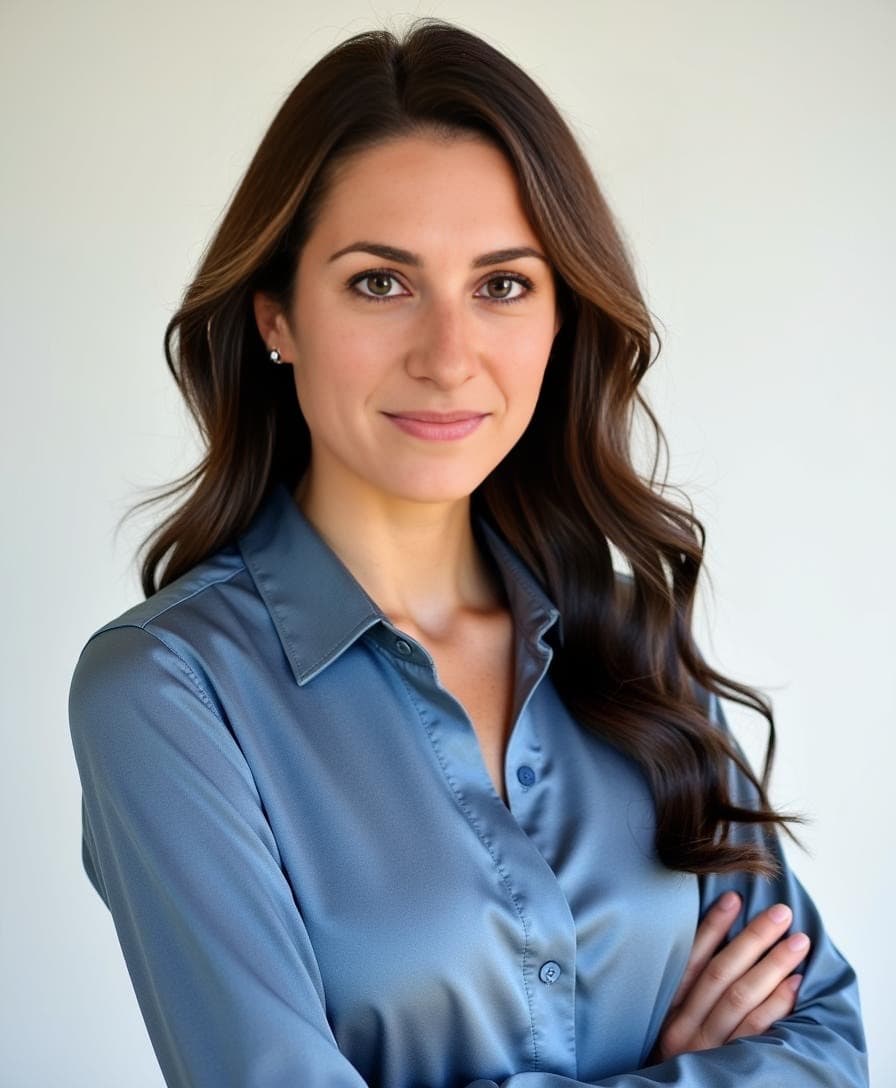
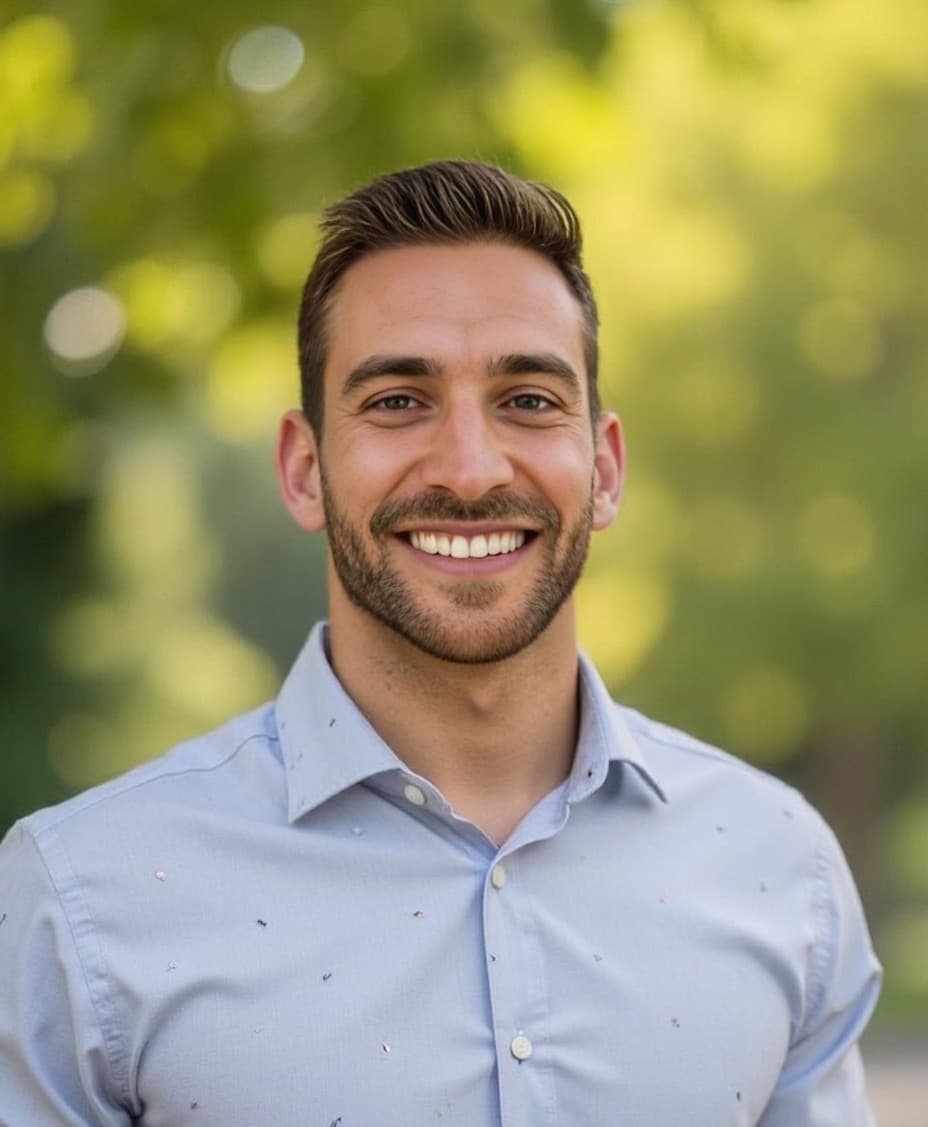
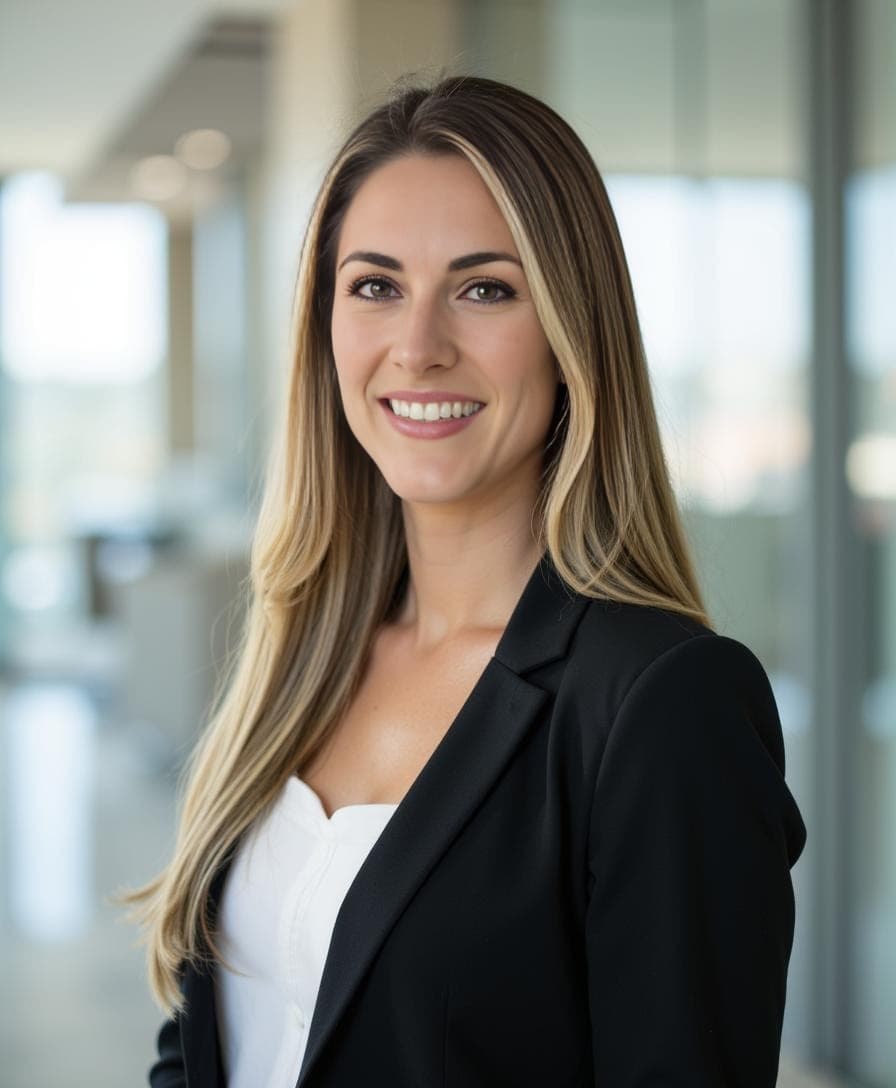
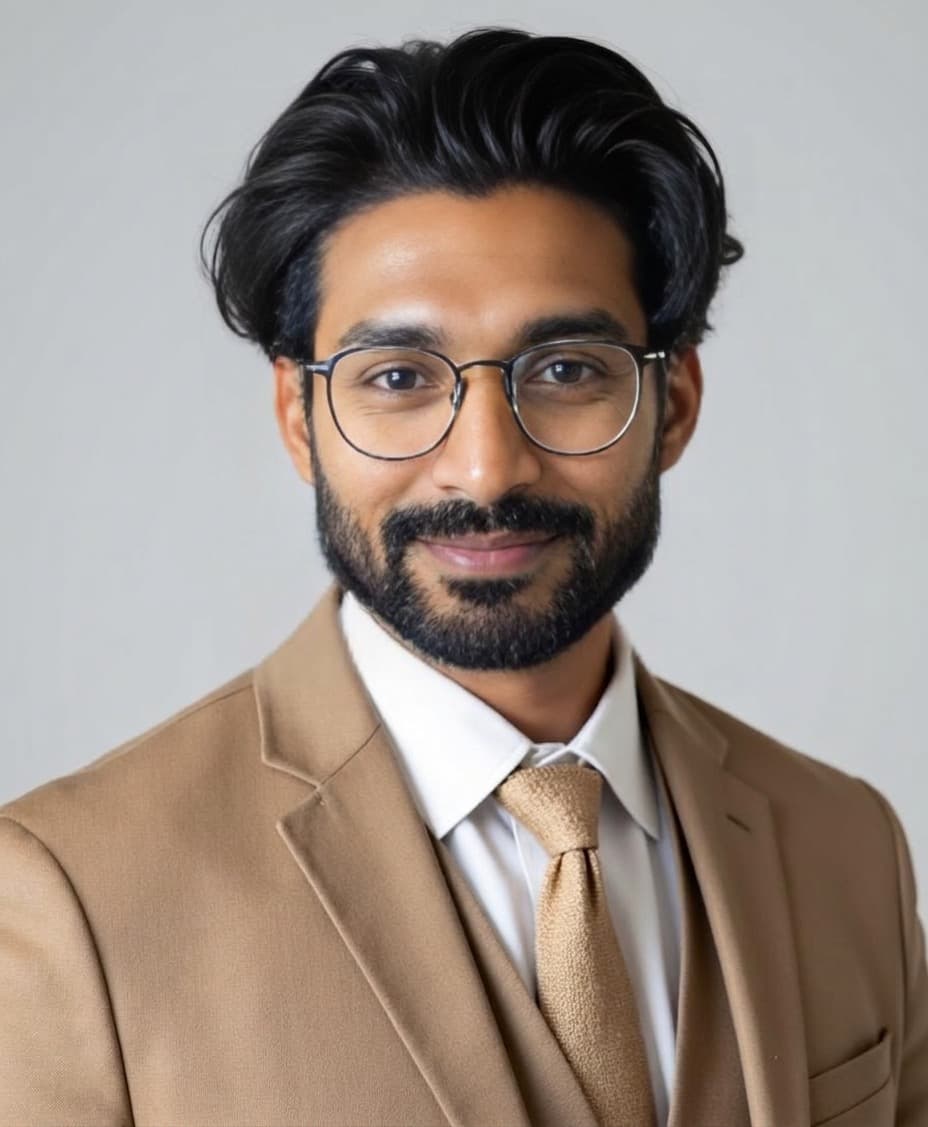
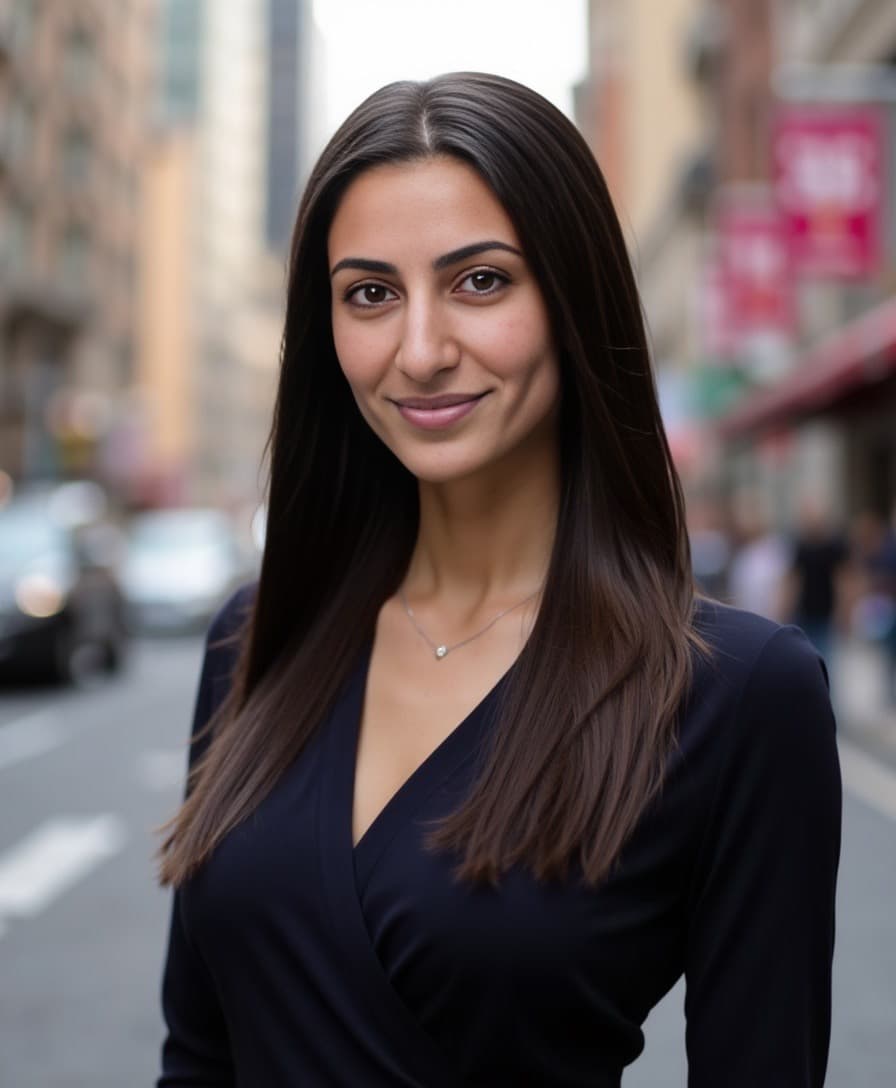
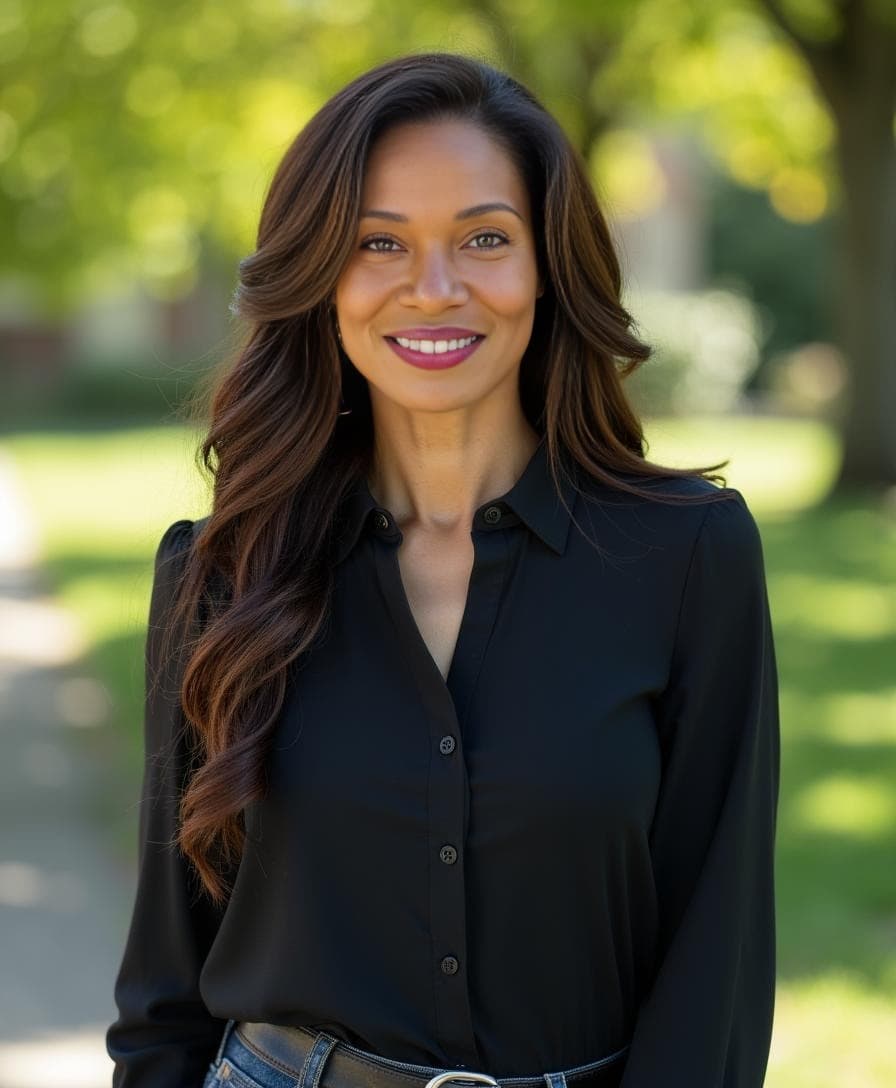
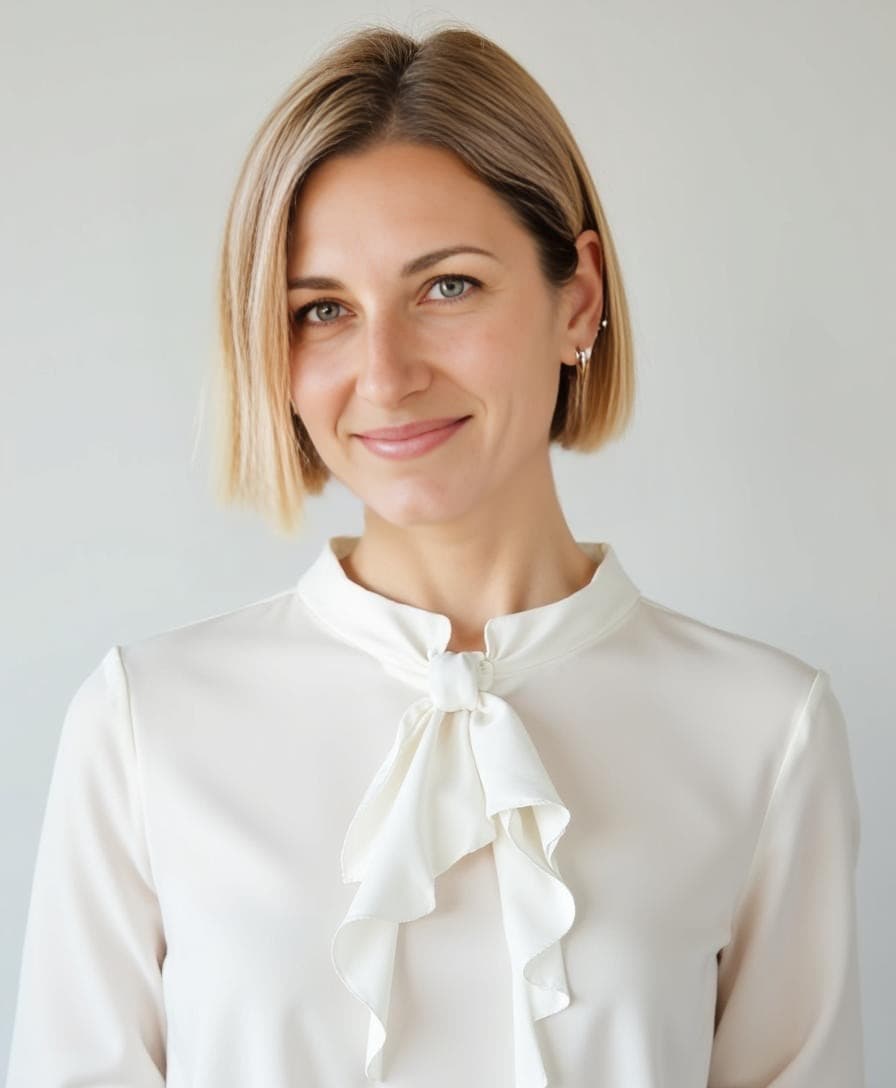
At Aragon, we create AI headshots that help people look their best. But we know one size doesn't fit all — that's why we've built a suite of free editing tools that let you personalize every detail of your headshots.
What Can You Customize on Your AI Headshots?
With Aragon's free editing tools, you can change:
| What you can change | Tool to use |
|---|---|
| Background (studio, office, outdoor, brand colors) | Background Changer |
| Clothing (formal, smart casual, creative) | Clothing Changer |
| Hair (style, color, length) | Hair Editor |
| Pose (straight-on, angled, dynamic) | Pose Editor |
All tools are free. No reshoots needed — just open any photo in your Aragon dashboard and click Edit.
Change your outfit, swap your background, adjust your hair, try a new pose — all without reshoots or retakes. Just a few clicks, and your headshot is exactly how you want it.
Free editing tools include:
Personalize Your AI Headshots in Seconds
Our free editing tools make it easy to customize your AI headshots. Whether you're refreshing your look, tailoring photos for a specific platform, or simply curious to try a new style — you have complete flexibility to make your photos feel more like you.
With just a few clicks, you can:
- Change outfits and outfit colors
- Swap out backgrounds (from office to outdoors, minimal to bold)
- Adjust your hairstyle and color
- Choose from a variety of poses that suit your style
- Fine-tune details until everything feels right
Every edit is powered by Aragon's AI, so your customized photo looks just as polished as the original — only more personalized.
The Free Editing Tools
🎨 Background Changer
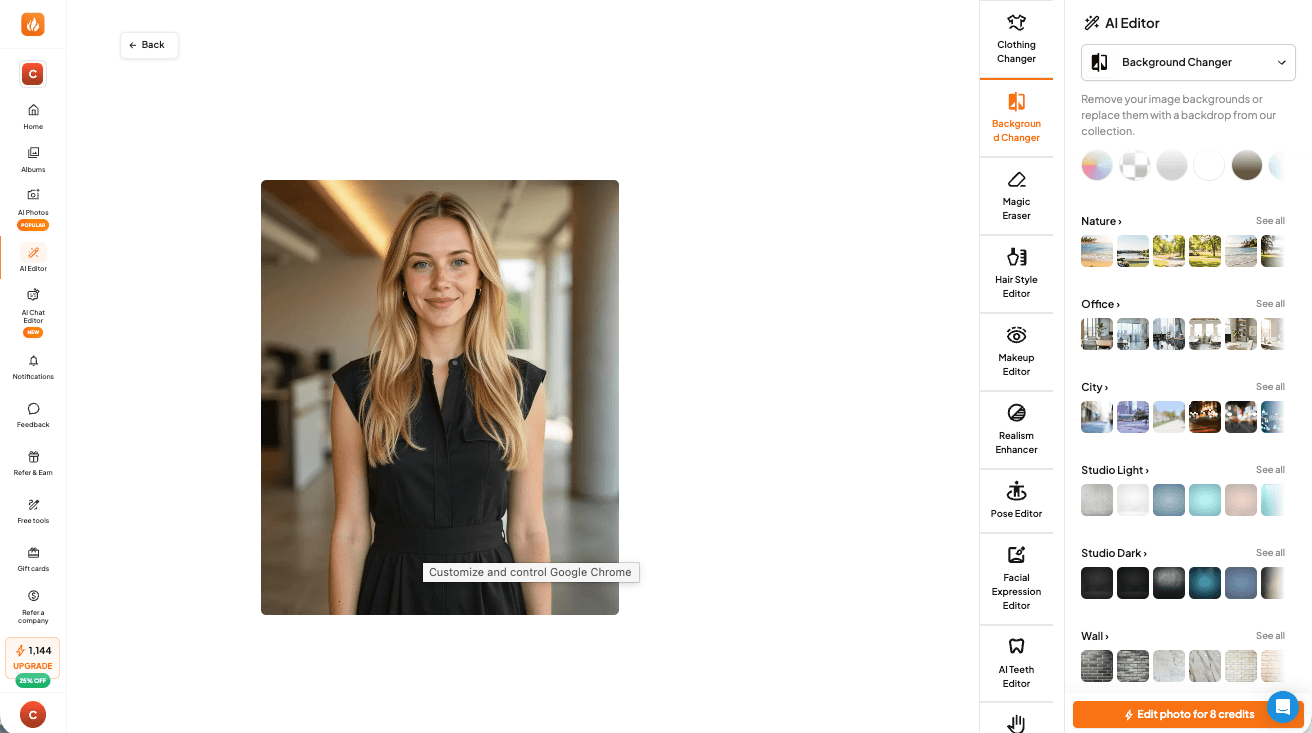
Transform the setting of your headshot without a new photoshoot.
Popular background options:
- Studio neutral — Classic gray, white, or gradient backgrounds
- Office environment — Professional workplace settings
- Outdoor natural — Soft greenery, cityscapes, or natural light
- Brand colors — Match your company or personal brand
Perfect for tailoring the same headshot for different uses — LinkedIn might call for a neutral studio background, while your personal website could use something more creative.
👔 Clothing Changer
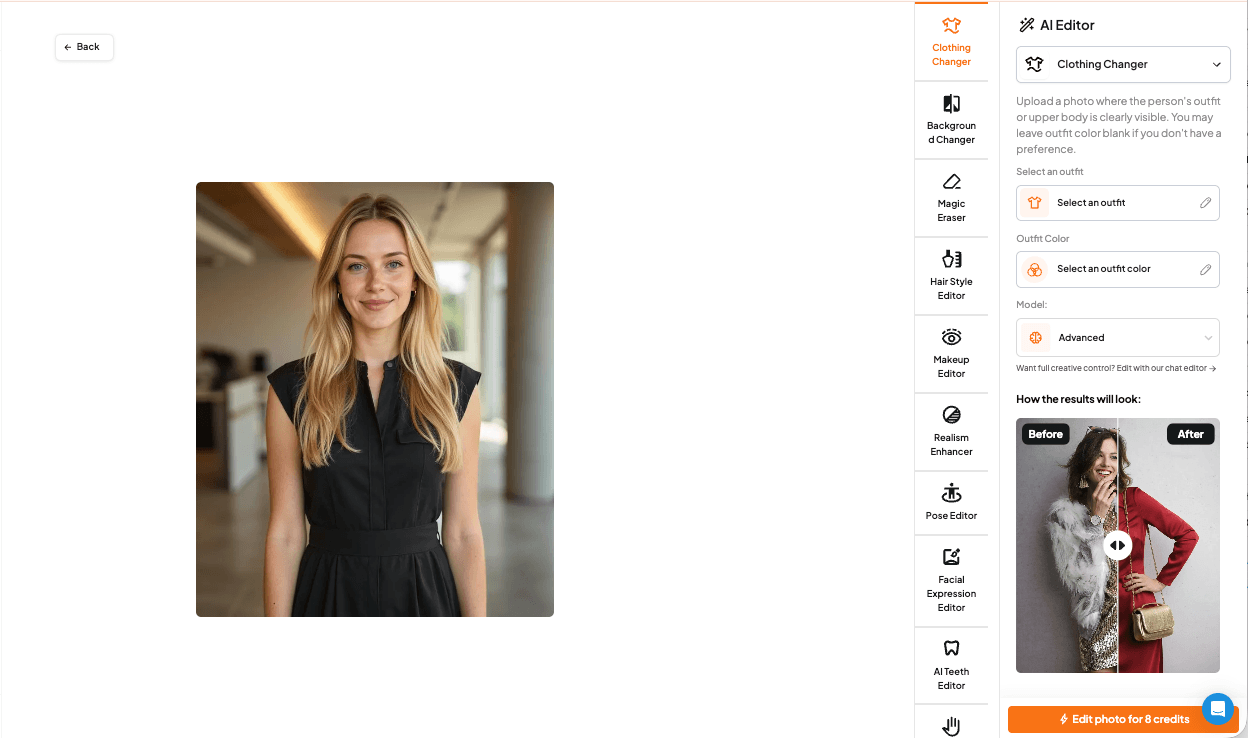
Try different professional outfits without changing clothes.
Style options include:
- Business formal (suits, blazers)
- Smart casual (button-downs, sweaters)
- Creative professional (modern, expressive styles)
- Industry-specific attire
Great for testing which outfit photographs best, or creating multiple versions of your headshot for different contexts.
💇 Hair Editor
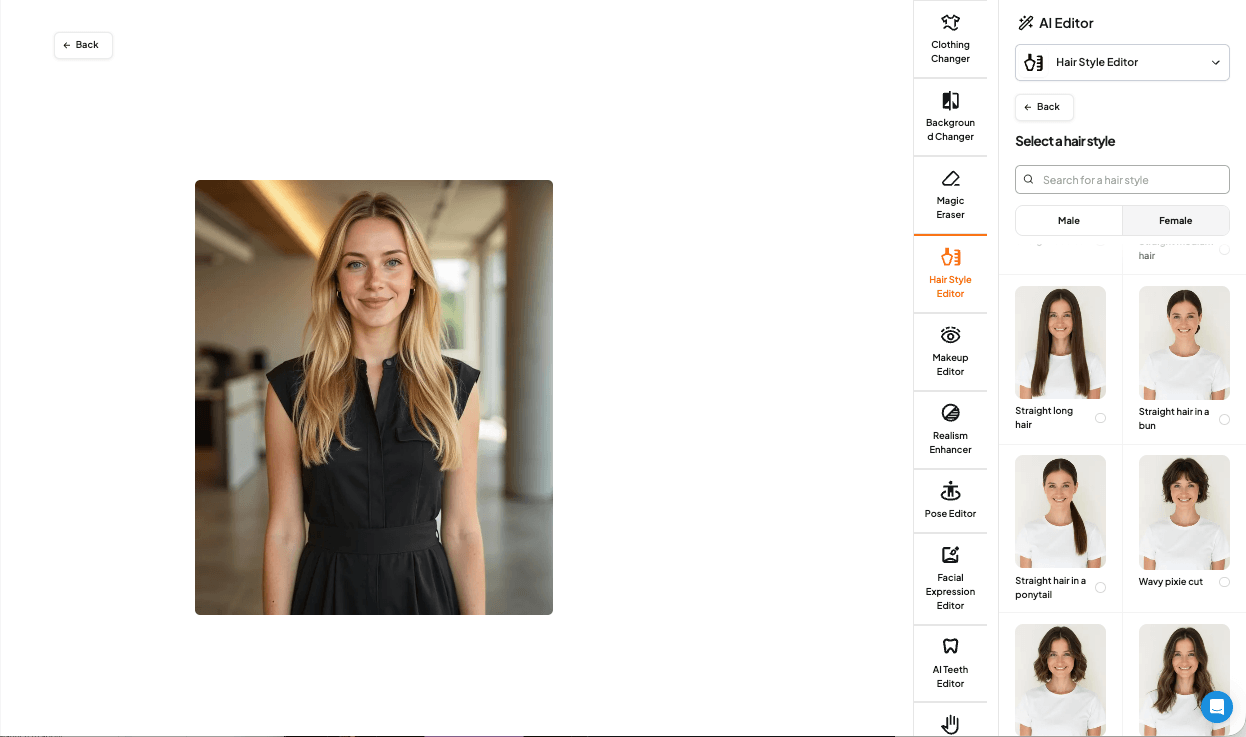
Adjust your hairstyle to match your current look or try something new.
What you can change:
- Hair color and tone
- Styling and texture
- Length adjustments
- Grooming refinements
Useful if your hair has changed since your original photos, or if you want to see how a different style would look before committing in real life.
🧍 Pose Editor
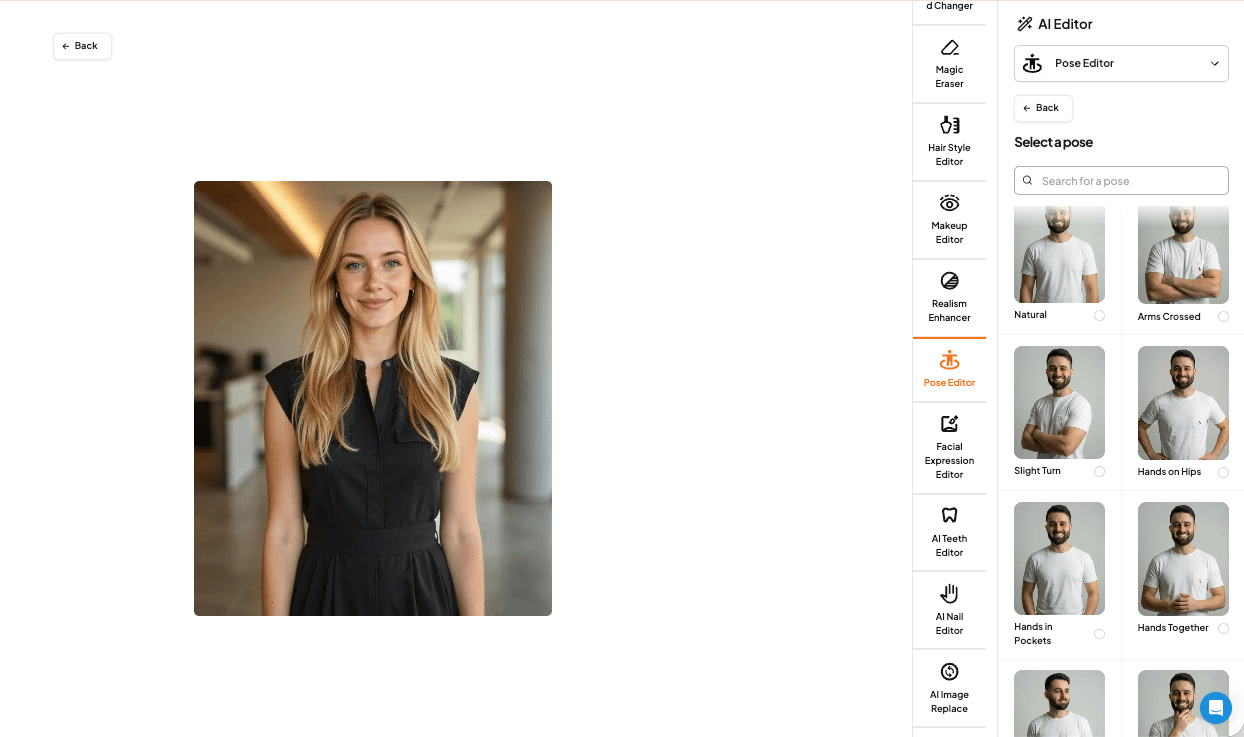
Find the angle and pose that feels most natural to you.
Pose options:
- Standard professional (straight-on, slight angle)
- Approachable and friendly
- Confident and executive
- Creative and dynamic
Different poses communicate different energy — experiment until you find the one that matches your personal brand.
What Our Users Are Saying
"I love being able to change my background for different platforms. My LinkedIn has a clean studio look, but my personal site has something more creative."
"The clothing changer saved me so much hassle. I didn't have to dig through my closet for the perfect outfit."
"I updated my hairstyle last month and was able to match my headshots without taking new photos."
The editing tools are designed to meet your creativity where it's at — giving you professional-quality headshots, personalized to you.
How to Use the Free Editing Tools
You can start customizing in a few simple steps:
Step 1: Generate Your AI Headshots
If you haven't already, create your AI headshots here. Upload a few photos and receive up to 100 studio-quality headshots in about 30 minutes.
Step 2: Open Your Photo Dashboard
Already have headshots? Great — just log in and open your photo dashboard.
Step 3: Click "Edit" on Any Photo
This opens up the editing tools interface.
Step 4: Make Your Changes
Choose your new look — outfit, background, hair, pose — whatever feels right. Preview changes before applying.
Step 5: Save Your Customized Photo
Your new, personalized headshot generates in moments. Download and use it anywhere.
Free Credits for New Users
New to Aragon? You'll receive free credits when you sign up, which you can use to:
- Access all editing tools
- Try different backgrounds, outfits, and styles
- Customize your headshots before committing to a full package
It's a great way to experience the full power of Aragon's customization features.
Use Cases for Editing Tools
| Use Case | Recommended Tools |
|---|---|
| Multiple platforms (LinkedIn vs. website vs. email signature) | Background Changer |
| Different industries (applying to corporate vs. startup roles) | Clothing Changer, Background Changer |
| Personal rebrand | All tools — complete refresh |
| Seasonal updates | Clothing Changer, Background Changer |
| Post-haircut refresh | Hair Editor |
| Trying new looks before committing | Hair Editor, Clothing Changer |
Why Aragon?
Aragon is trusted by over 2 million users with a 4.9/5 rating on Trustpilot. Built by former researchers and engineers from MIT, Google, and other leading institutions, Aragon delivers realistic, professional results.
- SOC 2® Type II compliant — enterprise-grade security
- Photos stay private — strict privacy and retention policies
- Money-back guarantee — on every purchase
Your Photo, Your Style, Your Story
The free editing tools put you in complete control of your professional image. No more settling for "close enough" — customize every detail until your headshot feels authentically you.
What you get:
- Complete customization — backgrounds, outfits, hair, poses
- Unlimited experimentation — try different looks without limits
- Professional quality — every edit maintains studio-quality polish
- Free credits — new users can try everything
👉 Start customizing your headshots now
FAQs
Are the editing tools really free?
New users receive free credits that can be used on all editing tools. This lets you try Background Changer, Clothing Changer, Hair Editor, and Pose Editor to customize your headshots.
Can I use editing tools on any headshot?
Yes. The editing tools work on any AI headshot generated through Aragon. Open any photo in your dashboard and click "Edit" to access all customization options.
Will edited photos look as good as the originals?
Yes. Every edit is powered by Aragon's AI, ensuring your customized photos maintain the same studio-quality lighting, detail, and polish as your original headshots.
How many times can I edit a photo?
You can experiment with as many variations as you like. Try different backgrounds, swap outfits, adjust hair — keep refining until you find the perfect look.
What if I want to go back to the original?
Your original headshots are always preserved. Edits create new versions, so you never lose your original photos.
Related Guides: AI Headshot Generator Complete Guide | How to Get an AI Headshot