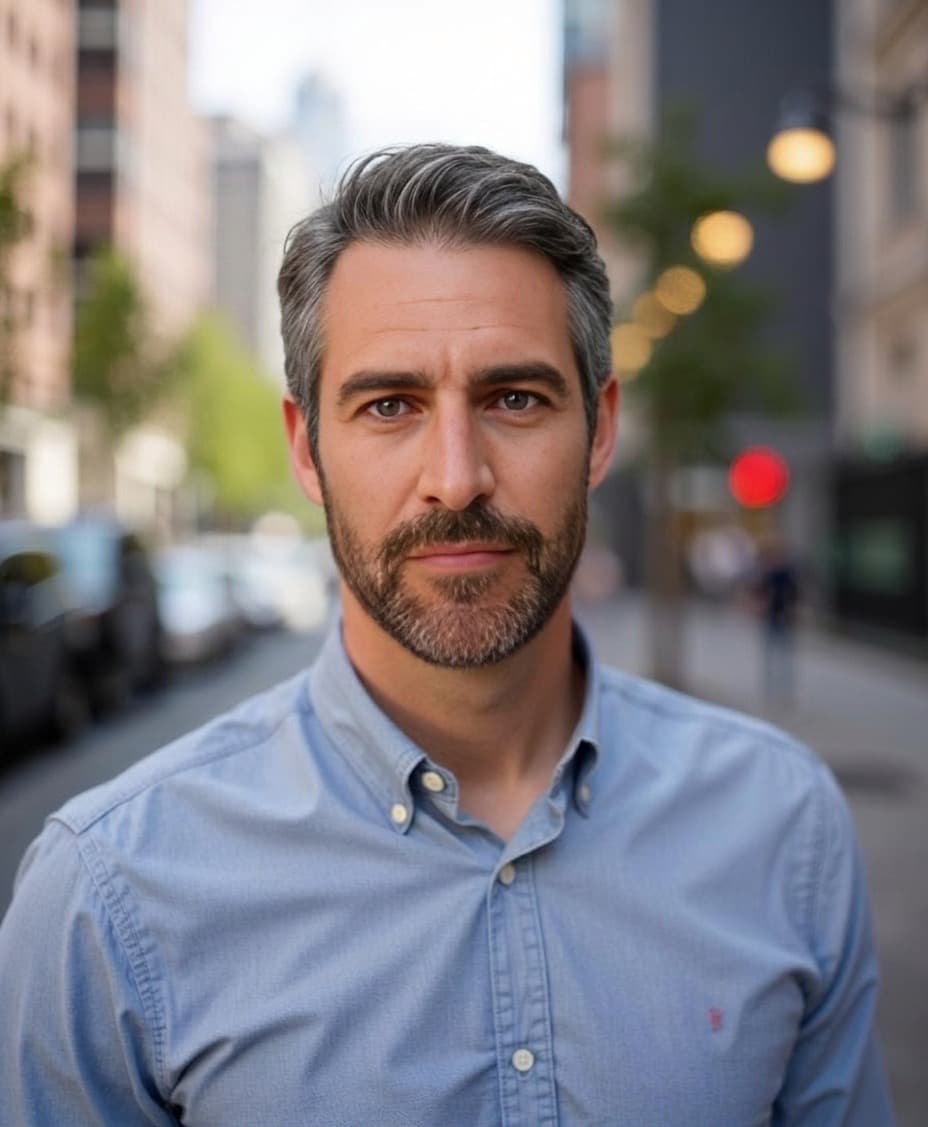
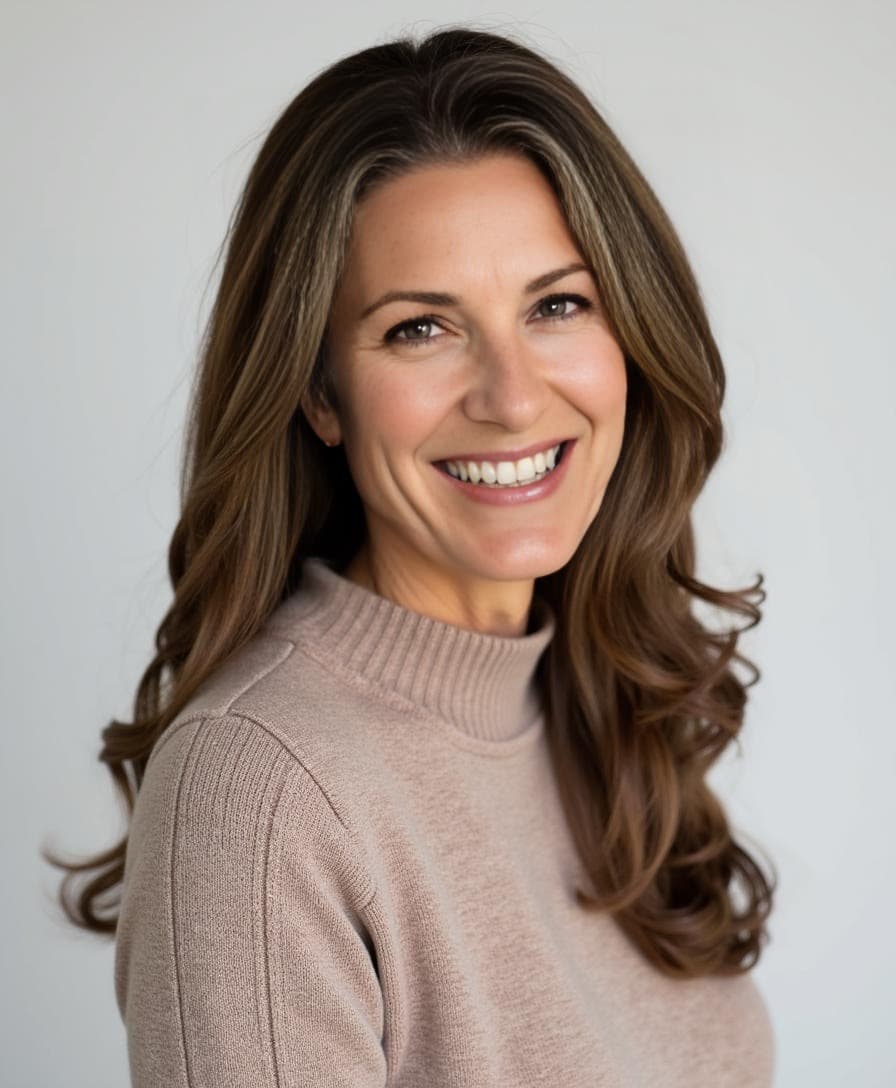
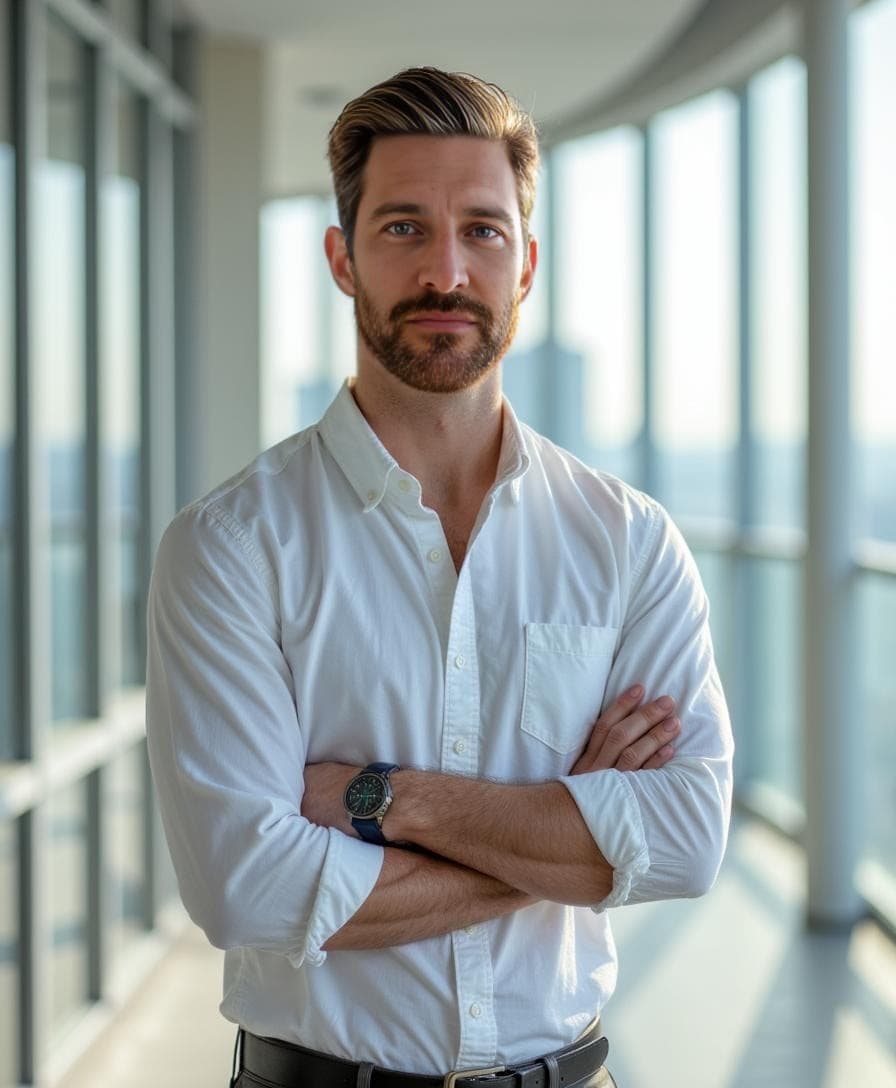
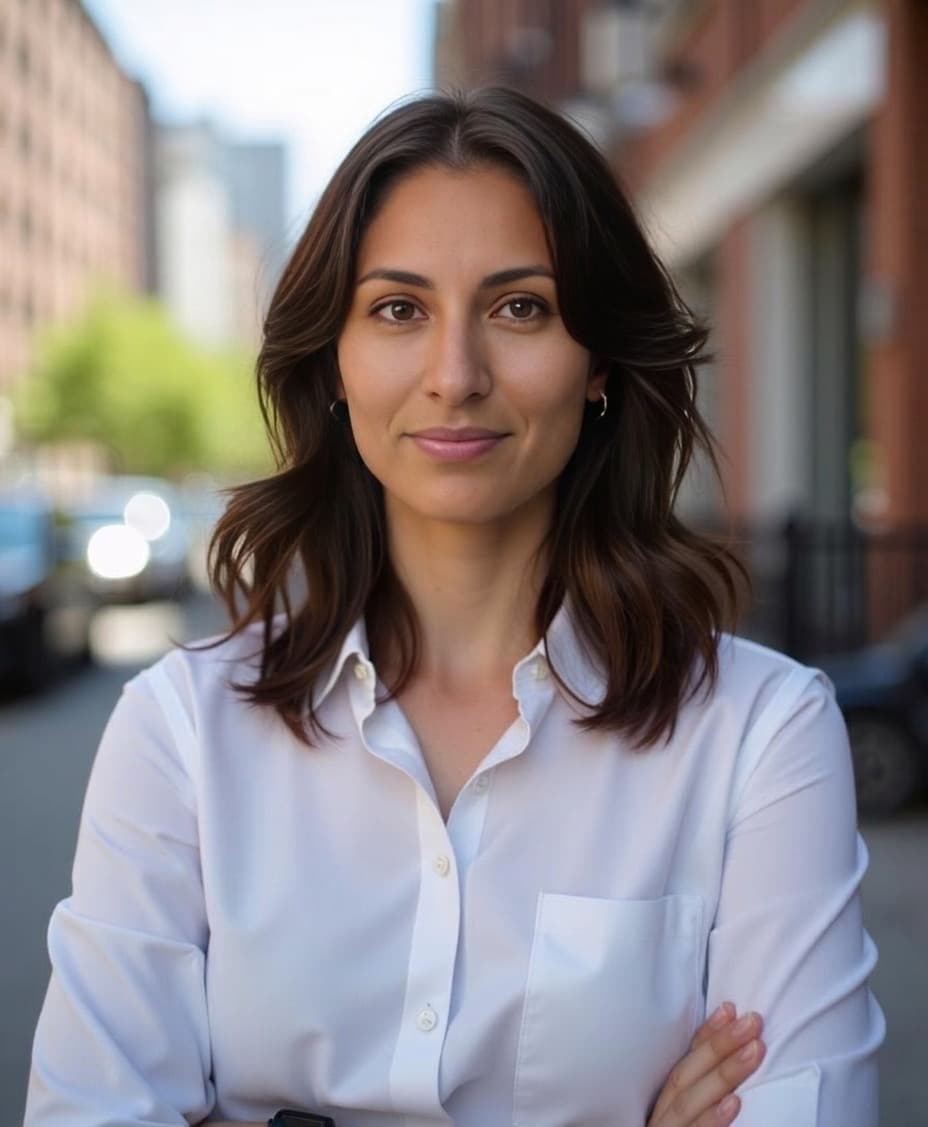
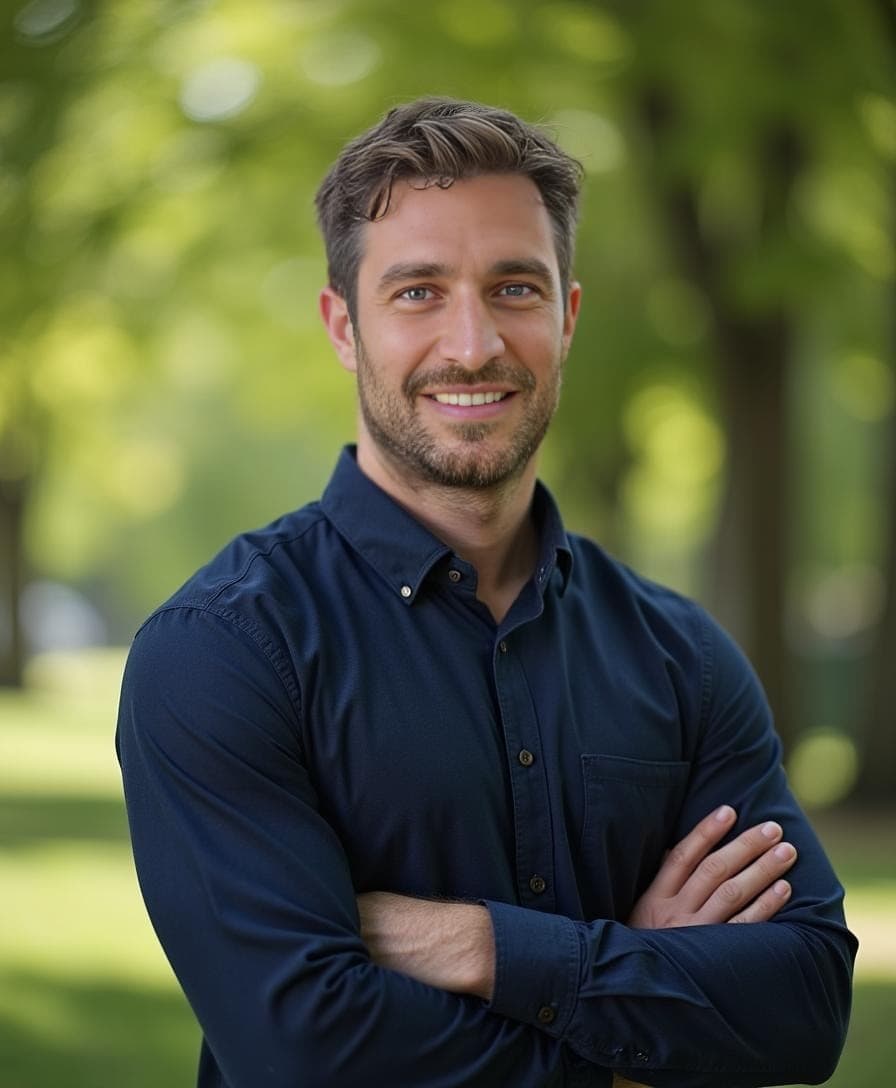
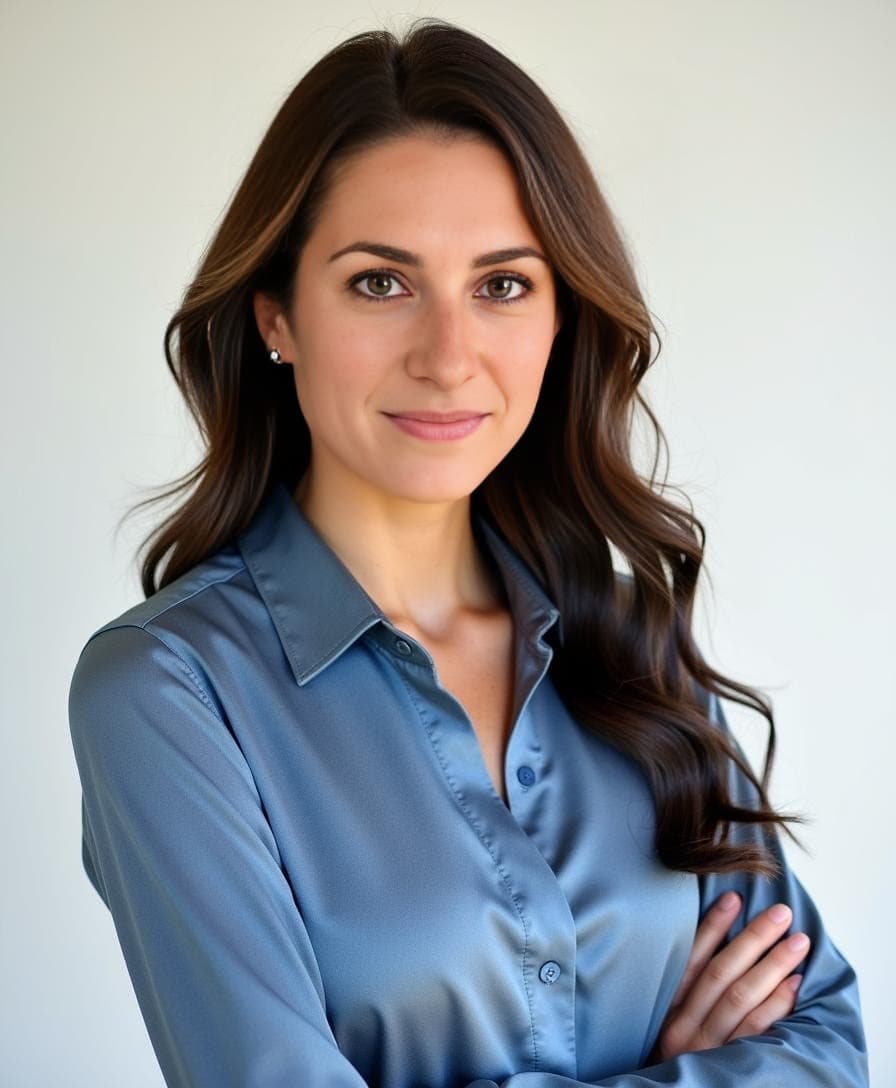
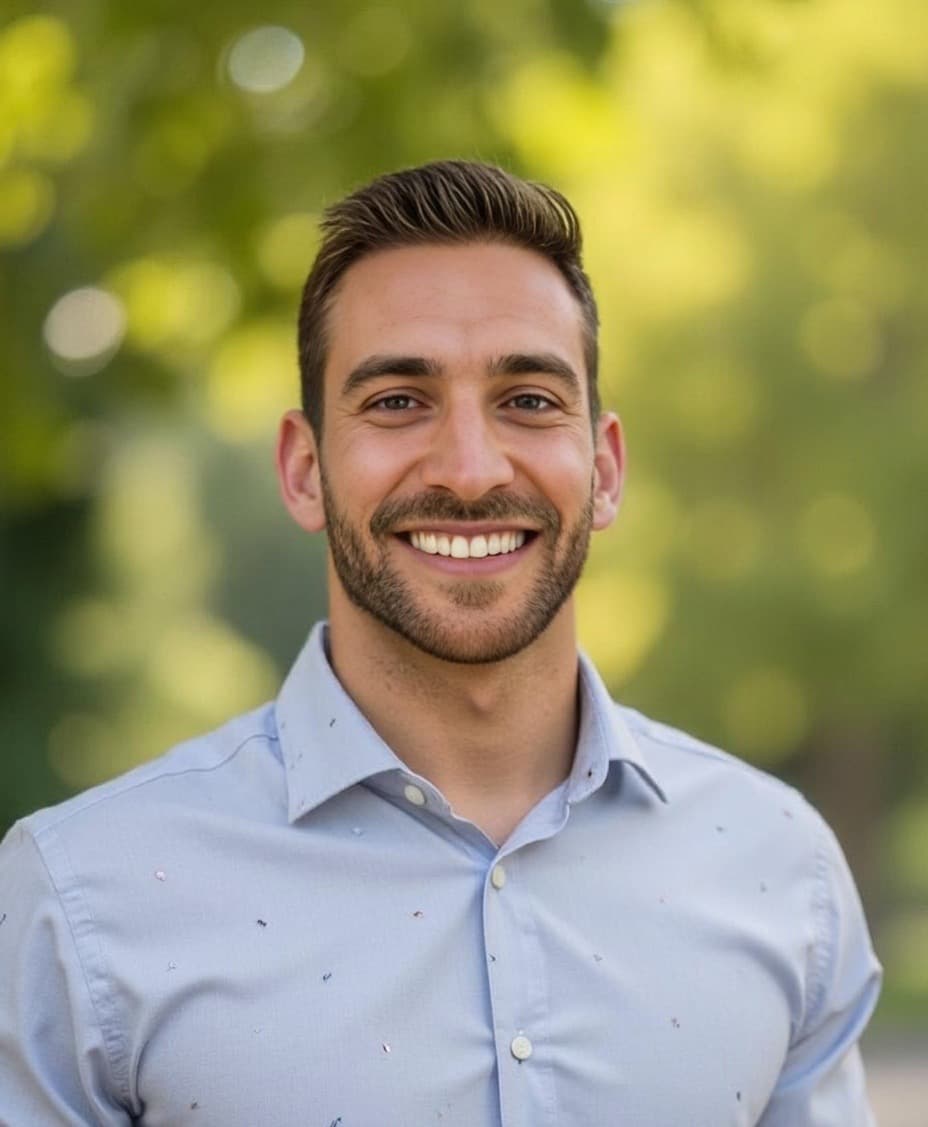
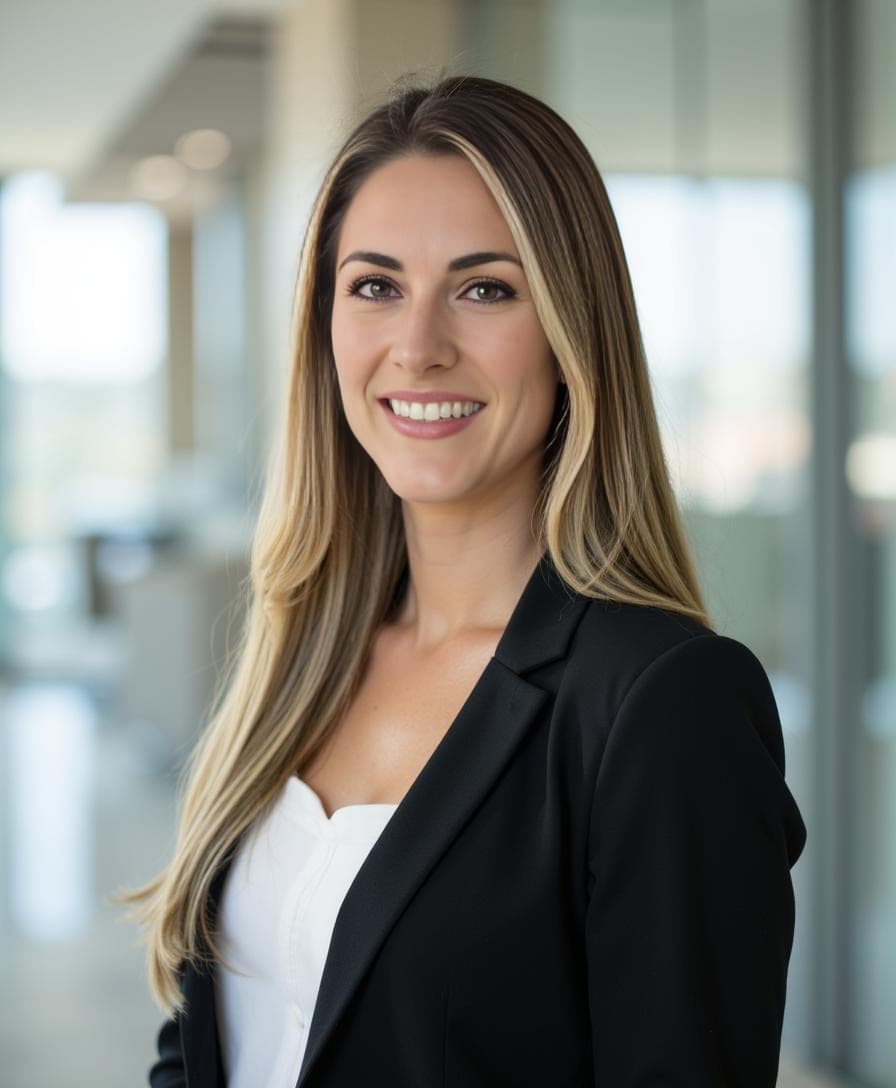
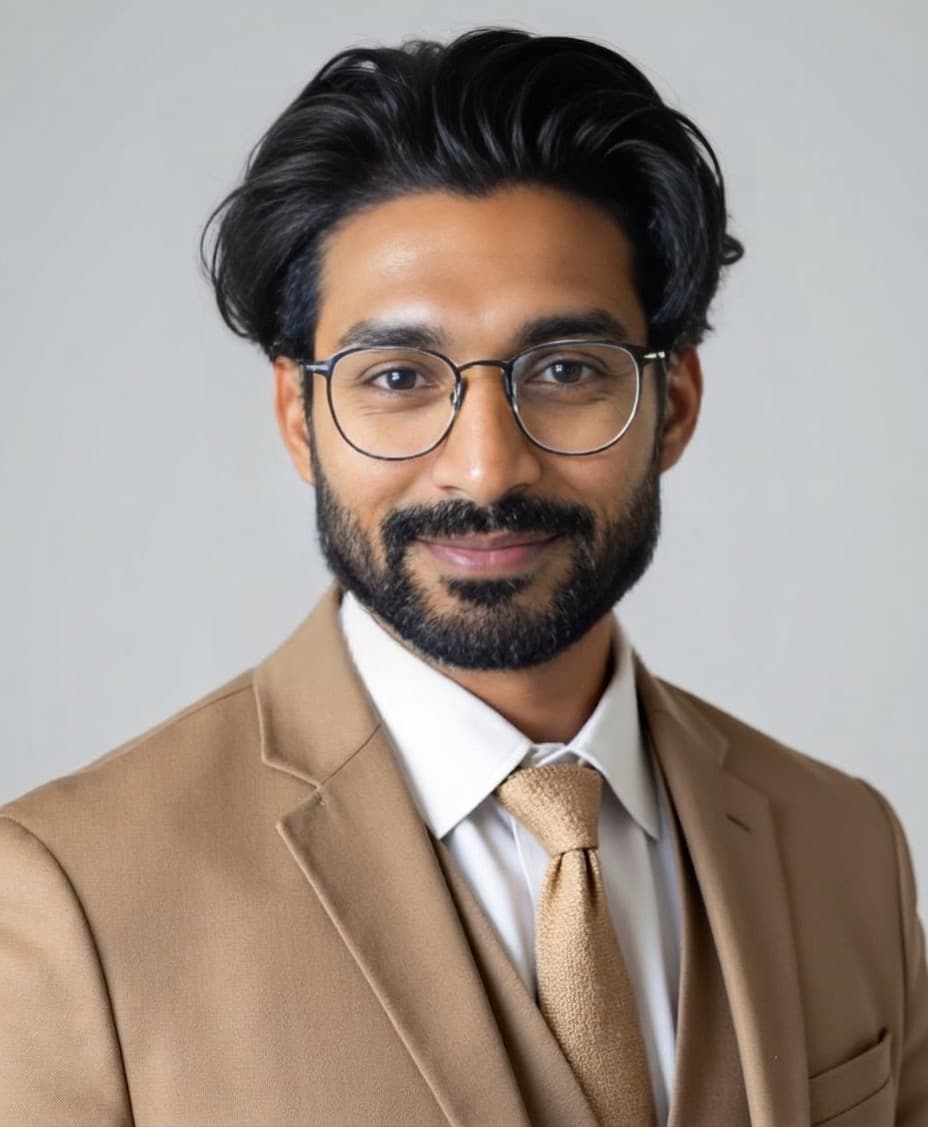
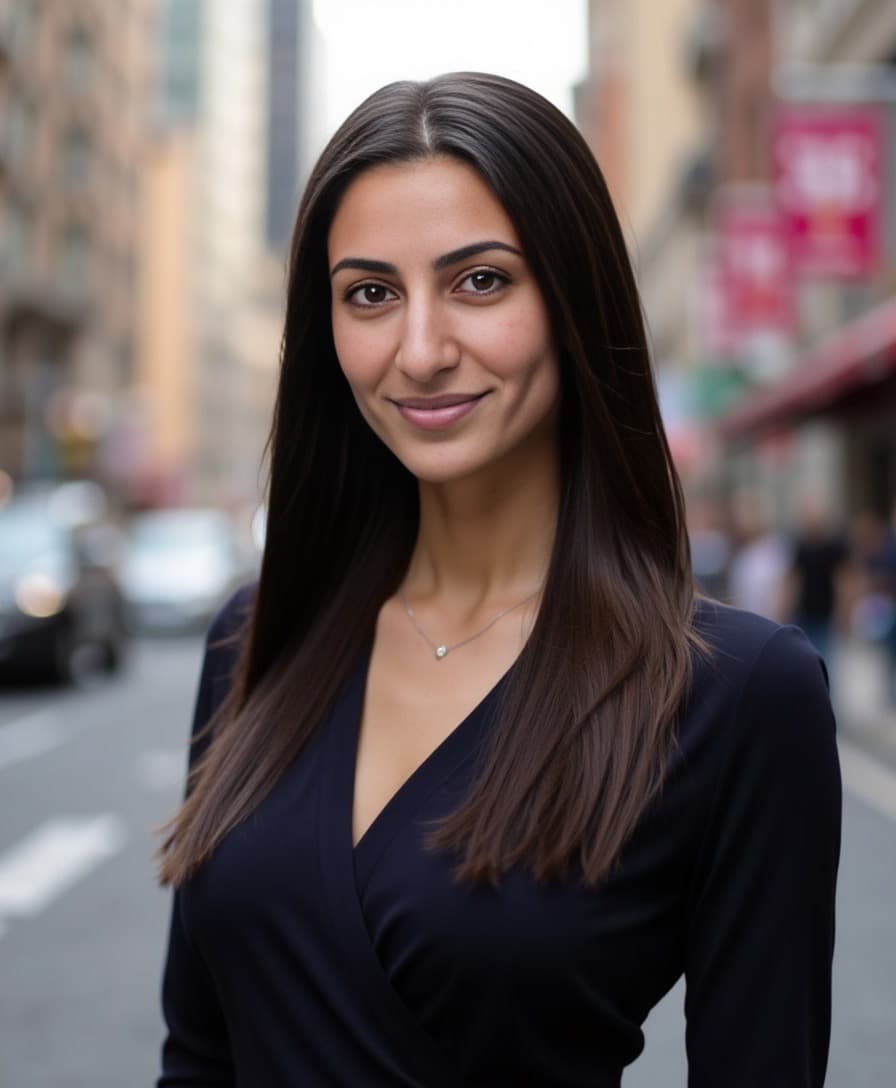
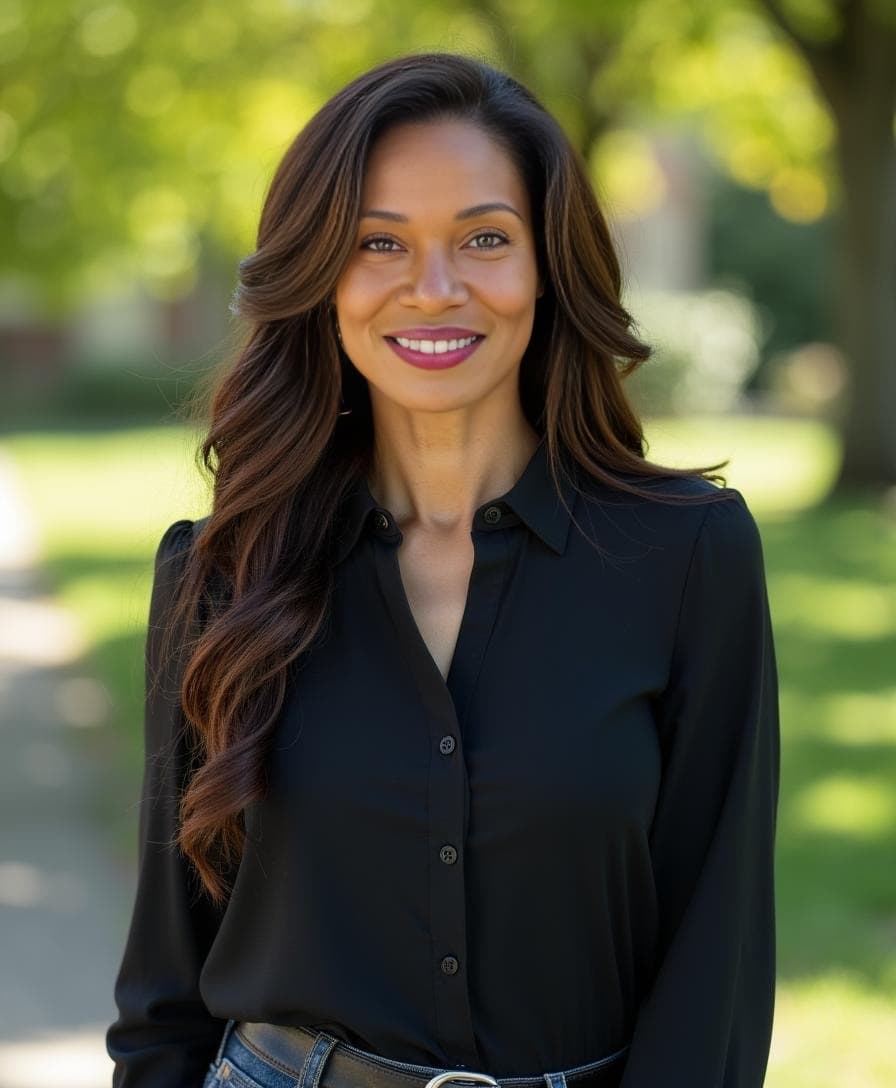
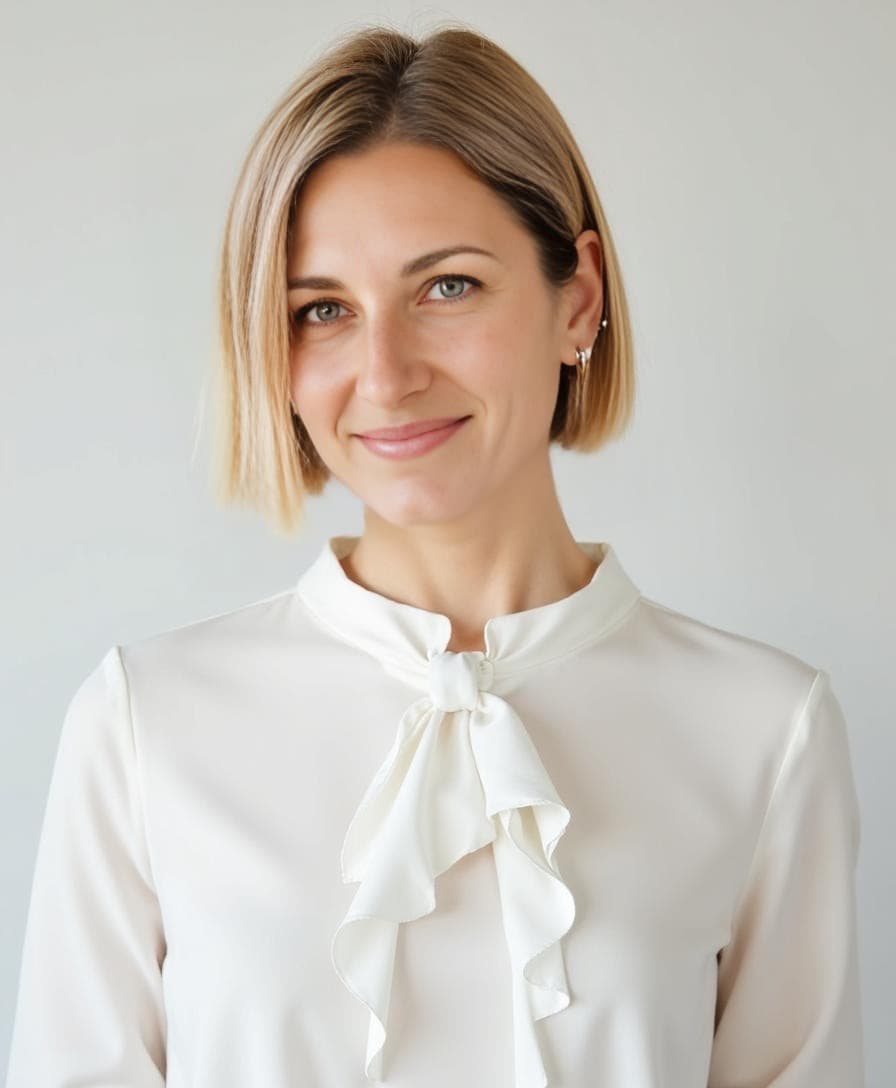
Best AI Headshot Generator for Professionals: 2026 Roundup

Last updated: October 2026
Most professionals do not need a complicated photoshoot. They need a headshot that looks like them, works on LinkedIn or a company profile, and is ready without spending days arranging a studio session.
The best AI headshot generator for professionals should do more than make an attractive portrait. It should keep your face recognizable, give you professional backgrounds and clothing options.
For this 2026 roundup, we compared the factors that matter most in professional use: realism, speed, style choice, price, team features, and security. Aragon is our overall pick for most individual professionals and large team rollouts.
How We Picked the Best AI Headshot Generator for Professionals
A professional does not choose a headshot generator because it makes the most dramatic AI images. The real question is whether it produces photos you would confidently place next to your name on LinkedIn, a company website, a speaker page, or a client proposal.
We compared each option using six practical criteria.
| Criterion | What We Looked At | Why It Matters |
|---|---|---|
| Realism | Facial details, skin texture, hair, eyes, hands, ears, and natural details | A polished photo is not useful if it looks like another person |
| Speed | Time from uploading photos to reviewing results | Fast delivery matters when you need a profile photo for a job application, company launch, or event |
| Styles | Background, attire, and professional look options | Different jobs and platforms need different levels of formality |
| Price | Starting cost, number of photos, and overall value | The cheapest package is not always the best value if it gives you very few usable options |
| Teams | Admin controls, bulk purchasing, consistency, and company workflows | HR and brand teams need more than individual photo generation |
| Security | Privacy controls, data handling, and security certifications | Your photos should be treated with care and appropriate safeguards.. |
No AI headshot generator creates perfect photos every time. Some images will naturally be better than others.
The useful question is how many photos in the batch still look like you and are strong enough to publish.
Because this comparison appears on Aragon's blog, we are not pretending it is an independent lab test. The scorecard below is an editorial comparison based on current product information, professional headshot requirements, and the strengths of each workflow.
AI Headshot Generator Scorecard
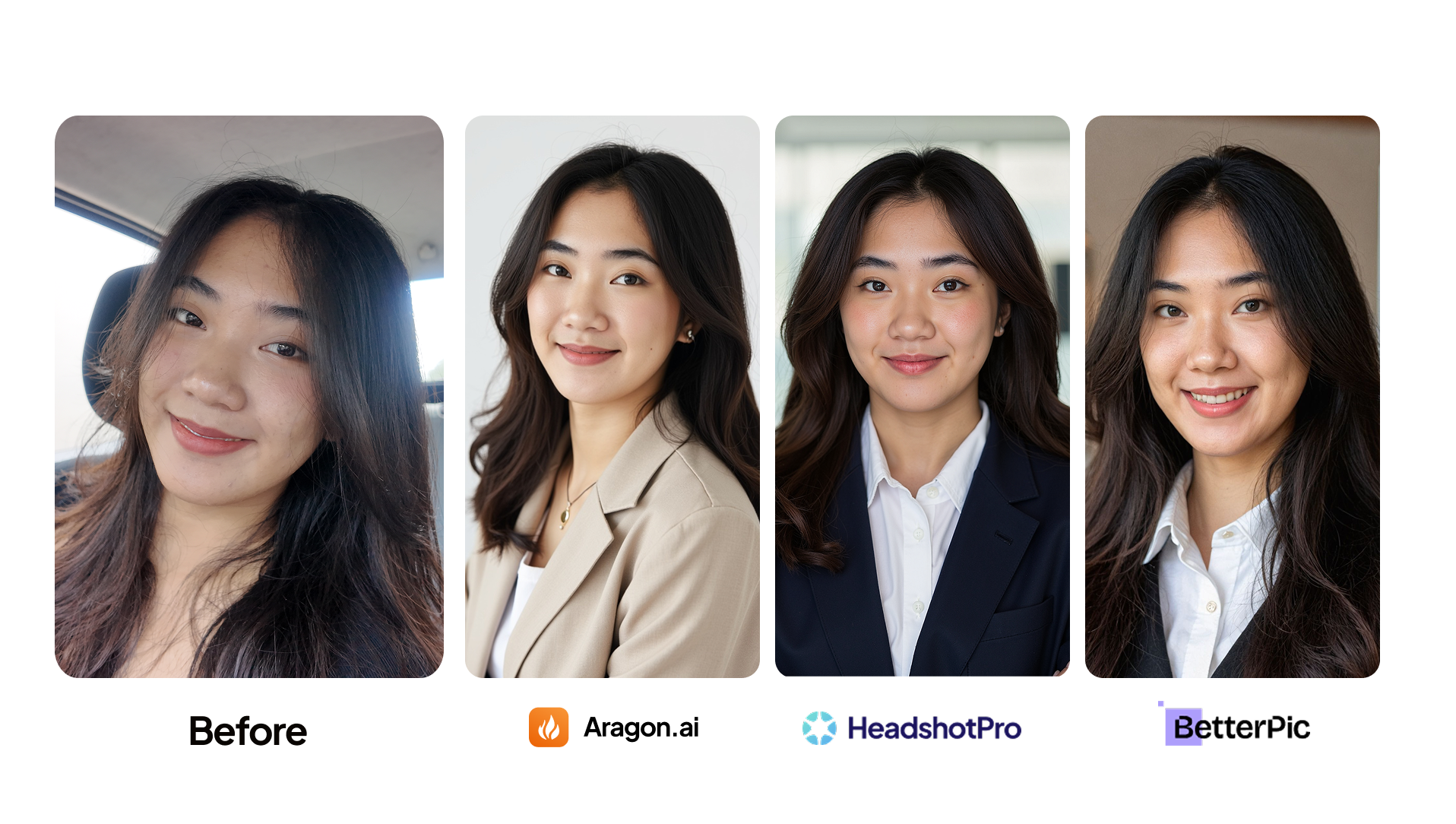
These scores use a 1-to-5 editorial scale and are meant to make the differences easier to understand.
| Tool | Realism | Speed | Styles | Price Value | Teams | Security | Best Fit |
|---|---|---|---|---|---|---|---|
| Aragon | 5 | 5 | 5 | 5 | 5 | 5 | Best overall for individual professionals and teams |
| HeadshotPro | 4 | 4 | 4 | 5 | 4 | 5 | Budget-conscious users looking for a lower-cost option |
| BetterPic | 4 | 3 | 5 | 4 | 4 | 4 | Users comparing alternative AI headshot generators |
| General AI image tools | 2 | 5 | 3 | 5 | 1 | 2 | Creative experiments rather than consistent professional sets |
Aragon is our overall choice because it combines realistic professional results with large photo batches, quick turnaround, editing tools, style choice, and strong security.
HeadshotPro is especially competitive for its lower cost feature. BetterPic is worth considering when you want to try alternative headshot generators.
General AI image tools can create attractive portraits quickly, but professional headshots need something more specific: the same person should remain recognizable across different backgrounds, clothing, and poses.
For a closer look at general image tools versus dedicated headshot products, read our ChatGPT and AI headshot tools comparison.
Best Overall AI Headshot Generator for Professionals
Pick: Aragon
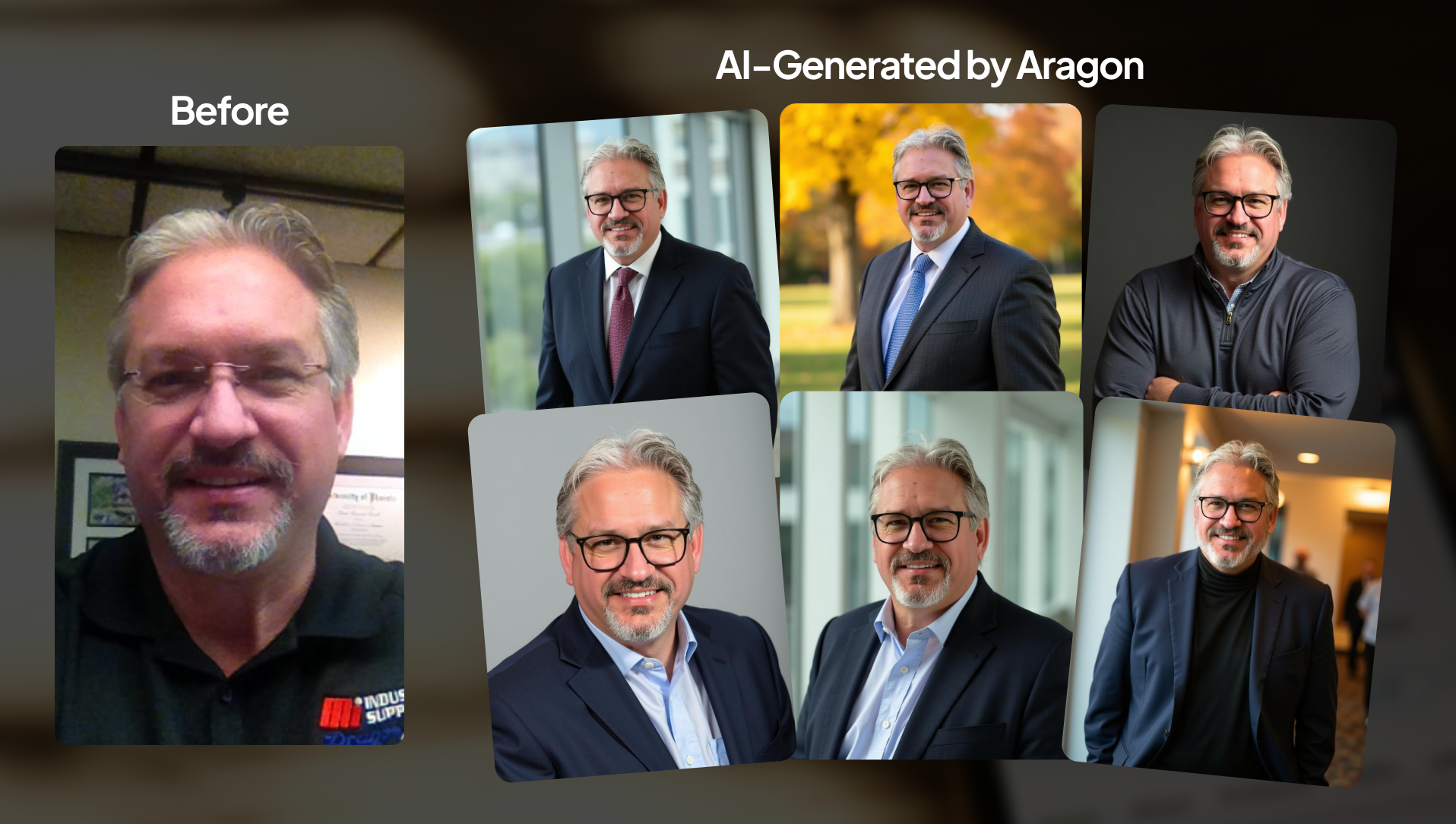
For most individual professionals, Aragon offers the strongest balance of realism, speed, photo quantity, style choice, editing, and security.
The current individual packages give professionals three clear options:
| Aragon Plan | Current Price | Headshots | Approx. Turnaround | Style Options |
|---|---|---|---|---|
| Basic | $35 | 40 | 45 minutes | 1 attire and 1 background |
| Standard | $45 | 60 | 30 minutes | 2 attires and 2 backgrounds |
| Executive | $75 | 100 | 15 minutes | All available attires and backgrounds |
Note* Pricing checked in October 2026. Plans and promotions can change, so confirm the current package before purchasing.
Aragon also asks for only a small set of clear selfies to begin. The current workflow requires at least six photos from different angles. Phone selfies work as long as your face is visible and the images are not heavily filtered.
That combination works particularly well for job seekers, consultants, managers, founders, sales professionals, freelancers, and other people who need more than one professional image.
The larger gallery also matters. You might want a neutral headshot for LinkedIn, a warmer photo for your company bio, and a slightly different look for a conference profile. Having dozens of options gives you room to choose without forcing one image to work everywhere.
Aragon is also SOC 2 Type II compliant and provides account controls for managing personal data, which matters when you are uploading photos of your face.
If you want to generate your own set, start with professional AI headshots from Aragon.
Best for LinkedIn-Focused Professionals
Pick: Aragon
LinkedIn headshots have a narrower job than general portraits. Your face needs to stay clear when the photo becomes a small circle next to a comment, message, job application, or search result.
That means the most dramatic headshot is rarely the best LinkedIn headshot.
Look for:
- A close head-and-shoulders crop
- Clear eyes and facial detail
- A simple background
- Natural skin texture
- Professional clothing that fits your role
- Enough space around the head for LinkedIn's crop
- An expression that looks approachable rather than staged
Neutral gray, muted office, off-white, and subtle professional backgrounds are safe choices for most people. Creative professionals can use more personality, but the background should still stay quieter than the face.
Aragon's LinkedIn workflow currently offers the same core package structure with up to 100 headshots depending on the plan. Aragon's output meets LinkedIn's profile-image requirements.
For a more detailed LinkedIn-specific comparison, read our guide to the best AI headshot tool for LinkedIn.
Best Budget Pick
Pick: Aragon Basic
Budget should mean good value, not simply the lowest number on a pricing page.
HeadshotPro currently starts at $29, while Aragon Basic currently costs $35 and includes 40 headshots. BetterPic Basic also starts at $35 and currently includes 20 4K headshots.
The important question is what you get from that spend.
For a professional who wants several options for LinkedIn, a resume, a company page, and other profiles, Aragon Basic provides a useful balance between price and gallery size.
Do not judge value only by the cheapest entry price. Consider:
- How many headshots you receive
- How quickly they arrive
- How many looks you can choose
- Whether edits are available afterward
- Whether you need to purchase another package if the first set is too limited
Traditional photography can still be the better choice when you need live direction, but it normally costs much more than an individual AI headshot package.
Our professional headshot cost guide breaks down the difference between AI, studio, and premium photography in more detail.
Best for Teams
Pick: Aragon for Professional Team Headshots
Creating headshots for a team is different from creating one for an individual.
Companies need consistent photos across many employees, even when people are working from different cities or joining at different times. Backgrounds, crop, overall style, and image quality all need to stay consistent across the team.
Aragon is built for this kind of workflow. Its team product includes member management, bulk downloads, custom backgrounds, multiple administrators, SSO options, domain restrictions, editing access, and enterprise security features.
This gives teams a central place to manage headshots while keeping the final photos consistent with company branding.
For most professional teams, Aragon is the stronger overall choice because it combines realistic headshot generation with team management, custom backgrounds, editing tools, and enterprise controls in one workspace.
For a closer feature-by-feature comparison, read our HeadshotPro vs Aragon guide.
Where BetterPic Fits
BetterPic is another established option for professional AI headshots.
Its current Basic package includes 20 4K headshots in one style, two AI edits, and delivery in about two hours. The Pro and Expert plans increase the number of photos, styles, and editing options.
BetterPic can make sense when:
- 4K output is a priority
- You prefer a smaller set of headshots
- You want included AI edits
- You want to experiment with several styles on higher plans
Aragon remains our overall recommendation for most professionals because the current packages offer more images at the entry level and faster turnaround across the paid tiers.
If BetterPic is already on your shortlist, our BetterPic and Aragon comparison goes deeper into output, onboarding, pricing, and editing.
What About ChatGPT and General AI Image Generators?
A general AI image generator can create a professional-looking portrait from a prompt or reference image.
That does not automatically make it the best tool for professional headshots.
A dedicated headshot product is built around a specific problem: preserving the person's face details while changing things such as attire, background, lighting, and presentation.
General image tools are better suited to creative exploration, concept images, and one-off experiments. Professional headshots demand consistency.
Your headshots should look consistent across every profile. If your LinkedIn and speaker bio photos look different, people will notice the inconsistency.
How to Get Better Results From Any AI Headshot Generator
Even the best AI headshot generator for professionals needs useful input photos. Better selfies give the model a clearer picture of what you actually look like.
Use Clear Light
Face a window or another soft light source when possible. Avoid dark rooms and harsh overhead lighting that hides facial details.
Skip Heavy Filters
Beauty filters can change your skin texture, eyes, jawline, or face shape.
If the input no longer looks like you, the generator starts from the wrong information.
Show Different Angles
Include a clear front-facing photo and a few slight left and right angles. You do not need dramatic poses. The goal is simply to give the model more information about your face.
Keep Your Face Visible
Avoid sunglasses, masks, very small group-photo crops, and photos where hair covers most of your face. The tool needs to see your features clearly.
Include Your Real Glasses
If you wear glasses every day, include photos with them. If you switch between glasses and no glasses, include both types in the upload set.
Match Your Professional Style
Think about where the headshot will appear. An attorney, real estate agent, startup founder, designer, and university professor may all want different levels of formality. For practical outfit ideas, read our guide on what to wear for professional headshots.
Choose Keepers Carefully
Check the face, teeth, hair, glasses, hands, clothing, and background. Pick the photos where you still look like yourself.
A smaller selection of believable photos is more useful than a large folder of almost-right portraits.
What Makes a Professional AI Headshot Look Real?
A realistic professional headshot does not need to look perfect.
Real faces have texture, individual hair strands, natural clothing folds, and small differences in expression. A strong AI headshot should keep those details instead of smoothing everything into the same polished finish. Those natural variations help the image feel believable and recognizable.
Before publishing a headshot, ask four simple questions:
- Would a coworker recognize me immediately?
- Does the clothing make sense for my actual work?
- Does the background look believable?
- Would someone who meets me in person recognize me from this photo?
If the answer to one of those questions is no, choose another result or edit the image.
For more visual references, browse our professional headshot examples and ideas.
AI Headshots vs Traditional Professional Photography
AI and traditional photography solve many of the same problems, but each has advantages.
| AI Headshots | Traditional Photographer |
|---|---|
| Generate from existing selfies | Requires a scheduled photoshoot |
| Usually costs less | Usually costs more |
| Can provide dozens of options | Final gallery is often smaller |
| Easy to try several backgrounds and outfits | Physical outfits and locations need preparation |
| Useful for quick profile updates | Stronger for live posing and art direction |
| Works well for distributed teams | Strong for on-location company shoots |
| Results depend heavily on input photos | Photographer can correct pose and lighting during the session |
A photographer still makes sense when you need hands-on posing, a specific office or outdoor location, editorial photography, print campaigns, or a carefully art-directed executive shoot.
AI is useful when you need a credible professional headshot quickly and want several options without booking a studio.
Many professionals can use both at different times.
Which AI Headshot Generator Should You Choose?
For most individual professionals, our pick is Aragon.
It combines:
- Up to 100 headshots depending on the package
- Fast generation across paid plans
- Professional attire and background choices
- Editing tools after generation
- Individual and team workflows
- SOC 2 Type II compliance
- A product built specifically around professional headshots
That combination makes Aragon especially useful for LinkedIn profiles, resumes, company bios, speaker profiles, sales pages, consulting websites, and professional directories.
Aragon remains a strong choice for companies that place team administration and credit-based rollouts at the center of the decision.
BetterPic is worth comparing when 4K output, style variety, and included edits are high priorities.
General AI image generators can be useful for experimentation, but we would not make them the first choice when the image represents you professionally.
The best AI headshot for professionals is not necessarily the most polished image in the gallery. It is the one that looks like you, fits your work, and feels credible when someone sees you in person afterward.
If you want to try the process yourself, create a set with Aragon's professional headshot generator and judge the results by that standard.
Related Aragon Tools and Guides
LinkedIn Headshots
Create professional profile photos designed for LinkedIn and other work profiles.
Headshots for Teams
Create consistent professional portraits across a company or organization.
Background Changer
Replace a distracting background when the face and overall headshot already look right.
Photo Enhancer
Improve an existing photo when clarity or overall image quality needs work.
Pricing
Compare current Aragon headshot packages, output counts, and turnaround times.
Related Reading
How to Take Professional Headshots Yourself
Learn how to improve lighting, backgrounds, framing, and posing when taking your own photos.
How to Get an AI Headshot
A step-by-step guide to creating a professional AI headshot from your own photos.
FAQs About the Best AI Headshot Generators for Professionals
Are AI headshots realistic enough for professional use?
Yes, good AI headshots can work well on LinkedIn, company websites, resumes, speaker profiles, and other professional pages. The important part is choosing a result that still looks like you. Check facial features, hair, teeth, glasses, skin texture, and small details before publishing.
What is the best AI headshot generator for professionals?
For most individual professionals and team administration, Aragon. HeadshotPro is a budget friendly alternative, and BetterPic for 4K and included edits.
How many photos will I get with Aragon?
Aragon's current paid individual plans provide 40 headshots on Basic, 60 on Standard, and 100 on Executive.
How many selfies do I need to upload?
Aragon currently asks for at least six selfies from different angles. Clear phone photos are enough. Avoid blurry images, heavy filters, group shots, and photos where your face is very small.
How fast does Aragon generate professional headshots?
The current listed turnaround is about 45 minutes on Basic, 30 minutes on Standard, and 15 minutes on Executive. Actual processing can vary, so leave some extra time when you have a fixed application or publishing deadline.
Do I need professional-quality photos to start?
No. Clear phone selfies can work well. Good lighting, visible facial features, different angles, and minimal filtering matter more than using a professional camera.
What if I like the face but not the background or clothing?
Editing is often better than starting the entire generation again. If the person's face and expression look right, adjust the background, clothing, or other details where the available editing tools support the change.
How much does an AI headshot generator cost?
Prices vary by provider. Aragon currently starts at $35, HeadshotPro starts at $29, and BetterPic starts at $35. Compare the number of photos, turnaround, styles, editing options, and security rather than looking only at the starting price.
Is a photographer better than an AI headshot generator?
A photographer is usually better when you need live posing direction, a particular physical location, complicated lighting, or a heavily art-directed shoot. An AI headshot generator is more convenient when you need professional options quickly, want several looks, or do not want to schedule a studio session.
Can businesses use AI headshots for an entire team?
Yes. Aragon provides a dedicated team workflow with member management, custom brand options, bulk downloads, editing access, and enterprise features.
Is Aragon secure for professional headshots?
Aragon is SOC 2 Type II compliant and provides privacy controls that let users manage their data. Companies with specific legal, procurement, or compliance requirements should review the current Trust Center and security documentation before a large rollout.
Is ChatGPT enough for professional headshots?
A general AI image tool can create portrait images, but a dedicated AI headshot generator is built around a more specific workflow. For LinkedIn, company profiles, resumes, and client-facing pages, consistency and facial likeness matter more than creative experimentation.
What should professionals prioritize when comparing AI headshot generators?
Start with facial details. Then compare background and clothing options, turnaround, editing tools, output quantity, price, and security. For teams, add brand consistency and administration to that checklist. A low price does not help if the final headshots do not look like the person who needs to publish them.