How to Get an AI Headshot [2026 Guide]

Last updated: June 2026
Your Complete Guide to Creating Professional AI Profile Pictures (Even Without a Photoshoot)
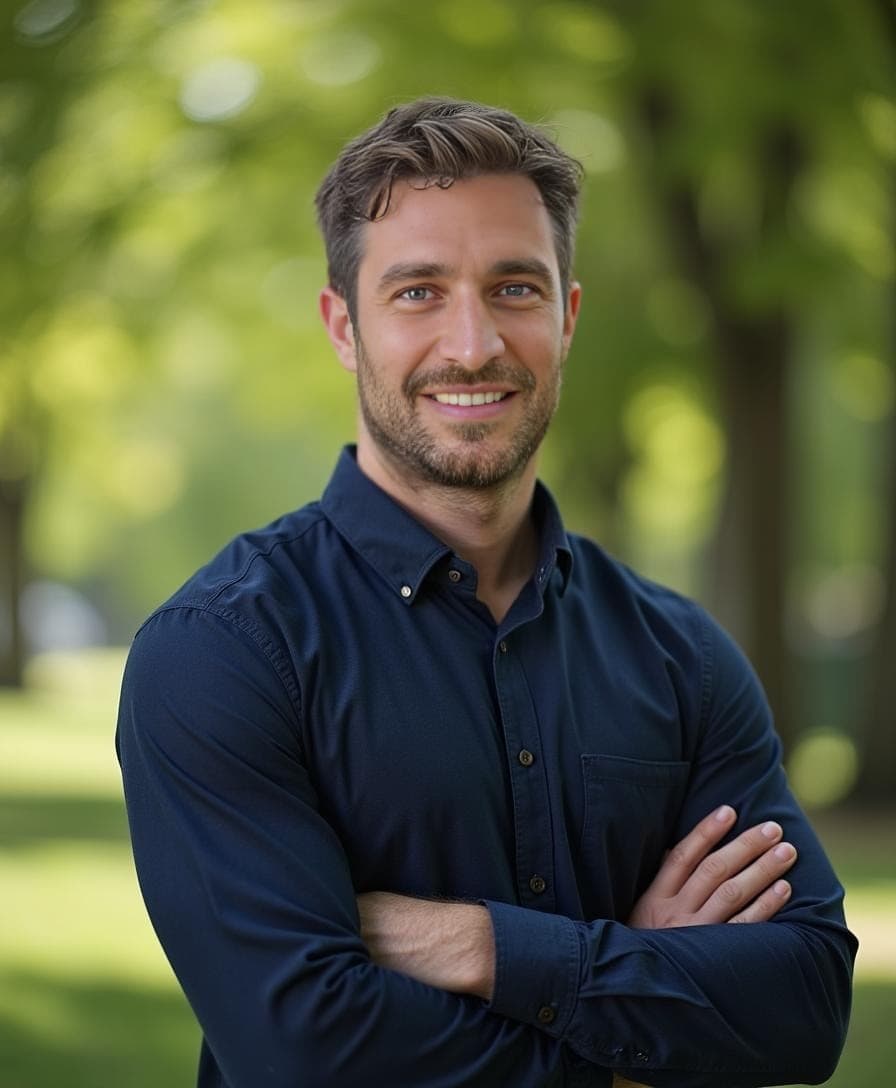
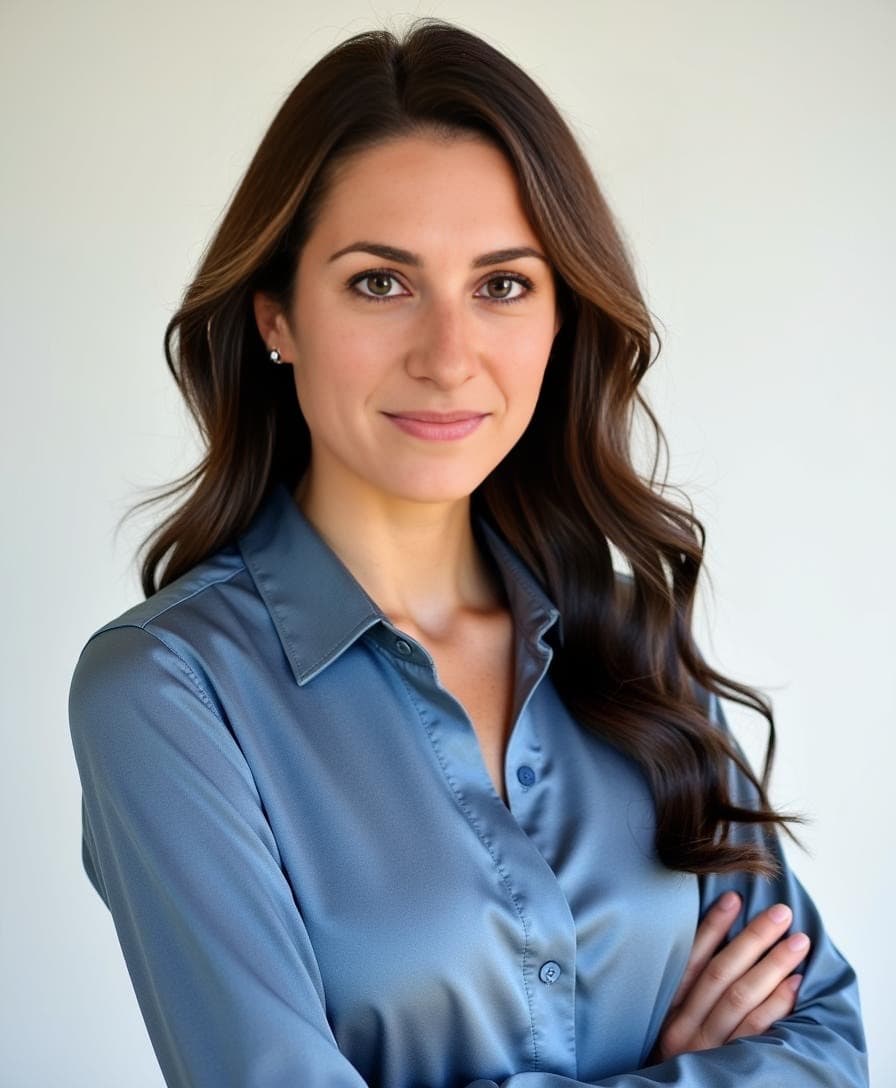
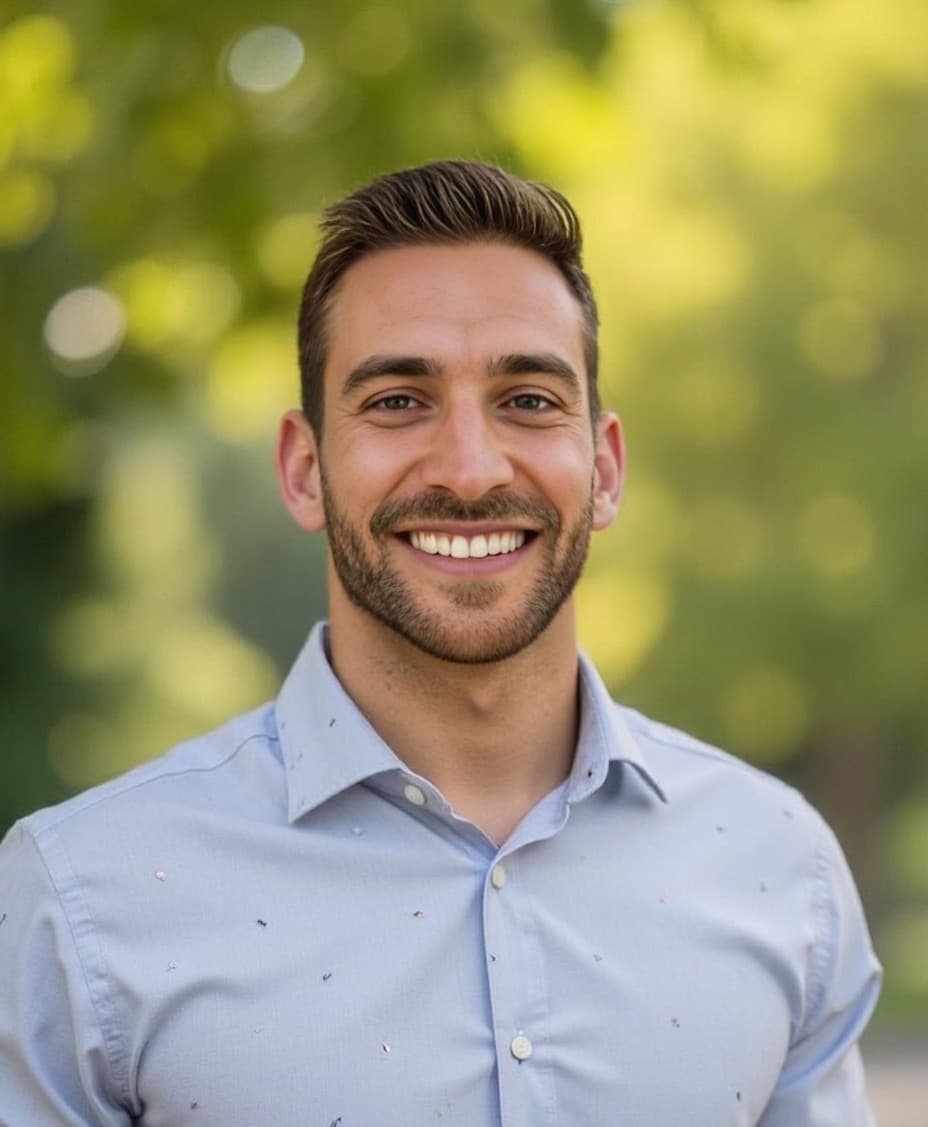
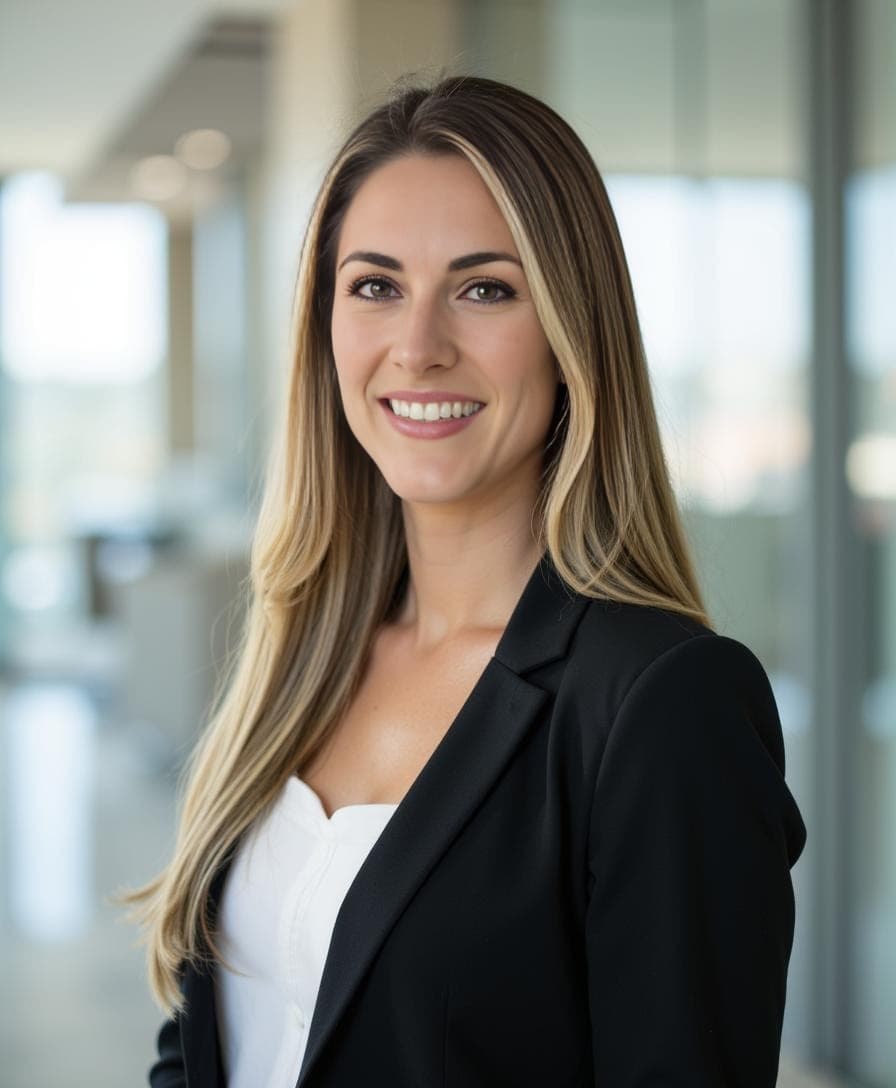
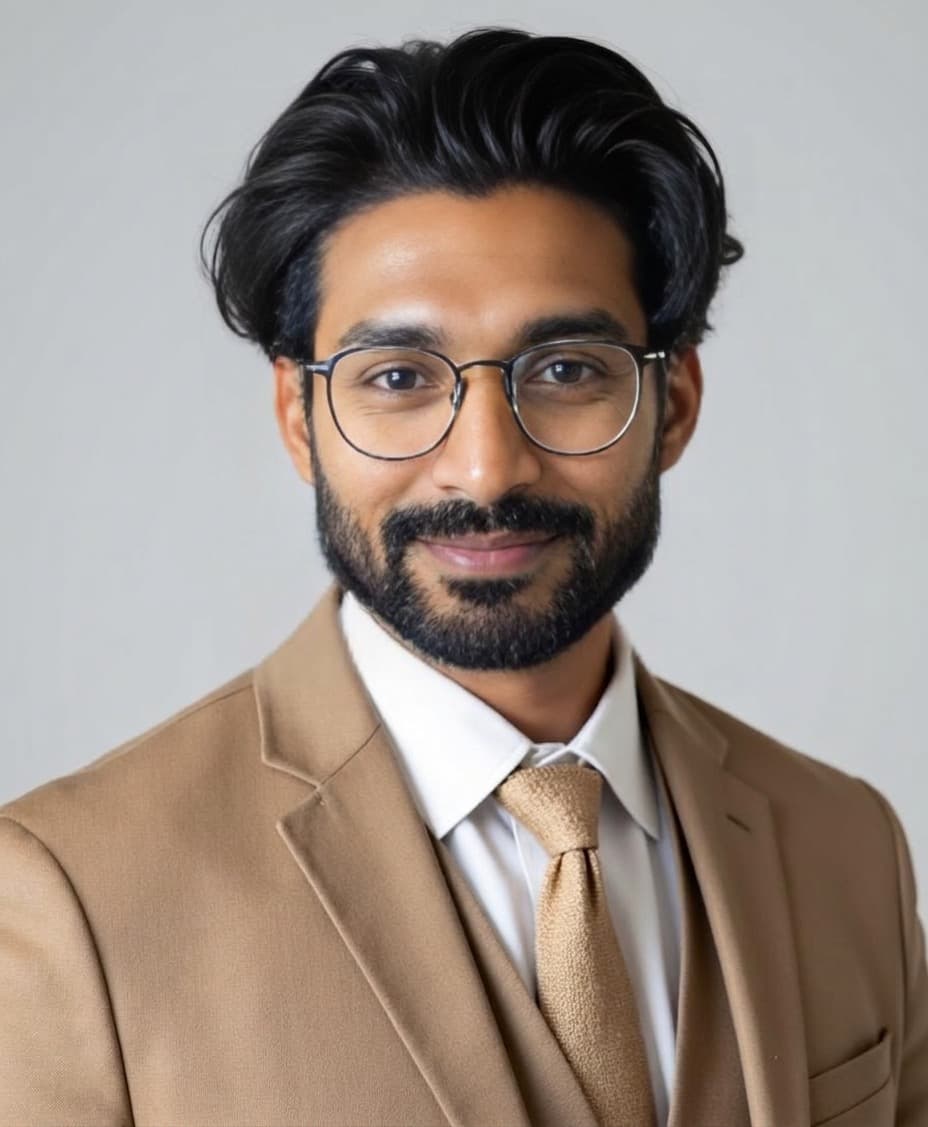
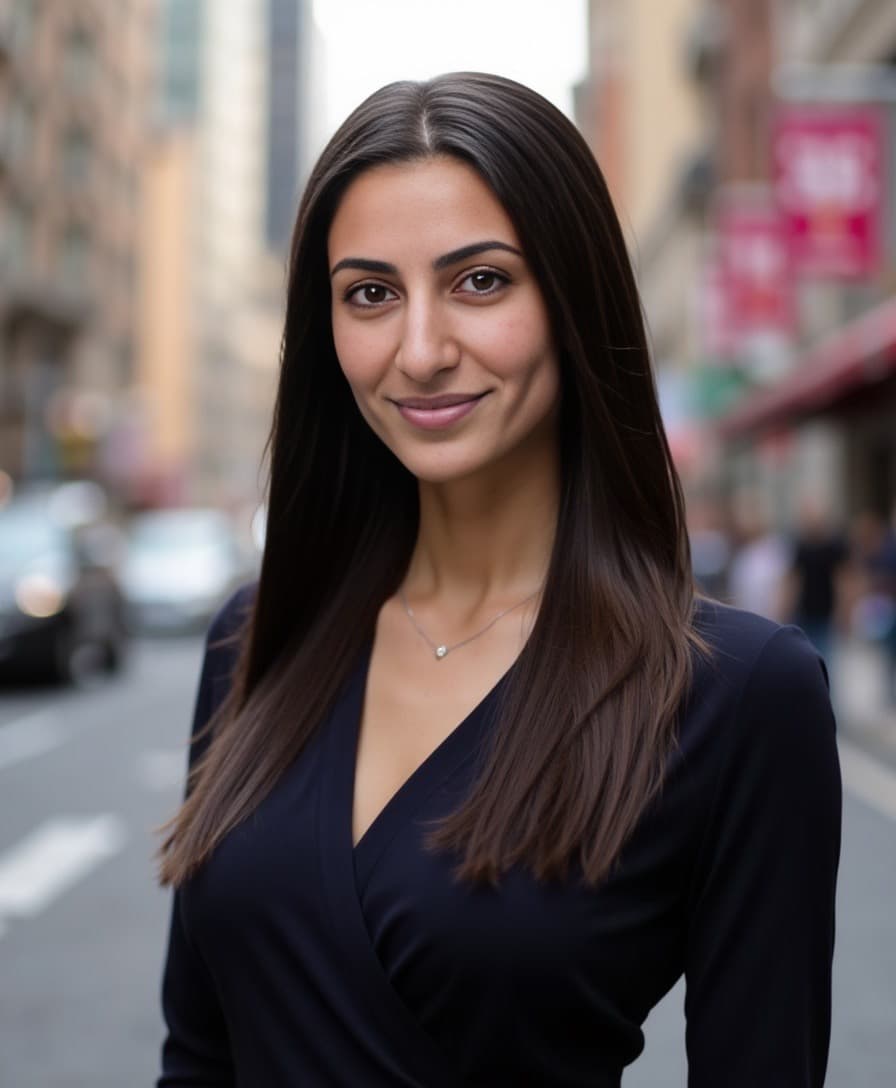
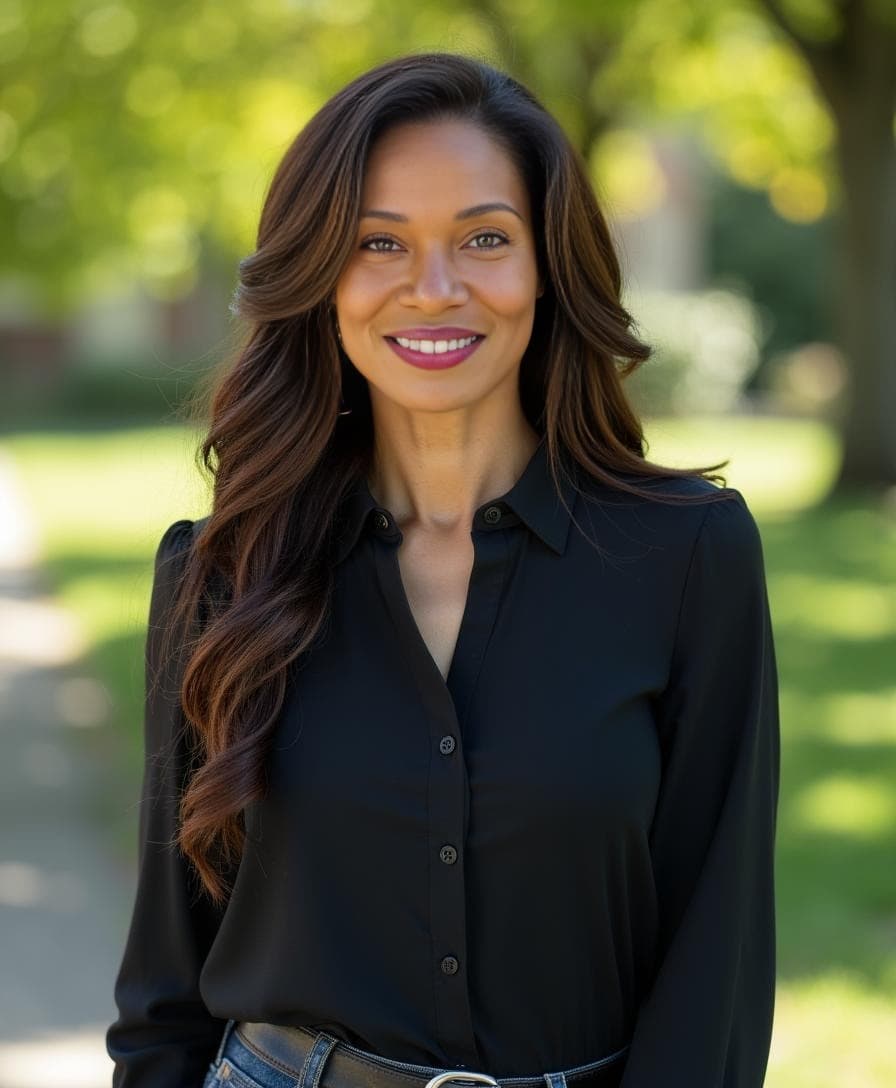
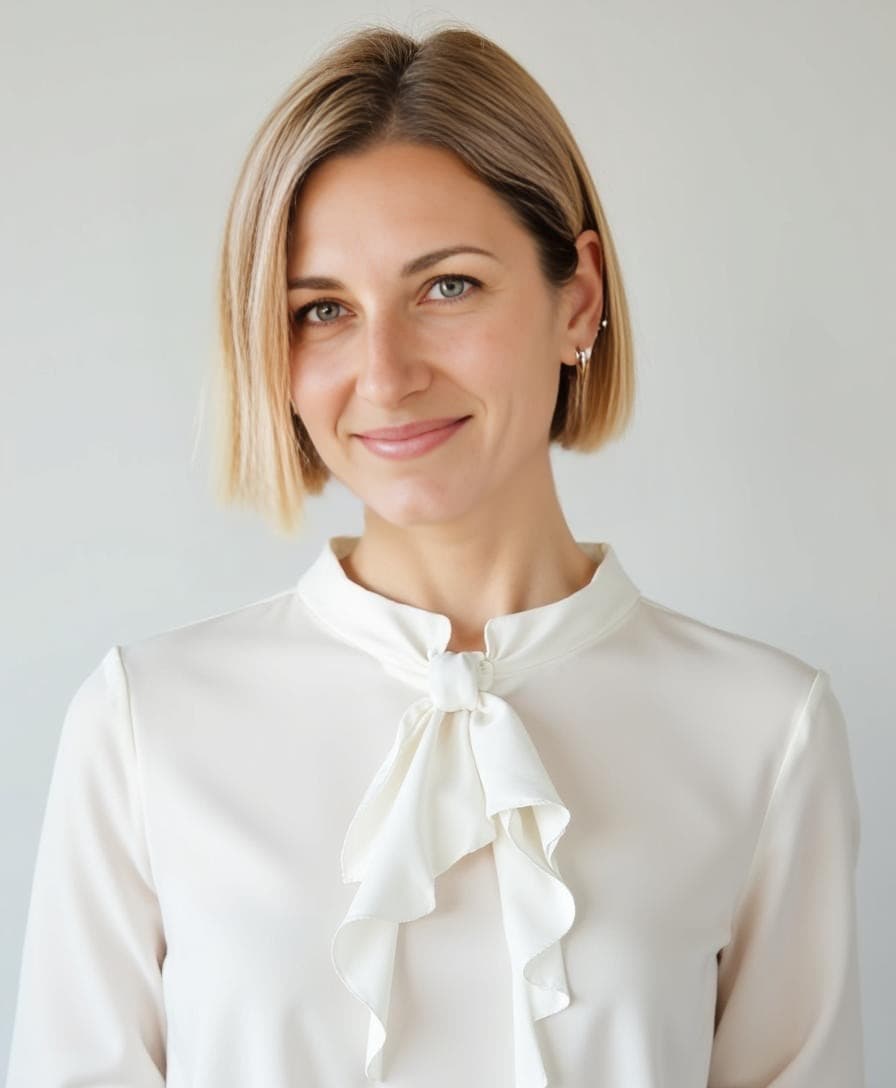
AI headshots have quickly become the go-to solution for professionals who need a polished online presence—fast. Whether for LinkedIn, a résumé, or personal branding, AI-generated photos are accessible, affordable, and surprisingly realistic.
In this guide, we'll walk you through how to get an AI headshot, the best tools to use, what's free, and how to make yours look like it came from a real studio.
🏆 What Is the Best AI Headshot App?
For the most realistic and customizable results, Aragon AI is considered one of the best AI headshot apps available. With over 2 million users and a 4.9/5 rating on Trustpilot, it's trusted for:
- Studio-quality lighting and natural results
- Up to 100 headshots generated from just a few casual photos
- Free editing tools that let you change outfits, backgrounds, poses, and hair — including Background Changer, Clothing Changer, Hair Editor, and more
- Fast turnaround — results in about 30 minutes
- Money-back guarantee on every purchase
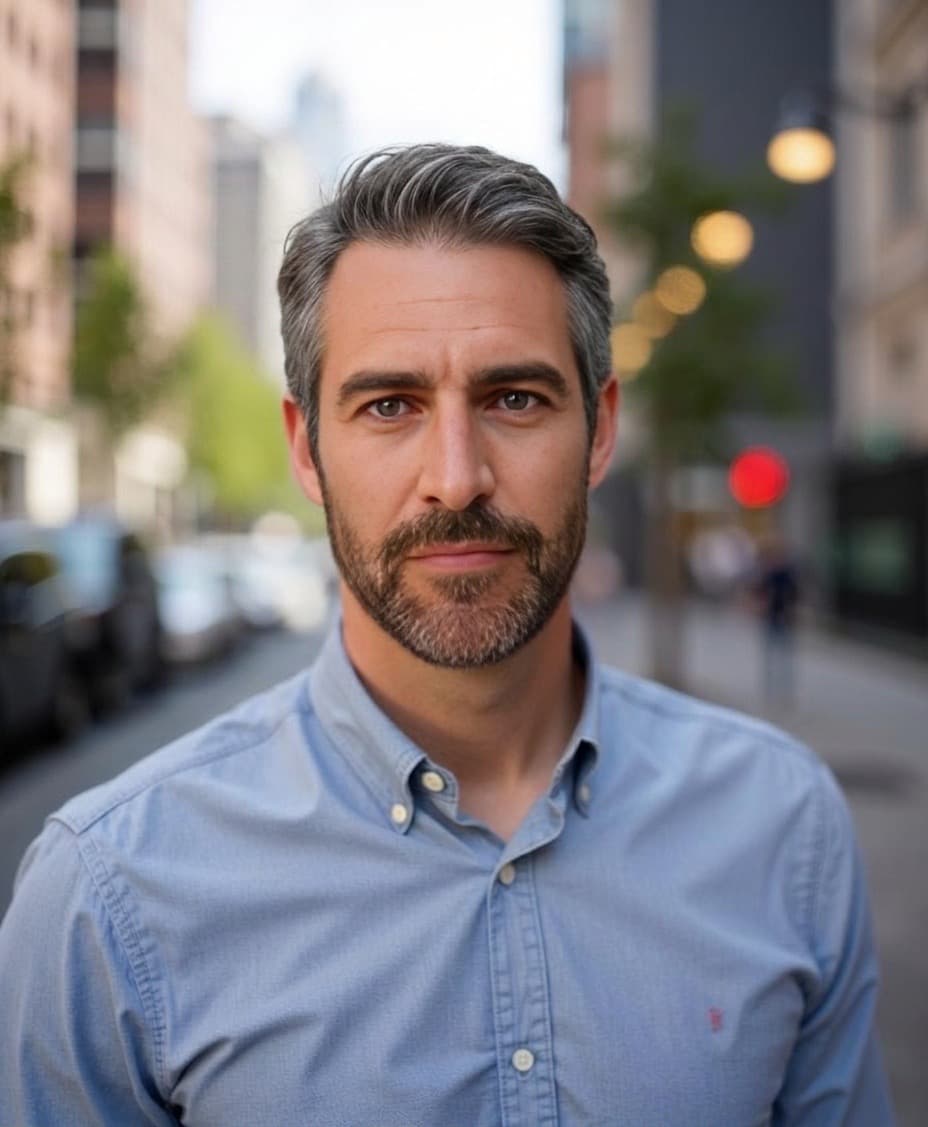
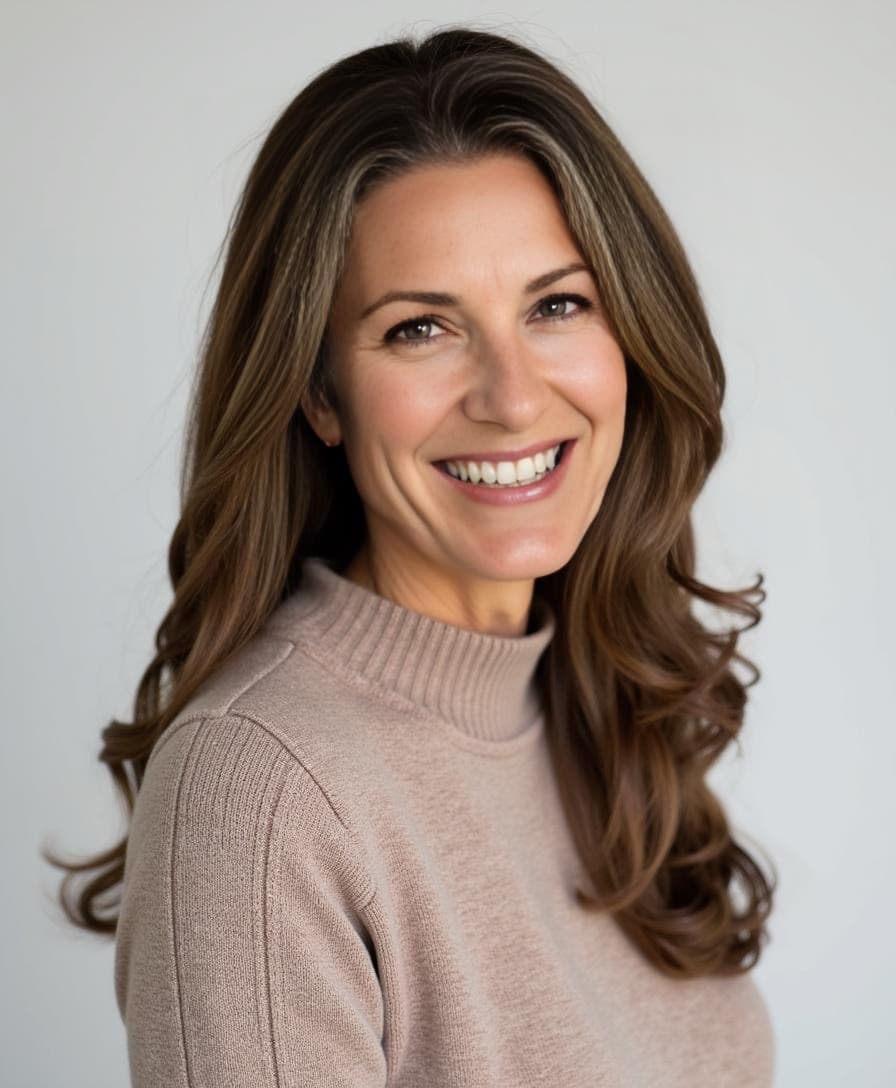
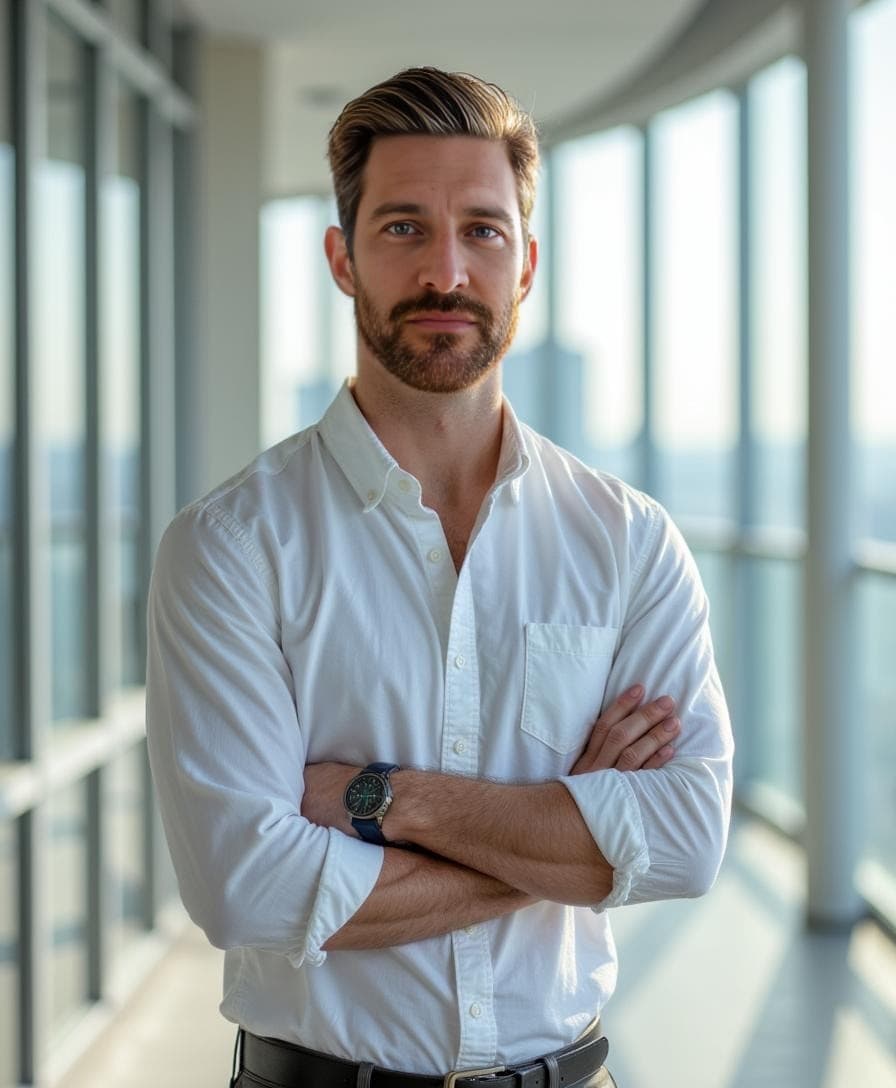
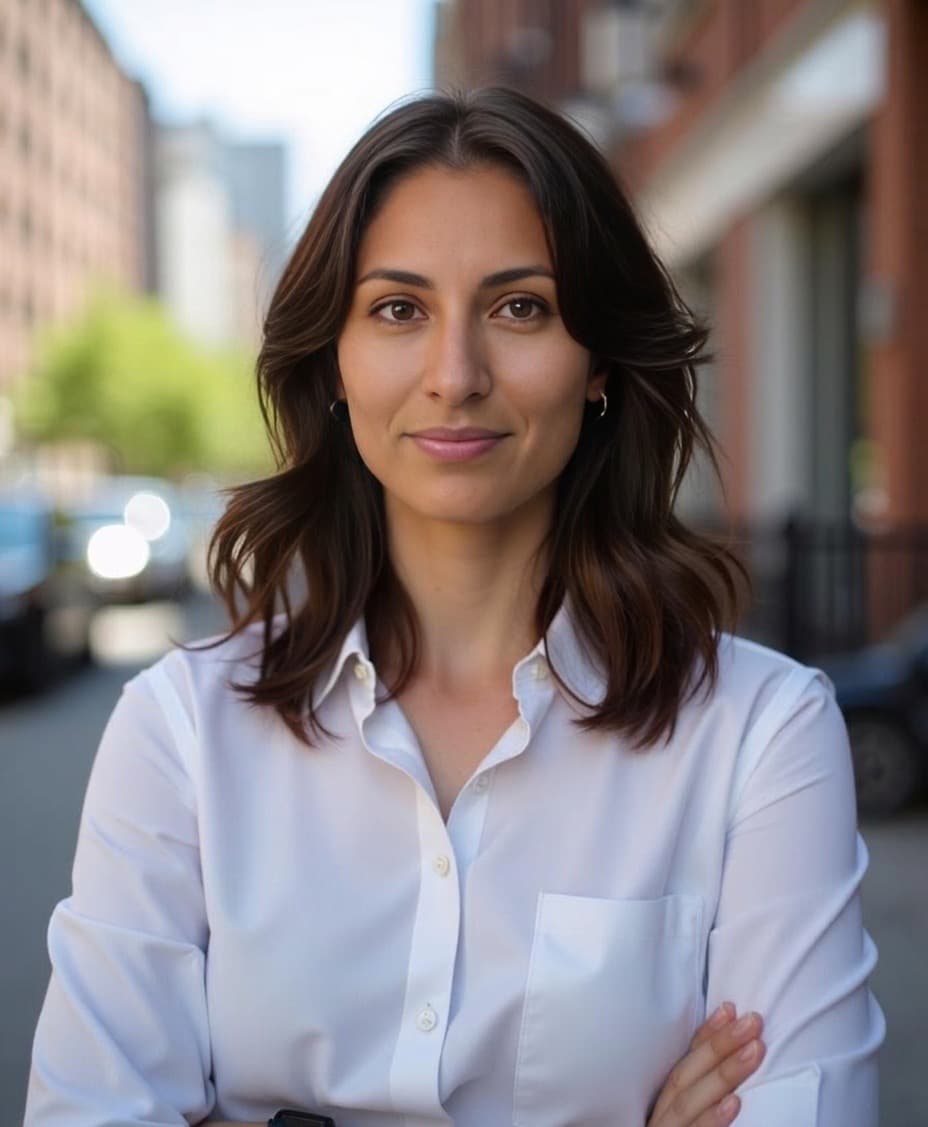
Unlike many apps that generate cartoonish avatars, Aragon creates headshots that look like they came from a professional photographer.
📸 How to Get a Professional Headshot Without a Photoshoot
If you need a professional-looking headshot but don't have time for a real photoshoot, there are two main options:
Option 1: DIY Approach
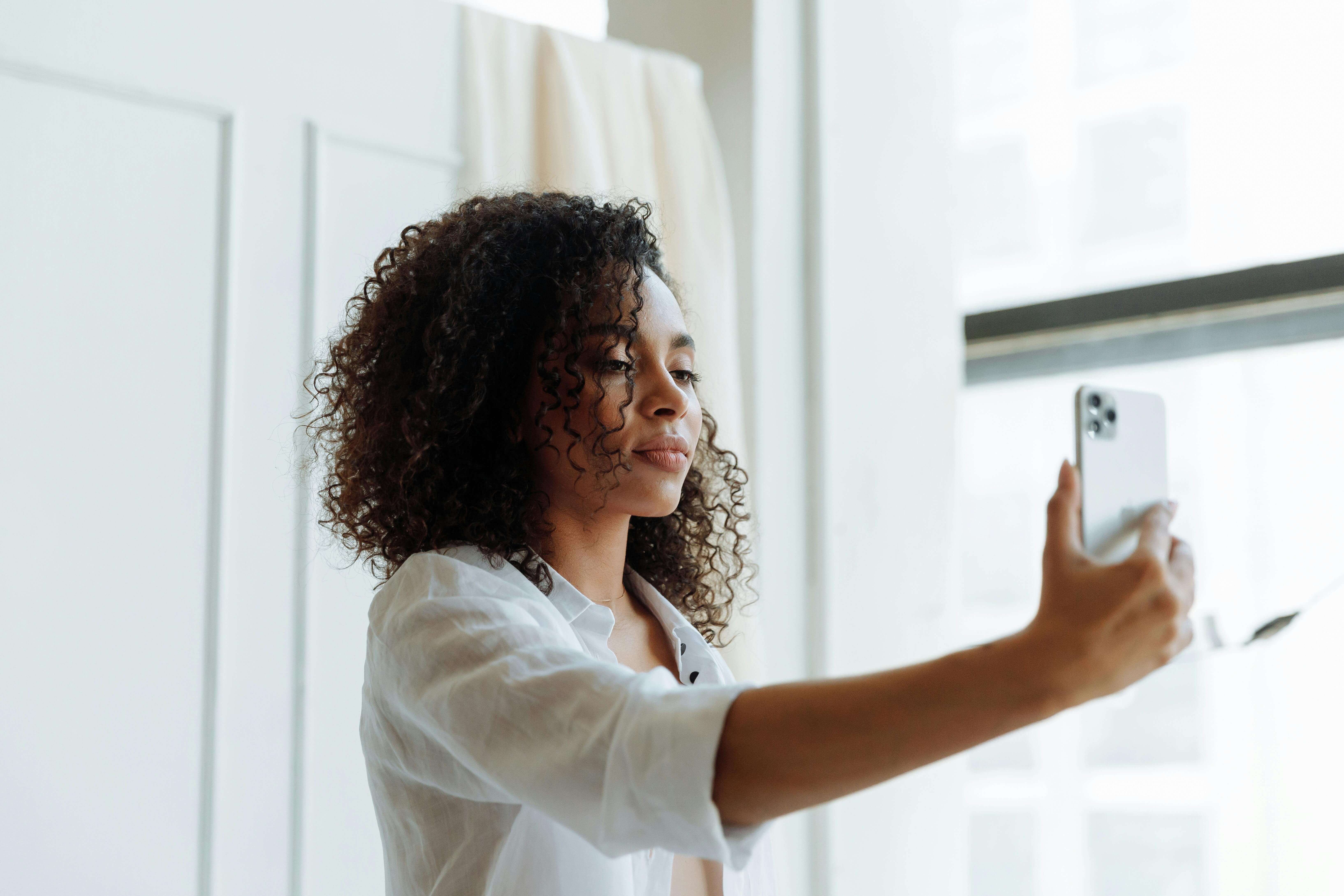
- Stand in front of a clean, solid background
- Wear simple, professional clothing
- Take a well-framed selfie (shoulders up, at eye level)
- Use good natural lighting (near a window works well)
These steps can help you create a basic headshot on your own.
Option 2: Use an AI Headshot Generator

Alternatively, you can skip manual setup and upload a few casual photos (like everyday selfies) to an AI tool such as Aragon.
It's designed to generate professional headshots automatically — no special lighting, outfit, or background required. Even unedited smartphone photos can be used to create polished results.
🆓 Are AI Portraits Free?
Some tools offer limited free features for AI portraits, but high-quality results typically require a paid plan. Free versions often include:
- Watermarks
- Low resolution
- Limited style options
Aragon AI offers free credits for new users to try the platform and test the editing tools. This lets you see the quality before committing to a full package.
💸 Is Aragon AI Free?
Aragon AI is a paid platform, but new users receive free credits to try the editing tools before purchasing. Here's how the free vs. paid breakdown works:
| What you get free | What requires payment |
|---|---|
| Free editing credits (background, hair, clothing, pose tools) | Full headshot generation (40–100 photos) |
| Preview of platform features | Multiple style and background options |
| Access to the Aragon dashboard | High-resolution downloads |
Aragon offers free headshot generation, but you'll be placed under a waitlist with a waiting time. As for paid packages, every package is backed by a money-back guarantee, so there's no risk if the results don't meet your expectations.
👉 See current pricing and packages
💳 Does Aragon AI Cost Money?
Yes, Aragon AI is a paid platform—and for good reason. It offers:
- Up to 100 high-res headshots per session
- Multiple styles and looks
- Free editing tools for outfit, background, and hair customization
- Free credits for new users to try before you buy
- Money-back guarantee on every purchase
It's designed for professionals who need reliable, ready-to-use headshots that actually look like them. The cost is a fraction of what you'd pay for traditional photography.
🌍 Where Do People Get AI Pictures?
People generate AI pictures from various platforms:
| Platform | Best For | Free Option? |
|---|---|---|
| Aragon AI | Most realistic professional headshots | Free credits for new users |
| Lensa | Stylized avatars and artistic portraits | Limited free trial |
| Remini | Enhancing and upscaling existing photos | Free tier with watermark |
| DALL·E / Midjourney | Artistic or fictional visuals | Limited free credits |
For anything business- or résumé-related, Aragon is the top pick because it delivers natural, professional results that preserve your actual likeness.
🧑🎨 How Do I Get an AI Portrait?
Here's how to generate your own AI portrait in 3 easy steps:
- Go to Aragon.ai
- Upload a few selfies (different angles and poses)
- Wait about 30 minutes — you'll receive up to 100 headshots in a variety of styles
You'll also get access to free editing tools to customize backgrounds, outfits, hair, and poses until you find your perfect look.
🧠 How Do I Generate an AI Image With My Face?
To generate an AI image of yourself:
- Choose a platform like Aragon AI
- Upload casual photos (no filters, good lighting)
- The AI generates photo-realistic headshots based on your uploads
- Review and download your favorites
The better your input photos, the more accurate your headshots will be.
Tips for better input photos:
- Natural lighting (avoid harsh shadows)
- No heavy filters or edits
- Clear, unobstructed shots
- Variety of angles and poses
🖼️ How Do I Get an AI Picture of Myself?
Getting an AI picture of yourself is simpler than most people expect. You don't need a studio, a photographer, or even good camera equipment — just a few casual smartphone photos.
Here's the quickest way to get an AI picture of yourself:
- Choose an AI photo platform — Aragon AI is the most realistic option for professional results
- Upload a few casual photos — selfies from different angles, no filters, natural lighting
- Select your style — choose from professional backgrounds and outfits
- Wait around 30 minutes — your AI-generated photos are delivered to your inbox
- Download and customise — use free editing tools to swap backgrounds, clothing, or hair
The result is a realistic AI picture of you that looks like it was taken in a professional studio — without the cost or scheduling hassle.
👉 Get your AI picture with Aragon
👤 How Do I Get an AI Profile Picture?
You can get an AI profile photo by:
- Visiting Aragon.ai
- Uploading a few photos
- Letting the AI generate up to 100 profile-ready headshots
- Using free editing tools to customize your look
- Choosing the one that fits your personal brand
Your new profile photo will be high-resolution, polished, and instantly usable across LinkedIn, your company website, email signatures, and more.
🔒 Privacy and Security
When uploading personal photos, privacy matters. Aragon is SOC 2® Type II compliant and built with enterprise-grade security. Your photos are handled under strict privacy and retention policies. Photos stay private and protected.
Built by former researchers and engineers from MIT, Google, and other leading institutions, Aragon was designed with privacy as a core priority.
✨ Final Thoughts
AI headshots are the fastest, most affordable way to get high-quality profile pictures that match your personal or professional brand. With the right app, you can skip the photographer and still get results that impress.
Aragon AI offers:
- Realistic results in about 30 minutes
- Up to 100 headshot options to choose from
- Free editing tools for complete customization
- Free credits for new users to try the platform
- Money-back guarantee on every purchase
Ready to try it for yourself?
👉 Upload your photos to Aragon and get your AI headshots today
FAQs
How long does it take to get AI headshots?
With Aragon AI, you'll receive your headshots in about 30 minutes after uploading your photos. Traditional photography sessions typically take 1-3 weeks including editing and delivery.
How many photos do I need to upload?
Aragon requires only a few photos for best results. Use casual selfies with different angles and poses, good lighting, and no heavy filters.
Can I customize my AI headshots after they're generated?
Yes. Aragon includes free editing tools that let you change backgrounds, outfits, hair styling, and poses. New users receive free credits to access these customization features.
Are AI headshots good enough for professional use?
Yes. High-quality AI headshots from dedicated platforms like Aragon are virtually indistinguishable from professional photography. They're widely used for LinkedIn, company websites, resumes, and business cards.
Related Guides: AI Headshot Generator Complete Guide