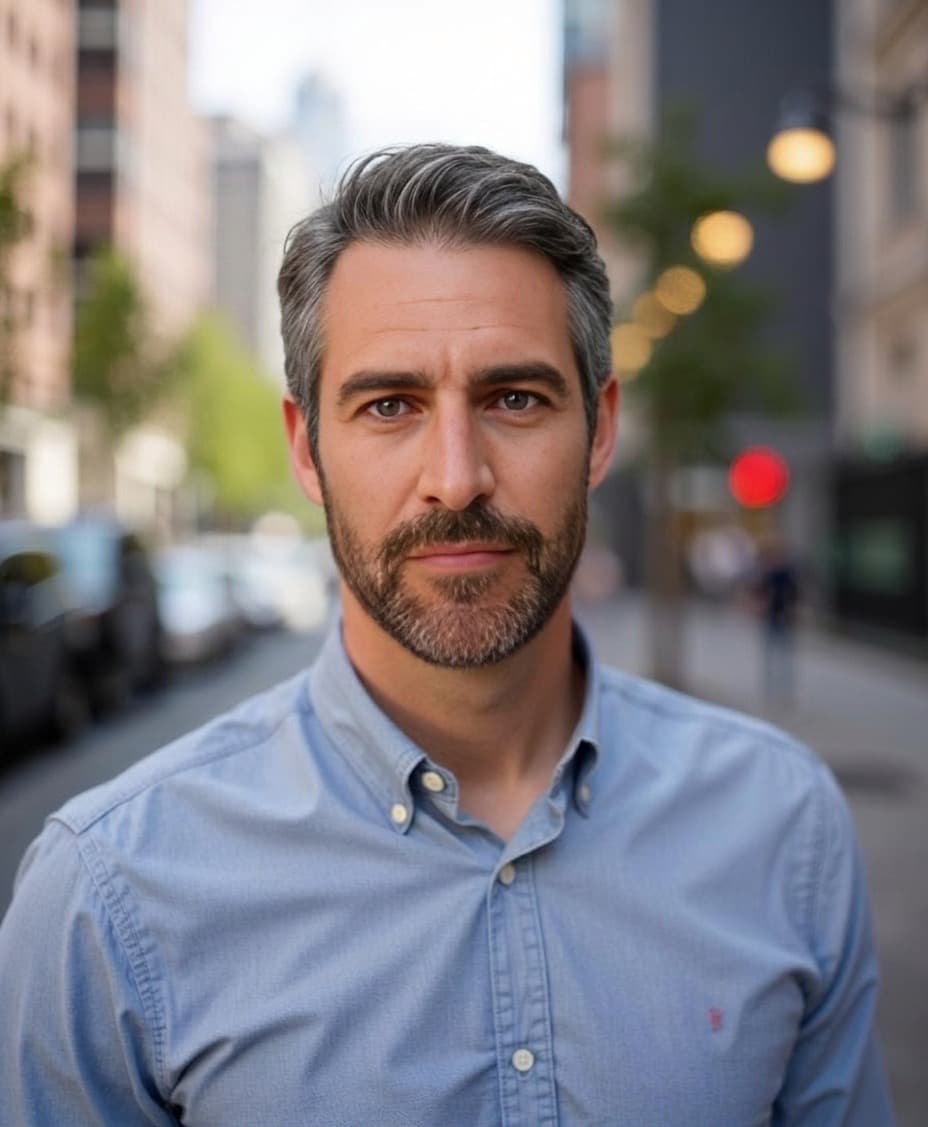
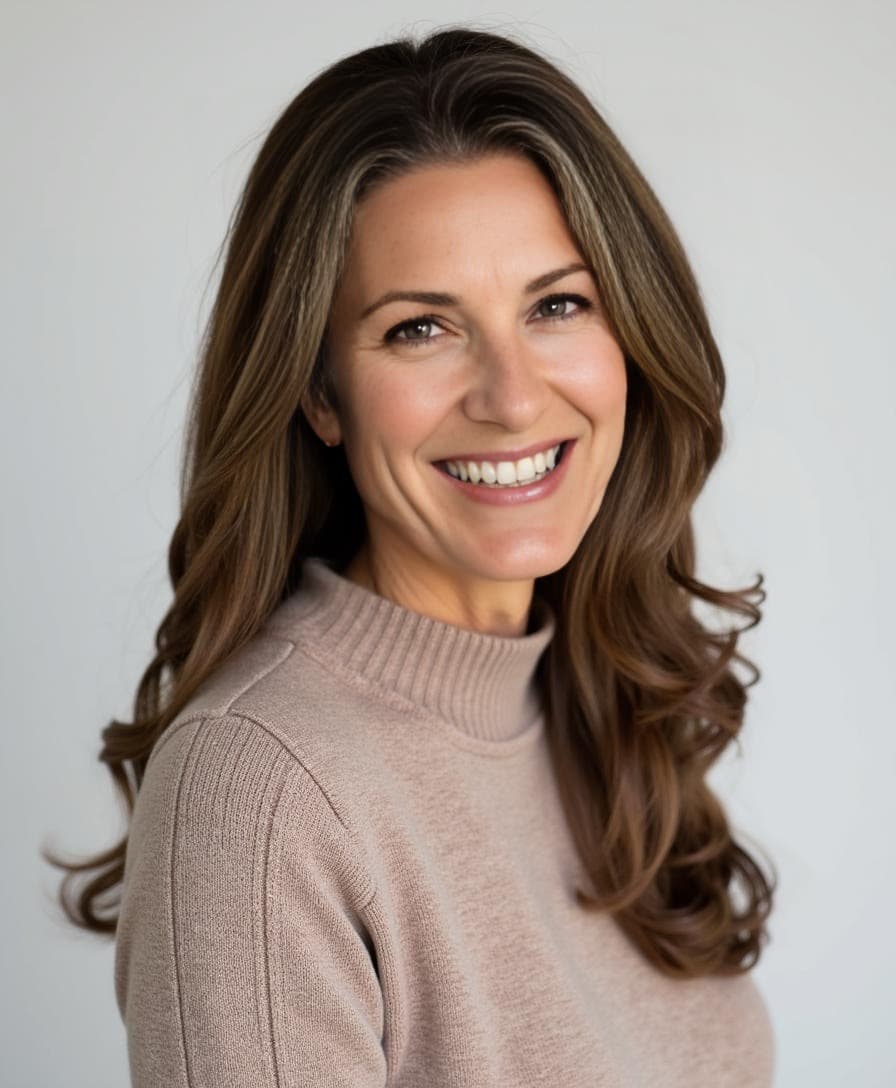
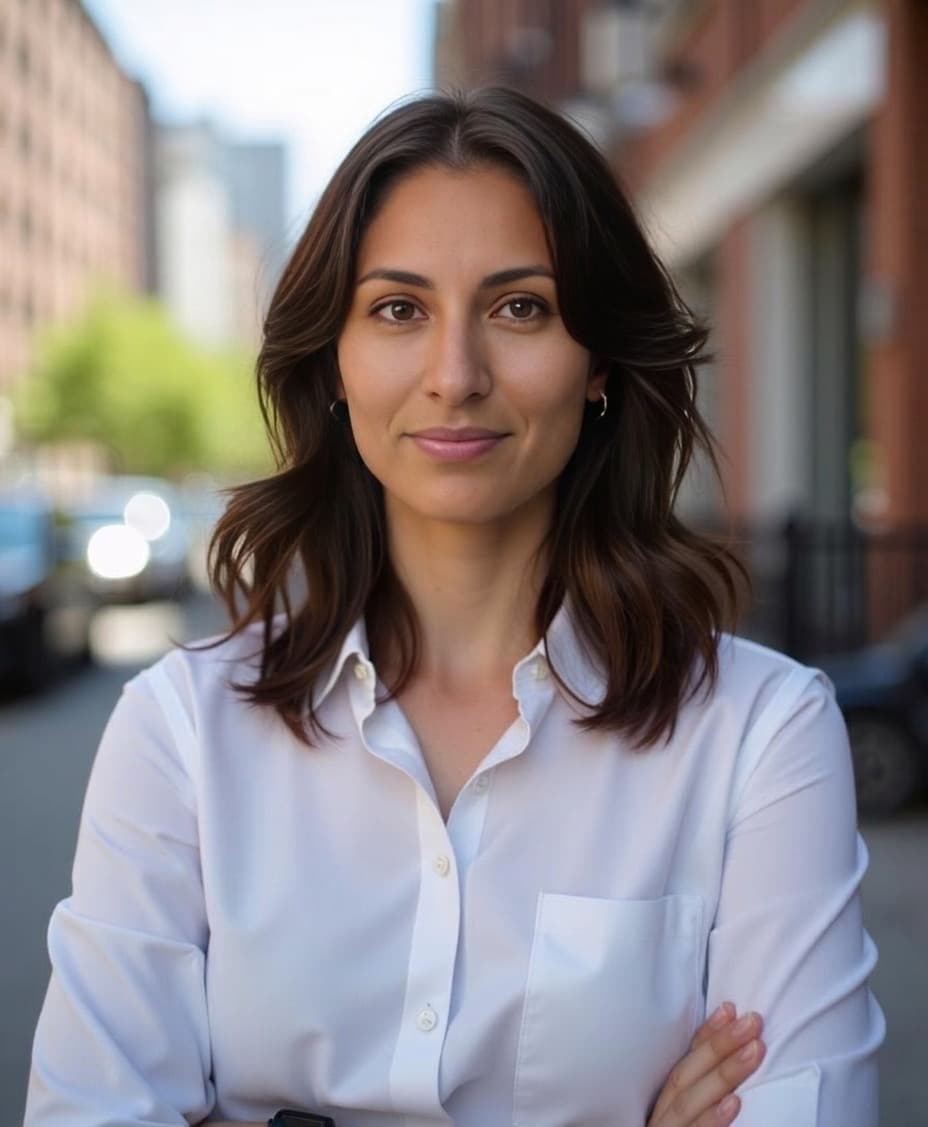
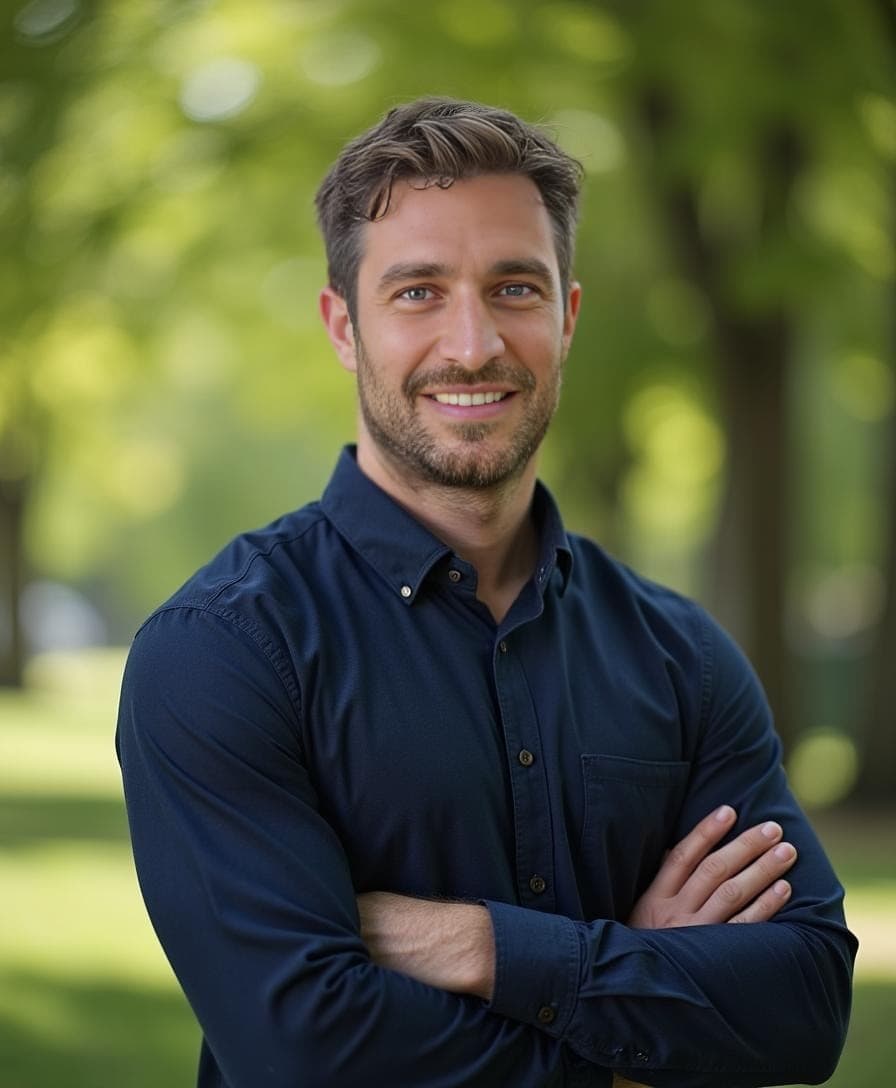
Best AI Photo Generators of 2026, Top 7 Picks for Realistic Photos

Last updated November 2026
Sooner or later, most people need a good photo of themselves, like for a dating profile, a holiday card or a new LinkedIn picture. Then they look through their phone and find only blurry selfies and group shots where half their face is cut off. Booking a photographer costs time and money, and a friend with a phone rarely gets a photo they'd want to post.
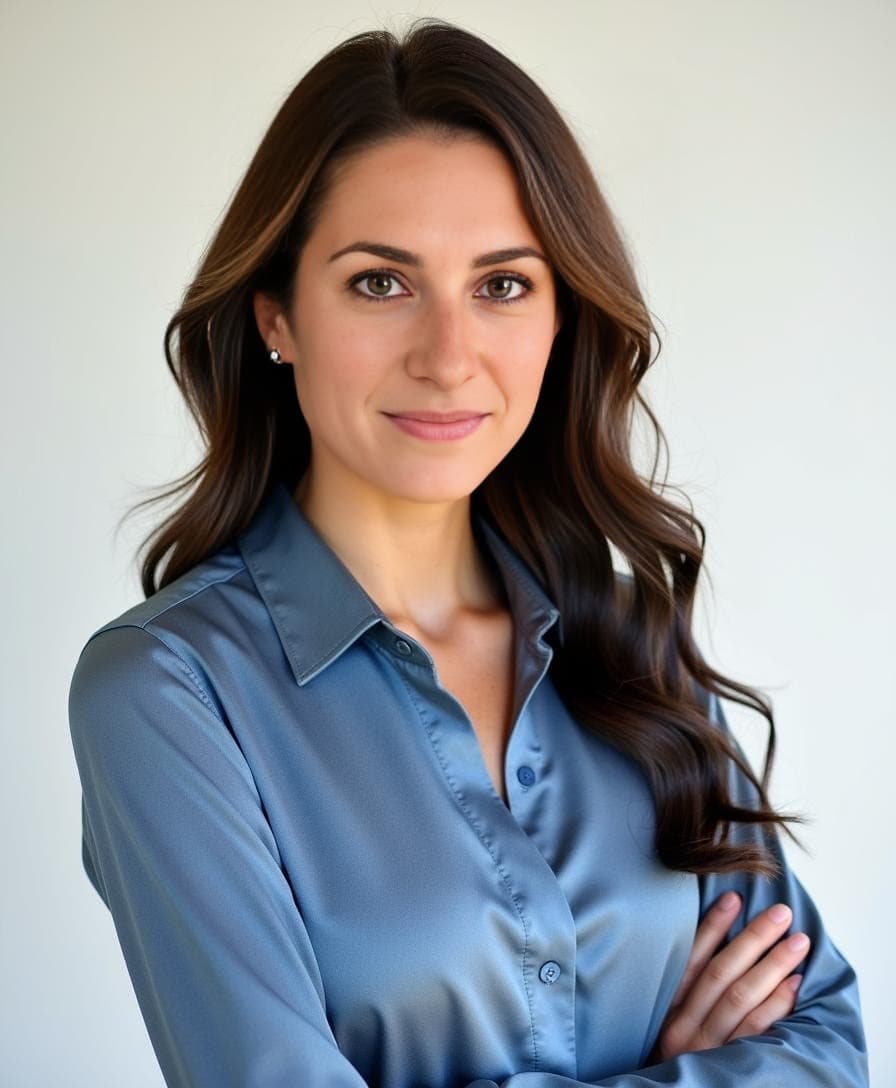
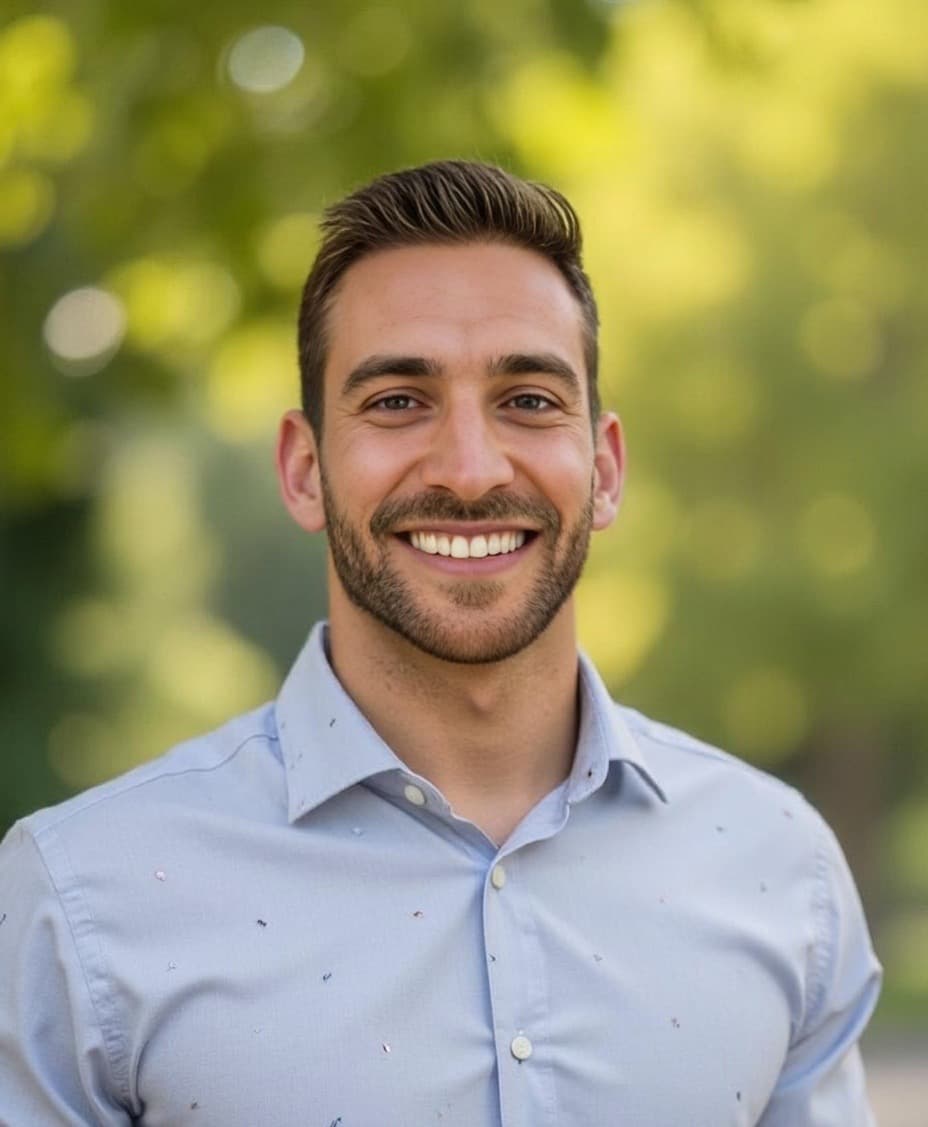
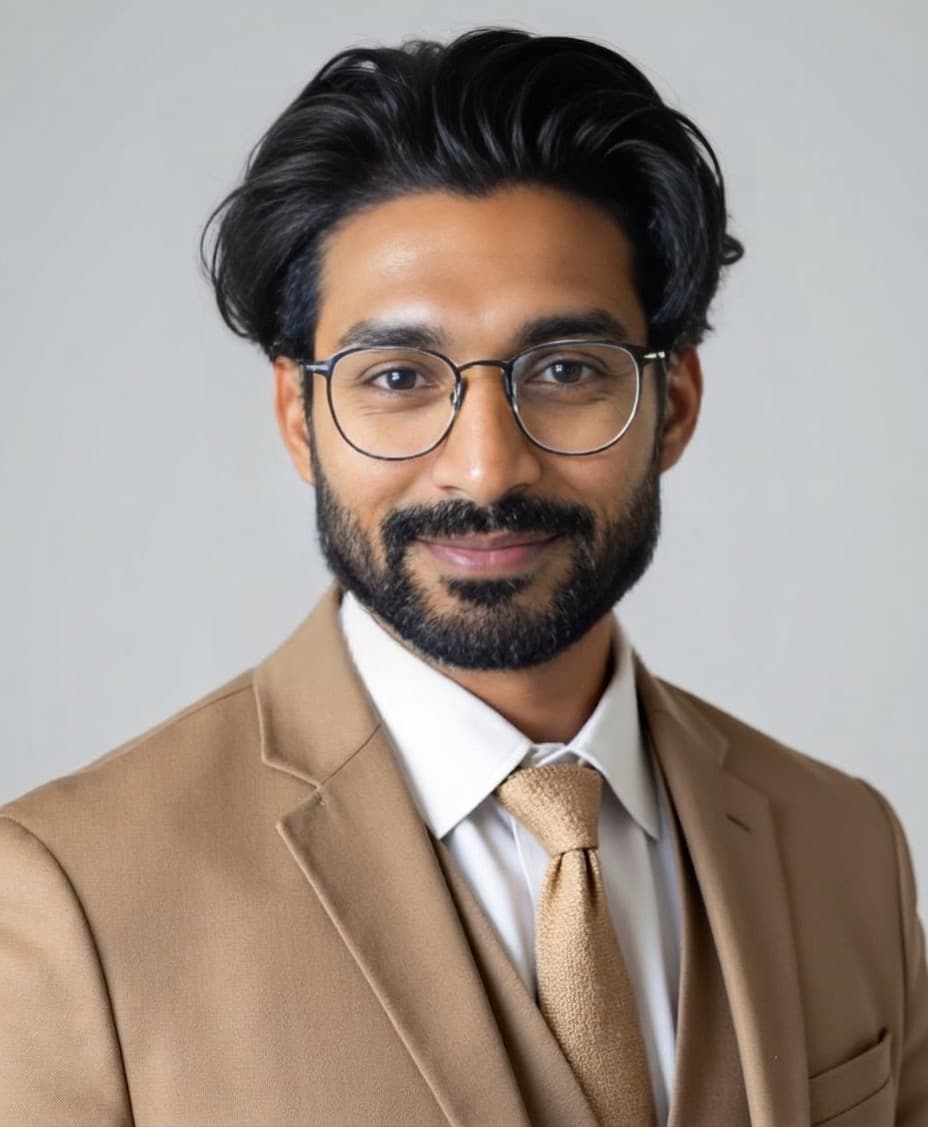
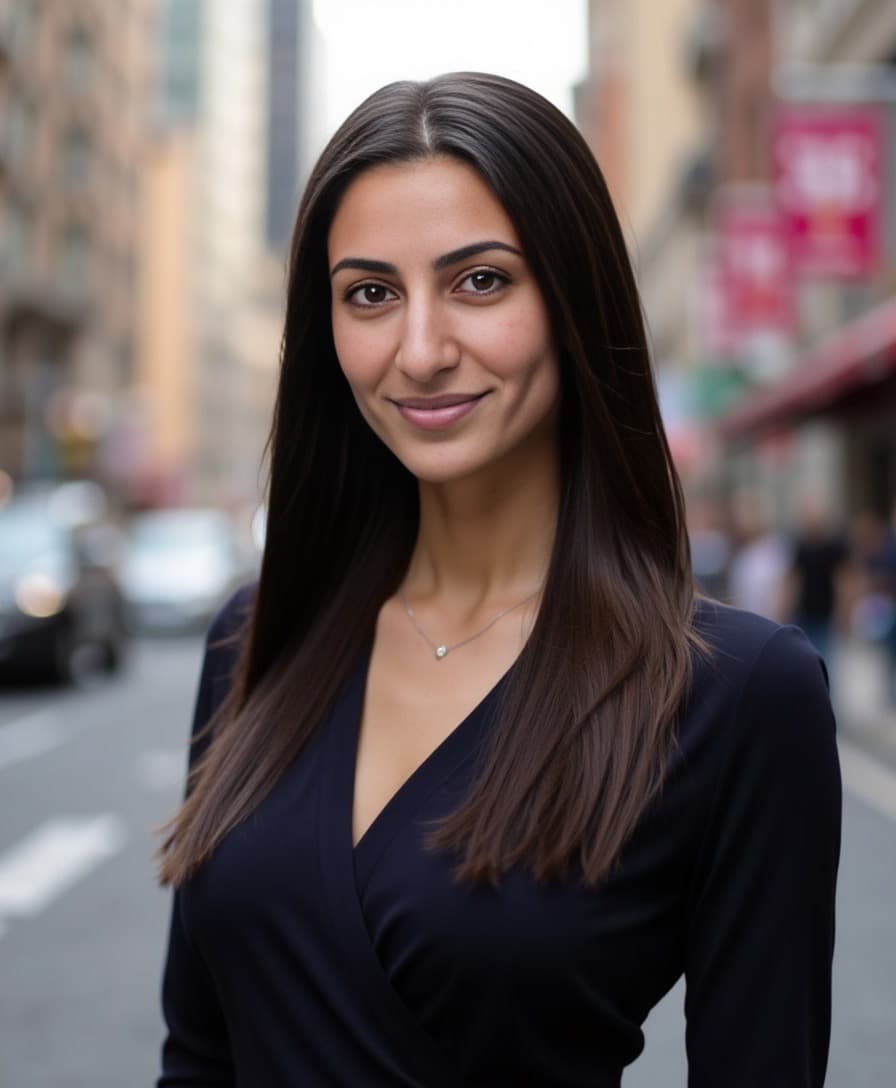
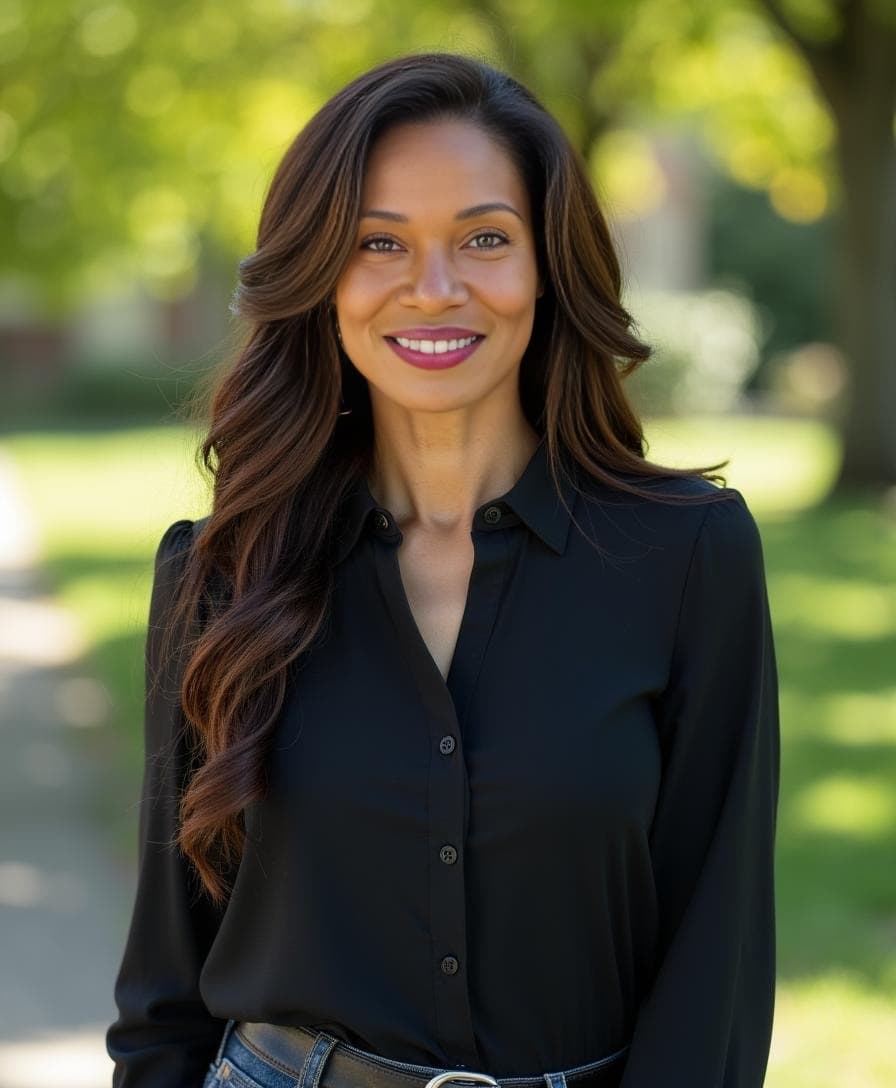
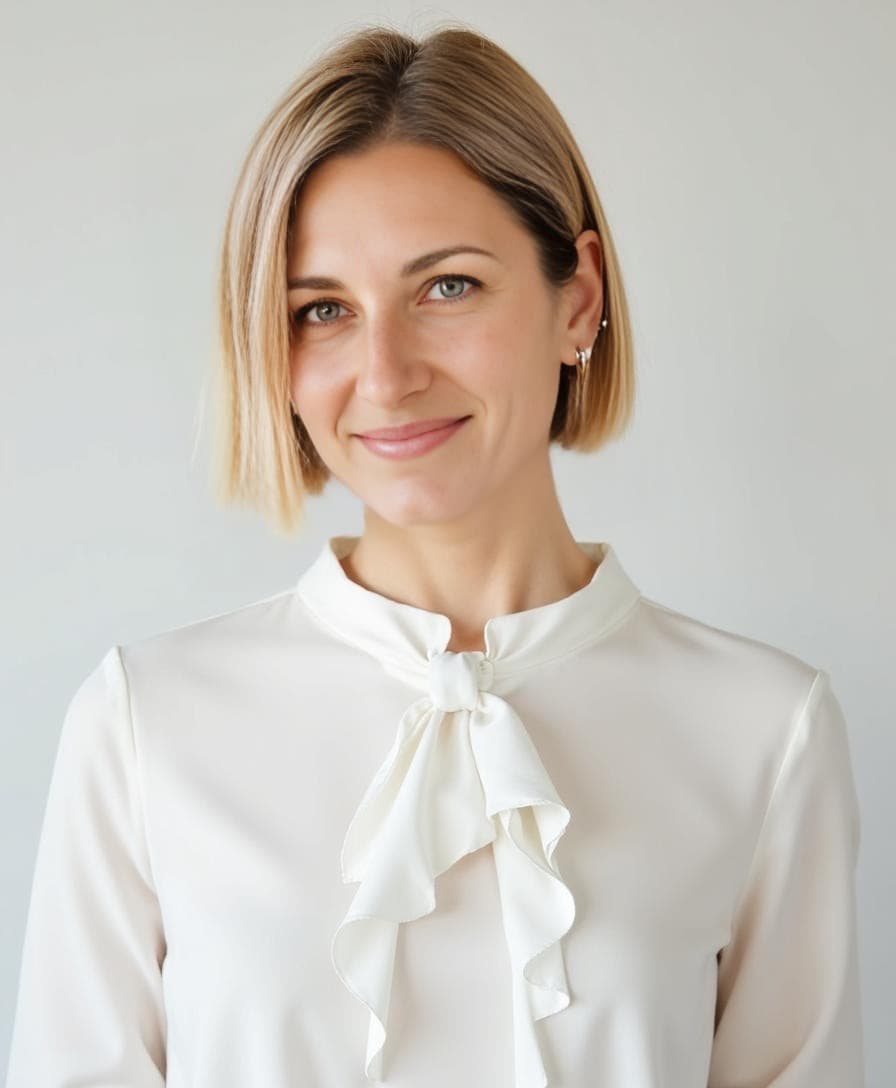
With an AI photo generator, you upload a few selfies and the AI uses them to create new, realistic photos of you in different outfits, places and styles. Pick a tool made for photos of people, and you get realistic portraits instead of cartoon avatars.
In this guide, we compare the best AI photo generator options in 2026, explain how they differ from AI image generators, and help you pick the right one for dating photos, headshots and holiday pictures.

AI Photo Generator vs AI Image Generator, What's the Difference?
These two terms sound alike, but they solve different problems.
An AI image generator creates any image from a written description, like "a cat wearing a space helmet" or "a cozy cabin in the snow." It works well for illustrations, concept art and marketing graphics, but it doesn't know what you look like. Our guide to the best AI image generators covers those tools in detail.
An AI photo generator creates realistic photos of a real person, usually the person uploading the pictures. You upload several selfies or photos, and the AI uses them to create new photos that look like you in different themes and settings.
If you want realistic photos of you, you need an AI photo generator. If you want a made-up scene or artwork, an AI image generator like the Aragon AI Image Generator is the better choice.
AI Photo Generators at a Glance
Here's a quick look at each tool, what it does best and whether you can try it for free.
| Tool | Best for | Uses your photos | Free option |
|---|---|---|---|
| Aragon AI Photo Generator | Realistic themed photo packs and headshots | Yes, from your uploaded photos | Free credits with your account |
| Google Gemini | Editing an existing photo of you with plain-language requests | Works from the photo you upload | Free daily allowance |
| ChatGPT Images | Turning a photo into a new scene through conversation | Works from the photo you upload | Free with usage limits |
| Photo AI | Training a personal model for ongoing photos | Yes, from your uploaded photos | Paid plans |
| Remini | Mobile AI photos and photo enhancement | Yes, from selfies | Free trial in the app |
| Lensa | Artistic avatars and stylized portraits | Yes, from selfies | Paid avatar packs |
| FaceApp | Quick face filters and edits | Works on the photo you upload | Free with paid upgrades |
How We Built This Comparison
We built this comparison from each company's official pages, including features, help centers, use cases and release notes. Every tool was judged on the same five points.
-
Realism. Do the photos look like real photographs of a real person?
-
Likeness. Do the photos look like you across the whole set?
-
Range. How many themes, outfits and settings can you create?
-
Editing. Can you fix a photo after it's generated?
-
Free access. What can you try before you pay?
The 7 Best AI Photo Generators in 2026
1. Aragon AI Photo Generator
The Aragon AI Photo Generator creates realistic photos of you in themed packs. You upload a set of your photos, and Aragon builds a full album from them in the theme you choose, from dating profile photos to holiday pictures.
Each pack is built around a real need, so you get a set of matching photos instead of random images.
- Dating Photos creates natural, flattering photos for dating profiles.
- Christmas Photos creates festive holiday photos for cards and social posts.
- Graduation Photos creates cap-and-gown style photos to mark the milestone.
- Yearbook Photos recreates the classic school yearbook look.
Aragon started as an AI headshot company, so professional photos are a core strength of the platform. Aragon's LinkedIn Headshots create polished profile photos for your career, and the Free Headshot Generator lets you try AI headshots at no cost.
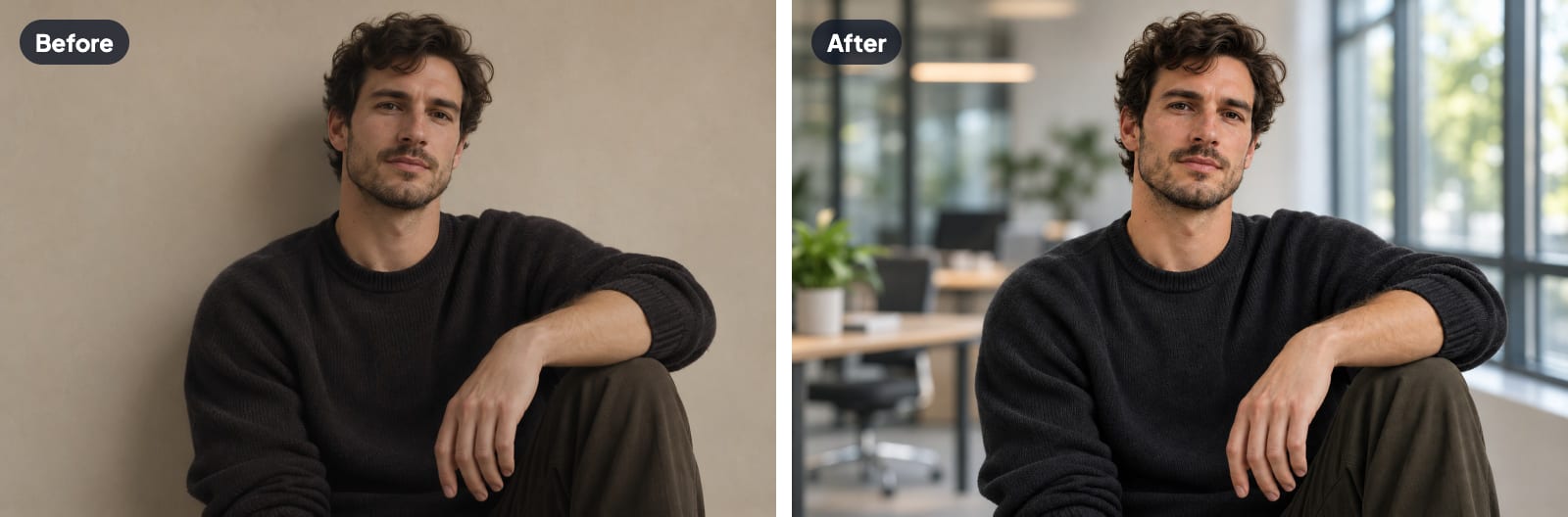
You can also edit any photo by chatting. In Aragon's Quick Chat Editor, you type a change like "swap the background for a snowy street" or "make the smile more relaxed," and every edit stays in one conversation. The same plan includes top image models like GPT Image and Nano Banana, so your photos and your edits come with one subscription.
Best for. Anyone who wants realistic photos of themselves for dating, holidays, milestones or work.
Good to know. Photos in a pack are made to keep your face consistent, and Aragon's editing tools let you change the background, fix an expression or sharpen details before you share the final photos.
2. Google Gemini
Google's Gemini app uses the Nano Banana 2 image model, which is especially good at editing a photo you upload while keeping your face consistent. You can ask Gemini to change your outfit, background or setting in plain language.
Best for. Quick edits to a single photo of you, like a new background or a different jacket.
Watch out for. Gemini edits one photo at a time rather than working from a set of your photos. Free images may include a visible watermark.
3. ChatGPT Images
ChatGPT can turn a photo you upload into a new scene through conversation. Describe the setting, outfit and lighting you want, then refine the result with follow-up requests.
Best for. People who like shaping a photo through back-and-forth chat.
Watch out for. The free plan has daily limits.
4. Photo AI
Photo AI lets you train a personal AI model from your photos and then generate new photos of you in a wide range of scenes, poses and outfits. It's popular with creators who need a steady stream of new photos.
Best for. Content creators and influencers who want ongoing, varied photos of themselves.
Watch out for. It needs a paid subscription, and getting the best results takes some practice with prompts.
5. Remini
Remini is best known for enhancing blurry photos, and its AI Photos feature also creates new photos of you from selfies. It works mainly as a mobile app.
Best for. Mobile users who want AI photos and photo enhancement in one app.
Watch out for. The app uses in-app subscriptions.
6. Lensa
Lensa became famous for its Magic Avatars, which turn your selfies into artistic portraits in styles like fantasy, anime and illustration.
Best for. Playful, artistic avatars for social media profiles.
Watch out for. The results are stylized rather than realistic, so they suit playful profile pictures more than professional photos.
7. FaceApp
FaceApp applies quick AI filters to a photo, like a new hairstyle, a smile or a different look.
Best for. Playful, quick changes to an existing photo.
Watch out for. It doesn't create a new album of you in different settings.
Which AI Photo Generator App Should You Choose?
Start with how you plan to use the photos.
- For realistic dating, holiday or milestone photos, Aragon's themed packs give you a matching set of photos with your real face.
- For professional headshots, Aragon's LinkedIn Headshots and Free Headshot Generator are built for career photos.
- For quick edits to one photo, Gemini, ChatGPT and Aragon's Quick Chat Editor all handle plain-language changes.
- For ongoing content creation, Photo AI lets you generate new photos on demand.
- For artistic avatars, Lensa offers stylized portraits.
Is There a Free AI Photo Generator?
Yes, several tools offer free options. Free credits come with your Aragon account, and you can use them with the Aragon AI Image Generator to create new images at no cost. Gemini and ChatGPT both let free users edit uploaded photos with daily limits, and apps like Remini and FaceApp include free trials or basic free features.
How to Get the Most Realistic AI Photos
Even the best AI photo generator needs good photos to work from, and clear, well-lit uploads lead to the most realistic results. These tips help.
Upload clear, recent photos. Use well-lit photos taken in the last few months, so the results look like you today.
Show different angles and expressions. Include front-facing photos, slight side angles, smiling and neutral expressions. Variety helps the results look more like you.
Use only solo photos. Crop out other people, since group photos can confuse the AI.
Skip heavy filters and sunglasses. Beauty filters, heavy makeup and sunglasses hide the real details of your face.
Pick the best results. Even the strongest AI tool creates a few misses in every batch. Choose the photos that look most like you and skip the rest.
How to Polish AI Photos After You Generate Them
A few quick edits make good AI photos look even better.
- Change the background. Aragon's Background Changer swaps the background for a solid color, a scene or an image.
- Fix the expression. Aragon's Facial Expression Editor changes the expression on a face, like turning a neutral look into a relaxed smile.
- Sharpen the details. Aragon's Photo Enhancer improves the overall clarity and quality of a photo.
- Make it bigger. Aragon's Image Upscaler enlarges a photo for prints and banners.
Pick the Right Tool and Create Your Photos
Aragon is our top pick for realistic, themed photos of you, from dating and holiday photos to professional headshots. Gemini and ChatGPT work well for quick edits, Photo AI suits ongoing content creation, and Lensa is the pick for artistic avatars.
When you need new photos for LinkedIn or a dating profile, start with Aragon.
Related Aragon Tools
- Real Estate Headshots creates professional photos for agents and brokers.
- Blemish Remover clears spots and marks while keeping skin natural.
Related Reading
- Best AI Photo Editors in 2026, Free and Paid
- Pink Christmas Background Ideas, Plus Green and White Options
FAQs About AI Photo Generators
Which is the best AI photo generator app?
Aragon is our top pick for realistic photos of you, with themed packs for dating, holidays, graduation and yearbook photos, plus professional headshots. Gemini and ChatGPT are good for quick edits to a single photo, and Lensa is best for artistic avatars.
Is there a free AI photo generator?
Yes, several tools offer free options. Free credits come with your Aragon account and work with the Aragon AI Image Generator, while Gemini and ChatGPT let free users edit uploaded photos with daily limits.
How many photos do I need to upload?
Most AI photo generators work best with several clear photos showing different angles and expressions. Follow the upload guidance in your chosen tool, since each one asks for a slightly different set.
Do AI-generated photos look real?
Top AI photo generators create photos that look very realistic, especially when you upload clear, varied photos. Choose the results that look most like you, since every batch includes a few misses.
What's the difference between an AI photo generator and an AI image generator?
An AI photo generator creates realistic photos of a real person, usually you, from photos you upload. An AI image generator creates any image from a written description, but it doesn't know what you look like.