LinkedIn Profile Picture Guide: Rules That Get More Clicks

Last updated: October 2026
LinkedIn Profile Photo: Quick Checklist
| Element | Best practice |
|---|---|
| Size | 400×400px minimum, 800×800px recommended |
| Format | JPG or PNG, max 8MB |
| Framing | You fill 60-70% of the frame, shoulders up |
| Background | Clean, neutral, studio grey, soft gradient, or blurred office |
| Expression | Genuine smile or composed, matches your industry |
| Lighting | Soft, even, no harsh shadows or flash |
| Attire | Matches your target role, business professional to smart casual |
| Eye contact | Look directly at the camera |
| Recency | Updated within the last 1-2 years |
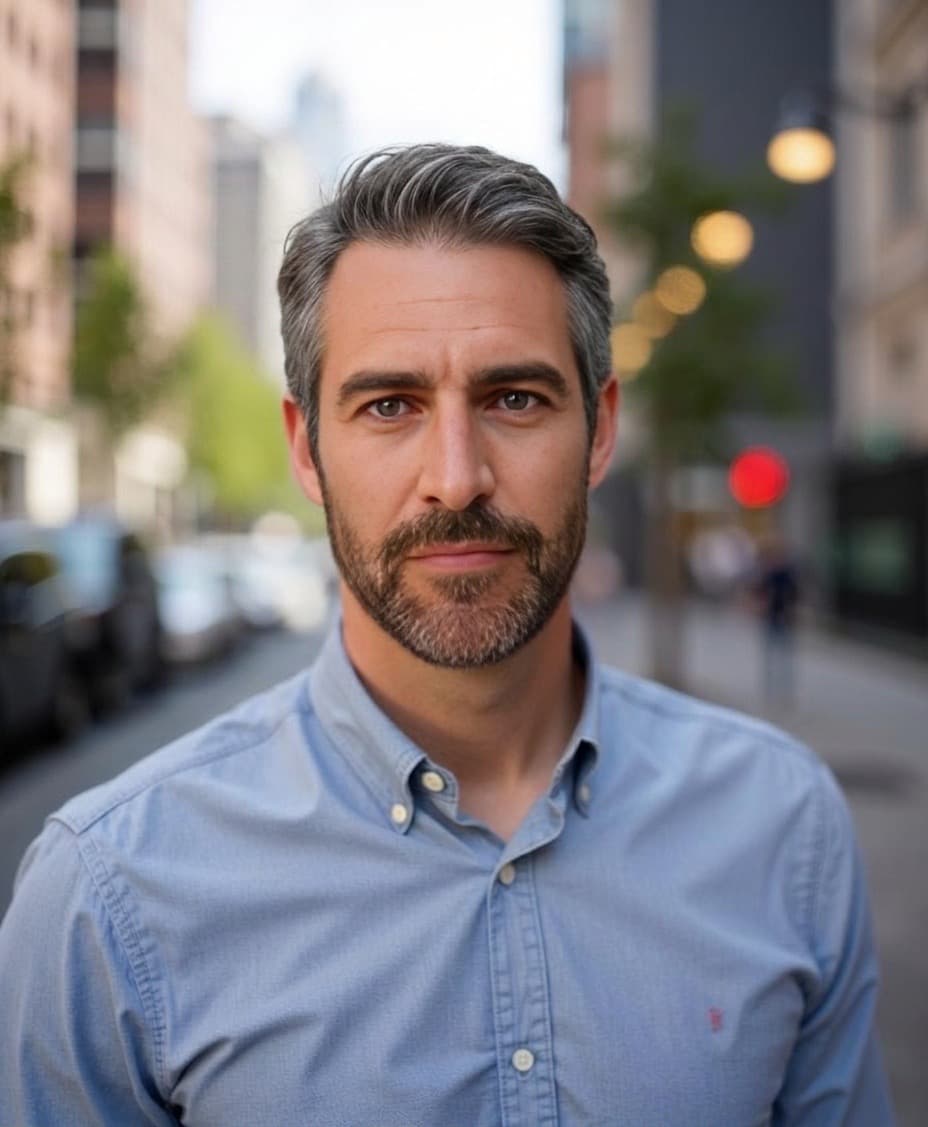
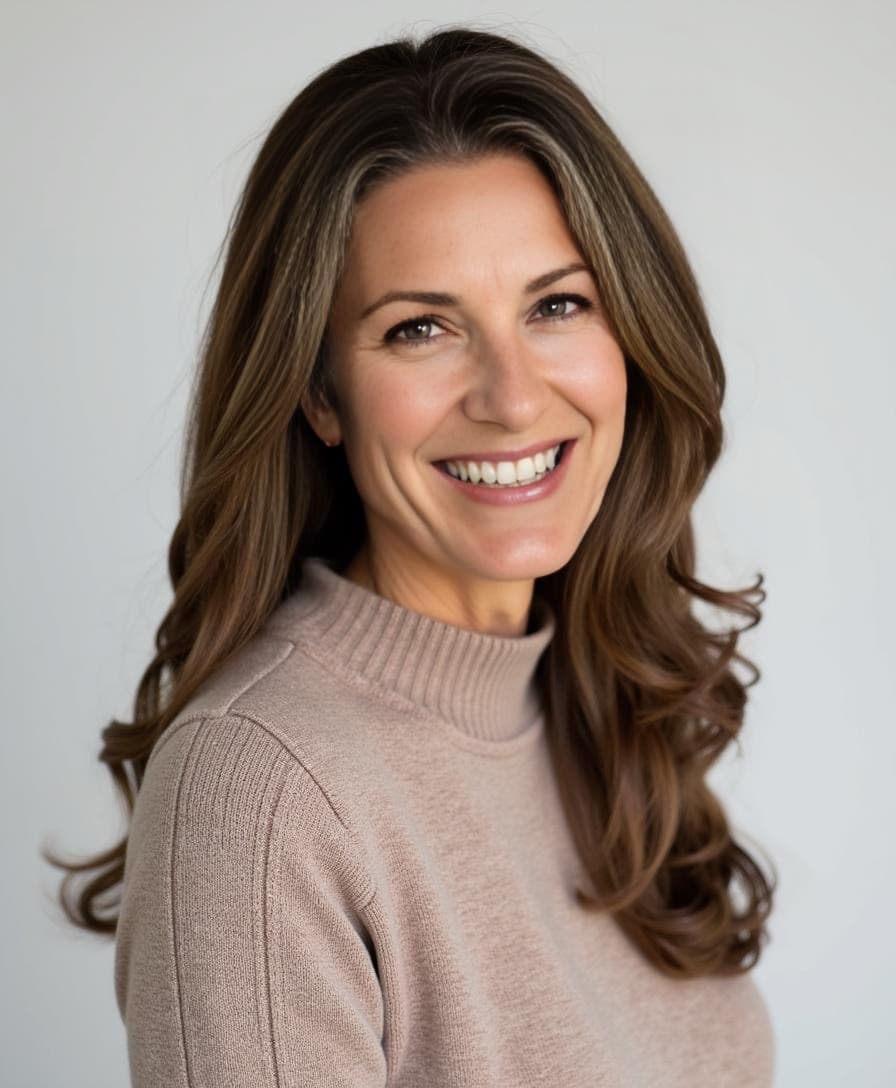
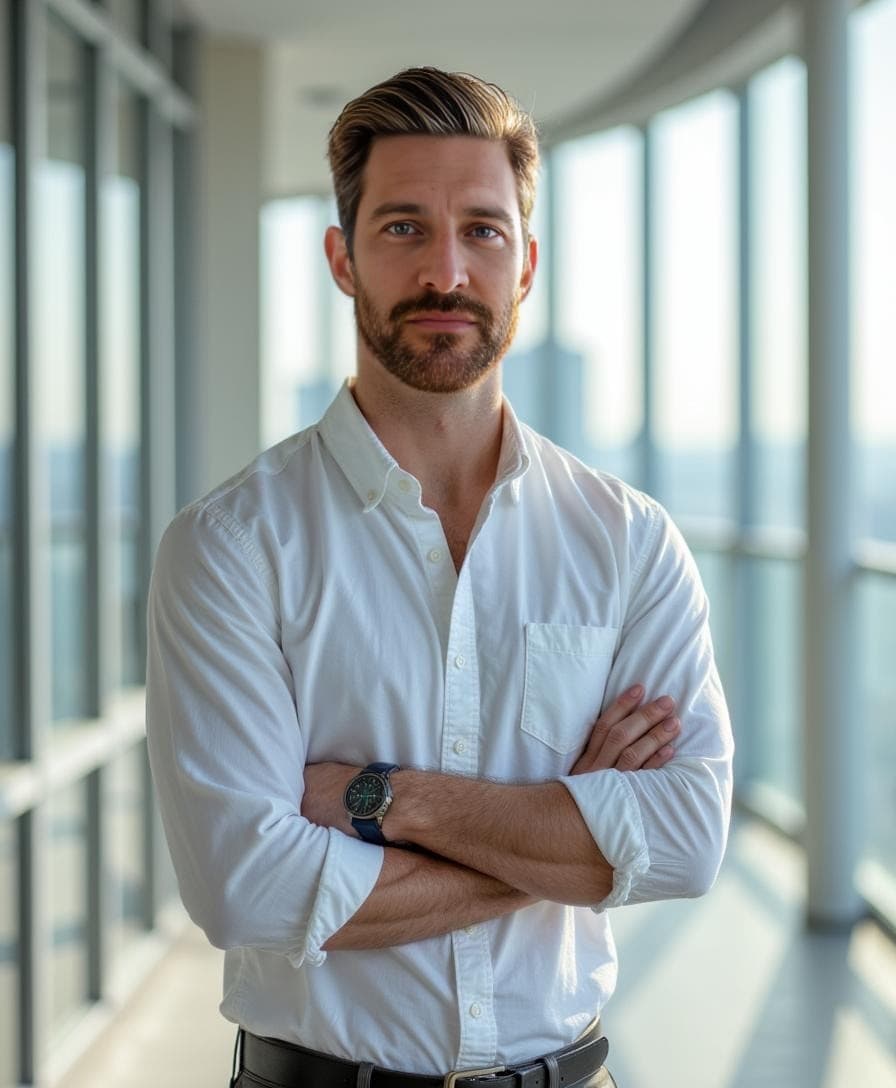
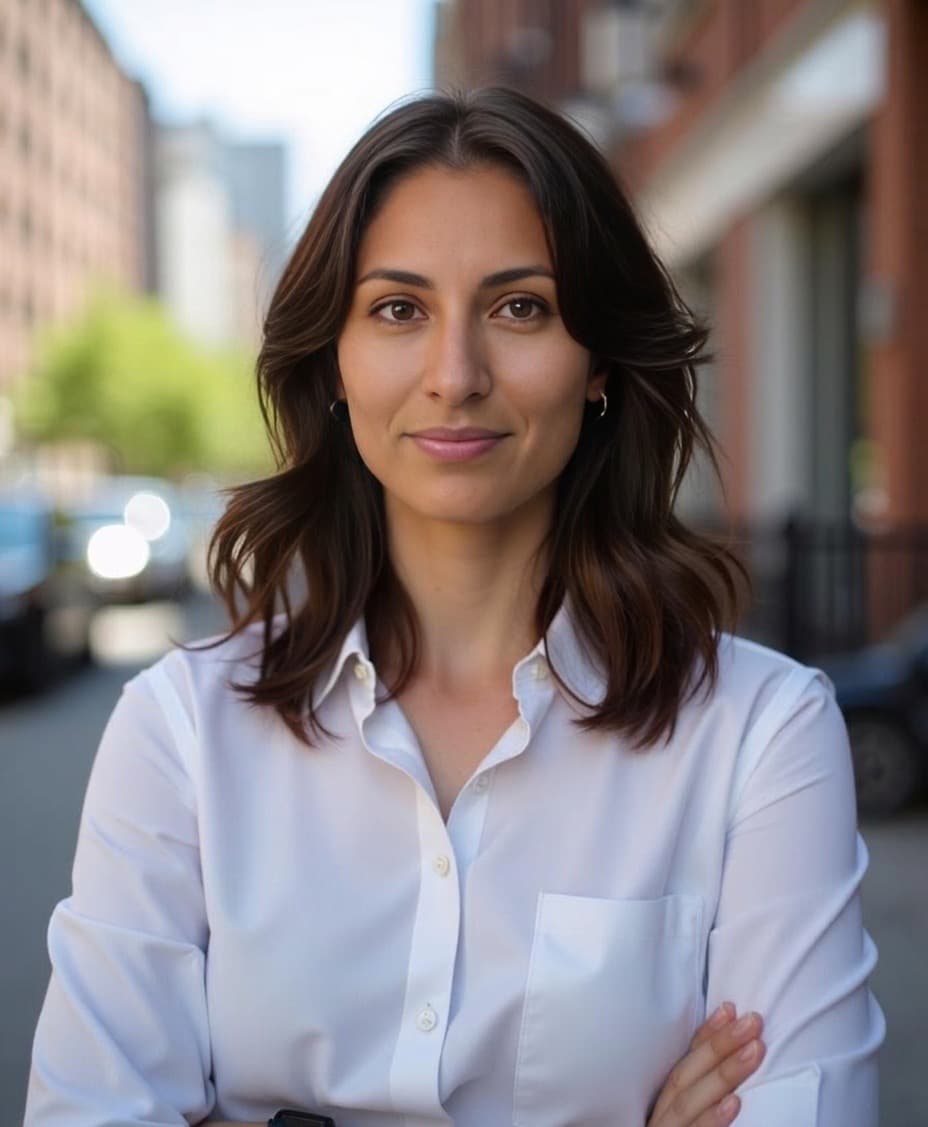
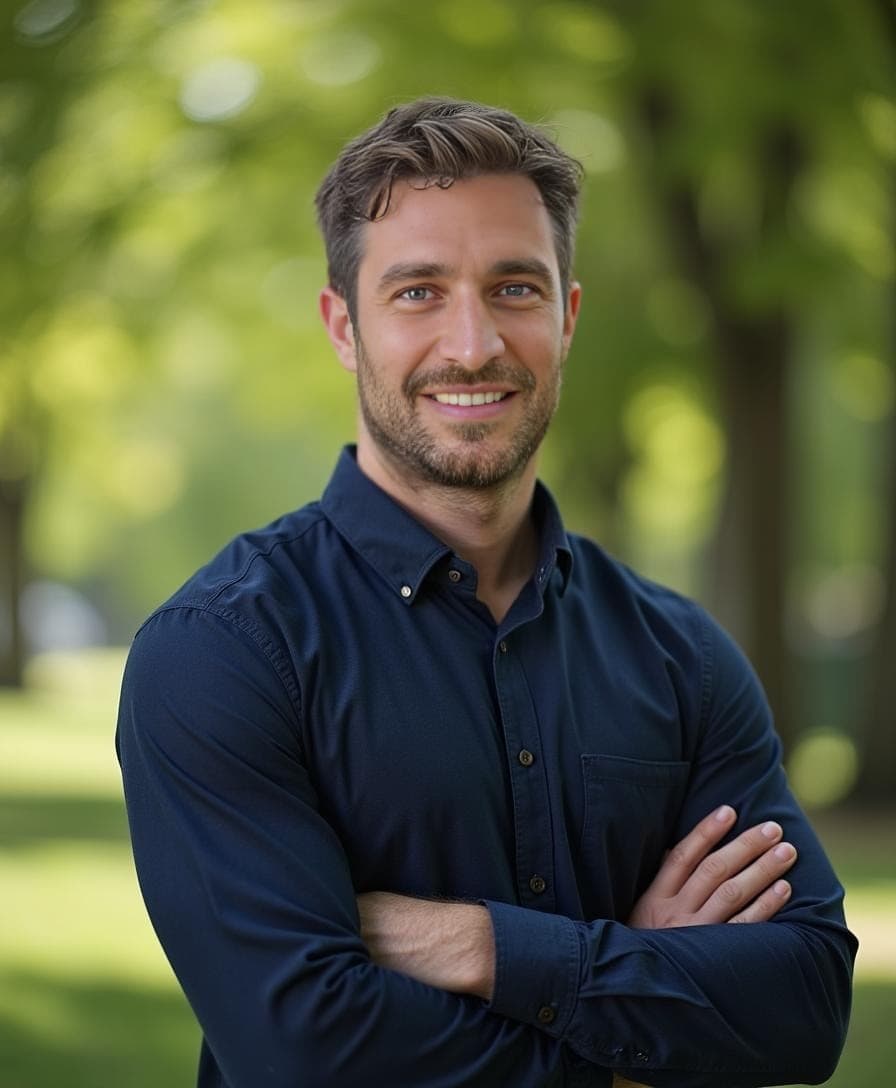
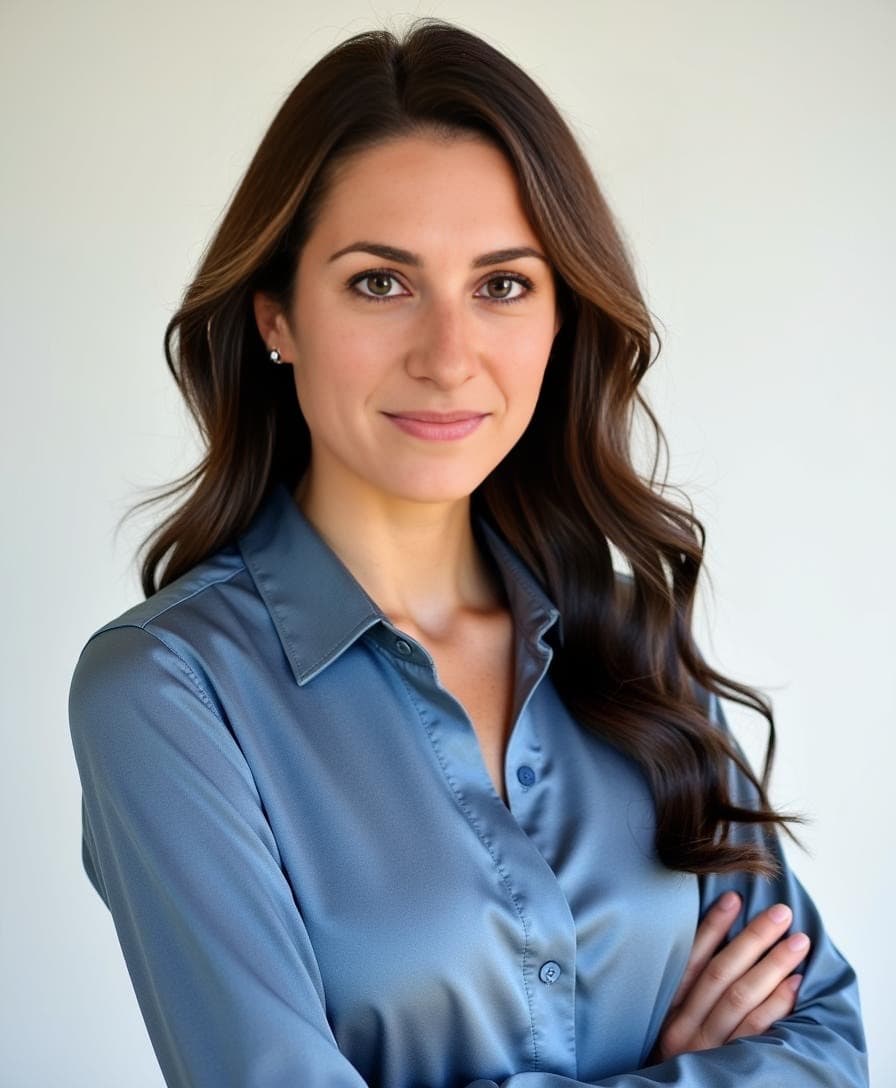
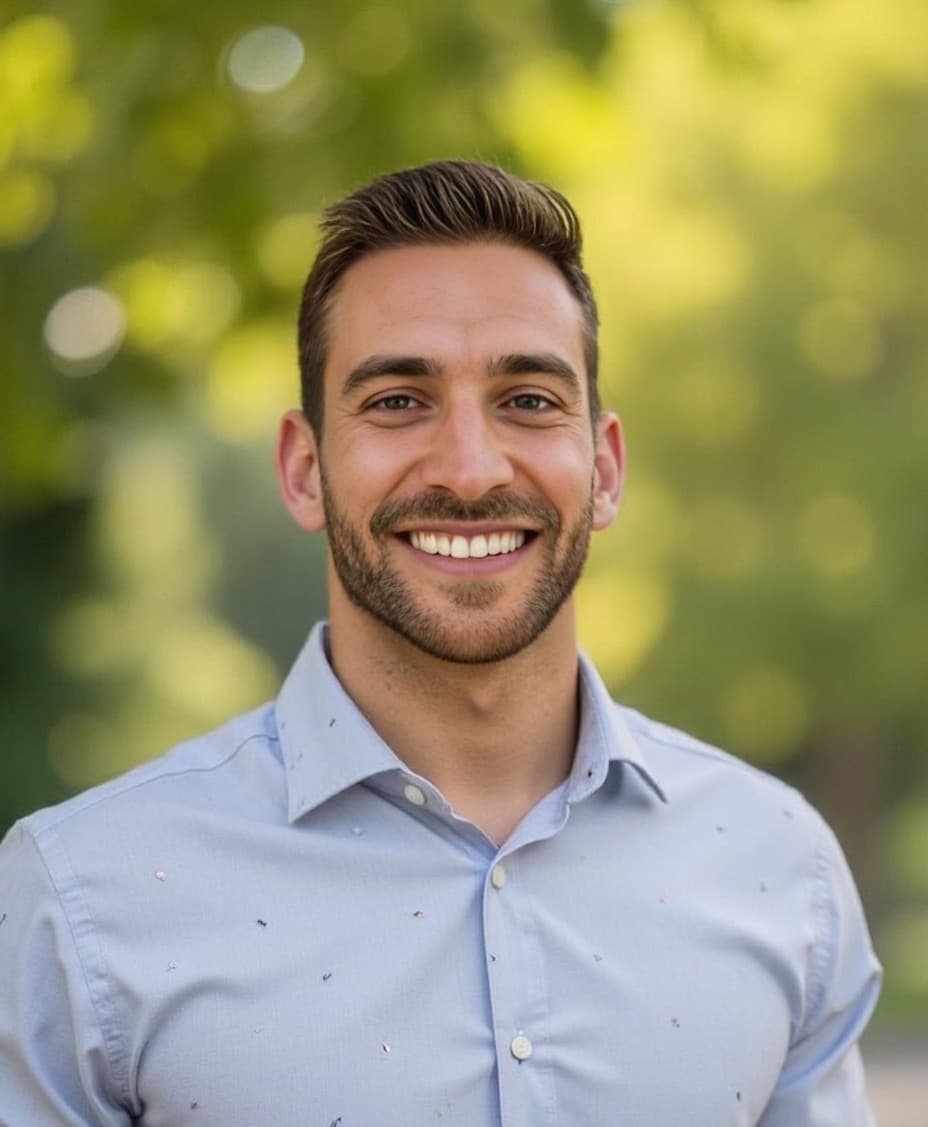
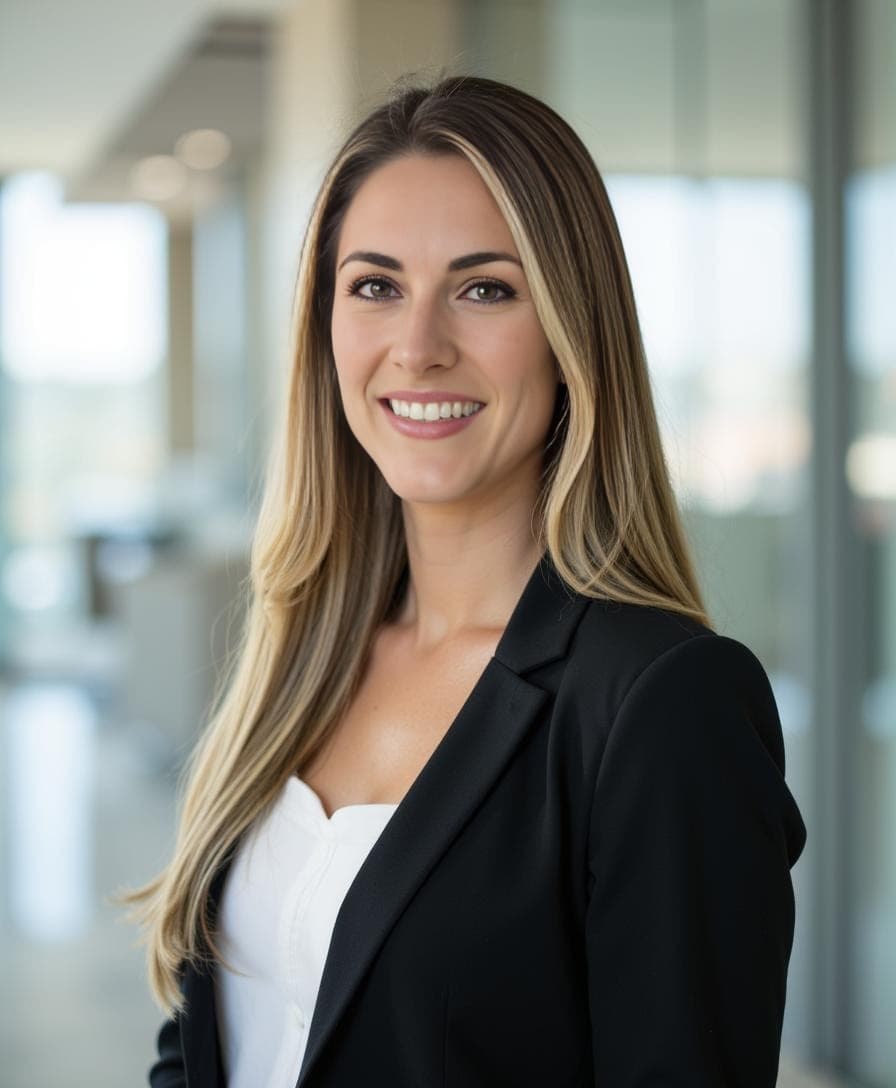
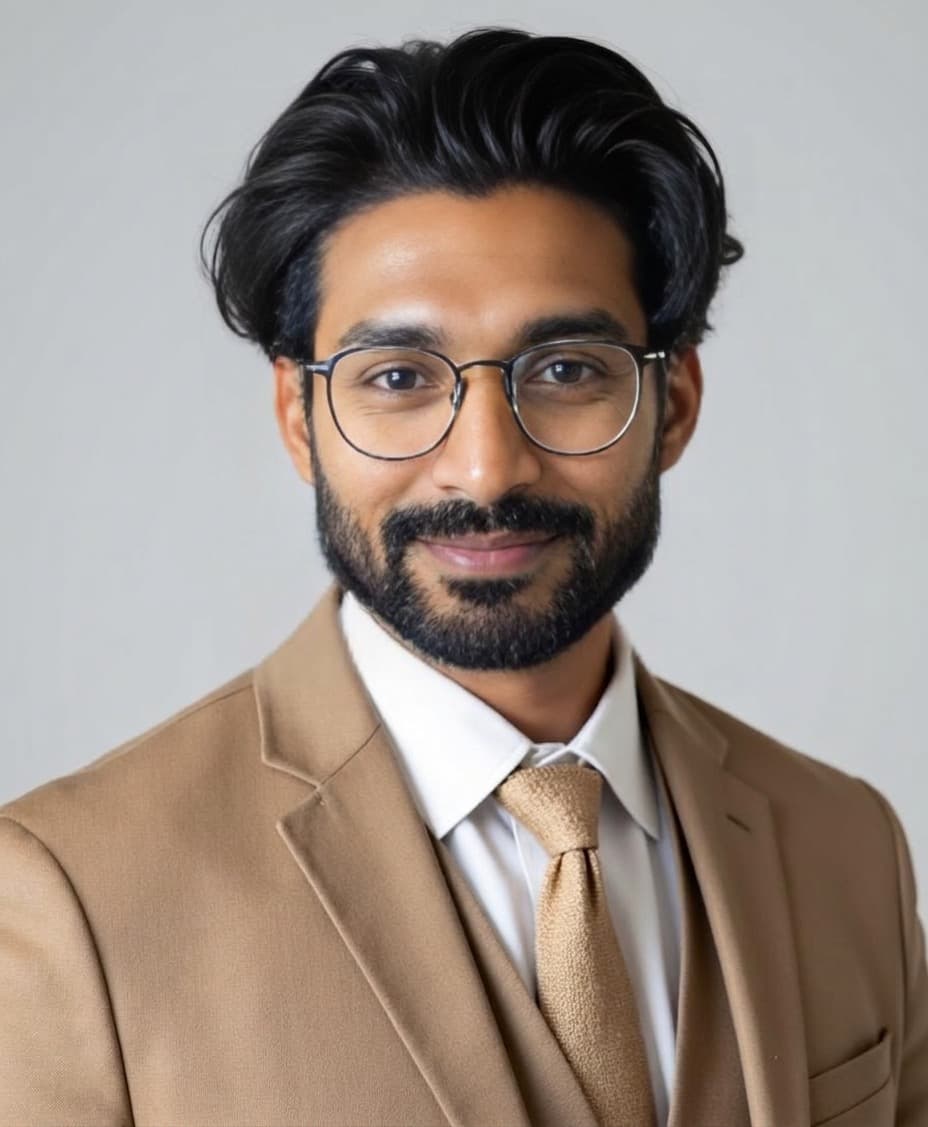
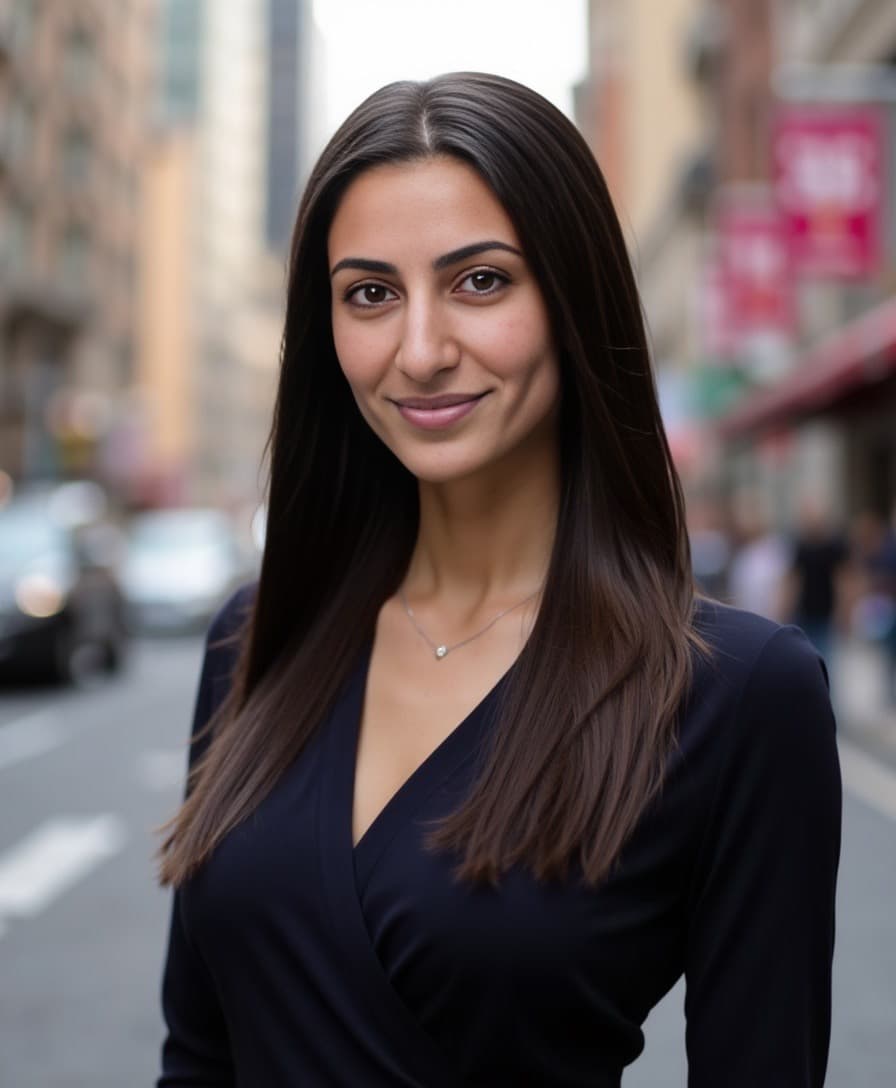
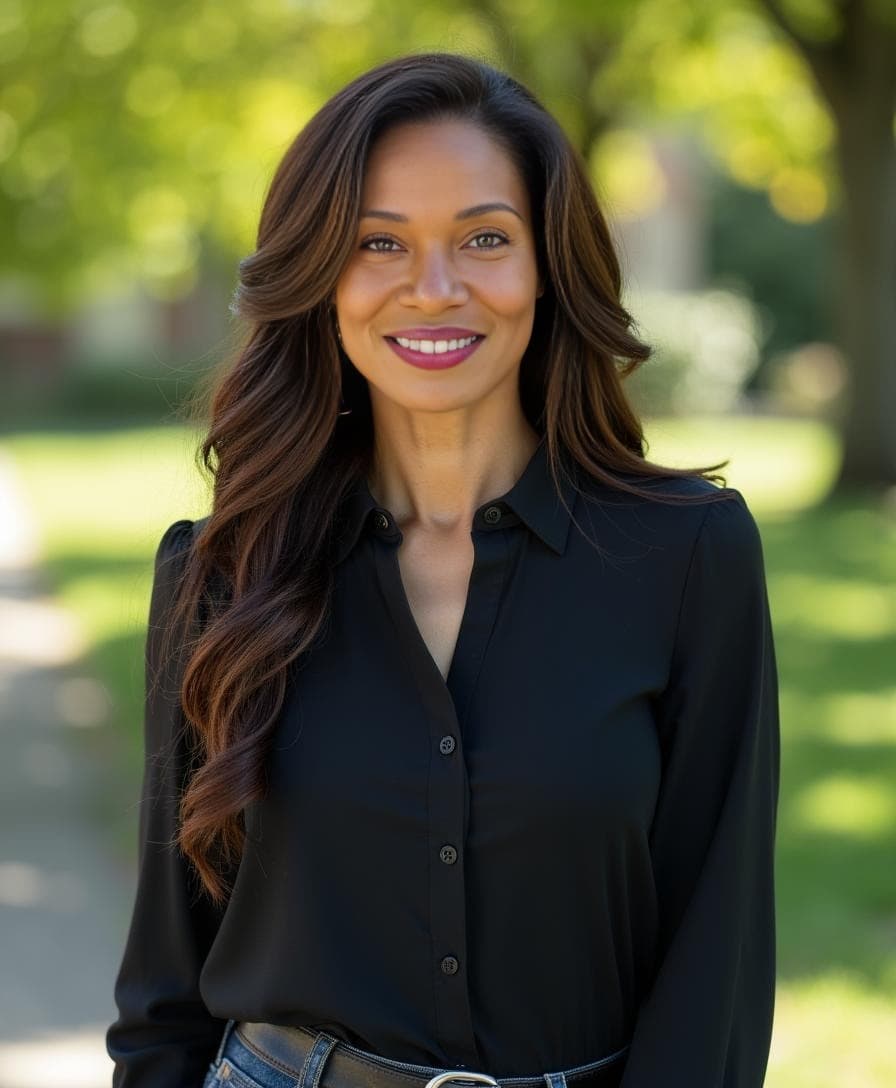
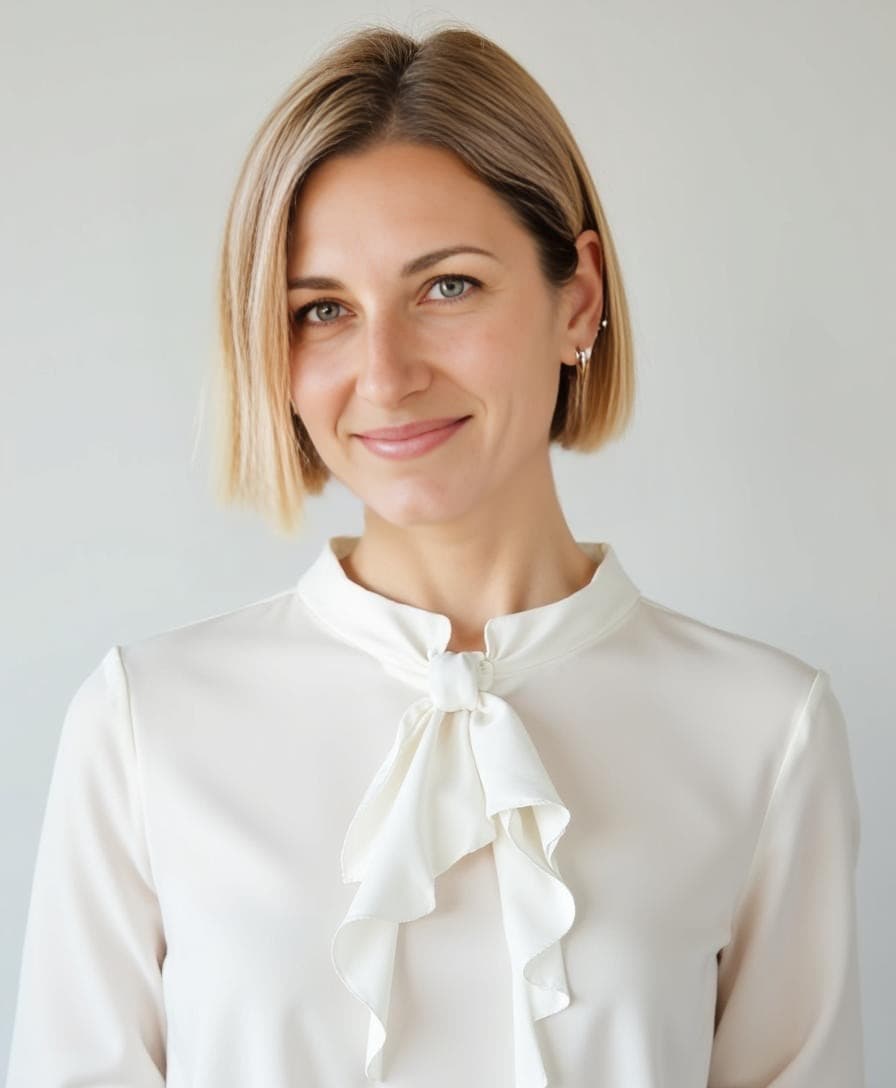
If you're scrolling through LinkedIn these days, you've probably noticed a wave of fresh, professional headshots that look a little too good. That's because millions of professionals are using AI to upgrade their profile photos, and it's not just about looking good. It's about saving money, skipping expensive photoshoots, and making stronger first impressions.
Recent research suggests recruiters increasingly find AI-generated headshots appealing, with some studies indicating they may even prefer polished AI headshots over lower-quality traditional photos. The technology has improved so dramatically that well-made AI headshots are now virtually indistinguishable from professional photography.
So why are people turning to AI headshots? Beyond LinkedIn, platforms like Instagram and TikTok have made eye-catching visual content essential for standing out online. Naturally, LinkedIn users want to use the same approach to boost their professional presence.
Why Your LinkedIn Profile Photo Actually Matters
For LinkedIn, your profile photo isn't just a picture, it's a first impression. A great headshot shows your confidence and credibility, signaling to recruiters, clients, and colleagues that you're someone they should connect with.
The numbers don't lie:
- Profiles with professional photos receive up to 14× more views than those without
- LinkedIn members with photos get 21× more profile views and 36× more messages
- Recruiters spend an average of 19% of their time on a profile looking at the photo
- First impressions are formed in just 7 seconds, your photo is often the first thing people see
Even if you're not actively networking, an updated, polished profile photo keeps your profile feeling fresh and approachable. For a deeper look at what recruiters and peers respond to, see our roundup of the best AI headshot tool for LinkedIn.
What Makes a Great LinkedIn Profile Photo?
Before diving into AI solutions, let's cover what actually makes a LinkedIn photo effective:
The Technical Basics
- Size: 400 × 400 pixels minimum (800 × 800 recommended)
- Aspect ratio: 1:1 (square)
- File format: JPG or PNG
- Max file size: 8 MB
The Visual Elements
Framing: You should take up about 60-70% of the frame. LinkedIn is about making connections, and people connect with people.
Eye contact: Look directly at the camera. This creates a sense of engagement and trustworthiness.
Look: A genuine, approachable smile works for most industries. More serious looks can work for certain fields like law or finance.
Background: Clean, uncluttered backgrounds work best. Soft gradients, neutral studio backgrounds, or subtle professional settings all work well.
Lighting: Soft, even lighting that doesn't create harsh shadows. Natural light or professional studio lighting both work.
Attire: Dress as you would for your target role. Business professional for corporate, smart casual for tech, creative touches for design fields.
Using AI to Upgrade Your LinkedIn Headshot
Professional photographers are fantastic, but let's be honest: not everyone has the time, budget, or desire to invest in a full-blown photoshoot that can cost $150-$500 or more. That's where AI headshot generators come in. Prefer shooting yourself first? Follow how to take professional headshots at home, then decide whether AI is worth it versus a traditional session.
With AI, you can create polished, LinkedIn-ready photos in minutes, no scheduling, no photoshoot logistics, and all for a fraction of the price.
Why AI Headshots Work for LinkedIn
Cost-effective: Get up to 100 professional headshots at a fraction of traditional photography costs.
Fast turnaround: Receive your headshots in 30 minutes or less, not days or weeks.
Multiple options: AI generates dozens of variations with different backgrounds, outfits, and styles, perfect for A/B testing which photo performs best.
Easy updates: Refresh your headshot whenever you need without scheduling another photoshoot.
Consistent quality: Studio-quality lighting and composition every time.
How to Create LinkedIn Headshots with Aragon
Aragon has helped over 2 million professionals create polished, LinkedIn-ready headshots. Here's how to get started:
Step 1: Sign Up & Upload Photos
Start by signing up on Aragon and uploading a few clear selfies or snapshots. Use photos with:
- Good lighting (natural light works great)
- Different angles and poses
- No heavy filters or edits
Step 2: Choose Your Style
Aragon generates headshots with diverse outfit, background, and pose options tailored to your industry:
- Corporate: Classic suits, neutral backgrounds
- Tech: Smart casual, modern settings
- Creative: More personality, unique backgrounds
- Healthcare: Professional attire, clean settings
Step 3: Customize with Free Tools
Use Aragon's free editing tools to perfect your headshot:
- Background Changer - Switch between studio, outdoor, or gradient backgrounds
- Clothing Changer - Try different professional outfits
- Hair Editor - Adjust styling for a polished look
- Blemish Remover - Clean up small skin distractions without over-smoothing
New users receive free credits to access these customization features. Teams rolling out photos together can also start from Headshots for teams.
Step 4: Download Your Headshots
In about 30 minutes, you'll have up to 100 LinkedIn-ready headshots to choose from. Download in high resolution for LinkedIn, your website, email signatures, and more.
Tips for Choosing the Best AI Headshot for LinkedIn
With so many options to choose from, here's how to pick the winner:
1. Match Your Industry
Different industries have different expectations:
- Finance/Law: More formal, serious look, traditional backgrounds
- Tech/Startups: Smart casual, approachable smile, modern backgrounds
- Creative/Marketing: Show personality, can be more unique
- Healthcare: Professional, trustworthy, clean background
2. Consider Your Goals
Are you job hunting, networking, or establishing thought leadership? Each goal might call for a slightly different vibe.
3. Get Feedback
Ask colleagues or friends to vote on their top 2-3 choices. Sometimes others see what resonates better than we can.
4. A/B Test
LinkedIn doesn't officially support A/B testing photos, but you can change your photo for a few weeks and track profile views and connection requests to see which performs better.
5. Keep It Current
Your photo should look like you do now. If you've changed your hairstyle, grown a beard, or look noticeably different, it's time for an update.
AI vs. Traditional LinkedIn Headshots: Quick Comparison
| Factor | Traditional Photography | AI Headshots (Aragon) |
|---|---|---|
| Cost | $150-$500+ | Affordable |
| Turnaround | 1-3 weeks | 30 minutes |
| Photos received | 5-15 edited | Up to 100 |
| Outfit changes | Limited by what you bring | Unlimited (AI-generated) |
| Background options | 1-3 setups | Dozens of options |
| Scheduling required | Yes | No |
| Editing included | Usually extra | Free tools included |
Note: Check Aragon's website for current pricing.
When you are ready for a polished set, create LinkedIn headshots with Aragon. If you want more style ideas first, browse professional headshot examples or compare budgets in how much professional headshots cost.
FAQs About AI LinkedIn Headshots
Are AI headshots appropriate for LinkedIn?
Yes. AI headshots from quality providers like Aragon are virtually indistinguishable from professional photography. Millions of professionals use them for LinkedIn, and recruiters consistently rate high-quality AI headshots favorably. Aragon is trusted by over 2 million users with a 4.9/5 rating on Trustpilot.
Can recruiters tell if a headshot is AI-generated?
With current AI quality, high-quality AI headshots are extremely difficult to distinguish from traditional photography. The key is choosing a provider that creates realistic results rather than obviously artificial images.
How often should I update my LinkedIn photo?
Update your LinkedIn photo every 1-2 years, or whenever your appearance changes significantly. Your photo should accurately represent how you look in professional settings today.
What if my AI headshot doesn't look like me?
Quality AI headshot generators like Aragon are designed to create realistic results. If your headshot doesn't look like you, try uploading clearer source photos or using the customization tools to adjust the results. Every purchase is backed by a money-back guarantee.
Will using an AI headshot hurt my credibility?
No. What matters is that your headshot looks professional, polished, and accurately represents you. Whether it came from a photographer or AI is irrelevant if the end result looks great.
Can I use the same AI headshot across multiple platforms?
Absolutely. Your LinkedIn headshot should be consistent across your professional presence, use it for your company bio, email signature, speaking engagements, and other professional profiles.
Security and Privacy
Uploading personal photos requires trust. Aragon is SOC 2® Type II compliant and built with enterprise-grade security. Your photos are handled under strict privacy and retention policies. Photos stay private and protected.
Built by former researchers and engineers from MIT, Google, and other leading institutions, Aragon was designed with privacy as a core priority.
👉 Learn about security and compliance
The Verdict: Are AI LinkedIn Photos Worth It?
Absolutely. AI headshots offer a budget-friendly, convenient alternative to traditional photoshoots, giving you polished, professional photos in just a few clicks.
Why professionals choose AI headshots:
- Save money: A fraction of traditional photography costs
- Save time: 30 minutes vs. weeks of scheduling and waiting
- More options: Up to 100 headshots to choose from
- Easy updates: Refresh your look anytime without another photoshoot
- Free editing tools: Customize backgrounds, outfits, and styling
- Money-back guarantee: Every purchase is backed
In a world where LinkedIn headshots can easily run hundreds of dollars, AI headshot generators are here to help you make a strong first impression, without breaking the bank.
👉 Create your LinkedIn headshot now
Related Guides: AI Headshot Generator Complete Guide | LinkedIn headshots backgrounds & sizes